
Steamed Rice Low High Comparison
Creates a photorealistic two-panel Japanese rice quality comparison image for demonstrating low versus high generation quality.

- Prompt included
- Model and format preset
- Free template
The prompt behind this image
Copy the exact prompt behind Steamed Rice Low High Comparison, or open it in the studio and make it yours.
Goal: Create a square side-by-side quality comparison image of realistic Japanese steamed white rice, divided into two horizontal panels: top labeled {argument name="top label" default="LOW"} and bottom labeled {argument name="bottom label" default="HIGH"}. The subject is a freshly cooked mound of glossy white rice in a ceramic bowl on a warm wooden dining table, with steam rising visibly from the rice in both panels. Canvas: 1:1 square image, photorealistic food photography, warm indoor breakfast lighting, shallow depth of field, natural brown and cream tones. Use a clean horizontal split exactly halfway across the image, creating 2 stacked panels. Top panel: Close-up of a beige ribbed ceramic bowl filled high with steaming white rice. The rice should look slightly too uniform and overly shiny, with many similar rounded grains clustered together, subtly artificial but still appetizing. Background is softly blurred and includes exactly 4 supporting food elements: 1 wooden miso soup bowl at back left, 1 small plate with yellow tamagoyaki at lower left, 1 plate with grilled salmon and a white garnish at back right, and 1 small blue patterned dish with pickles at lower right. Add the label {argument name="top label" default="LOW"} in the lower right of this panel, bold red block letters with white outline and dark drop shadow. Bottom panel: Similar Japanese breakfast scene with another ceramic rice bowl centered slightly lower, filled with steaming white rice. Make the rice grains more irregular in size, shape, angle, and spacing, with a softer, less plastic shine and a more natural cooked texture. Background is softly blurred and includes exactly 5 supporting food elements: 1 grilled salmon plate at back left, 1 small dish of yellow pickles and cucumber slices at lower left, 1 small pale dish of greens at back center, 1 wooden miso soup bowl with green onions at right, and 1 partial tabletop area in warm wood. Add the label {argument name="bottom label" default="HIGH"} in the lower right, bold blue block letters with white outline and dark drop shadow. Logo/text overlay: Place a black circular logo overlapping the left side of the horizontal split. Inside it, large white text reads {argument name="logo main text" default="AiRT"}, with a small red ladybug-like icon near the letters. Below it add two lines of small white text: {argument name="logo subtitle" default="Ai ART CREATOR"} and {argument name="logo tagline" default="For videos/images"}. Constraints: Keep the image photographic rather than illustrated. Emphasize the comparison between artificial-looking rice texture in the top panel and more natural irregular rice texture in the bottom panel. Use realistic steam wisps, soft bokeh backgrounds, no extra labels, no additional panels, and no people.
How to use Steamed Rice Low High Comparison in 3 steps
- 1Upload ImagePNG, JPG or paste
Add your photo
Upload the photo the template builds on. The prompt, model and format are already set.
- 2…a portrait of your subject in softgolden-hour light, 85mm…
Personalize
Edit the subject and creative details for your destination.
- 3Generate
Generate
Press Generate — your image is created in PicX Studio, so you can compare it with the original and refine one variable at a time.
More like this
Templates with the same subject, style or setup. Open one to see its prompt.
Rice Ball Gryphon in Sunflower Field
Swimming Pool vs Rice Field Comparison

Skin Comparison Portrait — Nano Banana Pro

Glad2Glow Facial Wash Storyboard
Japanese Rice Advertisement Banner

Flower Petal Sunglasses Couture Portrait
2x2 grid, do this for 4 common ingredients like rice, diamond
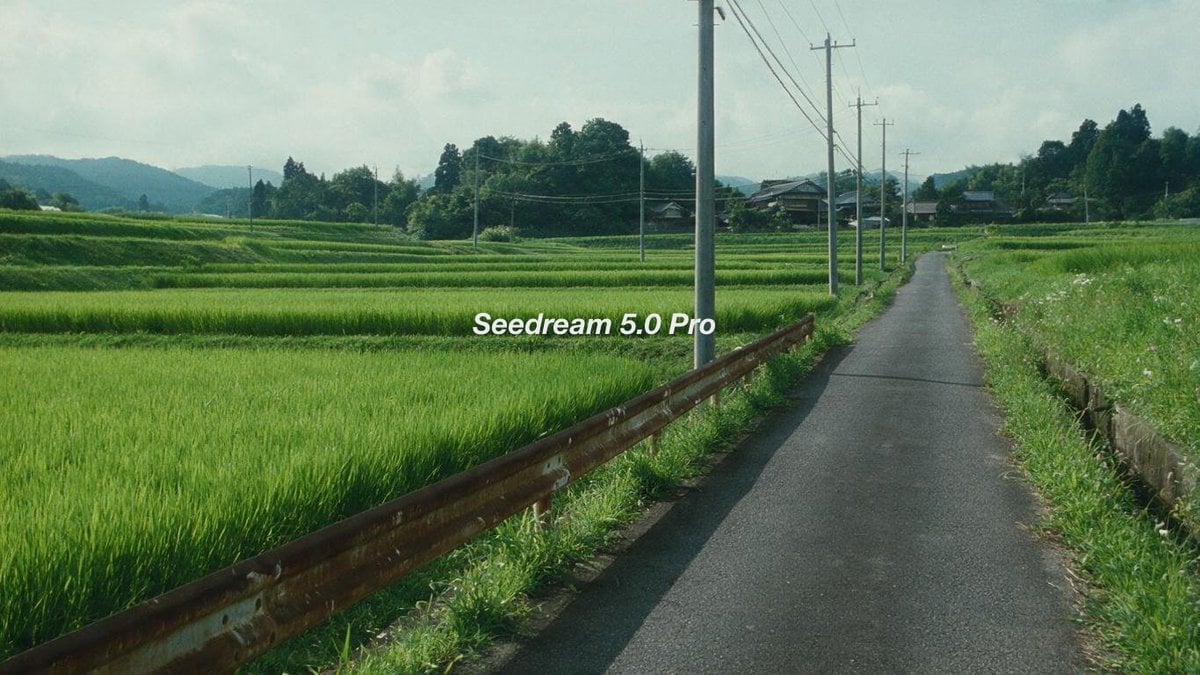
Cinematic Japanese Rice Paddy Landscape
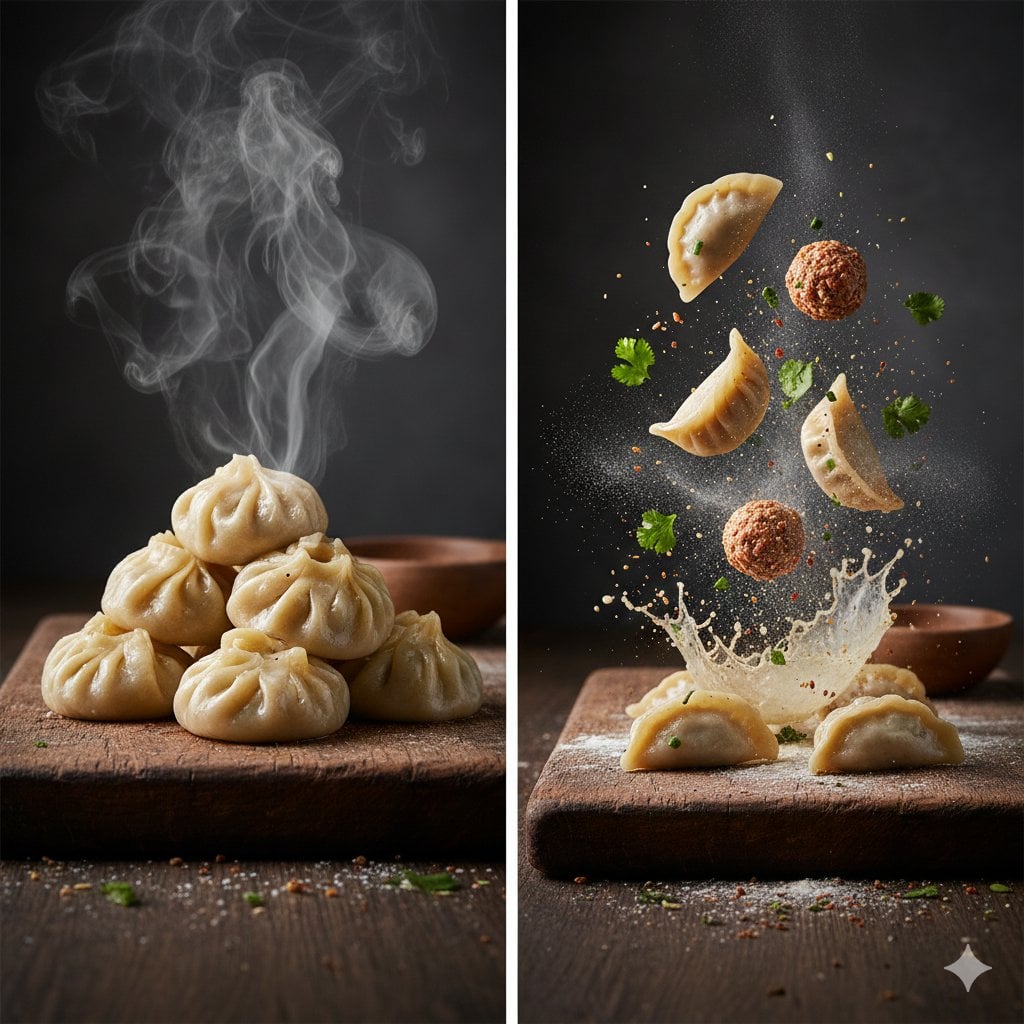
Cinematic Steamed Momo Photography
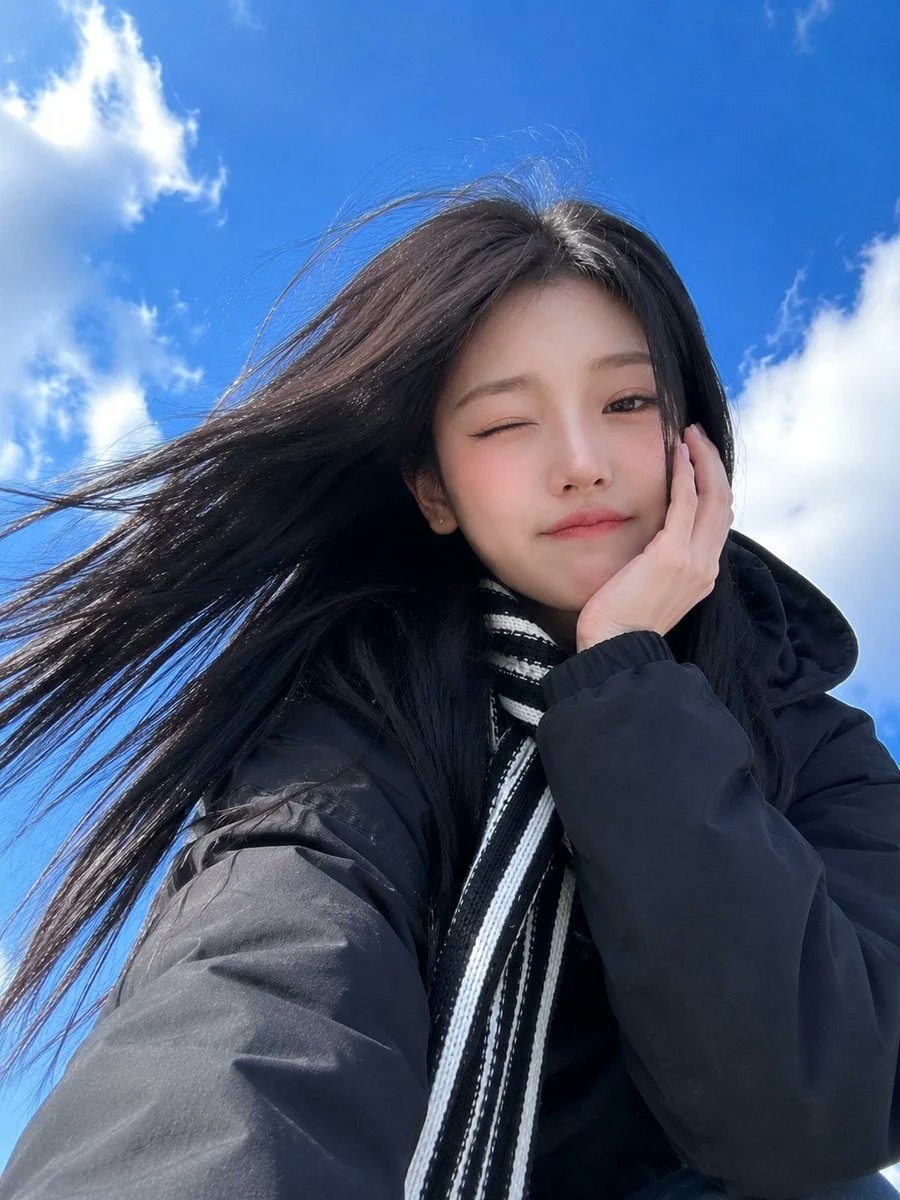
Low-Angle Winter Scarf Selfie

Whiskey in a Glowing Primrose Garden

Golden Rice Harvest Maiden
Make it yours
Steamed Rice Low High Comparison works as-is. These are the safest ways to change it without losing the look.
Change one field
Copy a single group, rewrite it, and generate again so you can see what that field is doing.
Keep the frame, change the subject
Hold the composition and light of Steamed Rice Low High Comparison, then swap wardrobe, props or the person for a new take.
| If the result… | Why | Fix |
|---|---|---|
| The result drifts from the preview | Too many fields changed at once. | Reuse Steamed Rice Low High Comparison as-is first, then change one group — subject, light, or setting. |
| The model over-stylizes the scene | The prose prompt leaves finish and camera underspecified. | Add one camera or lighting sentence and stay on GPT Image 2. |
More GPT Image 2 templates
Other prompts made for GPT Image 2.

Six VTuber Japanese Logo Sheet

Realistic Portrait of Woman and Deer

The Vista Modular Condo Poster

2.5D Anime Art Board

Isometric Productivity Desk Scene

New York Double Exposure Poster

Japanese Tatami Lifestyle Magazine Cover

NESCAFÉ Coffee Map Poster

Brutalist Cogito Chinese Typography Poster

Cinematic Luxury Terrace Portrait
More image prompts
Fresh picks from across the catalog.
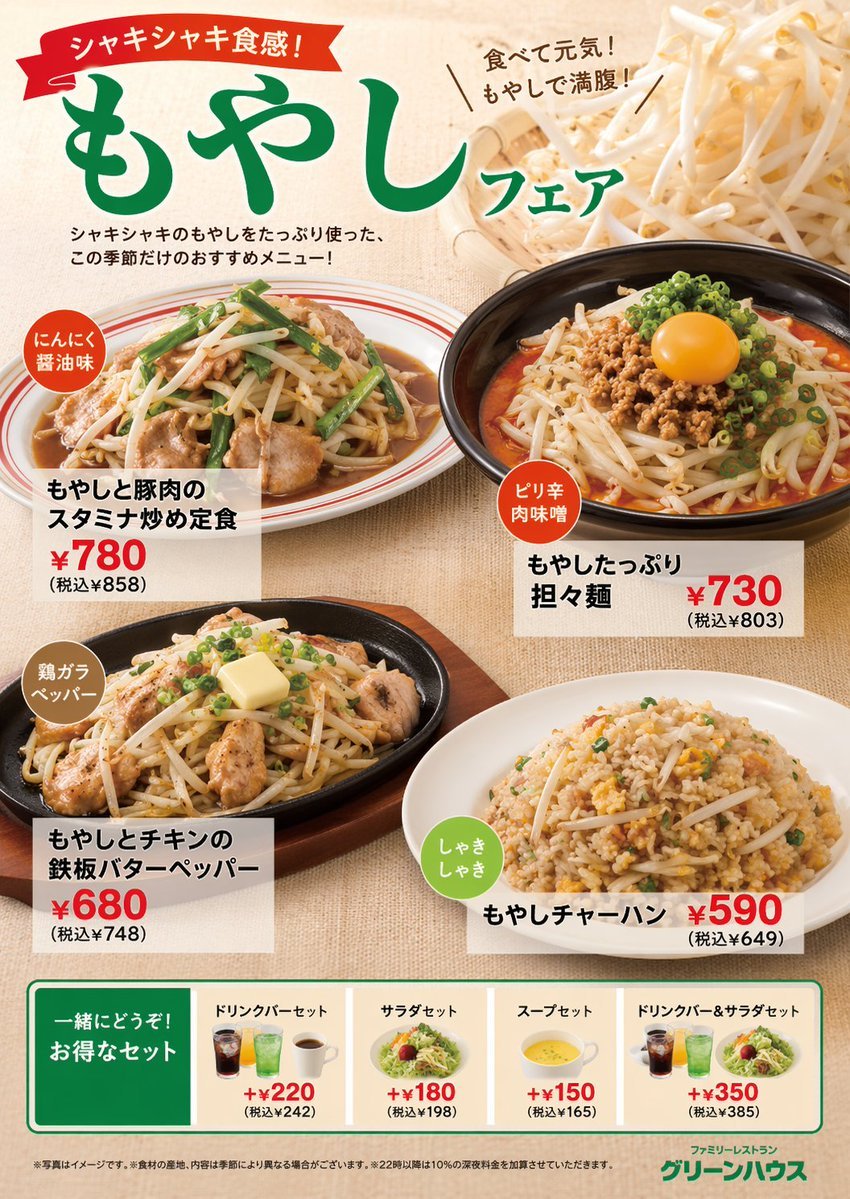
Japanese Restaurant Promotional Menu Poster
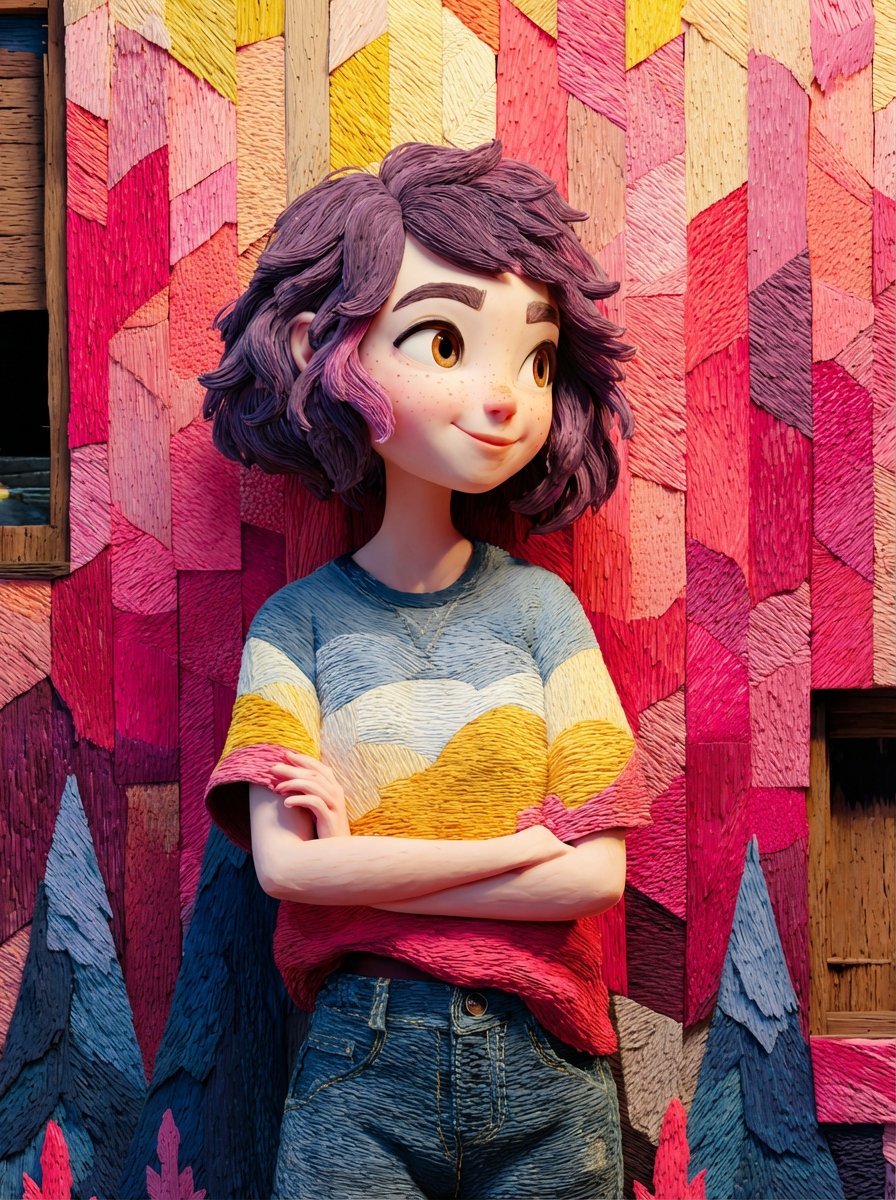
Pixar/Disney Style 3D Animated Character Slides
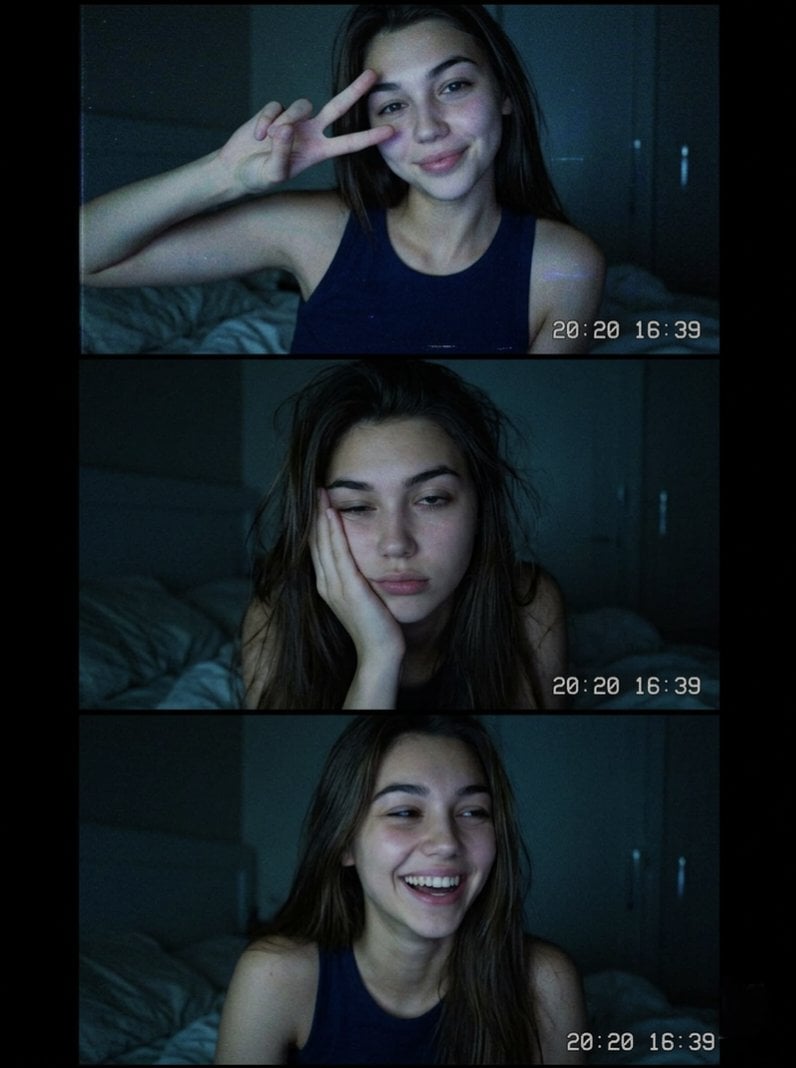
Vintage Webcam Photo Collage
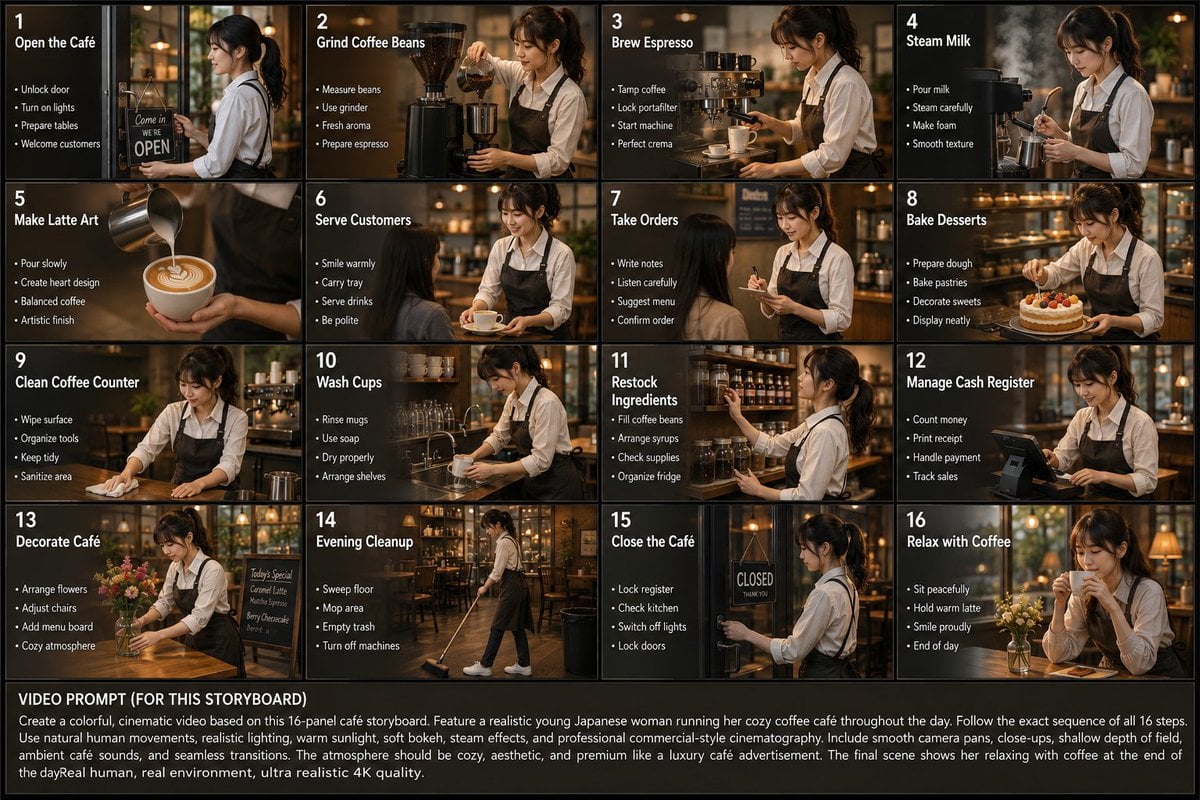
Japanese Cafe Daily Routine Storyboard

Canyon Train Action Hero

Urban Fashion Editorial Collage Poster
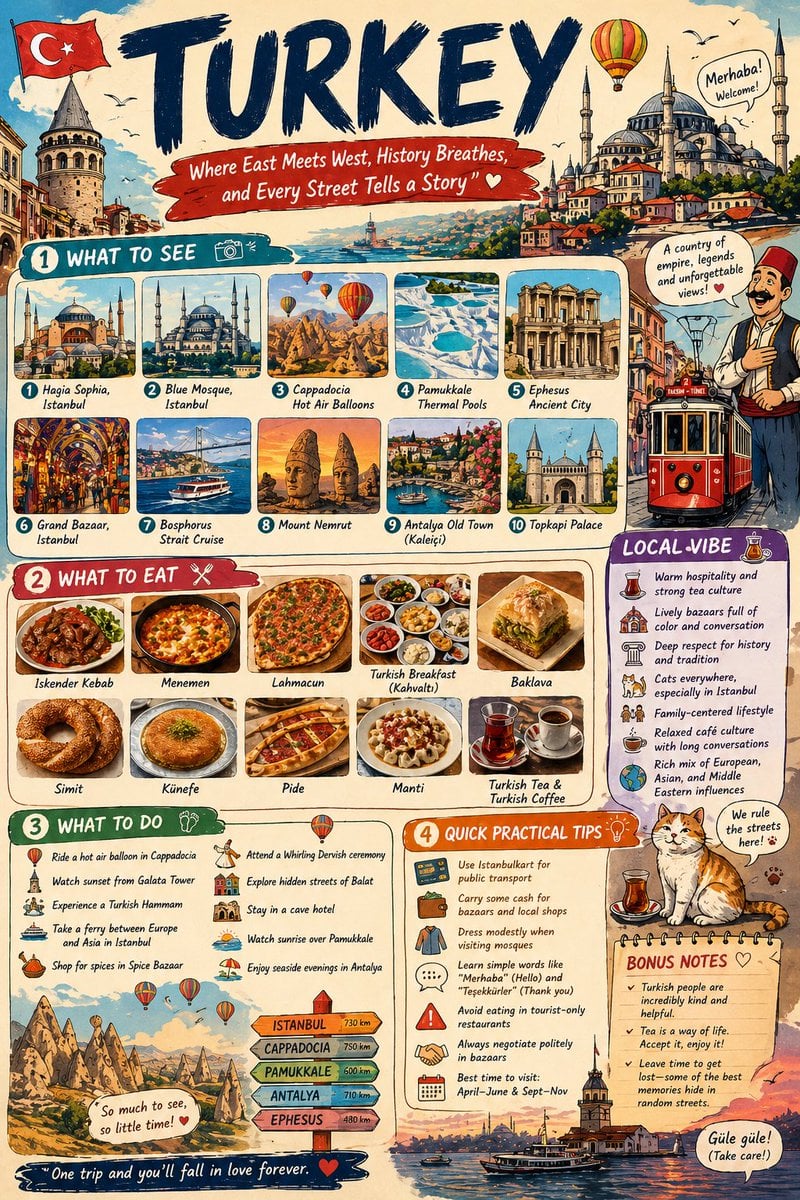
Infographic Travel Guide Poster
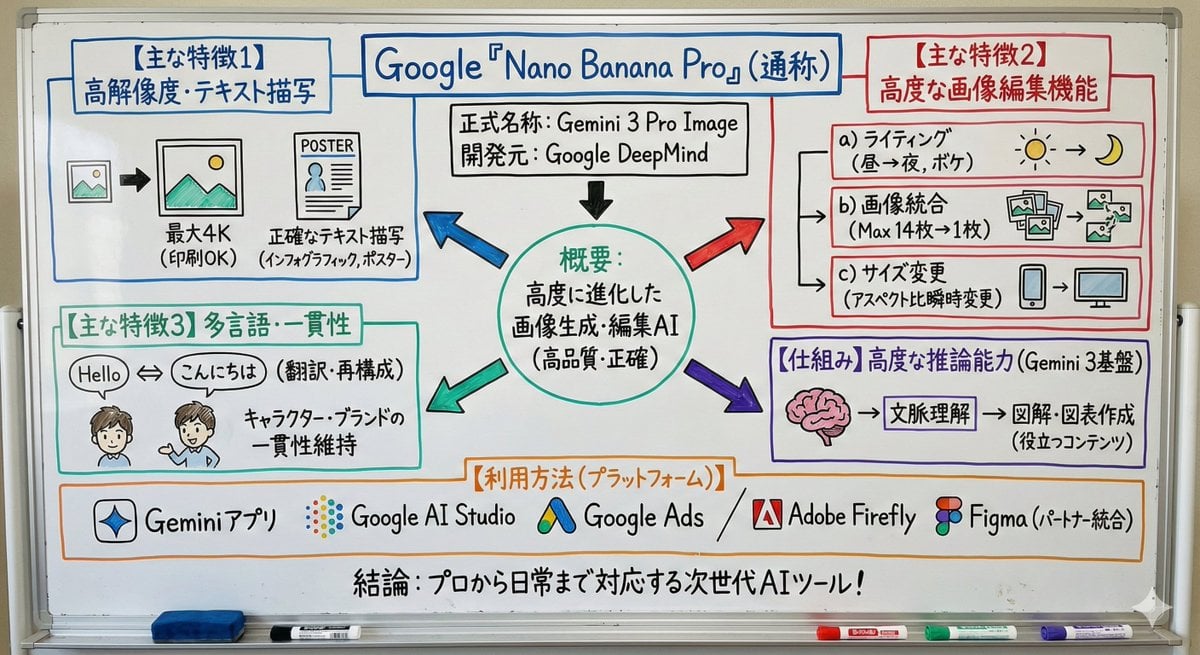
Whiteboard-style simple diagram from text
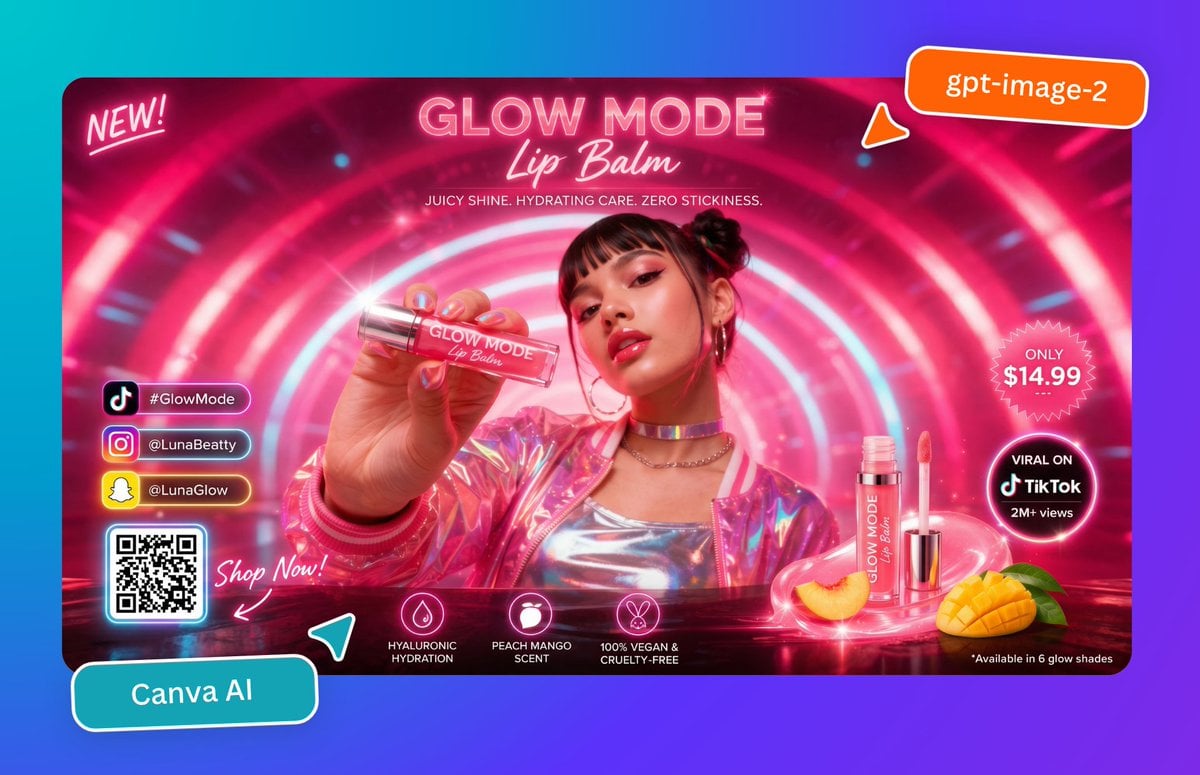
Neon Lip Balm Launch Ad

Nan Goldin Style Morning Café Portrait
Browse template categories
Steamed Rice Low High Comparison questions
How do I use the Steamed Rice Low High Comparison template?
Add your photo if the template asks for one, edit the prompt if you like — the template's model and format are already selected — and press Generate. Your version opens in PicX Studio.
Can I customize the Steamed Rice Low High Comparison template?
Yes. You can change the subject, setting, lighting, mood, format, and available model controls before creating your image.
Is the Steamed Rice Low High Comparison template free?
Opening and editing this template is free. Generating uses credits, shown on the Generate button when you are signed in.
Which AI model should I use?
Start with GPT Image 2, which is the model associated with this template. You can compare another compatible model for a different finish.
Looking for something else? Browse all templates.

Your photo, any look
Thousands of ready templates for every top image and video model, from one credit balance.