
Japanese Rice Advertisement Banner
Generates a professional food advertisement banner featuring a rice dish, product packaging, and promotional typography.
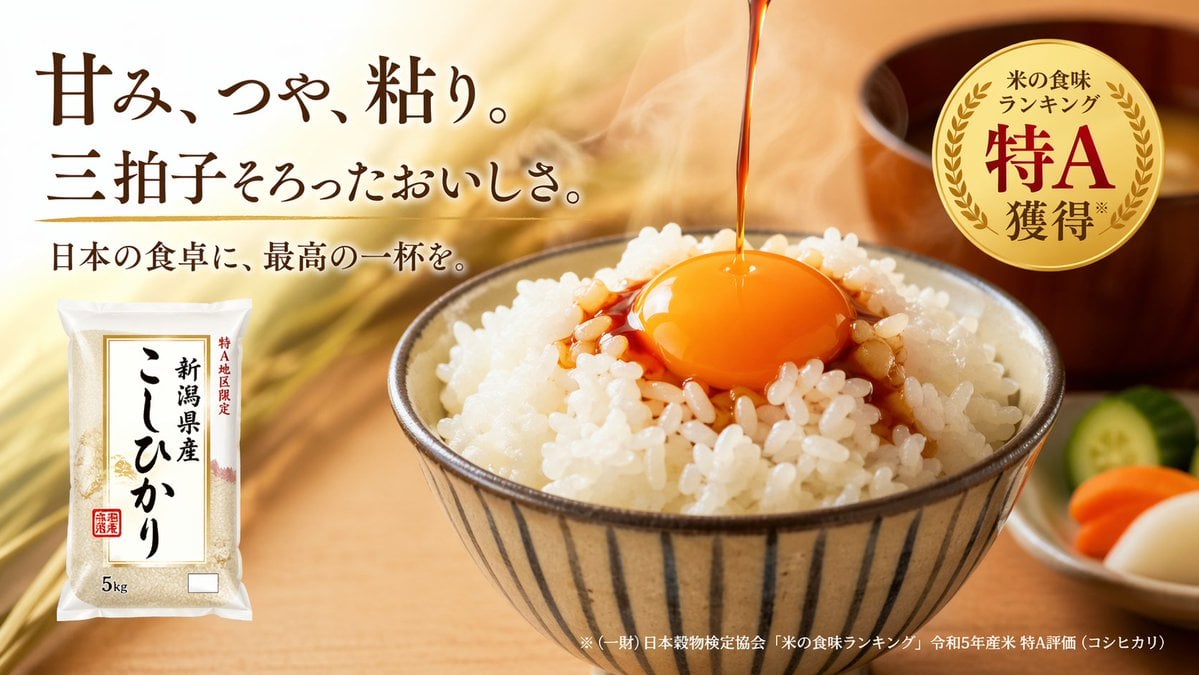
- Prompt included
- Model and format preset
- Free template
The prompt behind this image
Copy the exact prompt behind Japanese Rice Advertisement Banner, or open it in the studio and make it yours.
A high-quality Japanese food advertisement banner. The background features a warm, softly blurred wooden table with golden rice stalks. On the center-right, {argument name="main dish" default="a bowl of steaming white rice topped with a raw egg yolk and soy sauce being poured over it"} sits in a vertically striped ceramic bowl. To the right, a small white dish contains exactly 3 slices of pickles (one green cucumber, one orange carrot, one white radish), alongside a blurred wooden miso soup bowl. In the top-left corner, large elegant Japanese typography reads {argument name="headline text" default="甘み、つや、粘り。三拍子そろったおいしさ。"} with a smaller subheadline below reading {argument name="subheadline text" default="日本の食卓に、最高の一杯を。"}. In the bottom-left corner, a 5kg plastic bag of rice is displayed with the label {argument name="product name" default="新潟県産 こしひかり"}. In the top-right corner, a circular gold foil award badge displays the text {argument name="badge text" default="米の食味ランキング 特A 獲得"}. Small fine print runs along the bottom right edge. The lighting is warm, appetizing, and professional, highlighting the glossy texture of the rice and egg.
How to use Japanese Rice Advertisement Banner in 3 steps
- 1Upload ImagePNG, JPG or paste
Add your photo
Upload the photo the template builds on. The prompt, model and format are already set.
- 2…a portrait of your subject in softgolden-hour light, 85mm…
Personalize
Edit the subject and creative details for your destination.
- 3Generate
Generate
Press Generate — your image is created in PicX Studio, so you can compare it with the original and refine one variable at a time.
More like this
Templates with the same subject, style or setup. Open one to see its prompt.

Minecraft Japanese Research Lab Exploration
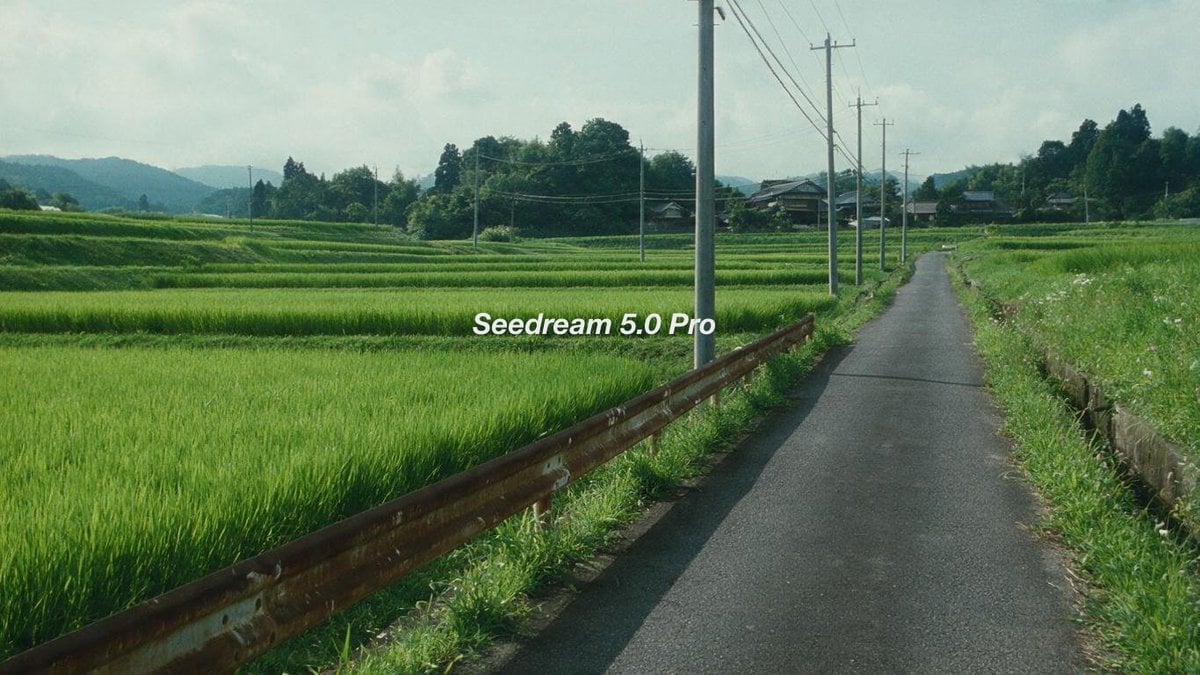
Cinematic Japanese Rice Paddy Landscape

Japanese Architectural Concrete Studio Fashion Campaign

Japanese Minimalist Concrete Studio Fashion Editorial

Blue Backdrop Luxury Fashion Portrait Campaign
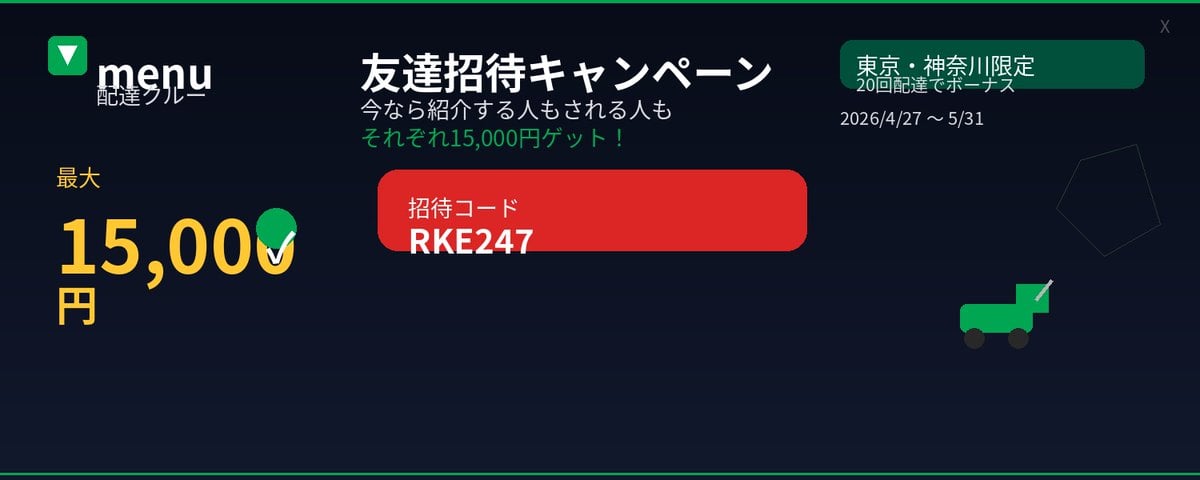
Japanese Delivery Referral Banner
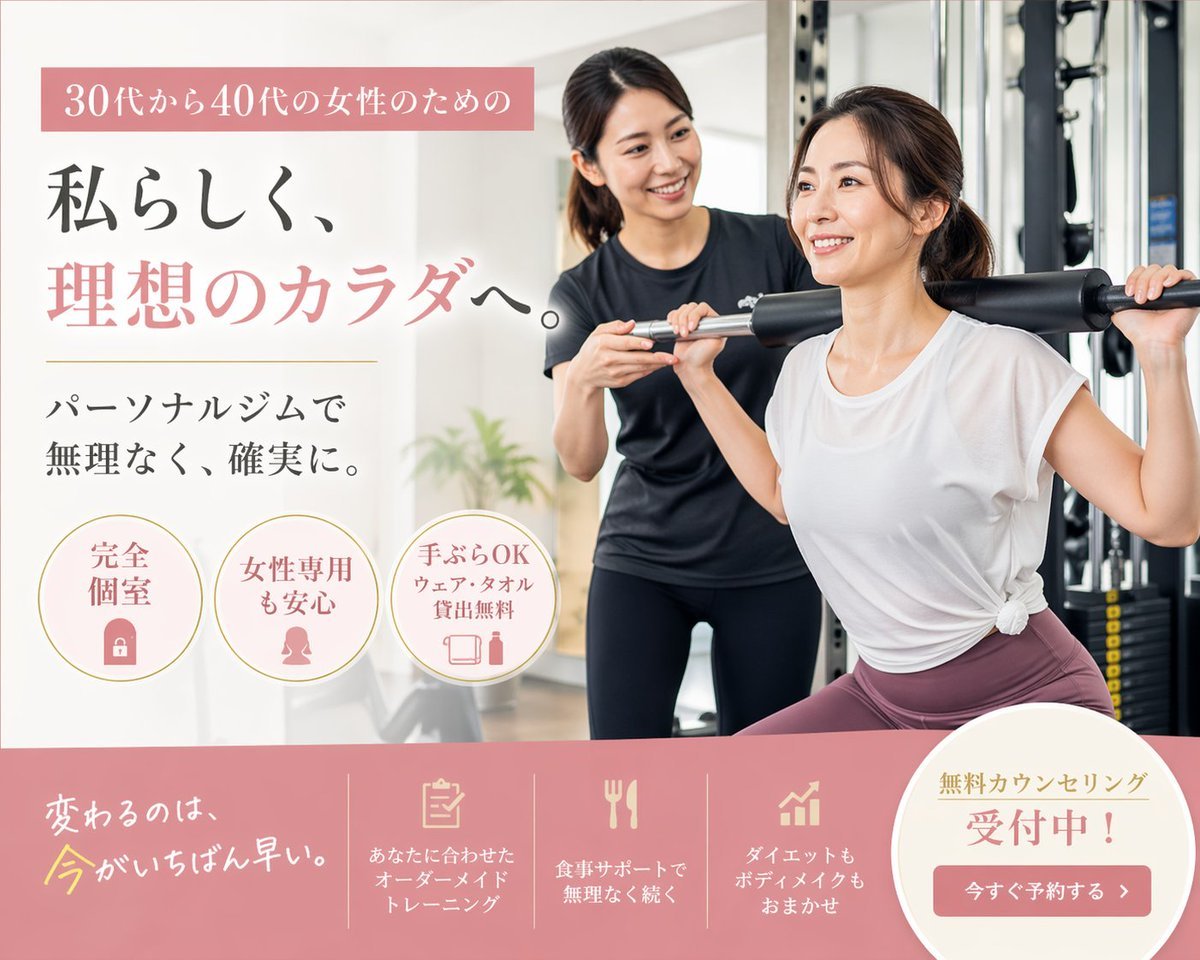
Japanese Women's Gym Hero Banner
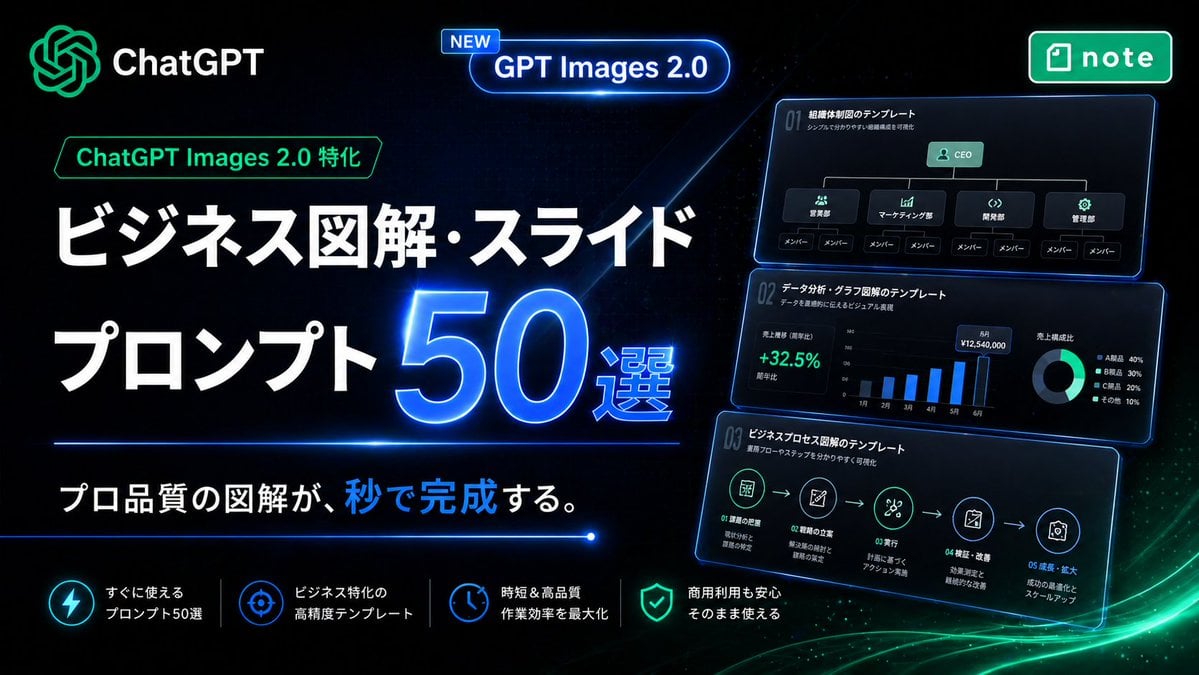
Neon Japanese AI Prompt Promo Banner
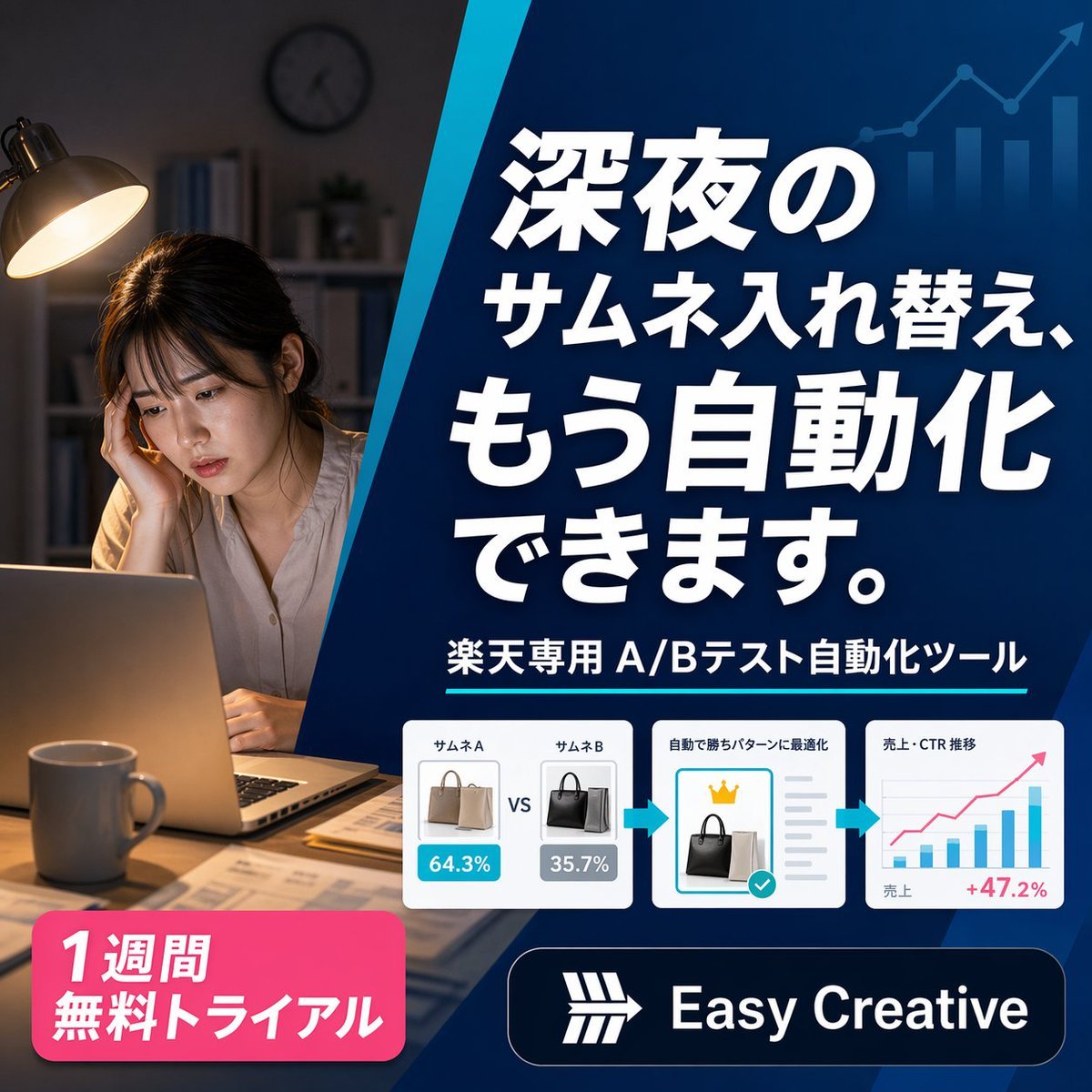
Japanese SaaS Ad Banner at Night
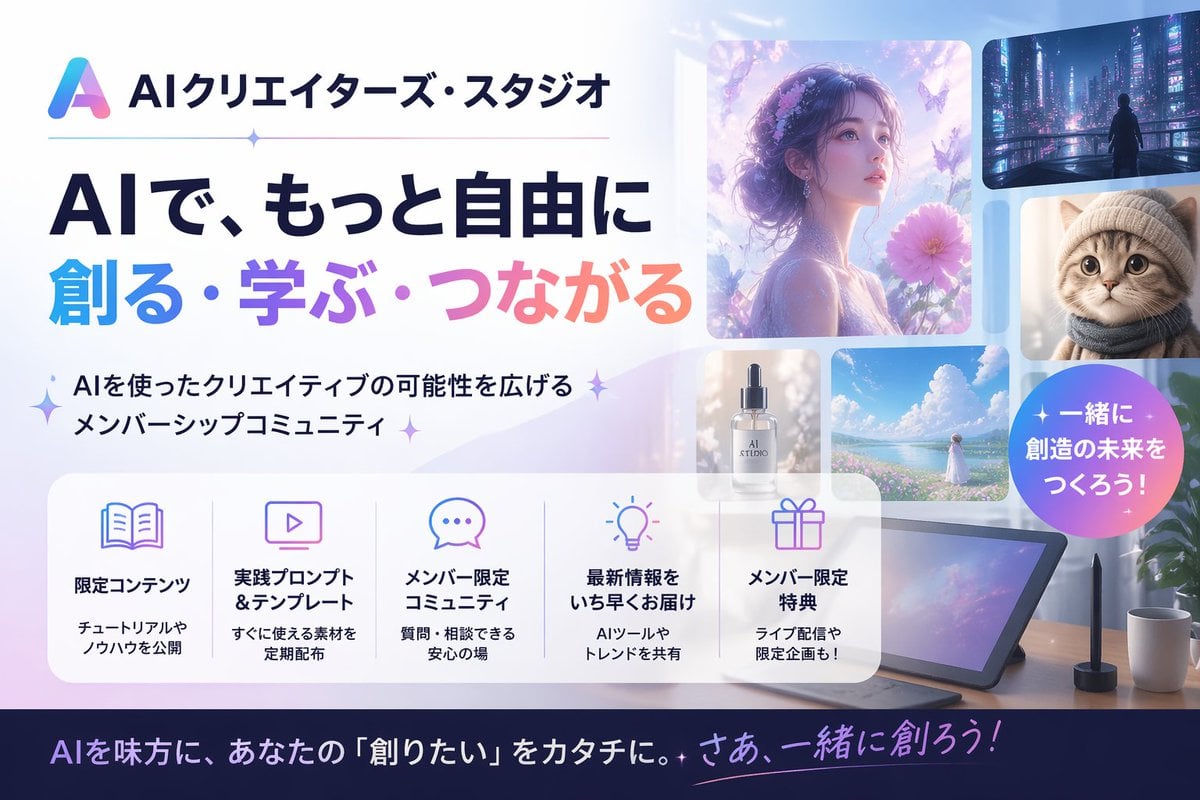
Japanese AI Creator Studio Banner

Japanese AI Consulting OGP Banner

Gpt2 Social Media Post 4 Panel Japanese Digital Ad Banner Grid
Make it yours
Japanese Rice Advertisement Banner works as-is. These are the safest ways to change it without losing the look.
Change one field
Copy a single group, rewrite it, and generate again so you can see what that field is doing.
Keep the frame, change the subject
Hold the composition and light of Japanese Rice Advertisement Banner, then swap wardrobe, props or the person for a new take.
| If the result… | Why | Fix |
|---|---|---|
| The result drifts from the preview | Too many fields changed at once. | Reuse Japanese Rice Advertisement Banner as-is first, then change one group — subject, light, or setting. |
| The model over-stylizes the scene | The prose prompt leaves finish and camera underspecified. | Add one camera or lighting sentence and stay on GPT Image 2. |
More GPT Image 2 templates
Other prompts made for GPT Image 2.

Realistic Portrait of Woman and Deer

The Vista Modular Condo Poster

AI Model Routing Comparison Infographic

2.5D Anime Art Board

Isometric Productivity Desk Scene

New York Double Exposure Poster

Four-Panel AI Landscape Comparison

Japanese Tatami Lifestyle Magazine Cover

NESCAFÉ Coffee Map Poster

Brutalist Cogito Chinese Typography Poster
More image prompts
Fresh picks from across the catalog.

Glowing Butterfly Marionette Girl
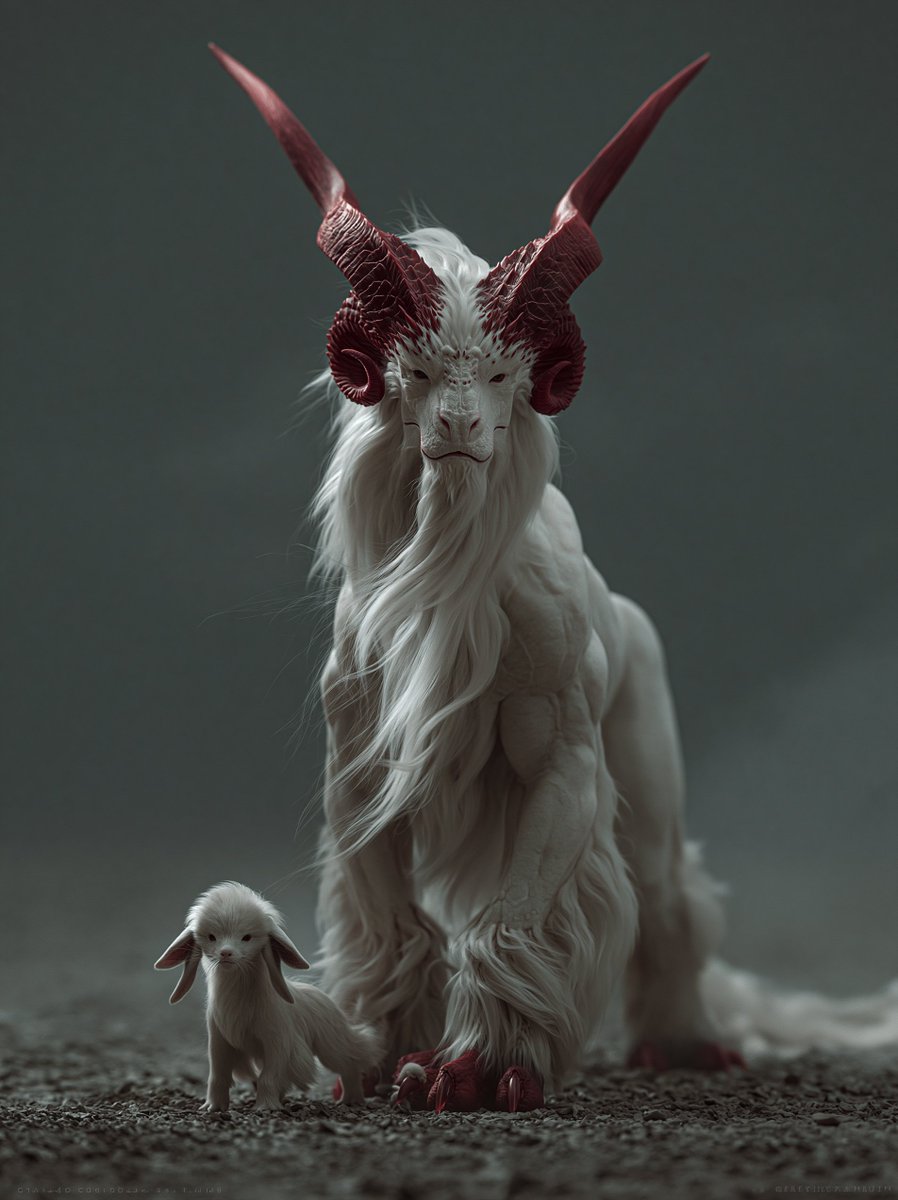
White Horned Fantasy Guardian
Latina Woman in City Street with Identity Lock

Titanic Woman in Paris Prompt
4K Upscale Prompt for Nano Banana Pro

Cinematic Sci-Fi Romance Trailer Scene
Universal Christmas Food Poster Prompt
Realistic Bird with Artistic Traces
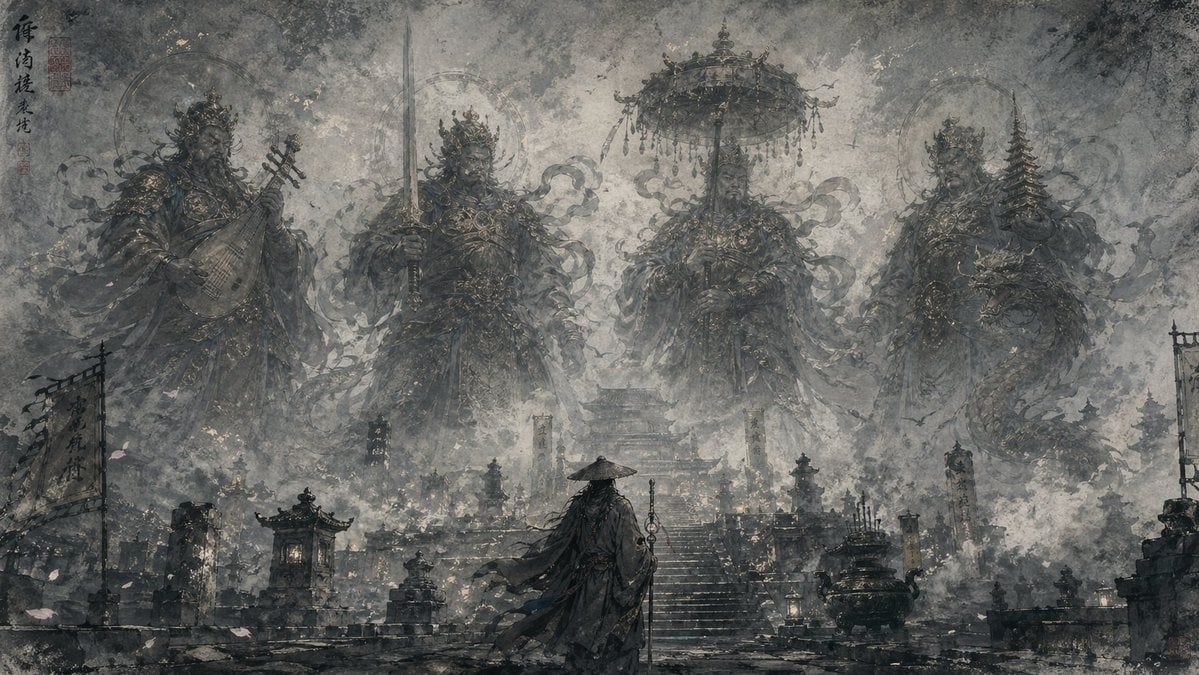
Eastern Ink Fantasy Illustration
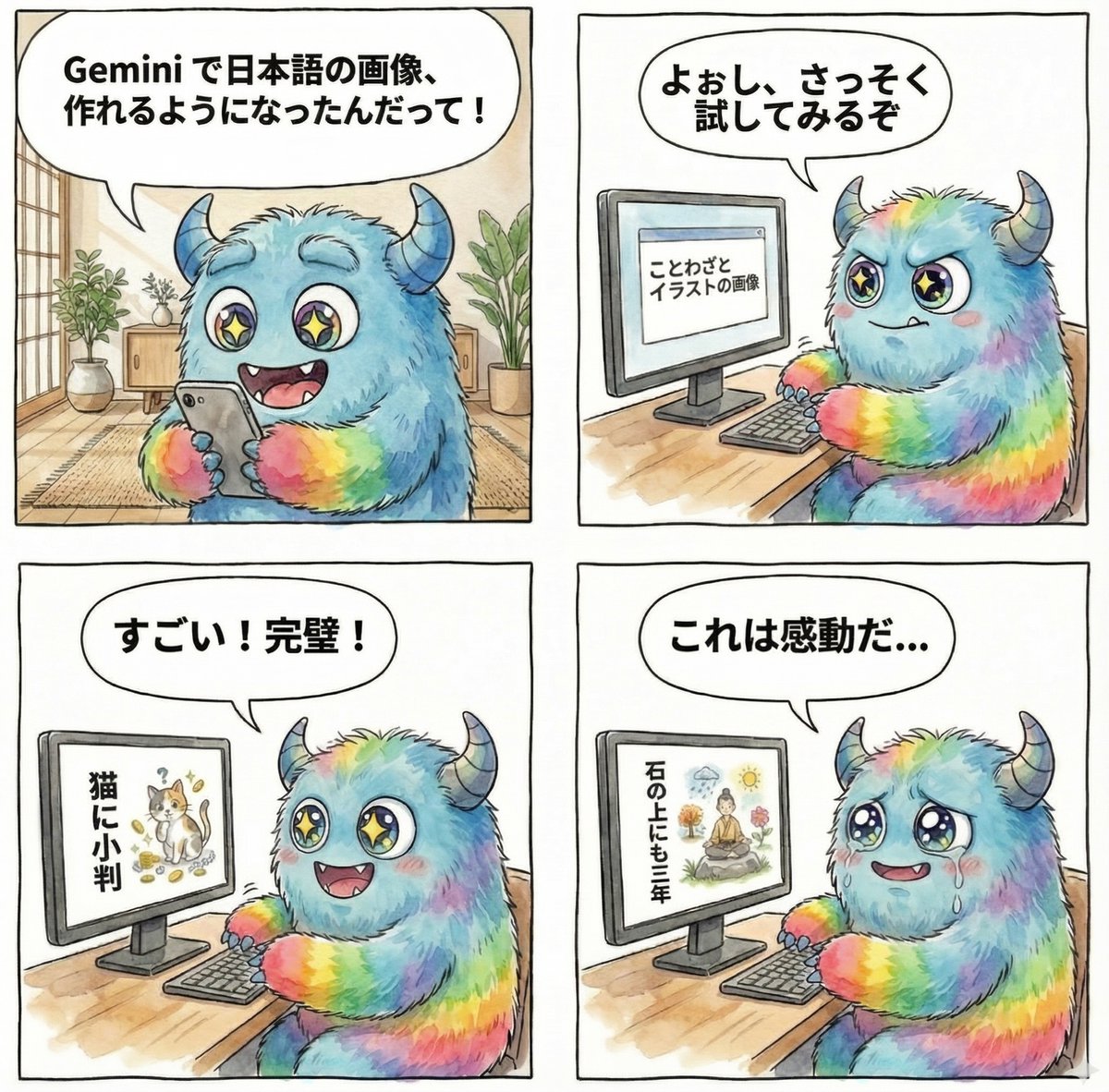
panel manga about Gemini generating Japanese text images
Browse template categories
Japanese Rice Advertisement Banner questions
How do I use the Japanese Rice Advertisement Banner template?
Add your photo if the template asks for one, edit the prompt if you like — the template's model and format are already selected — and press Generate. Your version opens in PicX Studio.
Can I customize the Japanese Rice Advertisement Banner template?
Yes. You can change the subject, setting, lighting, mood, format, and available model controls before creating your image.
Is the Japanese Rice Advertisement Banner template free?
Opening and editing this template is free. Generating uses credits, shown on the Generate button when you are signed in.
Which AI model should I use?
Start with GPT Image 2, which is the model associated with this template. You can compare another compatible model for a different finish.
Looking for something else? Browse all templates.

Your photo, any look
Thousands of ready templates for every top image and video model, from one credit balance.