
White Horned Fantasy Guardian
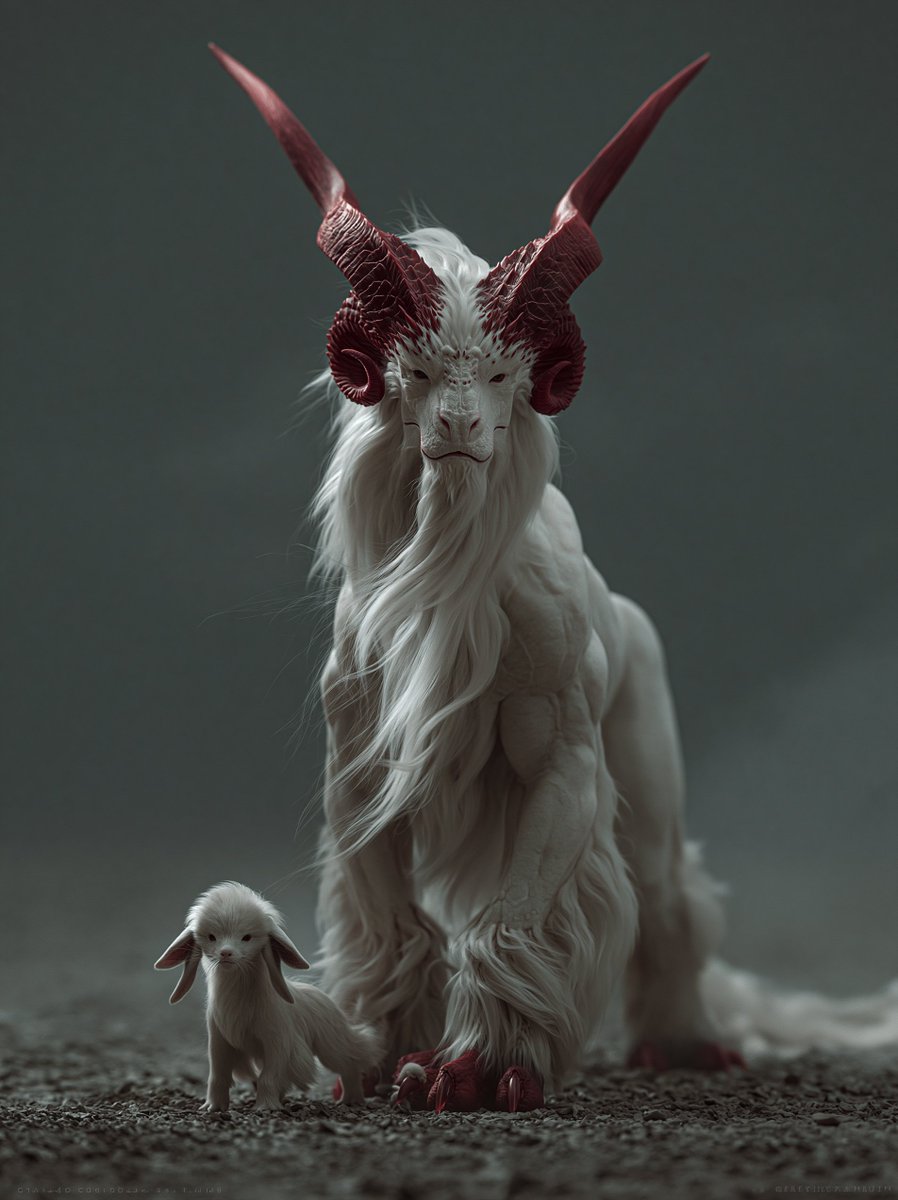
A cinematic dark fantasy creature portrait featuring a majestic white horned guardian and its tiny companion walking through a misty gravel landscape.
- Prompt included
- Model and format preset
- Free template
The prompt behind this image
Copy the exact prompt behind White Horned Fantasy Guardian, or open it in the studio and make it yours.
Create a dark cinematic fantasy creature portrait in a vertical 3:4 frame. Show exactly two creatures walking toward the viewer on rough gravel: one large majestic chimera-like guardian centered in the frame and one tiny baby companion at its front-left side. The large creature should resemble an elegant white goat-dragon hybrid with a long narrow goat face, pale skin, heavy flowing white mane and beard, shaggy fur around the legs and chest, muscular front legs, a low sweeping tail, and two enormous deep crimson horns rising from the head and curving outward then sharply upward into long pointed tips. Add curled ram-like horn bases around the ears, red horn ridges and textured grooves, small intense eyes, crimson claws and hoof-like toes. The baby creature should be a miniature pale white version with soft fluffy fur, oversized drooping ears, a tiny face, and small red claws, walking close beside the guardian. Use moody low-key studio lighting, shallow depth of field, muted gray-green foggy background, ground-level camera angle, centered symmetrical composition, realistic fantasy creature design, ultra-detailed fur strands, sculptural anatomy, atmospheric haze, subdued color palette of white, gray, charcoal, and dark red. No text, no humans, no armor, no buildings, no bright daylight.
How to use White Horned Fantasy Guardian in 3 steps
- 1Upload ImagePNG, JPG or paste
Add your photo
Upload the photo the template builds on. The prompt, model and format are already set.
- 2…a portrait of your subject in softgolden-hour light, 85mm…
Personalize
Edit the subject and creative details for your destination.
- 3Generate
Generate
Press Generate — your image is created in PicX Studio, so you can compare it with the original and refine one variable at a time.
More like this
Templates with the same subject, style or setup. Open one to see its prompt.

Tribal Fantasy Warrior with Guardian Owl

Anime Fantasy Celestial Movie Poster
Anime Fantasy Celestial Movie Poster

Minecraft Fantasy Kingdom Voxel Landscape

Unfinished Sketch Comes Alive Portrait

Open Travel Journal Overhead Still Life

Tiny Woman Miniature Fantasy Macro Scene

Woman in Mall with Chanel Bag - Heart Gesture

Outdoor Cafe Portrait — White Ruched Top Nano Banana
JSON Seedance - Fairy Macro Flight
Videogame Cinematic Trailer - Seedance 2.0
Mystical Ancient Guardian Portrait
Make it yours
White Horned Fantasy Guardian works as-is. These are the safest ways to change it without losing the look.
Change one field
Copy a single group, rewrite it, and generate again so you can see what that field is doing.
Keep the frame, change the subject
Hold the composition and light of White Horned Fantasy Guardian, then swap wardrobe, props or the person for a new take.
| If the result… | Why | Fix |
|---|---|---|
| The result drifts from the preview | Too many fields changed at once. | Reuse White Horned Fantasy Guardian as-is first, then change one group — subject, light, or setting. |
| The model over-stylizes the scene | The prose prompt leaves finish and camera underspecified. | Add one camera or lighting sentence and stay on GPT Image 2. |
More GPT Image 2 templates
Other prompts made for GPT Image 2.

Six VTuber Japanese Logo Sheet

Realistic Portrait of Woman and Deer

The Vista Modular Condo Poster

AI Model Routing Comparison Infographic

2.5D Anime Art Board

Isometric Productivity Desk Scene

New York Double Exposure Poster

Four-Panel AI Landscape Comparison

Japanese Tatami Lifestyle Magazine Cover

NESCAFÉ Coffee Map Poster
More image prompts
Fresh picks from across the catalog.

Ugly slide introducing Einstein
Traditional Christmas Card Design
Post-Apocalyptic Times Square Horde
Dark Fantasy Kirie Knight and Demon
Hyper-Realistic Graphite Sketch Portrait
Unfiltered Smartphone Photo of Man in Shopping Cart in Liquor Store
Pixel Mosaic Jungle Parrot

Hyper-Photorealistic Car Selfie Prompt for Nano Banana 2
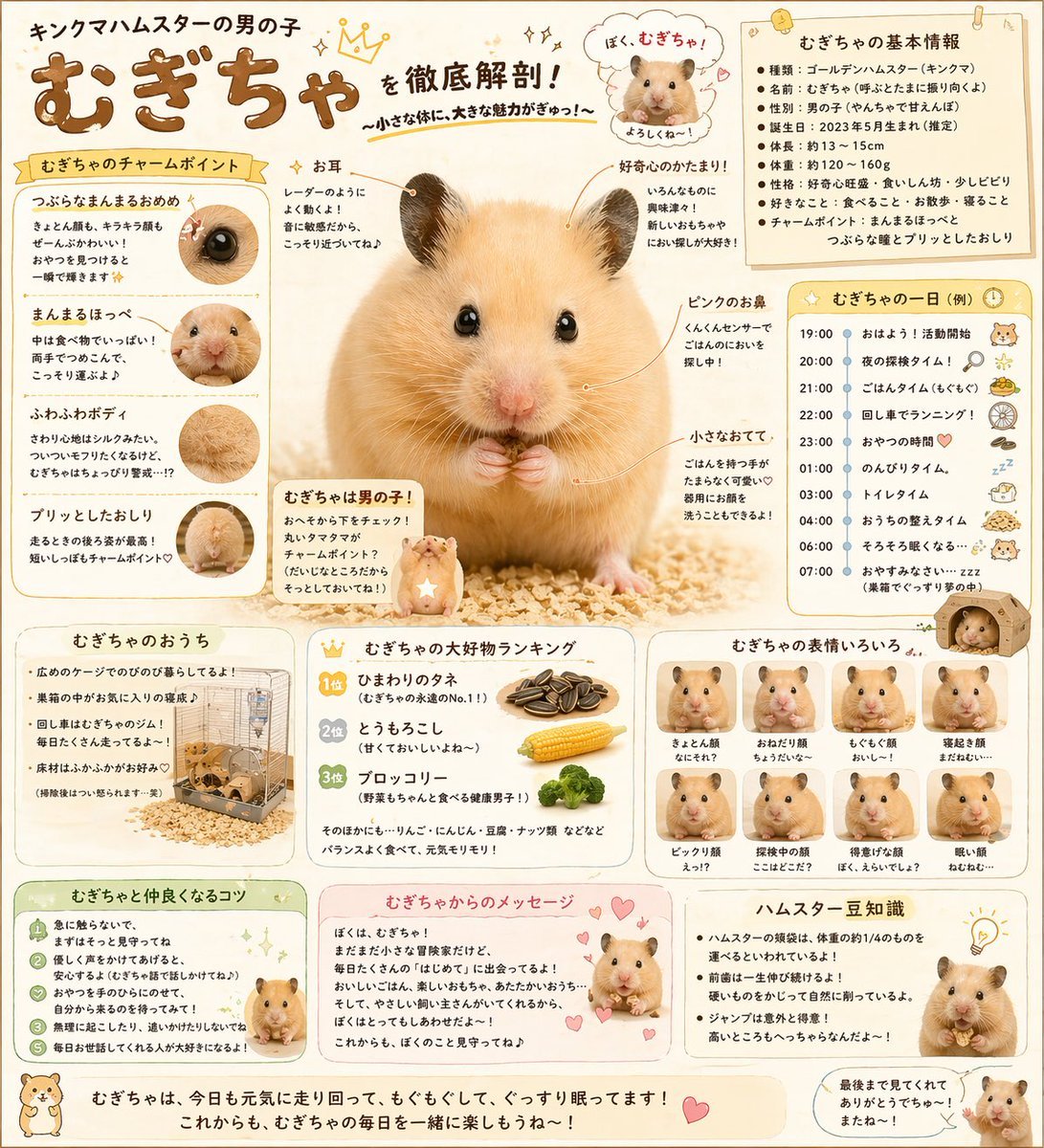
Cute Japanese Hamster Infographic
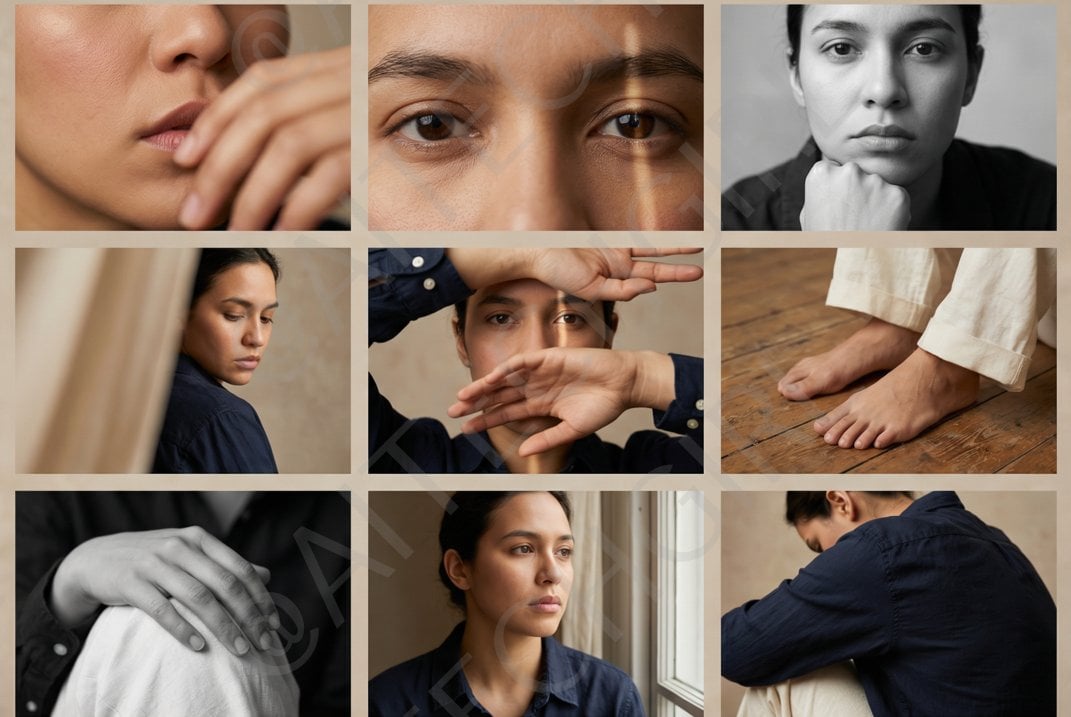
Shot Editorial Photo Grid Prompt for Nano Banana Pro
Browse template categories
White Horned Fantasy Guardian questions
How do I use the White Horned Fantasy Guardian template?
Add your photo if the template asks for one, edit the prompt if you like — the template's model and format are already selected — and press Generate. Your version opens in PicX Studio.
Can I customize the White Horned Fantasy Guardian template?
Yes. You can change the subject, setting, lighting, mood, format, and available model controls before creating your image.
Is the White Horned Fantasy Guardian template free?
Opening and editing this template is free. Generating uses credits, shown on the Generate button when you are signed in.
Which AI model should I use?
Start with GPT Image 2, which is the model associated with this template. You can compare another compatible model for a different finish.
Looking for something else? Browse all templates.

Your photo, any look
Thousands of ready templates for every top image and video model, from one credit balance.