
Post-Apocalyptic Times Square Horde
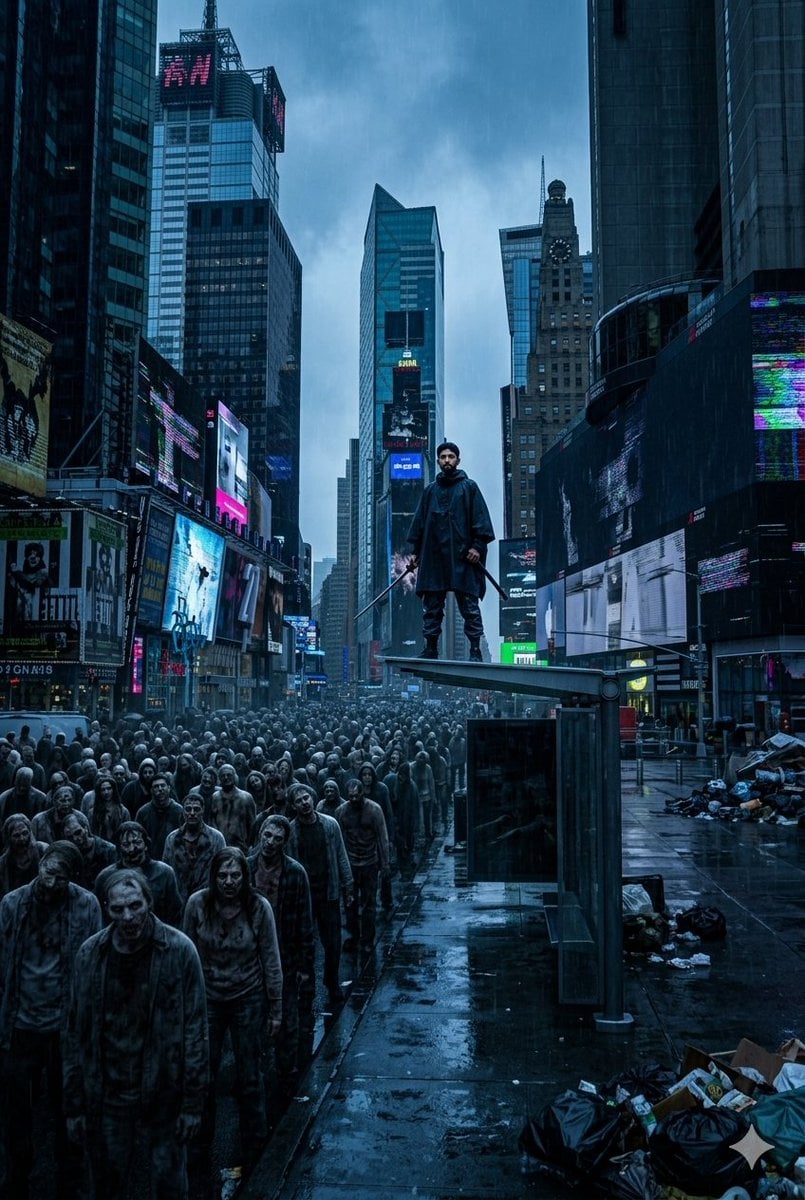
A cinematic survival-horror prompt for generating a rain-soaked collapsed Times Square with a lone hero facing a massive undead crowd.
- Prompt included
- Model and format preset
- Free template
The prompt behind this image
Copy the exact prompt behind Post-Apocalyptic Times Square Horde, or open it in the studio and make it yours.
Create a wide cinematic post-apocalyptic scene in deserted Times Square during heavy rain, gloomy blue color grading, wet reflective pavement, towering skyscrapers forming a deep canyon perspective. In the foreground and midground, show one enormous tightly packed horde of undead pedestrians filling the street from left foreground into the far distance, with gray decayed faces, soaked dirty clothing, blank expressions, and slow forward movement. On the right midground, place one lone surviving hero standing small but elevated on the flat roof of one glass-and-metal bus shelter, wearing a dark hooded rain poncho or long coat, dark pants, and boots, holding one katana-like sword angled downward in one hand, facing the zombie crowd with a defiant stance. Surround the scene with trash piles, black garbage bags, cardboard, scattered debris, abandoned sidewalks, and puddles. The digital billboards and signs on the buildings should be mostly dark, broken, or glitching with distorted neon fragments in magenta, cyan, blue, and white; include a few flickering ad panels but no readable focus text. Use epic scale, high detail, photorealistic dark urban survival-horror style, rain haze, atmospheric depth, dramatic low-angle street perspective, and a sense of collapse and isolation. Avoid gore close-ups, avoid bright daylight, avoid clean streets, and keep the hero visibly much smaller than the surrounding city and undead crowd.
How to use Post-Apocalyptic Times Square Horde in 3 steps
- 1Upload ImagePNG, JPG or paste
Add your photo
Upload the photo the template builds on. The prompt, model and format are already set.
- 2…a portrait of your subject in softgolden-hour light, 85mm…
Personalize
Edit the subject and creative details for your destination.
- 3Generate
Generate
Press Generate — your image is created in PicX Studio, so you can compare it with the original and refine one variable at a time.
More like this
Templates with the same subject, style or setup. Open one to see its prompt.
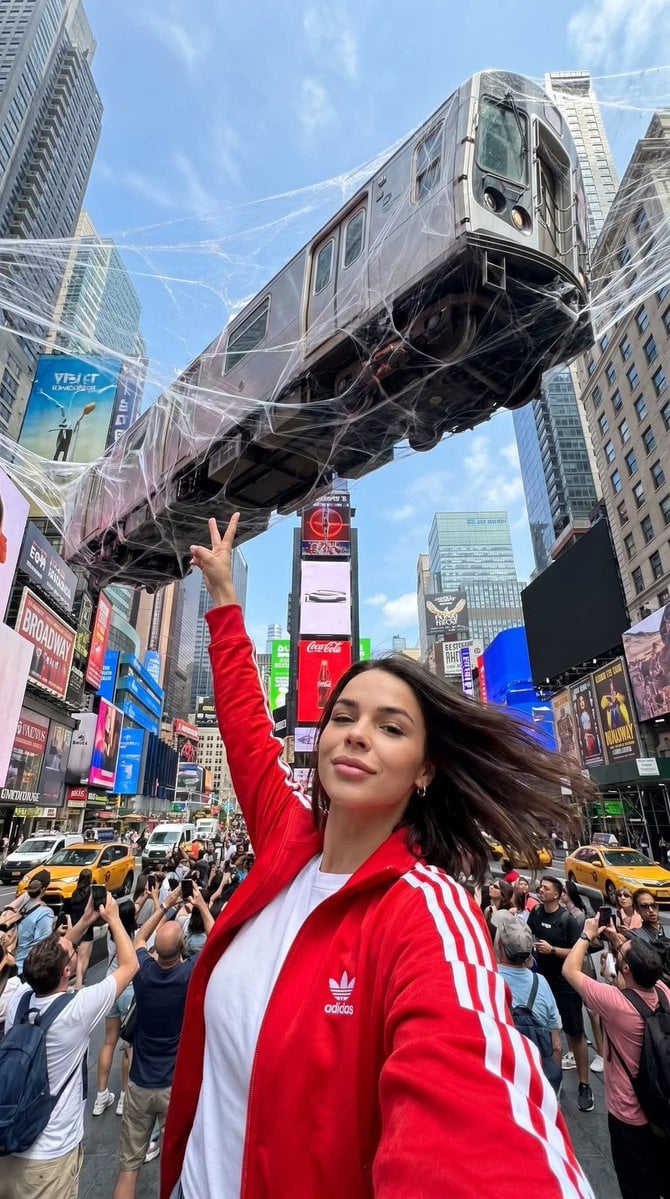
Surreal Times Square Selfie
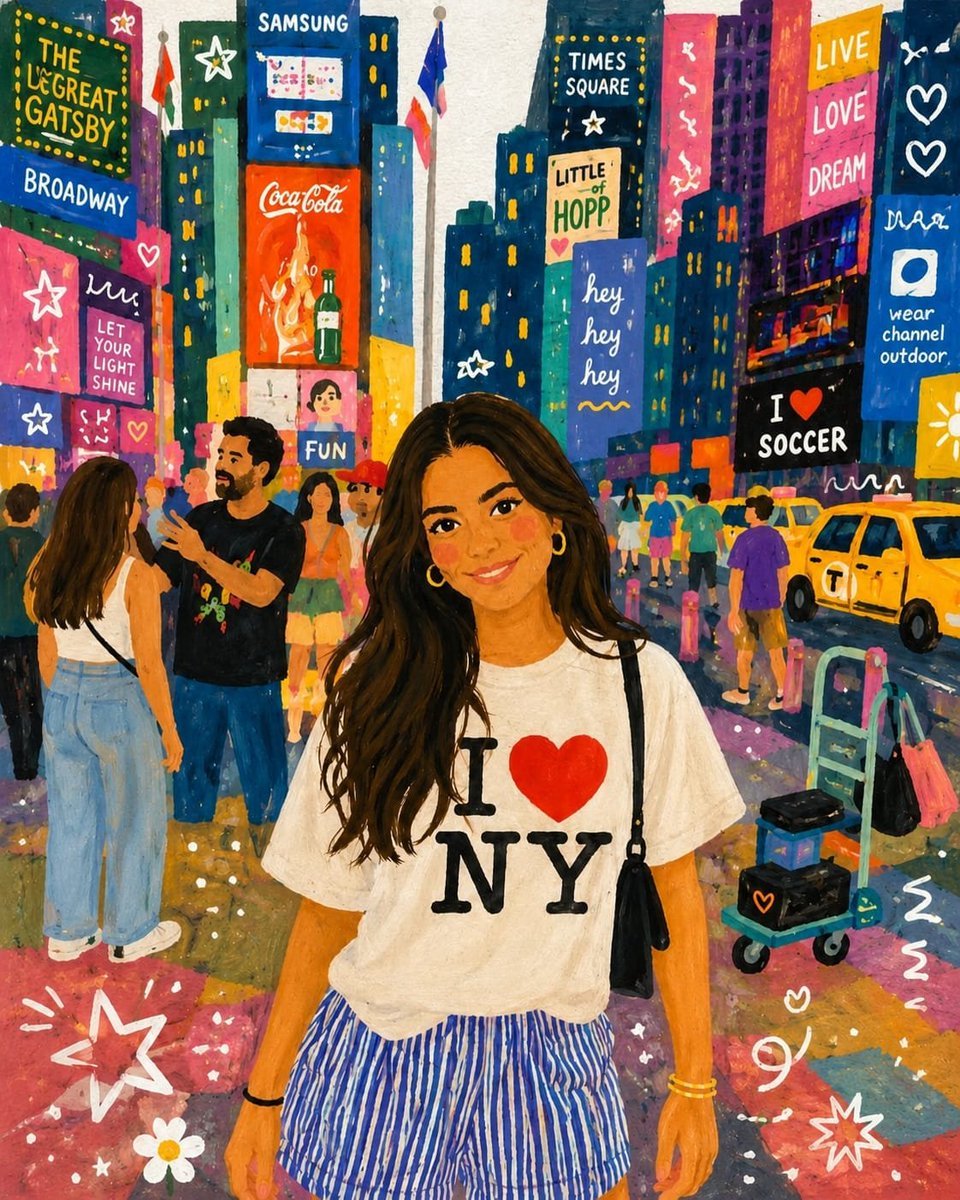
Storybook Times Square Photo Transformation
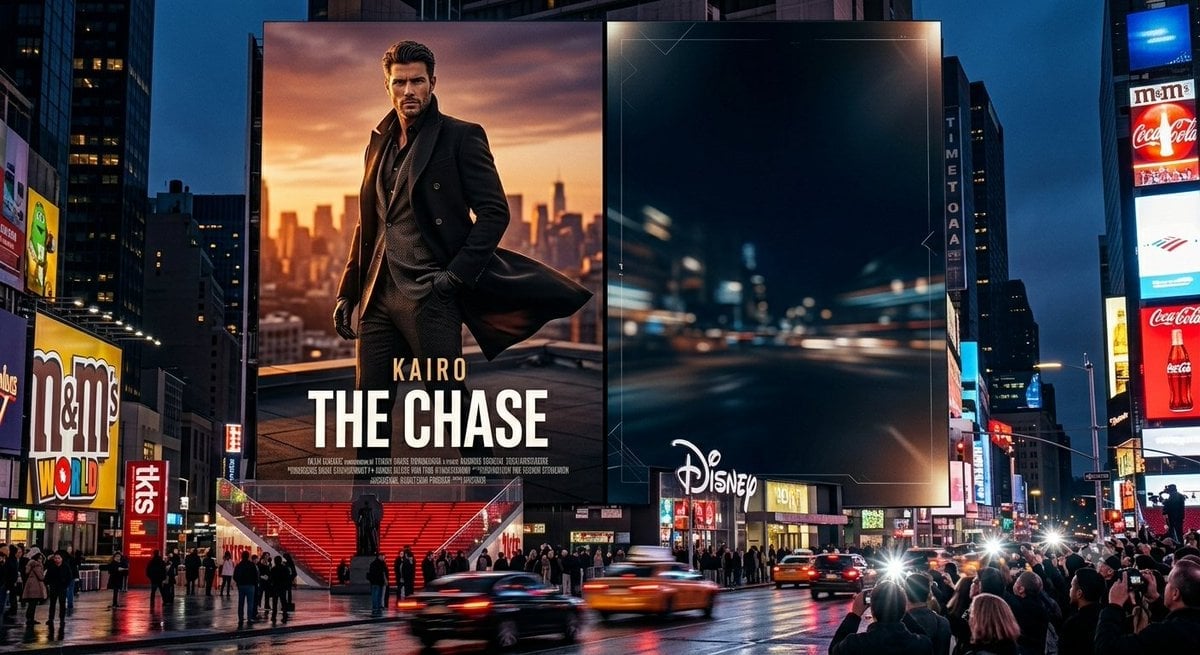
Times Square Movie Billboard Scene
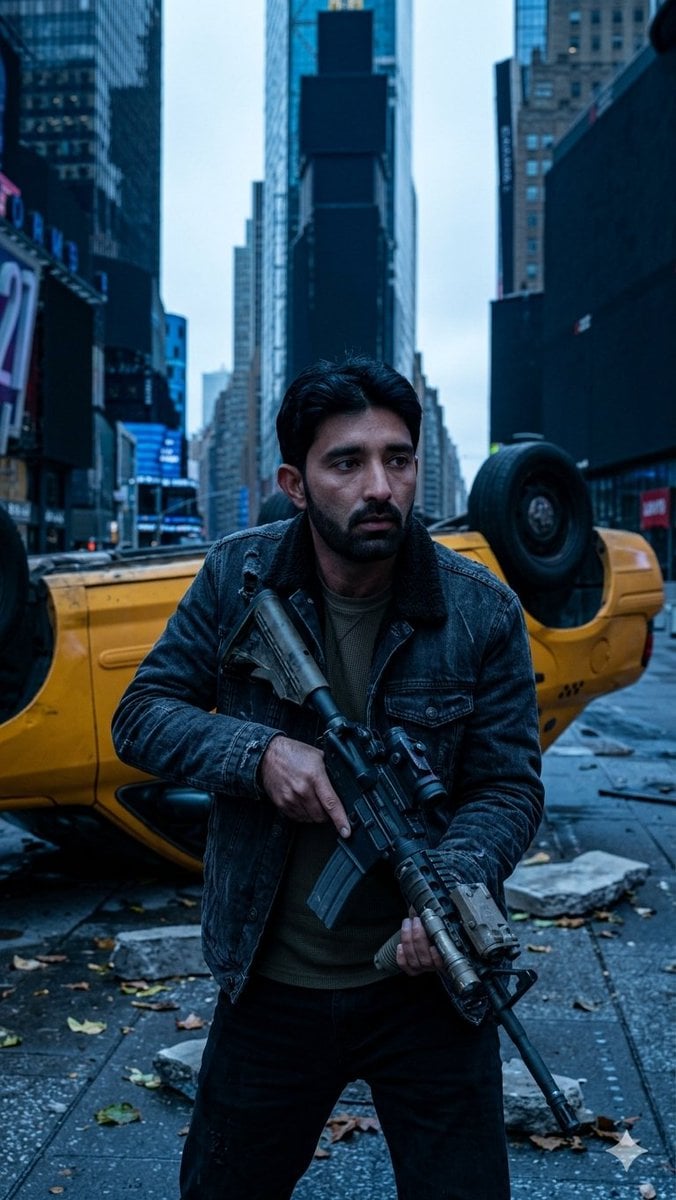
Deserted Times Square Protector
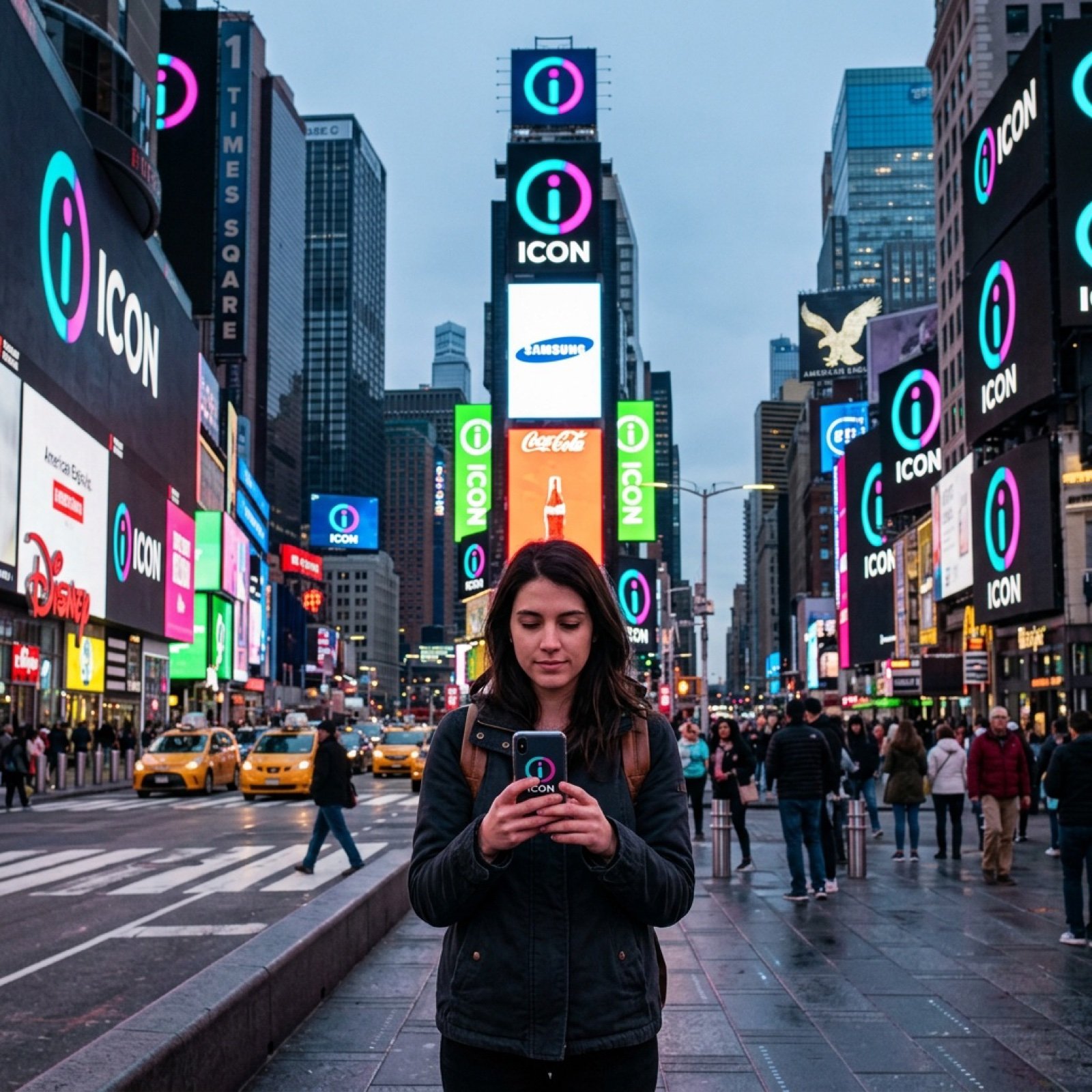
Times Square icon on many screens
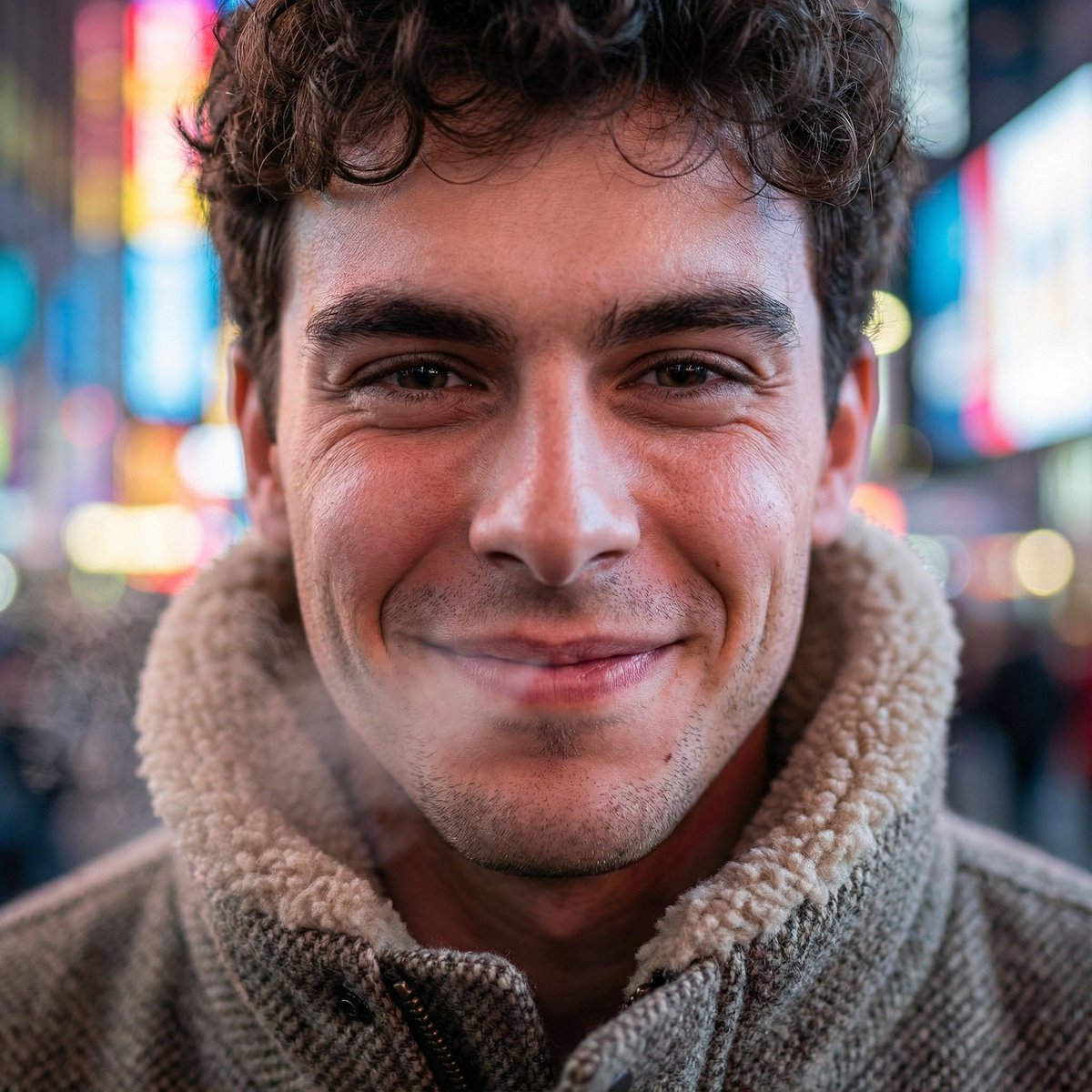
Hyper-Realistic Neon Times Square Portrait
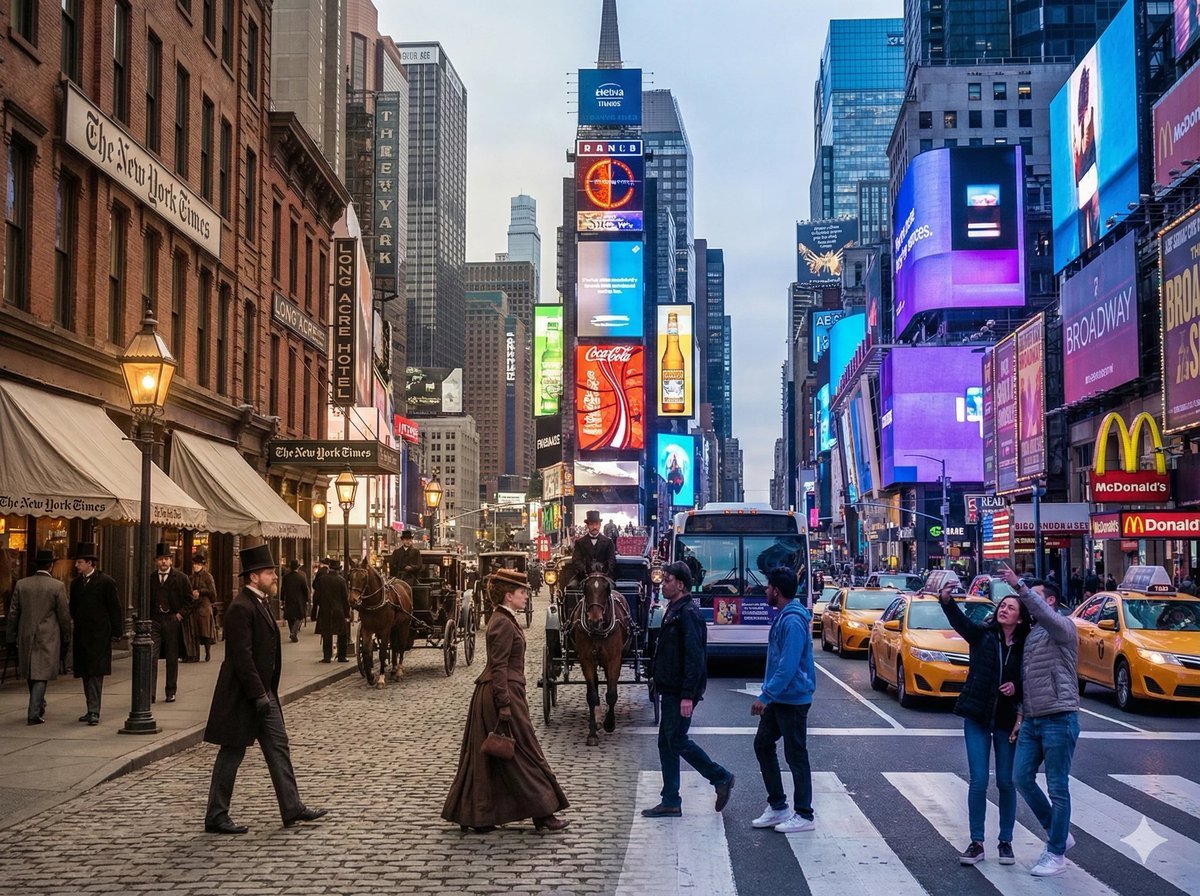
Times Square Time-Blend Split-Screen
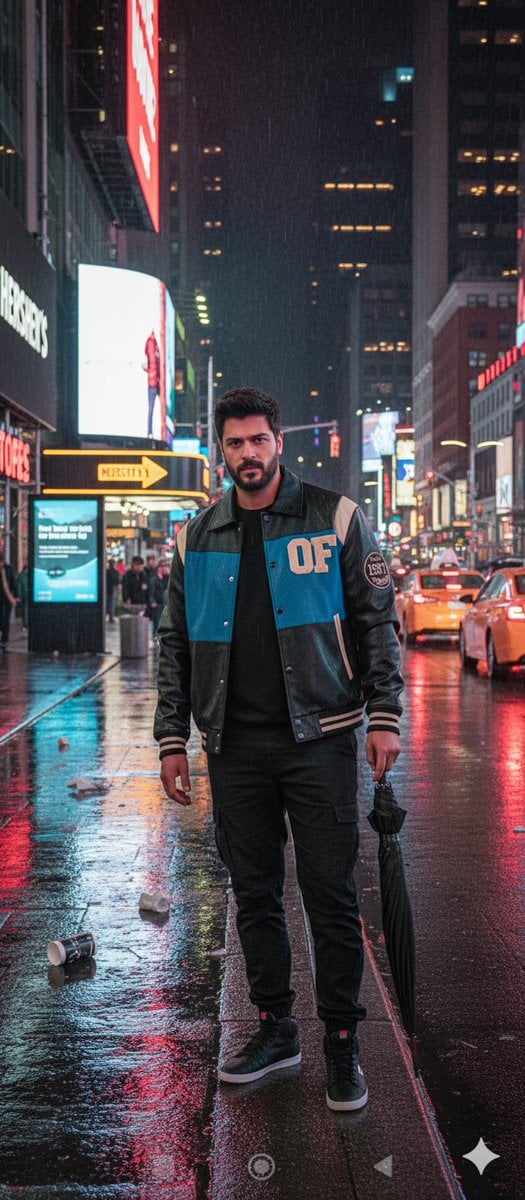
Times Square Rainy Night Portrait with Identity Lock
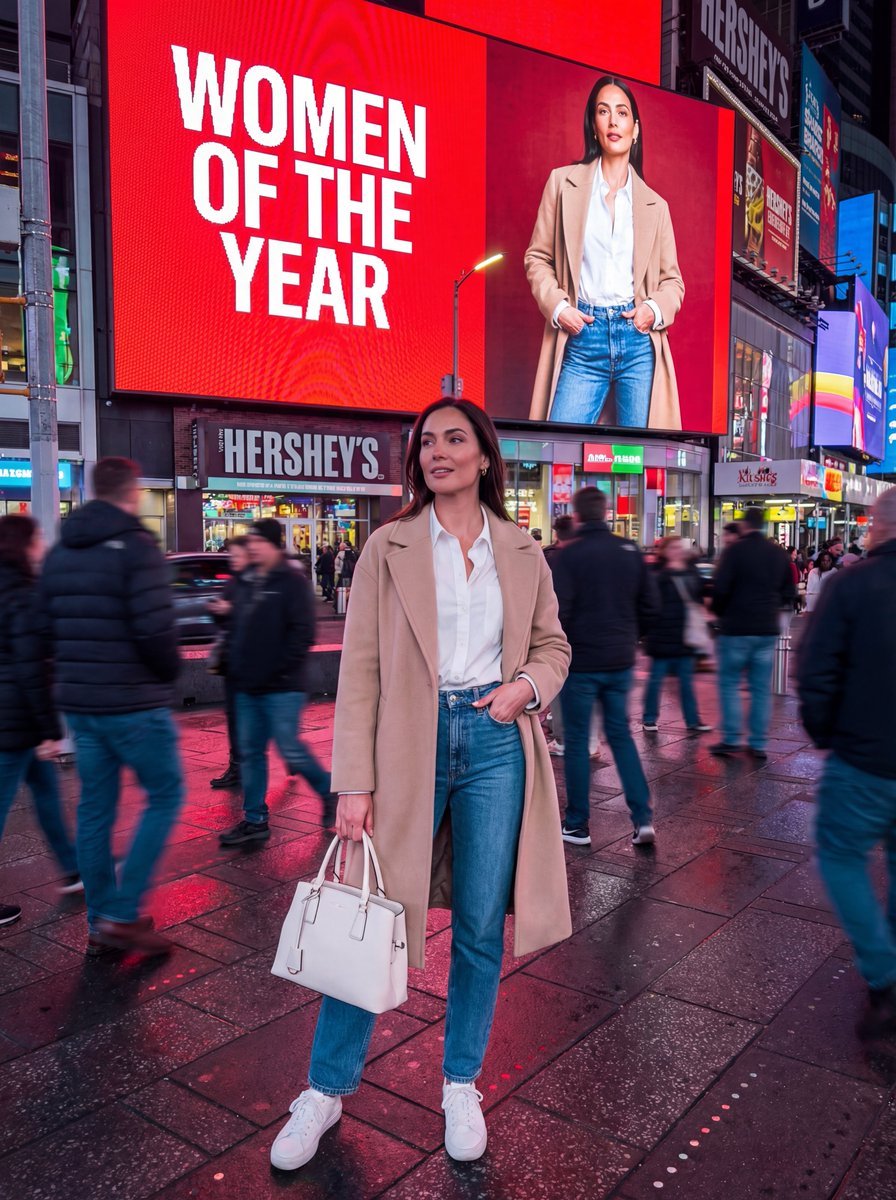
Hyper-Realistic Street Photography Portrait in Times Square
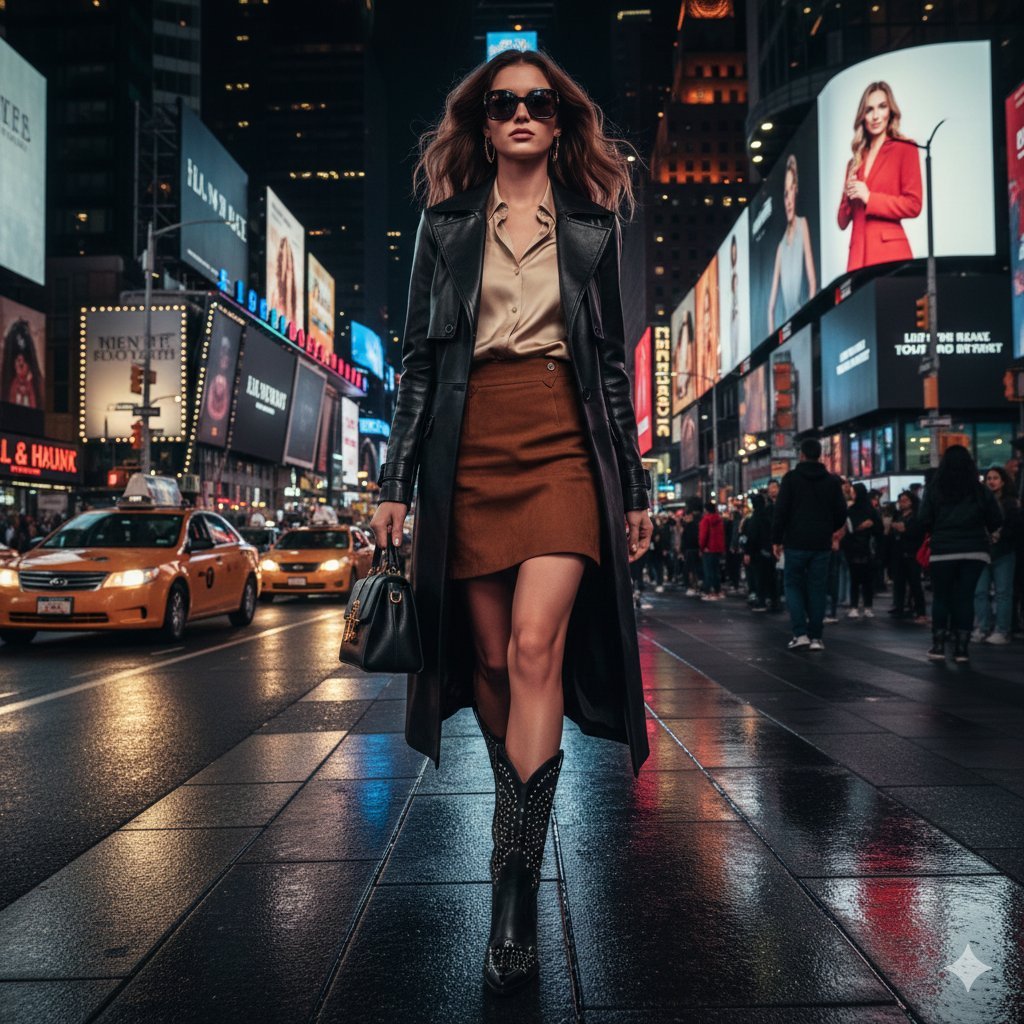
Ultra-realistic cinematic western fashion in Times Square prompt
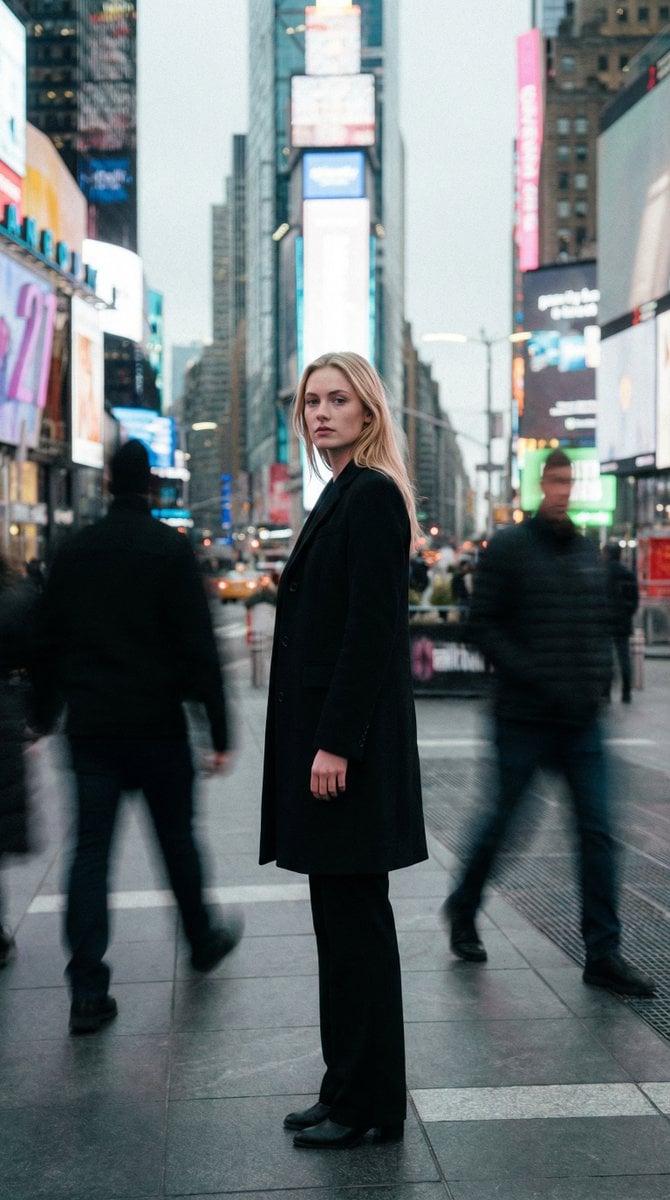
High Fashion Magazine Pictorial in Times Square
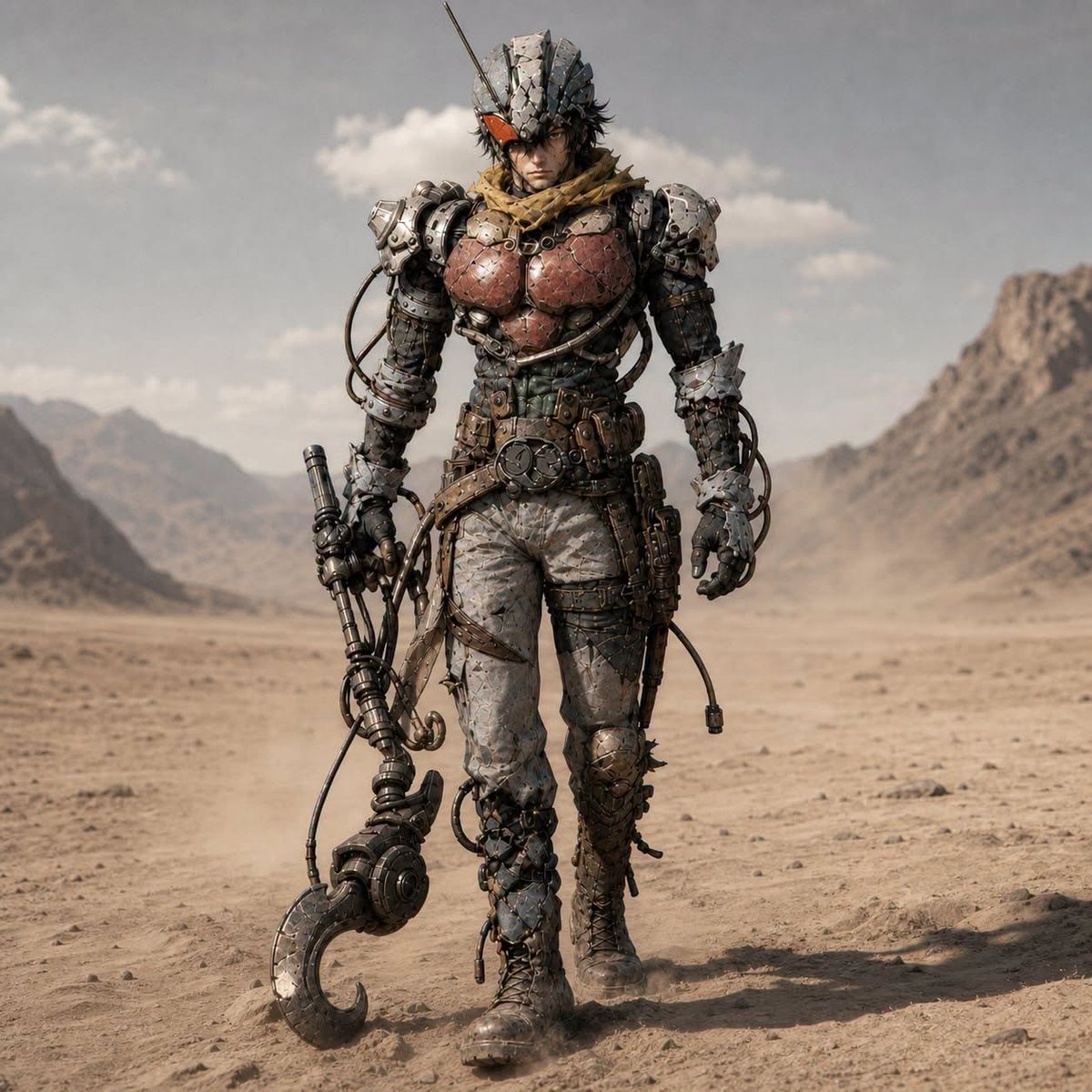
Post-Apocalyptic Riderman Cyborg
Make it yours
Post-Apocalyptic Times Square Horde works as-is. These are the safest ways to change it without losing the look.
Change one field
Copy a single group, rewrite it, and generate again so you can see what that field is doing.
Keep the frame, change the subject
Hold the composition and light of Post-Apocalyptic Times Square Horde, then swap wardrobe, props or the person for a new take.
| If the result… | Why | Fix |
|---|---|---|
| The result drifts from the preview | Too many fields changed at once. | Reuse Post-Apocalyptic Times Square Horde as-is first, then change one group — subject, light, or setting. |
| The model over-stylizes the scene | The prose prompt leaves finish and camera underspecified. | Add one camera or lighting sentence and stay on GPT Image 2. |
More GPT Image 2 templates
Other prompts made for GPT Image 2.

Six VTuber Japanese Logo Sheet

Realistic Portrait of Woman and Deer

The Vista Modular Condo Poster

AI Model Routing Comparison Infographic

2.5D Anime Art Board

Isometric Productivity Desk Scene

New York Double Exposure Poster

Four-Panel AI Landscape Comparison

Japanese Tatami Lifestyle Magazine Cover

NESCAFÉ Coffee Map Poster
More image prompts
Fresh picks from across the catalog.
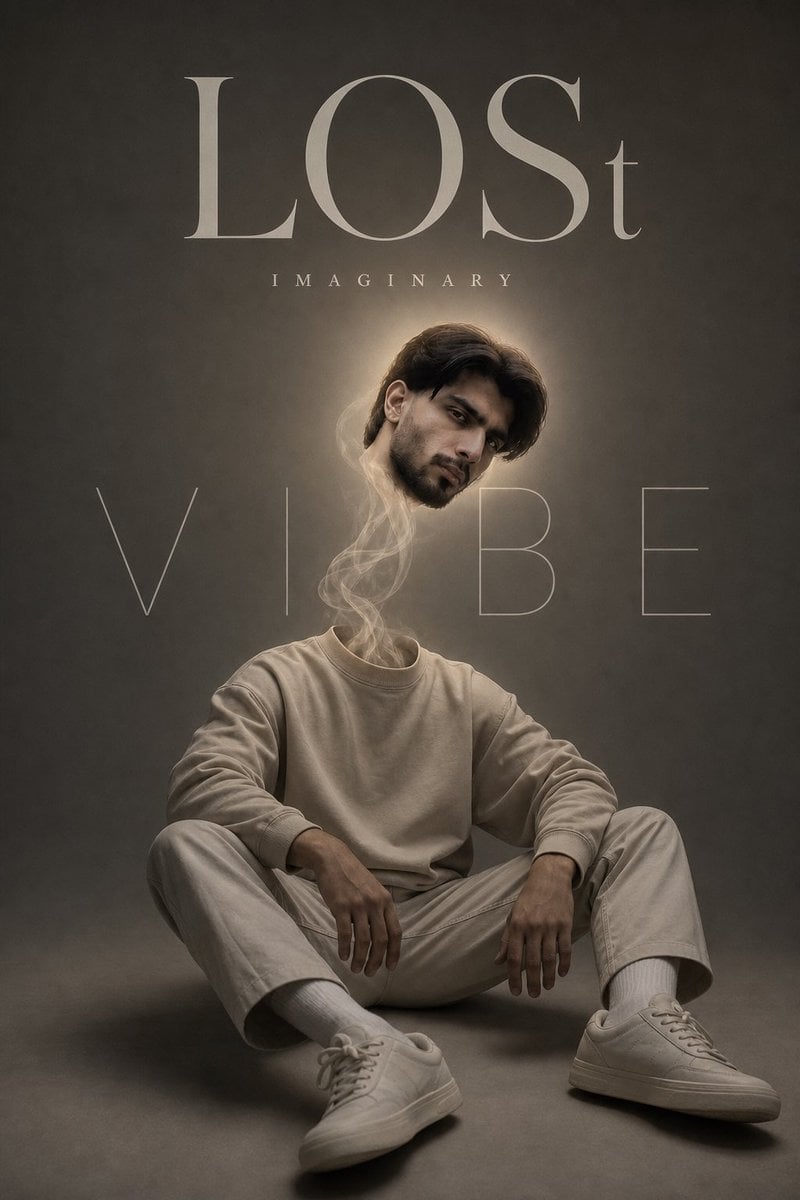
Surreal Floating Head Cinematic Portrait
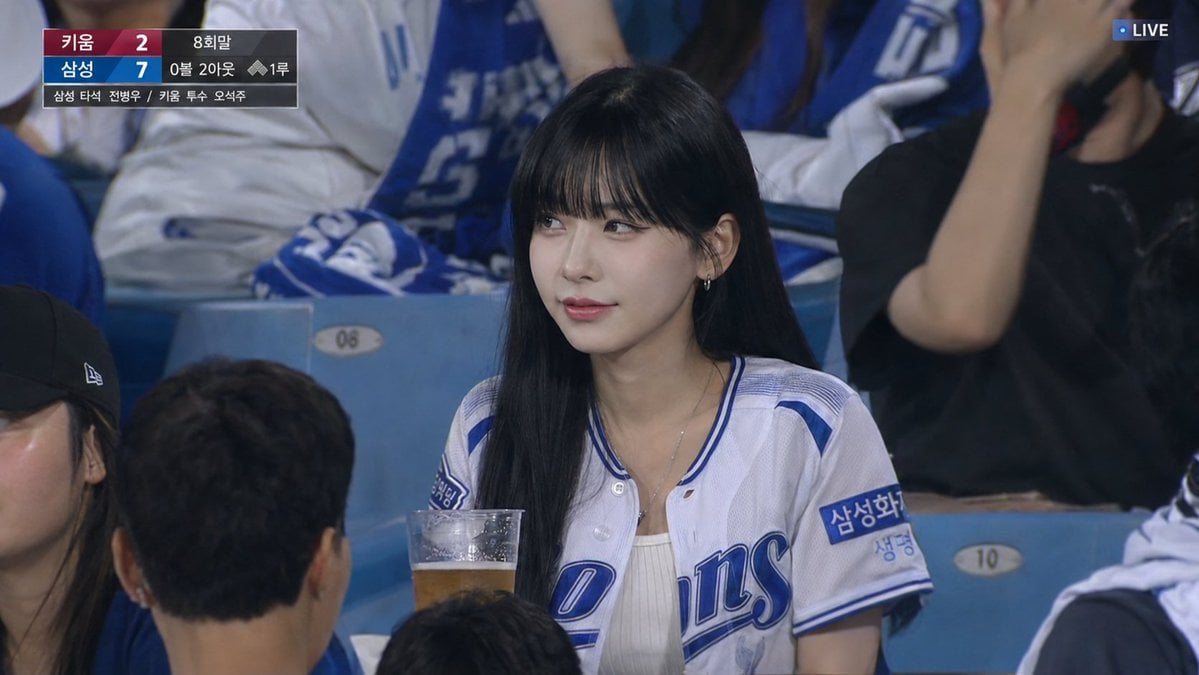
Korean Baseball Live TV Screenshot

Character Search History UI
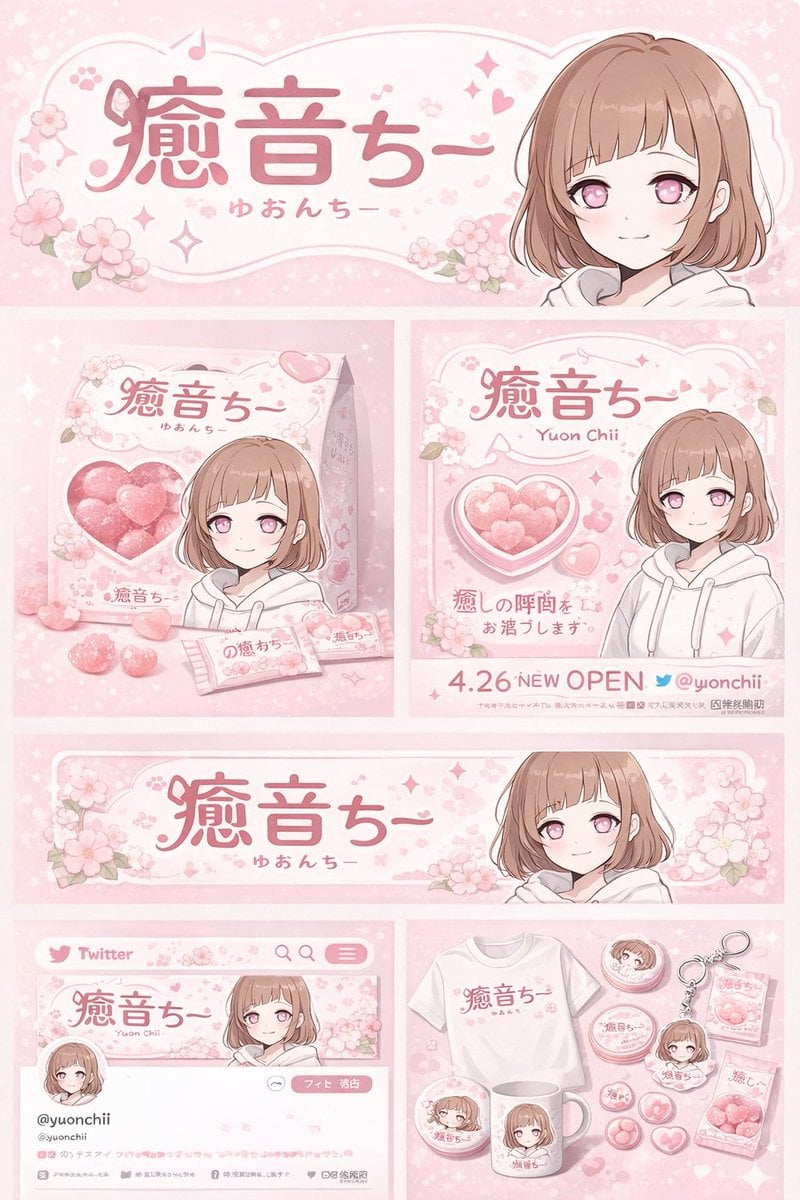
Gpt2 Product Marketing Anime Character Brand Identity Merch Board
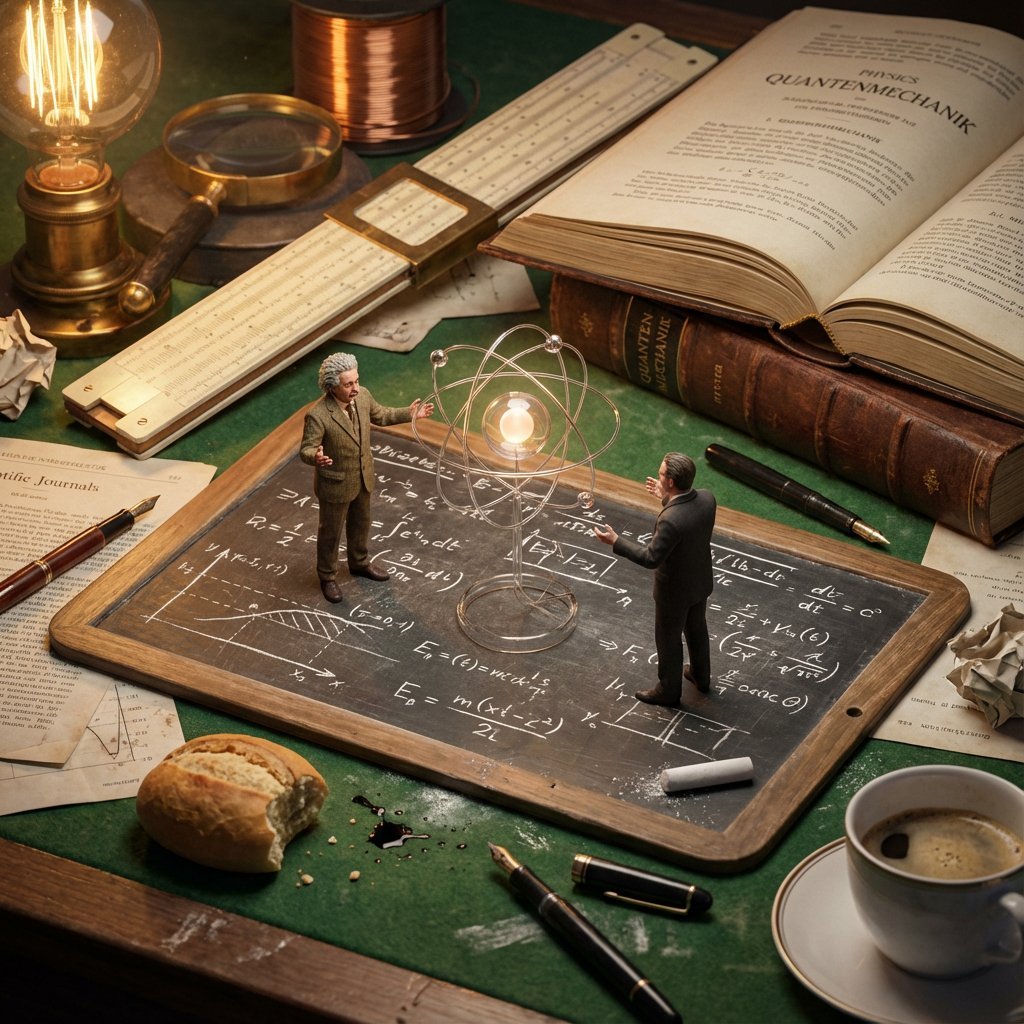
Historical Macro Diorama: Culinary Atlas Grid
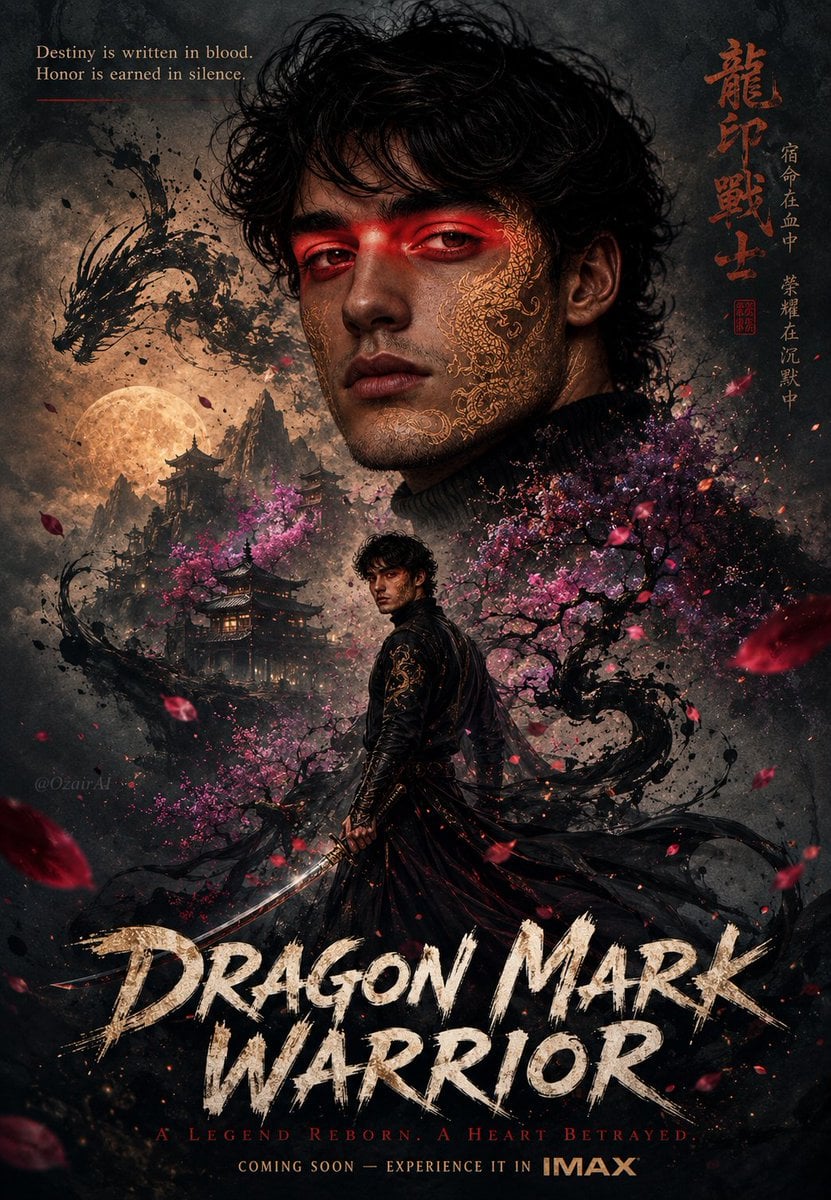
Double Exposure Dragon Warrior Poster
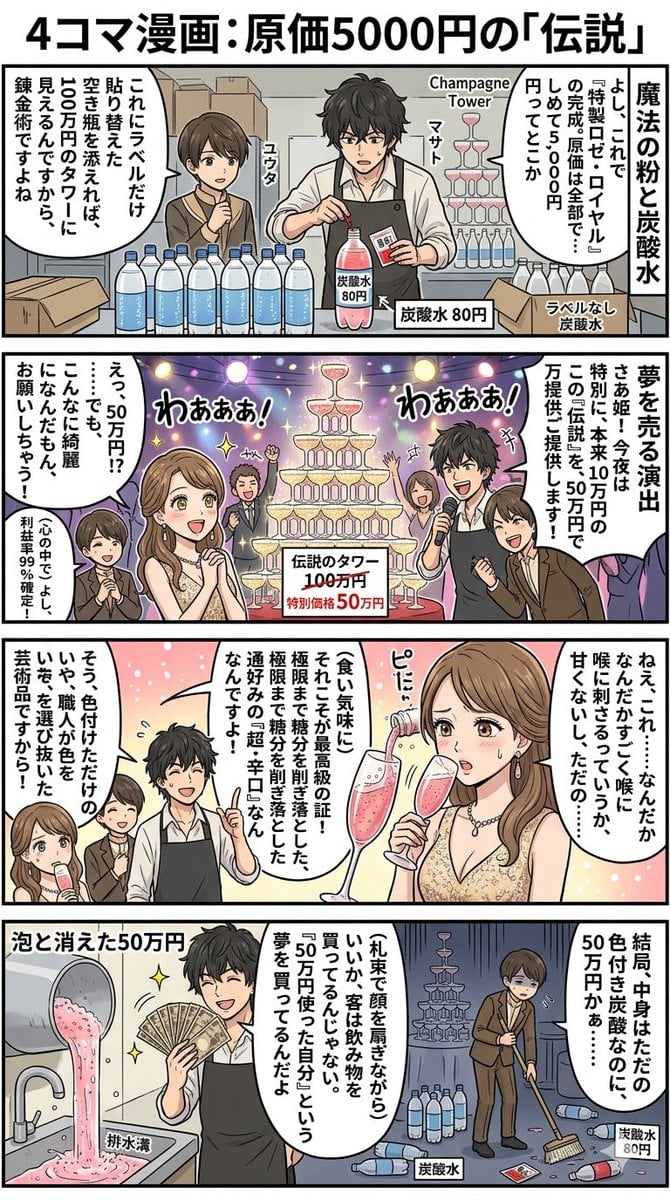
Four-Panel Manga: The Legend of the 5000 Yen Cost
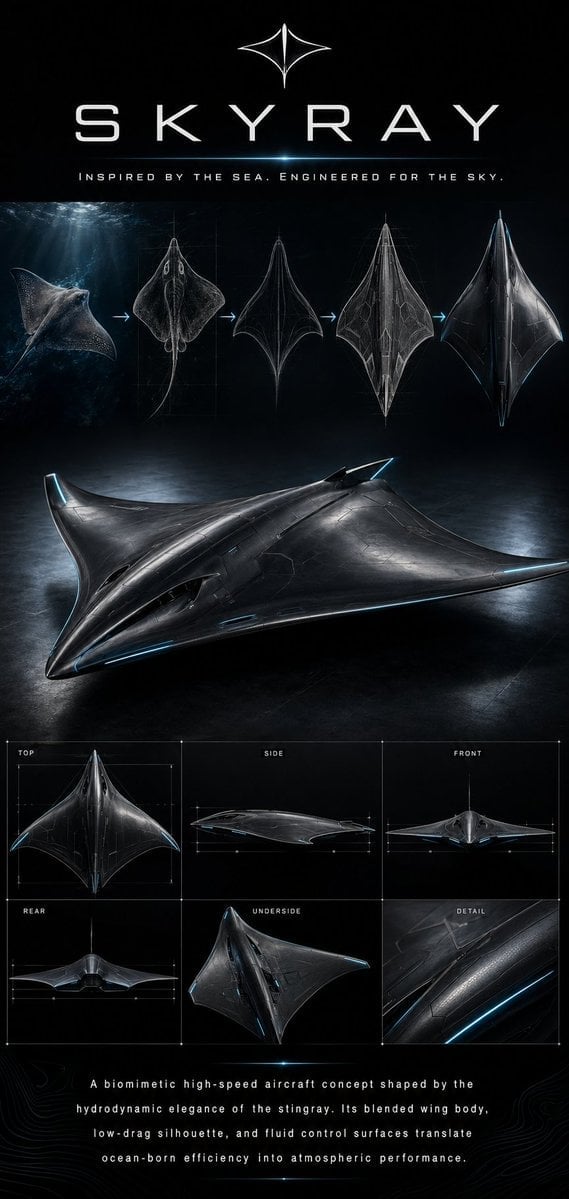
Biomimetic Skyray Aircraft Poster
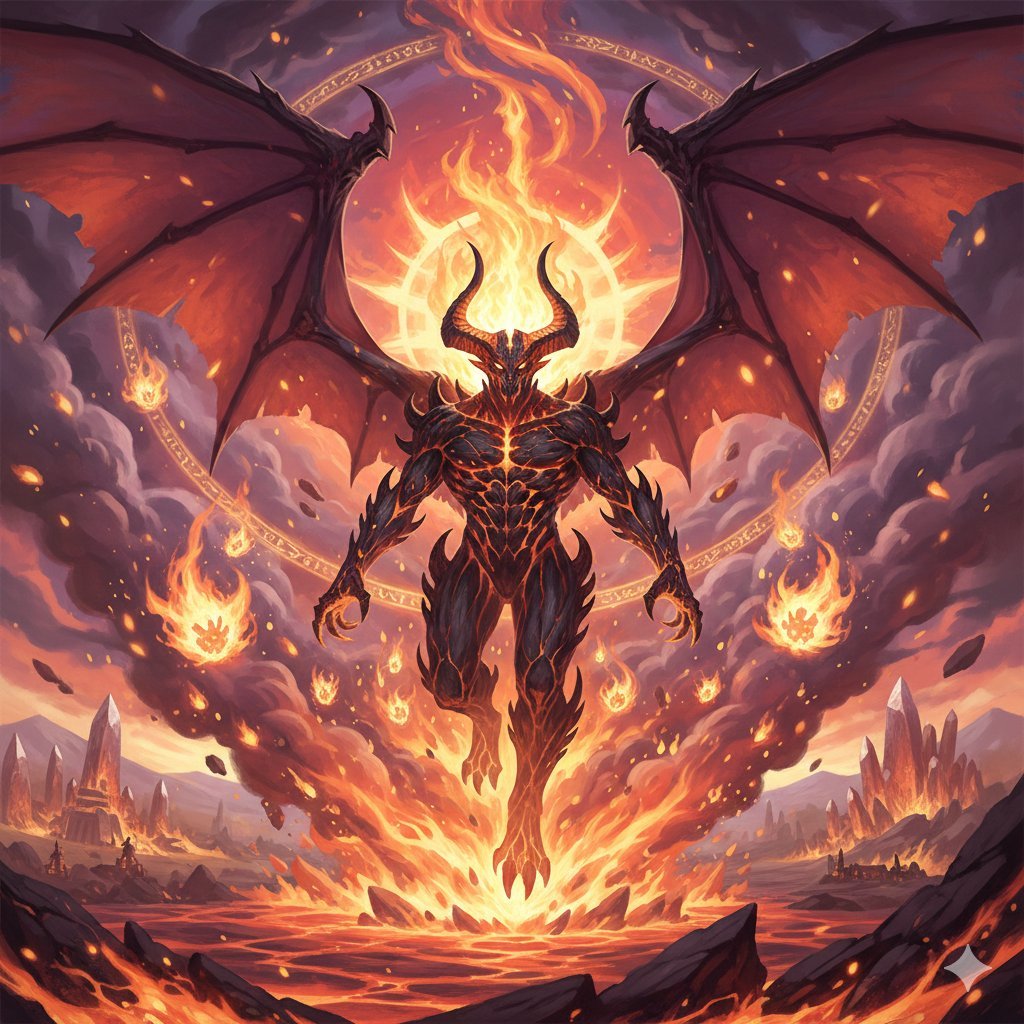
Final Fantasy Ifrit Summon Generation
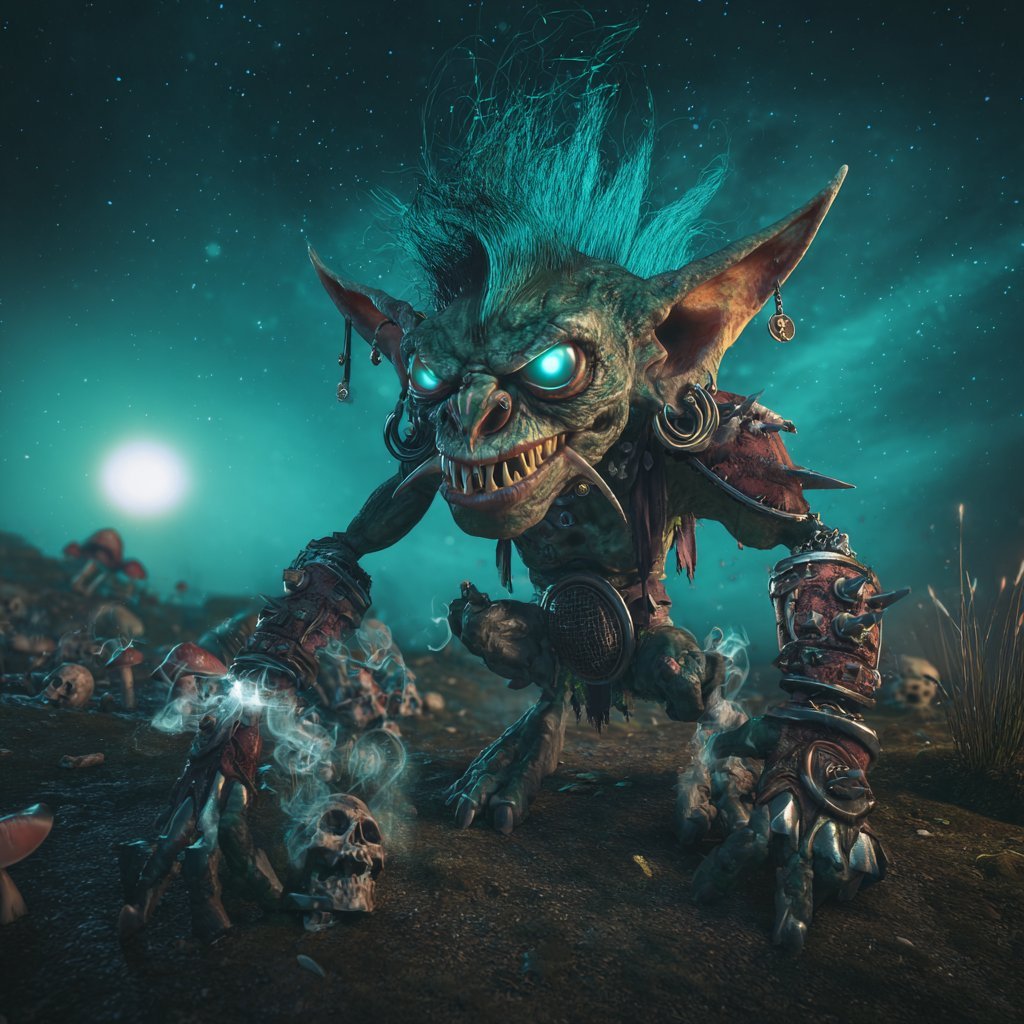
Cinematic Teal Goblin Warrior
Browse template categories
Post-Apocalyptic Times Square Horde questions
How do I use the Post-Apocalyptic Times Square Horde template?
Add your photo if the template asks for one, edit the prompt if you like — the template's model and format are already selected — and press Generate. Your version opens in PicX Studio.
Can I customize the Post-Apocalyptic Times Square Horde template?
Yes. You can change the subject, setting, lighting, mood, format, and available model controls before creating your image.
Is the Post-Apocalyptic Times Square Horde template free?
Opening and editing this template is free. Generating uses credits, shown on the Generate button when you are signed in.
Which AI model should I use?
Start with GPT Image 2, which is the model associated with this template. You can compare another compatible model for a different finish.
Looking for something else? Browse all templates.

Your photo, any look
Thousands of ready templates for every top image and video model, from one credit balance.