
Cinematic Teal Goblin Warrior
Generates a dramatic dark-fantasy goblin creature portrait for concept art, game art, or monster illustration use.
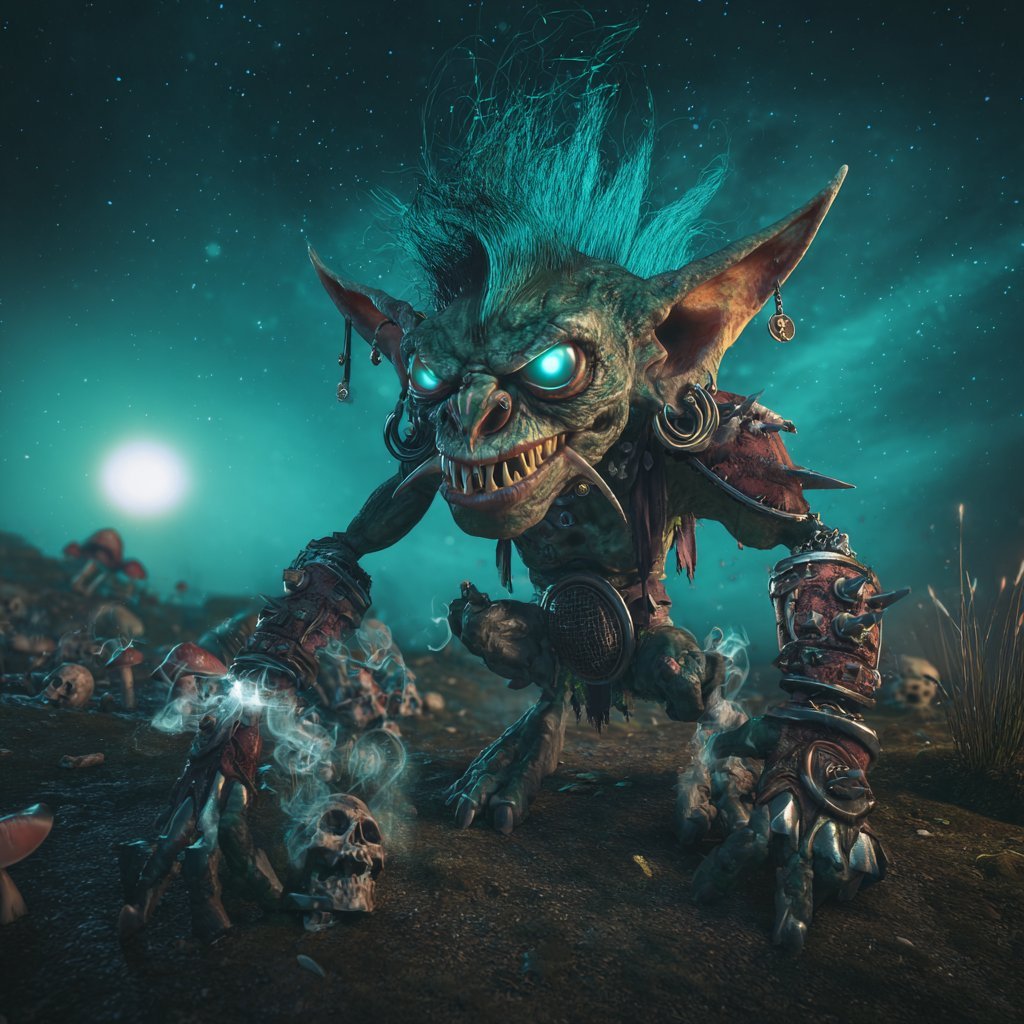
- Prompt included
- Model and format preset
- Free template
The prompt behind this image
Copy the exact prompt behind Cinematic Teal Goblin Warrior, or open it in the studio and make it yours.
Create a dark cinematic fantasy close-up of a single monstrous goblin warrior lunging toward the viewer in a low-angle three-quarter pose on a barren battlefield. The goblin has mottled {argument name="skin color" default="green-gray leathery skin"}, a huge snarling face, sharp uneven yellow teeth, a wrinkled piglike nose, exaggerated cheekbones, enormous pointed ears with dangling earrings and metal rings, and glowing {argument name="eye glow color" default="cyan turquoise"} eyes. Give it a wild upright mohawk of {argument name="hair color" default="electric teal"} hair, thin wisps flying upward as if charged with energy. Dress it in ragged dark leather and scraps of spiked armor: one bulky spiked shoulder pauldron, heavy mismatched bracers, clawed metal gauntlets, belts, straps, charms, bone details, and battered ornaments. The creature crawls forward with long clawed hands planted on the dirt, one hand near a small skull and wisps of ghostly blue smoke, creating a menacing goblin-art showcase portrait. Set the scene at night under a star-filled teal sky with a large bright moon or glowing orb low on the left horizon, turquoise nebula haze behind the character, scattered bones, skulls, rocks, dead grass, and red-capped mushrooms in the background. Use dramatic rim lighting, cyan bioluminescent glow from the eyes and smoke, high contrast shadows, shallow depth of field, ultra-detailed textures, grimy practical fantasy realism, cinematic 3D creature design, wide-angle perspective, centered composition, intense threatening expression, no text, no borders.
How to use Cinematic Teal Goblin Warrior in 3 steps
- 1Upload ImagePNG, JPG or paste
Add your photo
Upload the photo the template builds on. The prompt, model and format are already set.
- 2…a portrait of your subject in softgolden-hour light, 85mm…
Personalize
Edit the subject and creative details for your destination.
- 3Generate
Generate
Press Generate — your image is created in PicX Studio, so you can compare it with the original and refine one variable at a time.
More like this
Templates with the same subject, style or setup. Open one to see its prompt.
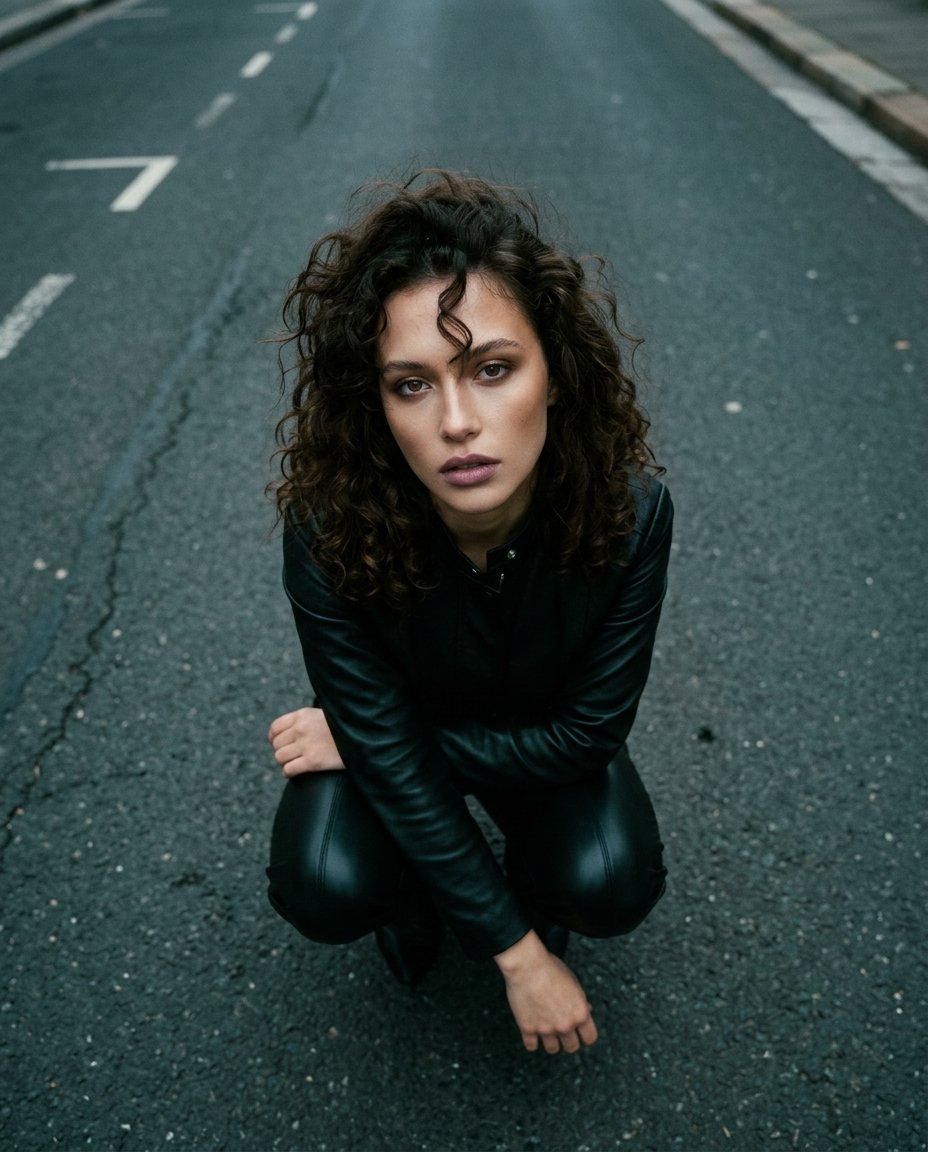
Top-Down Cinematic Portrait
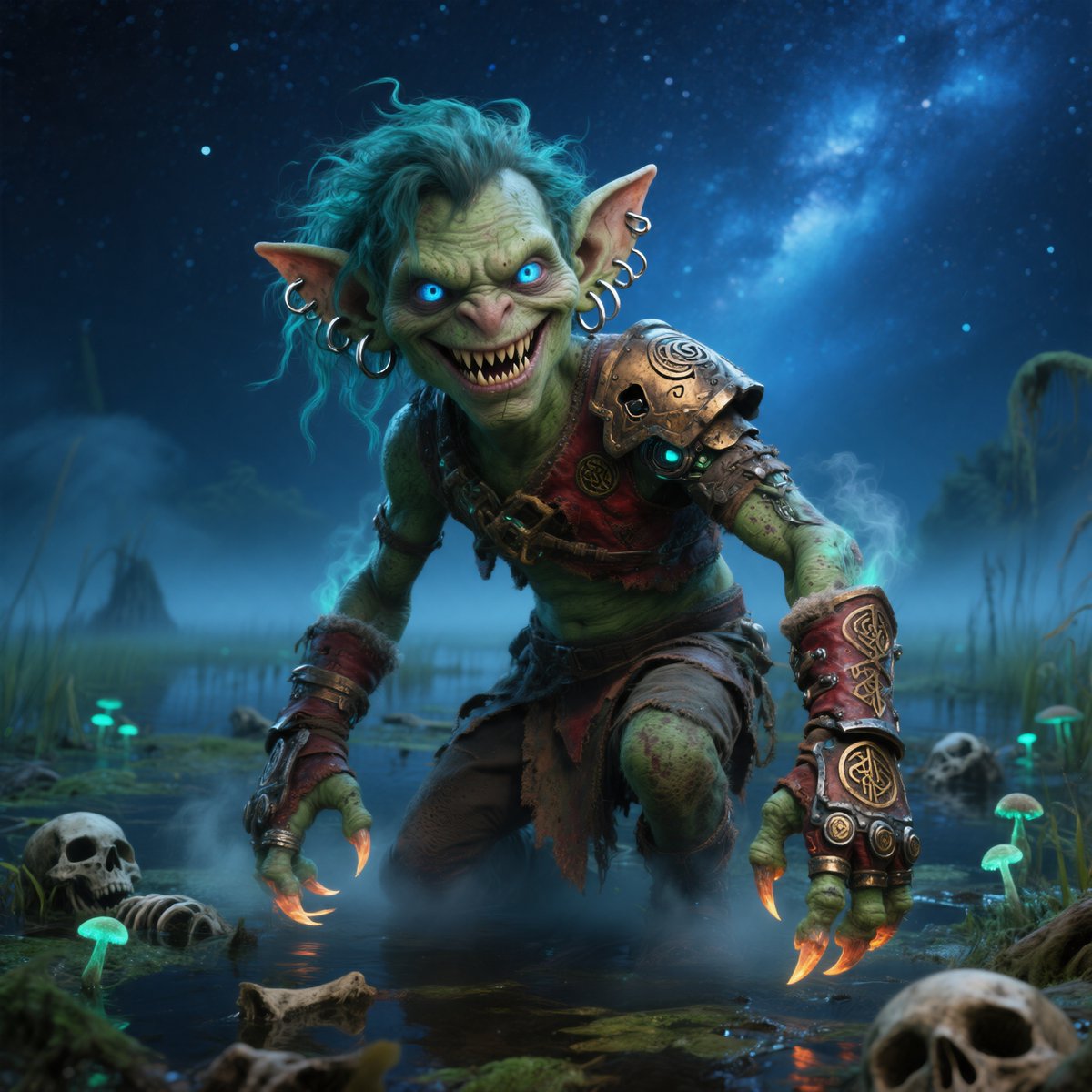
Moonlit Swamp Goblin Warrior
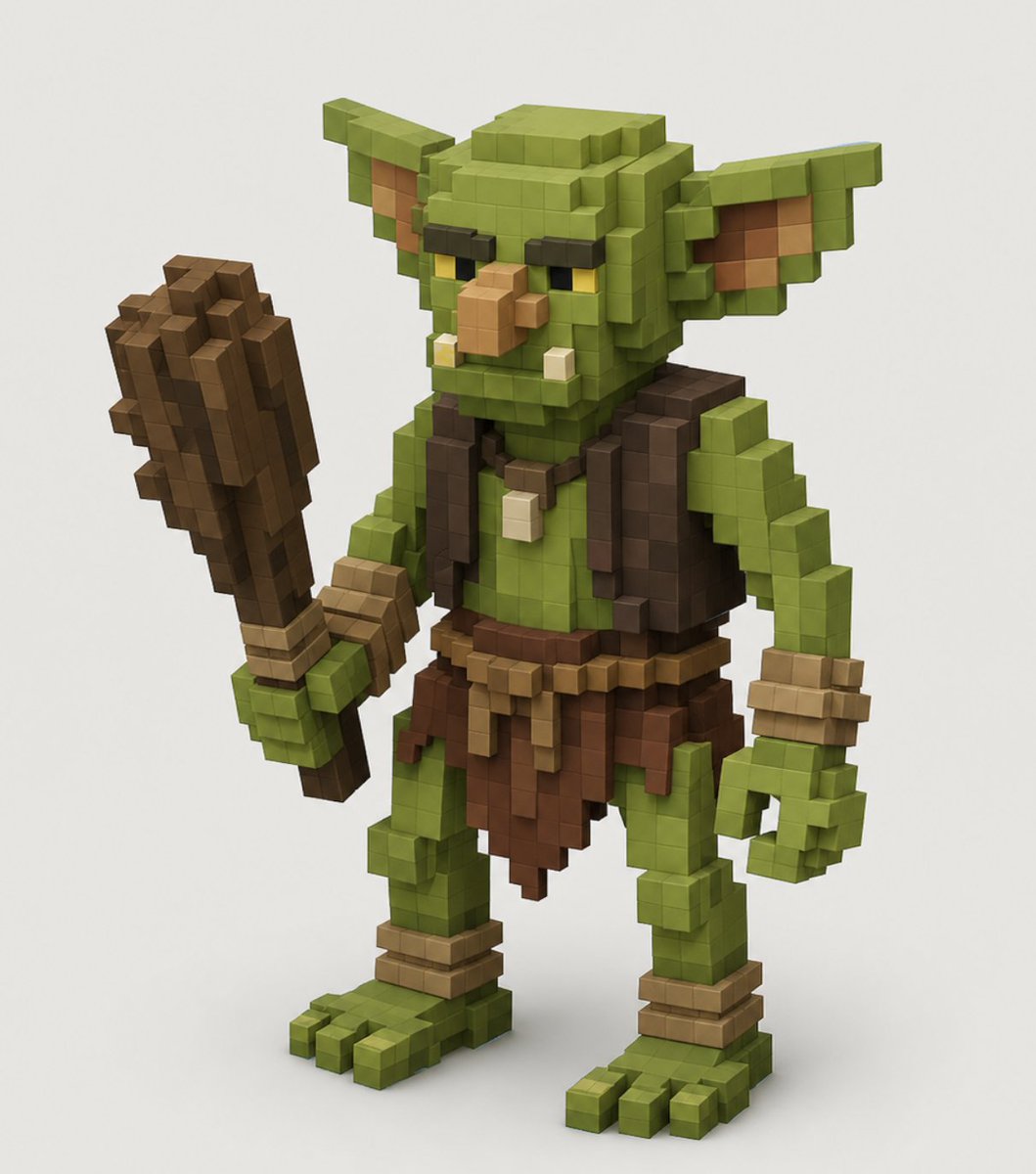
Voxel Goblin Warrior
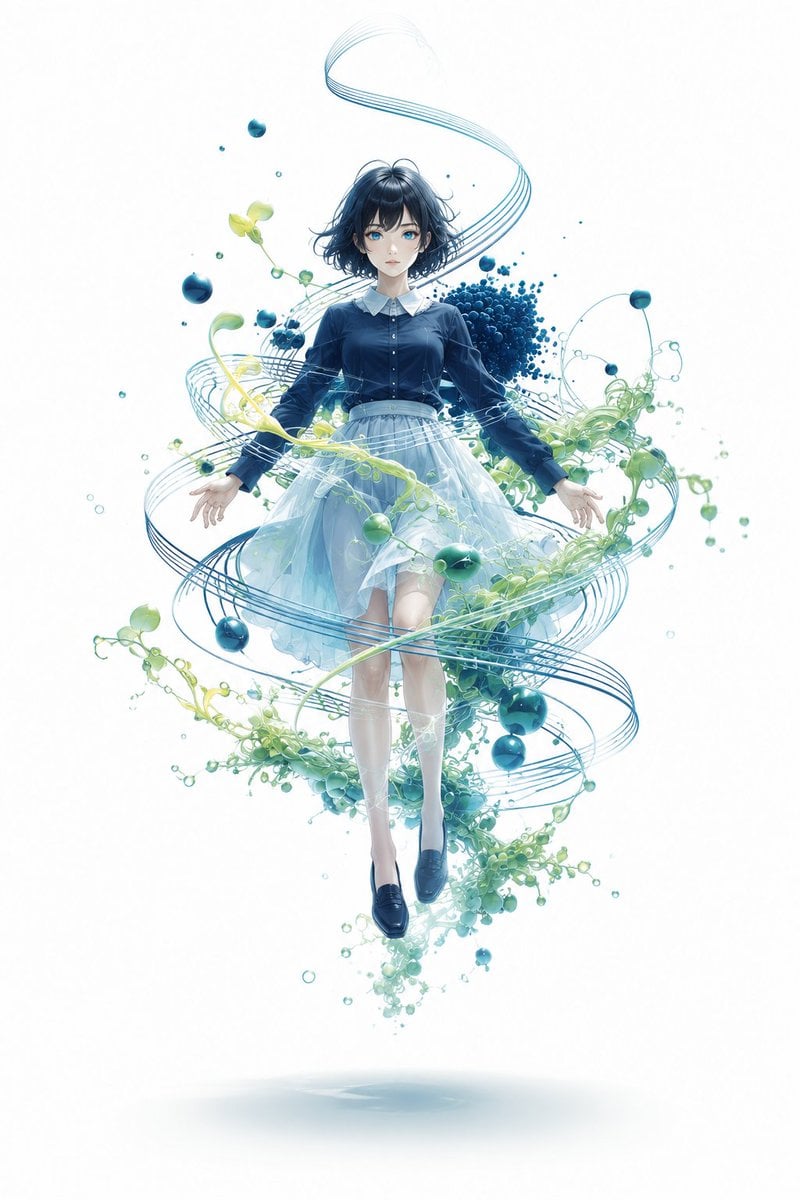
Floating Anime Girl with Teal Spirals

Teal Japanese Handwritten Lyric Card
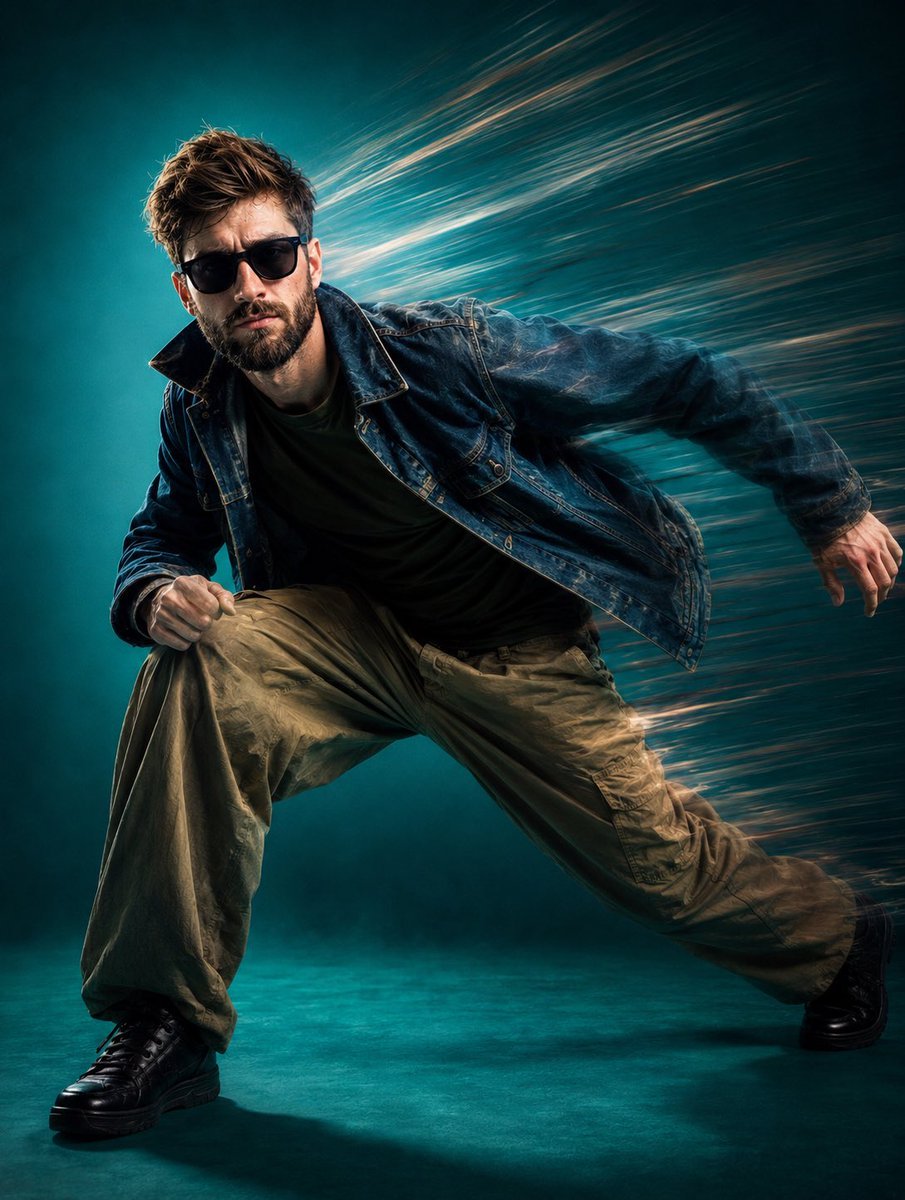
Dynamic Teal Streetwear Action Shot
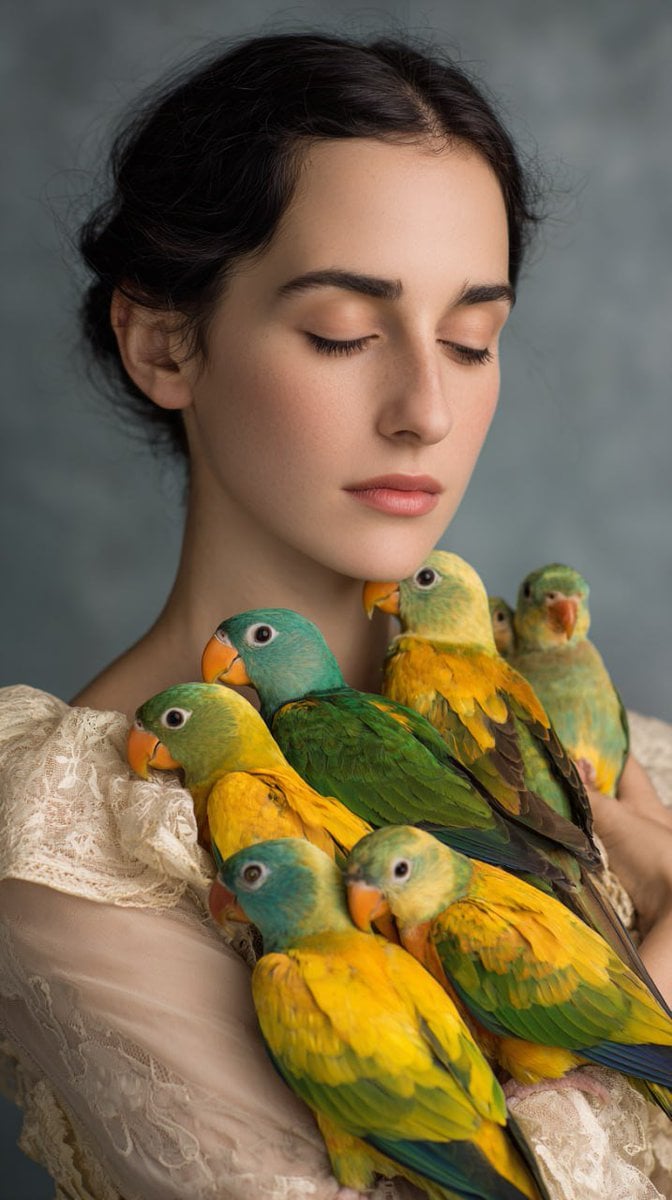
Woman with Teal and Yellow Parrots
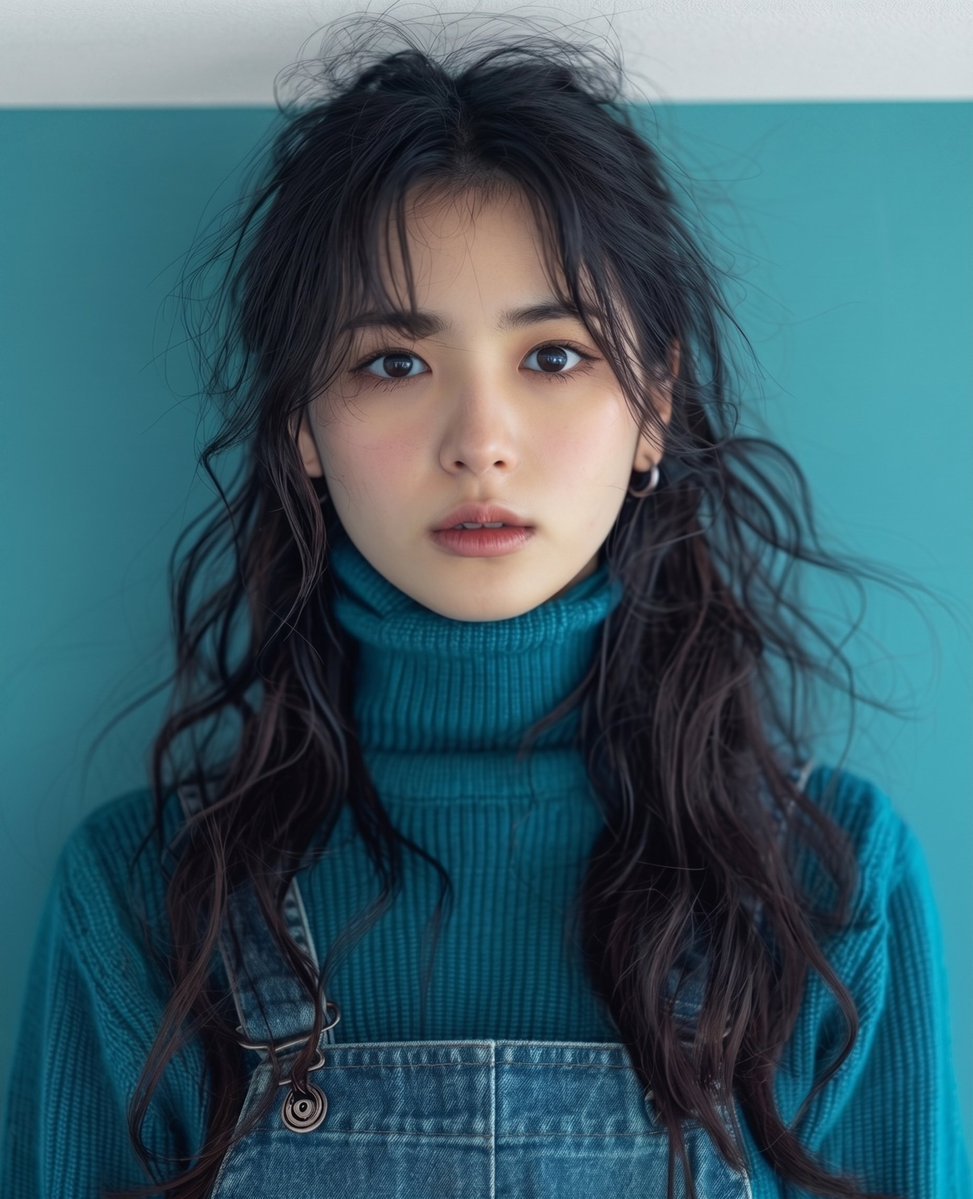
Teal Studio Overalls Portrait
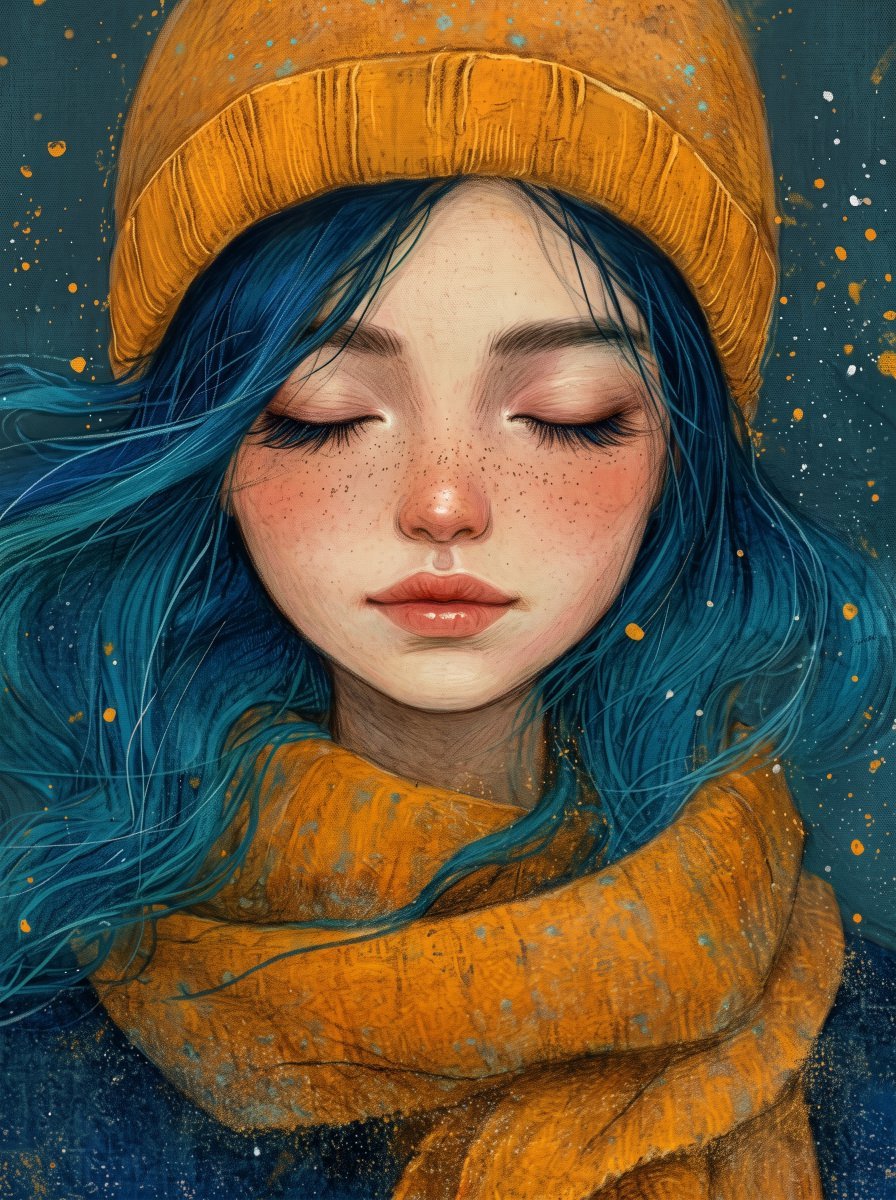
Painterly Portrait with Teal Hair and Mustard Beanie
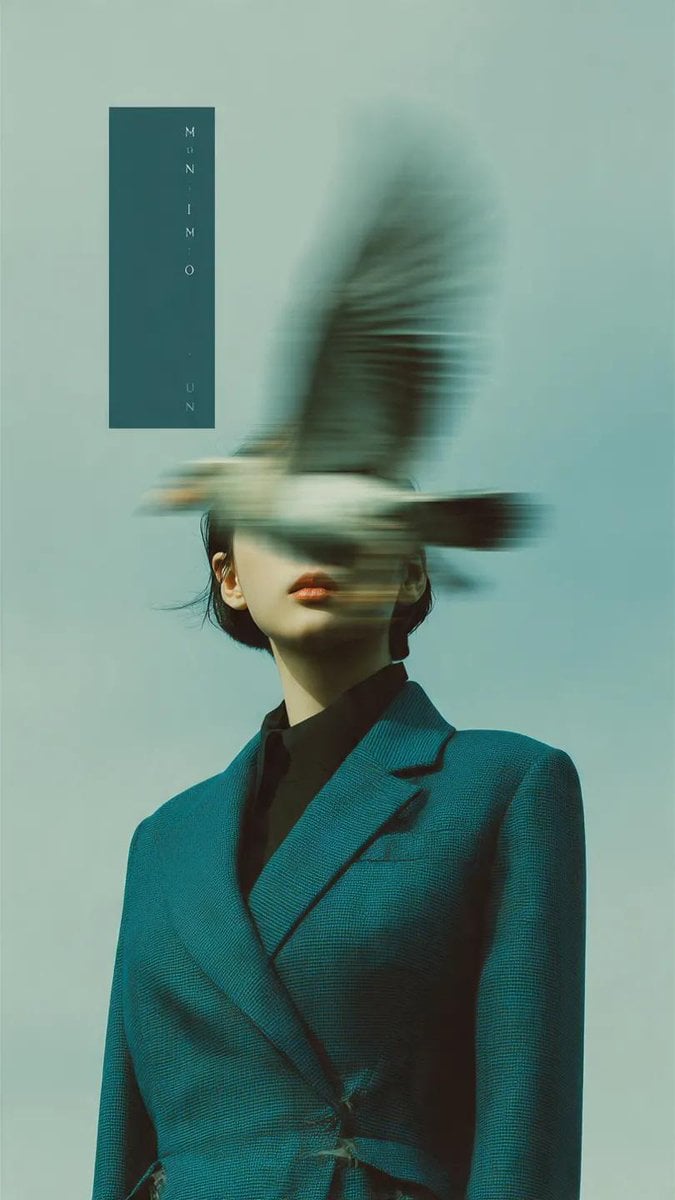
Editorial photography, a woman wearing a structured deep teal blazer
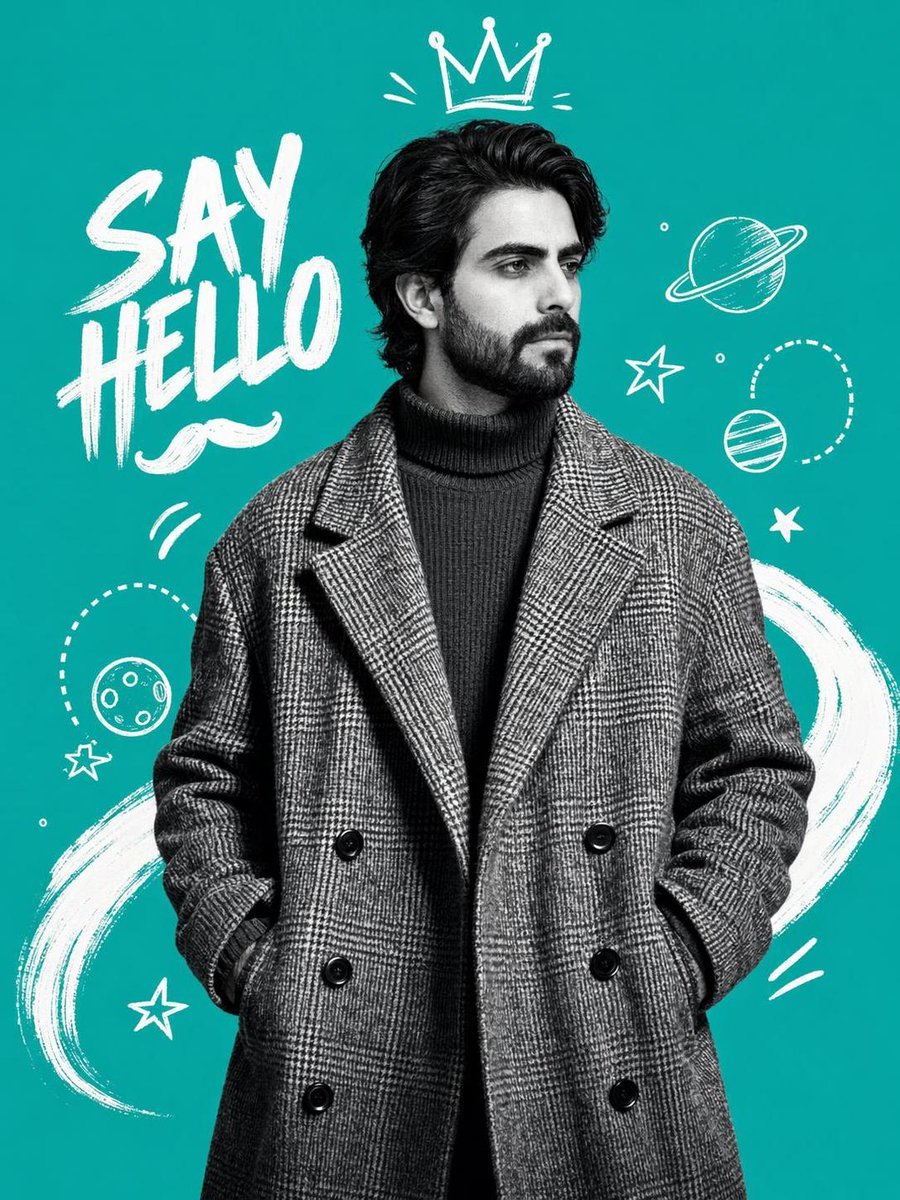
Teal Fashion Collage Poster
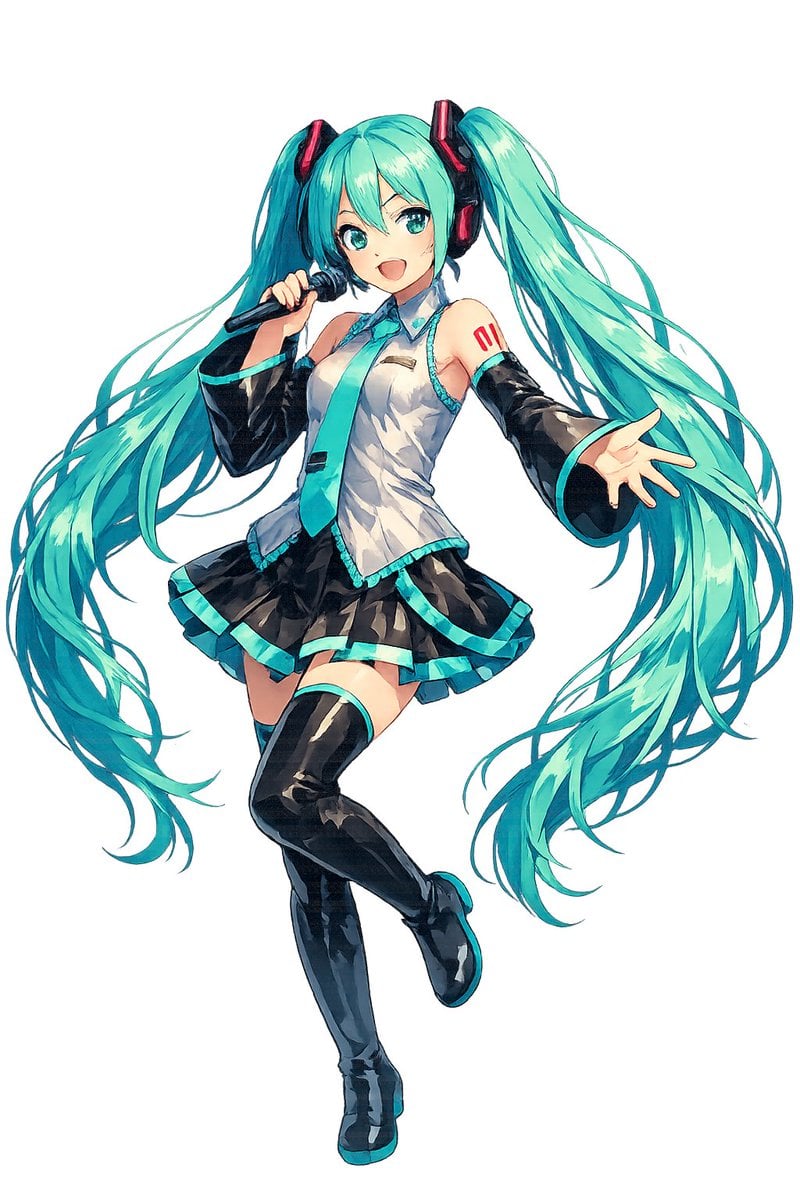
Full-Body Teal Twin-Tail Anime Idol
Make it yours
Cinematic Teal Goblin Warrior works as-is. These are the safest ways to change it without losing the look.
Change one field
Copy a single group, rewrite it, and generate again so you can see what that field is doing.
Keep the frame, change the subject
Hold the composition and light of Cinematic Teal Goblin Warrior, then swap wardrobe, props or the person for a new take.
| If the result… | Why | Fix |
|---|---|---|
| The result drifts from the preview | Too many fields changed at once. | Reuse Cinematic Teal Goblin Warrior as-is first, then change one group — subject, light, or setting. |
| The model over-stylizes the scene | The prose prompt leaves finish and camera underspecified. | Add one camera or lighting sentence and stay on GPT Image 2. |
More GPT Image 2 templates
Other prompts made for GPT Image 2.

Six VTuber Japanese Logo Sheet

Realistic Portrait of Woman and Deer

The Vista Modular Condo Poster

AI Model Routing Comparison Infographic

2.5D Anime Art Board

Isometric Productivity Desk Scene

New York Double Exposure Poster

Four-Panel AI Landscape Comparison

Japanese Tatami Lifestyle Magazine Cover

NESCAFÉ Coffee Map Poster
More image prompts
Fresh picks from across the catalog.
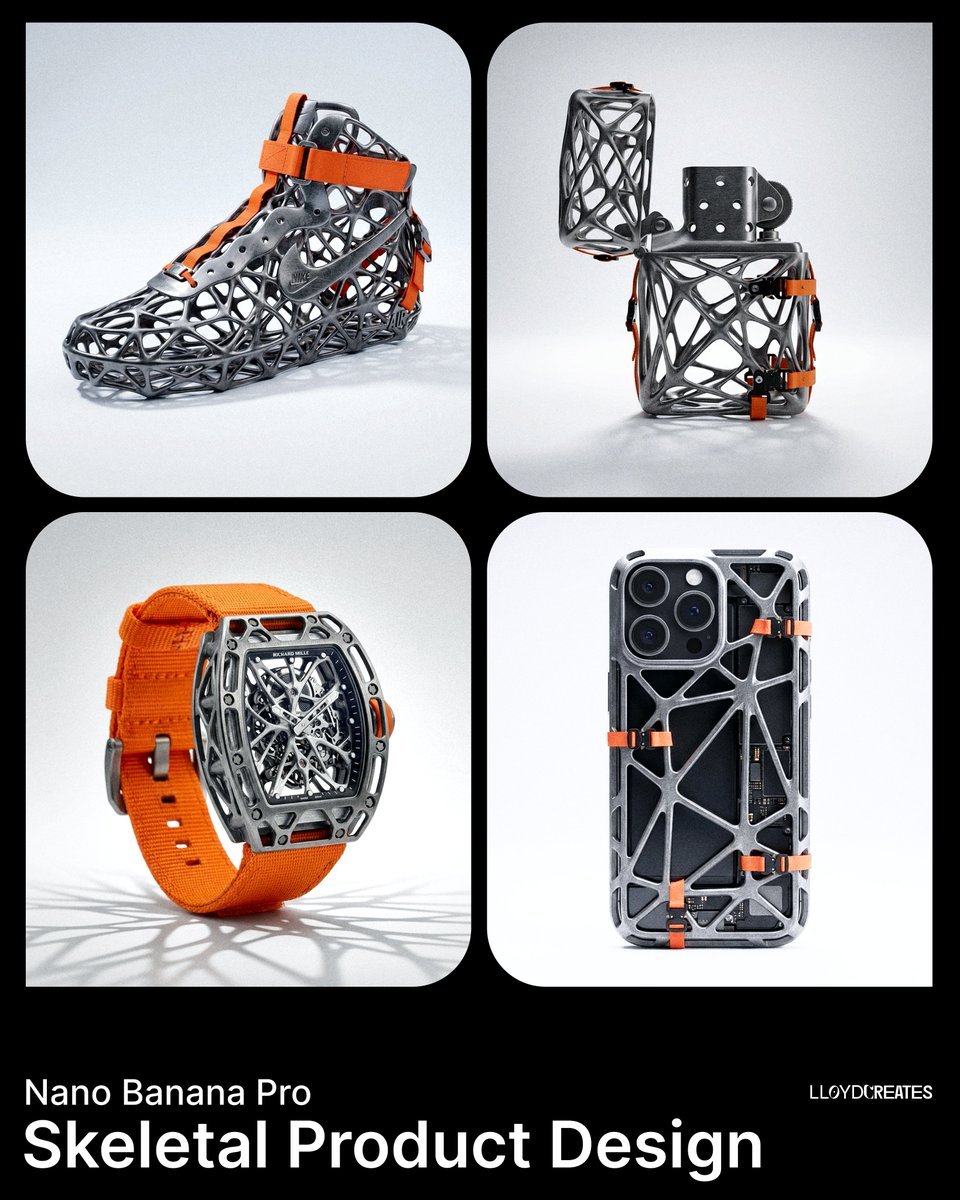
Skeletal Product Design Prompt
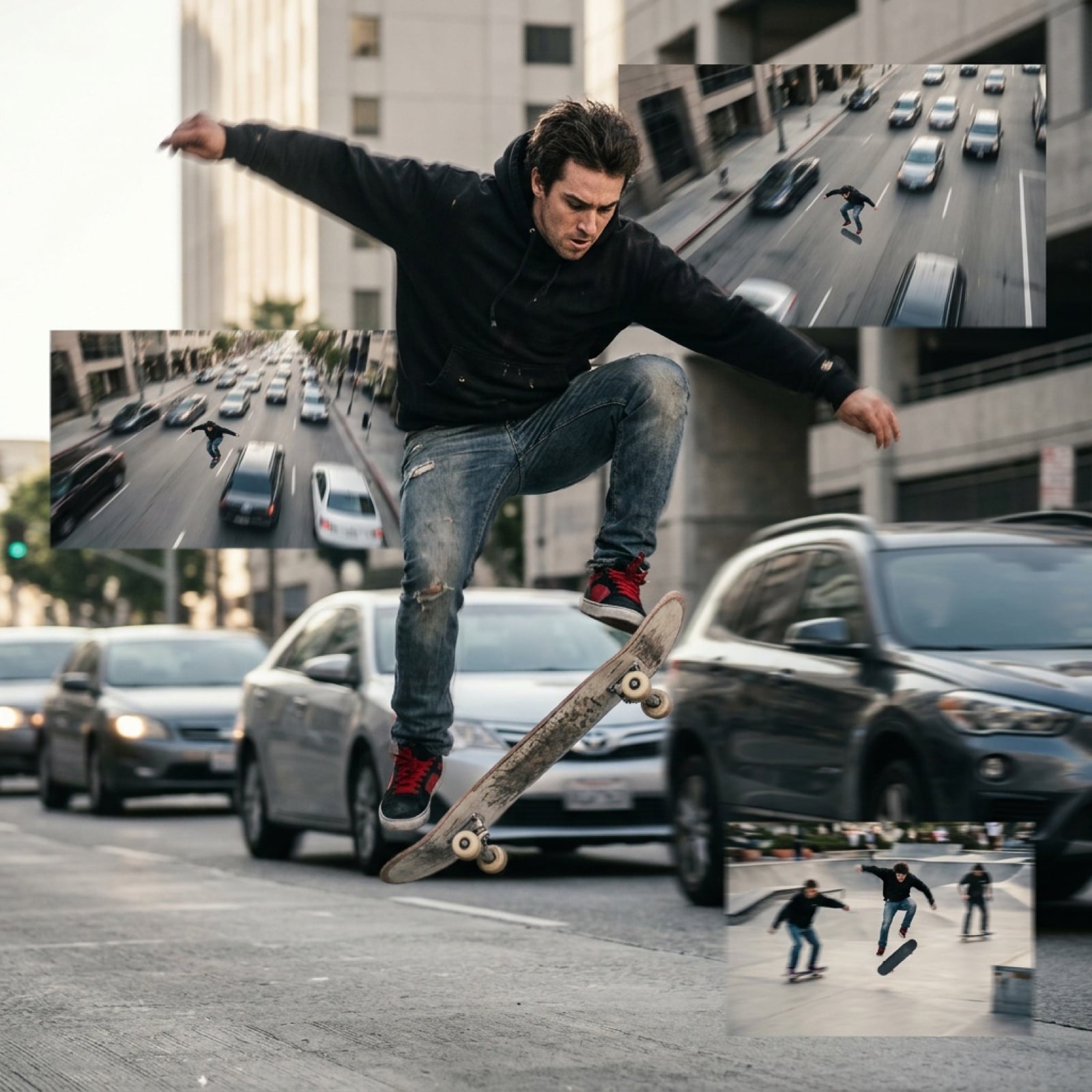
Grok Video Prompt: High-Speed Skateboarding and Jumping Over Cars
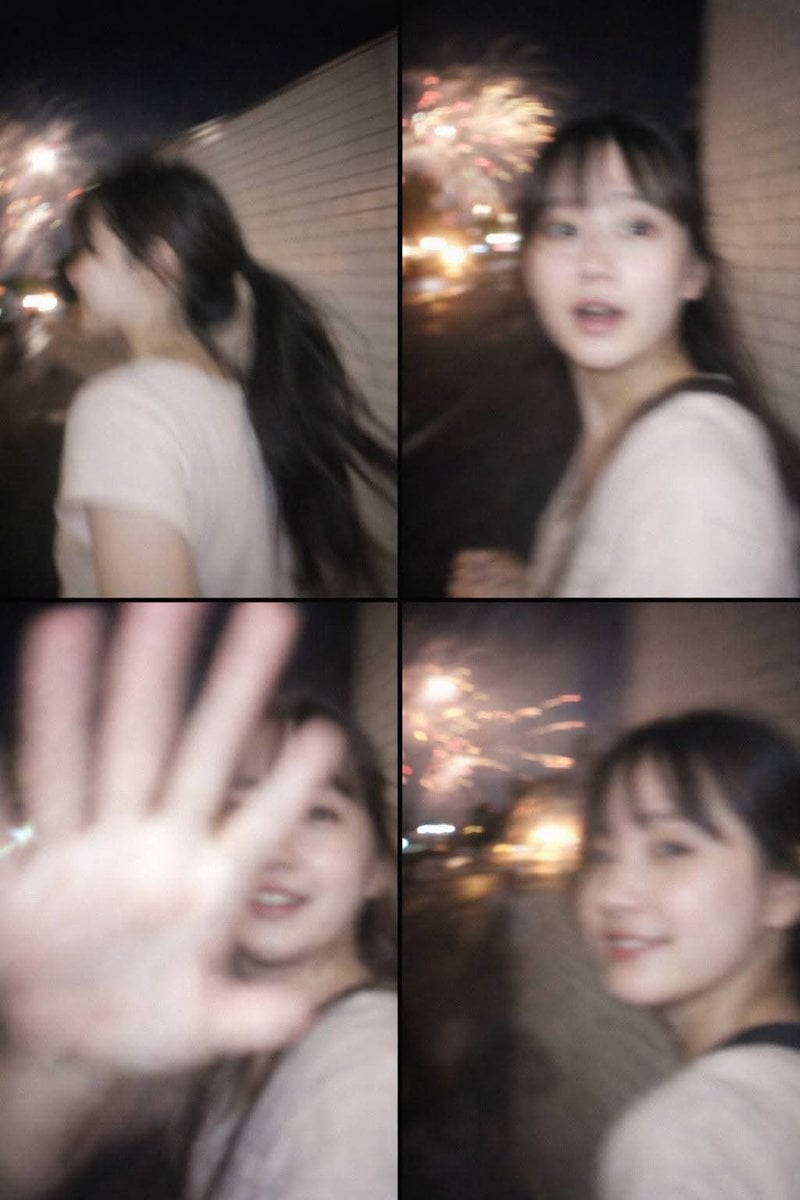
Accidental Smartphone Photograph Contact Sheet (Anti-Aesthetic)

AI-Generated Board Report Slide
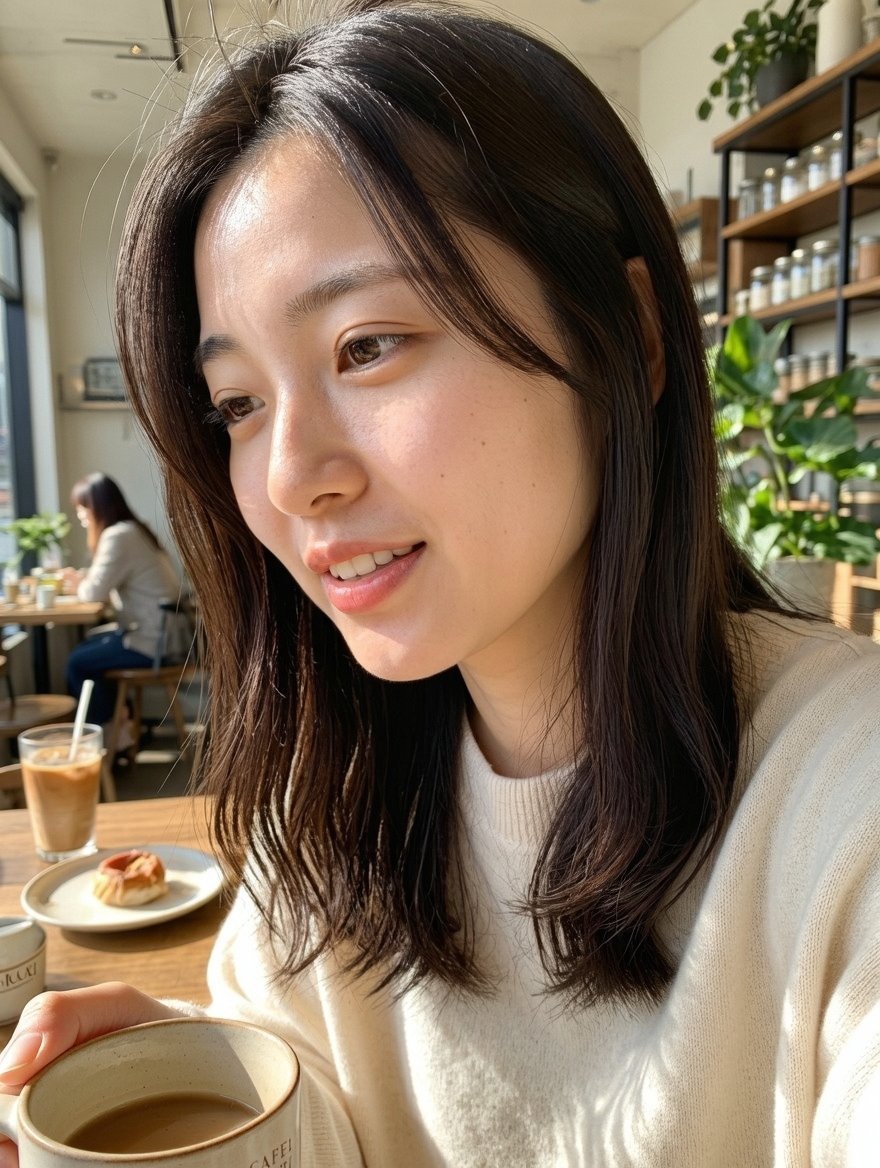
Censored Café Selfie Portrait
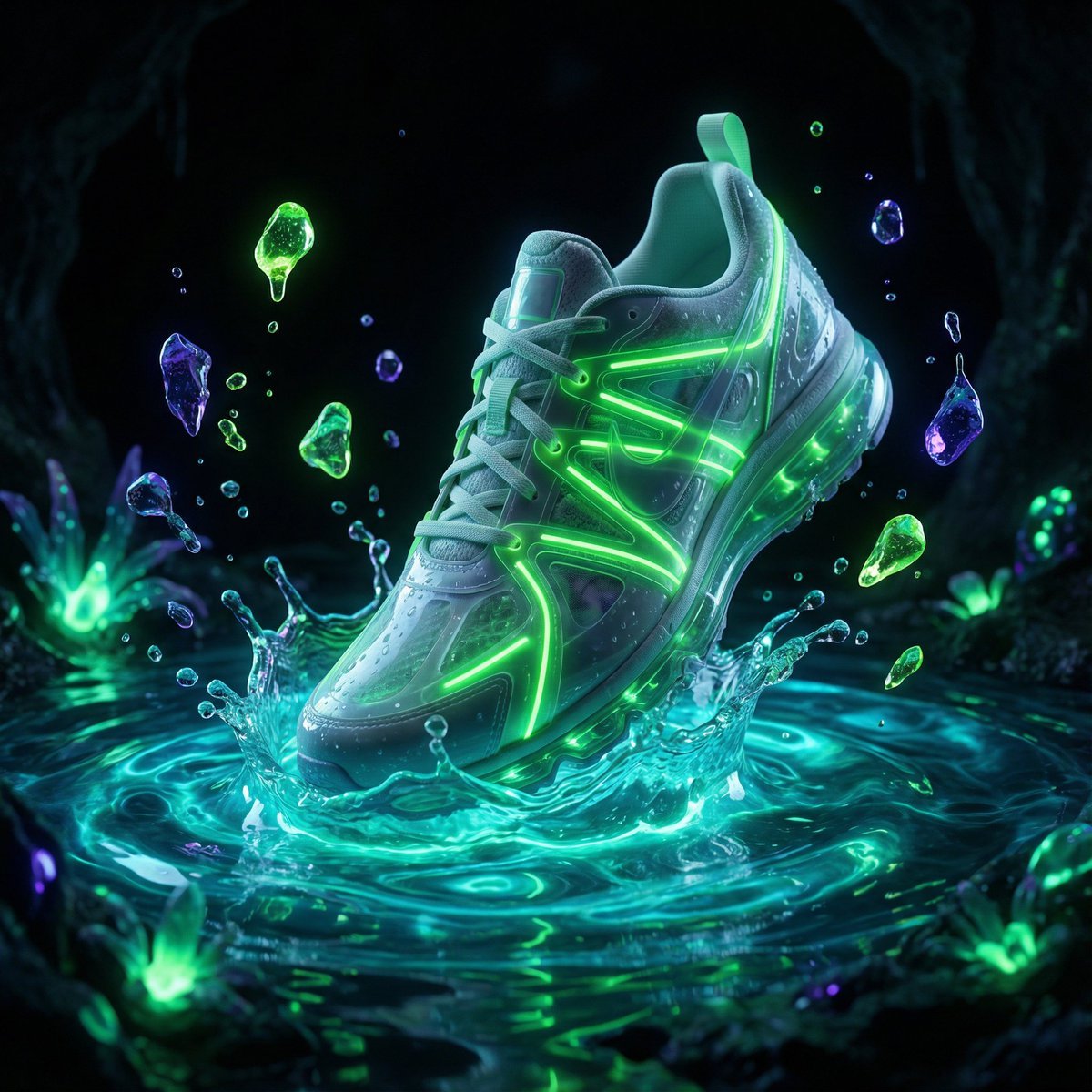
Bioluminescence Product Splash Advertisement
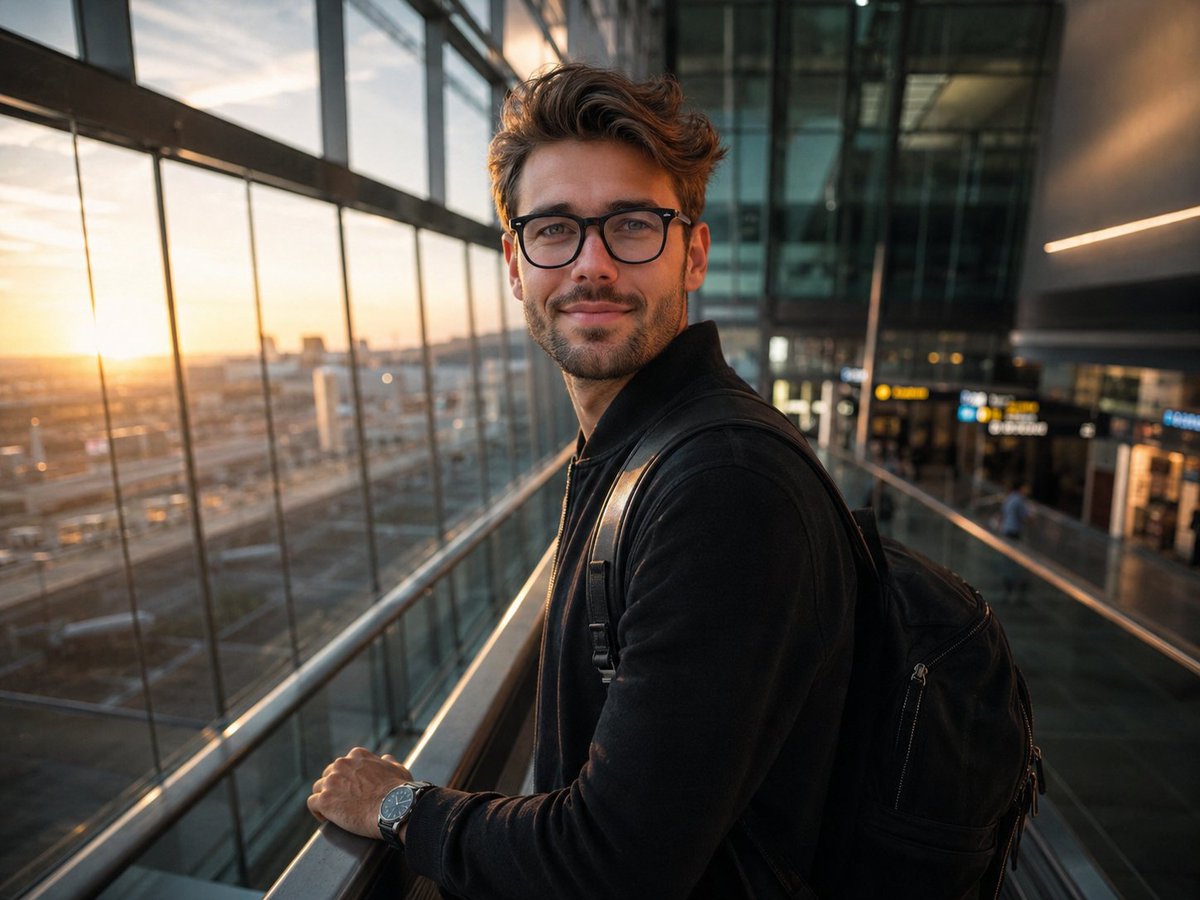
Minimalist Traveler Airport Scene
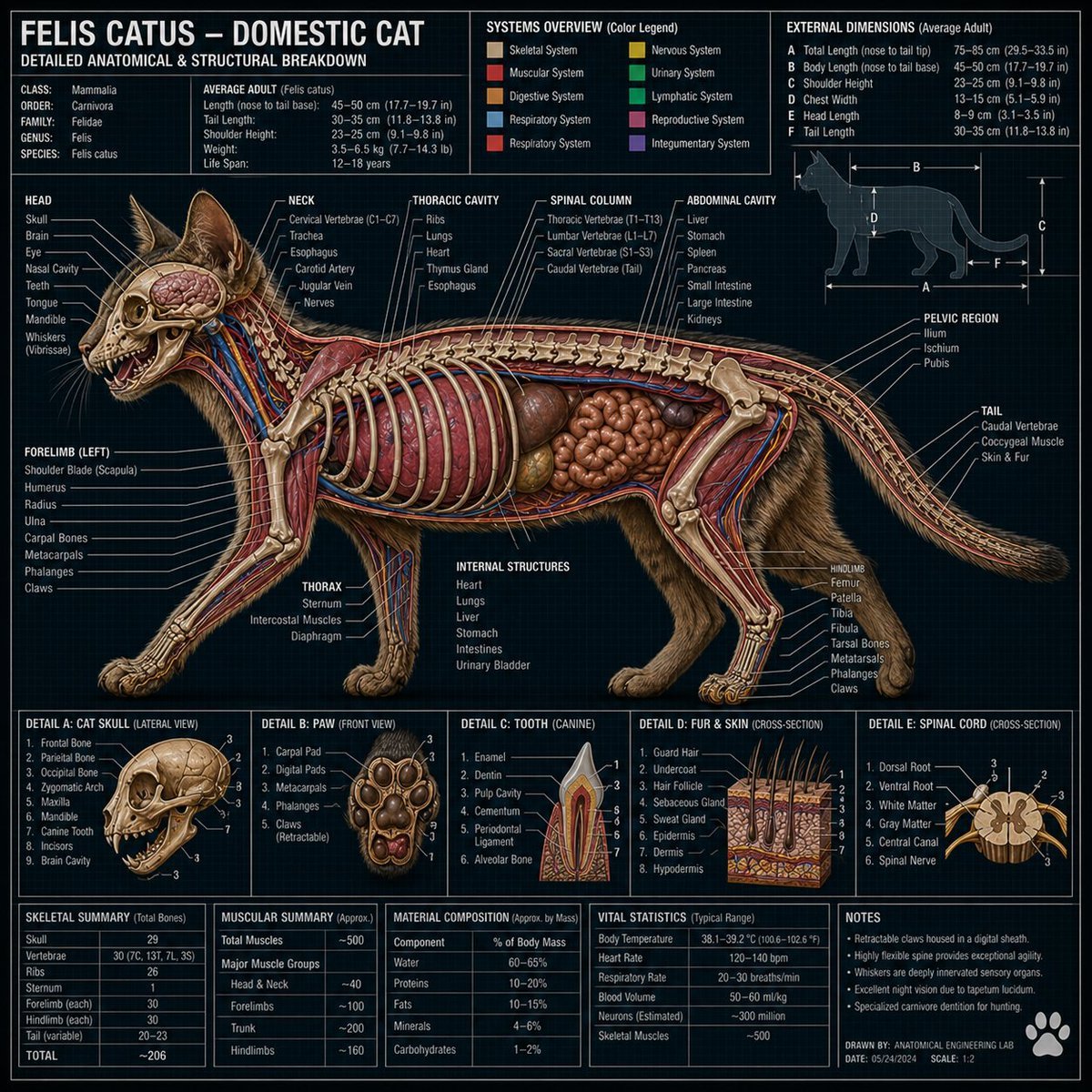
Technical Cross-Section Diagram
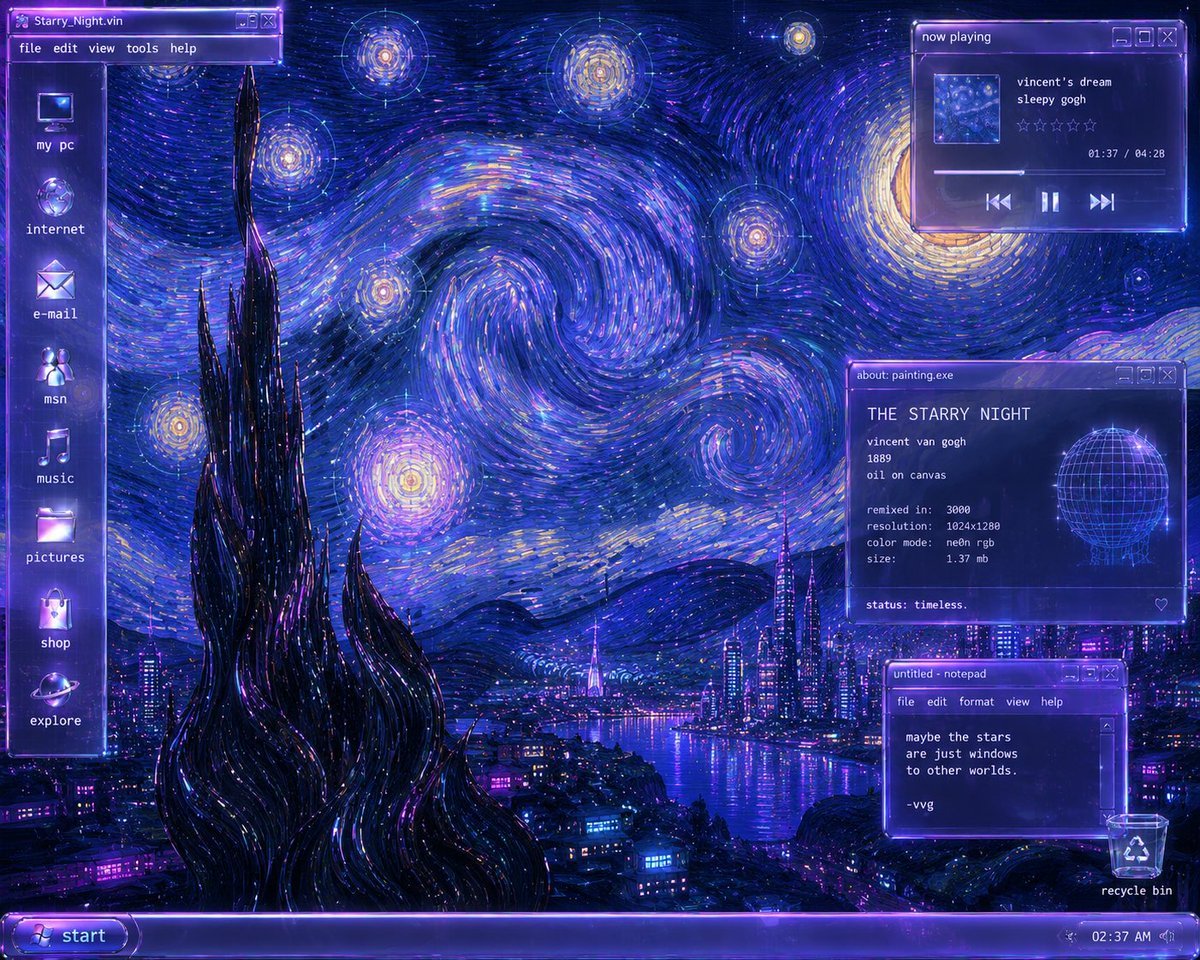
Y2K Starry Night Desktop
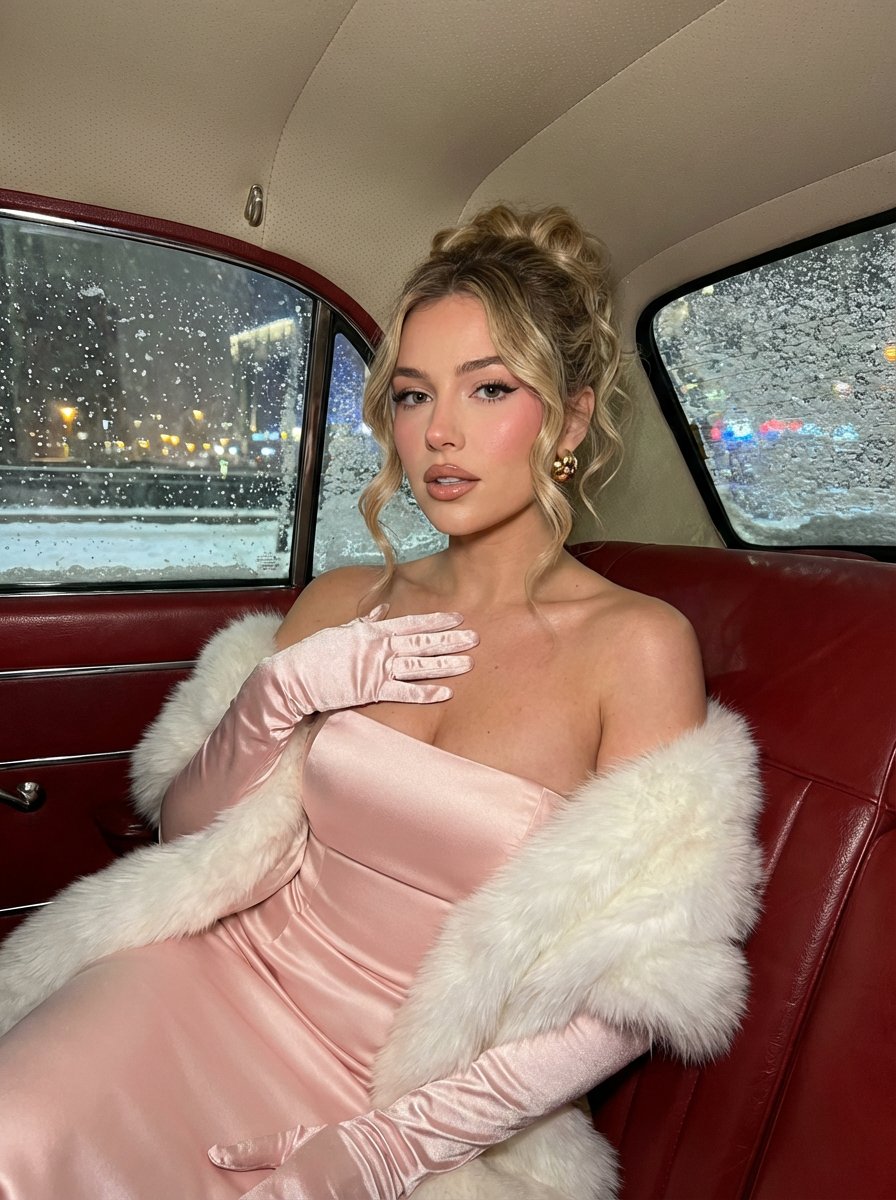
Glamorous Vintage Car Portrait Prompt (Identity Locked)
Browse template categories
Cinematic Teal Goblin Warrior questions
How do I use the Cinematic Teal Goblin Warrior template?
Add your photo if the template asks for one, edit the prompt if you like — the template's model and format are already selected — and press Generate. Your version opens in PicX Studio.
Can I customize the Cinematic Teal Goblin Warrior template?
Yes. You can change the subject, setting, lighting, mood, format, and available model controls before creating your image.
Is the Cinematic Teal Goblin Warrior template free?
Opening and editing this template is free. Generating uses credits, shown on the Generate button when you are signed in.
Which AI model should I use?
Start with GPT Image 2, which is the model associated with this template. You can compare another compatible model for a different finish.
Looking for something else? Browse all templates.

Your photo, any look
Thousands of ready templates for every top image and video model, from one credit balance.