
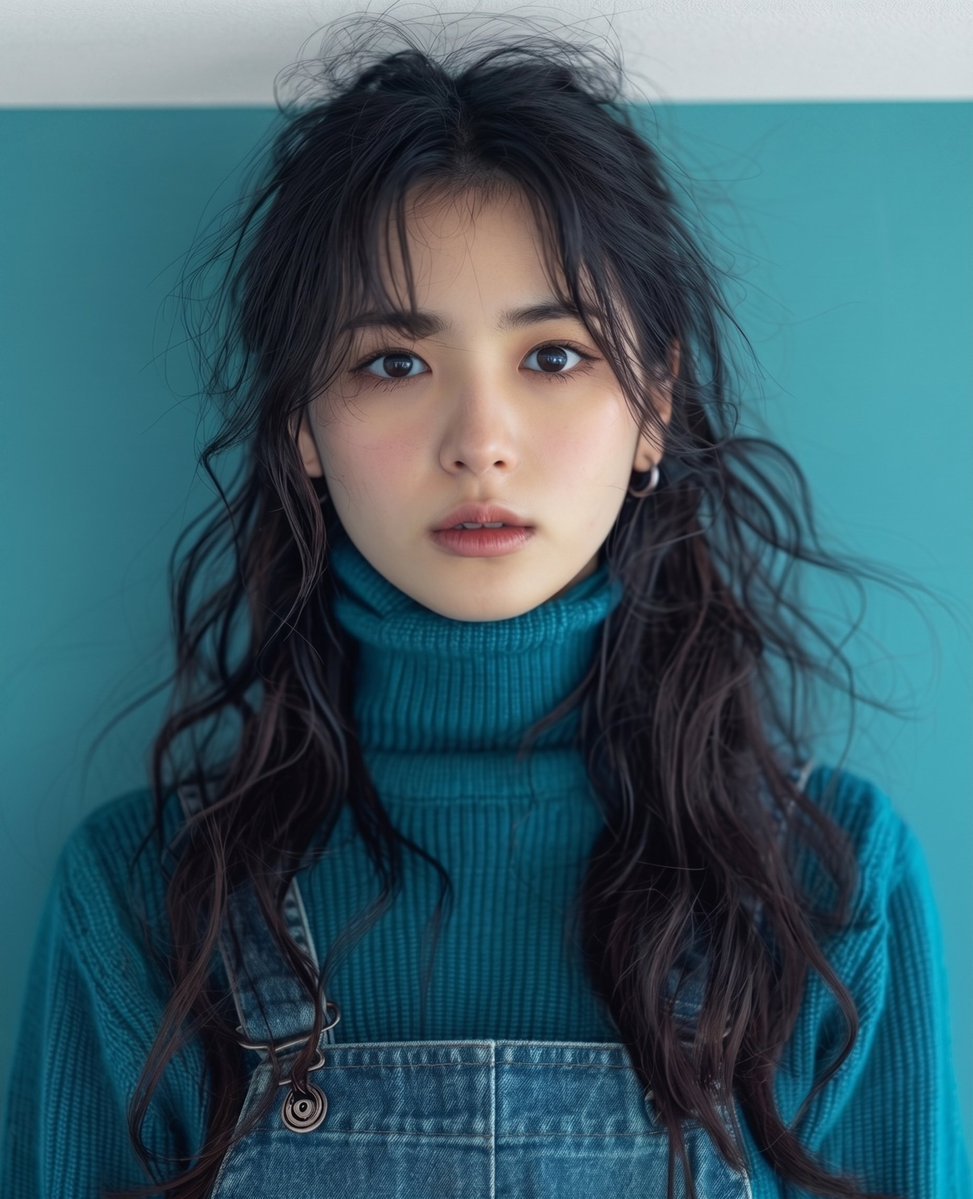
Teal Studio Overalls Portrait
A studio portrait prompt focusing on color coordination with teal tones, high-detail skin texture, and a shallow depth of field.
- Prompt included
- Model and format preset
- Free template
The prompt behind this image
Copy the exact prompt behind Teal Studio Overalls Portrait, or open it in the studio and make it yours.
A studio portrait of a {argument name="subject" default="young East Asian woman with long wavy dark brown hair"} styled naturally with fine loose flyaway strands framing her face. She is looking directly into the camera with big, expressive dark eyes and a neutral expression. Wearing a {argument name="clothing" default="teal-blue ribbed knit turtleneck sweater and blue denim overalls"}. {argument name="background" default="Solid monochrome deep cyan-teal studio background"}. Soft cinematic studio lighting, shallow depth of field, shot on 85mm lens, high-detail skin texture, soft matte makeup, color-coordinated teal tones
How to use Teal Studio Overalls Portrait in 3 steps
- 1
Open
The prompt is already in the box next to the preview, with the template's model and format selected.
- 2…a portrait of your subject in softgolden-hour light, 85mm…
Personalize
Edit the subject and creative details for your destination.
- 3Generate
Generate
Press Generate — your image is created in PicX Studio, so you can compare it with the original and refine one variable at a time.
More like this
Templates with the same subject, style or setup. Open one to see its prompt.

80s Couple Studio Portrait

1985 Studio Portrait

Monochrome Studio Portrait with Colored Lens
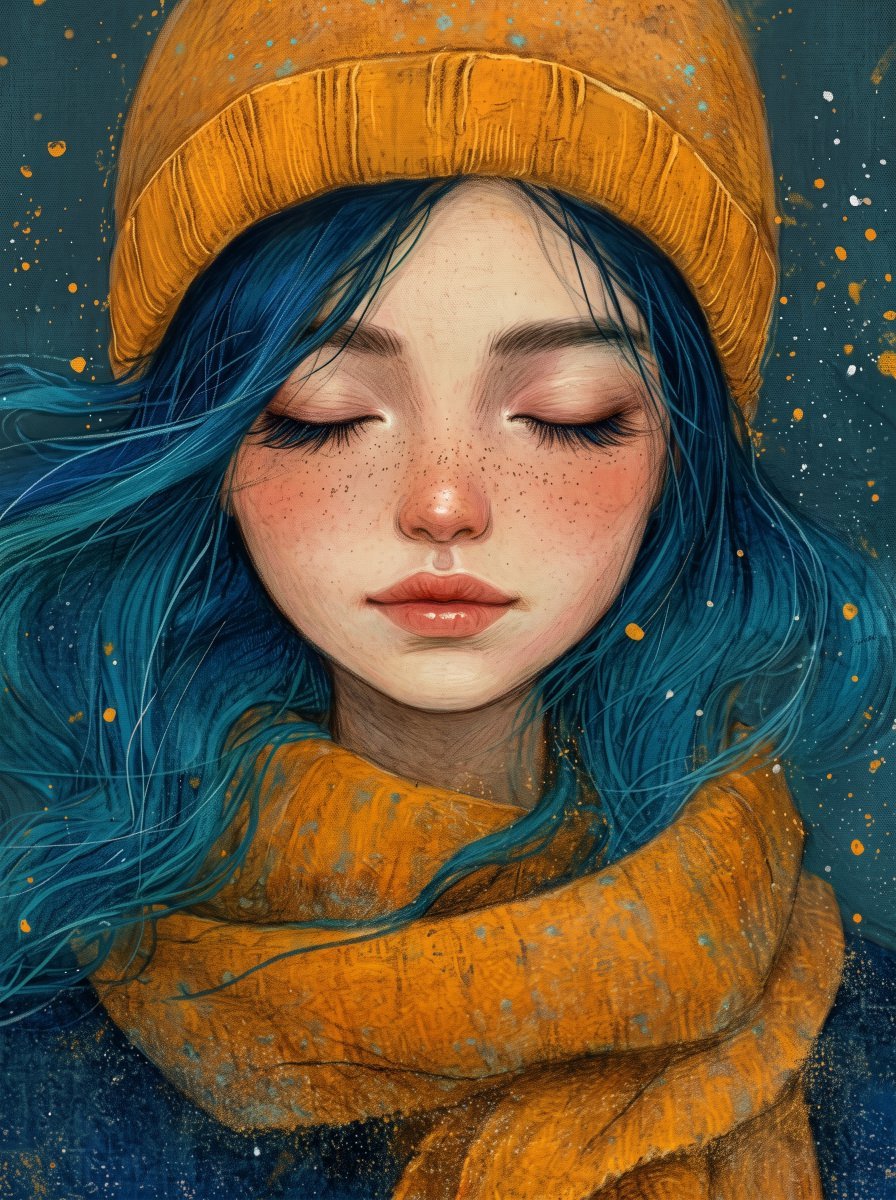
Painterly Portrait with Teal Hair and Mustard Beanie
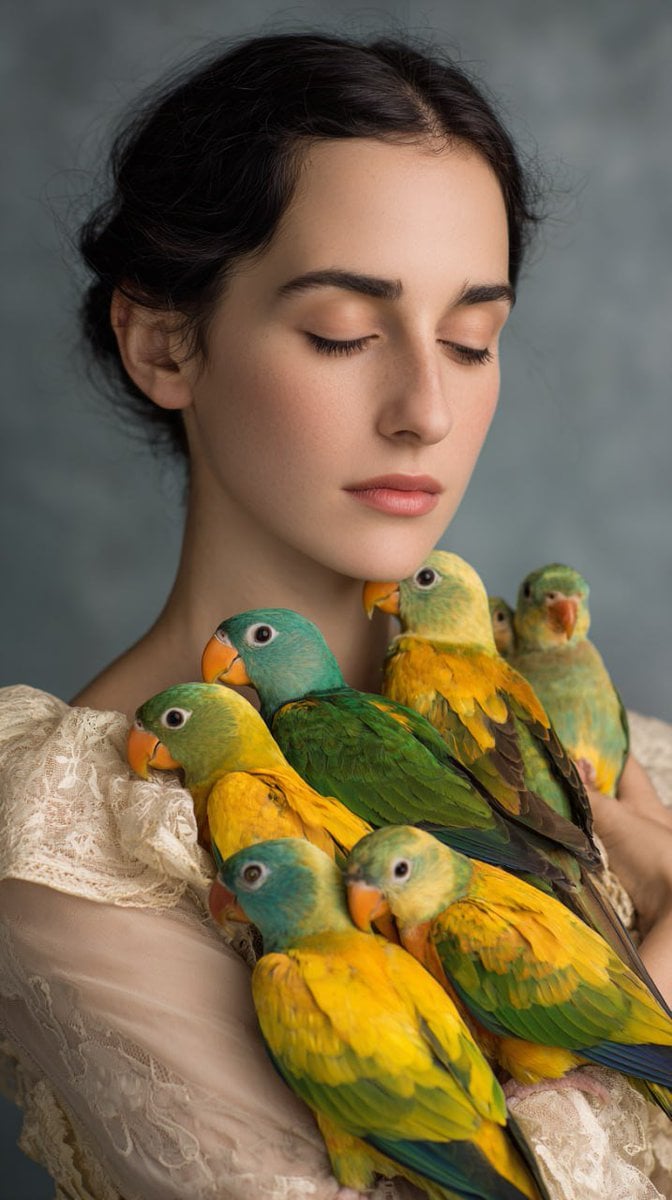
Woman with Teal and Yellow Parrots

Nano Banana Pro Photoreal Playful Couple

Underwater Macro Face Portrait

Noir Punk Street Portrait

High Contrast Cinematic Face Portrait

Ultra-Realistic Yacht Sunset Portrait
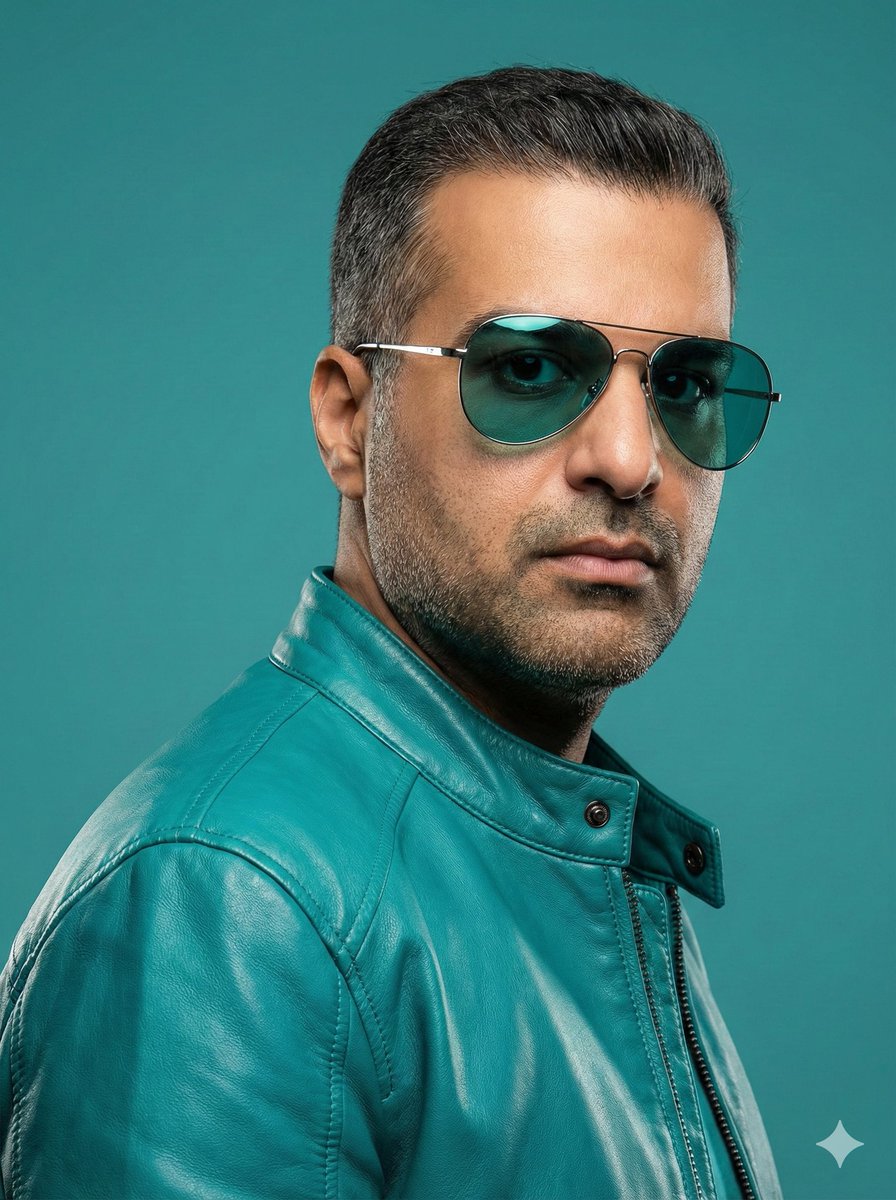
Teal Leather Jacket Studio Portrait Prompt
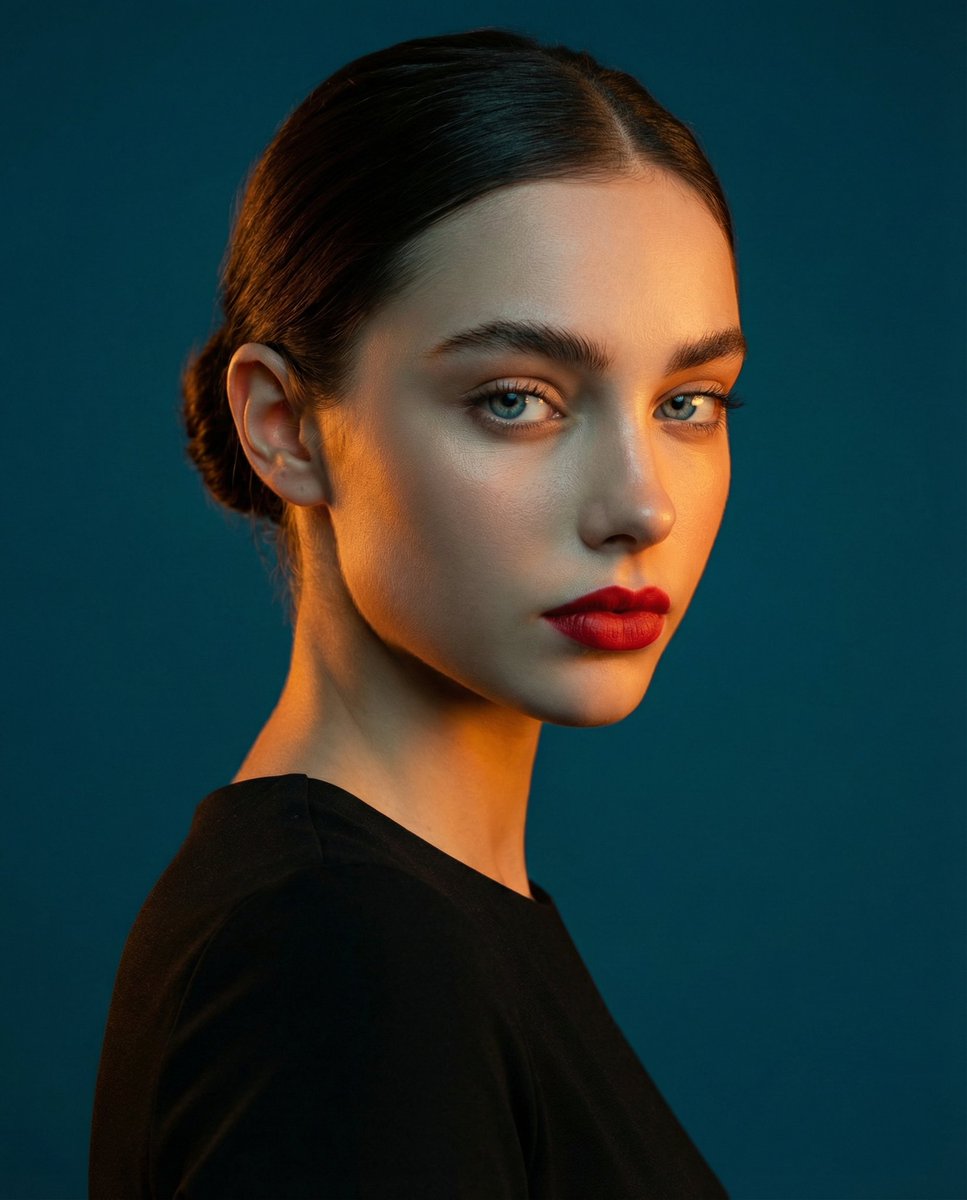
High-Contrast Studio Portrait with Teal and Orange Light
Make it yours
Teal Studio Overalls Portrait works as-is. These are the safest ways to change it without losing the look.
Change one field
Copy a single group, rewrite it, and generate again so you can see what that field is doing.
Keep the frame, change the subject
Hold the composition and light of Teal Studio Overalls Portrait, then swap wardrobe, props or the person for a new take.
| If the result… | Why | Fix |
|---|---|---|
| The result drifts from the preview | Too many fields changed at once. | Reuse Teal Studio Overalls Portrait as-is first, then change one group — subject, light, or setting. |
| The model over-stylizes the scene | The prose prompt leaves finish and camera underspecified. | Add one camera or lighting sentence and stay on Gemini 3 Pro Image Preview. |
More Gemini 3 Pro Image Preview templates
Other prompts made for Gemini 3 Pro Image Preview.

Mushroom Still Life Composition

Whimsical Anthropomorphic Friendly Insect

Cinematic Urban Night Billboard Portrait

Pop Art Summer Fruit Fashion Illustration

Ultra-Realistic iPhone Selfie with Motion Blur

Cinematic Mirror Reflection Portrait

Elegant Men's Twilight Editorial

Coastal Freedom Sunset Portrait

Ergonomic Office Chair E-commerce Mobile Detail Page

Macro Guitar Fret Dressing
More image prompts
Fresh picks from across the catalog.

AI Coding Assistant Promo Infographic

Ultra-realistic Product Shot with Dramatic Split Lighting
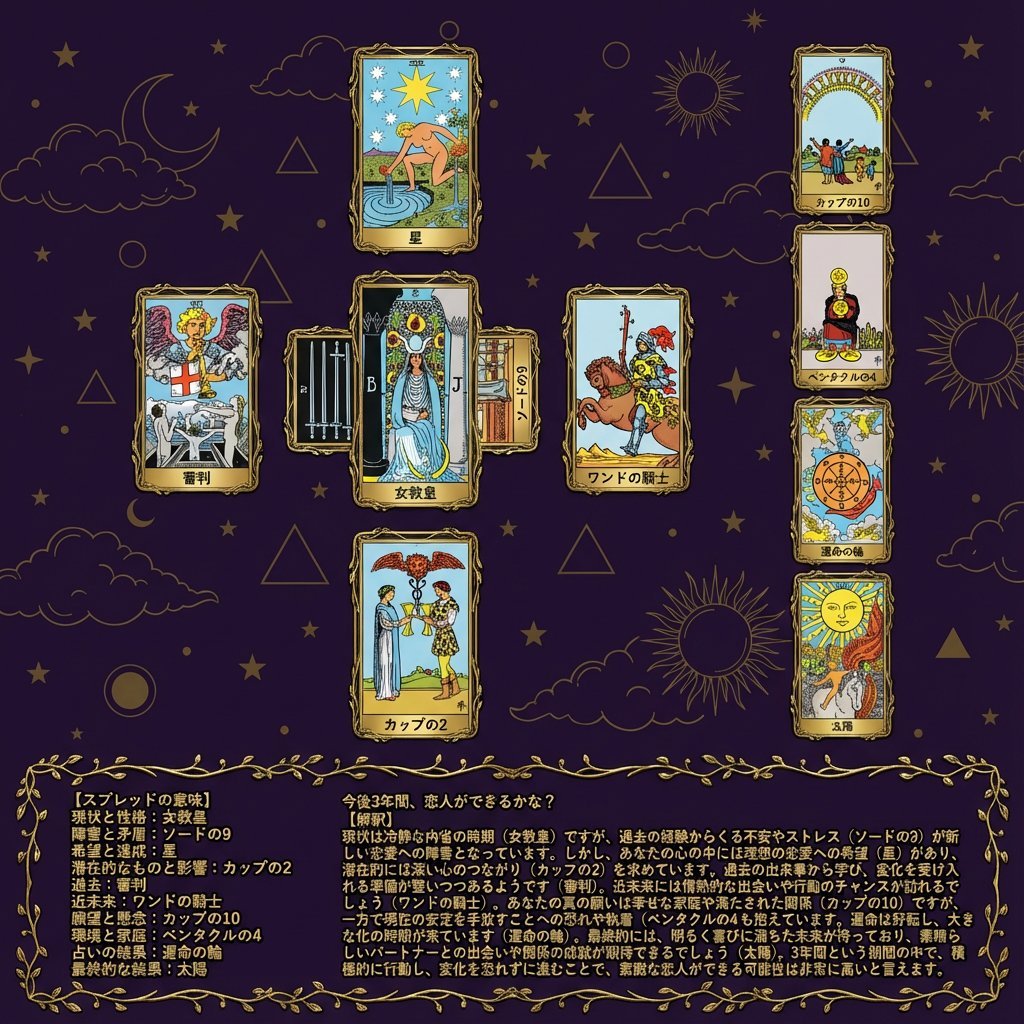
Tarot Celtic Cross Spread Reading Generation Prompt
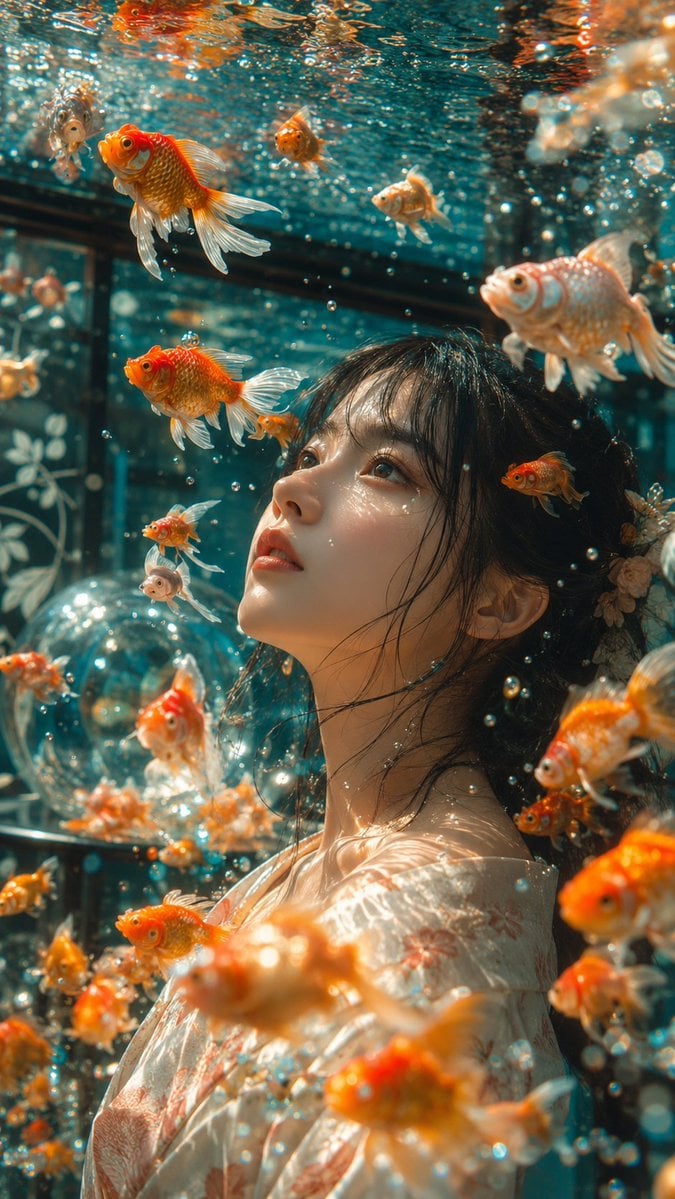
Japanese Goldfish Aquarium Portrait

Futuristic Energy Drink Ad Poster
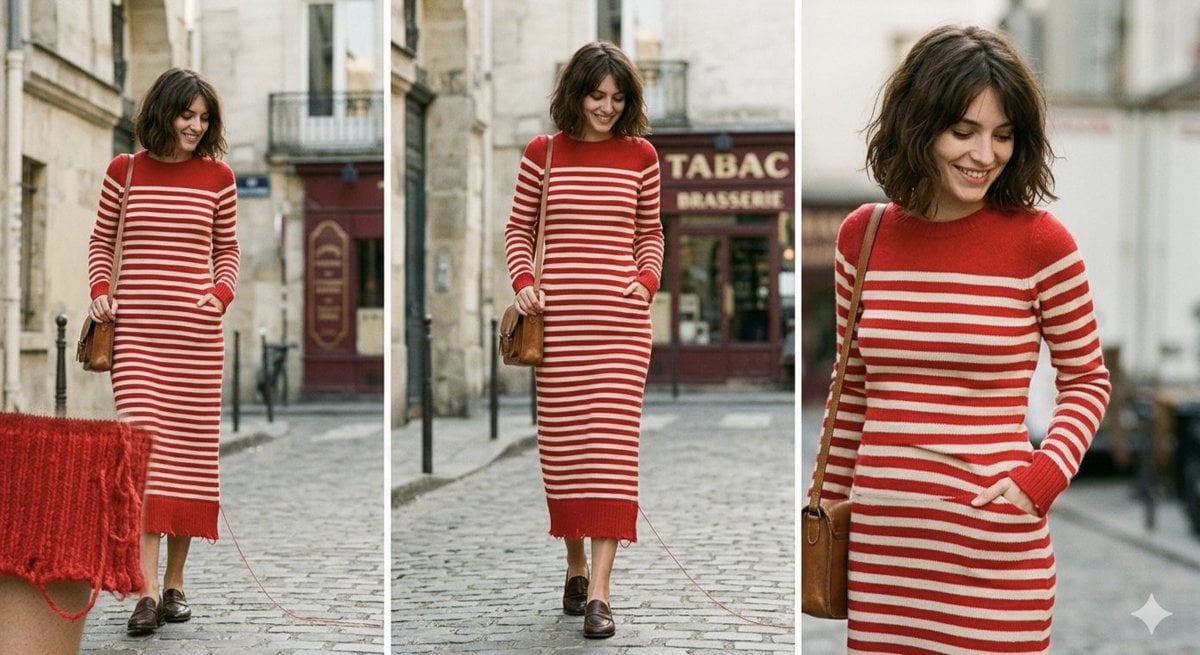
Parisian High-Fashion Editorial Triptych Prompt for Nano Banana Pro
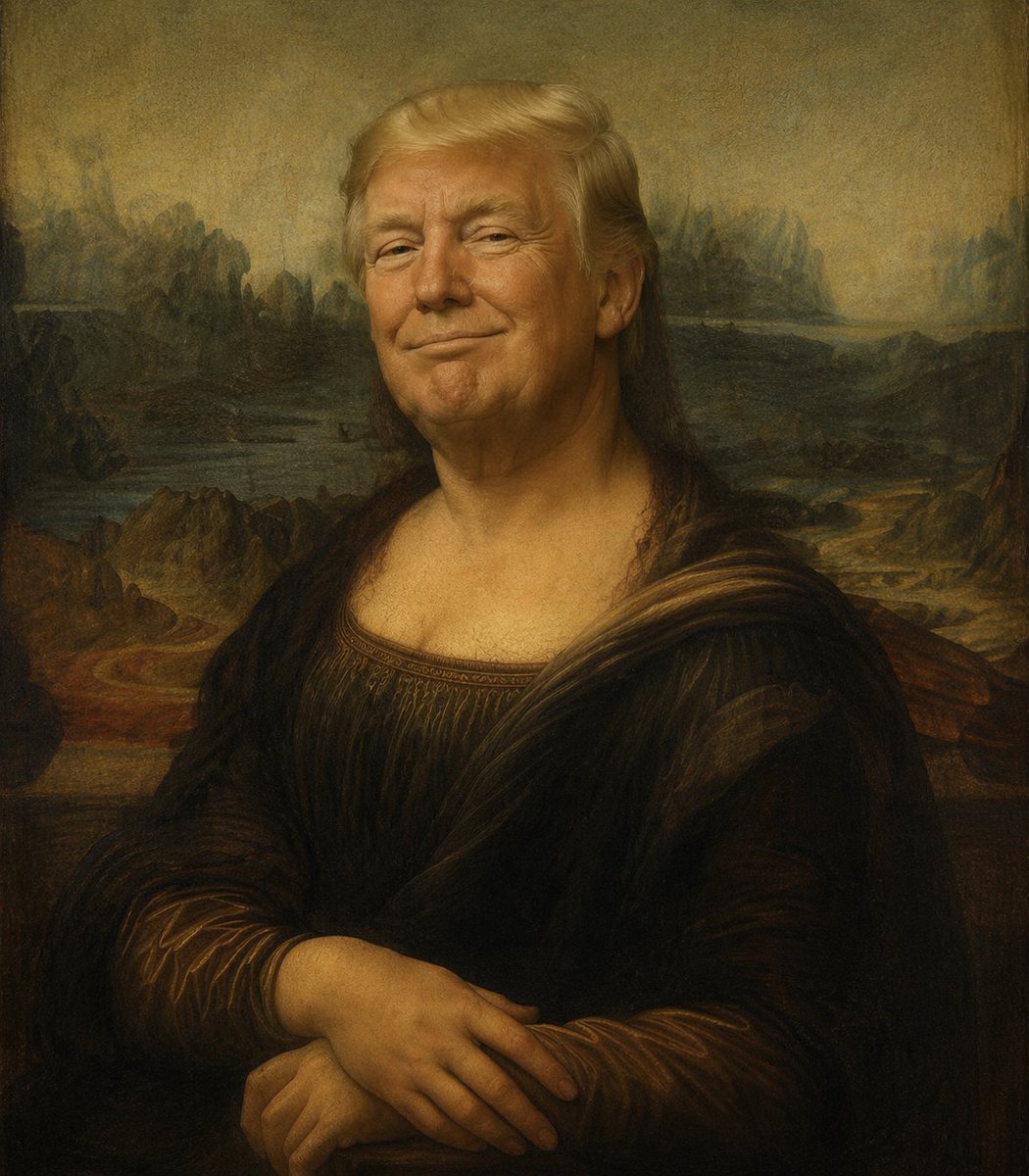
Censored Mona Lisa Oil Portrait
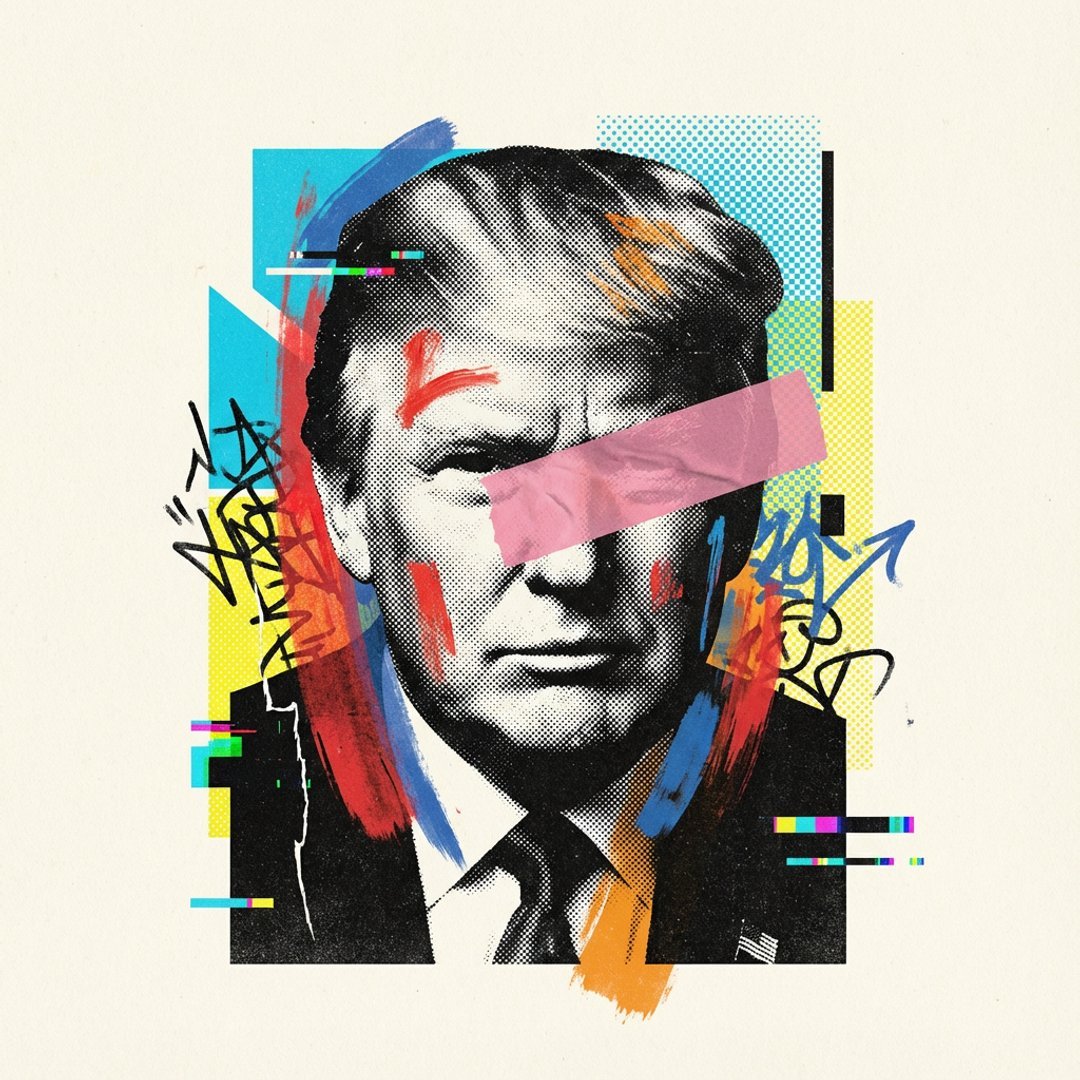
Avant-Garde Mixed Media Risograph Collage

JSON Structured Prompt for Exploding Cheesy Roll

3D Pororo Winter Village Breaking the Fourth Wall
Browse template categories
Teal Studio Overalls Portrait questions
How do I use the Teal Studio Overalls Portrait template?
Add your photo if the template asks for one, edit the prompt if you like — the template's model and format are already selected — and press Generate. Your version opens in PicX Studio.
Can I customize the Teal Studio Overalls Portrait template?
Yes. You can change the subject, setting, lighting, mood, format, and available model controls before creating your image.
Is the Teal Studio Overalls Portrait template free?
Opening and editing this template is free. Generating uses credits, shown on the Generate button when you are signed in.
Which AI model should I use?
Start with Gemini 3 Pro Image Preview, which is the model associated with this template. You can compare another compatible model for a different finish.
Looking for something else? Browse all templates.

Your photo, any look
Thousands of ready templates for every top image and video model, from one credit balance.