
AI Coding Assistant Promo Infographic
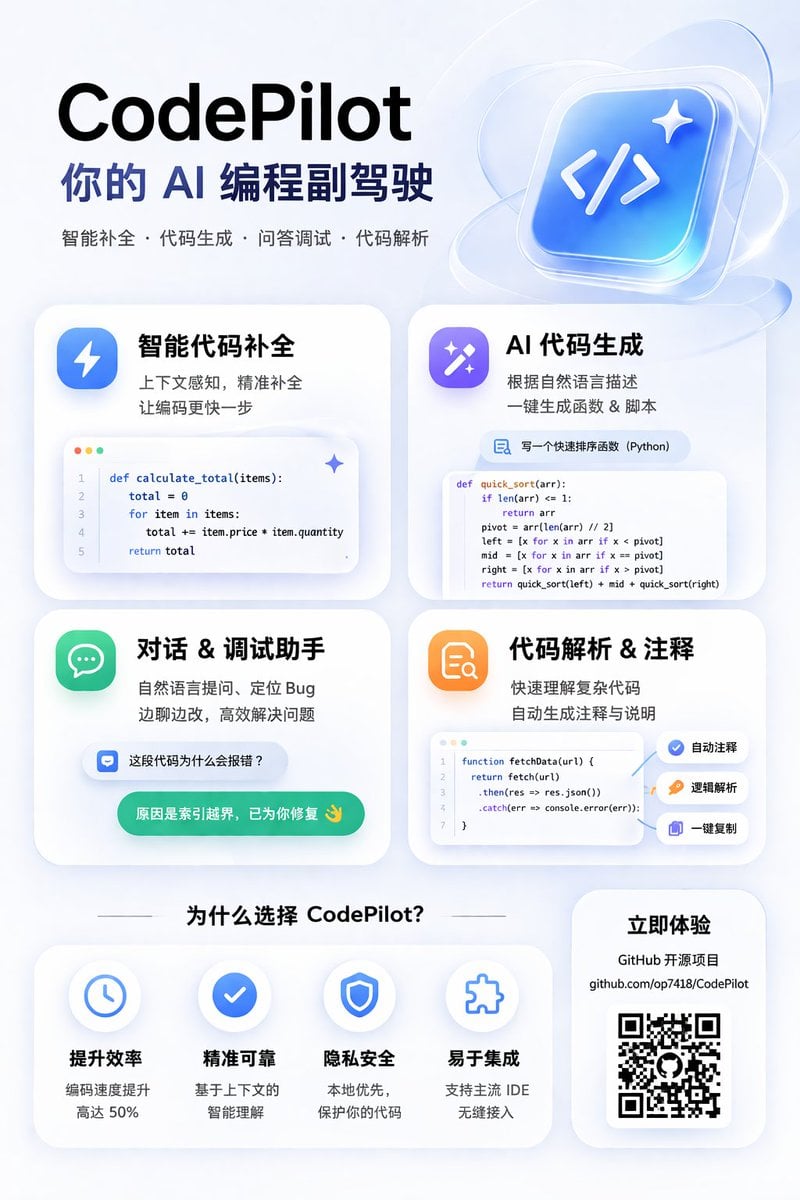
Generates a modern, glassmorphism-style promotional poster for an AI coding tool, featuring a 2x2 grid of feature cards with code snippets and a benefits section.
- Prompt included
- Model and format preset
- Free template
The prompt behind this image
Copy the exact prompt behind AI Coding Assistant Promo Infographic, or open it in the studio and make it yours.
- Type
- app promotional infographic poster
- Style
- clean, modern, glassmorphism, soft shadows, 3D icons
- Theme
- {argument name="primary color theme" default="blue and white"}
- Header › Title
- {argument name="app name" default="CodePilot"}
- Header › Subtitle
- {argument name="subtitle" default="你的 AI 编程副驾驶"}
- Header › Features List
- 智能补全 · 代码生成 · 问答调试 · 代码解析
- Header › Main Icon
- glossy 3D rounded square, blue gradient, white {argument name="main icon symbol" default="</>"} and sparkles
- Layout › Sections › 0 › Title
- feature_cards
- Layout › Sections › 0 › Position
- middle grid
- Layout › Sections › 0 › Count
- 4
- Layout › Sections › 0 › Items › 0 › Label
- 智能代码补全
- Layout › Sections › 0 › Items › 0 › Icon
- blue lightning bolt
- Layout › Sections › 0 › Items › 0 › Description
- 上下文感知, 精准补全 让编码更快一步
- Layout › Sections › 0 › Items › 0 › Ui Element
- macOS style code window with Python calculate_total function
- Layout › Sections › 0 › Items › 1 › Label
- AI 代码生成
- Layout › Sections › 0 › Items › 1 › Icon
- purple magic wand
- Layout › Sections › 0 › Items › 1 › Description
- 根据自然语言描述 一键生成函数 & 脚本
- Layout › Sections › 0 › Items › 1 › Ui Element
- chat prompt bubble and code window with Python quick_sort function
- Layout › Sections › 0 › Items › 2 › Label
- 对话 & 调试助手
- Layout › Sections › 0 › Items › 2 › Icon
- green chat bubble
- Layout › Sections › 0 › Items › 2 › Description
- 自然语言提问、定位 Bug 边聊边改, 高效解决问题
- Layout › Sections › 0 › Items › 2 › Ui Element
- chat interface with user question and green AI resolution bubble
- Layout › Sections › 0 › Items › 3 › Label
- 代码解析 & 注释
- Layout › Sections › 0 › Items › 3 › Icon
- orange document with magnifying glass
Raw JSON
{
  "type": "app promotional infographic poster",
  "style": "clean, modern, glassmorphism, soft shadows, 3D icons",
  "theme": "{argument name=\"primary color theme\" default=\"blue and white\"}",
  "header": {
    "title": "{argument name=\"app name\" default=\"CodePilot\"}",
    "subtitle": "{argument name=\"subtitle\" default=\"你的 AI 编程副驾驶\"}",
    "features_list": "智能补全 · 代码生成 · 问答调试 · 代码解析",
    "main_icon": "glossy 3D rounded square, blue gradient, white {argument name=\"main icon symbol\" default=\"</>\"} and sparkles"
  },
  "layout": {
    "sections": [
      {
        "title": "feature_cards",
        "position": "middle grid",
        "count": 4,
        "items": [
          {
            "label": "智能代码补全",
            "icon": "blue lightning bolt",
            "description": "上下文感知, 精准补全 让编码更快一步",
            "ui_element": "macOS style code window with Python calculate_total function"
          },
          {
            "label": "AI 代码生成",
            "icon": "purple magic wand",
            "description": "根据自然语言描述 一键生成函数 & 脚本",
            "ui_element": "chat prompt bubble and code window with Python quick_sort function"
          },
          {
            "label": "对话 & 调试助手",
            "icon": "green chat bubble",
            "description": "自然语言提问、定位 Bug 边聊边改, 高效解决问题",
            "ui_element": "chat interface with user question and green AI resolution bubble"
          },
          {
            "label": "代码解析 & 注释",
            "icon": "orange document with magnifying glass",
            "description": "快速理解复杂代码 自动生成注释与说明",
            "ui_element": "code window with JS fetchData function and 3 floating action tags: 自动注释, 逻辑解析, 一键复制"
          }
        ]
      },
      {
        "title": "为什么选择 CodePilot?",
        "position": "bottom left",
        "count": 4,
        "labels": ["提升效率", "精准可靠", "隐私安全", "易于集成"],
        "icons": ["clock", "checkmark", "shield", "puzzle piece"]
      },
      {
        "title": "立即体验",
        "position": "bottom right",
        "count": 1,
        "elements": ["GitHub 开源项目", "{argument name=\"github link\" default=\"github.com/op7418/CodePilot\"}", "QR code"]
      }
    ]
  }
}How to use AI Coding Assistant Promo Infographic in 3 steps
- 1Upload ImagePNG, JPG or paste
Add your photo
Upload the photo the template builds on. The prompt, model and format are already set.
- 2…a portrait of your subject in softgolden-hour light, 85mm…
Personalize
Edit the subject and creative details for your destination.
- 3Generate
Generate
Press Generate — your image is created in PicX Studio, so you can compare it with the original and refine one variable at a time.
More like this
Templates with the same subject, style or setup. Open one to see its prompt.

Japan Travel Brochure Poster

Isometric Process Educational Diorama

Isometric Vehicle Teardown Infographic Template

Gpt2 E Commerce Main Image Earbuds E Commerce Infographic

Gpt2 Infographic Edu Visual Alishan One Day Travel Poster

Gpt2 Infographic Edu Visual Ethnographic Plate for Tibetan Ceremonial Hat

Gpt2 Infographic Edu Visual Earth Signs Zodiac Character Poster

Gpt2 Infographic Edu Visual Water Signs Zodiac Character Poster

Gpt2 Infographic Edu Visual Ink Wash Tribute Poster for Chen Uen

Gpt2 Infographic Edu Visual Vintage Claude Shannon Infographic Poster

Gpt2 Infographic Edu Visual Taoist Three Souls Seven Po Poster

Gpt2 Infographic Edu Visual Biomimetic Skyray Aircraft Poster
Make it yours
AI Coding Assistant Promo Infographic works as-is. These are the safest ways to change it without losing the look.
Change one field
Copy a single group, rewrite it, and generate again so you can see what that field is doing.
Keep the frame, change the subject
Hold the composition and light of AI Coding Assistant Promo Infographic, then swap wardrobe, props or the person for a new take.
| If the result… | Why | Fix |
|---|---|---|
| The result drifts from the preview | Too many fields changed at once. | Reuse AI Coding Assistant Promo Infographic as-is first, then change one group — subject, light, or setting. |
| GPT Image 2 ignores part of the JSON | Some models flatten or skip nested keys. | Keep the same values and paste them as a short paragraph instead. |
More GPT Image 2 templates
Other prompts made for GPT Image 2.

Six VTuber Japanese Logo Sheet

Realistic Portrait of Woman and Deer

The Vista Modular Condo Poster

AI Model Routing Comparison Infographic

2.5D Anime Art Board

Isometric Productivity Desk Scene

New York Double Exposure Poster

Four-Panel AI Landscape Comparison

Japanese Tatami Lifestyle Magazine Cover

NESCAFÉ Coffee Map Poster
More image prompts
Fresh picks from across the catalog.
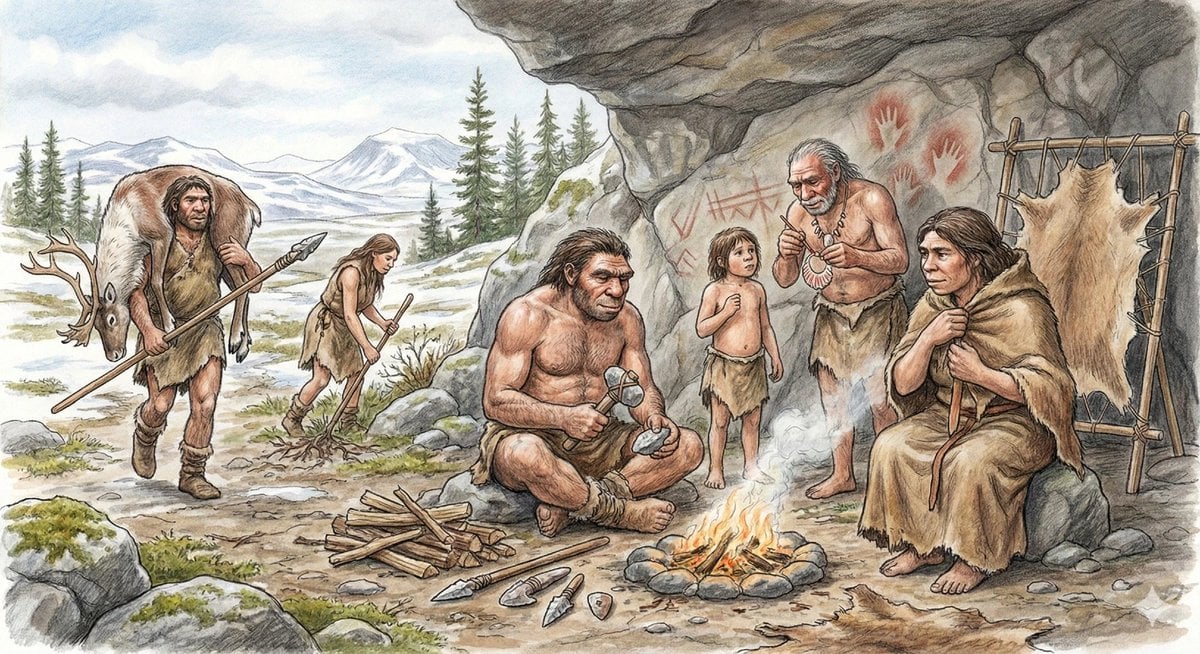
Neanderthal image generation based on expert knowledge
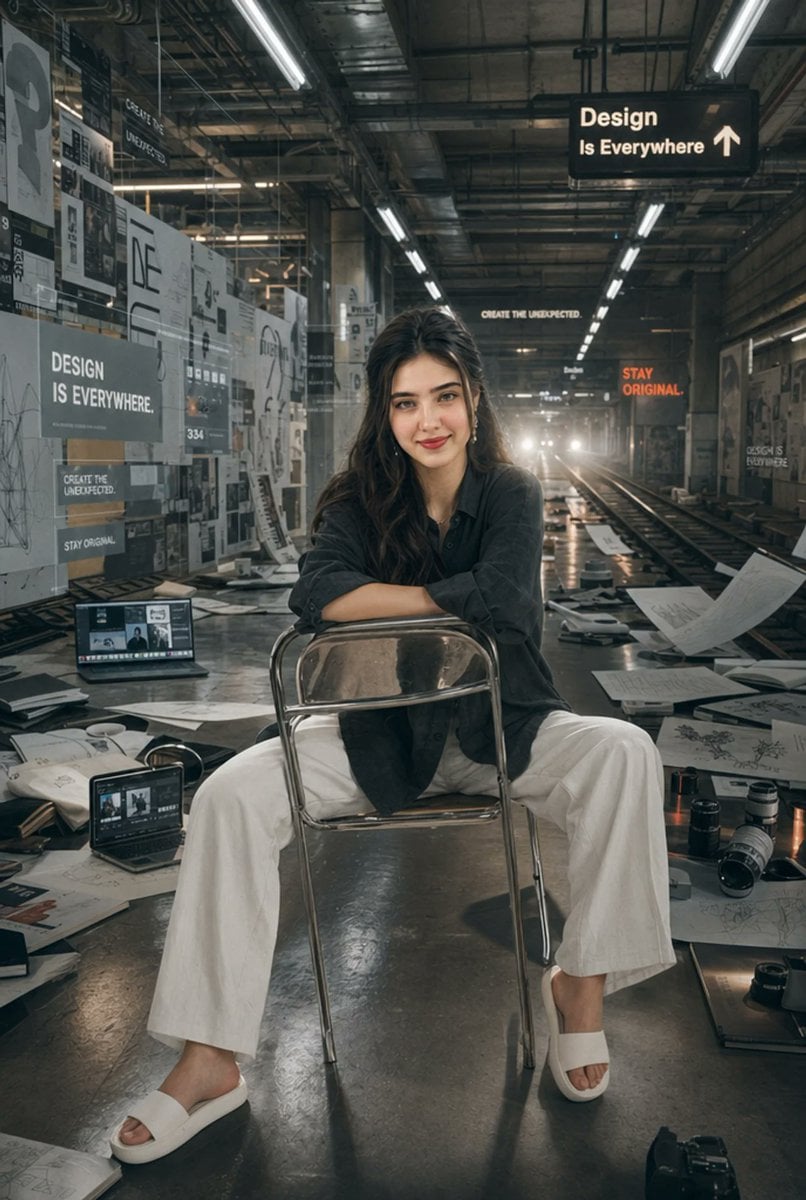
Subway Design Studio Portrait

X Oye Samia Hyper Realistic Scene on the Outskirts

Realistic Cinematic Portrait in Luxury Bar
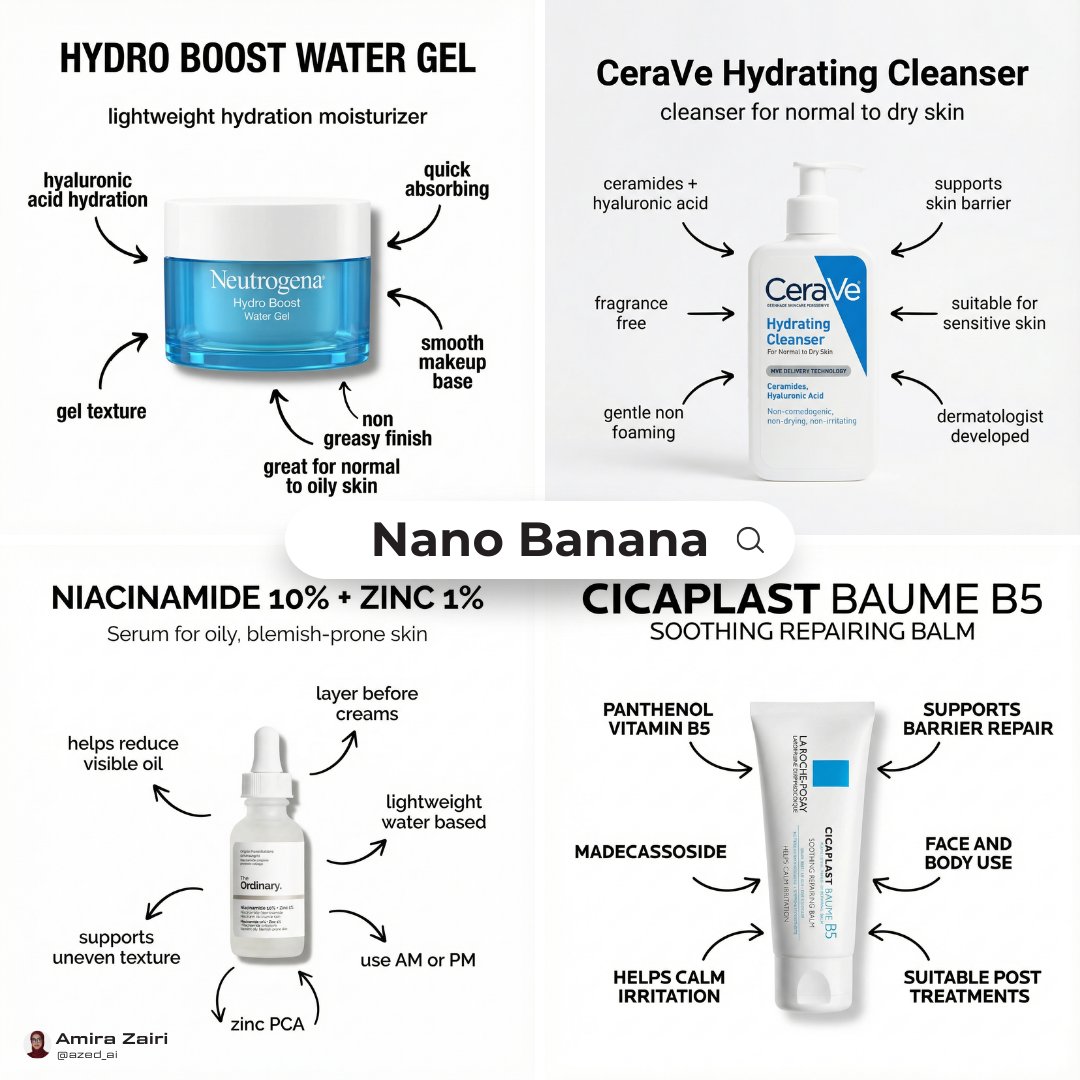
Infographic Poster Creation Prompt
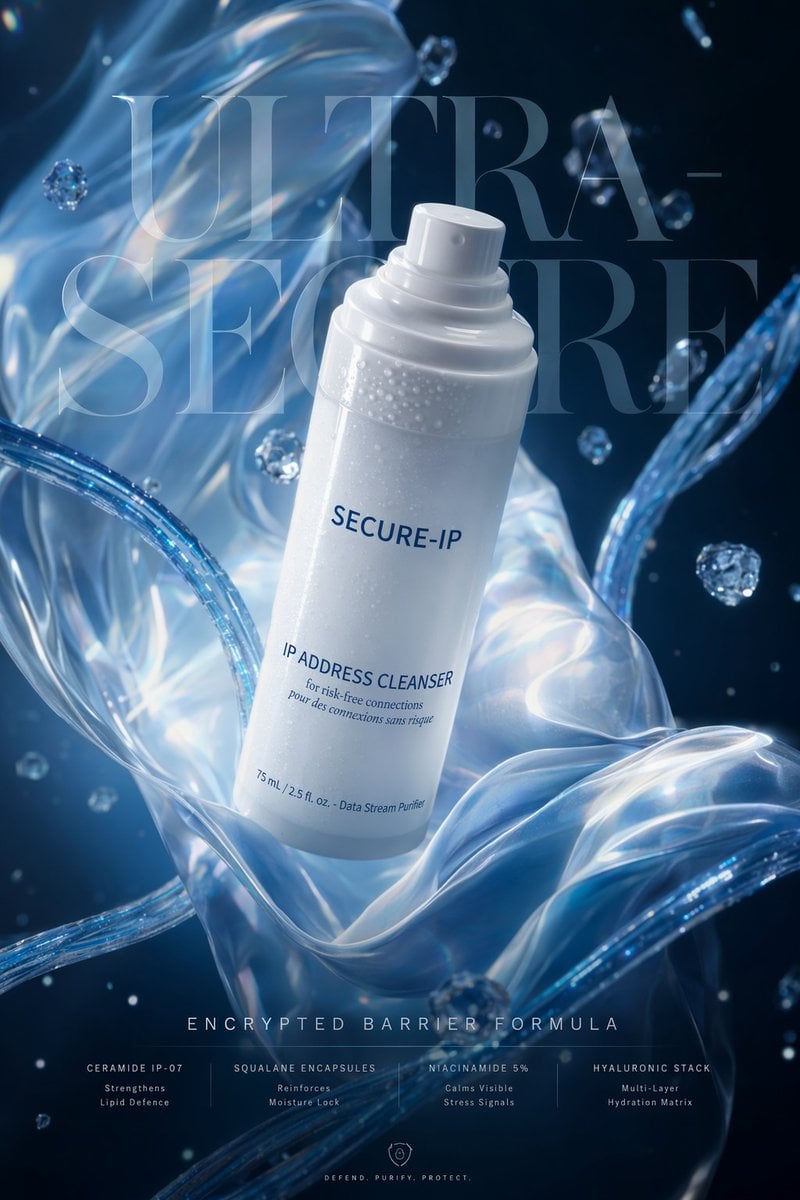
Futuristic Cyber Skincare Ad Poster
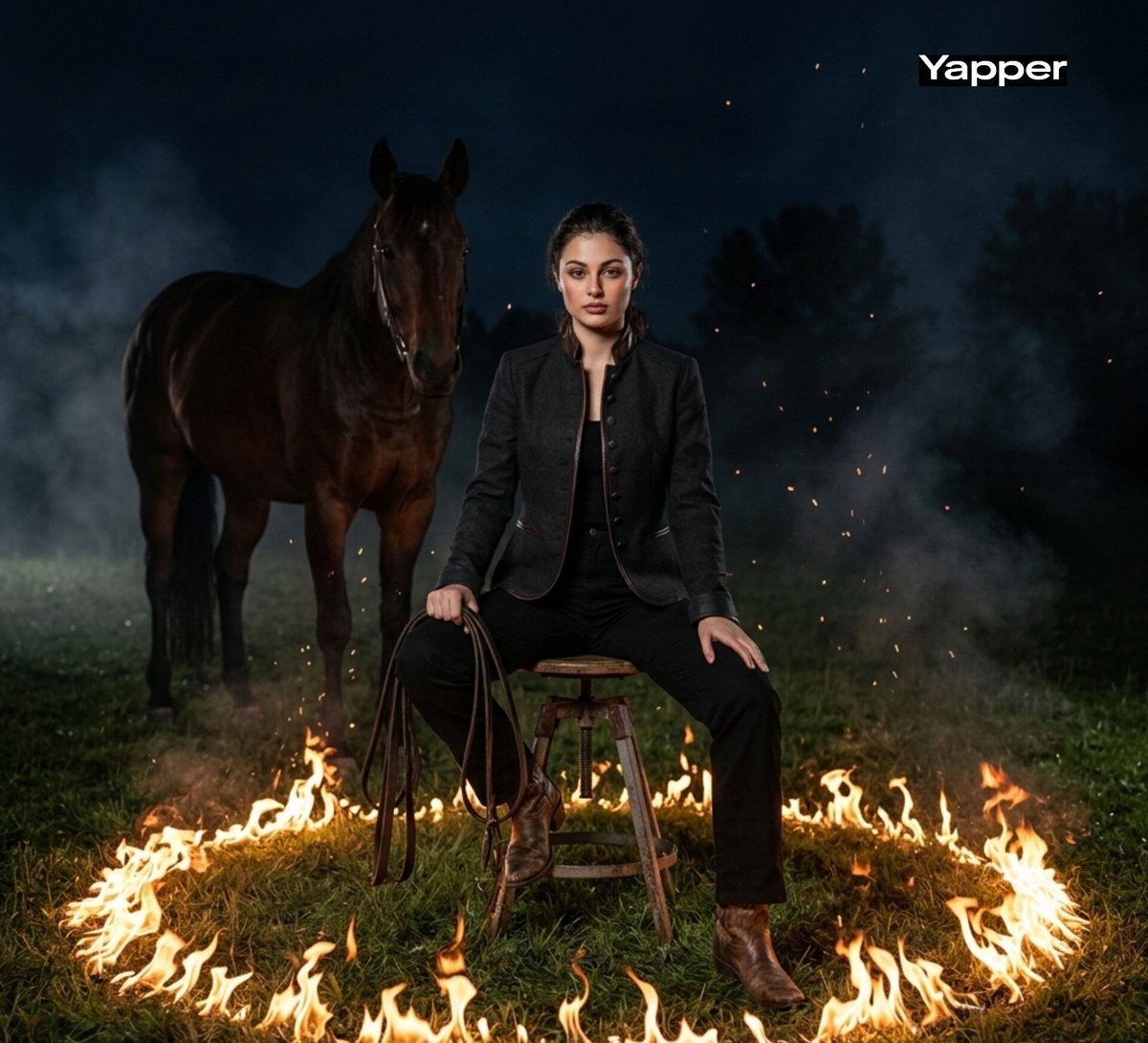
Cinematic Dark Western Portrait with Fire
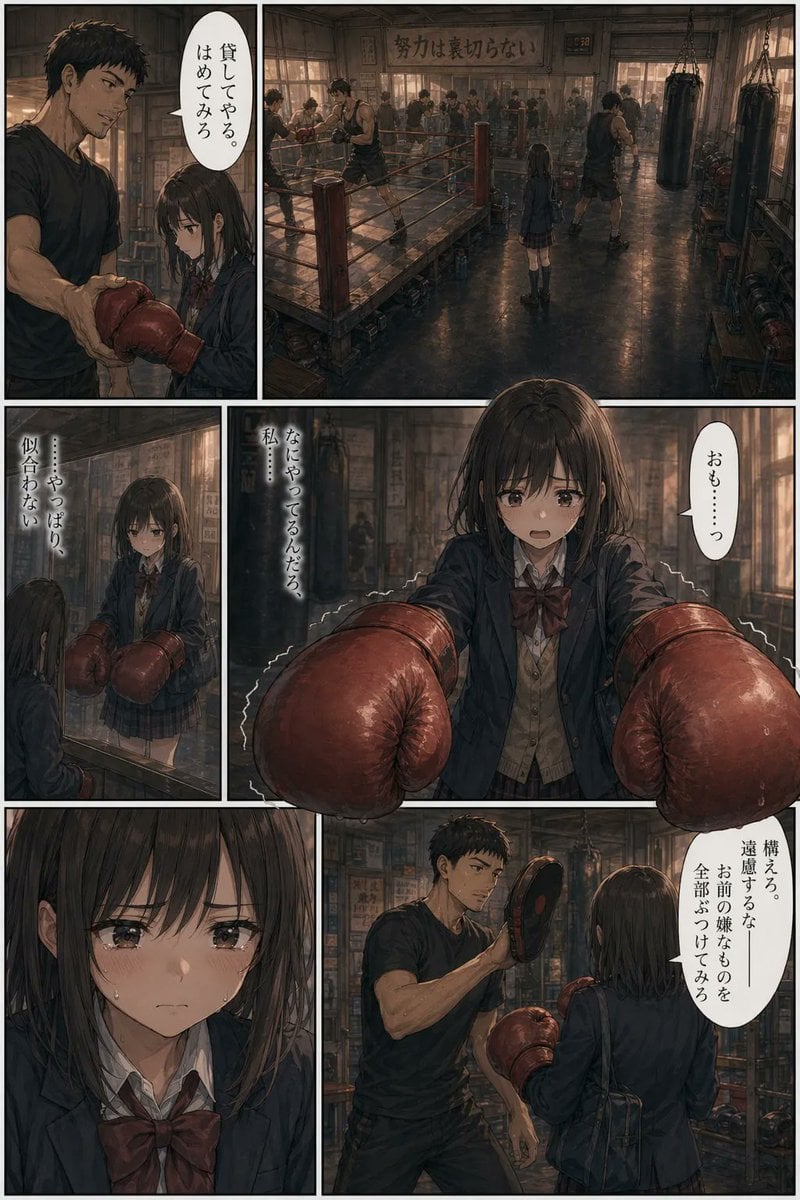
Seinen Boxing Gym Manga Page
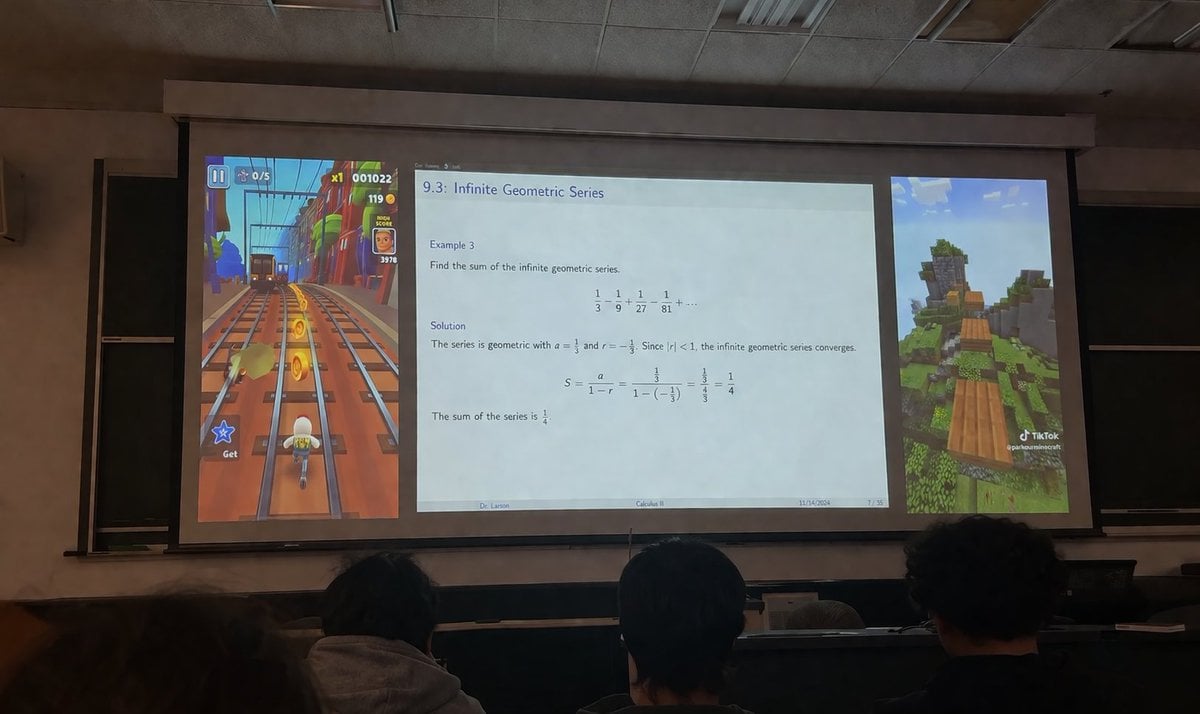
Brainrot Lecture Hall Projector

Lara Croft with Fiery Bow in Heavy Downpour
Browse template categories
AI Coding Assistant Promo Infographic questions
How do I use the AI Coding Assistant Promo Infographic template?
Add your photo if the template asks for one, edit the prompt if you like — the template's model and format are already selected — and press Generate. Your version opens in PicX Studio.
Can I customize the AI Coding Assistant Promo Infographic template?
Yes. You can change the subject, setting, lighting, mood, format, and available model controls before creating your image.
Is the AI Coding Assistant Promo Infographic template free?
Opening and editing this template is free. Generating uses credits, shown on the Generate button when you are signed in.
Which AI model should I use?
Start with GPT Image 2, which is the model associated with this template. You can compare another compatible model for a different finish.
Looking for something else? Browse all templates.

Your photo, any look
Thousands of ready templates for every top image and video model, from one credit balance.