
Floating Anime Girl with Teal Spirals
Generates an ethereal full-body anime girl suspended among blue orbital ribbons, berry spheres, and green vine-like droplets for fantasy illustration use.
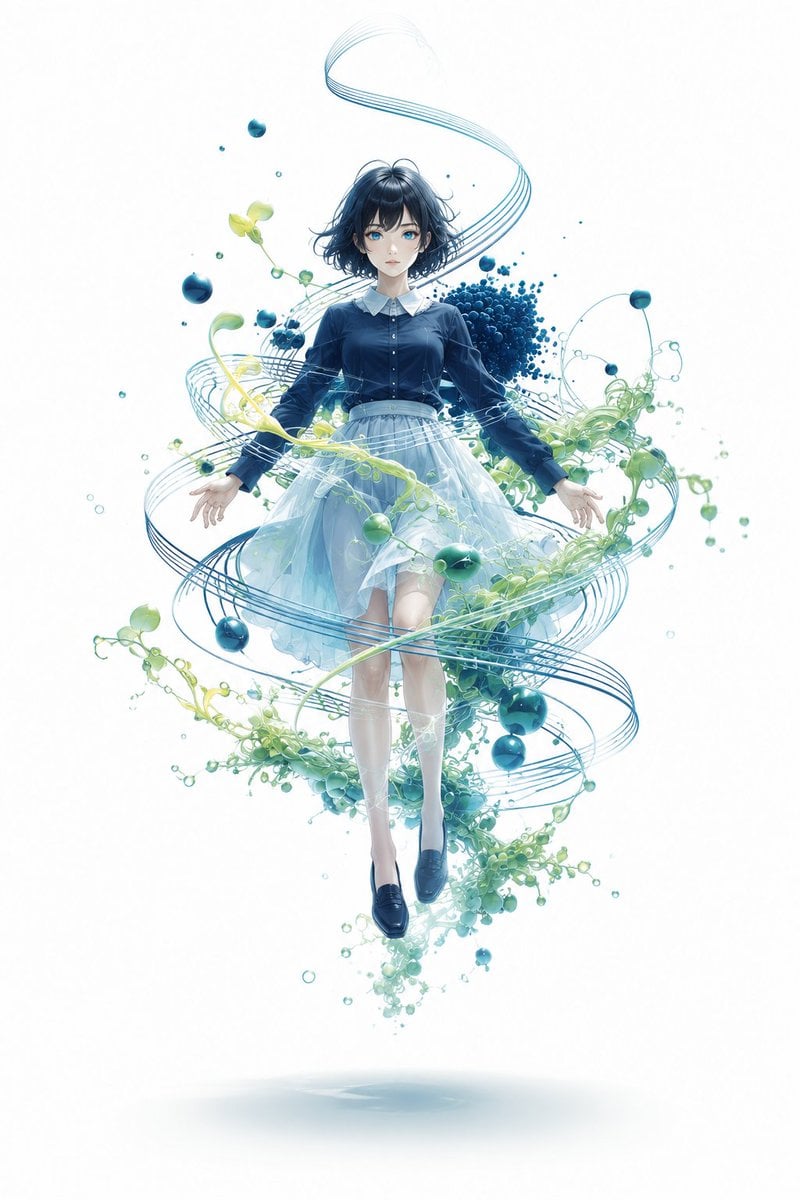
- Prompt included
- Model and format preset
- Free template
The prompt behind this image
Copy the exact prompt behind Floating Anime Girl with Teal Spirals, or open it in the studio and make it yours.
Create a vertical full-body anime illustration on a clean white background: a delicate teenage girl floating weightlessly in the center, facing forward with a calm, slightly melancholic expression. She has {argument name="hair color" default="short wavy black hair with soft blue highlights"}, large clear blue eyes, pale skin, and a petite build. Dress her in a neat dark navy long-sleeve blouse with a white pointed collar and small front buttons, paired with a translucent layered pale blue tulle skirt that glows softly; add white knee socks and glossy dark navy loafers. Her arms hang slightly outward with relaxed open hands, legs together as if suspended above the ground, with a faint oval shadow far below her feet. Surround her with an elegant abstract spiral composition: multiple thin teal-blue ribbon lines orbit around her body in wide looping arcs from above her head down past her feet, like musical staff lines or flowing orbital paths. Include exactly three main visual element types around her: blue glossy berry-like spheres in varied sizes, fresh pale green vine tendrils with small leaves and droplets, and clusters of tiny teal-blue particles. The largest particle cluster should sit behind her right shoulder and upper torso, with smaller floating spheres distributed around the spiral. Use airy watercolor-and-digital-paint rendering, luminous cyan/teal/blue palette, soft gradients, fine linework, high detail, transparent watery textures, ethereal botanical sci-fi atmosphere, centered composition, no text, no border, no watermark.
How to use Floating Anime Girl with Teal Spirals in 3 steps
- 1Upload ImagePNG, JPG or paste
Add your photo
Upload the photo the template builds on. The prompt, model and format are already set.
- 2…a portrait of your subject in softgolden-hour light, 85mm…
Personalize
Edit the subject and creative details for your destination.
- 3Generate
Generate
Press Generate — your image is created in PicX Studio, so you can compare it with the original and refine one variable at a time.
More like this
Templates with the same subject, style or setup. Open one to see its prompt.
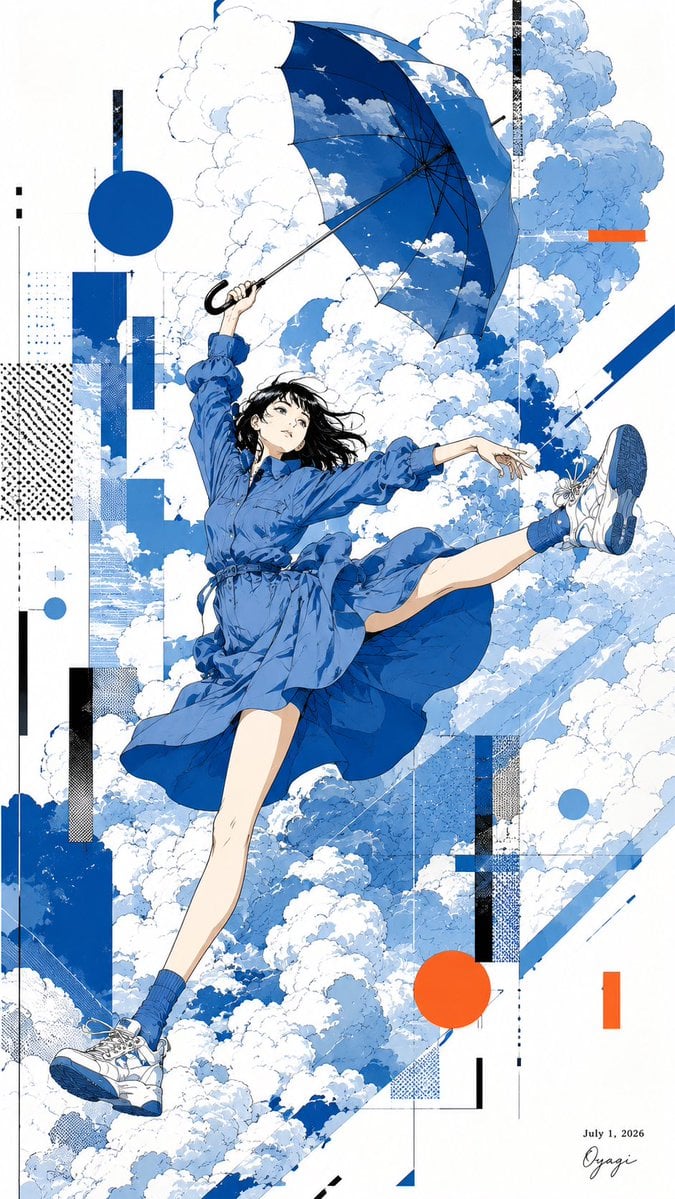
Anime Girl Floating With Umbrella
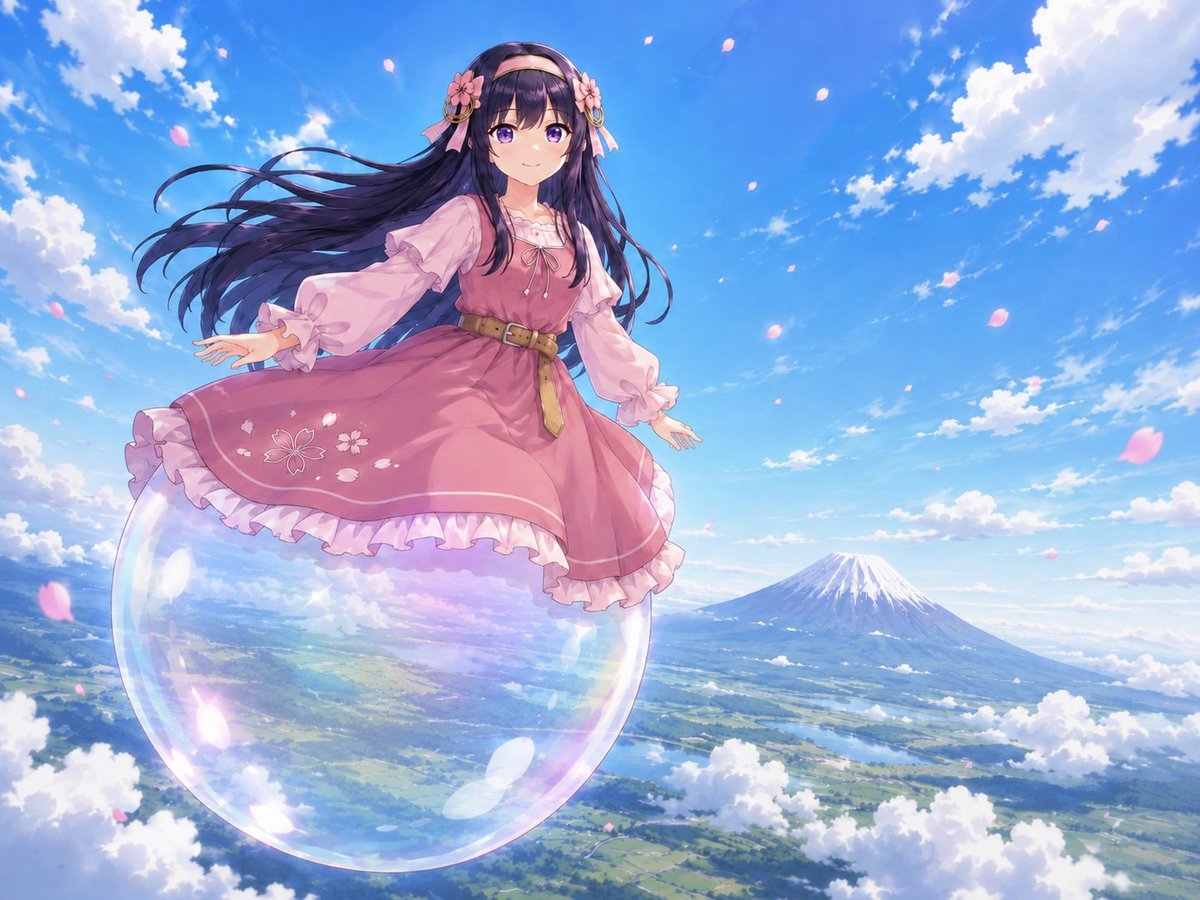
Anime Girl Floating Over Niseko
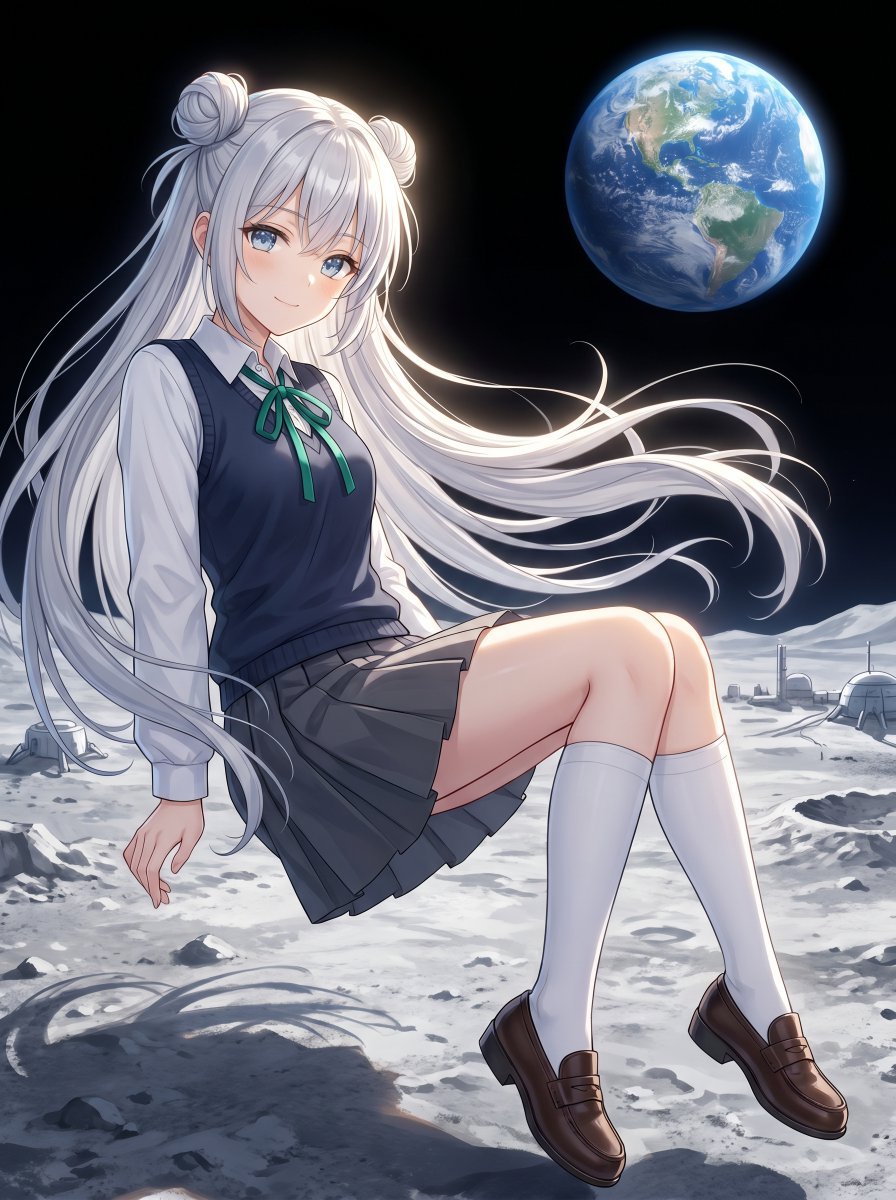
Anime Schoolgirl Floating on the Moon
Floating Schoolgirl in Dark

Teen Girl Alpine Lake Mountain View
Full-Body Teal Twin-Tail Anime Idol

Framed Quilling Anime Girl

Anime Lantern Girl Character Sheet

Anime Girl Generation Grid

Chaotic Anime Schoolgirl Fan Collage

Cel 2D Finale Fireworks

Cel 2D Garden Maze
Make it yours
Floating Anime Girl with Teal Spirals works as-is. These are the safest ways to change it without losing the look.
Change one field
Copy a single group, rewrite it, and generate again so you can see what that field is doing.
Keep the frame, change the subject
Hold the composition and light of Floating Anime Girl with Teal Spirals, then swap wardrobe, props or the person for a new take.
| If the result… | Why | Fix |
|---|---|---|
| The result drifts from the preview | Too many fields changed at once. | Reuse Floating Anime Girl with Teal Spirals as-is first, then change one group — subject, light, or setting. |
| The model over-stylizes the scene | The prose prompt leaves finish and camera underspecified. | Add one camera or lighting sentence and stay on GPT Image 2. |
More GPT Image 2 templates
Other prompts made for GPT Image 2.

Six VTuber Japanese Logo Sheet

Realistic Portrait of Woman and Deer

The Vista Modular Condo Poster

AI Model Routing Comparison Infographic

2.5D Anime Art Board

Isometric Productivity Desk Scene

New York Double Exposure Poster

Four-Panel AI Landscape Comparison

Japanese Tatami Lifestyle Magazine Cover

NESCAFÉ Coffee Map Poster
More image prompts
Fresh picks from across the catalog.
Premium Lavender Balm Product Shot

Legendary Portuguese Footballer Portrait
Bilibili Livestream Scene
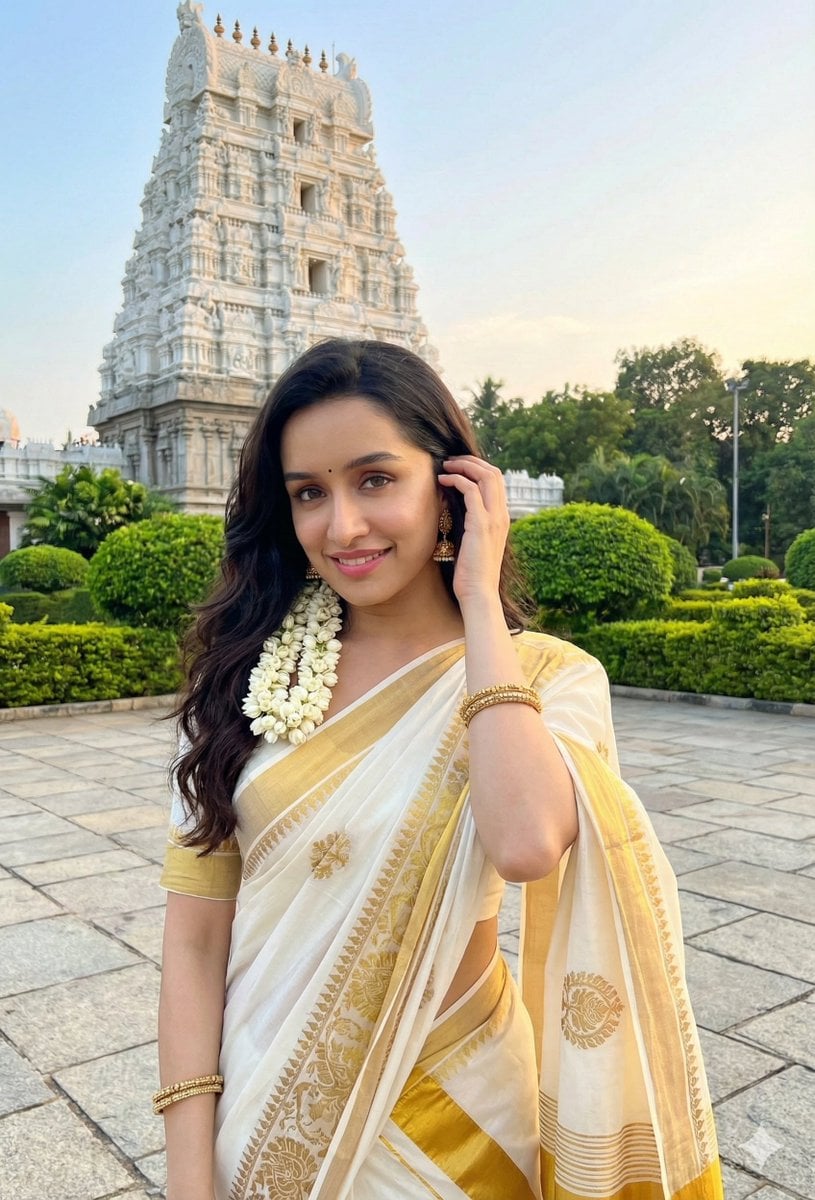
Dual Style Image Generation (Indian Traditional and Western)
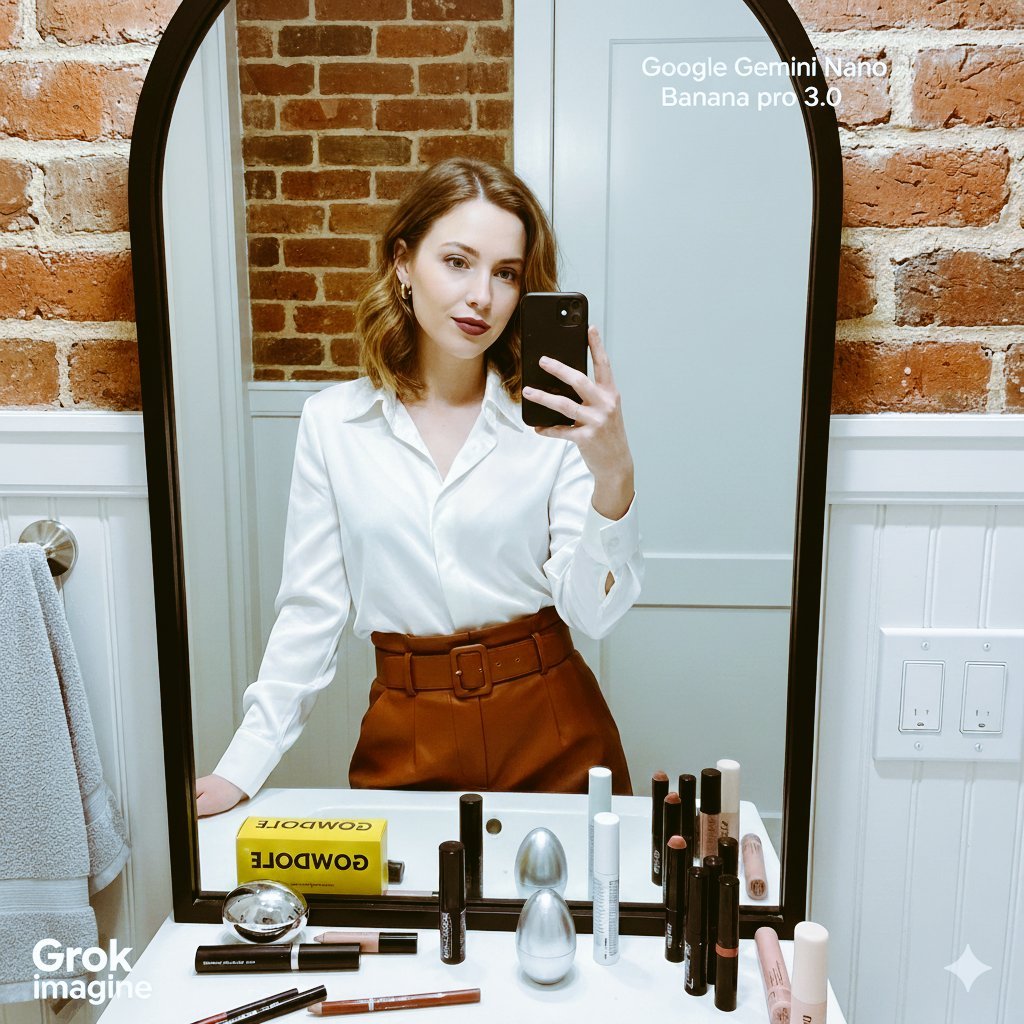
Detailed Mirror Selfie/Indoor Portrait Prompt
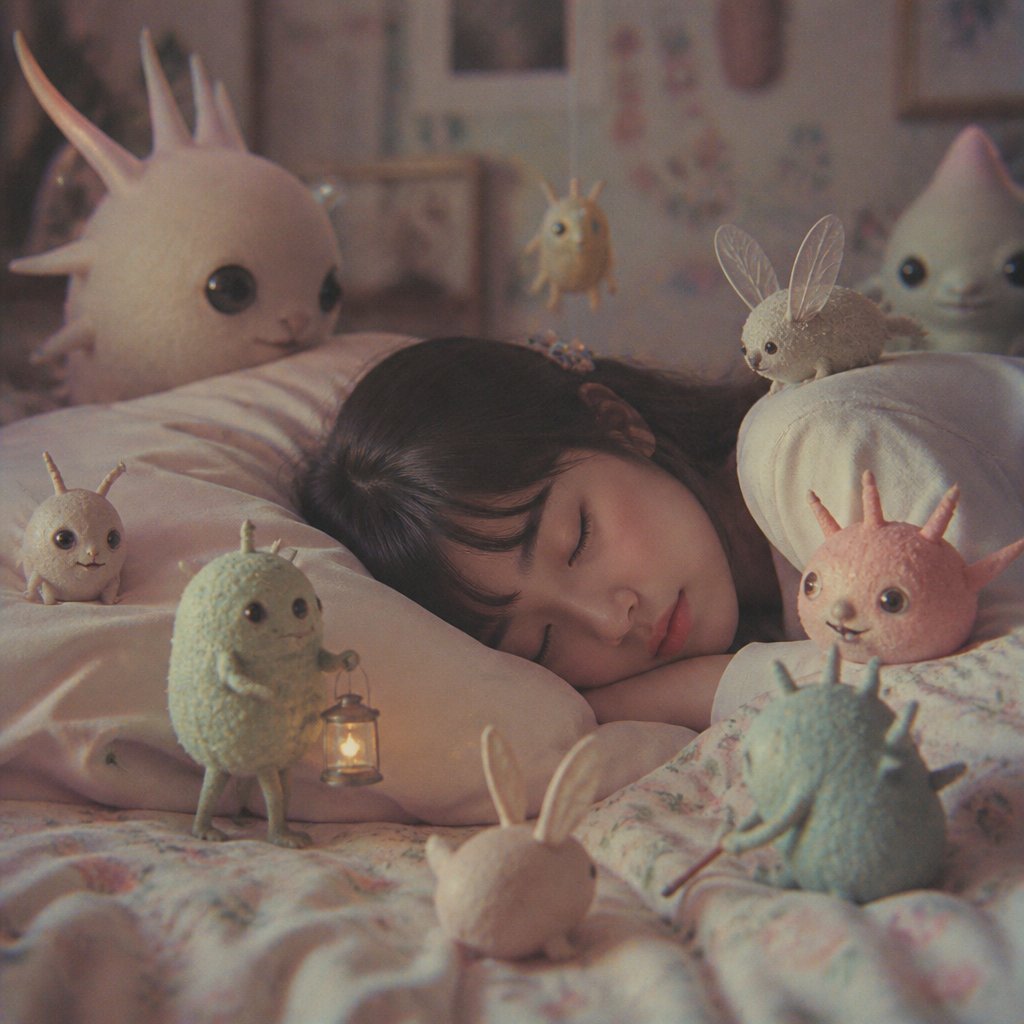
Sleeping Child with Dream Creatures
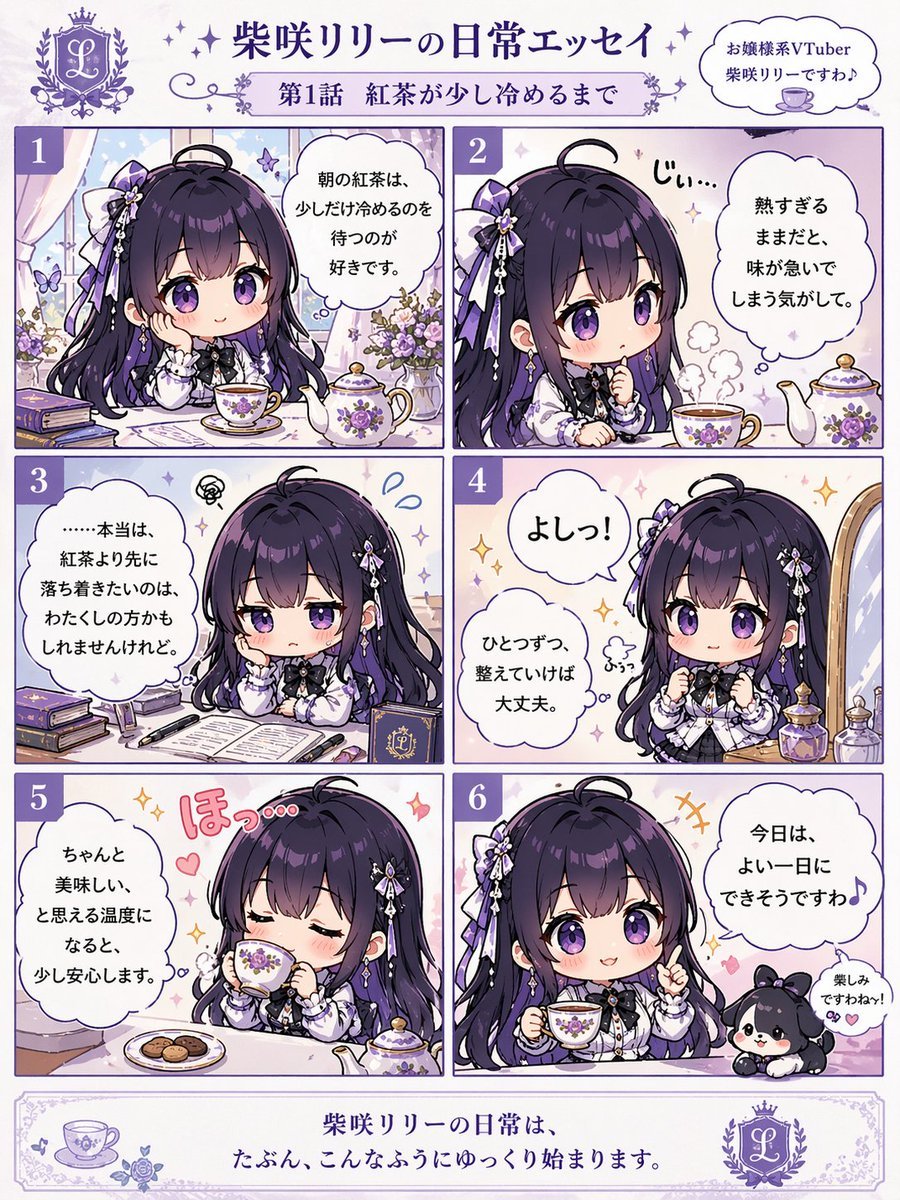
Panel Chibi VTuber Comic Strip
Photorealistic naan bread pun image
Censored Idol Girl in Akihabara
Night Rooftop iPhone Portrait
Browse template categories
Floating Anime Girl with Teal Spirals questions
How do I use the Floating Anime Girl with Teal Spirals template?
Add your photo if the template asks for one, edit the prompt if you like — the template's model and format are already selected — and press Generate. Your version opens in PicX Studio.
Can I customize the Floating Anime Girl with Teal Spirals template?
Yes. You can change the subject, setting, lighting, mood, format, and available model controls before creating your image.
Is the Floating Anime Girl with Teal Spirals template free?
Opening and editing this template is free. Generating uses credits, shown on the Generate button when you are signed in.
Which AI model should I use?
Start with GPT Image 2, which is the model associated with this template. You can compare another compatible model for a different finish.
Looking for something else? Browse all templates.

Your photo, any look
Thousands of ready templates for every top image and video model, from one credit balance.