
Censored Idol Girl in Akihabara
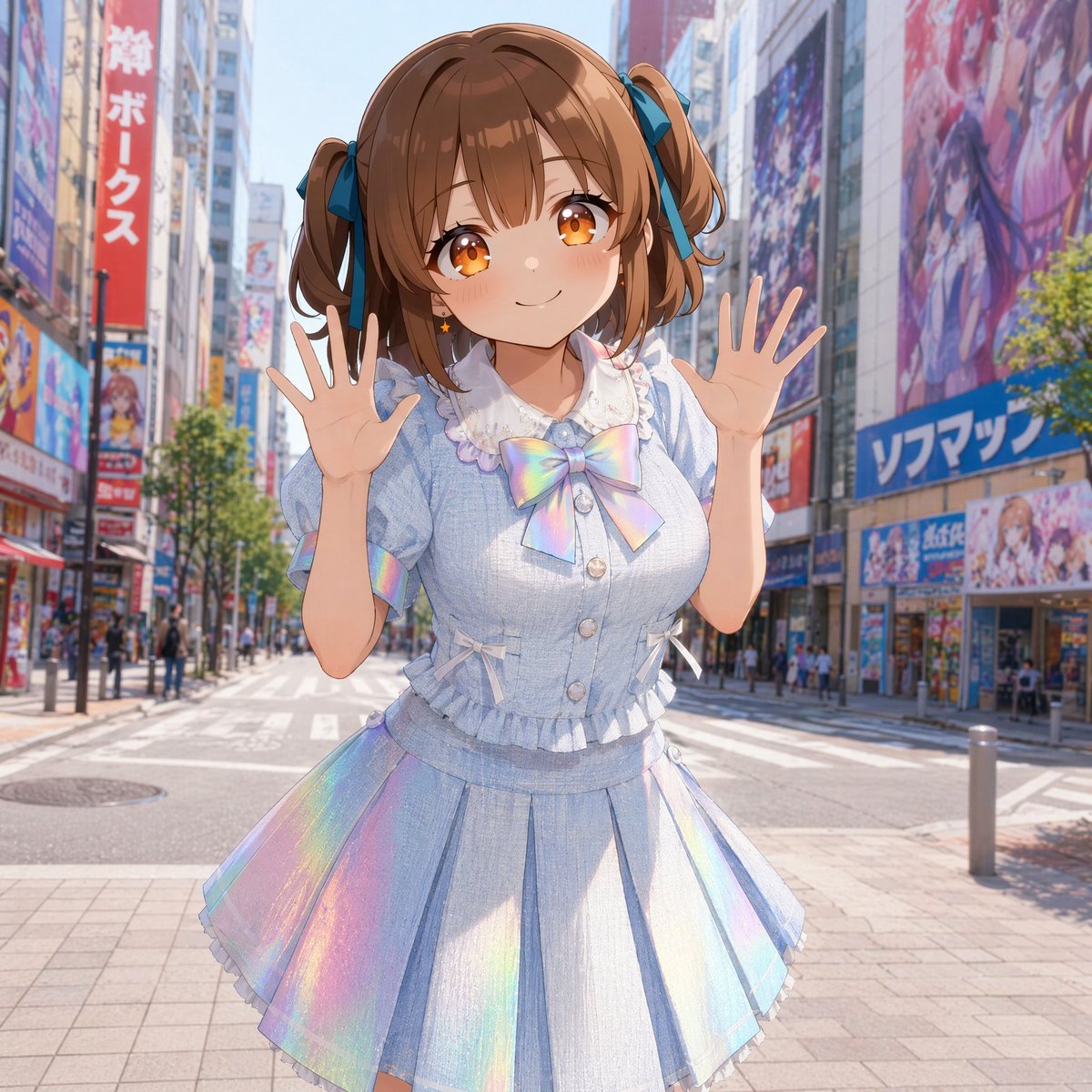
Generates a cute anime idol character in a pastel holographic outfit posing on a sunny Akihabara-style street with her face covered by a censor square.
- Prompt included
- Model and format preset
- Free template
The prompt behind this image
Copy the exact prompt behind Censored Idol Girl in Akihabara, or open it in the studio and make it yours.
Create a bright, high-resolution anime-style illustration of {argument name="character name" default="a cheerful young idol girl"} standing in the middle of a sunny Akihabara-style city street, with tall buildings covered in colorful anime billboards, shop signs, posters, and storefronts lining both sides of a wide pedestrian crossing. The character is centered in a waist-up to knees composition, leaning slightly forward with both hands raised open beside her face in a playful greeting pose, fingers spread. Her face is intentionally obscured by a flat opaque square censor block in a warm skin-brown color, covering the entire facial area while leaving her hair and outfit visible. She has {argument name="hair color" default="light chestnut brown"} hair in twin ponytails tied with dark teal-blue ribbon bows, soft bangs, and curled side strands. Dress her in a pastel idol outfit: a pale blue short-sleeved blouse with puff sleeves, white lace collar, ruffled trim, front buttons, small side ribbon ties, and a large iridescent rainbow bow at the chest, paired with a matching pleated skirt that has shimmering holographic rainbow panels and delicate ruffle edging. The outfit should look cute, airy, and glossy, with subtle fabric texture and reflective pastel highlights. Use vivid midday sunlight, clear blue sky, soft shadows, and a realistic urban depth-of-field background with pedestrians and signage slightly blurred, while the character remains crisp and detailed. Overall mood: cheerful morning outing, cute Japanese pop-idol fashion, polished AI anime illustration, vibrant colors, clean linework, semi-realistic lighting, 1:1 square composition.
How to use Censored Idol Girl in Akihabara in 3 steps
- 1Upload ImagePNG, JPG or paste
Add your photo
Upload the photo the template builds on. The prompt, model and format are already set.
- 2…a portrait of your subject in softgolden-hour light, 85mm…
Personalize
Edit the subject and creative details for your destination.
- 3Generate
Generate
Press Generate — your image is created in PicX Studio, so you can compare it with the original and refine one variable at a time.
More like this
Templates with the same subject, style or setup. Open one to see its prompt.

Teen Girl Alpine Lake Mountain View
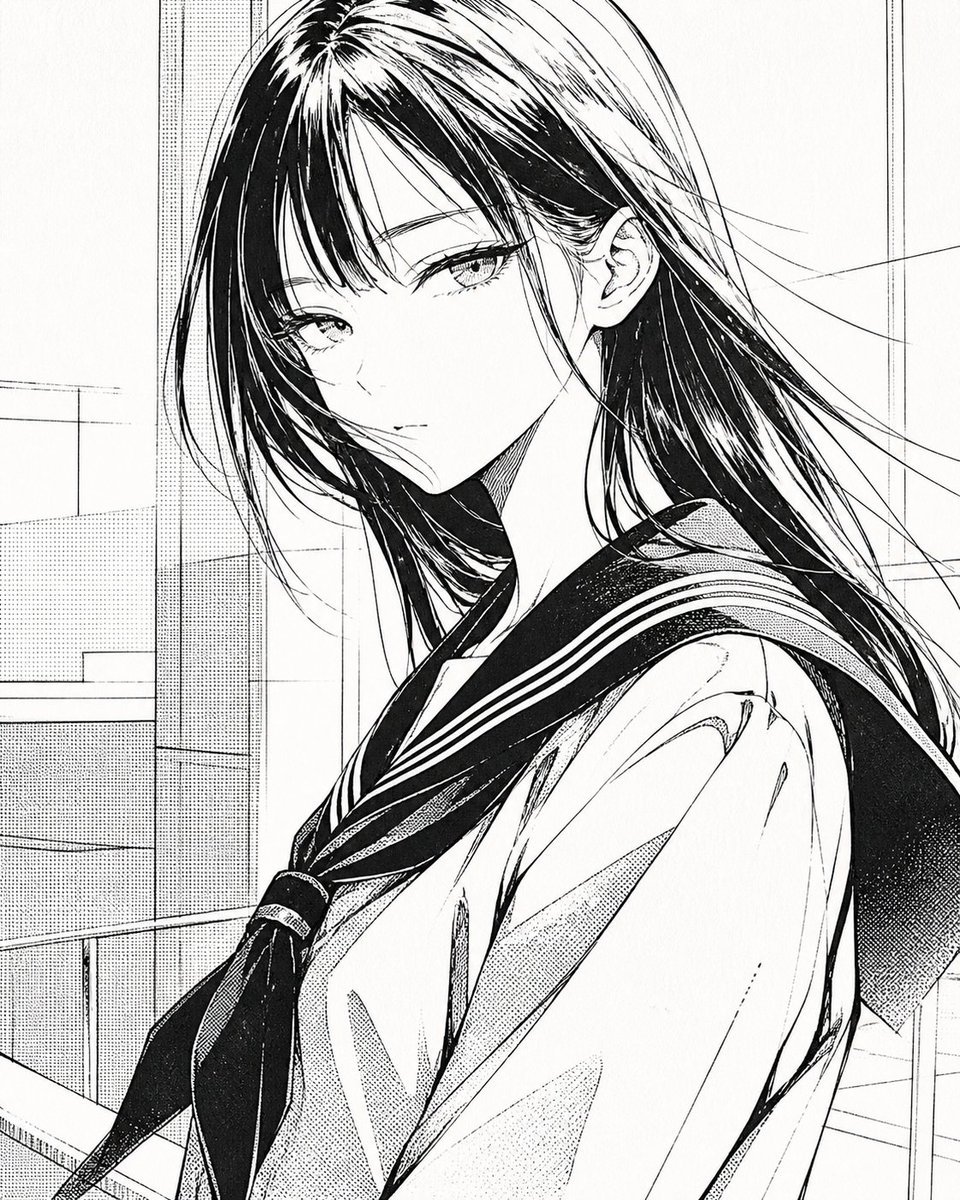
Censored Manga Schoolgirl Portrait
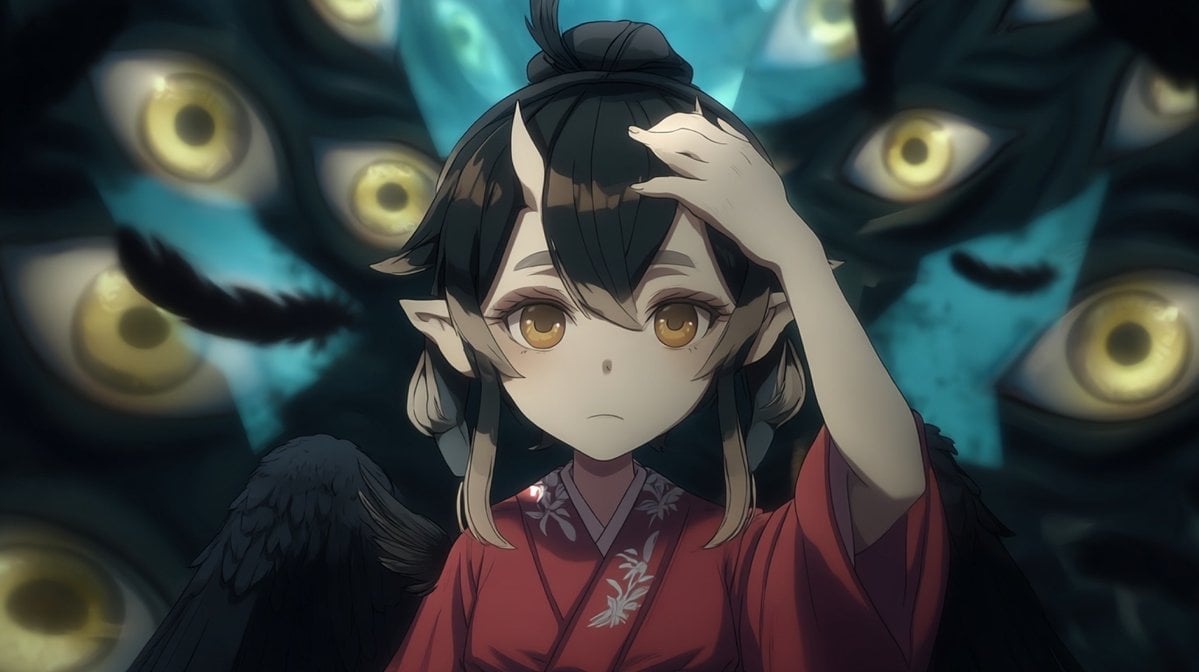
Censored Tengu Girl Among Eyes
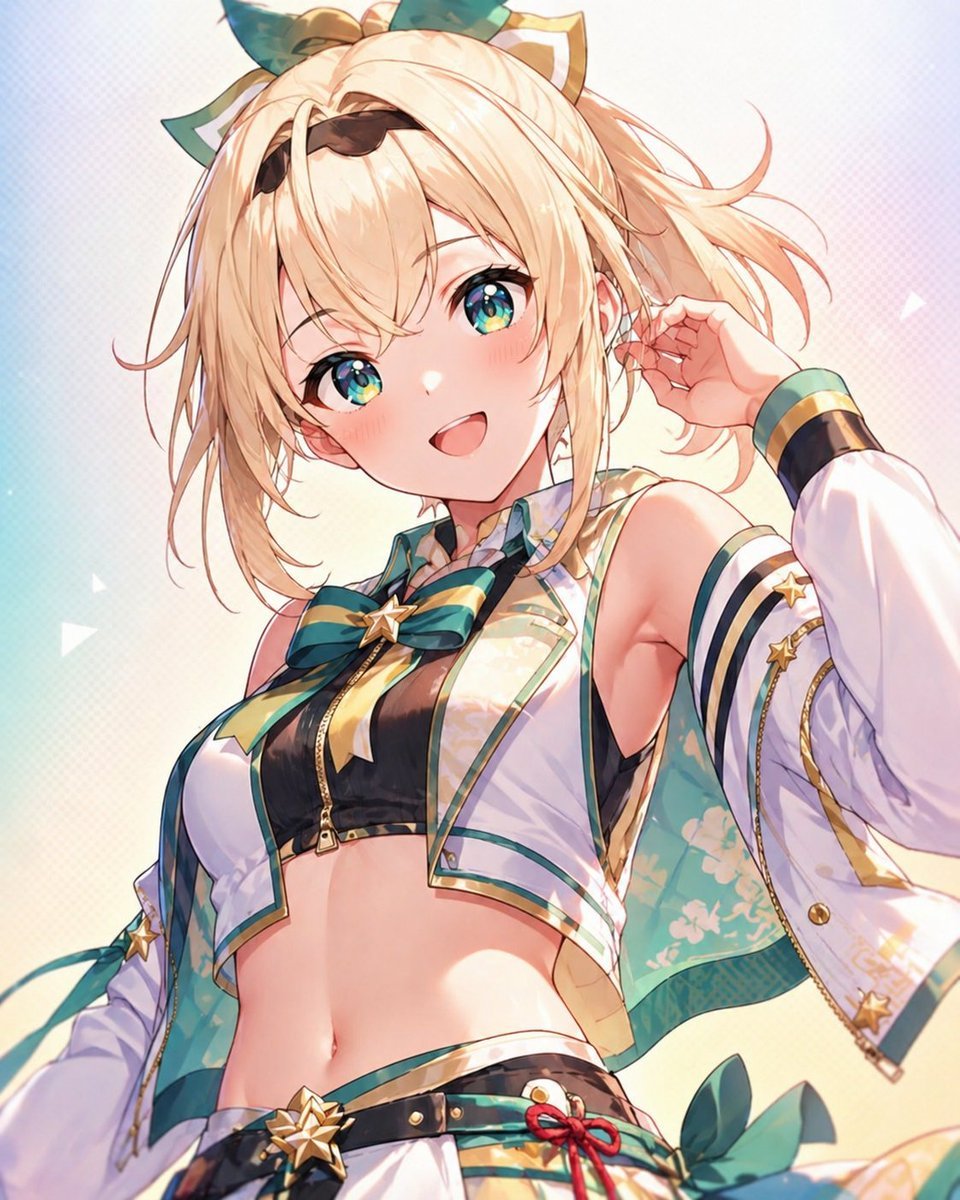
Censored Anime Idol Portrait

Japanese Film Reflection Idol
Idol Stage Performance Portrait

Obscured Cyberpunk Girl Poster

Sunlit Orchard Girl With Apples

Pastel Anime Idol Concert Finale
Pastel Cat-Eared Summer Idol Stage
Winking Anime Idol Festival Portrait

Framed Quilling Anime Girl
Make it yours
Censored Idol Girl in Akihabara works as-is. These are the safest ways to change it without losing the look.
Change one field
Copy a single group, rewrite it, and generate again so you can see what that field is doing.
Keep the frame, change the subject
Hold the composition and light of Censored Idol Girl in Akihabara, then swap wardrobe, props or the person for a new take.
| If the result… | Why | Fix |
|---|---|---|
| The result drifts from the preview | Too many fields changed at once. | Reuse Censored Idol Girl in Akihabara as-is first, then change one group — subject, light, or setting. |
| The model over-stylizes the scene | The prose prompt leaves finish and camera underspecified. | Add one camera or lighting sentence and stay on GPT Image 2. |
More GPT Image 2 templates
Other prompts made for GPT Image 2.

Six VTuber Japanese Logo Sheet

Realistic Portrait of Woman and Deer

The Vista Modular Condo Poster

AI Model Routing Comparison Infographic

2.5D Anime Art Board

Isometric Productivity Desk Scene

New York Double Exposure Poster

Four-Panel AI Landscape Comparison

Japanese Tatami Lifestyle Magazine Cover

NESCAFÉ Coffee Map Poster
More image prompts
Fresh picks from across the catalog.
Generating 4 Images Simultaneously (Grid View)
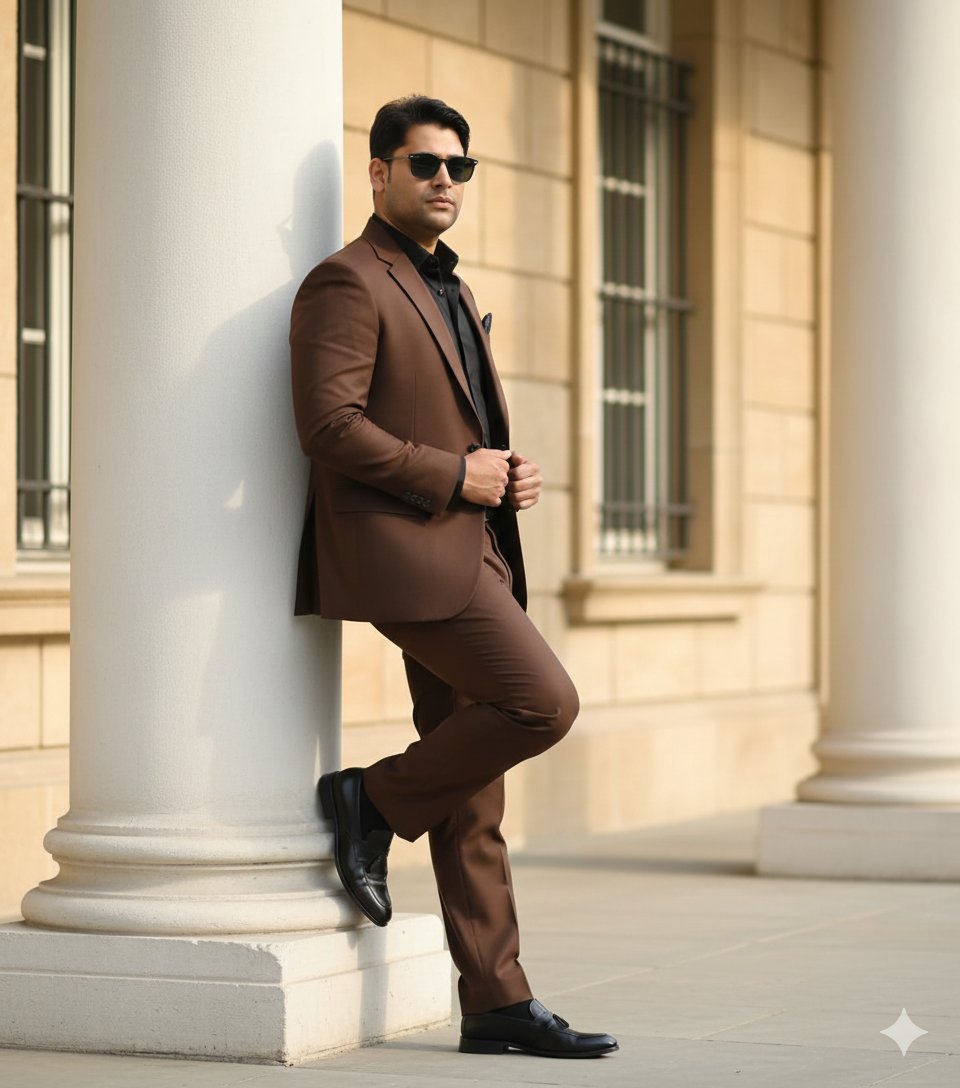
Cinematic Fashion Editorial of a Man with a Luxury Car and Dog
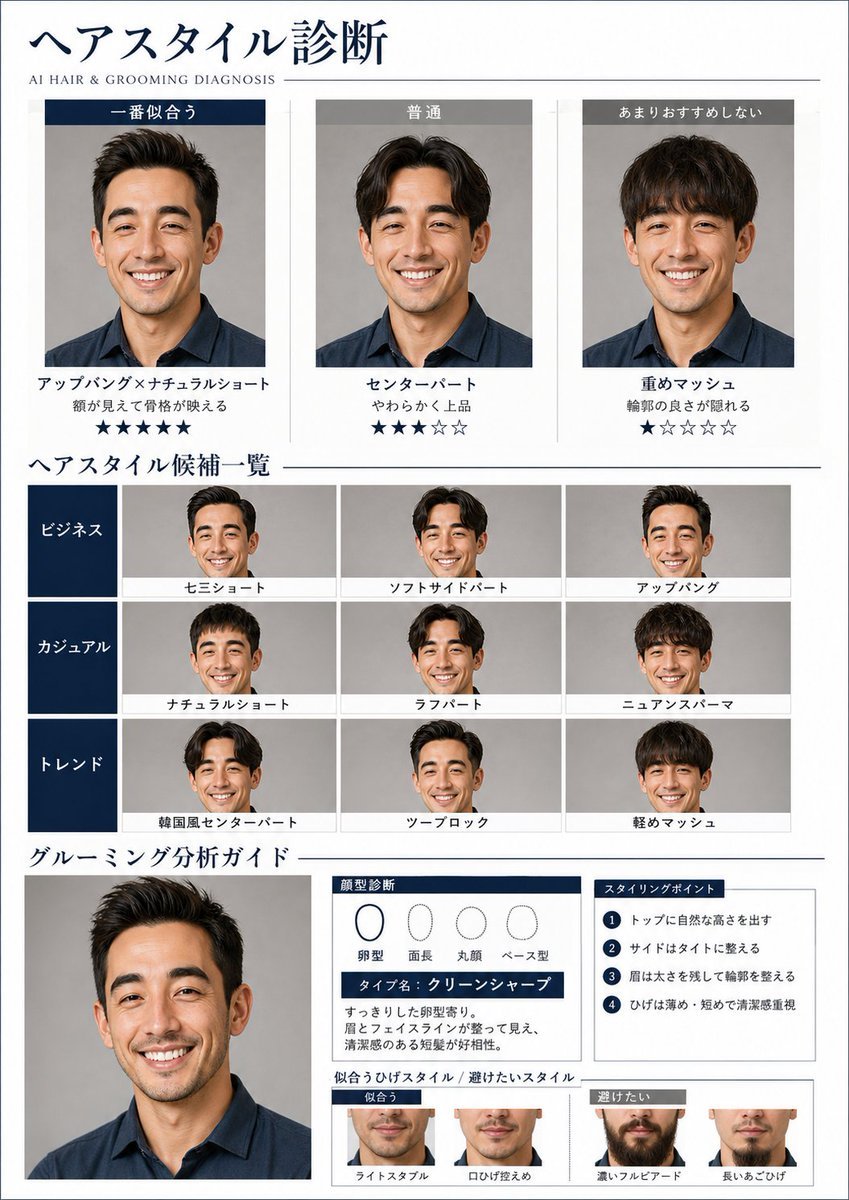
AI Hair and Grooming Diagnosis Report

Lego Explorer Chased by Polar Bear (Video Prompt)
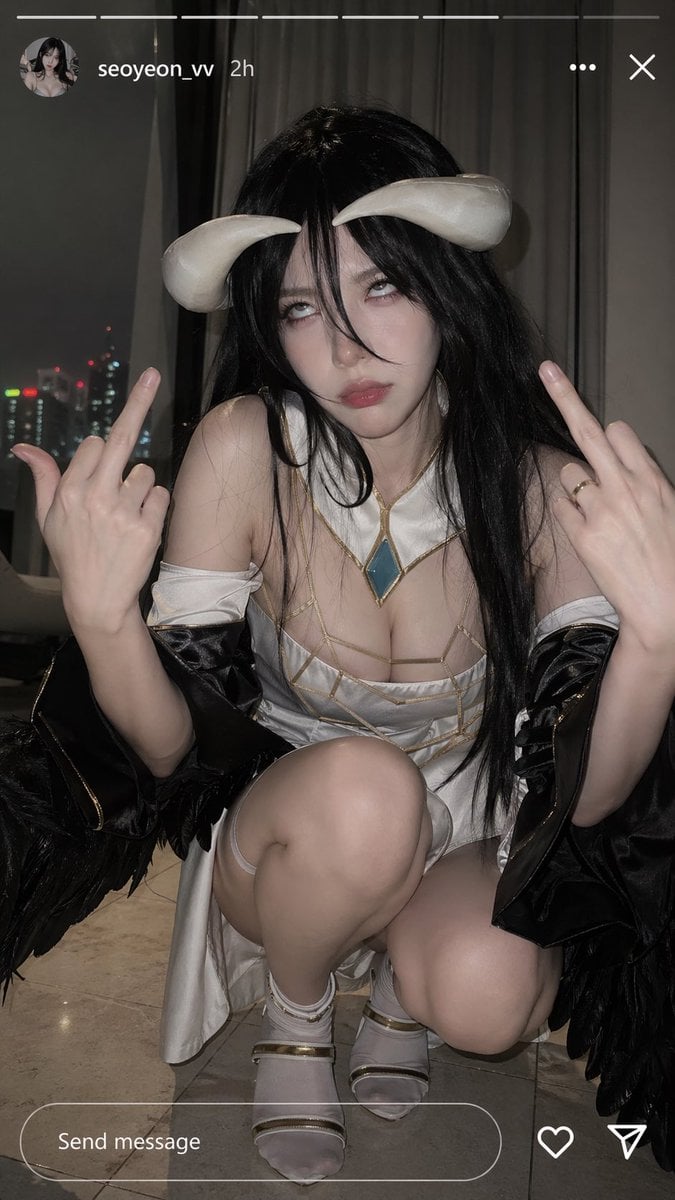
Albedo Cosplay Instagram Story
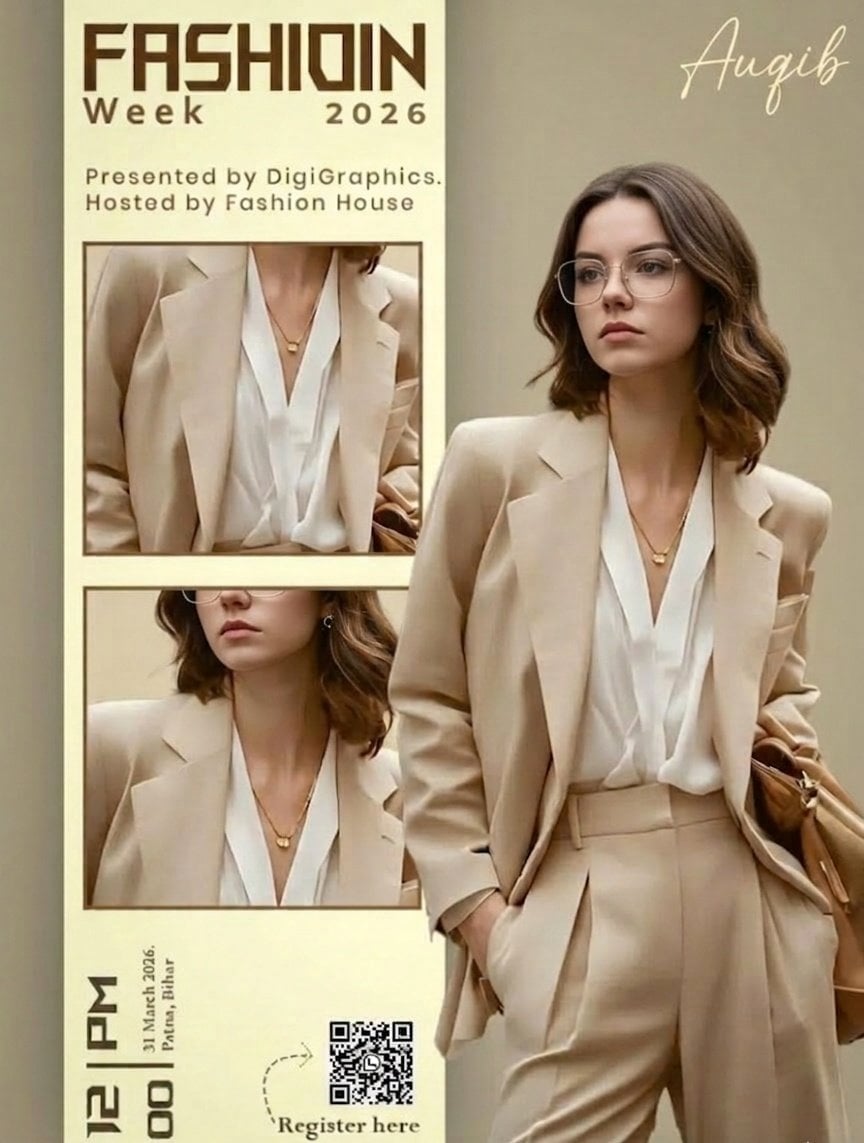
Editorial Fashion Ad Poster Prompt with Face Replacement
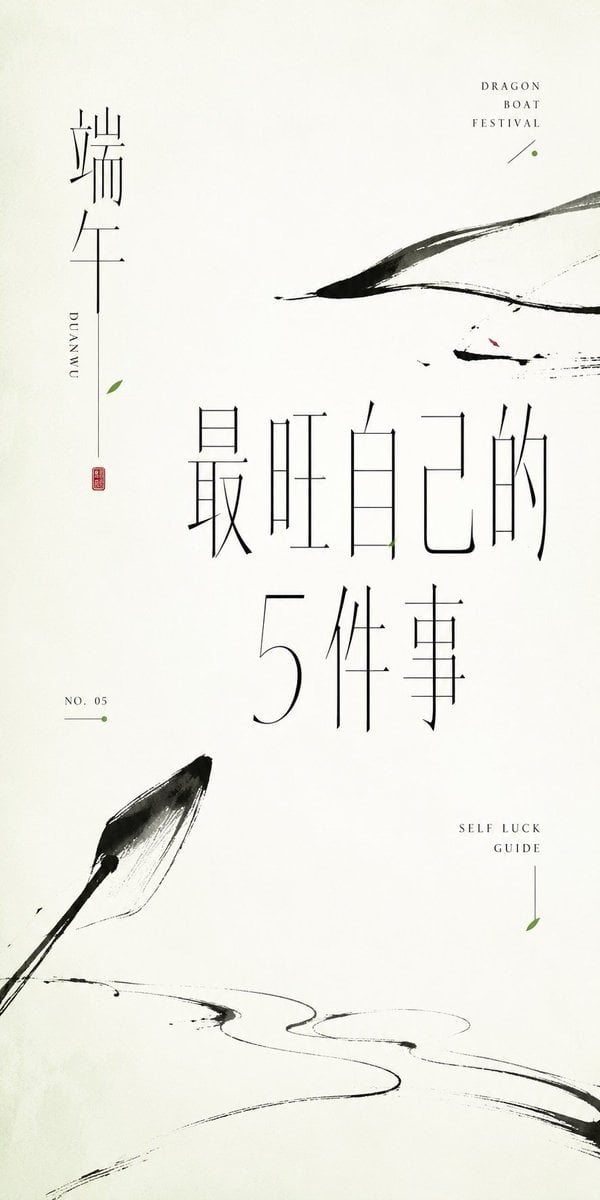
Minimalist Oriental Ink Typography Poster
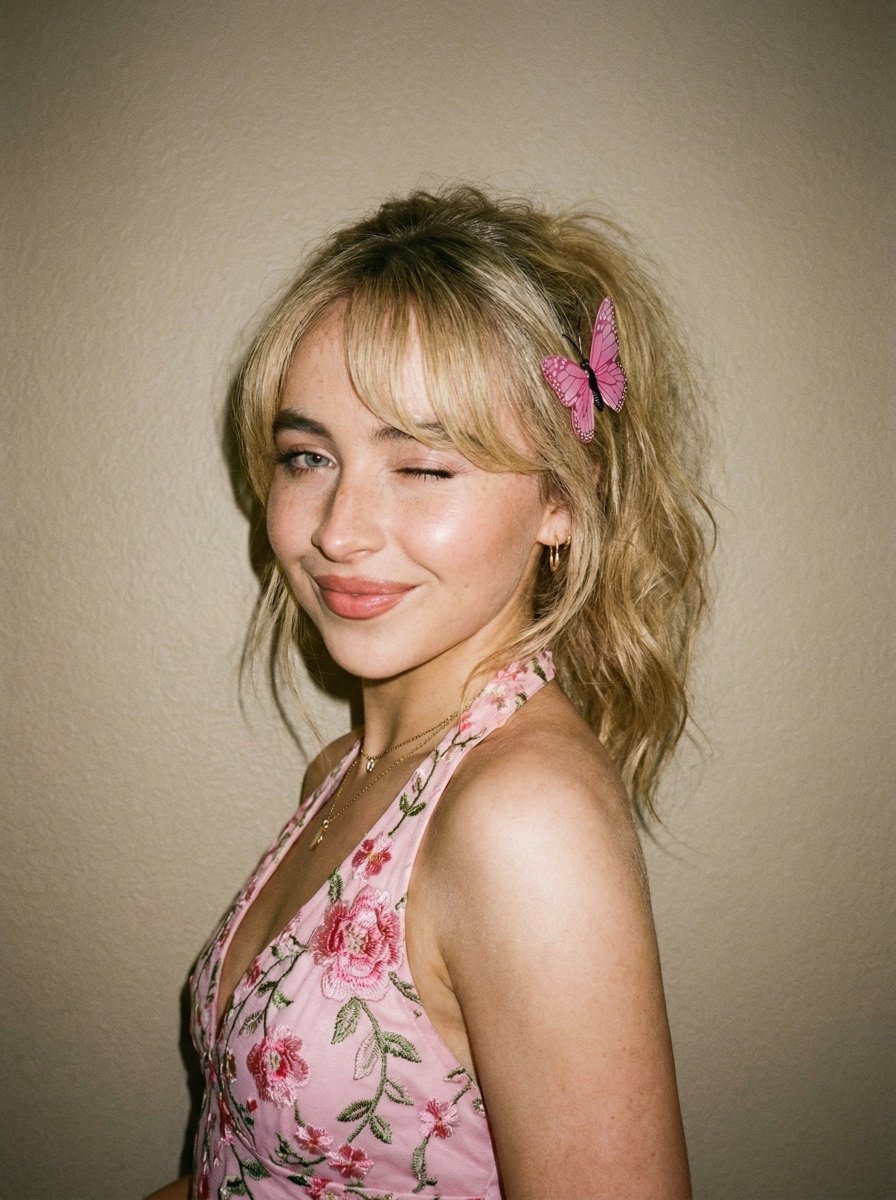
Soft Flash Portrait with Coquette Aesthetic
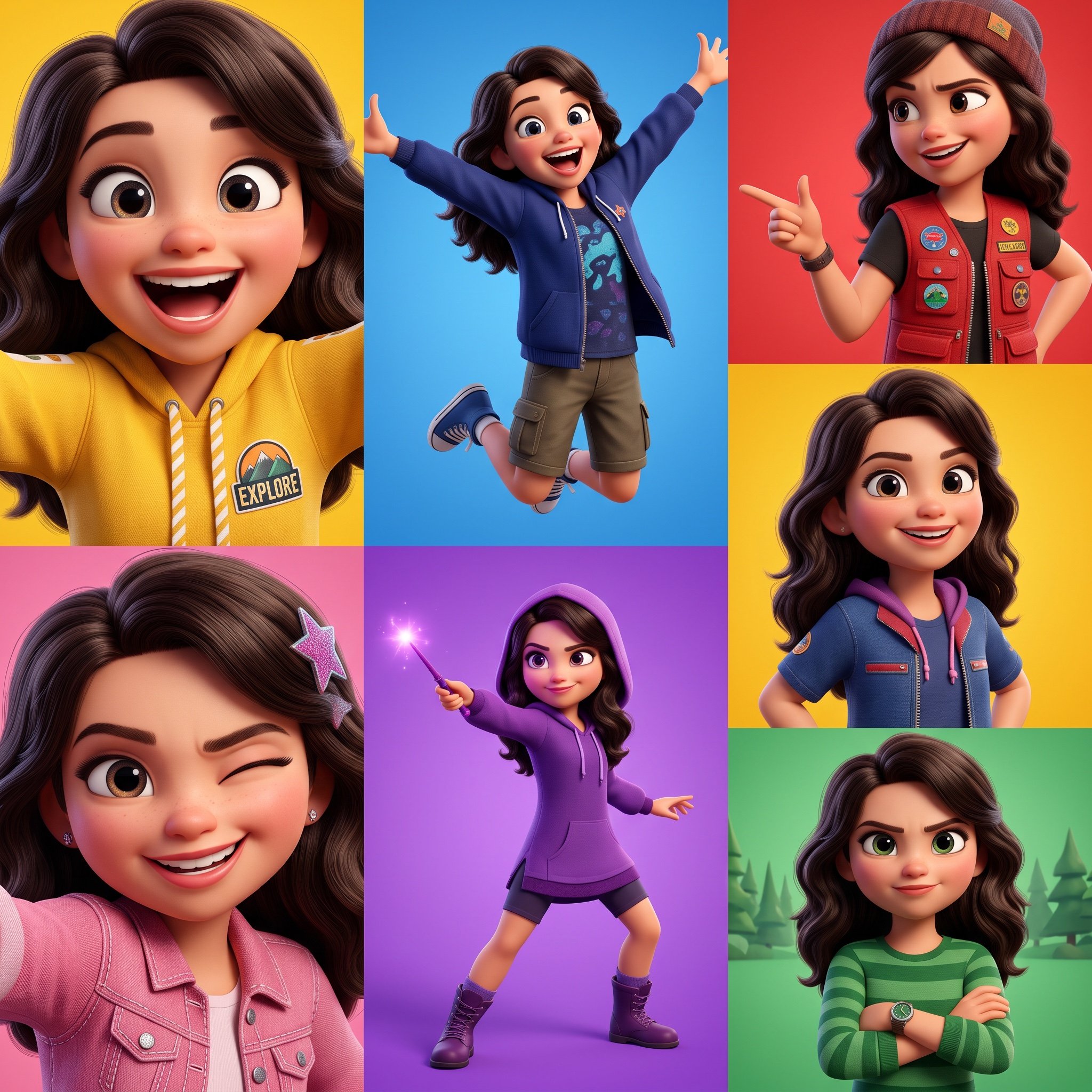
3D Pixar-Style Animated Character Grid Prompt
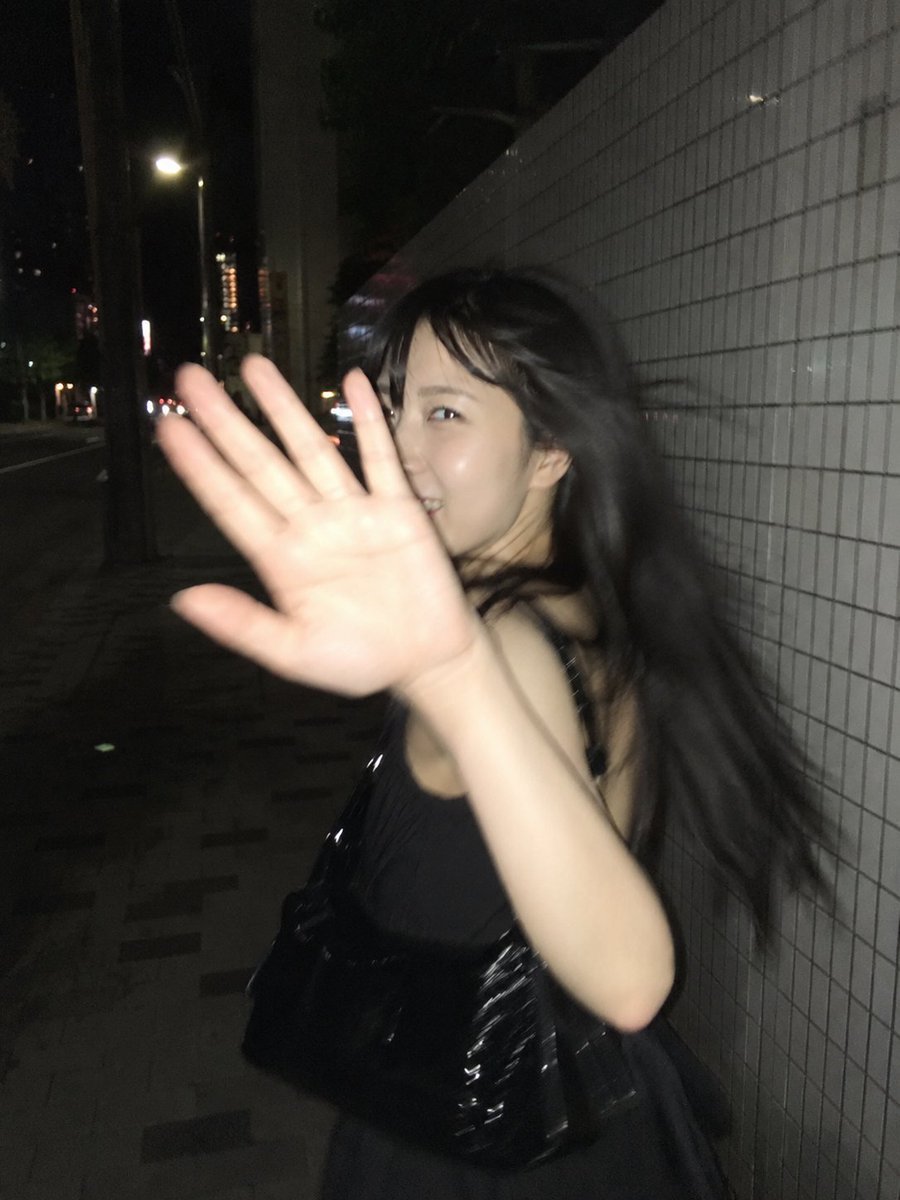
Candid Tokyo Street Night Photography
Browse template categories
Censored Idol Girl in Akihabara questions
How do I use the Censored Idol Girl in Akihabara template?
Add your photo if the template asks for one, edit the prompt if you like — the template's model and format are already selected — and press Generate. Your version opens in PicX Studio.
Can I customize the Censored Idol Girl in Akihabara template?
Yes. You can change the subject, setting, lighting, mood, format, and available model controls before creating your image.
Is the Censored Idol Girl in Akihabara template free?
Opening and editing this template is free. Generating uses credits, shown on the Generate button when you are signed in.
Which AI model should I use?
Start with GPT Image 2, which is the model associated with this template. You can compare another compatible model for a different finish.
Looking for something else? Browse all templates.

Your photo, any look
Thousands of ready templates for every top image and video model, from one credit balance.