
Anime Girl Floating Over Niseko
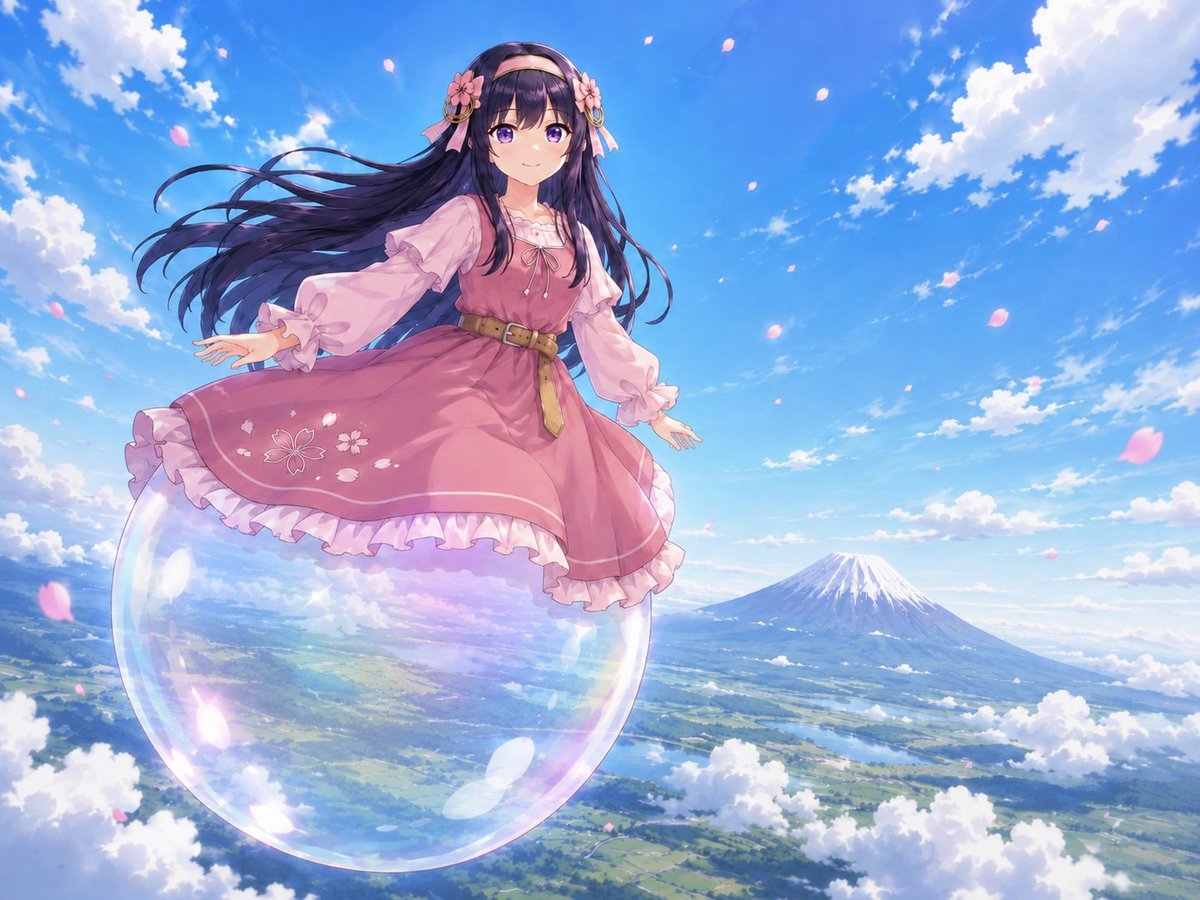
A fantasy anime sky scene of a frilly pink-dressed girl floating on an iridescent bubble above a Niseko-like landscape and mountain.
- Prompt included
- Model and format preset
- Free template
The prompt behind this image
Copy the exact prompt behind Anime Girl Floating Over Niseko, or open it in the studio and make it yours.
Create a vibrant anime-style fantasy sky illustration in a wide 4:3 canvas. Show exactly 1 young girl floating high above a bright countryside landscape, standing or hovering on exactly 1 huge transparent soap bubble with rainbow iridescent highlights. Her face is intentionally obscured by a soft rectangular blur, while the rest of her body is sharply drawn. She has very long flowing {argument name="hair color" default="dark violet-black"} hair streaming left in the wind, with exactly 2 pink flower hair ornaments near her temples and a thin headband. Dress her in a {argument name="dress color" default="dusty rose pink"} frilly lolita-inspired dress with sheer puff sleeves, a white ruffled collar, a brown belt with a dangling strap, white frilled hem layers, and a small cherry-blossom embroidery motif on the skirt. Her arms are extended gracefully for balance, and the skirt lifts slightly as if caught by wind. The background is a dazzling blue sky filled with bright white cumulus clouds and approximately 20 drifting pink cherry blossom petals. Far below, show a green patchwork valley with fields, forests, rivers or lakes, and roads, viewed from a high aerial perspective. On the right horizon, include exactly 1 iconic snow-capped volcanic mountain resembling {argument name="mountain location" default="Mount Yotei near Niseko"}. Lighting should be warm, crisp, and magical, with strong daylight, soft atmospheric haze, pastel reflections on the bubble, detailed painterly anime rendering, dynamic composition, and a sense of soaring freedom. No text, no watermark, no extra characters.
How to use Anime Girl Floating Over Niseko in 3 steps
- 1Upload ImagePNG, JPG or paste
Add your photo
Upload the photo the template builds on. The prompt, model and format are already set.
- 2…a portrait of your subject in softgolden-hour light, 85mm…
Personalize
Edit the subject and creative details for your destination.
- 3Generate
Generate
Press Generate — your image is created in PicX Studio, so you can compare it with the original and refine one variable at a time.
More like this
Templates with the same subject, style or setup. Open one to see its prompt.









Make it yours
Anime Girl Floating Over Niseko works as-is. These are the safest ways to change it without losing the look.
Change one field
Copy a single group, rewrite it, and generate again so you can see what that field is doing.
Keep the frame, change the subject
Hold the composition and light of Anime Girl Floating Over Niseko, then swap wardrobe, props or the person for a new take.
| If the result… | Why | Fix |
|---|---|---|
| The result drifts from the preview | Too many fields changed at once. | Reuse Anime Girl Floating Over Niseko as-is first, then change one group — subject, light, or setting. |
| The model over-stylizes the scene | The prose prompt leaves finish and camera underspecified. | Add one camera or lighting sentence and stay on GPT Image 2. |
More GPT Image 2 templates
Other prompts made for GPT Image 2.

Six VTuber Japanese Logo Sheet

Realistic Portrait of Woman and Deer

The Vista Modular Condo Poster

AI Model Routing Comparison Infographic

2.5D Anime Art Board

Isometric Productivity Desk Scene

New York Double Exposure Poster

Four-Panel AI Landscape Comparison

Japanese Tatami Lifestyle Magazine Cover

NESCAFÉ Coffee Map Poster
More image prompts
Fresh picks from across the catalog.
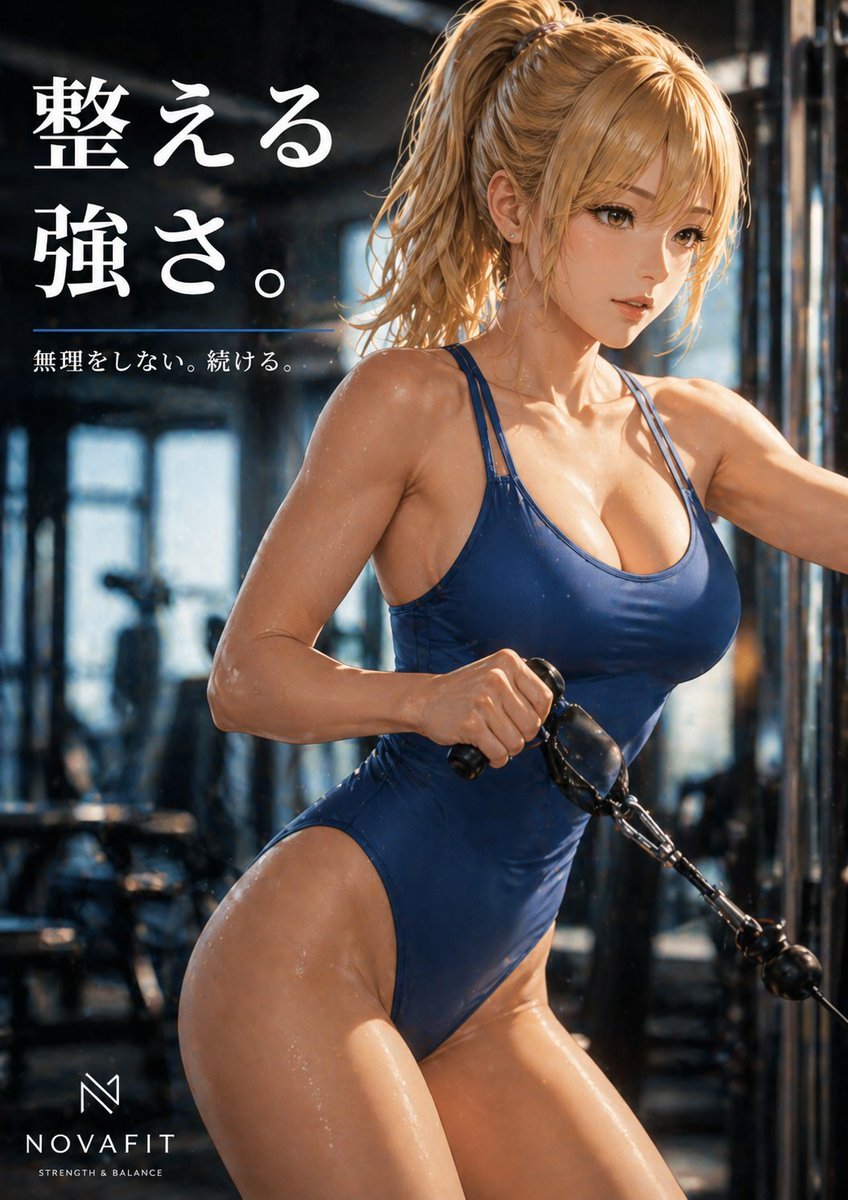
Premium Japanese Gym Poster
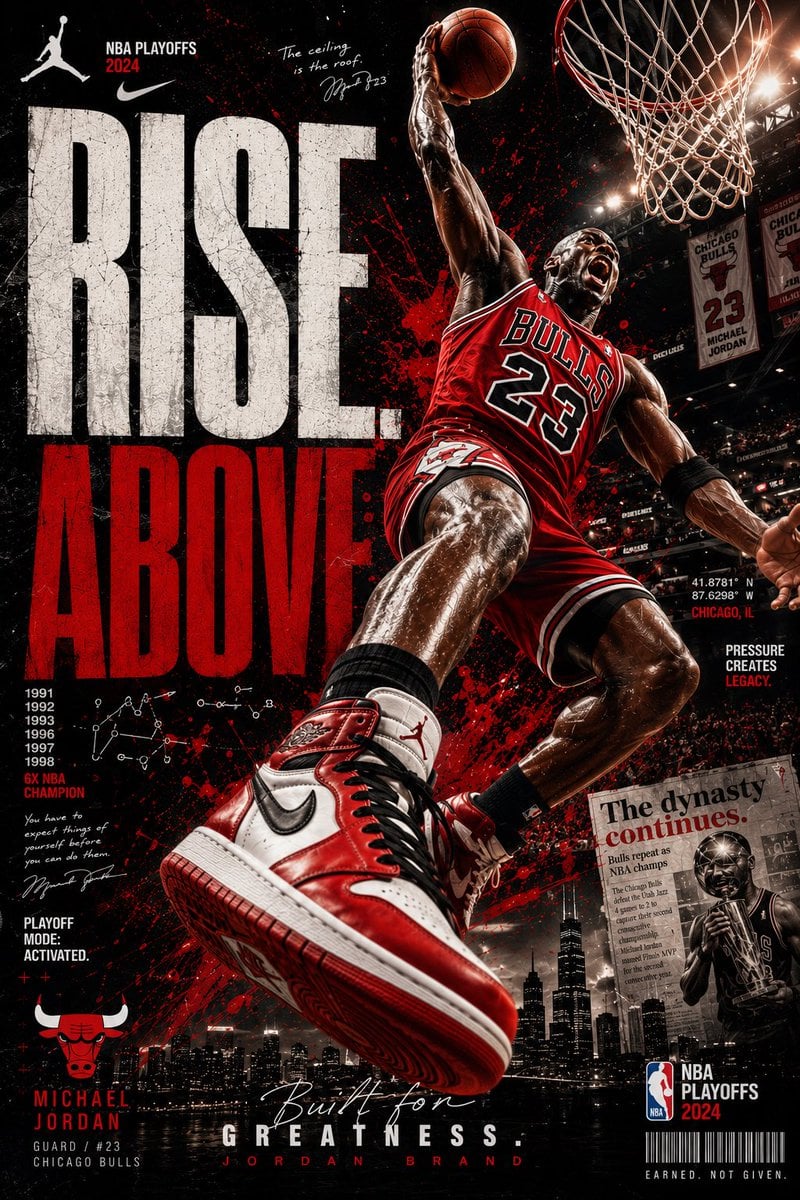
Rise Above Basketball Playoff Poster
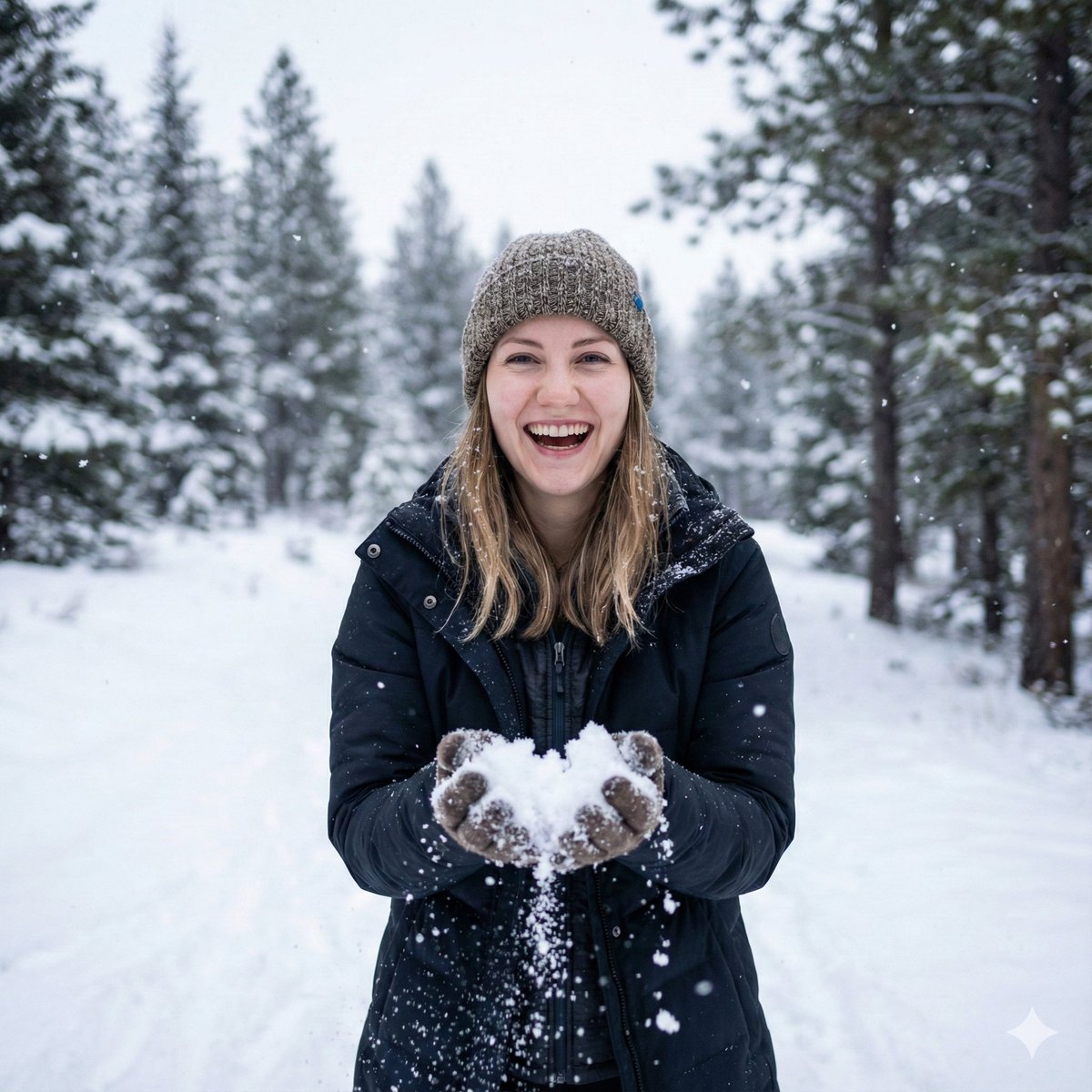
Photorealistic Winter Portrait with Identity Preservation
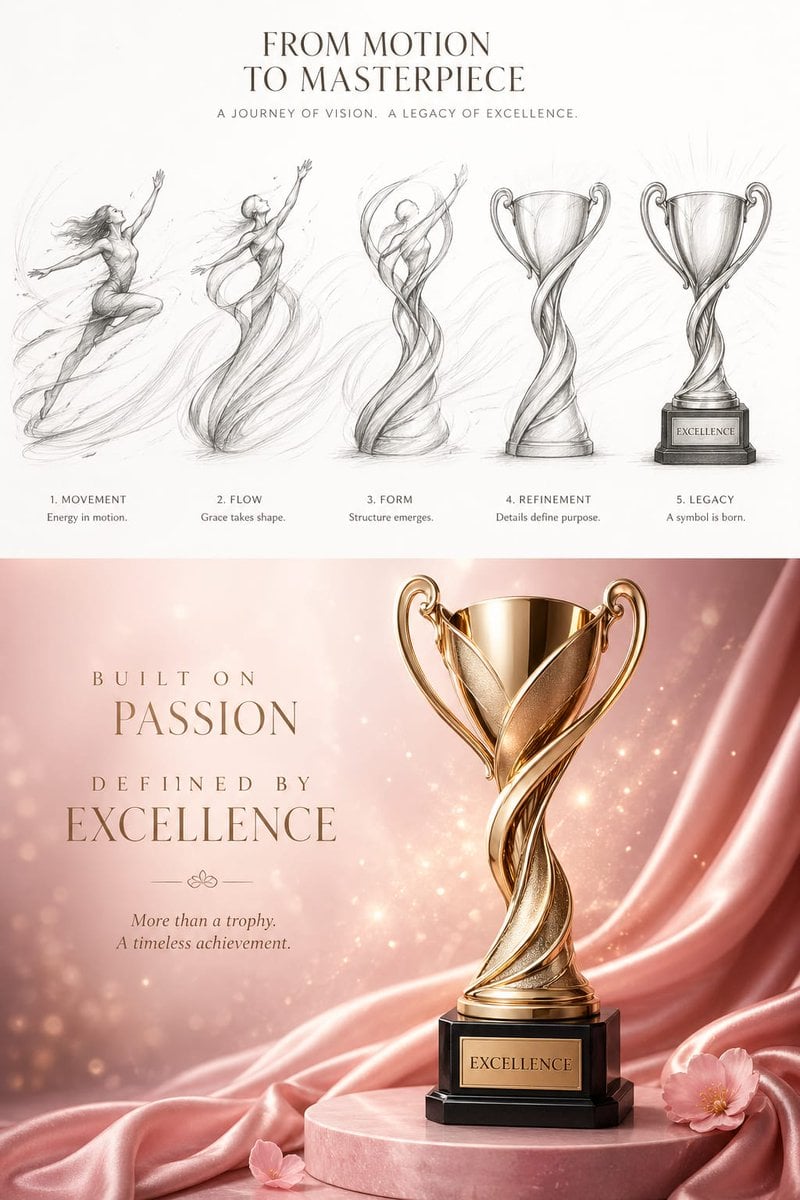
Artistic Luxury Trophy Design Poster
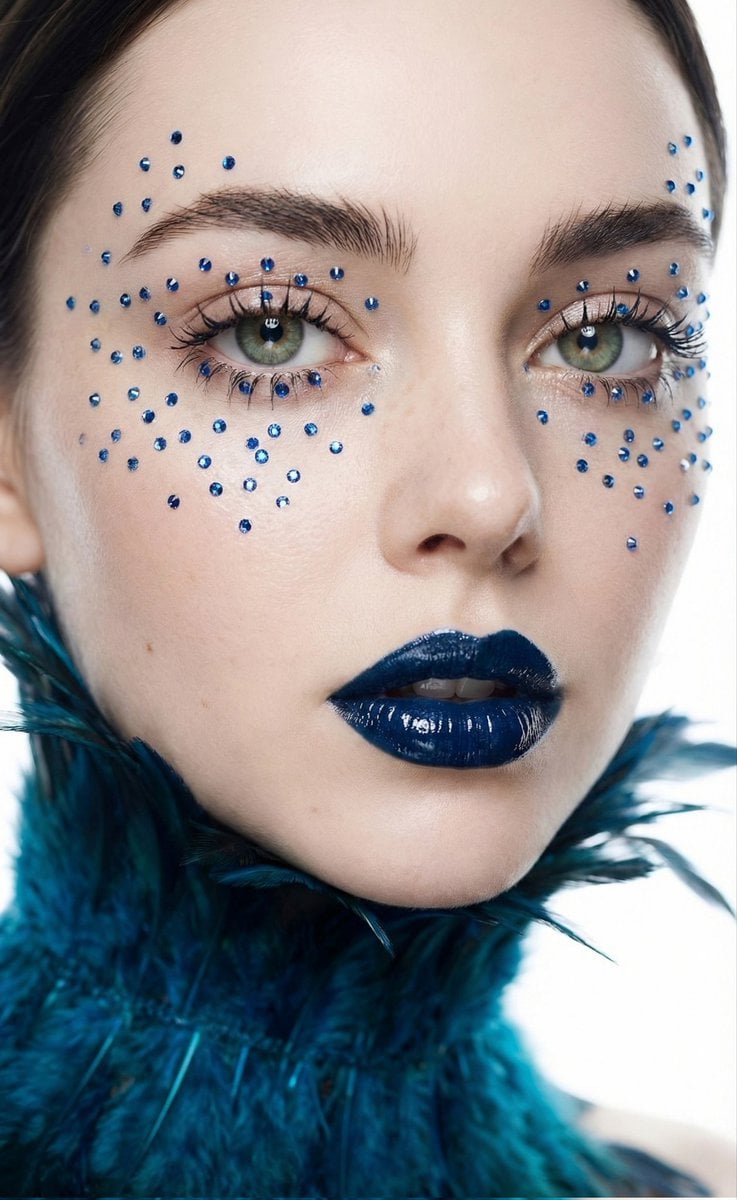
Cinematic Beauty Shot with Sapphire Crystals
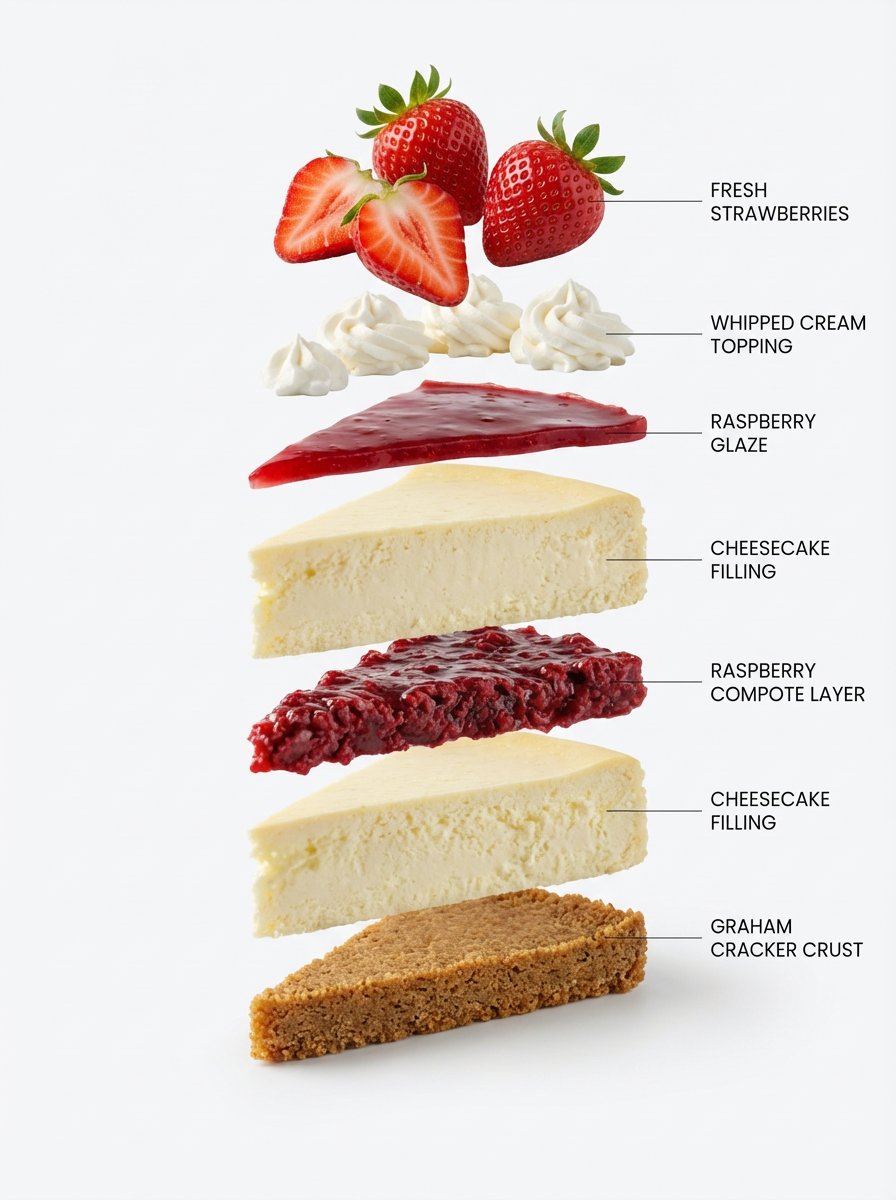
Exploded-View Structural Cutaway for Food Photography
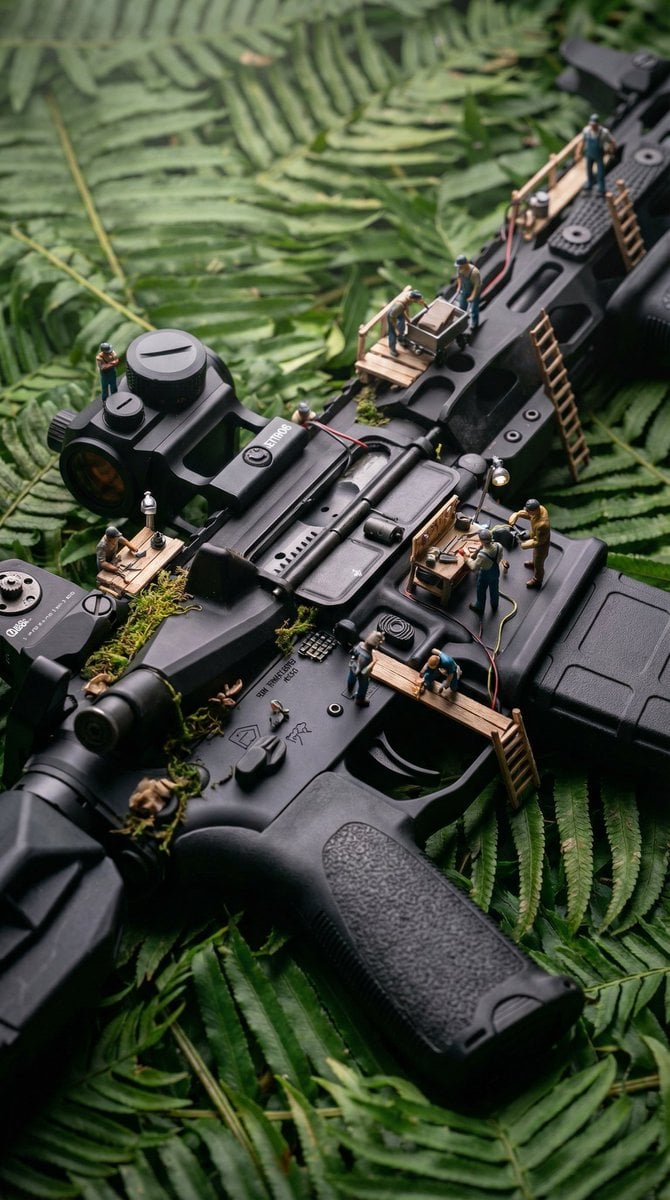
Object-Based Miniature Surreal Ecosystem
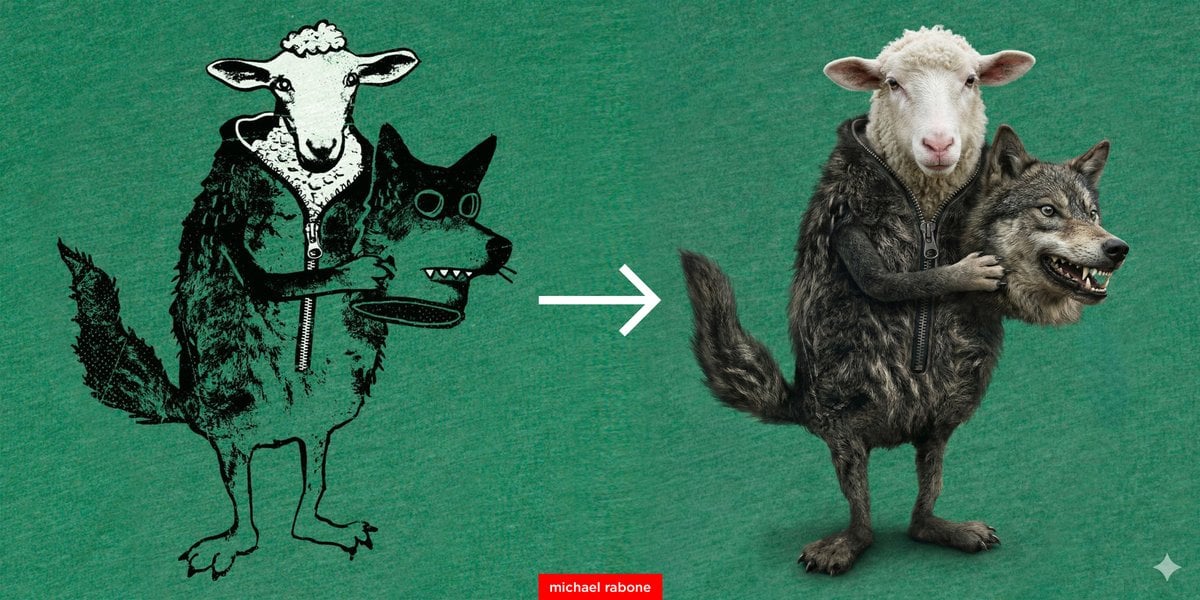
Artwork to 4K Photo Transformation Prompt
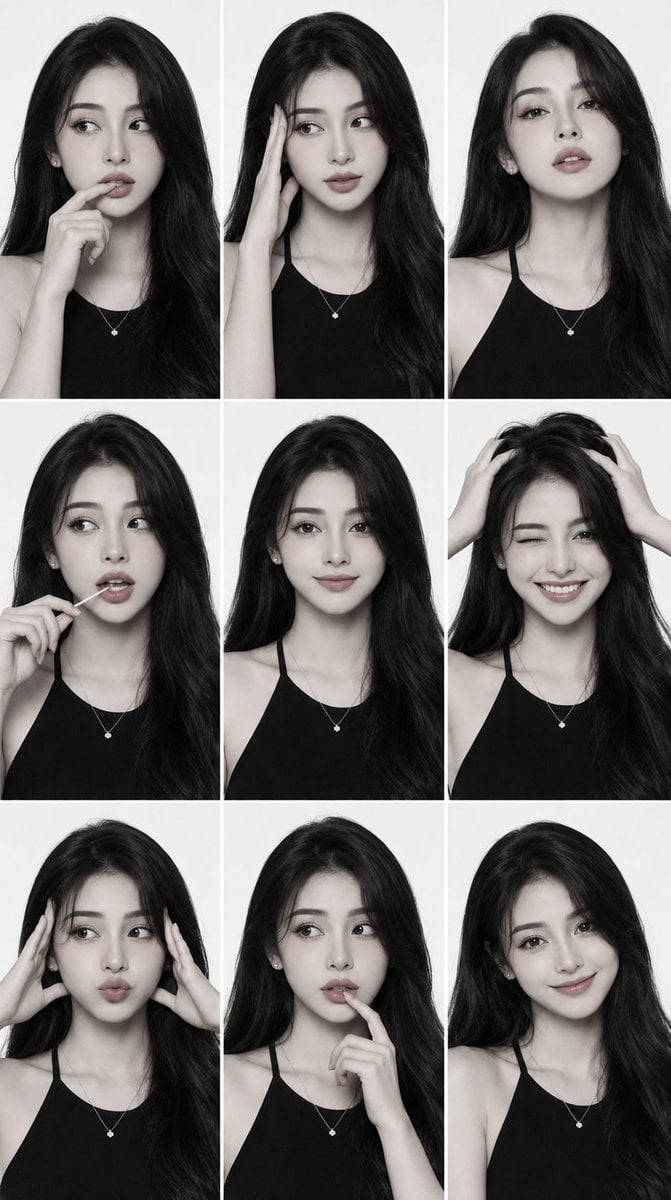
Monochrome Fashion Editorial Comp Card
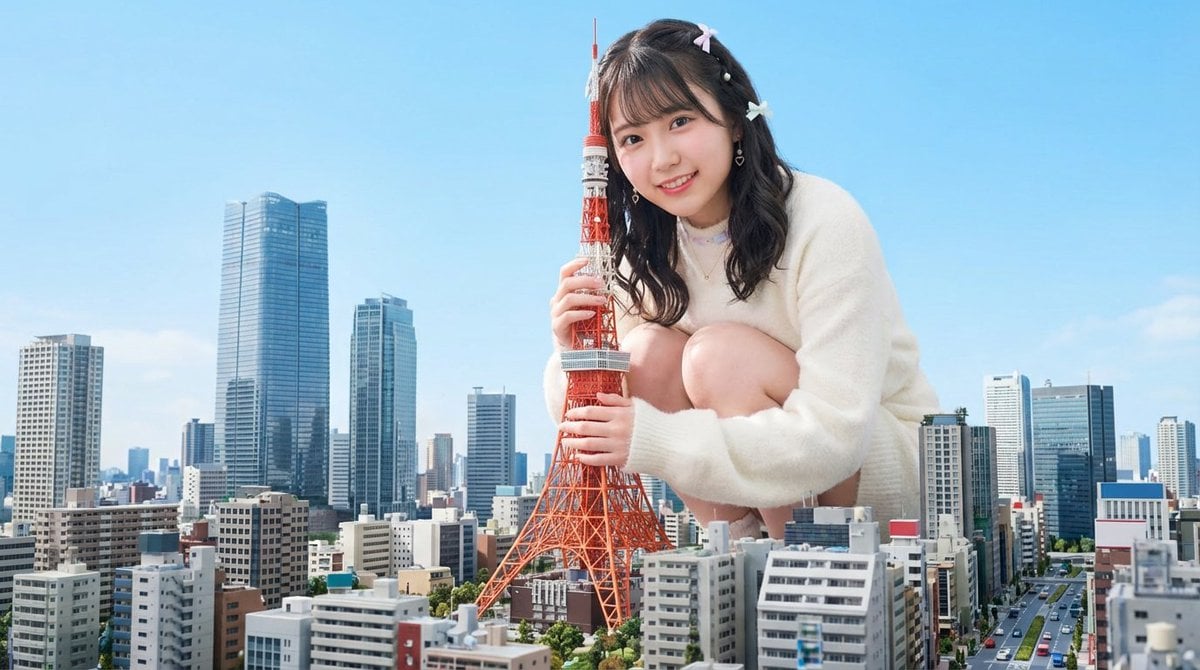
Giant Hugging Tokyo Tower Photo Prompt
Browse template categories
Anime Girl Floating Over Niseko questions
How do I use the Anime Girl Floating Over Niseko template?
Add your photo if the template asks for one, edit the prompt if you like — the template's model and format are already selected — and press Generate. Your version opens in PicX Studio.
Can I customize the Anime Girl Floating Over Niseko template?
Yes. You can change the subject, setting, lighting, mood, format, and available model controls before creating your image.
Is the Anime Girl Floating Over Niseko template free?
Opening and editing this template is free. Generating uses credits, shown on the Generate button when you are signed in.
Which AI model should I use?
Start with GPT Image 2, which is the model associated with this template. You can compare another compatible model for a different finish.
Looking for something else? Browse all templates.

Your photo, any look
Thousands of ready templates for every top image and video model, from one credit balance.