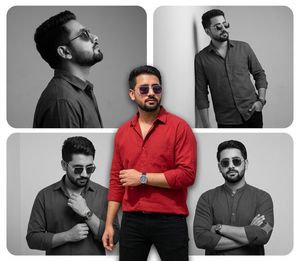
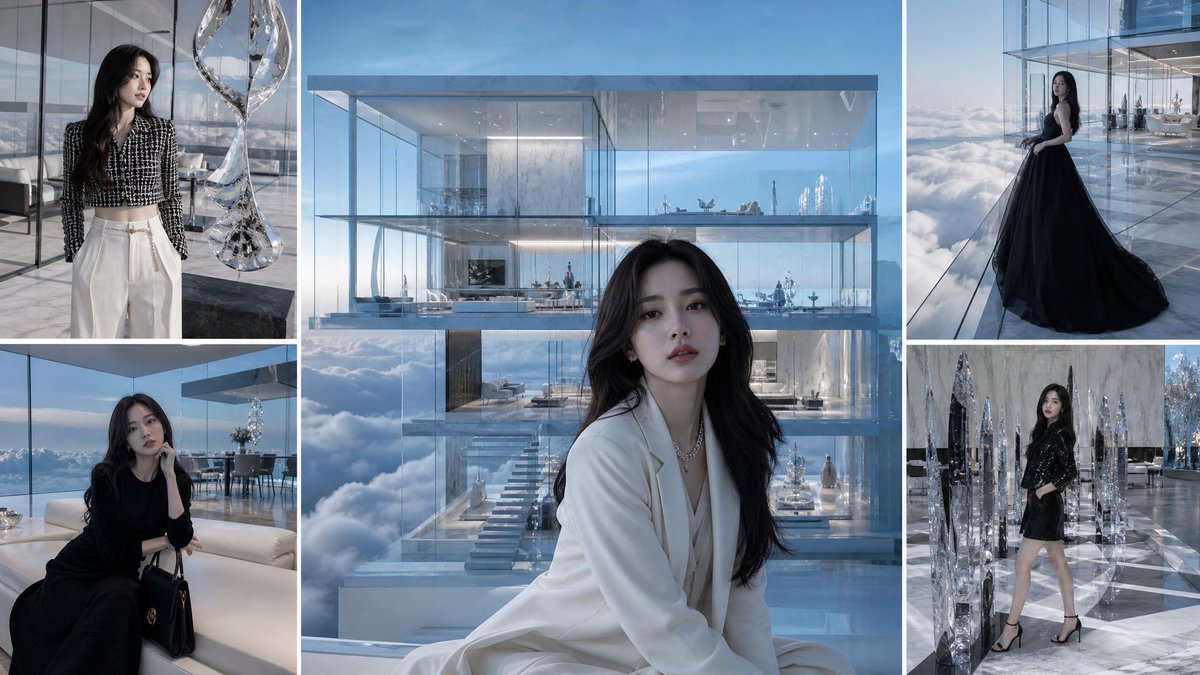
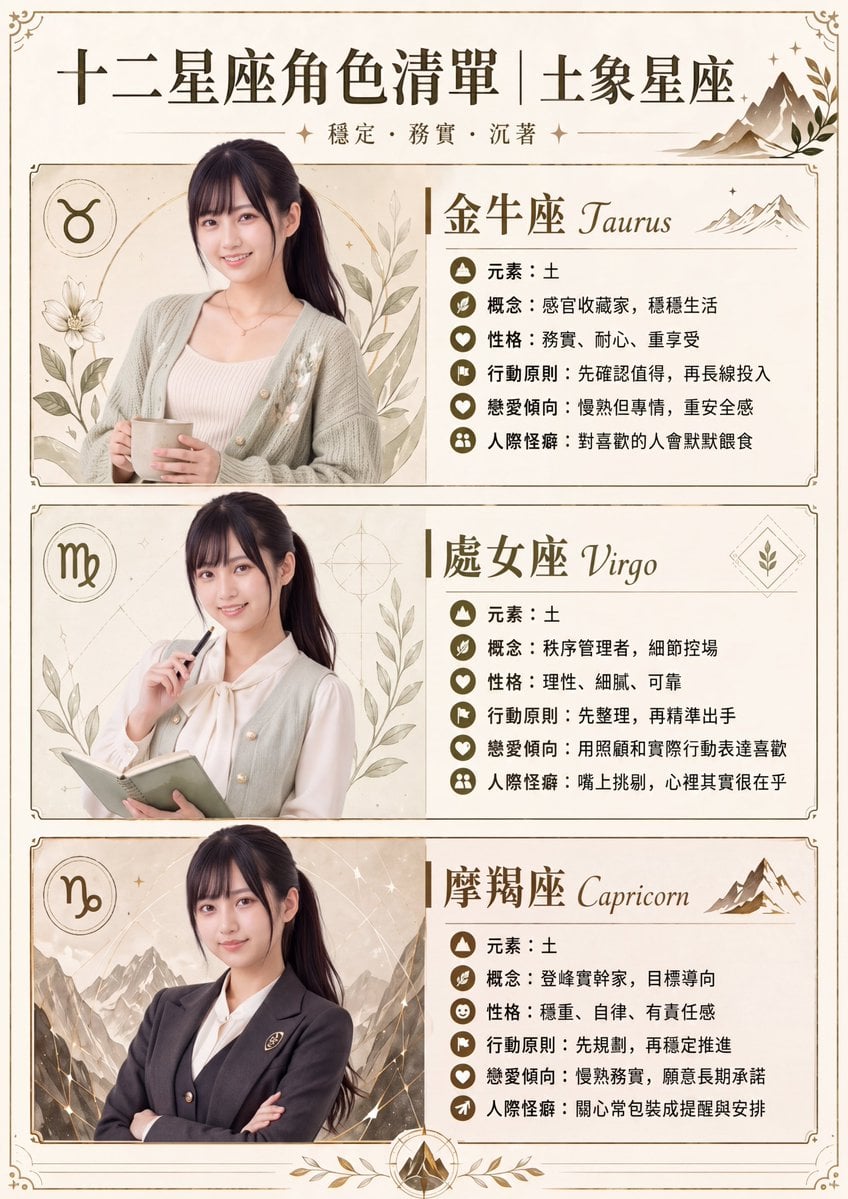
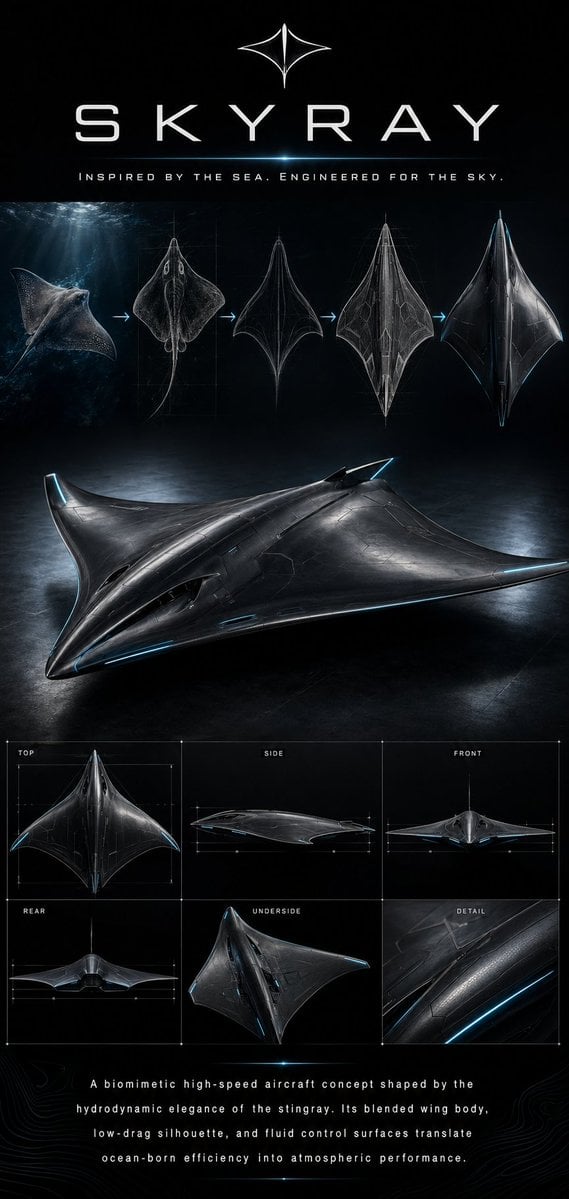
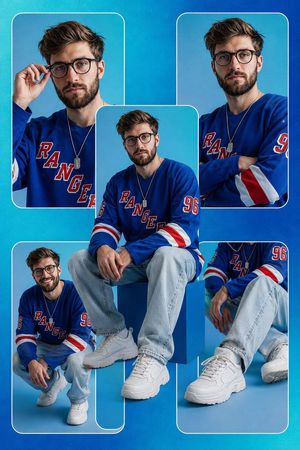
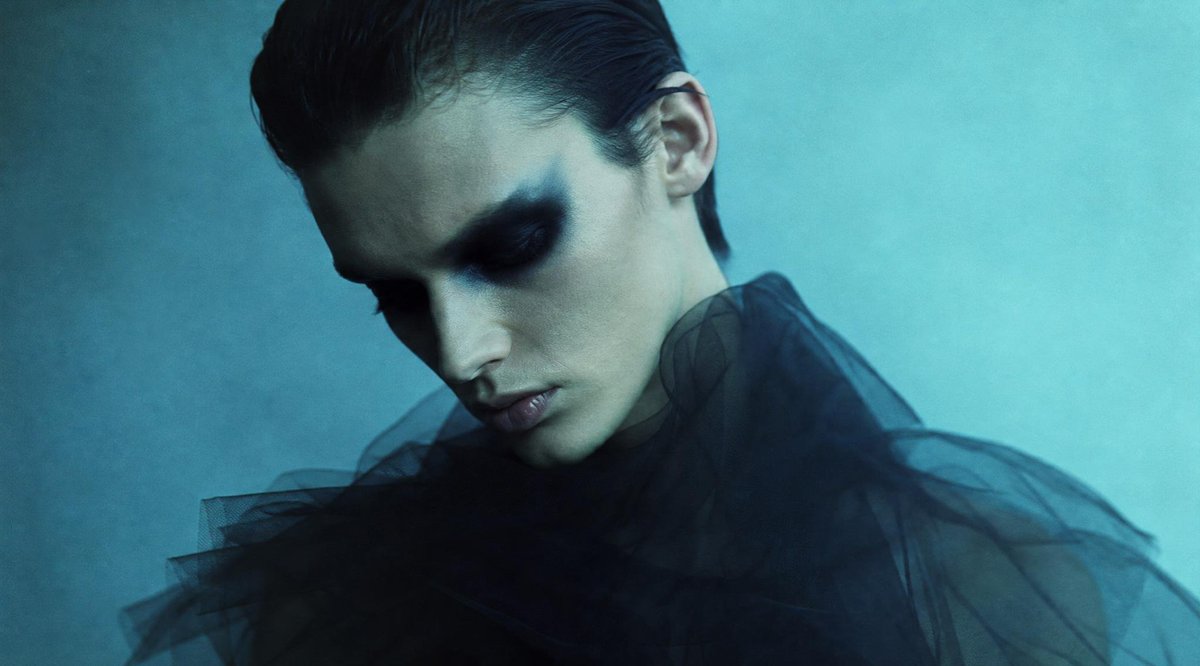
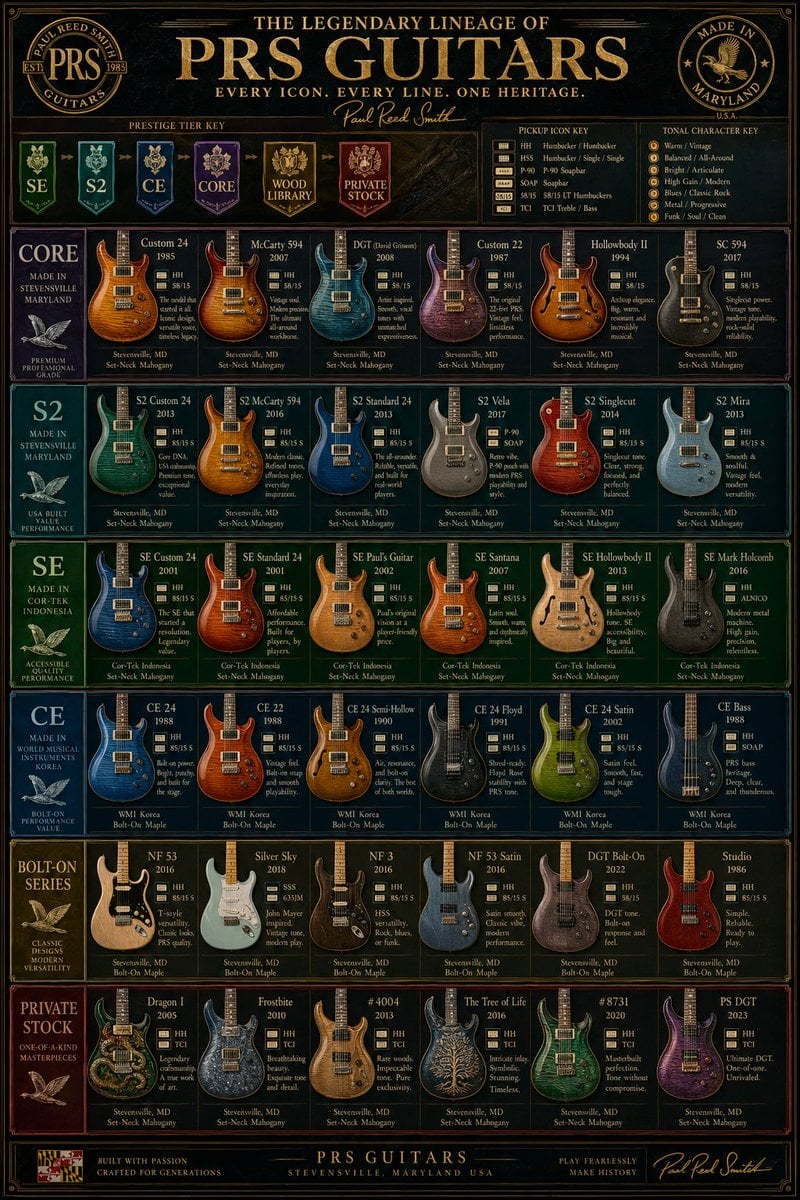
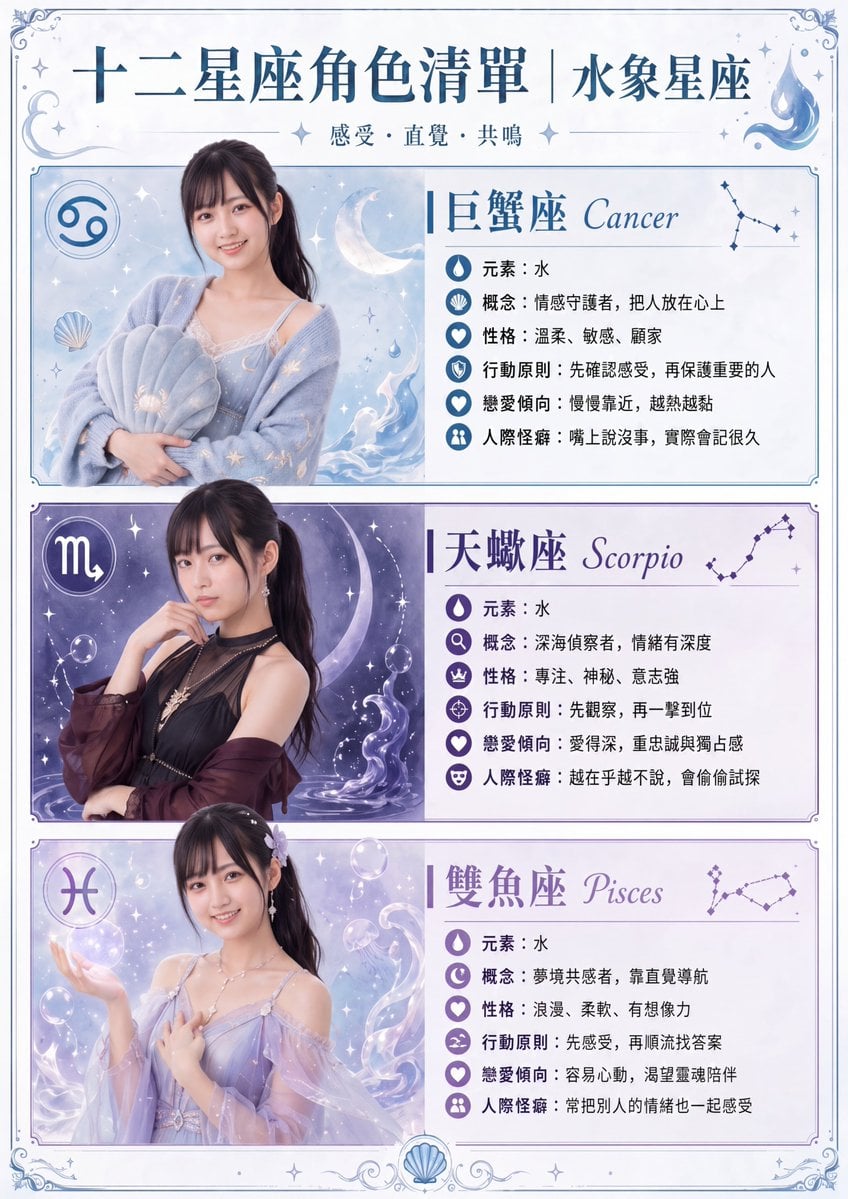
How do I use the Teal Fashion Collage Poster template?
Choose the primary action to open PicX Studio with the available template settings. Review the model and format, personalize the creative direction, and generate when ready.
A stylish fashion poster prompt that creates a high-contrast black-and-white subject on a teal background with playful hand-drawn doodles and bold typography.
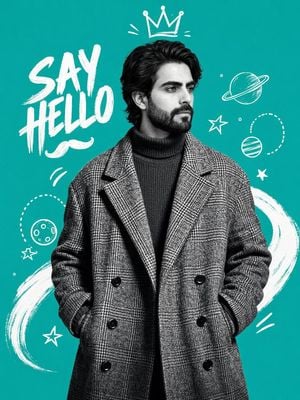
Create a trendy 3:4 vertical fashion poster using the uploaded portrait as reference. Convert the subject to high-contrast black-and-white duotone on a solid {argument name="background color" default="bright teal background"}. Keep stylish hair, beard, and a confident editorial pose. Dress him in an {argument name="overcoat" default="oversized double-breasted plaid wool overcoat"} over a ribbed turtleneck sweater, hands in pockets. Add playful white hand-drawn doodles (crown, stars, planets, dotted circles, motion lines, brush swooshes) around the figure. Include bold handwritten text "{argument name="text" default="SAY HELLO"}" with a small doodle mustache underneath. Modern streetwear-meets-collage fashion magazine aesthetic, clean composition, centered mid-thigh crop.
Choose the primary action to open PicX Studio with the available template settings. Review the model and format, personalize the creative direction, and generate when ready.
Yes. You can change the subject, setting, lighting, mood, format, and available model controls before creating your image.
This template is free to open and customize. Generation usage is shown in PicX Studio before you create.
Start with GPT Image 2, which is the model associated with this template. You can compare another compatible model for a different finish.
Follow a topic to a crawlable collection of related PicX Studio templates.