
Dynamic Teal Streetwear Action Shot
A complex image-to-image prompt designed to preserve facial identity while generating a dynamic, high-fashion action pose in a teal studio.
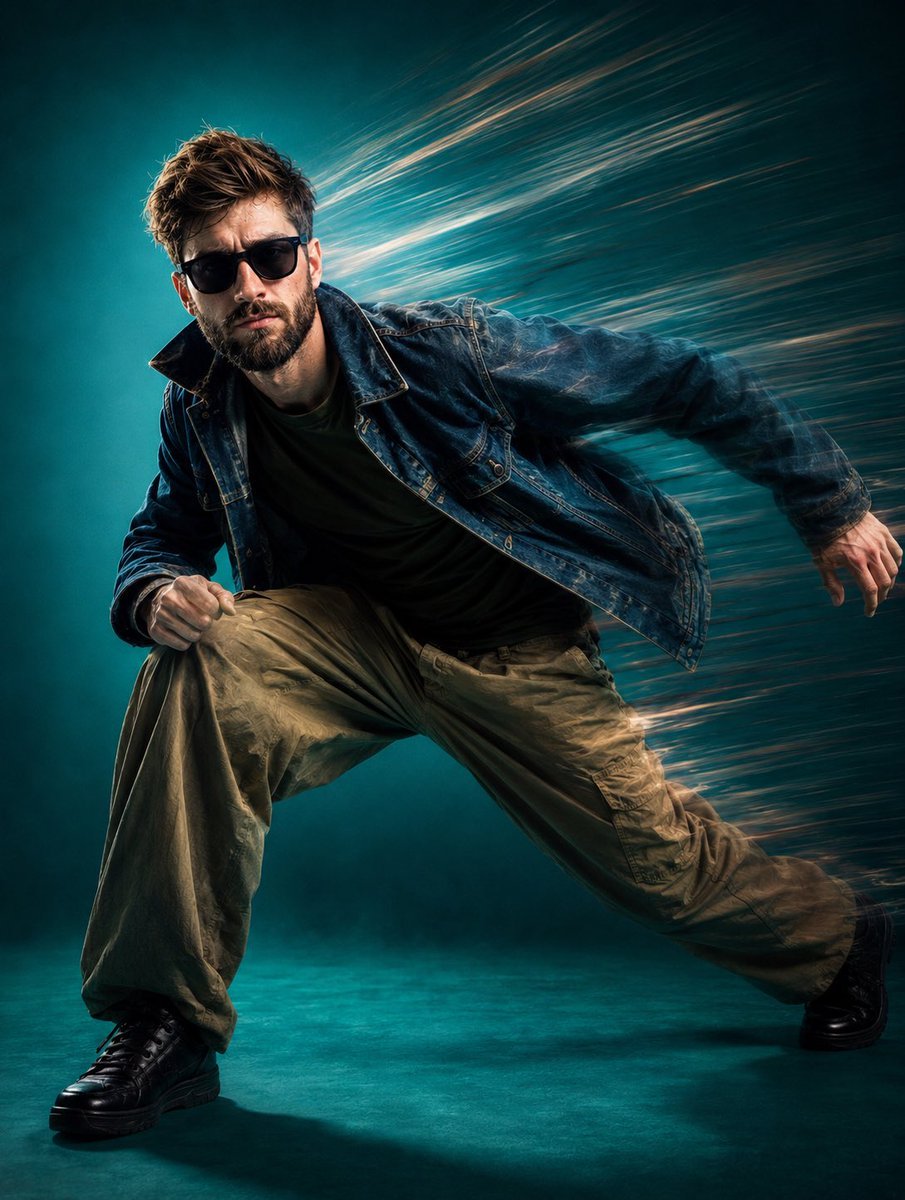
- Prompt included
- Model and format preset
- Free template
The prompt behind this image
Copy the exact prompt behind Dynamic Teal Streetwear Action Shot, or open it in the studio and make it yours.
Use the uploaded reference image as the exact facial identity reference for the male subject. Preserve his facial structure, eyes, nose, lips, jawline, beard, hairstyle, hair texture, skin tone, and recognizable appearance. Do not change or beautify his identity. Create an ultra-photorealistic cinematic fashion editorial image of the same man in a powerful low crouching pose, appearing to move rapidly toward the camera. Full-body composition in a vertical 4:5 frame, dynamic fashion campaign aesthetic. He wears dark oversized wraparound sunglasses, a faded dark-blue denim jacket, plain dark olive/black T-shirt, loose khaki/tan cargo trousers, and black sneakers. Rugged, contemporary, minimalist high-fashion styling. The subject leans forward aggressively with one knee raised and the opposite leg extended outward, creating strong momentum. His arms are naturally bent as if captured mid-motion. The pose should feel athletic, spontaneous, powerful, and frozen at the perfect moment. Rich teal/turquoise studio background and floor with subtle atmospheric haze. Behind him, create dramatic long horizontal directional motion streaks sweeping strongly toward the upper-right, suggesting extreme speed and wind rushing past him. Keep the face and main body sharply detailed while the environment has intense controlled motion blur. Cinematic studio lighting with a subtle warm key light defining the face and clothing, combined with cool teal ambient illumination. Deep controlled shadows, realistic highlights, natural skin pores, detailed beard and hair strands, realistic denim texture, authentic fabric folds, and physically accurate sunglasses reflections. Premium luxury fashion campaign photographed with a high-end cinema camera. Low camera angle, 35mm cinematic lens, full-body framing, strong diagonal composition, subject filling most of the frame, slight edge cropping, shallow-to-moderate depth of field, crisp subject detail with intentional directional environmental motion blur, high dynamic range, subtle film grain, sophisticated cinematic color grading. Maintain anatomically accurate proportions, realistic hands and fingers, natural clothing behavior, authentic lighting and shadows, detailed skin texture, and a completely photographic appearance with no CGI look. Overall aesthetic: hyperrealistic, cinematic, premium fashion editorial, dynamic motion photography, teal monochromatic studio environment, rugged streetwear, dramatic speed trails, photorealistic textures, luxury commercial campaign, ultra-detailed 8K photography.
How to use Dynamic Teal Streetwear Action Shot in 3 steps
- 1Upload ImagePNG, JPG or paste
Add your photo
Upload the photo the template builds on. The prompt, model and format are already set.
- 2…a portrait of your subject in softgolden-hour light, 85mm…
Personalize
Edit the subject and creative details for your destination.
- 3Generate
Generate
Press Generate — your image is created in PicX Studio, so you can compare it with the original and refine one variable at a time.
More like this
Templates with the same subject, style or setup. Open one to see its prompt.

Seedance 2.0 - Anime Girl Fight
Seedance - Anime Fighting Game Finisher

1988 Mall Style

Retro Pop-Art K-Fashion Ultraluxury Campaign Poster

Urban Fashion Editorial Collage Streetwear Poster

Monochrome Hypebeast Street Fashion Editorial Motion
Monochrome Hypebeast Street Fashion Editorial Motion

Korean Streetwear Minimalist Campaign Portrait

Cinematic Korean Streetwear Street Portrait

Frozen Street Luxe Graffiti Fashion Campaign

Ultra-Stylized High-Fashion Streetwear Poster

Urban Fashion Editorial Collage Poster
Make it yours
Dynamic Teal Streetwear Action Shot works as-is. These are the safest ways to change it without losing the look.
Change one field
Copy a single group, rewrite it, and generate again so you can see what that field is doing.
Keep the frame, change the subject
Hold the composition and light of Dynamic Teal Streetwear Action Shot, then swap wardrobe, props or the person for a new take.
| If the result… | Why | Fix |
|---|---|---|
| The result drifts from the preview | Too many fields changed at once. | Reuse Dynamic Teal Streetwear Action Shot as-is first, then change one group — subject, light, or setting. |
| The model over-stylizes the scene | The prose prompt leaves finish and camera underspecified. | Add one camera or lighting sentence and stay on GPT Image 2. |
More GPT Image 2 templates
Other prompts made for GPT Image 2.

Six VTuber Japanese Logo Sheet

Realistic Portrait of Woman and Deer

The Vista Modular Condo Poster

AI Model Routing Comparison Infographic

2.5D Anime Art Board

Isometric Productivity Desk Scene

New York Double Exposure Poster

Four-Panel AI Landscape Comparison

Japanese Tatami Lifestyle Magazine Cover

NESCAFÉ Coffee Map Poster
More image prompts
Fresh picks from across the catalog.
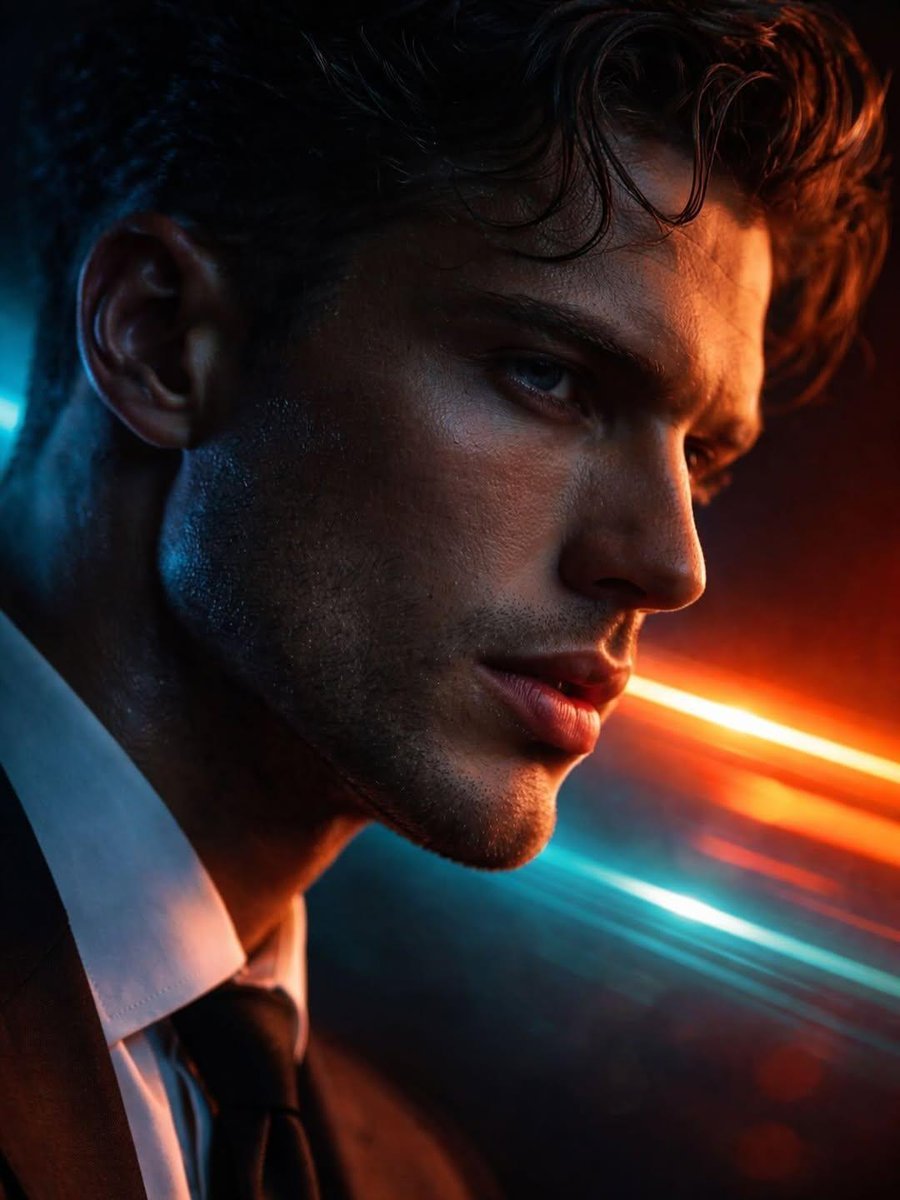
Hyper-realistic Futuristic Noir Portrait Prompt
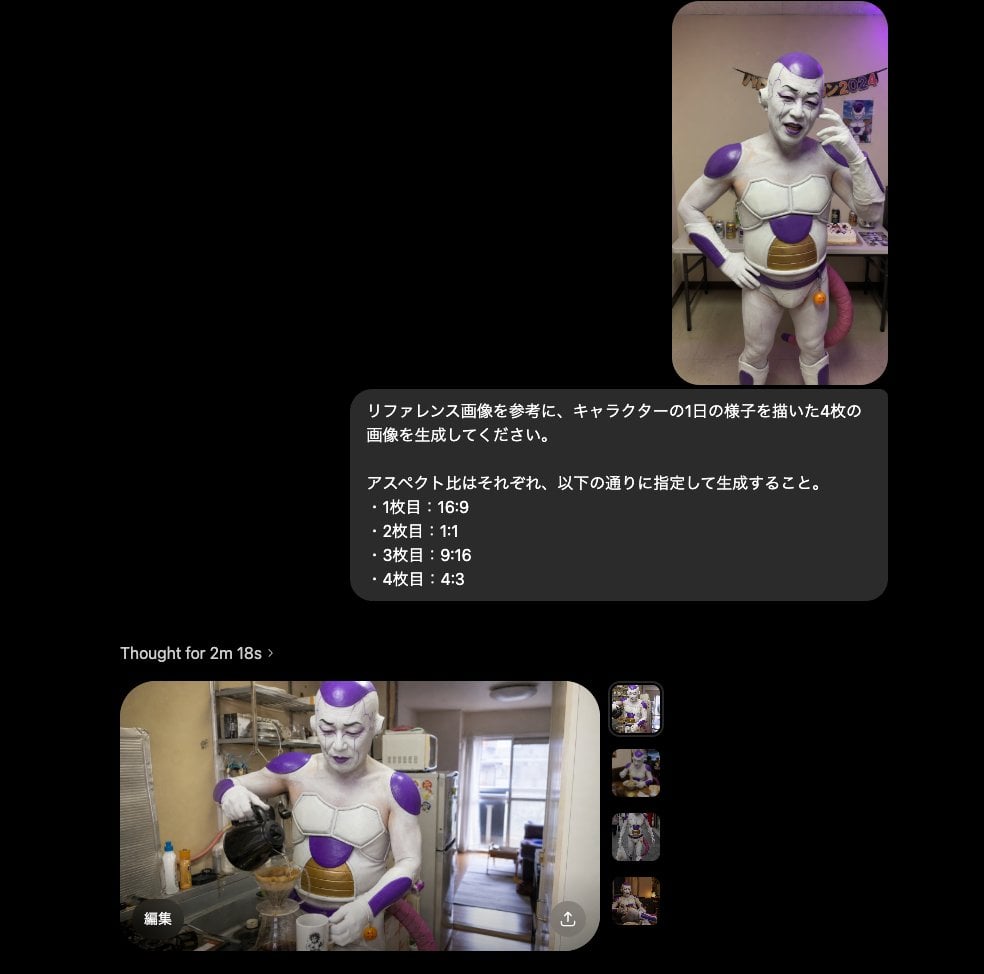
Multi-Aspect Character Life Sequence
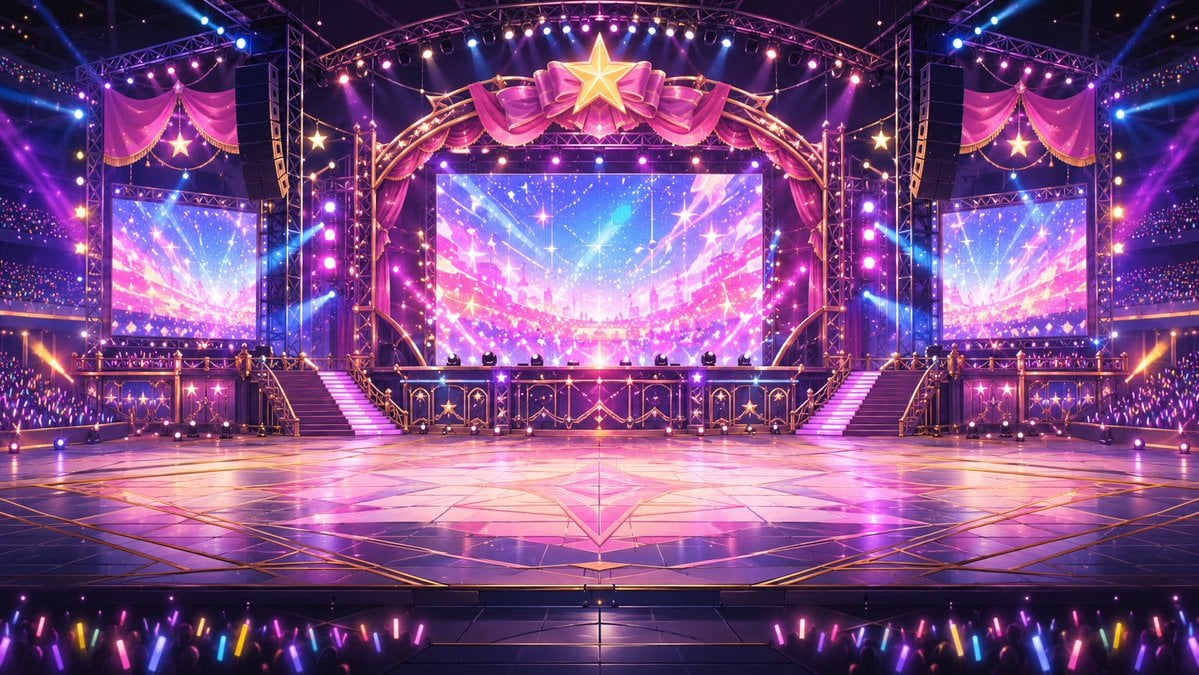
Neon VTuber Arena Stage
Simple Dialogue with Emojis for Affectionate Exchange
Anime Now Playing School Route Poster
Casual Smartphone Photo of a Woman on a Curb
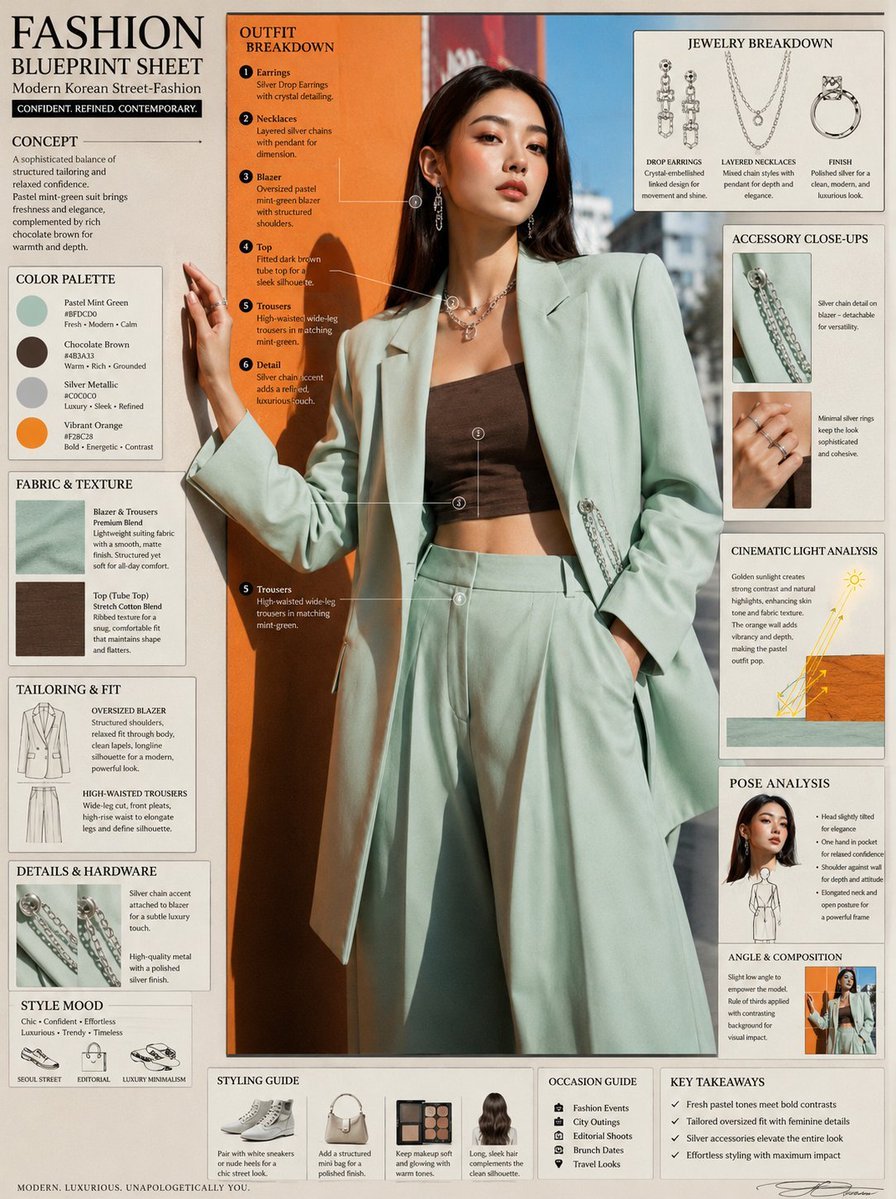
Fashion Editorial Blueprint Sheet
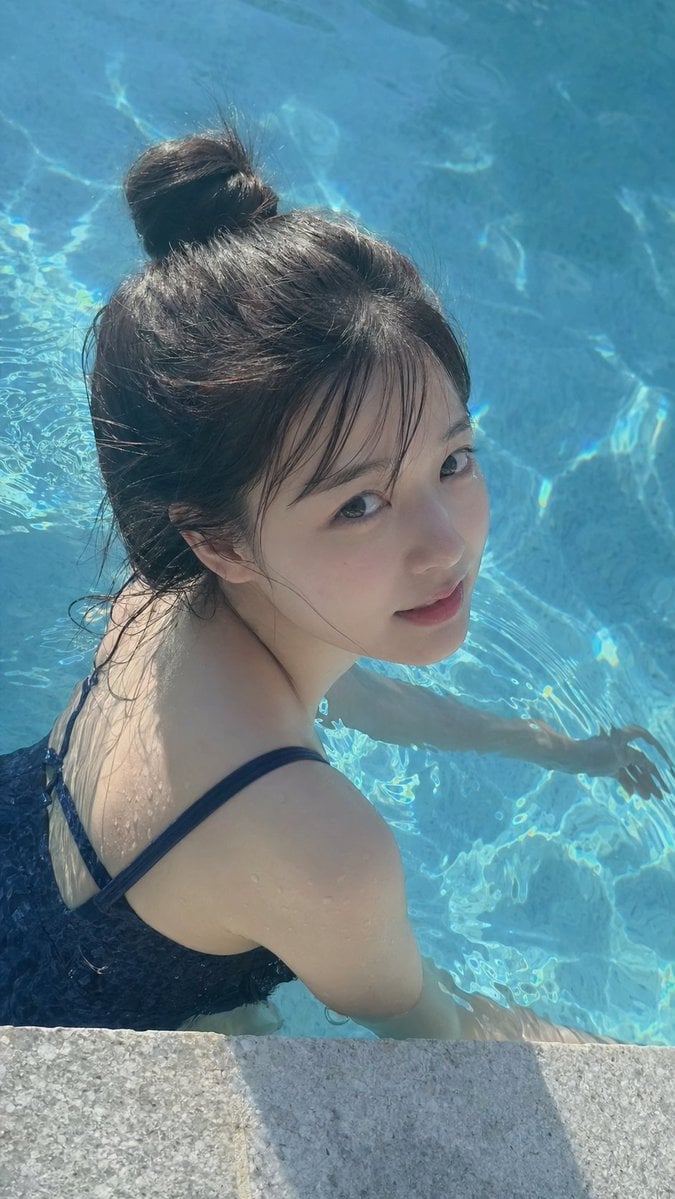
Swimming Portrait in iPhone Style
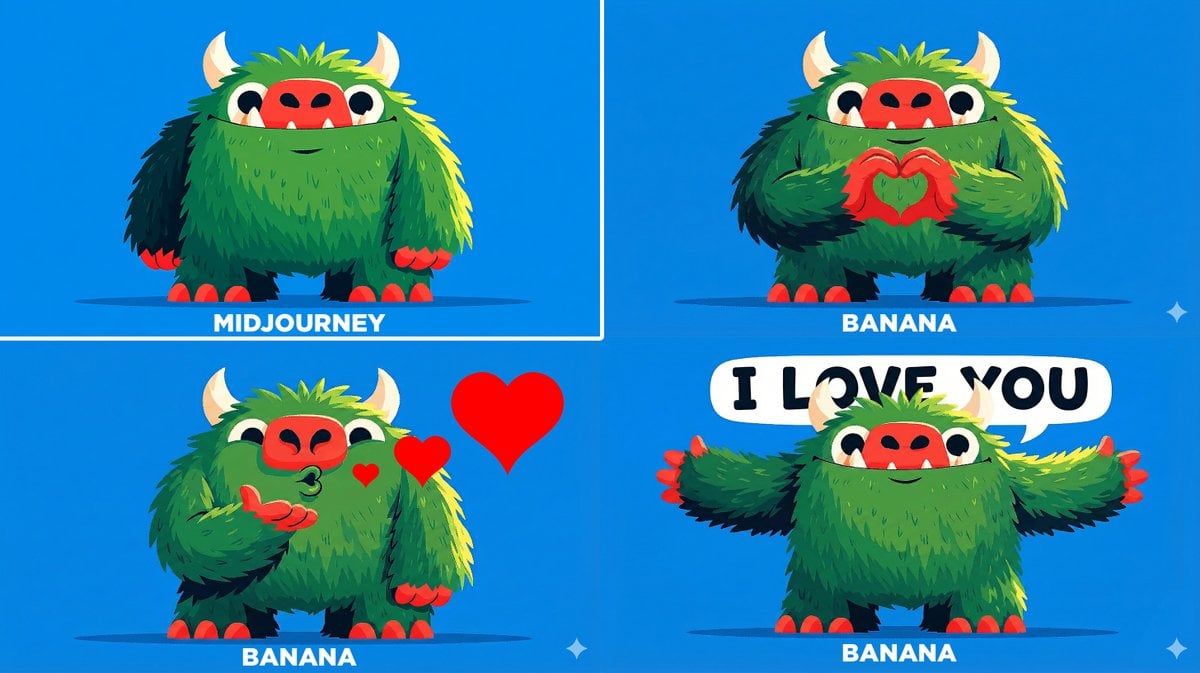
Changing Troll Character to Make Heart Shape

Vertical Pixel Space Shooter Background
Browse template categories
Dynamic Teal Streetwear Action Shot questions
How do I use the Dynamic Teal Streetwear Action Shot template?
Add your photo if the template asks for one, edit the prompt if you like — the template's model and format are already selected — and press Generate. Your version opens in PicX Studio.
Can I customize the Dynamic Teal Streetwear Action Shot template?
Yes. You can change the subject, setting, lighting, mood, format, and available model controls before creating your image.
Is the Dynamic Teal Streetwear Action Shot template free?
Opening and editing this template is free. Generating uses credits, shown on the Generate button when you are signed in.
Which AI model should I use?
Start with GPT Image 2, which is the model associated with this template. You can compare another compatible model for a different finish.
Looking for something else? Browse all templates.

Your photo, any look
Thousands of ready templates for every top image and video model, from one credit balance.