
Neon VTuber Arena Stage
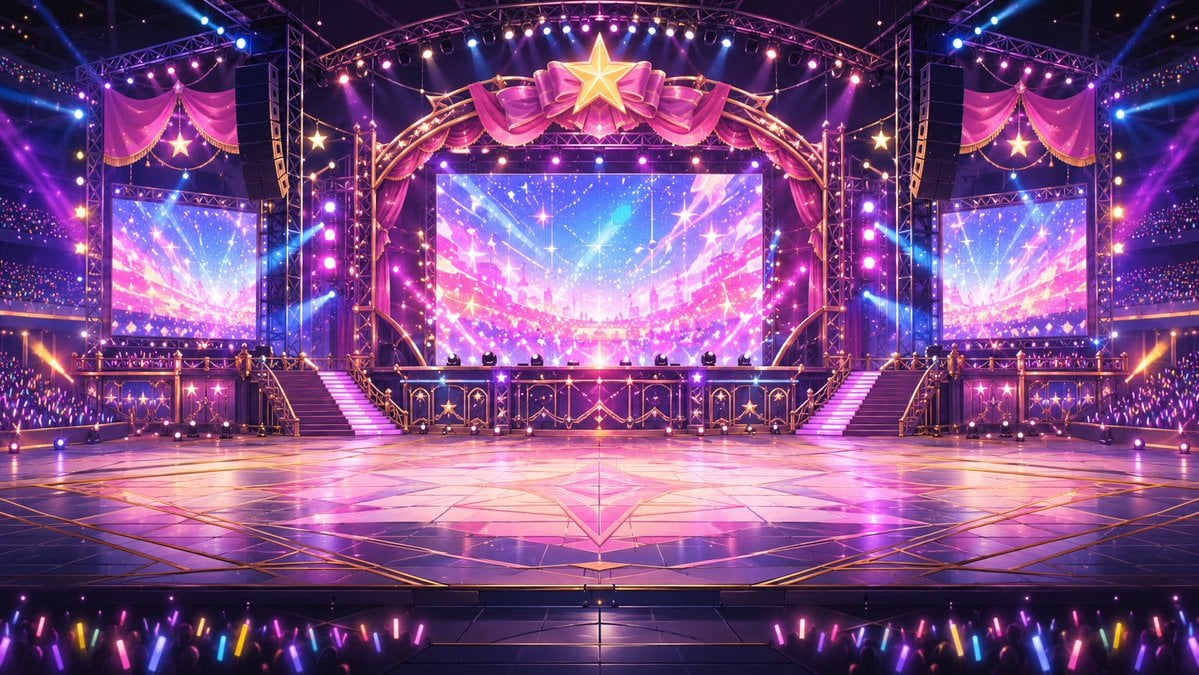
Generates a symmetrical anime concert arena stage suitable as a VTuber fighting game or live event background.
- Prompt included
- Model and format preset
- Free template
The prompt behind this image
Copy the exact prompt behind Neon VTuber Arena Stage, or open it in the studio and make it yours.
Create a wide 16:9 anime-style digital illustration of a grand {argument name="venue type" default="VTuber arena concert stage"} designed like a glamorous fighting-game arena, viewed from the center in a perfectly symmetrical front-facing composition. The scene is an empty polished performance floor in the foreground with glossy reflective tiles, gold geometric inlays, a large star motif at the center, and strong pink-purple reflections. In the background is an ornate elevated stage with two staircases, one on each side, leading up to a platform framed by gold trusses, black speaker towers, railings decorated with star emblems, and a huge central LED screen showing a sparkling pastel skyburst in {argument name="screen colors" default="pink, violet, cyan, and gold"}. Add exactly three visible LED screens: one large central screen and two smaller side screens, left and right, all displaying the same radiant starry concert visual. Above the main screen, place a large golden star at the top center surrounded by oversized magenta satin bows and draped curtains, with additional pink curtain swags and hanging star ornaments on both upper sides. Fill the arena with dramatic stage lighting: many spotlights, lens flares, colored beams, rows of small bulbs, glittering particles, and a festival atmosphere in {argument name="lighting mood" default="neon magenta and electric blue"}. The audience is visible at the bottom and along the far sides as dark silhouettes holding multicolored glow sticks, especially pink, blue, yellow, and purple, creating the feeling of a packed live event. Use highly detailed anime background art, crisp linework, saturated idol-stage colors, cinematic depth, reflective surfaces, ultra-clean rendering, no characters on the arena floor, no text, no logos, no watermarks.
How to use Neon VTuber Arena Stage in 3 steps
- 1Upload ImagePNG, JPG or paste
Add your photo
Upload the photo the template builds on. The prompt, model and format are already set.
- 2…a portrait of your subject in softgolden-hour light, 85mm…
Personalize
Edit the subject and creative details for your destination.
- 3Generate
Generate
Press Generate — your image is created in PicX Studio, so you can compare it with the original and refine one variable at a time.
More like this
Templates with the same subject, style or setup. Open one to see its prompt.

80s Neon Disco Night

Cartoon TV Show Poster Pack
Dark Luxury Stage Fashion Editorial Portrait

Rainy Night Android Cyberpunk Portrait

Korean Idol Partial Shadow Editorial Portrait

Cyberpunk Neon Profile Fashion Portrait

Neon Night Crosswalk Candid Portrait

Subway Platform Quiet Introspective Portrait
Rainy Night Android Cyberpunk Portrait

Cinematic Sci-Fi Commander Side Profile Portrait
Low-Angle Cyberpunk Neon Profile Portrait

Cinematic Neon Light Strip Studio Portrait
Make it yours
Neon VTuber Arena Stage works as-is. These are the safest ways to change it without losing the look.
Change one field
Copy a single group, rewrite it, and generate again so you can see what that field is doing.
Keep the frame, change the subject
Hold the composition and light of Neon VTuber Arena Stage, then swap wardrobe, props or the person for a new take.
| If the result… | Why | Fix |
|---|---|---|
| The result drifts from the preview | Too many fields changed at once. | Reuse Neon VTuber Arena Stage as-is first, then change one group — subject, light, or setting. |
| The model over-stylizes the scene | The prose prompt leaves finish and camera underspecified. | Add one camera or lighting sentence and stay on GPT Image 2. |
More GPT Image 2 templates
Other prompts made for GPT Image 2.

Six VTuber Japanese Logo Sheet

Realistic Portrait of Woman and Deer

The Vista Modular Condo Poster

AI Model Routing Comparison Infographic

2.5D Anime Art Board

Isometric Productivity Desk Scene

New York Double Exposure Poster

Four-Panel AI Landscape Comparison

Japanese Tatami Lifestyle Magazine Cover

NESCAFÉ Coffee Map Poster
More image prompts
Fresh picks from across the catalog.
NEONVEIL AR Photo Zone
Kawaii Character Snow Globes
FPS Custom Weapon Skin Screenshot
Skin Type Analysis Graphic
Prone Bed Selfie in Purple Lounge Wear
Ultra-Realistic Studio Portrait of Lady in Yellow Gown
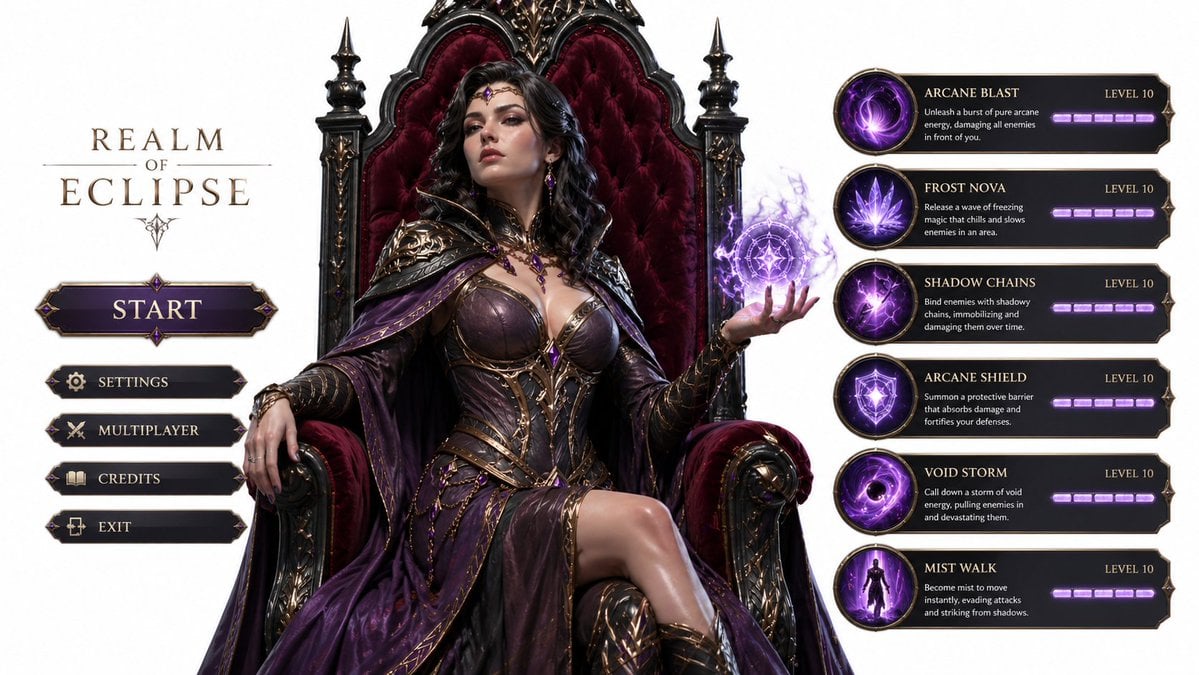
3D Gaming Sorceress Character
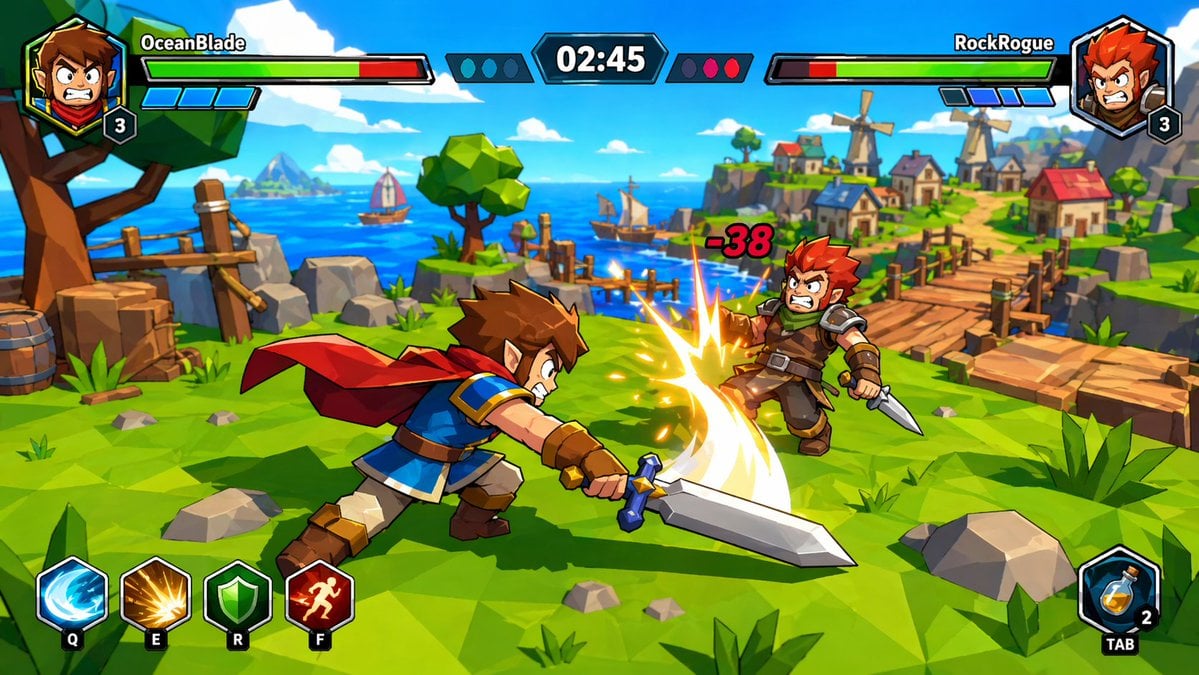
Zelda-Style Game UI Screenshot
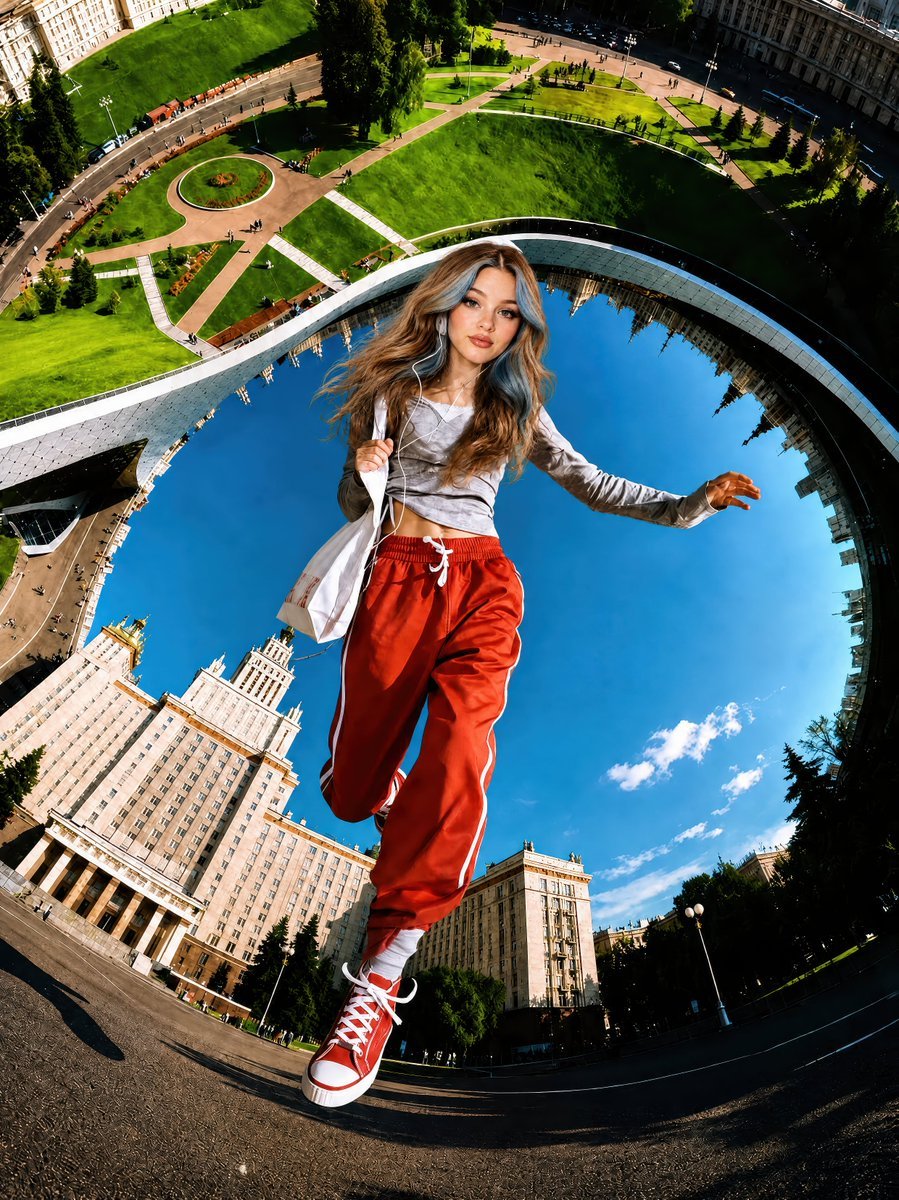
Surreal Fisheye Stadium Portrait
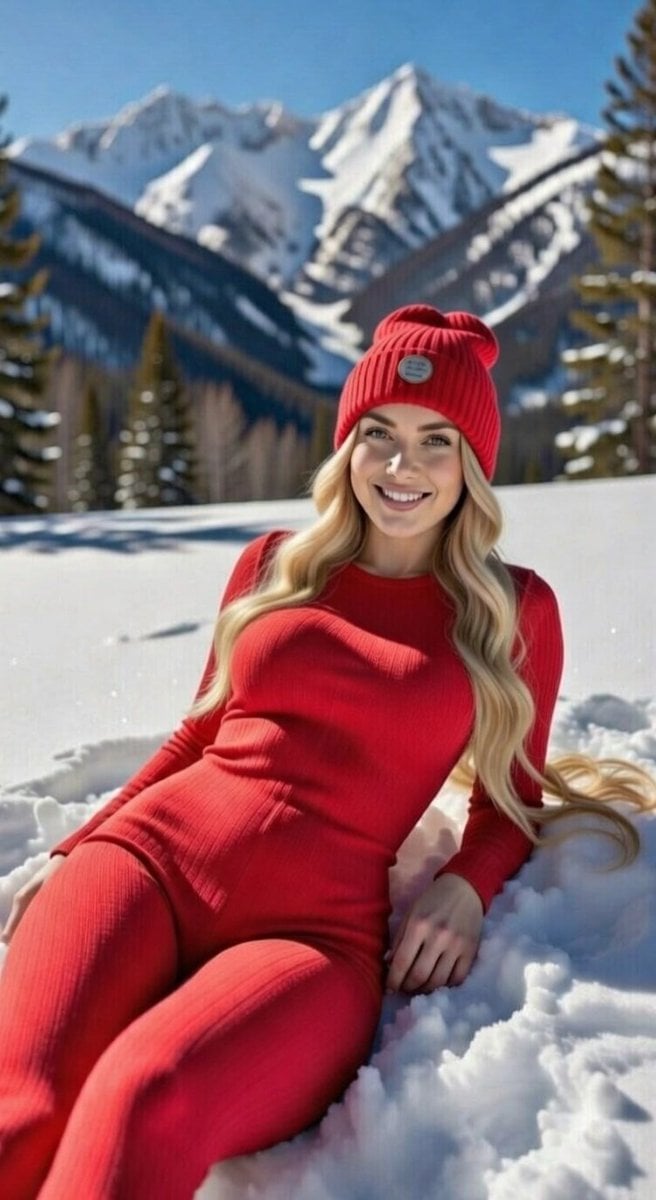
Blonde Woman in Red Bodysuit in Snow
Browse template categories
Neon VTuber Arena Stage questions
How do I use the Neon VTuber Arena Stage template?
Add your photo if the template asks for one, edit the prompt if you like — the template's model and format are already selected — and press Generate. Your version opens in PicX Studio.
Can I customize the Neon VTuber Arena Stage template?
Yes. You can change the subject, setting, lighting, mood, format, and available model controls before creating your image.
Is the Neon VTuber Arena Stage template free?
Opening and editing this template is free. Generating uses credits, shown on the Generate button when you are signed in.
Which AI model should I use?
Start with GPT Image 2, which is the model associated with this template. You can compare another compatible model for a different finish.
Looking for something else? Browse all templates.

Your photo, any look
Thousands of ready templates for every top image and video model, from one credit balance.