
Accidental Smartphone Photograph Contact Sheet (Anti-Aesthetic)
A prompt designed to generate an ultra-realistic, quad-frame contact sheet mimicking a failed, accidental smartphone photo burst.
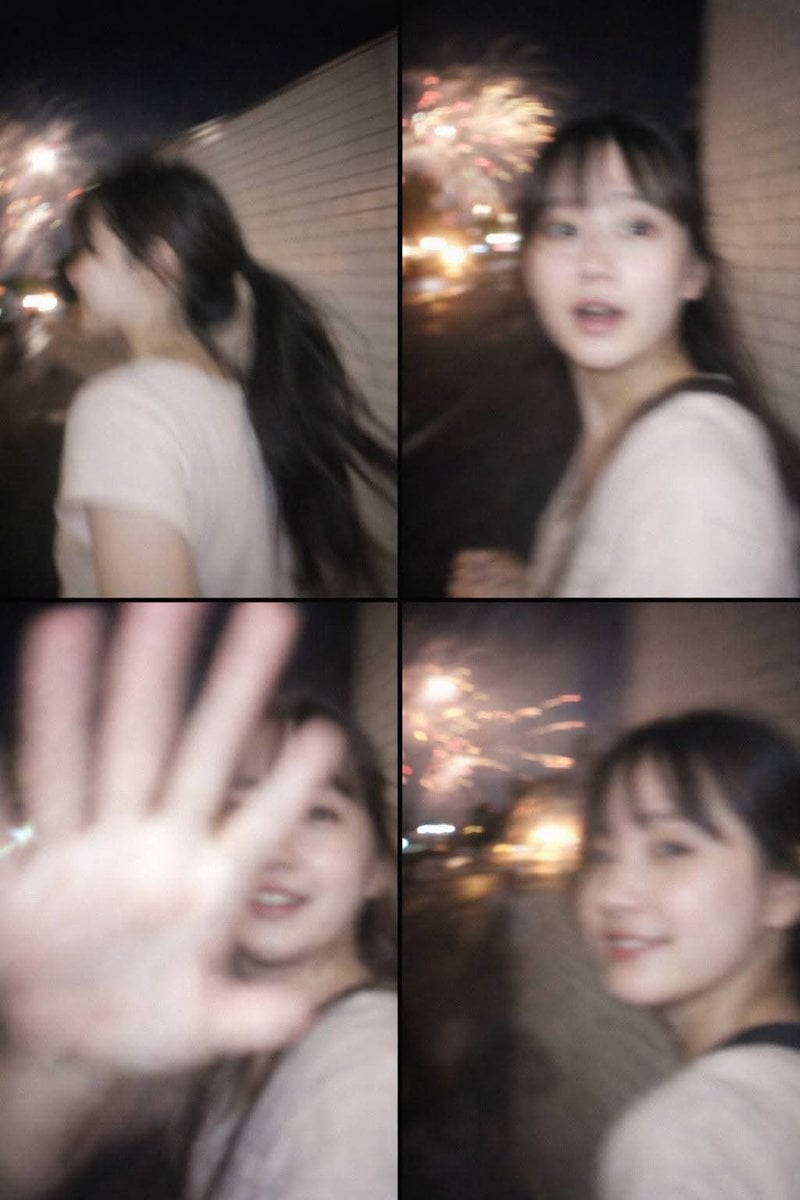
- Prompt included
- Model and format preset
- Free template
The prompt behind this image
Copy the exact prompt behind Accidental Smartphone Photograph Contact Sheet (Anti-Aesthetic), or open it in the studio and make it yours.
Ultra-realistic accidental smartphone photograph — quad-frame contact sheet. Single image with four vertical 9:16 frames in a 2×2 grid, captured in a rushed handheld phone burst. Subject: completely fictional adult woman, non-identifiable. Reference image used ONLY for general age range and neutral demeanor — no resemblance, no face copying. Facial details partially unreadable in every frame due to motion blur, flash overexposure, autofocus failure, and rolling-shutter ghosting. Scene: nighttime Tokyo sidewalk beside a plain white ceramic tile building during a fireworks event. Fireworks appear only as distant, cropped, smeared light streaks or blown-out blobs — never centered, never celebratory. Camera failure: modern smartphone, rushed handheld capture. Unpredictable flash dominates. Missed autofocus. Extreme camera shake. Heavy directional blur, ghosting, double edges, harsh clipped highlights, uneven exposure, strong noise. Nothing clean or sharp. Frame sequence: Walking past side-on, unaware. Sudden head turn, surprised, face smeared by motion. Hand reflexively blocking the lens, shy restrained smile, strong ghosting. Almost out of frame, faint embarrassed smile, extreme blur. Mood: intrusive, awkward, fleeting — images never meant to exist. Negative: anime, illustration, cinematic fireworks, festival mood, neon, studio or beauty lighting, sharp focus, posed photography, professional camera, face copy, identity match, beauty filters, perfect symmetry.
How to use Accidental Smartphone Photograph Contact Sheet (Anti-Aesthetic) in 3 steps
- 1Upload ImagePNG, JPG or paste
Add your photo
Upload the photo the template builds on. The prompt, model and format are already set.
- 2…a portrait of your subject in softgolden-hour light, 85mm…
Personalize
Edit the subject and creative details for your destination.
- 3Generate
Generate
Press Generate — your image is created in PicX Studio, so you can compare it with the original and refine one variable at a time.
More like this
Templates with the same subject, style or setup. Open one to see its prompt.
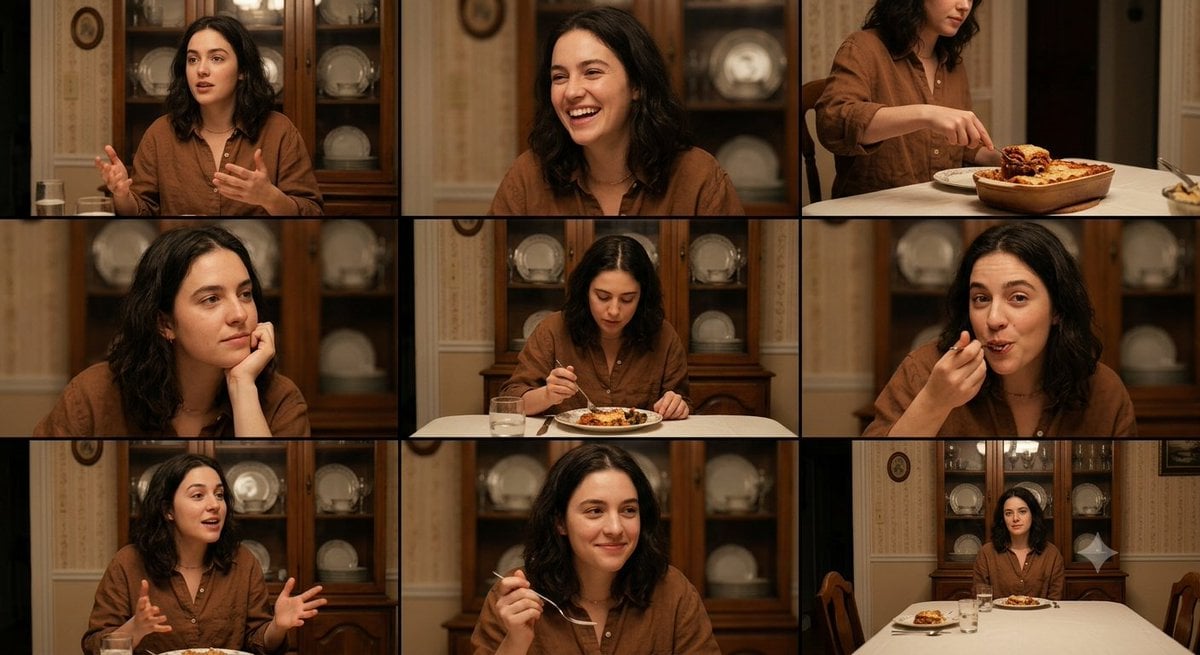
Family Dinner Cinematic Contact Sheet

A 3x3 grid storyboard contact sheet comprised of nine candid, cinematic

Ancient Temple Interior Contact Sheet
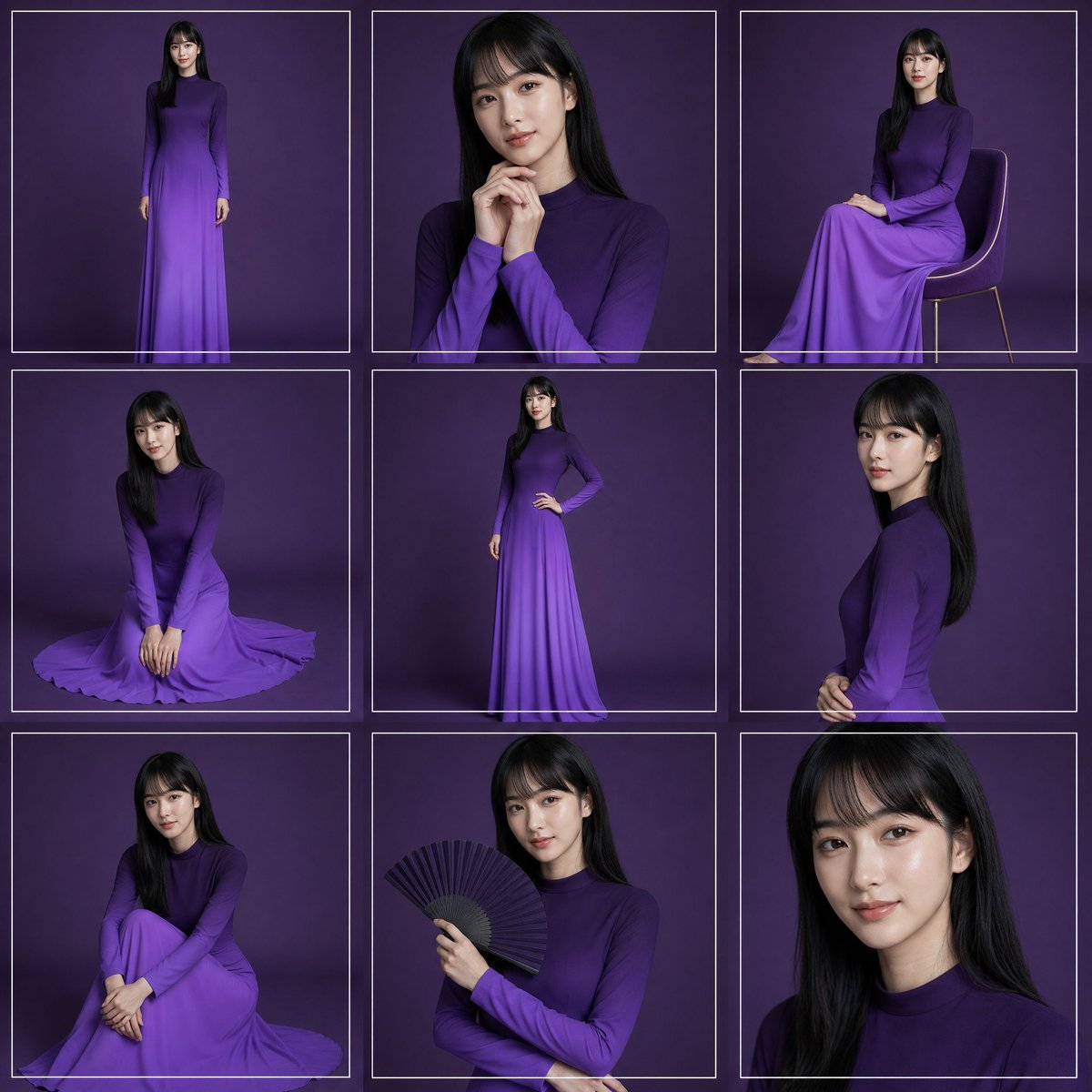
Purple Gown Fashion Contact Sheet
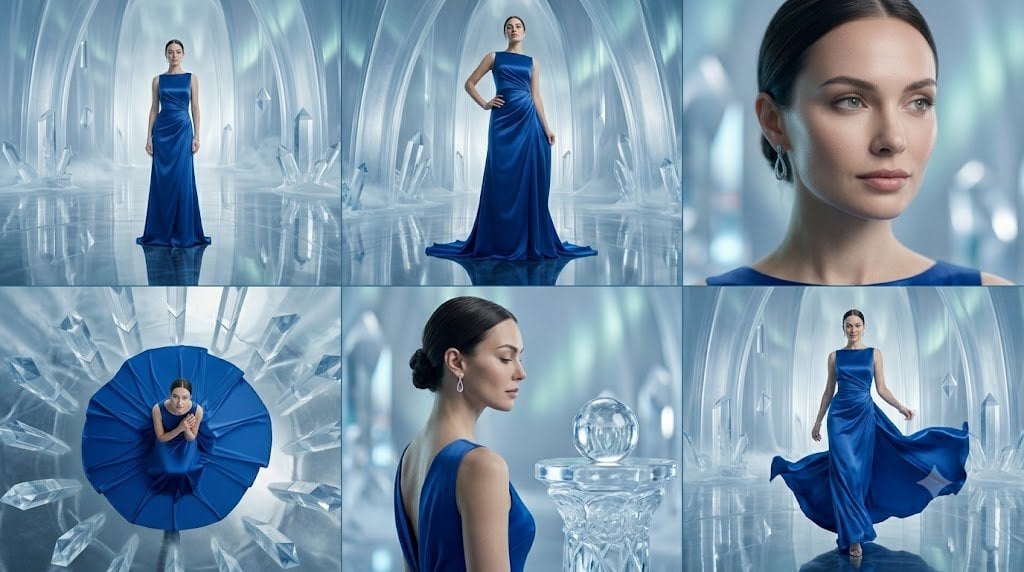
Crystal Palace Blue Gown Contact Sheet
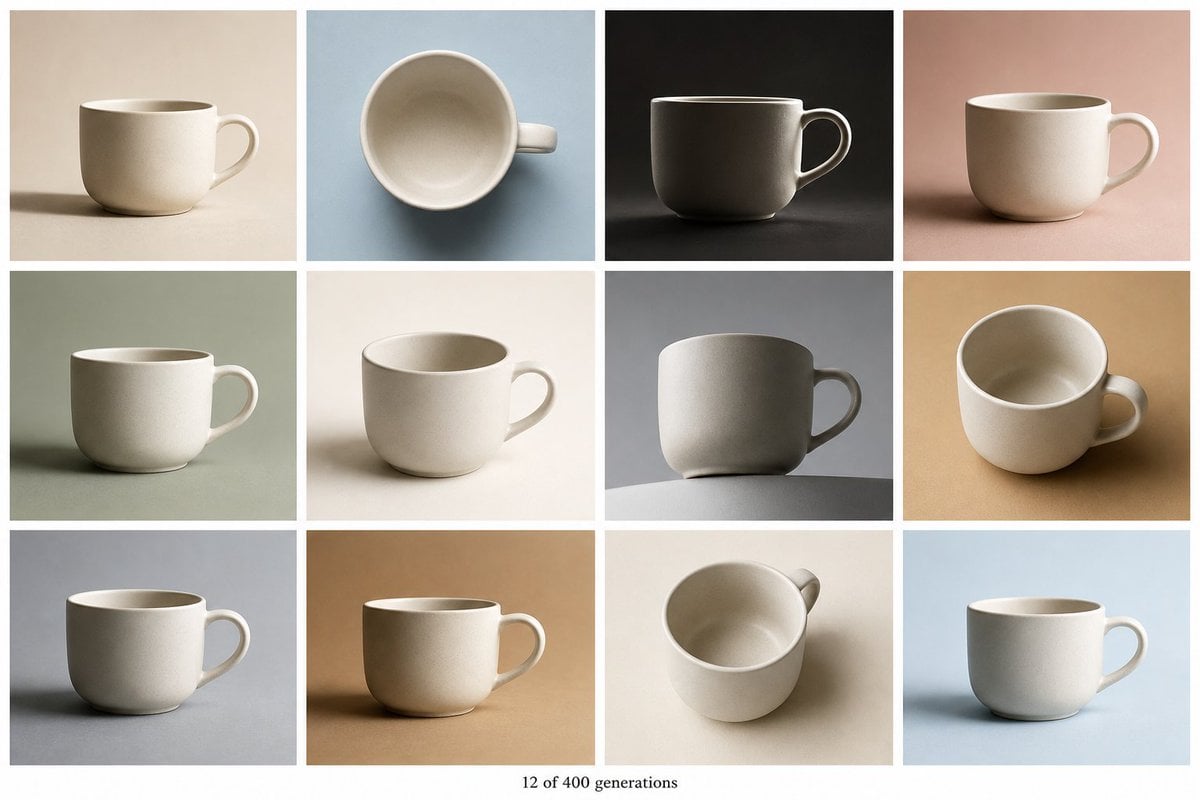
Tile Ceramic Mug Contact Sheet
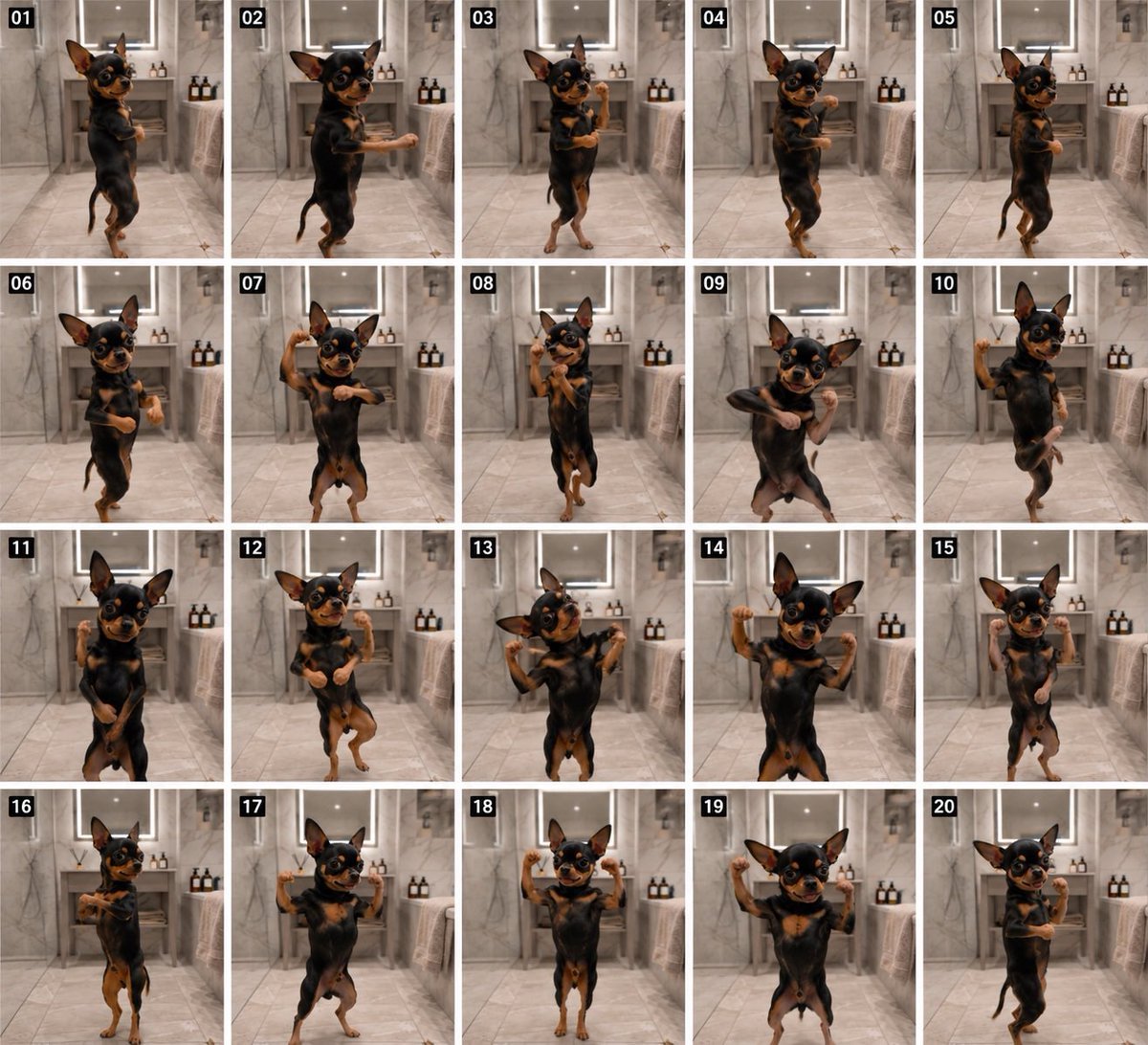
Dancing Chihuahua 20-Frame Contact Sheet
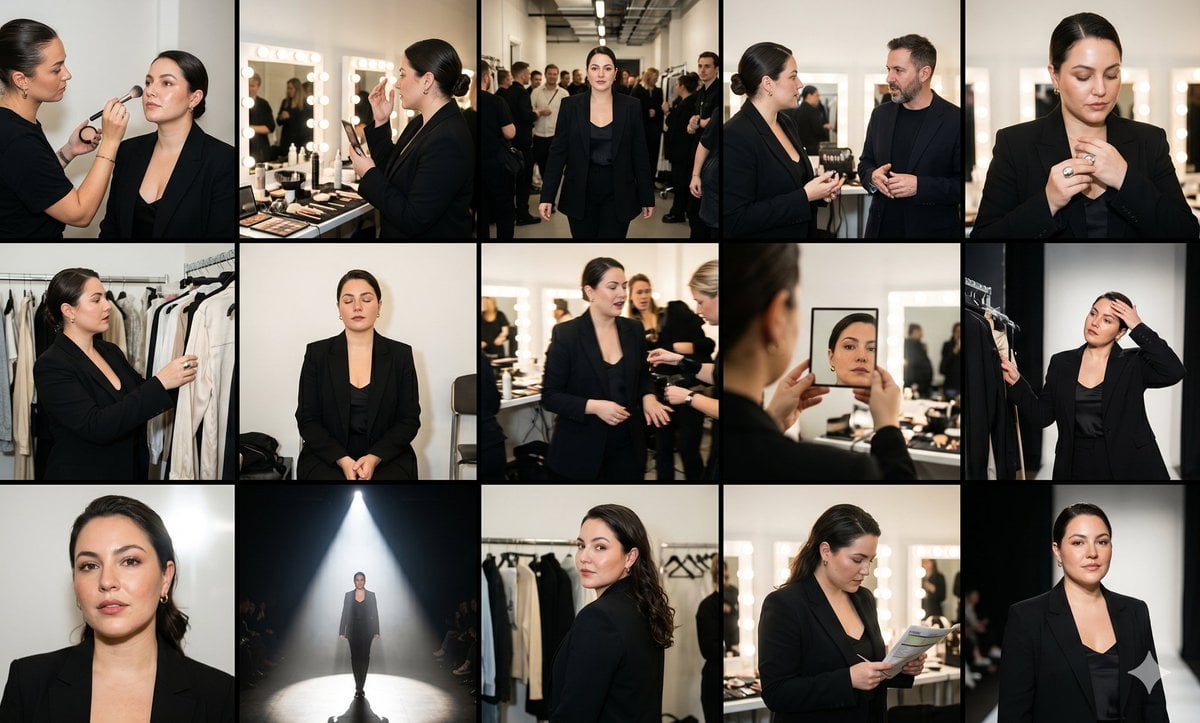
Fashion Week Backstage Contact Sheet

Luxury Black-and-White Fashion Contact Sheet
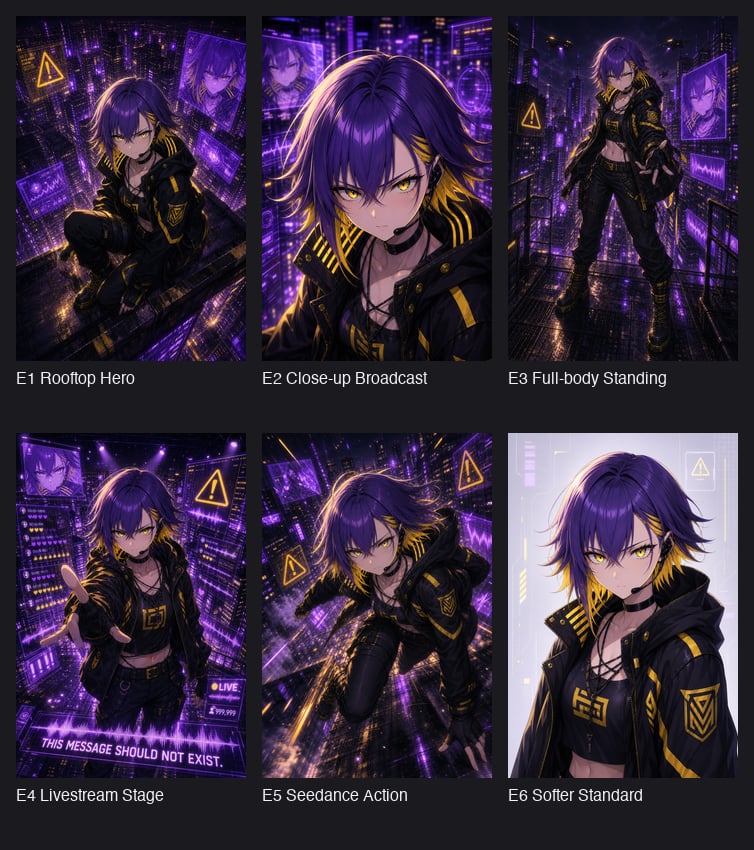
Cyberpunk Anime Hero Contact Sheet
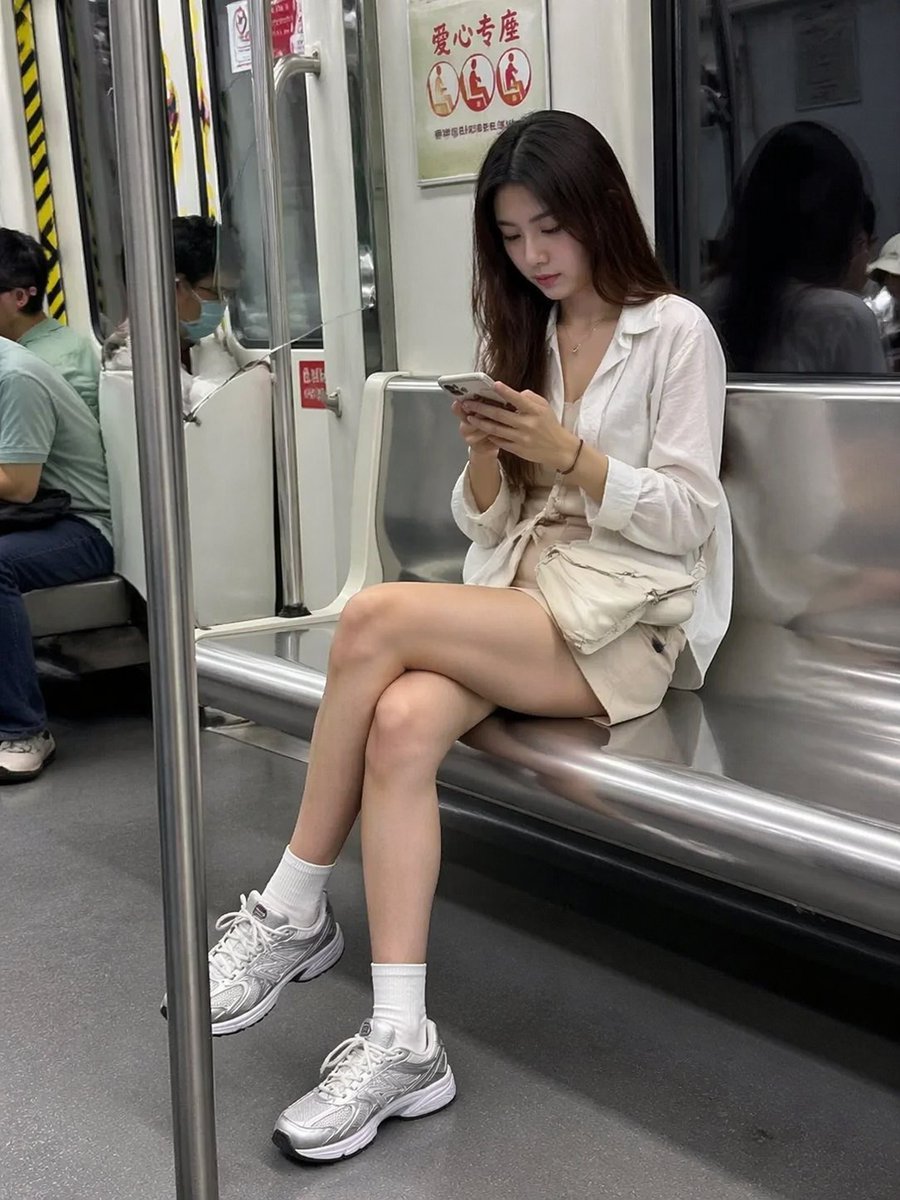
Candid Subway Smartphone Photography
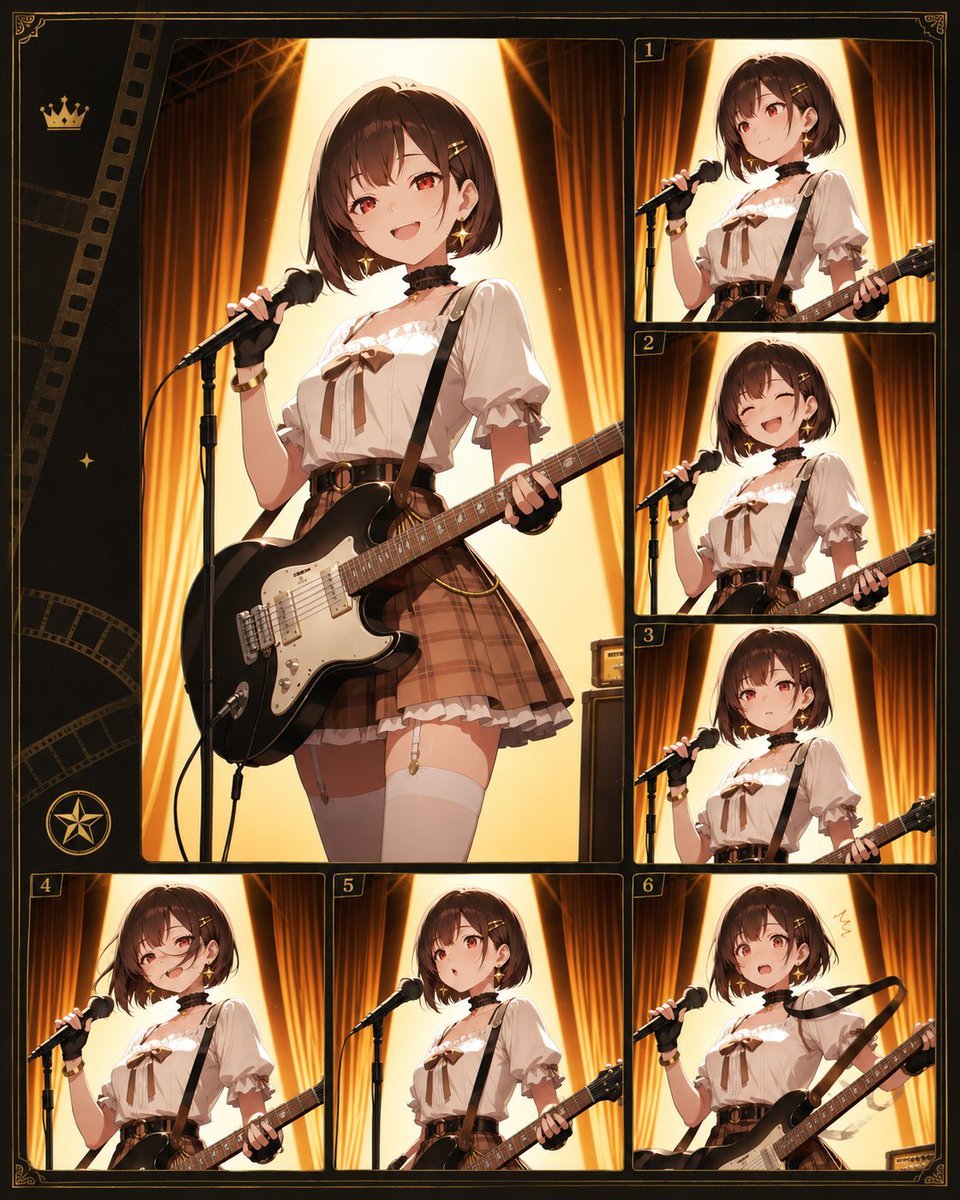
Anime Guitar Idol Contact Sheet
Make it yours
Accidental Smartphone Photograph Contact Sheet (Anti-Aesthetic) works as-is. These are the safest ways to change it without losing the look.
Change one field
Copy a single group, rewrite it, and generate again so you can see what that field is doing.
Keep the frame, change the subject
Hold the composition and light of Accidental Smartphone Photograph Contact Sheet (Anti-Aesthetic), then swap wardrobe, props or the person for a new take.
| If the result… | Why | Fix |
|---|---|---|
| The result drifts from the preview | Too many fields changed at once. | Reuse Accidental Smartphone Photograph Contact Sheet (Anti-Aesthetic) as-is first, then change one group — subject, light, or setting. |
| The model over-stylizes the scene | The prose prompt leaves finish and camera underspecified. | Add one camera or lighting sentence and stay on Nano Banana 2. |
More Nano Banana 2 templates
Other prompts made for Nano Banana 2.

Photorealistic Leaf Shaped Like a Dragon

K-Pop Idol Portrait Grid for Rapid Selection

Poetic Rain Forest Portrait During Golden Hour

Urban Street Portrait with Cartoon Inner Self Duo

Candid Nighttime Photo with Cat Prompt

High-Concept 3D Diorama Generation Prompt

Cinematic Futuristic Studio Portrait Template

Skincare Editorial Photography Collage Prompt

Hyper-Realistic Commercial Product Photography (Splash Effect)

Hyper-Realistic Nightclub Portrait Prompt
More image prompts
Fresh picks from across the catalog.
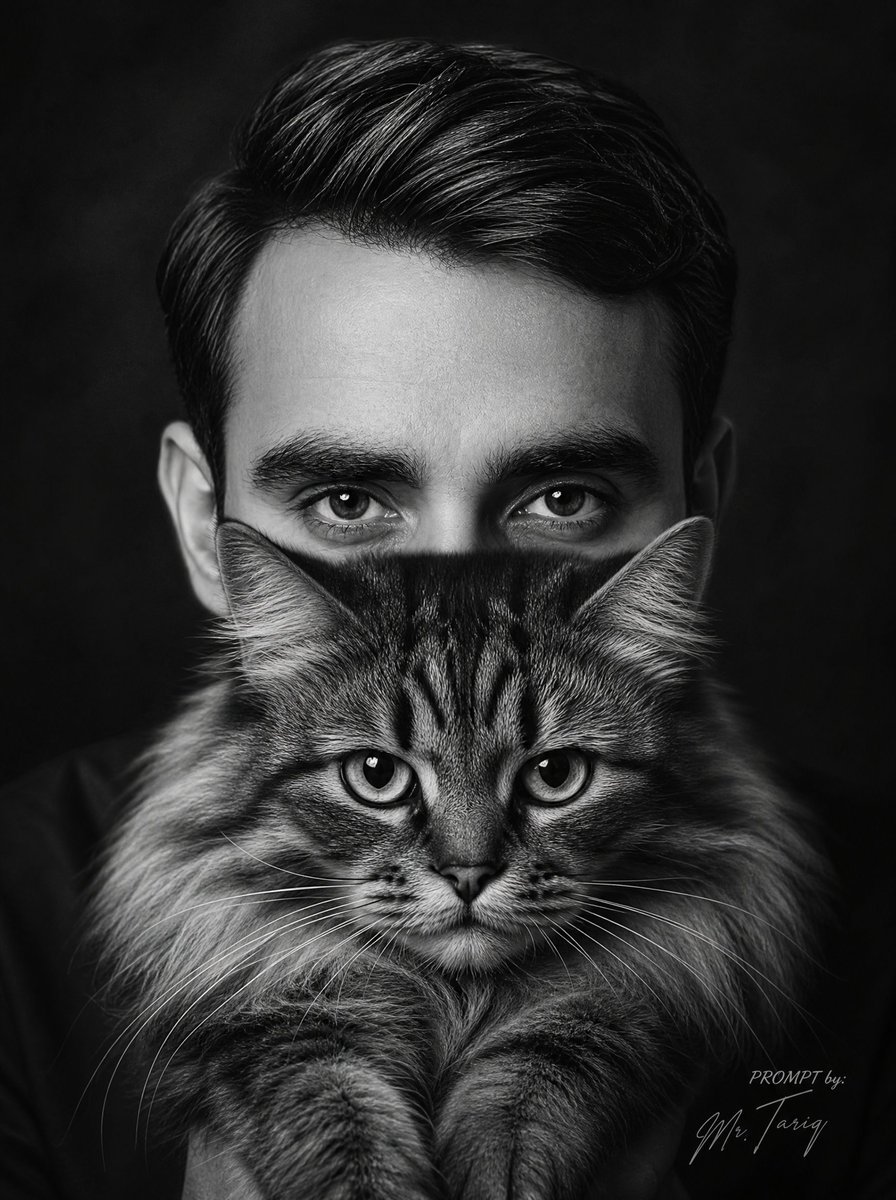
Censored Man Holding Cat Portrait
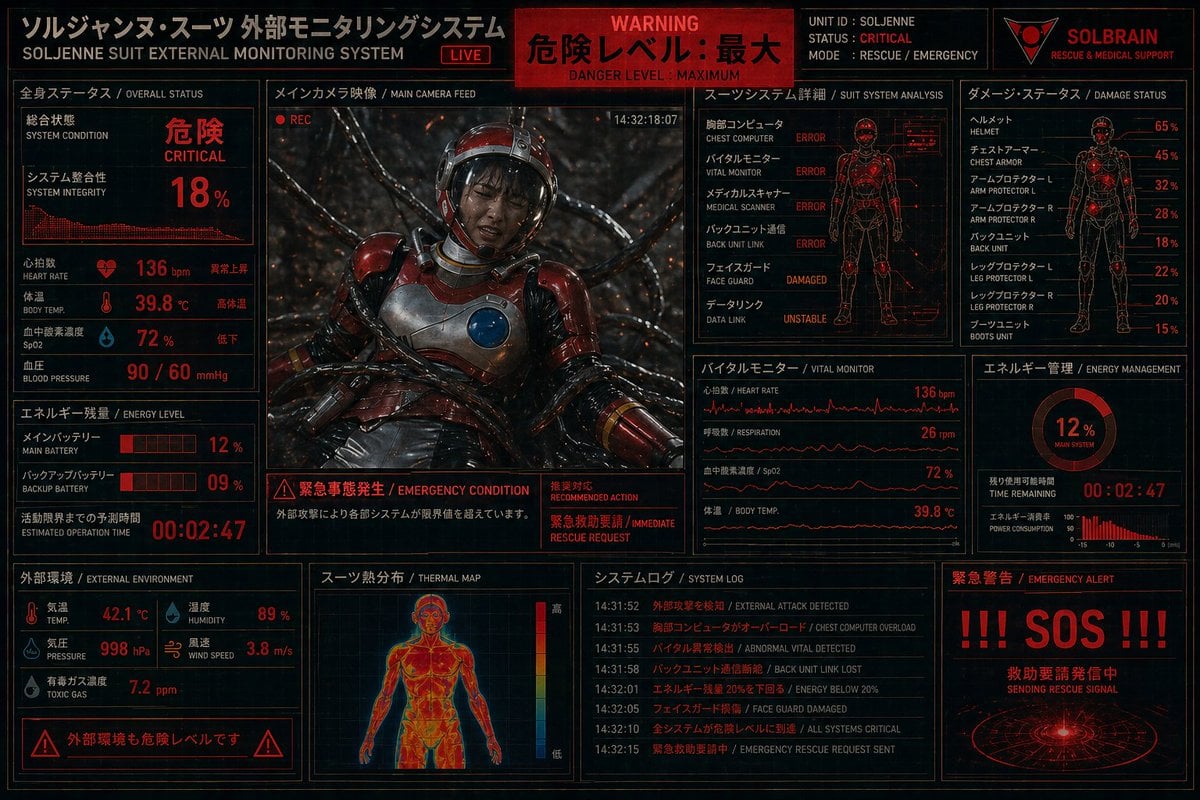
Critical Rescue Suit Monitoring HUD
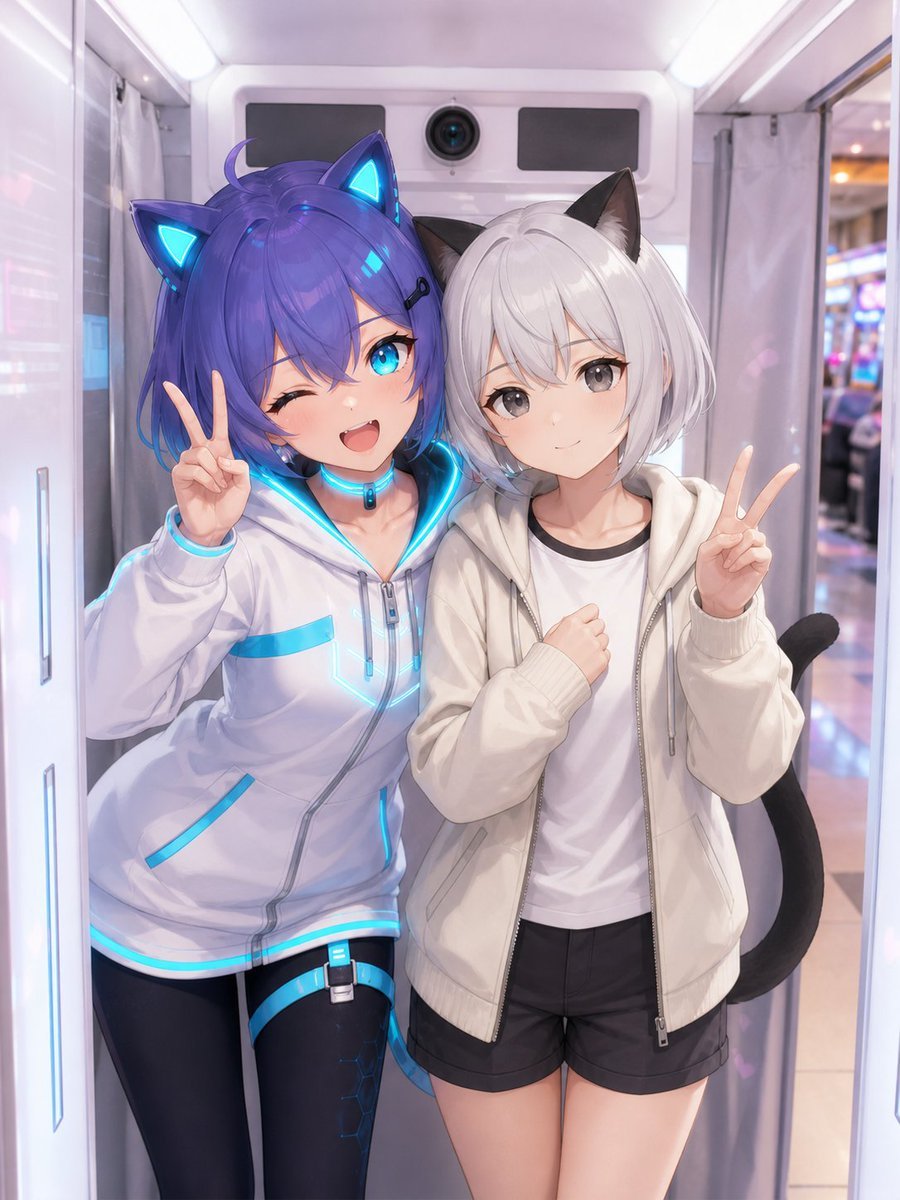
Anime Characters in Real Purikura Booth
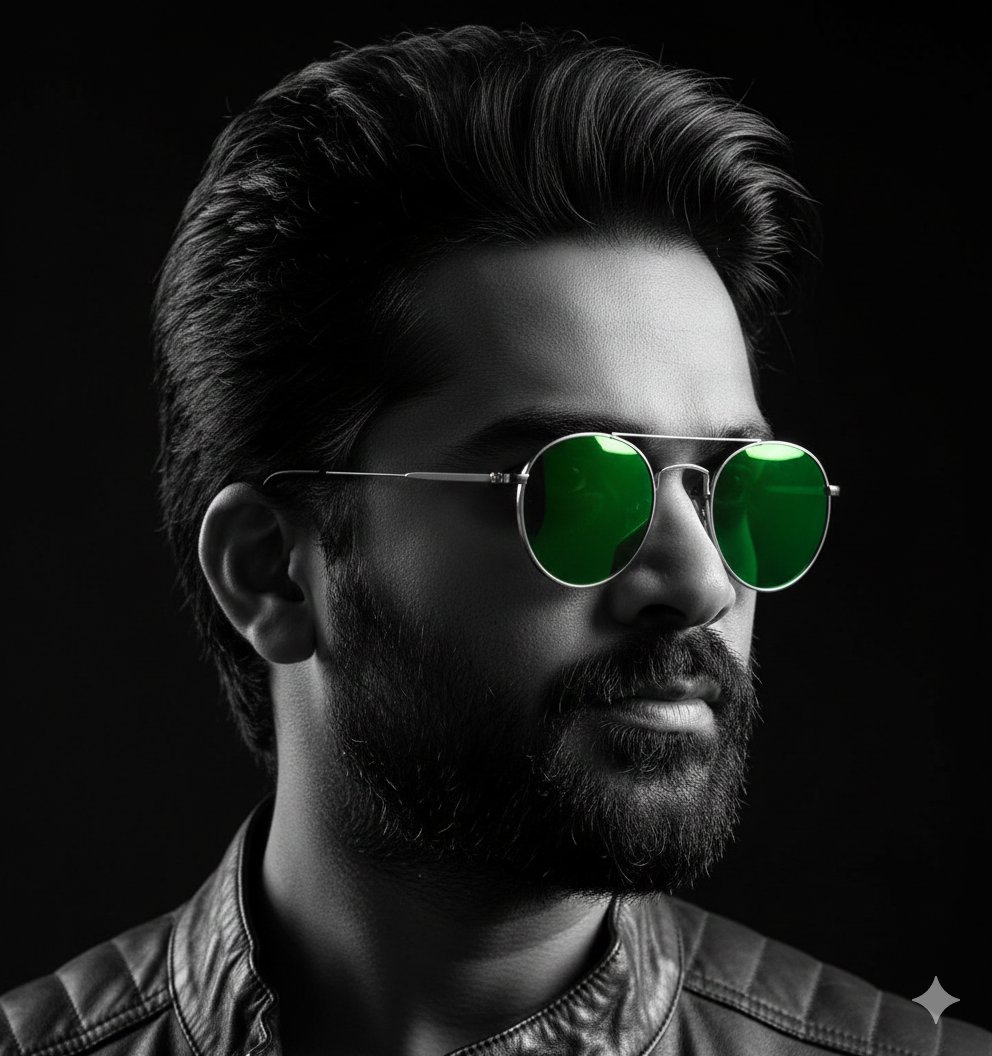
Cinematic B&W Portrait with Selective Emerald Color
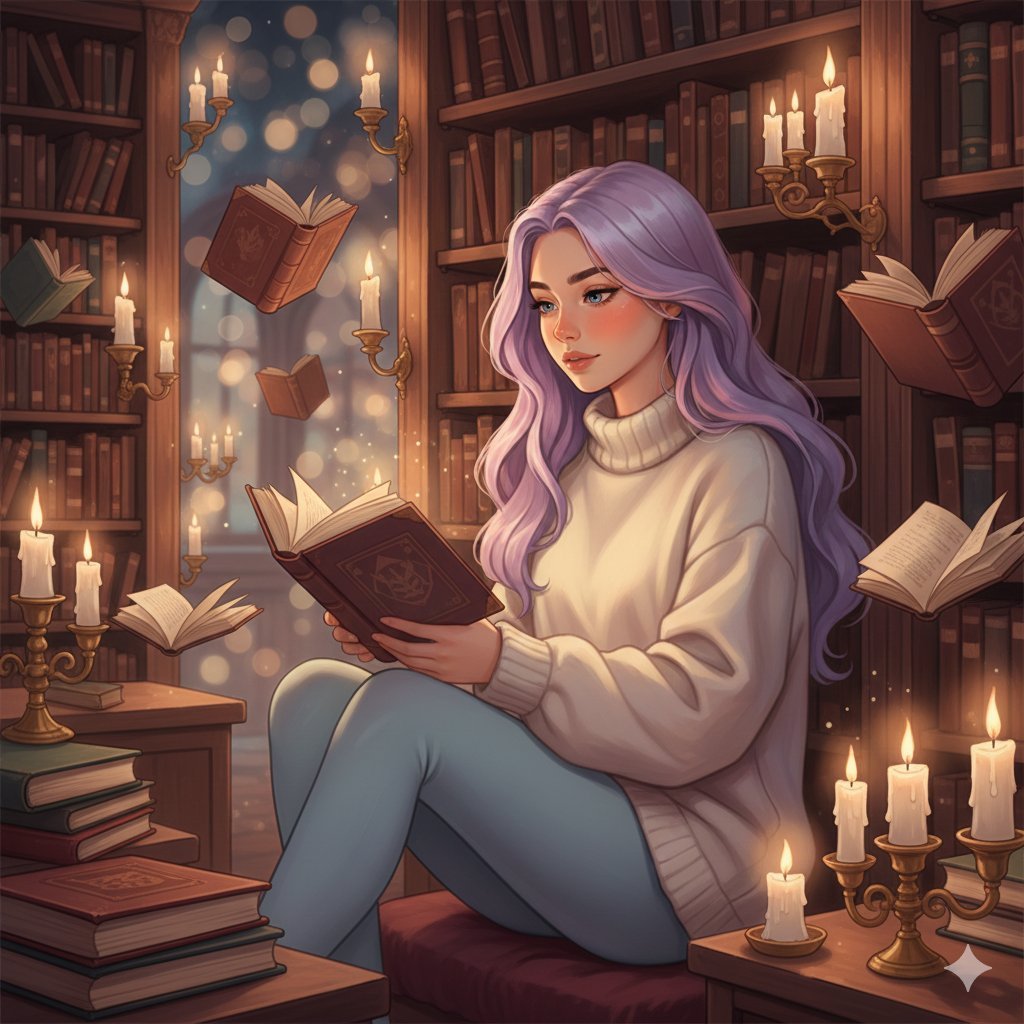
Whimsical Magical Library Digital Painting Prompt
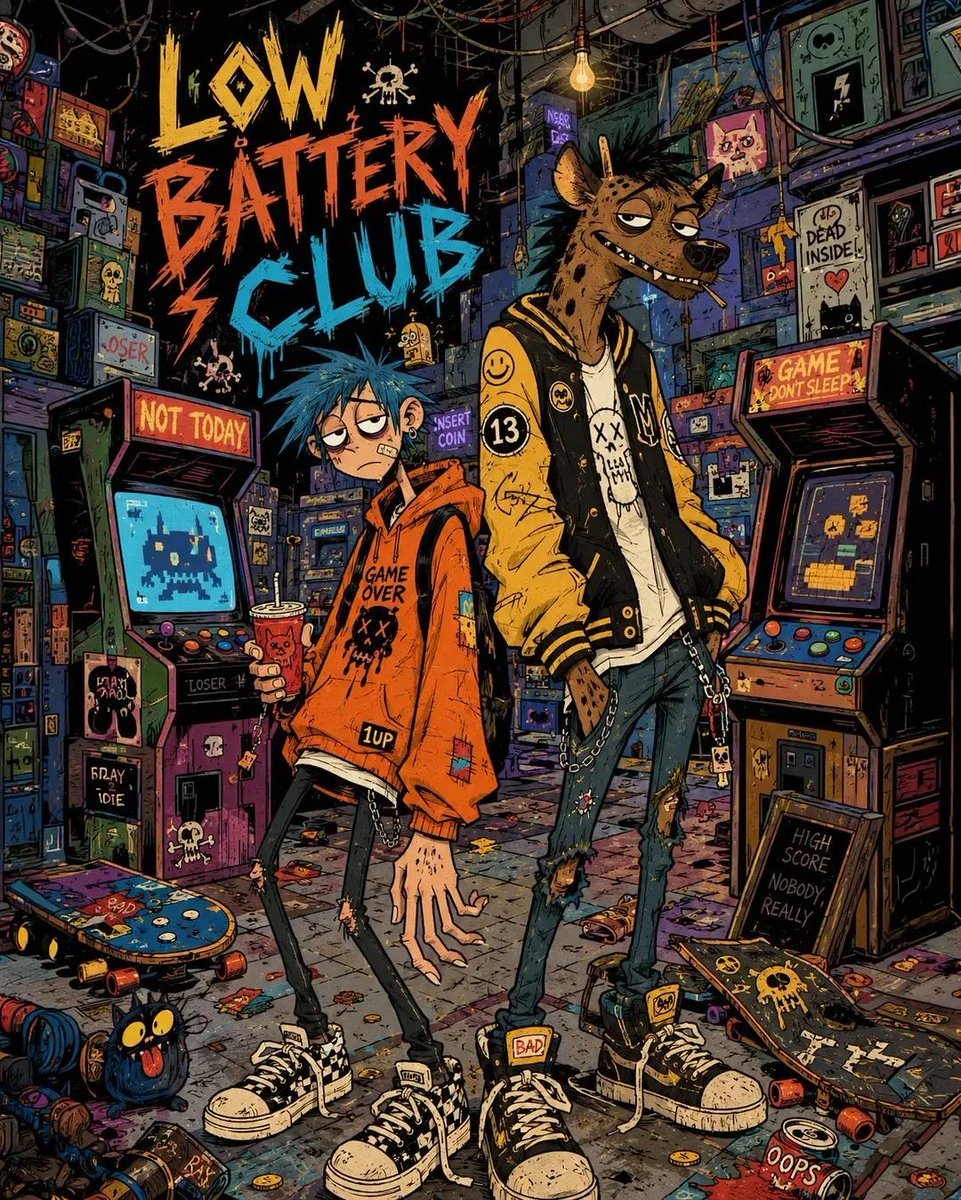
2000s Indie Cartoon Illustration
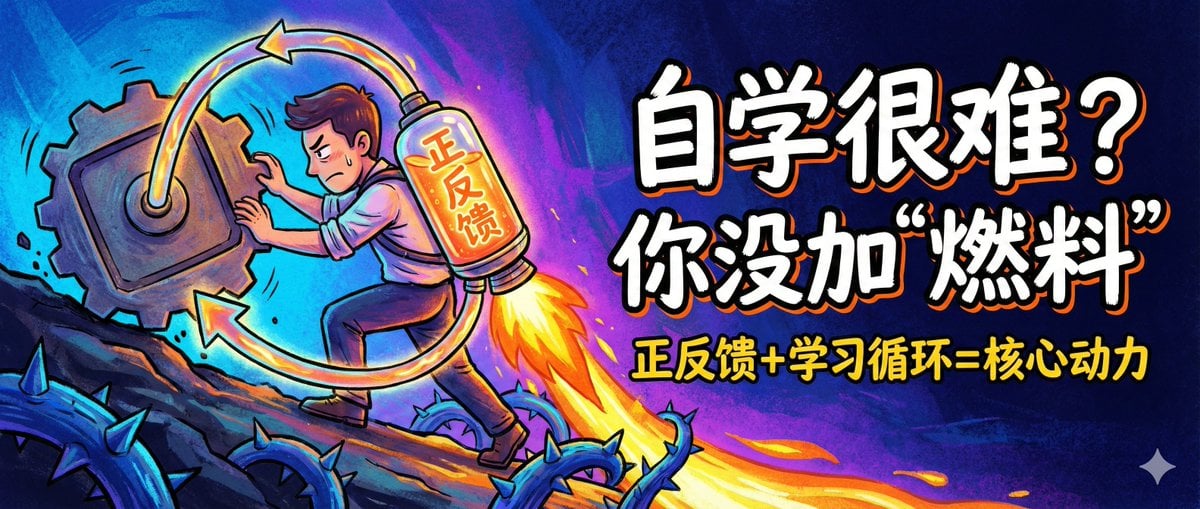
WeChat Official Account Cover Image Generator
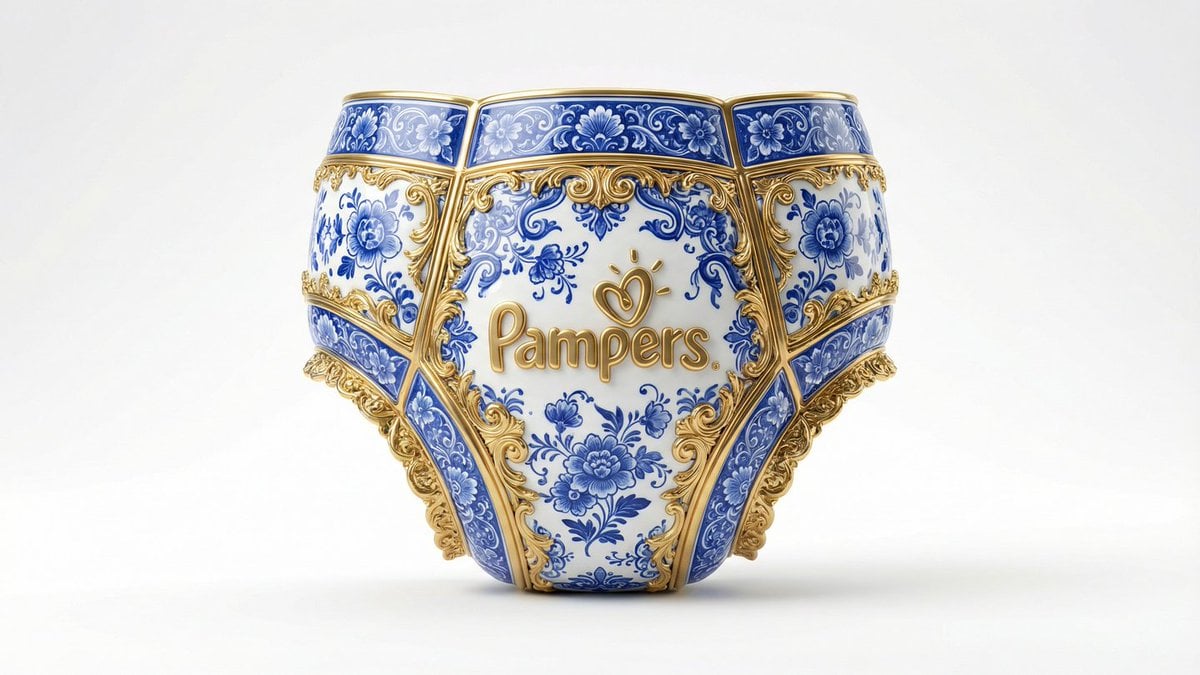
Gilded Delftware Product Signature Prompt
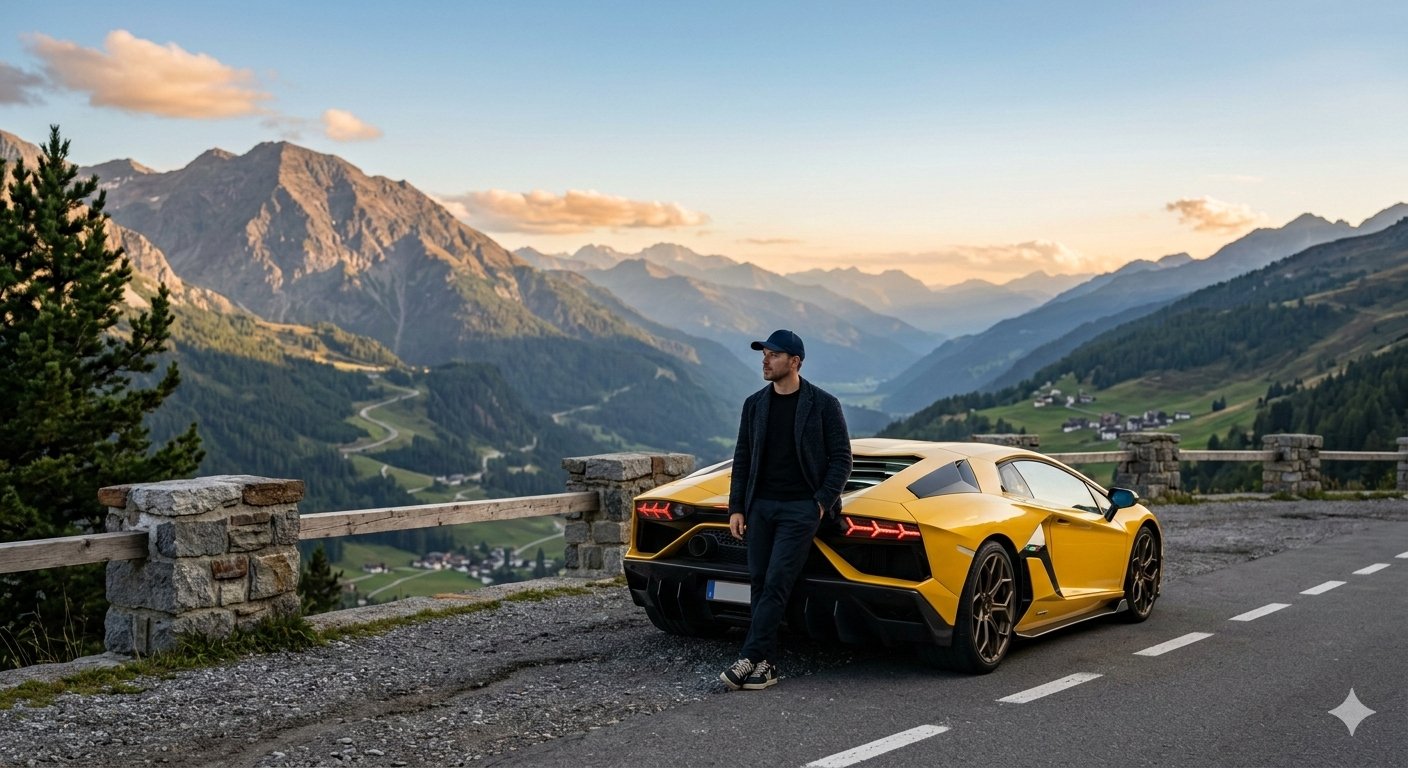
Google Gemini Nano Banana 2 Cinematic Mo
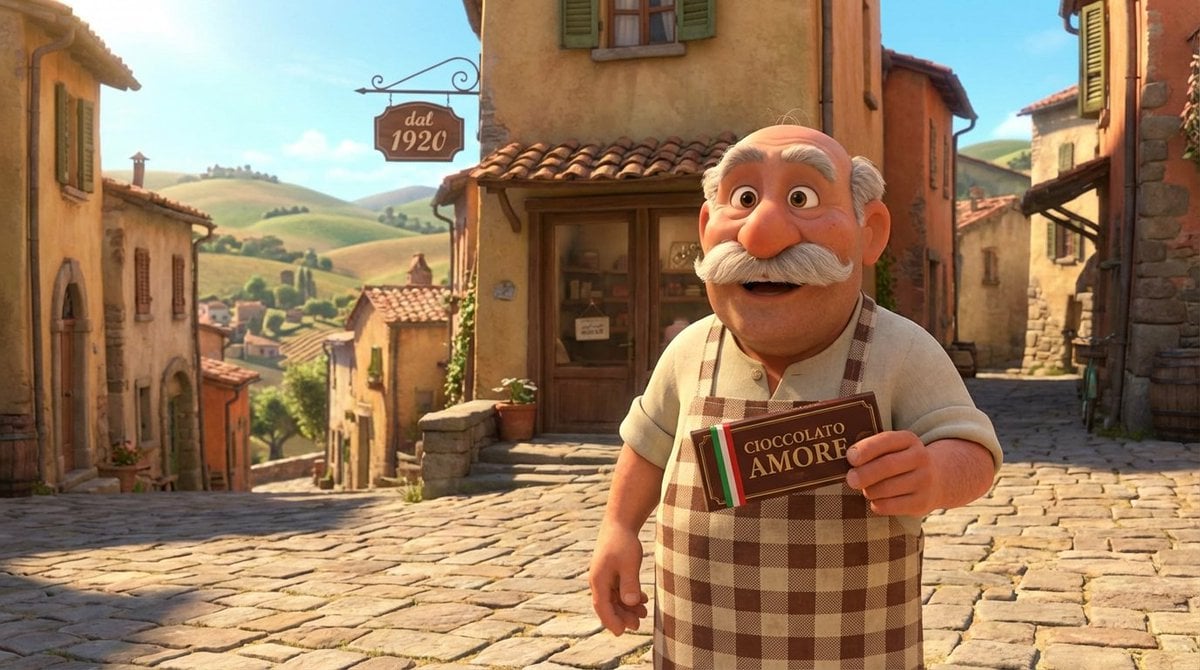
Pixar Style Italian Man in Front of Chocolate Shop
Browse template categories
Accidental Smartphone Photograph Contact Sheet (Anti-Aesthetic) questions
How do I use the Accidental Smartphone Photograph Contact Sheet (Anti-Aesthetic) template?
Add your photo if the template asks for one, edit the prompt if you like — the template's model and format are already selected — and press Generate. Your version opens in PicX Studio.
Can I customize the Accidental Smartphone Photograph Contact Sheet (Anti-Aesthetic) template?
Yes. You can change the subject, setting, lighting, mood, format, and available model controls before creating your image.
Is the Accidental Smartphone Photograph Contact Sheet (Anti-Aesthetic) template free?
Opening and editing this template is free. Generating uses credits, shown on the Generate button when you are signed in.
Which AI model should I use?
Start with Nano Banana 2, which is the model associated with this template. You can compare another compatible model for a different finish.
Looking for something else? Browse all templates.

Your photo, any look
Thousands of ready templates for every top image and video model, from one credit balance.