
Google Gemini Nano Banana 2 Cinematic Mo
Google Gemini Nano Banana 2 Cinematic Mo is a ready photo look for Nano Banana.
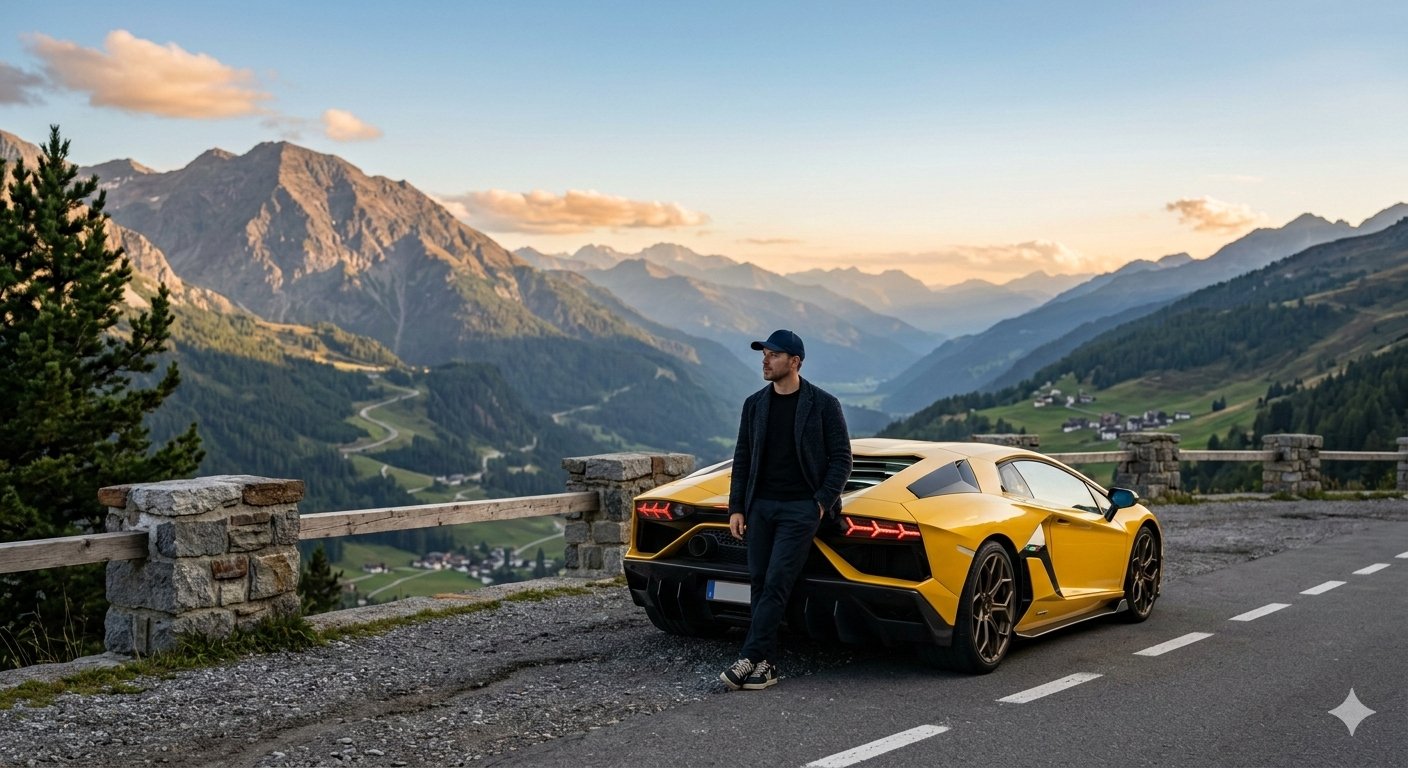
- Prompt included
- Model and format preset
- Free template
The prompt behind this image
Copy the exact prompt behind Google Gemini Nano Banana 2 Cinematic Mo, or open it in the studio and make it yours.
Cinematic mountain overlook at golden hour with vast alpine valleys and layered peaks fading into the distance under a clear blue sky. In the foreground, a yellow Lamborghini supercar is parked at the roadside viewpoint, its sleek body reflecting soft evening light and the signature LED taillights glowing subtly. A man stands beside the rear of the car, leaning casually against it while looking out over the breathtaking landscape. He wears a modern fitted cap, dark jacket, and minimal stylish outfit, giving a calm, confident traveler vibe. His posture suggests quiet reflection and success. Below the viewpoint, green fields and scattered alpine homes dot the valley, with pine trees framing the scene. Soft natural light, cinematic depth, ultra-realistic photography, luxury lifestyle aesthetic, sharp focus on subject and car, atmospheric perspective, 8k detail. Style cues: cinematic, moody luxury travel, realistic lighting, shallow depth of field, high-end automotive photography.
How to use Google Gemini Nano Banana 2 Cinematic Mo in 3 steps
- 1
Open
The prompt is already in the box next to the preview, with the template's model and format selected.
- 2…a portrait of your subject in softgolden-hour light, 85mm…
Personalize
Edit the subject and creative details for your destination.
- 3Generate
Generate
Press Generate — your image is created in PicX Studio, so you can compare it with the original and refine one variable at a time.
More like this
Templates with the same subject, style or setup. Open one to see its prompt.

Google Gemini Nano Banana Pro

Image on Gemini Nano Banana

Gemini Nano Banana Portrait

Gemini Nano Banana Realistic Portrait Re

Gemini Nano Banana 2 Isometric 3d City D

Gemini Nano Banana 2

Gemini Nano Banana 2 Logo in Wet Sand Be

Gemini Nano Banana 2

Couple Goals from the Google Gemini Nano

Spring Flower Field Portrait Prompt for Google Gemini Nano Banana Pro
Gemini Night Flash Portrait

Nano Banana Is So Addictive
Make it yours
Google Gemini Nano Banana 2 Cinematic Mo works as-is. These are the safest ways to change it without losing the look.
Change one field
Copy a single group, rewrite it, and generate again so you can see what that field is doing.
Keep the frame, change the subject
Hold the composition and light of 106-google-gemini-nano-banana-2-cinematic-mo, then swap wardrobe, props or the person for a new take.
| If the result… | Why | Fix |
|---|---|---|
| The result drifts from the preview | Too many fields changed at once. | Reuse 106-google-gemini-nano-banana-2-cinematic-mo as-is first, then change one group — subject, light, or setting. |
| The model over-stylizes the scene | The prose prompt leaves finish and camera underspecified. | Add one camera or lighting sentence and stay on Nano Banana. |
More Nano Banana templates
Other prompts made for Nano Banana.










More image prompts
Fresh picks from across the catalog.
High-Speed Commercial Food Photography Prompt for Latte Bottle

Elf Sniper Team in Forest Ambush
Surrealist Ornithology fashion editorial prompt

Essay-style manga about a family trip to Universal Studios

3D Animated Tourism Infographic Poster

Tokyo Subway Fashion Editorial
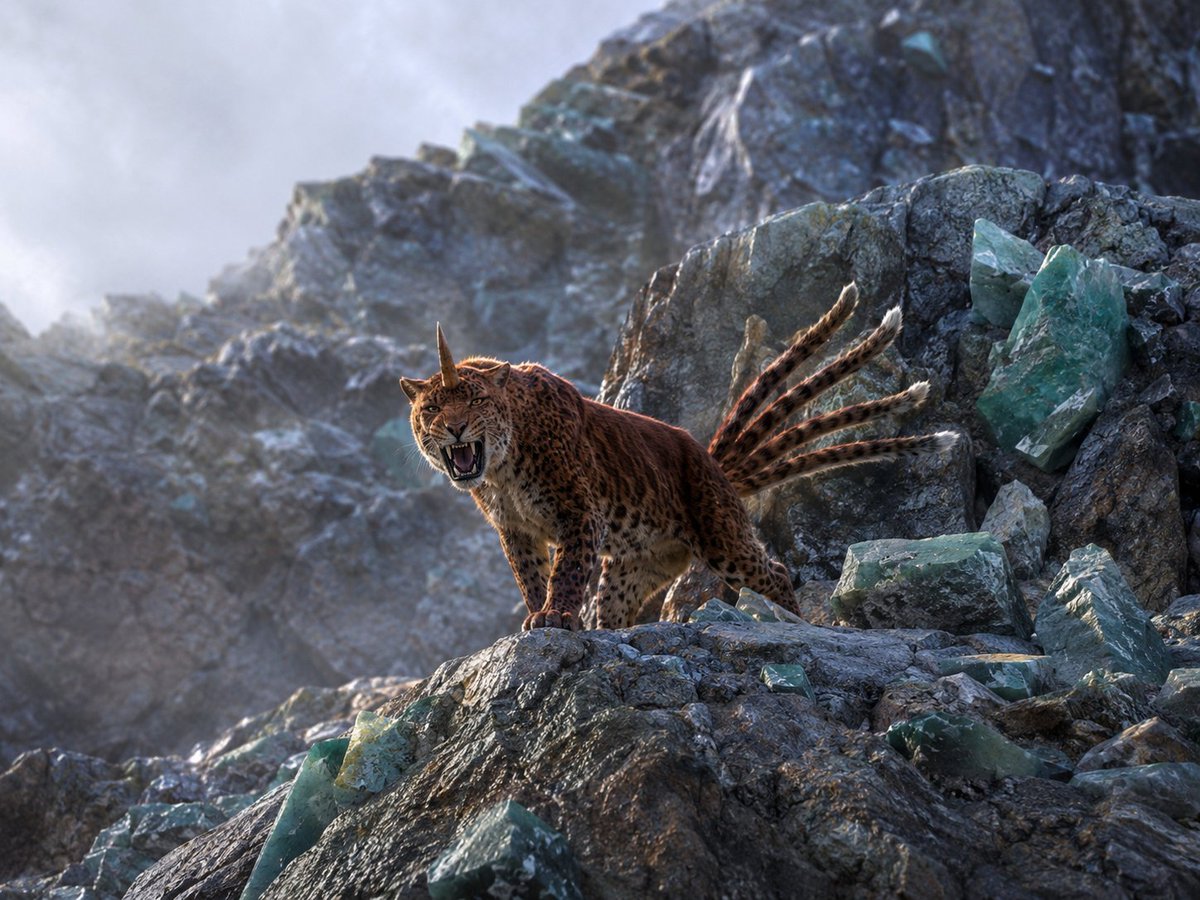
Horned Seven-Tailed Mountain Beast
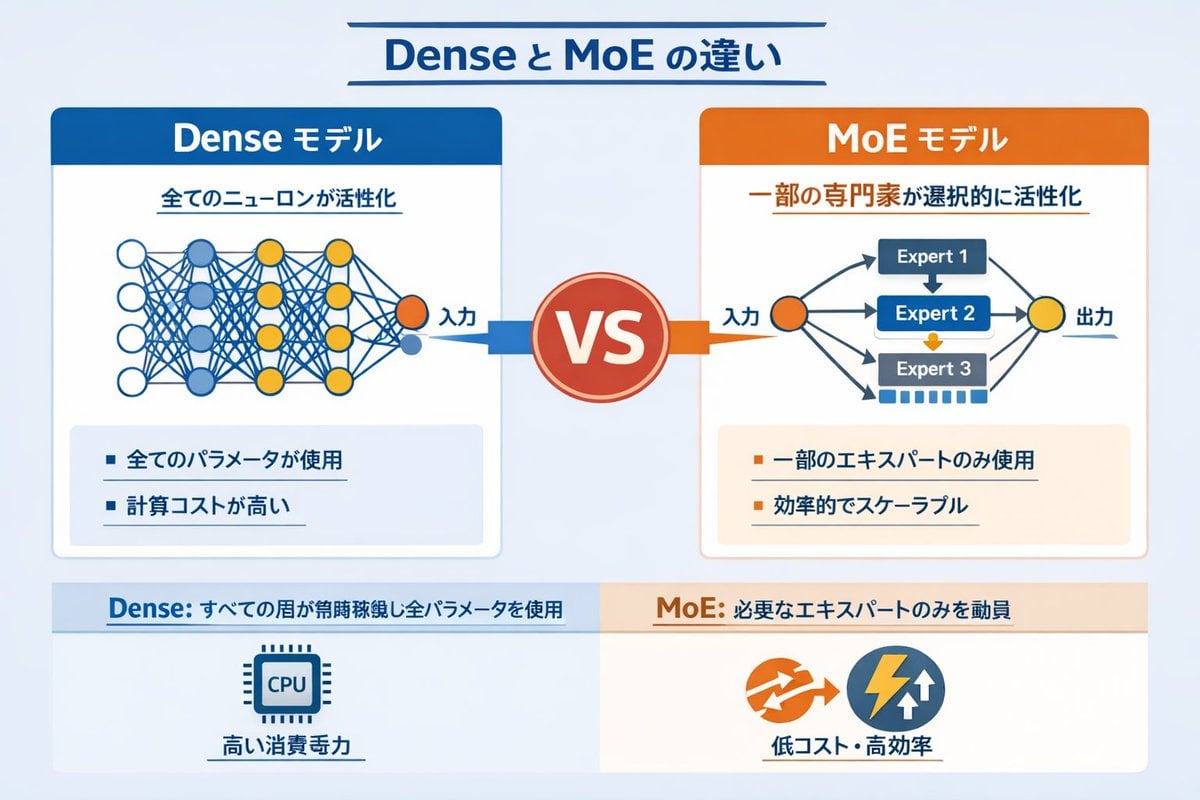
Dense vs MoE Neural Network Infographic
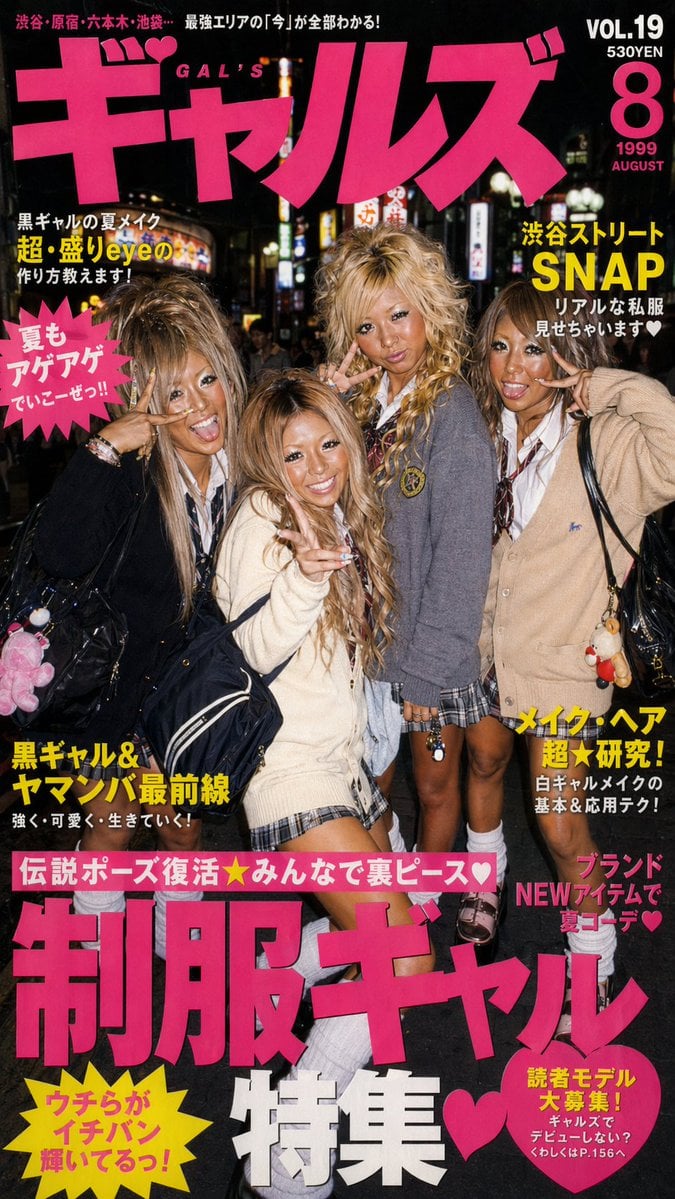
90s Gyaru Magazine Cover
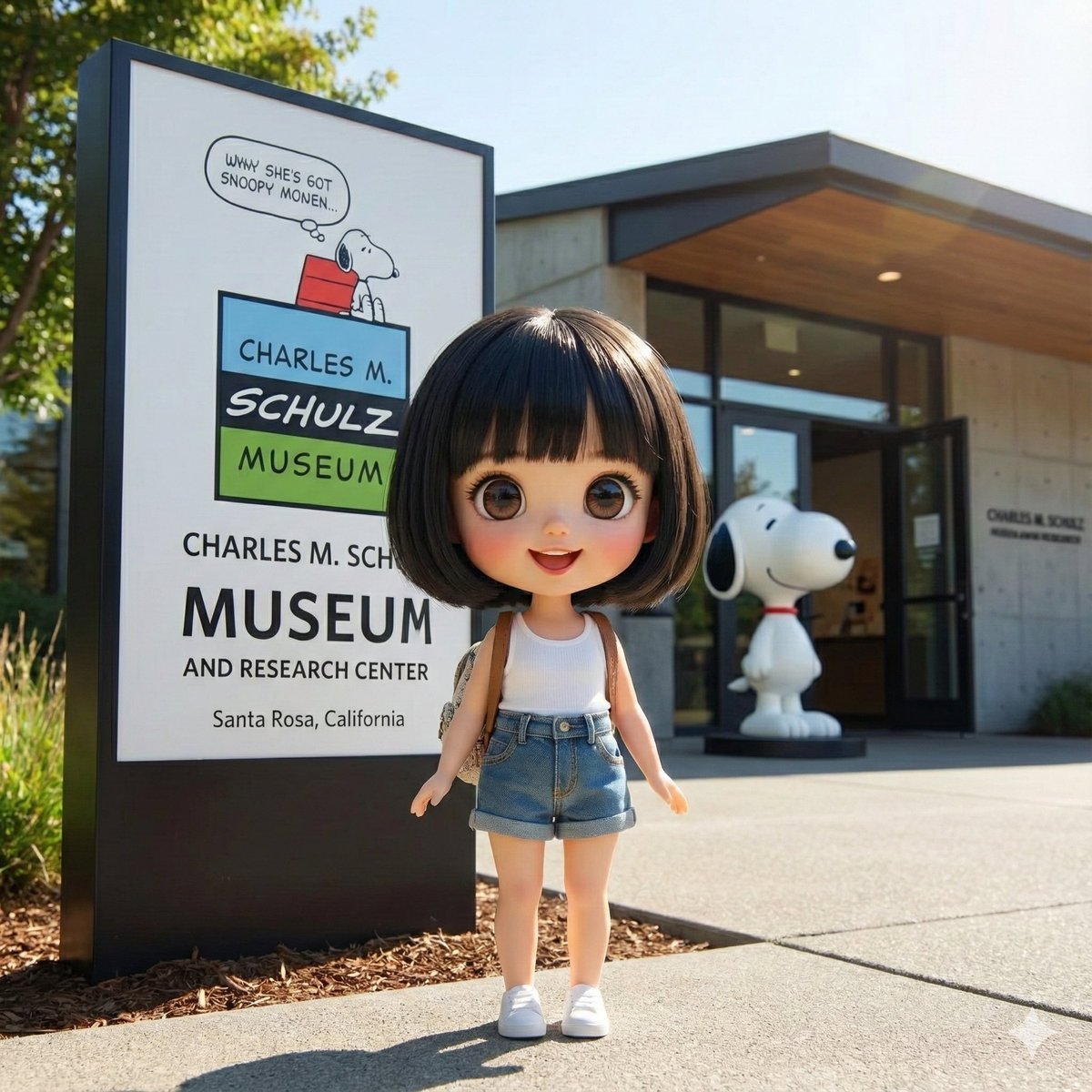
Character Visiting a Museum
Browse template categories
Google Gemini Nano Banana 2 Cinematic Mo questions
How do I use the 106-google-gemini-nano-banana-2-cinematic-mo template?
Add your photo if the template asks for one, edit the prompt if you like — the template's model and format are already selected — and press Generate. Your version opens in PicX Studio.
Can I customize the 106-google-gemini-nano-banana-2-cinematic-mo template?
Yes. You can change the subject, setting, lighting, mood, format, and available model controls before creating your image.
Is the 106-google-gemini-nano-banana-2-cinematic-mo template free?
Opening and editing this template is free. Generating uses credits, shown on the Generate button when you are signed in.
Which AI model should I use?
Start with Nano Banana, which is the model associated with this template. You can compare another compatible model for a different finish.
Looking for something else? Browse all templates.

Your photo, any look
Thousands of ready templates for every top image and video model, from one credit balance.