
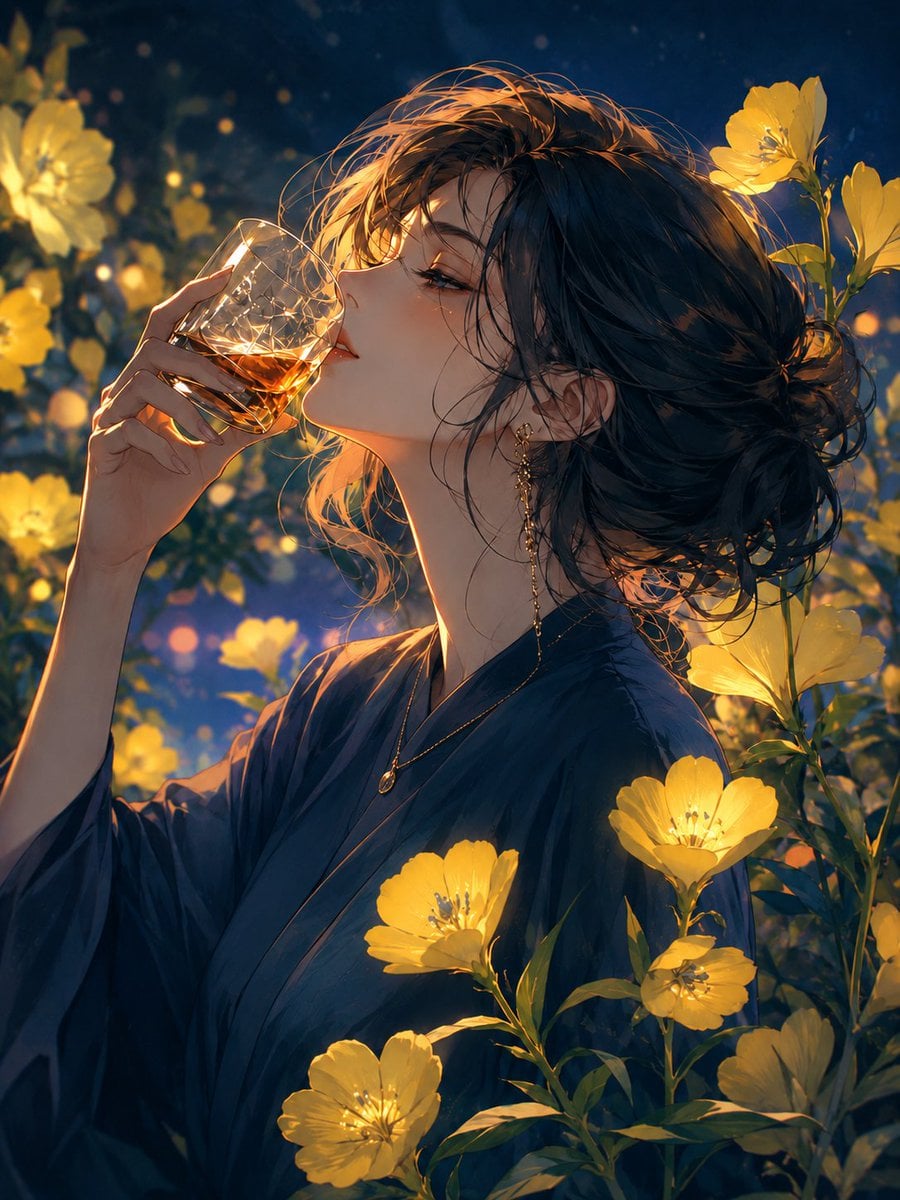
Whiskey in a Glowing Primrose Garden
A cinematic anime portrait of an elegant woman savoring whiskey among luminous yellow evening primroses at night.
- Prompt included
- Model and format preset
- Free template
The prompt behind this image
Copy the exact prompt behind Whiskey in a Glowing Primrose Garden, or open it in the studio and make it yours.
Create a vertical anime-style cinematic portrait of {argument name="character name" default="an elegant young woman"} in a glowing night garden, shown in close-up side profile from the chest up as she quietly savors whiskey. She has {argument name="hair color" default="dark navy-black"} loosely pinned into a messy low bun with wispy strands across her face, warm amber rim light catching the hair, refined features, long eyelashes, and a calm relaxed Friday-night mood. She wears a deep {argument name="robe color" default="midnight blue"} kimono-like robe, a delicate gold pendant necklace, and long dangling gold earrings. Her right hand lifts a cut-crystal tumbler to her lips; the glass contains {argument name="drink" default="amber whiskey"}, with sparkling highlights, facets, and golden reflections. Surround her with exactly 8 prominent glowing yellow evening primrose blossoms: 1 large blurred blossom on the far left background, 1 small blurred blossom near the left middle background, 2 blossoms near the upper right, 1 blossom at mid-right beside her shoulder, 1 blossom in the lower right foreground, 1 blossom centered near her chest, and 1 blossom near the lower center foreground; add additional tiny golden bokeh particles but no extra distinct foreground flowers. Use dramatic warm golden flower light against a deep blue night background, shallow depth of field, soft painterly detail, elegant romantic atmosphere, luminous petals, realistic glass refraction, subtle firefly-like specks, and a high-detail polished illustration finish. No text, no watermark, no border.
How to use Whiskey in a Glowing Primrose Garden in 3 steps
- 1Upload ImagePNG, JPG or paste
Add your photo
Upload the photo the template builds on. The prompt, model and format are already set.
- 2…a portrait of your subject in softgolden-hour light, 85mm…
Personalize
Edit the subject and creative details for your destination.
- 3Generate
Generate
Press Generate — your image is created in PicX Studio, so you can compare it with the original and refine one variable at a time.
More like this
Templates with the same subject, style or setup. Open one to see its prompt.

Artistic Arborpunk Garden Observatory Complex

Floating Woman Above Cityscape with Notifications

AI Touching a Glowing Microchip
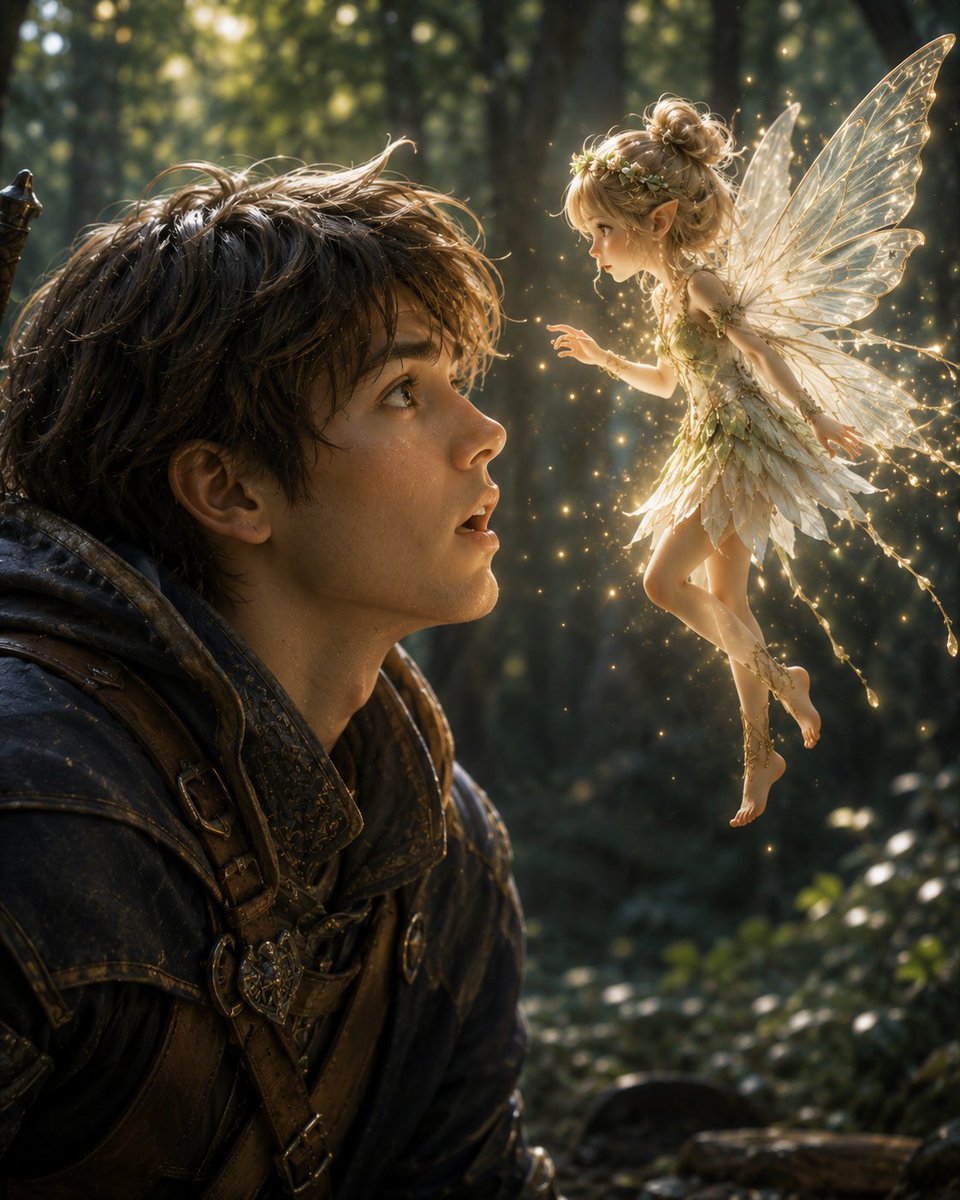
Boy Meets a Glowing Forest Fairy

Exploration Ship Crossing a Glowing Nebula

Glowing Totoro Robot Figure Diorama
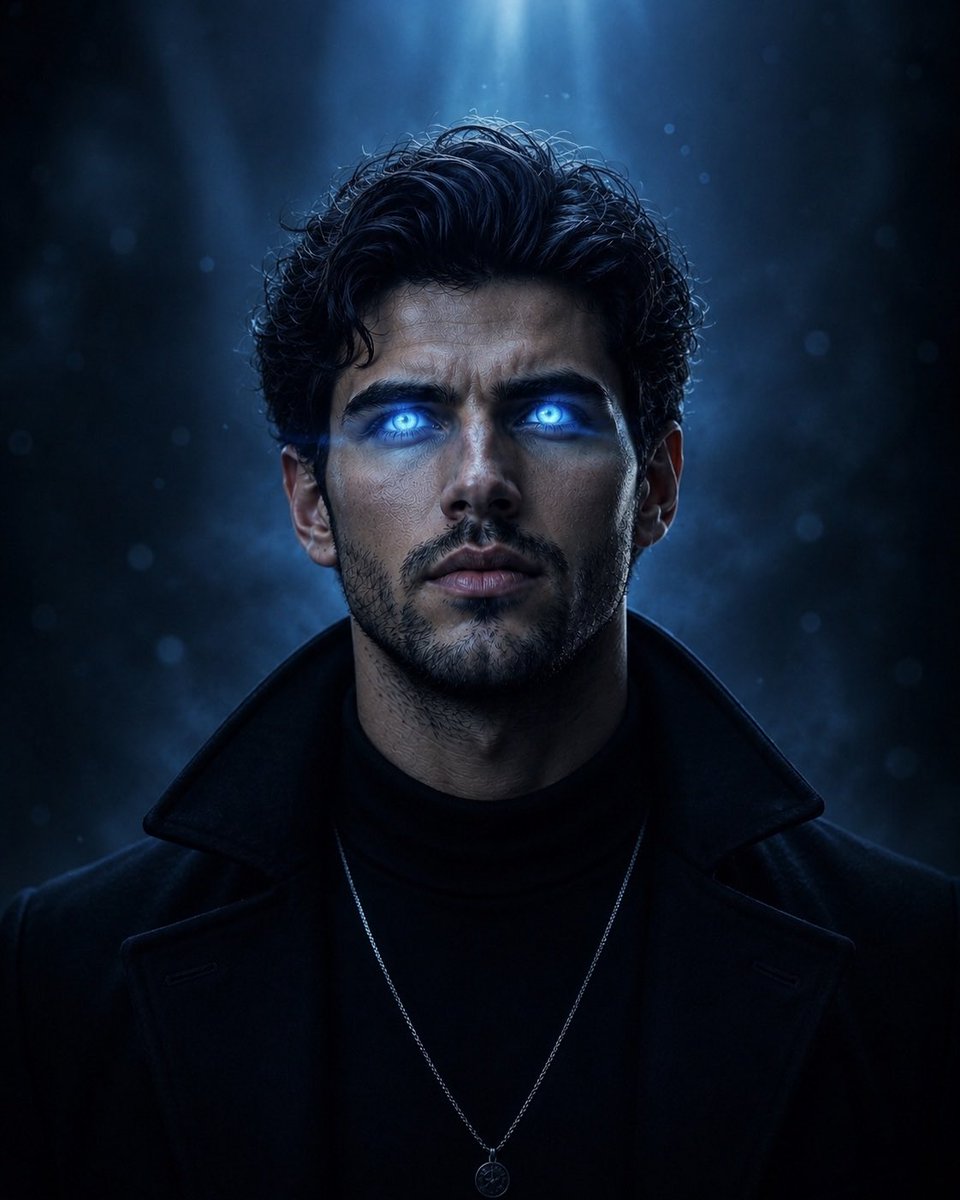
Supernatural Portrait with Glowing Eyes
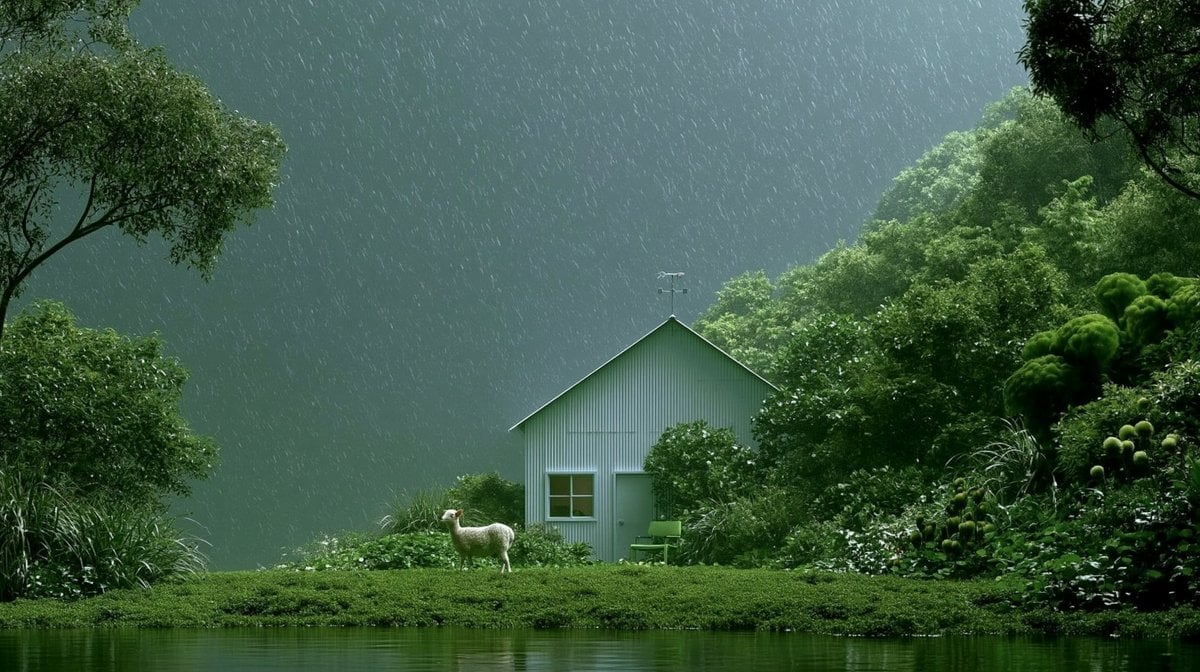
Rainy Cottage Garden With Sheep
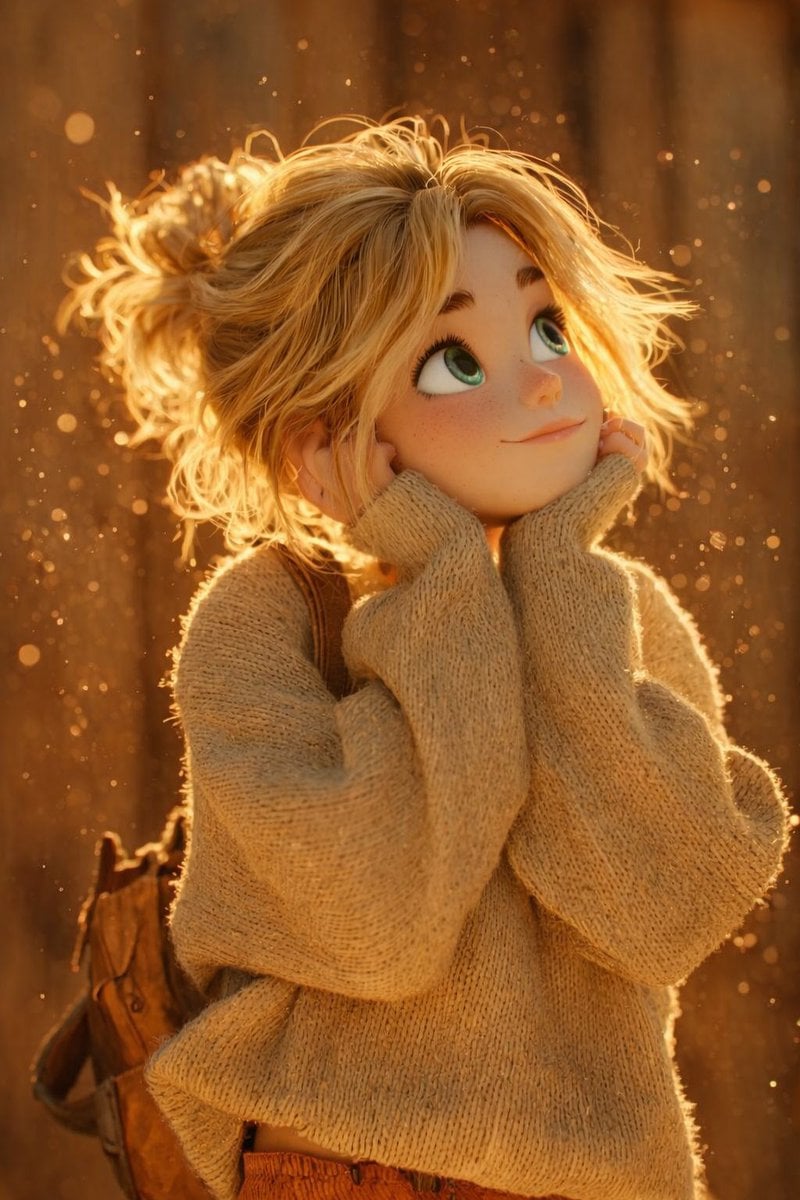
The scene is lit by warm golden hour sunlight, with glowing dust

A futuristic cyber-aesthetic portrait of a young woman wearing glowing

Glowing Glasses Frog Meme

Middle-Aged Man at Whiskey Bar
Make it yours
Whiskey in a Glowing Primrose Garden works as-is. These are the safest ways to change it without losing the look.
Change one field
Copy a single group, rewrite it, and generate again so you can see what that field is doing.
Keep the frame, change the subject
Hold the composition and light of Whiskey in a Glowing Primrose Garden, then swap wardrobe, props or the person for a new take.
| If the result… | Why | Fix |
|---|---|---|
| The result drifts from the preview | Too many fields changed at once. | Reuse Whiskey in a Glowing Primrose Garden as-is first, then change one group — subject, light, or setting. |
| The model over-stylizes the scene | The prose prompt leaves finish and camera underspecified. | Add one camera or lighting sentence and stay on GPT Image 2. |
More GPT Image 2 templates
Other prompts made for GPT Image 2.

Six VTuber Japanese Logo Sheet

Realistic Portrait of Woman and Deer

The Vista Modular Condo Poster

AI Model Routing Comparison Infographic

2.5D Anime Art Board

Isometric Productivity Desk Scene

New York Double Exposure Poster

Four-Panel AI Landscape Comparison

Japanese Tatami Lifestyle Magazine Cover

NESCAFÉ Coffee Map Poster
More image prompts
Fresh picks from across the catalog.

Character Stepping Out of a Sketchbook (Surreal Photo)

Cute Chinese Tokenization Infographic

Cinematic Male Portrait with Neon Halo
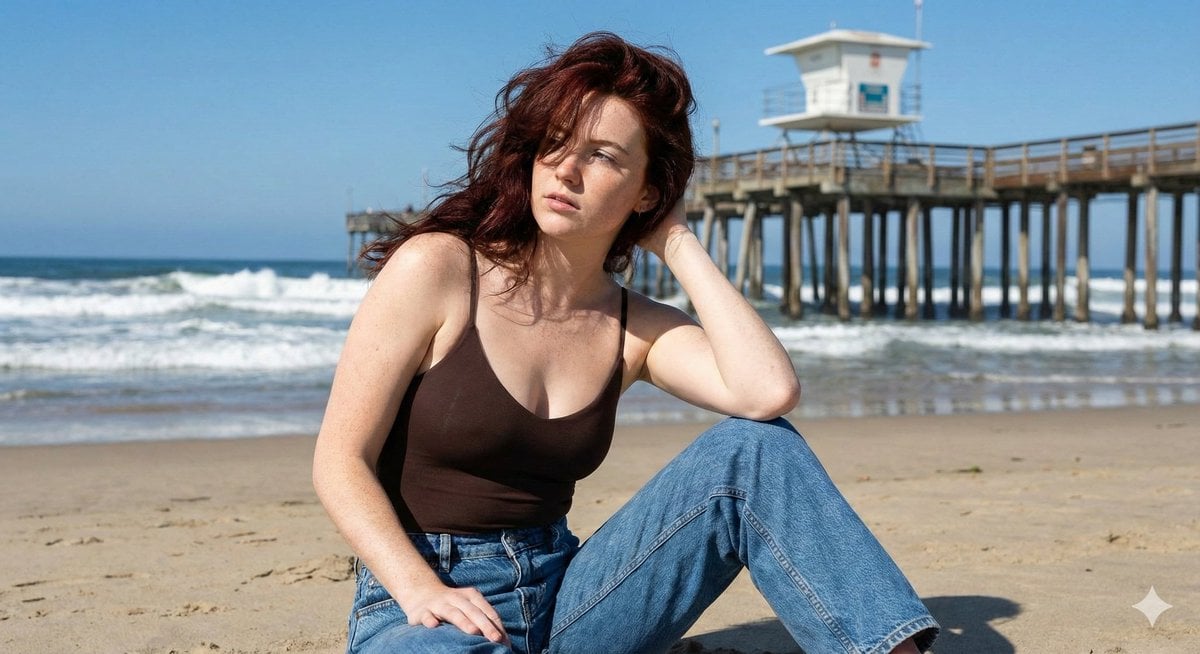
Photorealistic Lifestyle Beach Portrait
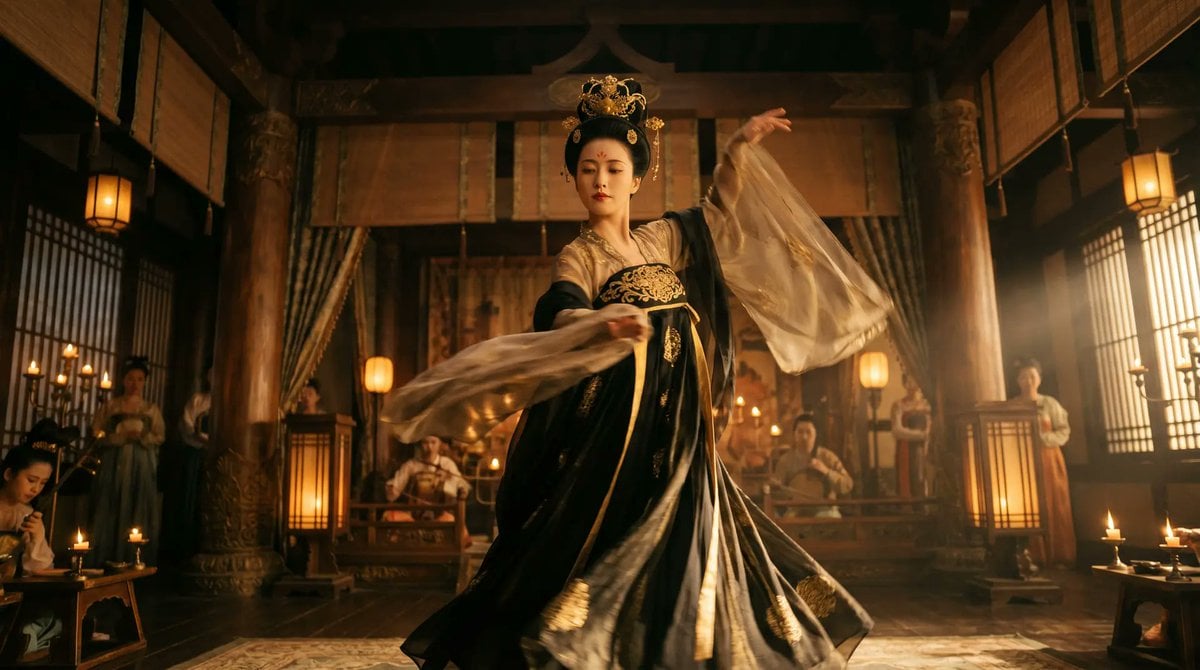
Cinematic Tang Court Dancer at Night
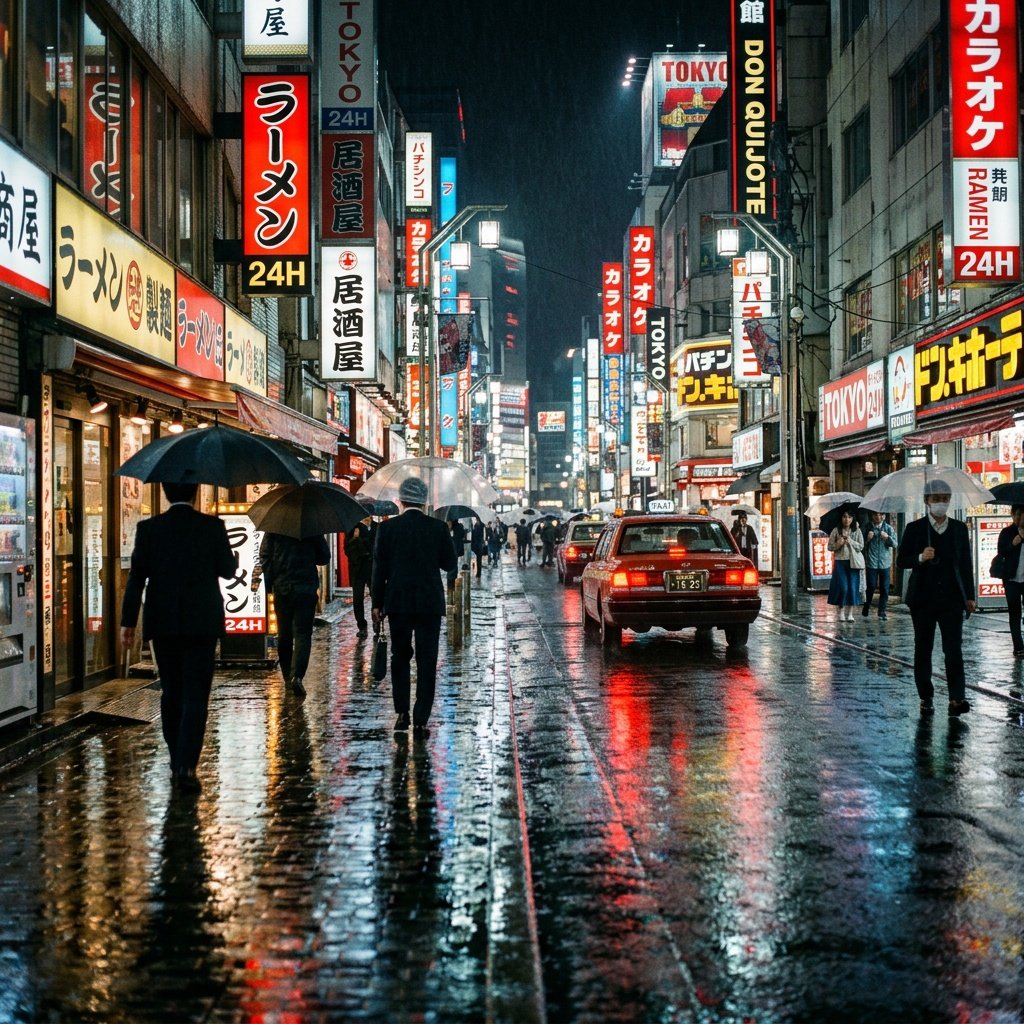
Cinematic Tokyo Street at Night
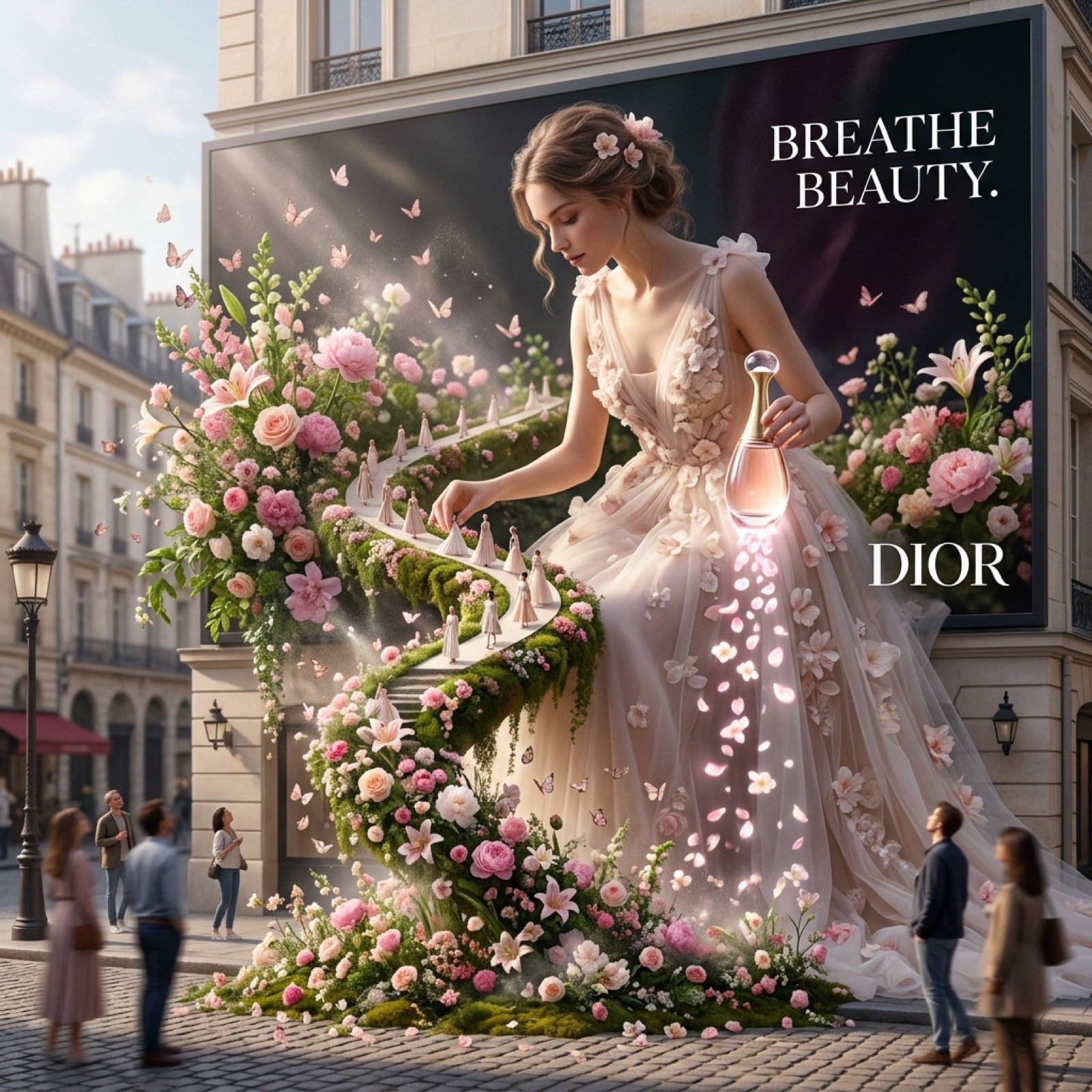
Dior Floating Garden 3D Billboard

Epic Anime Movie Poster from Photo
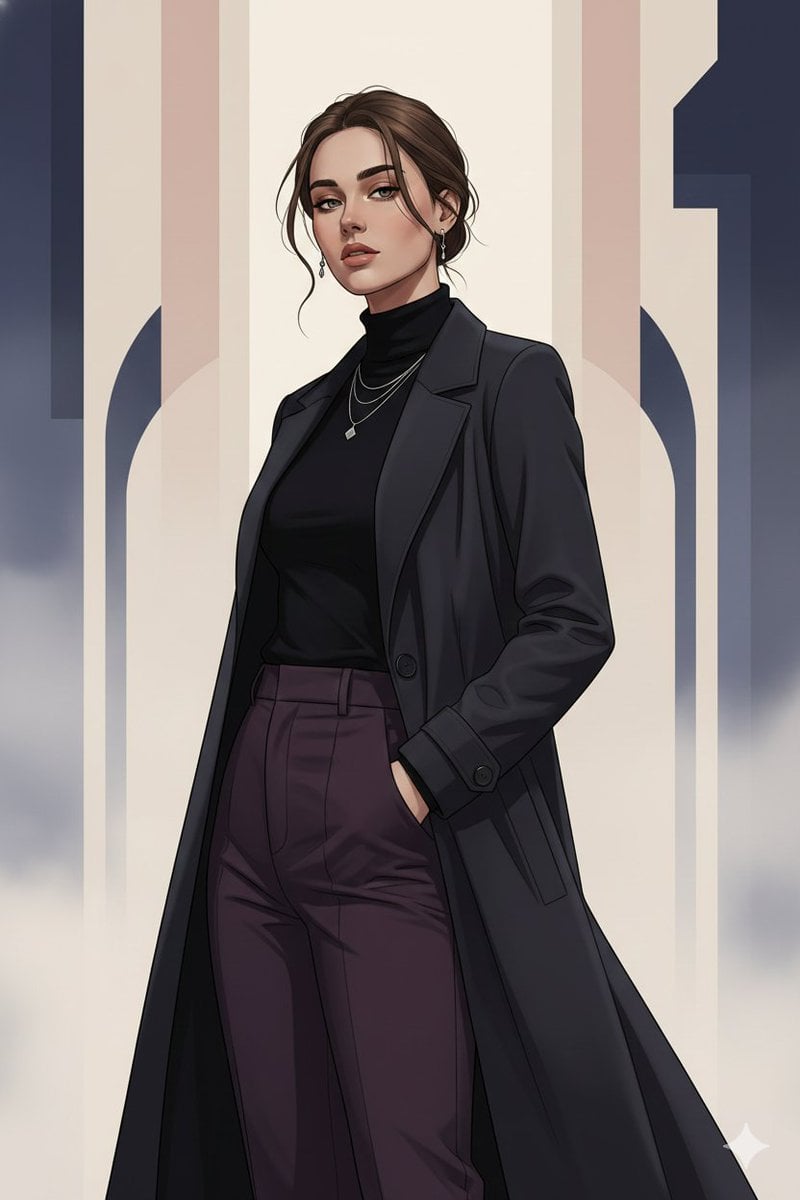
Gothic K-Drama Fusion Illustration with Identity Preservation
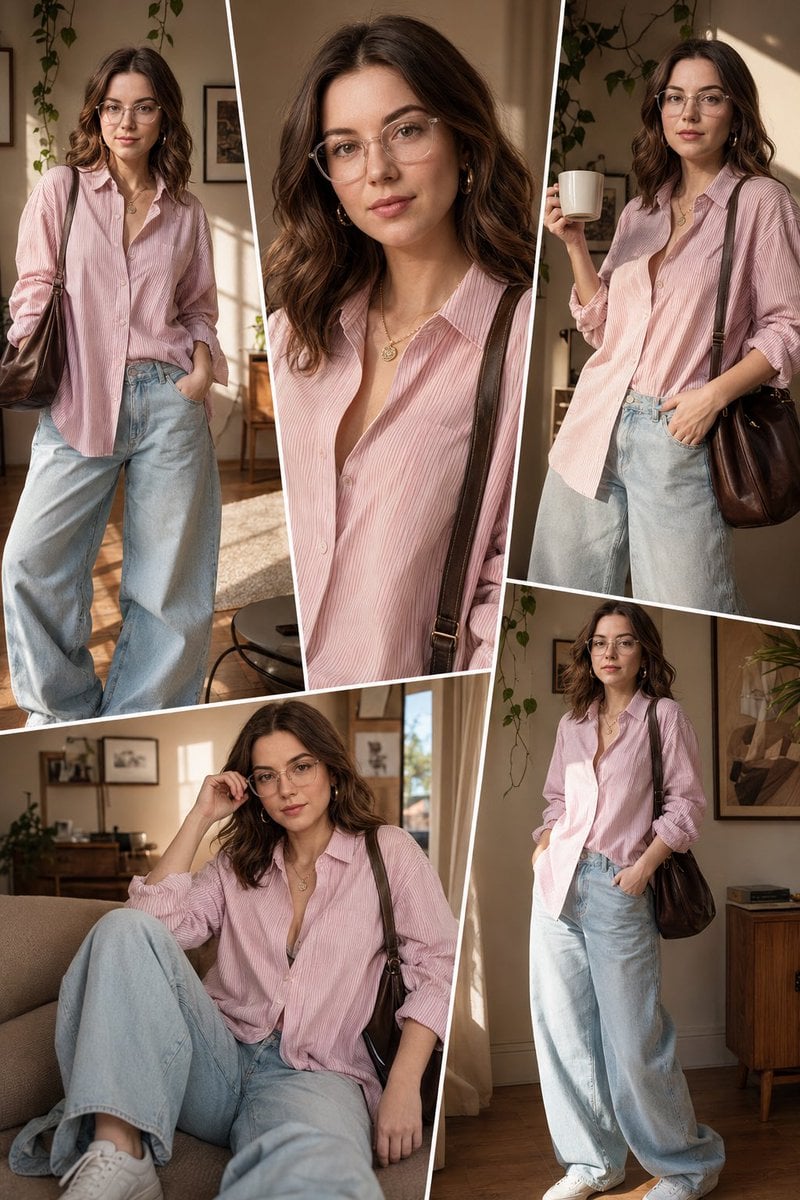
Sunlit Interior Fashion Collage
Browse template categories
Whiskey in a Glowing Primrose Garden questions
How do I use the Whiskey in a Glowing Primrose Garden template?
Add your photo if the template asks for one, edit the prompt if you like — the template's model and format are already selected — and press Generate. Your version opens in PicX Studio.
Can I customize the Whiskey in a Glowing Primrose Garden template?
Yes. You can change the subject, setting, lighting, mood, format, and available model controls before creating your image.
Is the Whiskey in a Glowing Primrose Garden template free?
Opening and editing this template is free. Generating uses credits, shown on the Generate button when you are signed in.
Which AI model should I use?
Start with GPT Image 2, which is the model associated with this template. You can compare another compatible model for a different finish.
Looking for something else? Browse all templates.

Your photo, any look
Thousands of ready templates for every top image and video model, from one credit balance.