
AI Touching a Glowing Microchip
A cinematic futuristic banner showing a humanoid robot making contact with a luminous processor on a dense circuit board, useful for AI technology news or editorial visuals.

- Prompt included
- Model and format preset
- Free template
The prompt behind this image
Copy the exact prompt behind AI Touching a Glowing Microchip, or open it in the studio and make it yours.
Create a cinematic widescreen sci-fi illustration of a humanoid artificial intelligence figure in right-side profile, reaching out with one delicate robotic finger to touch a glowing microchip on a vast dark circuit board. The AI figure has a smooth pale {argument name="robot material" default="porcelain-white metallic"} face and hand, elegant biomechanical panel lines, etched circuit-like grooves, exposed layered contours around the head, cheek, neck, ear, and fingers, and a calm focused expression. The fingertip makes contact with the central processor, producing a bright warm {argument name="contact glow color" default="golden-orange"} flare and small lens bloom. The background is a dense motherboard landscape filling the left and center of the frame, with one square microchip near the center-left, countless copper traces radiating outward, tiny components, and many red-orange LED points scattered across the board like a neural network. Use a dark teal, black, and gunmetal palette with warm sparks and glow accents, high-detail 3D render quality, shallow depth of field, dramatic side lighting from the chip, subtle volumetric haze, futuristic atmosphere, and a composition where the robot occupies the right third while the circuitry expands across the left two thirds. Format as {argument name="aspect ratio" default="wide 16:9 cinematic banner"}, ultra-detailed, sharp focus on the fingertip and chip, no text, no logos, no watermark.
How to use AI Touching a Glowing Microchip in 3 steps
- 1Upload ImagePNG, JPG or paste
Add your photo
Upload the photo the template builds on. The prompt, model and format are already set.
- 2…a portrait of your subject in softgolden-hour light, 85mm…
Personalize
Edit the subject and creative details for your destination.
- 3Generate
Generate
Press Generate — your image is created in PicX Studio, so you can compare it with the original and refine one variable at a time.
More like this
Templates with the same subject, style or setup. Open one to see its prompt.

Floating Woman Above Cityscape with Notifications

Boy Meets a Glowing Forest Fairy

Exploration Ship Crossing a Glowing Nebula

Glowing Totoro Robot Figure Diorama

Supernatural Portrait with Glowing Eyes

The scene is lit by warm golden hour sunlight, with glowing dust
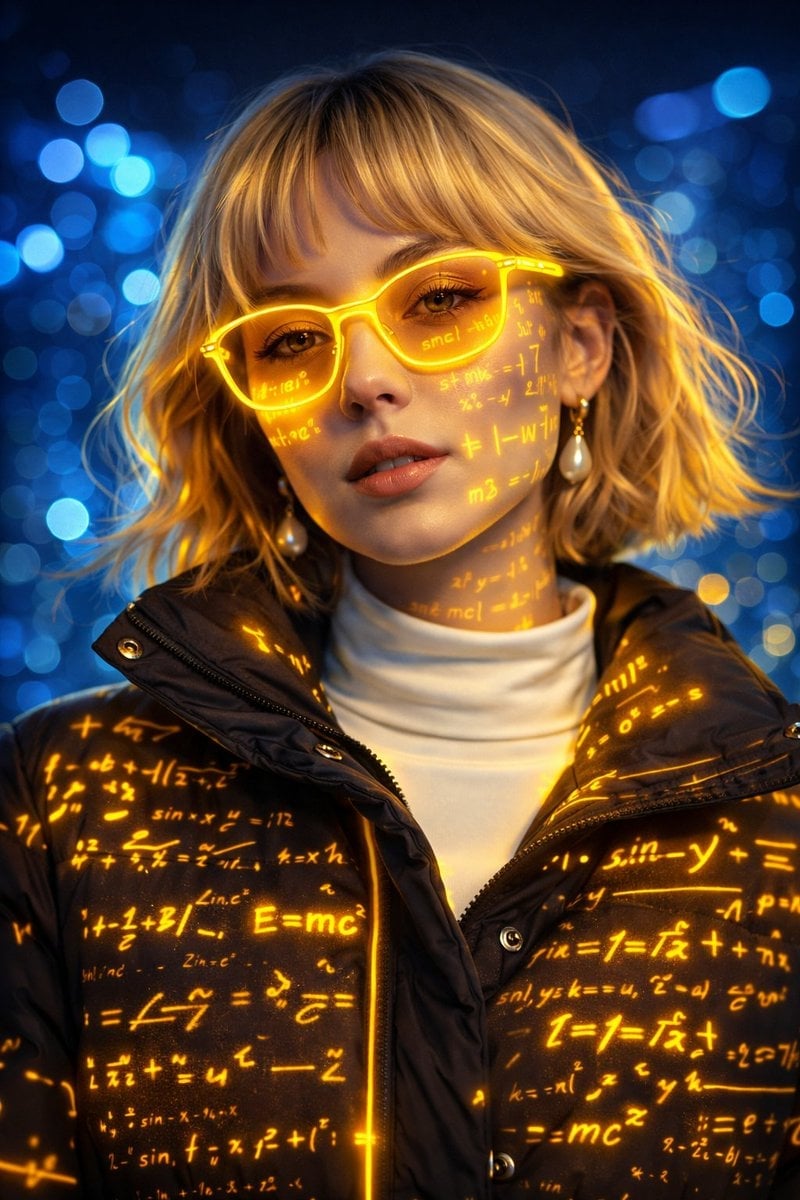
A futuristic cyber-aesthetic portrait of a young woman wearing glowing

Glowing Glasses Frog Meme

Whiskey in a Glowing Primrose Garden
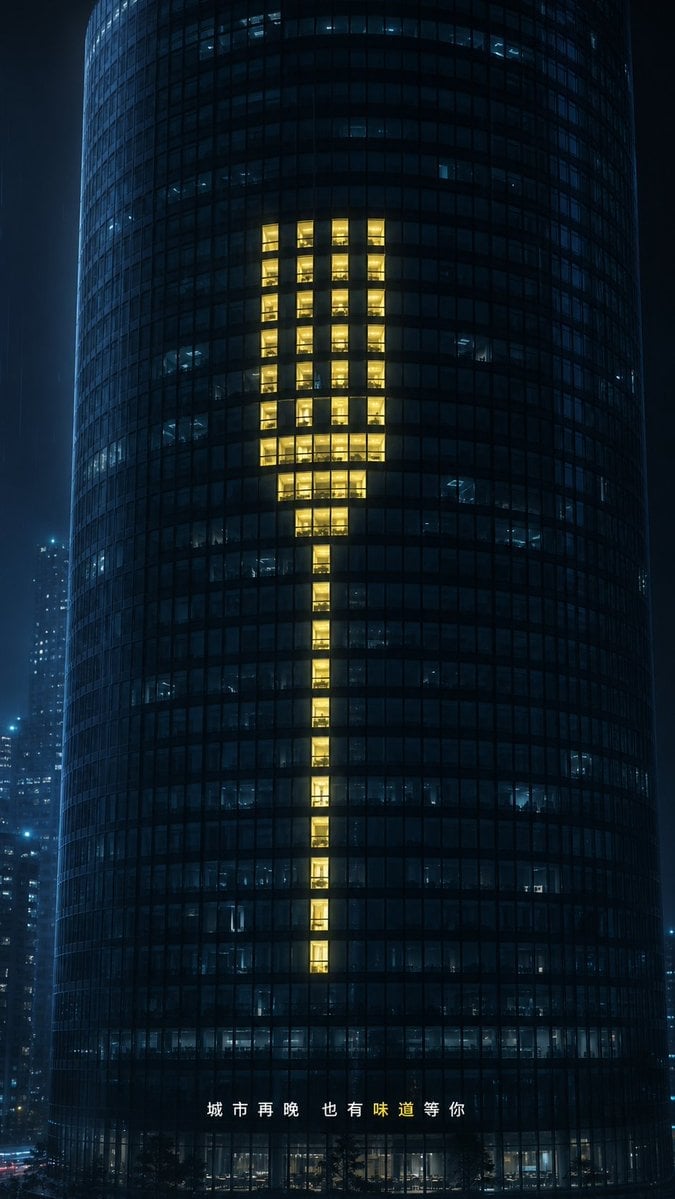
Glowing Exclamation Skyscraper

Mystical Glowing Elf Portrait

Enchanted Forest Spirit Holding a Glowing Tree
Make it yours
AI Touching a Glowing Microchip works as-is. These are the safest ways to change it without losing the look.
Change one field
Copy a single group, rewrite it, and generate again so you can see what that field is doing.
Keep the frame, change the subject
Hold the composition and light of AI Touching a Glowing Microchip, then swap wardrobe, props or the person for a new take.
| If the result… | Why | Fix |
|---|---|---|
| The result drifts from the preview | Too many fields changed at once. | Reuse AI Touching a Glowing Microchip as-is first, then change one group — subject, light, or setting. |
| The model over-stylizes the scene | The prose prompt leaves finish and camera underspecified. | Add one camera or lighting sentence and stay on GPT Image 2. |
More GPT Image 2 templates
Other prompts made for GPT Image 2.

Six VTuber Japanese Logo Sheet

Realistic Portrait of Woman and Deer

The Vista Modular Condo Poster

AI Model Routing Comparison Infographic

2.5D Anime Art Board

Isometric Productivity Desk Scene

New York Double Exposure Poster

Four-Panel AI Landscape Comparison

Japanese Tatami Lifestyle Magazine Cover

NESCAFÉ Coffee Map Poster
More image prompts
Fresh picks from across the catalog.
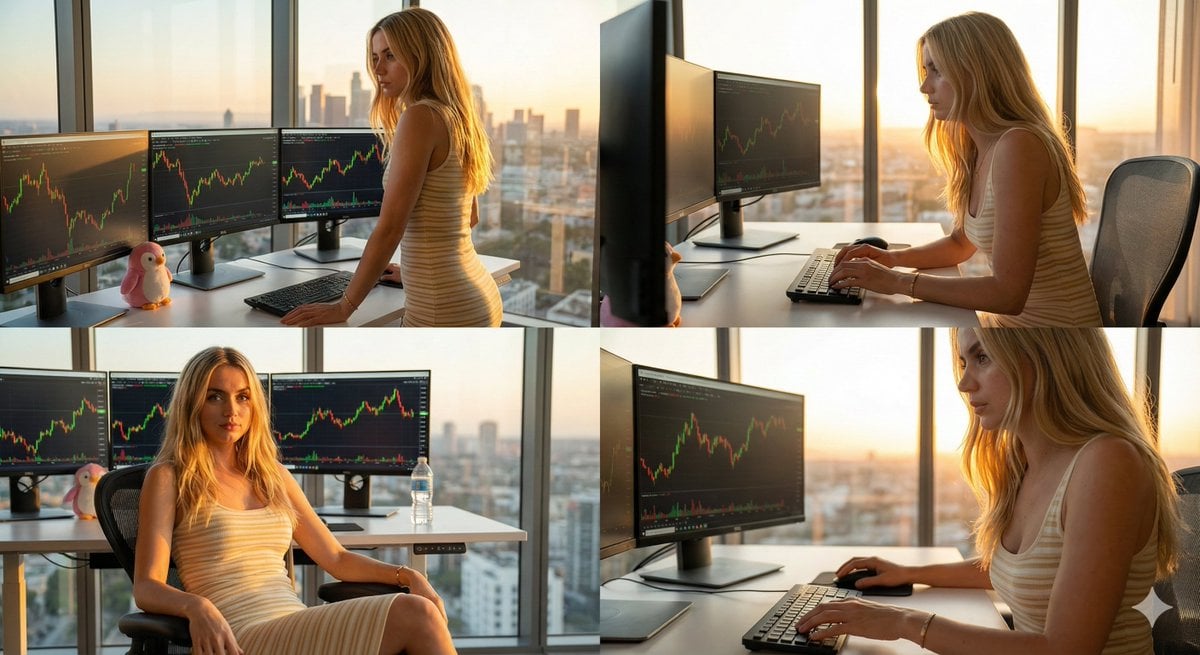
Four-Panel Collage of Trader in High-Rise Office

Josephine Langford Casual Bedroom Portrait

Hyper-Realistic 3x3 Grid Portrait with Fixed Identity
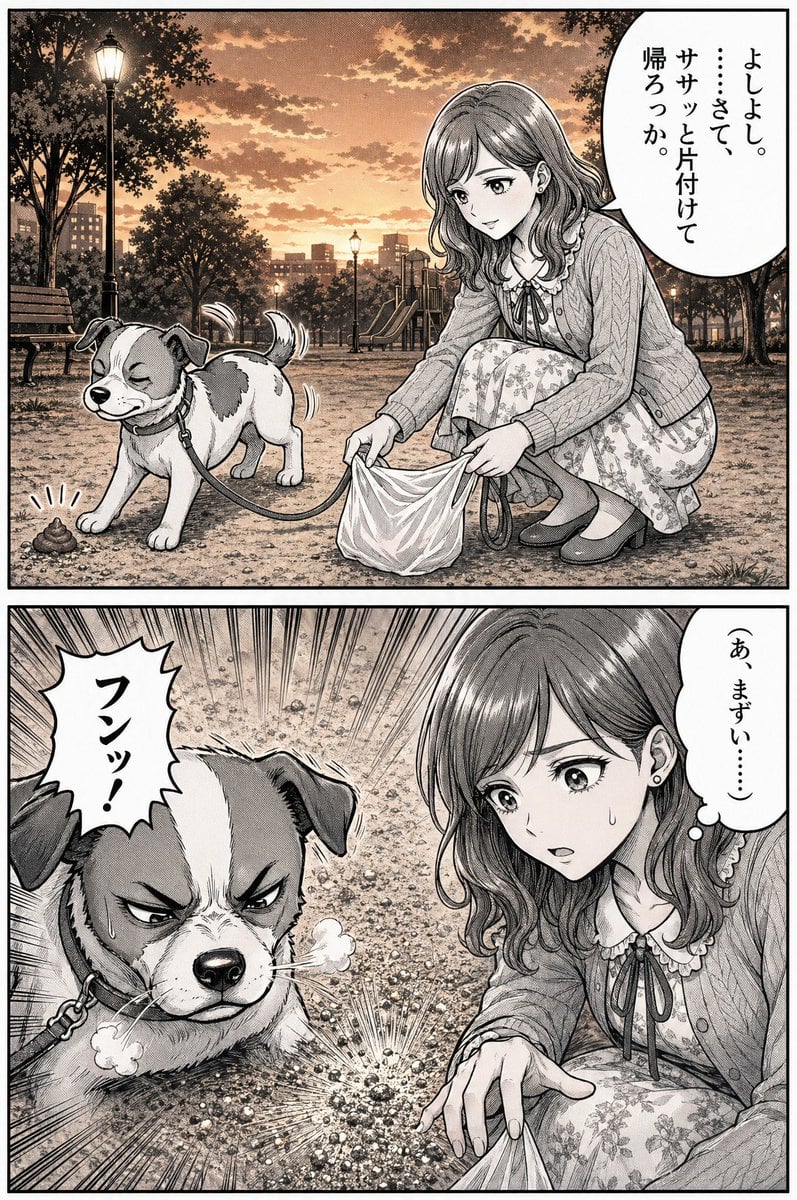
Manga Dog Kick at Sunset Park

Hyper-realistic Floating Food Photography

Cyberpunk Robot Encounter
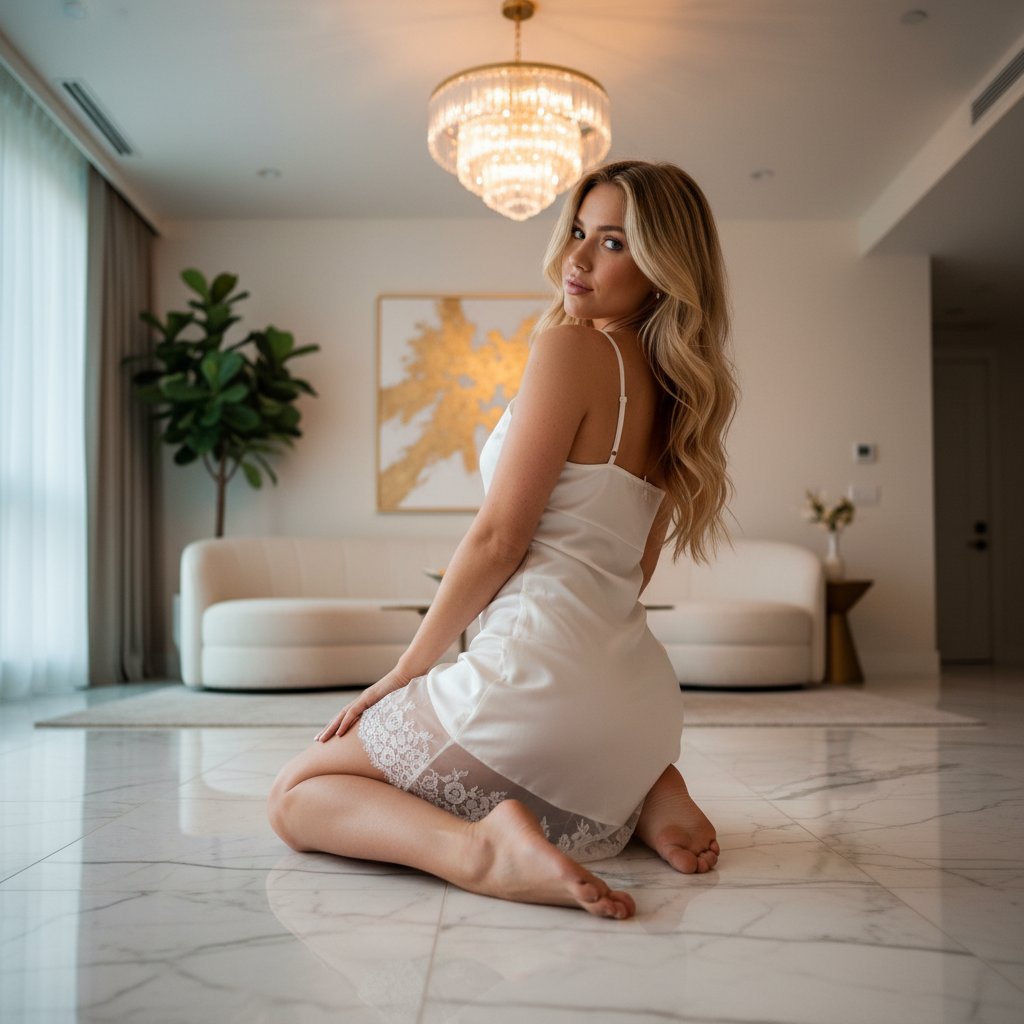
Ethereal Opulence: High-Fashion Editorial Portrait

High-Fidelity Portrait with Extreme Identity Mapping and Technical Rib-Knit Texture

Hyper-Realistic Lifestyle Café Portrait Prompt
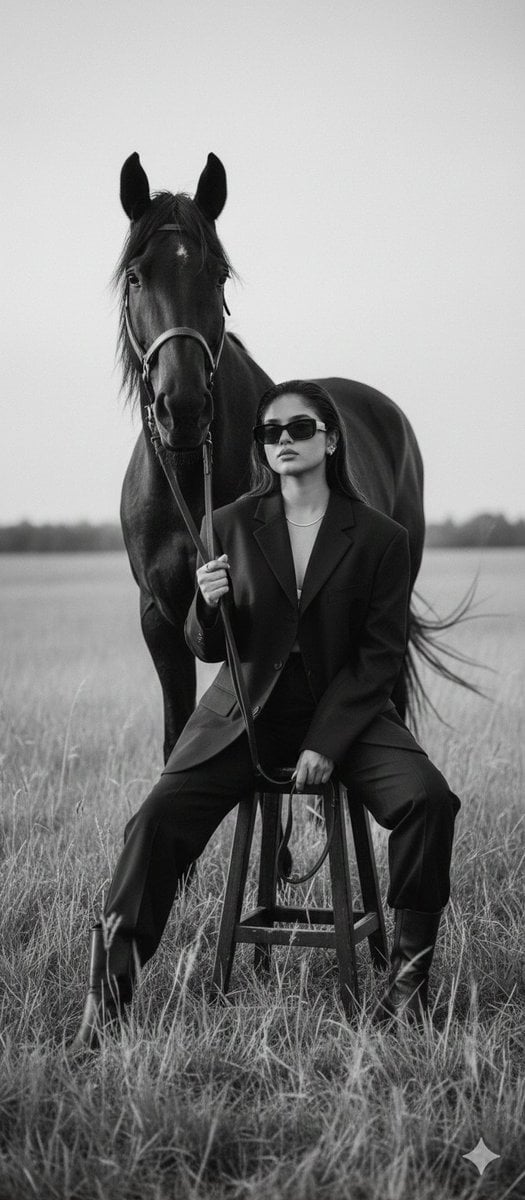
Cinematic Black-and-White Editorial Fashion Prompt
Browse template categories
AI Touching a Glowing Microchip questions
How do I use the AI Touching a Glowing Microchip template?
Add your photo if the template asks for one, edit the prompt if you like — the template's model and format are already selected — and press Generate. Your version opens in PicX Studio.
Can I customize the AI Touching a Glowing Microchip template?
Yes. You can change the subject, setting, lighting, mood, format, and available model controls before creating your image.
Is the AI Touching a Glowing Microchip template free?
Opening and editing this template is free. Generating uses credits, shown on the Generate button when you are signed in.
Which AI model should I use?
Start with GPT Image 2, which is the model associated with this template. You can compare another compatible model for a different finish.
Looking for something else? Browse all templates.

Your photo, any look
Thousands of ready templates for every top image and video model, from one credit balance.