
Hyper-Realistic 3x3 Grid Portrait with Fixed Identity
A complex JSON-formatted prompt designed for Nano Banana Pro to generate a 3x3 grid collage of a person, showcasing 9 different expressions, hairstyles, outfits, and backgrounds while strictly maintaining the exact…
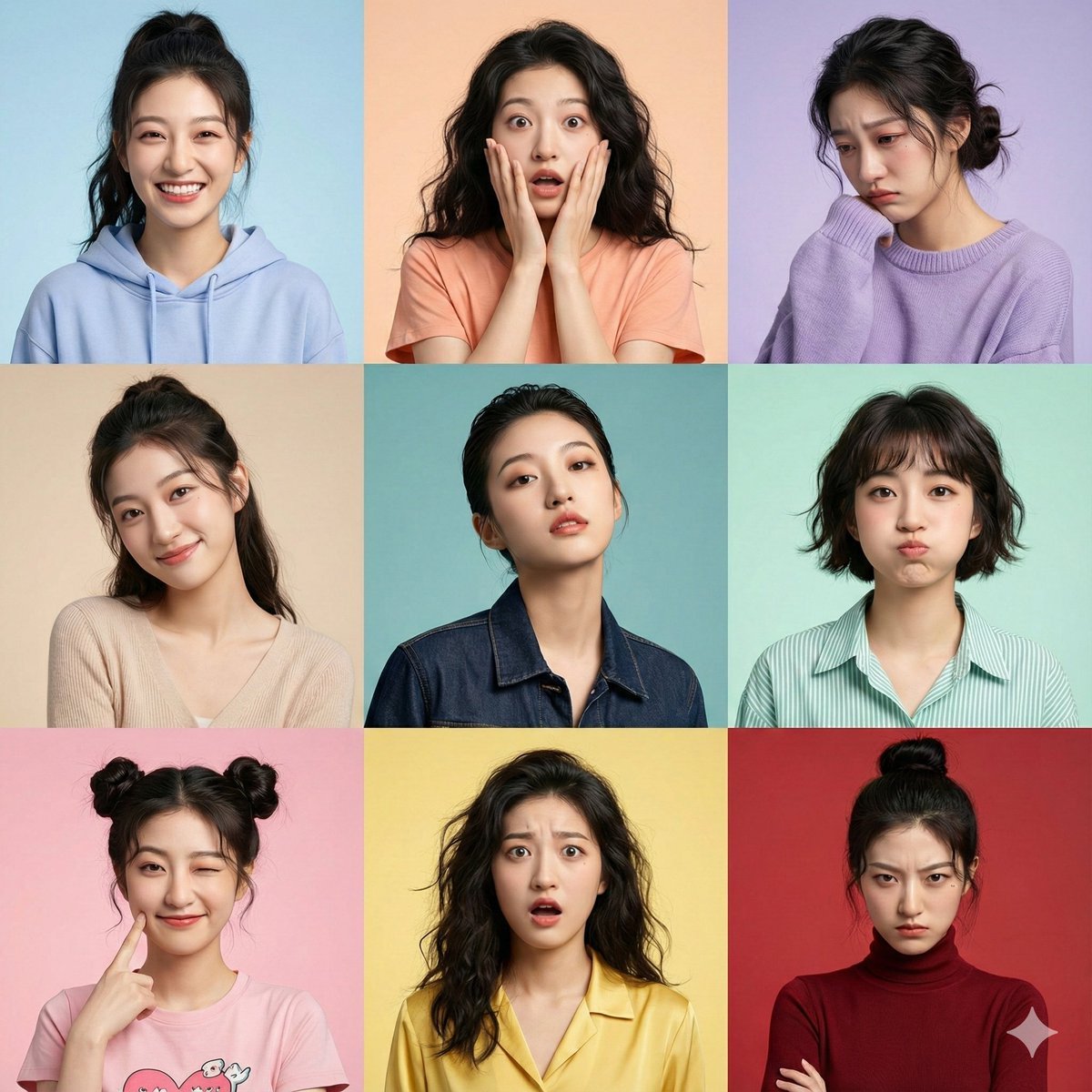
- Prompt included
- Model and format preset
- Free template
The prompt behind this image
Copy the exact prompt behind Hyper-Realistic 3x3 Grid Portrait with Fixed Identity, or open it in the studio and make it yours.
{ "image_prompt": { "critical_instruction": "ABSOLUTE PRIORITY: Maintain identical facial structure across all panels. Do not alter underlying bone structure, nose shape, eye spacing, or jawline regardless of the expression being rendered. The identity must be unmistakable in every single shot.", "format": "3x3 grid collage", "subject": { "face_reference": "uploaded_photo", "face_identity_lock": "CRITICAL: fixed identity, zero deviation from reference facial features", "face_match_accuracy": "100% exact match enforced", "identity_preservation_details": "Ensure consistent interpupillary distance, exact nose bridge shape, and jaw structure in every panel.", "negative_constraints": [ "do not morph nose shape", "do not change eye size or spacing", "do not alter cheekbone structure", "no plastic surgery look" ], "style": "hyper-realistic portrait photography, 8k resolution, raw photo aesthetic", "skin": "highly detailed natural skin texture, visible pores, subtle imperfections, realistic complexion, consistent across all lighting conditions", "camera_settings": "shot on Sony A7R IV, 85mm portrait lens, f/1.8 aperture, sharp focus on eyes, shallow depth of field" }, "panels": [ { "expression": "joyful", "pose": "bright natural smile (maintaining jaw structure), shoulders slightly raised", "hairstyle": "high ponytail with loose strands", "outfit": "pastel cotton hoodie", "background": "soft gradient sky blue studio backdrop" }, { "expression": "surprised", "pose": "hands near face, wide eyes (without altering eye shape), natural reaction", "hairstyle": "loose natural wavy hair", "outfit": "casual cotton t-shirt", "background": "light peach studio backdrop" }, { "expression": "sad", "pose": "head tilted down, emotional soft eyes", "hairstyle": "messy low bun", "outfit": "oversized wool sweater", "background": "muted lavender tone studio backdrop" }, { "expression": "tender", "pose": "gentle smile, head slightly tilted", "hairstyle": "elegant half-up hairstyle", "outfit": "soft knit top", "background": "warm beige studio backdrop" }, { "expression": "daring", "pose": "confident gaze, chin slightly raised (showing consistent jawline)", "hairstyle": "chic slicked-back hair", "outfit": "stylish leather or denim jacket", "background": "deep teal studio backdrop" }, { "expression": "playful", "pose": "cheeks slightly puffed (ensure nose remains unchanged), playful stare", "hairstyle": "short textured bob", "outfit": "striped linen shirt", "background": "soft mint green studio backdrop" }]
How to use Hyper-Realistic 3x3 Grid Portrait with Fixed Identity in 3 steps
- 1
Open
The prompt is already in the box next to the preview, with the template's model and format selected.
- 2…a portrait of your subject in softgolden-hour light, 85mm…
Personalize
Edit the subject and creative details for your destination.
- 3Generate
Generate
Press Generate — your image is created in PicX Studio, so you can compare it with the original and refine one variable at a time.
More like this
Templates with the same subject, style or setup. Open one to see its prompt.
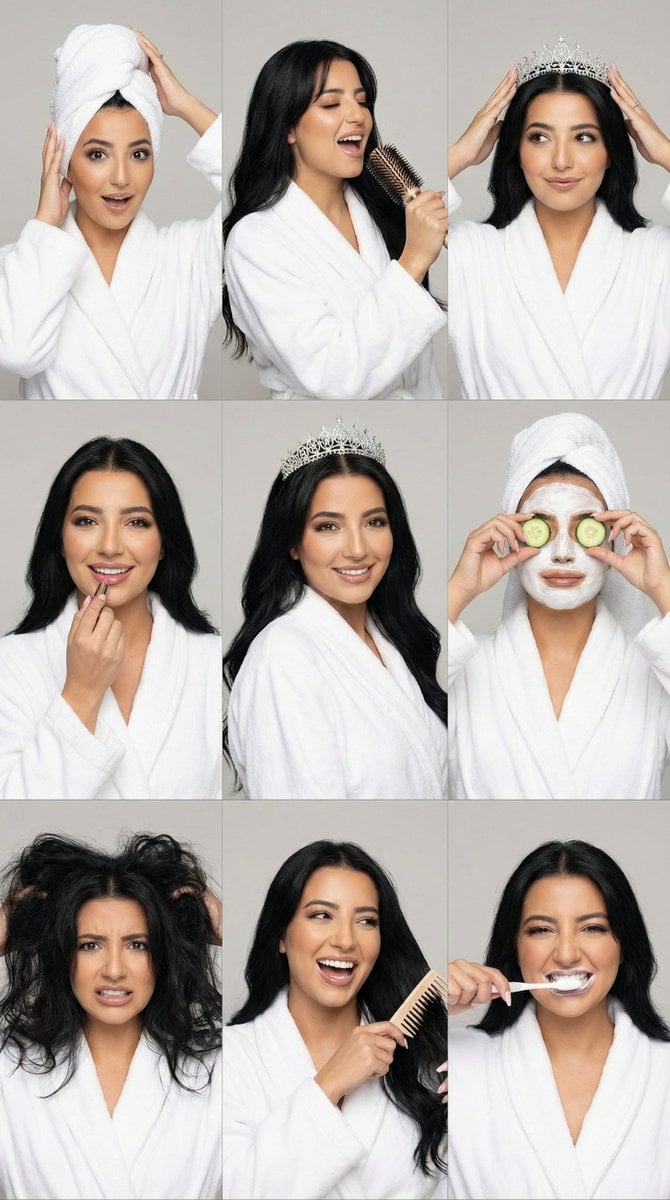
3x3 Photorealistic Beauty Photoshoot Grid with Identity Lock
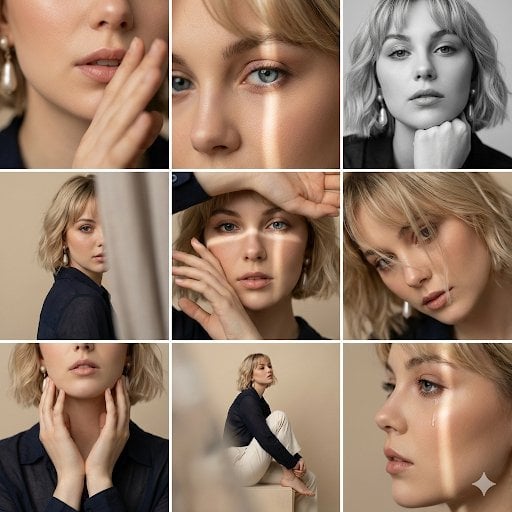
Editorial 3x3 Photo Grid of Intimate Portraits
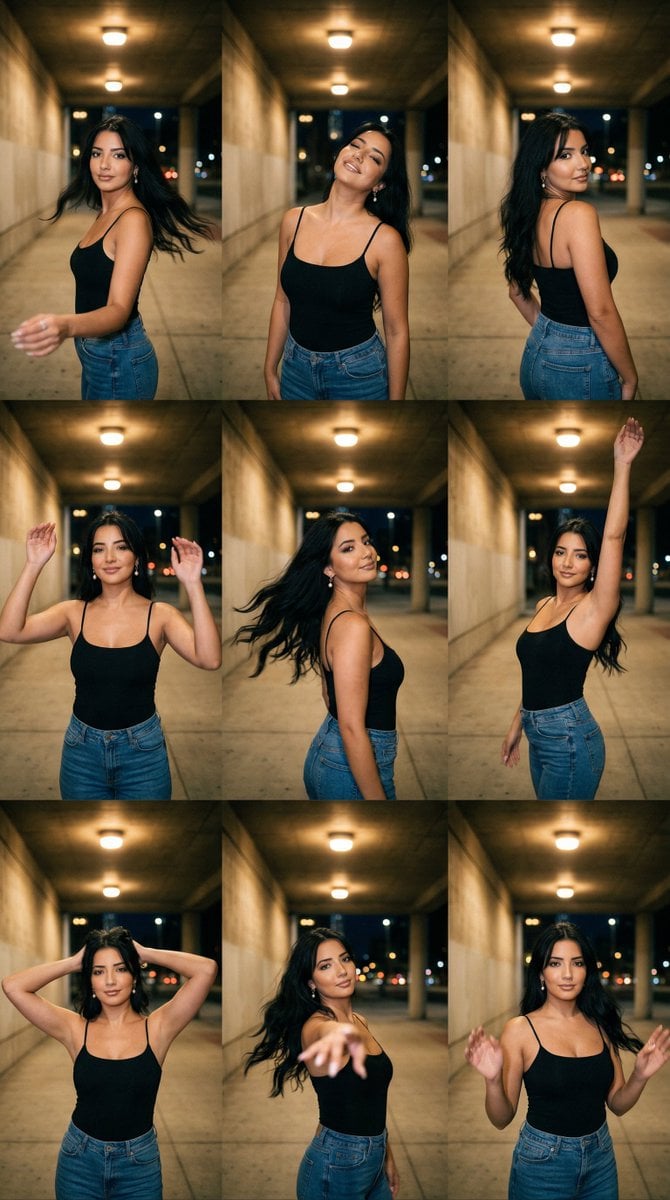
Urban Underpass Motion Portrait Series 3x3 Grid
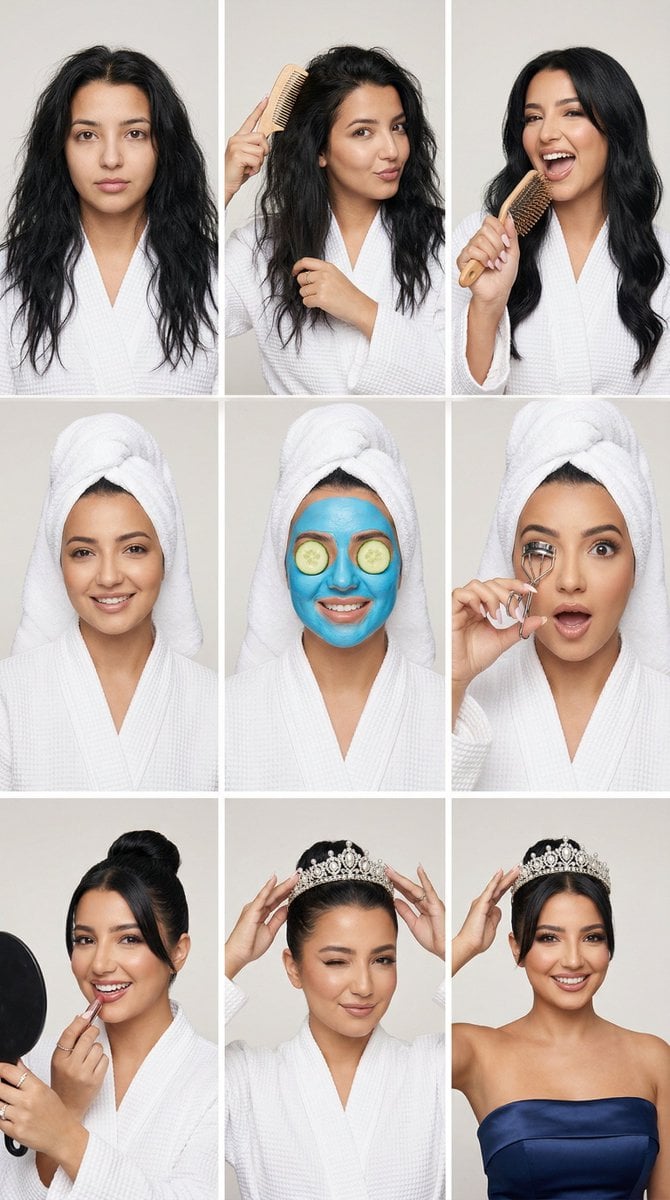
Glam Spa to Tiara Story Grid (3x3 Identity Lock)

B&W Photobooth Expression Grid 4x4 — Nano Banana

Gen Z TikTok Viral Expression Grid 4x4 — Nano Banana

Found Photograph: Us, 1970

80s Couple Studio Portrait

80s Bollywood Star

80s Golden Hour Cinema

Me in 1985

1985 Studio Portrait
Make it yours
Hyper-Realistic 3x3 Grid Portrait with Fixed Identity works as-is. These are the safest ways to change it without losing the look.
Change one field
Copy a single group, rewrite it, and generate again so you can see what that field is doing.
Keep the frame, change the subject
Hold the composition and light of Hyper-Realistic 3x3 Grid Portrait with Fixed Identity, then swap wardrobe, props or the person for a new take.
| If the result… | Why | Fix |
|---|---|---|
| The result drifts from the preview | Too many fields changed at once. | Reuse Hyper-Realistic 3x3 Grid Portrait with Fixed Identity as-is first, then change one group — subject, light, or setting. |
| The model over-stylizes the scene | The prose prompt leaves finish and camera underspecified. | Add one camera or lighting sentence and stay on Nano Banana 2. |
More Nano Banana 2 templates
Other prompts made for Nano Banana 2.

Photorealistic Leaf Shaped Like a Dragon

K-Pop Idol Portrait Grid for Rapid Selection

Poetic Rain Forest Portrait During Golden Hour

Urban Street Portrait with Cartoon Inner Self Duo

Candid Nighttime Photo with Cat Prompt

High-Concept 3D Diorama Generation Prompt

Cinematic Futuristic Studio Portrait Template

Skincare Editorial Photography Collage Prompt

Hyper-Realistic Commercial Product Photography (Splash Effect)

Hyper-Realistic Nightclub Portrait Prompt
More image prompts
Fresh picks from across the catalog.
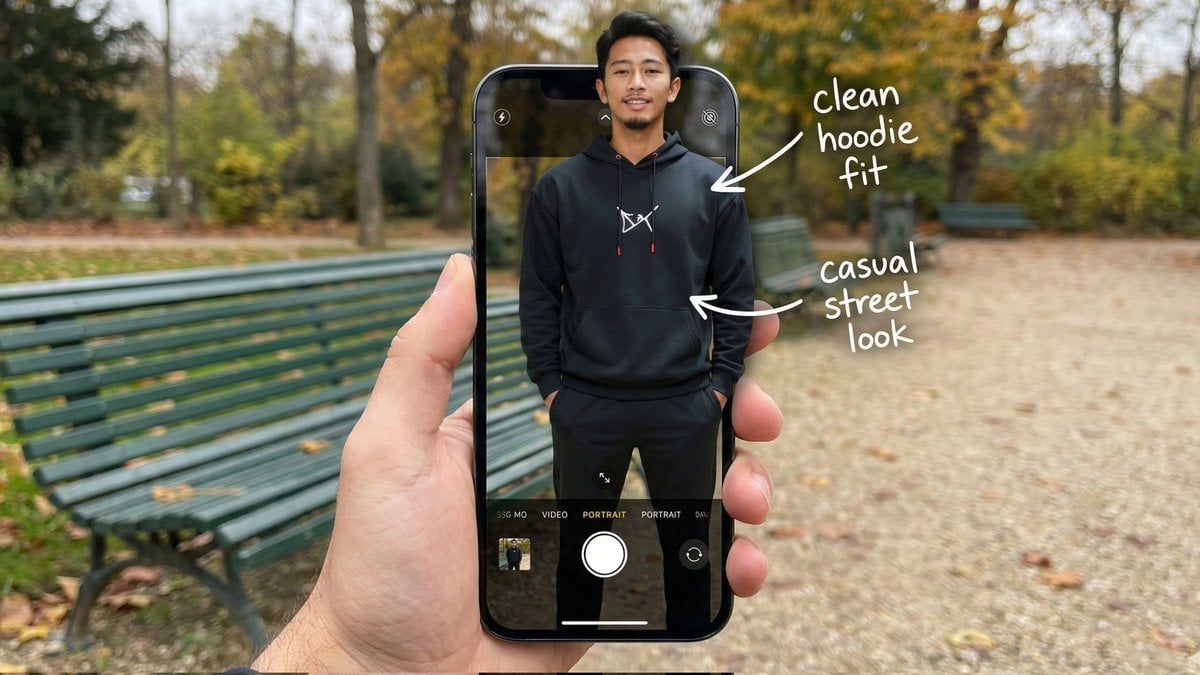
Hyper-Realistic POV Smartphone Pop-out Illusion in a Park
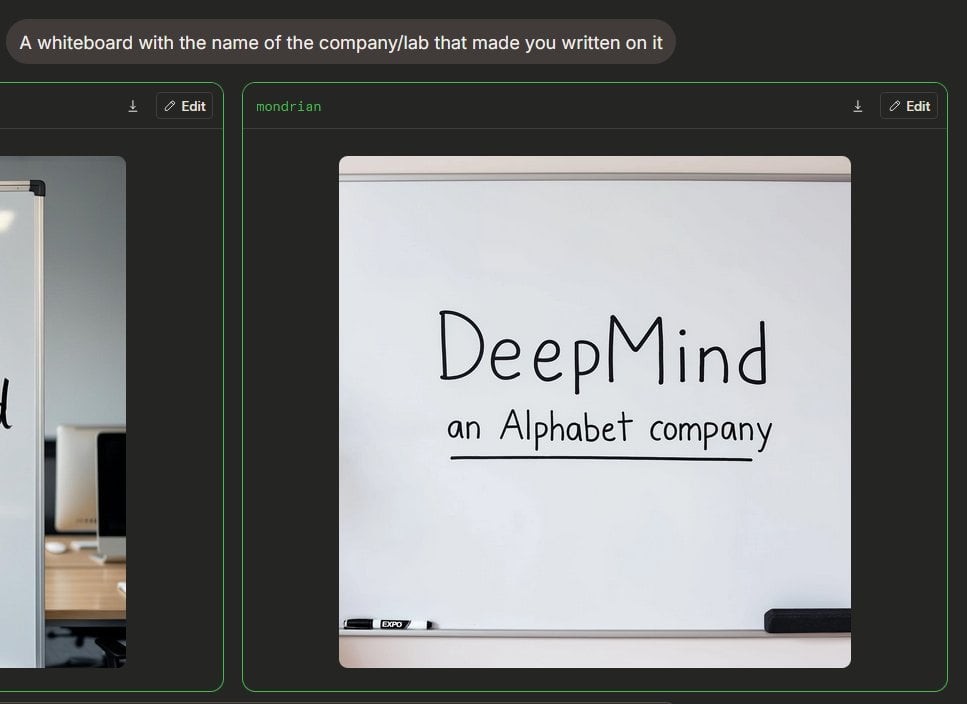
Dark Mode Image Arena Whiteboard
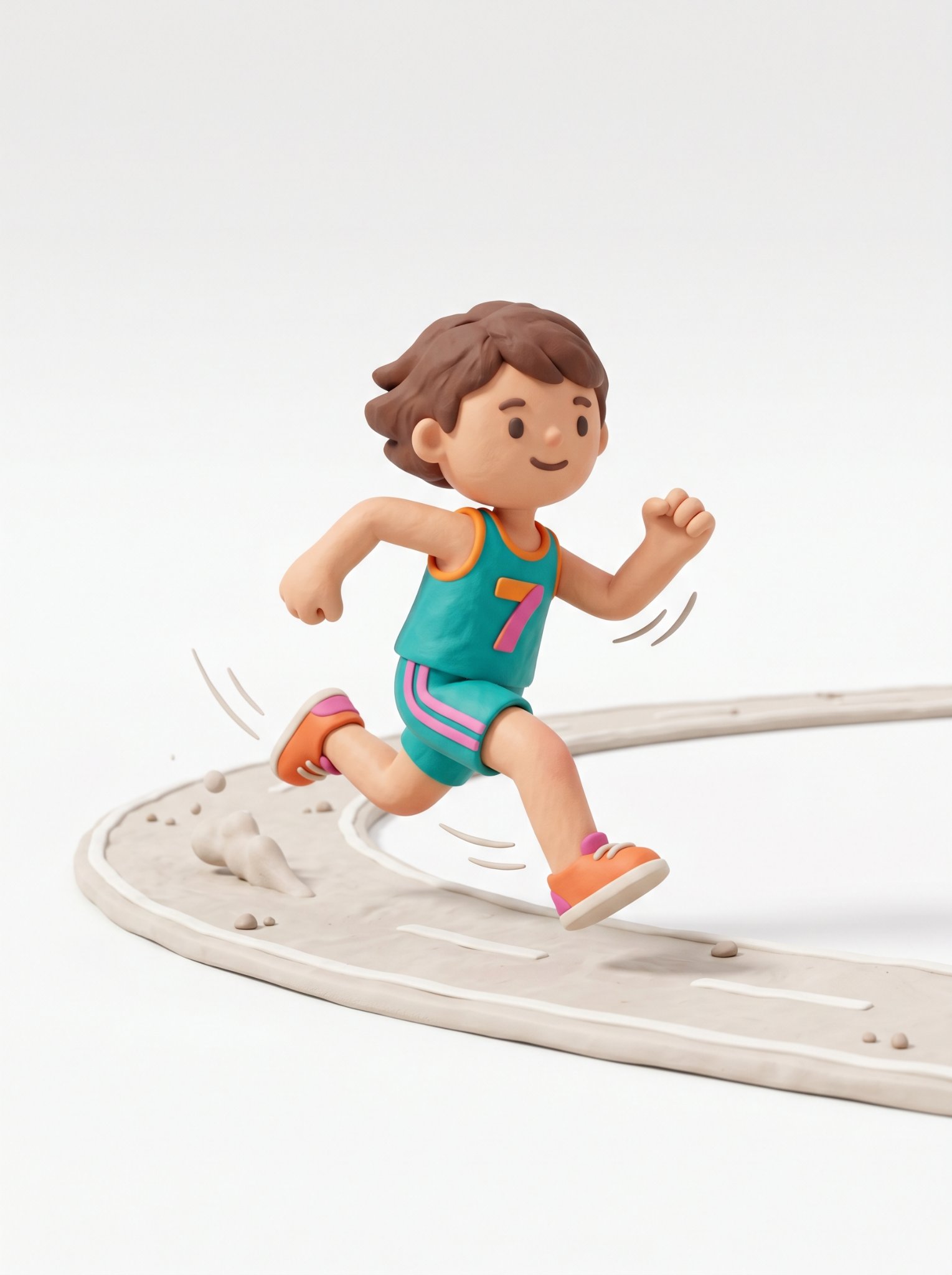
Cute 3d Stylized Runner in Clay Style
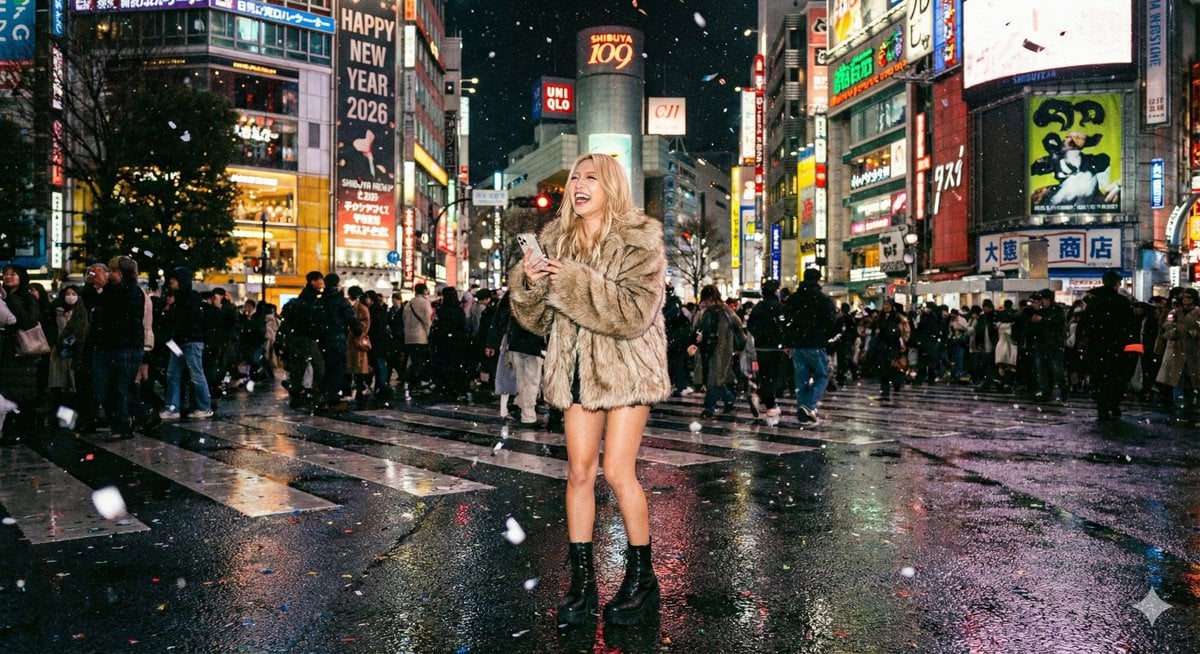
Shibuya New Year's Eve Beauty
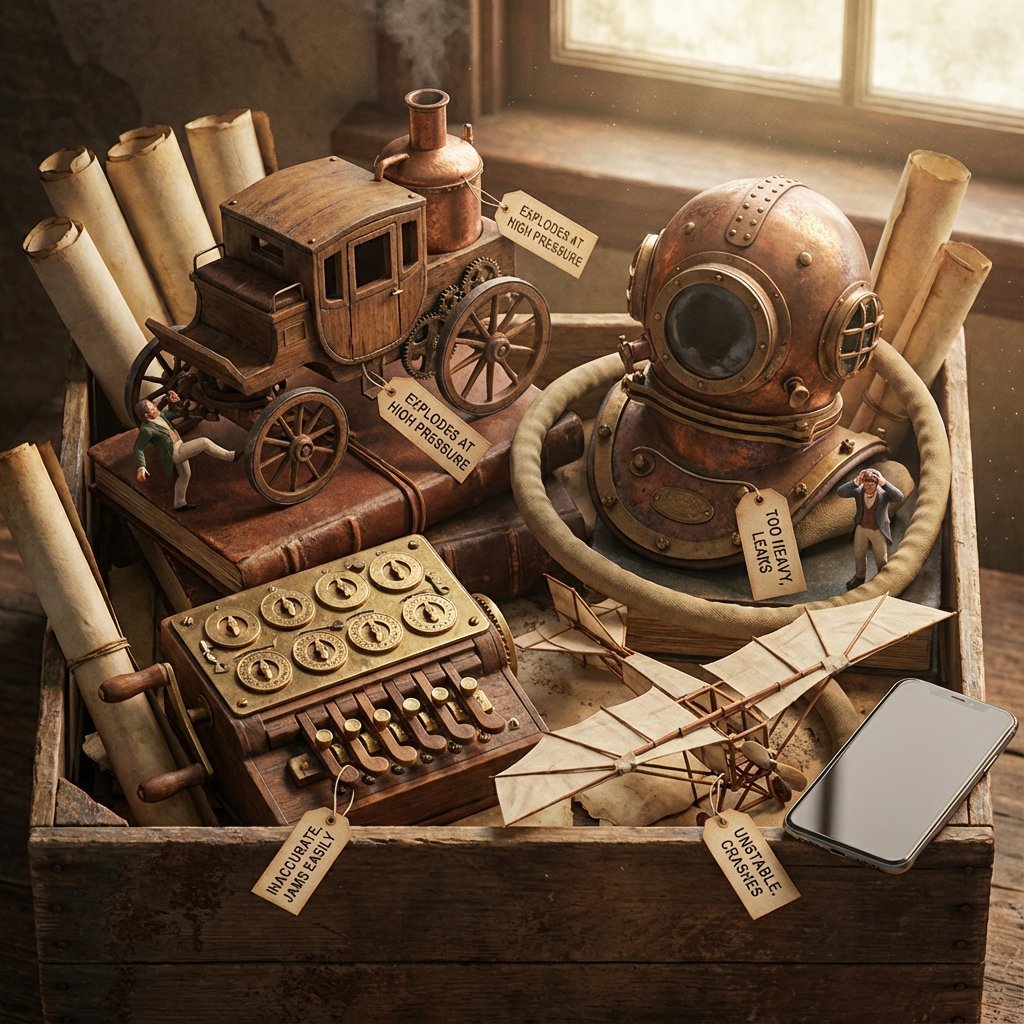
Historical Archivist Prompt for Flawed Inventions
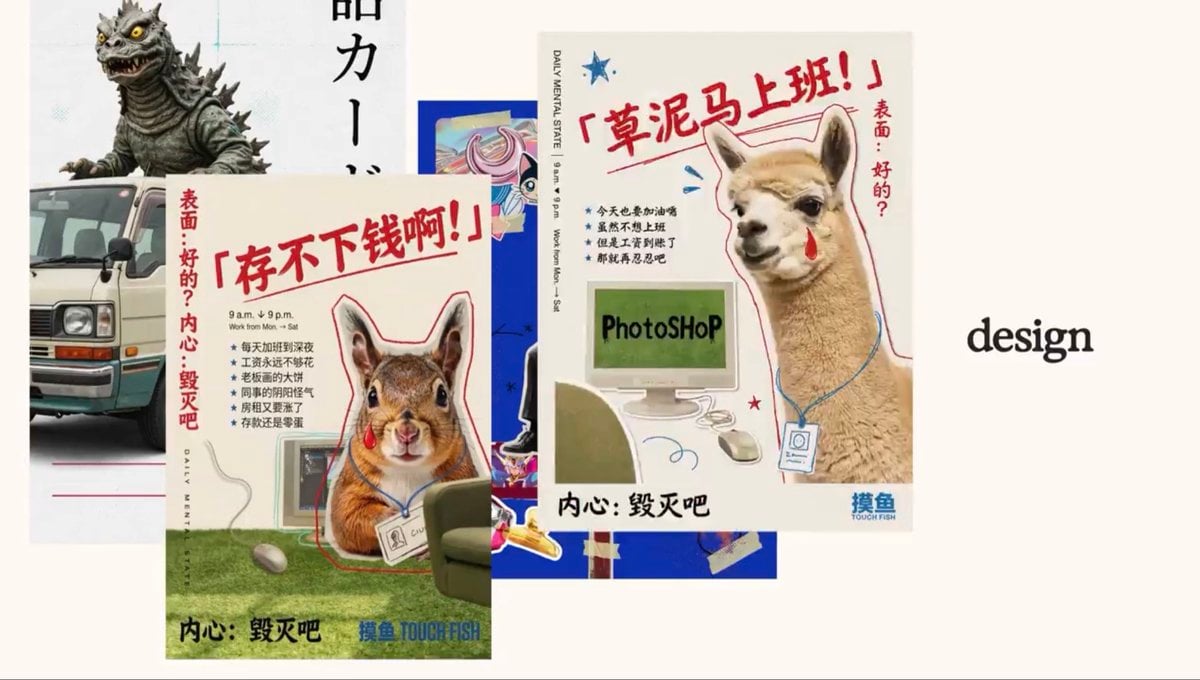
Retro Meme Design Poster Collage
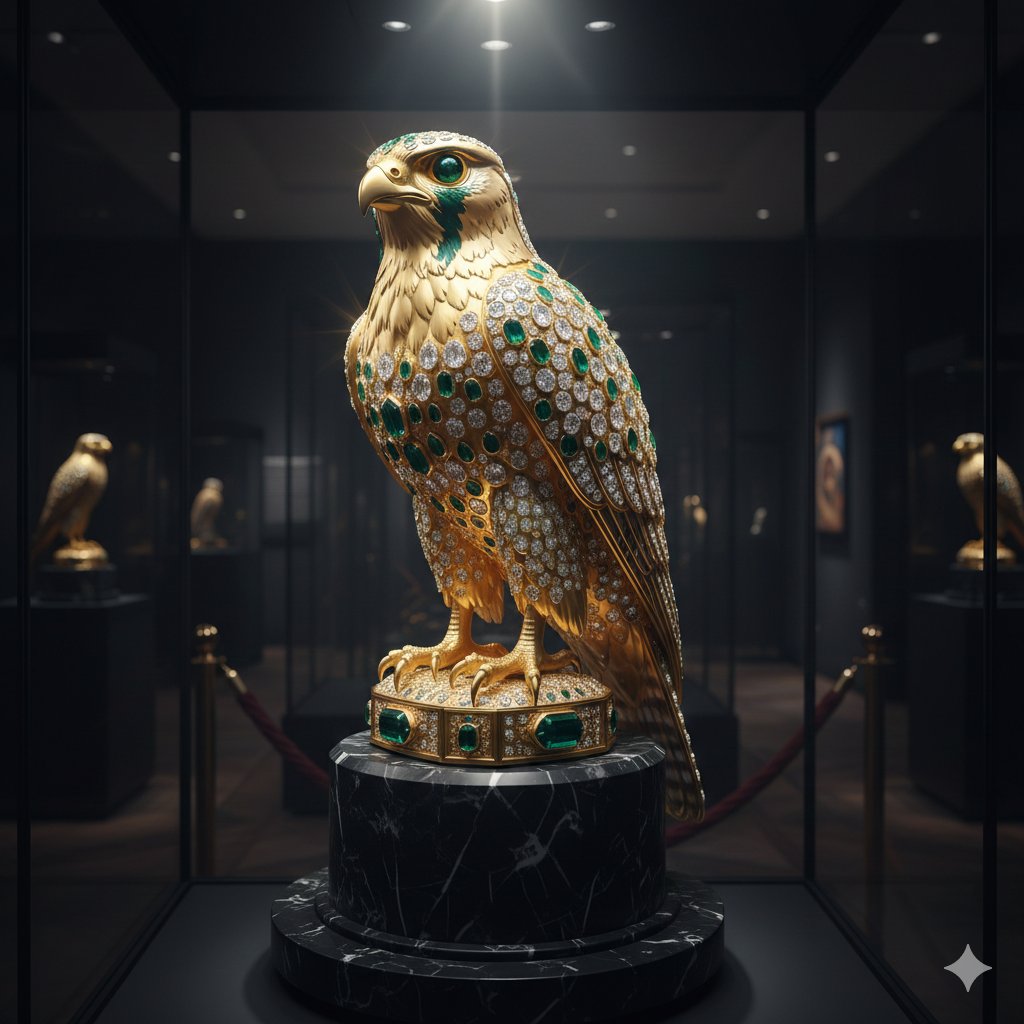
Ornate Gold Falcon Sculpture Prompt
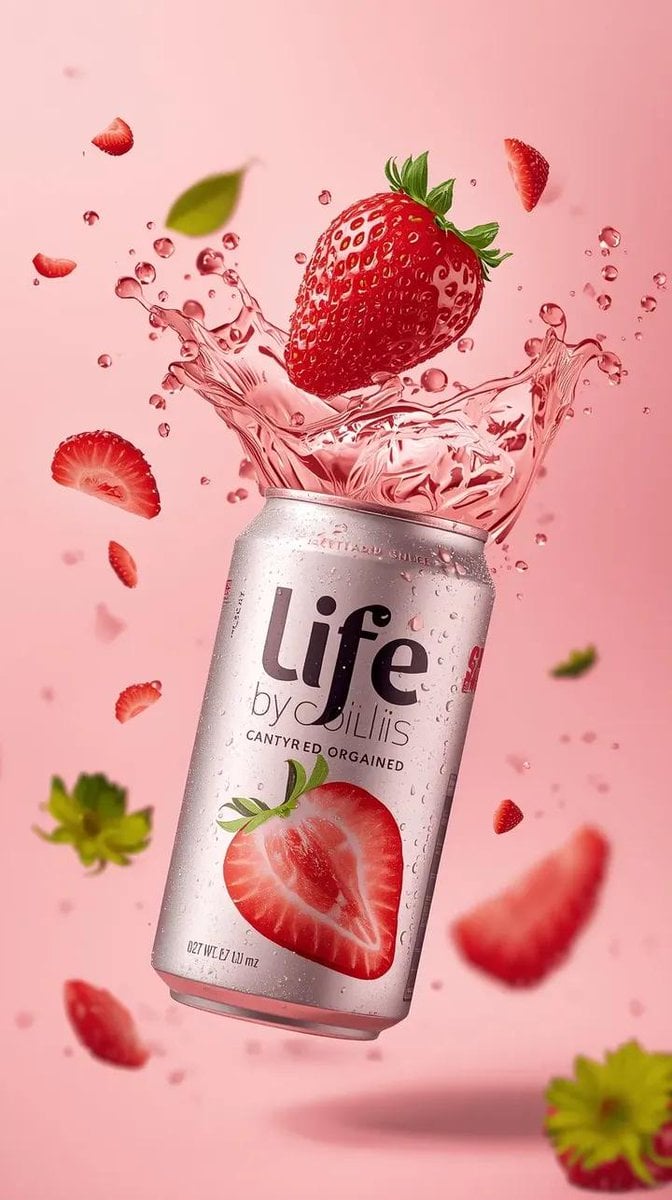
High-Speed Beverage Ad with Strawberry Splash
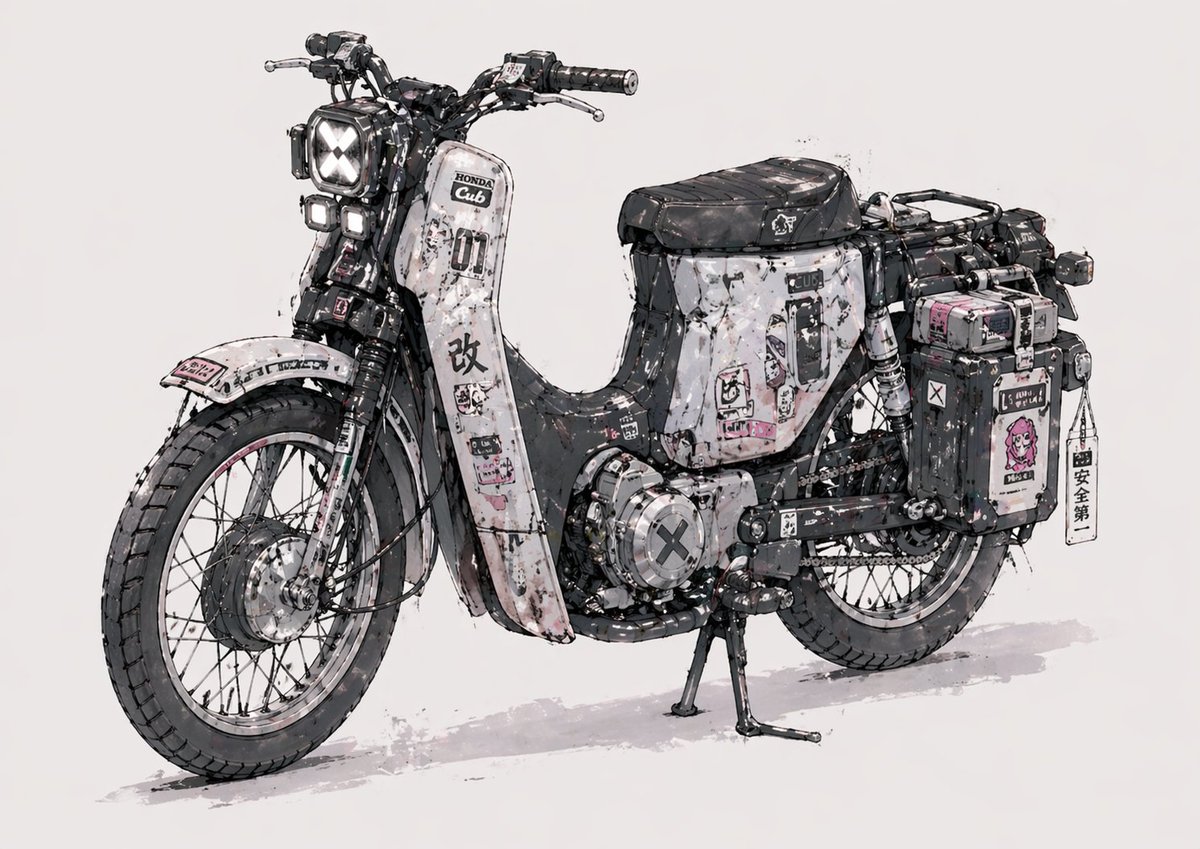
Weathered Custom Cub Concept Bike
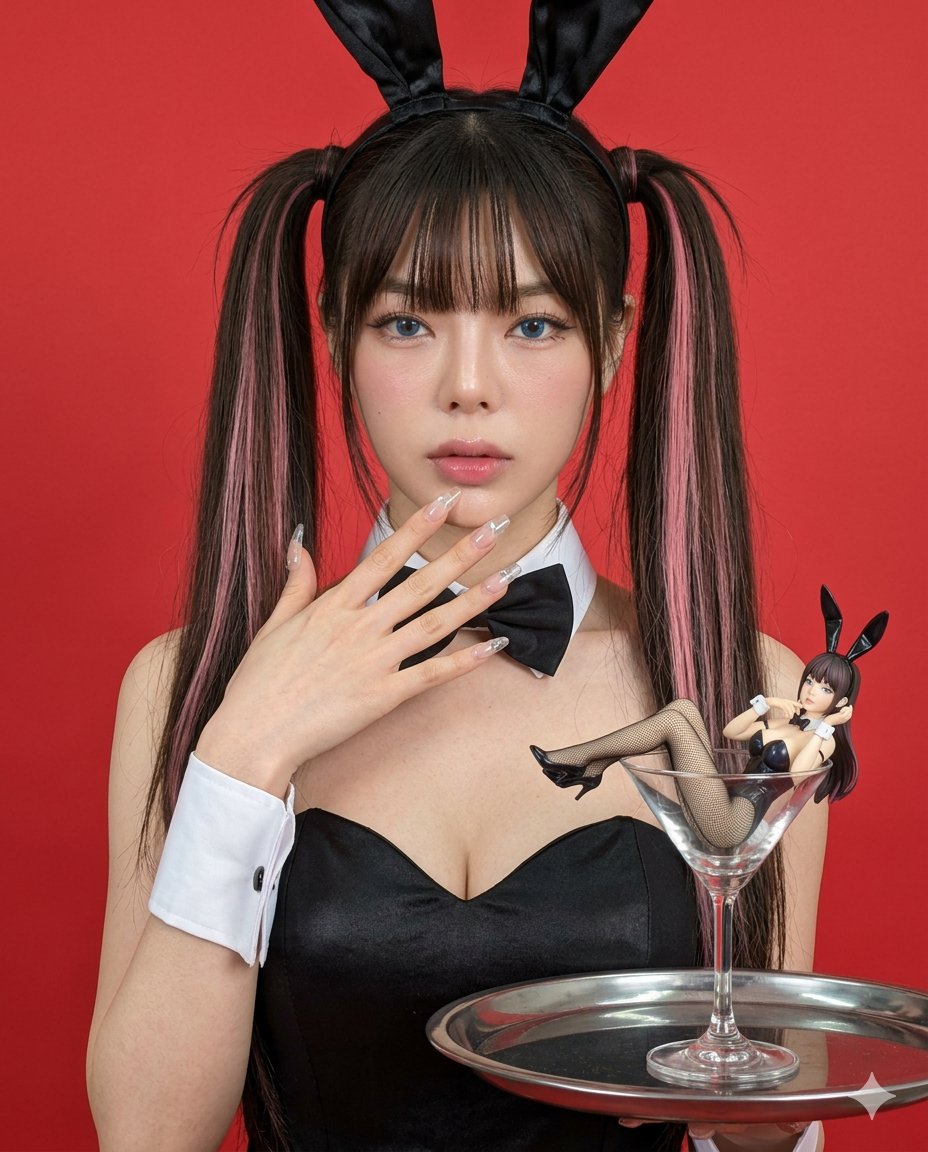
Hyper-realistic Bunny Suit Portrait
Browse template categories
Hyper-Realistic 3x3 Grid Portrait with Fixed Identity questions
How do I use the Hyper-Realistic 3x3 Grid Portrait with Fixed Identity template?
Add your photo if the template asks for one, edit the prompt if you like — the template's model and format are already selected — and press Generate. Your version opens in PicX Studio.
Can I customize the Hyper-Realistic 3x3 Grid Portrait with Fixed Identity template?
Yes. You can change the subject, setting, lighting, mood, format, and available model controls before creating your image.
Is the Hyper-Realistic 3x3 Grid Portrait with Fixed Identity template free?
Opening and editing this template is free. Generating uses credits, shown on the Generate button when you are signed in.
Which AI model should I use?
Start with Nano Banana 2, which is the model associated with this template. You can compare another compatible model for a different finish.
Looking for something else? Browse all templates.

Your photo, any look
Thousands of ready templates for every top image and video model, from one credit balance.