
Neon Lip Balm Launch Ad
A vibrant futuristic beauty advertisement poster for a glowing lip balm, ideal for social media campaigns, product launches, and editable Canva-style promo designs.
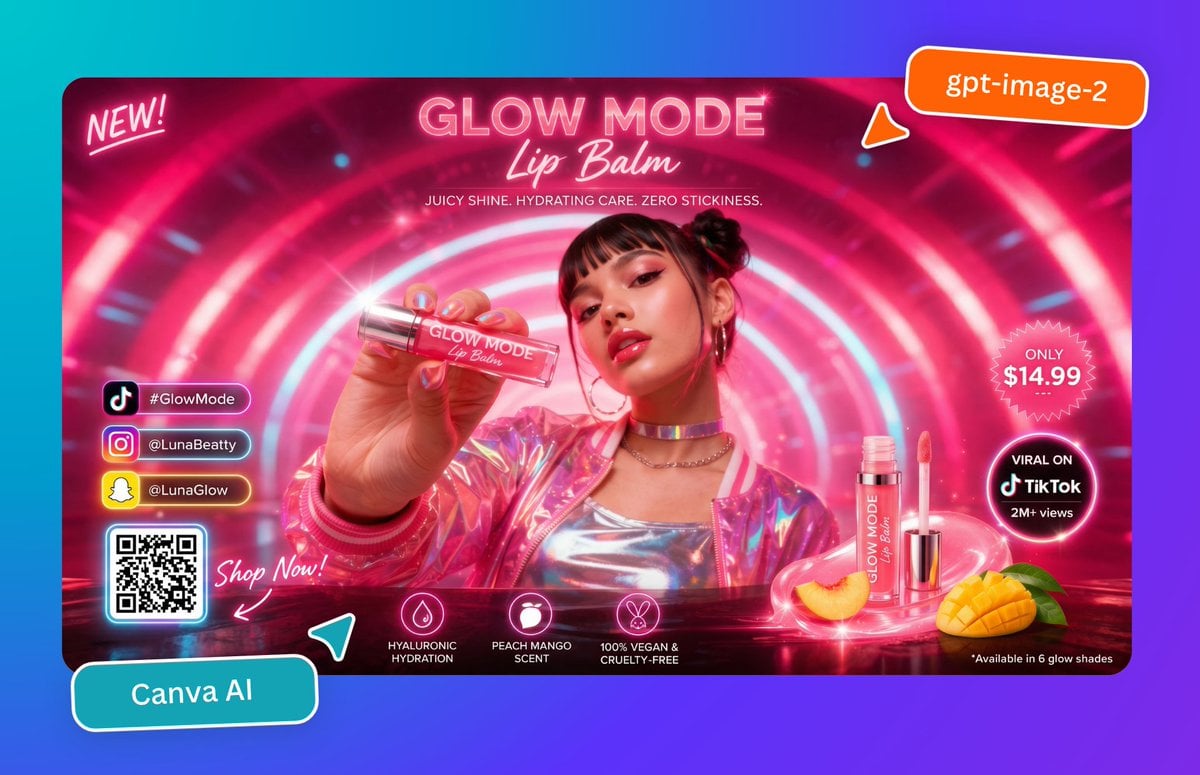
- Prompt included
- Model and format preset
- Free template
The prompt behind this image
Copy the exact prompt behind Neon Lip Balm Launch Ad, or open it in the studio and make it yours.
Create a glossy, hyper-saturated social media ad poster for a futuristic beauty product launch, designed like a Canva marketing graphic. The composition is a single widescreen promotional banner centered on a cyan-to-purple gradient background, with rounded corners and a vivid neon pink color palette. Inside the banner, show a young woman from the chest up in a glowing sci-fi tunnel made of concentric pink and white light rings. Her face is obscured by a soft square blur block, but her hair is styled in two small buns, and she wears hoop earrings, layered chain necklaces, a metallic silver top, and an iridescent pink holographic jacket. She extends one hand toward the camera holding a clear lip balm tube close to the lens, creating strong foreground perspective. The tube label reads “GLOW MODE Lip Balm.” At the top center, large neon headline text reads “GLOW MODE” with a script subtitle “Lip Balm,” and below it a smaller line reads “JUICY SHINE. HYDRATING CARE. ZERO STICKINESS.” In the upper left corner, add a handwritten neon note reading “NEW!” In the upper right corner, place an orange rounded sticker with white text reading “gpt-image-2,” plus a small orange pointer tab beneath it. On the right side of the banner, include 2 circular callout badges: a pink starburst badge that says “ONLY $14.99” and a black glowing circular badge that says “VIRAL ON TikTok 2M+ views.” At the lower right, show 2 product display elements: one upright open lip balm tube with wand applicator beside it, and one whole sliced peach plus one cut mango half with green leaves, all sitting on a glossy reflective surface with pink light swirls. Along the lower center, add 3 feature icons with labels: a droplet icon labeled “HYALURONIC HYDRATION,” a fruit icon labeled “PEACH MANGO SCENT,” and a bunny icon labeled “100% VEGAN & CRUELTY-FREE.” In the lower left inside the banner, add a vertical stack of 3 social buttons with platform icons and handles: TikTok with “#GlowMode,” Instagram with “@LunaBeatty,” and Snapchat with “@LunaGlow.” Beneath them place 1 glowing QR code card, and next to it handwritten script text reading “Shop Now!” with an arrow pointing toward the QR code. Outside the banner at the bottom left, place a tilted teal rounded label reading “Canva AI,” with a small teal paper-plane style accent nearby. Add glossy reflections, lens flares, bloom, neon rim lighting, sparkles, and polished ad-design styling throughout, with crisp commercial product photography mixed with futuristic graphic design.
How to use Neon Lip Balm Launch Ad in 3 steps
- 1Upload ImagePNG, JPG or paste
Add your photo
Upload the photo the template builds on. The prompt, model and format are already set.
- 2…a portrait of your subject in softgolden-hour light, 85mm…
Personalize
Edit the subject and creative details for your destination.
- 3Generate
Generate
Press Generate — your image is created in PicX Studio, so you can compare it with the original and refine one variable at a time.
More like this
Templates with the same subject, style or setup. Open one to see its prompt.

80s Neon Disco Night

Cartoon TV Show Poster Pack

Rainy Night Android Cyberpunk Portrait

Korean Idol Partial Shadow Editorial Portrait

Cyberpunk Neon Profile Fashion Portrait

Neon Night Crosswalk Candid Portrait

Subway Platform Quiet Introspective Portrait
Rainy Night Android Cyberpunk Portrait

Cinematic Sci-Fi Commander Side Profile Portrait
Low-Angle Cyberpunk Neon Profile Portrait

Cinematic Neon Light Strip Studio Portrait

Neon Violet Streetwear Fashion Portrait
Make it yours
Neon Lip Balm Launch Ad works as-is. These are the safest ways to change it without losing the look.
Change one field
Copy a single group, rewrite it, and generate again so you can see what that field is doing.
Keep the frame, change the subject
Hold the composition and light of Neon Lip Balm Launch Ad, then swap wardrobe, props or the person for a new take.
| If the result… | Why | Fix |
|---|---|---|
| The result drifts from the preview | Too many fields changed at once. | Reuse Neon Lip Balm Launch Ad as-is first, then change one group — subject, light, or setting. |
| The model over-stylizes the scene | The prose prompt leaves finish and camera underspecified. | Add one camera or lighting sentence and stay on GPT Image 2. |
More GPT Image 2 templates
Other prompts made for GPT Image 2.

Six VTuber Japanese Logo Sheet

Realistic Portrait of Woman and Deer

The Vista Modular Condo Poster

AI Model Routing Comparison Infographic

2.5D Anime Art Board

Isometric Productivity Desk Scene

New York Double Exposure Poster

Four-Panel AI Landscape Comparison

Japanese Tatami Lifestyle Magazine Cover

NESCAFÉ Coffee Map Poster
More image prompts
Fresh picks from across the catalog.
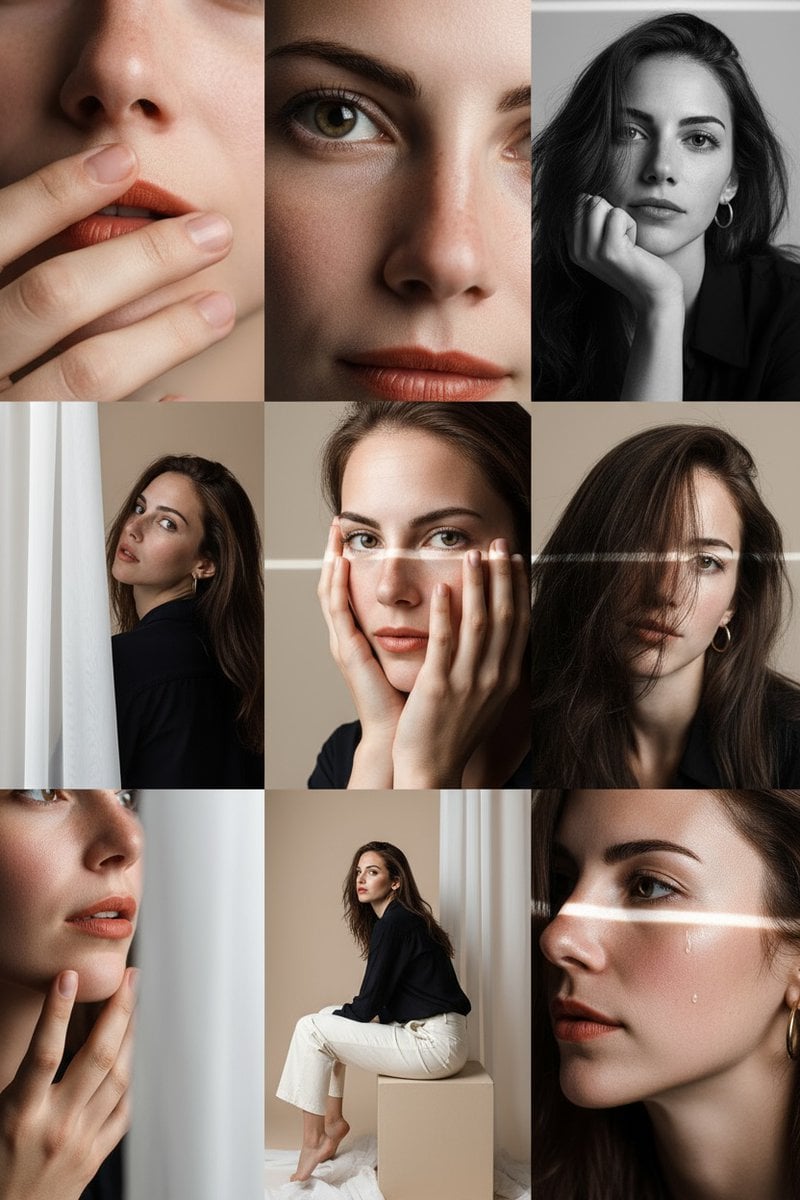
Panel Photo Grid Prompt for Gemini Nano-Banana
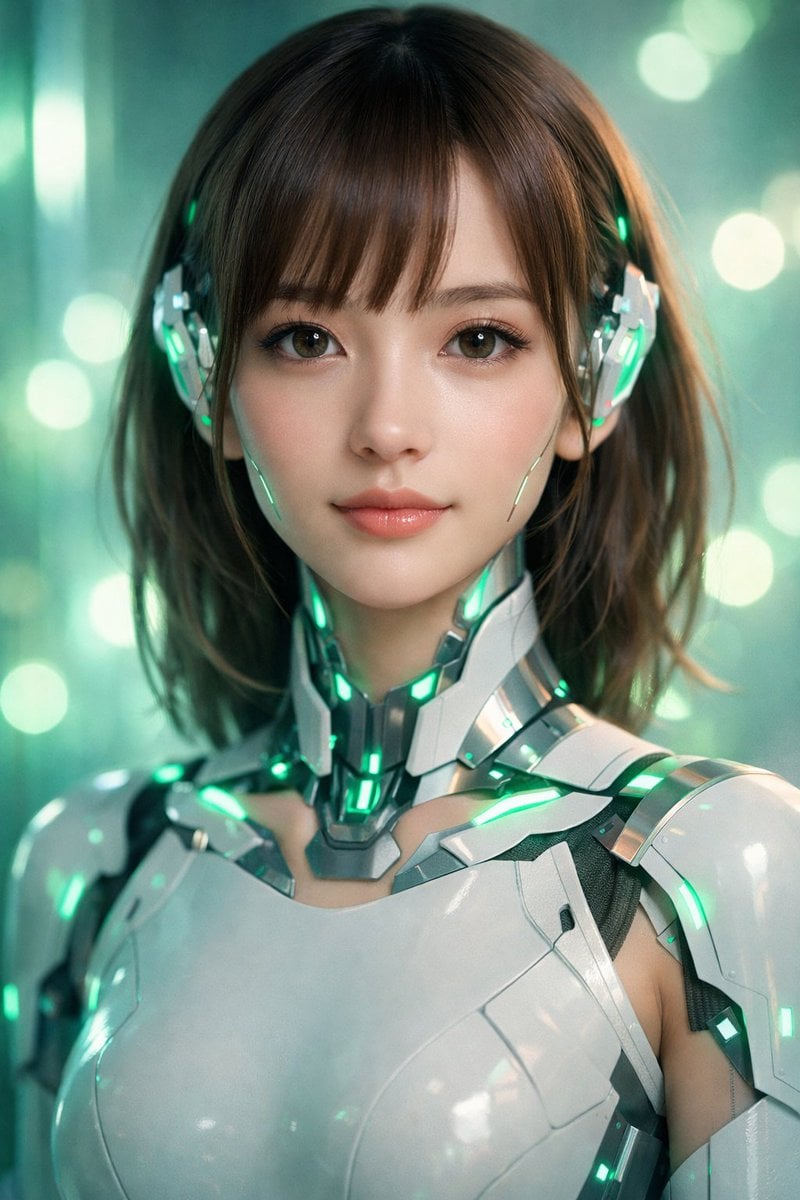
Neon Cyborg Girl Portrait Prompt
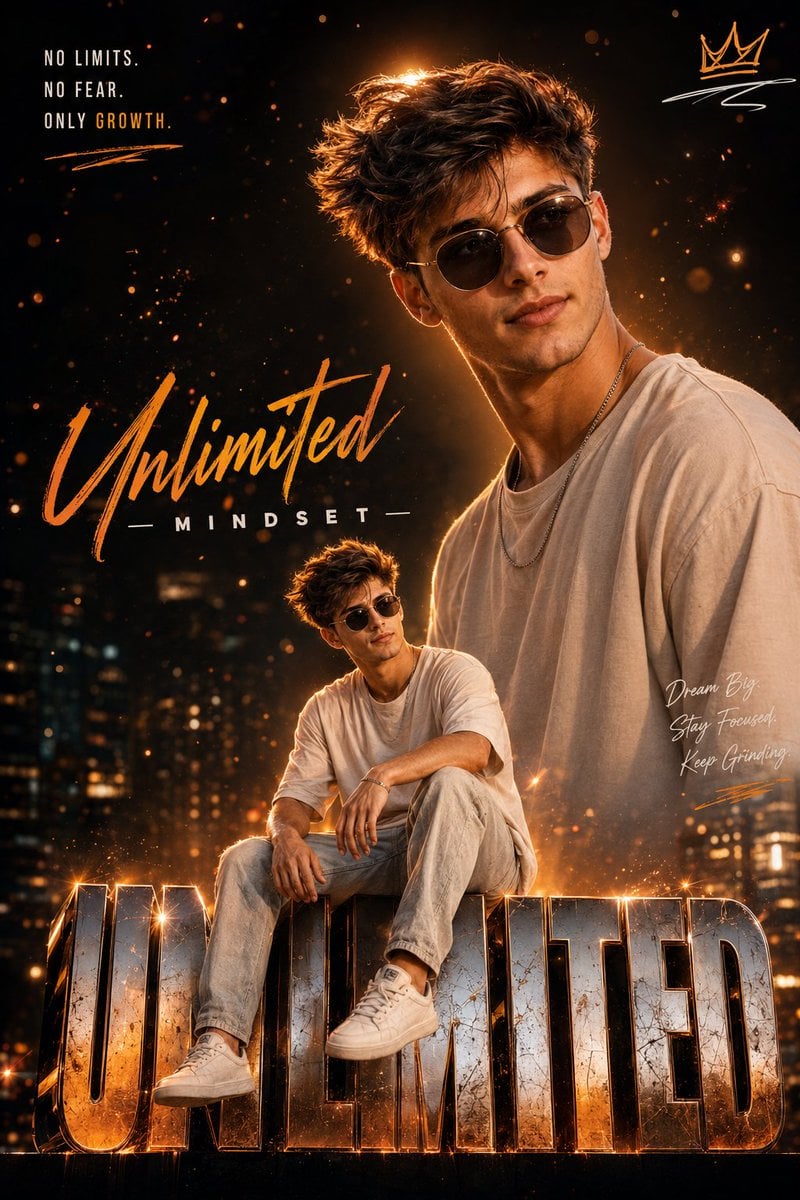
Instagram Milestone Influencer Poster
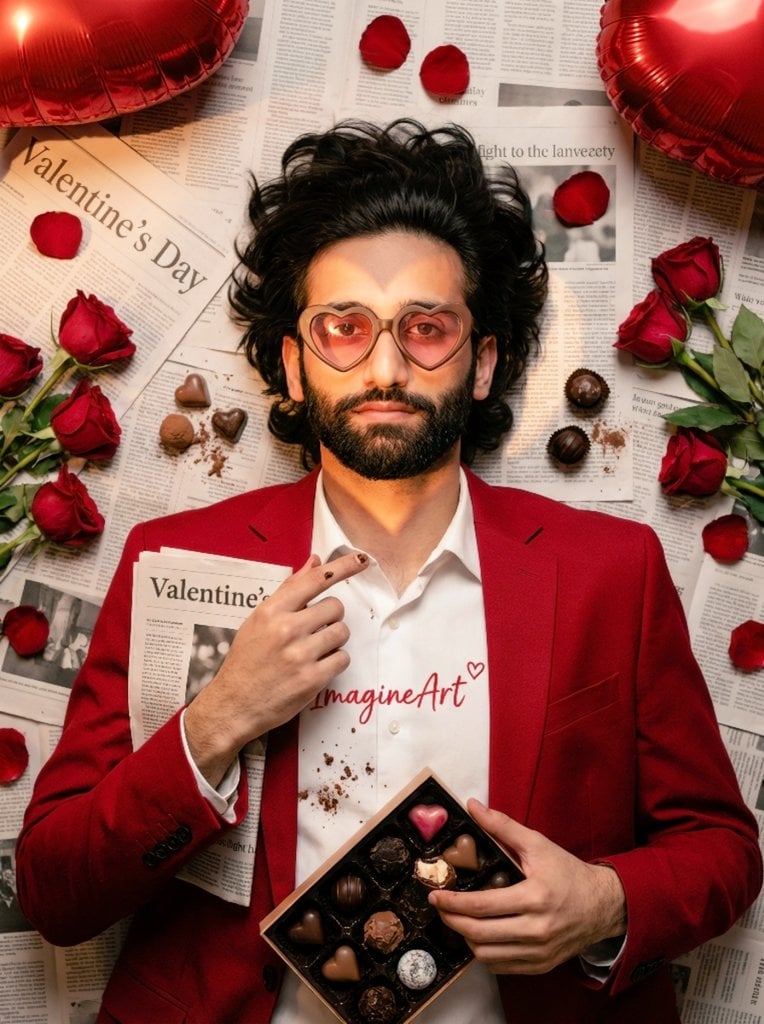
Valentine's Day Chocolate and Roses Editorial Portrait
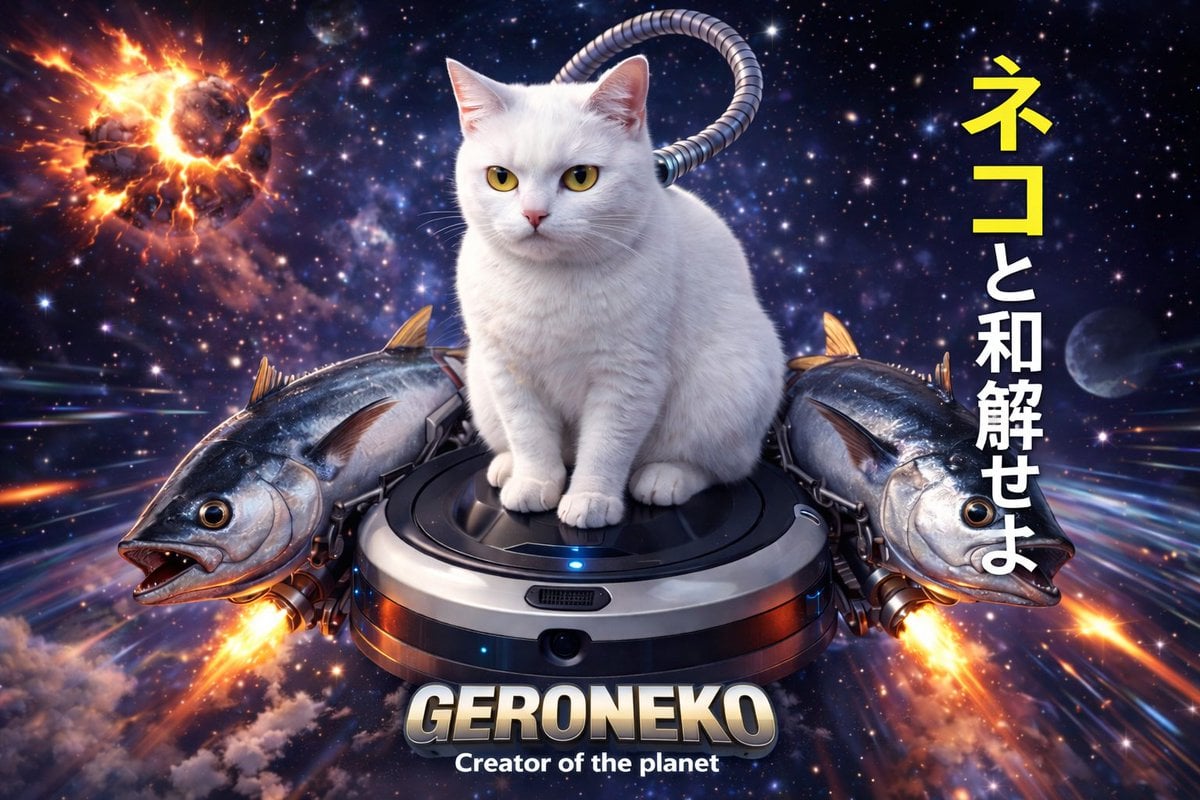
Sci-Fi Cat on Fish-Powered Vacuum
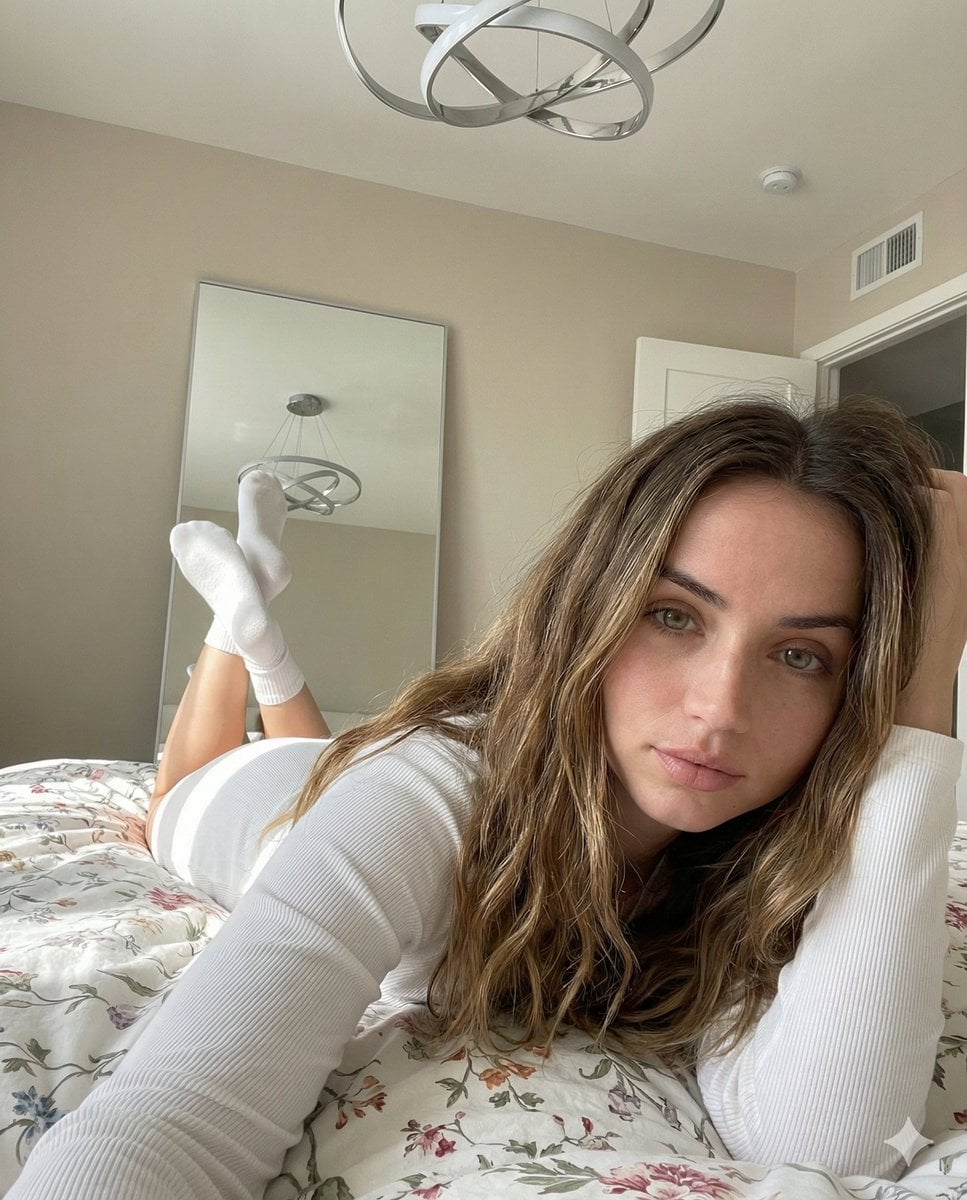
Cozy, Intimate Bedroom Portrait with High Angle Selfie Aesthetic
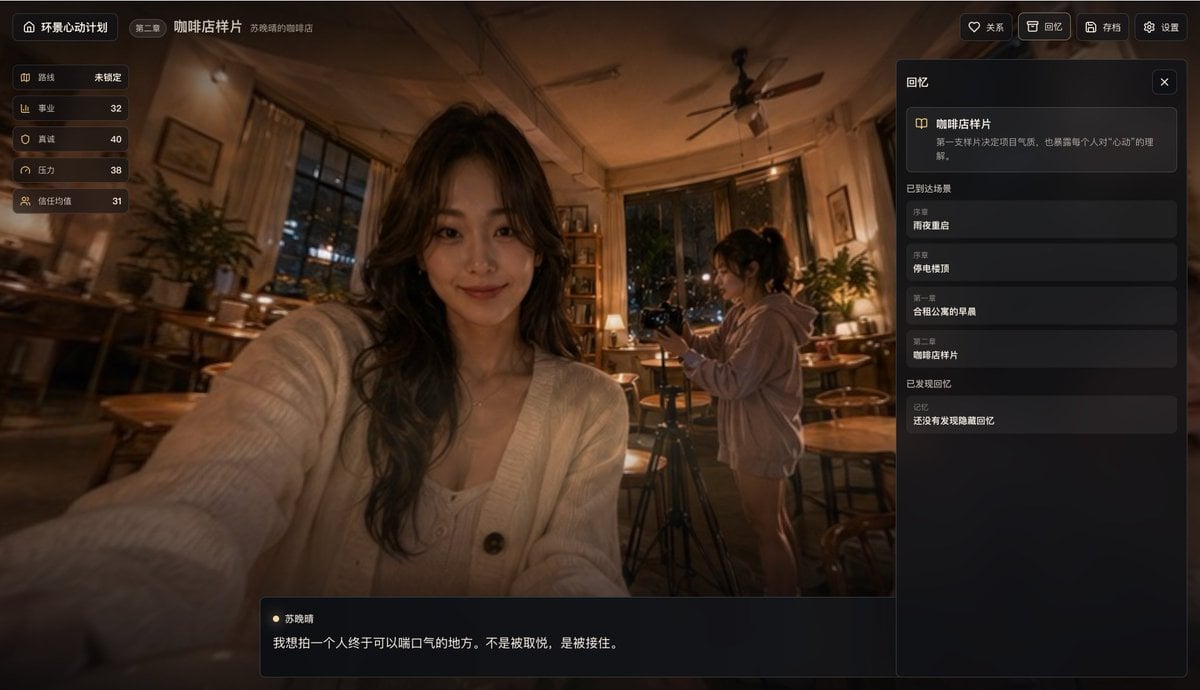
Cinematic Coffee Shop VN UI Mockup
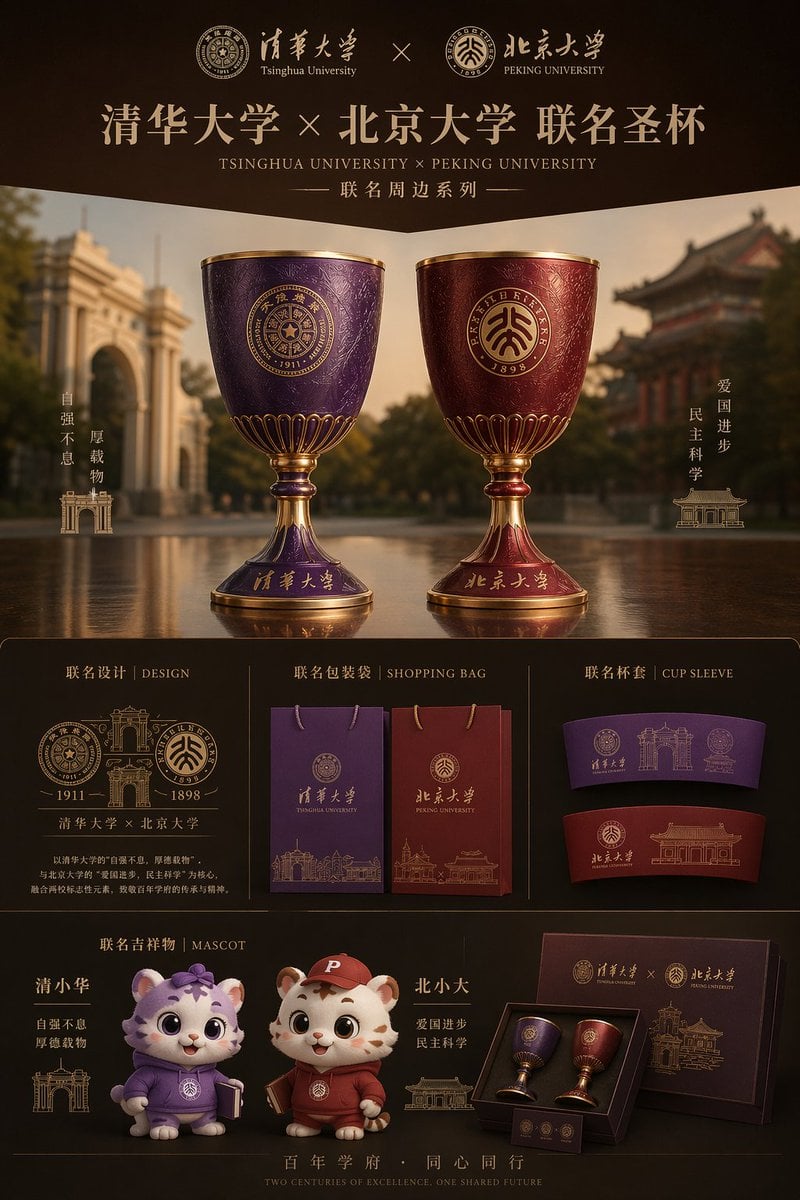
Luxury University Co-Branded Gift Poster
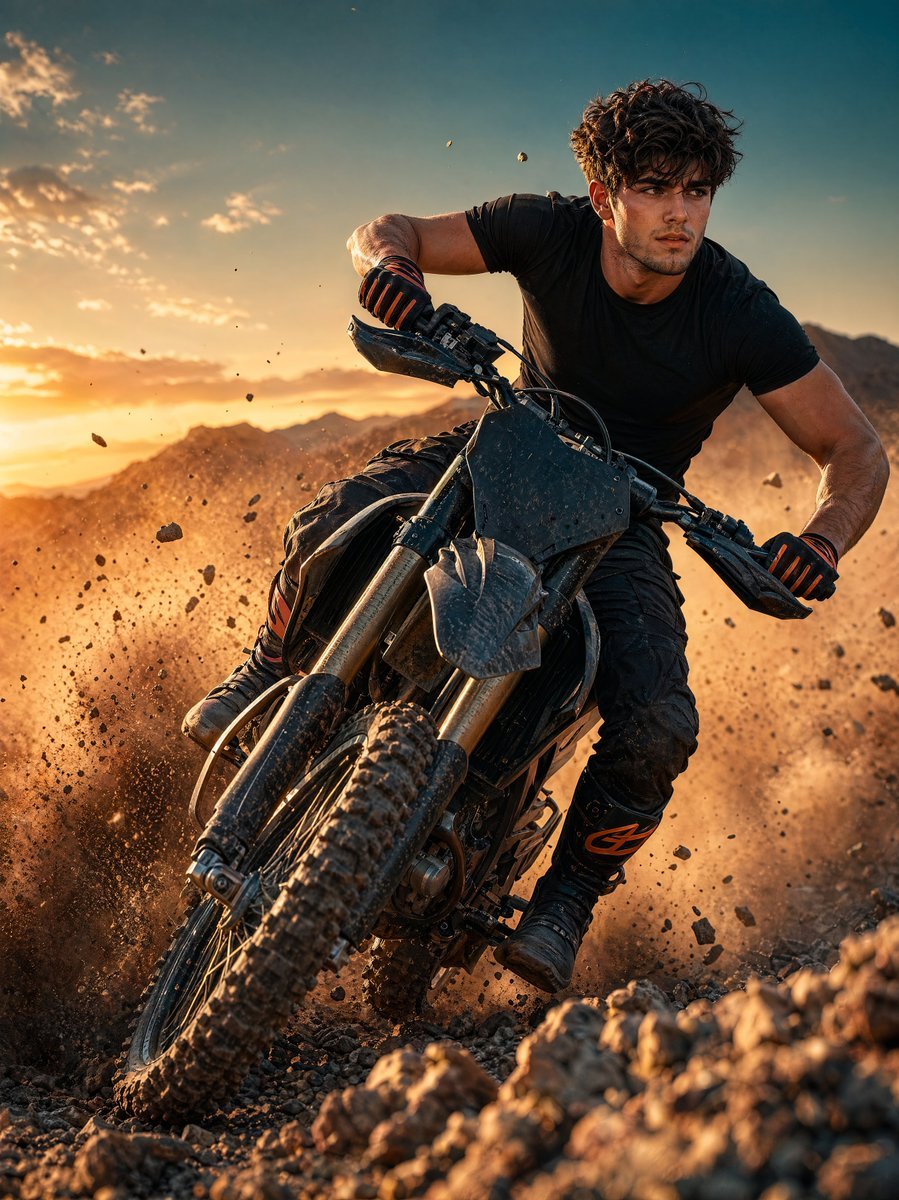
Sunset Motocross Action Portrait
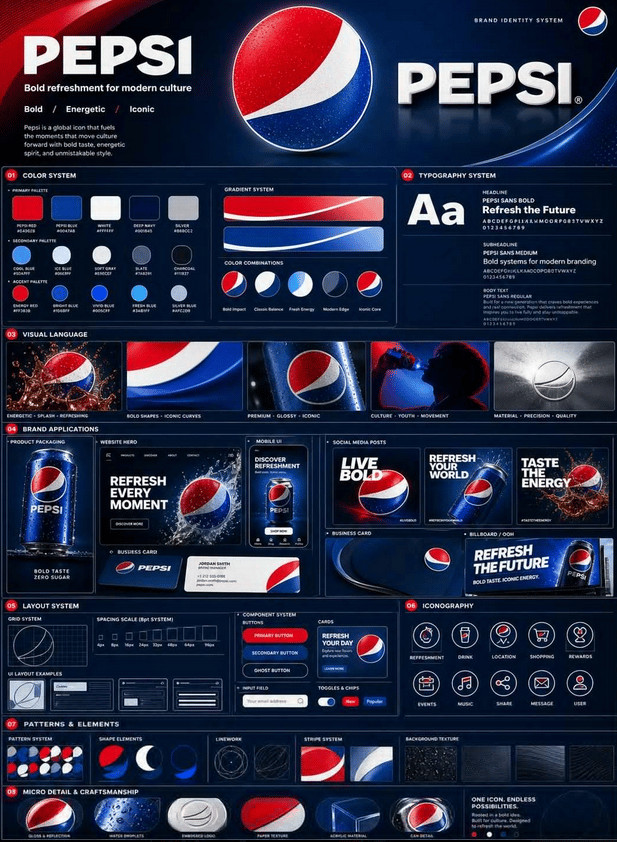
Professional Brand Identity Guidelines Poster
Browse template categories
Neon Lip Balm Launch Ad questions
How do I use the Neon Lip Balm Launch Ad template?
Add your photo if the template asks for one, edit the prompt if you like — the template's model and format are already selected — and press Generate. Your version opens in PicX Studio.
Can I customize the Neon Lip Balm Launch Ad template?
Yes. You can change the subject, setting, lighting, mood, format, and available model controls before creating your image.
Is the Neon Lip Balm Launch Ad template free?
Opening and editing this template is free. Generating uses credits, shown on the Generate button when you are signed in.
Which AI model should I use?
Start with GPT Image 2, which is the model associated with this template. You can compare another compatible model for a different finish.
Looking for something else? Browse all templates.

Your photo, any look
Thousands of ready templates for every top image and video model, from one credit balance.