
Classical Chinese Poem Scroll Landscape
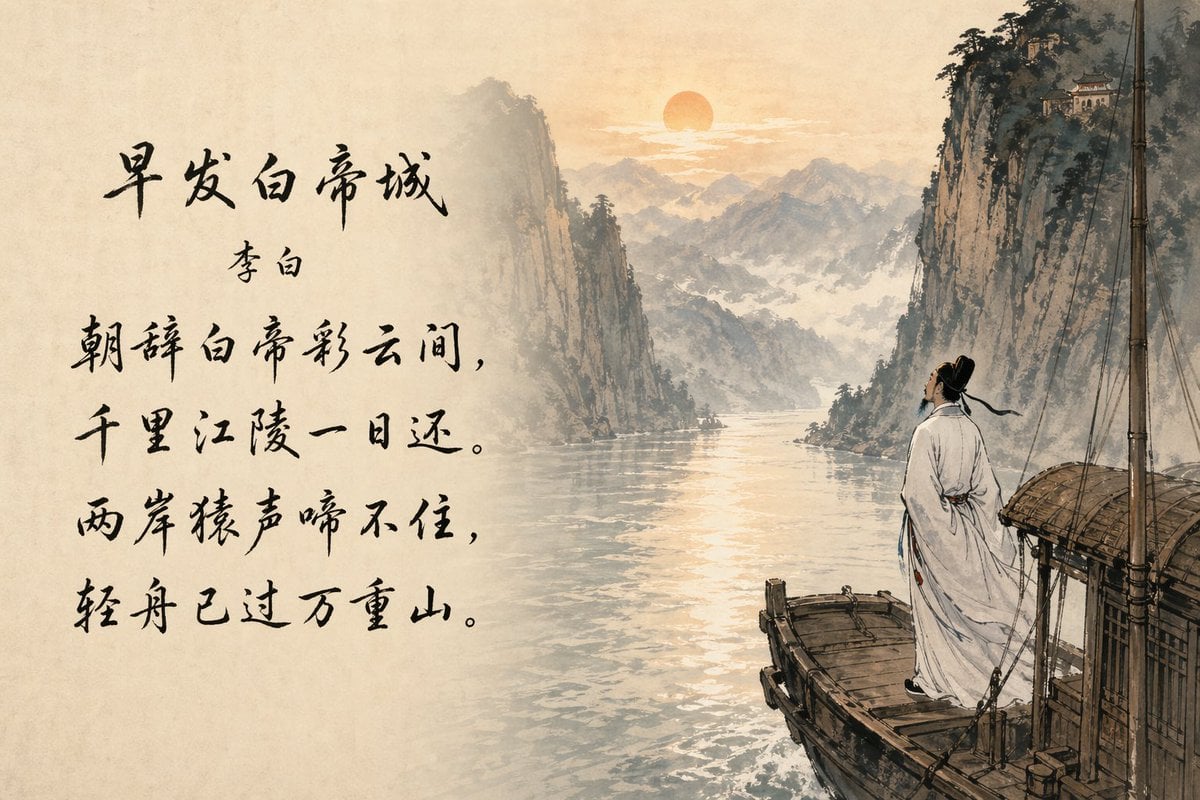
A traditional Chinese ink-style artwork featuring a famous poem in calligraphy beside a sunrise river gorge scene, ideal for literary posters, cultural prints, or editorial art.
- Prompt included
- Model and format preset
- Free template
The prompt behind this image
Copy the exact prompt behind Classical Chinese Poem Scroll Landscape, or open it in the studio and make it yours.
A classical Chinese ink-wash painting on warm aged rice paper, combining landscape art and calligraphy in a clean two-part composition. On the left half, leave broad negative space filled with bold black brush-calligraphy showing the poem title {argument name="poem title" default="早发白帝城"}, the poet name {argument name="poet name" default="李白"}, and four large vertical lines of poem text in expressive handwritten script: {argument name="poem text" default="朝辞白帝彩云间,千里江陵一日还。两岸猿声啼不住,轻舟已过万重山。"}. On the right half, paint a serene river gorge at sunrise in the style of a traditional shan shui scroll: a soft orange sun low above misty layered mountains, tall steep cliffs on both sides, faint haze in the distance, and calm reflective water glowing with pale gold light. In the foreground at lower right, place a small wooden river boat with a simple covered cabin and a vertical mast. A solitary ancient Chinese scholar in flowing white hanfu stands on the deck facing the landscape from behind, hair tied in a traditional topknot, long robe and sash slightly trailing in the breeze, creating a contemplative mood. Add a tiny temple pavilion perched high on the top of the right cliff. Use delicate ink outlines, subtle sepia and gray washes, textured paper grain, elegant empty space, and refined literati-painting aesthetics. The overall image should feel poetic, quiet, balanced, and museum-quality, with especially beautiful legible calligraphy integrated into the artwork.
How to use Classical Chinese Poem Scroll Landscape in 3 steps
- 1Upload ImagePNG, JPG or paste
Add your photo
Upload the photo the template builds on. The prompt, model and format are already set.
- 2…a portrait of your subject in softgolden-hour light, 85mm…
Personalize
Edit the subject and creative details for your destination.
- 3Generate
Generate
Press Generate — your image is created in PicX Studio, so you can compare it with the original and refine one variable at a time.
More like this
Templates with the same subject, style or setup. Open one to see its prompt.
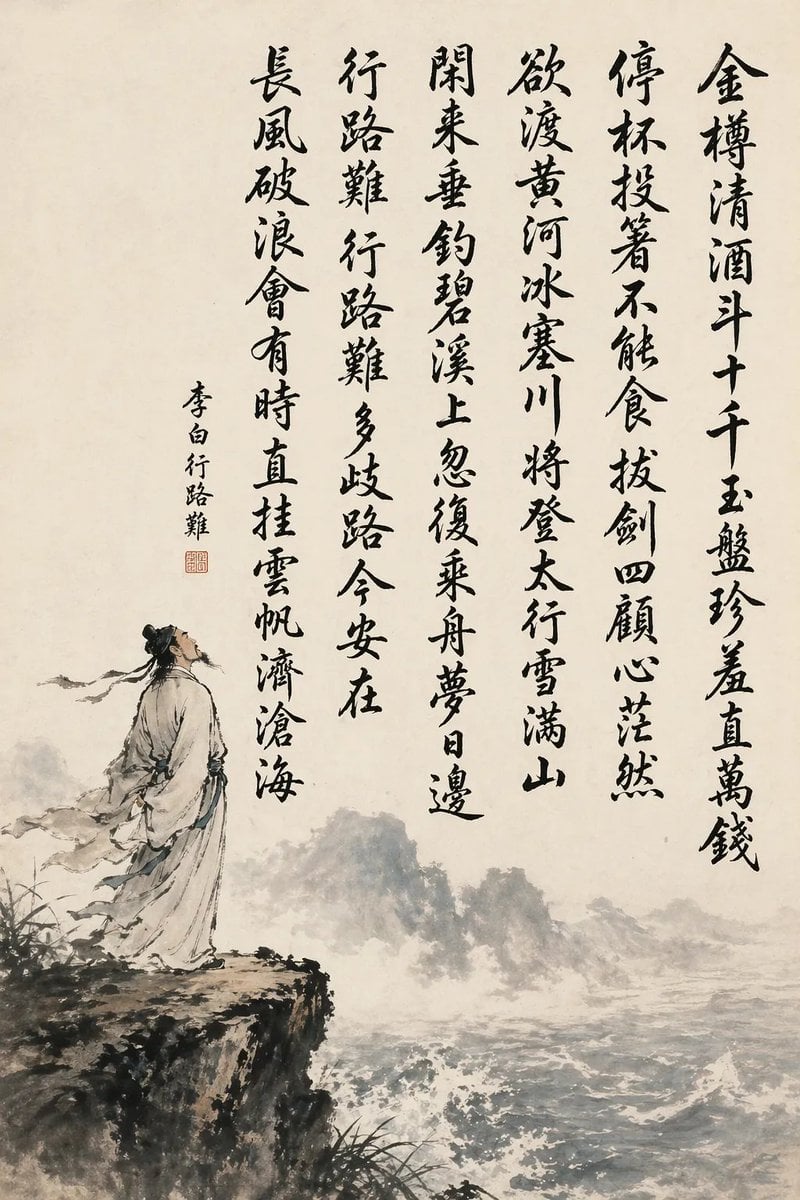
Chinese Calligraphy Poem Scroll
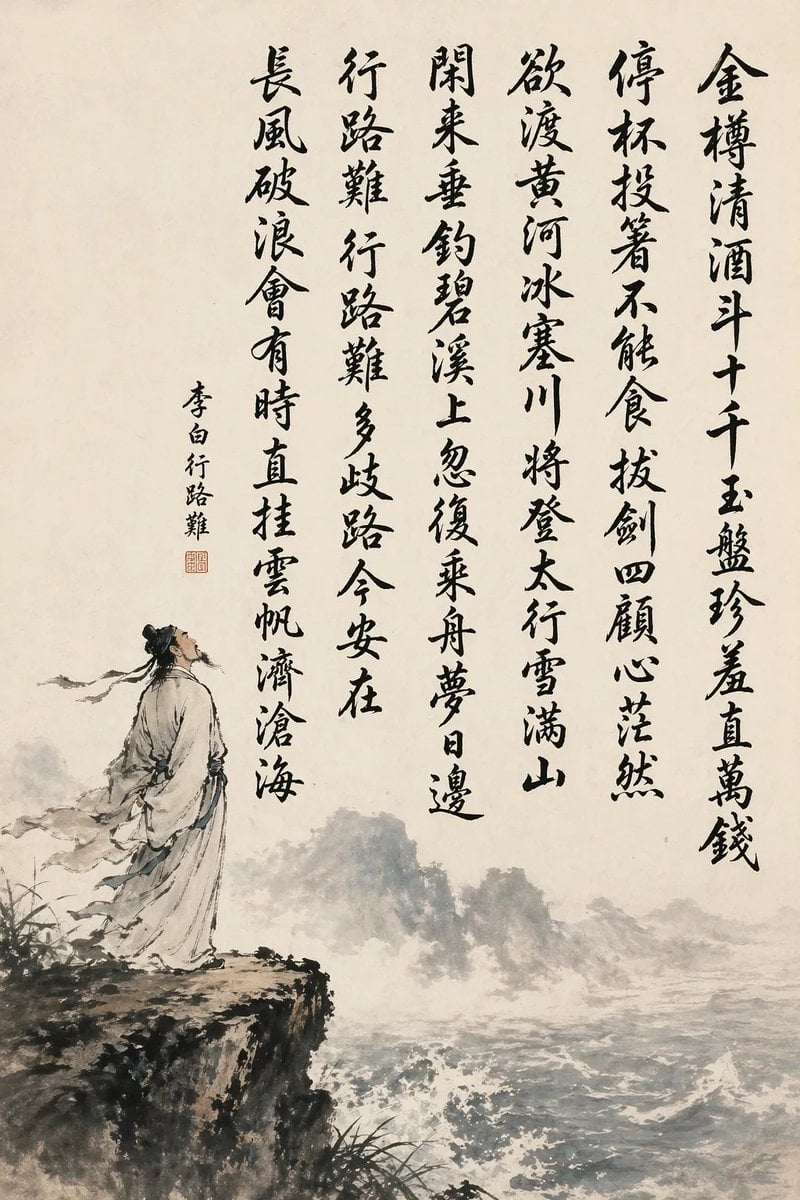
Chinese Calligraphy Poem Landscape

Illustration based on long classical Chinese poem
Classical Chinese poem illustration with text (duplicate)

Classical Chinese poem illustration with text
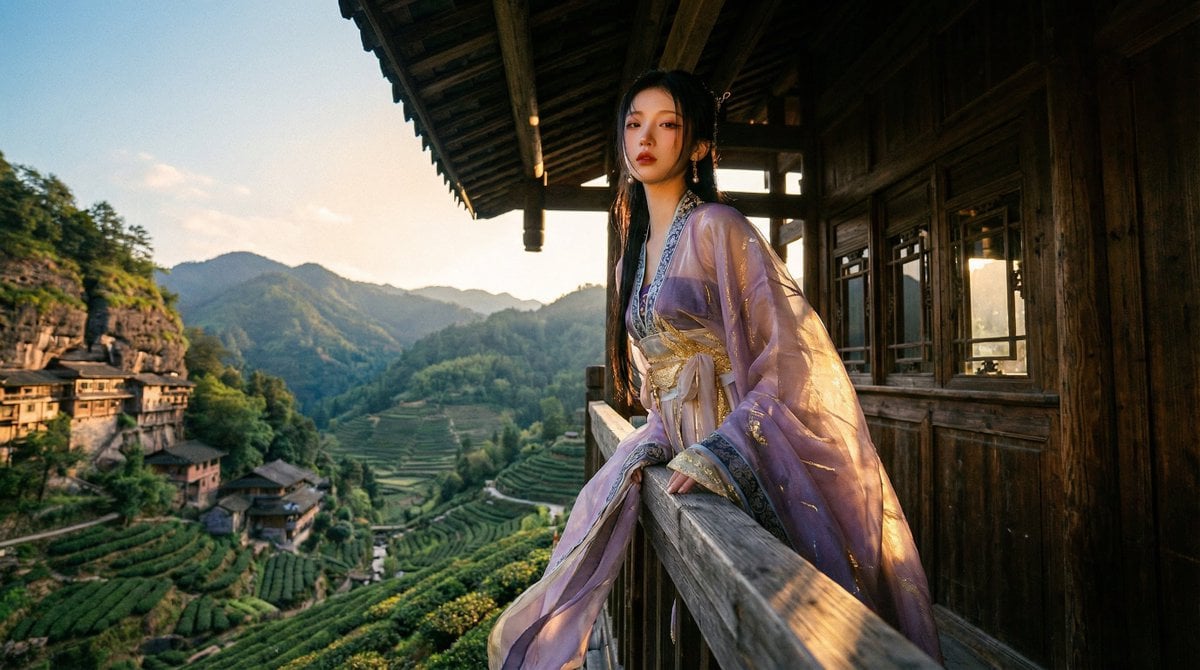
Classical Chinese Romance Landscape with Hanfu

Teen Girl Alpine Lake Mountain View

Anime Catgirl in Chinese Ink Landscape

Mountain Lake Sunset Landscape
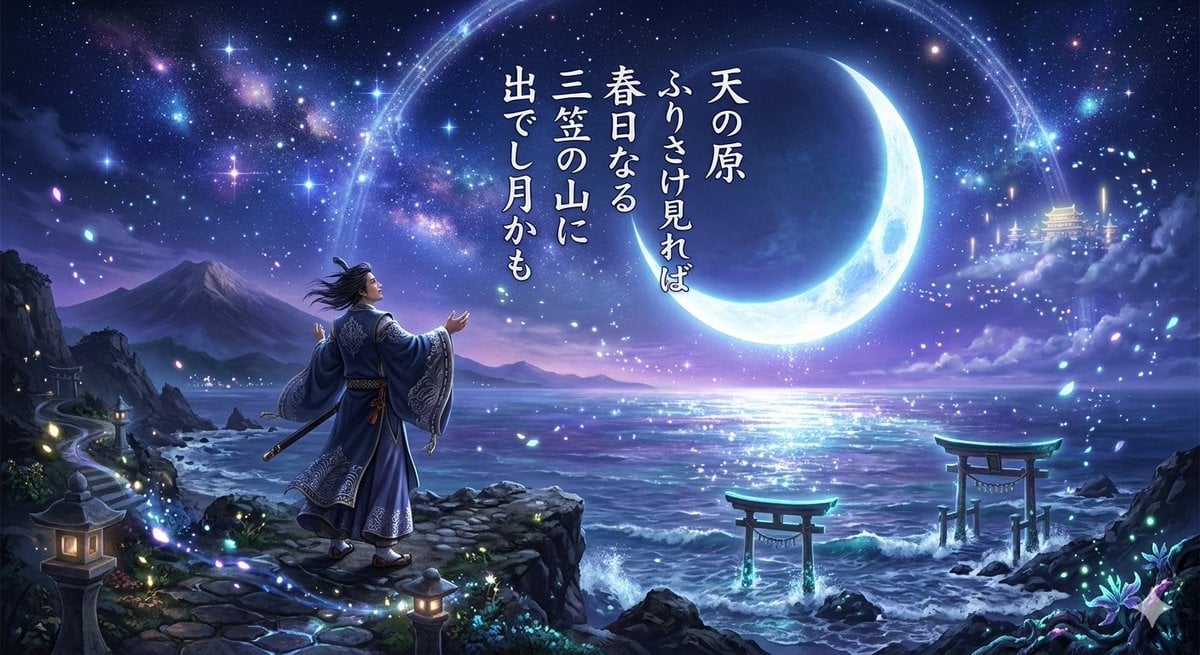
Fantasy Illustration of Classical Japanese Poem

Ghibli Final Takeoff Field

Ghibli Rainy Tram Interior
Make it yours
Classical Chinese Poem Scroll Landscape works as-is. These are the safest ways to change it without losing the look.
Change one field
Copy a single group, rewrite it, and generate again so you can see what that field is doing.
Keep the frame, change the subject
Hold the composition and light of Classical Chinese Poem Scroll Landscape, then swap wardrobe, props or the person for a new take.
| If the result… | Why | Fix |
|---|---|---|
| The result drifts from the preview | Too many fields changed at once. | Reuse Classical Chinese Poem Scroll Landscape as-is first, then change one group — subject, light, or setting. |
| The model over-stylizes the scene | The prose prompt leaves finish and camera underspecified. | Add one camera or lighting sentence and stay on GPT Image 2. |
More GPT Image 2 templates
Other prompts made for GPT Image 2.

Six VTuber Japanese Logo Sheet

Realistic Portrait of Woman and Deer

The Vista Modular Condo Poster

AI Model Routing Comparison Infographic

2.5D Anime Art Board

Isometric Productivity Desk Scene

New York Double Exposure Poster

Four-Panel AI Landscape Comparison

Japanese Tatami Lifestyle Magazine Cover

NESCAFÉ Coffee Map Poster
More image prompts
Fresh picks from across the catalog.
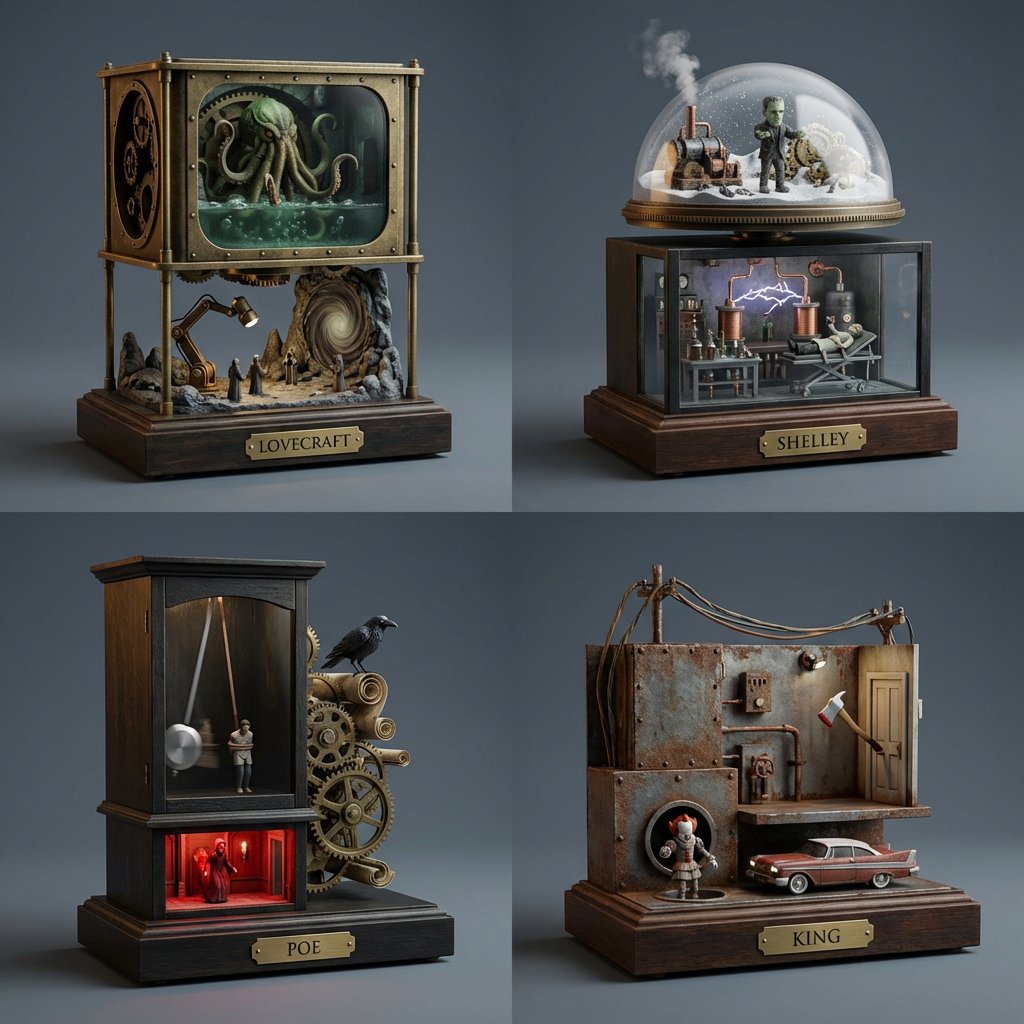
Horror Author Universe Kinetic Sculptures Grid

Futuristic Sakura Itasha Supercar
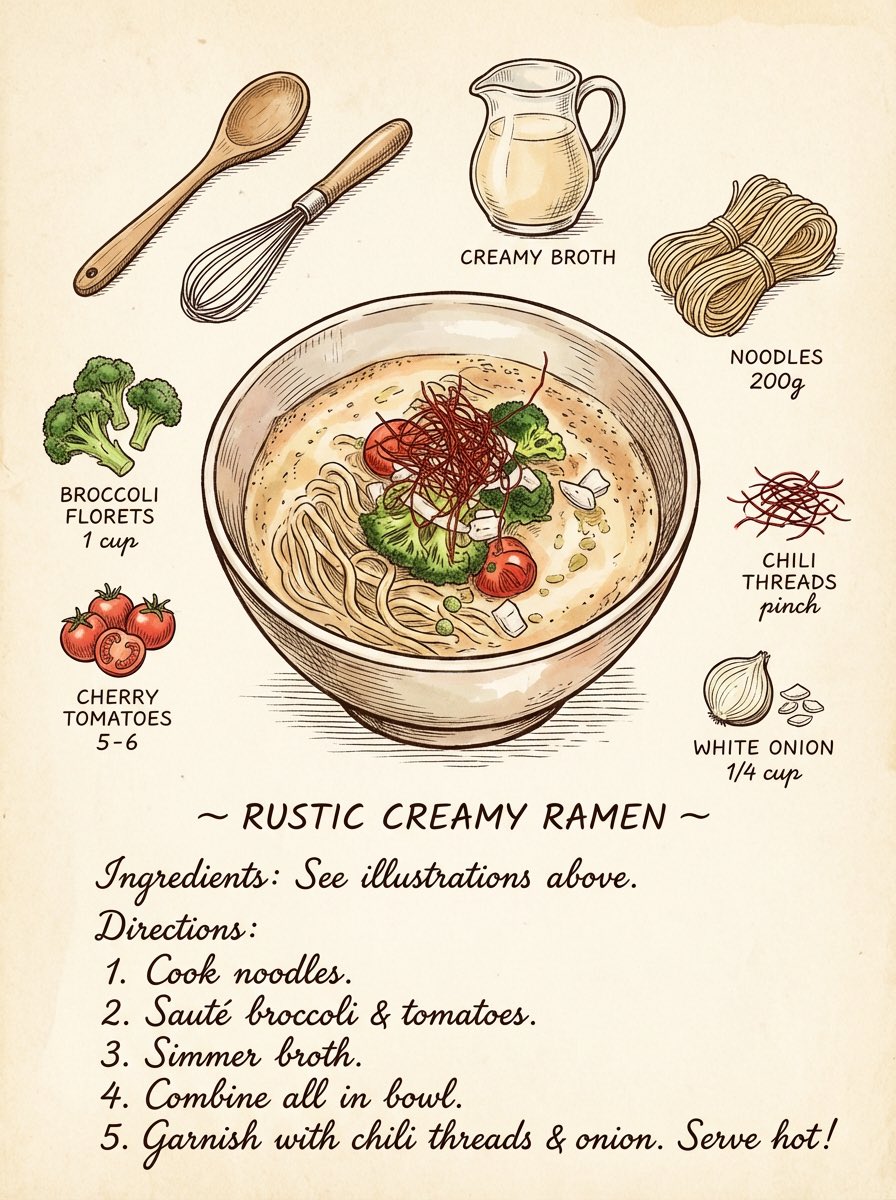
Vintage cookbook-style recipe illustration

Luxury Gucci-Style Fashion Ad Prompt
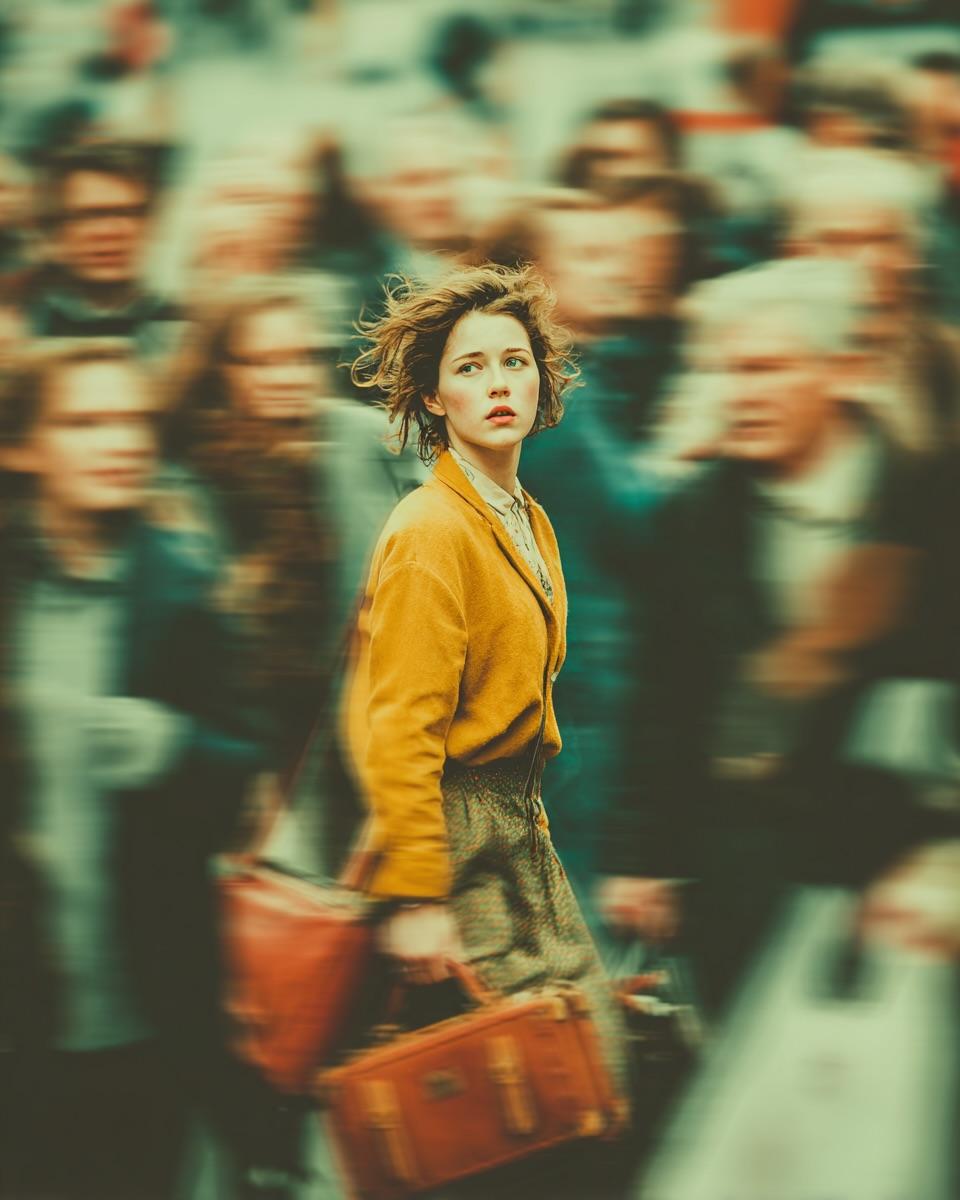
Cinematic Emotional Portrait with Motion Blur
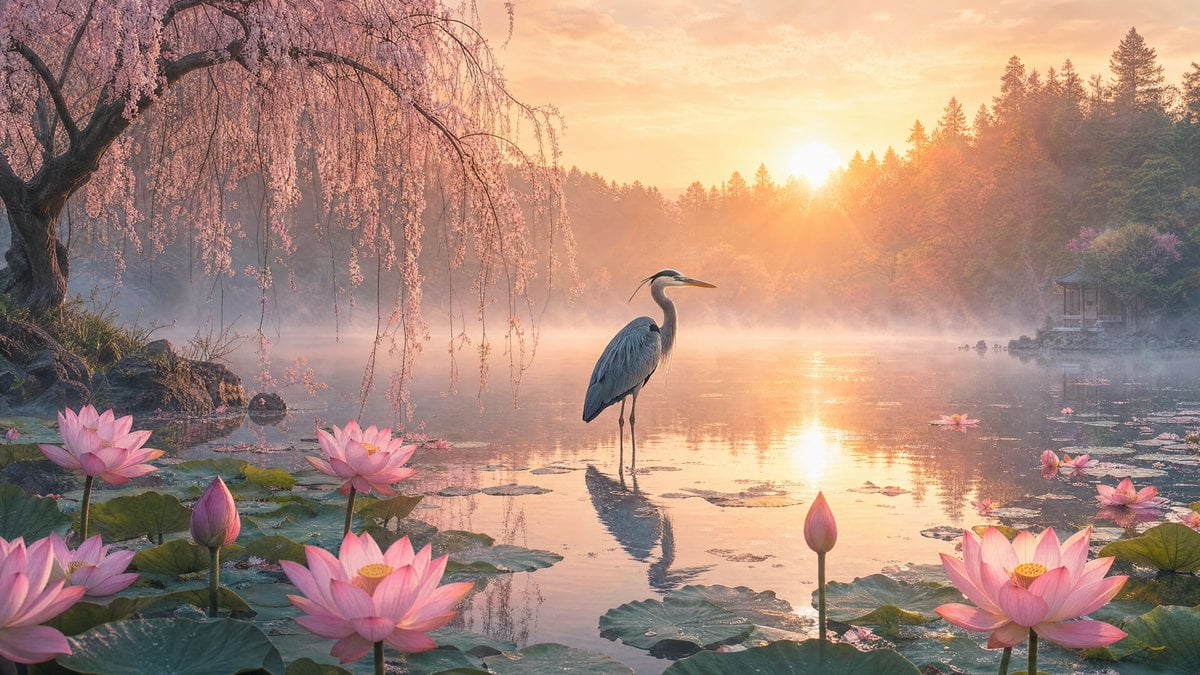
Misty Lotus Pond Heron Sunrise
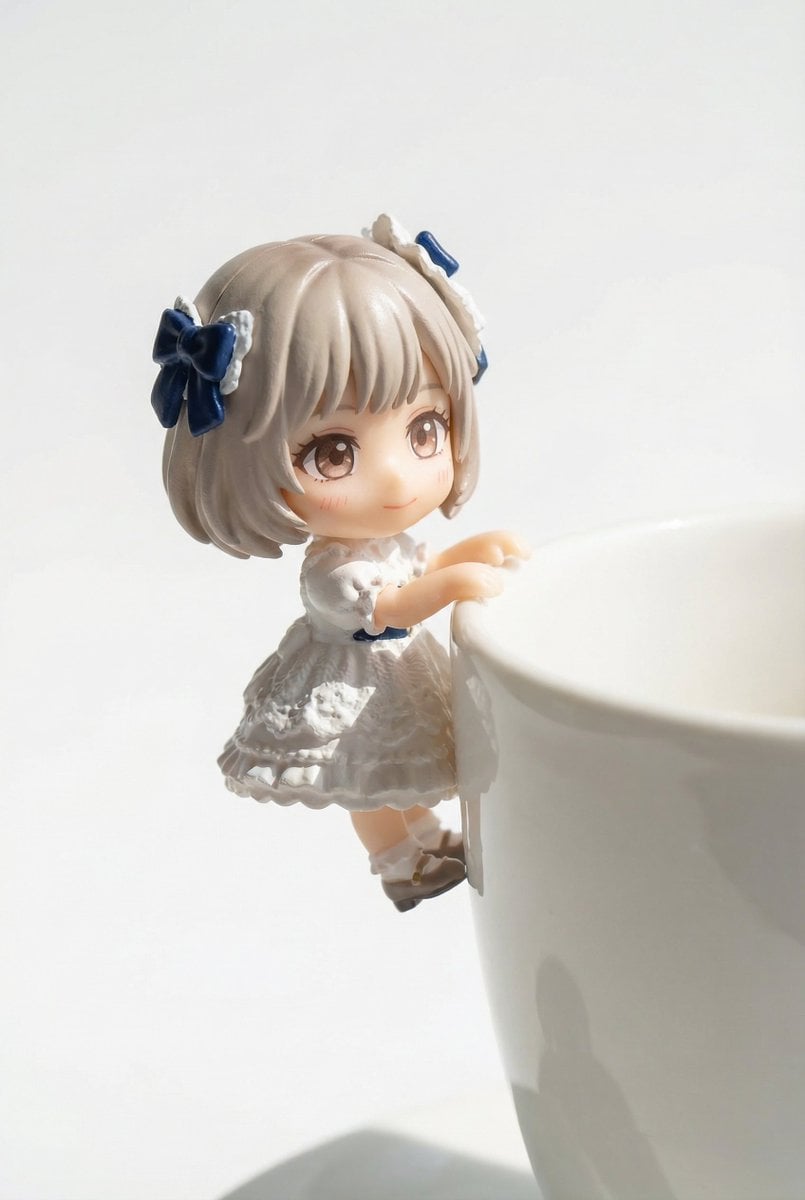
Miniature Figure Close-up with Melted Pizza Cheese
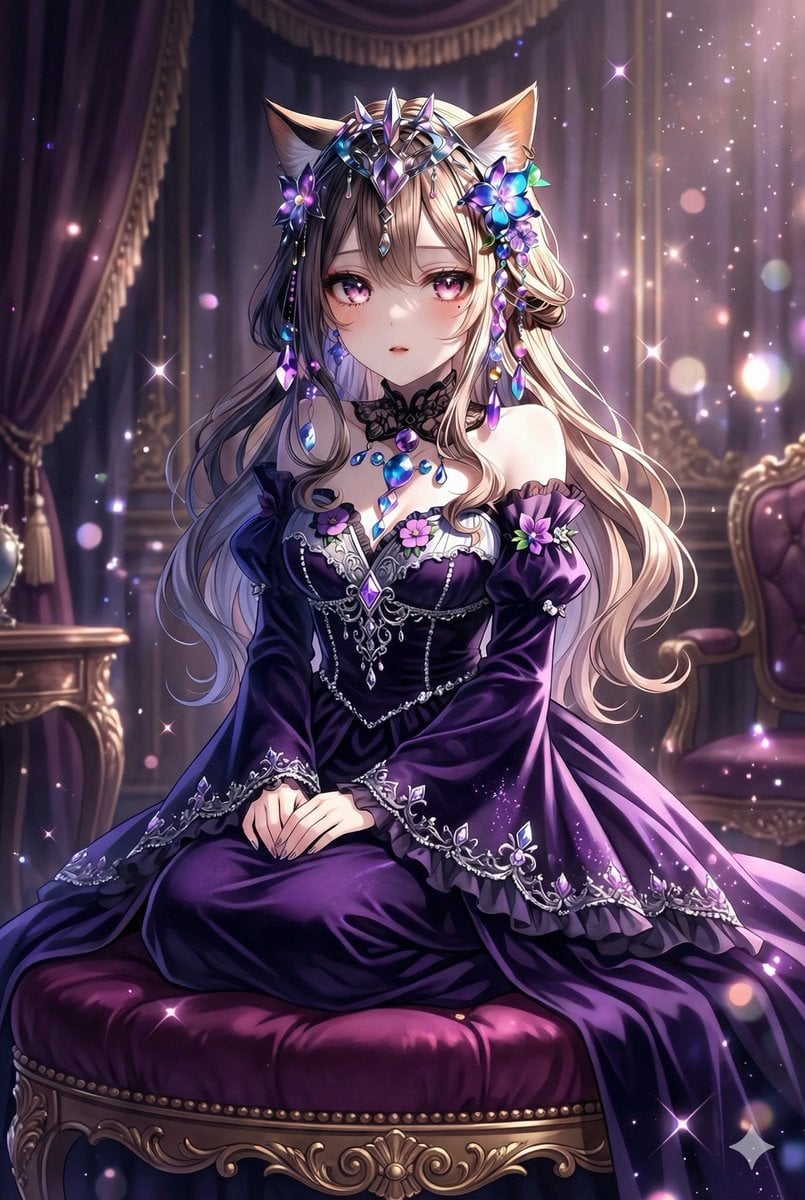
Anime-style seated portrait from face image
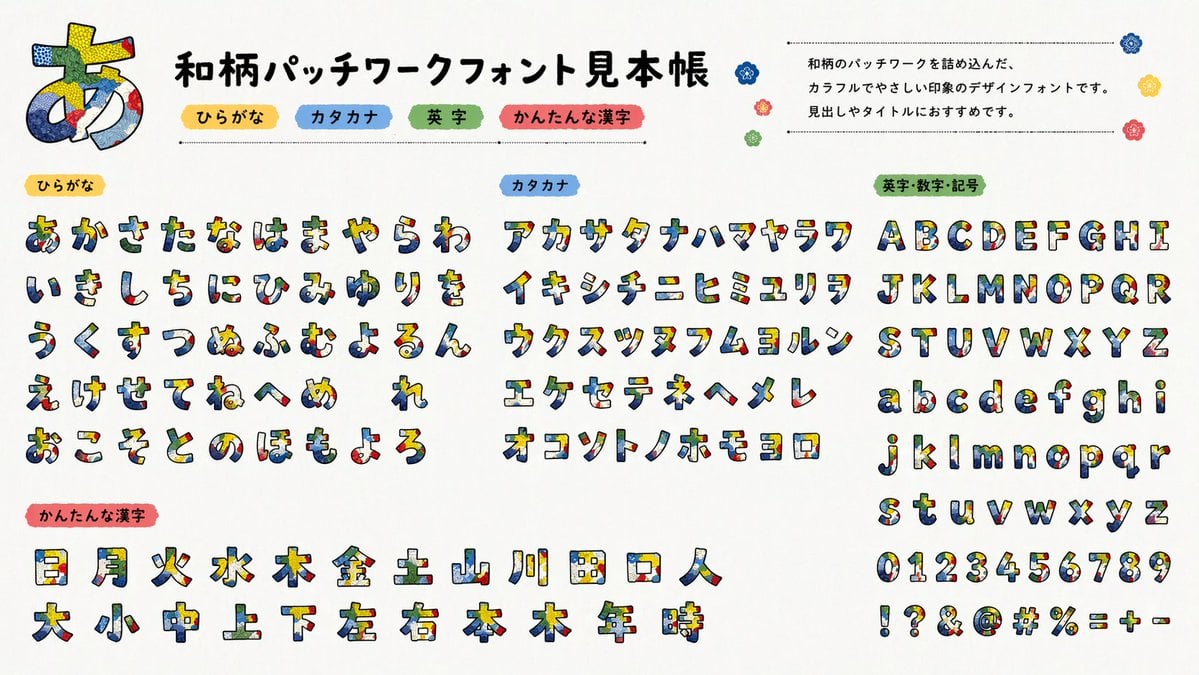
Multilingual font specimen sheet prompt
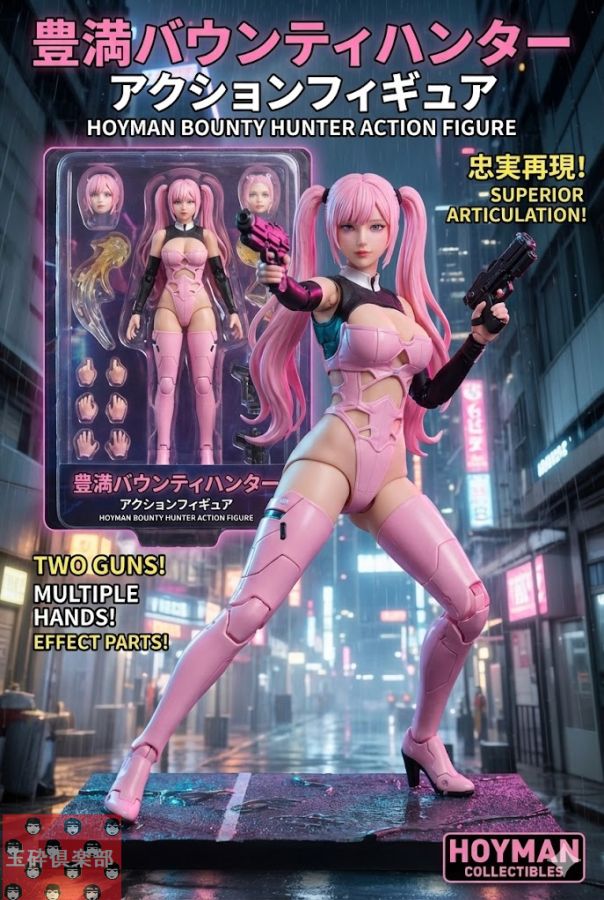
Action Figure Product Advertisement Image
Browse template categories
Classical Chinese Poem Scroll Landscape questions
How do I use the Classical Chinese Poem Scroll Landscape template?
Add your photo if the template asks for one, edit the prompt if you like — the template's model and format are already selected — and press Generate. Your version opens in PicX Studio.
Can I customize the Classical Chinese Poem Scroll Landscape template?
Yes. You can change the subject, setting, lighting, mood, format, and available model controls before creating your image.
Is the Classical Chinese Poem Scroll Landscape template free?
Opening and editing this template is free. Generating uses credits, shown on the Generate button when you are signed in.
Which AI model should I use?
Start with GPT Image 2, which is the model associated with this template. You can compare another compatible model for a different finish.
Looking for something else? Browse all templates.

Your photo, any look
Thousands of ready templates for every top image and video model, from one credit balance.