
Chinese Hotpot Children’s Day Poster
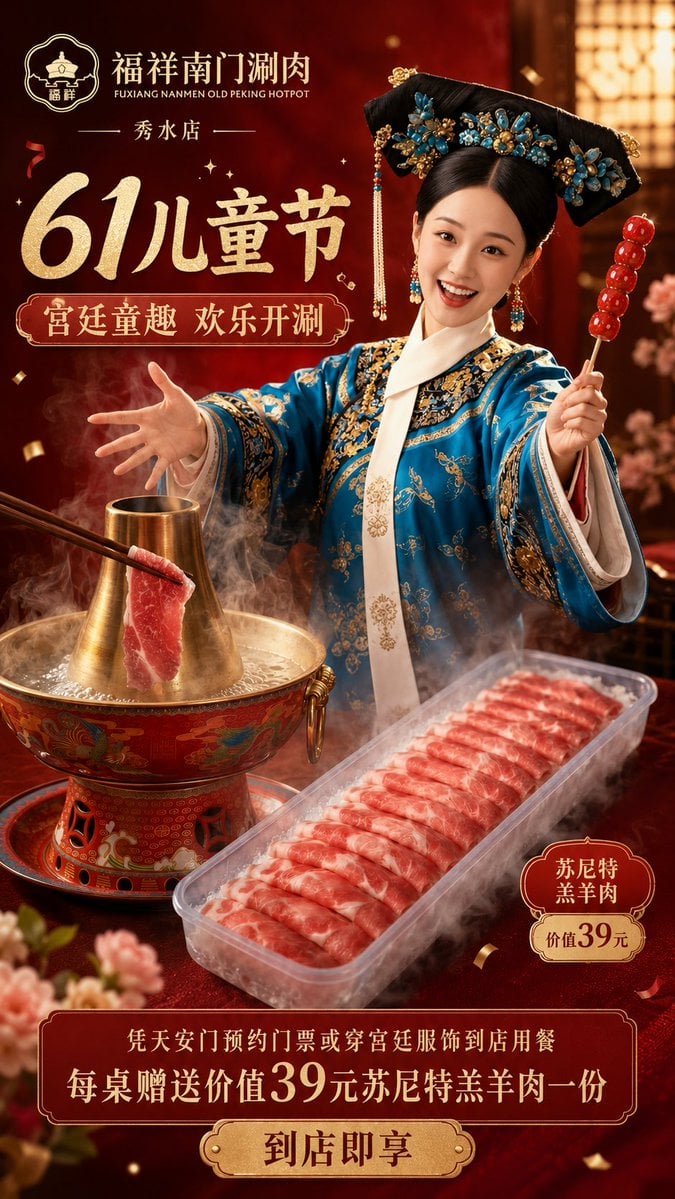
A luxury red-and-gold Chinese restaurant advertising poster for a Children’s Day old Beijing hotpot promotion with palace costume styling and lamb product photography.
- Prompt included
- Model and format preset
- Free template
The prompt behind this image
Copy the exact prompt behind Chinese Hotpot Children’s Day Poster, or open it in the studio and make it yours.
Goal: Create a vertical Chinese restaurant promotional poster for {argument name="restaurant name" default="福祥南门涮肉"}, themed around Children’s Day, old Beijing hotpot, and Qing palace costume fun. Make it look like a polished luxury food-advertising poster with cinematic product photography and ornate Chinese festival design. Canvas: Vertical 9:16 poster, rich dark crimson background with warm golden lighting, subtle bokeh, floating confetti, steam, and decorative floral accents near the bottom corners. Use a premium red-and-gold palace aesthetic. Layout: Top left contains the restaurant logo and brand name, with the English subtitle “FUXIANG NANMEN OLD PEKING HOTPOT” beneath it, then the location text “秀水店”. The upper-left headline dominates the poster: a huge gold brush-calligraphy “61儿童节”. Beneath it place a red rounded decorative label with gold border reading “宫廷童趣 欢乐开涮”. The right half features one child dressed as a Qing dynasty palace princess, face intentionally covered by a smooth rectangular skin-tone privacy blur, wearing a vivid blue embroidered robe and large black imperial headdress decorated with turquoise-blue flowers, gold ornaments, beads, and dangling tassels. The child holds one red candied hawthorn skewer in the right hand and reaches toward the hotpot with the left hand. Food and product scene: In the lower-left foreground place one ornate old Beijing copper hotpot with a tall chimney, red-and-gold cloisonné-style body, boiling broth, heavy steam, and one slice of red lamb being dipped by wooden chopsticks. In the lower-right foreground place one clear rectangular plastic tray filled with many neatly layered thin slices of red-and-white marbled lamb, surrounded by steam. Add one small red-and-gold product badge near the tray reading “苏尼特羔羊肉” and “价值39元”. Bottom promotion area: Add one large ornate red rectangular banner with gold trim across the bottom. Text inside: “凭天安门预约门票或穿宫廷服饰到店用餐” on the first line, and a larger second line “每桌赠送价值39元苏尼特羔羊肉一份”. Below it add a centered gold plaque button with red text: {argument name="call to action" default="到店即享"}. Visual style: Hyper-realistic commercial food photography combined with elegant Chinese poster typography, gold foil texture, dramatic warm rim light, shallow depth of field, thick steam, appetizing glossy lamb texture, ornate traditional patterns, festive luxury atmosphere. Keep all visible text crisp and correctly spelled in Chinese where specified. Constraints: Include exactly these major counted elements: 1 child model, 1 imperial headdress, 1 candied hawthorn skewer, 1 copper hotpot, 1 pair of chopsticks, 1 lamb slice being dipped, 1 clear lamb tray, 1 small product badge, 1 bottom promotional banner, and 1 gold call-to-action plaque. Do not add extra people, extra food trays, QR codes, watermarks, or unrelated English text.
How to use Chinese Hotpot Children’s Day Poster in 3 steps
- 1Upload ImagePNG, JPG or paste
Add your photo
Upload the photo the template builds on. The prompt, model and format are already set.
- 2…a portrait of your subject in softgolden-hour light, 85mm…
Personalize
Edit the subject and creative details for your destination.
- 3Generate
Generate
Press Generate — your image is created in PicX Studio, so you can compare it with the original and refine one variable at a time.
More like this
Templates with the same subject, style or setup. Open one to see its prompt.

Japan Travel Brochure Poster

Cartoon TV Show Poster Pack

Trendy Cafe Drink Promo Poster

Urban Fashion Editorial Collage Streetwear Poster

Premium Fashion Editorial Cover Layout System

Polo Ralph Lauren Luxury American Heritage Fashion Campaign

Monochrome Halftone Editorial Fashion Poster

Retro Mirror Luxury Fashion Campaign Poster

Luxury Fashion Campaign Typography Poster System

Premium Fashion Editorial Campaign Poster System

Ultra-Stylized High-Fashion Streetwear Poster

Urban Fashion Editorial Collage Poster
Make it yours
Chinese Hotpot Children’s Day Poster works as-is. These are the safest ways to change it without losing the look.
Change one field
Copy a single group, rewrite it, and generate again so you can see what that field is doing.
Keep the frame, change the subject
Hold the composition and light of Chinese Hotpot Children’s Day Poster, then swap wardrobe, props or the person for a new take.
| If the result… | Why | Fix |
|---|---|---|
| The result drifts from the preview | Too many fields changed at once. | Reuse Chinese Hotpot Children’s Day Poster as-is first, then change one group — subject, light, or setting. |
| The model over-stylizes the scene | The prose prompt leaves finish and camera underspecified. | Add one camera or lighting sentence and stay on GPT Image 2. |
More GPT Image 2 templates
Other prompts made for GPT Image 2.

Six VTuber Japanese Logo Sheet

Realistic Portrait of Woman and Deer

The Vista Modular Condo Poster

AI Model Routing Comparison Infographic

2.5D Anime Art Board

Isometric Productivity Desk Scene

New York Double Exposure Poster

Four-Panel AI Landscape Comparison

Japanese Tatami Lifestyle Magazine Cover

NESCAFÉ Coffee Map Poster
More image prompts
Fresh picks from across the catalog.
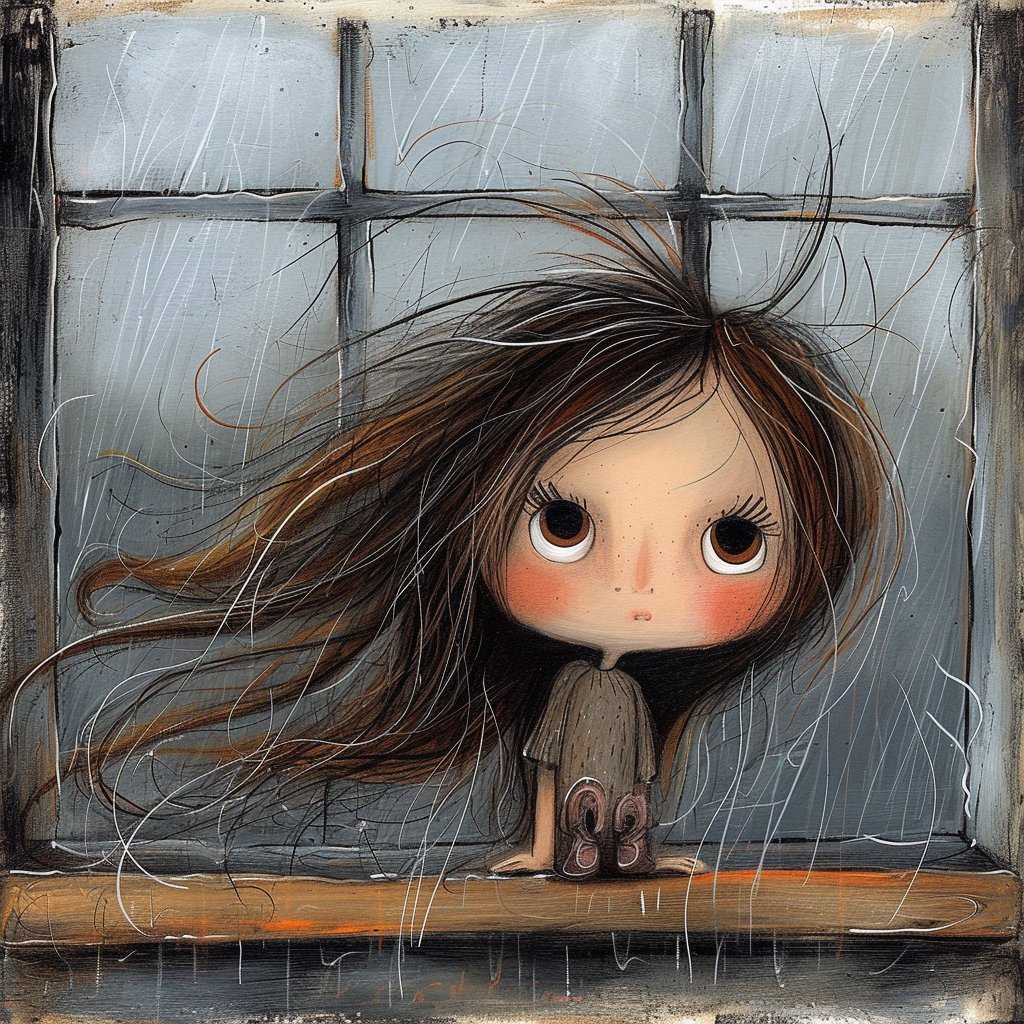
Surreal Woman at a Weathered Window
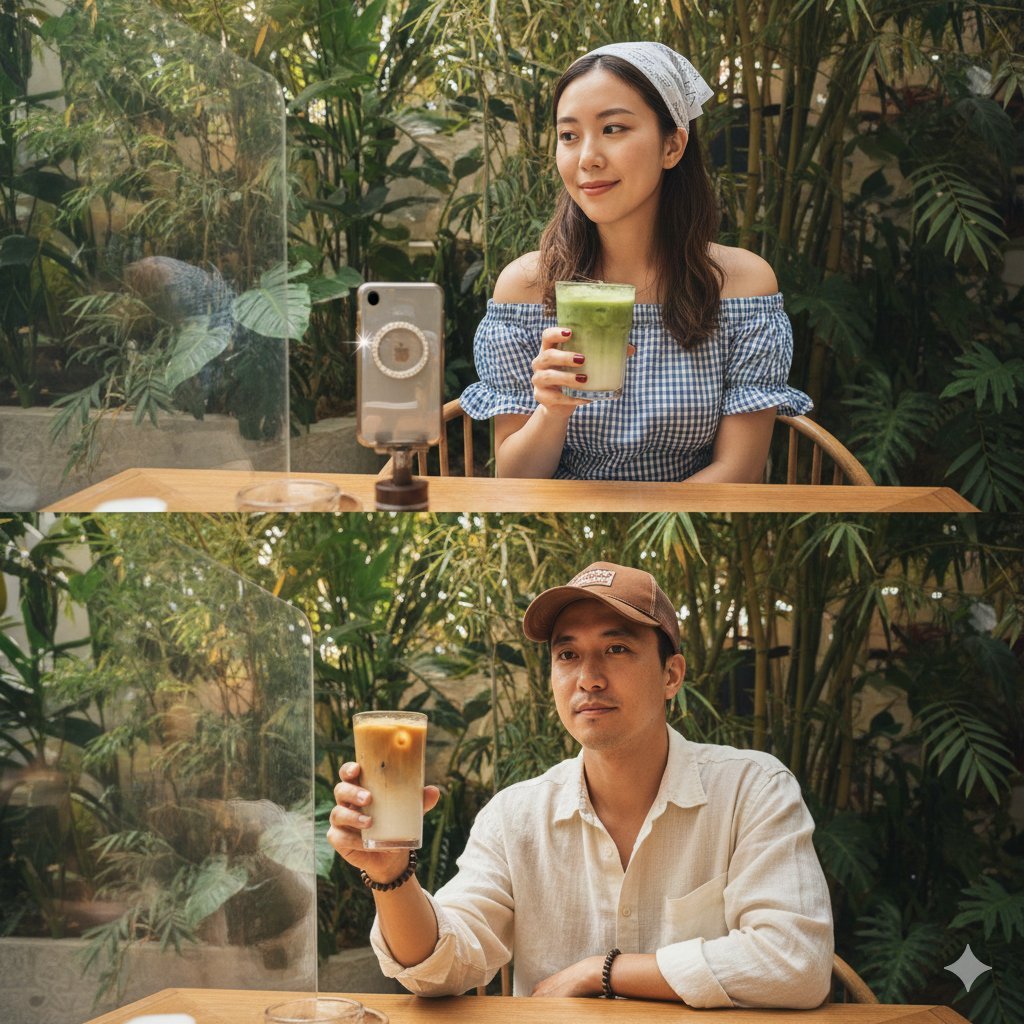
Hyper-Realistic Two-Panel iPhone Portrait Prompt
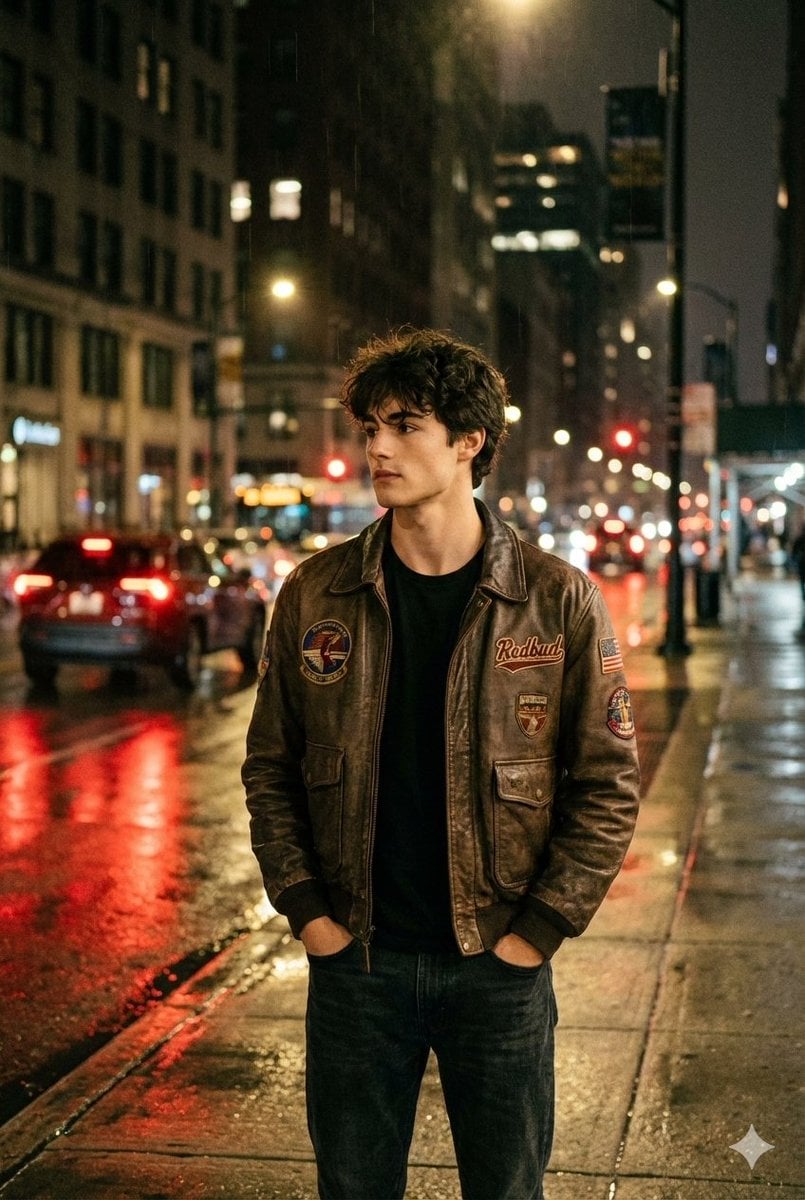
Nighttime Street Portrait with Wet Pavement

Style Transfer Prompt for Scientist Poster
High Fashion Pictorial with Motion Blur
Vibrant Sticker Art Illustration of a Young Woman
Cinematic Scene of Person Hugging a Toy Poodle
Vintage Librarian Fantasy Portrait

Lifestyle Photo with a Duct-Taped Banana
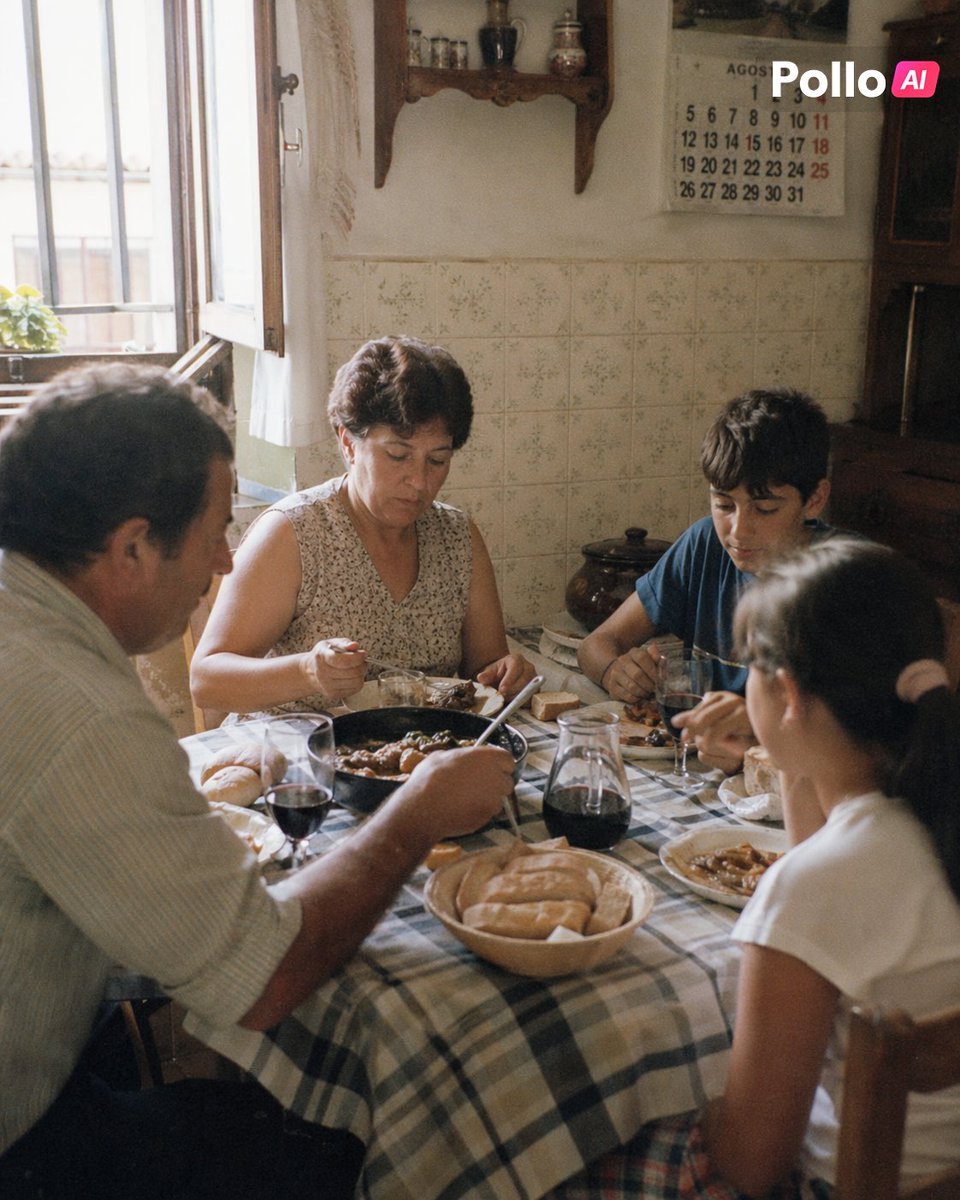
1990s Spanish Family Kitchen Lunch
Browse template categories
Chinese Hotpot Children’s Day Poster questions
How do I use the Chinese Hotpot Children’s Day Poster template?
Add your photo if the template asks for one, edit the prompt if you like — the template's model and format are already selected — and press Generate. Your version opens in PicX Studio.
Can I customize the Chinese Hotpot Children’s Day Poster template?
Yes. You can change the subject, setting, lighting, mood, format, and available model controls before creating your image.
Is the Chinese Hotpot Children’s Day Poster template free?
Opening and editing this template is free. Generating uses credits, shown on the Generate button when you are signed in.
Which AI model should I use?
Start with GPT Image 2, which is the model associated with this template. You can compare another compatible model for a different finish.
Looking for something else? Browse all templates.

Your photo, any look
Thousands of ready templates for every top image and video model, from one credit balance.