
Hyper-Realistic Two-Panel iPhone Portrait Prompt
A highly detailed JSON prompt for Gemini Nano Banana Pro to create a hyper-realistic, two-panel vertical portrait simulating iPhone photography.
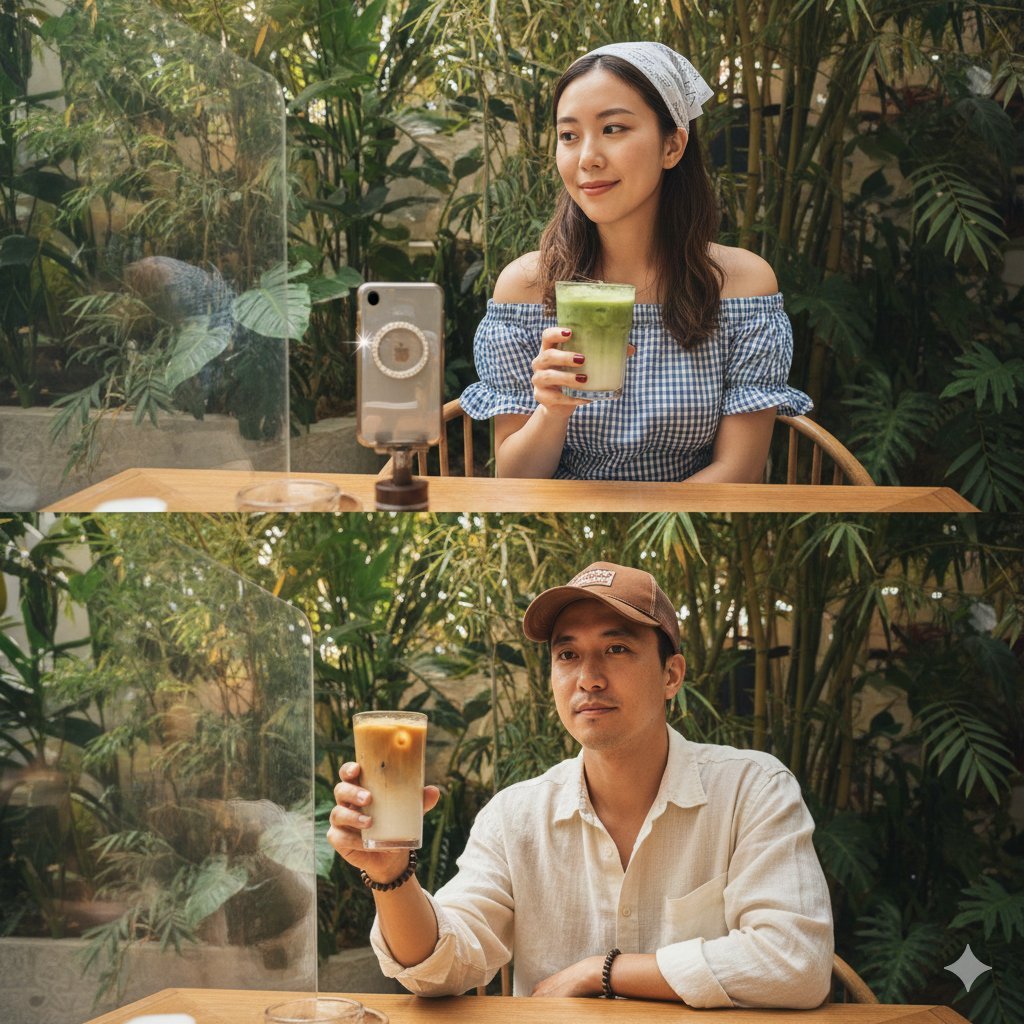
- Prompt included
- Model and format preset
- Free template
The prompt behind this image
Copy the exact prompt behind Hyper-Realistic Two-Panel iPhone Portrait Prompt, or open it in the studio and make it yours.
{ "title": "Hyper-realistic two-panel iPhone portrait — Café (Subject1 + Subject2)", "mode": "text_to_image", "format": "two_panel_vertical", "output_size": "2048x3072", "references": { "subject1": "subject1_ref.jpg", "subject2": "subject2_ref.jpg" }, "prompt": "Hyper-realistic, ultra-photographic two-panel iPhone portrait of two real people, exact-face-matching to the provided reference images (no facial alterations). Both panels share identical angle, spacing, lens perspective and composition so they read as matched diptychs taken in the same seat at the same lush café. Environment: dense bamboo and tropical foliage around a warm wooden table, warm diffused daylight creating gentle highlights and soft, natural shadows across skin, glass, plants and wood. Upper panel — Subject 1: seated, holding a reflective silver phone with a jeweled ring grip catching small bursts of light; deep-red manicured nails; blue-and-white gingham off-shoulder dress with subtle seersucker texture; white lace bandana with delicate perforations; holding a chilled matcha glass with visible condensation droplets, faint fingerprint smudges on the glass, and swirling gradients of matcha and foam at the rim. Lower panel — Subject 2: seated, mirroring the same candid pose, holding a matte metallic phone with tiny scratches and soft reflections; wearing a cream linen shirt with natural slub texture, brown trucker cap (mesh highlights), and beaded accessories; raising a tall iced latte showing layered tones of milk and coffee, melting ice cubes, and misty condensation. Across both panels: micro-details — water rings on the table, smudges on the glass barrier, uneven leaf coloration in foliage, subtle lens glare, micro-reflections on metal and glass, tiny fabric frays and natural skin pores; maintain lifelike texture and micro-imperfections to reinforce authenticity. Lighting: soft, warm, diffused daylight, beautiful skin tones, delicate specular highlights on glass and metal, accurate subsurface scattering on skin. Camera: iPhone portrait-style framing, shallow depth of field with natural bokeh, crisp focal plane on faces and held glasses, matched focal length and angle between panels. Color/tonal: natural, filmic dynamic range, no oversaturation; preserve subtle tonal shifts of matcha and coffee. Composition: two vertically stacked panels, matching framing, consistent perspective and scale so both subjects read as identical-session captures. Strict requirement: faces must match the provided reference images 100% — do not alter facial features, expressions, or identity. Output should be photorealistic and indistinguishable from high-end phone photography.", "negative_prompt": "cartoon, painting, CGI, 3D render, anime, stylized, over-saturated, over-contrast, extra limbs, mutated, deformed, blurred, lowres, "
How to use Hyper-Realistic Two-Panel iPhone Portrait Prompt in 3 steps
- 1
Open
The prompt is already in the box next to the preview, with the template's model and format selected.
- 2…a portrait of your subject in softgolden-hour light, 85mm…
Personalize
Edit the subject and creative details for your destination.
- 3Generate
Generate
Press Generate — your image is created in PicX Studio, so you can compare it with the original and refine one variable at a time.
More like this
Templates with the same subject, style or setup. Open one to see its prompt.

Found Photograph: Us, 1970

80s Couple Studio Portrait

80s Bollywood Star

80s Golden Hour Cinema

Me in 1985

1985 Studio Portrait

Hyper-Realistic Minecraft POV Portrait
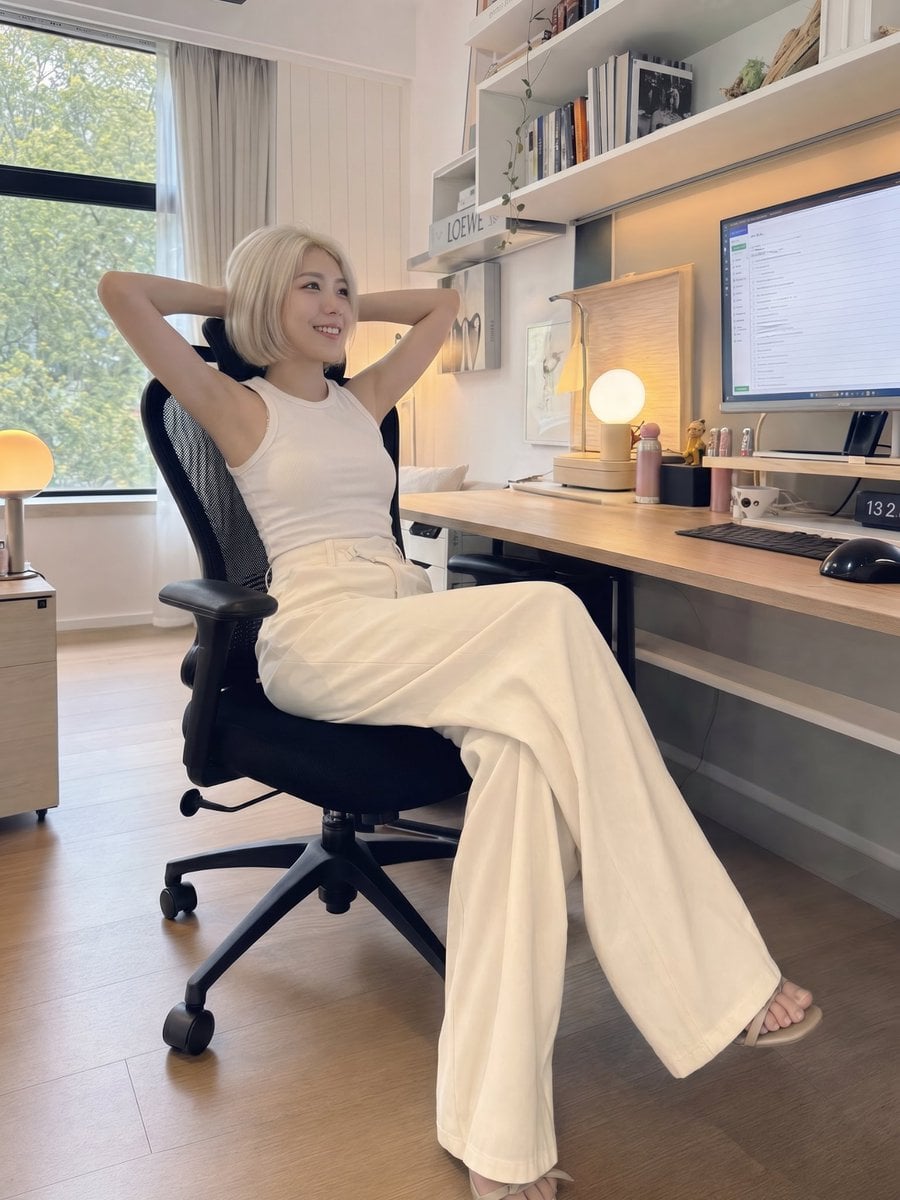
iPhone Style Minimalist Office Portrait
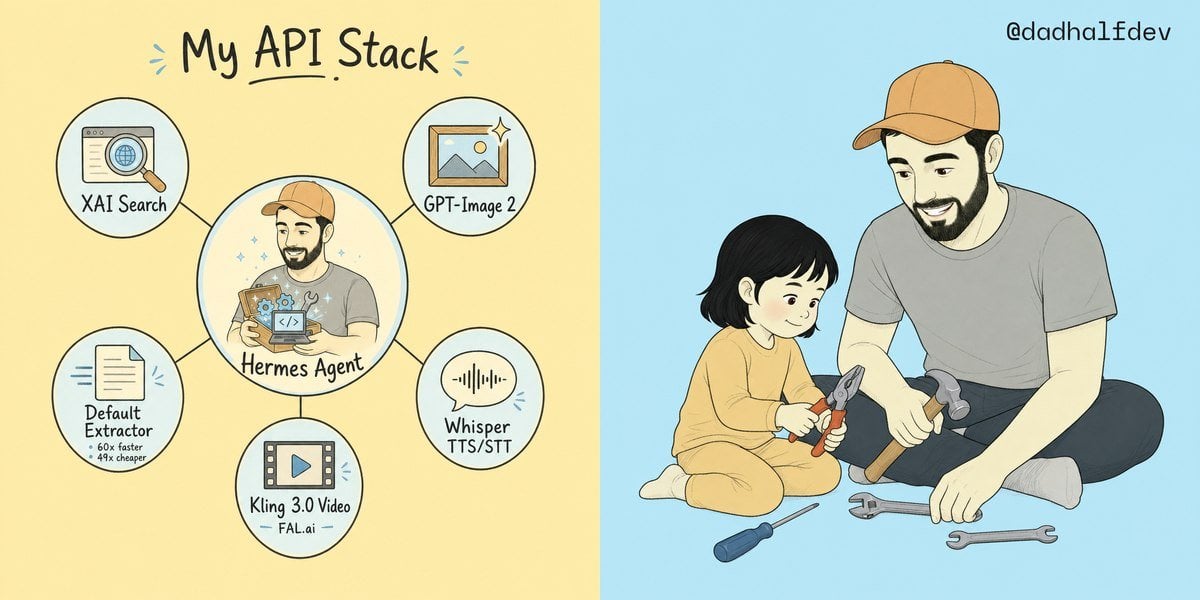
My API Stack Two-Panel Illustration

Rooftop Fisheye — Cat-Ear Balaclava at Golden Hour

Rainy Café Window Moody Portrait
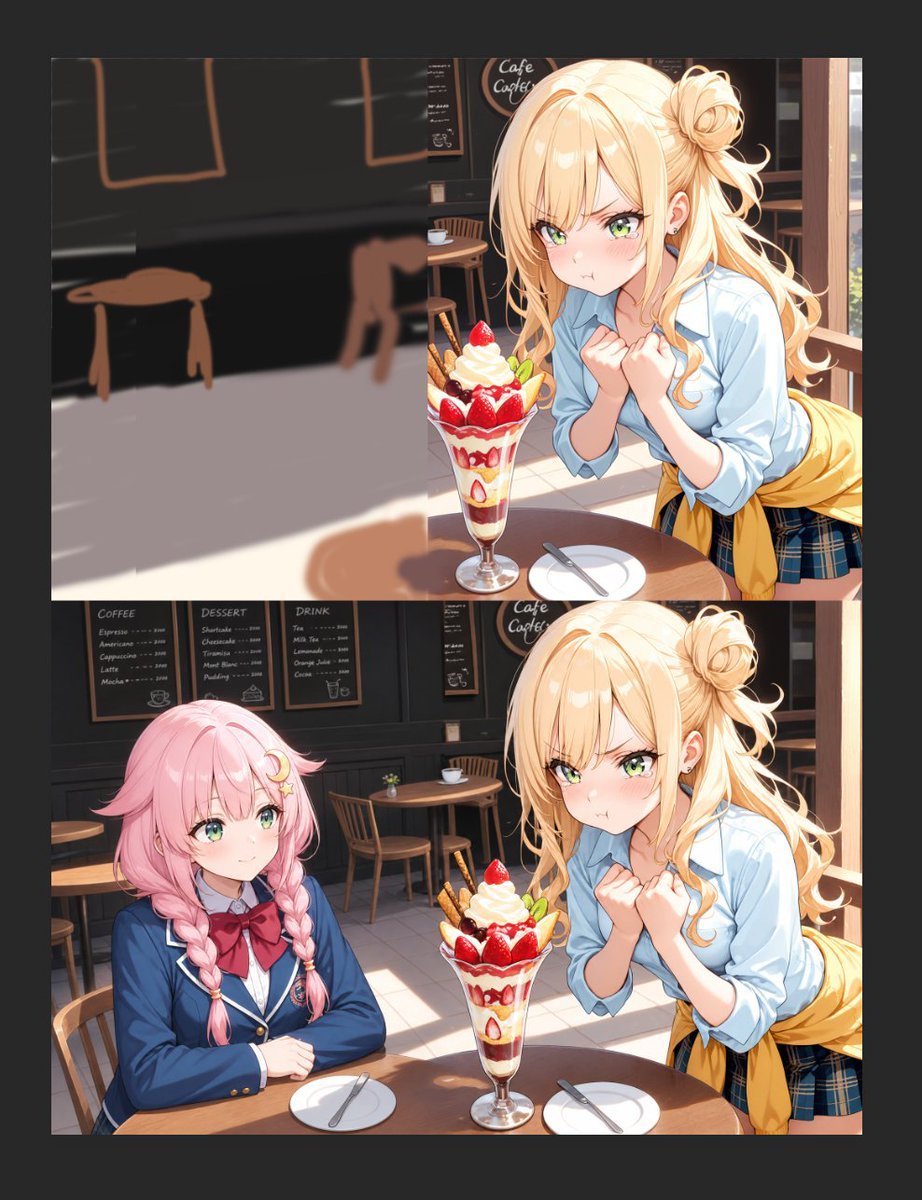
Anime Cafe Two-Panel Comparison
Make it yours
Hyper-Realistic Two-Panel iPhone Portrait Prompt works as-is. These are the safest ways to change it without losing the look.
Change one field
Copy a single group, rewrite it, and generate again so you can see what that field is doing.
Keep the frame, change the subject
Hold the composition and light of Hyper-Realistic Two-Panel iPhone Portrait Prompt, then swap wardrobe, props or the person for a new take.
| If the result… | Why | Fix |
|---|---|---|
| The result drifts from the preview | Too many fields changed at once. | Reuse Hyper-Realistic Two-Panel iPhone Portrait Prompt as-is first, then change one group — subject, light, or setting. |
| The model over-stylizes the scene | The prose prompt leaves finish and camera underspecified. | Add one camera or lighting sentence and stay on Nano Banana 2. |
More Nano Banana 2 templates
Other prompts made for Nano Banana 2.

Photorealistic Leaf Shaped Like a Dragon

K-Pop Idol Portrait Grid for Rapid Selection

Poetic Rain Forest Portrait During Golden Hour

Urban Street Portrait with Cartoon Inner Self Duo

Candid Nighttime Photo with Cat Prompt

High-Concept 3D Diorama Generation Prompt

Cinematic Futuristic Studio Portrait Template

Skincare Editorial Photography Collage Prompt

Hyper-Realistic Commercial Product Photography (Splash Effect)

Hyper-Realistic Nightclub Portrait Prompt
More image prompts
Fresh picks from across the catalog.
Minimalist Typographic Illustration Conveying Meaning
Editorial Male Portrait with Neon Lighting
Generic 'Make Something Like This' Prompt
Seedance - 83 Year Old Rave (maxescu)
Gen Z/Y2K Flash Portrait in Poster-Covered Bedroom
App UI Design - Music & Fitness
Cinematic Playful Couple Action Blur Editorial
Vintage Movie Poster Prompt using Gemini Nano Banana Pro
Dual Luxury Perfume Product Photography Prompts
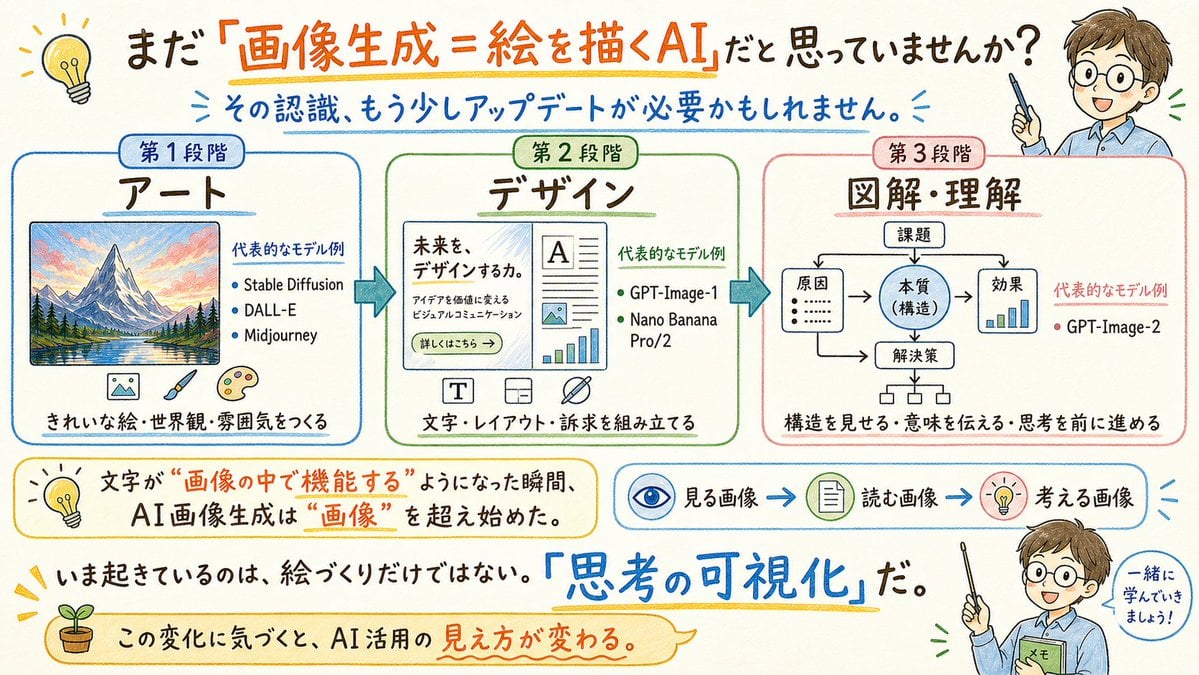
Japanese AI Image Evolution Infographic
Browse template categories
Hyper-Realistic Two-Panel iPhone Portrait Prompt questions
How do I use the Hyper-Realistic Two-Panel iPhone Portrait Prompt template?
Add your photo if the template asks for one, edit the prompt if you like — the template's model and format are already selected — and press Generate. Your version opens in PicX Studio.
Can I customize the Hyper-Realistic Two-Panel iPhone Portrait Prompt template?
Yes. You can change the subject, setting, lighting, mood, format, and available model controls before creating your image.
Is the Hyper-Realistic Two-Panel iPhone Portrait Prompt template free?
Opening and editing this template is free. Generating uses credits, shown on the Generate button when you are signed in.
Which AI model should I use?
Start with Nano Banana 2, which is the model associated with this template. You can compare another compatible model for a different finish.
Looking for something else? Browse all templates.

Your photo, any look
Thousands of ready templates for every top image and video model, from one credit balance.