
Japanese AI Image Evolution Infographic
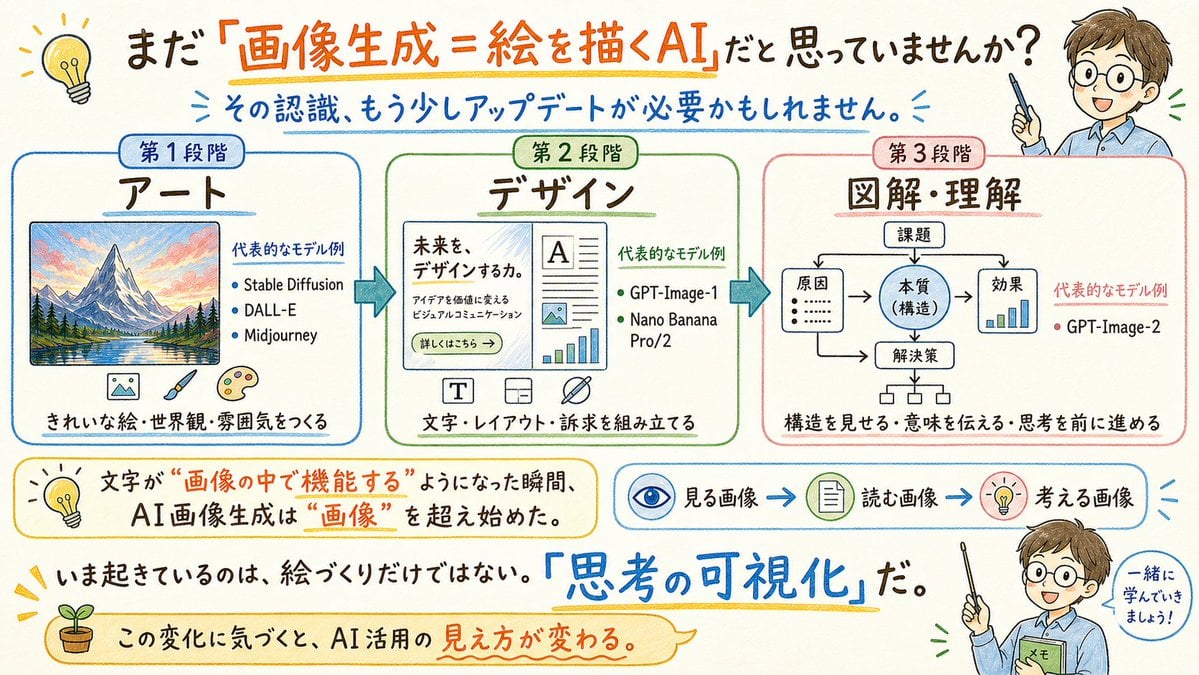
Generates a hand-drawn Japanese explainer infographic showing the evolution of AI image generation from art to design to diagrams and understanding.
- Prompt included
- Model and format preset
- Free template
The prompt behind this image
Copy the exact prompt behind Japanese AI Image Evolution Infographic, or open it in the studio and make it yours.
{"type":"wide hand-drawn Japanese educational infographic","canvas":{"aspectRatio":"16:9 landscape","background":"warm off-white paper texture","style":"friendly marker-and-watercolor explainer, sketchnote, clean readable Japanese typography, blue/orange/green/red accents, rounded boxes, arrows, small doodle icons"},"headline":{"text":"{argument name=\"headline text\" default=\"まだ『画像生成=絵を描くAI』だと思っていませんか?\"}","position":"top center","emphasis":"orange underline and large orange phrase for 『画像生成=絵を描くAI』"},"subheadline":{"text":"{argument name=\"subheadline text\" default=\"その認識、もう少しアップデートが必要かもしれません。\"}","position":"below headline","color":"blue","decorations":"small radiating blue strokes"},"layout":{"mainSections":{"count":3,"arrangement":"three large rounded rectangular panels across the middle, connected by thick blue right-pointing arrows","sections":[{"title":"第1段階","subtitle":"アート","position":"left","borderColor":"blue","content":"framed colorful mountain-and-lake landscape illustration; text block titled 代表的なモデル例 with 3 bullet items: Stable Diffusion, DALL-E, Midjourney; bottom line きれいな絵・世界観・雰囲気をつくる","icons":{"count":3,"descriptions":["small picture icon","paintbrush","artist palette"]}},{"title":"第2段階","subtitle":"デザイン","position":"center","borderColor":"green","content":"mock website or poster layout with headline 未来を、デザインするか。, small paragraph text, button 詳しくはこちら →, document typography, image placeholder, and chart elements; text block titled 代表的なモデル例 with 2 bullet items: GPT-Image-1, Nano Banana Pro/2; bottom line 文字・レイアウト・訴求を組み立てる","icons":{"count":3,"descriptions":["T typography icon","layout grid icon","crossed pen or design tool icon"]}},{"title":"第3段階","subtitle":"図解・理解","position":"right","borderColor":"red","content":"simple flowchart diagram with 課題 at top, branching to 原因, 本質(構造), 効果, and 解決策, with arrows and a small bar chart; text block titled 代表的なモデル例 with 1 bullet item: GPT-Image-2; bottom line 構造を見せる・意味を伝える・思考を前に進める"}]},"lowerExplanatoryElements":{"count":4,"items":[{"type":"yellow rounded callout","position":"lower left","text":"文字が “画像の中で機能する” ようになった瞬間、AI画像生成は “画像” を超え始めた。","icon":"light bulb"},{"type":"process strip","position":"lower middle-right","count":3,"labels":["見る画像","読む画像","考える画像"],"icons":["eye","document","light bulb"],"connectors":"blue arrows"},{"type":"bold statement","position":"near bottom center","text":"いま起きているのは、絵づくりだけではない。『思考の可視化』だ。","emphasis":"large blue handwritten 『思考の可視化』 with yellow underline"},{"type":"bottom ribbon callout","position":"bottom left to center","text":"この変化に気づくと、AI活用の見え方が変わる。","icon":"small sprout in a pot"}]},"characters":{"count":2,"description":"same friendly teacher character appears twice on the right edge, anime-style young man in a light blue shirt holding a pointer; face area intentionally covered by a beige rectangle","instances":[{"position":"top right","pose":"holding pointer upward beside headline"},{"position":"bottom right","pose":"holding pointer and green notebook labeled メモ, next to speech bubble 一緒に学んでいきましょう!"}],"customCharacter":"{argument name=\"teacher character\" default=\"young male teacher with brown hair, light blue shirt, pointer, face obscured by beige square\"}"},"extraDecorations":{"count":4,"items":["yellow light bulb doodle at top left","small sunburst marks around important text","thin hand-drawn underlines in orange, blue, and yellow","rounded speech-bubble outlines and sketched arrows"]},"textRequirements":"All Japanese text must be crisp, legible, and accurately placed; preserve the hand-lettered sketchnote feel while keeping diagrams clean and instructional.","theme":"{argument name=\"main message\" default=\"AI image generation has evolved from art to design to diagrams and understanding, making text functional inside images and visualizing thought.\"}"}
How to use Japanese AI Image Evolution Infographic in 3 steps
- 1Upload ImagePNG, JPG or paste
Add your photo
Upload the photo the template builds on. The prompt, model and format are already set.
- 2…a portrait of your subject in softgolden-hour light, 85mm…
Personalize
Edit the subject and creative details for your destination.
- 3Generate
Generate
Press Generate — your image is created in PicX Studio, so you can compare it with the original and refine one variable at a time.
More like this
Templates with the same subject, style or setup. Open one to see its prompt.

Gpt2 Infographic Edu Visual Japanese Sci Fi Suit Up Process Board
Gpt2 3d Stone Staircase Evolution Infographic

Minecraft Japanese Research Lab Exploration

Japan Travel Brochure Poster

Japanese Architectural Concrete Studio Fashion Campaign

Japanese Minimalist Concrete Studio Fashion Editorial

Blue Backdrop Luxury Fashion Portrait Campaign

Isometric Process Educational Diorama

Isometric Vehicle Teardown Infographic Template

Gpt2 E Commerce Main Image Earbuds E Commerce Infographic

Gpt2 Infographic Edu Visual Alishan One Day Travel Poster

Gpt2 Infographic Edu Visual Ethnographic Plate for Tibetan Ceremonial Hat
Make it yours
Japanese AI Image Evolution Infographic works as-is. These are the safest ways to change it without losing the look.
Change one field
Copy a single group, rewrite it, and generate again so you can see what that field is doing.
Keep the frame, change the subject
Hold the composition and light of Japanese AI Image Evolution Infographic, then swap wardrobe, props or the person for a new take.
| If the result… | Why | Fix |
|---|---|---|
| The result drifts from the preview | Too many fields changed at once. | Reuse Japanese AI Image Evolution Infographic as-is first, then change one group — subject, light, or setting. |
| The model over-stylizes the scene | The prose prompt leaves finish and camera underspecified. | Add one camera or lighting sentence and stay on GPT Image 2. |
More GPT Image 2 templates
Other prompts made for GPT Image 2.

Six VTuber Japanese Logo Sheet

Realistic Portrait of Woman and Deer

The Vista Modular Condo Poster

AI Model Routing Comparison Infographic

2.5D Anime Art Board

Isometric Productivity Desk Scene

New York Double Exposure Poster

Four-Panel AI Landscape Comparison

Japanese Tatami Lifestyle Magazine Cover

NESCAFÉ Coffee Map Poster
More image prompts
Fresh picks from across the catalog.
Classical Chinese poem illustration with text (duplicate)
23 California Redwood Forest — California Series
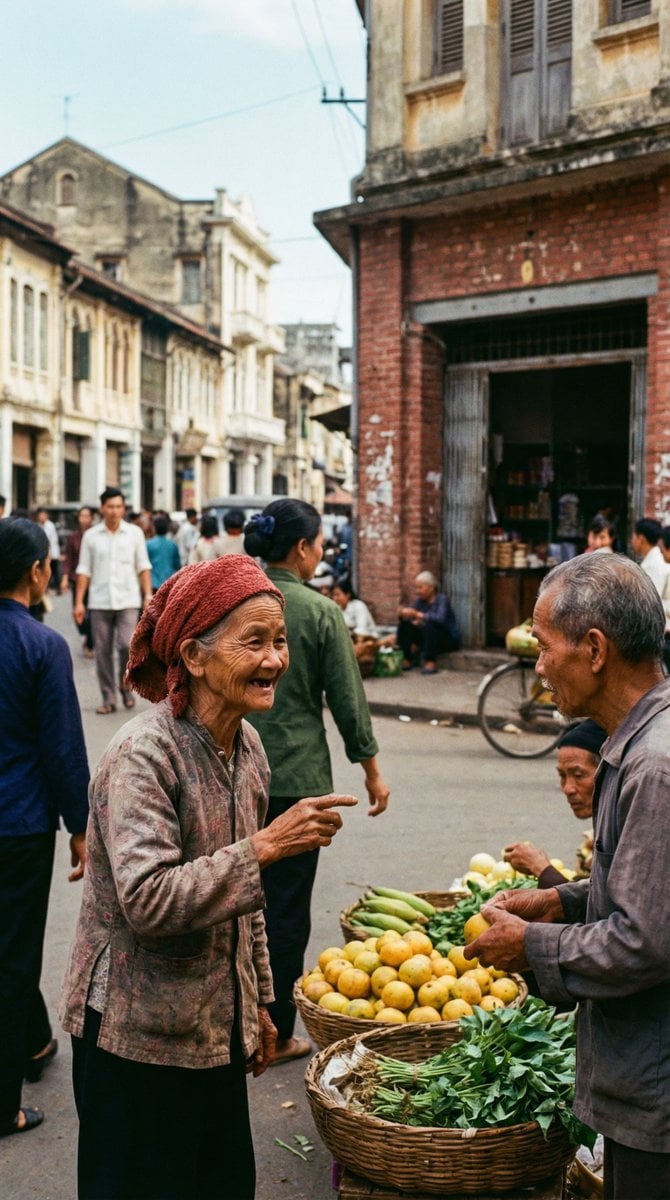
1970s Kodachrome Street Documentary Moment
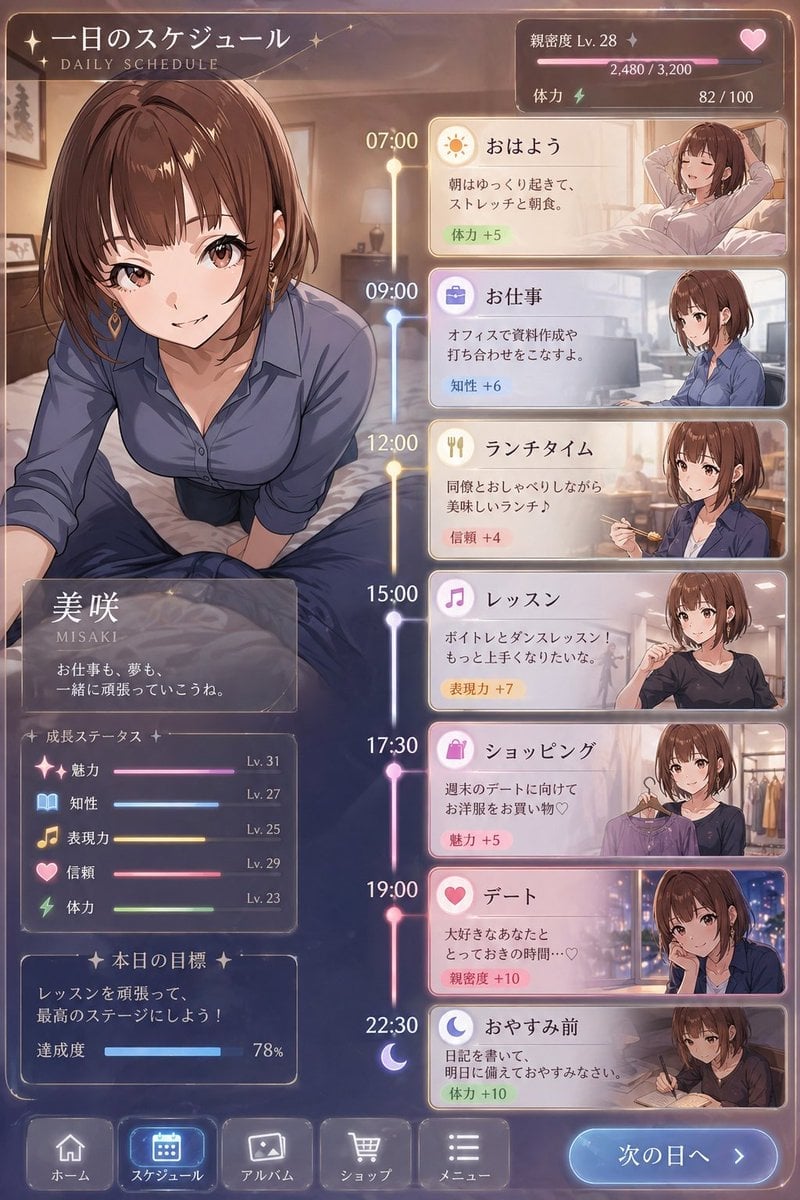
Character Schedule UI Design
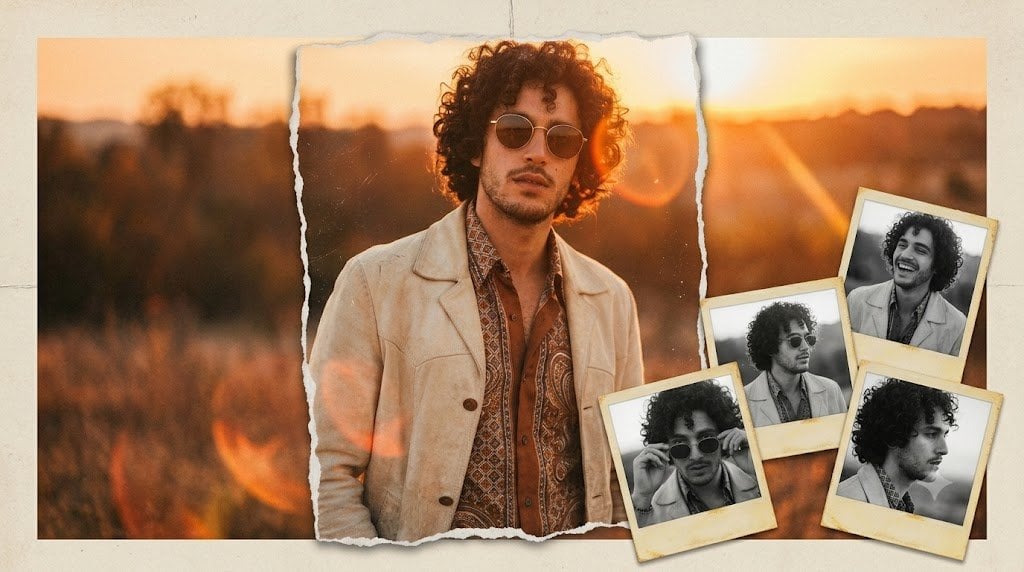
Vintage Anonymous Portrait Collage

Dreamy Collage Portrait of a Girl

Blonde Fitness Girl Mirror Selfie in Modern Apartment
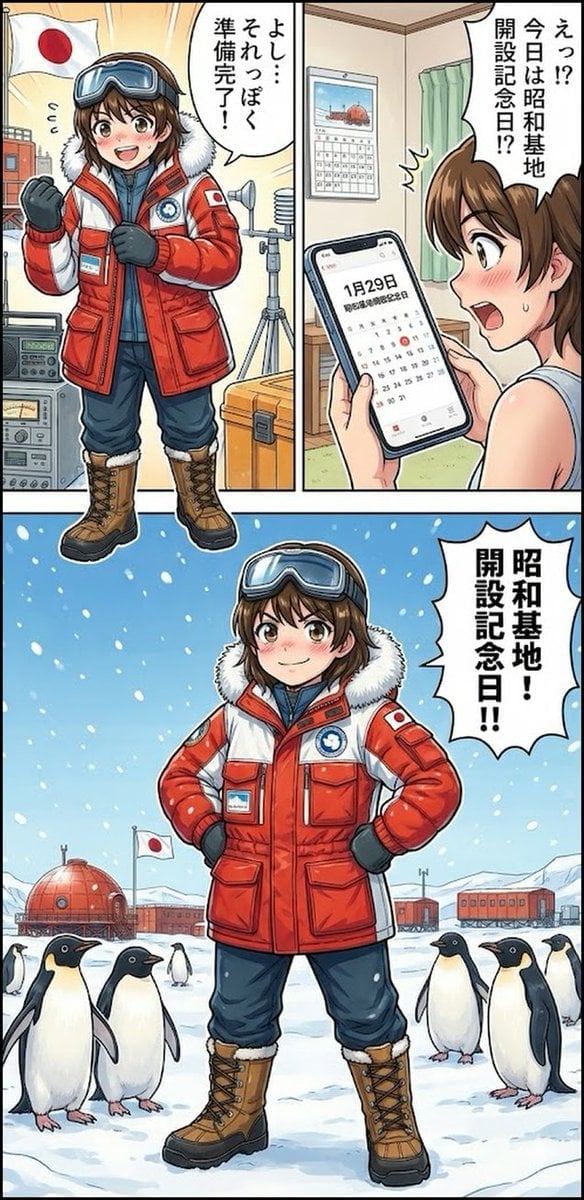
Daily Drawing: Hasuka-chan Manga
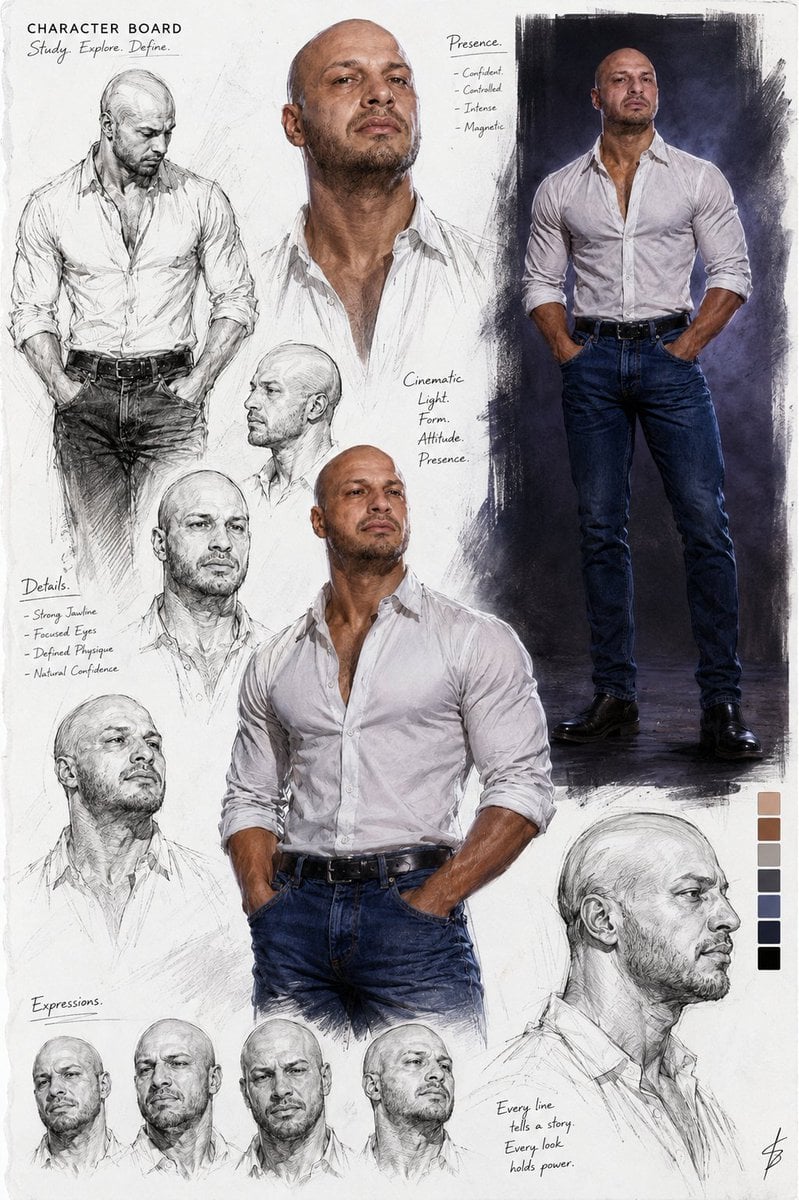
Cinematic Male Character Concept Board

Cinematic Portrait in Kashmir Mustard Field
Browse template categories
Japanese AI Image Evolution Infographic questions
How do I use the Japanese AI Image Evolution Infographic template?
Add your photo if the template asks for one, edit the prompt if you like — the template's model and format are already selected — and press Generate. Your version opens in PicX Studio.
Can I customize the Japanese AI Image Evolution Infographic template?
Yes. You can change the subject, setting, lighting, mood, format, and available model controls before creating your image.
Is the Japanese AI Image Evolution Infographic template free?
Opening and editing this template is free. Generating uses credits, shown on the Generate button when you are signed in.
Which AI model should I use?
Start with GPT Image 2, which is the model associated with this template. You can compare another compatible model for a different finish.
Looking for something else? Browse all templates.

Your photo, any look
Thousands of ready templates for every top image and video model, from one credit balance.