
Gpt2 3d Stone Staircase Evolution Infographic
Transforms a flat evolutionary timeline into a realistic 3D stone staircase infographic with detailed organism renders and structured side panels.
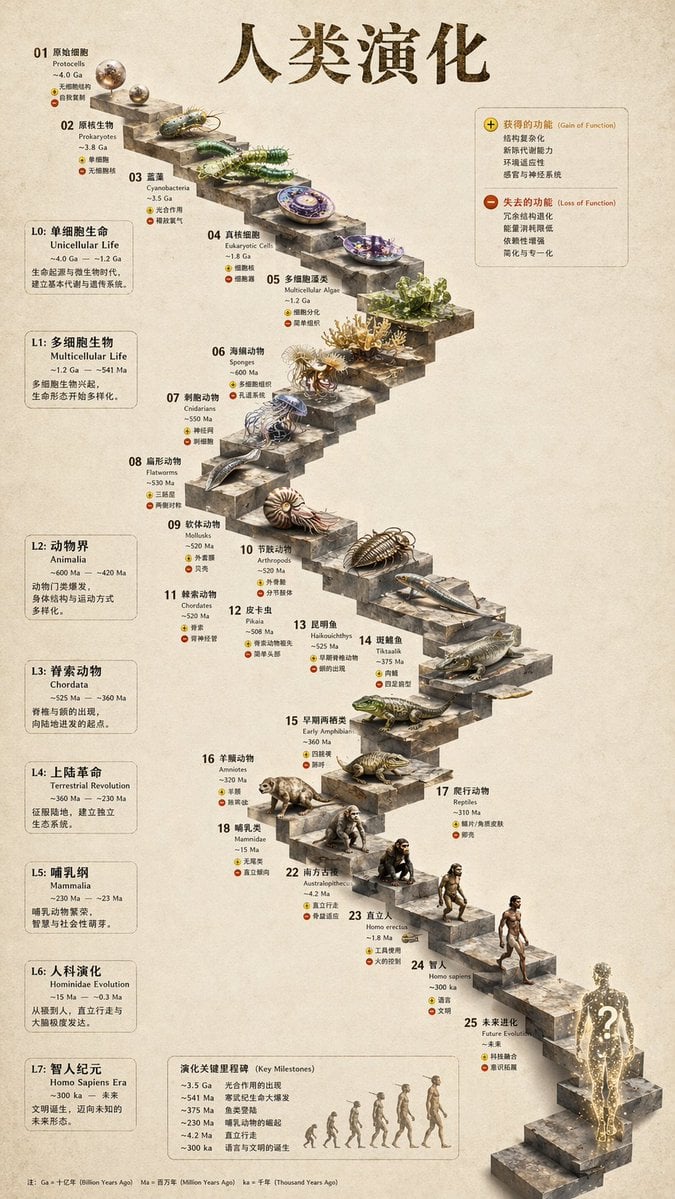
- Prompt included
- Model and format preset
- Free template
The prompt behind this image
Copy the exact prompt behind Gpt2 3d Stone Staircase Evolution Infographic, or open it in the studio and make it yours.
- Type
- evolutionary timeline infographic
- Instruction
- Using REFERENCE_0 as a structural base, transform the flat vector design into a highly realistic 3D infographic. Replace the smooth ramps with distinct stone steps and upgrade all organisms to photorealistic 3D models.
- Style › Background
- {argument name="background style" default="vintage textured parchment paper"}
- Style › Staircase
- {argument name="staircase material" default="realistic textured stone blocks"}
- Style › Subjects
- {argument name="organism style" default="highly detailed photorealistic 3D renders"}
- Layout › Main Title
- {argument name="main title" default="人类演化"}
- Layout › Sections › 0 › Position
- left sidebar
- Layout › Sections › 0 › Count
- 8
- Layout › Sections › 0 › Labels
- L0: 单细胞生命, L1: 多细胞生物, L2: 动物界, L3: 脊索动物, L4: 上陆革命, L5: 哺乳纲, L6: 人科演化, L7: 智人纪元
- Layout › Sections › 1 › Position
- top right
- Layout › Sections › 1 › Title
- 获得的功能 / 失去的功能
- Layout › Sections › 1 › Description
- Legend with plus and minus icons
- Layout › Sections › 2 › Position
- bottom center
- Layout › Sections › 2 › Title
- 演化关键里程碑
- Layout › Sections › 2 › Count
- 6
- Layout › Sections › 2 › Description
- Timeline with a silhouette graphic of 6 figures showing ape-to-human evolution
- Layout › Centerpiece › Description
- Winding stone staircase with 25 numbered steps featuring specific organisms.
- Layout › Centerpiece › Count
- 25
- Layout › Centerpiece › Notable Elements
- Step 07: Jellyfish, Step 09: Ammonite, Step 10: Trilobite, Step 24: Walking human, Step 25: {argument name="future evolution concept" default="glowing cosmic silhouette with a question mark"}
Raw JSON
{
  "type": "evolutionary timeline infographic",
  "instruction": "Using REFERENCE_0 as a structural base, transform the flat vector design into a highly realistic 3D infographic. Replace the smooth ramps with distinct stone steps and upgrade all organisms to photorealistic 3D models.",
  "style": {
    "background": "{argument name=\"background style\" default=\"vintage textured parchment paper\"}",
    "staircase": "{argument name=\"staircase material\" default=\"realistic textured stone blocks\"}",
    "subjects": "{argument name=\"organism style\" default=\"highly detailed photorealistic 3D renders\"}"
  },
  "layout": {
    "main_title": "{argument name=\"main title\" default=\"人类演化\"}",
    "sections": [
      {
        "position": "left sidebar",
        "count": 8,
        "labels": ["L0: 单细胞生命", "L1: 多细胞生物", "L2: 动物界", "L3: 脊索动物", "L4: 上陆革命", "L5: 哺乳纲", "L6: 人科演化", "L7: 智人纪元"]
      },
      {
        "position": "top right",
        "title": "获得的功能 / 失去的功能",
        "description": "Legend with plus and minus icons"
      },
      {
        "position": "bottom center",
        "title": "演化关键里程碑",
        "count": 6,
        "description": "Timeline with a silhouette graphic of 6 figures showing ape-to-human evolution"
      }
    ],
    "centerpiece": {
      "description": "Winding stone staircase with 25 numbered steps featuring specific organisms.",
      "count": 25,
      "notable_elements": [
        "Step 07: Jellyfish",
        "Step 09: Ammonite",
        "Step 10: Trilobite",
        "Step 24: Walking human",
        "Step 25: {argument name=\"future evolution concept\" default=\"glowing cosmic silhouette with a question mark\"}"
      ]
    }
  }
}How to use Gpt2 3d Stone Staircase Evolution Infographic in 3 steps
- 1
Open
The prompt is already in the box next to the preview, with the template's model and format selected.
- 2…a portrait of your subject in softgolden-hour light, 85mm…
Personalize
Edit the subject and creative details for your destination.
- 3Generate
Generate
Press Generate — your image is created in PicX Studio, so you can compare it with the original and refine one variable at a time.
More like this
Templates with the same subject, style or setup. Open one to see its prompt.
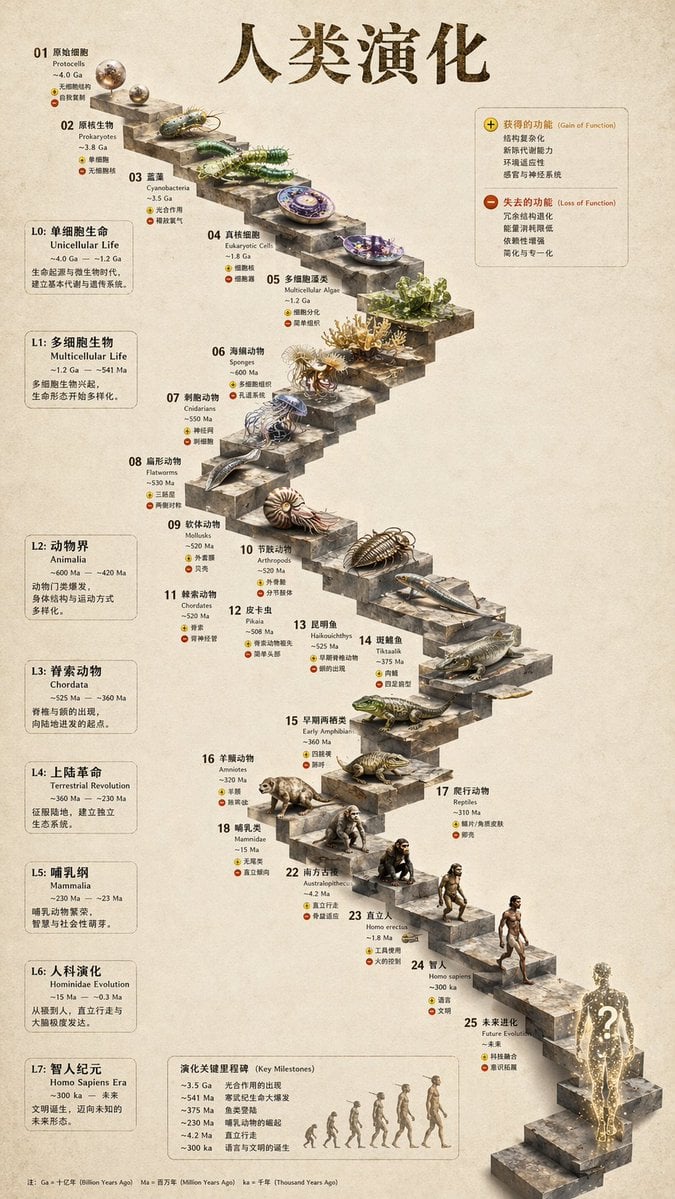
3D Stone Staircase Evolution Infographic

Gpt2 E Commerce Main Image Earbuds E Commerce Infographic

Gpt2 Infographic Edu Visual Alishan One Day Travel Poster

Gpt2 Infographic Edu Visual Ethnographic Plate for Tibetan Ceremonial Hat

Gpt2 Infographic Edu Visual Earth Signs Zodiac Character Poster

Gpt2 Infographic Edu Visual Water Signs Zodiac Character Poster

Gpt2 Infographic Edu Visual Ink Wash Tribute Poster for Chen Uen

Gpt2 Infographic Edu Visual Vintage Claude Shannon Infographic Poster

Gpt2 Infographic Edu Visual Taoist Three Souls Seven Po Poster

Gpt2 Infographic Edu Visual Biomimetic Skyray Aircraft Poster

Gpt2 Infographic Edu Visual Japanese Sci Fi Suit Up Process Board

Gpt2 Infographic Edu Visual Good Bath Day Editorial Poster
Make it yours
Gpt2 3d Stone Staircase Evolution Infographic works as-is. These are the safest ways to change it without losing the look.
Swap the setting
Keep the rest of the prompt and replace the location block. The current setting is “{argument name="background style" default="vintage textured parchment paper"}”.
Change one field
Copy a single group, rewrite it, and generate again so you can see what that field is doing.
Keep the frame, change the subject
Hold the composition and light of gpt2-3d-stone-staircase-evolution-infographic, then swap wardrobe, props or the person for a new take.
| If the result… | Why | Fix |
|---|---|---|
| The result drifts from the preview | Too many fields changed at once. | Reuse gpt2-3d-stone-staircase-evolution-infographic as-is first, then change one group — subject, light, or setting. |
| GPT Image 2 ignores part of the JSON | Some models flatten or skip nested keys. | Keep the same values and paste them as a short paragraph instead. |
More GPT Image 2 templates
Other prompts made for GPT Image 2.

Six VTuber Japanese Logo Sheet

Realistic Portrait of Woman and Deer

The Vista Modular Condo Poster

AI Model Routing Comparison Infographic

2.5D Anime Art Board

Isometric Productivity Desk Scene

New York Double Exposure Poster

Four-Panel AI Landscape Comparison

Japanese Tatami Lifestyle Magazine Cover

NESCAFÉ Coffee Map Poster
More image prompts
Fresh picks from across the catalog.

Photorealistic Lifestyle/Editorial Photo Shoot Prompt with Identity Preservation

Cinematic Editorial Fantasy Portrait Prompt

Hyper-Realistic Chiaroscuro Portrait
Japanese AI Prompt Gallery UI
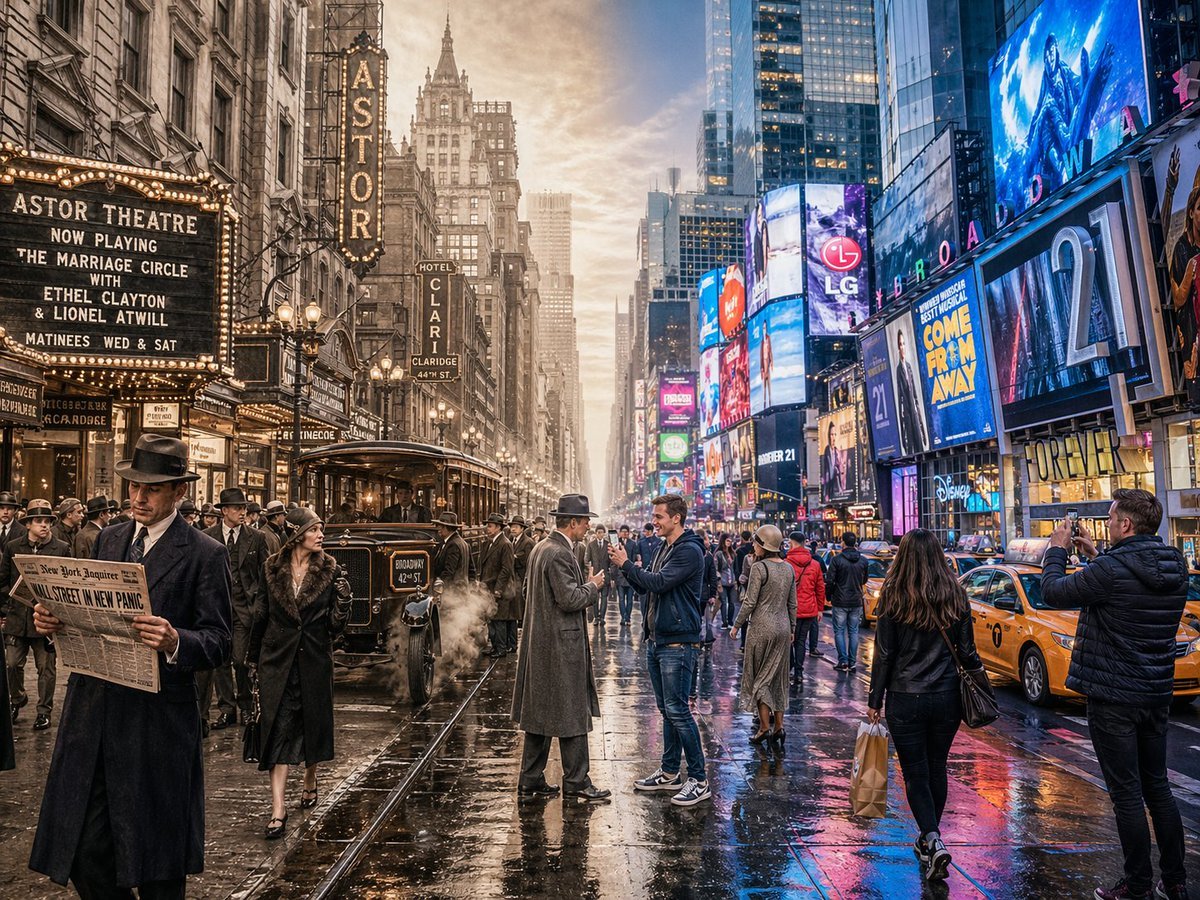
Split-Screen Time Travel Scene

Minimalist Golden Hour Selfie

Cyberpunk Assassin With Neon Glass Dagger

Food-Themed Festival Scene Generation Prompt (Iterative)
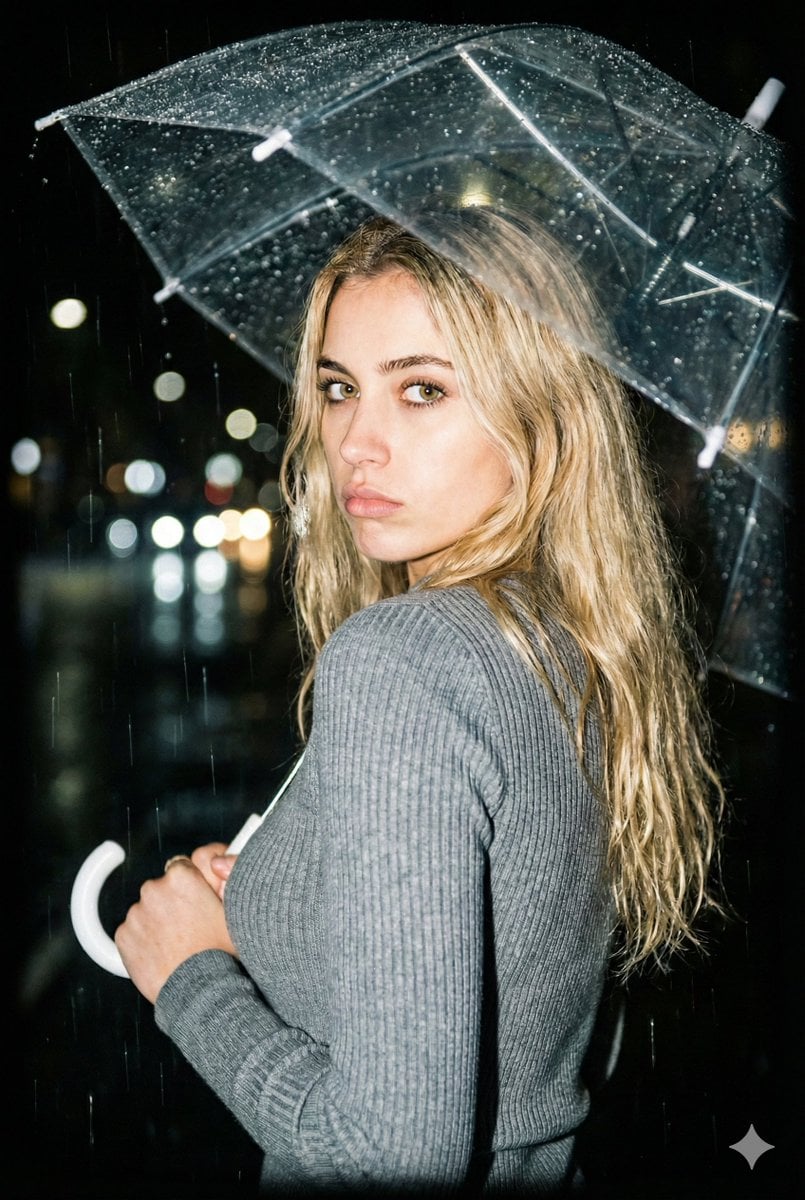
Nighttime Rainy Umbrella Portrait Prompt

Industrial Concrete Portrait
Browse template categories
Gpt2 3d Stone Staircase Evolution Infographic questions
How do I use the gpt2-3d-stone-staircase-evolution-infographic template?
Add your photo if the template asks for one, edit the prompt if you like — the template's model and format are already selected — and press Generate. Your version opens in PicX Studio.
Can I customize the gpt2-3d-stone-staircase-evolution-infographic template?
Yes. You can change the subject, setting, lighting, mood, format, and available model controls before creating your image.
Is the gpt2-3d-stone-staircase-evolution-infographic template free?
Opening and editing this template is free. Generating uses credits, shown on the Generate button when you are signed in.
Which AI model should I use?
Start with GPT Image 2, which is the model associated with this template. You can compare another compatible model for a different finish.
Looking for something else? Browse all templates.

Your photo, any look
Thousands of ready templates for every top image and video model, from one credit balance.