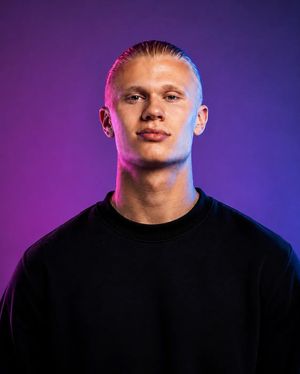
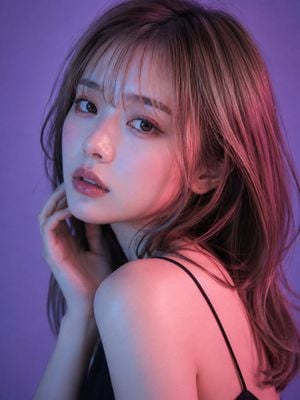
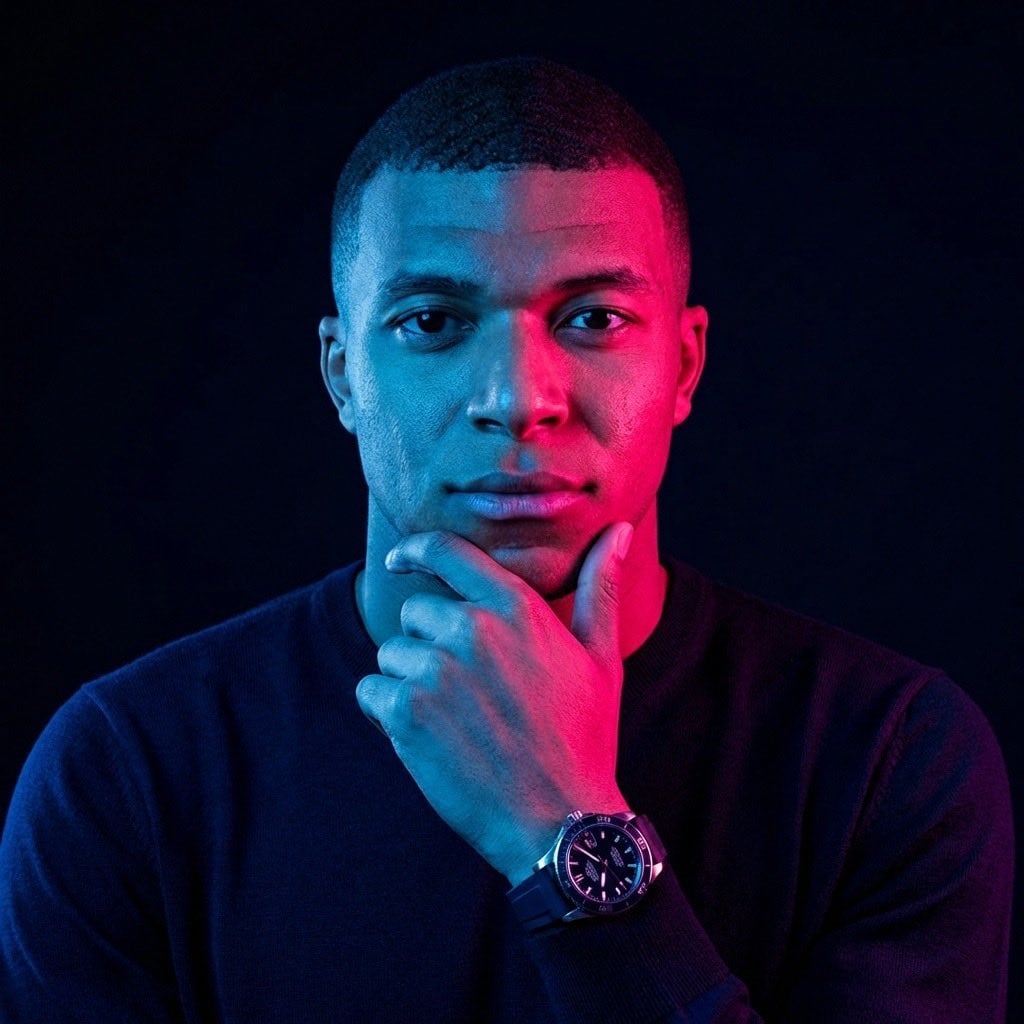
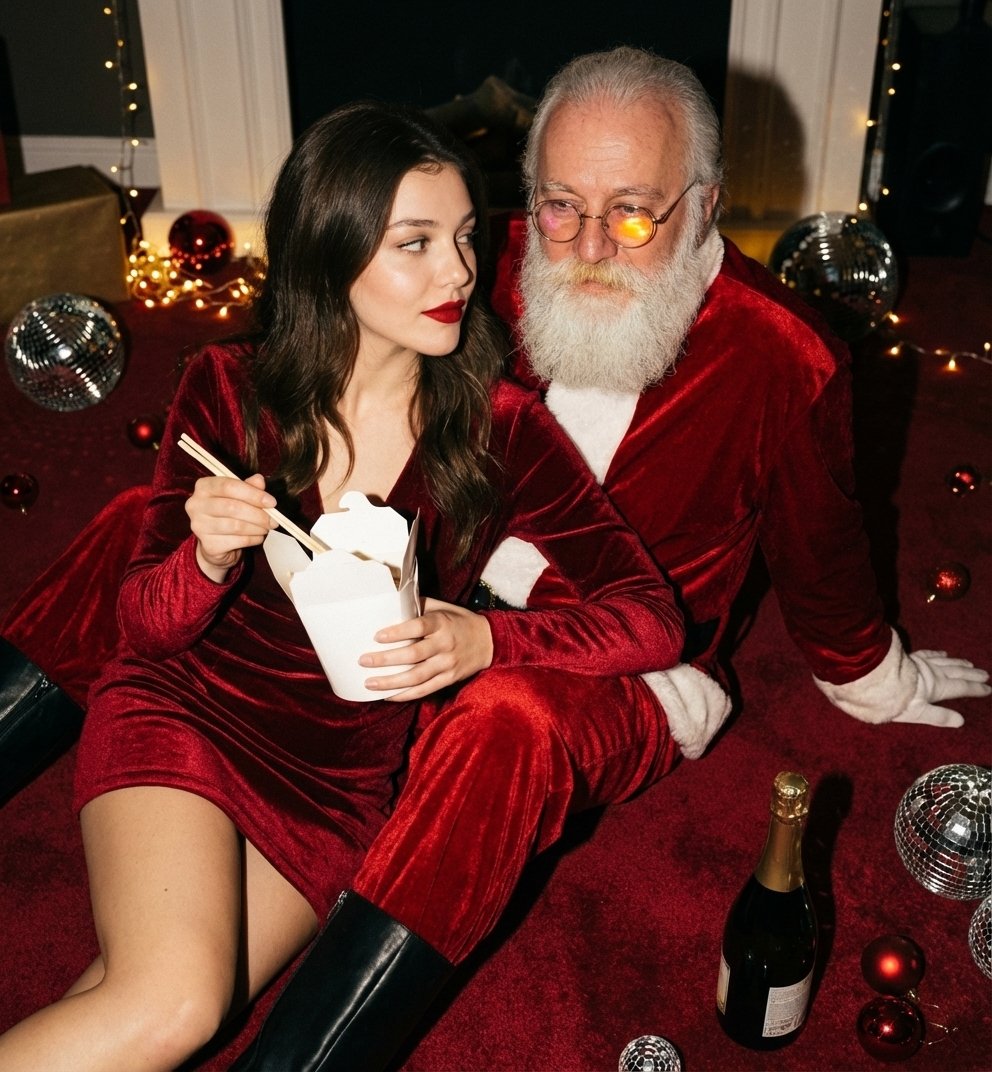
How do I use the Editorial Male Portrait with Neon Lighting template?
Edit the prompt in the box under the preview — the template's model and format are already selected — and press Generate. Your version appears right on this page.
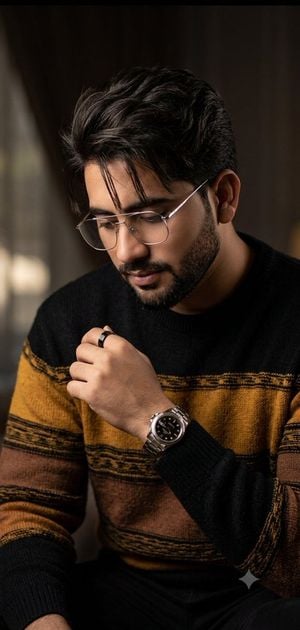
A professional editorial portrait prompt for a man featuring a textured beard, glasses, and a vibrant neon lime-green background with cinematic lighting.

This template uses your photo — add one with the + button.
Ultra-realistic editorial portrait of a young man with {argument name="hair style" default="tousled textured brown hair"}, {argument name="eye color" default="piercing blue eyes"}, and a neatly groomed short beard. Wearing matte black round eyeglasses, a black turtleneck sweater, and a tailored black blazer. Medium close-up framing, looking slightly off-camera with a calm, intelligent, confident expression. Vibrant {argument name="background color" default="neon lime-green"} seamless studio background with subtle gradient. Dramatic green rim lighting illuminating the hair, jawline, neck, and shoulders, creating a futuristic cinematic atmosphere. Professional fashion photography, luxury magazine cover aesthetic, ultra-detailed skin texture, visible pores, natural beard detail, sharp eyes, realistic reflections on glasses, high dynamic range. Soft key light from the front, subtle fill light, shallow depth of field, crisp focus on facial features, premium color grading, modern tech-founder style, minimalist composition, photorealistic, hyper-realistic, 8K, HDR, commercial advertising campaign quality. Shot on an 85mm lens, f/1.8, ISO 100, studio lighting setup, ultra-sharp detail, centered composition, clean background, Vogue editorial photography, award-winning portrait photography. Add for face consistency: Face closely matches the uploaded reference image, preserving the same facial structure, hairstyle, eye shape, beard pattern, skin tone, and overall identity while adapting only the pose, lighting, wardrobe, and background.
Ultra-realistic editorial portrait of a young man with {argument name="hair style" default="tousled textured brown hair"}, {argument name="eye color" default="piercing blue eyes"}, and a neatly groomed short beard. Wearing matte black round eyeglasses, a black turtleneck sweater, and a tailored black blazer. Medium close-up framing, looking slightly off-camera with a calm, intelligent, confident expression. Vibrant {argument name="background color" default="neon lime-green"} seamless studio background with subtle gradient. Dramatic green rim lighting illuminating the hair, jawline, neck, and shoulders, creating a futuristic cinematic atmosphere. Professional fashion photography, luxury magazine cover aesthetic, ultra-detailed skin texture, visible pores, natural beard detail, sharp eyes, realistic reflections on glasses, high dynamic range. Soft key light from the front, subtle fill light, shallow depth of field, crisp focus on facial features, premium color grading, modern tech-founder style, minimalist composition, photorealistic, hyper-realistic, 8K, HDR, commercial advertising campaign quality. Shot on an 85mm lens, f/1.8, ISO 100, studio lighting setup, ultra-sharp detail, centered composition, clean background, Vogue editorial photography, award-winning portrait photography. Add for face consistency: Face closely matches the uploaded reference image, preserving the same facial structure, hairstyle, eye shape, beard pattern, skin tone, and overall identity while adapting only the pose, lighting, wardrobe, and background.
Edit the prompt in the box under the preview — the template's model and format are already selected — and press Generate. Your version appears right on this page.
Yes. You can change the subject, setting, lighting, mood, format, and available model controls before creating your image.
Opening and editing this template is free. Generating uses credits, shown on the Generate button when you are signed in.
Start with GPT Image 2, which is the model associated with this template. You can compare another compatible model for a different finish.
Follow a topic to a crawlable collection of related PicX Studio templates.