
Cultural Garment Infographic
Generates a highly detailed, multi-section educational infographic detailing the components, materials, and history of traditional garments.
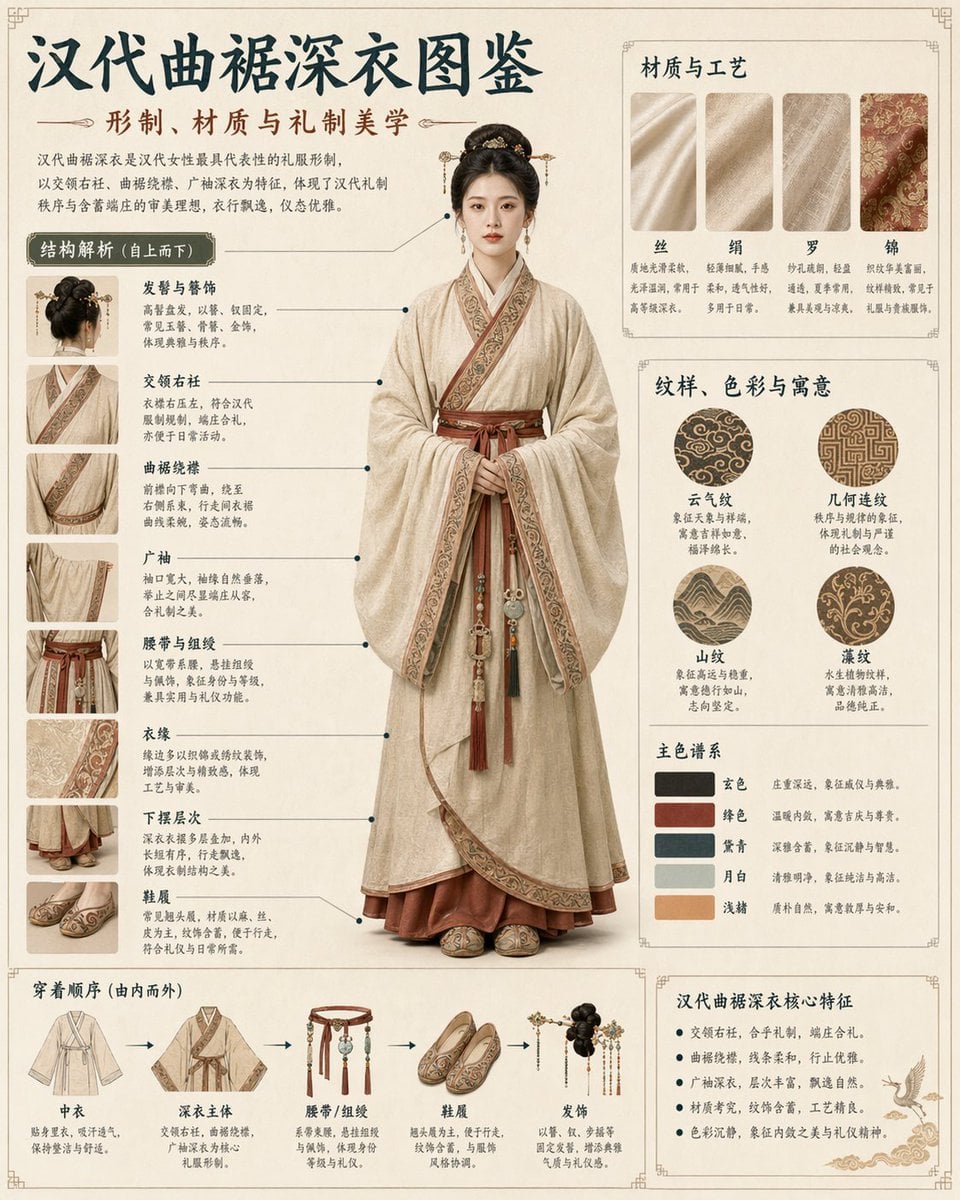
- Prompt included
- Model and format preset
- Free template
The prompt behind this image
Copy the exact prompt behind Cultural Garment Infographic, or open it in the studio and make it yours.
- Type
- comprehensive cultural infographic and visual guide
- Subject › Description
- {argument name="subject description" default="young Chinese woman with elegant traditional updo"}
- Subject › Garment
- traditional Hanfu, specifically a Quju Shenyi
- Subject › Colors
- {argument name="garment color" default="beige and maroon"}
- Subject › Pose
- standing full-body, facing forward, hands clasped respectfully
- Layout › Background
- {argument name="background style" default="vintage parchment with subtle traditional borders"}
- Layout › Header › Title
- {argument name="main title" default="汉代曲裾深衣图鉴"}
- Layout › Header › Subtitle
- {argument name="subtitle" default="形制、材质与礼制美学"}
- Layout › Header › Description
- introductory paragraph explaining history and significance
- Layout › Centerpiece
- large photorealistic full-body portrait of the subject
- Layout › Sections › 0 › Title
- 结构解析 (自上而下)
- Layout › Sections › 0 › Position
- left column
- Layout › Sections › 0 › Count
- 8
- Layout › Sections › 0 › Format
- close-up photo thumbnails with connecting lines to centerpiece
- Layout › Sections › 0 › Labels
- 发髻与簪饰, 交领右衽, 曲裾绕襟, 广袖, 腰带与组绶, 衣缘, 下摆层次, 鞋履
- Layout › Sections › 1 › Title
- 材质与工艺
- Layout › Sections › 1 › Position
- top right
- Layout › Sections › 1 › Count
- 4
- Layout › Sections › 1 › Format
- rectangular fabric texture swatches
- Layout › Sections › 1 › Labels
- 丝, 绢, 罗, 锦
- Layout › Sections › 2 › Title
- 纹样、色彩与寓意
- Layout › Sections › 2 › Position
- middle right
- Layout › Sections › 2 › Count
- 2
- Layout › Sections › 2 › Subsections › 0 › Type
- patterns
Raw JSON
{"type": "comprehensive cultural infographic and visual guide", "subject": {"description": "{argument name=\"subject description\" default=\"young Chinese woman with elegant traditional updo\"}", "garment": "traditional Hanfu, specifically a Quju Shenyi", "colors": "{argument name=\"garment color\" default=\"beige and maroon\"}", "pose": "standing full-body, facing forward, hands clasped respectfully"}, "layout": {"background": "{argument name=\"background style\" default=\"vintage parchment with subtle traditional borders\"}", "header": {"title": "{argument name=\"main title\" default=\"汉代曲裾深衣图鉴\"}", "subtitle": "{argument name=\"subtitle\" default=\"形制、材质与礼制美学\"}", "description": "introductory paragraph explaining history and significance"}, "centerpiece": "large photorealistic full-body portrait of the subject", "sections": [{"title": "结构解析 (自上而下)", "position": "left column", "count": 8, "format": "close-up photo thumbnails with connecting lines to centerpiece", "labels": ["发髻与簪饰", "交领右衽", "曲裾绕襟", "广袖", "腰带与组绶", "衣缘", "下摆层次", "鞋履"]}, {"title": "材质与工艺", "position": "top right", "count": 4, "format": "rectangular fabric texture swatches", "labels": ["丝", "绢", "罗", "锦"]}, {"title": "纹样、色彩与寓意", "position": "middle right", "count": 2, "subsections": [{"type": "patterns", "count": 4, "format": "circular pattern swatches", "labels": ["云气纹", "几何连纹", "山纹", "藻纹"]}, {"type": "color palette", "count": 5, "format": "rectangular color swatches", "labels": ["玄色", "绛色", "黛青", "月白", "浅赭"]}]}, {"title": "穿着顺序 (由内而外)", "position": "bottom left", "count": 5, "format": "illustrated clothing items connected by sequential arrows", "labels": ["中衣", "深衣主体", "腰带/组绶", "鞋履", "发饰"]}, {"title": "汉代曲裾深衣核心特征", "position": "bottom right", "count": 5, "format": "bulleted text list with a small illustration of a flying crane", "labels": ["交领右衽,合乎礼制,端庄合礼。", "曲裾绕襟,线条柔和,行走优雅。", "广袖深衣,层次丰富,飘逸自然。", "材质考究,纹饰含蓄,工艺精良。", "色彩沉静,象征内敛之美与礼仪精神。"]}]}}How to use Cultural Garment Infographic in 3 steps
- 1Upload ImagePNG, JPG or paste
Add your photo
Upload the photo the template builds on. The prompt, model and format are already set.
- 2…a portrait of your subject in softgolden-hour light, 85mm…
Personalize
Edit the subject and creative details for your destination.
- 3Generate
Generate
Press Generate — your image is created in PicX Studio, so you can compare it with the original and refine one variable at a time.
More like this
Templates with the same subject, style or setup. Open one to see its prompt.

博物馆图鉴式汉服拆解图 — GPT-image-2

Japan Travel Brochure Poster

Eid al-Adha Cute Chaos — Fisheye Selfie with Farm Selfie, Mosque & Animals

Isometric Process Educational Diorama

Isometric Vehicle Teardown Infographic Template

Gpt2 E Commerce Main Image Earbuds E Commerce Infographic

Gpt2 Infographic Edu Visual Alishan One Day Travel Poster

Gpt2 Infographic Edu Visual Ethnographic Plate for Tibetan Ceremonial Hat

Gpt2 Infographic Edu Visual Earth Signs Zodiac Character Poster

Gpt2 Infographic Edu Visual Water Signs Zodiac Character Poster

Gpt2 Infographic Edu Visual Ink Wash Tribute Poster for Chen Uen

Gpt2 Infographic Edu Visual Vintage Claude Shannon Infographic Poster
Make it yours
Cultural Garment Infographic works as-is. These are the safest ways to change it without losing the look.
Swap the setting
Keep the rest of the prompt and replace the location block. The current setting is “{argument name="background style" default="vintage parchment with subtle traditi”.
Change one field
Copy a single group, rewrite it, and generate again so you can see what that field is doing.
Keep the frame, change the subject
Hold the composition and light of Cultural Garment Infographic, then swap wardrobe, props or the person for a new take.
| If the result… | Why | Fix |
|---|---|---|
| The result drifts from the preview | Too many fields changed at once. | Reuse Cultural Garment Infographic as-is first, then change one group — subject, light, or setting. |
| GPT Image 2 ignores part of the JSON | Some models flatten or skip nested keys. | Keep the same values and paste them as a short paragraph instead. |
More GPT Image 2 templates
Other prompts made for GPT Image 2.

Six VTuber Japanese Logo Sheet

Realistic Portrait of Woman and Deer

The Vista Modular Condo Poster

AI Model Routing Comparison Infographic

2.5D Anime Art Board

Isometric Productivity Desk Scene

New York Double Exposure Poster

Four-Panel AI Landscape Comparison

Japanese Tatami Lifestyle Magazine Cover

NESCAFÉ Coffee Map Poster
More image prompts
Fresh picks from across the catalog.
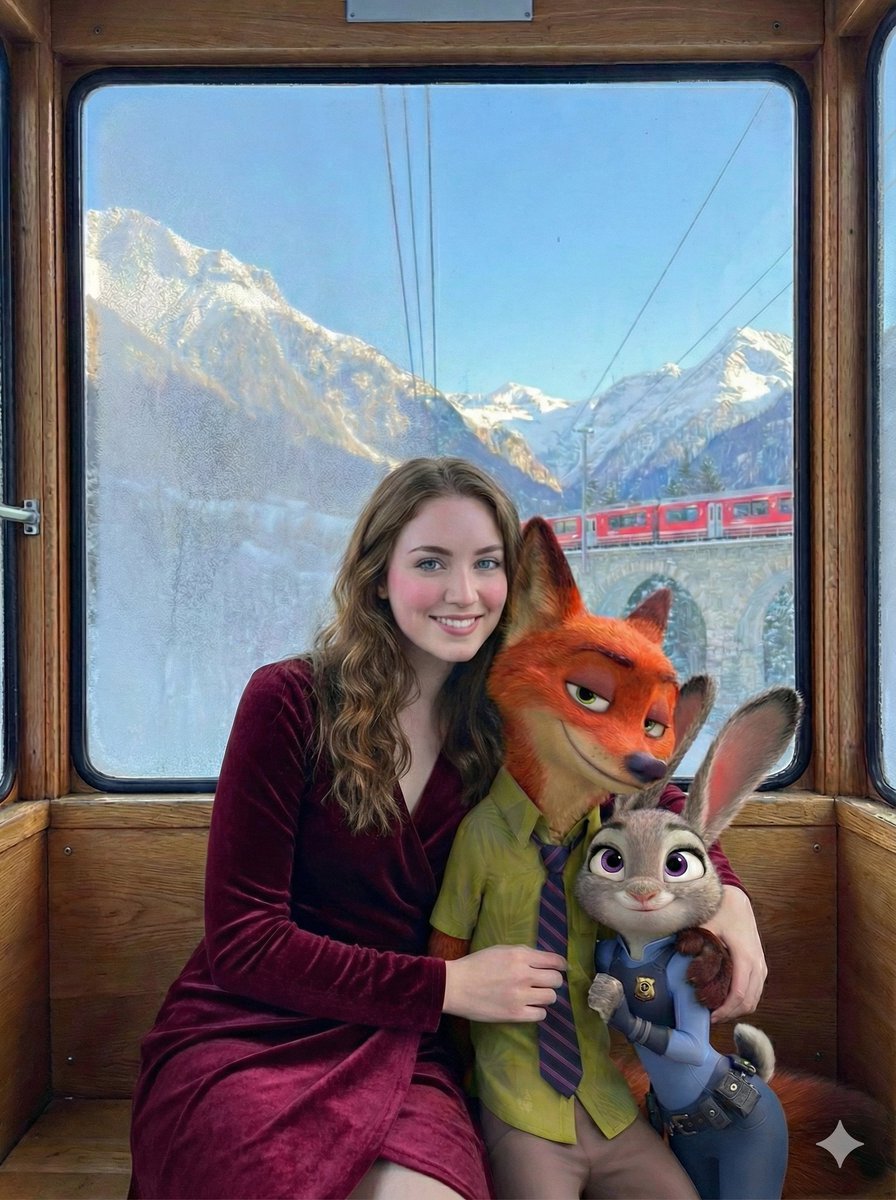
Cinematic Winter Train Scene with Animated Characters
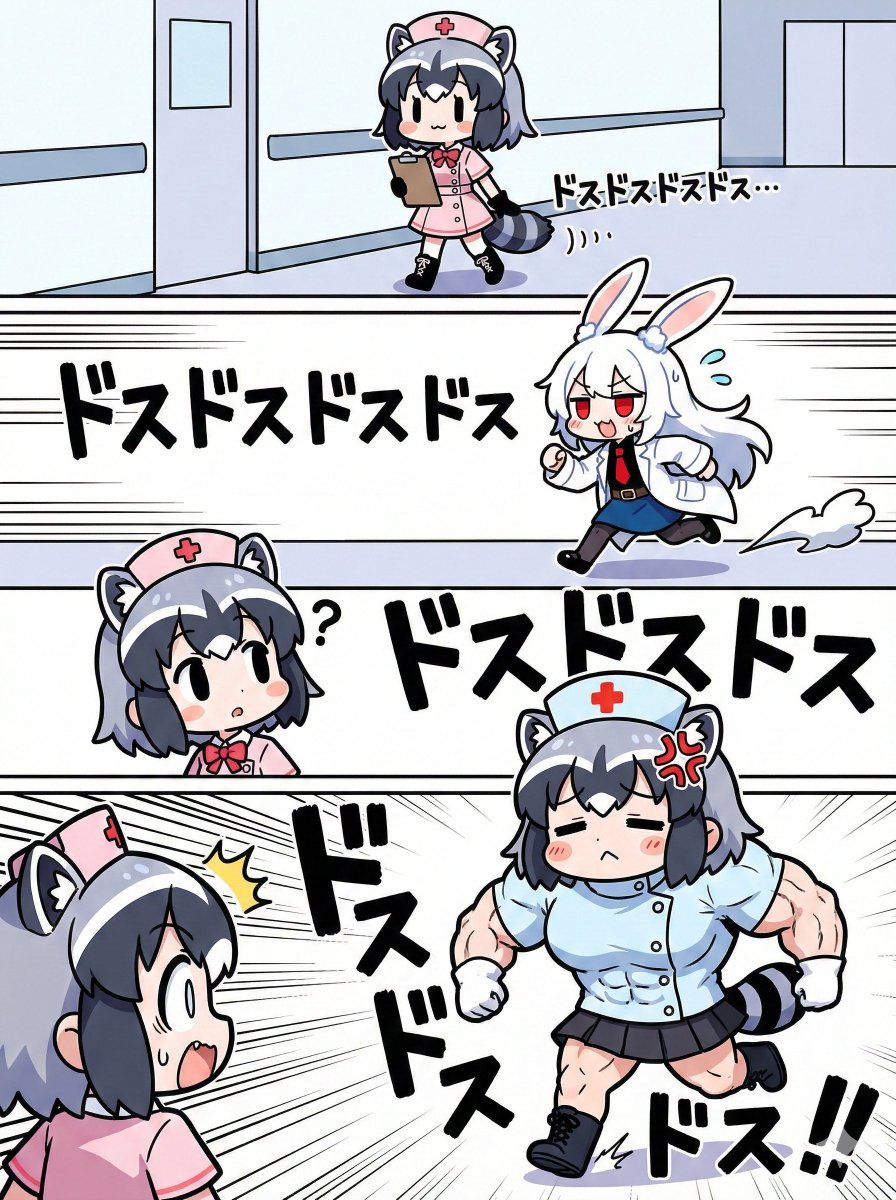
Nano Banana Pro Image Generation Prompt for Sunecat
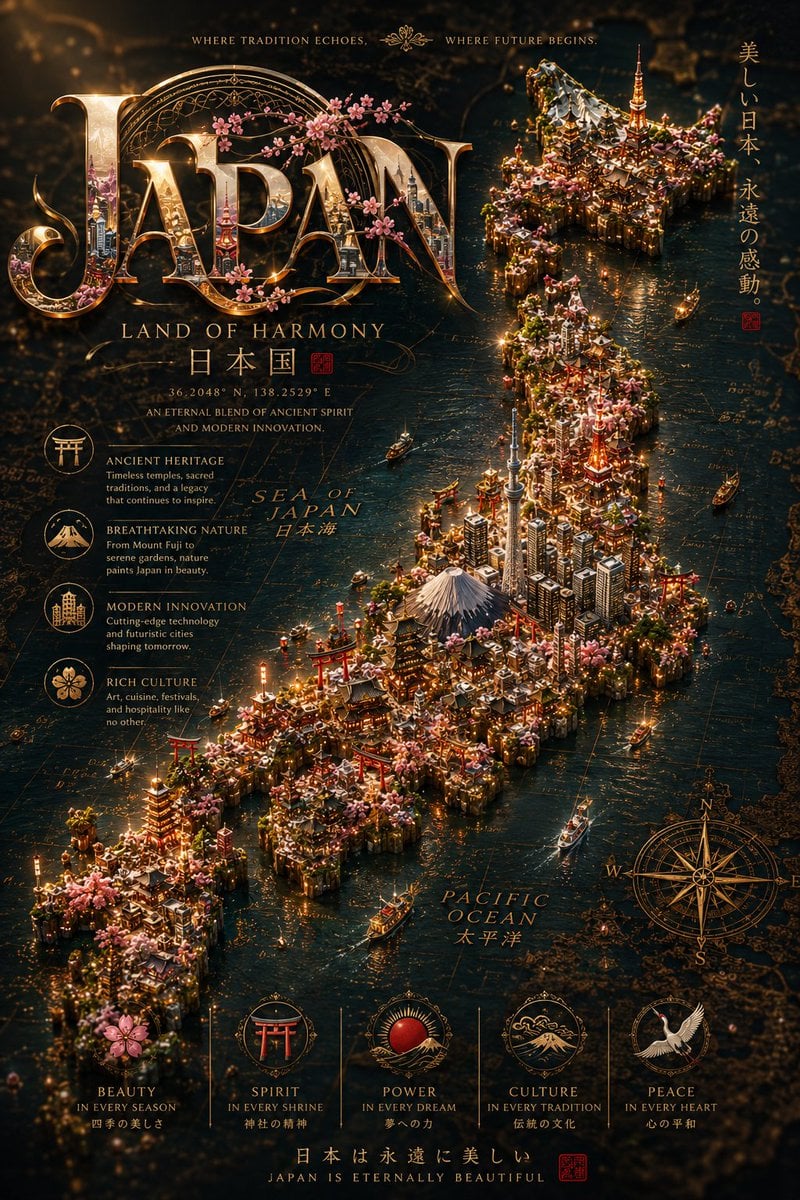
Cinematic Fantasy Country Atlas
Noir Mirror Reflection Portrait
Jade Stone Cube Texture
Travel Influencer Photo Prompt for Nano Banana Pro
Seaside Cafe Event Poster
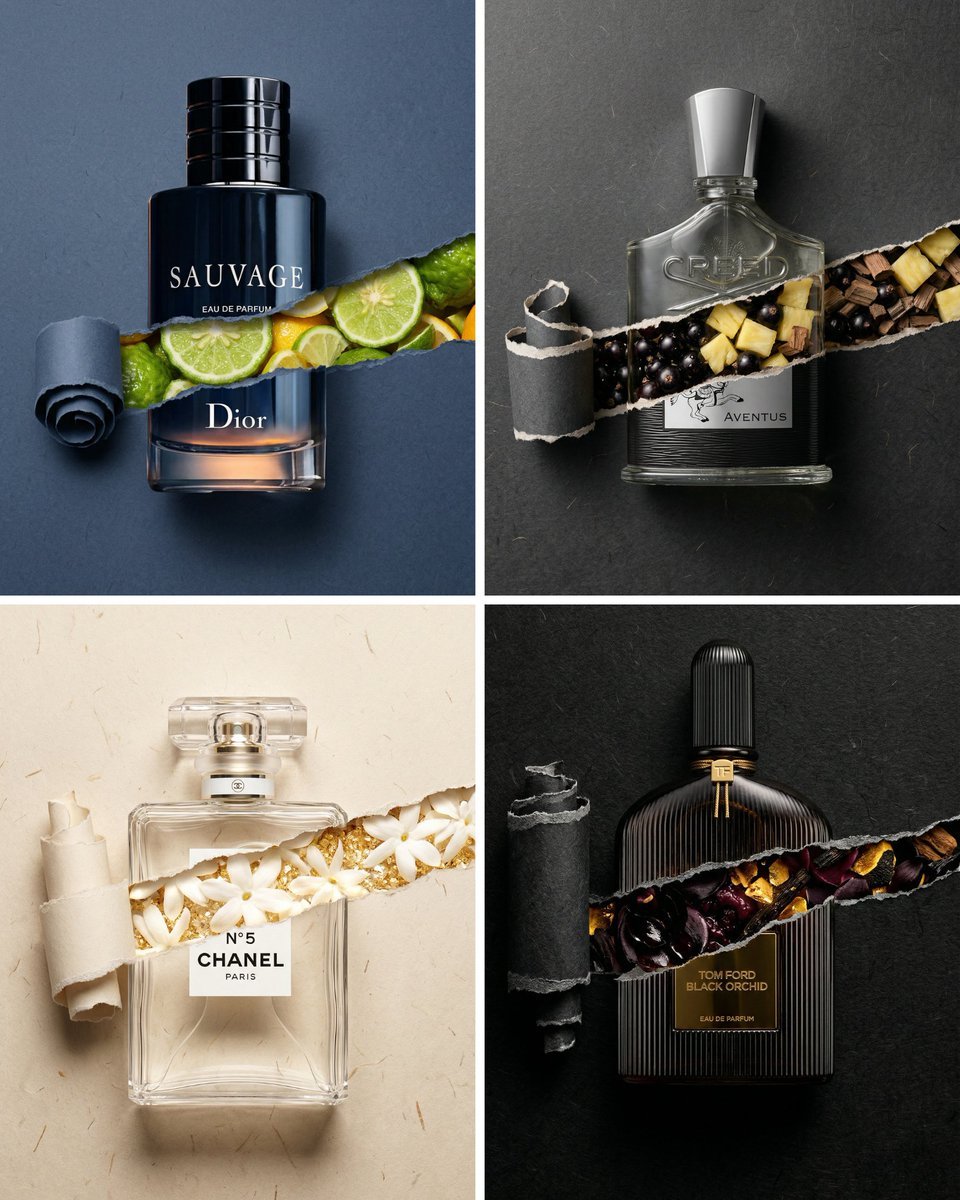
Perfume Bottle Product Shot with Torn Paper Effect
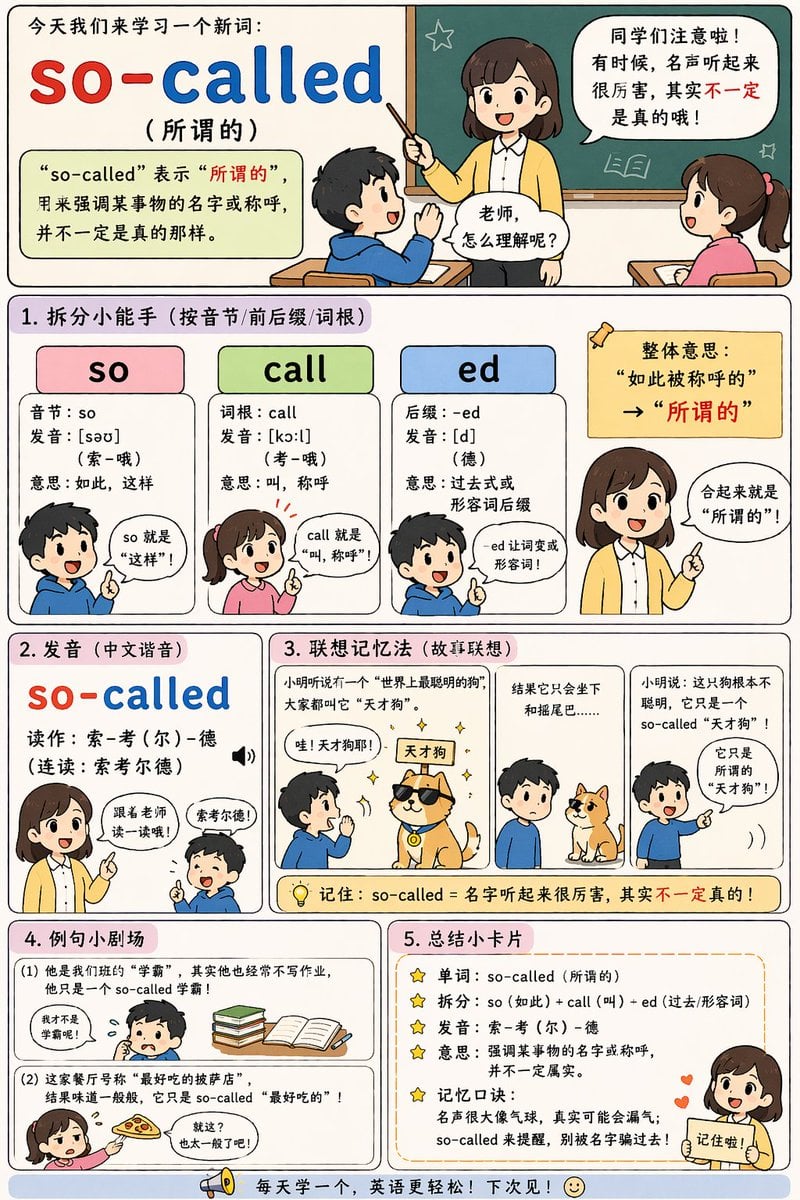
English Vocabulary Educational Infographic
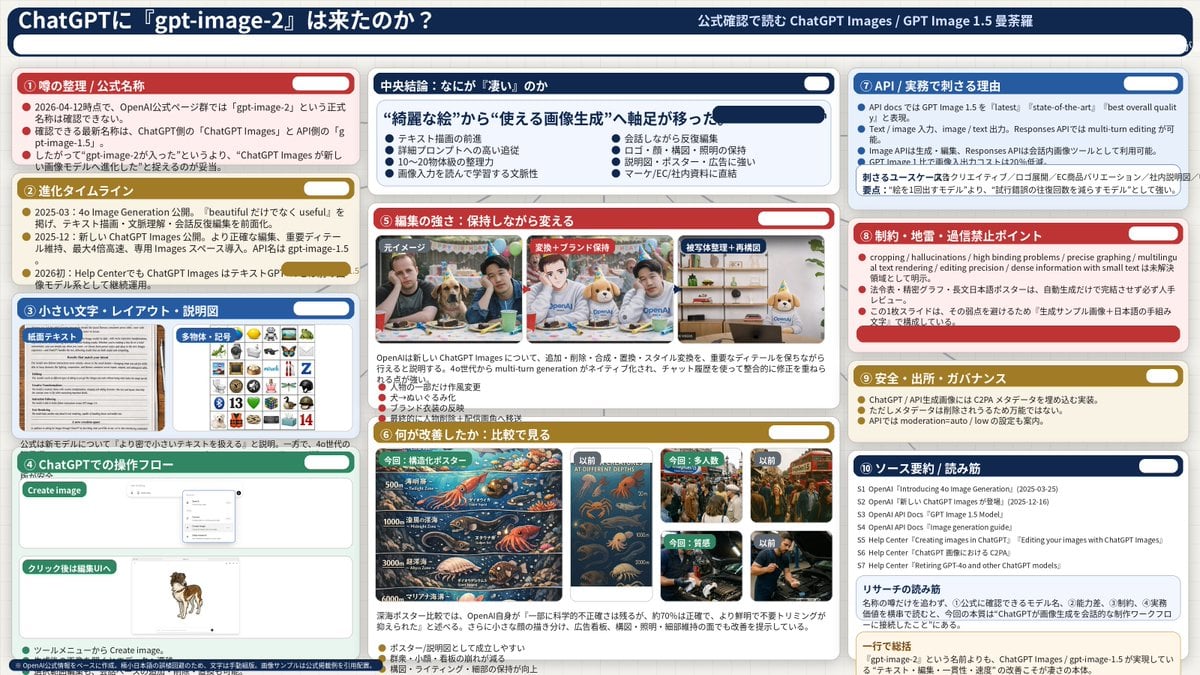
Complex AI Model Analysis Infographic
Browse template categories
Cultural Garment Infographic questions
How do I use the Cultural Garment Infographic template?
Add your photo if the template asks for one, edit the prompt if you like — the template's model and format are already selected — and press Generate. Your version opens in PicX Studio.
Can I customize the Cultural Garment Infographic template?
Yes. You can change the subject, setting, lighting, mood, format, and available model controls before creating your image.
Is the Cultural Garment Infographic template free?
Opening and editing this template is free. Generating uses credits, shown on the Generate button when you are signed in.
Which AI model should I use?
Start with GPT Image 2, which is the model associated with this template. You can compare another compatible model for a different finish.
Looking for something else? Browse all templates.

Your photo, any look
Thousands of ready templates for every top image and video model, from one credit balance.