
Cinematic Fantasy Country Atlas
A high-end template for turning geographic country maps into living, miniature fantasy civilizations with hyper-detailed architecture and luxury typography.
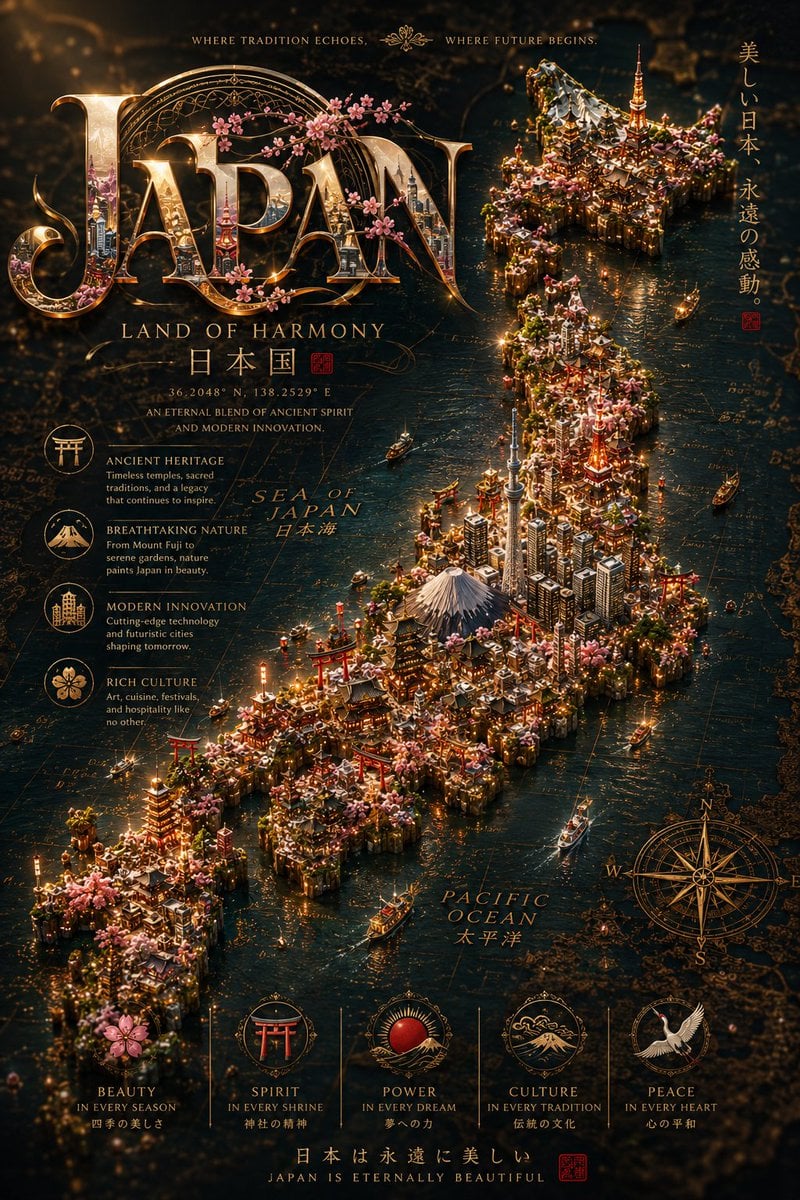
- Prompt included
- Model and format preset
- Free template
The prompt behind this image
Copy the exact prompt behind Cinematic Fantasy Country Atlas, or open it in the studio and make it yours.
An ultra-premium cinematic fantasy atlas visualization of {argument name="country" default="[COUNTRY]"}, transformed into a breathtaking handcrafted miniature civilization emerging organically from an ancient luxurious world map in the exact geographical shape of the real {argument name="map outline" default="[COUNTRY MAP OUTLINE]"}. The country itself becomes a living architectural island filled with hyper-detailed cities, glowing skylines, historic monuments, cultural landmarks, rivers, mountains, forests, bridges, temples, futuristic towers, ancient architecture, boats, roads, and immersive environmental storytelling integrated seamlessly into the map terrain. The composition must preserve the authentic recognizable silhouette of {argument name="country" default="[COUNTRY]"}, designed like a collectible luxury masterpiece viewed from a cinematic aerial macro perspective using a professional tilt-shift lens. The miniature world should feel alive, emotionally grand, and visually overwhelming with insane levels of detail and depth. The environment contains: glowing city lights realistic waterways with reflections illuminated bridges tiny cinematic boats moving traffic trails atmospheric fog layers smoke from buildings volumetric god rays reflective wet surfaces glowing windows floating particles drifting clouds birds flying over landmarks layered mountains elegant forests cultural symbols cinematic weather atmosphere realistic shadows and ambient occlusion ultra-detailed handcrafted textures The entire map rises naturally from luxurious aged parchment paper with: embossed cartographic textures engraved coordinates compass roses vintage typography neighboring country markings weathered paper cracks engraved rivers luxurious atlas aesthetics premium tactile realism The typography must be absolutely mesmerizing and viral-worthy — not simple text. The country name “{argument name="country name" default="[COUNTRY NAME]"}” should appear as gigantic ultra-luxury cinematic typography with: ornate golden metallic detailing engraved patterns glowing edges reflective textures internal miniature city reflections artistic flourishes cinematic highlights luxury editorial styling fantasy-level craftsmanship layered decorative elements elegant typography framing illuminated gold accents hyper-detailed embossed aesthetics The typography should feel like a billion-dollar luxury movie title mixed with high-fashion editorial design and premium travel campaign branding. Add native-language calligraphy, cultural symbols, official seals, ornamental borders, luxury emblems, and cinematic decorative framing inspired by the country’s heritage. On both sides of the composition, add large flowing fabric versions of the [COUNTRY FLAG] in elegant zig-zag cinematic movement similar to luxury royal banners, blending naturally into the composition with: realistic fabric folds dramatic lighting silky texture atmosphe
How to use Cinematic Fantasy Country Atlas in 3 steps
- 1
Open
The prompt is already in the box next to the preview, with the template's model and format selected.
- 2…a portrait of your subject in softgolden-hour light, 85mm…
Personalize
Edit the subject and creative details for your destination.
- 3Generate
Generate
Press Generate — your image is created in PicX Studio, so you can compare it with the original and refine one variable at a time.
More like this
Templates with the same subject, style or setup. Open one to see its prompt.

Anime Fantasy Celestial Movie Poster
Anime Fantasy Celestial Movie Poster

Minecraft Fantasy Kingdom Voxel Landscape

Unfinished Sketch Comes Alive Portrait

Open Travel Journal Overhead Still Life

Tiny Woman Miniature Fantasy Macro Scene
JSON Seedance - Fairy Macro Flight
Videogame Cinematic Trailer - Seedance 2.0
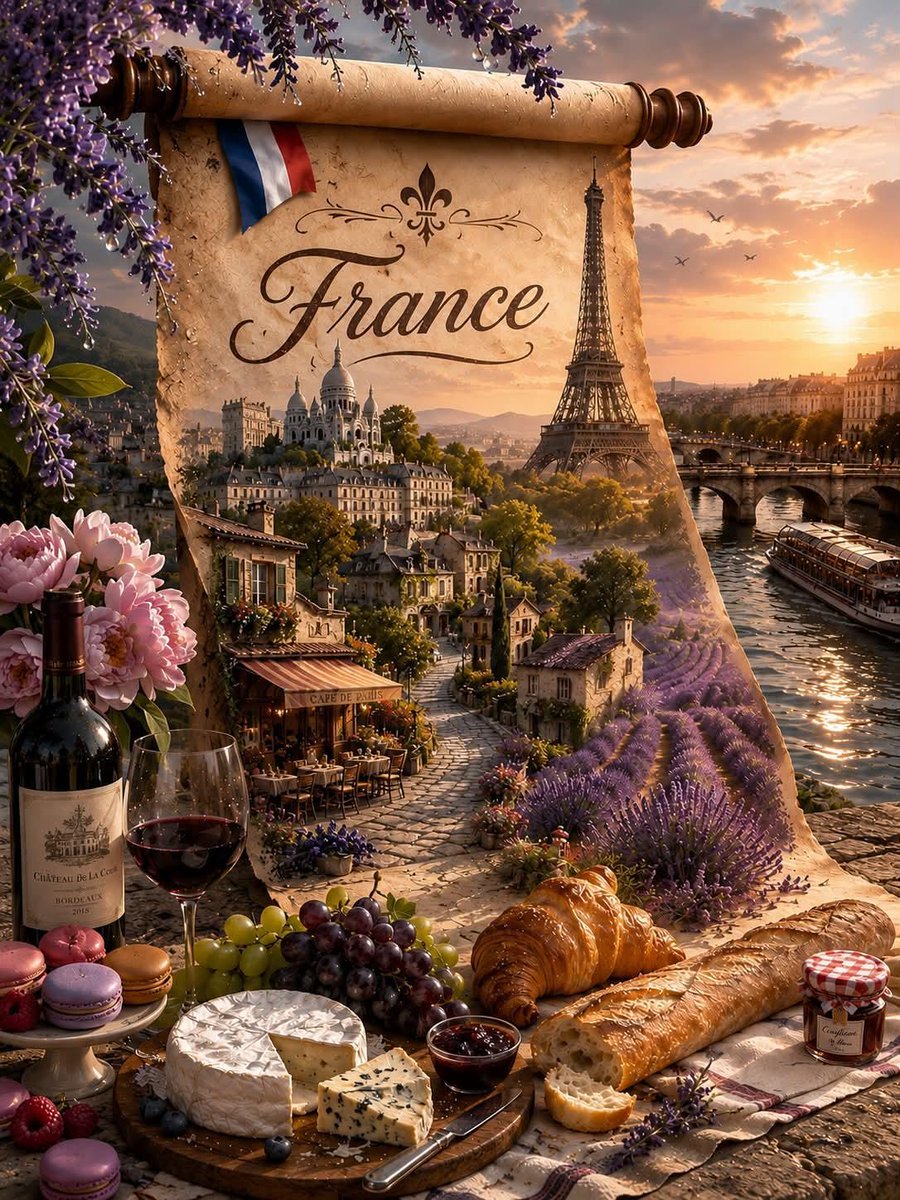
Fantasy Country Travel Poster
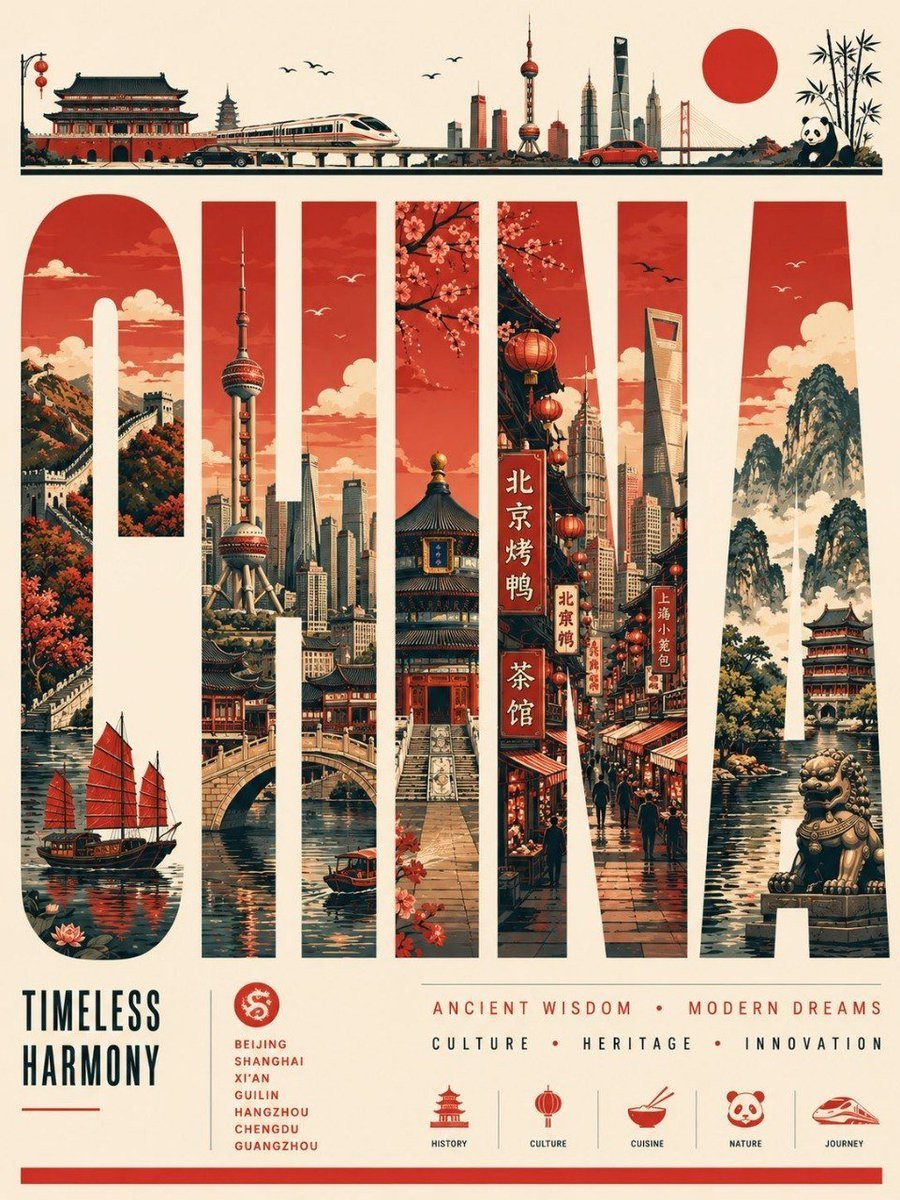
Vector Country Travel Poster
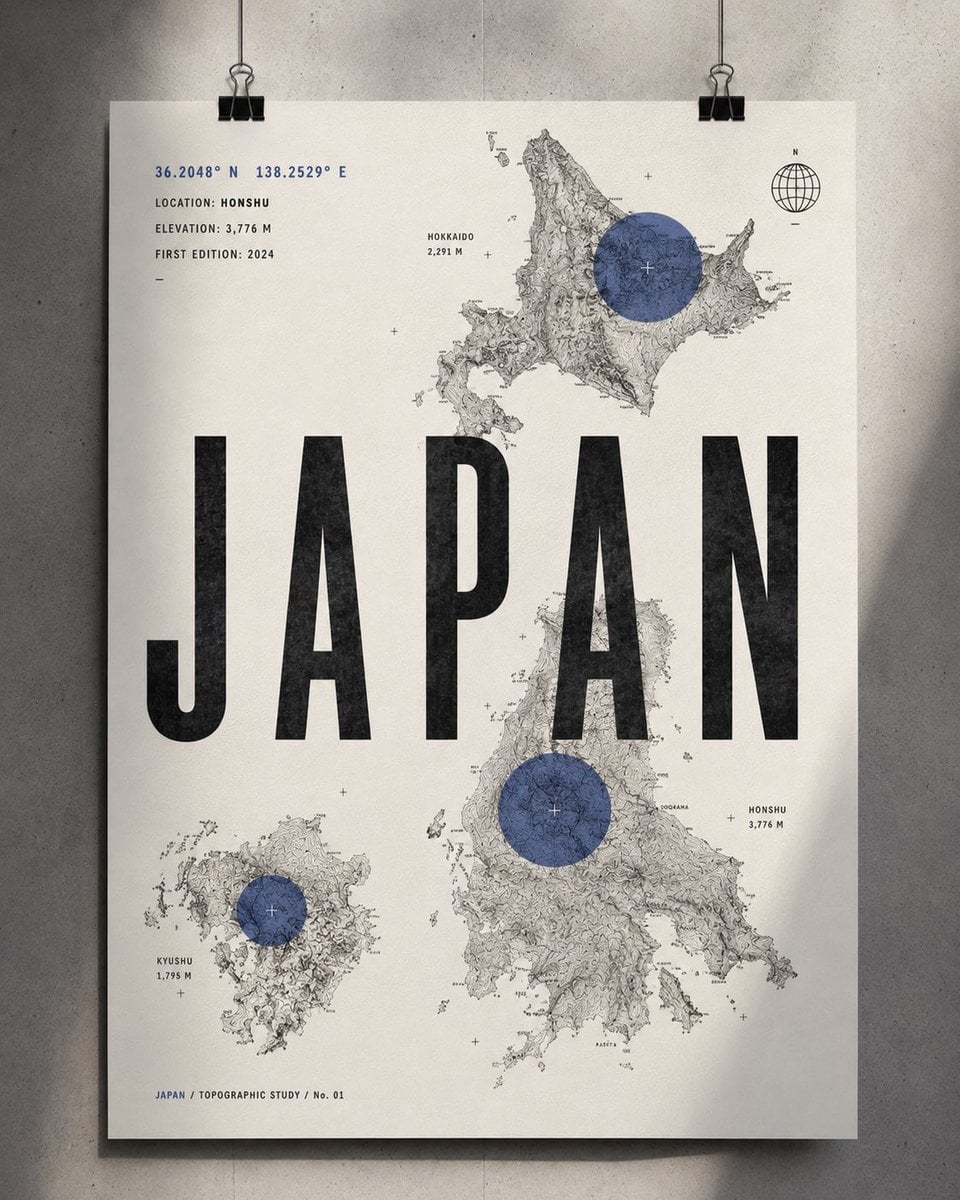
Topographic Country Cartography Art Print
Regional Cultural Atlas Poster
Make it yours
Cinematic Fantasy Country Atlas works as-is. These are the safest ways to change it without losing the look.
Change one field
Copy a single group, rewrite it, and generate again so you can see what that field is doing.
Keep the frame, change the subject
Hold the composition and light of Cinematic Fantasy Country Atlas, then swap wardrobe, props or the person for a new take.
| If the result… | Why | Fix |
|---|---|---|
| The result drifts from the preview | Too many fields changed at once. | Reuse Cinematic Fantasy Country Atlas as-is first, then change one group — subject, light, or setting. |
| The model over-stylizes the scene | The prose prompt leaves finish and camera underspecified. | Add one camera or lighting sentence and stay on GPT Image 2. |
More GPT Image 2 templates
Other prompts made for GPT Image 2.

Six VTuber Japanese Logo Sheet

Realistic Portrait of Woman and Deer

The Vista Modular Condo Poster

AI Model Routing Comparison Infographic

2.5D Anime Art Board

Isometric Productivity Desk Scene

New York Double Exposure Poster

Four-Panel AI Landscape Comparison

Japanese Tatami Lifestyle Magazine Cover

NESCAFÉ Coffee Map Poster
More image prompts
Fresh picks from across the catalog.
3D Technical Reference Sheet
Dual Identity Surreal Portrait
Pascal-B Comic Strip History
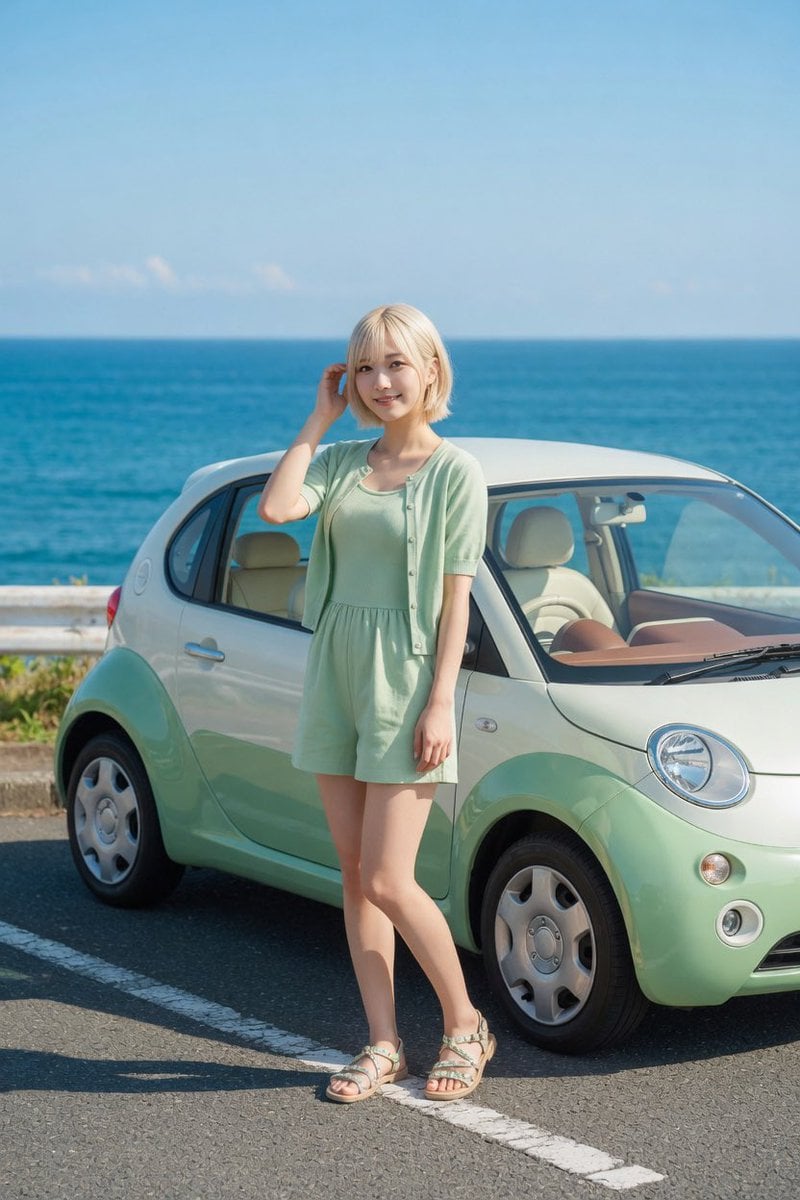
Mint Compact Car by the Sea

Skincare Editorial Photography Collage Prompt
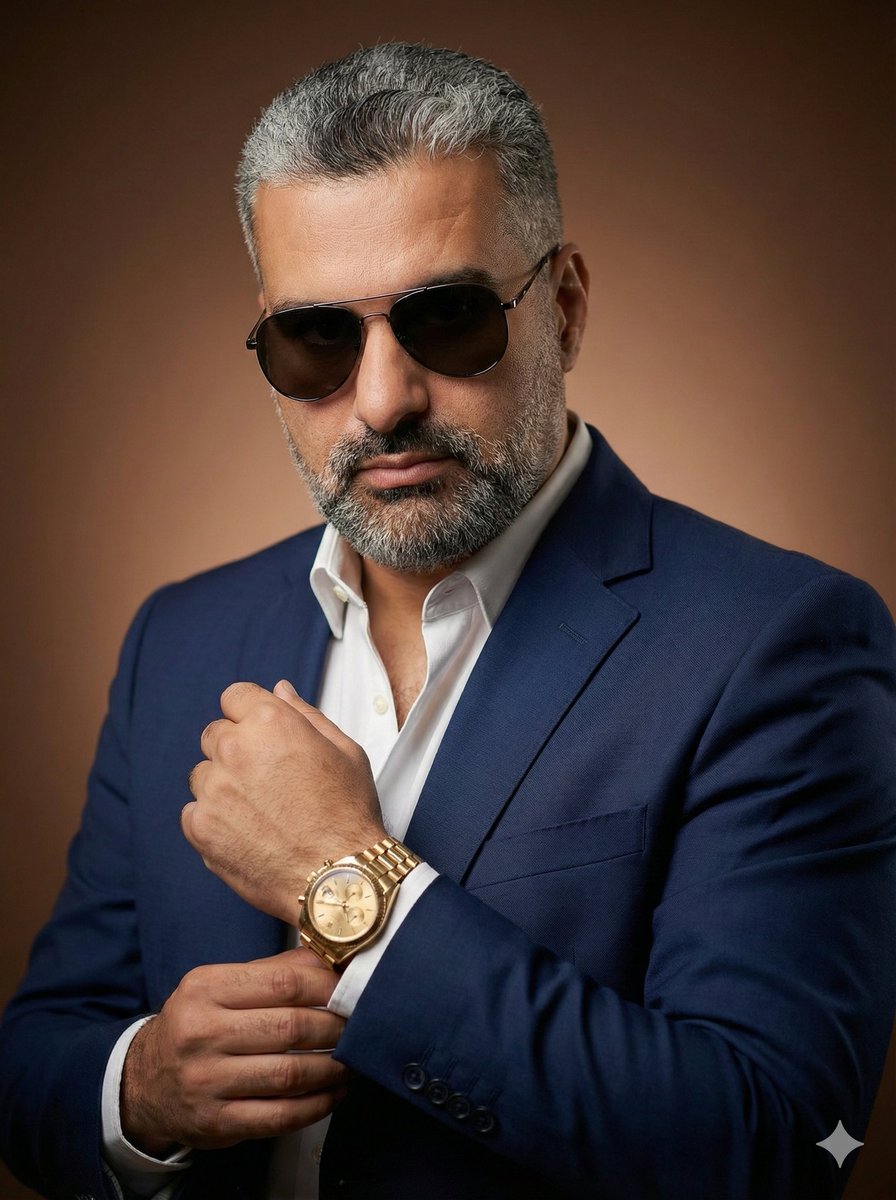
Stylish Man Studio Portrait Prompt
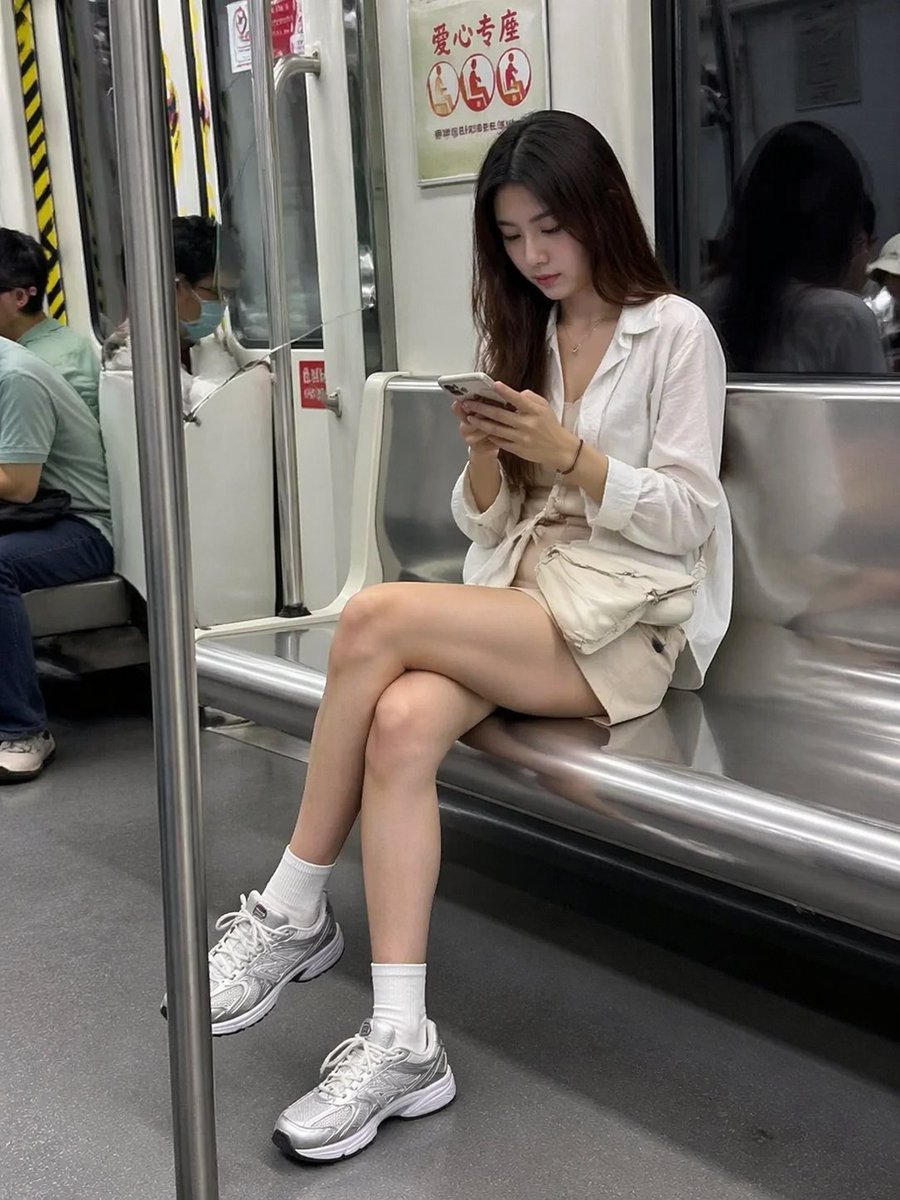
Candid Subway Photography Style
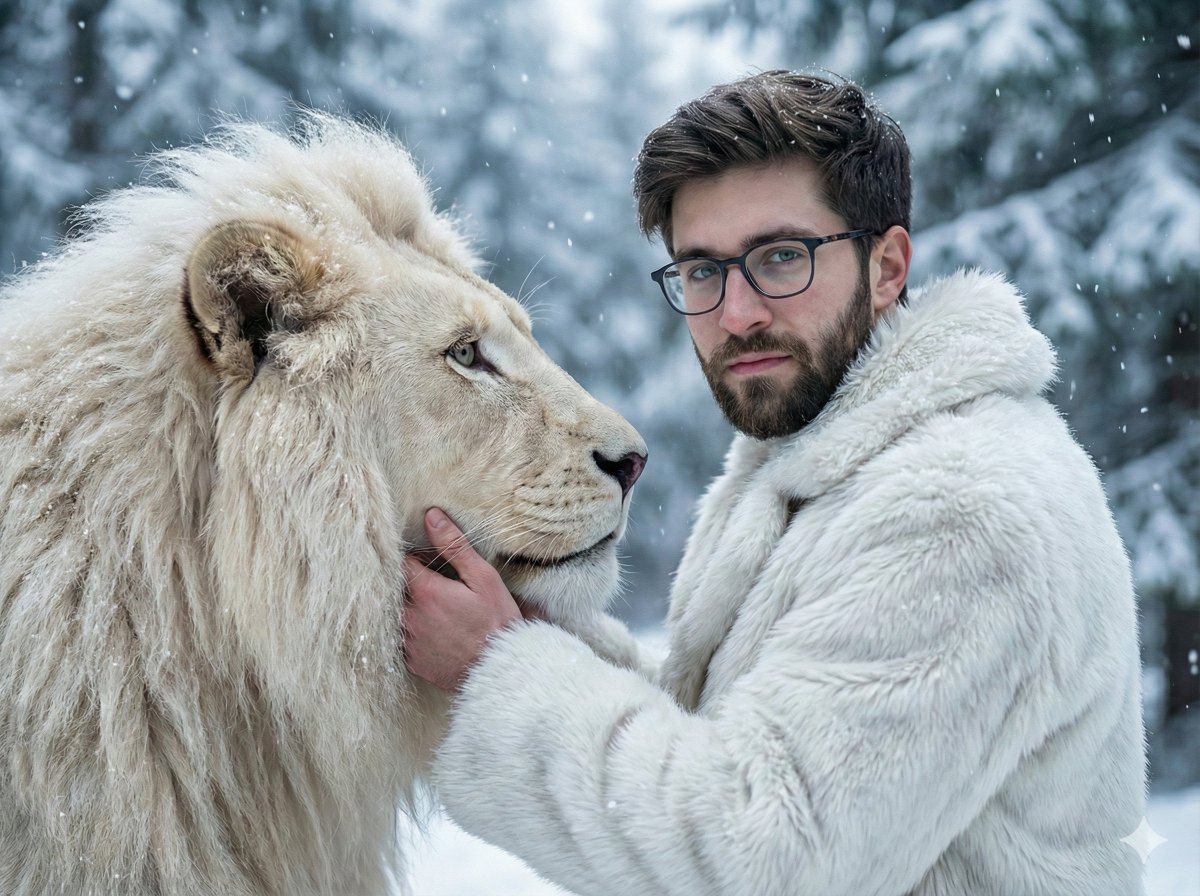
Cinematic Portrait of Man and White Lion in Snowy Forest
Cinematic Portrait of Indian Astronaut in ISRO Spacesuit
World Cup Throne Portrait
Browse template categories
Cinematic Fantasy Country Atlas questions
How do I use the Cinematic Fantasy Country Atlas template?
Add your photo if the template asks for one, edit the prompt if you like — the template's model and format are already selected — and press Generate. Your version opens in PicX Studio.
Can I customize the Cinematic Fantasy Country Atlas template?
Yes. You can change the subject, setting, lighting, mood, format, and available model controls before creating your image.
Is the Cinematic Fantasy Country Atlas template free?
Opening and editing this template is free. Generating uses credits, shown on the Generate button when you are signed in.
Which AI model should I use?
Start with GPT Image 2, which is the model associated with this template. You can compare another compatible model for a different finish.
Looking for something else? Browse all templates.

Your photo, any look
Thousands of ready templates for every top image and video model, from one credit balance.