
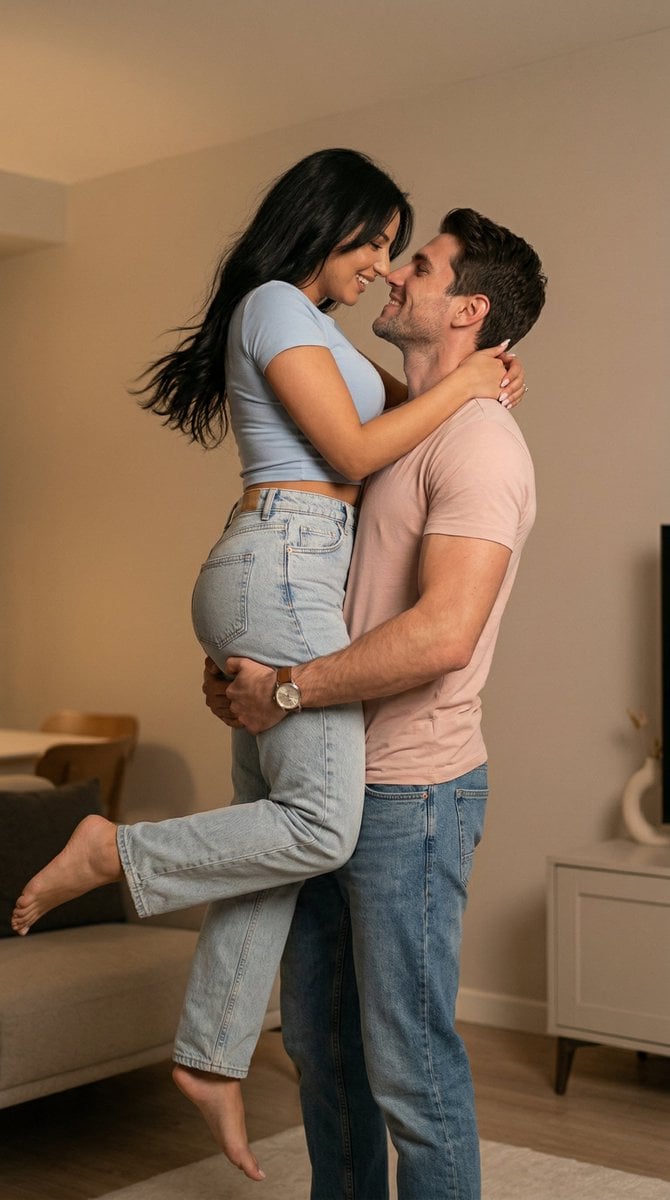
Ultra Photoreal Candid Romantic Lift Scene
A highly detailed JSON prompt for generating an ultra-photorealistic, candid lifestyle image of a romantic couple in an intimate lifting pose inside a modern Istanbul apartment, focusing on realistic physics, natural…
- Prompt included
- Model and format preset
- Free template
The prompt behind this image
Copy the exact prompt behind Ultra Photoreal Candid Romantic Lift Scene, or open it in the studio and make it yours.
{ "generation_request":{ "meta_data":{ "tool":"NanoBanana Pro", "task_type":"romantic_indoor_lift_scene", "version":"ISTANBUL_COUPLE_18_INDOOR_LIFT" }, "scene":{ "location":"modern cozy apartment interior in {argument name="city" default="Istanbul"}", "time":"late evening", "environment":"warm ceiling light, soft neutral walls, intimate home atmosphere, minimal modern furniture, calm private romantic setting" }, "subjects":{ "interaction":"romantic couple in a spontaneous intimate lifting moment, the man lifting the woman high in his arms while they smile at each other closely, affectionate and playful energy", "emotion":"warm, passionate, intimate, joyful" }, "wardrobe":{ "woman":"soft light {argument name="woman top color" default="blue"} fitted cropped t-shirt, relaxed light-wash straight-leg jeans, barefoot, natural loose dark hair moving slightly with the lift", "man":"soft blush {argument name="man top color" default="pink"} fitted t-shirt, relaxed blue jeans, casual watch, slightly tousled hair, natural home style" }, "action":{ "moment":"the man lifts the woman securely under her waist and upper torso while she bends her legs naturally and leans toward him, their faces close together as if about to kiss", "pose_physics":"realistic lifting mechanics, correct body support, natural weight distribution, believable shoulder and arm strength, no floating effect, no body intersection" }, "camera":{ "lens":"50mm prime lifestyle photography", "angle":"slightly low eye-level candid indoor shot", "style":"warm documentary-style romantic home photography", "framing":"vertical medium-full shot, both bodies fully visible, enough headroom to show the lifted pose naturally" }, "lighting":{ "type":"warm realistic indoor ambient light only", "highlights":"soft warm glow on skin, hair, and clothing folds", "shadows":"gentle natural indoor shadows, no flash, no studio beauty lighting" }, "render":{ "style":"ultra photoreal candid lifestyle image", "color_grade":"warm neutral home tones", "skin_texture":"natural realistic skin texture", "dynamic_range":"natural not HDR" }, "quality_control":{ "identity_consistency":"high", "anatomy_accuracy":"maximum", "physics_accuracy":"maximum", "hands_priority":"very_high", "feet_priority":"high", "pose_integrity":"natural couple lift with correct support and no duplicated limbs", "face_rendering":"sharp natural facial structure", "avoid":[ "extra arms", "extra hands", "extra fingers", "missing fingers", "warped limbs", "broken wrists", "twisted legs", "floating body", "bad lifting anatomy", "body intersection", "AI plastic skin", "blurred faces", "overly polished studio look", "text", "watermark", "logo" ] } } }
How to use Ultra Photoreal Candid Romantic Lift Scene in 3 steps
- 1
Open
The prompt is already in the box next to the preview, with the template's model and format selected.
- 2…a portrait of your subject in softgolden-hour light, 85mm…
Personalize
Edit the subject and creative details for your destination.
- 3Generate
Generate
Press Generate — your image is created in PicX Studio, so you can compare it with the original and refine one variable at a time.
More like this
Templates with the same subject, style or setup. Open one to see its prompt.

Sunday Afternoon, 1988

Our Song was on a Cassette

The Date After College

80s College Gate
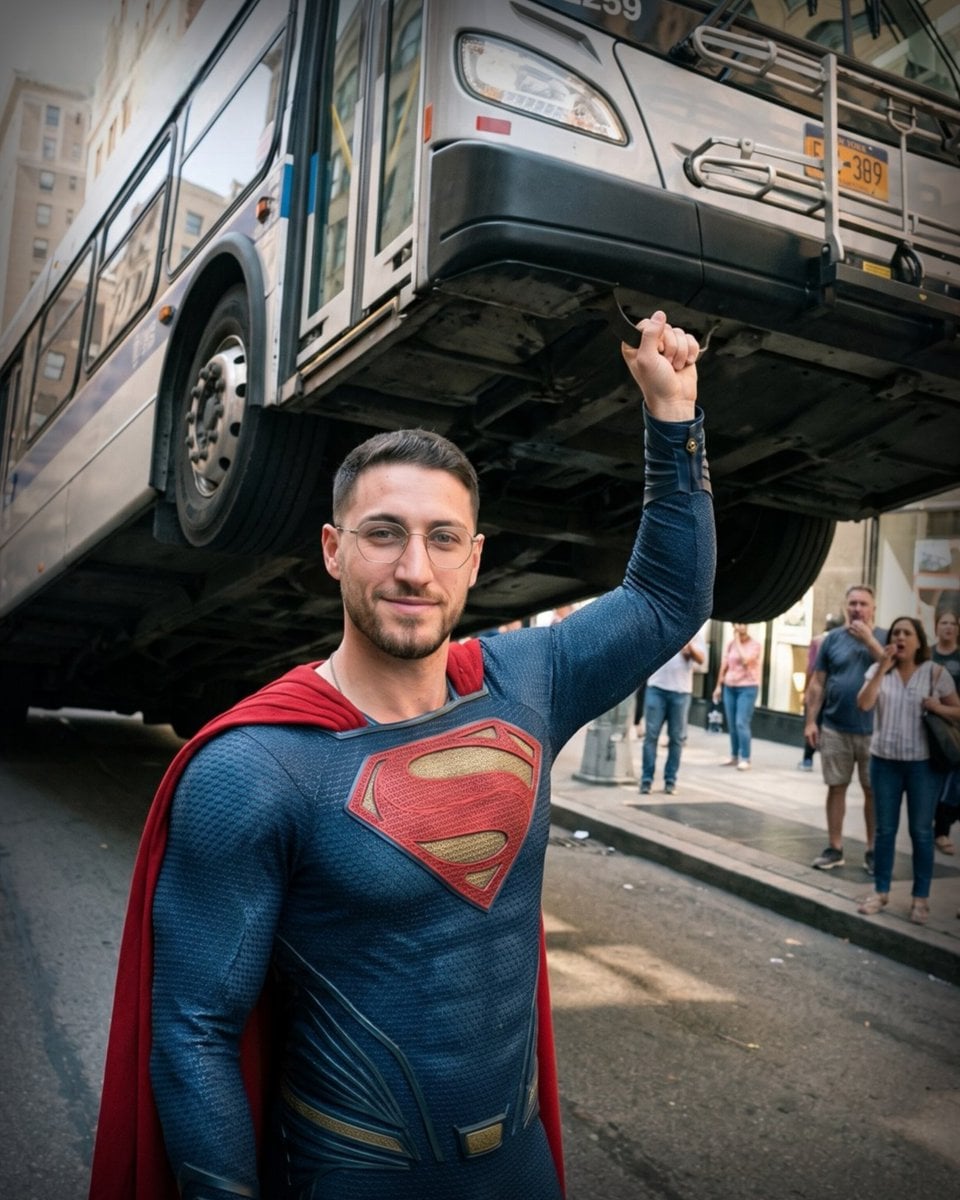
Candid Superman Lifting Bus

Teen Girl Alpine Lake Mountain View

Cat Photobomb Selfie — 0.5x Wide Angle Café Chaos

Cinematic Street Fashion Portrait Motion Blur Crowd

Nostalgic Digicam Café Afternoon Portrait

Neon Night Crosswalk Candid Portrait
Neon Night Crosswalk Candid Portrait

Photoreal Village Lanterns Minecraft Scene
Make it yours
Ultra Photoreal Candid Romantic Lift Scene works as-is. These are the safest ways to change it without losing the look.
Change one field
Copy a single group, rewrite it, and generate again so you can see what that field is doing.
Keep the frame, change the subject
Hold the composition and light of Ultra Photoreal Candid Romantic Lift Scene, then swap wardrobe, props or the person for a new take.
| If the result… | Why | Fix |
|---|---|---|
| The result drifts from the preview | Too many fields changed at once. | Reuse Ultra Photoreal Candid Romantic Lift Scene as-is first, then change one group — subject, light, or setting. |
| The model over-stylizes the scene | The prose prompt leaves finish and camera underspecified. | Add one camera or lighting sentence and stay on Nano Banana 2. |
More Nano Banana 2 templates
Other prompts made for Nano Banana 2.

Photorealistic Leaf Shaped Like a Dragon

K-Pop Idol Portrait Grid for Rapid Selection

Poetic Rain Forest Portrait During Golden Hour

Urban Street Portrait with Cartoon Inner Self Duo

Candid Nighttime Photo with Cat Prompt

High-Concept 3D Diorama Generation Prompt

Cinematic Futuristic Studio Portrait Template

Skincare Editorial Photography Collage Prompt

Hyper-Realistic Commercial Product Photography (Splash Effect)

Hyper-Realistic Nightclub Portrait Prompt
More image prompts
Fresh picks from across the catalog.
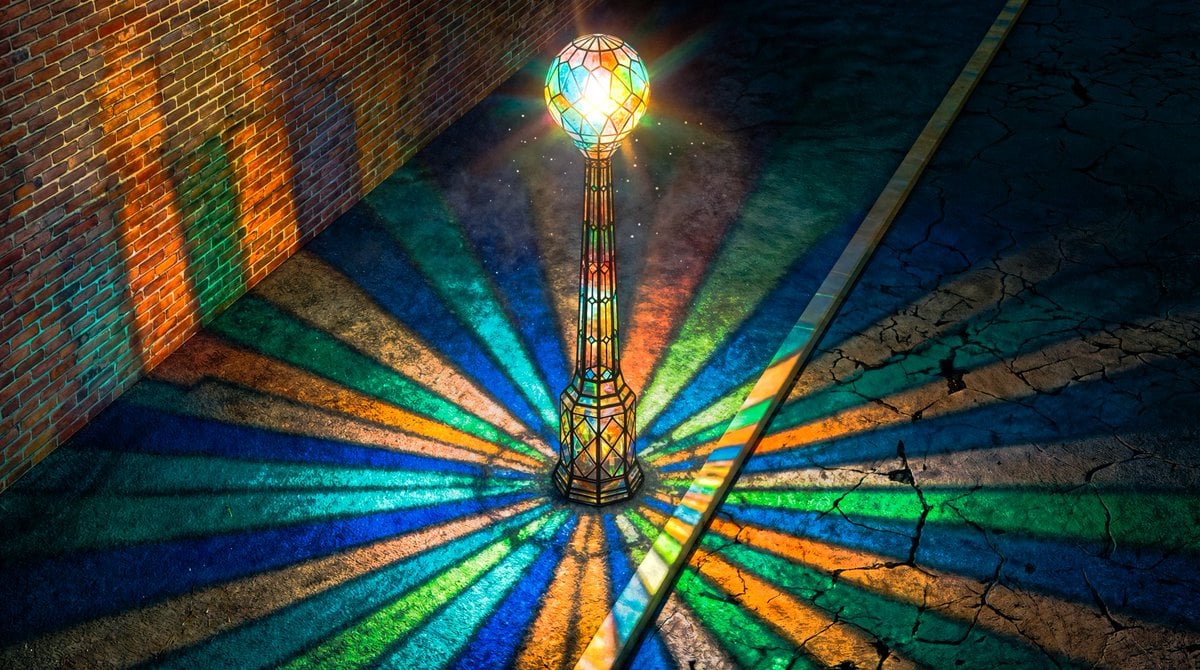
Blender 3D Viewport Style Prompt
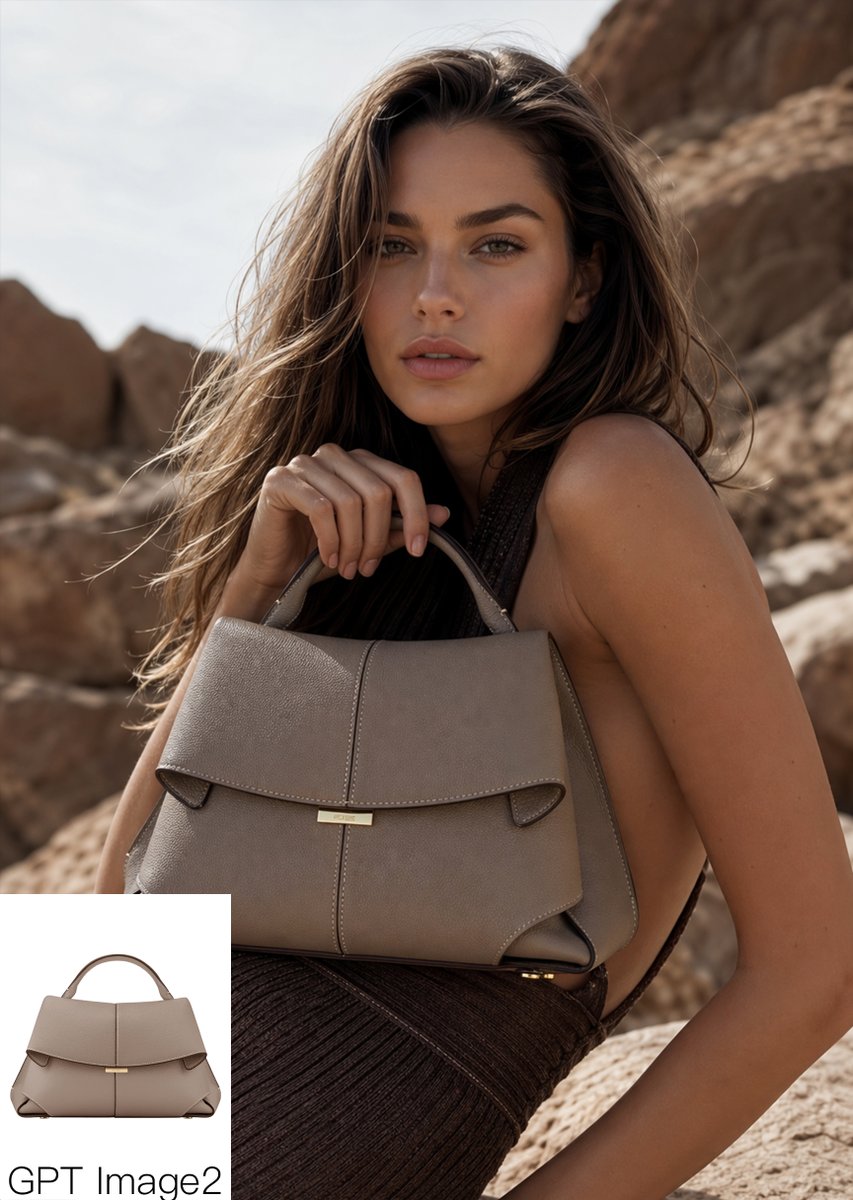
Luxury Desert Handbag Campaign
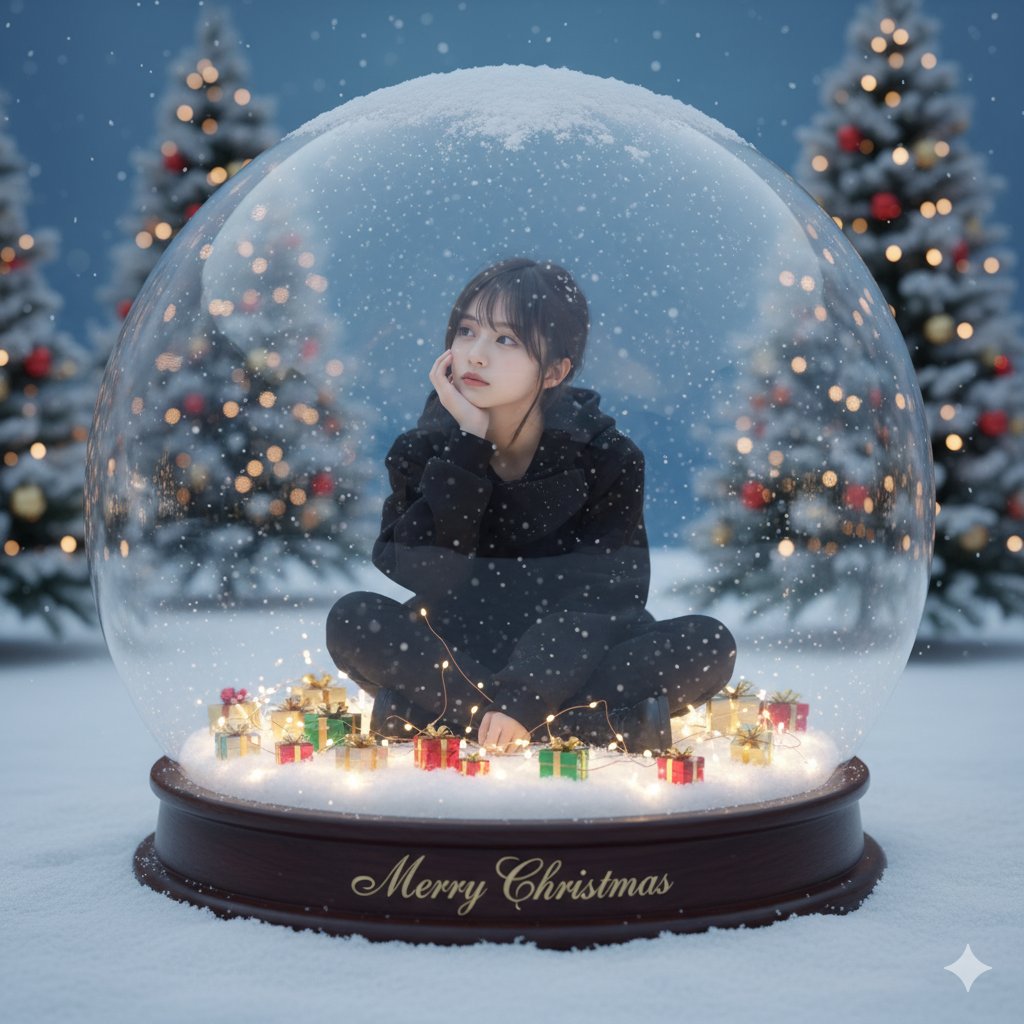
Snow Globe Christmas Scene Prompt
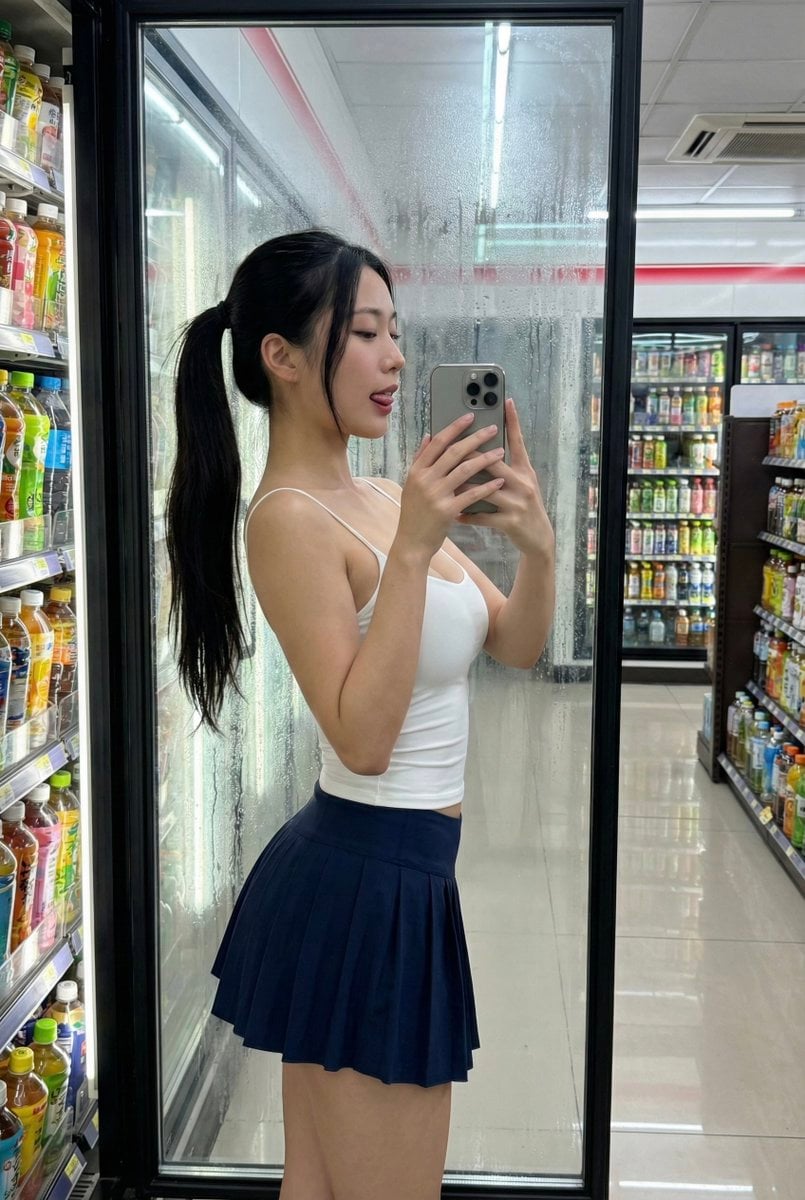
Convenience Store Selfie Reflection Prompt (Suggestive)

Four-Panel Manga: Double Accounting
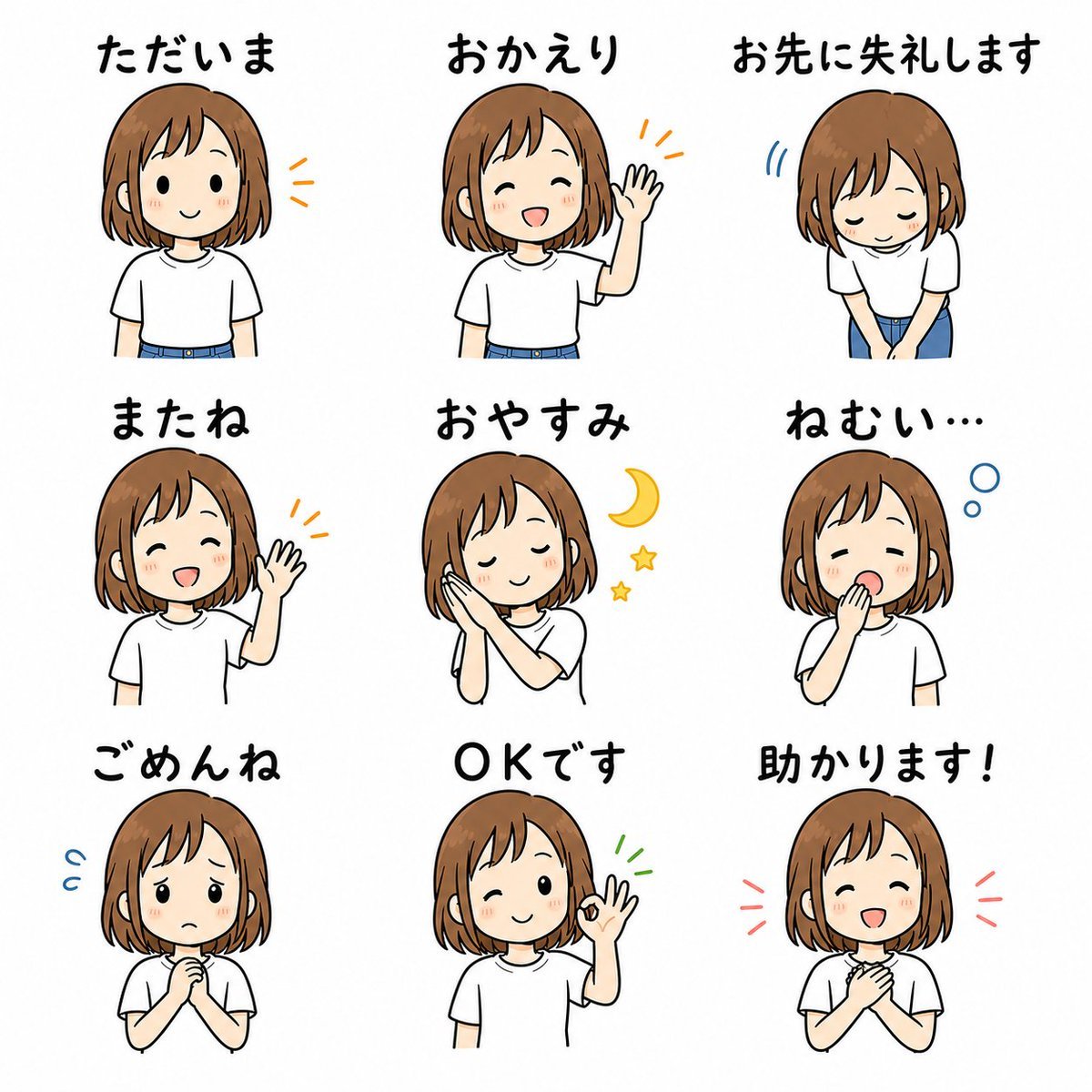
Cute Japanese LINE Sticker Sheet

Nano Monkey's Adventure Manga Generation
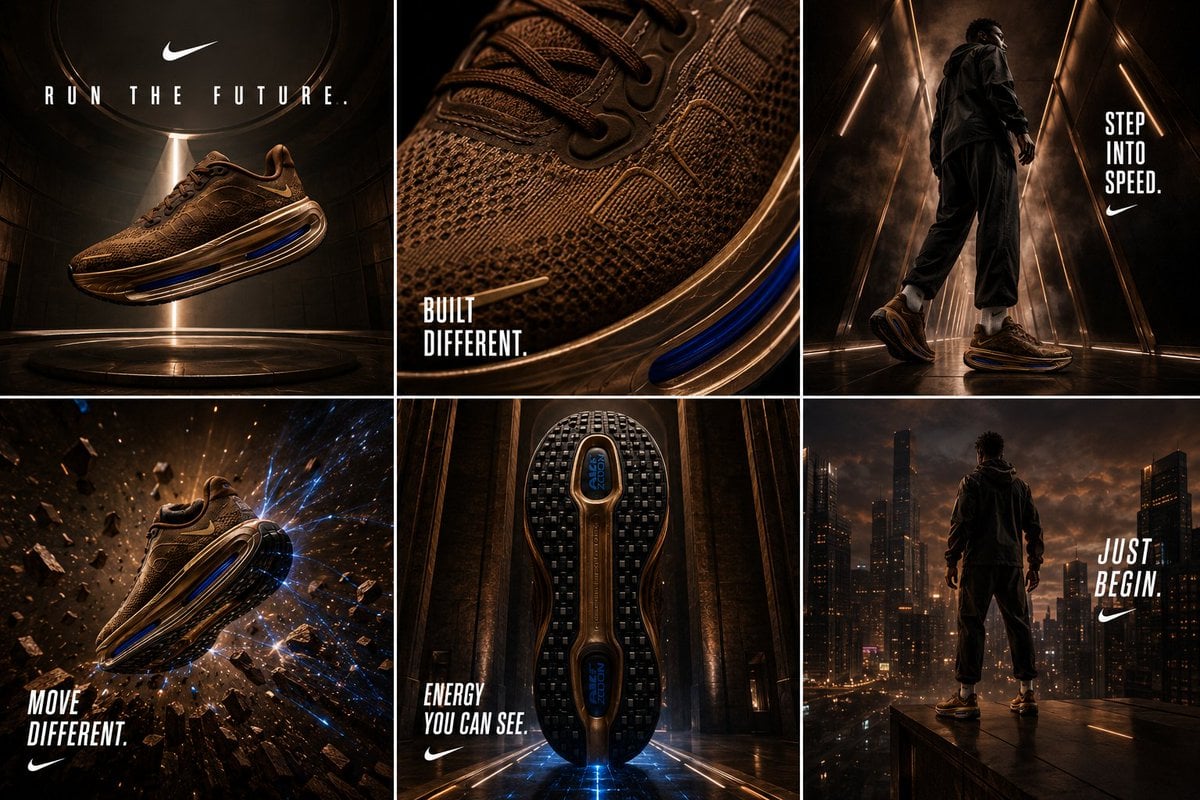
Nike Vomero Future Campaign Master Prompt
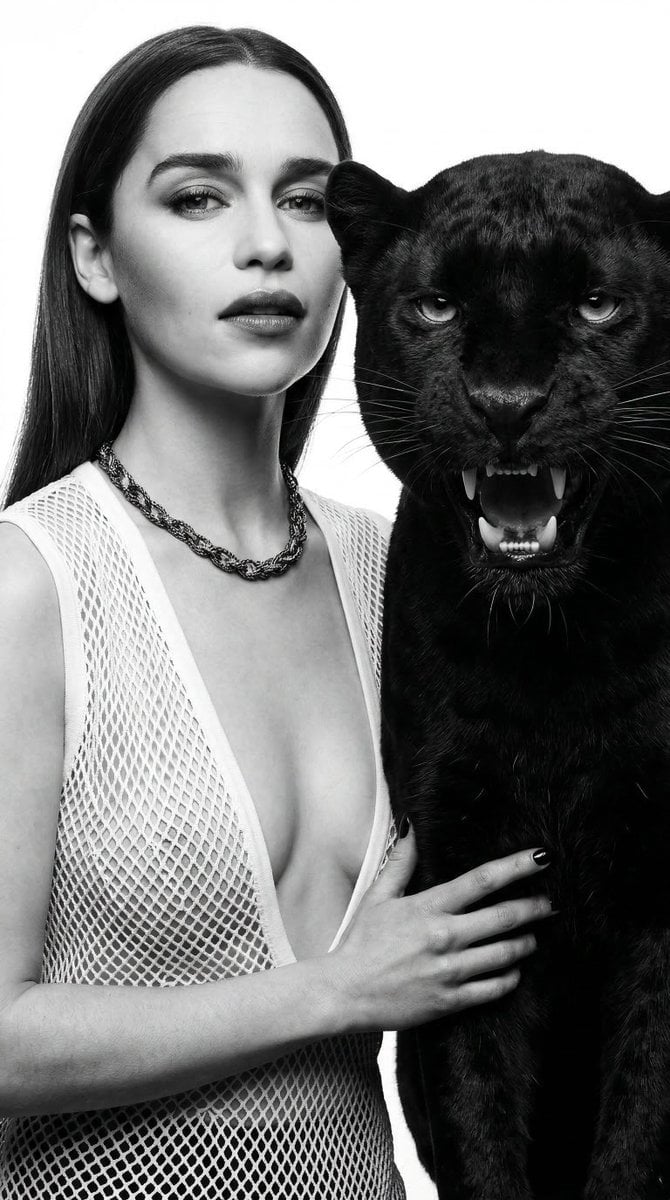
Black and White Panther and Woman Editorial Portrait
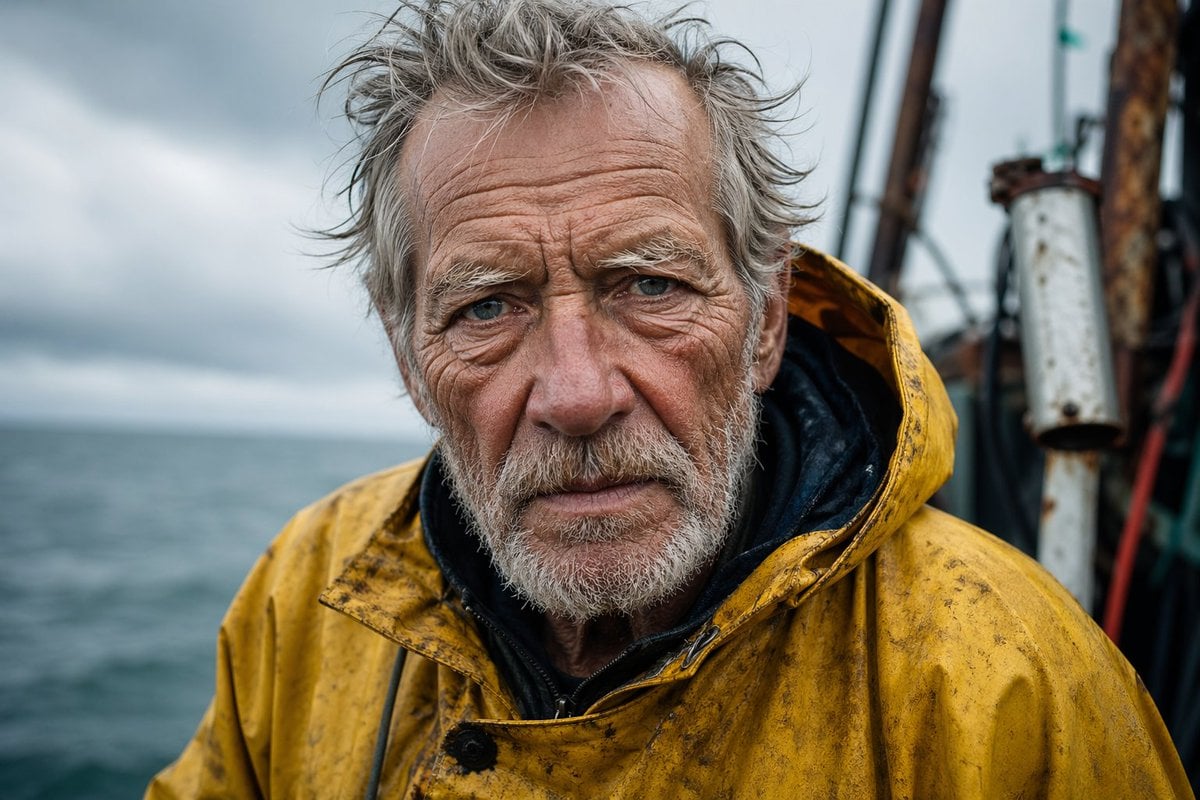
Detailed Elderly Fisherman Portrait
Browse template categories
Ultra Photoreal Candid Romantic Lift Scene questions
How do I use the Ultra Photoreal Candid Romantic Lift Scene template?
Add your photo if the template asks for one, edit the prompt if you like — the template's model and format are already selected — and press Generate. Your version opens in PicX Studio.
Can I customize the Ultra Photoreal Candid Romantic Lift Scene template?
Yes. You can change the subject, setting, lighting, mood, format, and available model controls before creating your image.
Is the Ultra Photoreal Candid Romantic Lift Scene template free?
Opening and editing this template is free. Generating uses credits, shown on the Generate button when you are signed in.
Which AI model should I use?
Start with Nano Banana 2, which is the model associated with this template. You can compare another compatible model for a different finish.
Looking for something else? Browse all templates.

Your photo, any look
Thousands of ready templates for every top image and video model, from one credit balance.