
Candid Superman Lifting Bus
Creates a realistic candid street photo of an ordinary person dressed as Superman holding up a full-size city bus with one hand.
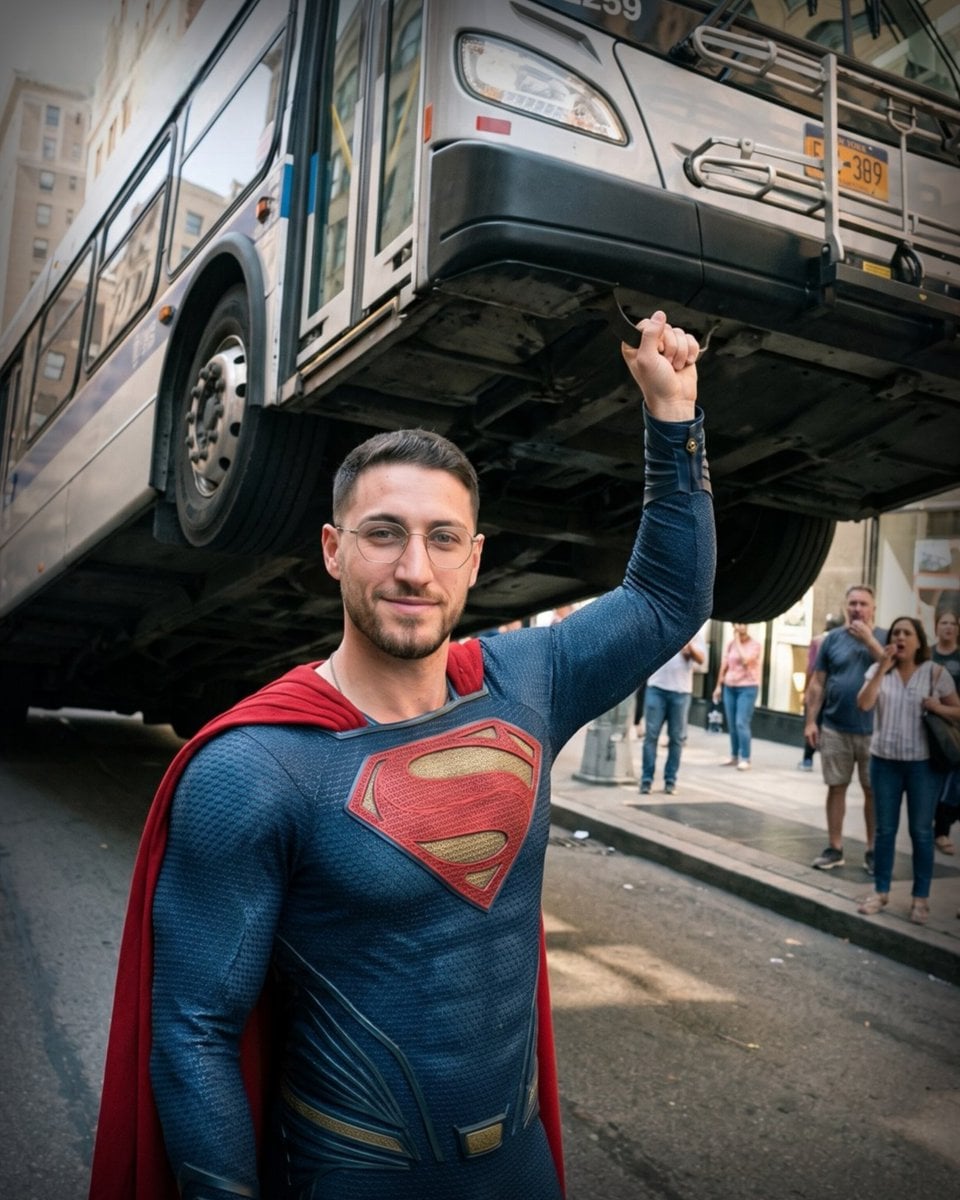
- Prompt included
- Model and format preset
- Free template
The prompt behind this image
Copy the exact prompt behind Candid Superman Lifting Bus, or open it in the studio and make it yours.
A real candid street photograph, not cinematic and not glossy, showing {argument name="character name" default="an ordinary young man"} dressed as Superman in a realistic textured blue suit with a red cape and a large red-and-gold S emblem on the chest. He stands in the foreground on a city street, facing the camera with a calm slight smile, short dark hair, trimmed beard, and clear eyeglasses. His right arm is raised straight upward, effortlessly holding up a full-size silver-and-blue city bus with one hand; his fingers wrap around a small dark metal support point underneath the bus, making the bus appear suspended above him. The bus dominates the upper half of the frame, seen from a low angle with its front corner, headlights, license plate, underside, large wheels, and side panels visible. Add pedestrians on the sidewalk in the background reacting with surprise, including a small group watching and one person holding up a phone. Urban downtown setting with tall buildings, storefronts, pavement, curb, and natural daylight. Make it look like an authentic smartphone or documentary photo with realistic lighting, slight wide-angle perspective, natural shadows, imperfect street details, and believable scale. Avoid comic-book style, studio lighting, glossy superhero poster effects, dramatic cinematic color grading, exaggerated muscles, or artificial CGI polish.
How to use Candid Superman Lifting Bus in 3 steps
- 1Upload ImagePNG, JPG or paste
Add your photo
Upload the photo the template builds on. The prompt, model and format are already set.
- 2…a portrait of your subject in softgolden-hour light, 85mm…
Personalize
Edit the subject and creative details for your destination.
- 3Generate
Generate
Press Generate — your image is created in PicX Studio, so you can compare it with the original and refine one variable at a time.
More like this
Templates with the same subject, style or setup. Open one to see its prompt.

Sunday Afternoon, 1988

Our Song was on a Cassette

The Date After College

80s College Gate

Teen Girl Alpine Lake Mountain View

Cat Photobomb Selfie — 0.5x Wide Angle Café Chaos

Cinematic Street Fashion Portrait Motion Blur Crowd

Nostalgic Digicam Café Afternoon Portrait

Neon Night Crosswalk Candid Portrait
Neon Night Crosswalk Candid Portrait
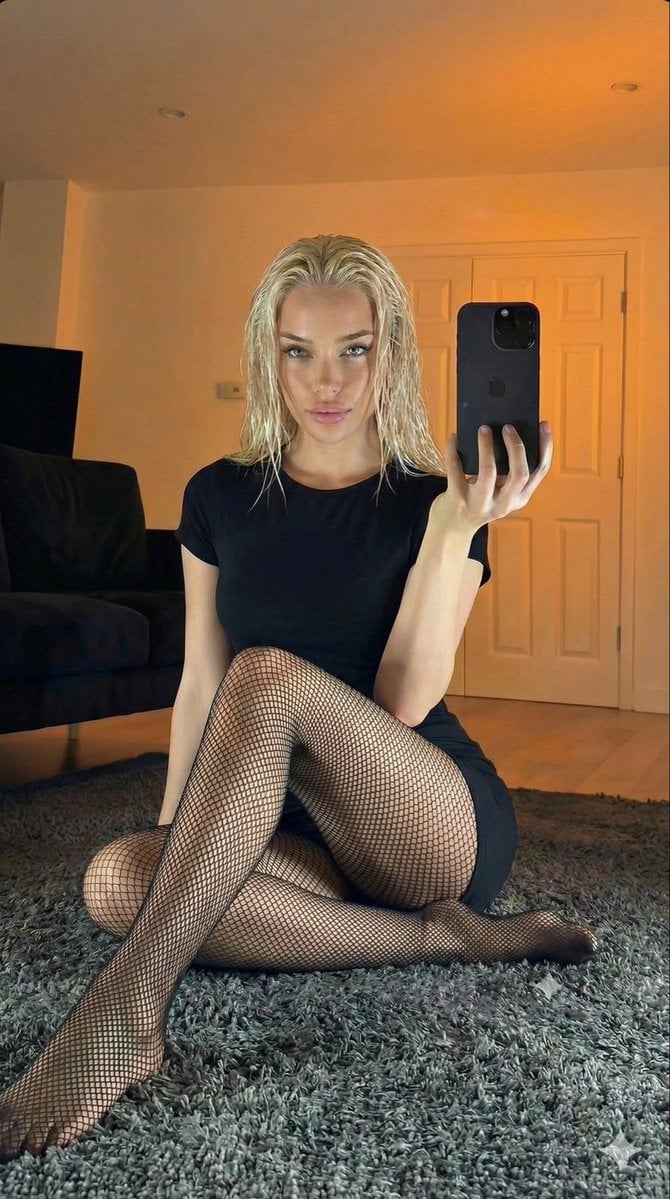
Living Room Rug Evening Mirror Selfie

4x4 Grid - Candid Nostalgic Vacation Selfies
Make it yours
Candid Superman Lifting Bus works as-is. These are the safest ways to change it without losing the look.
Change one field
Copy a single group, rewrite it, and generate again so you can see what that field is doing.
Keep the frame, change the subject
Hold the composition and light of Candid Superman Lifting Bus, then swap wardrobe, props or the person for a new take.
| If the result… | Why | Fix |
|---|---|---|
| The result drifts from the preview | Too many fields changed at once. | Reuse Candid Superman Lifting Bus as-is first, then change one group — subject, light, or setting. |
| The model over-stylizes the scene | The prose prompt leaves finish and camera underspecified. | Add one camera or lighting sentence and stay on GPT Image 2. |
More GPT Image 2 templates
Other prompts made for GPT Image 2.

Six VTuber Japanese Logo Sheet

Realistic Portrait of Woman and Deer

The Vista Modular Condo Poster

AI Model Routing Comparison Infographic

2.5D Anime Art Board

Isometric Productivity Desk Scene

New York Double Exposure Poster

Four-Panel AI Landscape Comparison

Japanese Tatami Lifestyle Magazine Cover

NESCAFÉ Coffee Map Poster
More image prompts
Fresh picks from across the catalog.
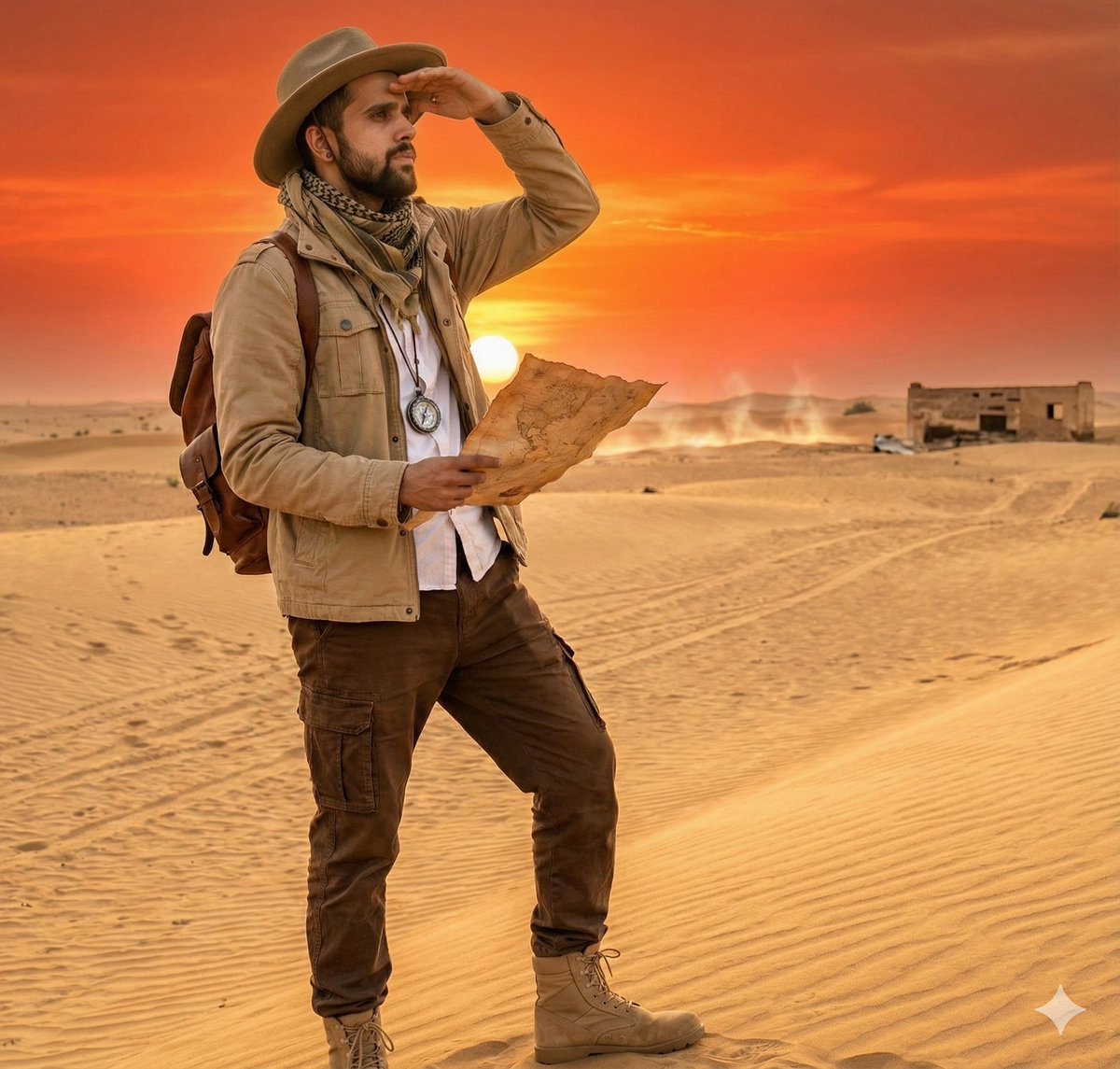
Cinematic Desert Explorer Scene Documentation
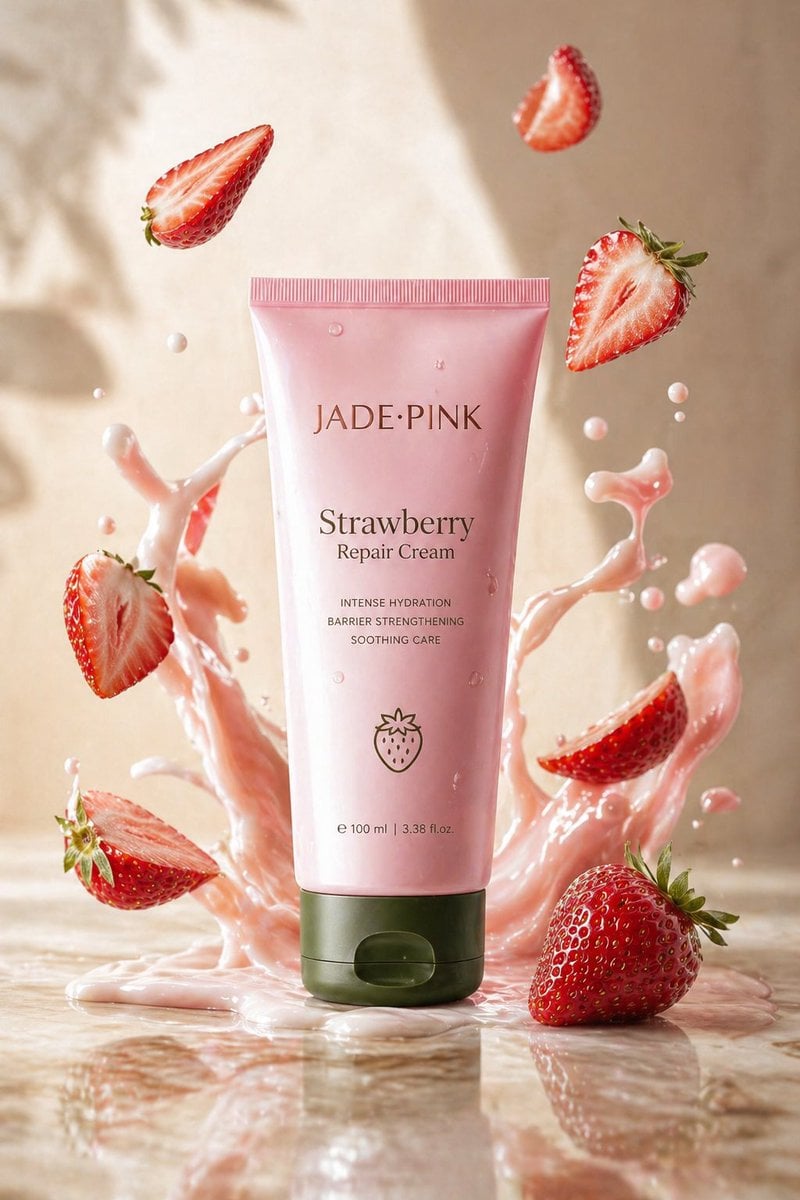
Strawberry Repair Cream Product Shot
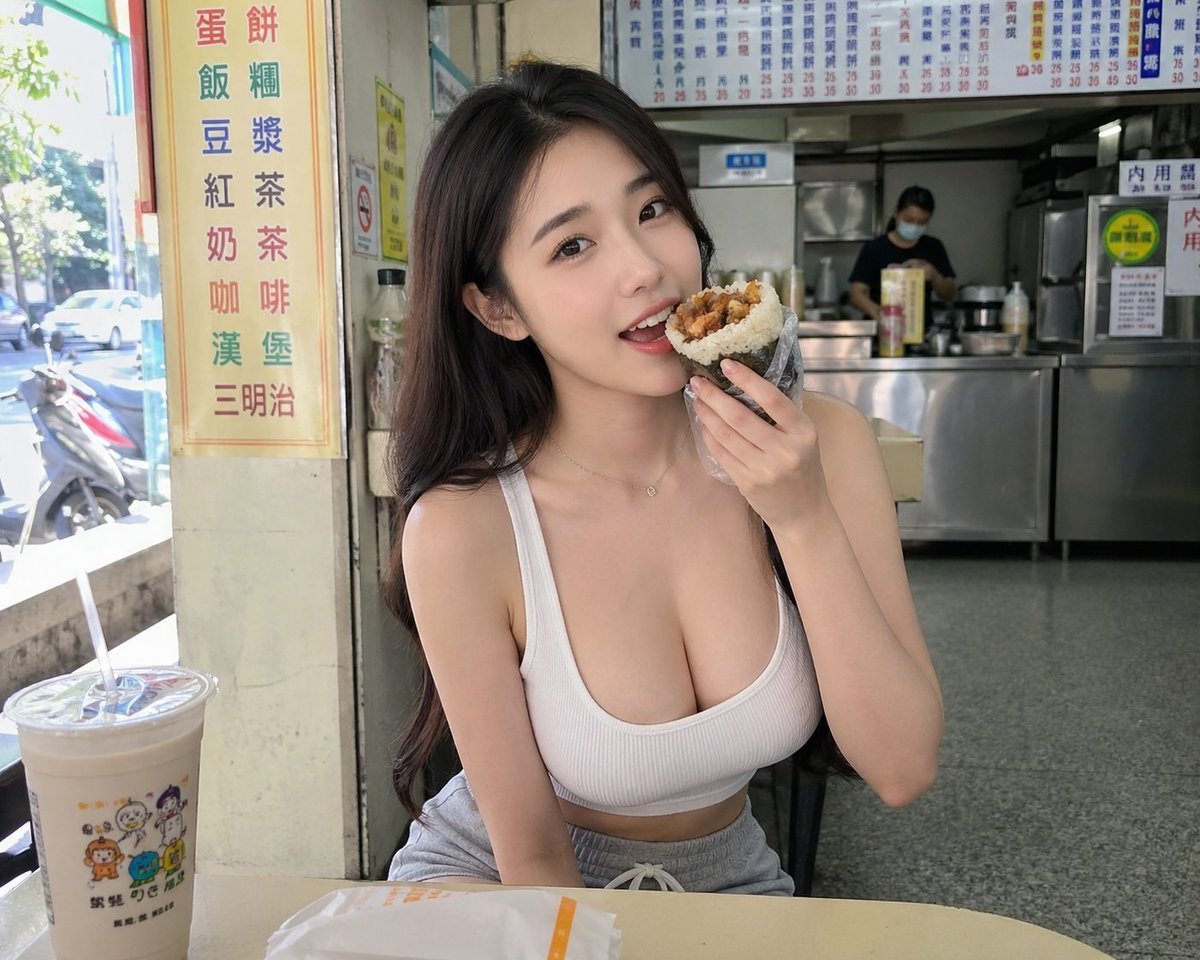
Taiwan Breakfast Shop Candid Portrait
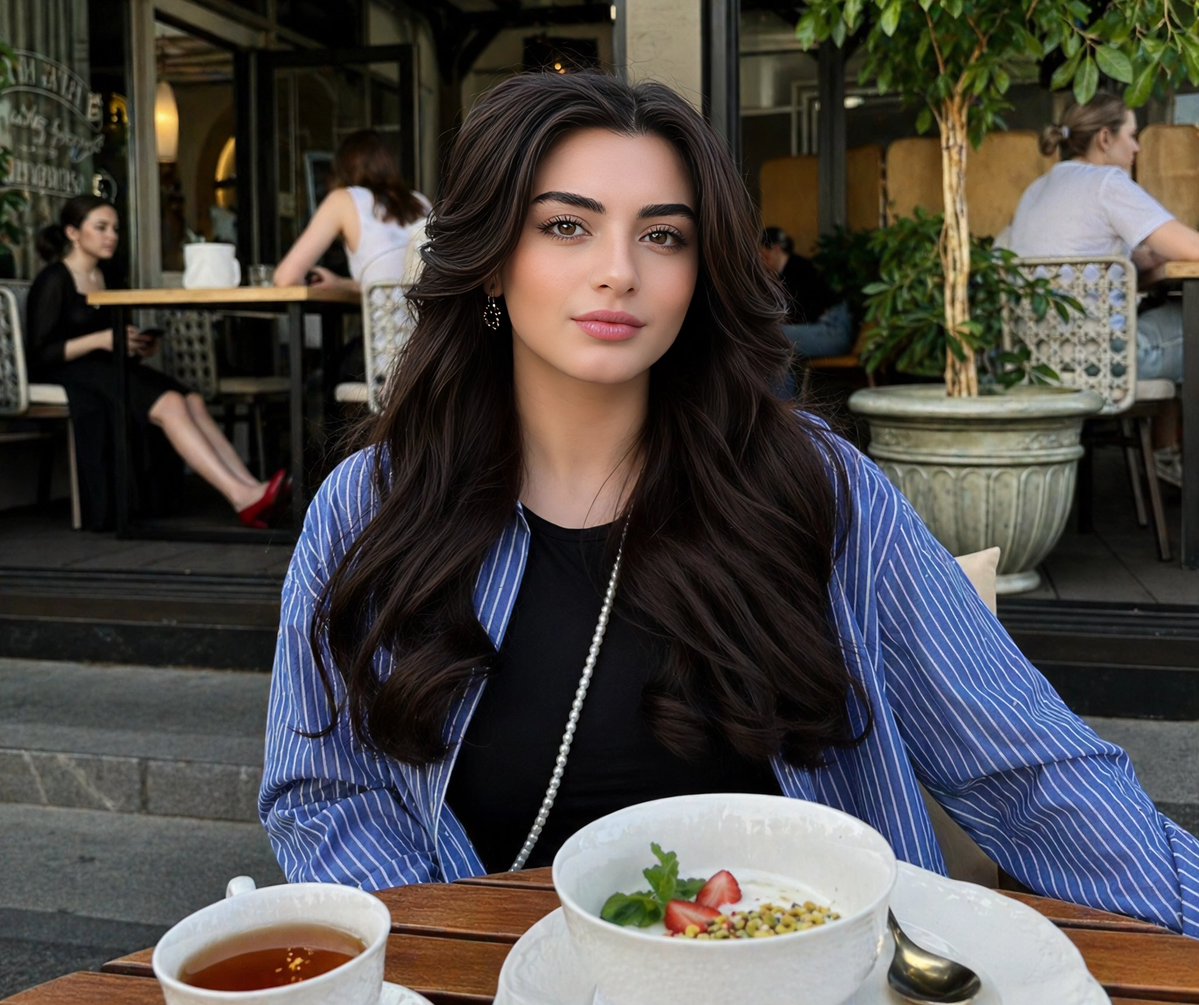
Lifestyle Portrait at Outdoor Café
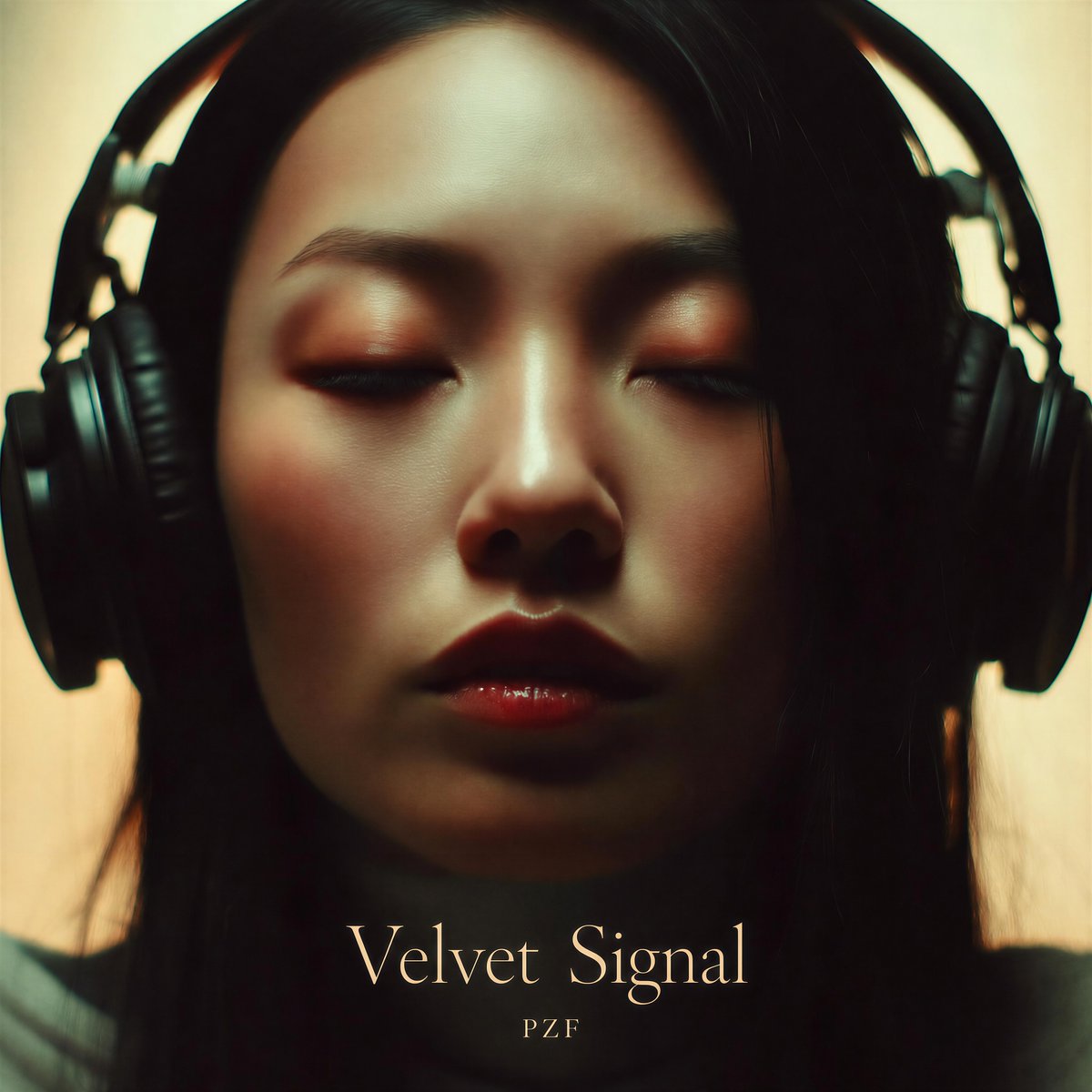
Velvet Signal Album Cover
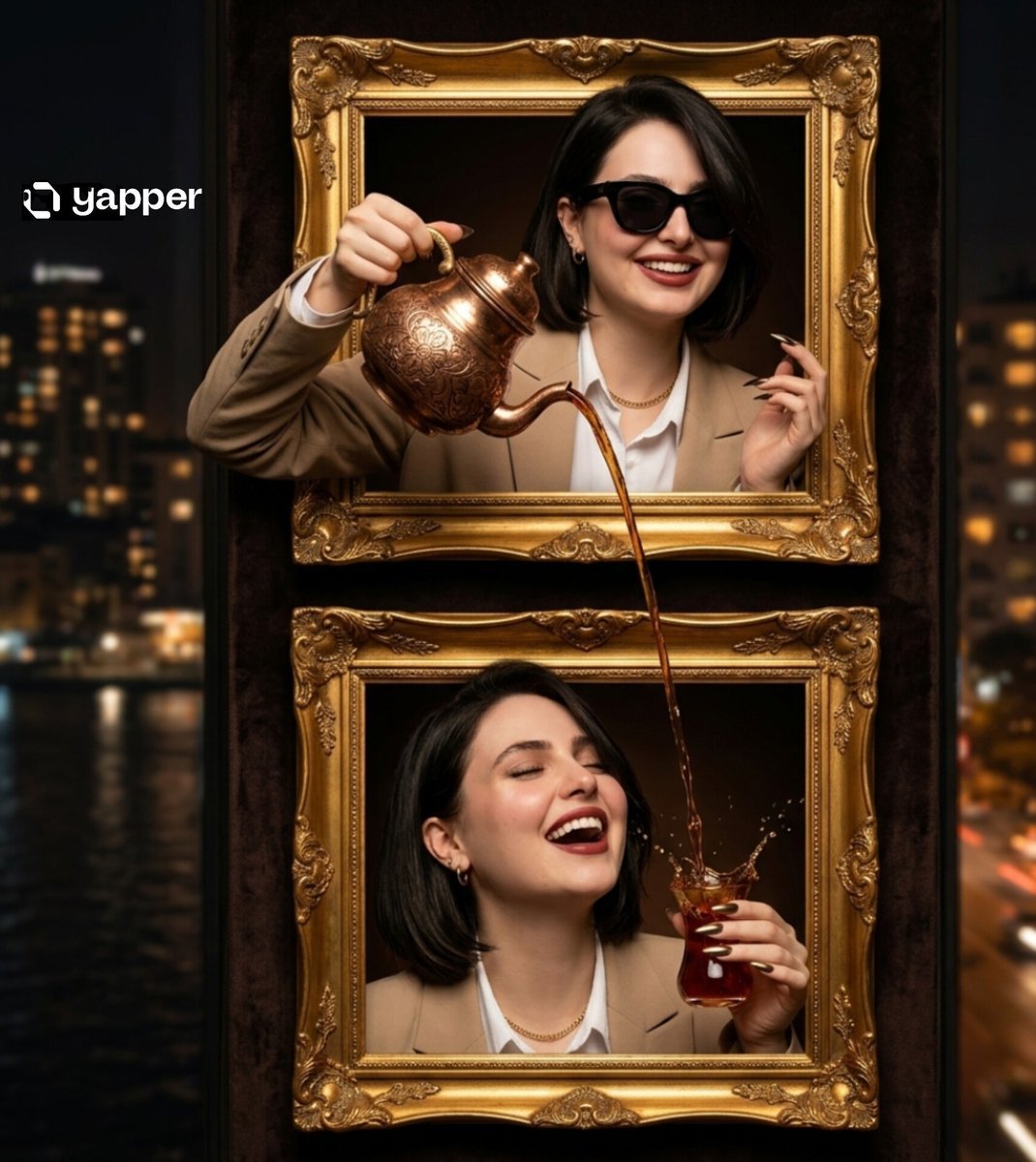
Surreal Two-Frame Tea Pouring Illusion
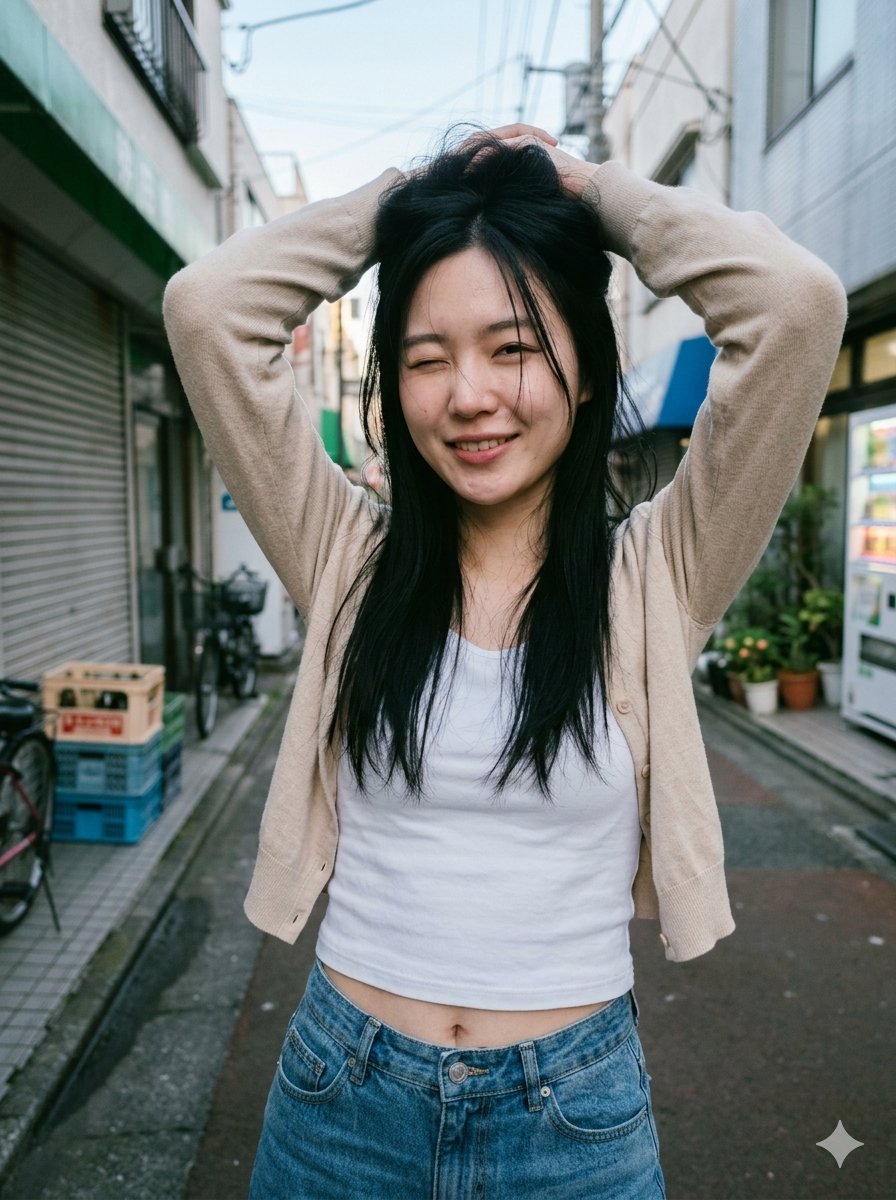
Blurred Face Japanese Alley Portrait
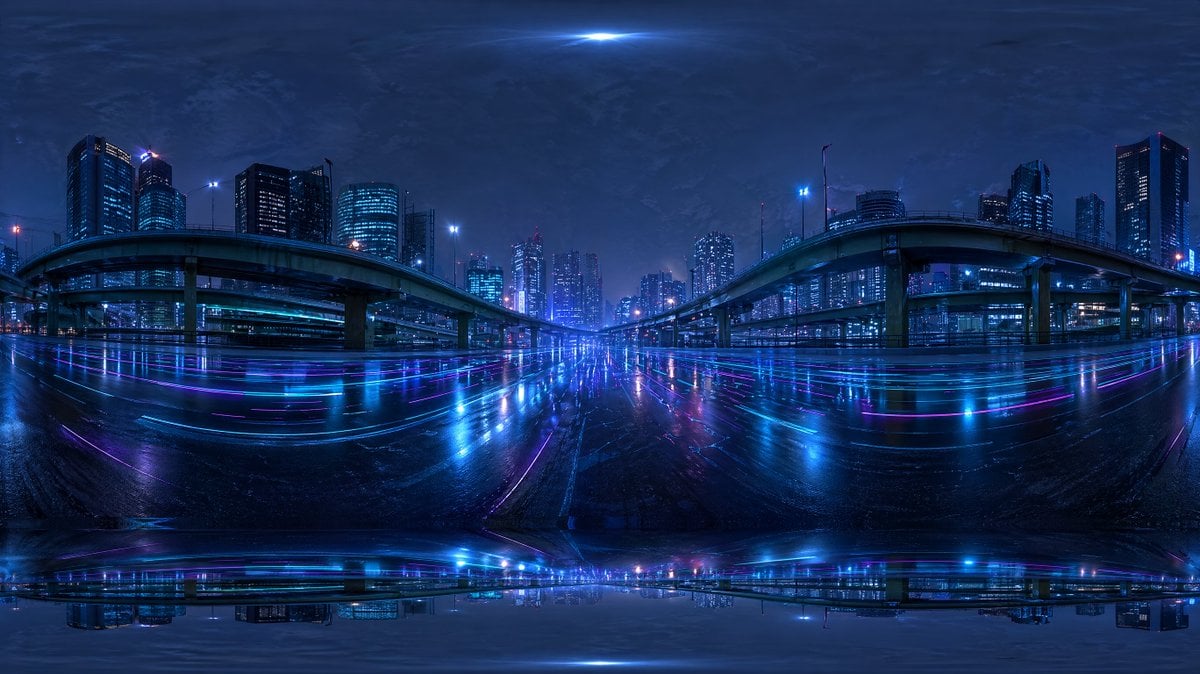
Cyberpunk City Highway HDRI

Academic Economics Chart Simulation
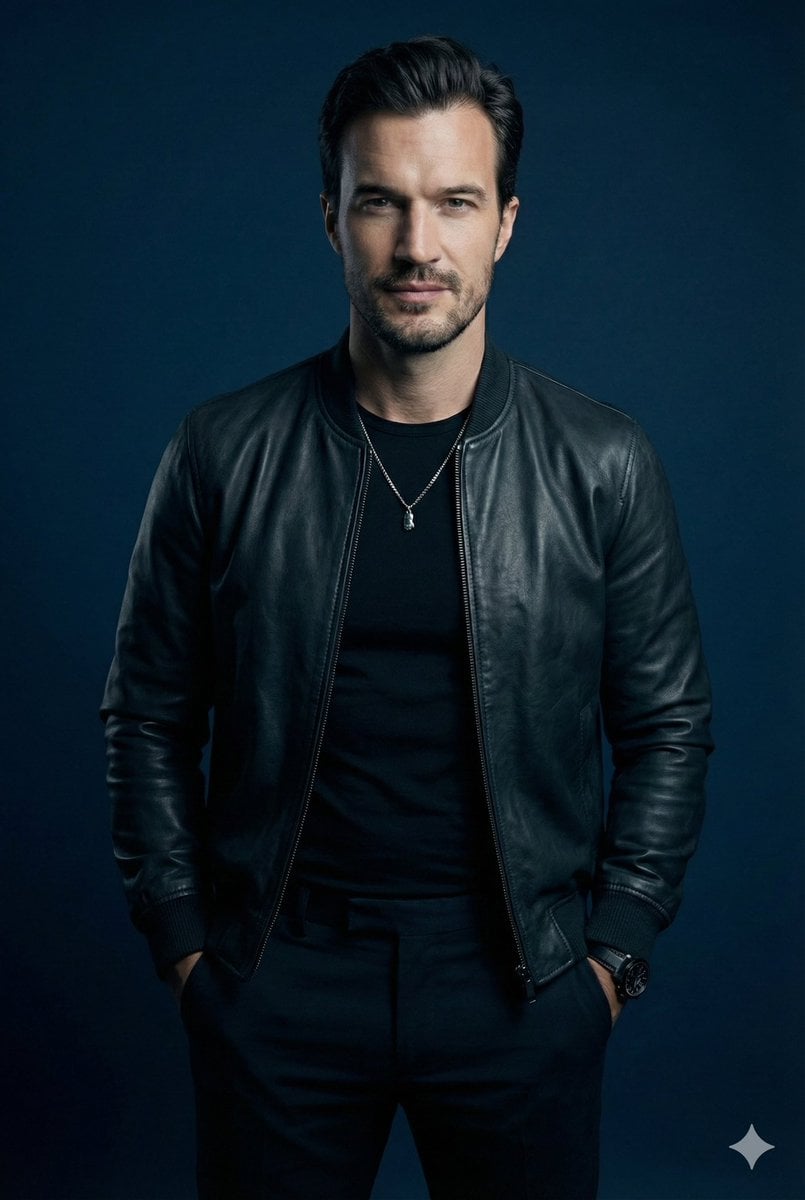
Moody Cinematic Studio Portrait Prompt
Browse template categories
Candid Superman Lifting Bus questions
How do I use the Candid Superman Lifting Bus template?
Add your photo if the template asks for one, edit the prompt if you like — the template's model and format are already selected — and press Generate. Your version opens in PicX Studio.
Can I customize the Candid Superman Lifting Bus template?
Yes. You can change the subject, setting, lighting, mood, format, and available model controls before creating your image.
Is the Candid Superman Lifting Bus template free?
Opening and editing this template is free. Generating uses credits, shown on the Generate button when you are signed in.
Which AI model should I use?
Start with GPT Image 2, which is the model associated with this template. You can compare another compatible model for a different finish.
Looking for something else? Browse all templates.

Your photo, any look
Thousands of ready templates for every top image and video model, from one credit balance.