
Cinematic 3D Illustration of Imagination Coming to Life
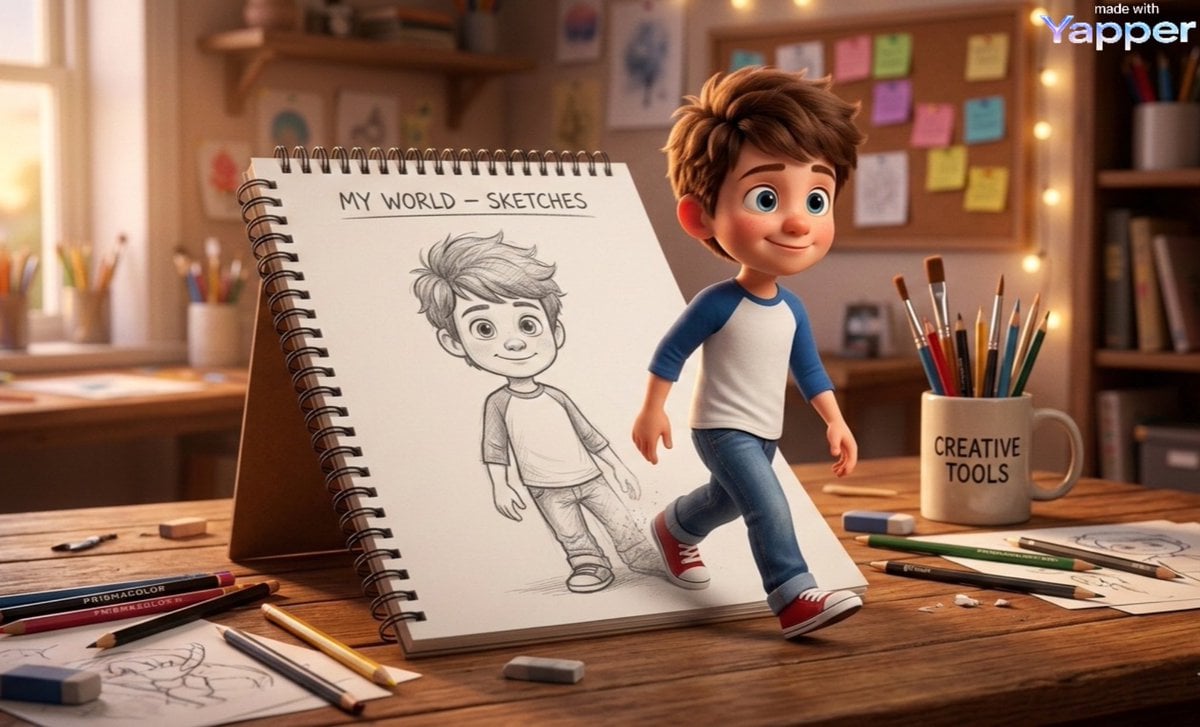
A detailed prompt for Google Nano Banana 2 to generate a cinematic 3D illustration in the style of Pixar/Disney, depicting a cute cartoon boy stepping out of a spiral sketchbook on a warm wooden desk, blending 2D sketch…
- Prompt included
- Model and format preset
- Premium template
The prompt behind this image
Copy the exact prompt behind Cinematic 3D Illustration of Imagination Coming to Life, or open it in the studio and make it yours.
Cinematic 3D illustration of imagination coming to life. A cute young cartoon boy is stepping out of a spiral sketchbook placed on a warm wooden desk in a cozy creative workspace. The sketchbook page contains a pencil sketch drawing of the same boy, labeled at the top “MY WORLD – SKETCHES.” The drawing is simple graphite line art, while the real character emerging from it is rendered in fully detailed 3D animated style. The boy looks identical to the drawing but transformed into a vibrant 3D character, with soft rounded facial features, big expressive eyes, fluffy brown hair, and a gentle friendly smile. He is wearing a casual raglan t-shirt (white with blue sleeves), denim jeans, and red sneakers. One foot is still on the sketchbook page while the other steps onto the wooden desk, creating the illusion that he is coming to life directly from the drawing. The sketch lines subtly fade where the character emerges, blending 2D pencil art into 3D reality. The desk around the notebook is filled with creative tools: scattered colored pencils, graphite pencils, pens, sketching tools, and erasers. A ceramic mug holding paintbrushes and pencils sits nearby with the text “CREATIVE TOOLS” printed on it. The background shows a warm cozy artist studio environment, with soft bokeh fairy lights, shelves with books and art supplies, and a corkboard covered with colorful sticky notes pinned behind the desk. The lighting is warm golden evening light, creating cinematic depth, soft shadows, and glowing highlights. Composition & camera •slightly low angle perspective •focus on the boy stepping forward •shallow depth of field •foreground desk details sharp, background softly blurred Style •Pixar / Disney-style 3D character design •ultra detailed textures •soft global illumination •photoreal desk materials •stylized animated character Quality keywords masterpiece, ultra detailed, 8k resolution, cinematic lighting, global illumination, depth of field, volumetric light, ray-traced reflections, warm color grading, storytelling composition, Pixar-quality 3D render, magical realism, imagination coming to life ⸻ Optional Negative Prompt (for diffusion models) blurry, low resolution, distorted anatomy, extra limbs, bad hands, messy sketch lines, flat lighting, dull colors, watermark, text artifacts
How to use Cinematic 3D Illustration of Imagination Coming to Life in 3 steps
- 1
Open
The prompt is already in the box next to the preview, with the template's model and format selected.
- 2…a portrait of your subject in softgolden-hour light, 85mm…
Personalize
Edit the subject and creative details for your destination.
- 3Generate
Generate
Press Generate — your image is created in PicX Studio, so you can compare it with the original and refine one variable at a time.
More like this
Templates with the same subject, style or setup. Open one to see its prompt.

Open Travel Journal Overhead Still Life

Imagination Coming to Life
Japanese Lifestyle Sketch Illustration

Parisian Fashion Lifestyle Illustration

Quiet Minimalist Anime Style Guide

Real Illustration Split Portrait Transition
Quiet Minimalist Anime Style Guide

Watercolor Café Cheesecake Editorial Illustration
Real Illustration Split Portrait Transition

Bold Side Profile Superhero Poster

Hero Portrait Comic Multi-Panel Poster

Spider-Verse Painterly Portrait Poster
Make it yours
Cinematic 3D Illustration of Imagination Coming to Life works as-is. These are the safest ways to change it without losing the look.
Change one field
Copy a single group, rewrite it, and generate again so you can see what that field is doing.
Keep the frame, change the subject
Hold the composition and light of Cinematic 3D Illustration of Imagination Coming to Life, then swap wardrobe, props or the person for a new take.
| If the result… | Why | Fix |
|---|---|---|
| The result drifts from the preview | Too many fields changed at once. | Reuse Cinematic 3D Illustration of Imagination Coming to Life as-is first, then change one group — subject, light, or setting. |
| The model over-stylizes the scene | The prose prompt leaves finish and camera underspecified. | Add one camera or lighting sentence and stay on Nano Banana 2. |
More Nano Banana 2 templates
Other prompts made for Nano Banana 2.

Photorealistic Leaf Shaped Like a Dragon

K-Pop Idol Portrait Grid for Rapid Selection

Poetic Rain Forest Portrait During Golden Hour

Urban Street Portrait with Cartoon Inner Self Duo

Candid Nighttime Photo with Cat Prompt

High-Concept 3D Diorama Generation Prompt

Cinematic Futuristic Studio Portrait Template

Skincare Editorial Photography Collage Prompt

Hyper-Realistic Commercial Product Photography (Splash Effect)

Hyper-Realistic Nightclub Portrait Prompt
More image prompts
Fresh picks from across the catalog.

Prompt for Converting Subject into an Archangel
Ink and Wash Illustration Generator

Ultra-Realistic Portrait Prompt (from ALT text)
Cinematic Black, White, and Red Street Photography Portrait
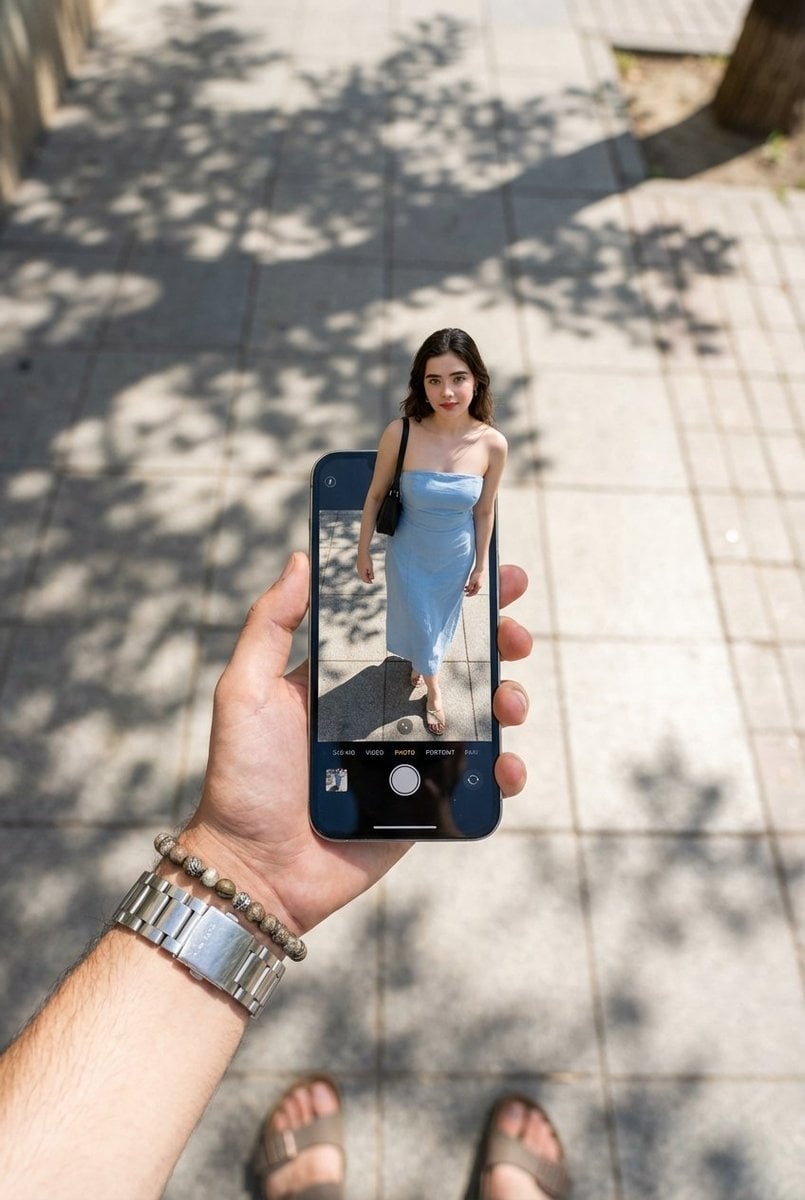
Surreal Forced Perspective Miniature Woman
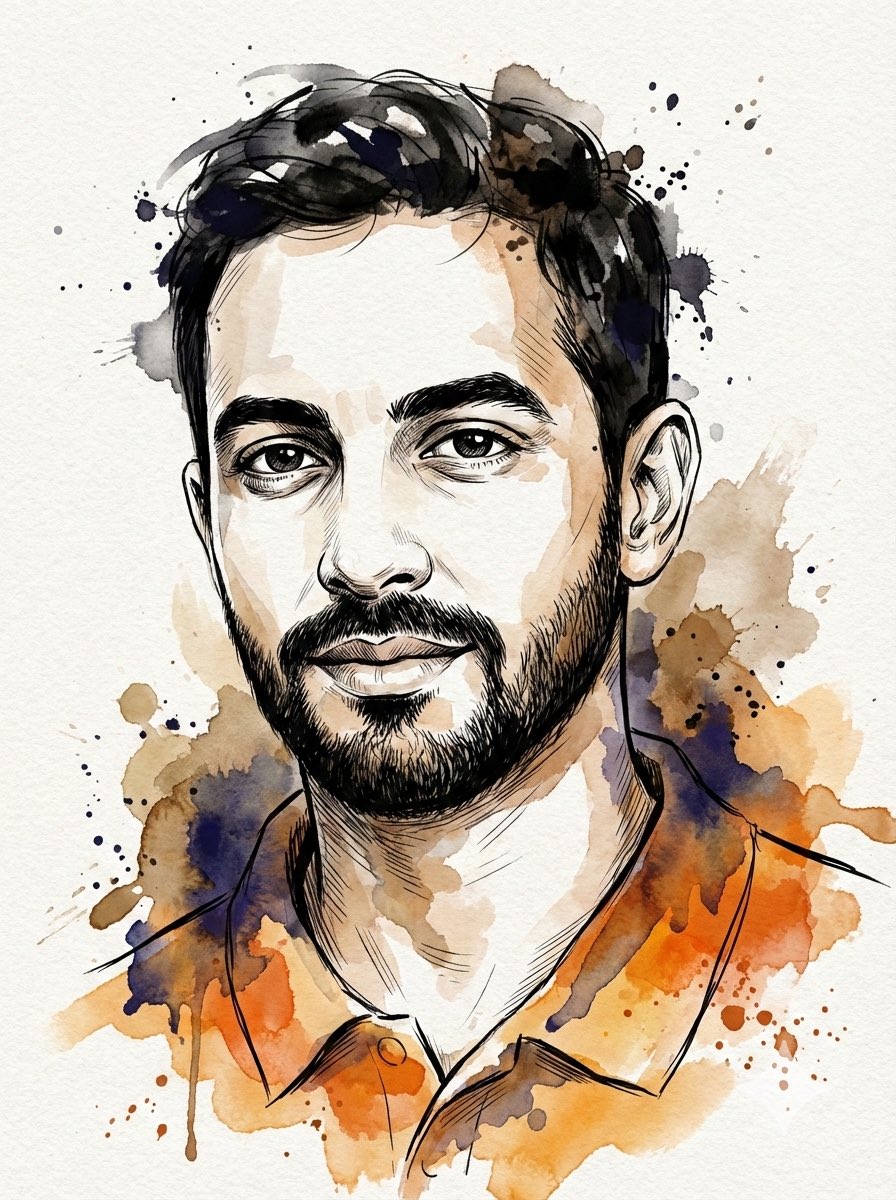
Digital Splashes-and-Ink Portrait from Photo
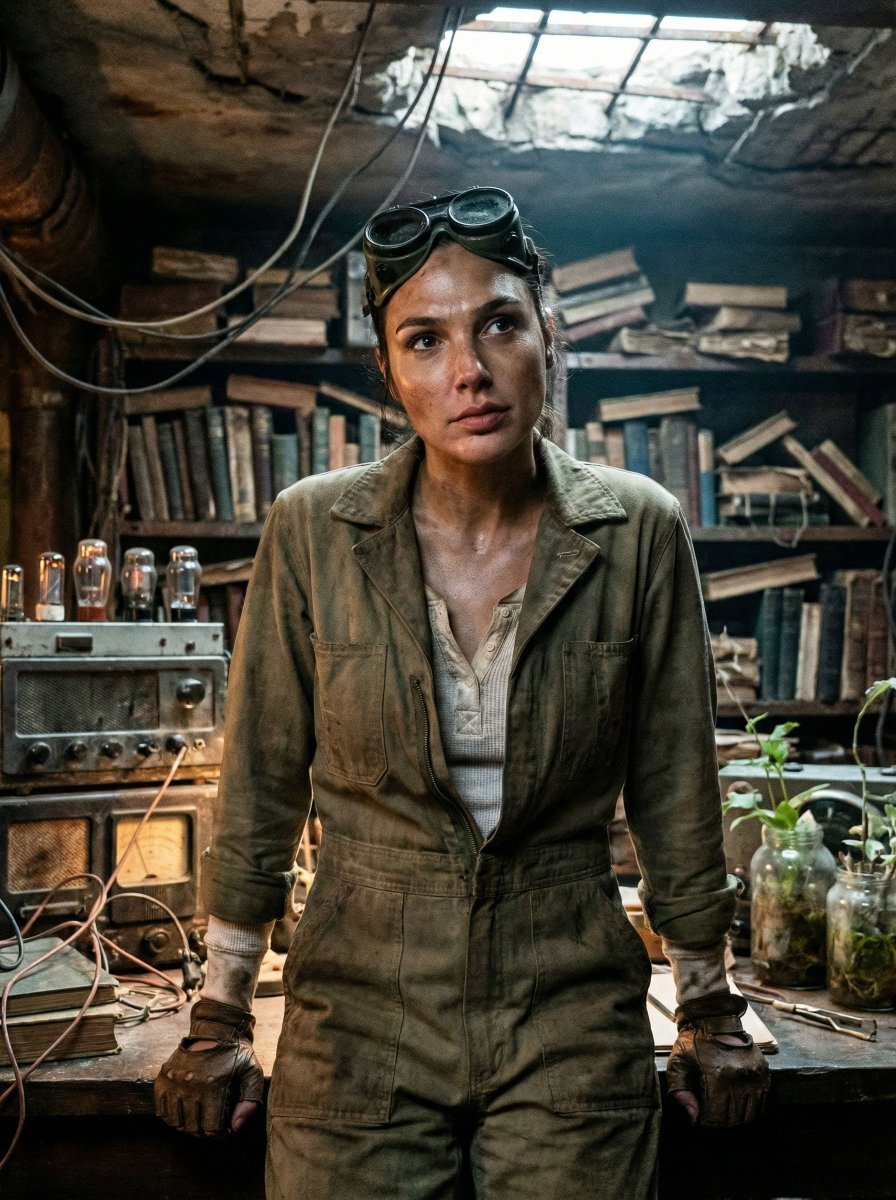
Cinematic Post-Apocalyptic Bunker Portrait

Country Singer Conversion (Image-to-Image)

Fox-Eared Anime Students by the Sea

Street Fashion Editorial at Night with Motion Blur
Browse template categories
Cinematic 3D Illustration of Imagination Coming to Life questions
How do I use the Cinematic 3D Illustration of Imagination Coming to Life template?
Add your photo if the template asks for one, edit the prompt if you like — the template's model and format are already selected — and press Generate. Your version opens in PicX Studio.
Can I customize the Cinematic 3D Illustration of Imagination Coming to Life template?
Yes. You can change the subject, setting, lighting, mood, format, and available model controls before creating your image.
Is the Cinematic 3D Illustration of Imagination Coming to Life template free?
Opening and editing this template is free. Generating uses credits, shown on the Generate button when you are signed in.
Which AI model should I use?
Start with Nano Banana 2, which is the model associated with this template. You can compare another compatible model for a different finish.
Looking for something else? Browse all templates.

Your photo, any look
Thousands of ready templates for every top image and video model, from one credit balance.