
Summer Anime Sketchbook Flat Lay
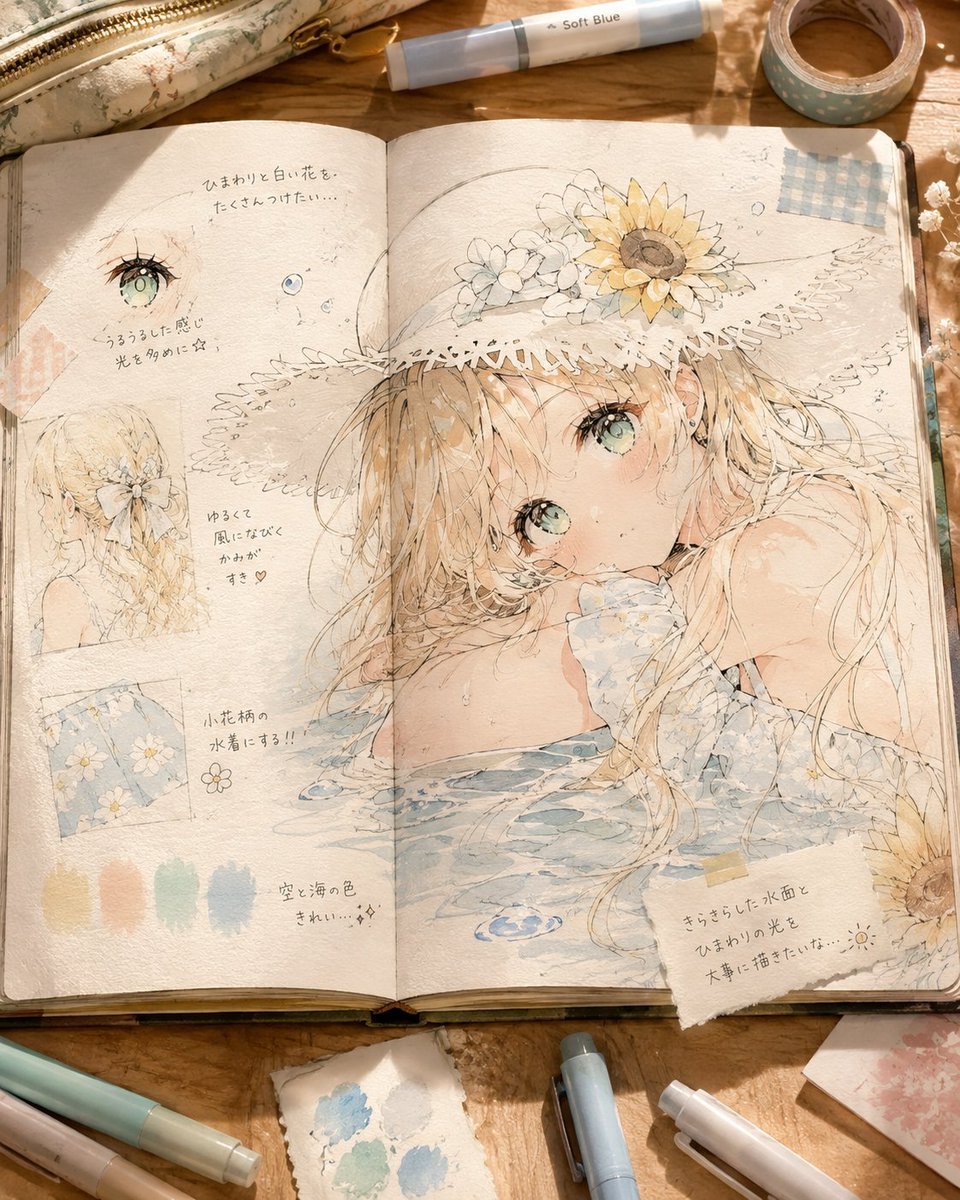
Generates a cozy flat-lay photo of an open creative notebook filled with pastel watercolor anime character studies and surrounding art supplies.
- Prompt included
- Model and format preset
- Free template
The prompt behind this image
Copy the exact prompt behind Summer Anime Sketchbook Flat Lay, or open it in the studio and make it yours.
Goal: Create a cozy overhead photograph of an open illustrated creative notebook spread on a warm wooden desk, showing a delicate watercolor anime character design study for {argument name="character name" default="a shy summer girl"}. Canvas: Square 1:1 composition, realistic photo of a sketchbook lying open, soft morning sunlight, warm shadows, shallow natural depth, tactile paper texture, slightly aged cream pages, center gutter visible. Main notebook spread: The right page is dominated by one large pastel watercolor anime illustration of a young girl with {argument name="hair color" default="long sandy blonde hair"}, large pale aqua-green eyes, flushed cheeks, and a wistful expression. She leans with her arms in shallow water, wearing a soft blue gingham or pale blue summer garment, with wet hair strands flowing across the page. She wears a wide straw sunhat decorated with exactly 3 visible flower groups: one large yellow sunflower on the upper right of the hat, one cluster of small white flowers near the top center-left, and a smaller white floral cluster near the brim. Add delicate ink linework, translucent washes, tiny sparkles, water ripples, and paint blooms. Left page contents: Make the left page look like an artist’s concept notebook with exactly 6 discrete study elements: 1 small close-up eye sketch with aqua iris, 1 tiny round color/detail sketch near it, 1 small back-view portrait of the girl’s hair and flower accessory, 1 small square fabric/pattern swatch with pale blue flowers, 1 row of exactly 5 pastel color swatches at the bottom in muted yellow, peach, mint green, pale blue, and dusty blue, and 1 small simple flower doodle beside the notes. Include light handwritten Japanese-style annotations in pencil/gray ink, including short notes about sunflowers, white flowers, glossy wet light, soft wind, cute texture, small floral reflections on the water surface, and beautiful sky-and-sea colors. Right page details: Add a pale blue gingham tape patch at the upper right corner, a small blue water ripple doodle near the lower center, and a torn paper note taped at the lower right with handwritten Japanese text about carefully drawing the sparkling water surface and sunflower light. A partial sunflower peeks from the lower right edge of the notebook. Desk props: Surround the notebook with exactly 8 visible stationery/desk items: 1 floral fabric pencil pouch with a brass zipper at the top left, 1 pale blue marker labeled {argument name="marker label" default="Soft Blue"} near the top center, 1 roll of blue polka-dot washi tape at the top right, 1 mint-and-beige marker at the bottom left, 1 pale pink marker at the bottom left, 1 small torn watercolor test paper with blue and mint paint marks at the bottom center, 1 light blue marker at the bottom center-right, and 1 white pen at the bottom right. Add a few dried white flowers along the right edge and small torn patterned papers, but keep them secondary. Visual style: Hyper-detailed realistic flat-lay photography combined with ethereal Japanese watercolor illustration; airy pastel palette of cream, honey wood, soft blue, mint, peach, sunflower yellow, and pale beige. Emphasize handmade sketchbook texture, transparent pigment granulation, pencil construction lines, loose ink strokes, masking tape, torn paper edges, and gentle sunlight. Constraints: Use only one open notebook spread, keep the illustration and notes integrated into the paper rather than floating digitally, preserve the count of study elements and desk items, avoid printed UI elements or modern screens, no watermark, no extra characters.
How to use Summer Anime Sketchbook Flat Lay in 3 steps
- 1Upload ImagePNG, JPG or paste
Add your photo
Upload the photo the template builds on. The prompt, model and format are already set.
- 2…a portrait of your subject in softgolden-hour light, 85mm…
Personalize
Edit the subject and creative details for your destination.
- 3Generate
Generate
Press Generate — your image is created in PicX Studio, so you can compare it with the original and refine one variable at a time.
More like this
Templates with the same subject, style or setup. Open one to see its prompt.
Couple Lock Screen iPhone Flat Lay

Pastel Anime Summer Beach Collage

Notebook Page Emergence Illusion
Cozy Tabletop Flat Lay with Doodles
Tennis Court Top-Down Flat Lay
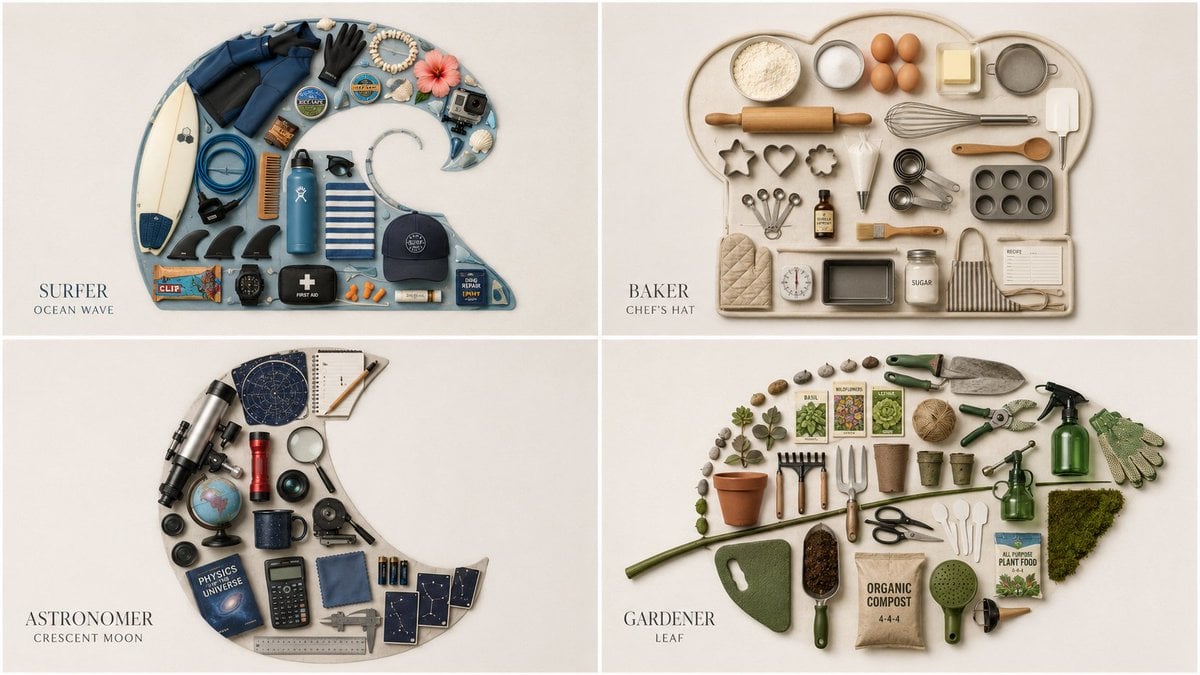
Themed Knolling Flat-Lay Grid

Cel 2D Finale Fireworks

Cel 2D Garden Maze

Cel 2D Rooftop Concert

Cel 2D Bicycle Coast

Cel 2D Castle Gate

Cel 2D Kitchen Chaos
Make it yours
Summer Anime Sketchbook Flat Lay works as-is. These are the safest ways to change it without losing the look.
Change one field
Copy a single group, rewrite it, and generate again so you can see what that field is doing.
Keep the frame, change the subject
Hold the composition and light of Summer Anime Sketchbook Flat Lay, then swap wardrobe, props or the person for a new take.
| If the result… | Why | Fix |
|---|---|---|
| The result drifts from the preview | Too many fields changed at once. | Reuse Summer Anime Sketchbook Flat Lay as-is first, then change one group — subject, light, or setting. |
| The model over-stylizes the scene | The prose prompt leaves finish and camera underspecified. | Add one camera or lighting sentence and stay on GPT Image 2. |
More GPT Image 2 templates
Other prompts made for GPT Image 2.

Six VTuber Japanese Logo Sheet

Realistic Portrait of Woman and Deer

The Vista Modular Condo Poster

AI Model Routing Comparison Infographic

2.5D Anime Art Board

Isometric Productivity Desk Scene

New York Double Exposure Poster

Four-Panel AI Landscape Comparison

Japanese Tatami Lifestyle Magazine Cover

NESCAFÉ Coffee Map Poster
More image prompts
Fresh picks from across the catalog.
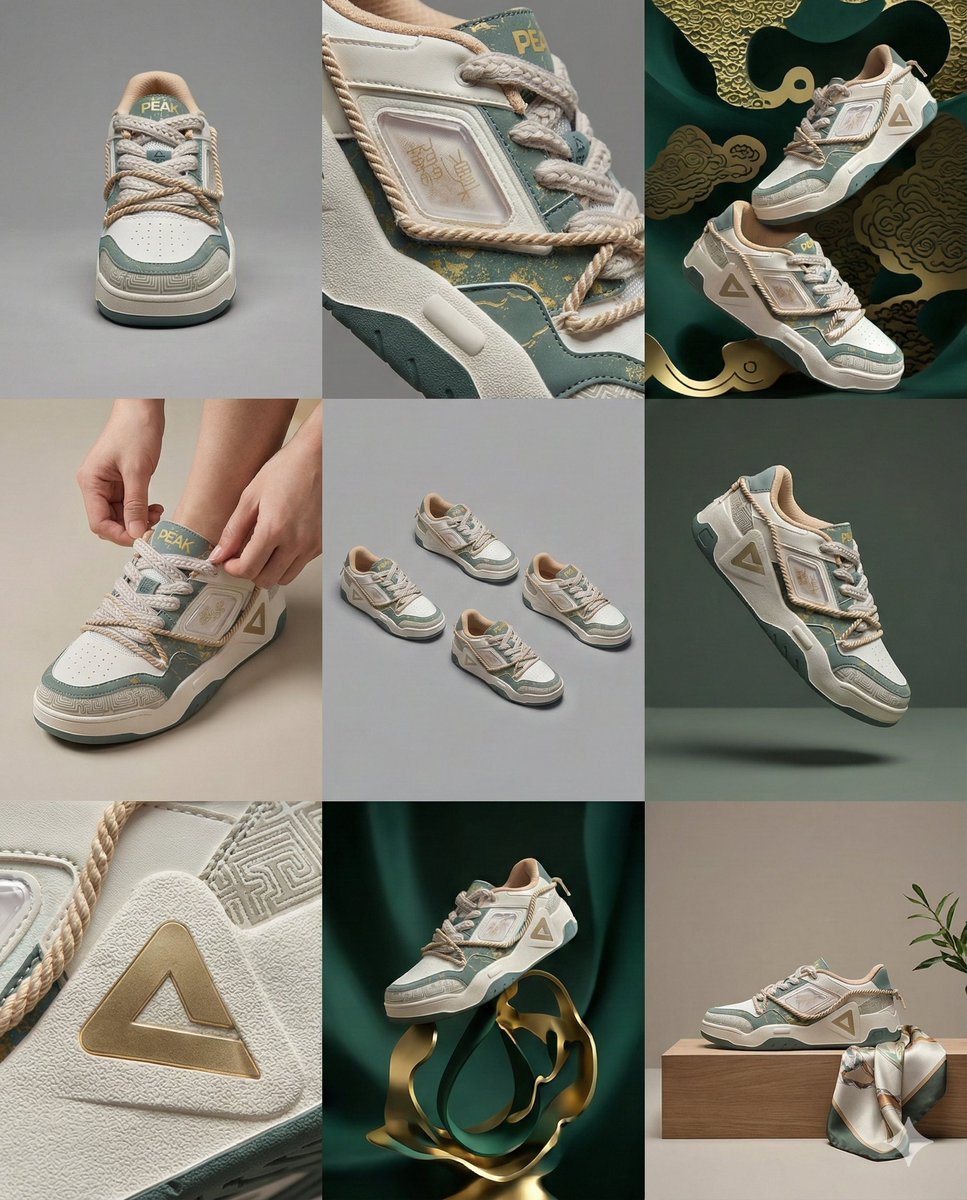
3x3 Visual Storyboard for Product Branding
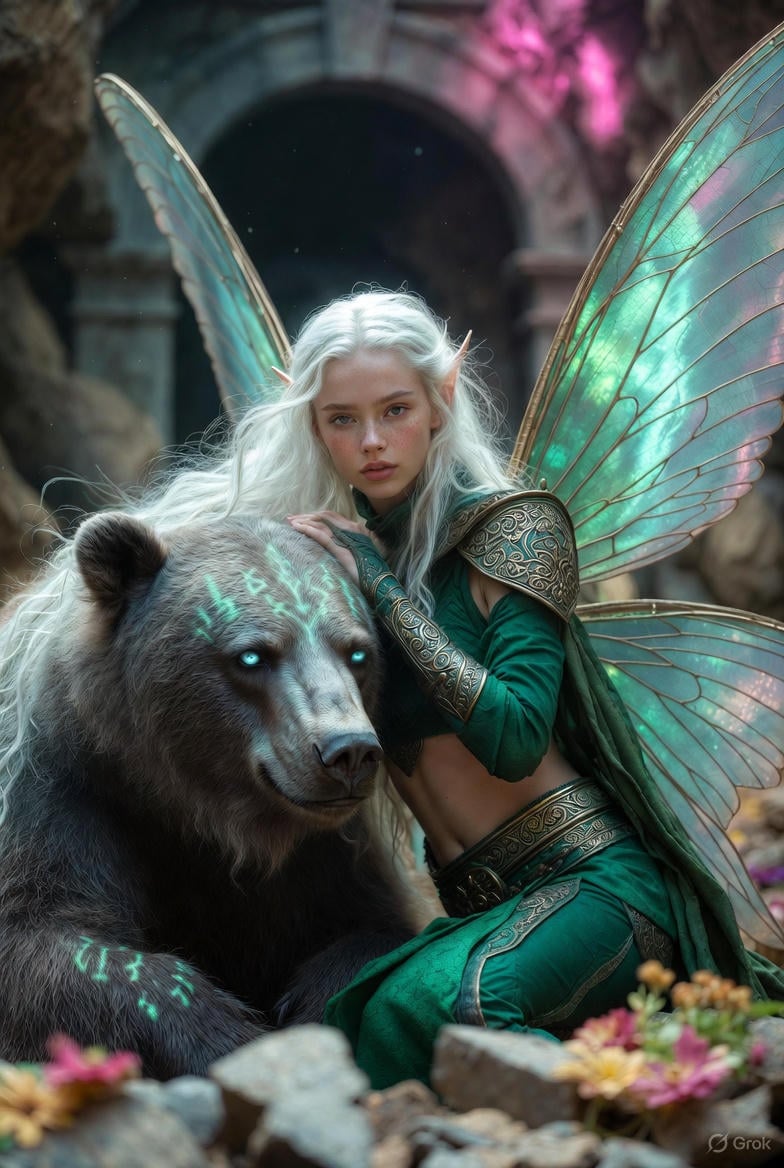
Photorealistic Fantasy Scene: Fairy and Muscular Bear in Cavern
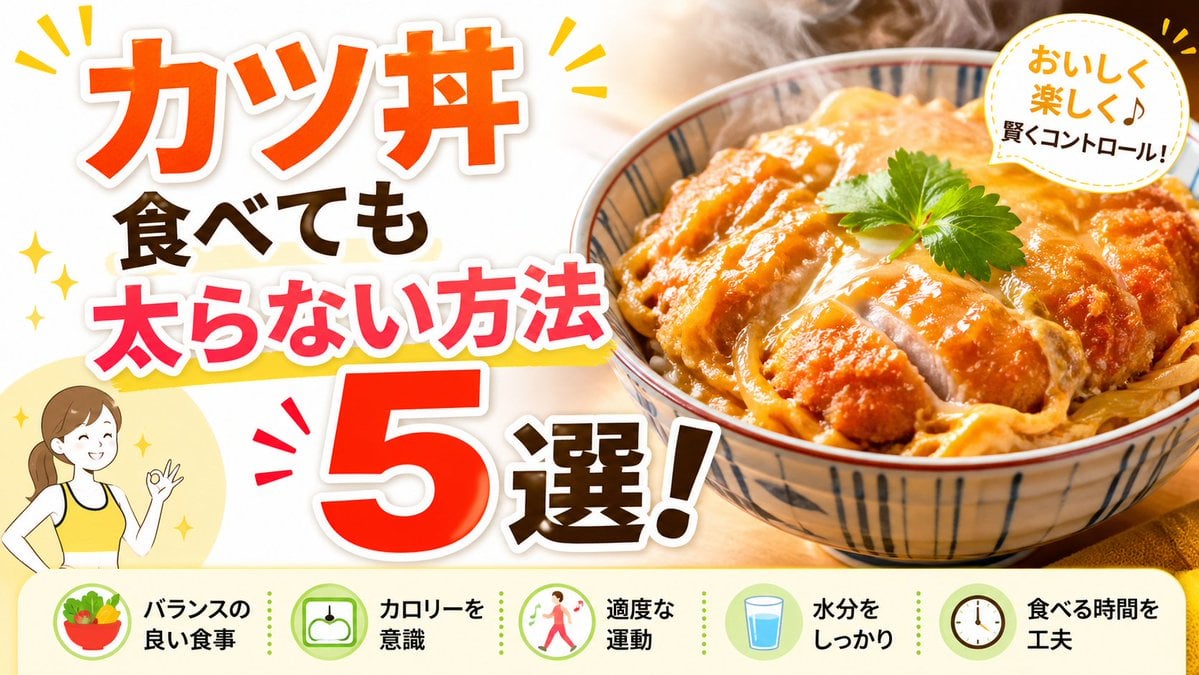
Japanese Katsudon Diet Thumbnail
Rooftop Athletic Lifestyle Portrait Prompt
Cinematic Urban Night Portrait
Crimson Rose Garden Fashion Portrait
Two Anime Girls with Flashy Hair

Christmas Ornament Portrait Glossy Glass Resin Finish with Hand Painted Details Holiday Lighting

Candid Convenience Store Portrait
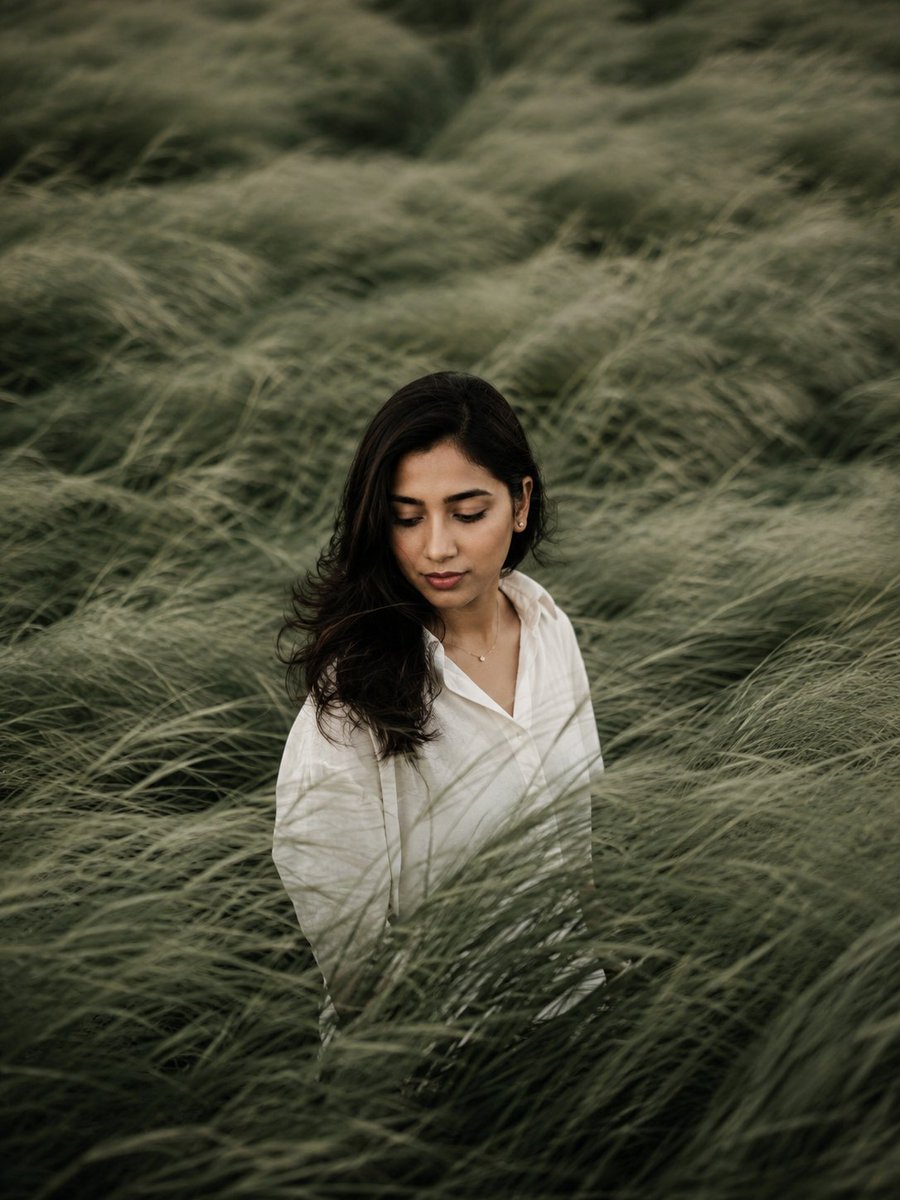
Introspective Sage Field Portrait
Browse template categories
Summer Anime Sketchbook Flat Lay questions
How do I use the Summer Anime Sketchbook Flat Lay template?
Add your photo if the template asks for one, edit the prompt if you like — the template's model and format are already selected — and press Generate. Your version opens in PicX Studio.
Can I customize the Summer Anime Sketchbook Flat Lay template?
Yes. You can change the subject, setting, lighting, mood, format, and available model controls before creating your image.
Is the Summer Anime Sketchbook Flat Lay template free?
Opening and editing this template is free. Generating uses credits, shown on the Generate button when you are signed in.
Which AI model should I use?
Start with GPT Image 2, which is the model associated with this template. You can compare another compatible model for a different finish.
Looking for something else? Browse all templates.

Your photo, any look
Thousands of ready templates for every top image and video model, from one credit balance.