How do I use the Tennis Court Top-Down Flat Lay template?
Choose the primary action to open PicX Studio with the available template settings. Review the model and format, personalize the creative direction, and generate when ready.
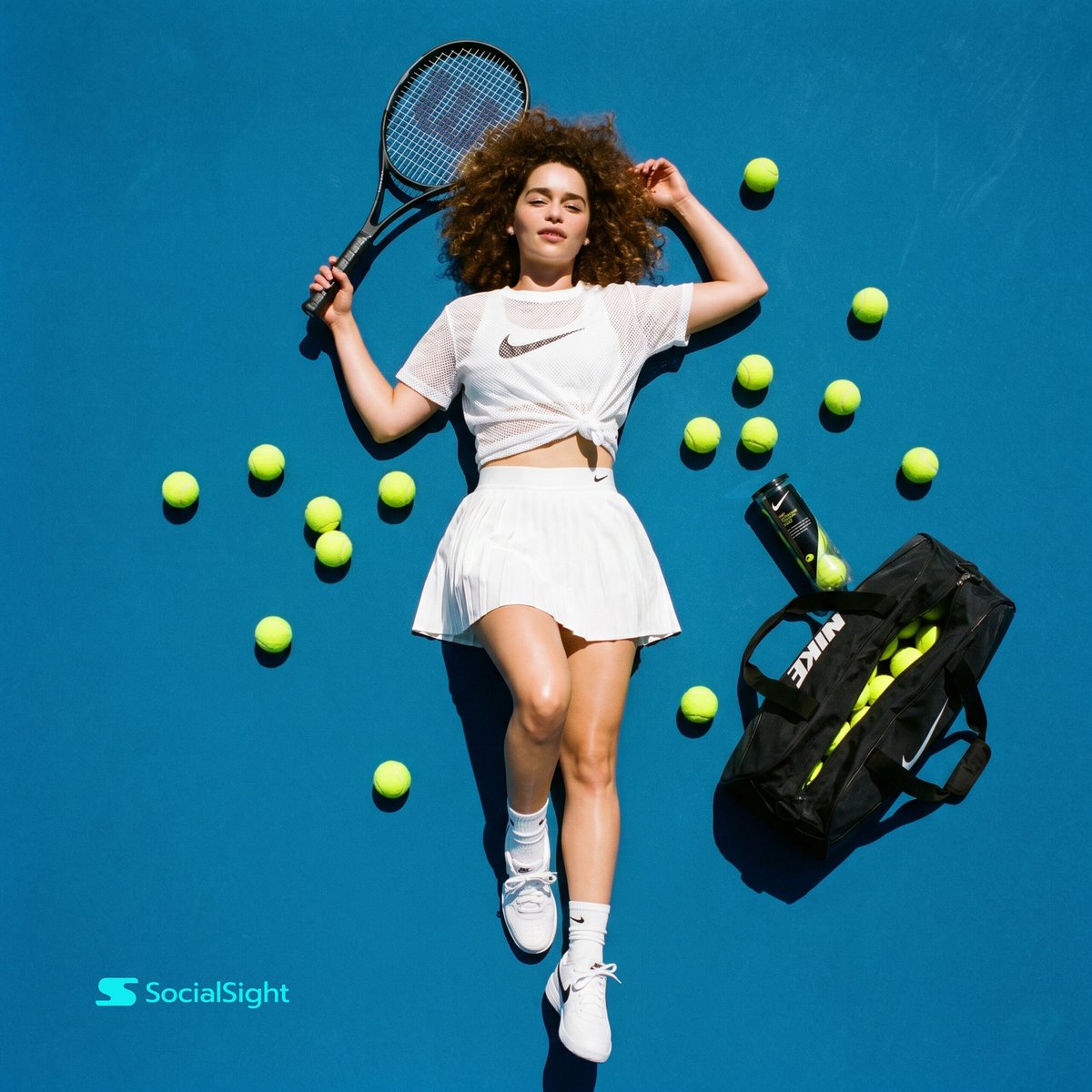
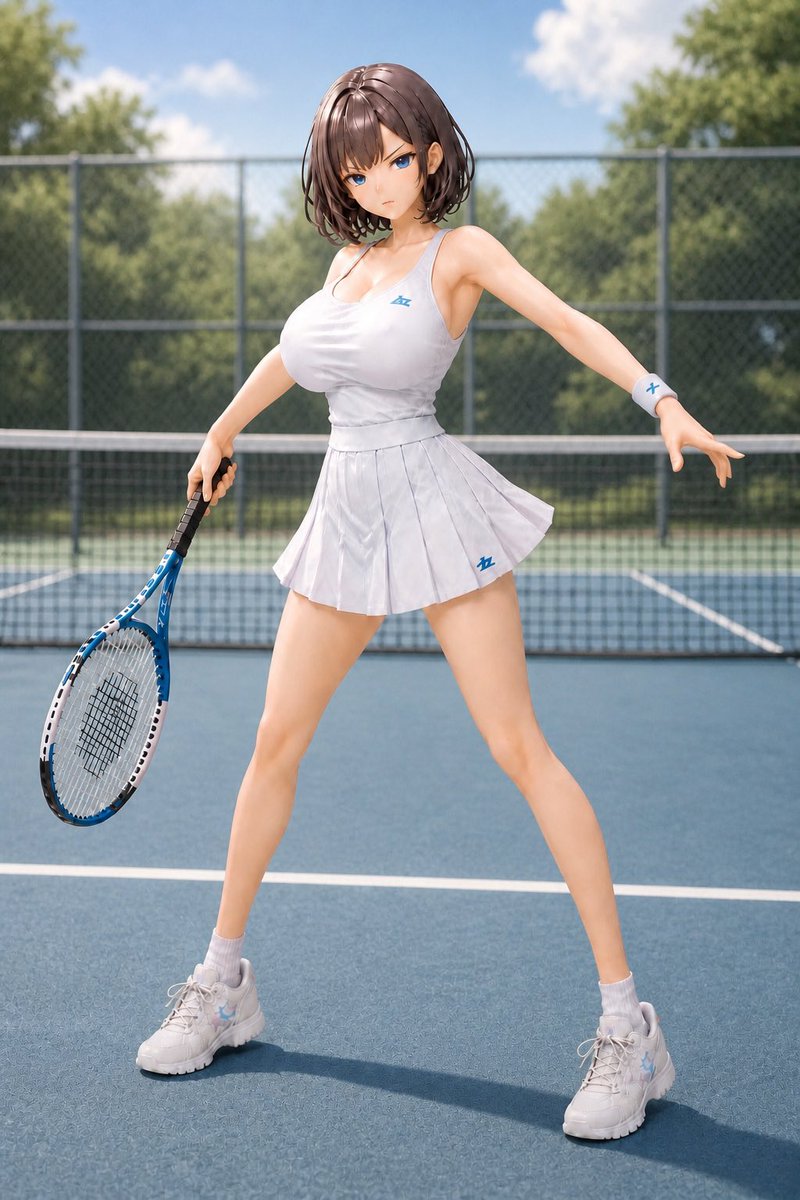
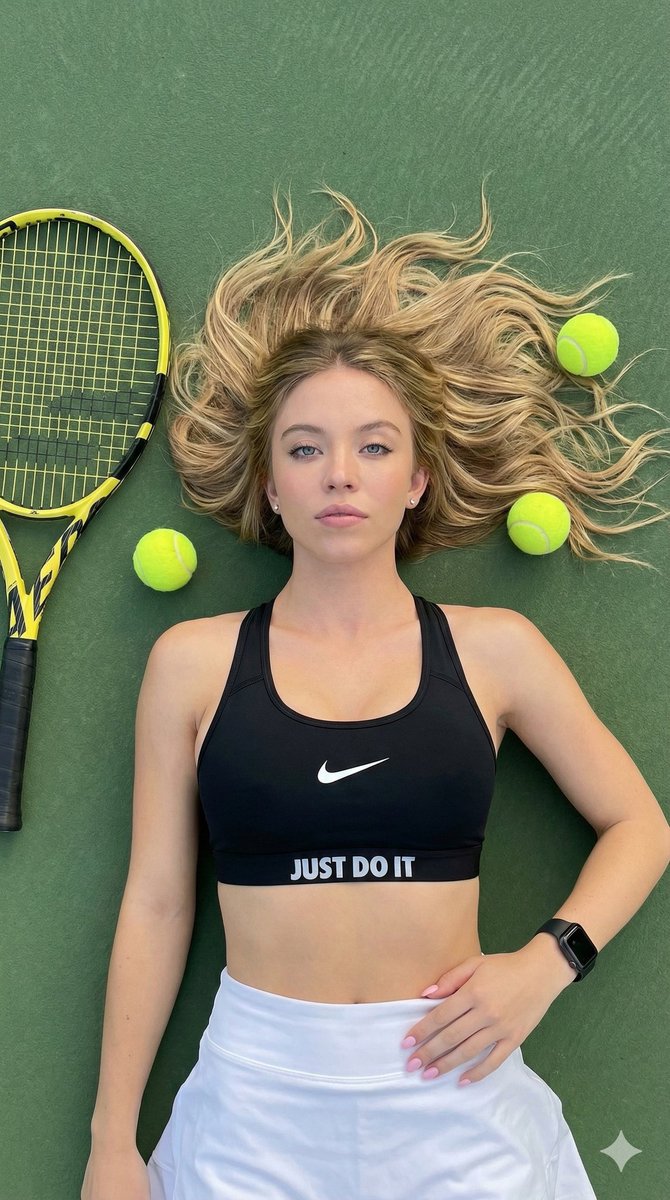
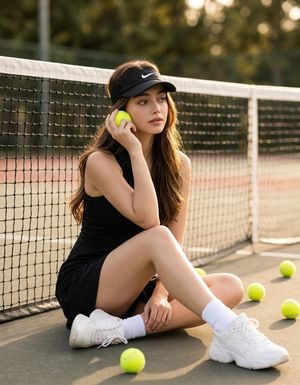
An ultra-realistic flat lay photography prompt for a luxury sportswear campaign featuring a model on a blue tennis court.
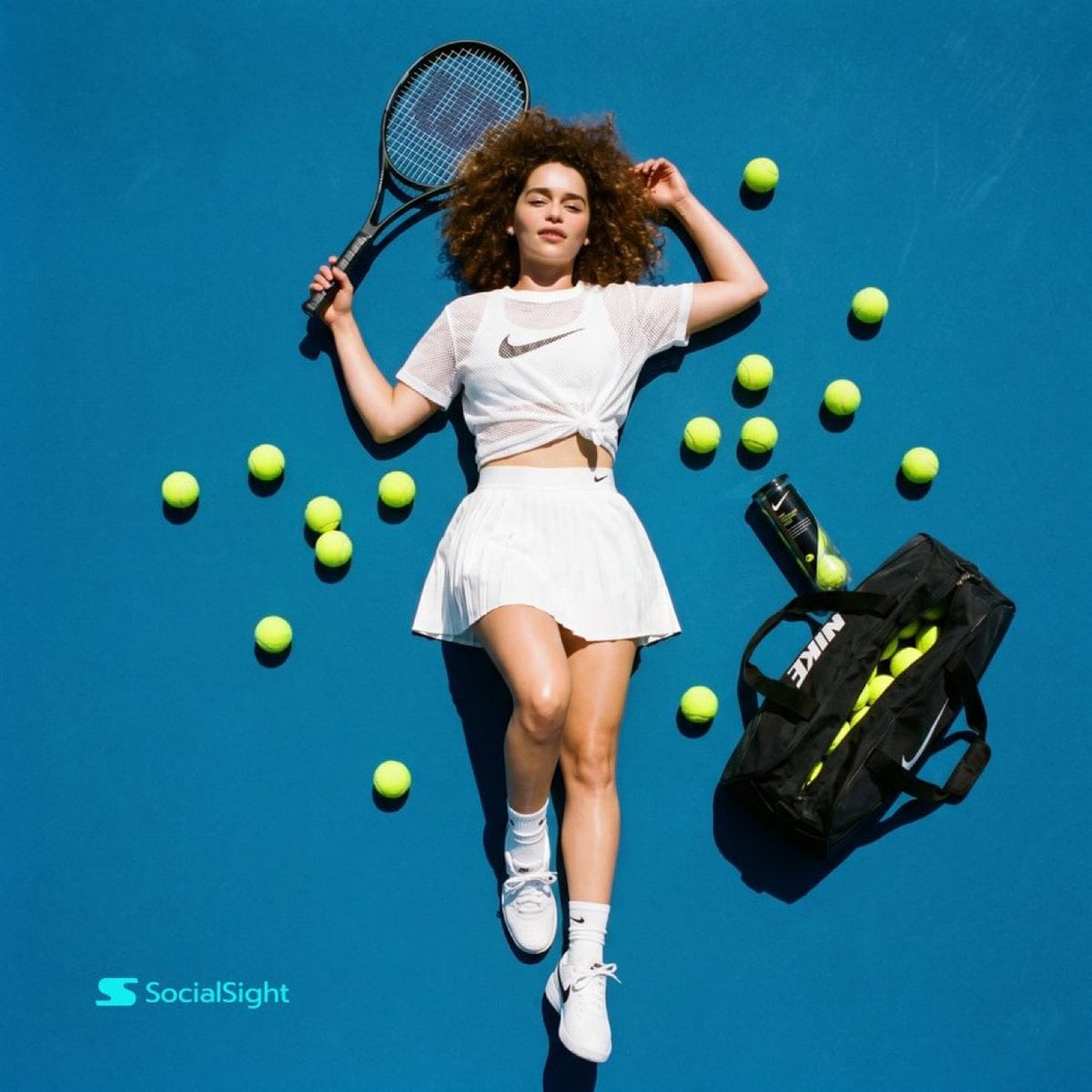
Ultra-realistic top-down flat lay fashion sports photography of a young woman with {argument name="hair style" default="voluminous curly brown hair"} lying on a vibrant blue tennis court surface, holding a black tennis racket beside her head, wearing a {argument name="outfit color" default="white"} mesh crop sports t-shirt tied at the waist, white pleated tennis skirt, white socks, and white sneakers. Multiple neon yellow tennis balls scattered artistically around her body, with a black tennis duffle bag and an open tennis ball can placed beside her. Bright harsh sunlight creating strong cinematic shadows, editorial Nike-style campaign aesthetic, luxury sportswear vibe, symmetrical composition, crisp details, glossy skin highlights, vibrant colors, minimal background, high contrast, professional commercial photography, shot from directly above, 35mm lens look, ultra detailed, magazine cover quality, clean modern sporty aesthetic.
Choose the primary action to open PicX Studio with the available template settings. Review the model and format, personalize the creative direction, and generate when ready.
Yes. You can change the subject, setting, lighting, mood, format, and available model controls before creating your image.
This template is free to open and customize. Generation usage is shown in PicX Studio before you create.
Start with Nano Banana 2, which is the model associated with this template. You can compare another compatible model for a different finish.
Follow a topic to a crawlable collection of related PicX Studio templates.