
Japanese Horror Game Street Reflection
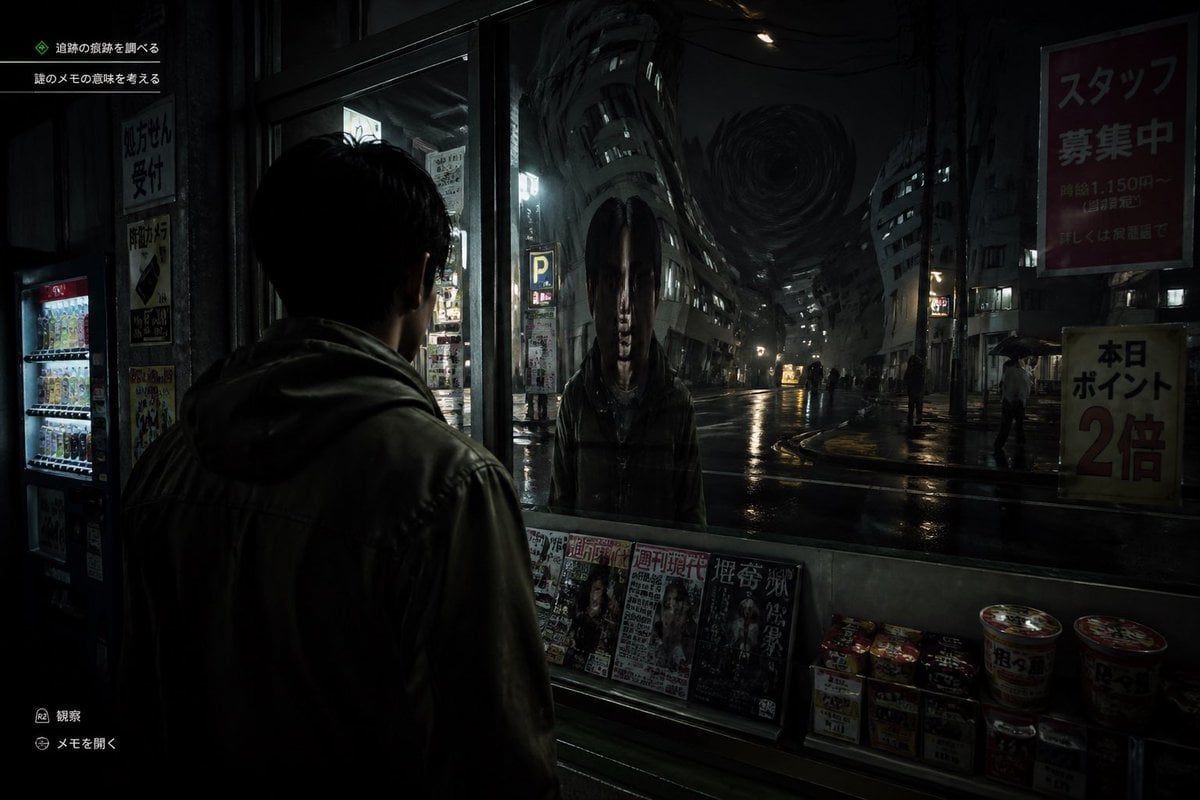
This prompt generates a dark ultra-realistic survival horror game screenshot of a man confronting a distorted ghostly reflection in a rainy Japanese city street.
- Prompt included
- Model and format preset
- Free template
The prompt behind this image
Copy the exact prompt behind Japanese Horror Game Street Reflection, or open it in the studio and make it yours.
A cinematic Japanese psychological horror game screenshot at night, shown from a third-person over-the-shoulder perspective behind a young man wearing a dark hooded jacket, standing under a convenience store awning and staring into a large front window. In the glass, instead of a normal reflection, there is a terrifying humanoid figure with an unnaturally elongated oval head, long straight black hair hanging down both sides, a pale expressionless face, and a dark coat, standing directly opposite him. Beyond the reflection is a wet urban street in Japan with glossy rain-soaked asphalt, sparse pedestrians holding umbrellas, dim storefronts, vending machines, parking signs, and tall buildings bending inward in a surreal warped perspective toward a dark swirling vortex in the sky at the end of the street. The convenience store window ledge displays exactly 5 visible magazine covers lined up side by side and exactly 8 instant food items or cup noodles stacked on the lower right. Add subtle in-game UI text in Japanese: exactly 2 objective lines in the upper left, and exactly 2 small action prompts in the lower left. Include readable Japanese street posters and shop signs, such as a large red staff recruitment sign on the upper right and a yellow points campaign sign on the lower right. Lighting is extremely dark, moody, and realistic, with reflections, deep shadows, damp textures, and a faint cold glow from interior lights and street lamps. Style: ultra-realistic survival horror video game, unsettling, grounded, detailed, cinematic, high contrast, eerie silence, no exaggerated action, no bright colors.
How to use Japanese Horror Game Street Reflection in 3 steps
- 1Upload ImagePNG, JPG or paste
Add your photo
Upload the photo the template builds on. The prompt, model and format are already set.
- 2…a portrait of your subject in softgolden-hour light, 85mm…
Personalize
Edit the subject and creative details for your destination.
- 3Generate
Generate
Press Generate — your image is created in PicX Studio, so you can compare it with the original and refine one variable at a time.
More like this
Templates with the same subject, style or setup. Open one to see its prompt.

Japanese Film Reflection Idol
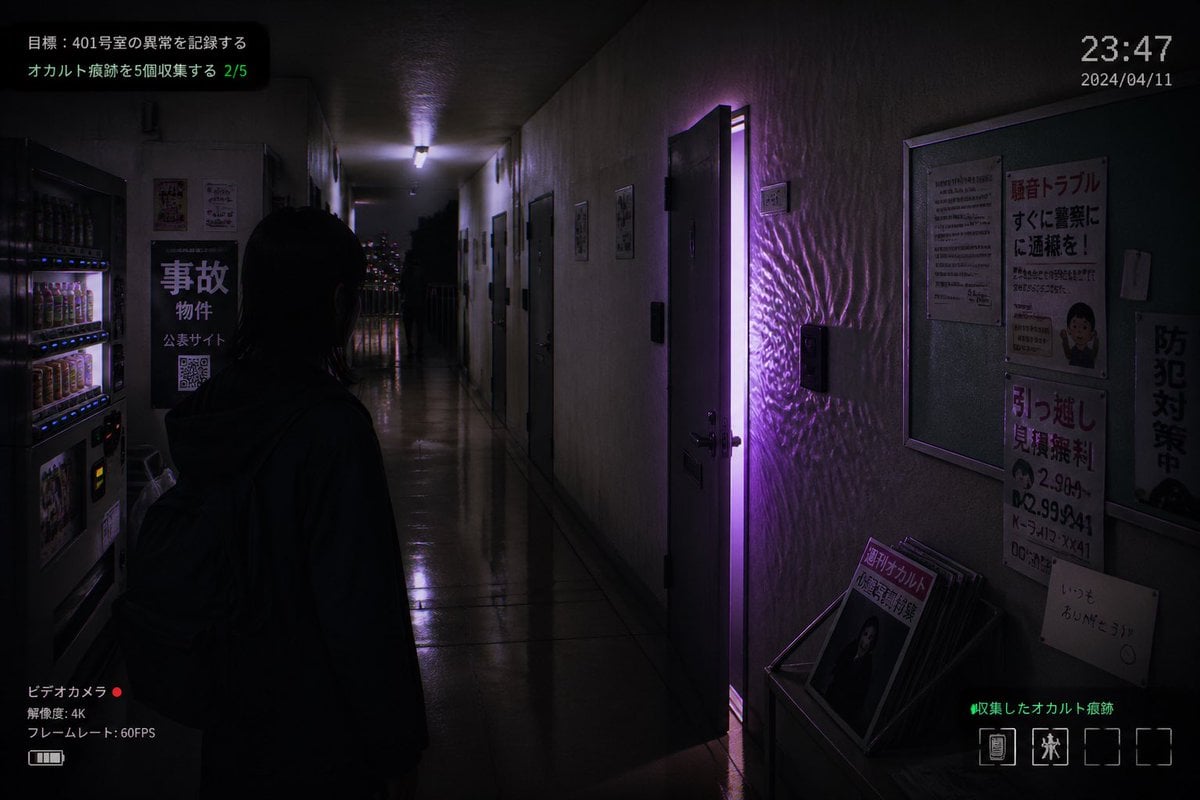
Japanese Apartment Horror Game Screenshot
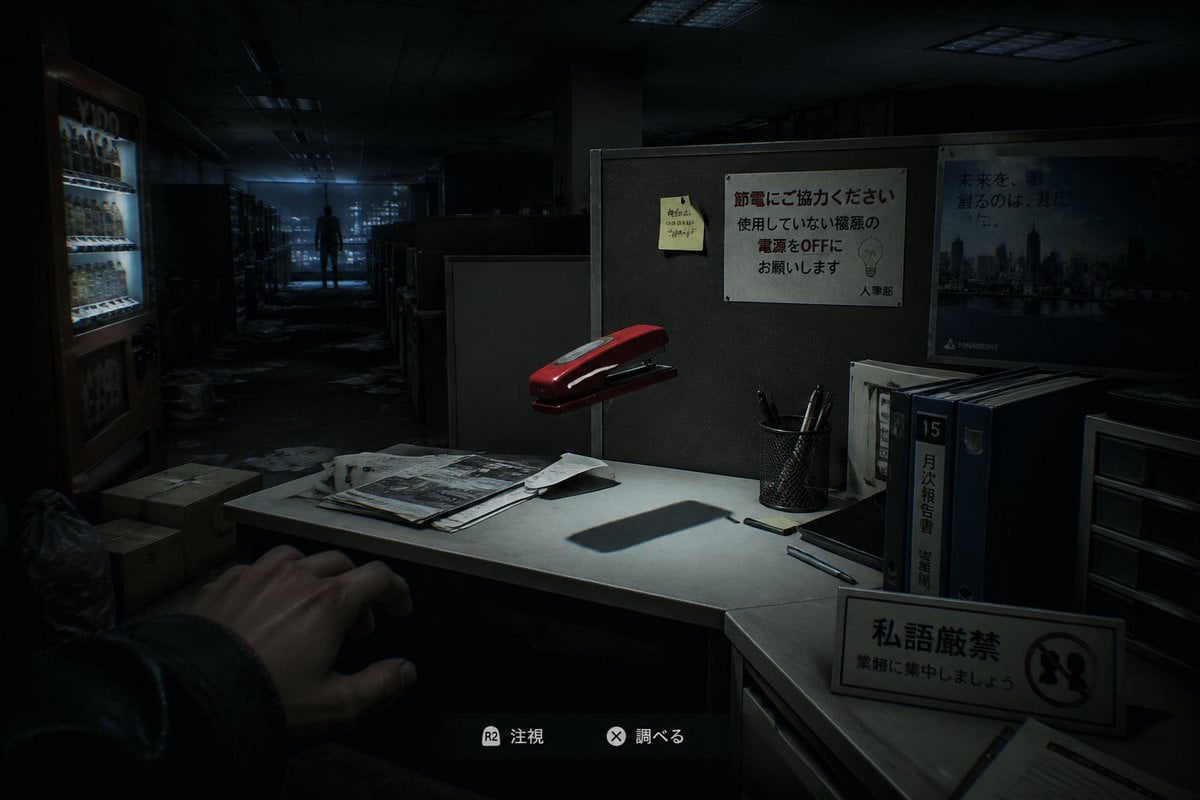
Japanese Office Horror Game Screenshot
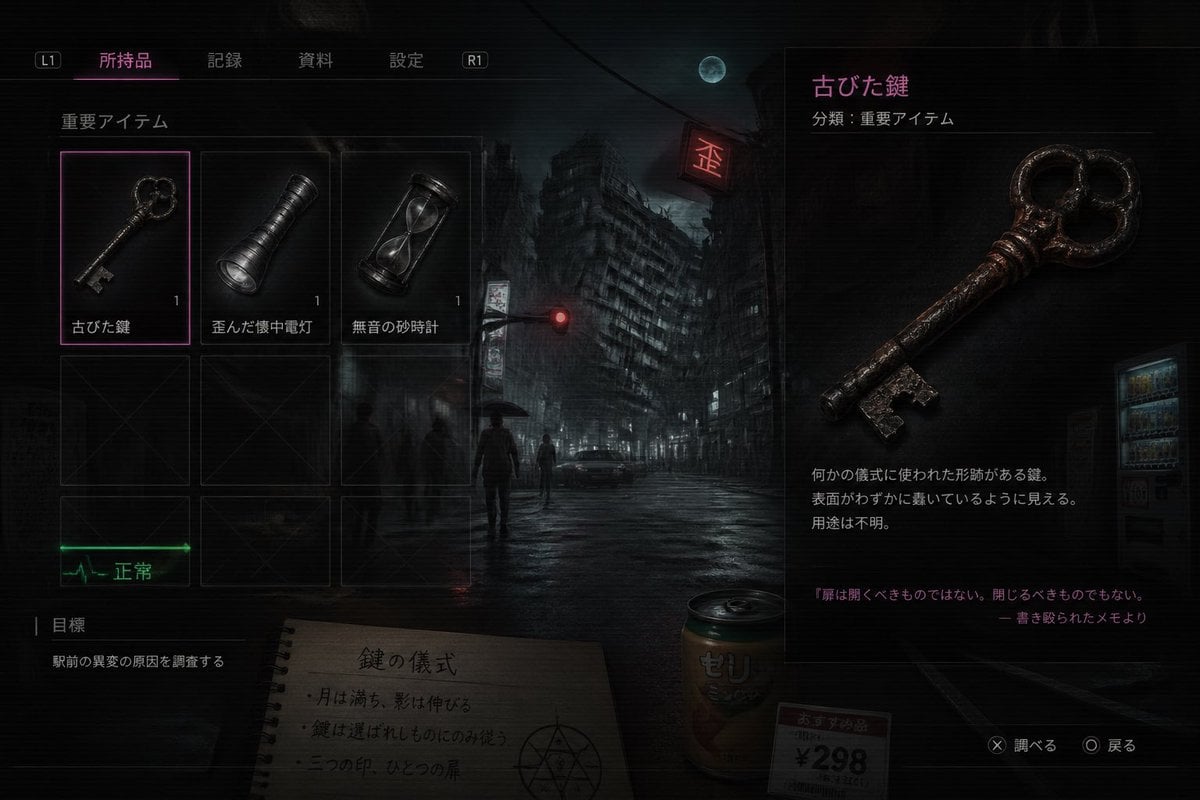
Japanese Horror Game Inventory Screen

Two Tickets, One Night

Meet Me When It Rains

Two Hearts. One Scooter.

1986 Street Couple

1985 Street Scene

Minecraft Japanese Research Lab Exploration

Japanese Architectural Concrete Studio Fashion Campaign

Japanese Minimalist Concrete Studio Fashion Editorial
Make it yours
Japanese Horror Game Street Reflection works as-is. These are the safest ways to change it without losing the look.
Change one field
Copy a single group, rewrite it, and generate again so you can see what that field is doing.
Keep the frame, change the subject
Hold the composition and light of Japanese Horror Game Street Reflection, then swap wardrobe, props or the person for a new take.
| If the result… | Why | Fix |
|---|---|---|
| The result drifts from the preview | Too many fields changed at once. | Reuse Japanese Horror Game Street Reflection as-is first, then change one group — subject, light, or setting. |
| The model over-stylizes the scene | The prose prompt leaves finish and camera underspecified. | Add one camera or lighting sentence and stay on GPT Image 2. |
More GPT Image 2 templates
Other prompts made for GPT Image 2.

Six VTuber Japanese Logo Sheet

Realistic Portrait of Woman and Deer

The Vista Modular Condo Poster

AI Model Routing Comparison Infographic

2.5D Anime Art Board

Isometric Productivity Desk Scene

New York Double Exposure Poster

Four-Panel AI Landscape Comparison

Japanese Tatami Lifestyle Magazine Cover

NESCAFÉ Coffee Map Poster
More image prompts
Fresh picks from across the catalog.
Vibrant Cardinal Collage Prompt
Neon Geometric Confetti Abstract
Cozy Bedtime Woman With Ginger Kitten
Cat Maid Treasure Box Reference Sheet
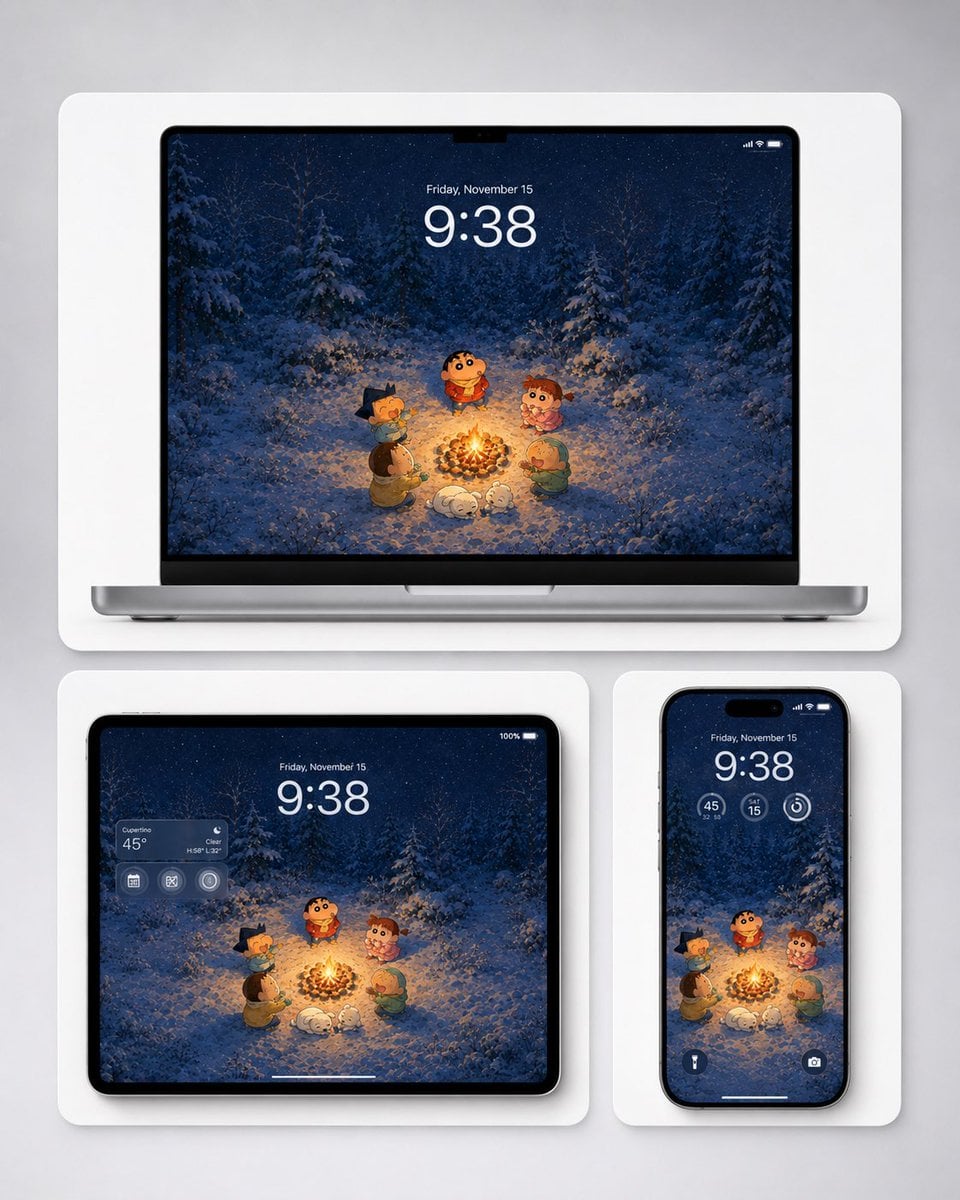
Winter Campfire Wallpaper Device Mockup

Epic Anime Pirate Poster Design

Infinite Decorative Text Generator Prompt for Nano Banana 2

Serene Lakeside Pier Portrait Prompt
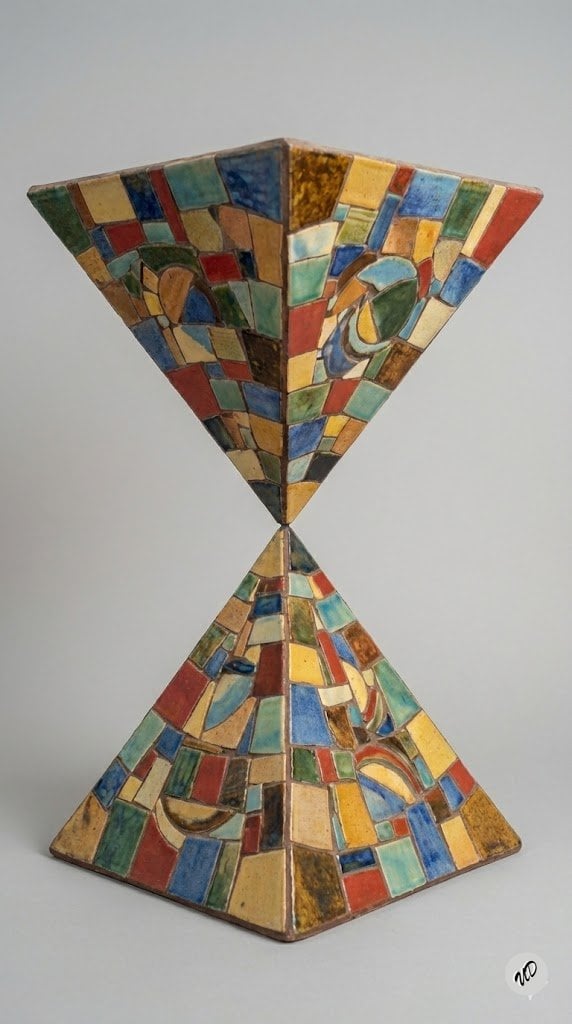
Conceptual Art Prompt: Upside Down Ceramic Pyramid
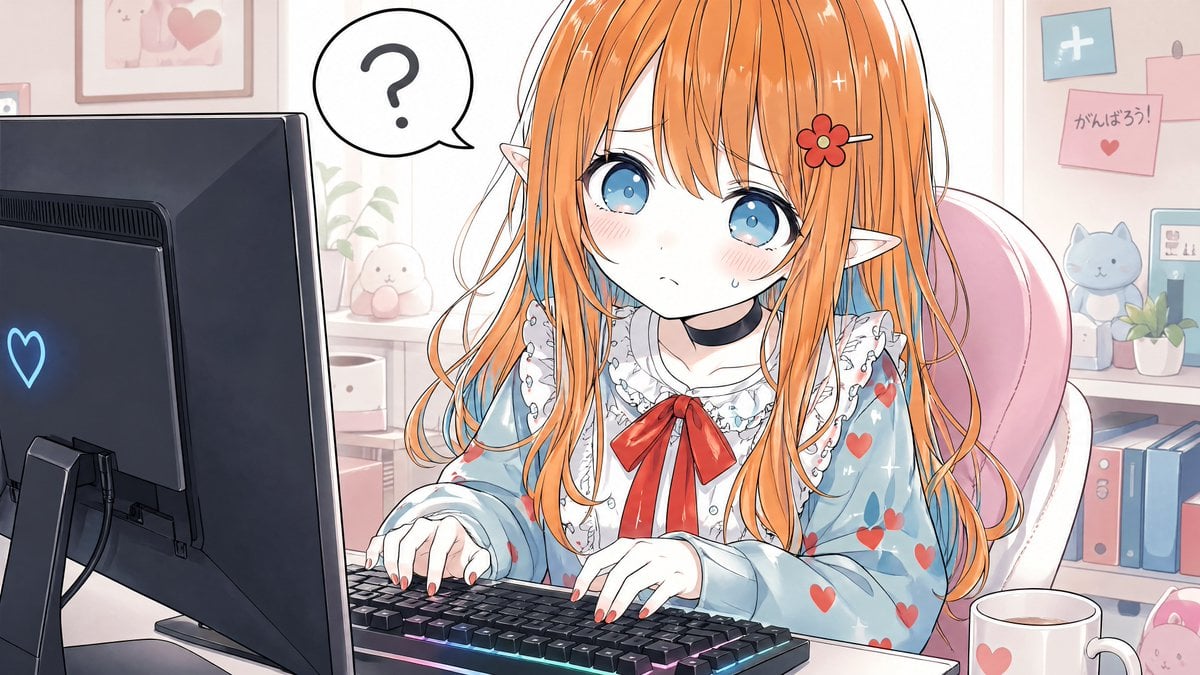
Confused Elf Girl at Pastel Desk
Browse template categories
Japanese Horror Game Street Reflection questions
How do I use the Japanese Horror Game Street Reflection template?
Add your photo if the template asks for one, edit the prompt if you like — the template's model and format are already selected — and press Generate. Your version opens in PicX Studio.
Can I customize the Japanese Horror Game Street Reflection template?
Yes. You can change the subject, setting, lighting, mood, format, and available model controls before creating your image.
Is the Japanese Horror Game Street Reflection template free?
Opening and editing this template is free. Generating uses credits, shown on the Generate button when you are signed in.
Which AI model should I use?
Start with GPT Image 2, which is the model associated with this template. You can compare another compatible model for a different finish.
Looking for something else? Browse all templates.

Your photo, any look
Thousands of ready templates for every top image and video model, from one credit balance.