
Japanese Horror Game Inventory Screen
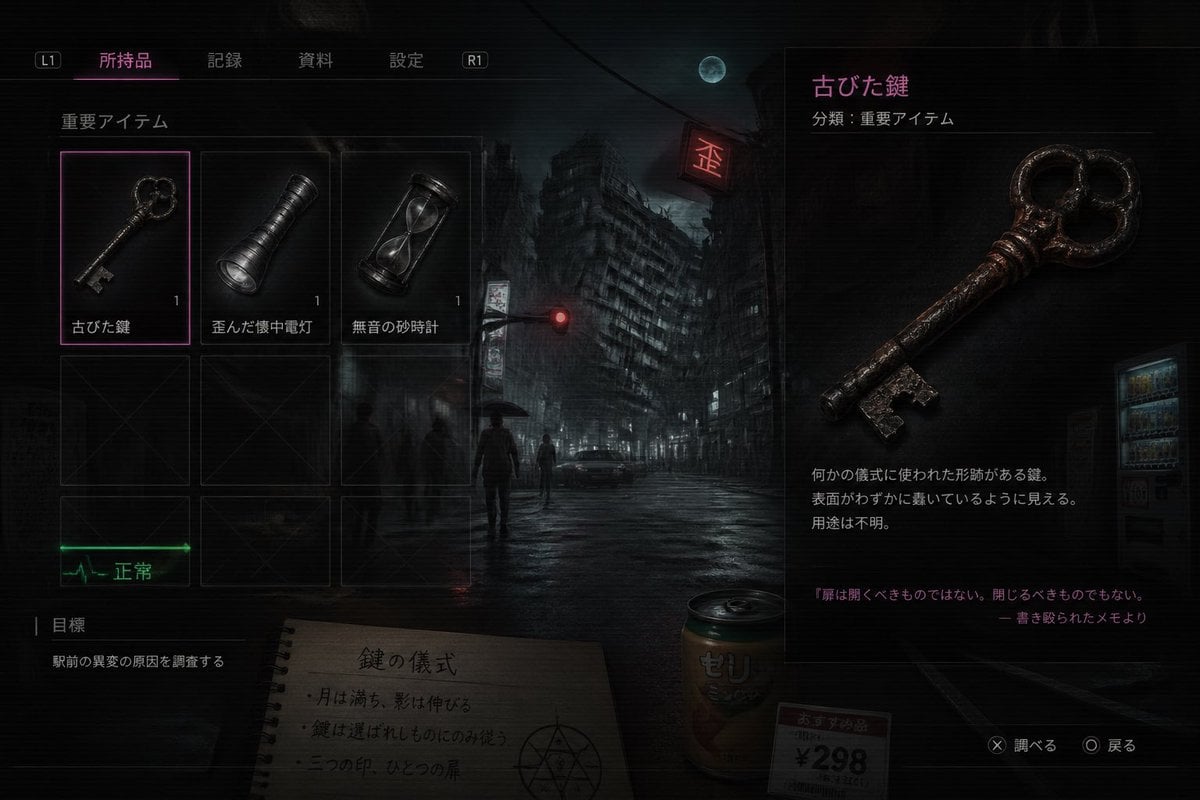
This prompt generates a realistic Japanese survival-horror inventory UI screenshot, useful for fake game screens, atmospheric concept art, or occult-themed interface mockups.
- Prompt included
- Model and format preset
- Free template
The prompt behind this image
Copy the exact prompt behind Japanese Horror Game Inventory Screen, or open it in the studio and make it yours.
A dark, cinematic survival-horror game inventory screen in Japanese, styled like a realistic modern console UI over a moody nighttime city background. The scene shows a rain-soaked urban intersection with 1 leaning high-rise building in the center background, 1 full moon in a cloudy sky, 1 glowing red traffic light, 1 red neon sign, 1 parked car, 1 vending machine on the far right, and 4 distant human silhouettes including 1 person holding an umbrella. The entire image has a gritty, low-key, bluish-black palette with subtle scanlines, soft bloom, wet reflections, and a tense occult atmosphere. The interface has a top navigation bar with 4 Japanese tabs labeled "所持品", "記録", "資料", "設定", plus 2 shoulder button hints labeled "L1" and "R1". On the left is an inventory grid under the label "重要アイテム" containing 6 visible slots arranged as 3 columns by 2 rows; the top row contains exactly 3 items, each with a small quantity number "1": an old key labeled "古びた鍵", a dented flashlight labeled "歪んだ懐中電灯", and an hourglass labeled "無音の砂時計". The selected slot is the old key, highlighted with a thin neon-magenta border. The bottom row shows 3 empty dark placeholder slots with faint X marks. Beneath the grid is 1 green ECG-like status indicator labeled "正常". In the lower left is an objectives panel labeled "目標" with 1 objective line: "駅前の異変の原因を調査する". In the center-bottom foreground, partially under the UI, place 1 spiral notebook opened to a page with the handwritten Japanese title "鍵の儀式" and 3 short ritual note lines, plus a hand-drawn occult circle symbol. Next to it place 1 beverage can labeled "ゼリ" and 1 small price tag card reading "おすすめ品 ¥298". On the right side, create a large item detail panel for the selected object, with the item name in magenta "古びた鍵" and a category line "分類:重要アイテム". Show a large detailed render of the rusty antique key, iron-like, worn, reddish-brown corrosion, ornate round bow with clover-like openings, and a jagged bit. Below it include 3 short Japanese description lines about it being a ritual-shaped key of unknown purpose, and at the bottom add a quoted note in magenta: "扉は開くべきものではない。閉じるべきものでもない。" followed by "― 書き殴られたメモより". In the lower right corner add 2 control prompts: "✕ 調べる" and "◯ 戻る". Make the composition feel like a polished AAA horror game screenshot, realistic UI, eerie lore-heavy item design, high contrast, subtle neon magenta accents, and a mysterious meaningless-but-plausible occult game logic.
How to use Japanese Horror Game Inventory Screen in 3 steps
- 1Upload ImagePNG, JPG or paste
Add your photo
Upload the photo the template builds on. The prompt, model and format are already set.
- 2…a portrait of your subject in softgolden-hour light, 85mm…
Personalize
Edit the subject and creative details for your destination.
- 3Generate
Generate
Press Generate — your image is created in PicX Studio, so you can compare it with the original and refine one variable at a time.
More like this
Templates with the same subject, style or setup. Open one to see its prompt.
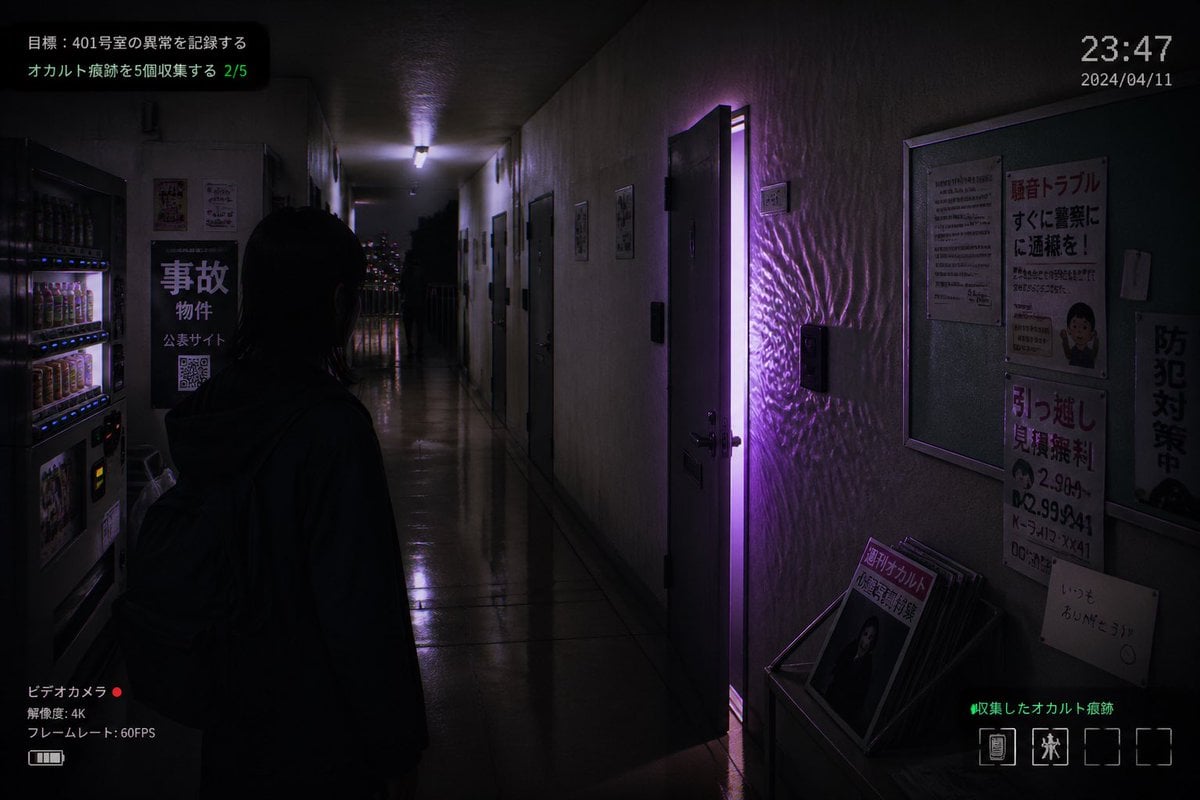
Japanese Apartment Horror Game Screenshot
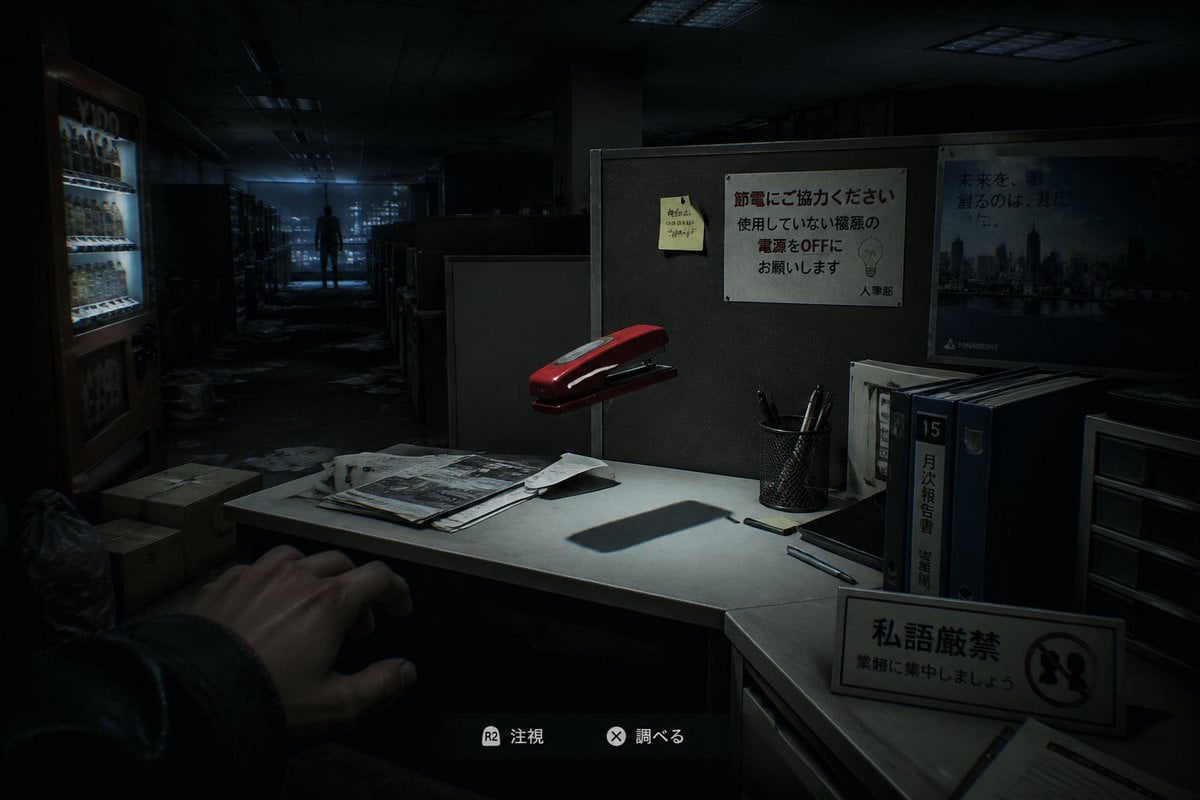
Japanese Office Horror Game Screenshot
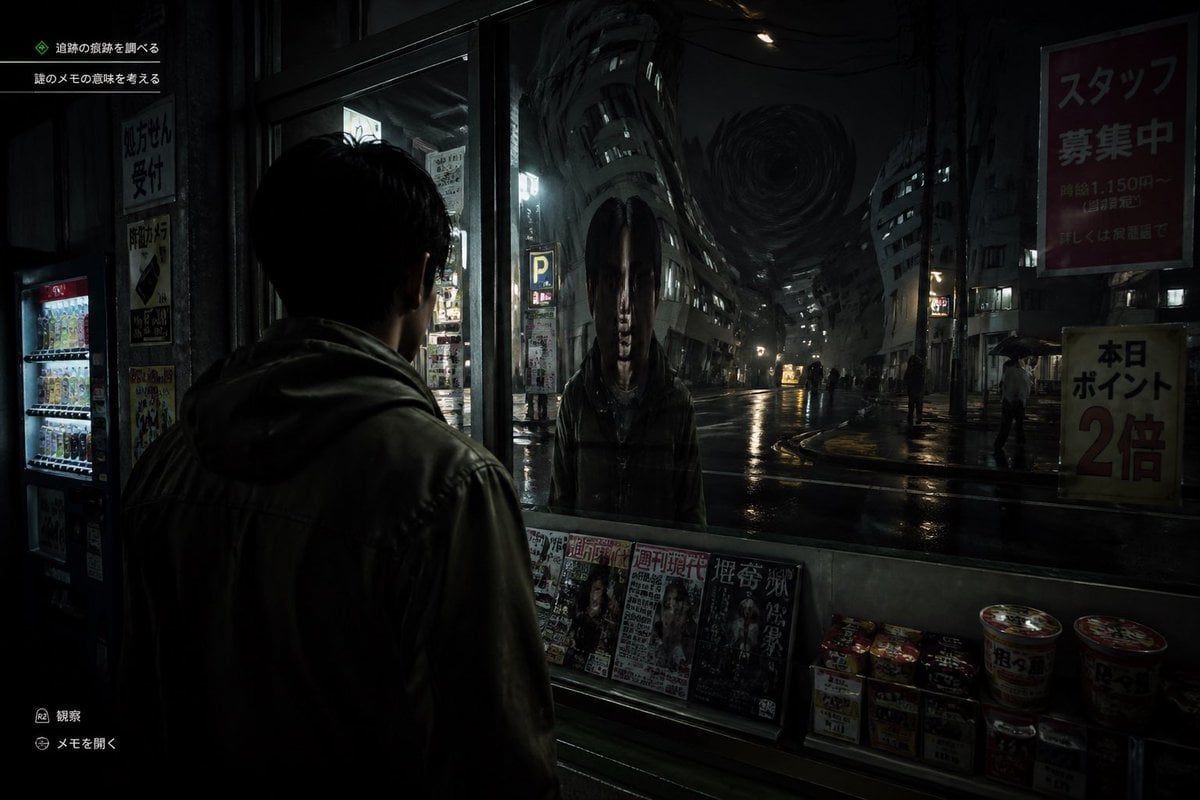
Japanese Horror Game Street Reflection

Minecraft Voxel Pixel Art Aesthetic System

Minecraft Japanese Research Lab Exploration
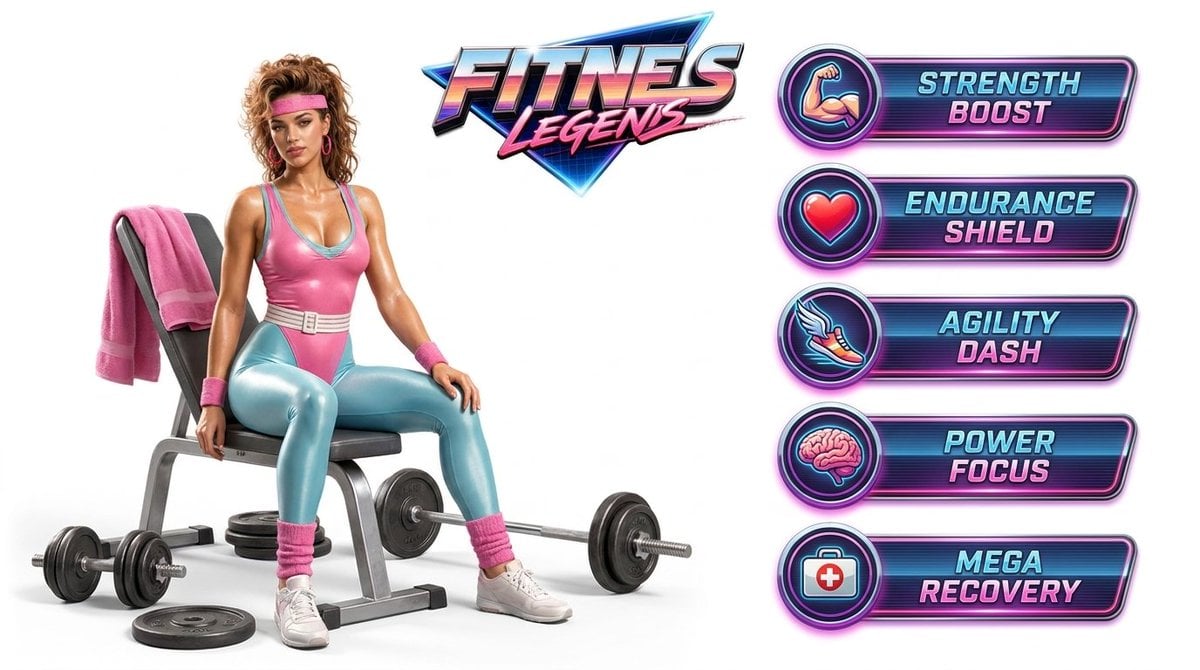
Fitness Game Start Screen UI Render

Japanese Architectural Concrete Studio Fashion Campaign

Japanese Minimalist Concrete Studio Fashion Editorial

Blue Backdrop Luxury Fashion Portrait Campaign
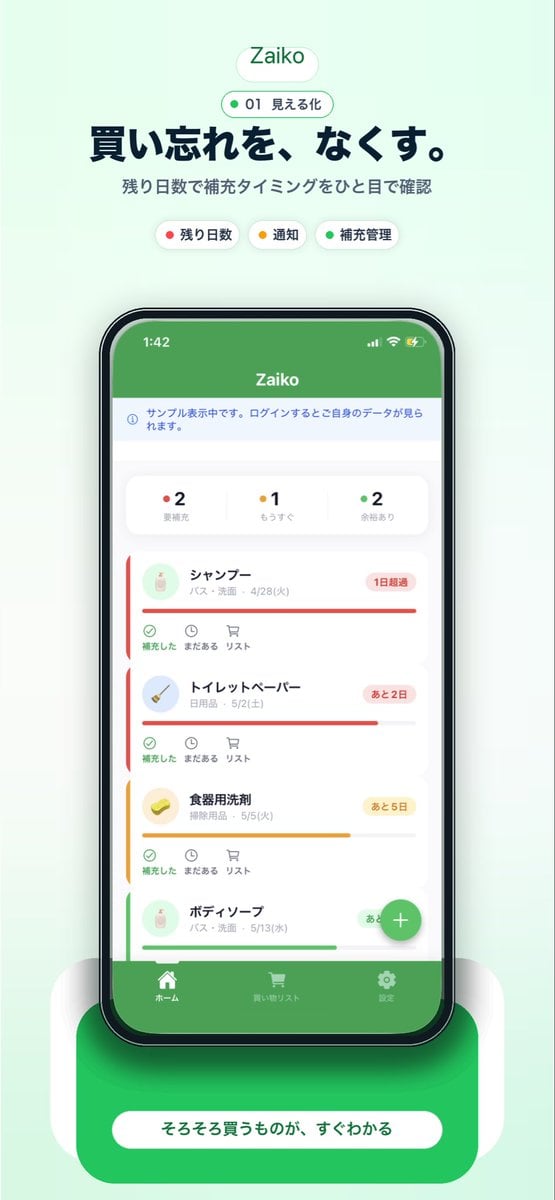
Japanese Inventory App Promo Poster
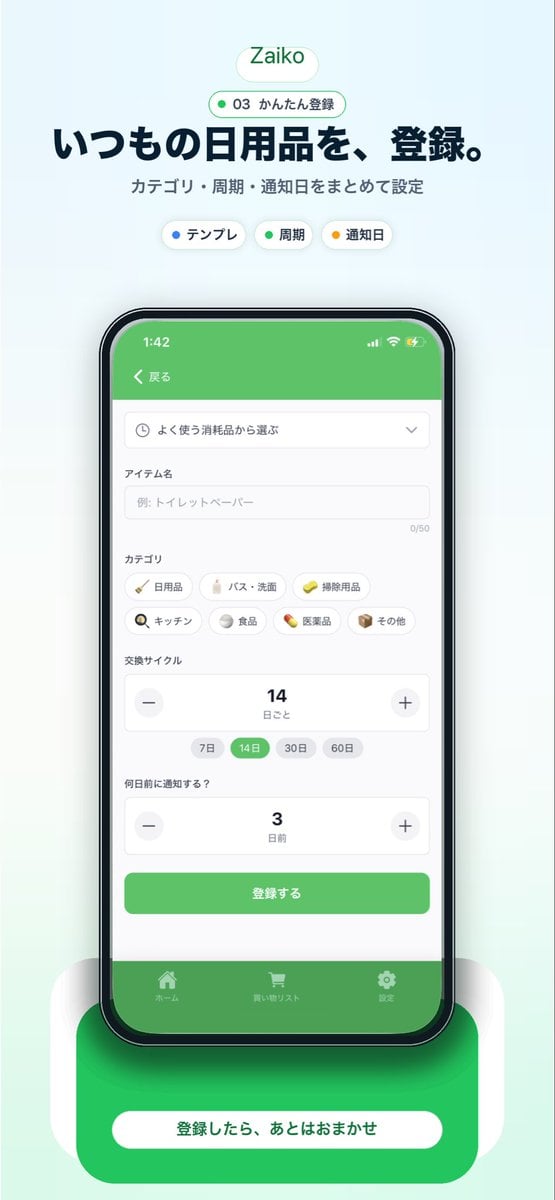
Japanese Inventory App Promo Mockup
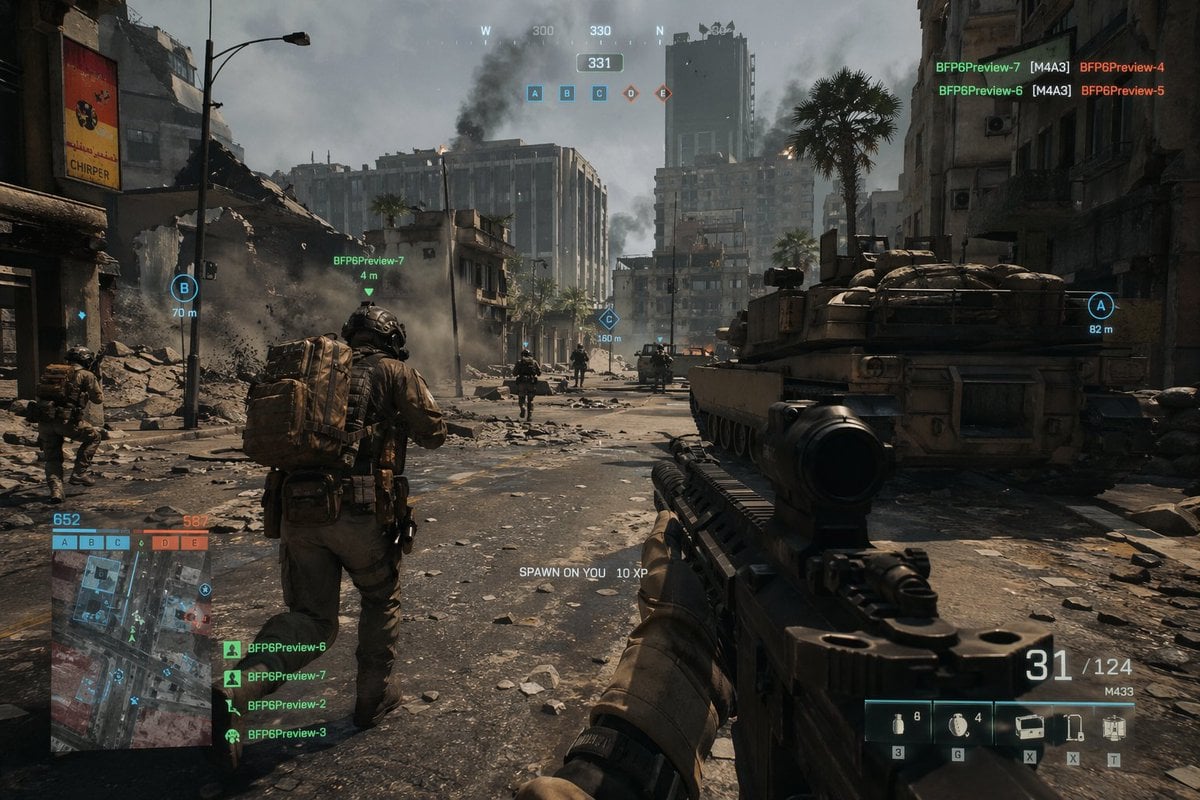
Battlefield In-game Screenshot Prompt
Make it yours
Japanese Horror Game Inventory Screen works as-is. These are the safest ways to change it without losing the look.
Change one field
Copy a single group, rewrite it, and generate again so you can see what that field is doing.
Keep the frame, change the subject
Hold the composition and light of Japanese Horror Game Inventory Screen, then swap wardrobe, props or the person for a new take.
| If the result… | Why | Fix |
|---|---|---|
| The result drifts from the preview | Too many fields changed at once. | Reuse Japanese Horror Game Inventory Screen as-is first, then change one group — subject, light, or setting. |
| The model over-stylizes the scene | The prose prompt leaves finish and camera underspecified. | Add one camera or lighting sentence and stay on GPT Image 2. |
More GPT Image 2 templates
Other prompts made for GPT Image 2.

Six VTuber Japanese Logo Sheet

Realistic Portrait of Woman and Deer

The Vista Modular Condo Poster

AI Model Routing Comparison Infographic

2.5D Anime Art Board

Isometric Productivity Desk Scene

New York Double Exposure Poster

Four-Panel AI Landscape Comparison

Japanese Tatami Lifestyle Magazine Cover

NESCAFÉ Coffee Map Poster
More image prompts
Fresh picks from across the catalog.
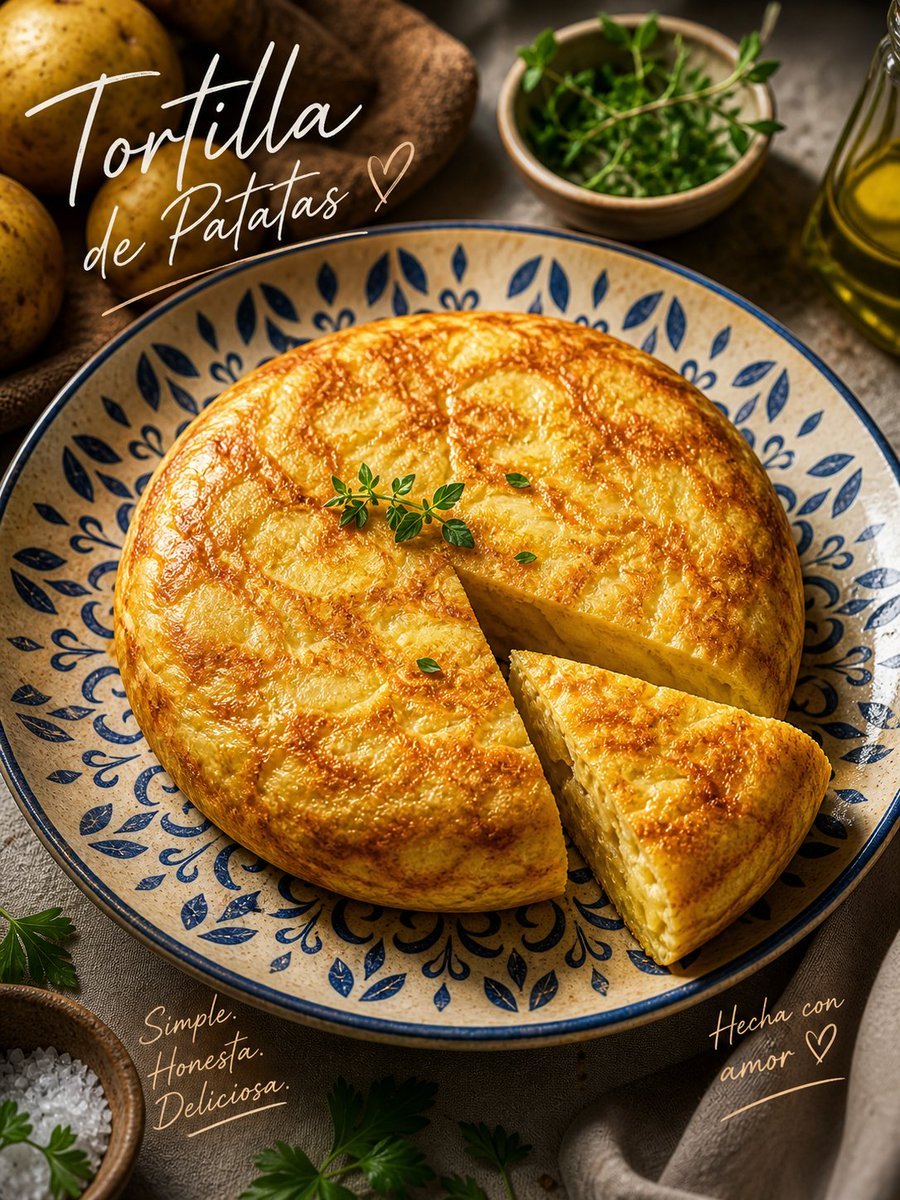
Rustic Tortilla de Patatas Poster
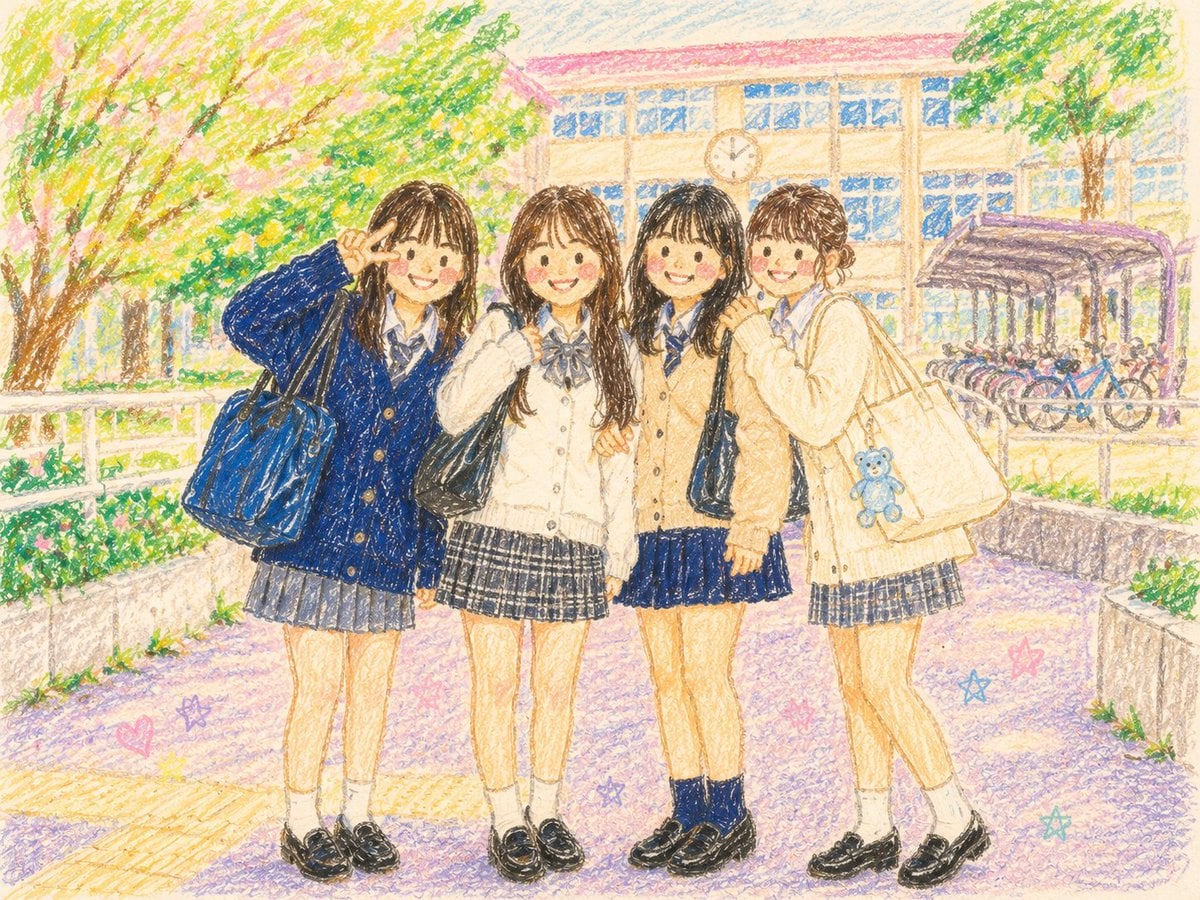
Crayon Style Picture Book Illustration
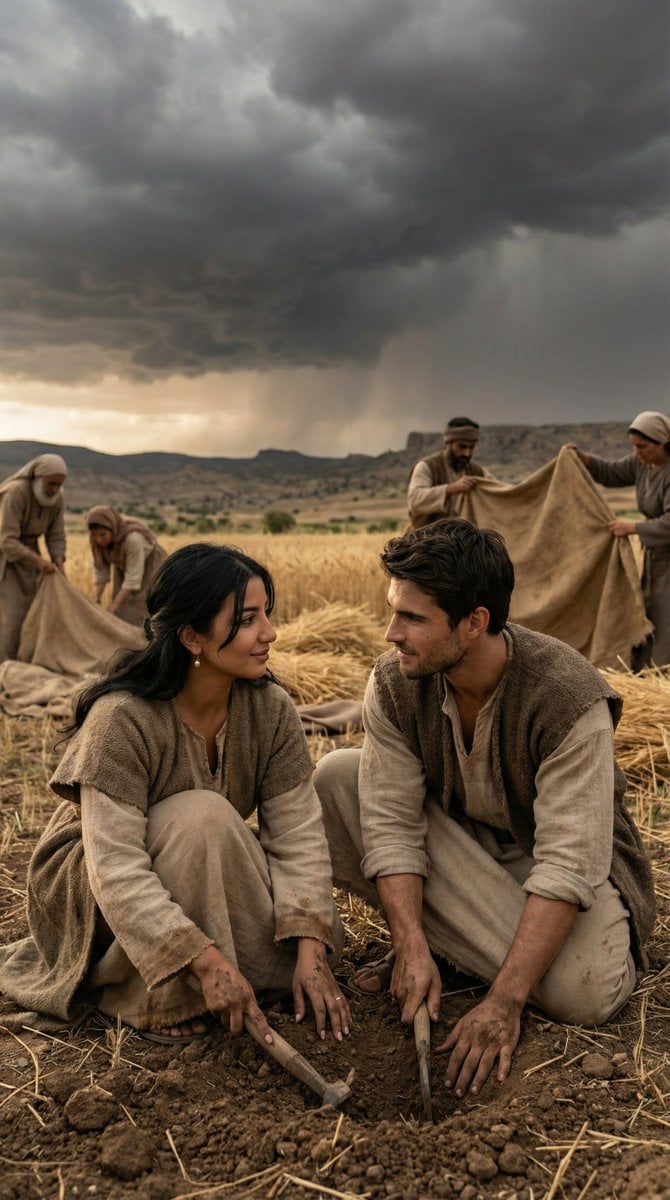
Historical Anatolian Field Editorial
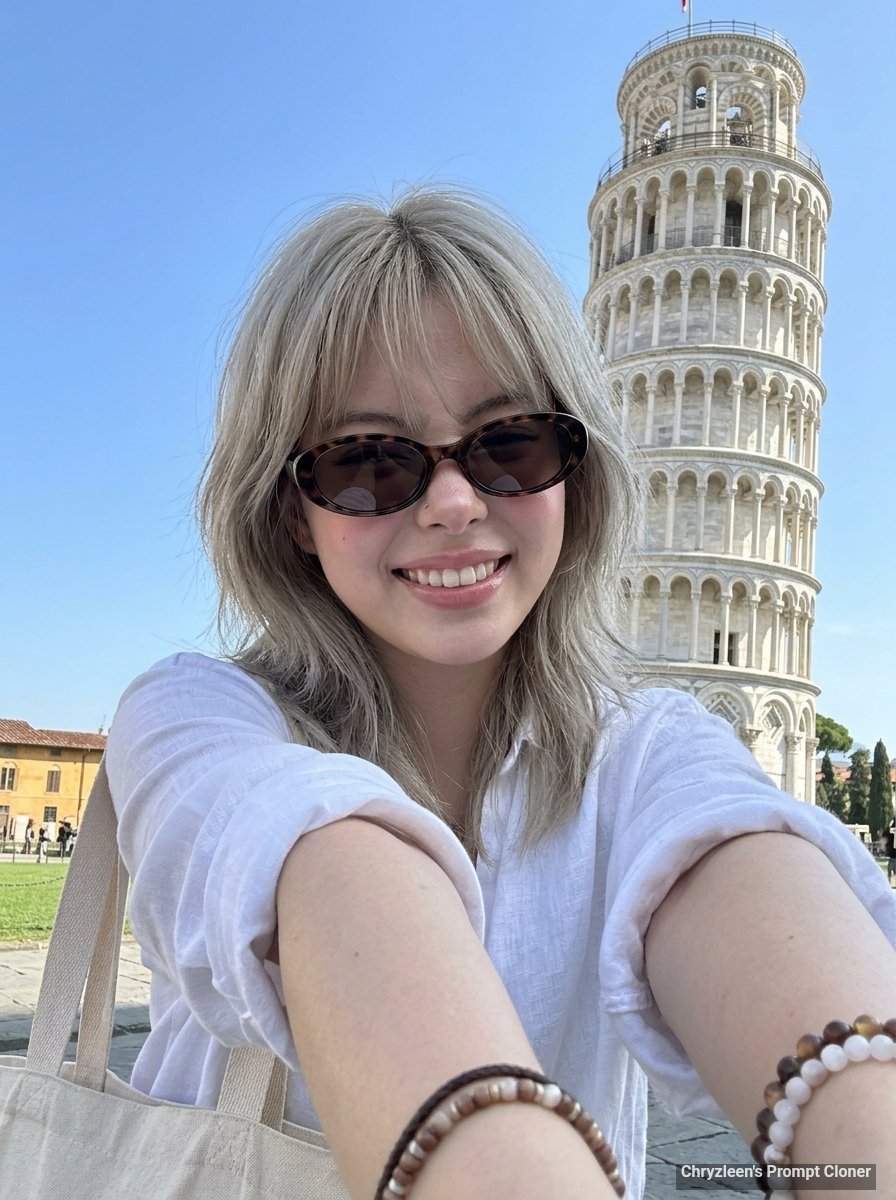
Hyper-Realistic Smartphone Selfie Prompt for Gemini Nano Banana
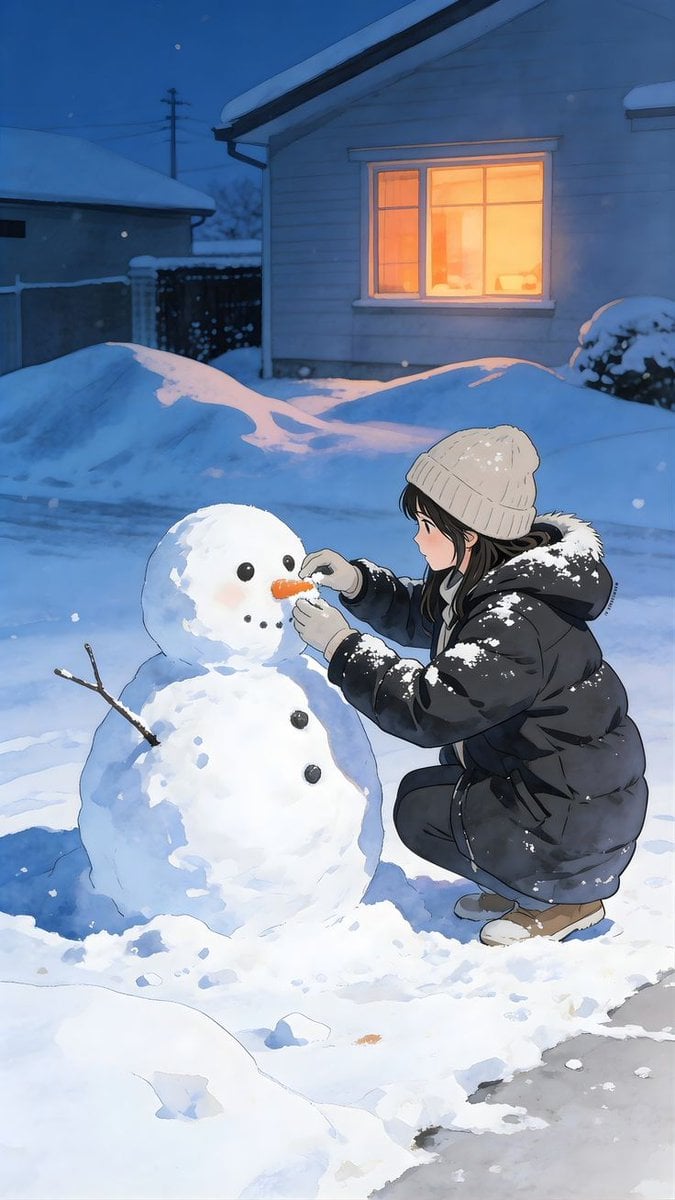
Anime Style Snowman Building Scene Prompt
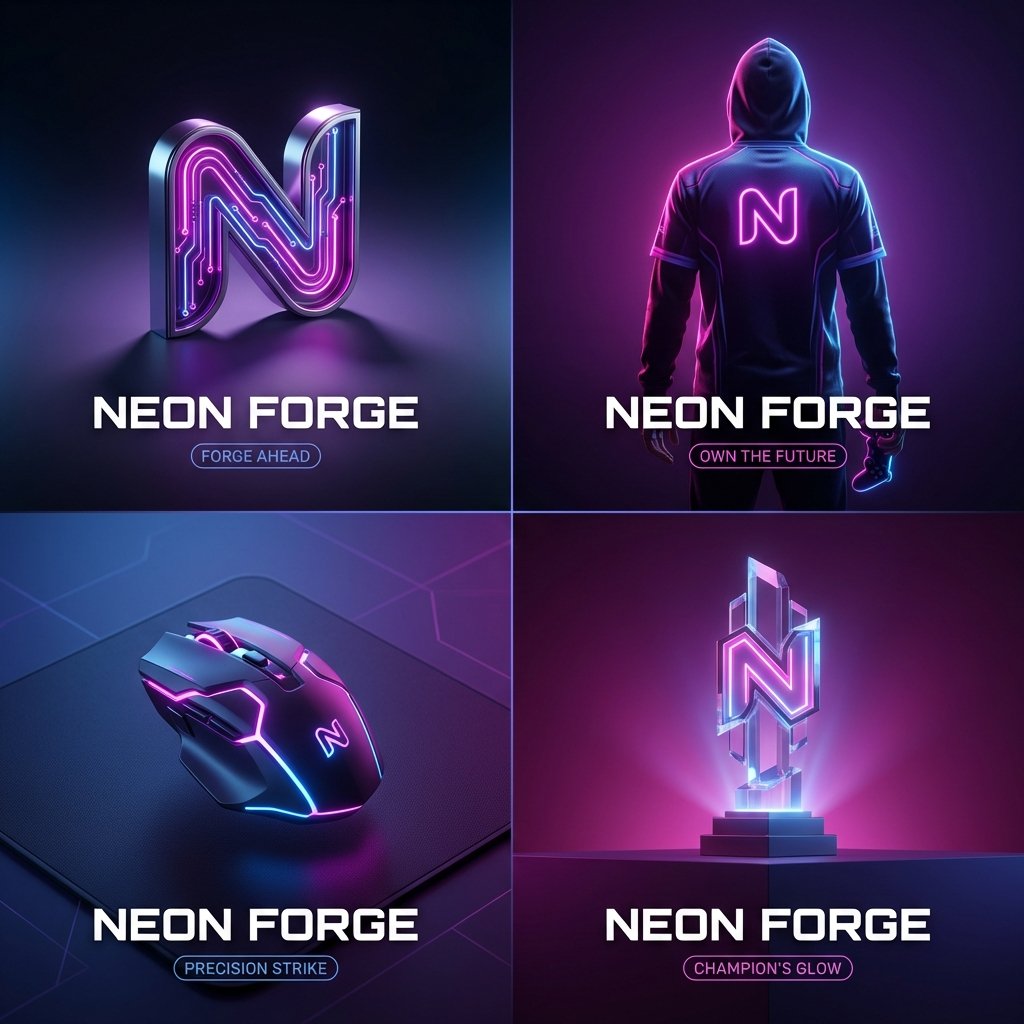
High-End Cover Visual Generation Prompt
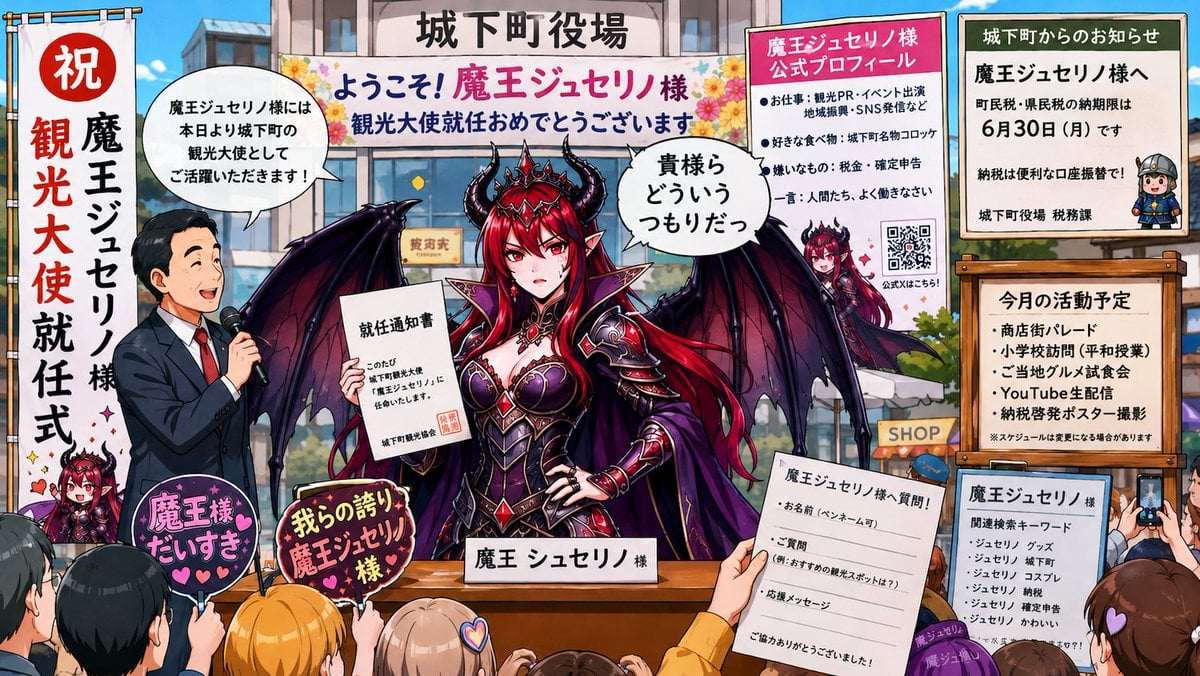
Surreal Social Adaptation Character Prompt
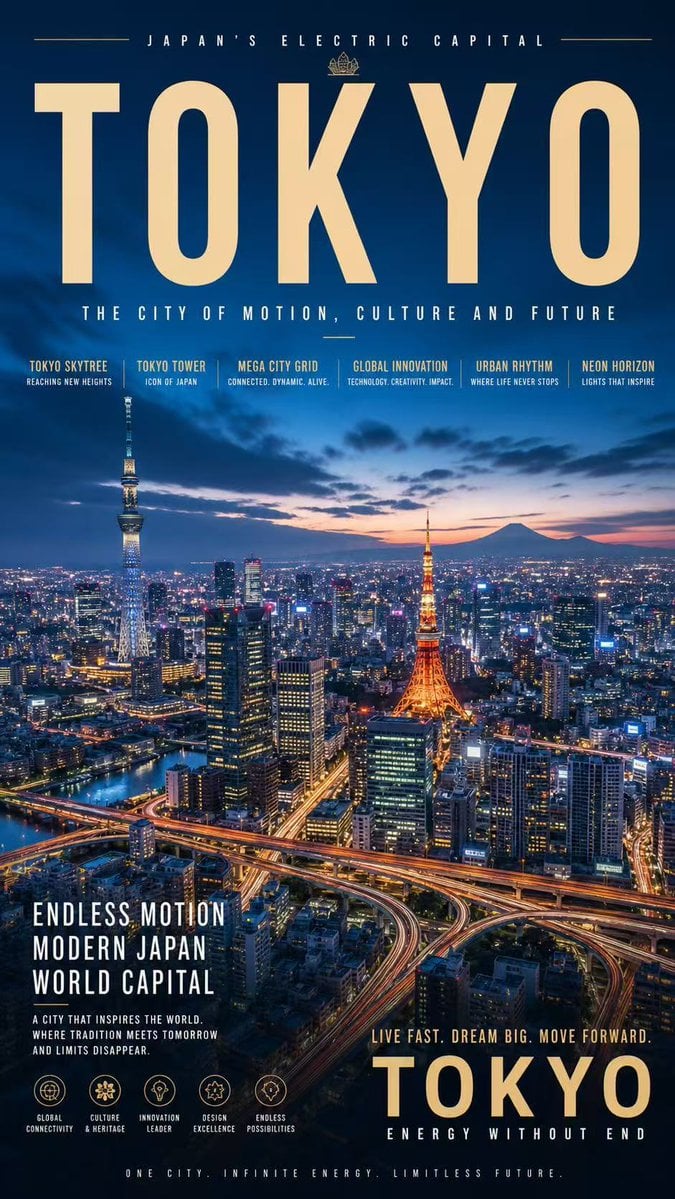
Tokyo Electric Capital Poster
Romantic Couple Mirror Selfie Kiss
Luxury GPT Images 2.0 Launch Poster
Browse template categories
Japanese Horror Game Inventory Screen questions
How do I use the Japanese Horror Game Inventory Screen template?
Add your photo if the template asks for one, edit the prompt if you like — the template's model and format are already selected — and press Generate. Your version opens in PicX Studio.
Can I customize the Japanese Horror Game Inventory Screen template?
Yes. You can change the subject, setting, lighting, mood, format, and available model controls before creating your image.
Is the Japanese Horror Game Inventory Screen template free?
Opening and editing this template is free. Generating uses credits, shown on the Generate button when you are signed in.
Which AI model should I use?
Start with GPT Image 2, which is the model associated with this template. You can compare another compatible model for a different finish.
Looking for something else? Browse all templates.

Your photo, any look
Thousands of ready templates for every top image and video model, from one credit balance.