
Japanese Apartment Horror Game Screenshot
This prompt generates a photorealistic indie horror game-style screenshot of a haunted Japanese apartment hallway with a purple-lit door and full UI overlay, ideal for mock game visuals or creepy promotional art.
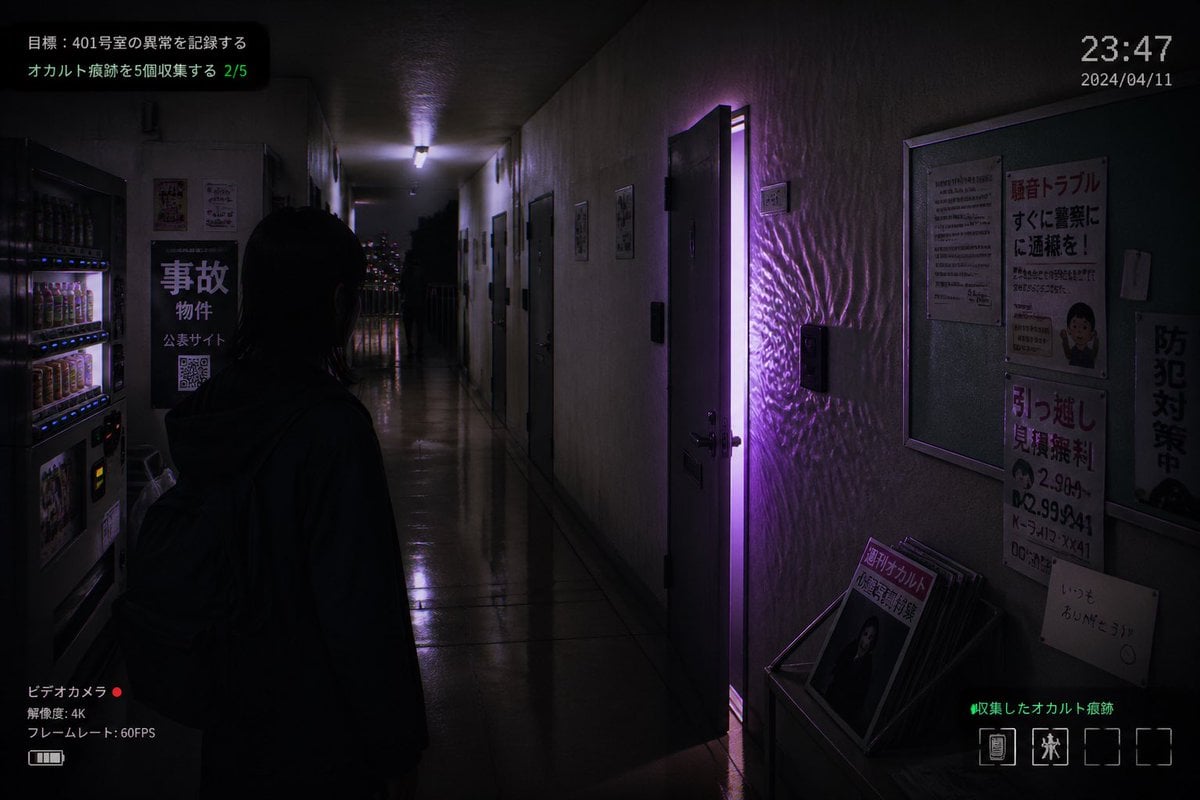
- Prompt included
- Model and format preset
- Free template
The prompt behind this image
Copy the exact prompt behind Japanese Apartment Horror Game Screenshot, or open it in the studio and make it yours.
A realistic first-person horror game screenshot set in a narrow, dimly lit Japanese apartment corridor at night, viewed from slightly behind a lone human figure standing in the hallway. The figure is a young woman with straight dark shoulder-length hair, seen mostly in silhouette from the back, wearing a dark hoodie and a backpack, facing forward toward the end of the corridor. The setting is an older concrete apartment building interior with glossy reflective floor tiles, stained off-white walls, multiple apartment doors on both sides, and a cold fluorescent ceiling light receding into the distance. One apartment door on the right side is slightly open, emitting a vivid supernatural purple glow that spills into the hallway and creates rippling light patterns across the wall and floor. On the left foreground, include 2 beverage vending machines with illuminated rows of drinks. Also on the left wall, place a black sign with large Japanese text reading "事故物件", smaller text beneath, and a visible QR code. On the right wall, include a bulletin board and 4 posted notices: a warning-style poster with large red Japanese text, a dense text notice, a moving-service flyer with bold red text and phone numbers, and a vertical anti-crime sign. At the lower right, place a small magazine rack or stand holding several pamphlets, with the front magazine showing Japanese text including "月刊オカルト". Through the far end of the corridor, show a balcony railing and distant city lights. Add an in-game HUD overlay to make it look like a captured indie horror game screen: top left mission text in Japanese with 2 lines, including a green progress counter "2/5"; top right a digital time display "23:47" and date "2024/04/11"; bottom left a camcorder interface with Japanese text, a red recording dot, "4K", and "60FPS"; bottom right green Japanese collection text and a row of 4 inventory slots with only 2 occupied icons. Cinematic composition, moody shadows, photorealistic textures, subtle film grain, surveillance-camera and found-footage atmosphere, ominous supernatural tension, purple and blue-black color palette, realistic Japanese typography, ultra-detailed indie survival horror aesthetic.
How to use Japanese Apartment Horror Game Screenshot in 3 steps
- 1Upload ImagePNG, JPG or paste
Add your photo
Upload the photo the template builds on. The prompt, model and format are already set.
- 2…a portrait of your subject in softgolden-hour light, 85mm…
Personalize
Edit the subject and creative details for your destination.
- 3Generate
Generate
Press Generate — your image is created in PicX Studio, so you can compare it with the original and refine one variable at a time.
More like this
Templates with the same subject, style or setup. Open one to see its prompt.
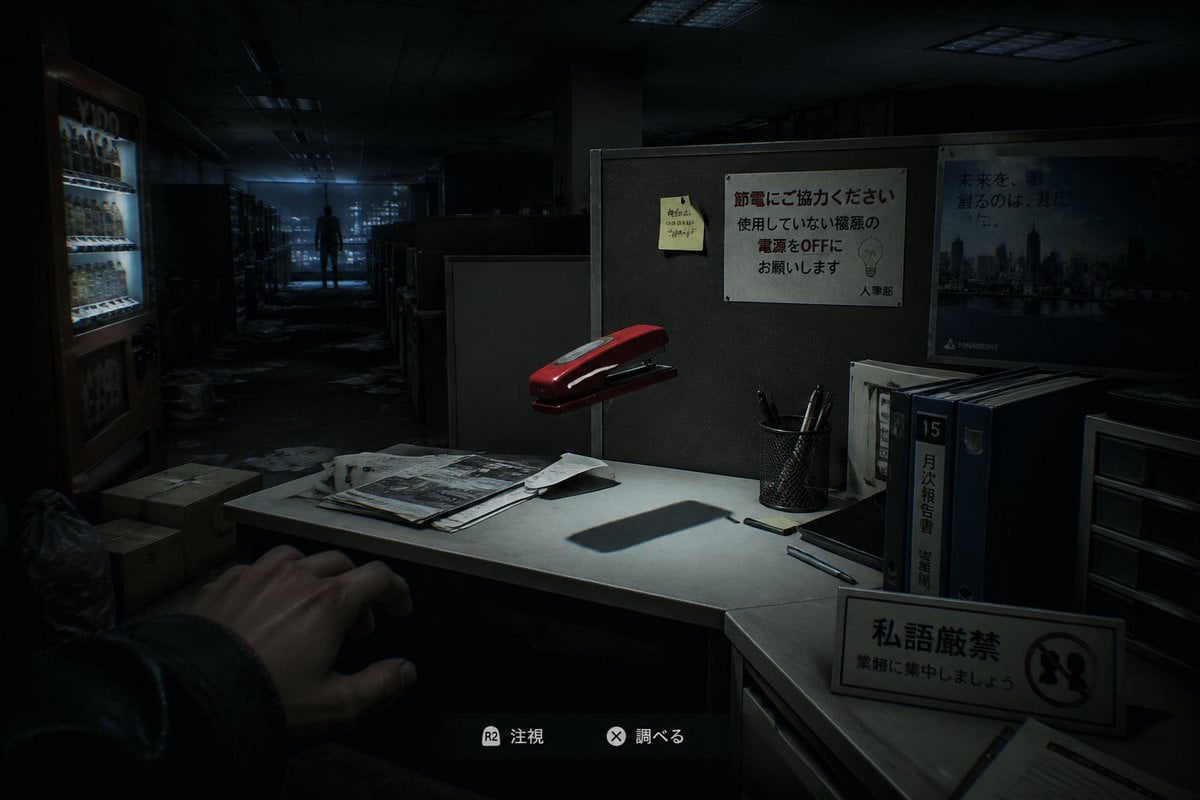
Japanese Office Horror Game Screenshot
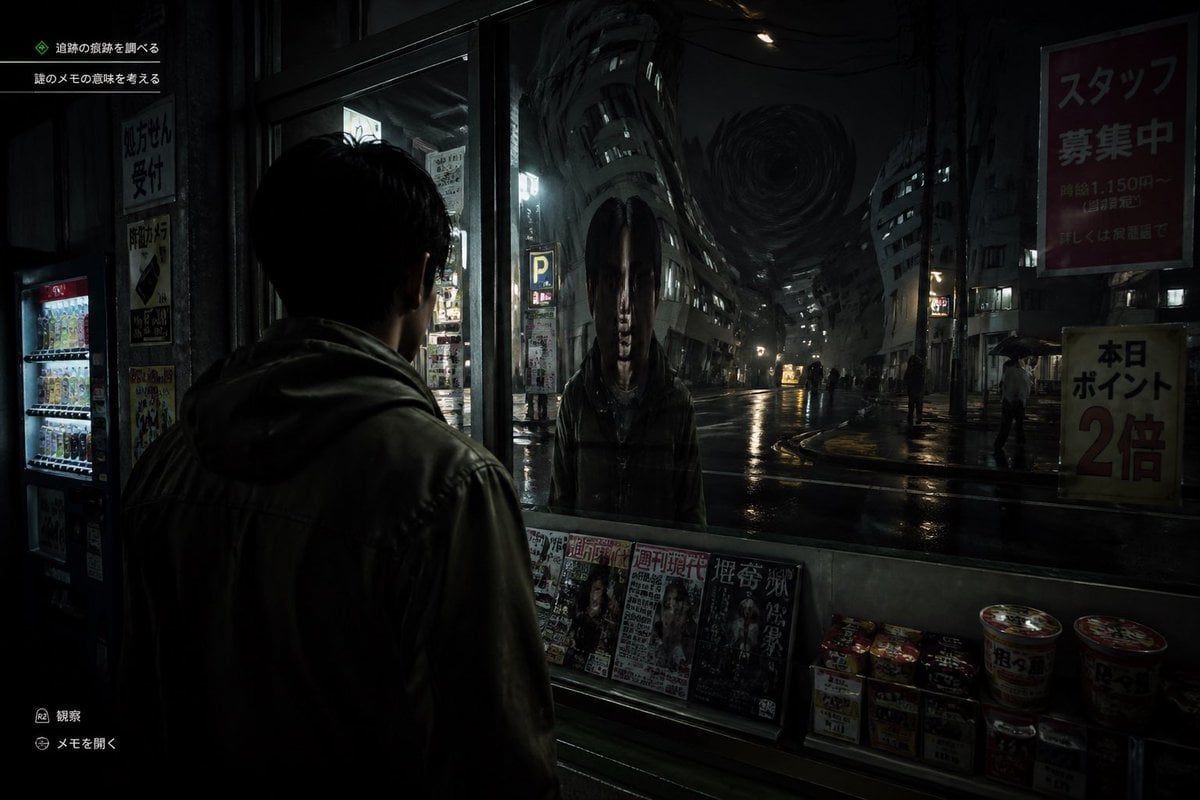
Japanese Horror Game Street Reflection
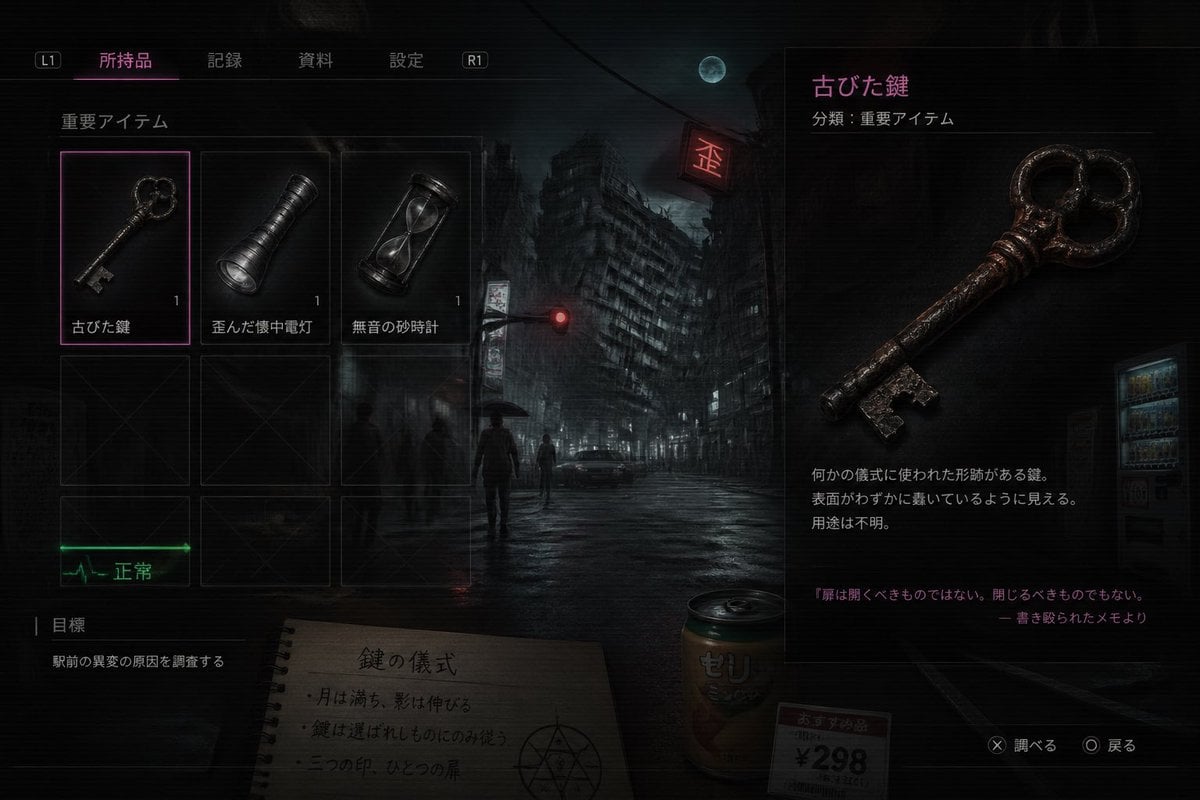
Japanese Horror Game Inventory Screen

Minecraft Next-Gen Voxel World Screenshot

Minecraft Japanese Research Lab Exploration

Japanese Architectural Concrete Studio Fashion Campaign

Japanese Minimalist Concrete Studio Fashion Editorial

Blue Backdrop Luxury Fashion Portrait Campaign

Low Angle Floor Selfie With Upside Down Cat
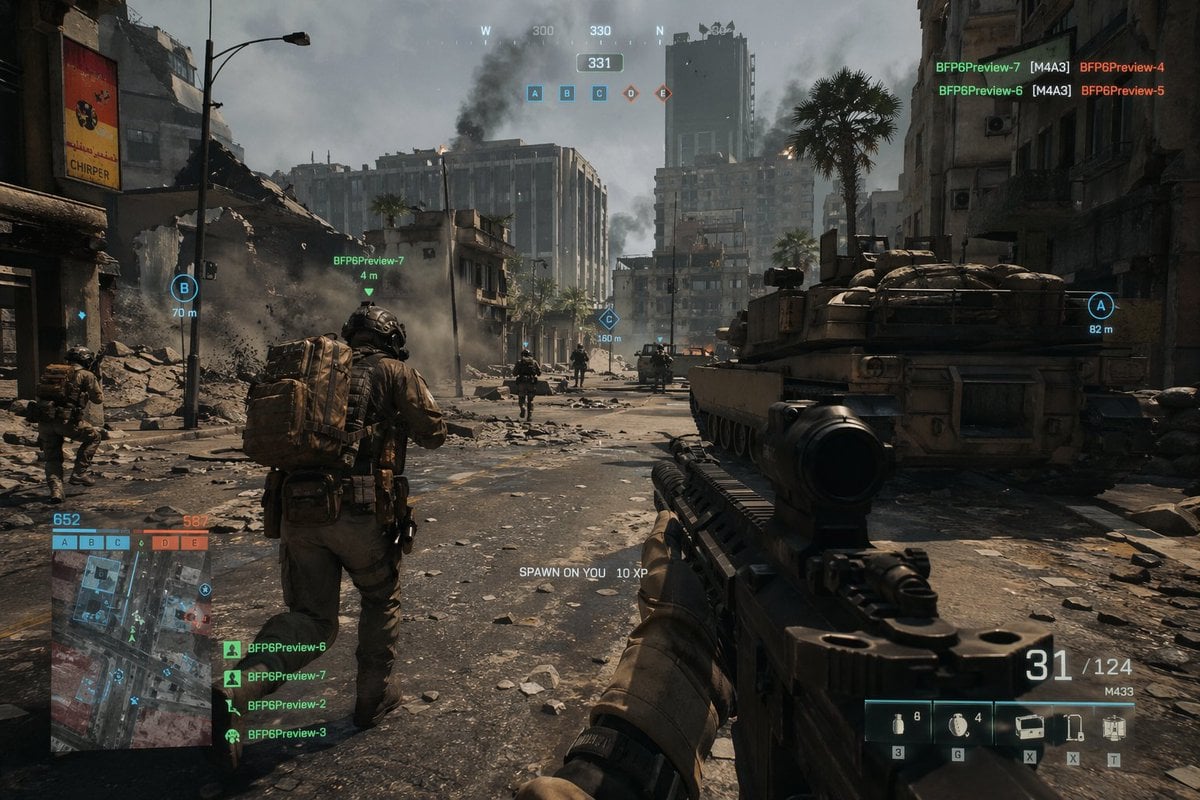
Battlefield In-game Screenshot Prompt
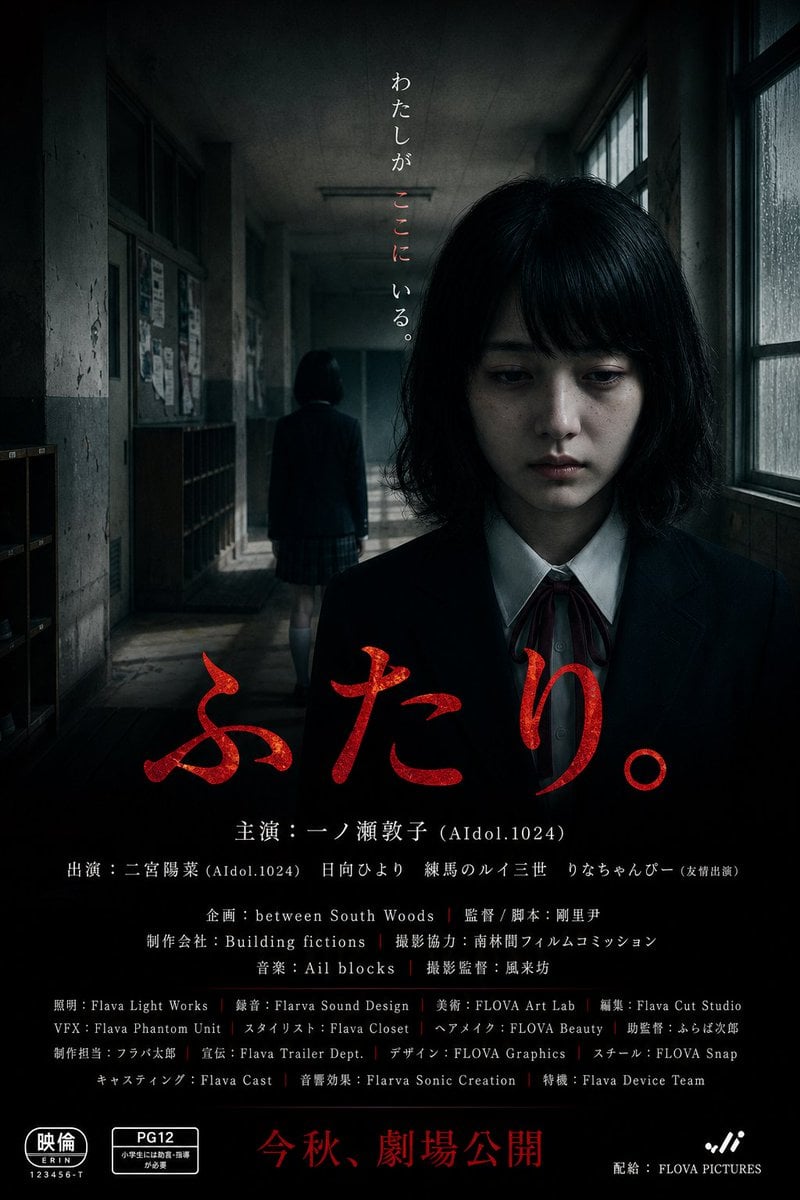
Japanese School Horror Poster
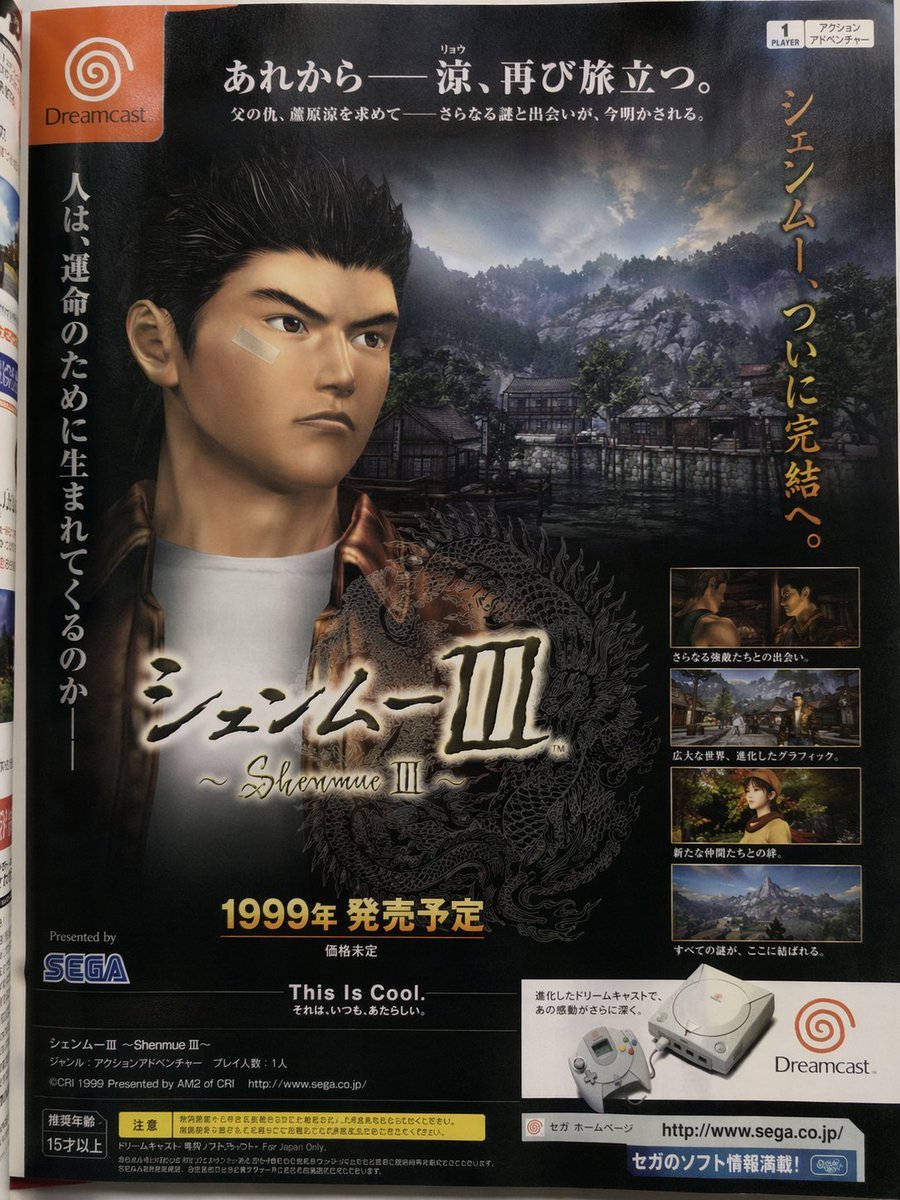
Retro Japanese Game Magazine Ad
Make it yours
Japanese Apartment Horror Game Screenshot works as-is. These are the safest ways to change it without losing the look.
Change one field
Copy a single group, rewrite it, and generate again so you can see what that field is doing.
Keep the frame, change the subject
Hold the composition and light of Japanese Apartment Horror Game Screenshot, then swap wardrobe, props or the person for a new take.
| If the result… | Why | Fix |
|---|---|---|
| The result drifts from the preview | Too many fields changed at once. | Reuse Japanese Apartment Horror Game Screenshot as-is first, then change one group — subject, light, or setting. |
| The model over-stylizes the scene | The prose prompt leaves finish and camera underspecified. | Add one camera or lighting sentence and stay on GPT Image 2. |
More GPT Image 2 templates
Other prompts made for GPT Image 2.

Six VTuber Japanese Logo Sheet

Realistic Portrait of Woman and Deer

The Vista Modular Condo Poster

AI Model Routing Comparison Infographic

2.5D Anime Art Board

Isometric Productivity Desk Scene

New York Double Exposure Poster

Four-Panel AI Landscape Comparison

Japanese Tatami Lifestyle Magazine Cover

NESCAFÉ Coffee Map Poster
More image prompts
Fresh picks from across the catalog.
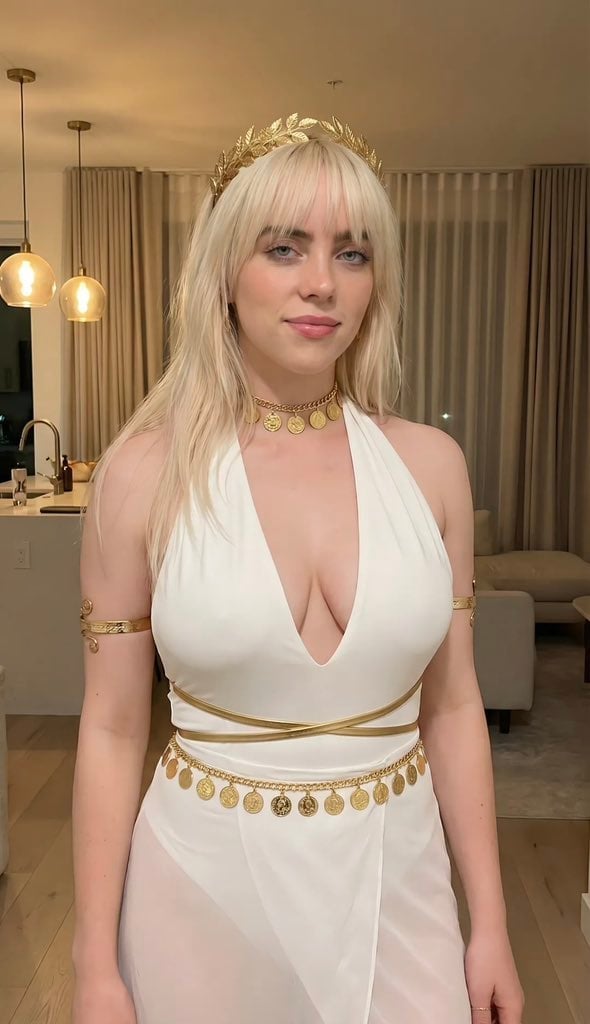
Goddess-Inspired Platinum Blonde Portrait Prompt
Ethereal Long Exposure Cinematic Portrait Prompt
Futuristic Techwear Studio Portrait
Funny Dog Park Comic Page
Mixed-Media Fashion Editorial with Neon Cartoon Interaction
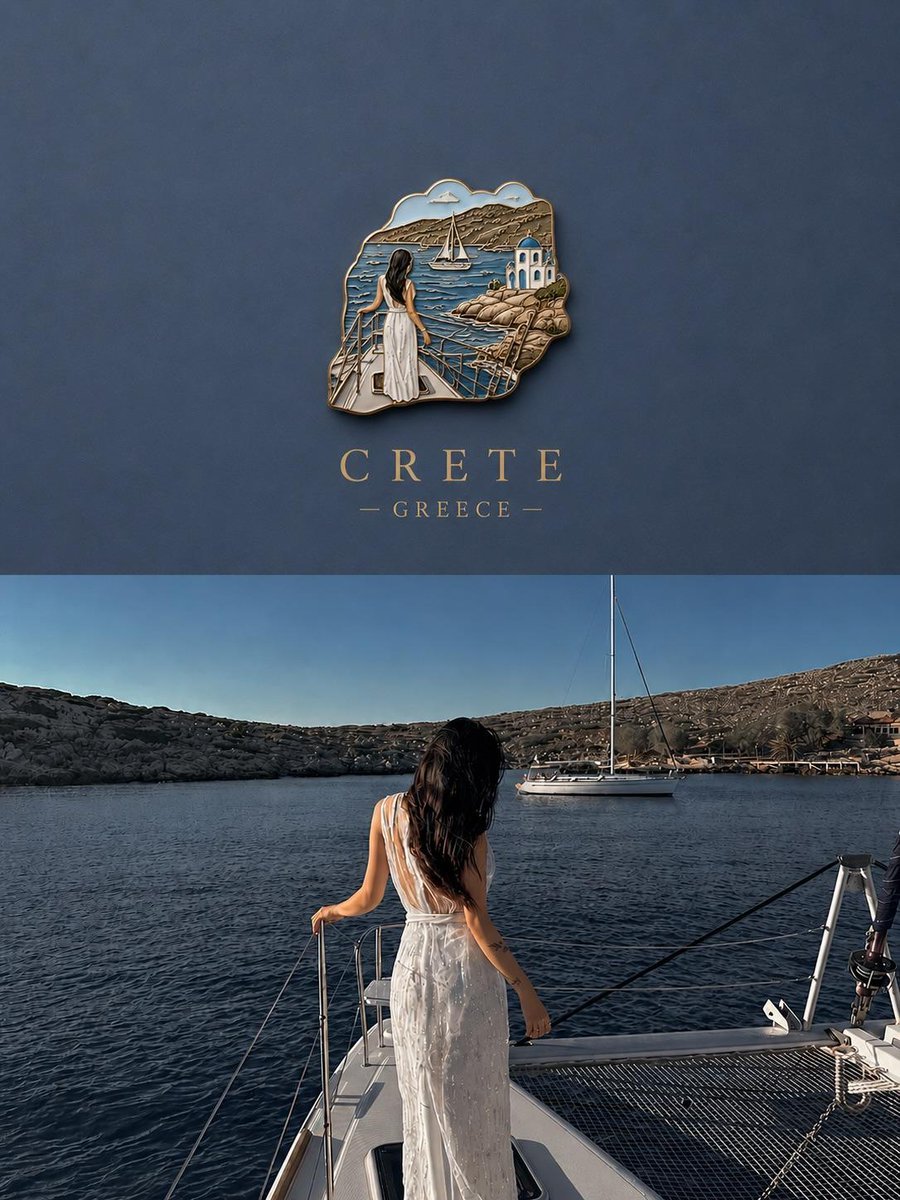
3D Souvenir Badge Travel Poster
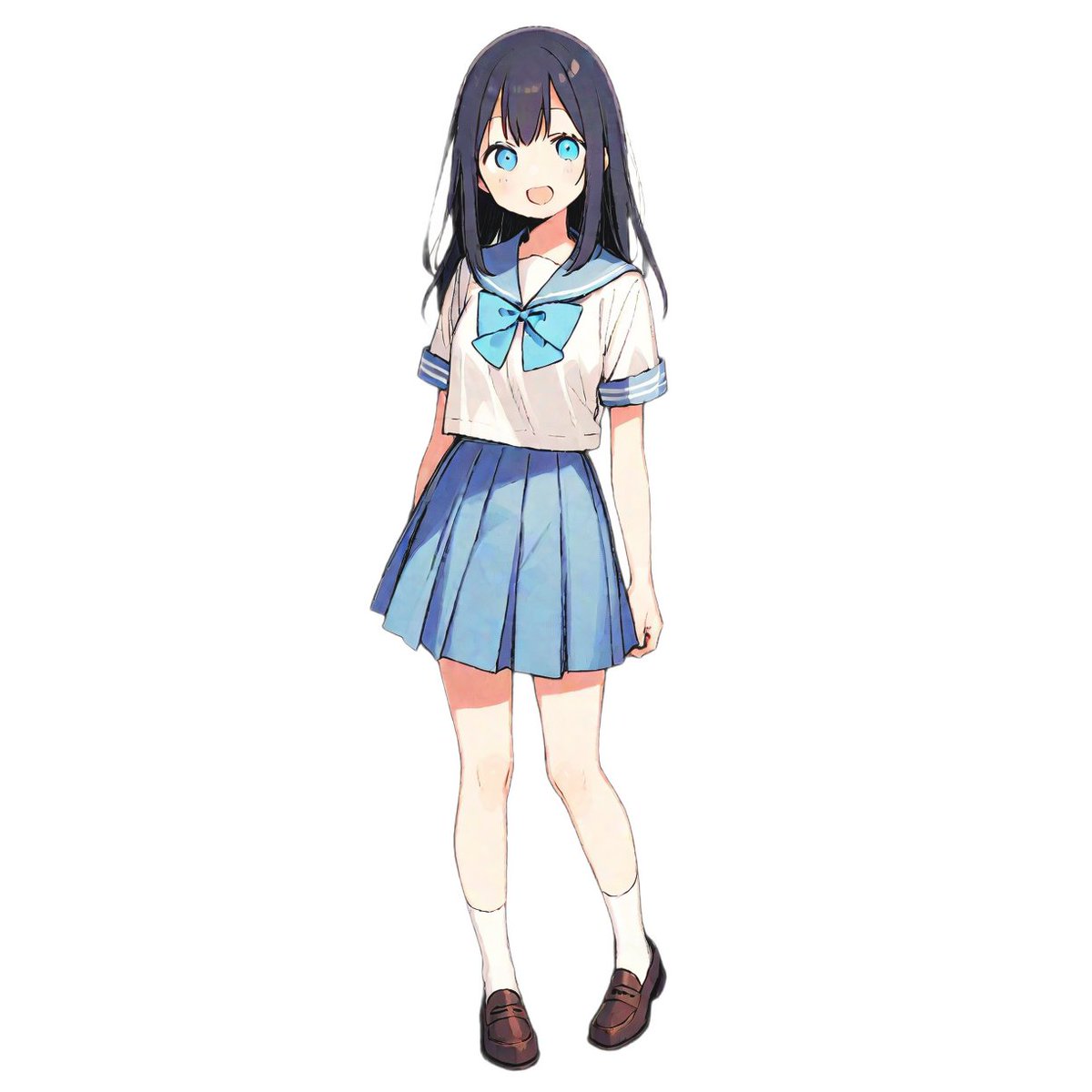
Fashion Arrangement Prompt for High School Characters
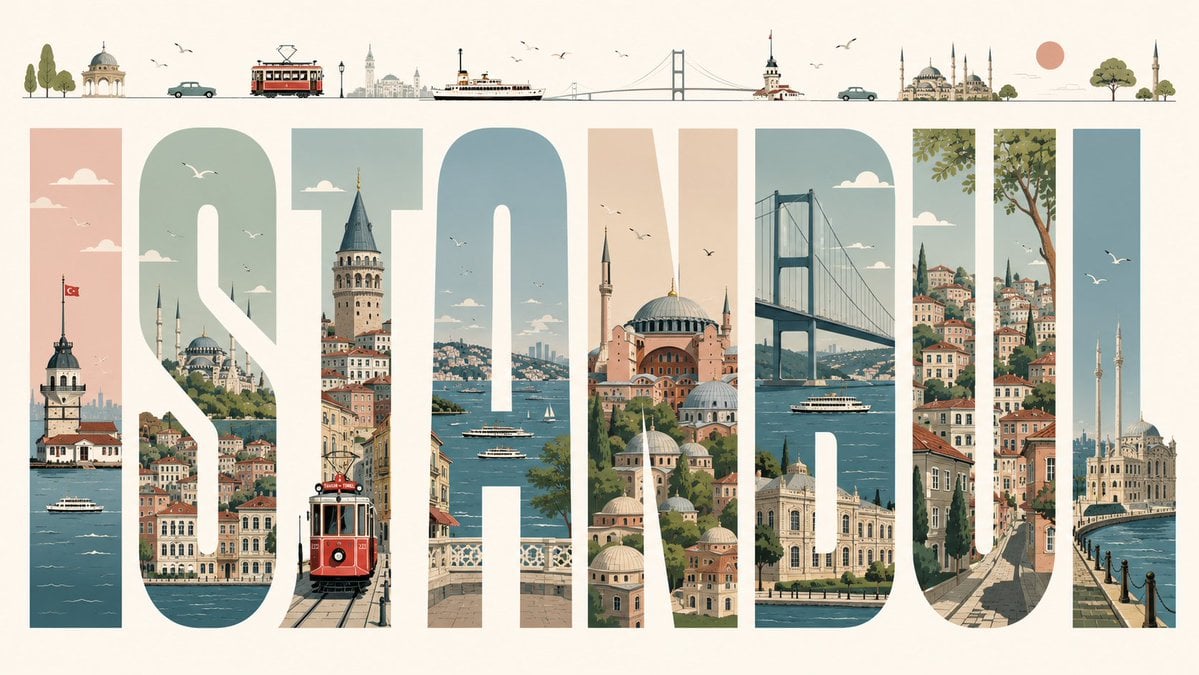
Istanbul Typographic Travel Poster
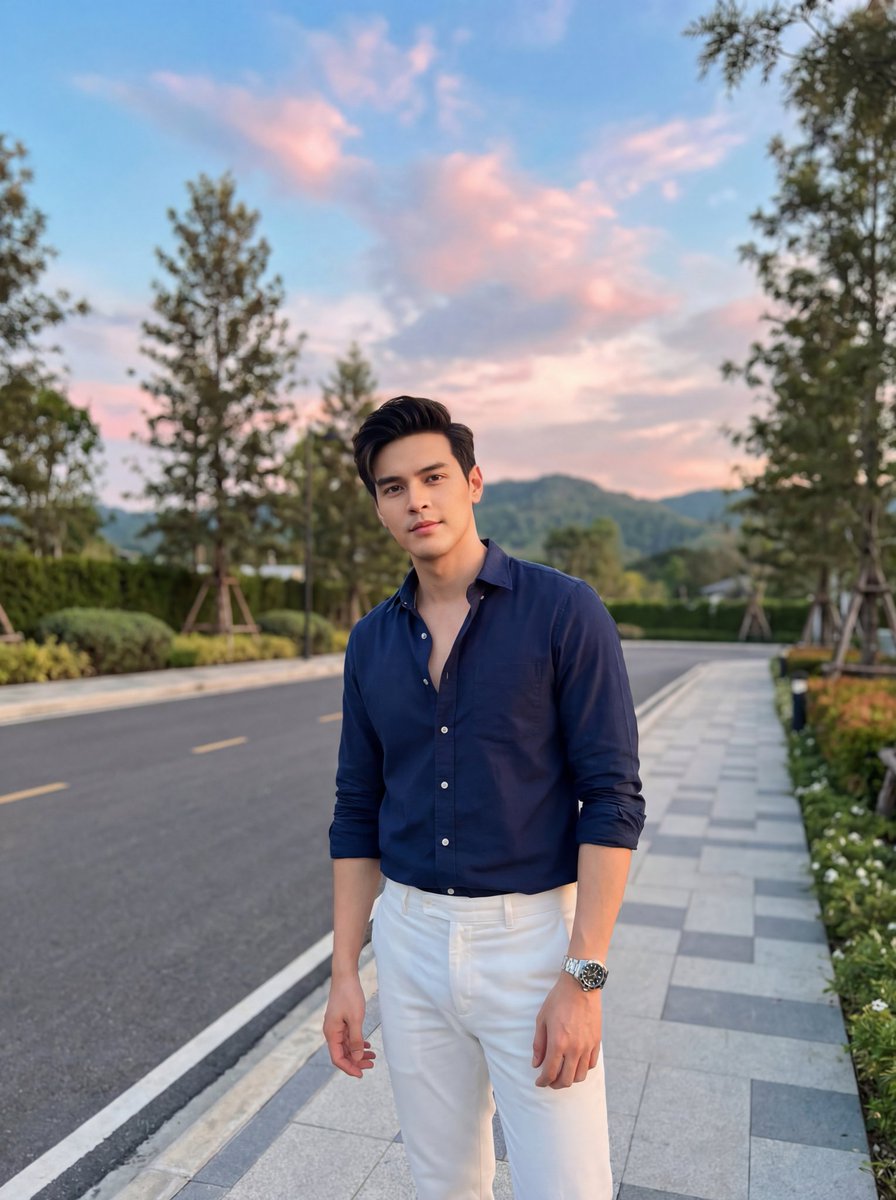
Stylish Man on Sidewalk at Sunset
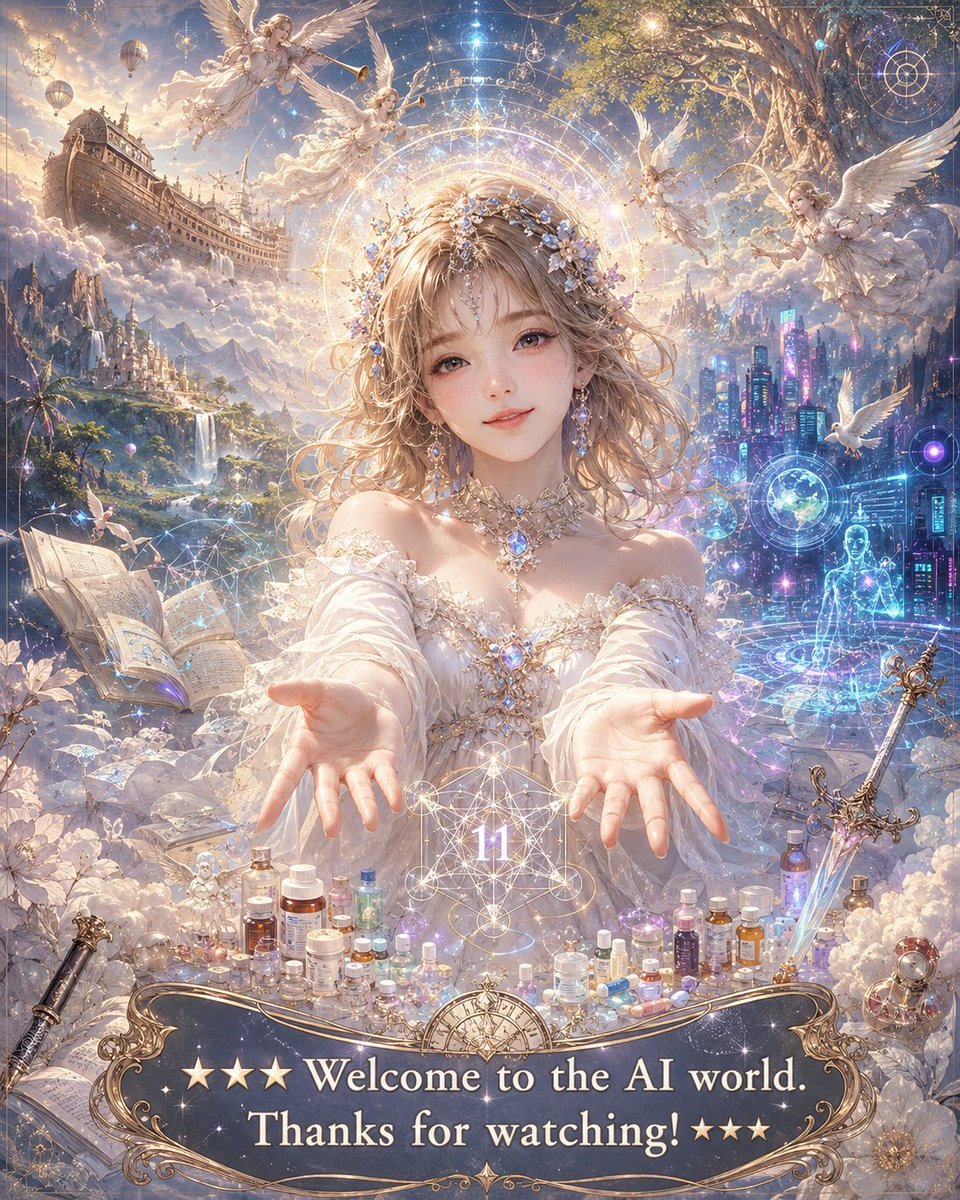
Angelic Anime Mercy Scene
Browse template categories
Japanese Apartment Horror Game Screenshot questions
How do I use the Japanese Apartment Horror Game Screenshot template?
Add your photo if the template asks for one, edit the prompt if you like — the template's model and format are already selected — and press Generate. Your version opens in PicX Studio.
Can I customize the Japanese Apartment Horror Game Screenshot template?
Yes. You can change the subject, setting, lighting, mood, format, and available model controls before creating your image.
Is the Japanese Apartment Horror Game Screenshot template free?
Opening and editing this template is free. Generating uses credits, shown on the Generate button when you are signed in.
Which AI model should I use?
Start with GPT Image 2, which is the model associated with this template. You can compare another compatible model for a different finish.
Looking for something else? Browse all templates.

Your photo, any look
Thousands of ready templates for every top image and video model, from one credit balance.