
Cozy Tabletop Flat Lay with Doodles
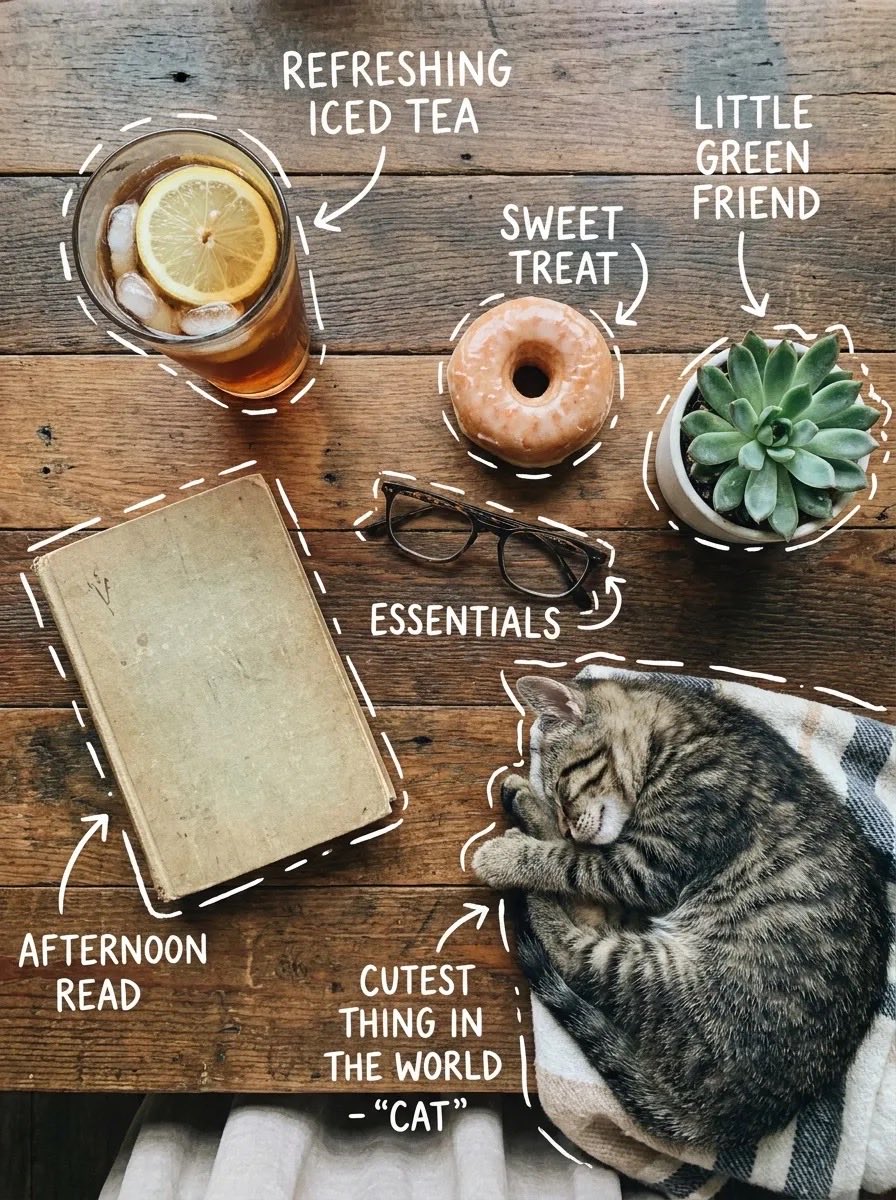
A creative prompt for a cozy rustic flat lay scene featuring food, plants, and a cat, decorated with hand-drawn white doodles and labels.
- Prompt included
- Model and format preset
- Premium template
The prompt behind this image
Copy the exact prompt behind Cozy Tabletop Flat Lay with Doodles, or open it in the studio and make it yours.
Top-down flat lay on a rustic wooden table, cozy aesthetic, soft natural light. A glass of iced tea with lemon slices and ice cubes, a glazed donut, a small succulent plant in a white pot, a vintage book, and eyeglasses. A sleeping tabby cat curled on a blanket at the edge. White hand-drawn doodle outlines and arrows around each object with playful handwritten labels like “refreshing iced tea,” “sweet treat,” “little green friend,” “afternoon read,” and “cutest thing in the world – cat.” Warm tones, minimal shadows, lifestyle photography, high detail, Instagram aesthetic. Cozy tabletop scene from a slight angle, warm natural lighting. A glass of iced tea with lemon and mint, a chocolate-glazed donut on a ceramic plate, a small succulent plant, a worn notebook with a pen on top, and a framed photo of a sleeping cat. Clean wooden surface background. White doodle-style outlines and arrows pointing to each item with handwritten captions like “refreshing iced tea with a kick,” “the sweetest morning treat,” “little green friend,” “a good read… eventually,” and “cutest thing in the world.” Soft focus, warm color grading, aesthetic lifestyle composition, high realism.
How to use Cozy Tabletop Flat Lay with Doodles in 3 steps
- 1
Open
The prompt is already in the box next to the preview, with the template's model and format selected.
- 2…a portrait of your subject in softgolden-hour light, 85mm…
Personalize
Edit the subject and creative details for your destination.
- 3Generate
Generate
Press Generate — your image is created in PicX Studio, so you can compare it with the original and refine one variable at a time.
More like this
Templates with the same subject, style or setup. Open one to see its prompt.

Cozy Food Flat Lay Doodle Labels

Couple Lock Screen iPhone Flat Lay

Eid al-Adha Cute Chaos — Fisheye Selfie with Farm Selfie, Mosque & Animals

Playful Candid Street Photo with Doodles

Tennis Court Top-Down Flat Lay
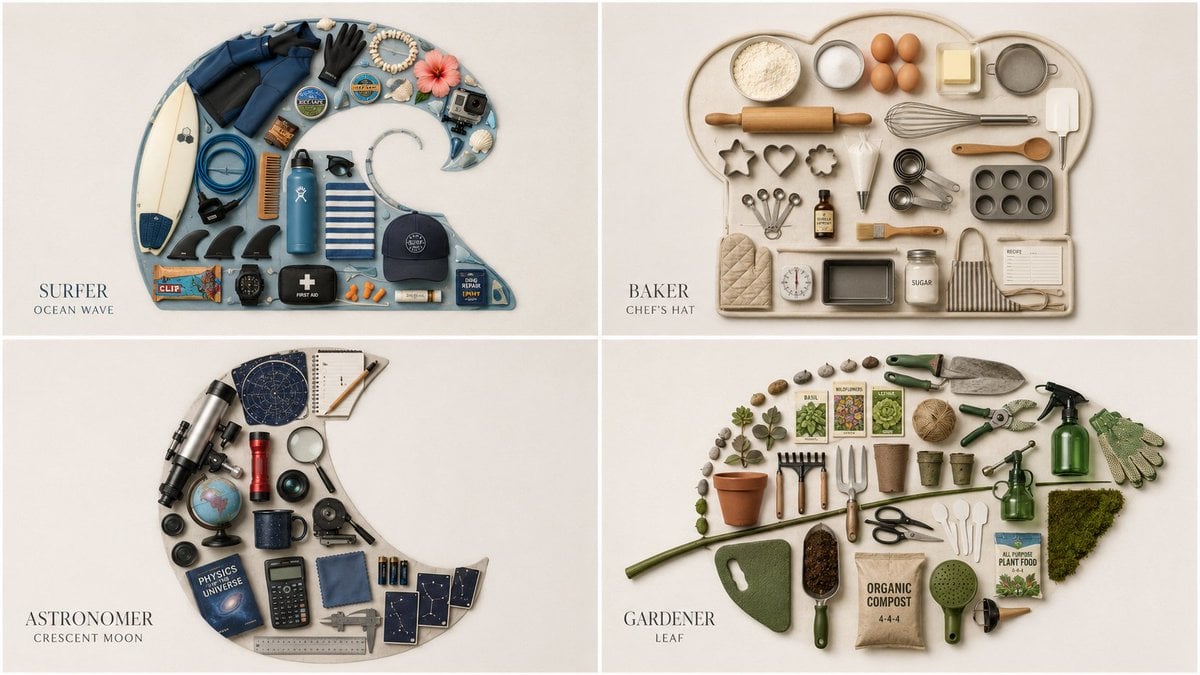
Themed Knolling Flat-Lay Grid

Cash Stack Flat Lay

Nostalgic Digicam Café Afternoon Portrait

Pixar-Style Chibi Café Morning Scene

Japanese Café Sketch Duo Illustration

Delicate Japanese Café Lifestyle Illustration

Parisian Outdoor Café Silver-Hair Portrait
Make it yours
Cozy Tabletop Flat Lay with Doodles works as-is. These are the safest ways to change it without losing the look.
Change one field
Copy a single group, rewrite it, and generate again so you can see what that field is doing.
Keep the frame, change the subject
Hold the composition and light of Cozy Tabletop Flat Lay with Doodles, then swap wardrobe, props or the person for a new take.
| If the result… | Why | Fix |
|---|---|---|
| The result drifts from the preview | Too many fields changed at once. | Reuse Cozy Tabletop Flat Lay with Doodles as-is first, then change one group — subject, light, or setting. |
| The model over-stylizes the scene | The prose prompt leaves finish and camera underspecified. | Add one camera or lighting sentence and stay on Nano Banana 2. |
More Nano Banana 2 templates
Other prompts made for Nano Banana 2.

Photorealistic Leaf Shaped Like a Dragon

K-Pop Idol Portrait Grid for Rapid Selection

Poetic Rain Forest Portrait During Golden Hour

Urban Street Portrait with Cartoon Inner Self Duo

Candid Nighttime Photo with Cat Prompt

High-Concept 3D Diorama Generation Prompt

Cinematic Futuristic Studio Portrait Template

Skincare Editorial Photography Collage Prompt

Hyper-Realistic Commercial Product Photography (Splash Effect)

Hyper-Realistic Nightclub Portrait Prompt
More image prompts
Fresh picks from across the catalog.

Urban Grunge Street Art Portrait

Satoru Gojo Anime Propaganda Poster
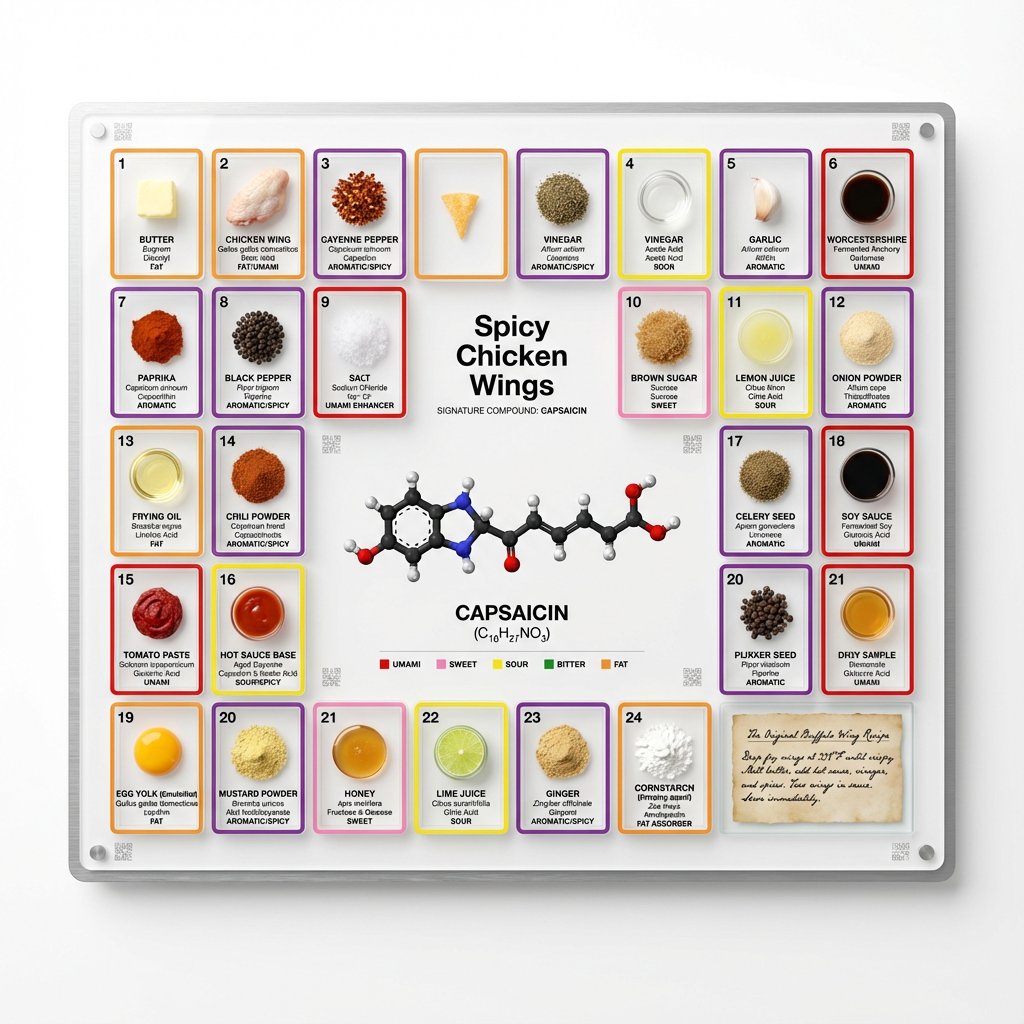
Food Analysis Periodic Table Display Board
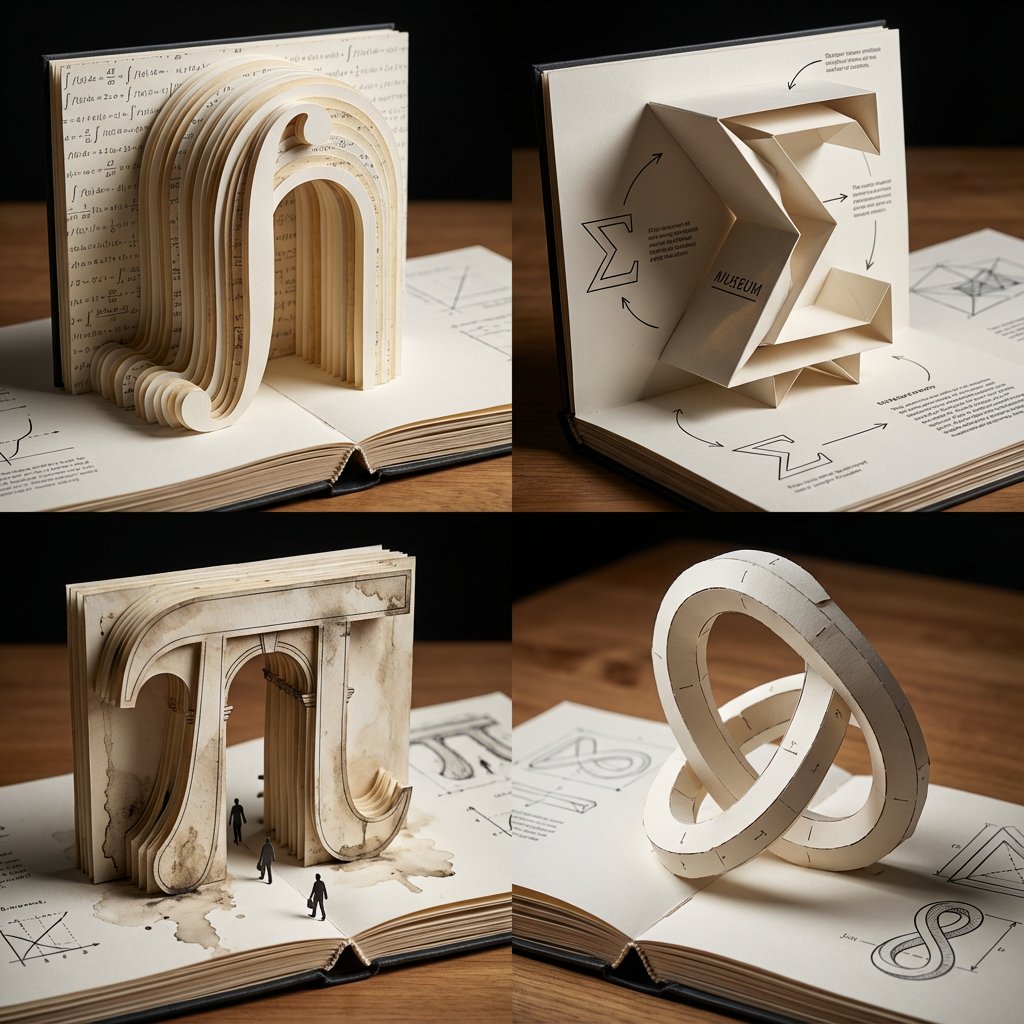
Pop-Up Paper Engineering of Mathematical Symbols

Vibrant Sticker Art Illustration of a Young Woman
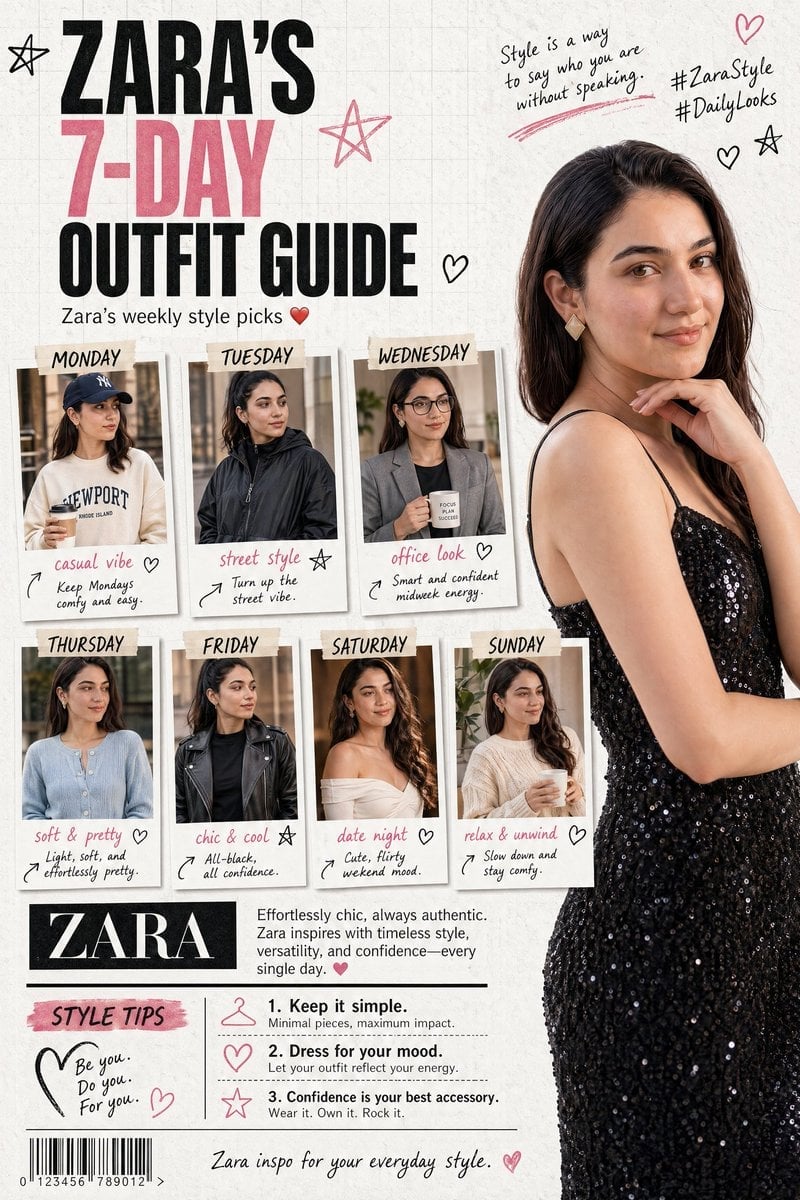
Fashion Magazine Collage Guide
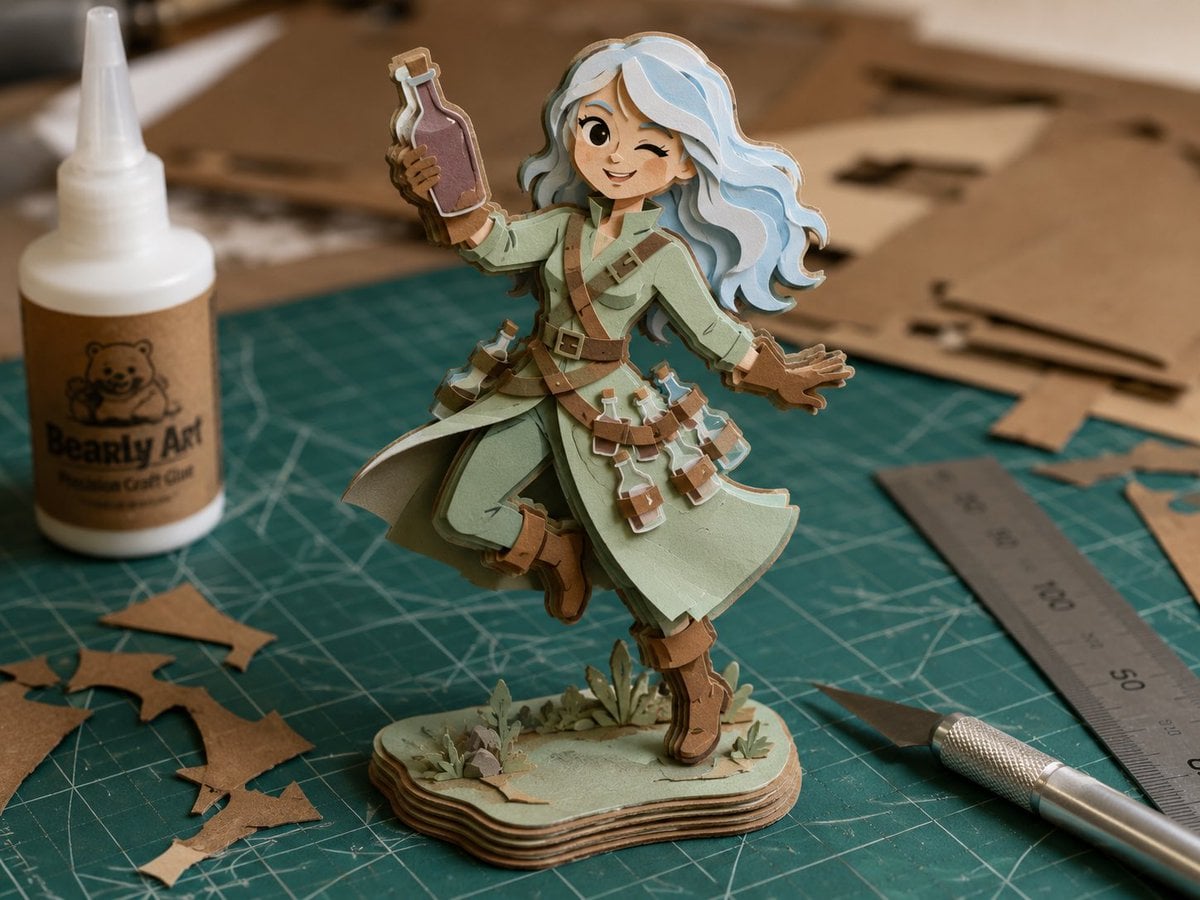
Layered Paper Alchemist Figurine

Hyper-Realistic Mobile Camera Portrait of a Girl
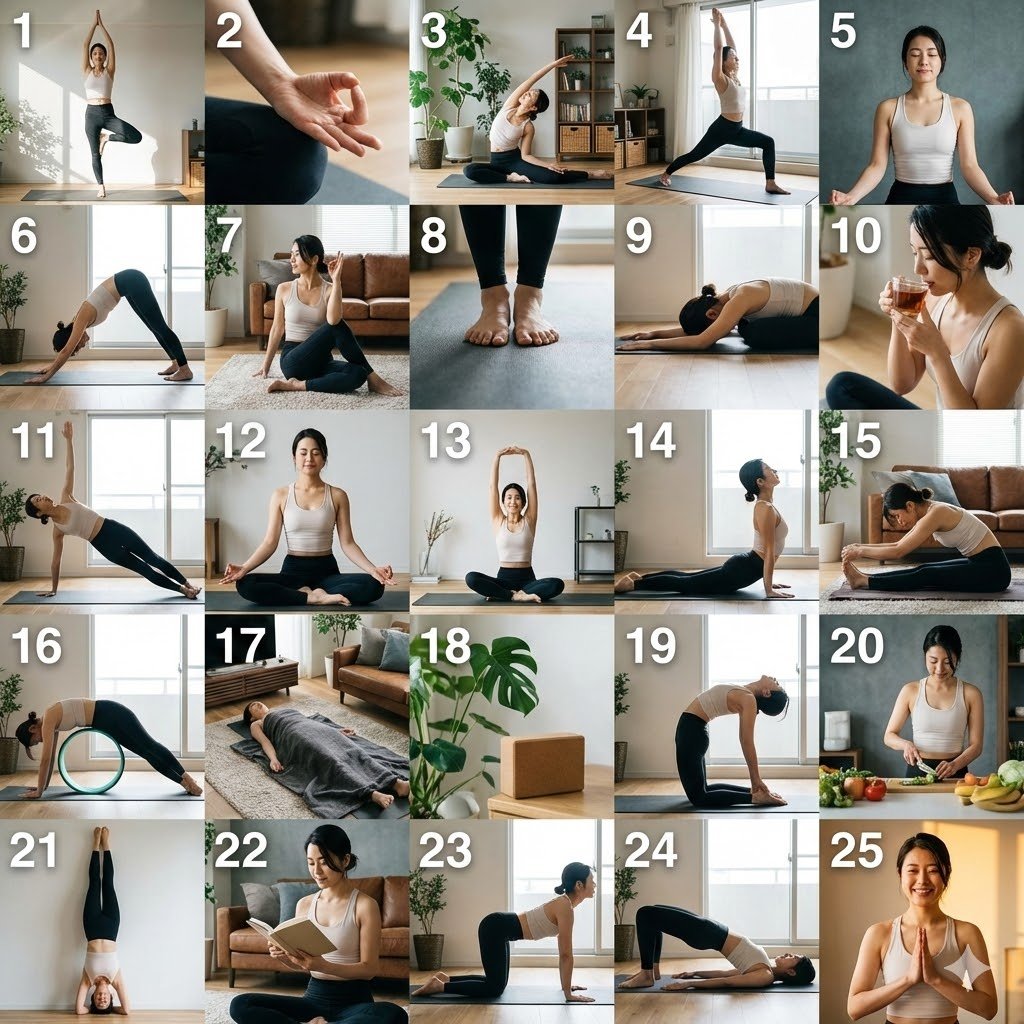
Multi-Cut Scene Generation and Extraction Prompt

High-Energy Character Transformation with Extreme Perspective
Browse template categories
Cozy Tabletop Flat Lay with Doodles questions
How do I use the Cozy Tabletop Flat Lay with Doodles template?
Add your photo if the template asks for one, edit the prompt if you like — the template's model and format are already selected — and press Generate. Your version opens in PicX Studio.
Can I customize the Cozy Tabletop Flat Lay with Doodles template?
Yes. You can change the subject, setting, lighting, mood, format, and available model controls before creating your image.
Is the Cozy Tabletop Flat Lay with Doodles template free?
Opening and editing this template is free. Generating uses credits, shown on the Generate button when you are signed in.
Which AI model should I use?
Start with Nano Banana 2, which is the model associated with this template. You can compare another compatible model for a different finish.
Looking for something else? Browse all templates.

Your photo, any look
Thousands of ready templates for every top image and video model, from one credit balance.