
Layered Paper Alchemist Figurine
A photorealistic craft-table scene featuring a layered paper-cut fantasy alchemist figurine, useful for generating papercraft or shadowbox-style concept images.
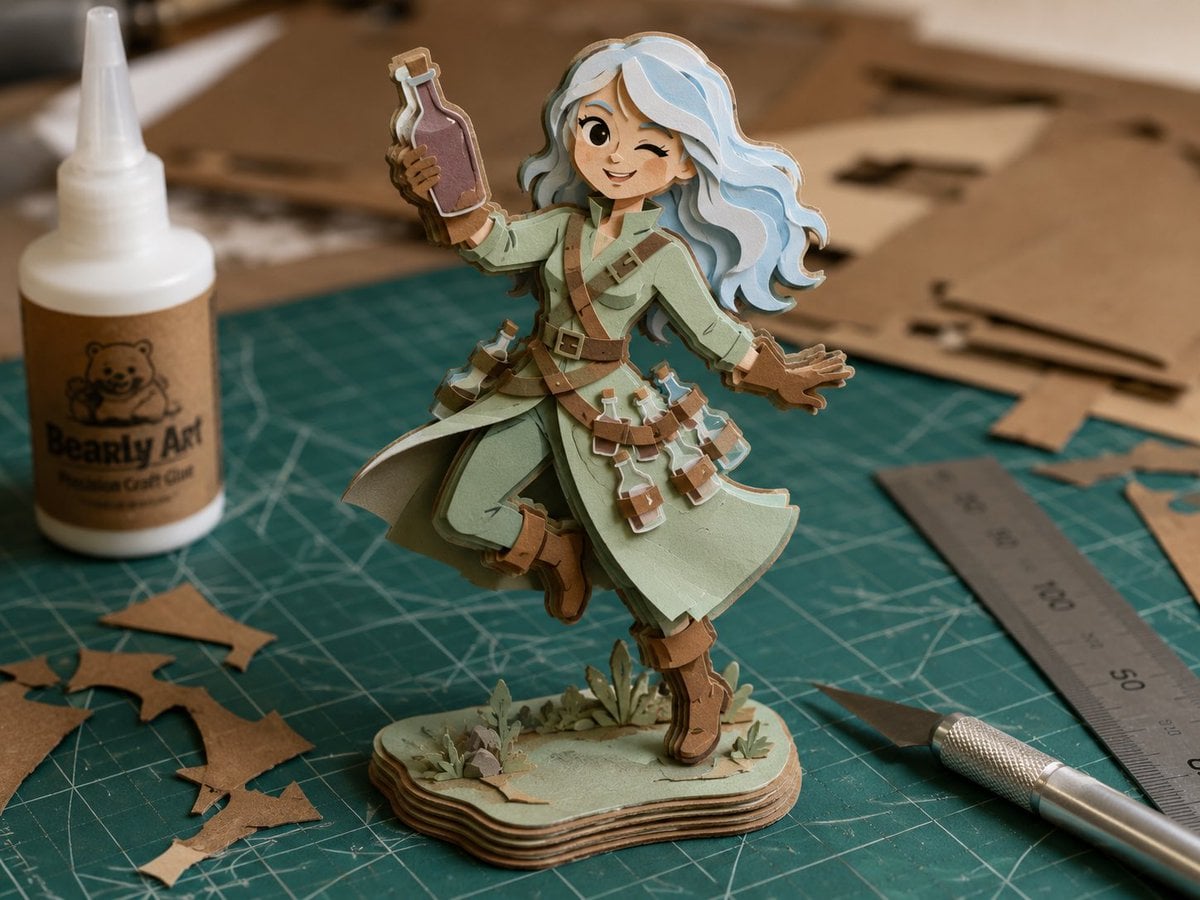
- Prompt included
- Model and format preset
- Free template
The prompt behind this image
Copy the exact prompt behind Layered Paper Alchemist Figurine, or open it in the studio and make it yours.
Create a realistic shallow-depth-of-field tabletop photo of a handmade layered paper-cut shadowbox figurine of {argument name="character name" default="a fantasy alchemist girl"} standing on a green self-healing cutting mat in a craft workshop. The figure is built from many stacked cut cardstock layers with visible brown cardboard edges, like a 3D paper model or failed papercraft pattern test, and has a deliberately imperfect construction. She wears a pale mint-green long coat with layered skirt panels, tan leather straps crossing her chest and waist, brown boots and gloves, and a belt full of small potion bottles. Count 7 visible potion bottles: 1 purple bottle raised in her left hand, 1 small bottle on her left hip pouch, 3 bottles hanging across the front belt, and 2 bottles on the right side of the skirt. Her hair is {argument name="hair color" default="pale icy blue"}, long, wavy, voluminous, and cut into separate stacked paper layers; her face is intentionally hidden by a centered square pixelated beige blur censor block. Pose her dynamically as if skipping or floating, one arm raised holding the bottle, the other hand open to the side, one boot lifted, attached to a small layered oval display base with tiny paper grass and plants. Surround the figurine with exactly 5 main crafting items: 1 white squeeze bottle of craft glue on the left with a cute bear label reading {argument name="glue label text" default="Bearly Art Precision Craft Glue"}, 1 metal ruler on the right, 1 silver hobby knife at the lower right, 1 green cutting mat with white grid lines underneath, and multiple brown cardboard offcuts and flat pattern pieces in the background. Use warm natural indoor light, macro lens perspective, realistic paper texture, soft bokeh background, muted earthy colors, and a high-detail photorealistic craft-desk aesthetic.
How to use Layered Paper Alchemist Figurine in 3 steps
- 1Upload ImagePNG, JPG or paste
Add your photo
Upload the photo the template builds on. The prompt, model and format are already set.
- 2…a portrait of your subject in softgolden-hour light, 85mm…
Personalize
Edit the subject and creative details for your destination.
- 3Generate
Generate
Press Generate — your image is created in PicX Studio, so you can compare it with the original and refine one variable at a time.
More like this
Templates with the same subject, style or setup. Open one to see its prompt.

Saudi Arabia Paper Cut Travel Poster

Cute Layered Paper Cut Chibi Girl

Soft Handcrafted Paper-Cut Layered Illustration

Paper Cut Craft Illustration

Layered Paper Cut Illustration Template

Decorative Folk Flat Paper Cut Illustration

Paper Cut Finale Fireworks

Paper Cut Garden Maze

Paper Cut Rooftop Concert

Paper Cut Bicycle Coast

Paper Cut Castle Gate

Paper Cut Kitchen Chaos
Make it yours
Layered Paper Alchemist Figurine works as-is. These are the safest ways to change it without losing the look.
Change one field
Copy a single group, rewrite it, and generate again so you can see what that field is doing.
Keep the frame, change the subject
Hold the composition and light of Layered Paper Alchemist Figurine, then swap wardrobe, props or the person for a new take.
| If the result… | Why | Fix |
|---|---|---|
| The result drifts from the preview | Too many fields changed at once. | Reuse Layered Paper Alchemist Figurine as-is first, then change one group — subject, light, or setting. |
| The model over-stylizes the scene | The prose prompt leaves finish and camera underspecified. | Add one camera or lighting sentence and stay on GPT Image 2. |
More GPT Image 2 templates
Other prompts made for GPT Image 2.

Six VTuber Japanese Logo Sheet

Realistic Portrait of Woman and Deer

The Vista Modular Condo Poster

AI Model Routing Comparison Infographic

2.5D Anime Art Board

Isometric Productivity Desk Scene

New York Double Exposure Poster

Four-Panel AI Landscape Comparison

Japanese Tatami Lifestyle Magazine Cover

NESCAFÉ Coffee Map Poster
More image prompts
Fresh picks from across the catalog.
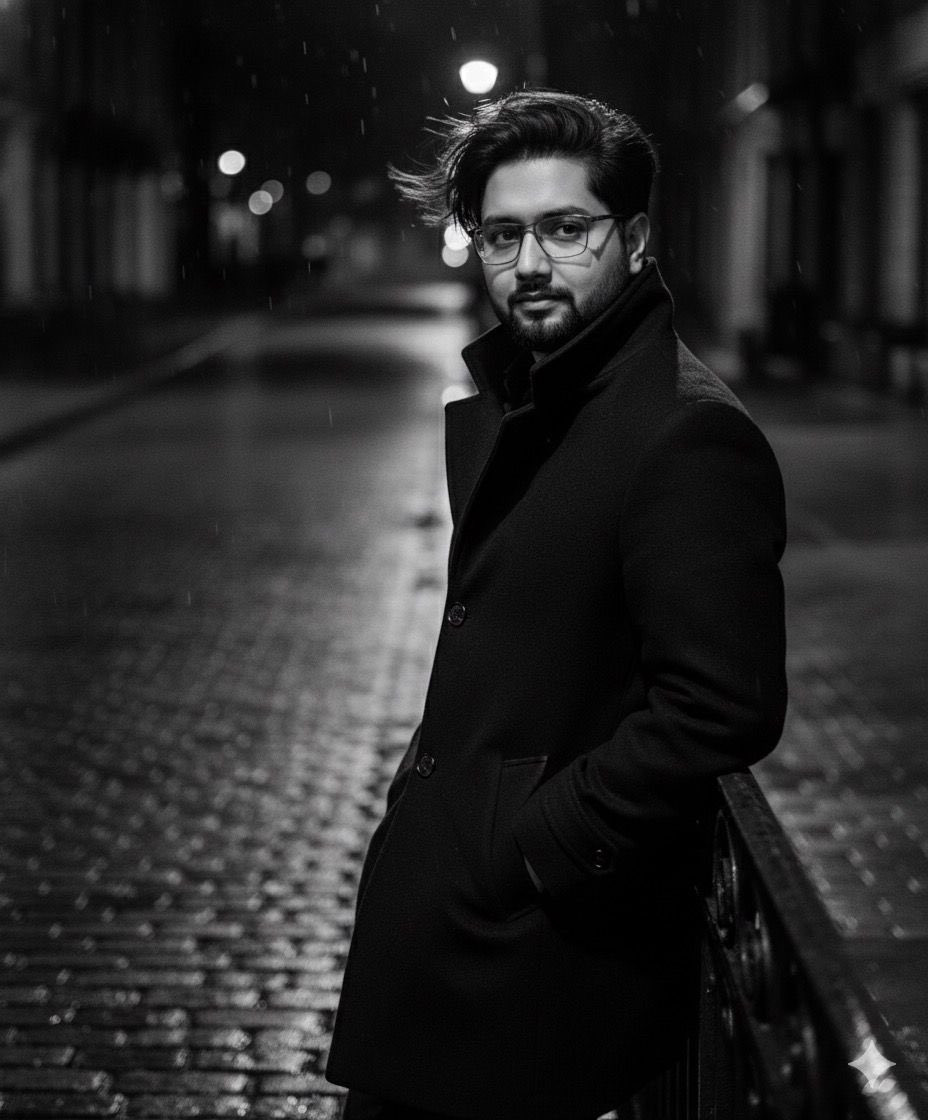
High-fashion black-and-white editorial portrait
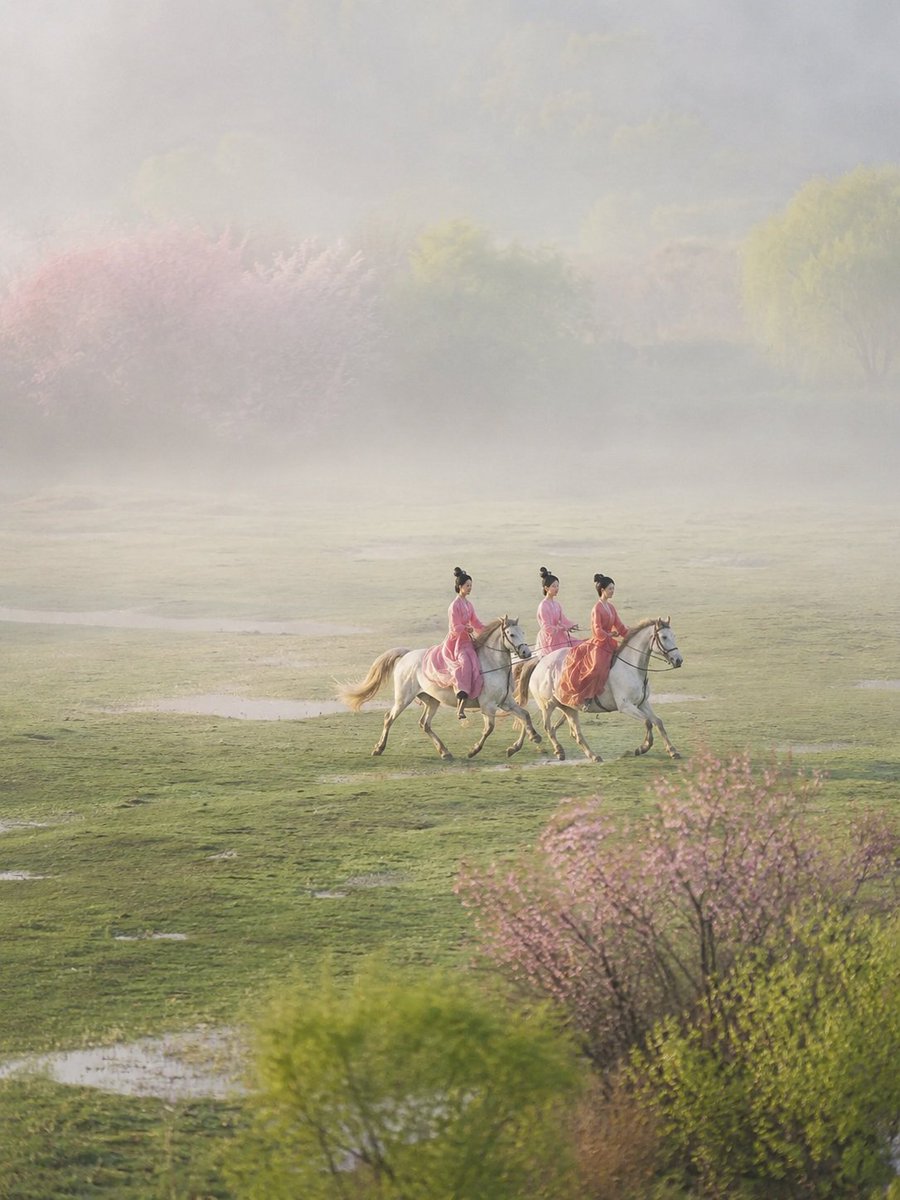
Ancient Painting to Real Scene Photo
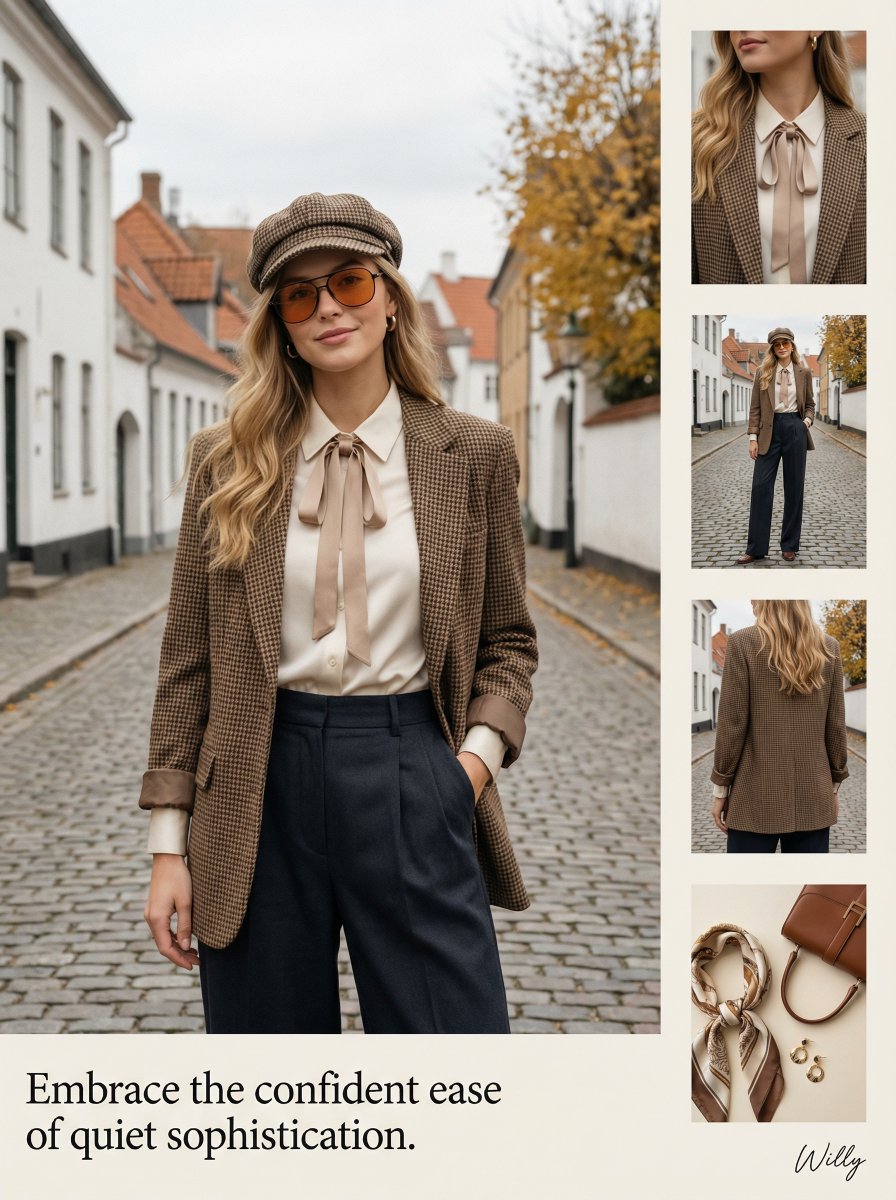
1970s Inspired Quiet Luxury Fashion Lookbook
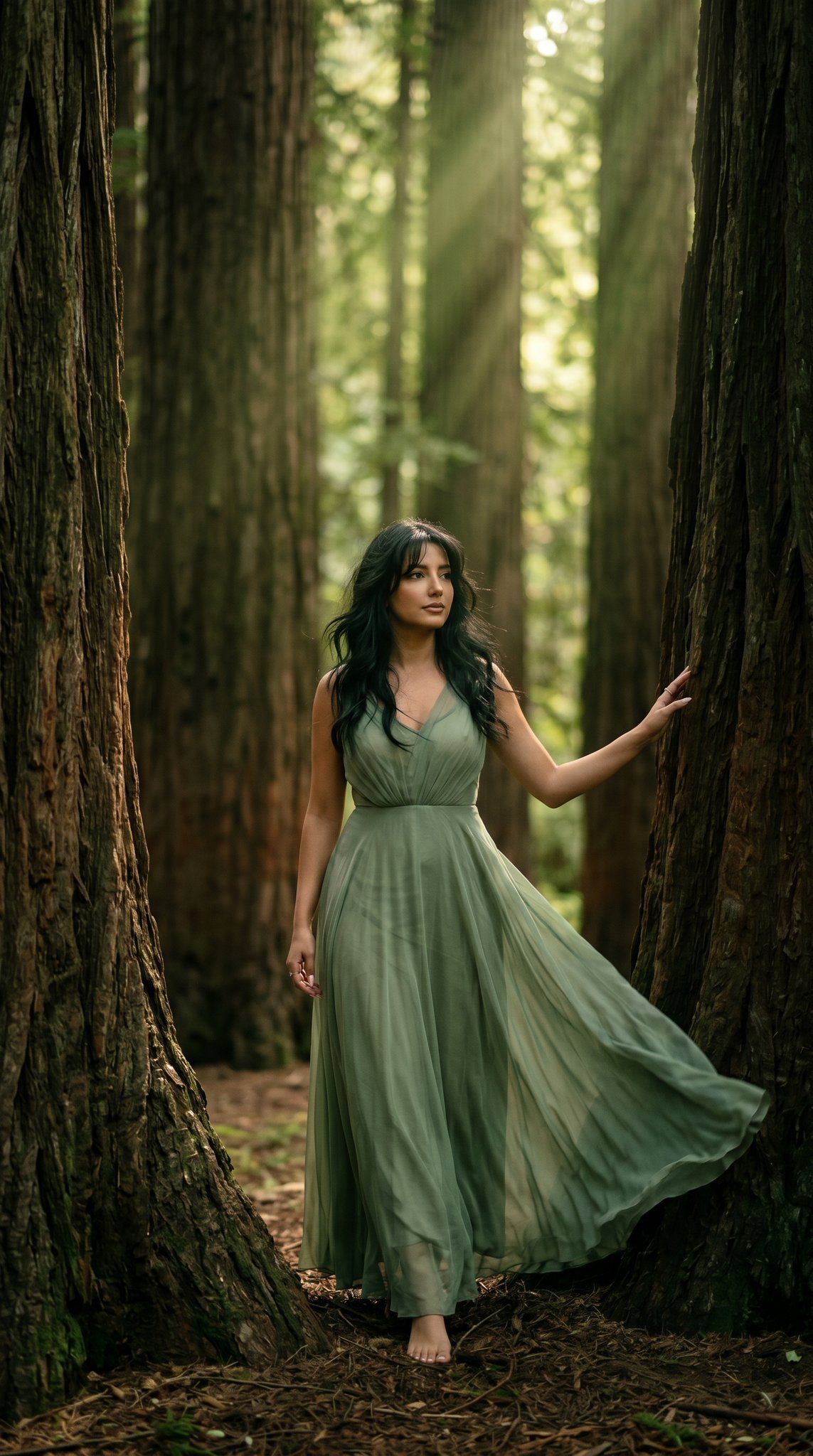
23 California Redwood Forest — California Series
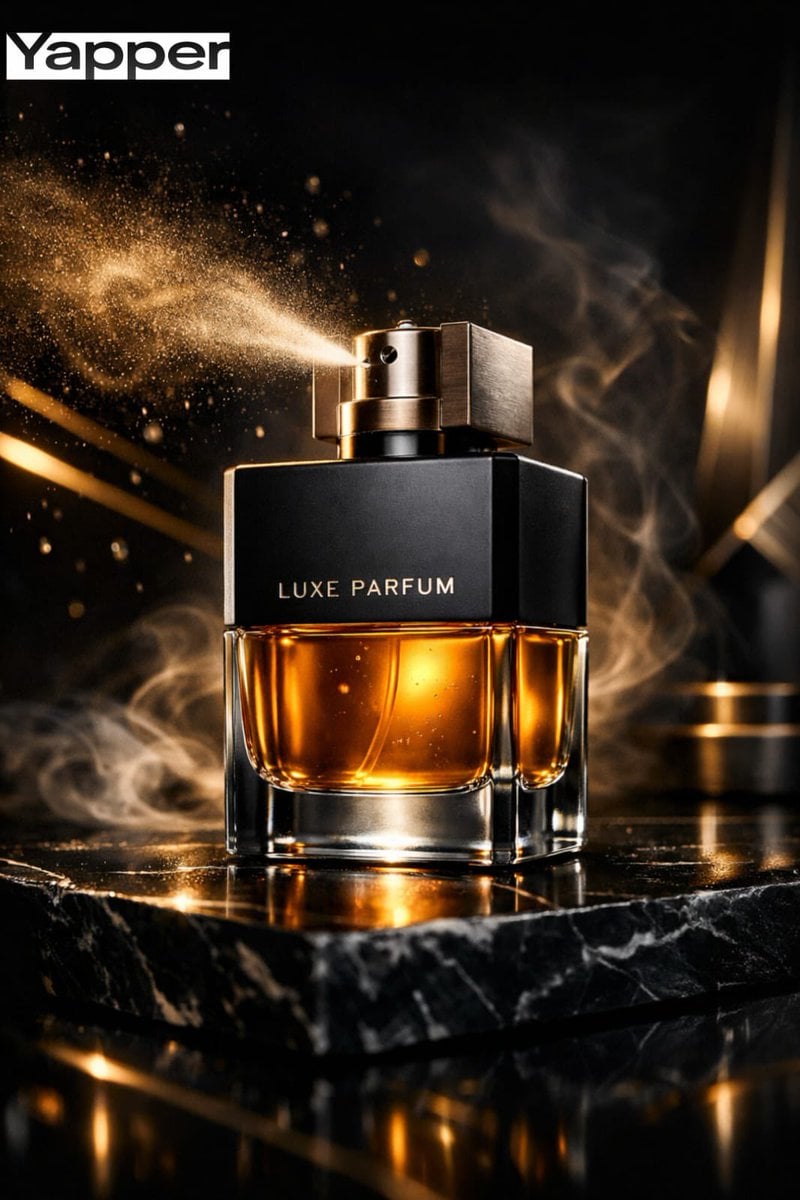
Ultra-Premium Luxury Perfume Advertisement
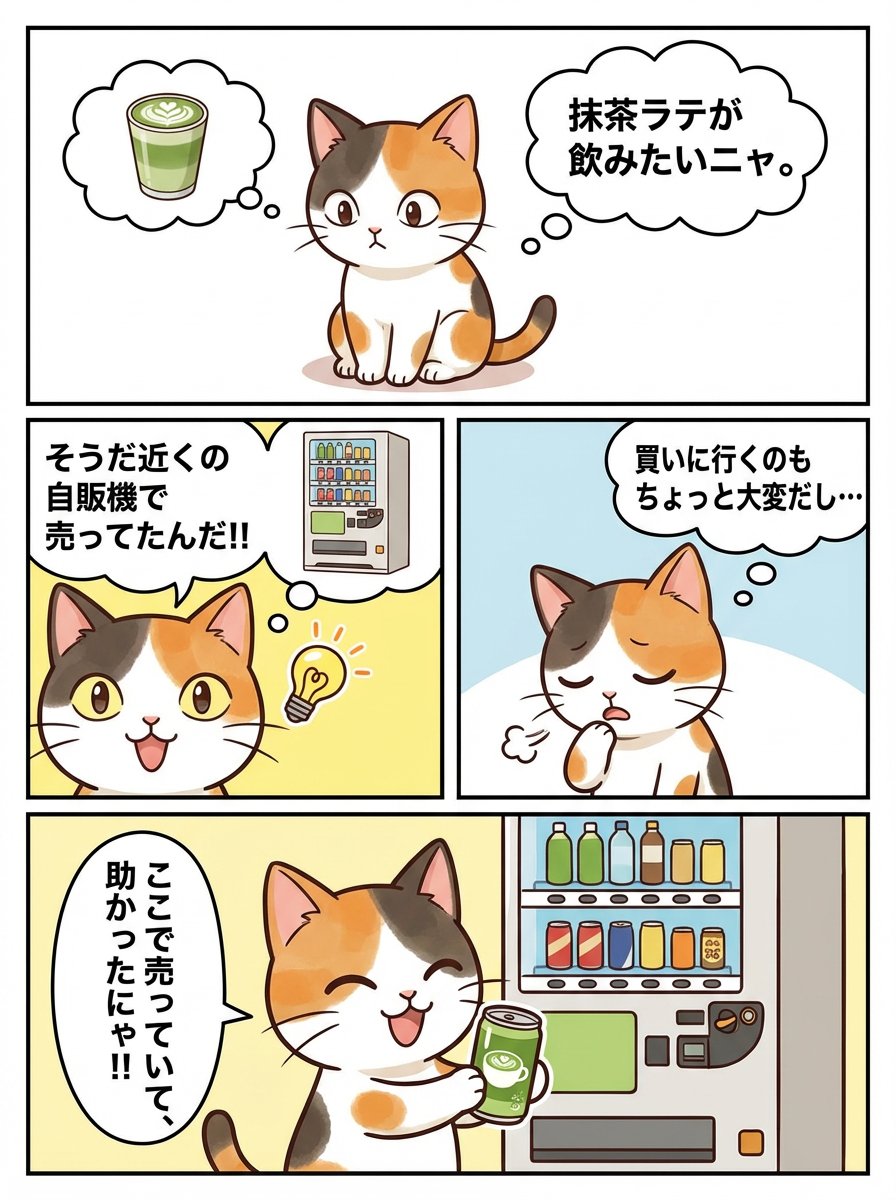
Panel Manga Story Generator (Cat Character)
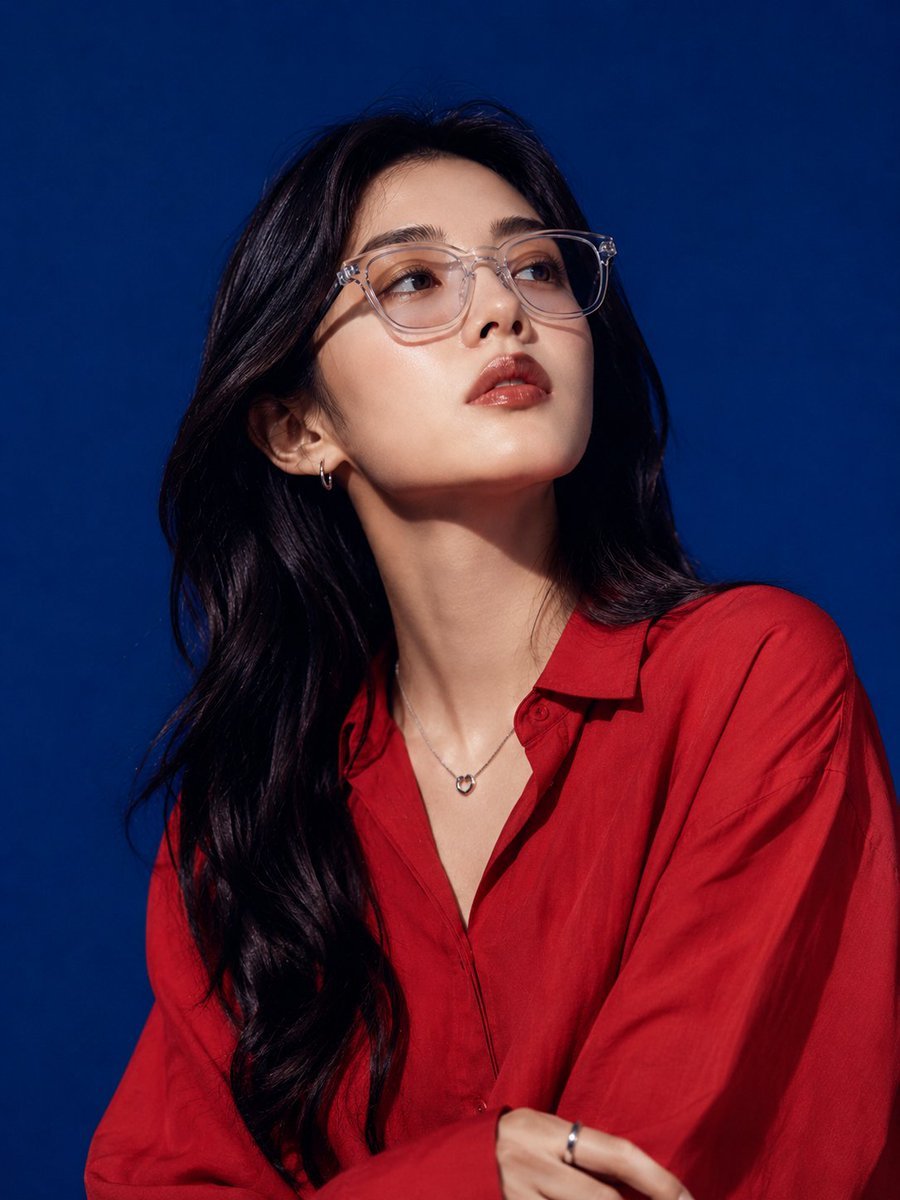
East Asian High-Fashion Studio Portrait
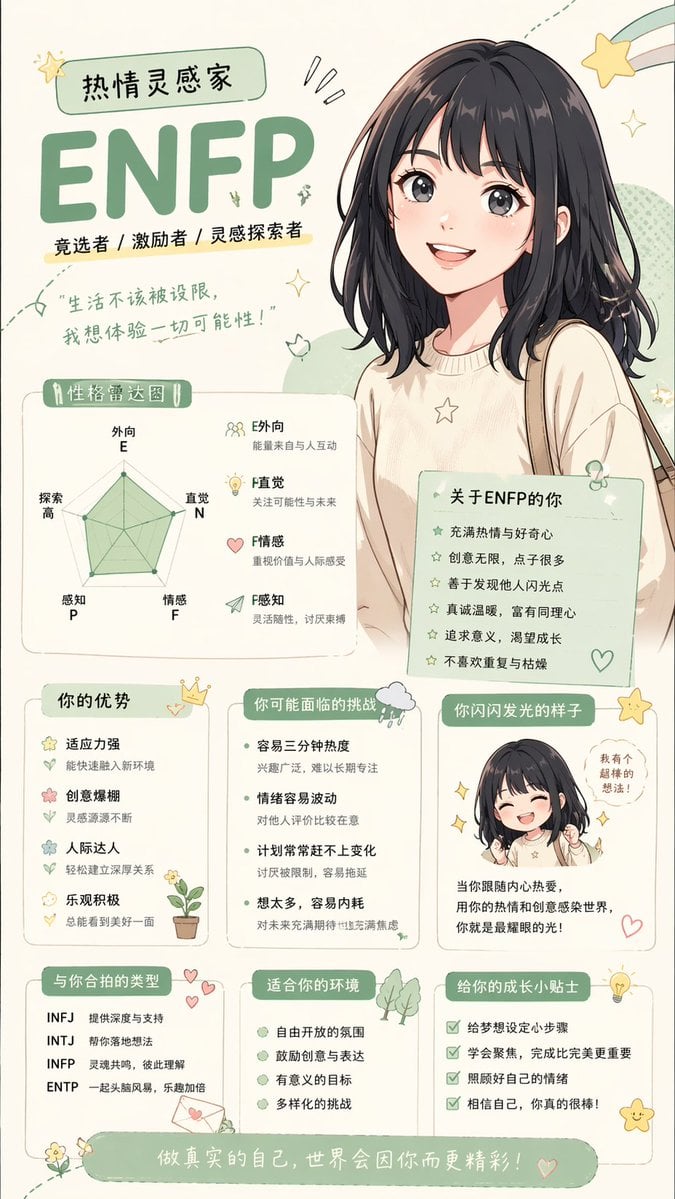
Anime personality attribute interpretation
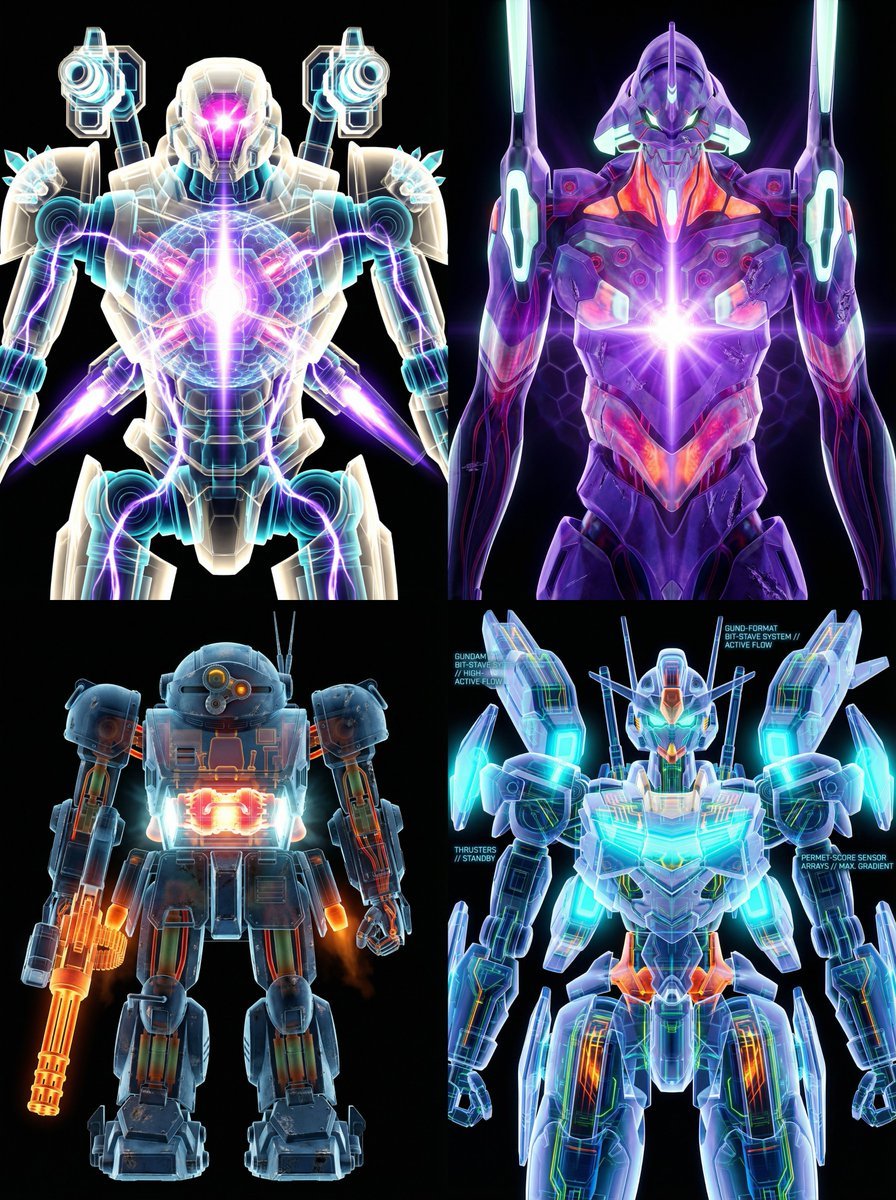
X-Ray/Thermal Visualization Prompt for Mecha (VOTOMS Scopedog)

Seedance 2.0 - Anime Girl Fight
Browse template categories
Layered Paper Alchemist Figurine questions
How do I use the Layered Paper Alchemist Figurine template?
Add your photo if the template asks for one, edit the prompt if you like — the template's model and format are already selected — and press Generate. Your version opens in PicX Studio.
Can I customize the Layered Paper Alchemist Figurine template?
Yes. You can change the subject, setting, lighting, mood, format, and available model controls before creating your image.
Is the Layered Paper Alchemist Figurine template free?
Opening and editing this template is free. Generating uses credits, shown on the Generate button when you are signed in.
Which AI model should I use?
Start with GPT Image 2, which is the model associated with this template. You can compare another compatible model for a different finish.
Looking for something else? Browse all templates.

Your photo, any look
Thousands of ready templates for every top image and video model, from one credit balance.