
X-Ray/Thermal Visualization Prompt for Mecha (VOTOMS Scopedog)
A highly detailed prompt for Nano Banana Pro designed to generate a technical, high-contrast visualization of a mecha (Armored Trooper Scopedog from VOTOMS) using a hybrid X-ray and thermal heatmap aesthetic.
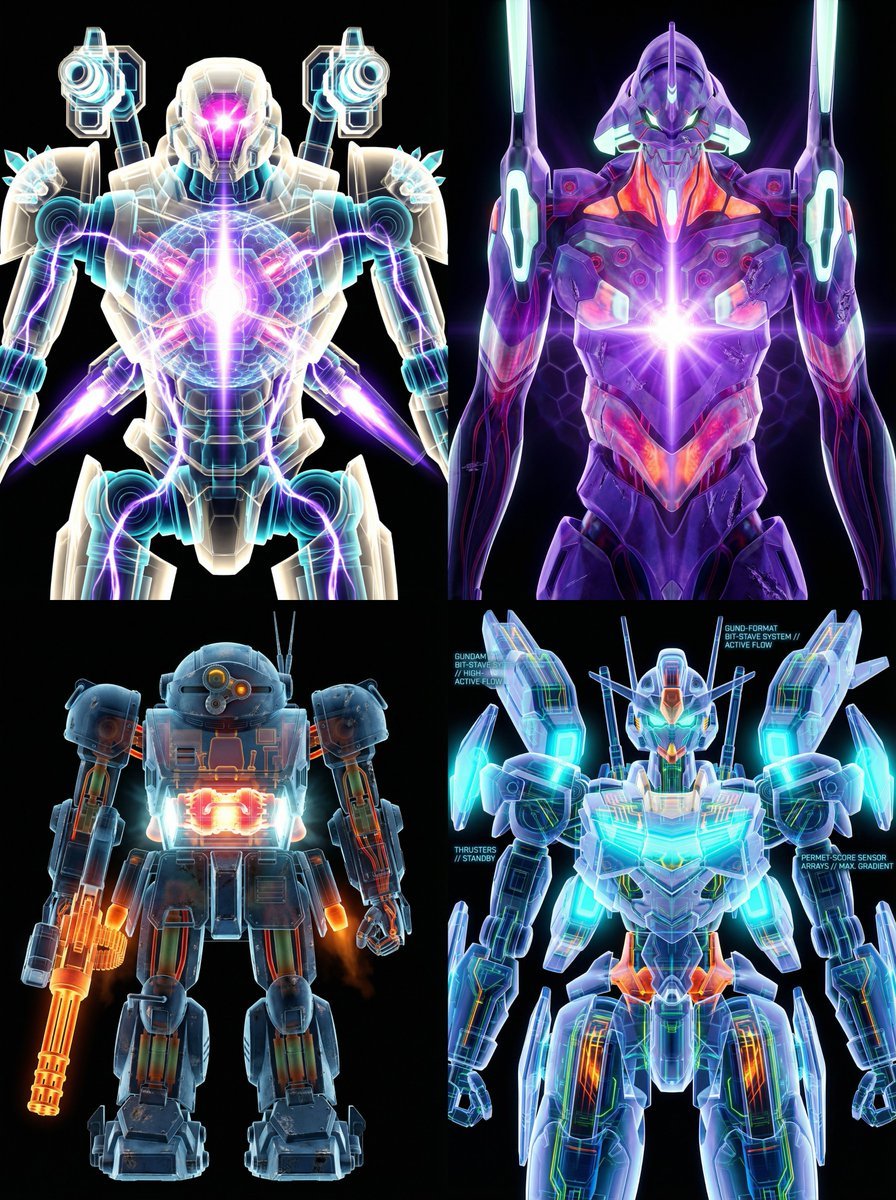
- Prompt included
- Model and format preset
- Premium template
The prompt behind this image
Copy the exact prompt behind X-Ray/Thermal Visualization Prompt for Mecha (VOTOMS Scopedog), or open it in the studio and make it yours.
subject: "Armored Trooper ATM-09-ST Scopedog, classic first-generation AT from Armored Trooper VOTOMS" view: "tight frontal view, perfect orthographic projection, zero perspective distortion, strict symmetrical composition" style: "high-contrast military-industrial scientific render, cold war-era weapons lab visualization" background: "pure black void, absolute vacuum environment, no reflections, no floor, no shadows except self-emission" aesthetic: "false-color thermal X-ray hybrid imaging with heavy mechanical wear" transparency: level: "semi-transparent heavy armor plating and rolled homogeneous steel composite" reveal: "extremely sharp and brutally detailed internal skeleton and systems" internal_components: - "central torso-mounted turbo-custom plasma fusion reactor" - "exposed hydraulic muscle cylinders and heavy-duty linear actuators" - "high-pressure fluid lines pulsing with red-hot coolant" - "belt-fed 30mm gatling arm punch with visible ammo feed" - "rear skirt-mounted high-thrust rocket thrusters" - "dense array of infrared/optical sensors and lens turret" - "cockpit block with visible pilot seat and control sticks" - "knuckle joints with exposed wiring and coolant pipes" heatmap_gradient: base: "deep cold blues and gunmetal grays (inactive armor zones)" mid: "dull green to burnt orange (hydraulic pressure zones)" high: "glowing yellow to molten red (reactor core, thruster bells, gatling barrel)" peak: "blinding white-hot hotspots on reactor shielding and over-pressurized joints" lighting: primary: "harsh cyan-white plasma glow from reactor vents" sources: - "chest reactor glare bleeding through armor seams" - "red-hot hydraulic lines" - "amber warning strobes on lens turret" - "molten orange glow from thruster nozzles" secondary: "faint rim lighting on battle-scarred armor edges, subtle volumetric heat haze" surface_details: - "authentic battle damage, bullet dents, scorch marks, chipped paint" - "visible weld lines, rivets, maintenance hatches" - "grimy industrial texture, oil stains, hydraulic fluid leaks" quality_boosters: - "8K resolution, ultra-detailed mechanical realism" - "hyper-sharp engineering precision, Yamato 1/12 model kit level detail" - "military technical manual aesthetic, cold and unforgiving" - "photorealistic metal shading, micro-scratches visible" negative_prompt: "cartoon, anime exaggeration, clean toy look, glowing eyes, pilot face visible, green android, Gundam parts, bit staves, permet effects, logo, text, watermark, extra limbs, perspective distortion, bright background, cute, deformed" weight_guidance: "(masterpiece, ultra-detailed, absurdres, best quality):1.4" "(Armored Trooper Scopedog, perfect proportions, authentic VOTOMS design):1.6" "(military industrial X-ray thermal aesthetic, brutal mechanical realism):1.35" "(battle-worn h
How to use X-Ray/Thermal Visualization Prompt for Mecha (VOTOMS Scopedog) in 3 steps
- 1
Open
The prompt is already in the box next to the preview, with the template's model and format selected.
- 2…a portrait of your subject in softgolden-hour light, 85mm…
Personalize
Edit the subject and creative details for your destination.
- 3Generate
Generate
Press Generate — your image is created in PicX Studio, so you can compare it with the original and refine one variable at a time.
More like this
Templates with the same subject, style or setup. Open one to see its prompt.
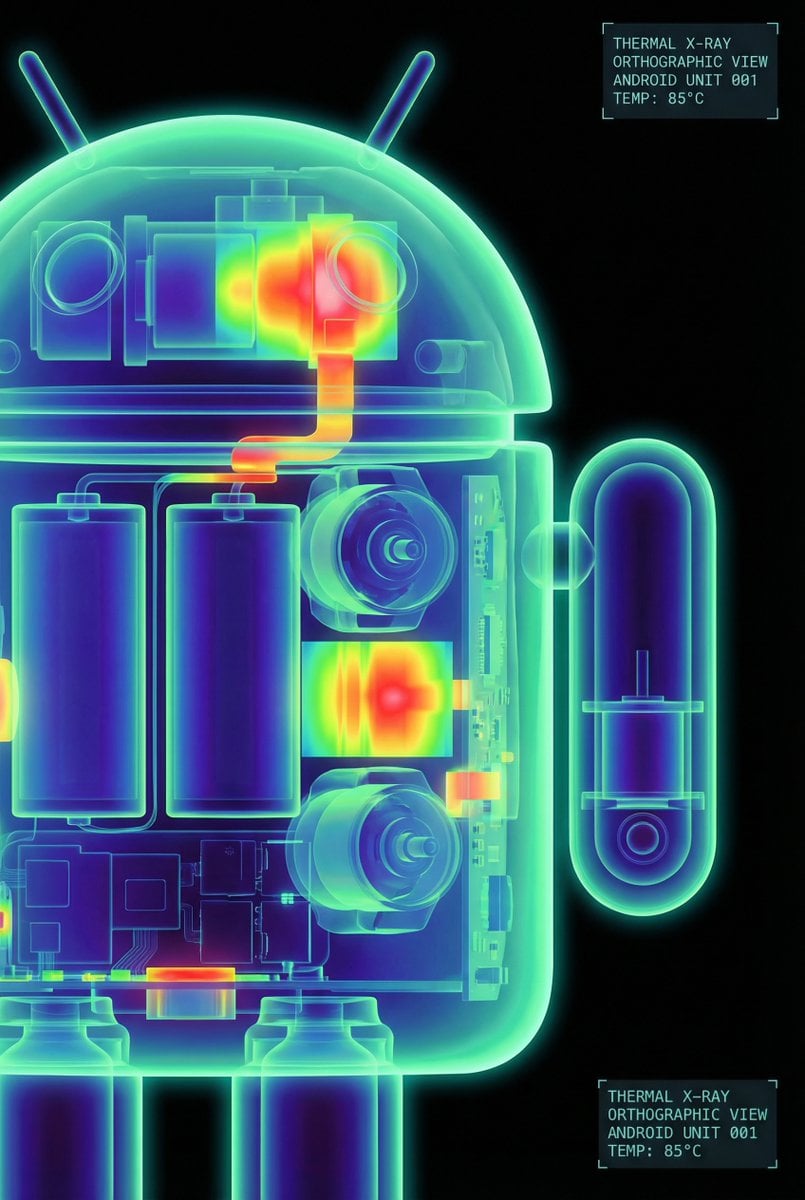
High-Contrast Thermal X-Ray Render of Android Robot
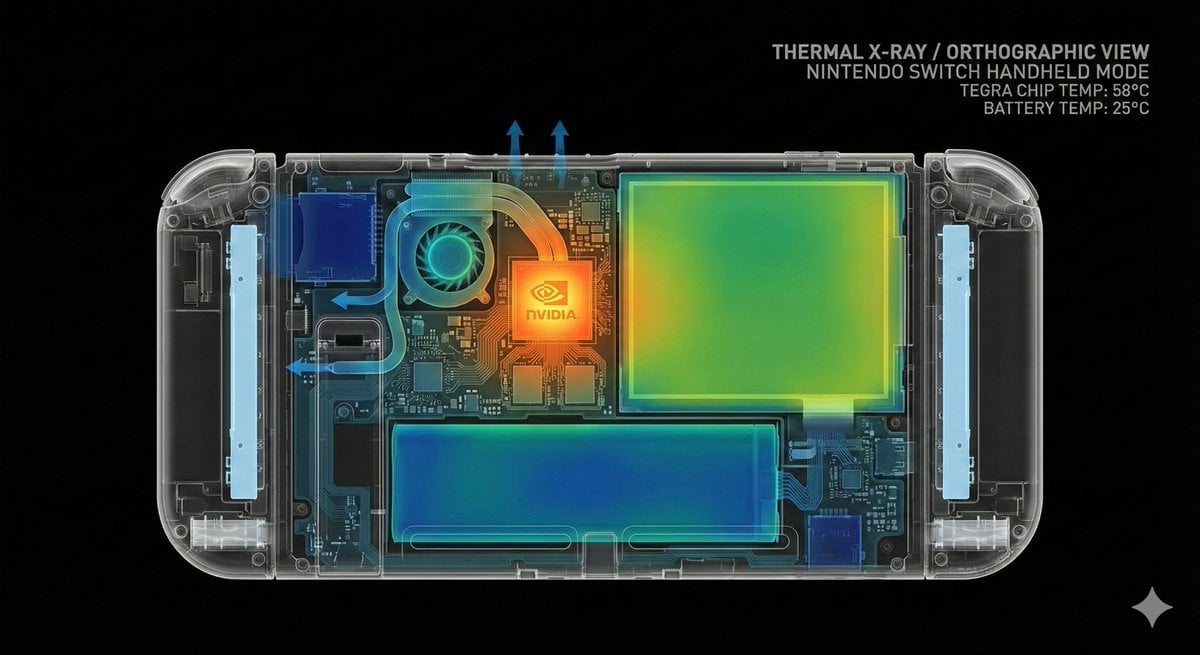
Thermal X-Ray Style Infographic Prompt (Nintendo Switch Example)
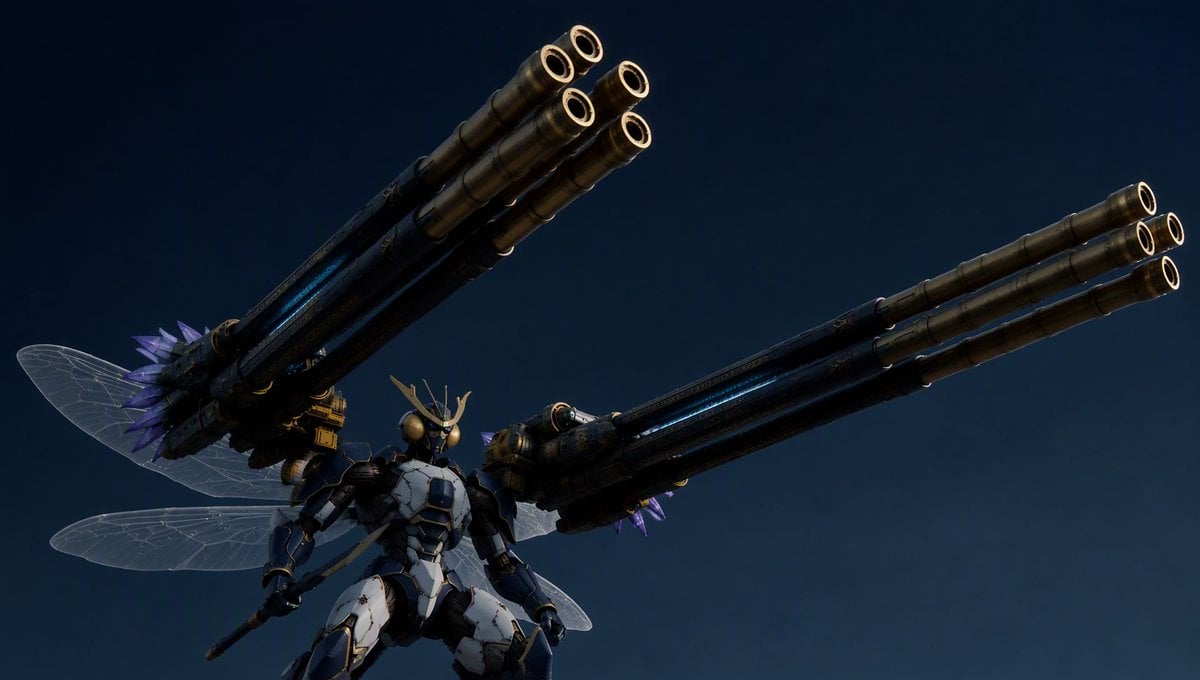
Insect Mecha Cannon Attack
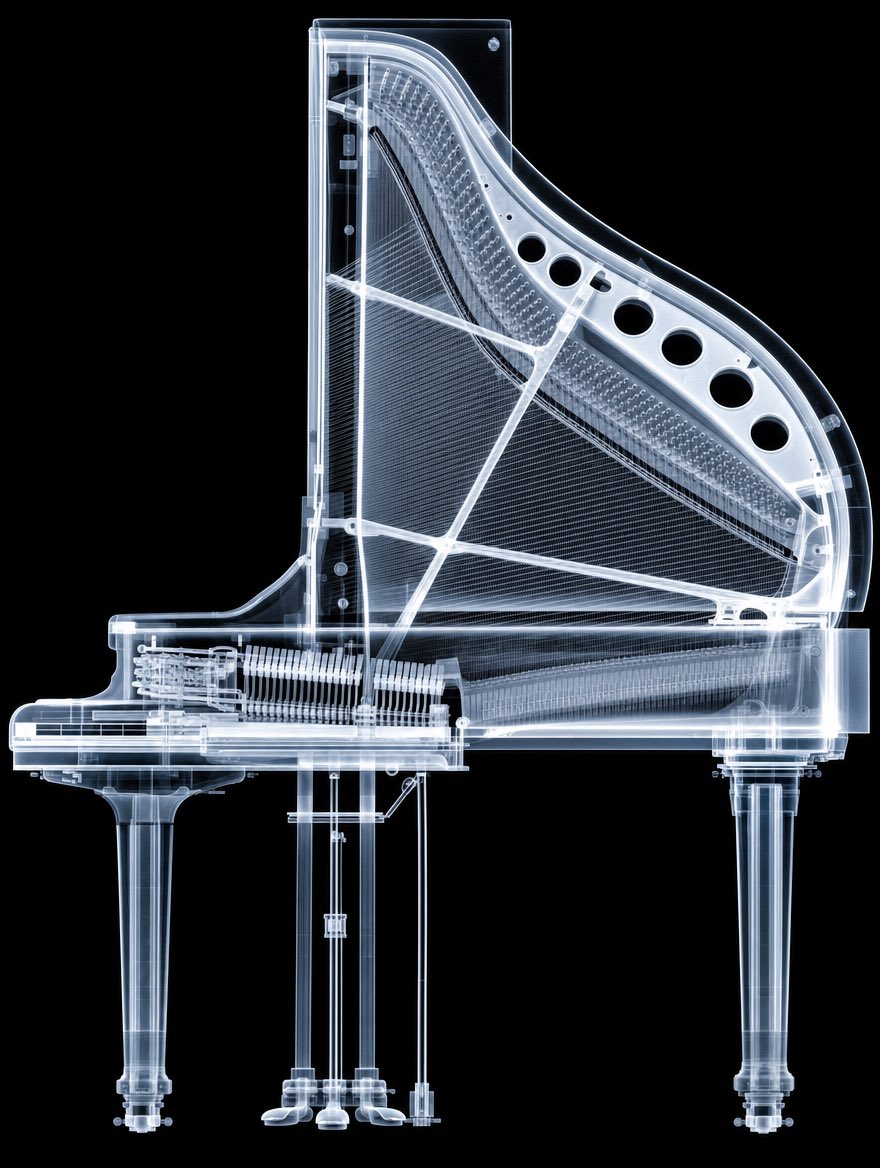
X-Ray Transparent Grand Piano

Painterly Coastal God Rays Illustration
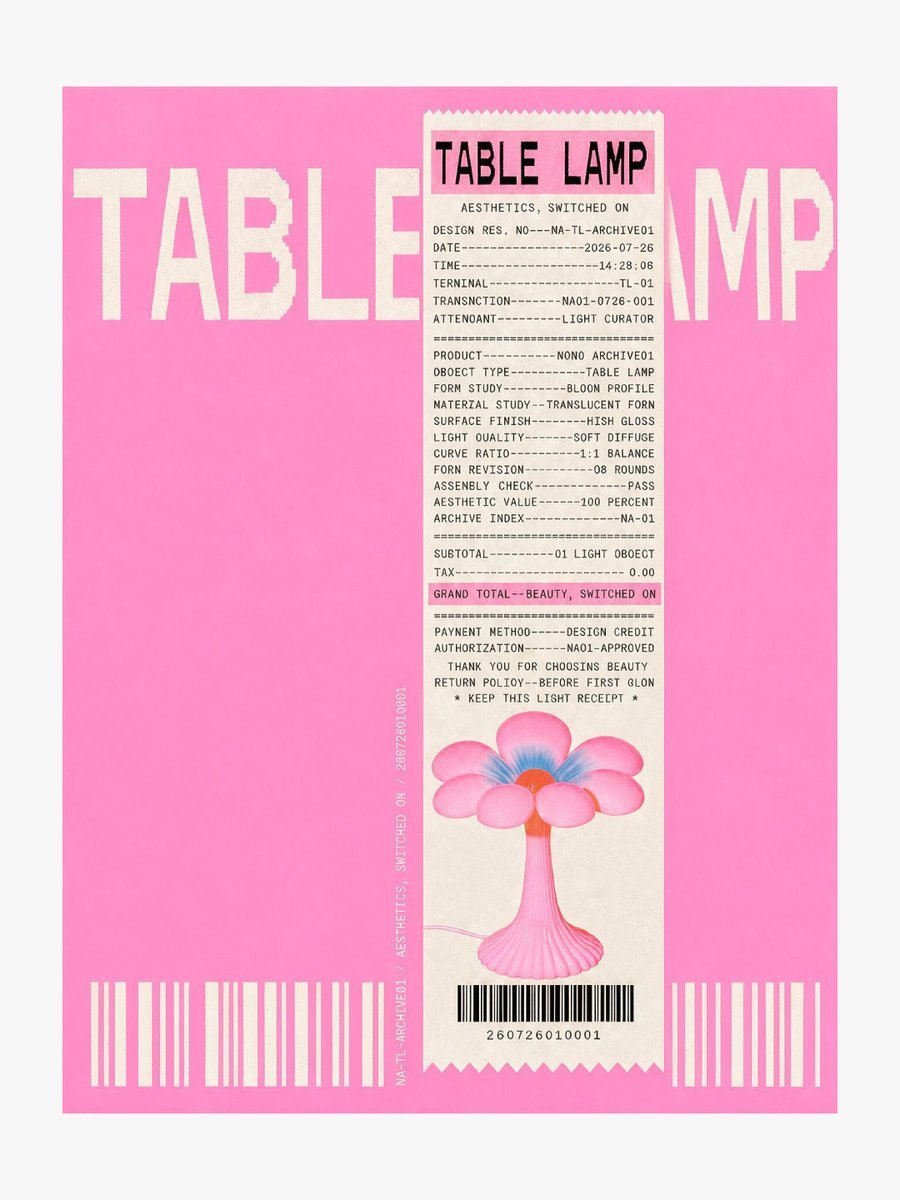
Thermal Receipt Table Lamp Poster
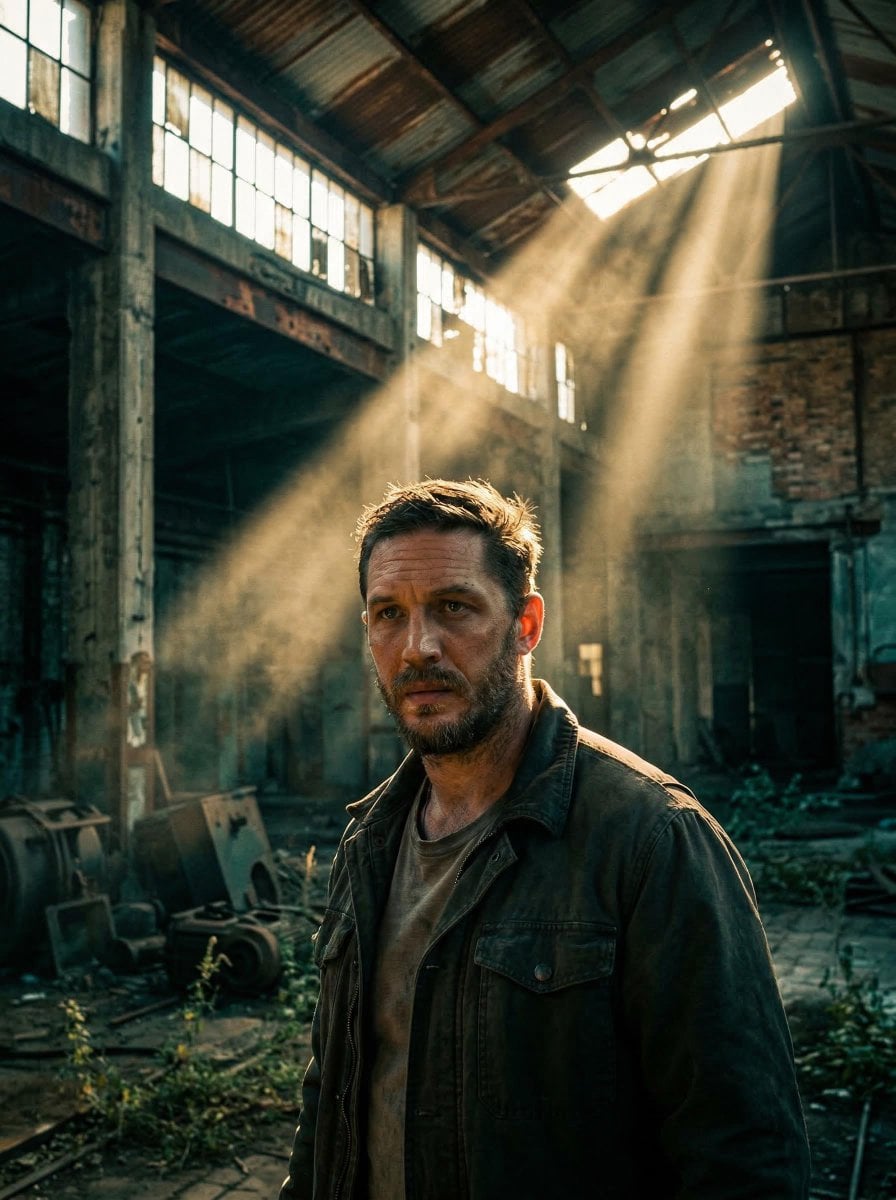
Portrait face illuminated by dramatic cinematic volumetric god rays

Act as a 3D Product Visualization Artist
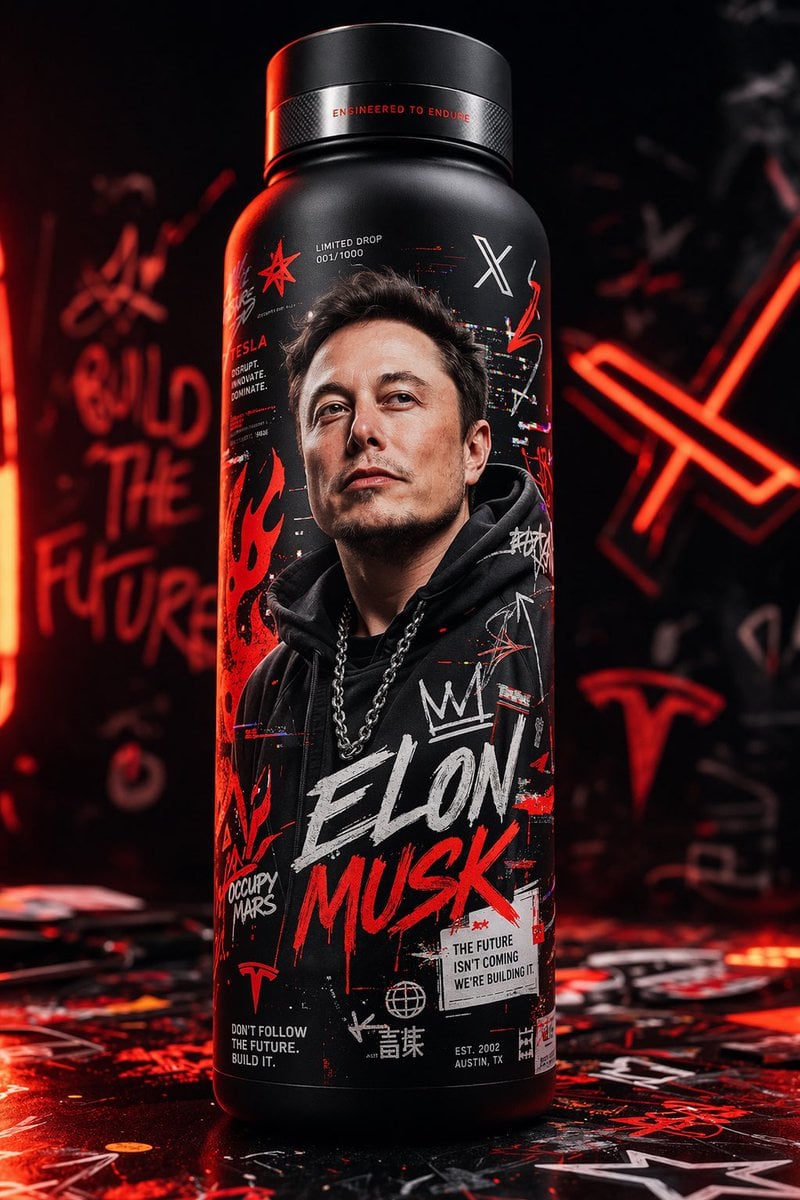
Ultra-realistic 8K hype-brand product shot of a collectible thermal
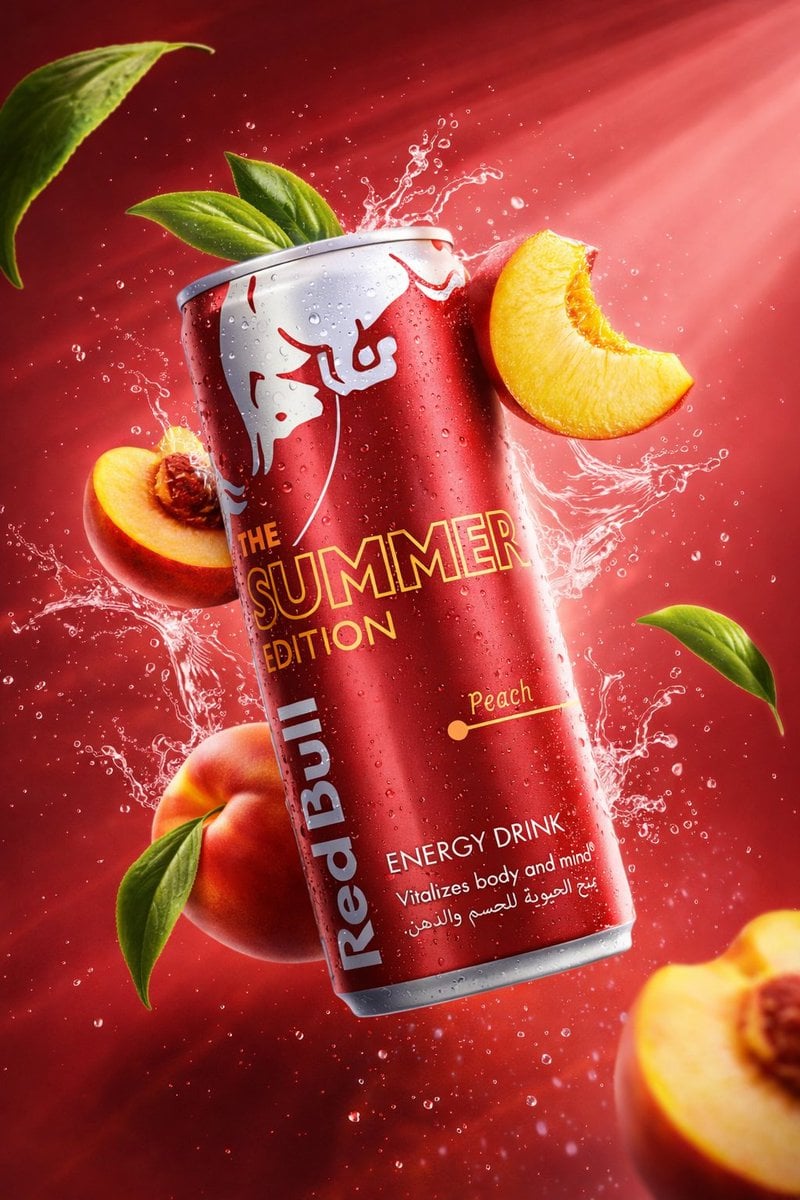
Cinematic studio lighting with volumetric light rays
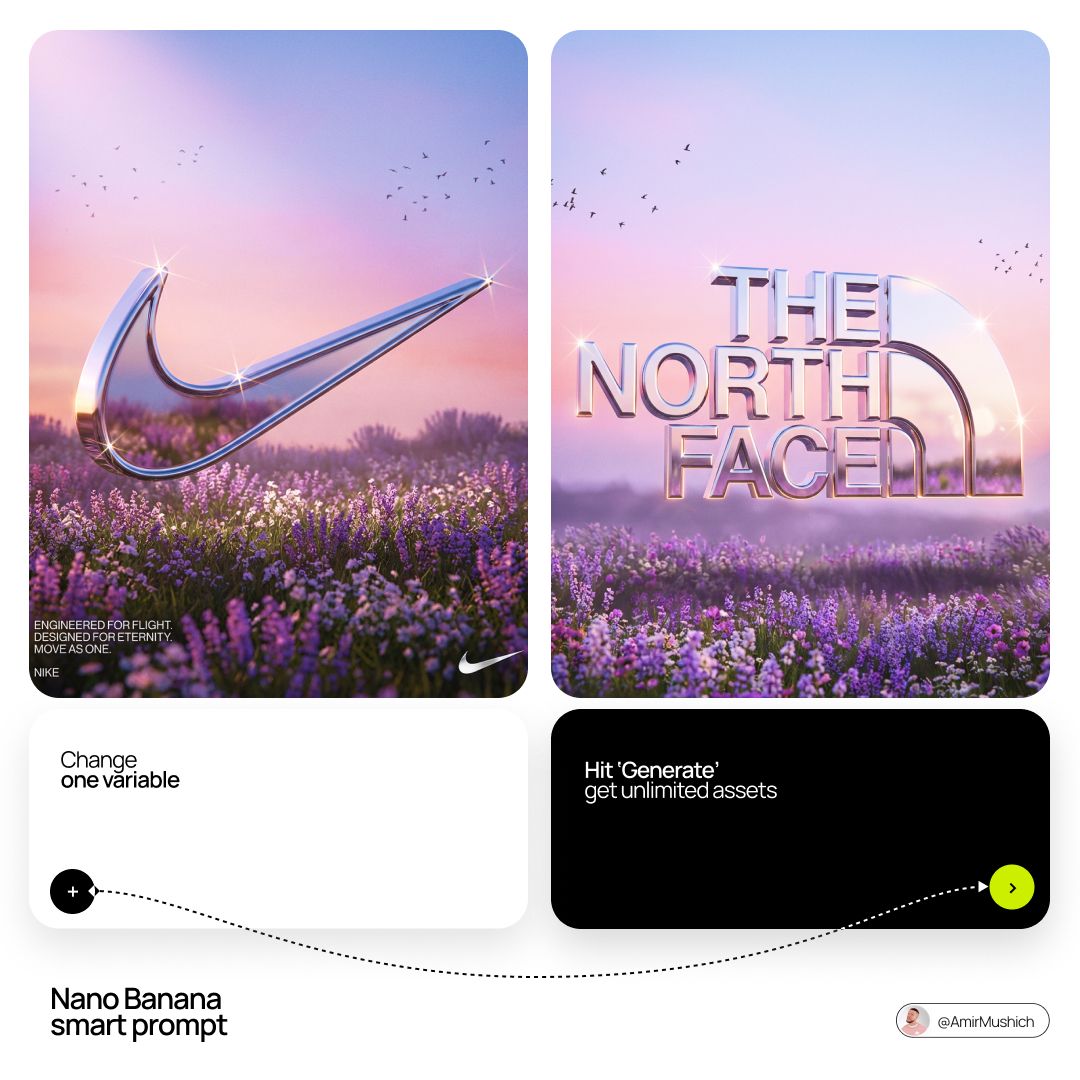
Act as a Senior 3D Product Visualization Artist and Cinematic Art
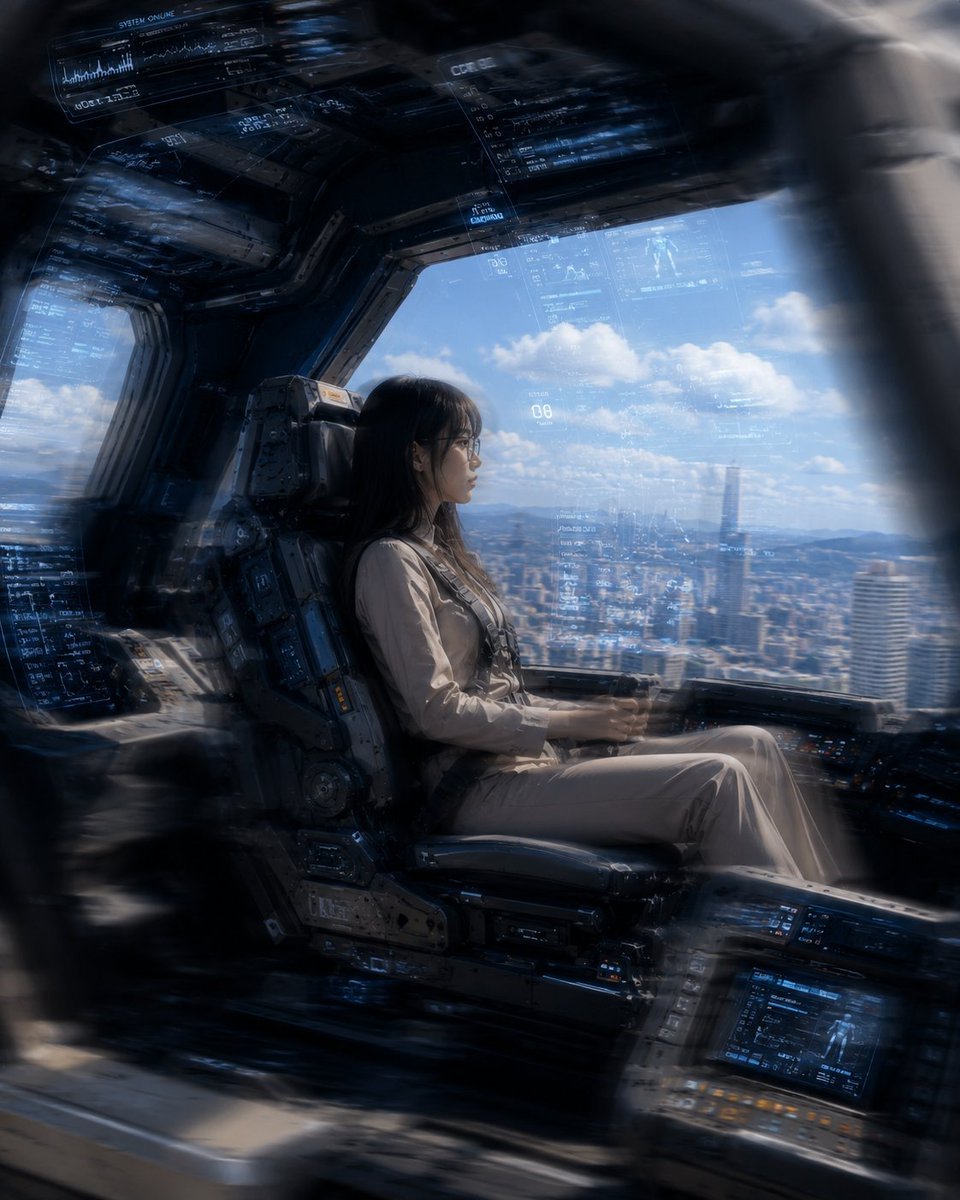
Mecha Cockpit Pilot Scene
Make it yours
X-Ray/Thermal Visualization Prompt for Mecha (VOTOMS Scopedog) works as-is. These are the safest ways to change it without losing the look.
Change one field
Copy a single group, rewrite it, and generate again so you can see what that field is doing.
Keep the frame, change the subject
Hold the composition and light of X-Ray/Thermal Visualization Prompt for Mecha (VOTOMS Scopedog), then swap wardrobe, props or the person for a new take.
| If the result… | Why | Fix |
|---|---|---|
| The result drifts from the preview | Too many fields changed at once. | Reuse X-Ray/Thermal Visualization Prompt for Mecha (VOTOMS Scopedog) as-is first, then change one group — subject, light, or setting. |
| The model over-stylizes the scene | The prose prompt leaves finish and camera underspecified. | Add one camera or lighting sentence and stay on Nano Banana 2. |
More Nano Banana 2 templates
Other prompts made for Nano Banana 2.

Photorealistic Leaf Shaped Like a Dragon

K-Pop Idol Portrait Grid for Rapid Selection

Poetic Rain Forest Portrait During Golden Hour

Urban Street Portrait with Cartoon Inner Self Duo

Candid Nighttime Photo with Cat Prompt

High-Concept 3D Diorama Generation Prompt

Cinematic Futuristic Studio Portrait Template

Skincare Editorial Photography Collage Prompt

Hyper-Realistic Commercial Product Photography (Splash Effect)

Hyper-Realistic Nightclub Portrait Prompt
More image prompts
Fresh picks from across the catalog.
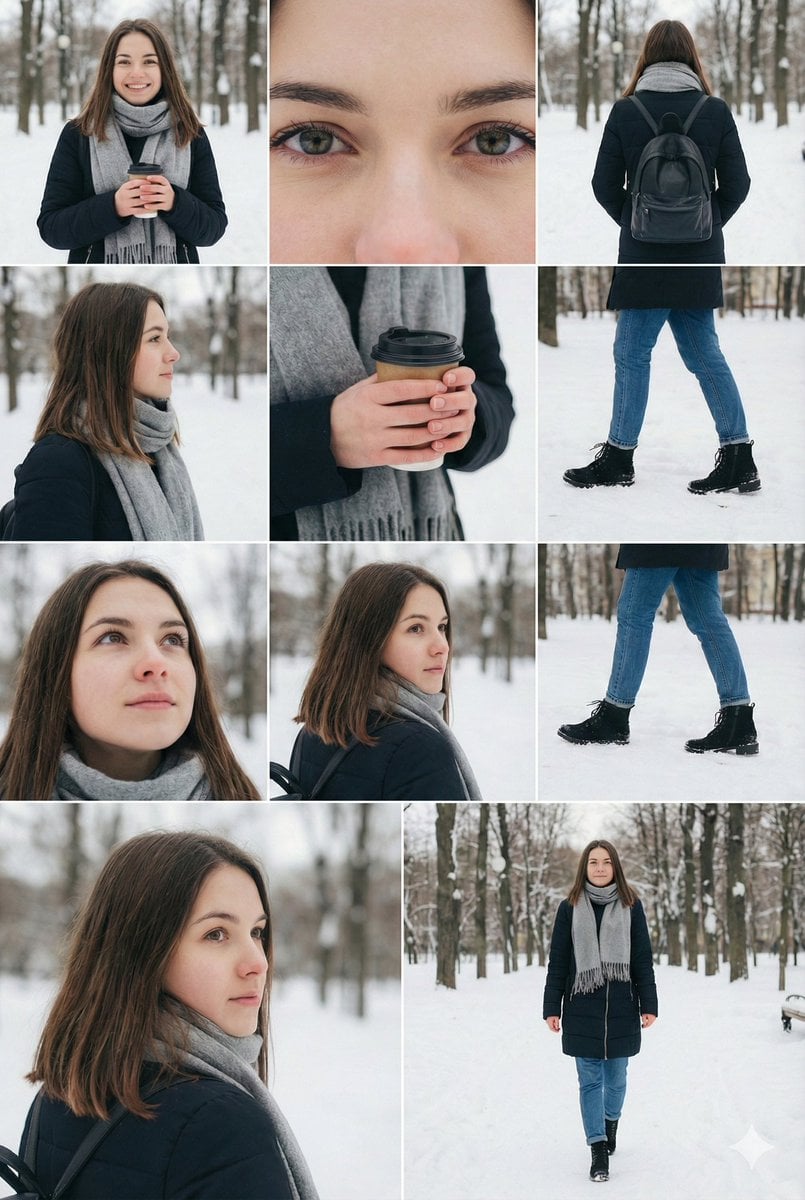
Cinematic Winter Fashion Photoshoot Prompt for Nano Banana Pro
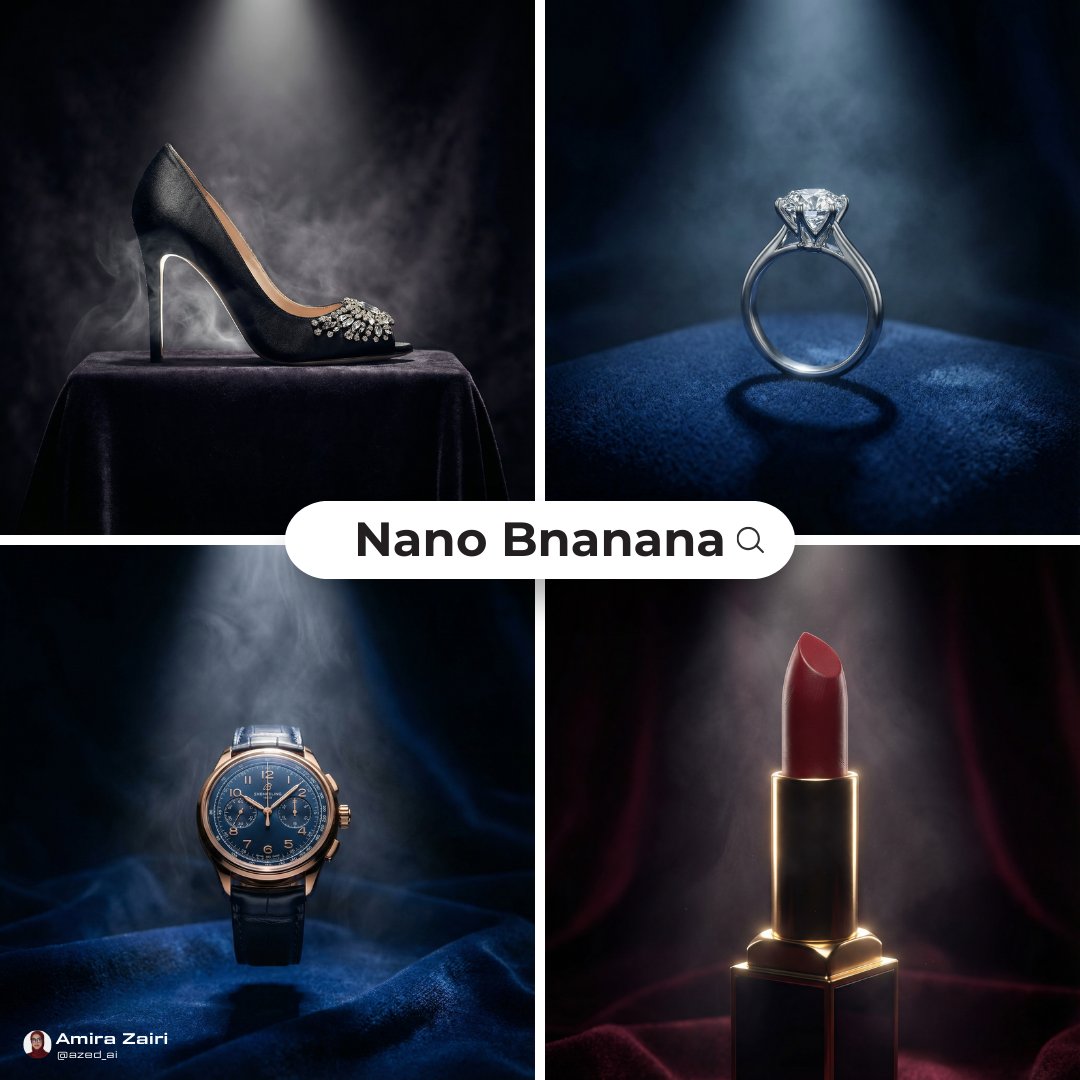
General Luxury Product Hero Shot Prompt
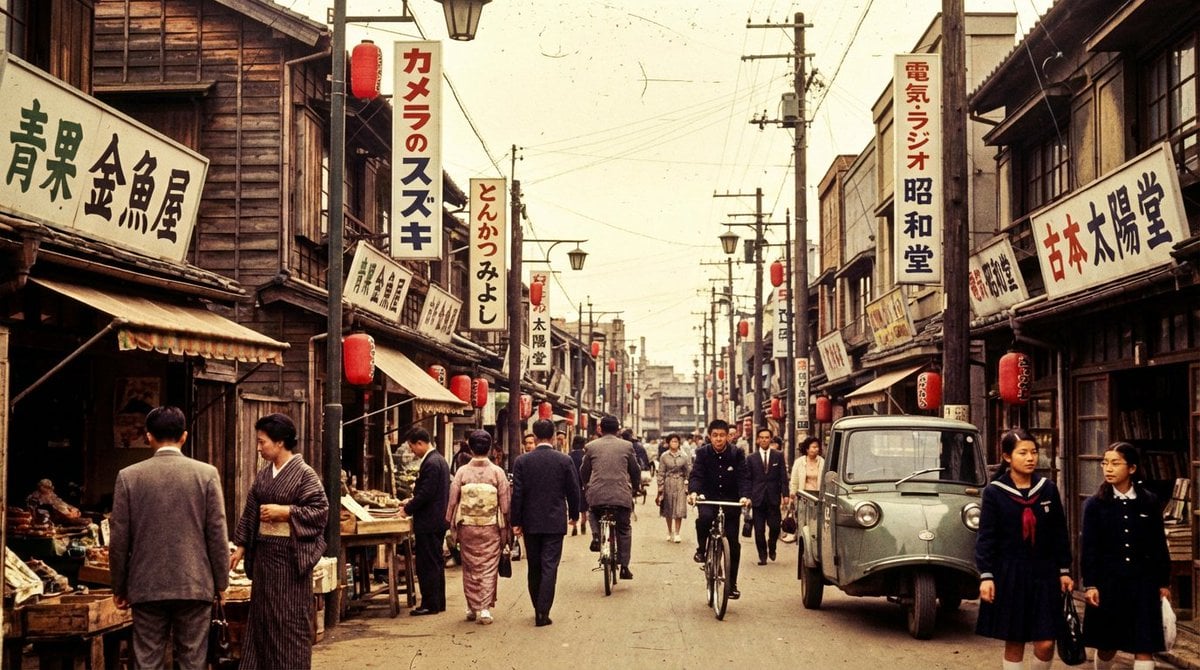
High economic growth era Japanese downtown shopping street
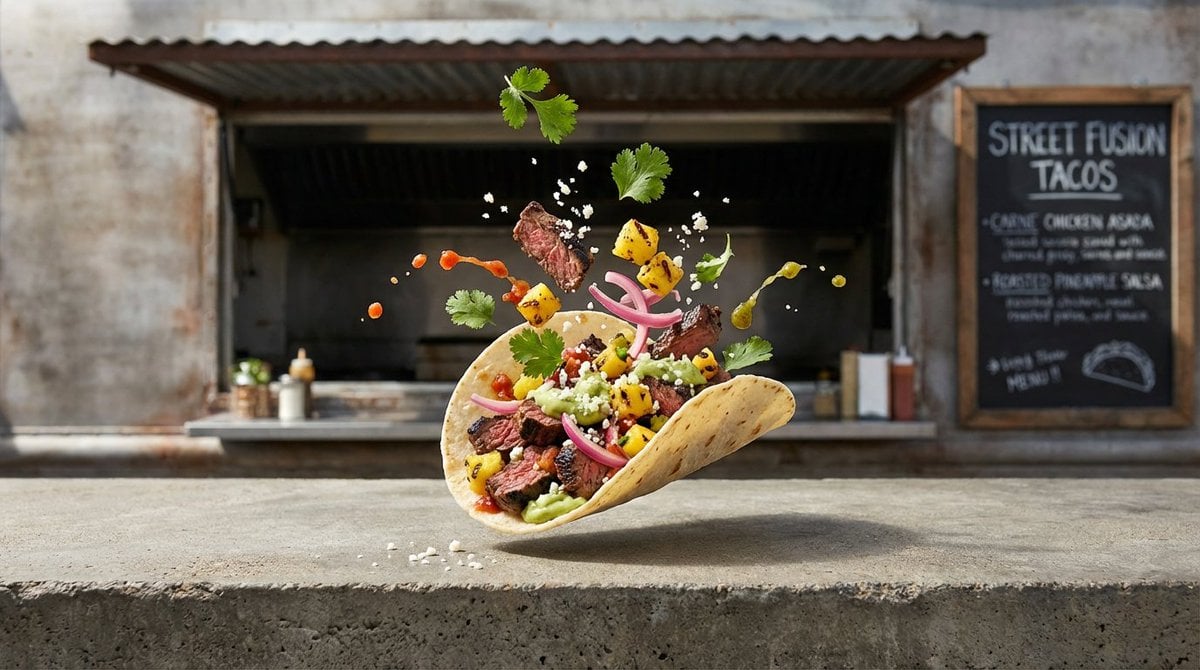
Four High-Detail Composite Photography Prompts
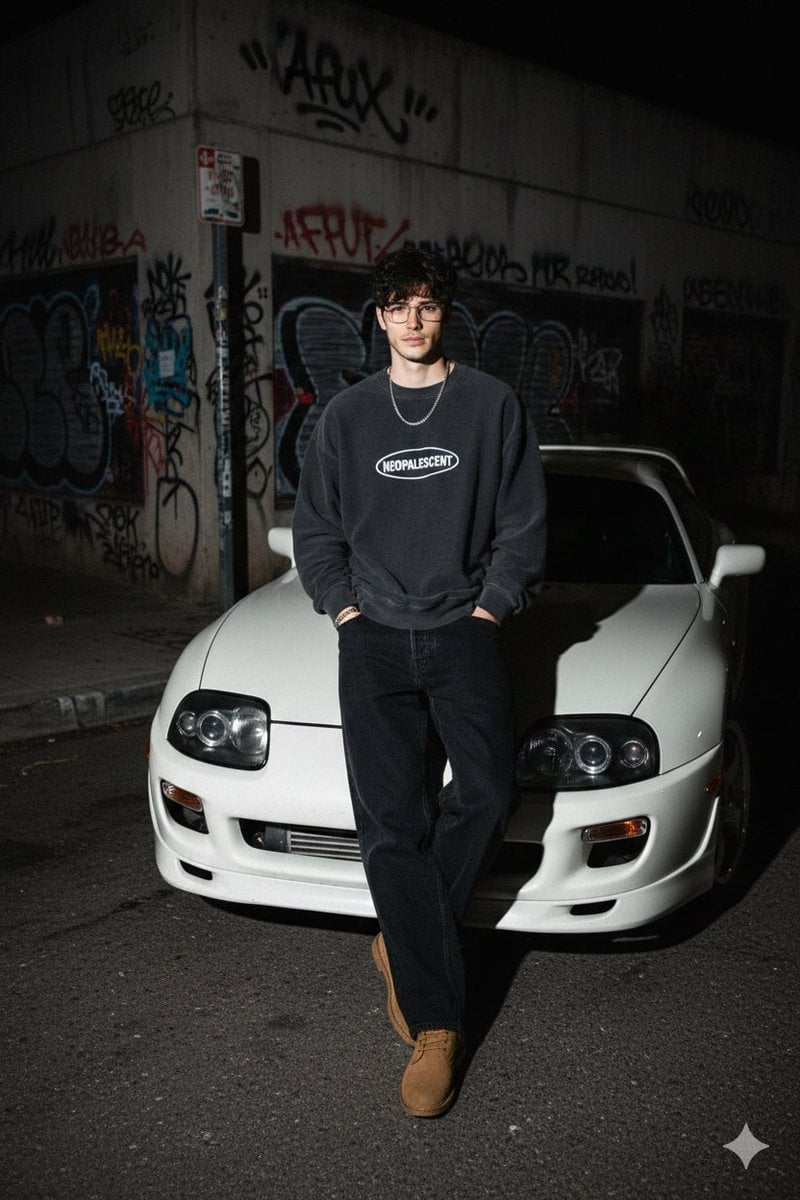
90s Streetwear Car Portrait Prompt

Coastal Travel Lifestyle Portrait

Futuristic Sportswear Fashion Poster

Aged Paper Illusion Promotional Design
Photorealistic Lifestyle Fashion Collage
Hyper-Detailed Prone Selfie with Anatomical Realism
Browse template categories
X-Ray/Thermal Visualization Prompt for Mecha (VOTOMS Scopedog) questions
How do I use the X-Ray/Thermal Visualization Prompt for Mecha (VOTOMS Scopedog) template?
Add your photo if the template asks for one, edit the prompt if you like — the template's model and format are already selected — and press Generate. Your version opens in PicX Studio.
Can I customize the X-Ray/Thermal Visualization Prompt for Mecha (VOTOMS Scopedog) template?
Yes. You can change the subject, setting, lighting, mood, format, and available model controls before creating your image.
Is the X-Ray/Thermal Visualization Prompt for Mecha (VOTOMS Scopedog) template free?
Opening and editing this template is free. Generating uses credits, shown on the Generate button when you are signed in.
Which AI model should I use?
Start with Nano Banana 2, which is the model associated with this template. You can compare another compatible model for a different finish.
Looking for something else? Browse all templates.

Your photo, any look
Thousands of ready templates for every top image and video model, from one credit balance.