
Thermal X-Ray Style Infographic Prompt (Nintendo Switch Example)
A detailed prompt template for Nano Banana Pro to generate images in a high-contrast, scientific studio rendering style, specifically mimicking false-color thermal X-ray views.
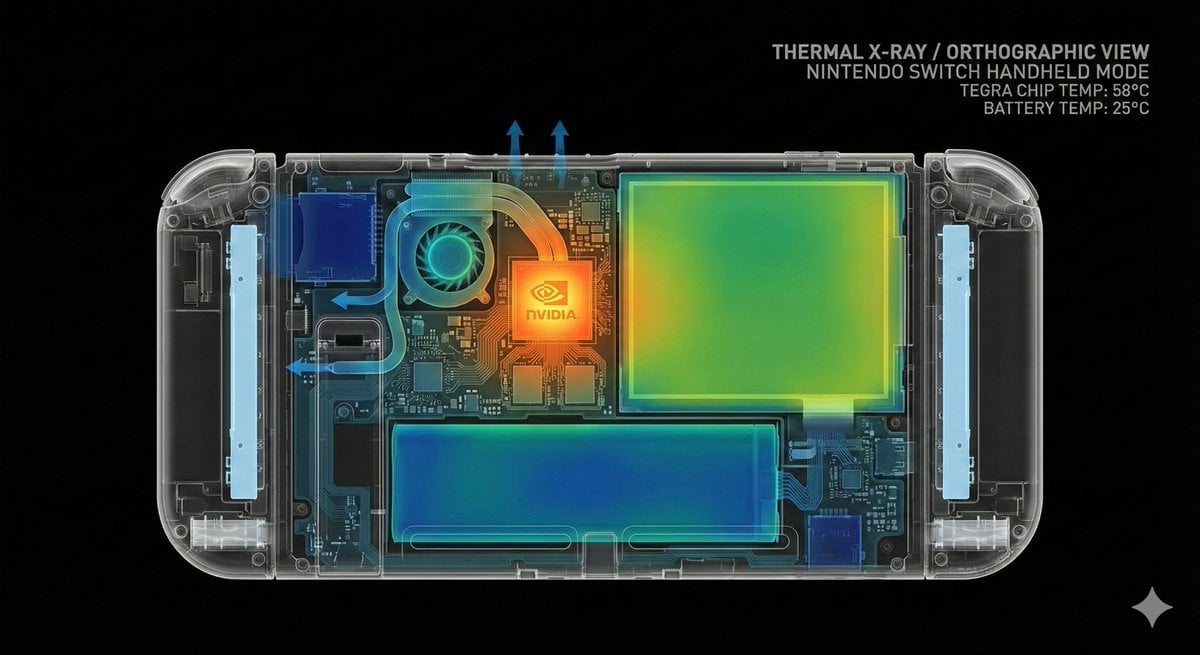
- Prompt included
- Model and format preset
- Free template
The prompt behind this image
Copy the exact prompt behind Thermal X-Ray Style Infographic Prompt (Nintendo Switch Example), or open it in the studio and make it yours.
{argument name="object" default="[object]"} rendered against a backdrop of pure black void, in high-contrast scientific studio rendering. This tight {argument name="viewpoint" default="[viewpoint]"} capturing {argument name="angle" default="[angle]"} adopts a false-color thermal-X-ray art style. Through the transparent outer shell, {argument name="internal structure elements" default="[internal structure elements]"} emerge clearly, rendered in vivid detail with a striking heatmap gradient. The color tone transitions from a deep, cold blue to intense yellow and red highlights, creating a futuristic, clinical look via orthographic projection, with a soft neon-like glow. TEXT: "THERMAL X-RAY / ORTHOGRAPHIC VIEW / {argument name="object name" default="[object name]"} / TEMP: {argument name="temperature" default="[temperature]"}°C" --- Here's the Nintendo Switch prompt 👇 --- The Nintendo Switch unit (handheld mode) rendered against a backdrop of pure black void, in high-contrast scientific studio rendering. This tight profile view capturing the right side adopts a false-color thermal-X-ray art style. Through the transparent casing and display glass, the precise internal structure of the handheld game console emerges clearly, rendered in vivid detail with a striking heatmap gradient — including the central custom NVIDIA Tegra processor, the 6.2-inch LCD display panel, the battery cell, the cooling fan and heat-dissipation mechanism, the left and right Joy-Con connection slots, the game-card slot, and the circuit-board wiring pattern. The Tegra processor, slightly above center, is rendered in vivid orange to yellow, showing moderate operating heat (55–65°C); the small cooling fan behind it shows an efficient blue-green cooling effect; the large-capacity lithium-ion battery (4310mAh) at the bottom of the unit shows a uniform deep blue to blue-green safe operating temperature (20–30°C); the 6.2-inch display panel shows a green to yellow-green slight backlight heat (35–40°C); the left and right Joy-Con connection rails show a pale blue low-temperature state; the game-card slot at the top shows a deep blue unused state. The color tone transitions from a deep, cold blue (the battery cooling area) to intense yellow and orange highlights (the Tegra processor), creating a futuristic, clinical look via orthographic projection, with a soft neon-like glow. The power-saving design and efficient thermal-management system that enable portability are precisely arranged within the compact housing, with the heat-conduction path via heat pipes, blue arrows showing airflow, and the layout of electronic components on the circuit board all visible. The precision of the symmetrically arranged Joy-Con connection mechanisms and the beautiful design of the processing system concentrated at the center of the unit stand out. TEXT: "THERMAL X-RAY / ORTHOGRAPHIC VIEW / NINTENDO SWITCH HANDHELD MODE / TEGA CHIP TEMP: 58°C / BATTERY TEMP: 25°C"
How to use Thermal X-Ray Style Infographic Prompt (Nintendo Switch Example) in 3 steps
- 1
Open
The prompt is already in the box next to the preview, with the template's model and format selected.
- 2…a portrait of your subject in softgolden-hour light, 85mm…
Personalize
Edit the subject and creative details for your destination.
- 3Generate
Generate
Press Generate — your image is created in PicX Studio, so you can compare it with the original and refine one variable at a time.
More like this
Templates with the same subject, style or setup. Open one to see its prompt.

Gpt2 Infographic Edu Visual Biomimetic Skyray Aircraft Poster

Japan Travel Brochure Poster

Isometric Process Educational Diorama

Isometric Vehicle Teardown Infographic Template

Nintendo Switch Game Cover Design
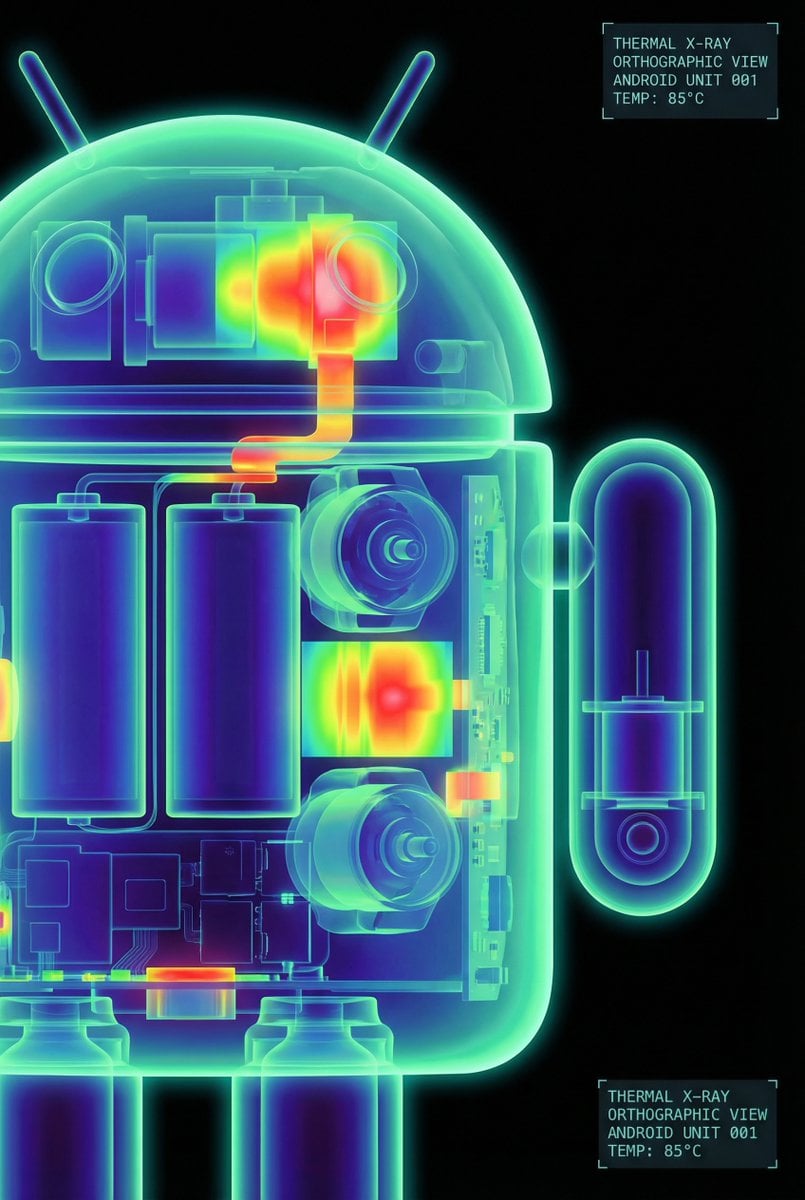
High-Contrast Thermal X-Ray Render of Android Robot
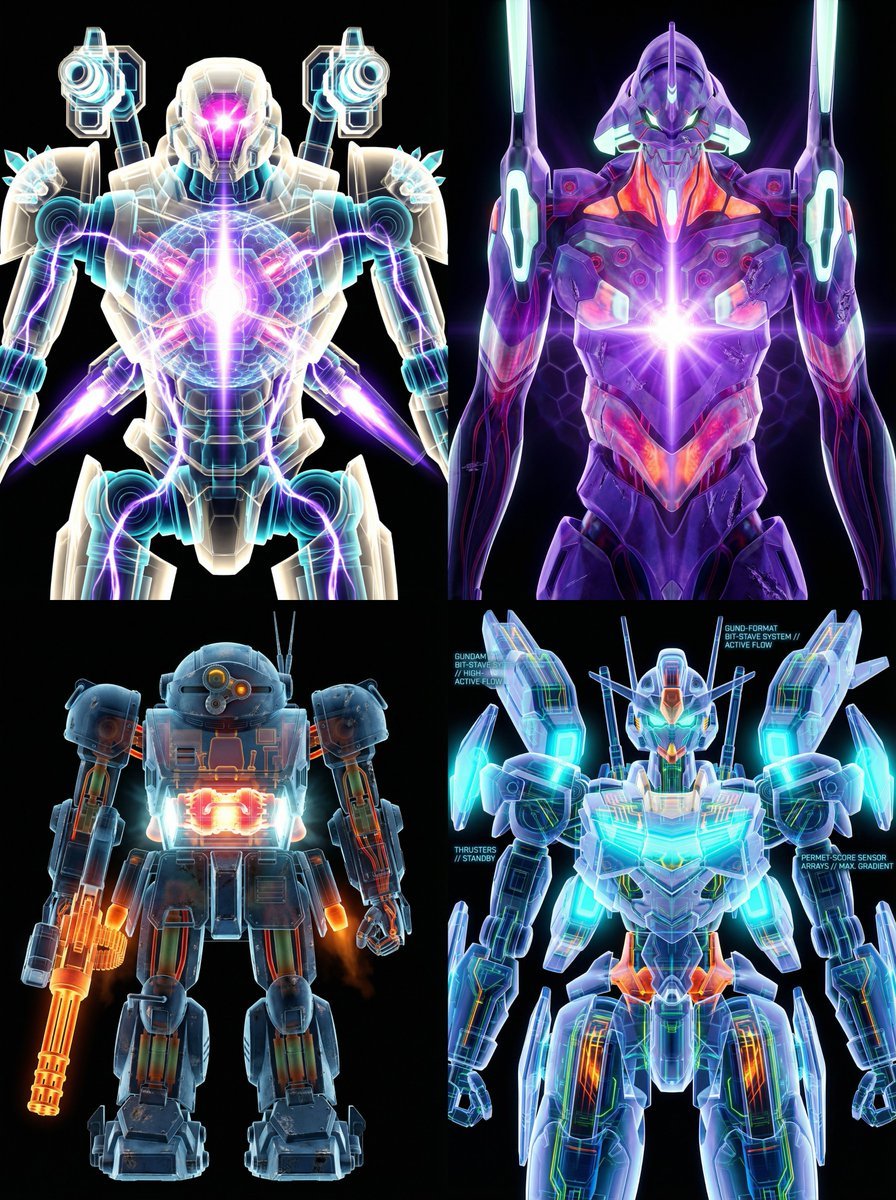
X-Ray/Thermal Visualization Prompt for Mecha (VOTOMS Scopedog)
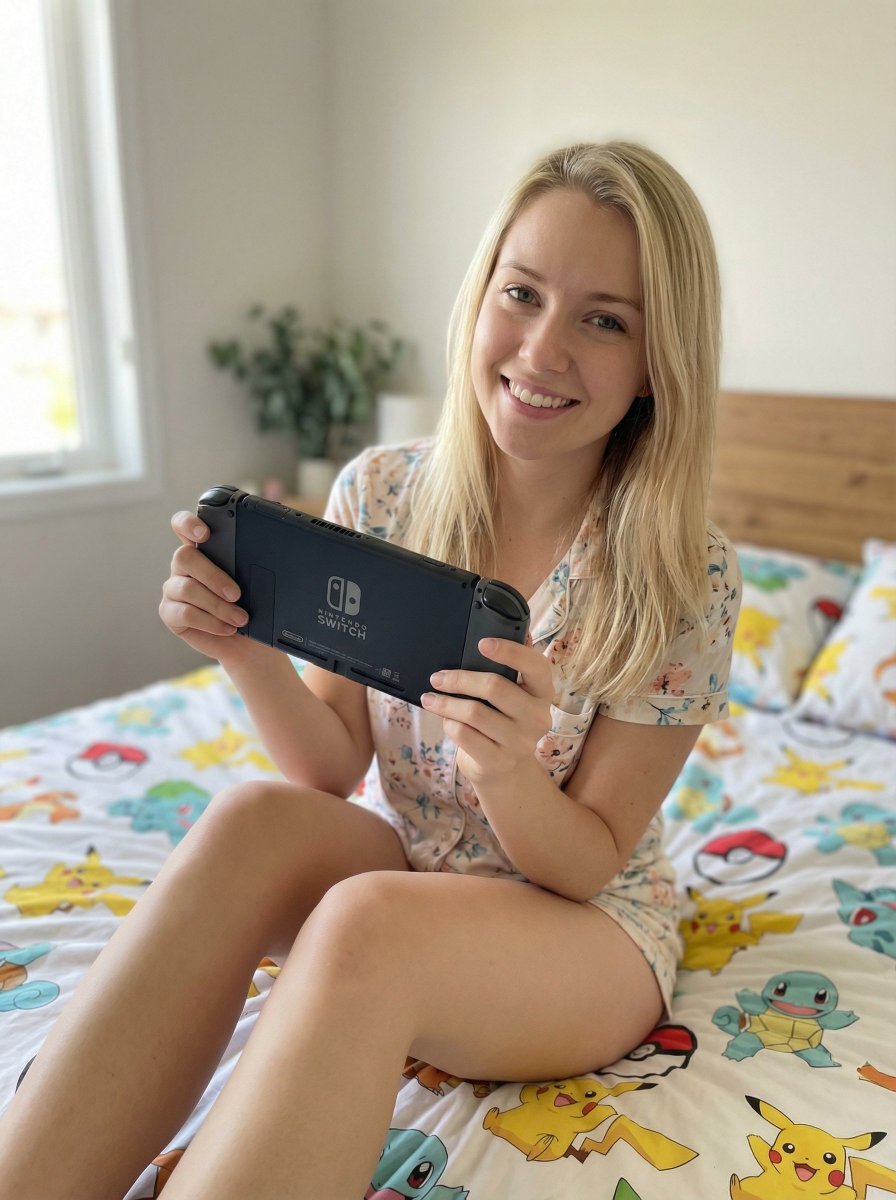
Casual Lifestyle Portrait with Nintendo Switch Prompt

Gpt2 E Commerce Main Image Earbuds E Commerce Infographic

Gpt2 Infographic Edu Visual Alishan One Day Travel Poster

Gpt2 Infographic Edu Visual Ethnographic Plate for Tibetan Ceremonial Hat

Gpt2 Infographic Edu Visual Earth Signs Zodiac Character Poster
Make it yours
Thermal X-Ray Style Infographic Prompt (Nintendo Switch Example) works as-is. These are the safest ways to change it without losing the look.
Change one field
Copy a single group, rewrite it, and generate again so you can see what that field is doing.
Keep the frame, change the subject
Hold the composition and light of Thermal X-Ray Style Infographic Prompt (Nintendo Switch Example), then swap wardrobe, props or the person for a new take.
| If the result… | Why | Fix |
|---|---|---|
| The result drifts from the preview | Too many fields changed at once. | Reuse Thermal X-Ray Style Infographic Prompt (Nintendo Switch Example) as-is first, then change one group — subject, light, or setting. |
| The model over-stylizes the scene | The prose prompt leaves finish and camera underspecified. | Add one camera or lighting sentence and stay on Nano Banana 2. |
More Nano Banana 2 templates
Other prompts made for Nano Banana 2.

Photorealistic Leaf Shaped Like a Dragon

K-Pop Idol Portrait Grid for Rapid Selection

Poetic Rain Forest Portrait During Golden Hour

Urban Street Portrait with Cartoon Inner Self Duo

Candid Nighttime Photo with Cat Prompt

High-Concept 3D Diorama Generation Prompt

Cinematic Futuristic Studio Portrait Template

Skincare Editorial Photography Collage Prompt

Hyper-Realistic Commercial Product Photography (Splash Effect)

Hyper-Realistic Nightclub Portrait Prompt
More image prompts
Fresh picks from across the catalog.

Futuristic Tokyo Street Photography
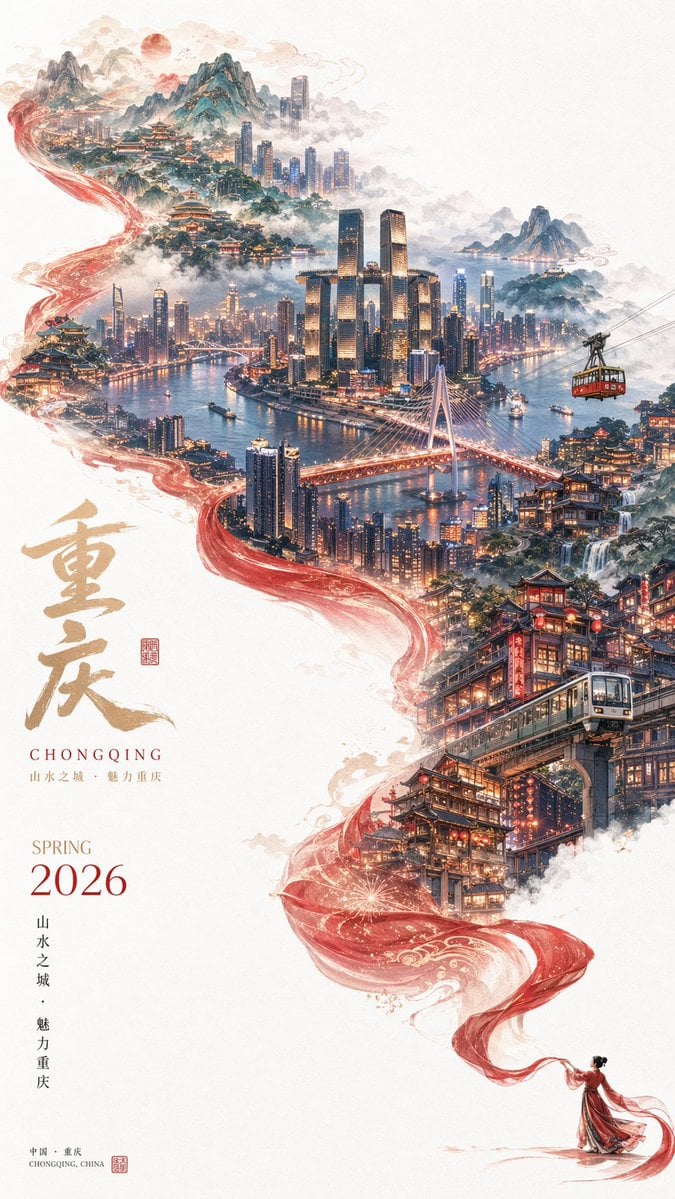
Surreal Cityscape Travel Poster
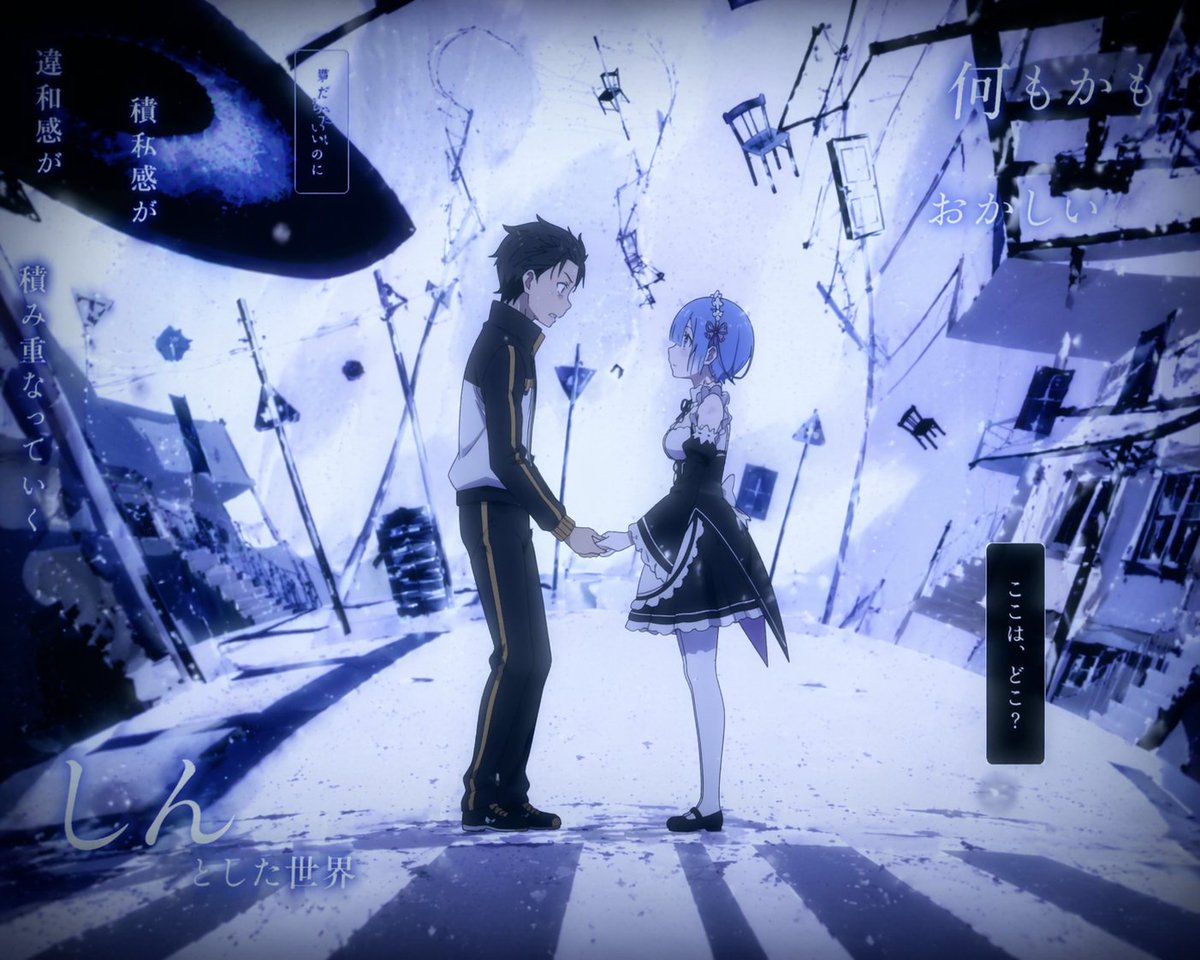
Surreal Anime Couple Illustration with Text Overlays

Cinematic Portrait with Motion Blur Crowd

Black and White Studio Portrait
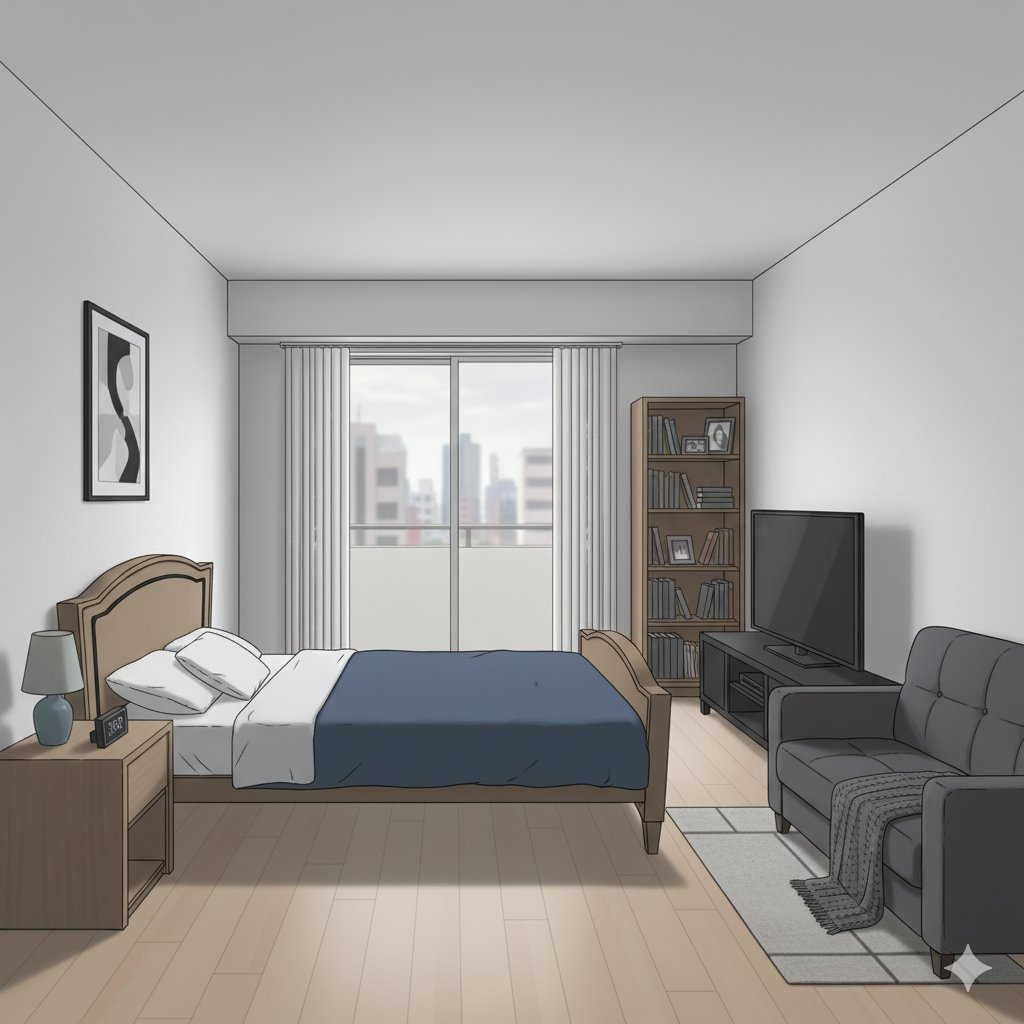
Isometric living room layout based on a sofa photo

Chibi Clone Sticker Diary
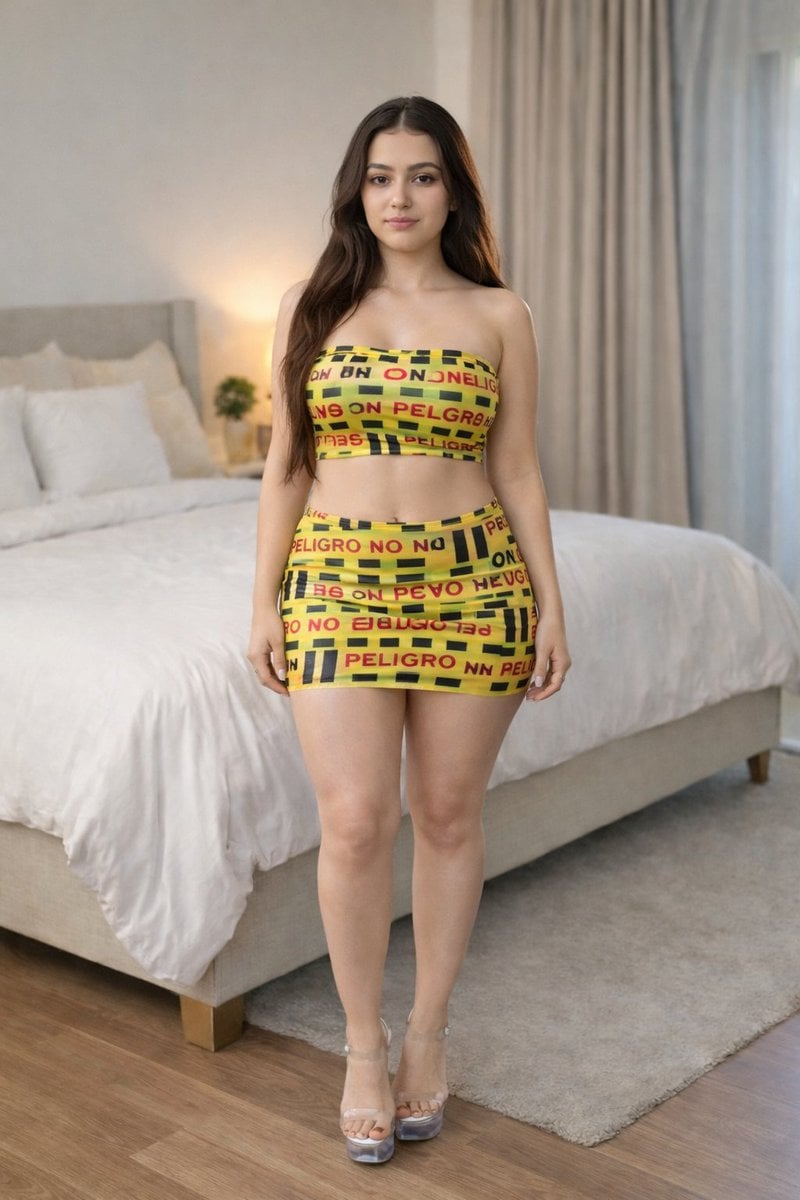
Caution Tape Fashion Photography Prompt

Black and white studio side-profile portrait prompt

Ultra-Realistic Winter Fashion Portrait
Browse template categories
Thermal X-Ray Style Infographic Prompt (Nintendo Switch Example) questions
How do I use the Thermal X-Ray Style Infographic Prompt (Nintendo Switch Example) template?
Add your photo if the template asks for one, edit the prompt if you like — the template's model and format are already selected — and press Generate. Your version opens in PicX Studio.
Can I customize the Thermal X-Ray Style Infographic Prompt (Nintendo Switch Example) template?
Yes. You can change the subject, setting, lighting, mood, format, and available model controls before creating your image.
Is the Thermal X-Ray Style Infographic Prompt (Nintendo Switch Example) template free?
Opening and editing this template is free. Generating uses credits, shown on the Generate button when you are signed in.
Which AI model should I use?
Start with Nano Banana 2, which is the model associated with this template. You can compare another compatible model for a different finish.
Looking for something else? Browse all templates.

Your photo, any look
Thousands of ready templates for every top image and video model, from one credit balance.