
Caution Tape Fashion Photography Prompt
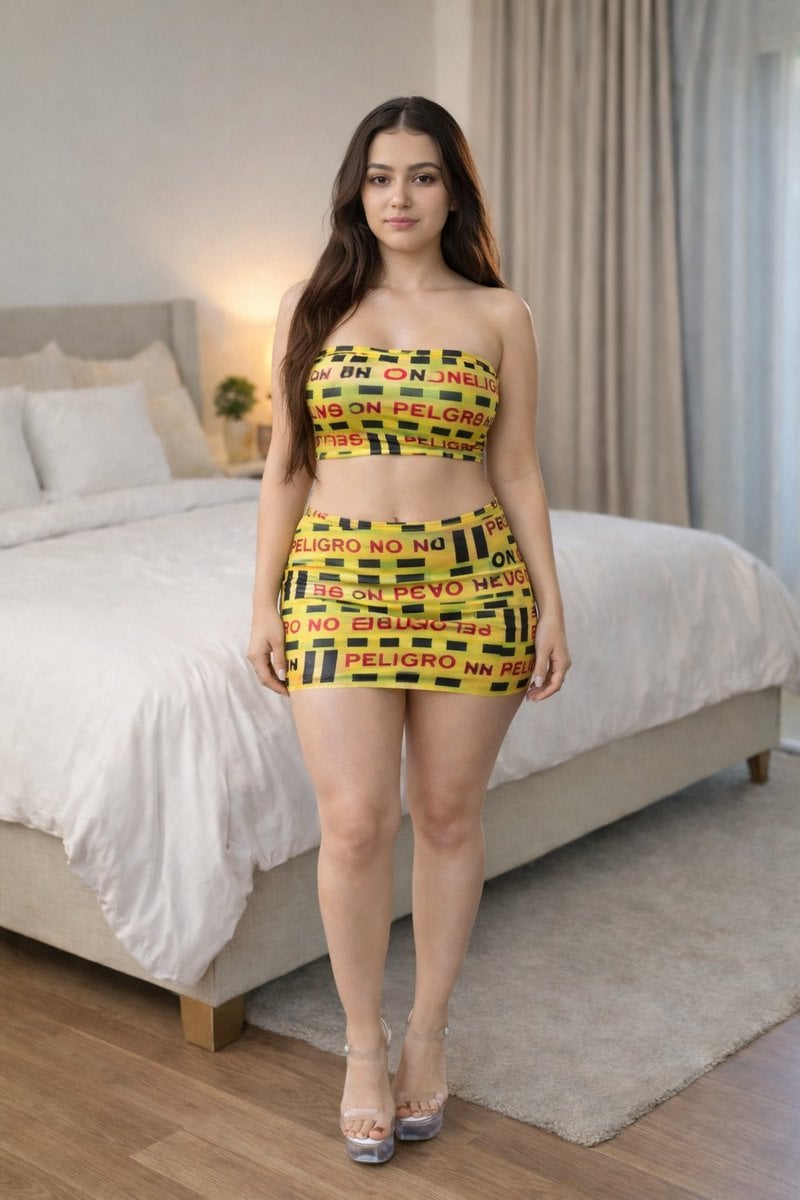
A detailed JSON prompt for generating an ultra-realistic fashion photograph of a woman wearing a form-fitting outfit with a 'Caution Tape' industrial print, set in a modern, bright bedroom environment with soft natural…
- Prompt included
- Model and format preset
- Premium template
The prompt behind this image
Copy the exact prompt behind Caution Tape Fashion Photography Prompt, or open it in the studio and make it yours.
{ "prompt_type": "Ultra-Realistic Fashion Photography", "subject": { "demographics": "Young adult woman, approx 20-24 years old", "appearance": { "hair": "Long, dark brunette hair, loose waves, center part, falling over shoulders", "skin": "Fair to light complexion, smooth texture", "face": "Soft features, neutral to slight smile, direct eye contact", "body_type": "Curvy, fit physique" } }, "fashion": { "outfit_theme": "Caution Tape / Industrial Print Set", "garments": { "top": "Strapless {argument name="outfit color" default="yellow"} tube top / bandeau featuring a 'PELIGRO' (Danger) caution tape print pattern with black stripes and red text", "bottom": "Matching yellow mini skirt with repeating caution tape 'PELIGRO' print", "material": "Stretch fabric, form-fitting" }, "footwear": "High-heeled clear platform sandals (Lucite heels) with transparent straps" }, "pose": { "stance": "Full-body standing shot, facing directly forward", "posture": "Upright, legs straight, arms relaxed at sides", "expression": "Calm, confident, soft gaze" }, "environment": { "location": "Modern, bright bedroom", "background_elements": [ "Large bed with white duvet and plush pillows", "Beige tufted headboard", "Floor-to-ceiling beige curtains in the background", "Soft beige area rug on wooden floor" ], "lighting": "Soft, diffused natural daylight coming from the side window, creating gentle shadows" }, "technical_details": { "style": "Photorealistic, 8k, RAW photo", "camera_settings": { "shot_type": "Full shot", "focus": "Sharp focus on subject, slight bokeh (blur) on background bedroom furniture", "color_grading": "Natural, neutral tones with the yellow of the outfit popping as the accent color" } } }
How to use Caution Tape Fashion Photography Prompt in 3 steps
- 1
Open
The prompt is already in the box next to the preview, with the template's model and format selected.
- 2…a portrait of your subject in softgolden-hour light, 85mm…
Personalize
Edit the subject and creative details for your destination.
- 3Generate
Generate
Press Generate — your image is created in PicX Studio, so you can compare it with the original and refine one variable at a time.
More like this
Templates with the same subject, style or setup. Open one to see its prompt.
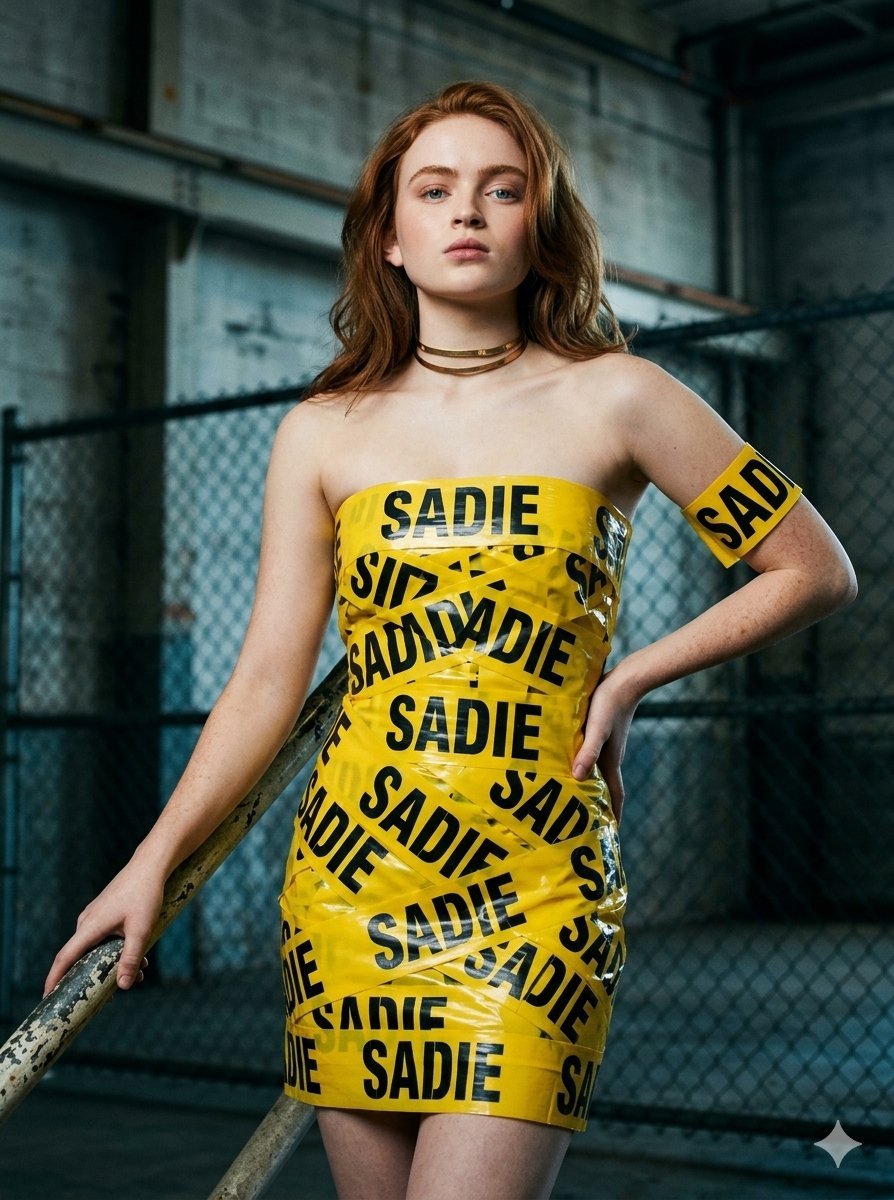
Caution Tape Fashion — Industrial Editorial
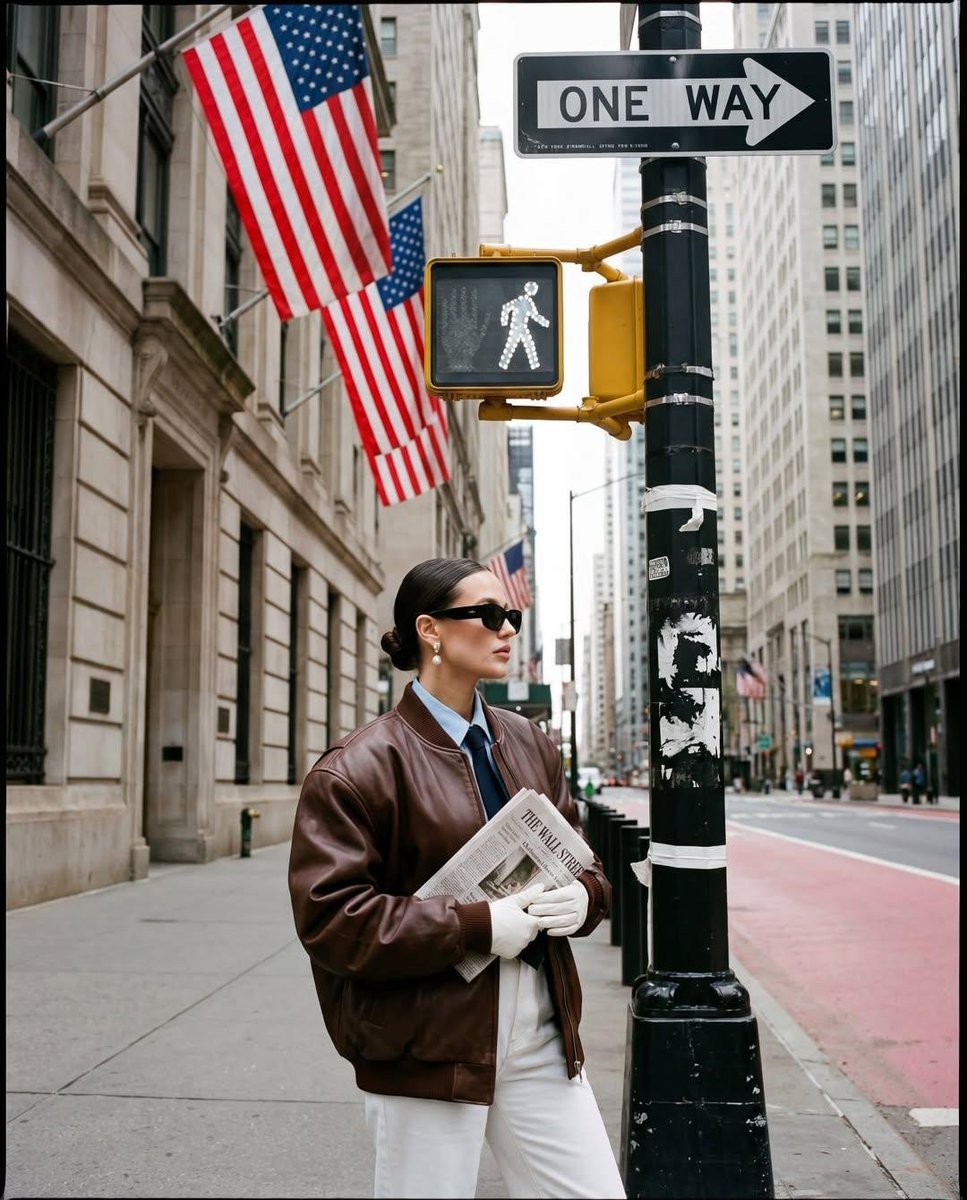
Ultra-realistic street fashion editorial photograph in New York City
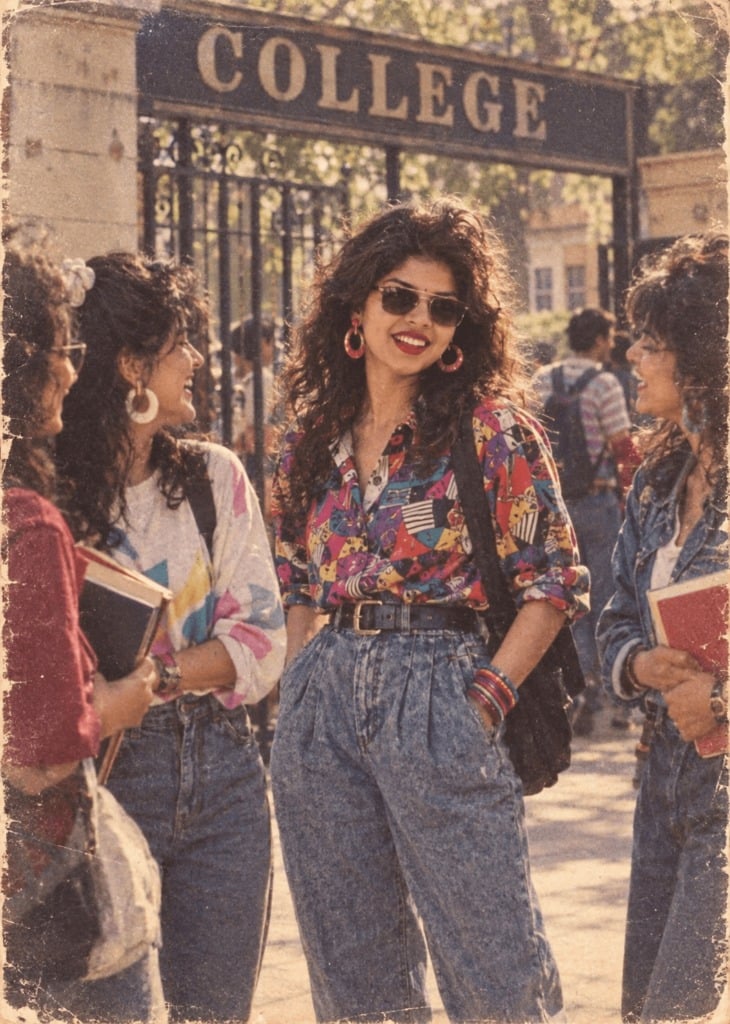
80s College Gate
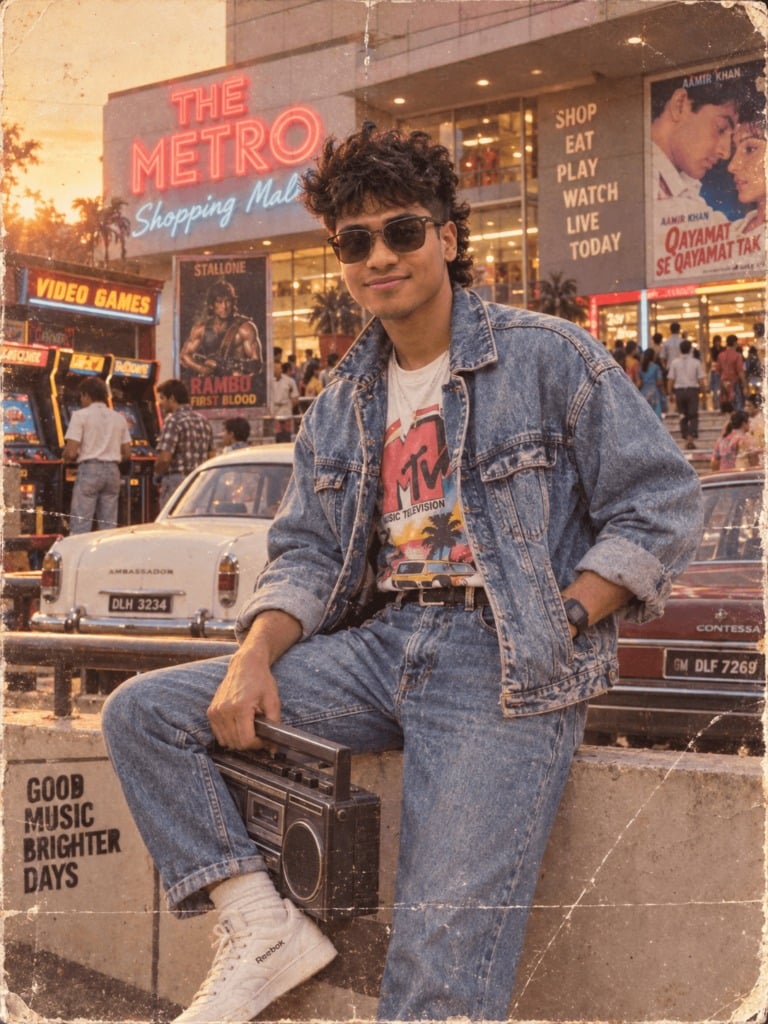
1988 Mall Style
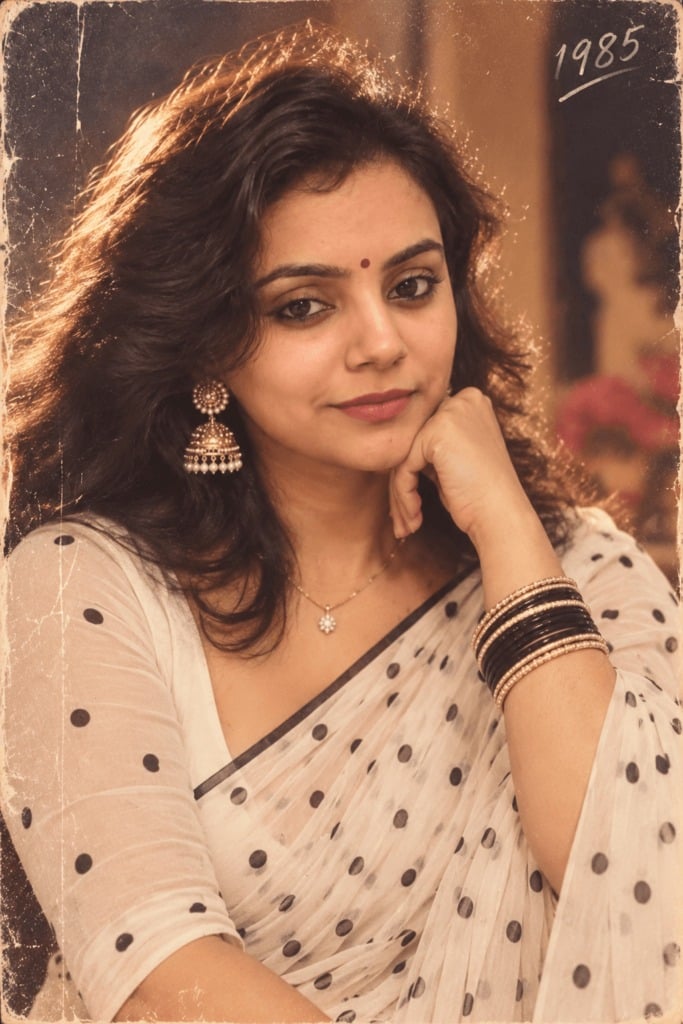
80s Polka Dot Saree
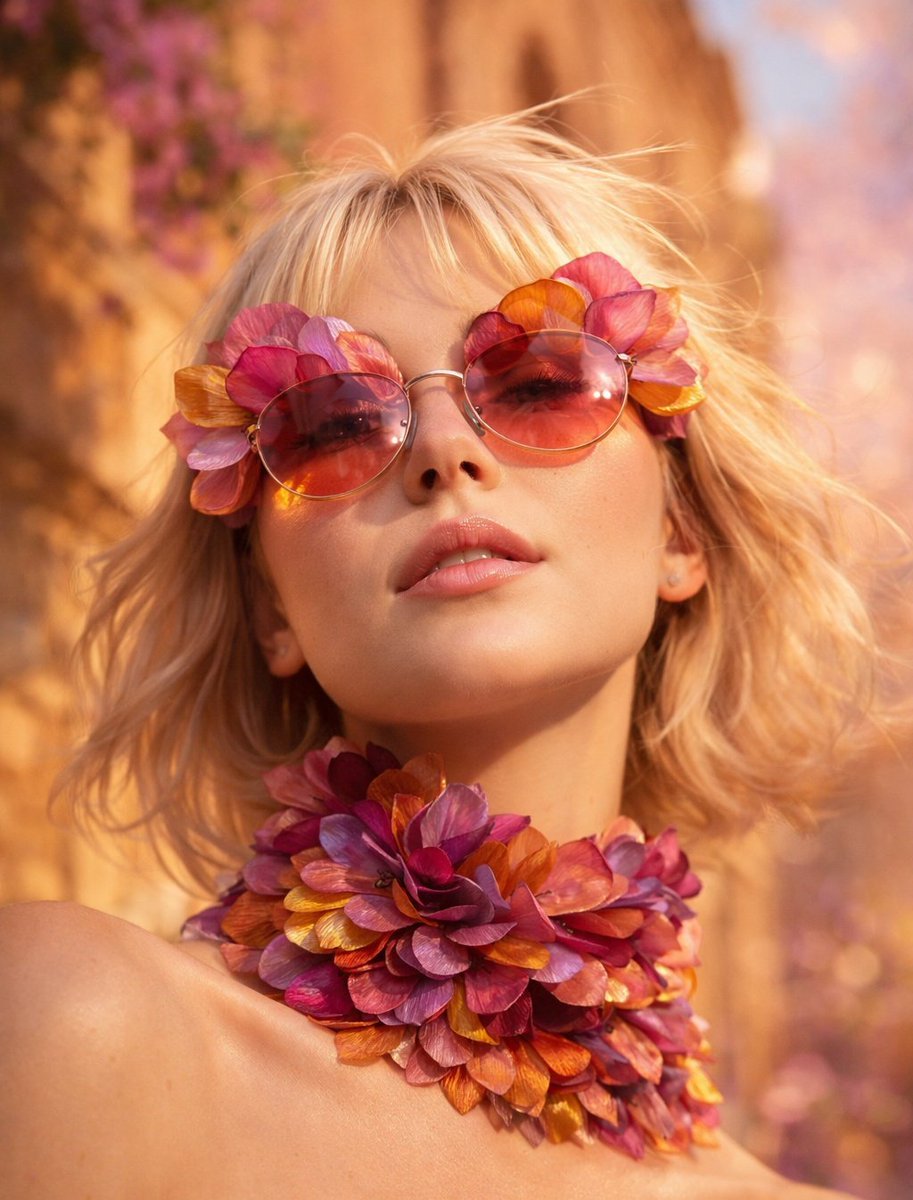
Flower Petal Sunglasses Couture Portrait
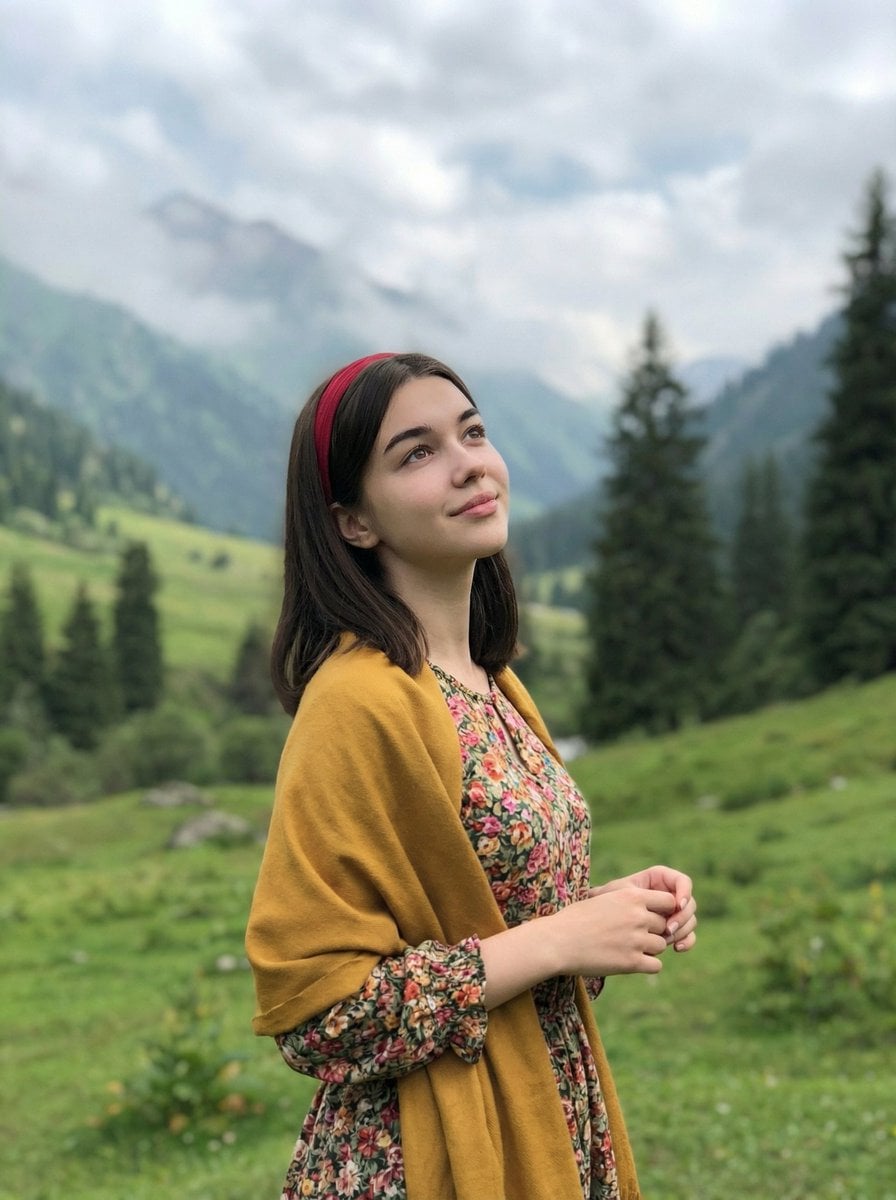
Mountain Valley Lifestyle Portrait
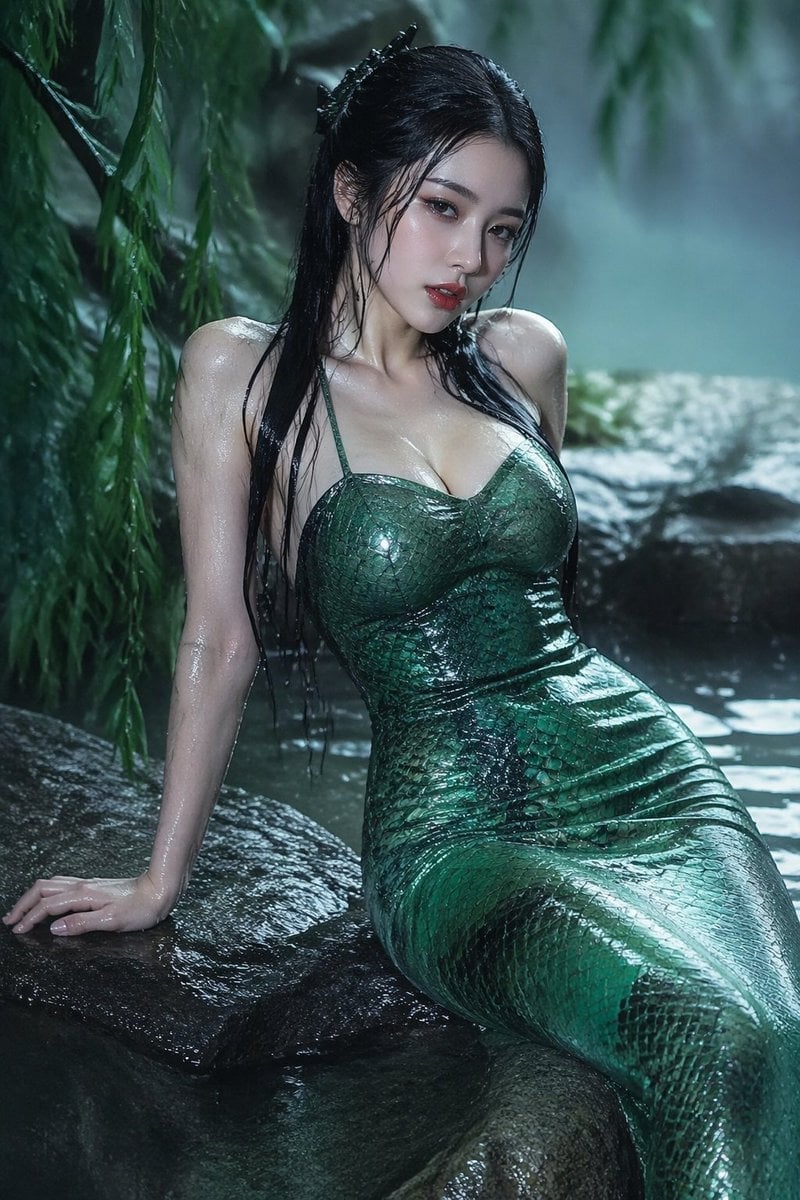
青蛇小青写真大片,绿色紧身蛇鳞裙,湿发红唇,妖娆妩媚
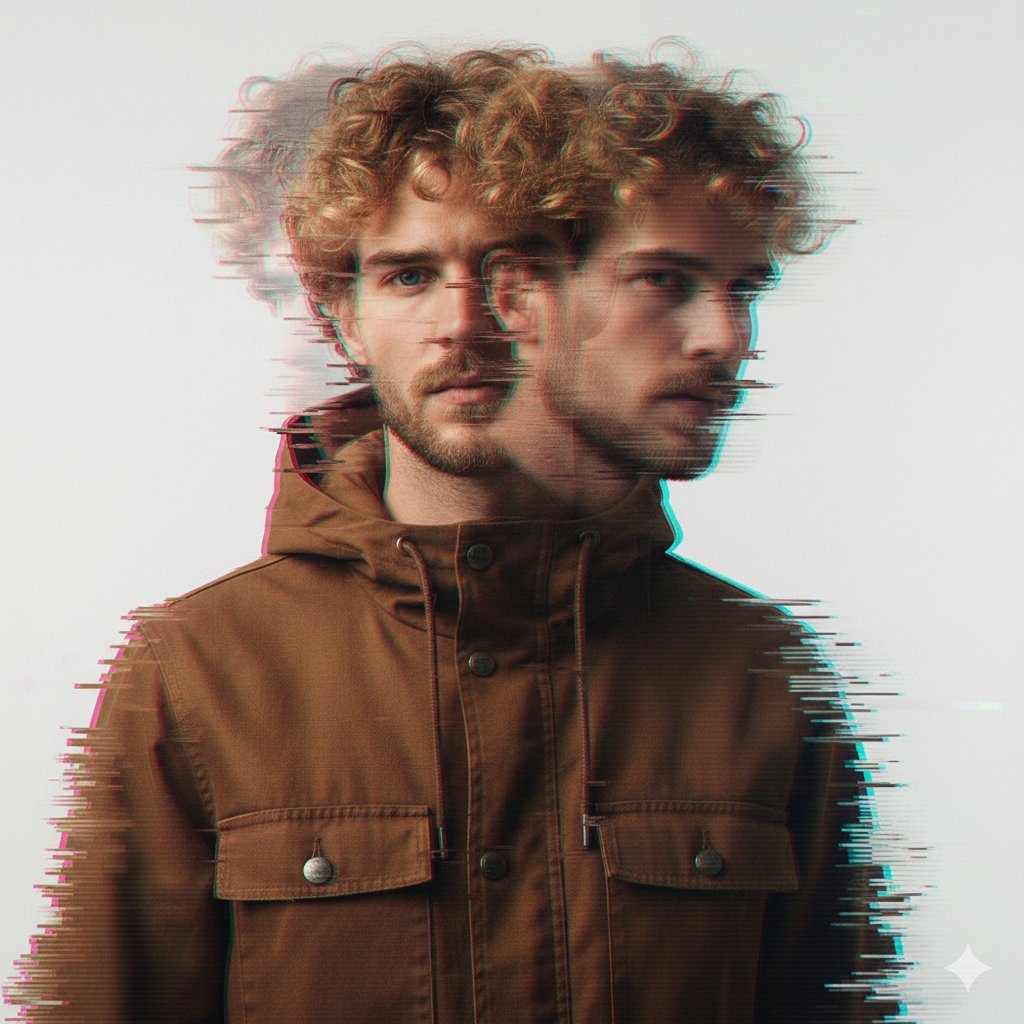
A double exposure, long exposure editorial photograph of a man Use image

Portrait of a young woman in her early 20s walking calmly on a beautiful
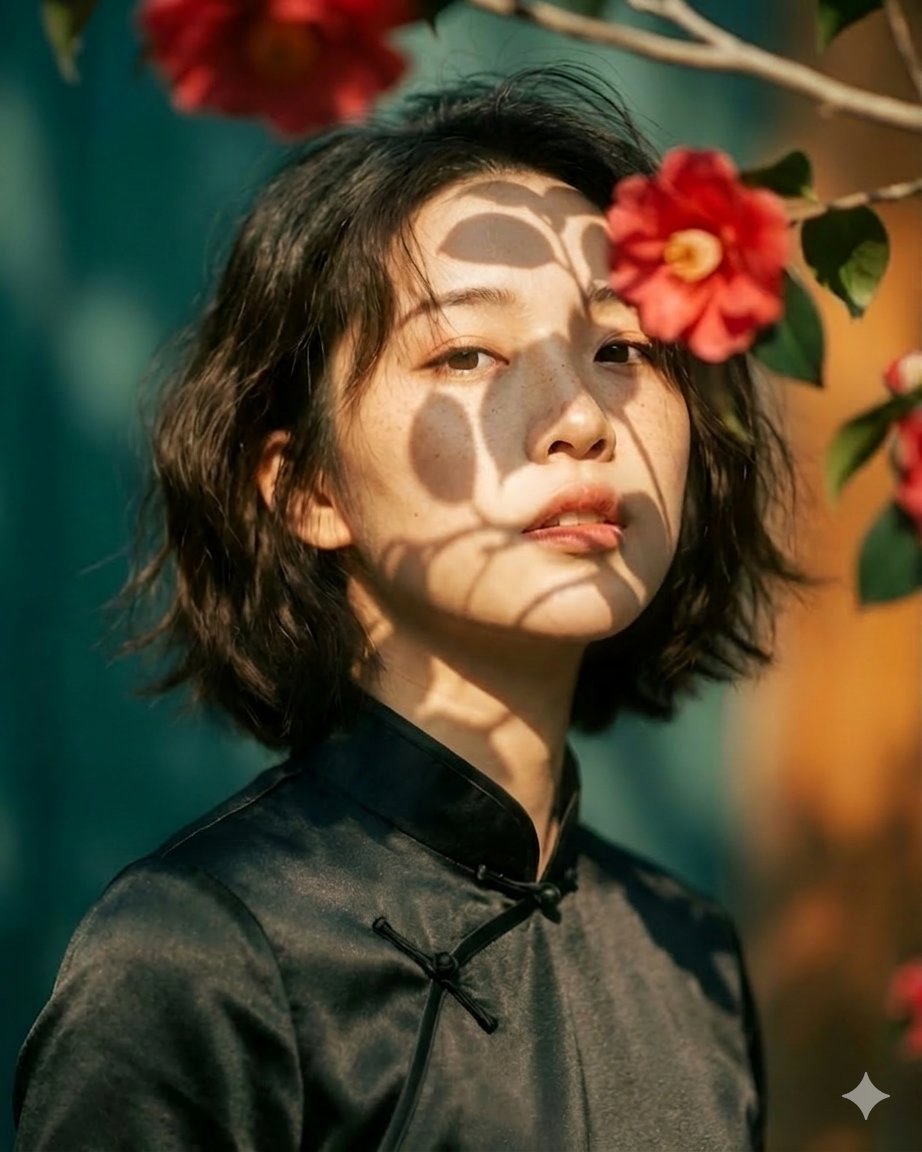
Artistic portrait of an elegant Asian woman wearing a black silk
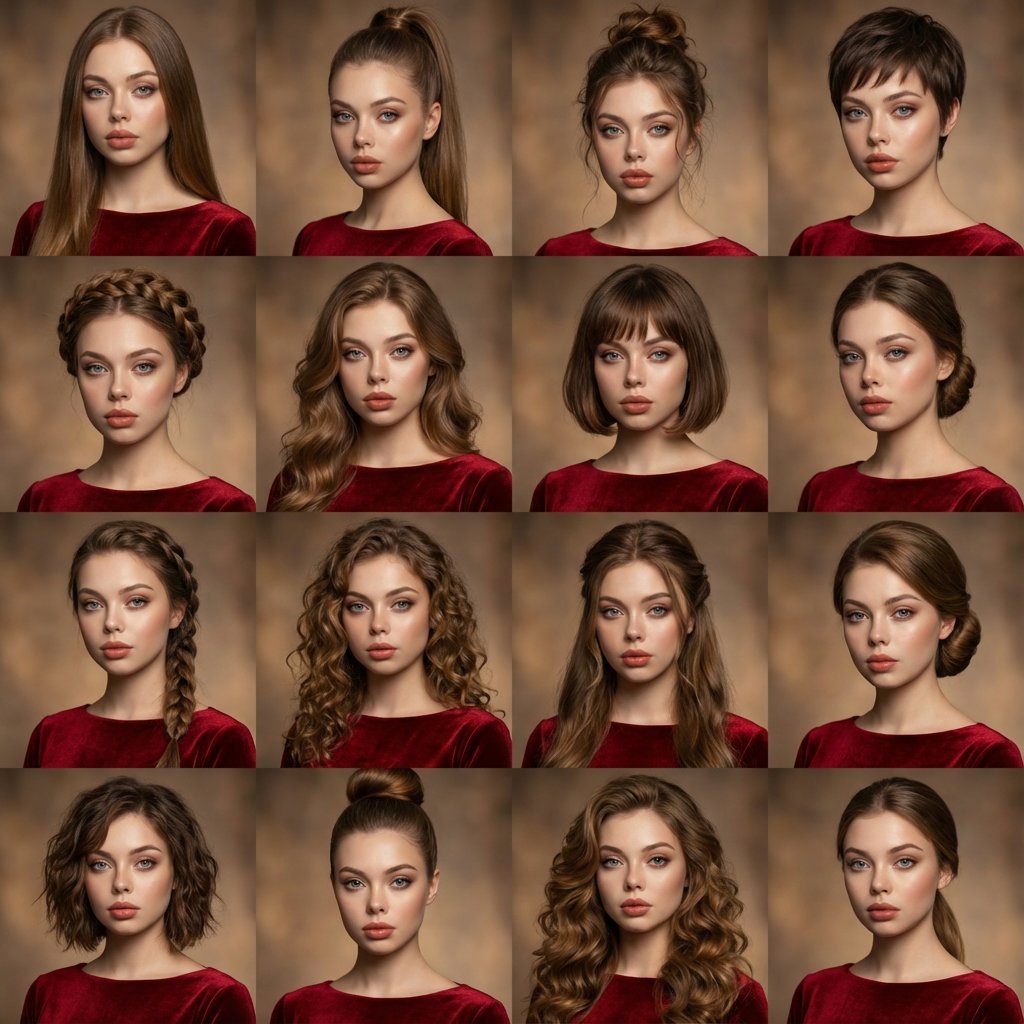
A high-quality photo collage featuring the same person with identical
Make it yours
Caution Tape Fashion Photography Prompt works as-is. These are the safest ways to change it without losing the look.
Change one field
Copy a single group, rewrite it, and generate again so you can see what that field is doing.
Keep the frame, change the subject
Hold the composition and light of Caution Tape Fashion Photography Prompt, then swap wardrobe, props or the person for a new take.
| If the result… | Why | Fix |
|---|---|---|
| The result drifts from the preview | Too many fields changed at once. | Reuse Caution Tape Fashion Photography Prompt as-is first, then change one group — subject, light, or setting. |
| The model over-stylizes the scene | The prose prompt leaves finish and camera underspecified. | Add one camera or lighting sentence and stay on Nano Banana 2. |
More Nano Banana 2 templates
Other prompts made for Nano Banana 2.
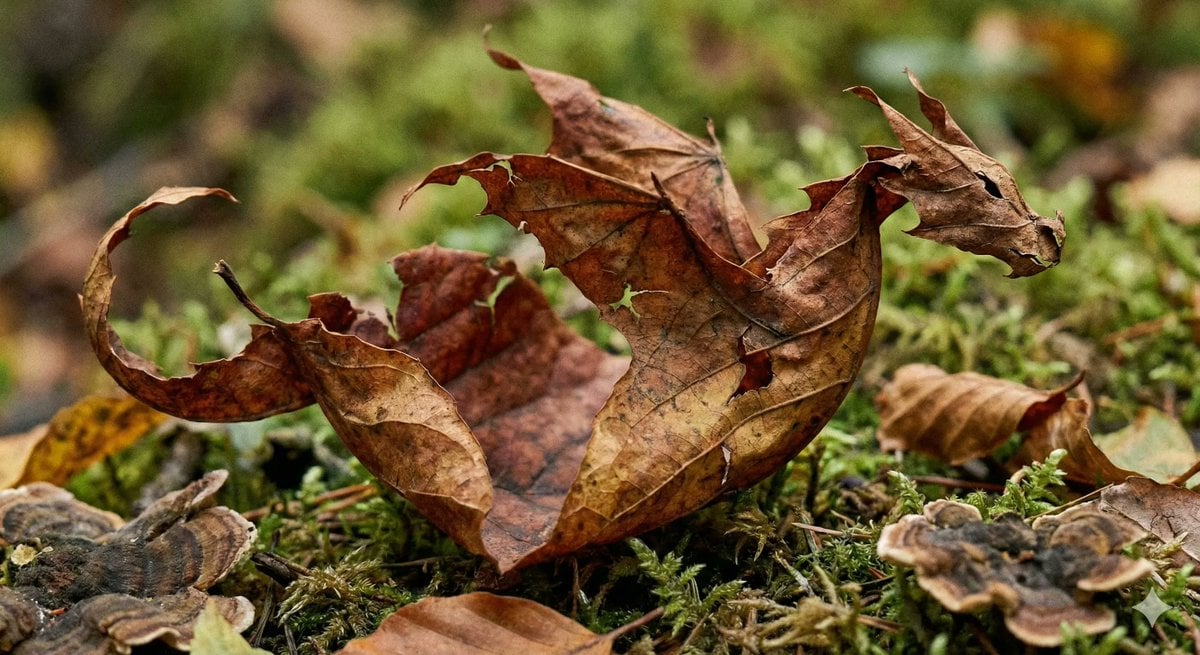
Photorealistic Leaf Shaped Like a Dragon
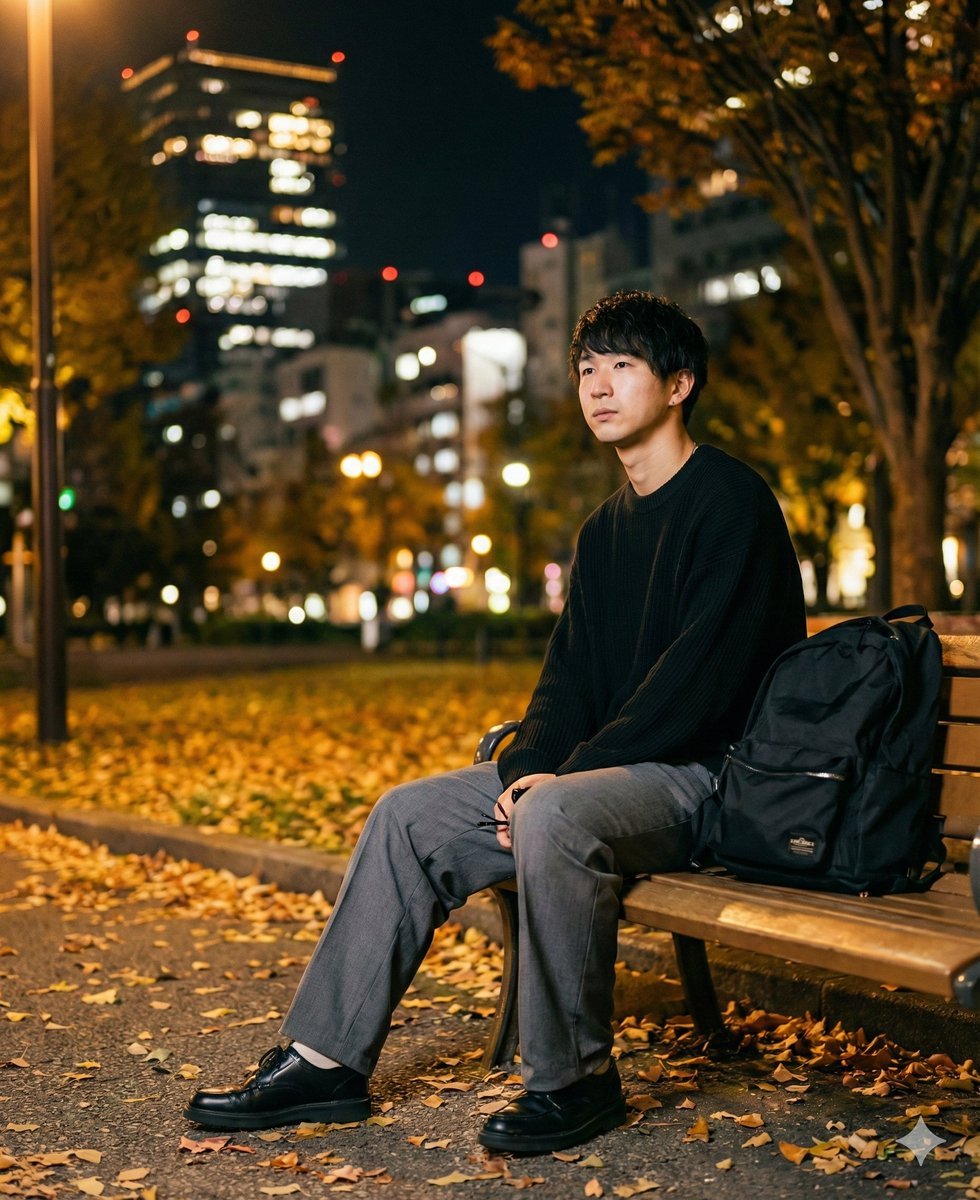
K-Pop Idol Portrait Grid for Rapid Selection
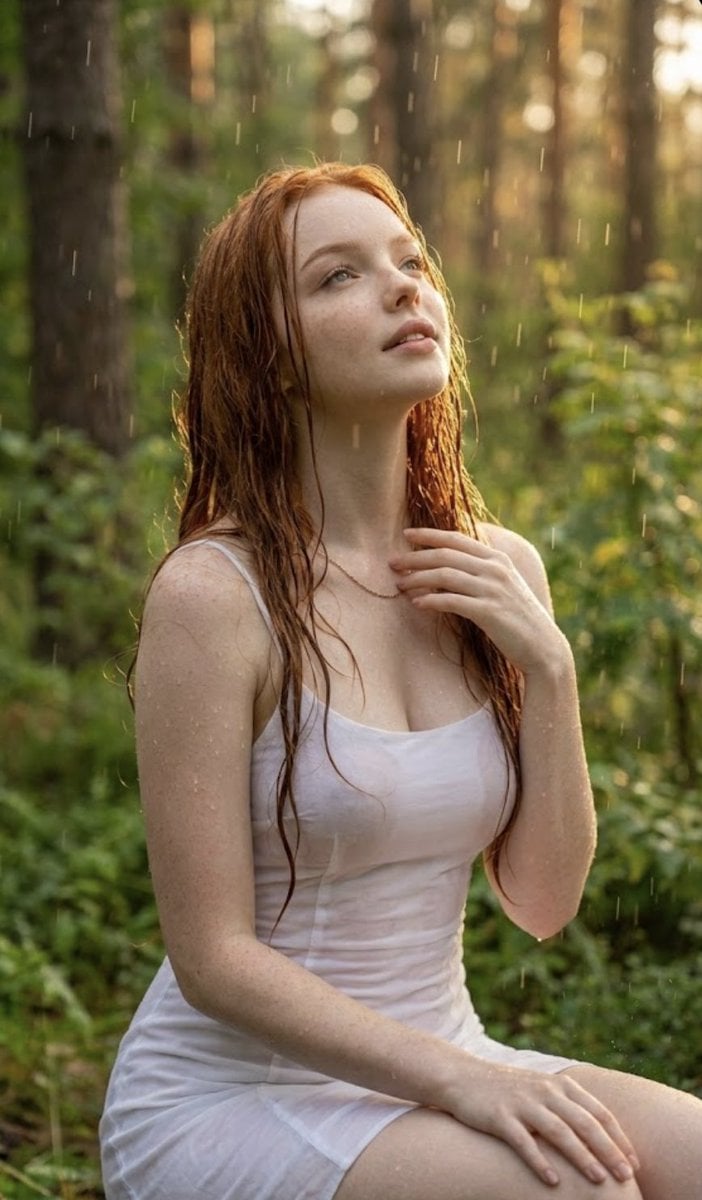
Poetic Rain Forest Portrait During Golden Hour
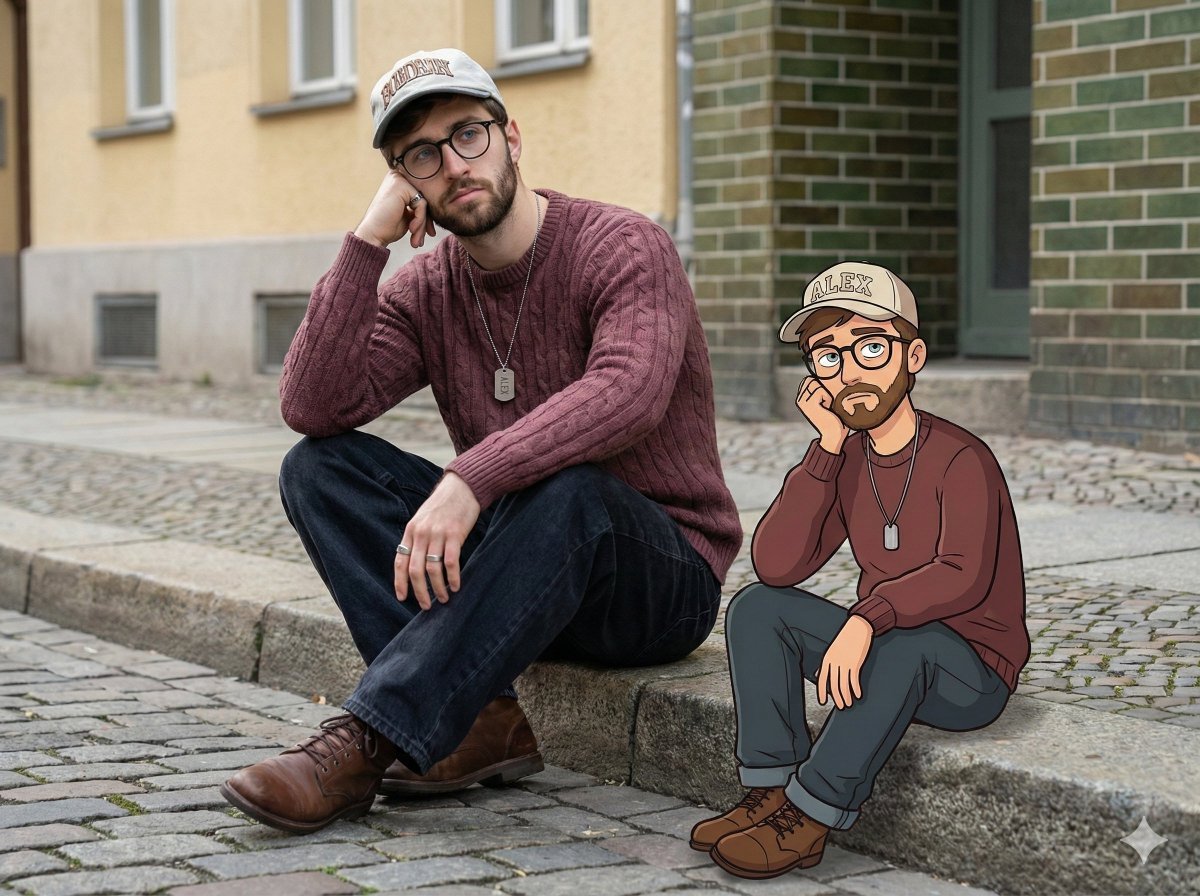
Urban Street Portrait with Cartoon Inner Self Duo
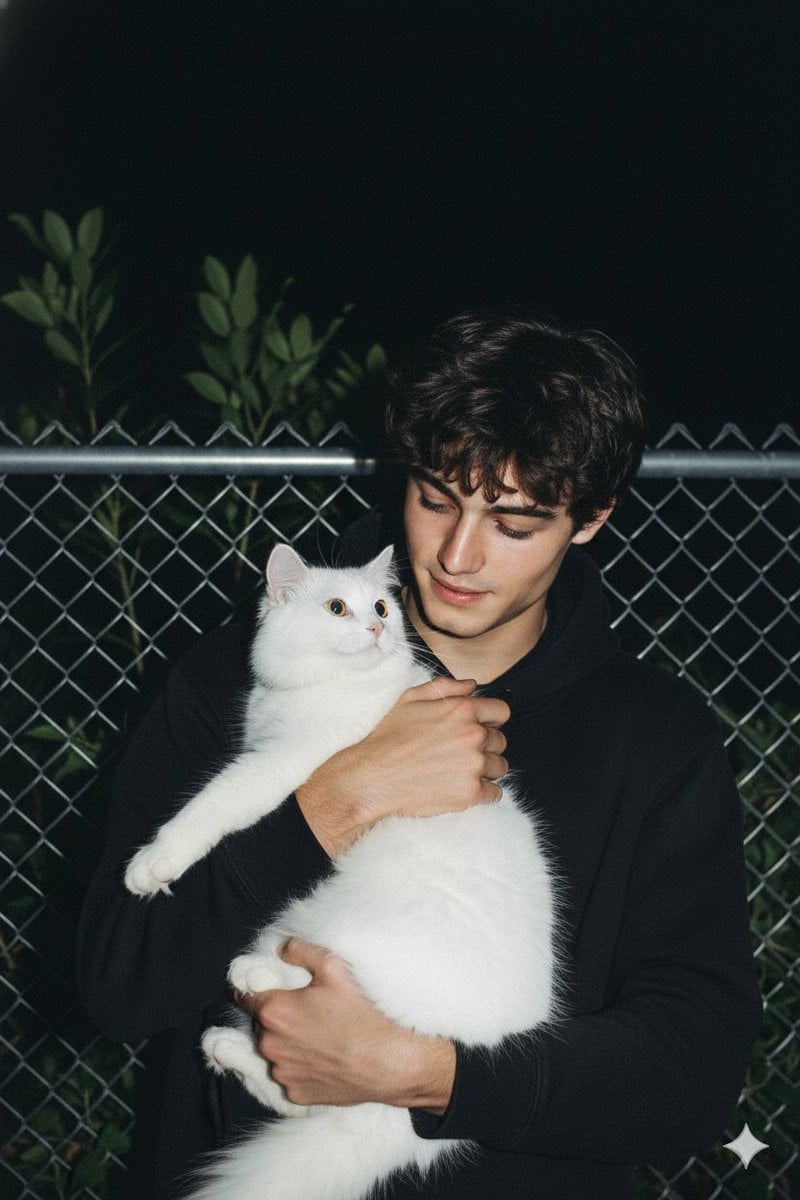
Candid Nighttime Photo with Cat Prompt
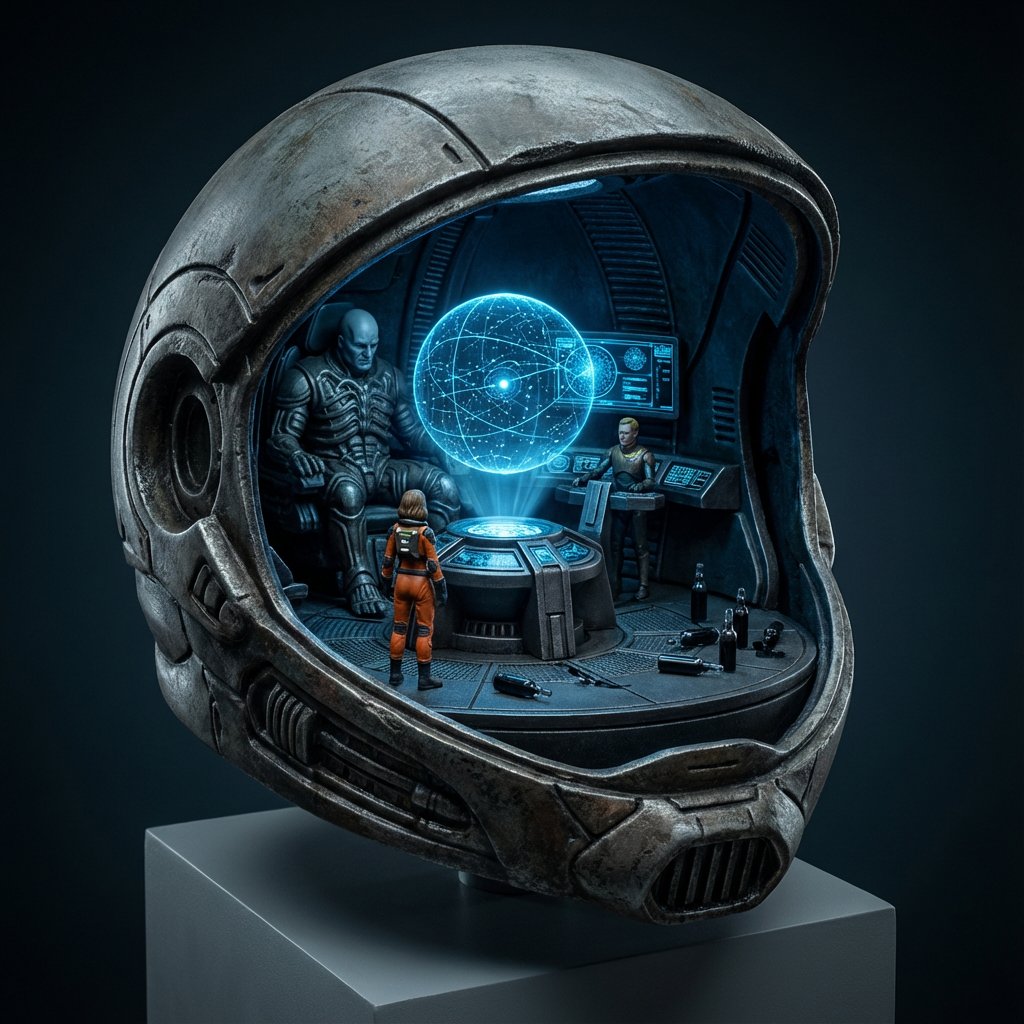
High-Concept 3D Diorama Generation Prompt
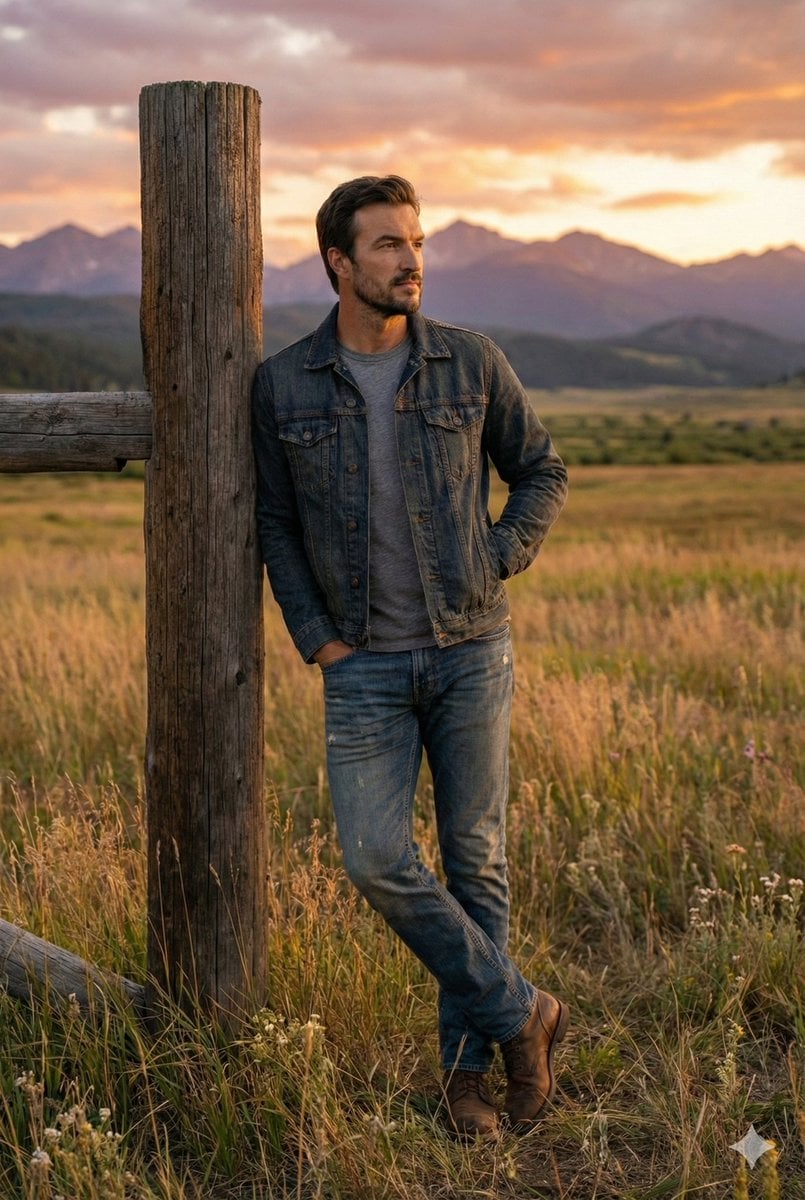
Cinematic Futuristic Studio Portrait Template
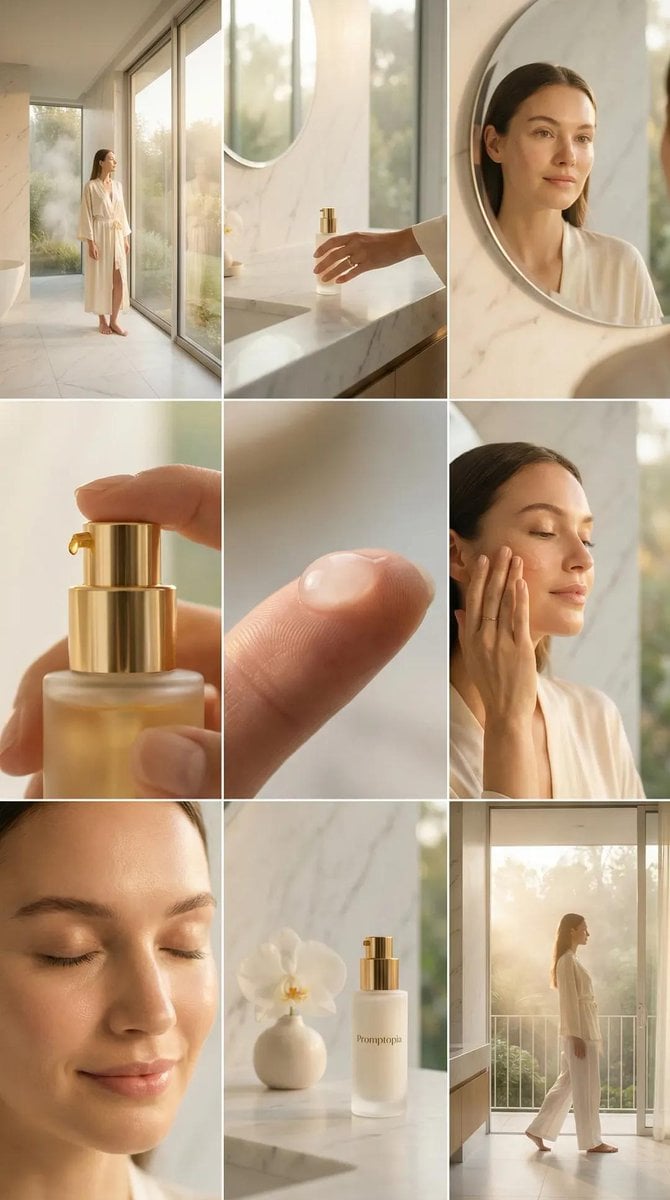
Skincare Editorial Photography Collage Prompt
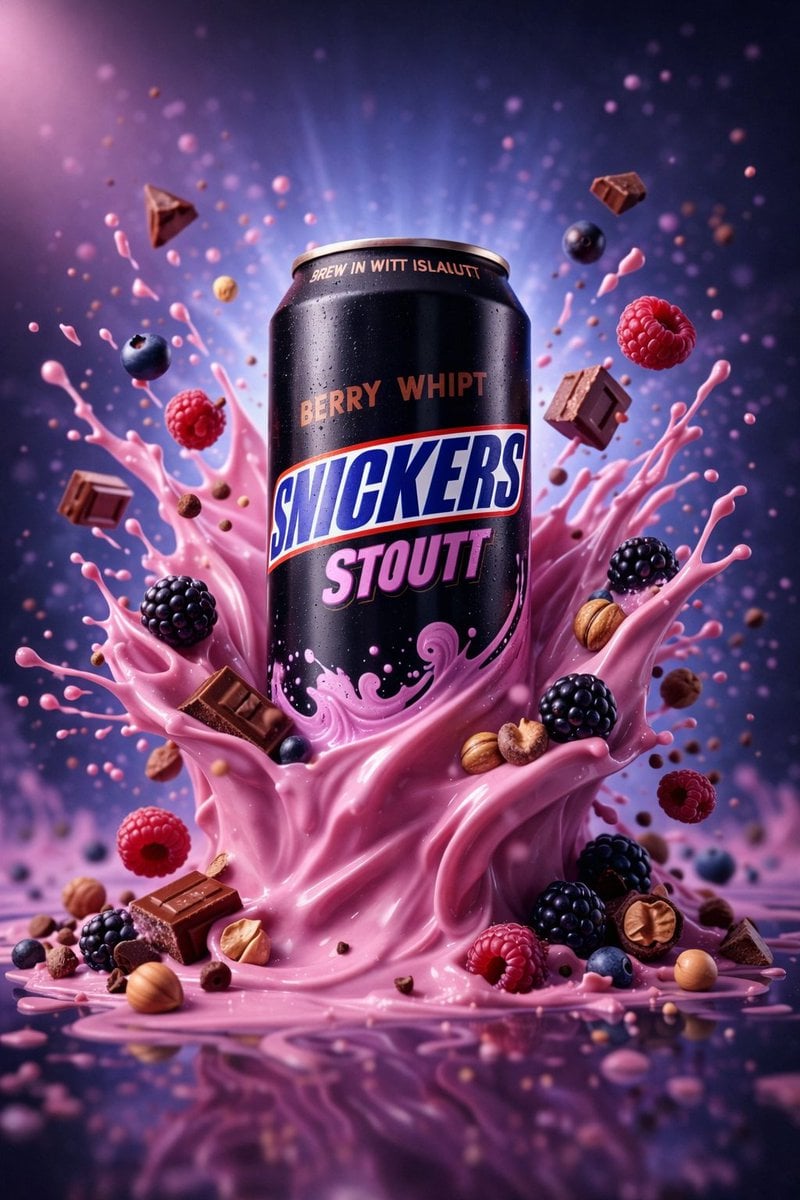
Hyper-Realistic Commercial Product Photography (Splash Effect)
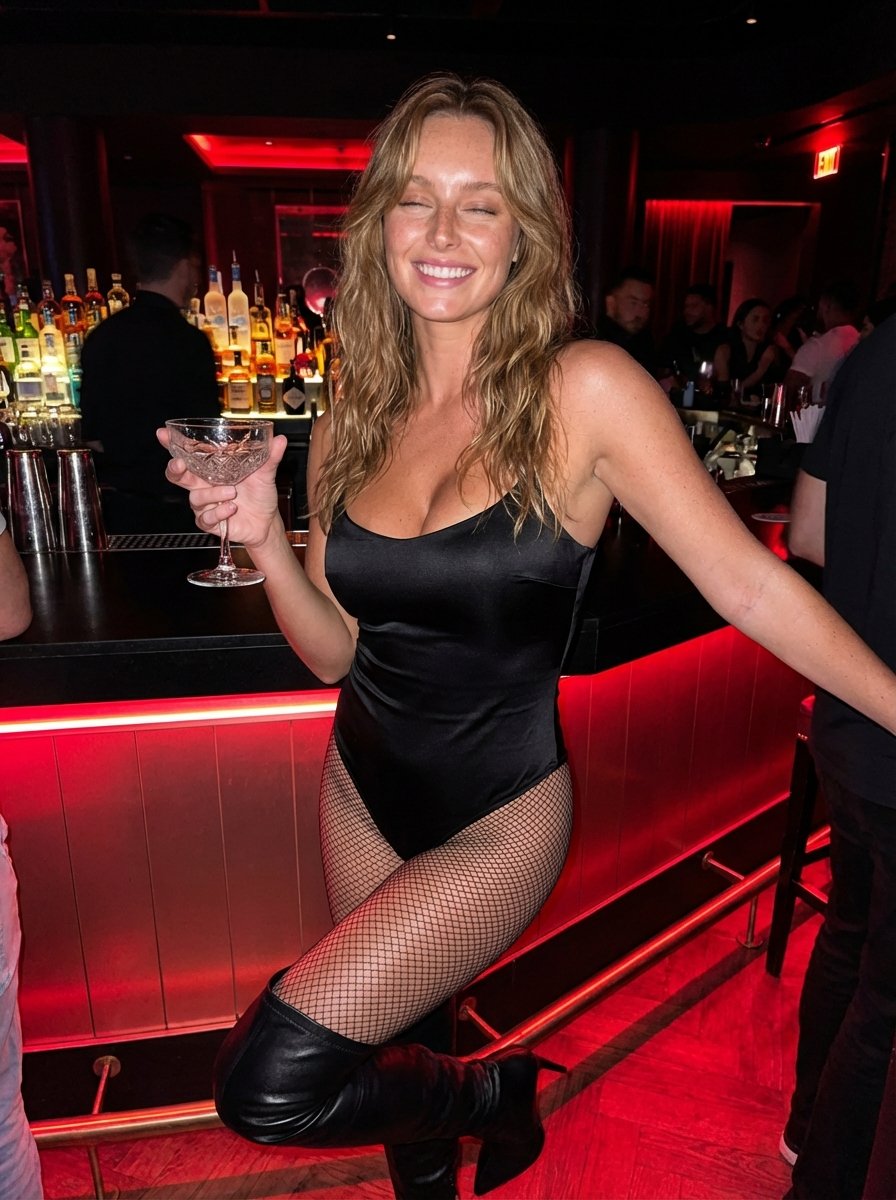
Hyper-Realistic Nightclub Portrait Prompt
More image prompts
Fresh picks from across the catalog.
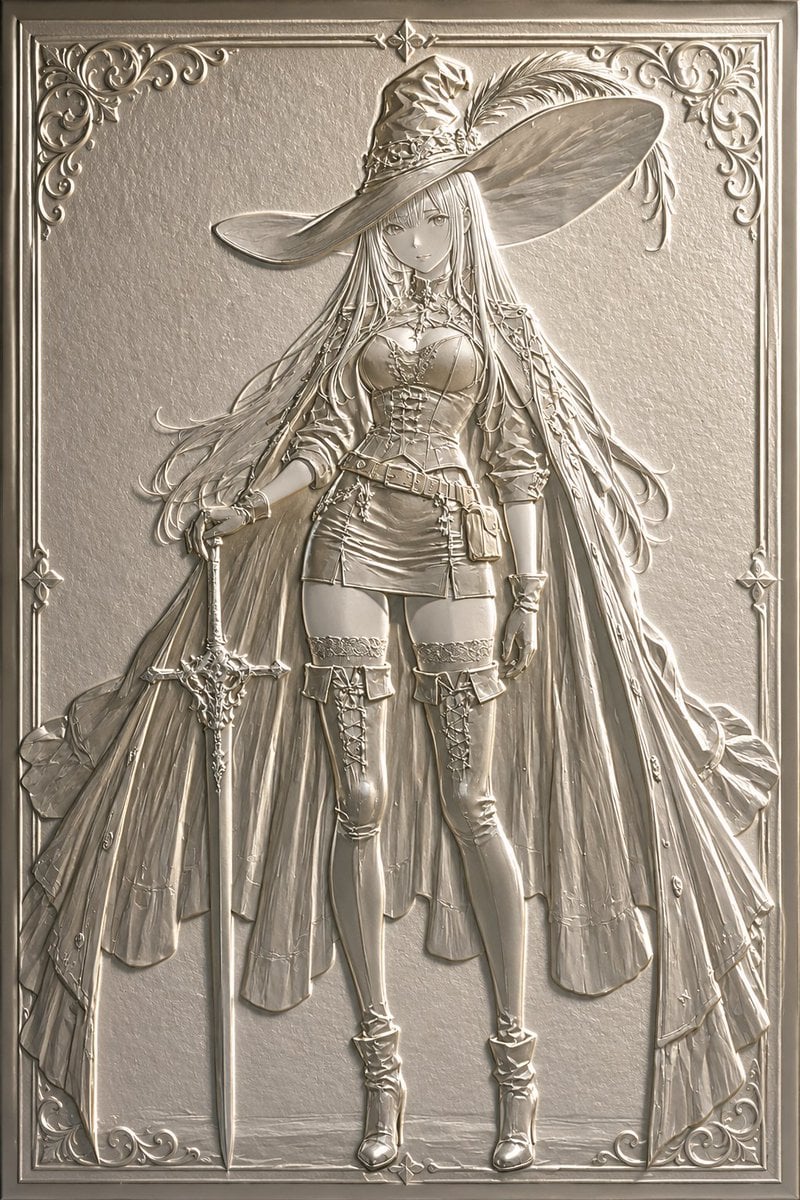
Embossed Luxury Card Relief Prompt
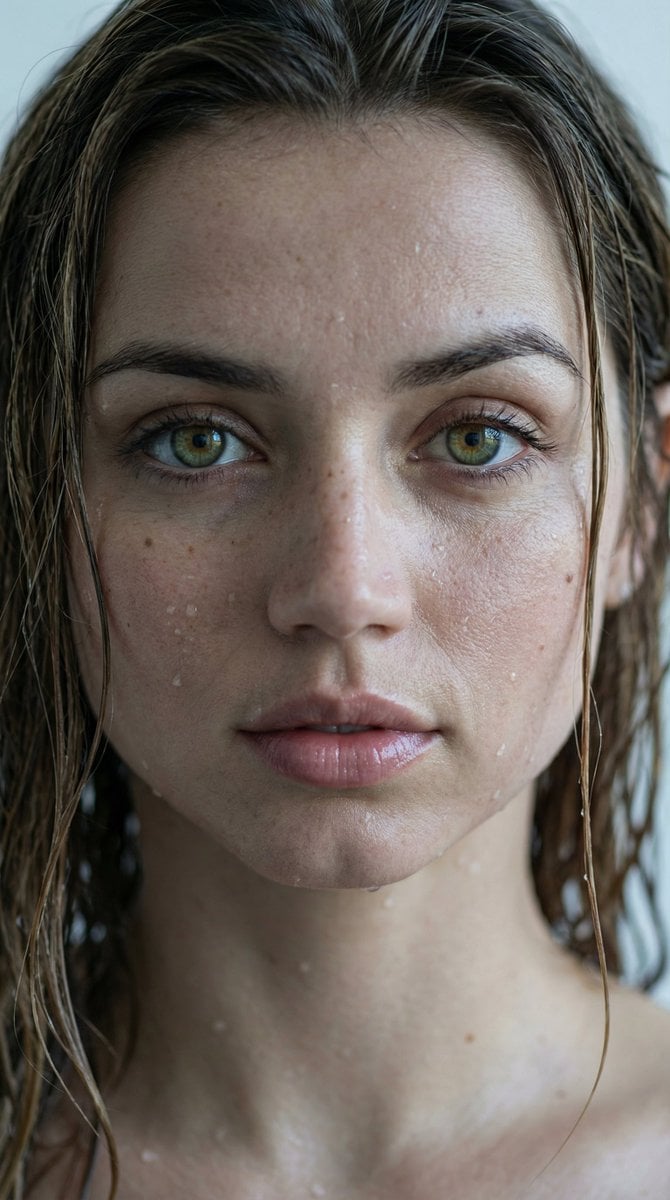
Hyper-Realistic Wet Look Close-Up Portrait
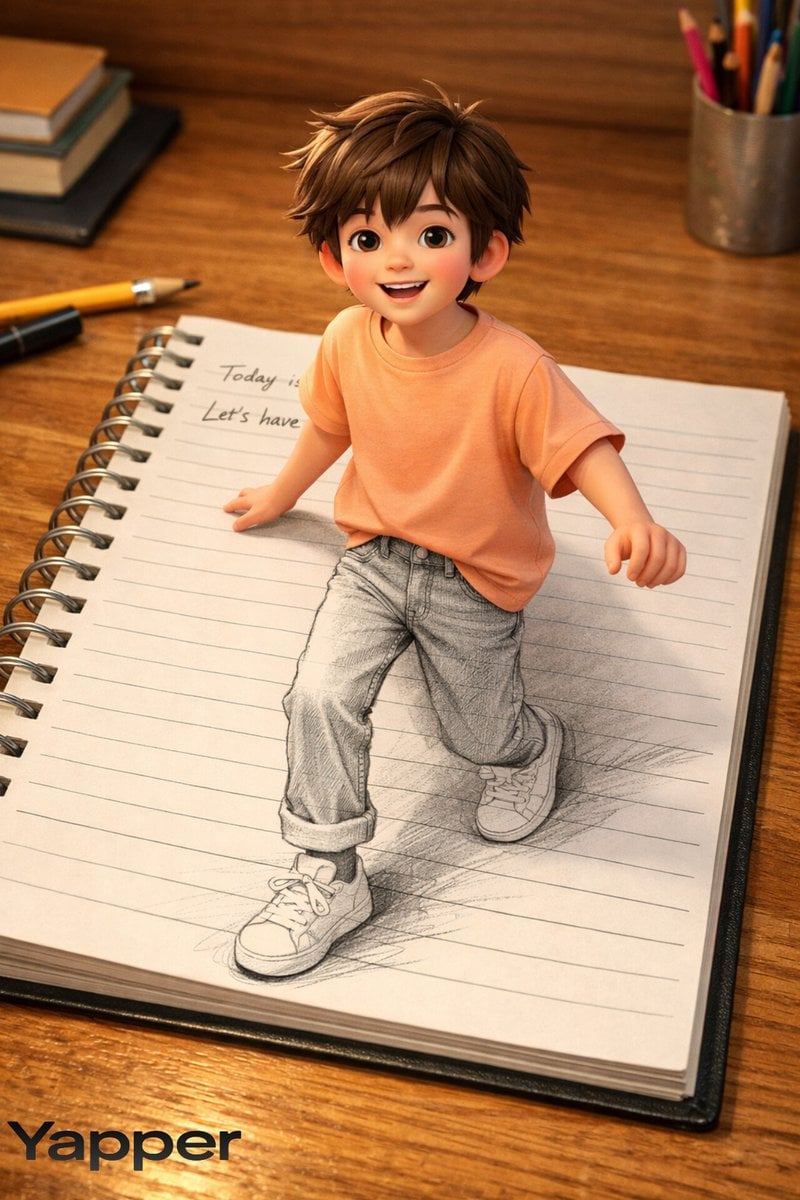
Creative 3D Illusion Artwork of a Boy Stepping Out of a Notebook
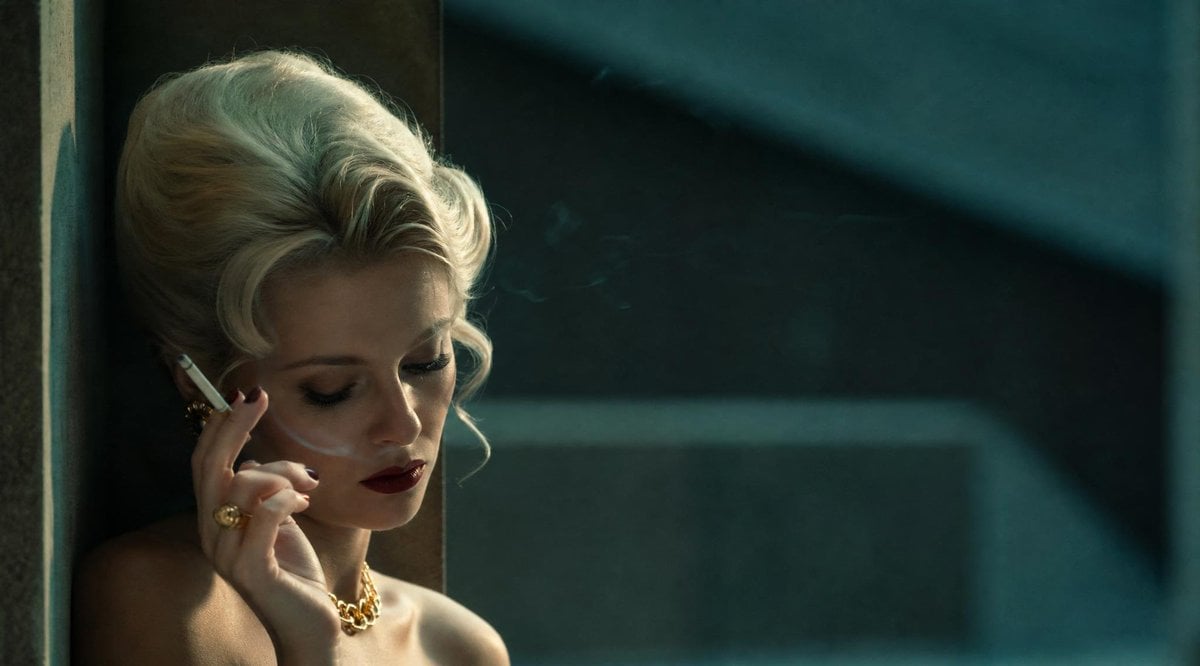
Censored Vintage Smoking Film Still
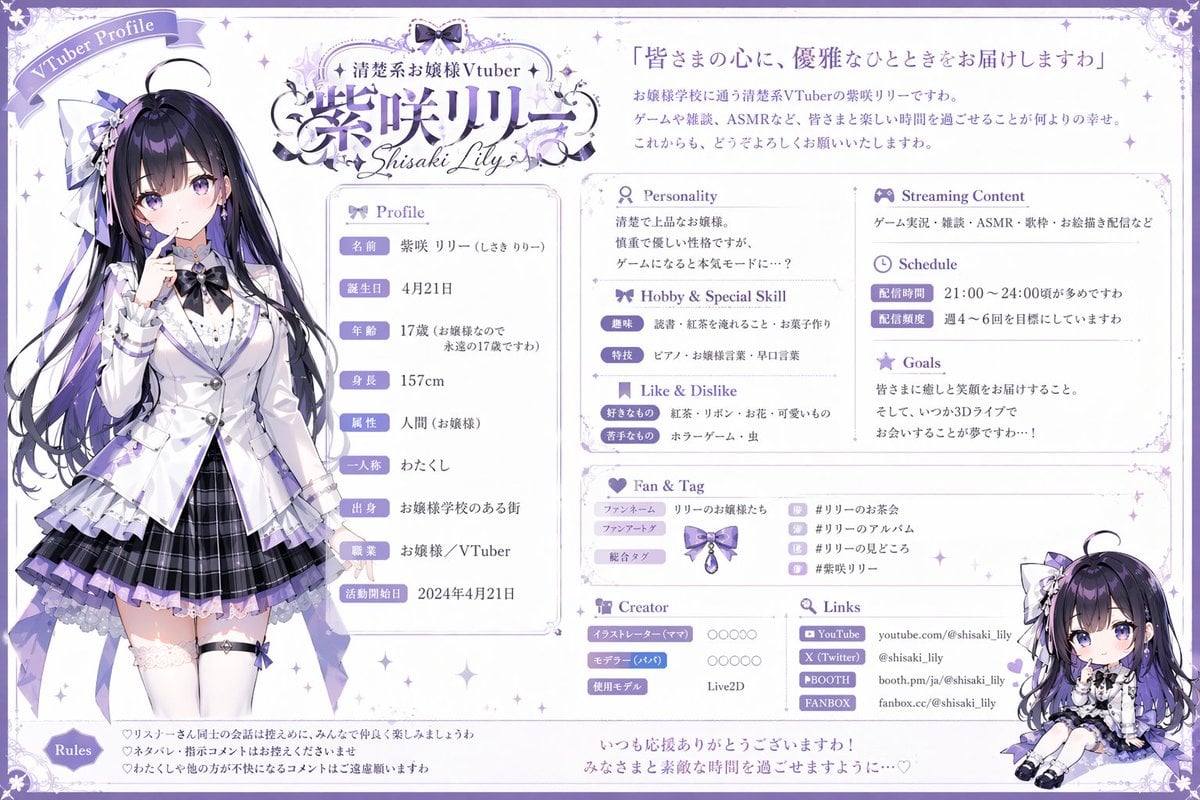
VTuber Profile Sheet Generator
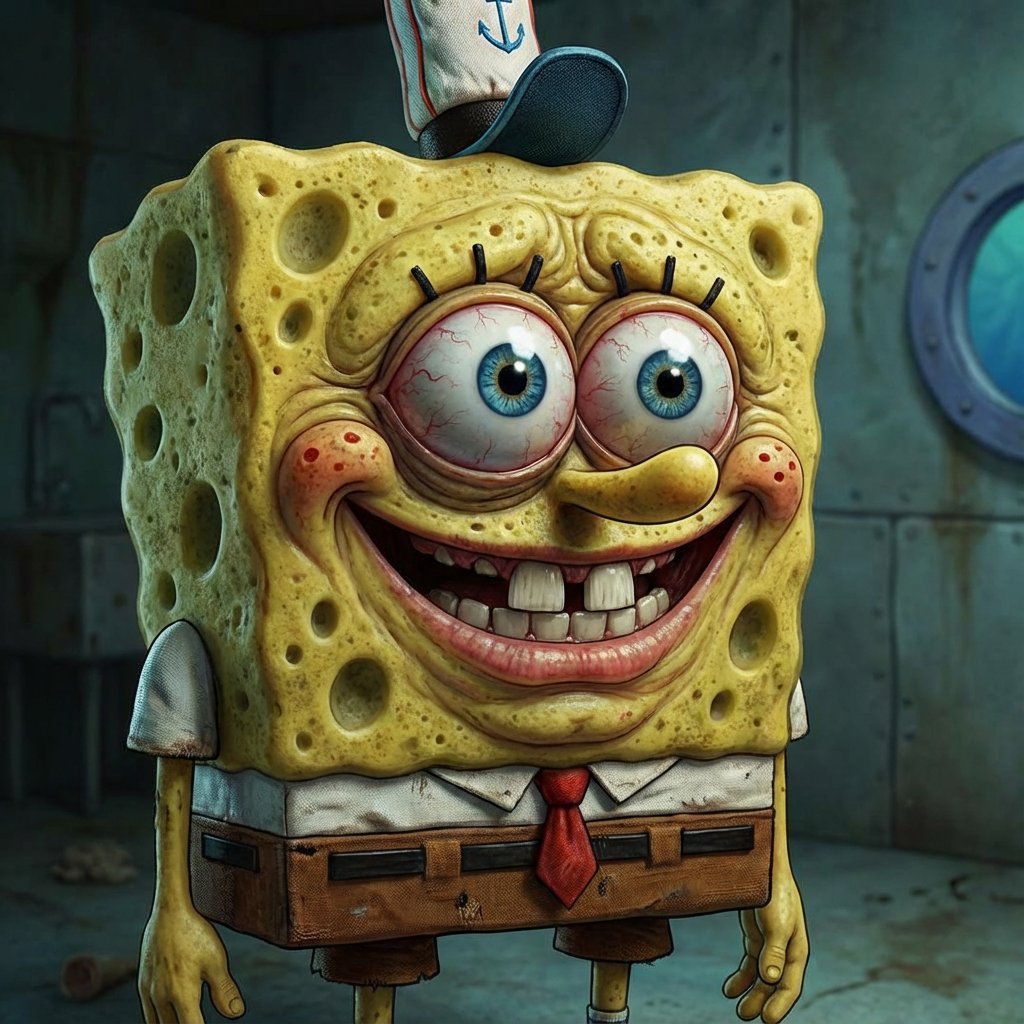
Style Modifier for 90s Cartoon Realism
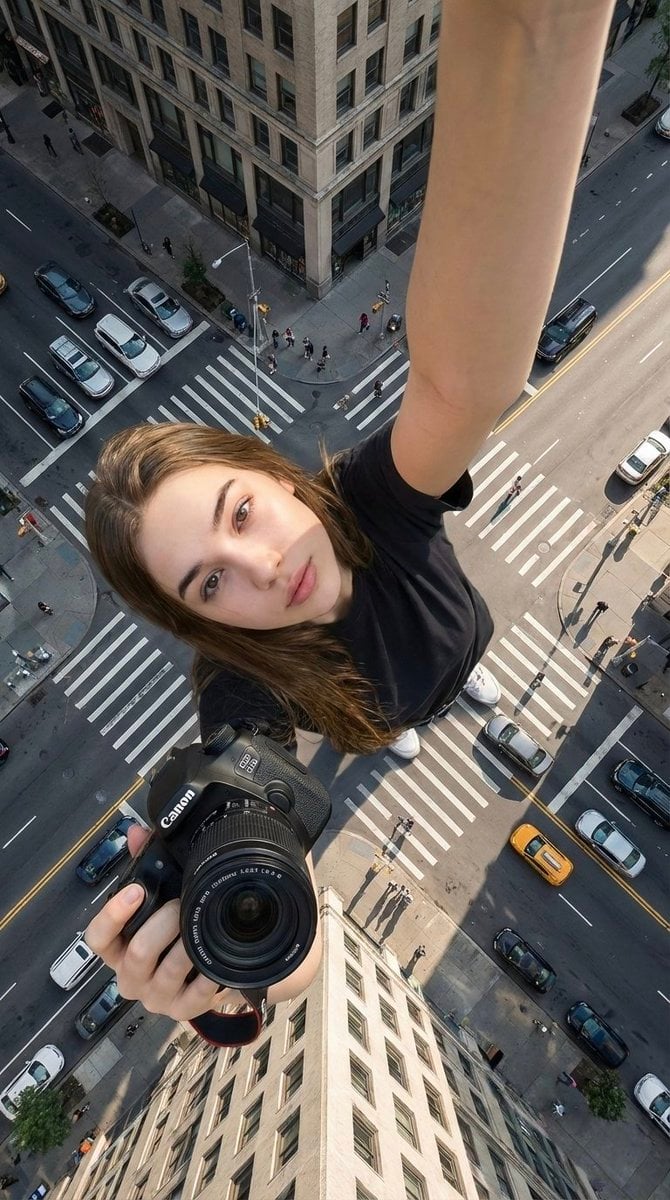
Forced Perspective Urban Giant Selfie
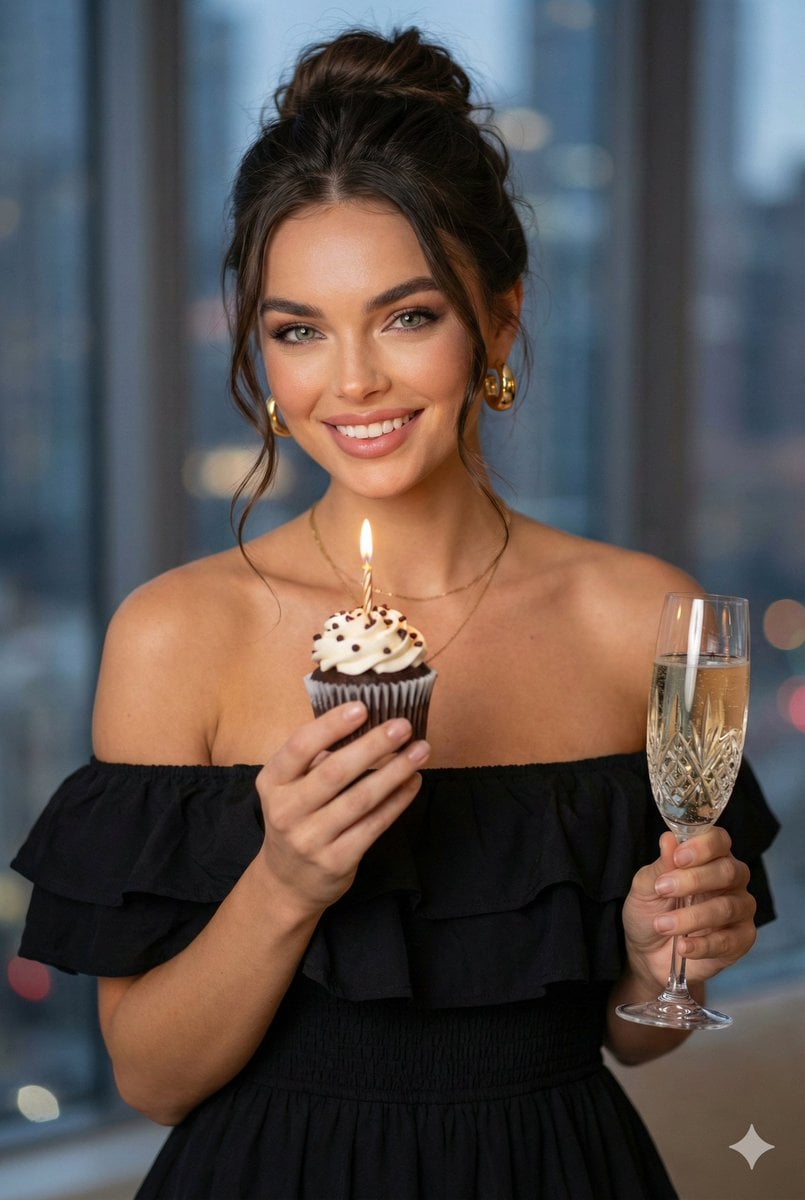
Birthday Celebration Portrait with Cupcake and Champagne
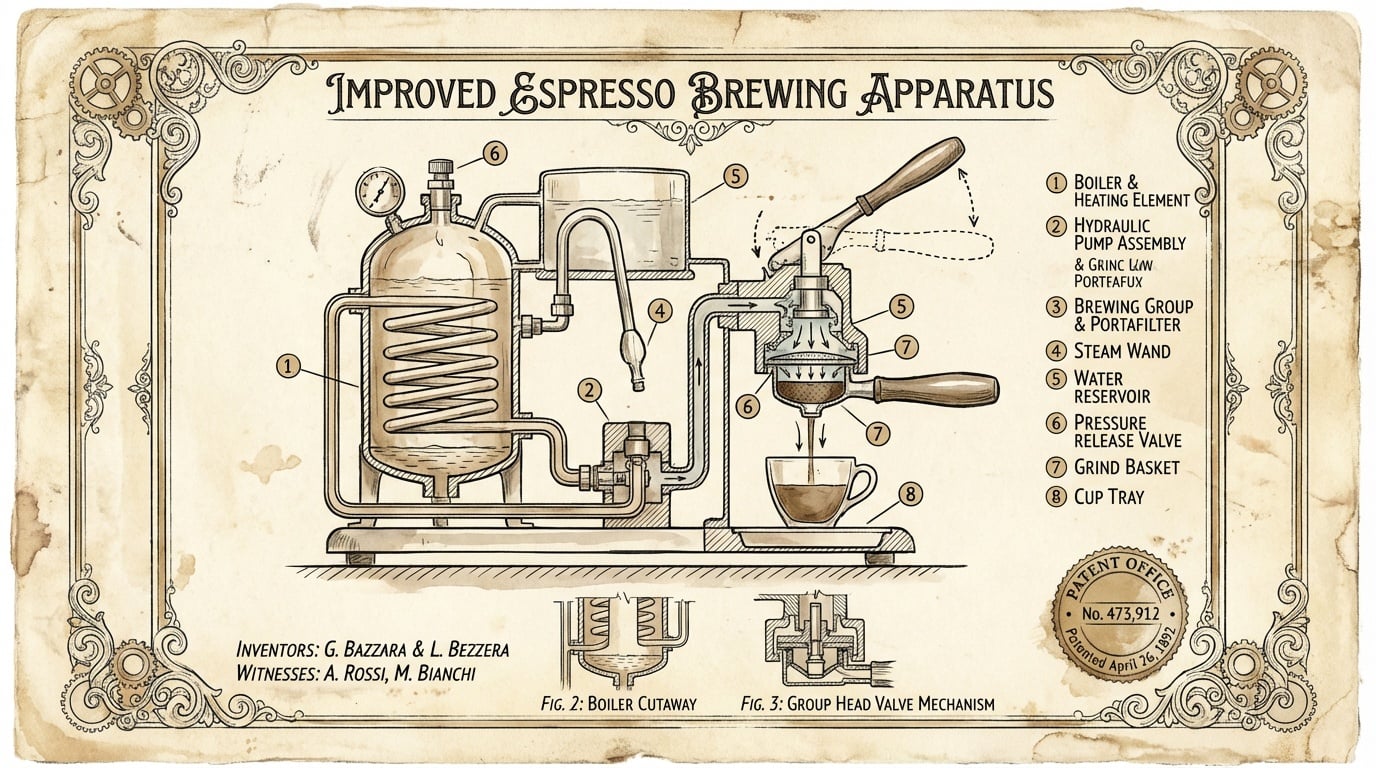
untitled
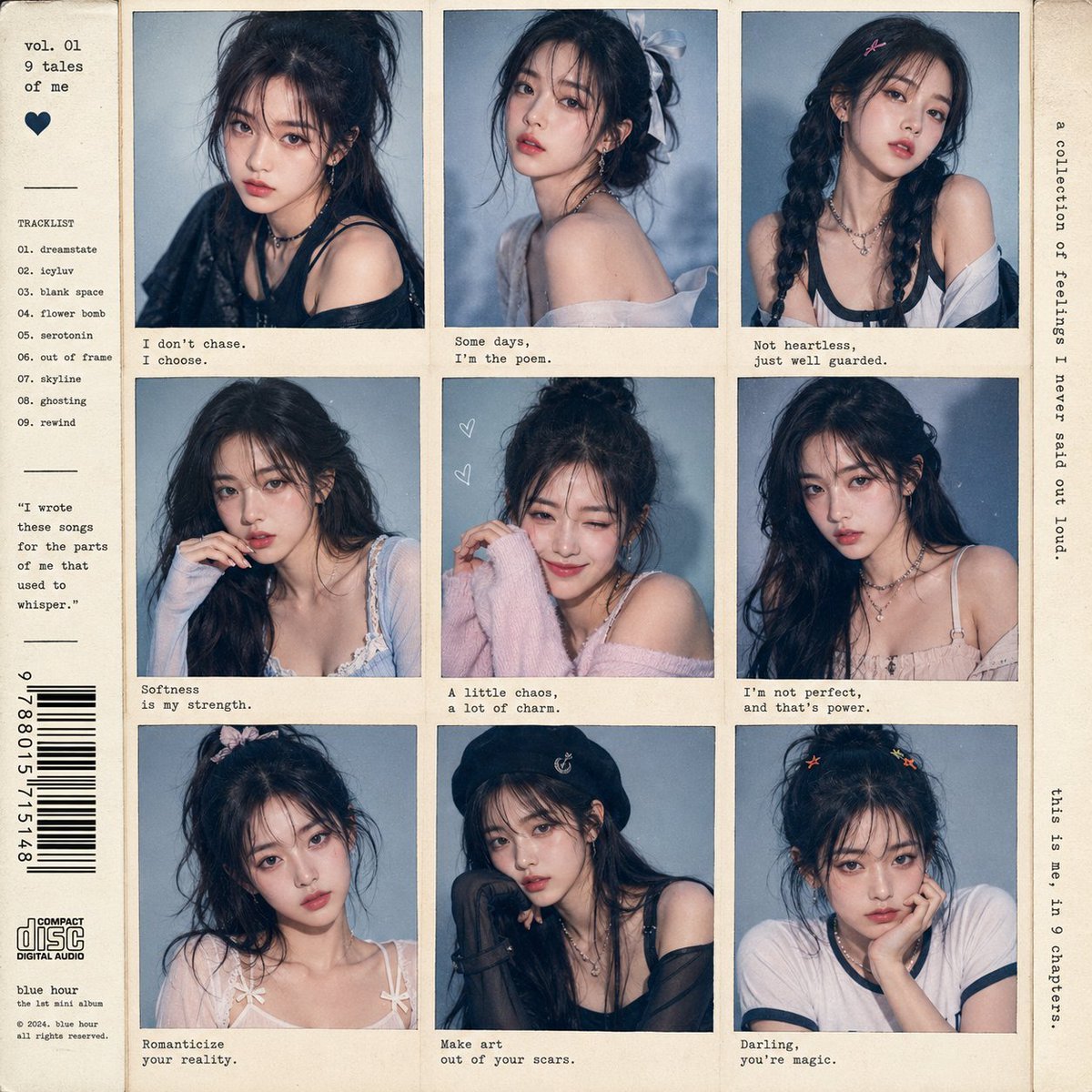
K-pop Idol Polaroid Collage
Browse template categories
Caution Tape Fashion Photography Prompt questions
How do I use the Caution Tape Fashion Photography Prompt template?
Add your photo if the template asks for one, edit the prompt if you like — the template's model and format are already selected — and press Generate. Your version opens in PicX Studio.
Can I customize the Caution Tape Fashion Photography Prompt template?
Yes. You can change the subject, setting, lighting, mood, format, and available model controls before creating your image.
Is the Caution Tape Fashion Photography Prompt template free?
Opening and editing this template is free. Generating uses credits, shown on the Generate button when you are signed in.
Which AI model should I use?
Start with Nano Banana 2, which is the model associated with this template. You can compare another compatible model for a different finish.
Looking for something else? Browse all templates.

Your photo, any look
Thousands of ready templates for every top image and video model, from one credit balance.