
Ancient Painting to Real Scene Photo
Transforms a Chinese-style ancient painting reference into a realistic fine-art photograph that reconstructs the implied historical landscape and riders.
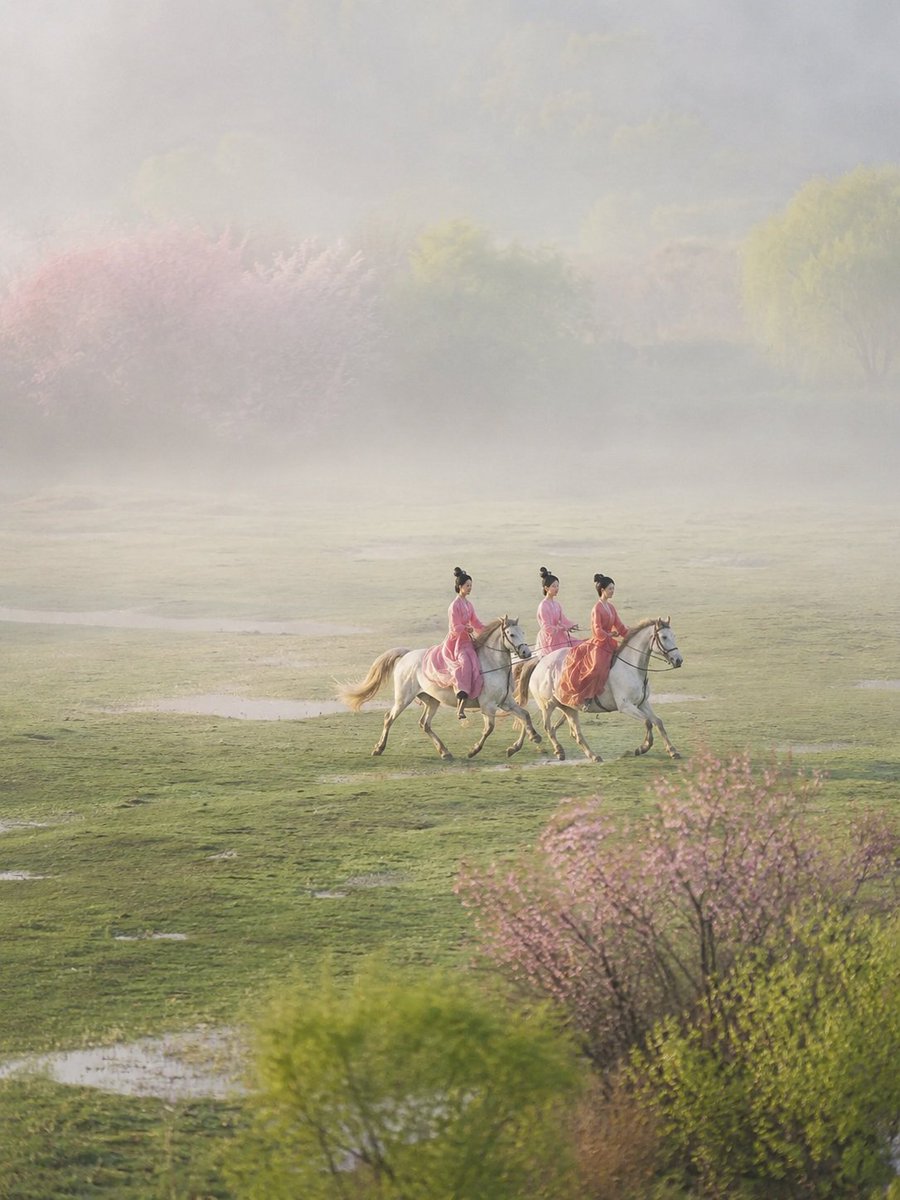
- Prompt included
- Model and format preset
- Free template
The prompt behind this image
Copy the exact prompt behind Ancient Painting to Real Scene Photo, or open it in the studio and make it yours.
Using REFERENCE_0 as the ancient-art composition source, transform it into a believable, collectible fine-art photograph as if the scene had been captured by a top photographer in the same historical era. Do not simply render the painting style as a photo; instead reverse-engineer the painting as a compressed memory of a real landscape and reconstruct the real scene behind it. Keep the core subject logic: exactly {argument name="rider count" default="3"} ancient women riding exactly {argument name="horse count" default="3"} pale horses, moving together across the frame, with pink-to-coral garments and traditional updo hairstyles. Preserve the feeling of lightness, spring colors, and spaciousness from the reference, but convert the abstract watercolor blobs into a real environment. New photographic scene: place the riders in a wide misty spring meadow with soft green grass, shallow reflective puddles, distant fog, blurred flowering trees in pale pink and fresh yellow-green, and foreground shrubs/branches echoing the reference’s pink and green color fields. The landscape should feel humid, early morning, and atmospheric, with large negative space above the riders and a distant tree line fading into haze. Photographic treatment: long-lens documentary/fine-art photography, natural dawn light, gentle backlit mist, realistic horses and fabric motion, shallow atmospheric depth, muted pastel palette, soft contrast, high dynamic range, no ink outlines, no watercolor texture, no illustration, no mural or religious icon style. Composition constraints: keep the riders small-to-medium in the lower middle of the frame, traveling horizontally; maintain a vertical 4:3 composition with broad sky/fog above and textured meadow below. Avoid modern objects, roads, buildings, visible text, logos, or fantasy elements. Optional customization: set the historical period to {argument name="historical period" default="Tang dynasty"}, the season to {argument name="season" default="early spring"}, and the mood to {argument name="mood" default="misty serene"}.
Reference images included
Ancient Painting to Real Scene Photo needs input media to work. They load alongside the prompt when you open it in the studio.
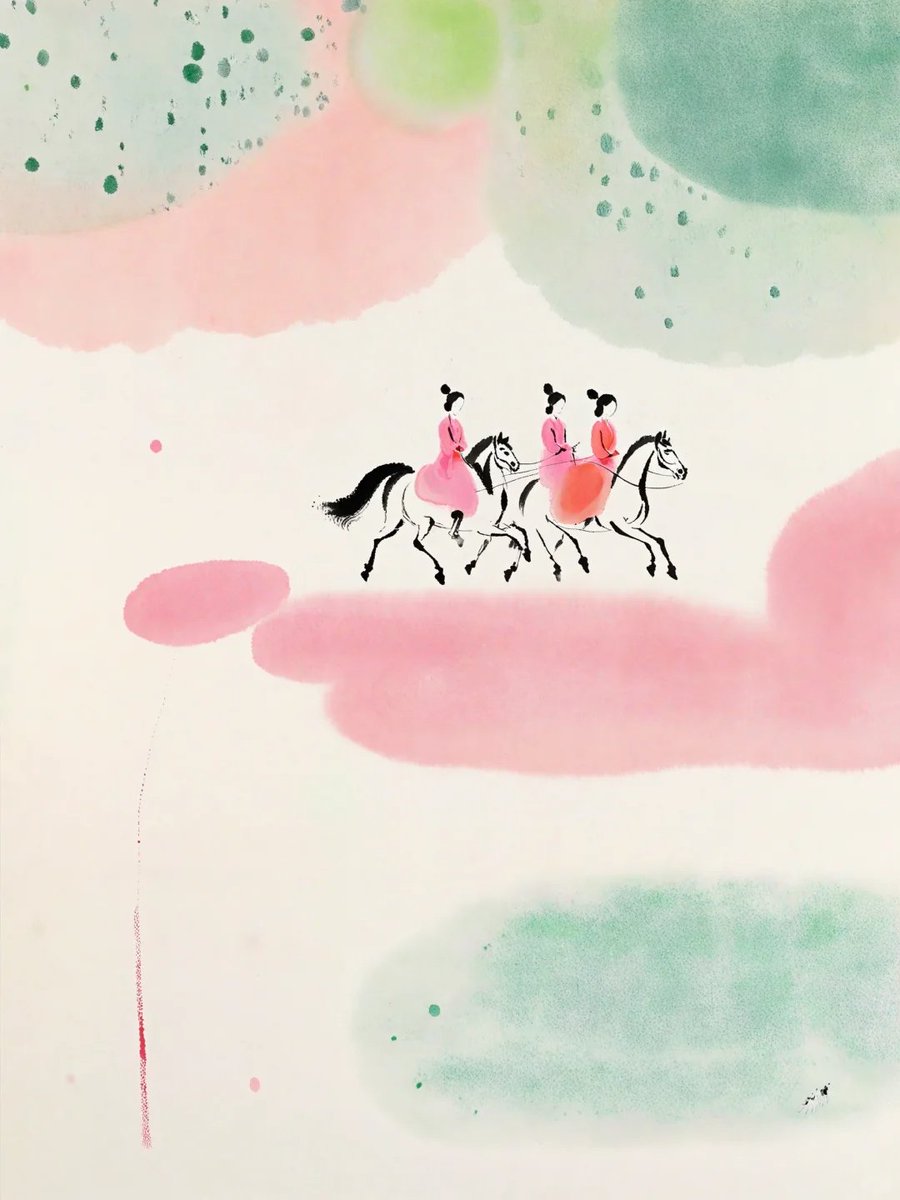
How to use Ancient Painting to Real Scene Photo in 3 steps
- 1Upload ImagePNG, JPG or paste
Add your photo
Upload the photo the template builds on. The prompt, model and format are already set.
- 2…a portrait of your subject in softgolden-hour light, 85mm…
Personalize
Edit the subject and creative details for your destination.
- 3Generate
Generate
Press Generate — your image is created in PicX Studio, so you can compare it with the original and refine one variable at a time.
More like this
Templates with the same subject, style or setup. Open one to see its prompt.
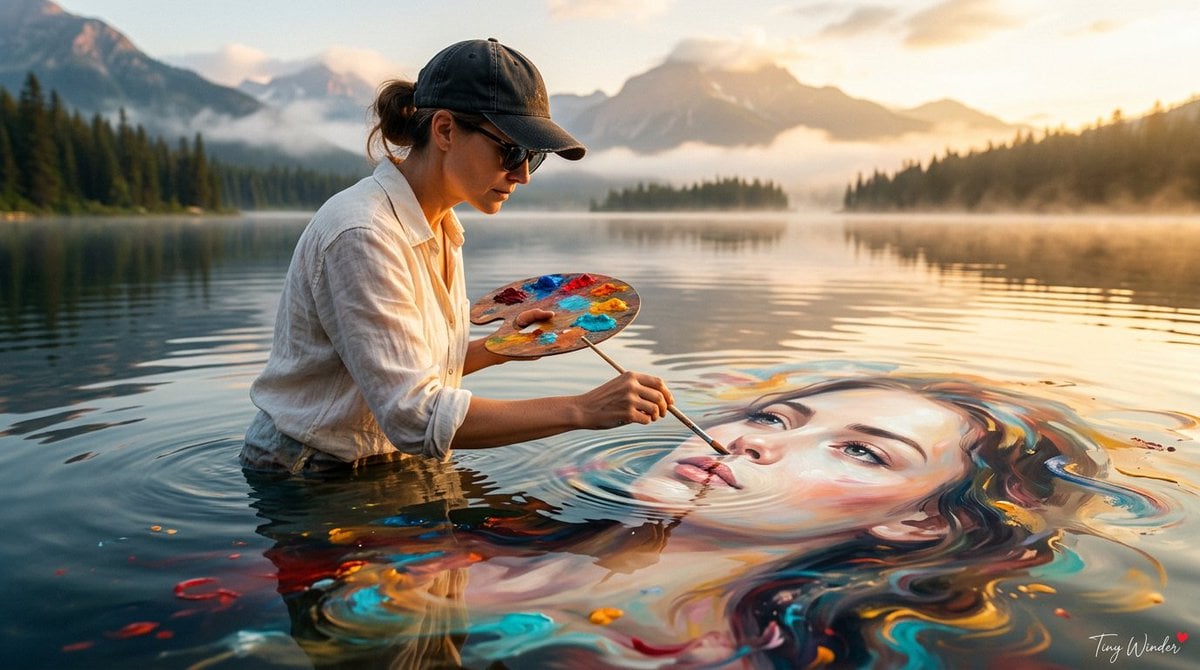
Surreal Fine Art Water Painting Portrait
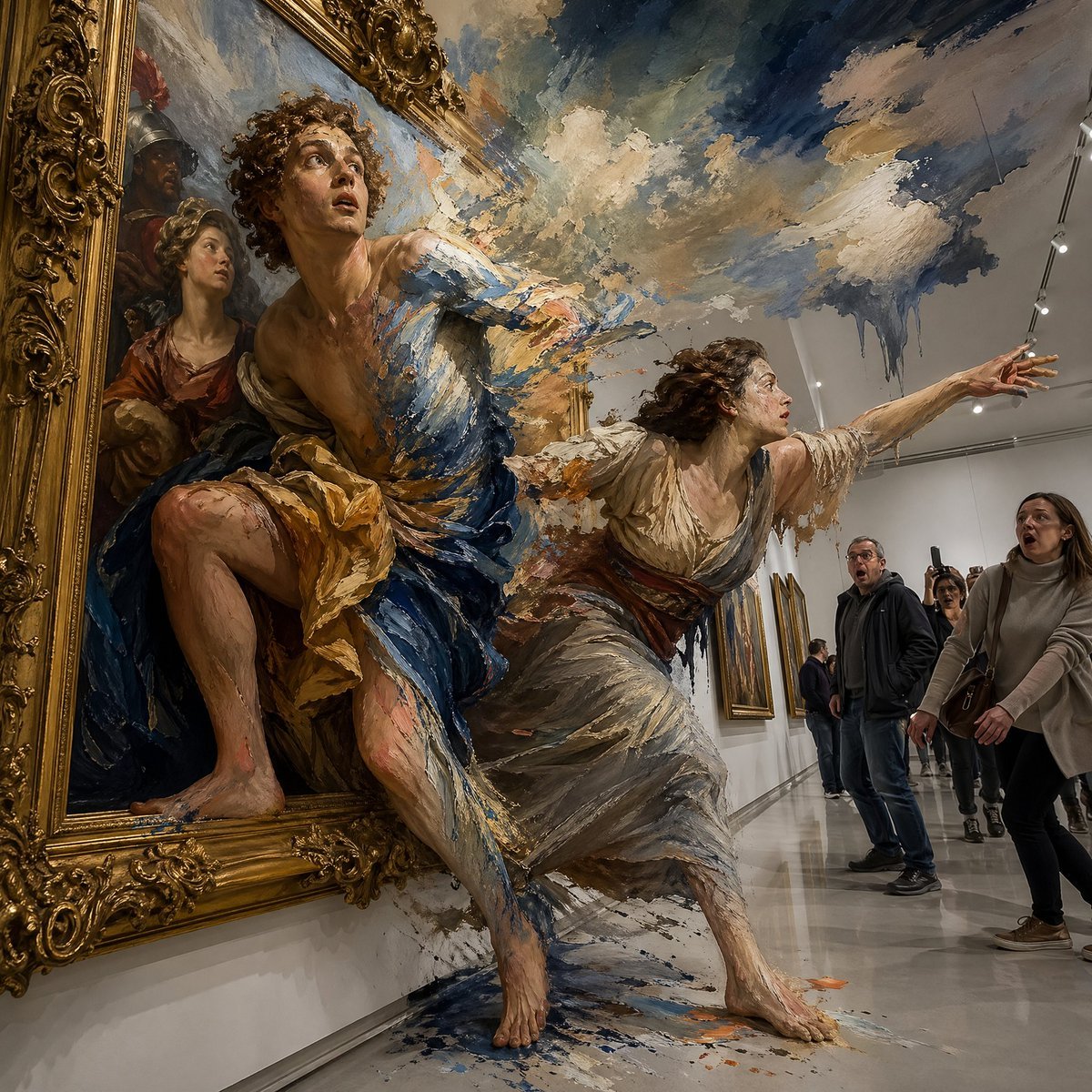
Surreal Baroque Painting Reality Fracture
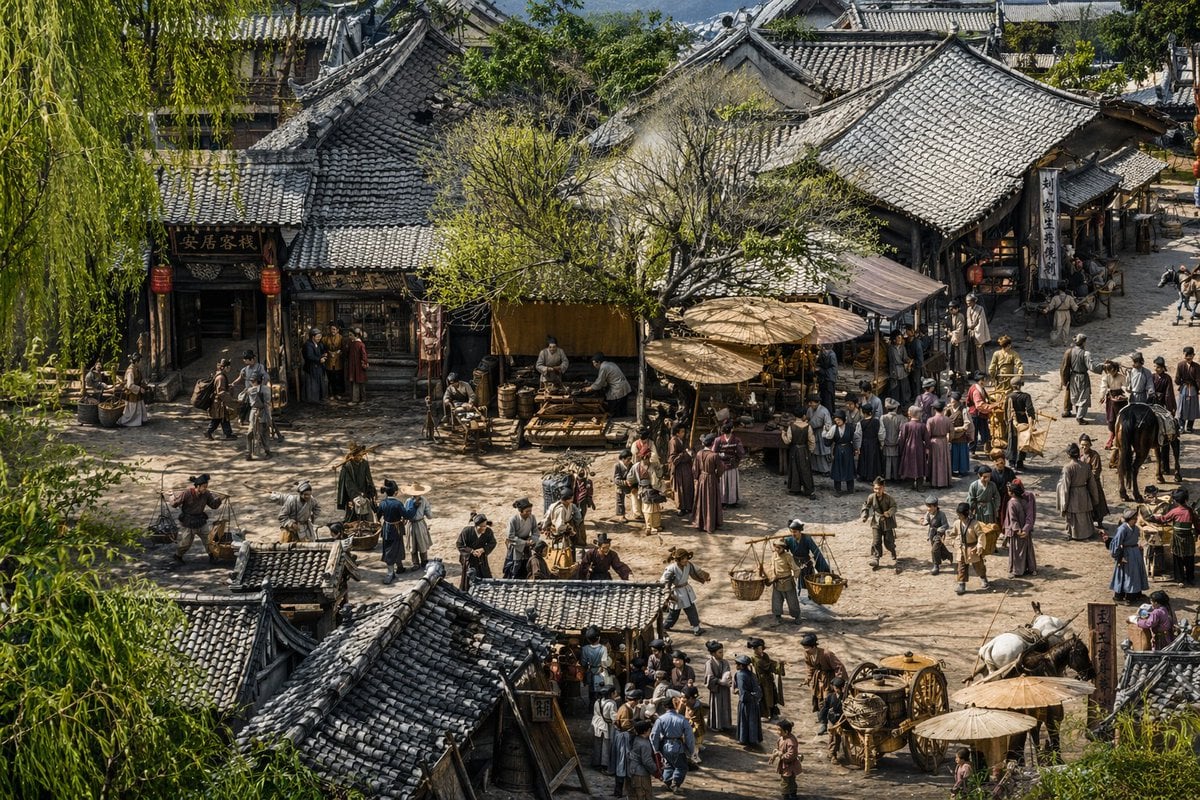
Realistic Ancient Chinese Street Scene
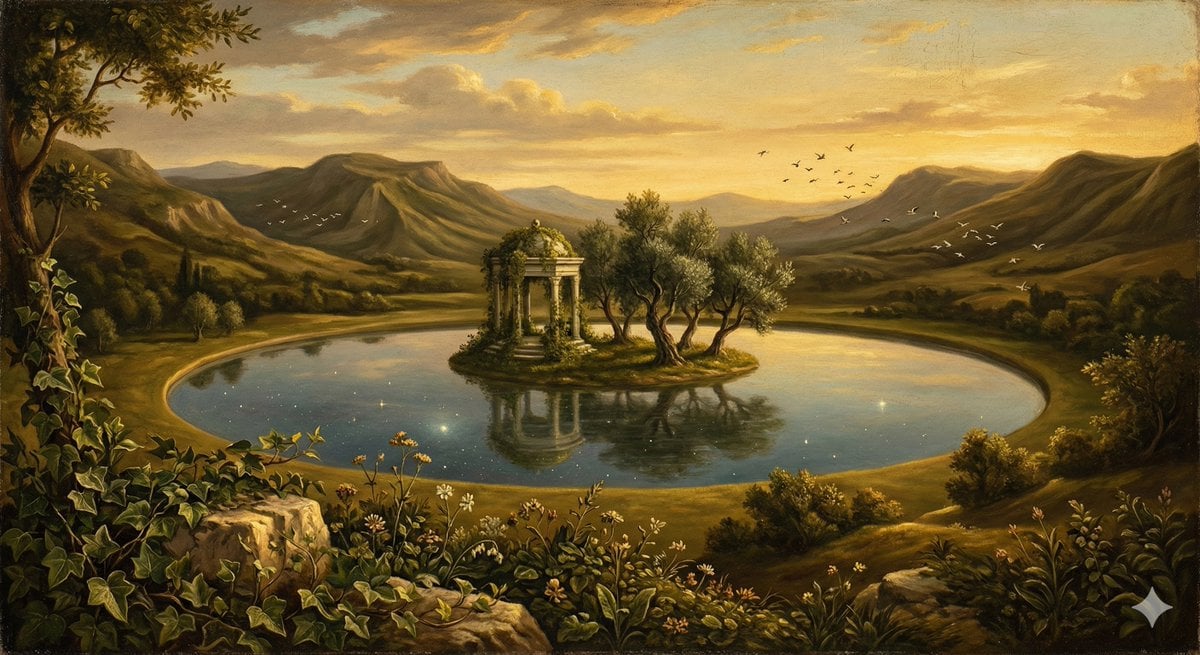
Surreal Nature in Renaissance Oil Painting Style

Ancient Temple Portrait — White Dress Nano Banana
UGC Skincare Review - Seedance 2.0
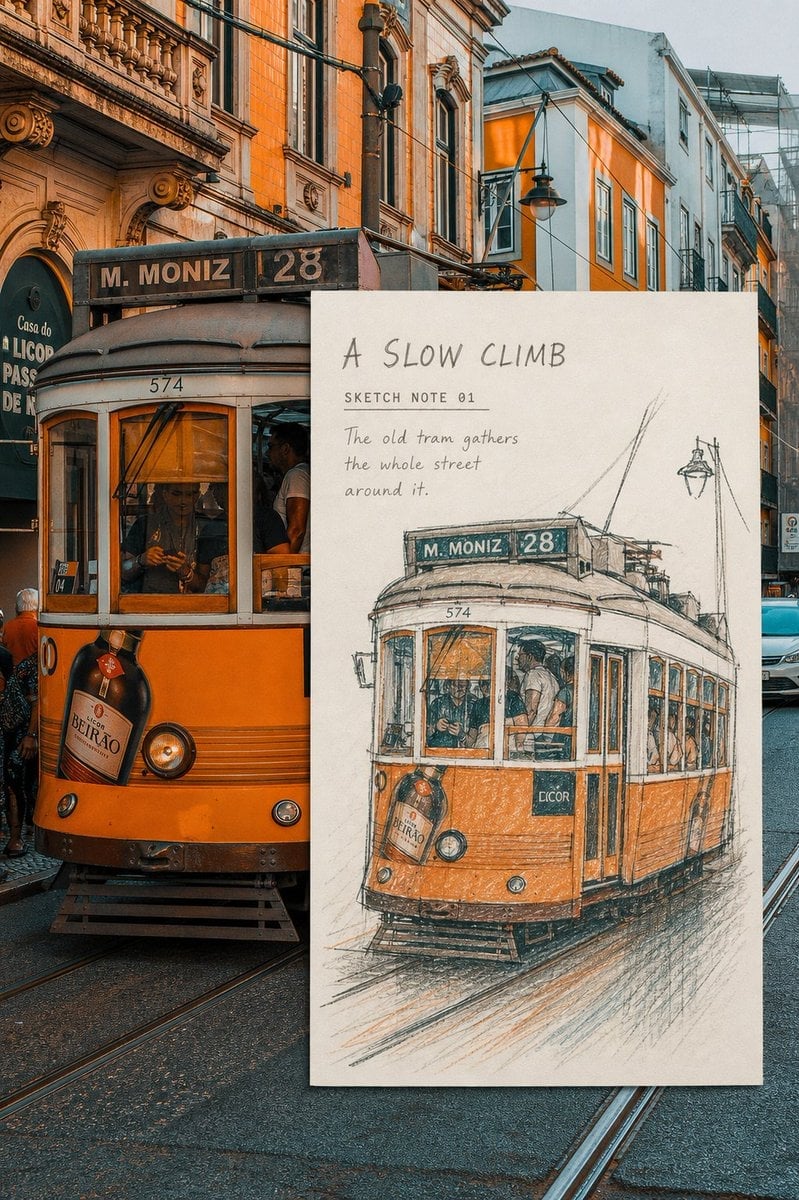
Real-Scene Inset Sketch Poster
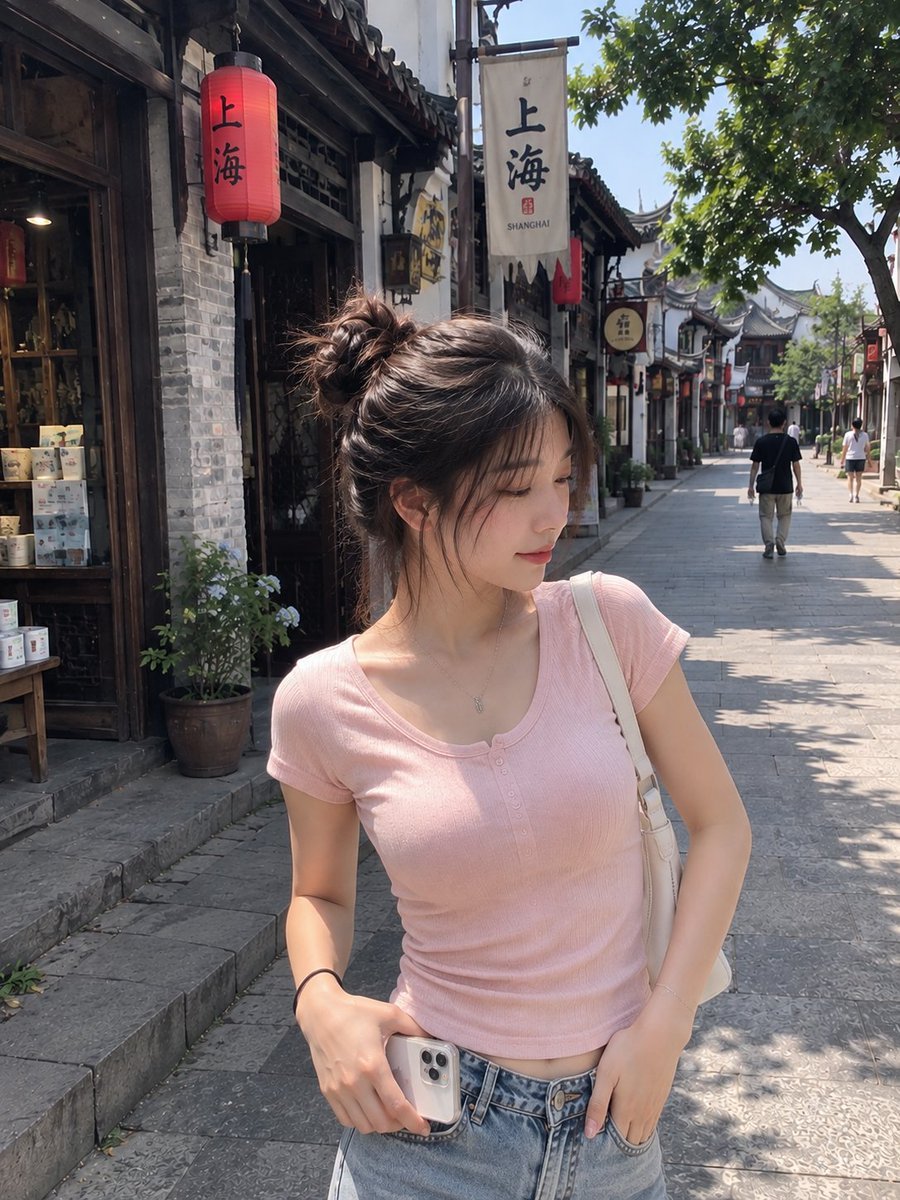
Realistic Chinese Street Smartphone Photo
Impasto Oil Architectural Painting
Retro-Modern Neon Anime Painting
To hyper-realistic 3D CGI collectible figurine render

Ancient Temple Interior Contact Sheet
Make it yours
Ancient Painting to Real Scene Photo works as-is. These are the safest ways to change it without losing the look.
Change one field
Copy a single group, rewrite it, and generate again so you can see what that field is doing.
Keep the frame, change the subject
Hold the composition and light of Ancient Painting to Real Scene Photo, then swap wardrobe, props or the person for a new take.
| If the result… | Why | Fix |
|---|---|---|
| The result drifts from the preview | Too many fields changed at once. | Reuse Ancient Painting to Real Scene Photo as-is first, then change one group — subject, light, or setting. |
| The model over-stylizes the scene | The prose prompt leaves finish and camera underspecified. | Add one camera or lighting sentence and stay on GPT Image 2. |
More GPT Image 2 templates
Other prompts made for GPT Image 2.

Six VTuber Japanese Logo Sheet

Realistic Portrait of Woman and Deer

The Vista Modular Condo Poster

AI Model Routing Comparison Infographic

2.5D Anime Art Board

Isometric Productivity Desk Scene

New York Double Exposure Poster

Four-Panel AI Landscape Comparison

Japanese Tatami Lifestyle Magazine Cover

NESCAFÉ Coffee Map Poster
More image prompts
Fresh picks from across the catalog.
Luxury Golf Fashion Editorial Campaign
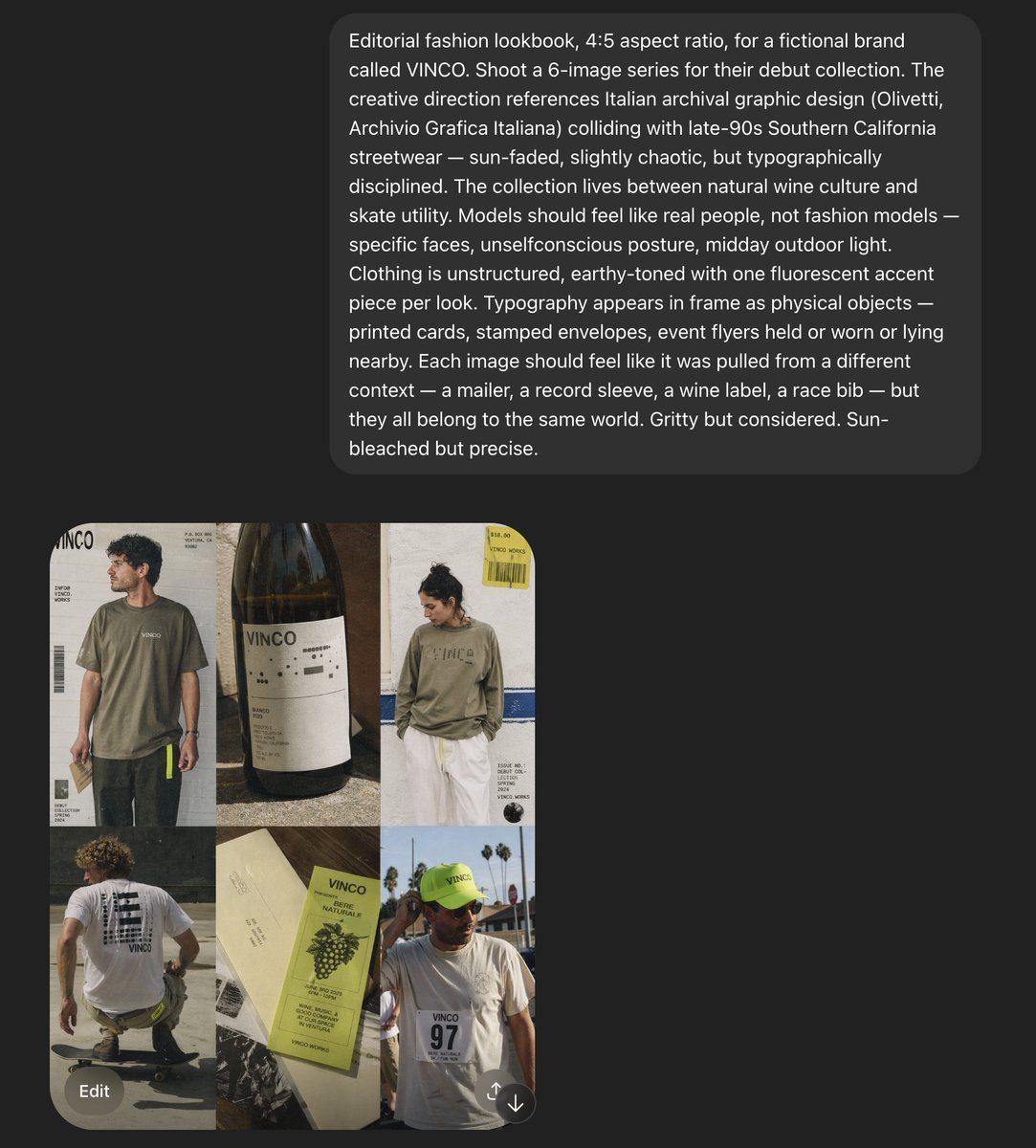
VINCO Editorial Moodboard Screenshot
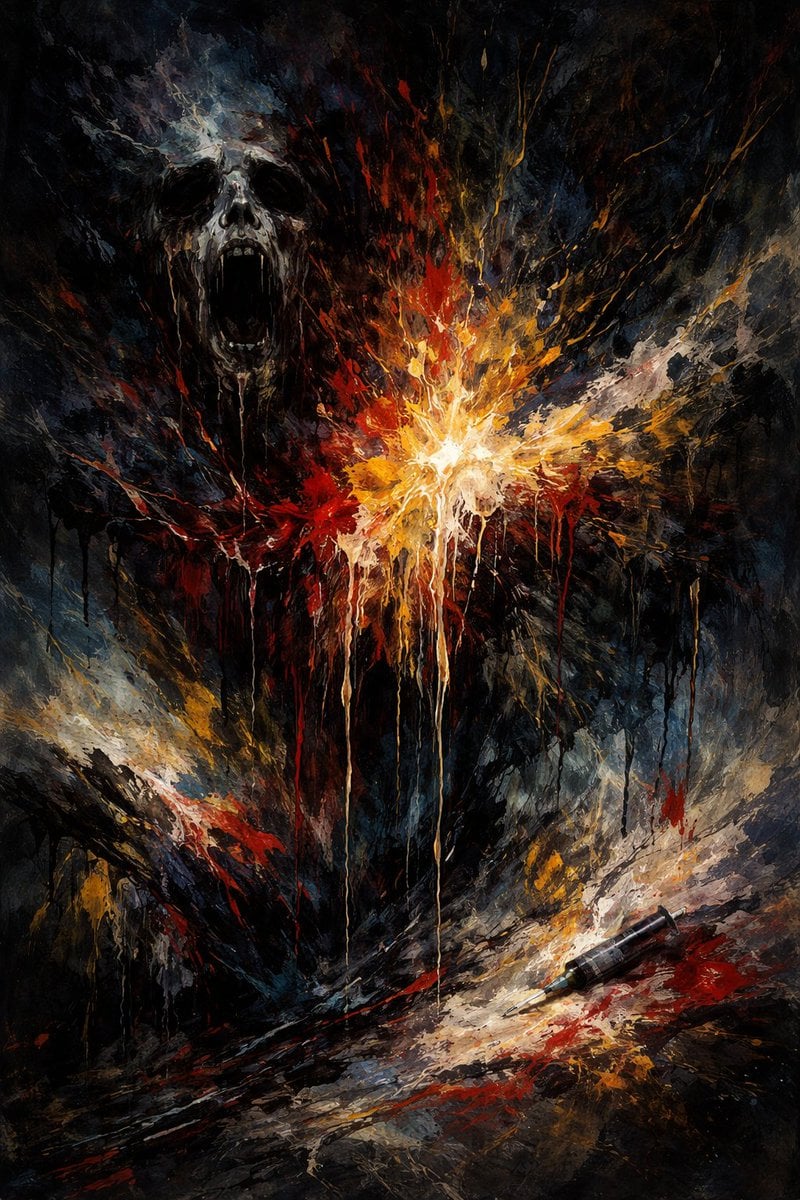
Abstract Art Inspired by Music Prompt
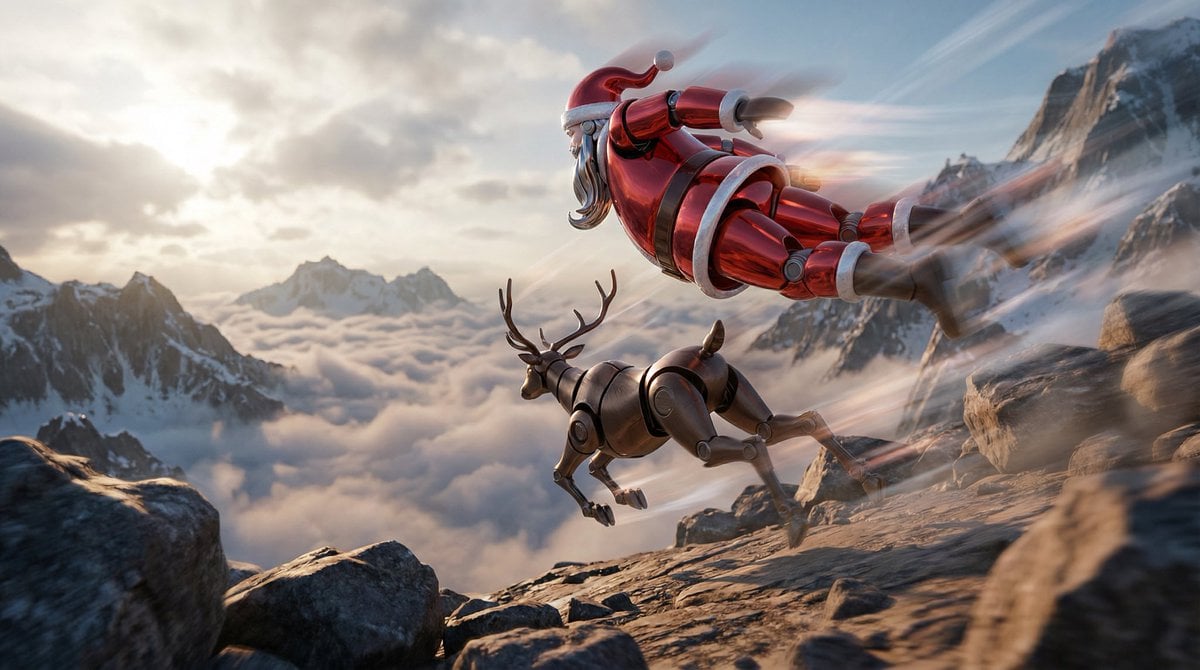
Semi-Realistic Dogfight between Santa and Reindeer Robots
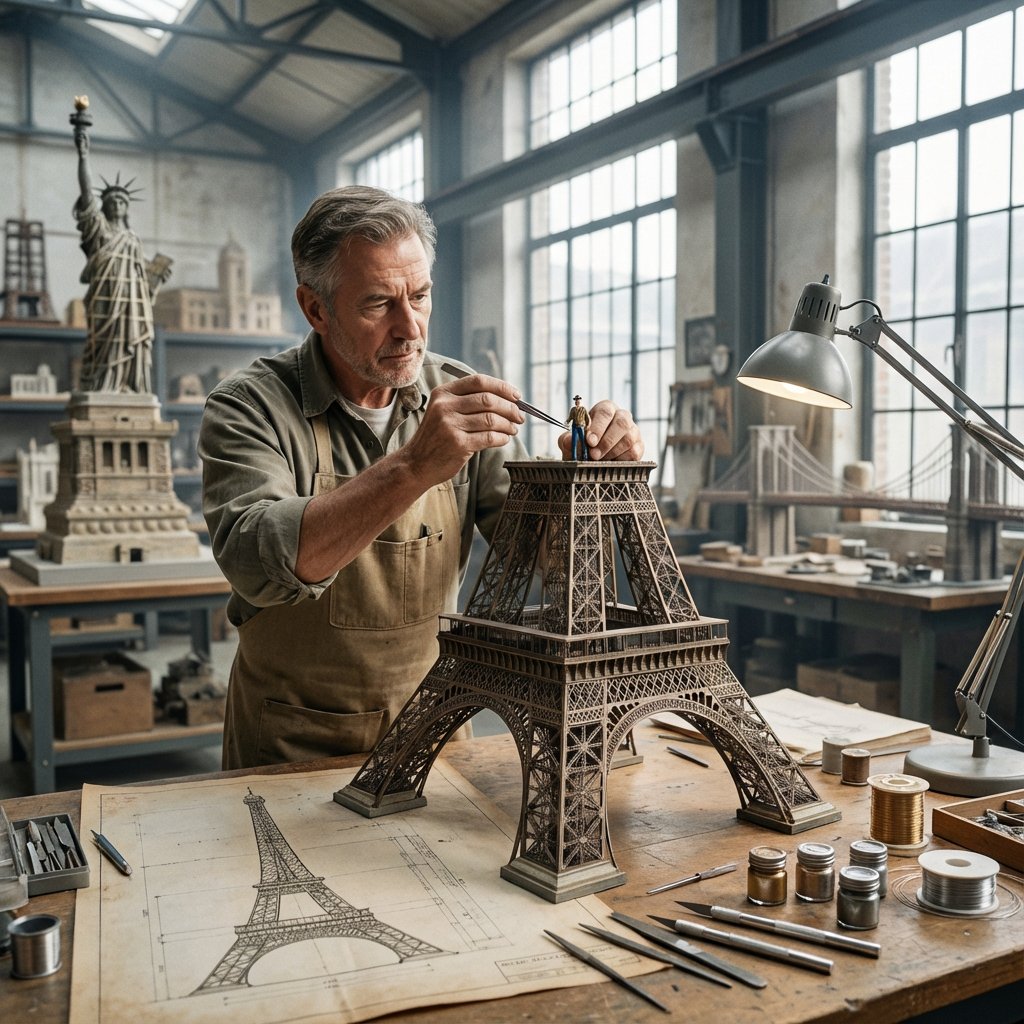
Master Model Maker Concept Template
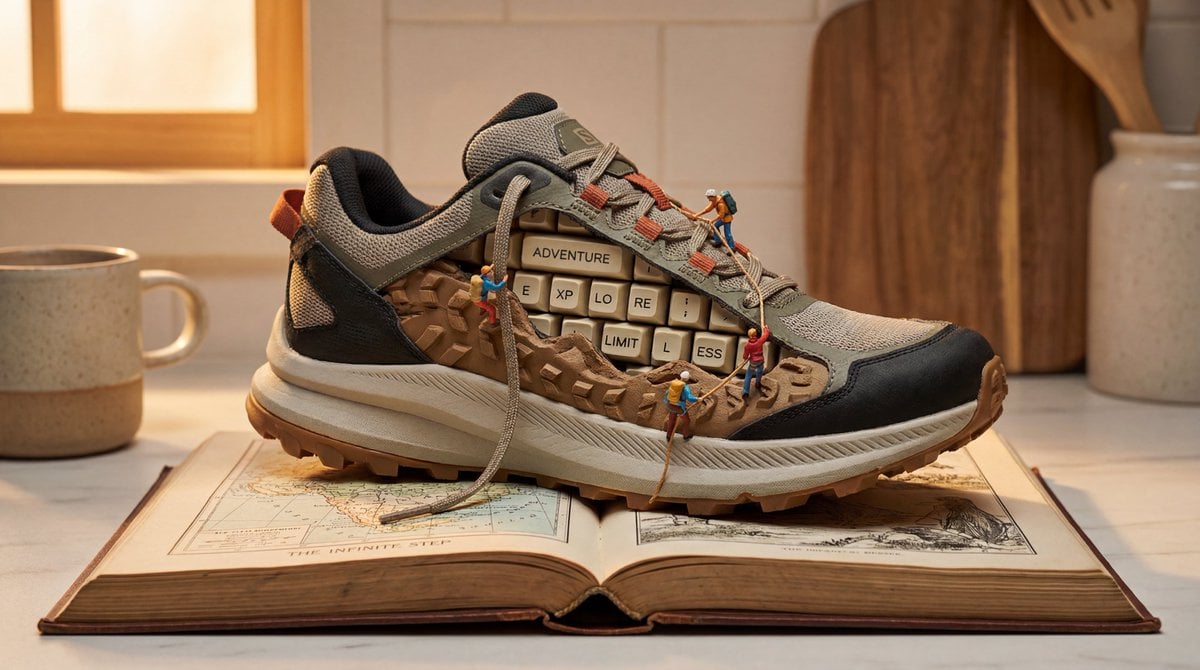
Nano Banana Pro Prompt for Miniature Sneaker Scene
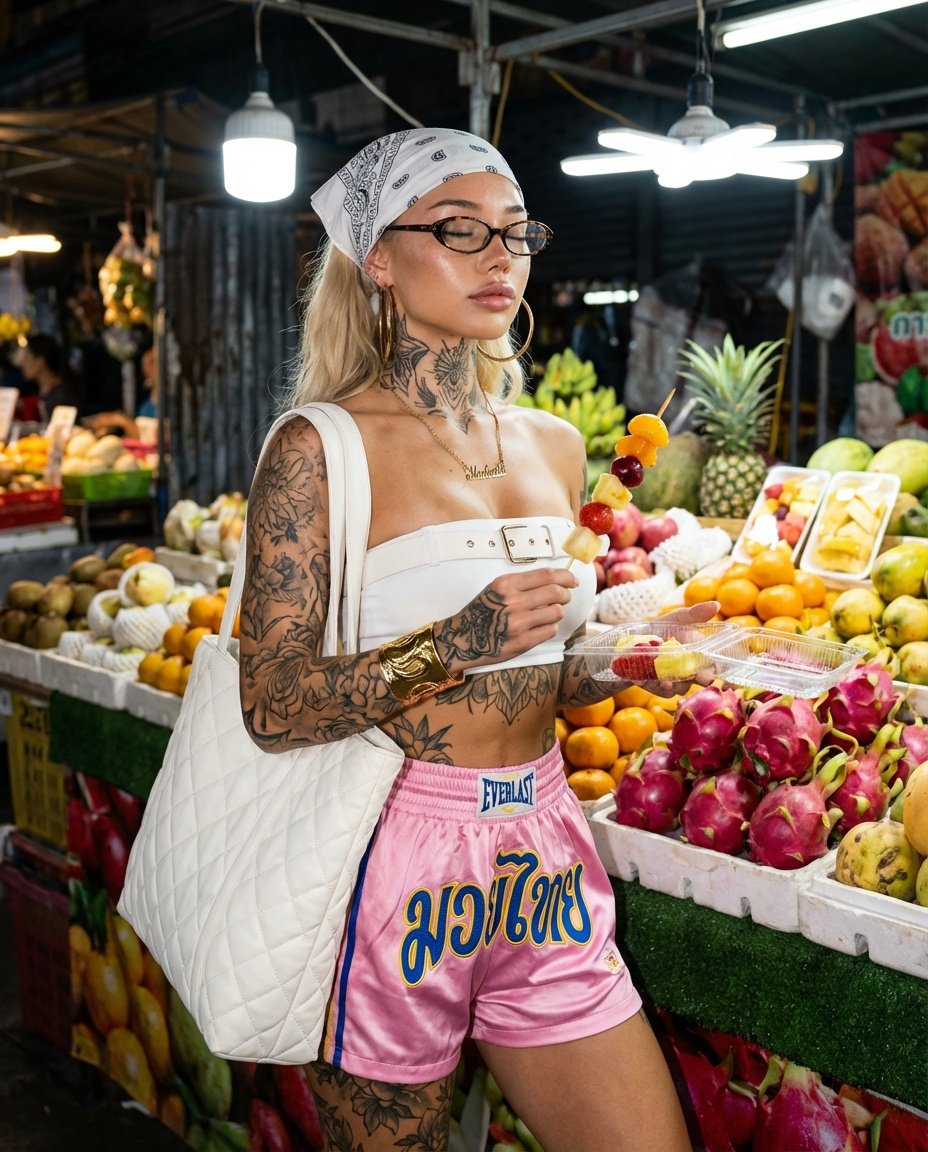
Photorealistic Night Market Street Portrait Prompt
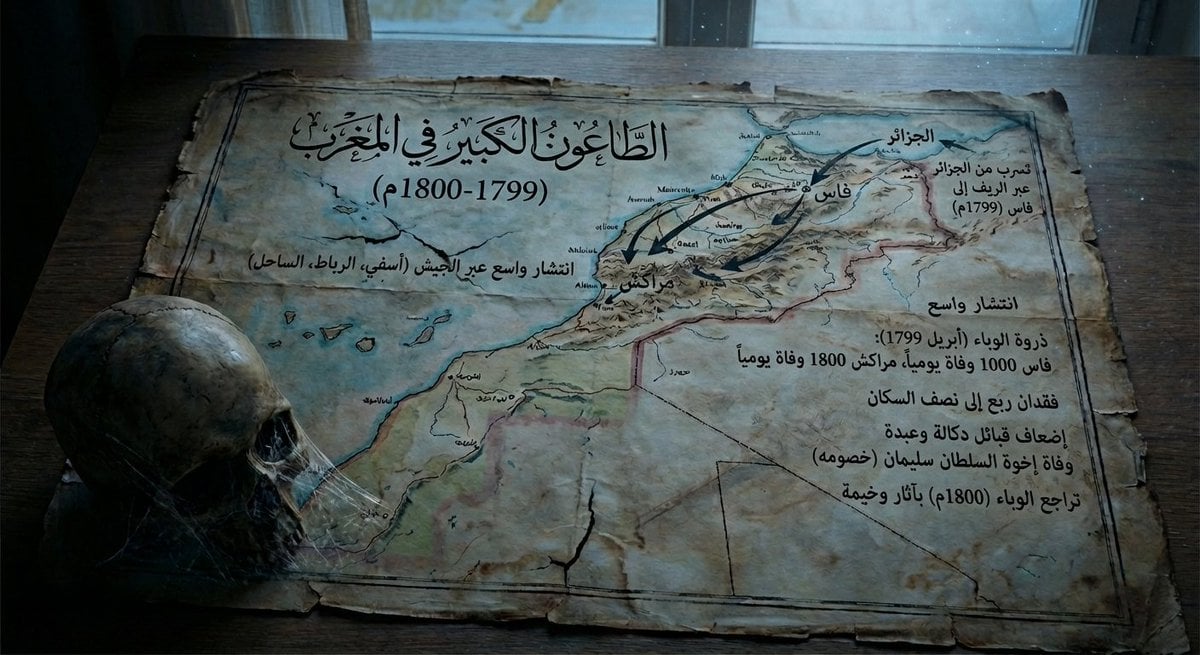
Map of Morocco in 1799–1800 with plague spread
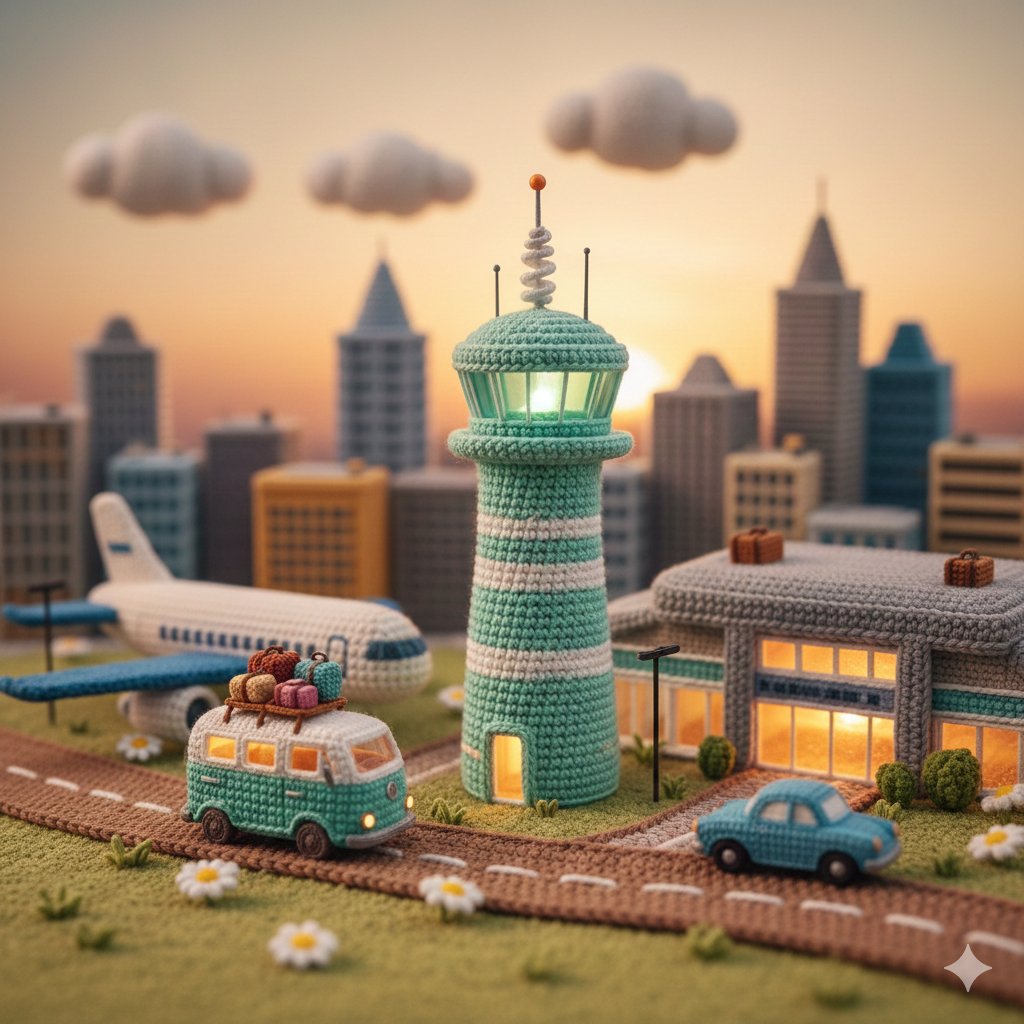
Crocheted Miniature Airport Diorama Prompt
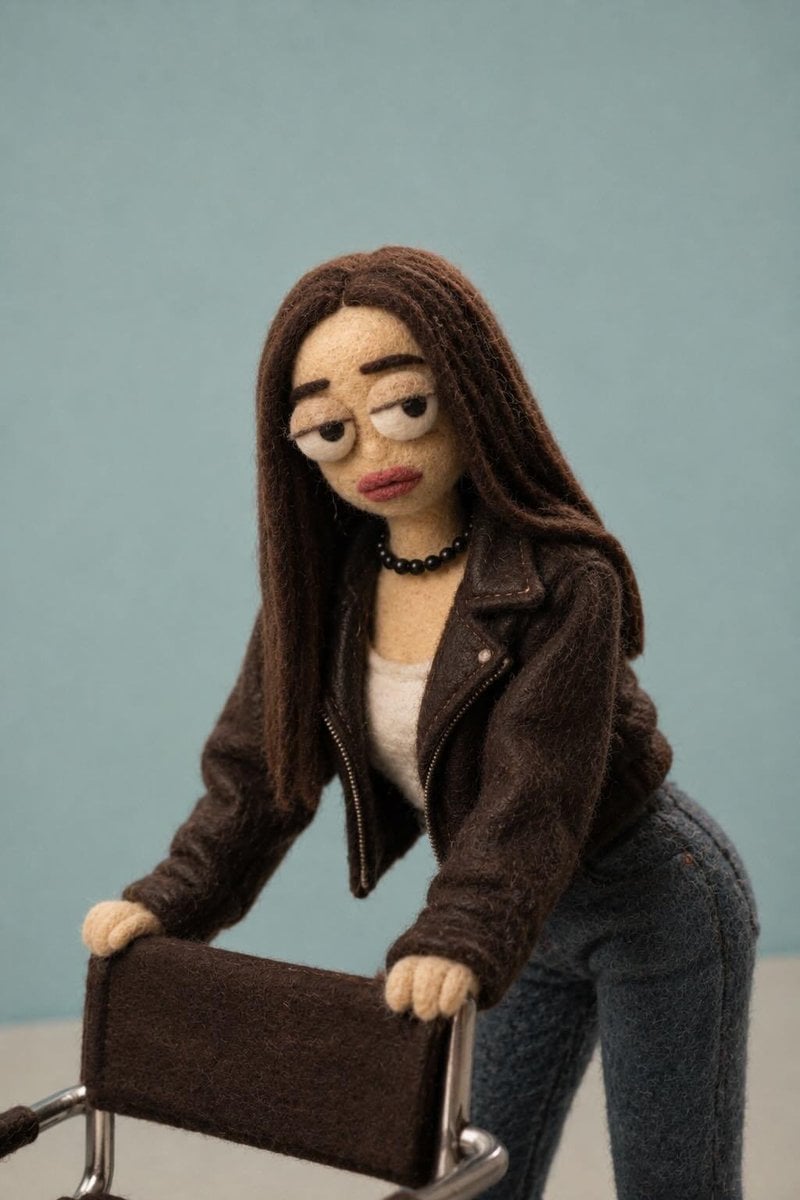
Needle-Felt Stop-Motion Transformation
Browse template categories
Ancient Painting to Real Scene Photo questions
How do I use the Ancient Painting to Real Scene Photo template?
Add your photo if the template asks for one, edit the prompt if you like — the template's model and format are already selected — and press Generate. Your version opens in PicX Studio.
Can I customize the Ancient Painting to Real Scene Photo template?
Yes. You can change the subject, setting, lighting, mood, format, and available model controls before creating your image.
Is the Ancient Painting to Real Scene Photo template free?
Opening and editing this template is free. Generating uses credits, shown on the Generate button when you are signed in.
Which AI model should I use?
Start with GPT Image 2, which is the model associated with this template. You can compare another compatible model for a different finish.
Looking for something else? Browse all templates.

Your photo, any look
Thousands of ready templates for every top image and video model, from one credit balance.