
Surreal Nature in Renaissance Oil Painting Style
A detailed, modular prompt for generating a surreal nature scene rendered in the style of a grand Renaissance oil painting, focusing on classical composition, chiaroscuro lighting, specific botanical details, and a…
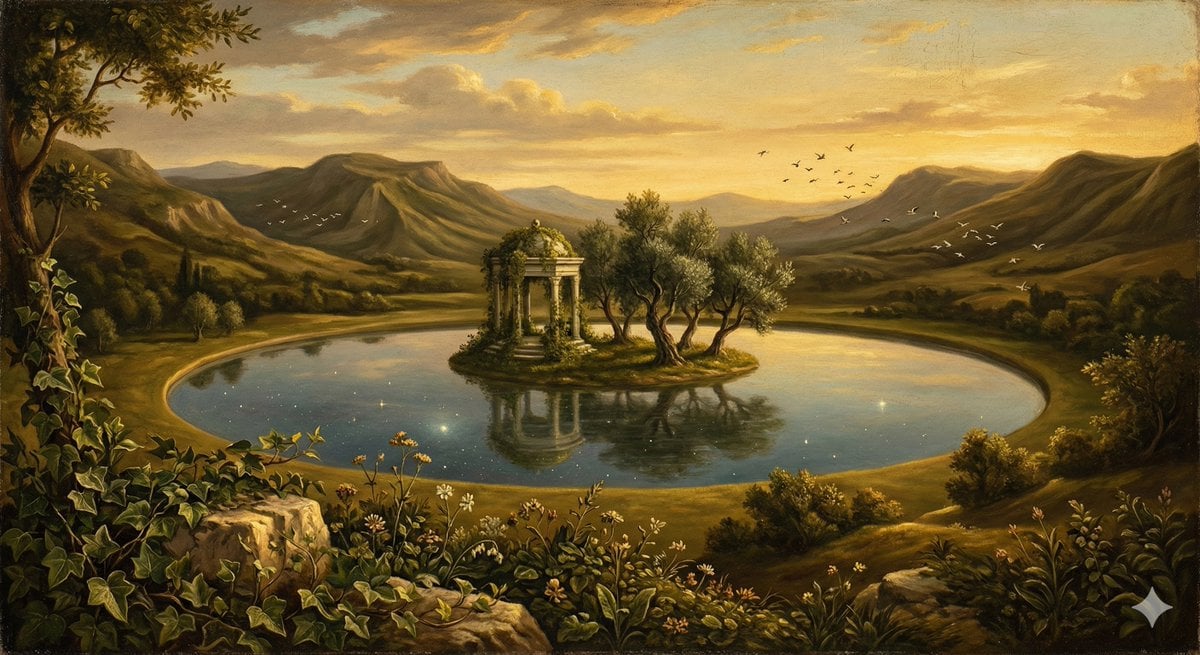
- Prompt included
- Model and format preset
- Premium template
The prompt behind this image
Copy the exact prompt behind Surreal Nature in Renaissance Oil Painting Style, or open it in the studio and make it yours.
SURREAL NATURE SCENE — RENAISSANCE OIL PAINTING STYLE (MODULAR) SCENE TYPE / SETTING A vast mythic natural valley rendered as a grand Renaissance landscape, with monumental cliffs, winding rivers, and layered atmospheric distance arranged with classical painterly balance and geometric harmony. PRIMARY FOCAL SUBJECT At the center stands a serene circular lake shaped like a perfect mirror, from which rises a small sacred island crowned by an elegant marble pavilion partly reclaimed by nature, serving as the compositional anchor. SURREAL NATURAL ELEMENTS The lake reflects not the sky above but an entirely different celestial scene; distant hills gently fold upward like draped fabric; flocks of birds freeze mid-flight in calm suspended formations, reinforcing dreamlike stillness. FLORA / ENVIRONMENTAL DETAIL Foreground filled with highly observed Renaissance-style botanical detail: wildflowers, ivy-covered stones, twisting olive trees, soft meadow grasses, and carefully painted natural textures emphasizing observational realism. LIGHTING / RENAISSANCE ATMOSPHERE Warm late-afternoon golden illumination with classical Renaissance chiaroscuro; soft directional sunlight from one side, long shadows, glowing horizon haze, gentle atmospheric perspective, and subtle divine-style sky radiance. COLOR PALETTE Traditional oil painting palette using earthy umbers, warm ochres, muted forest greens, deep ultramarine sky tones, soft flesh-like warm highlights, and restrained natural pigments consistent with historical Renaissance paintings. COMPOSITION / CAMERA LOGIC Classical Renaissance triangular composition: detailed botanical foreground, midground sacred island focal point, distant layered mountains fading into atmospheric haze; horizon placed slightly high for landscape dominance. RENDER STYLE / MATERIAL EXECUTION Highly detailed Renaissance oil painting execution with visible brushwork texture, layered glazing, soft pigment blending, subtle canvas grain, historical masterwork aesthetic, contemplative sacred-natural mood, timeless and poetic rather than fantastical chaos.
How to use Surreal Nature in Renaissance Oil Painting Style in 3 steps
- 1
Open
The prompt is already in the box next to the preview, with the template's model and format selected.
- 2…a portrait of your subject in softgolden-hour light, 85mm…
Personalize
Edit the subject and creative details for your destination.
- 3Generate
Generate
Press Generate — your image is created in PicX Studio, so you can compare it with the original and refine one variable at a time.
More like this
Templates with the same subject, style or setup. Open one to see its prompt.
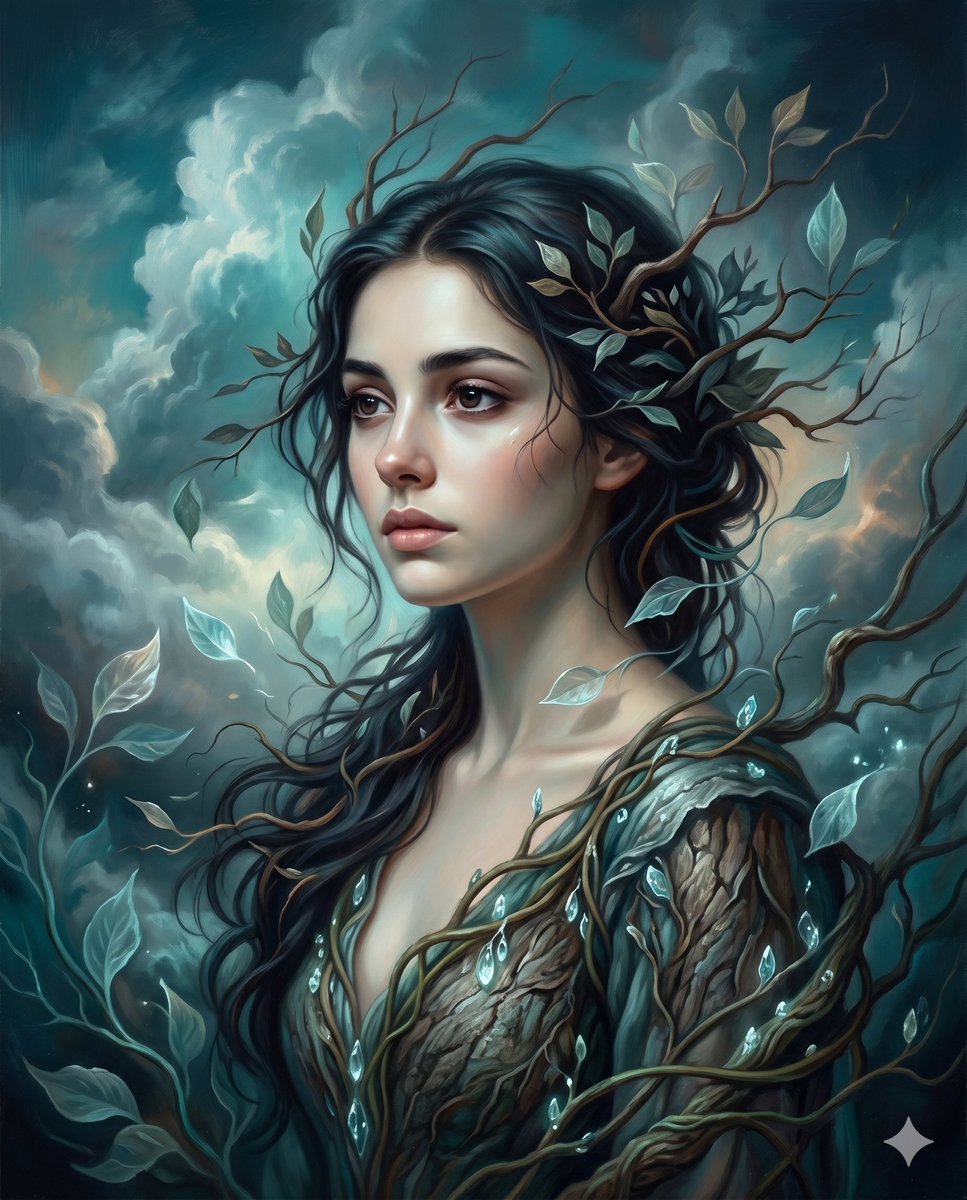
Surrealist romantic oil painting
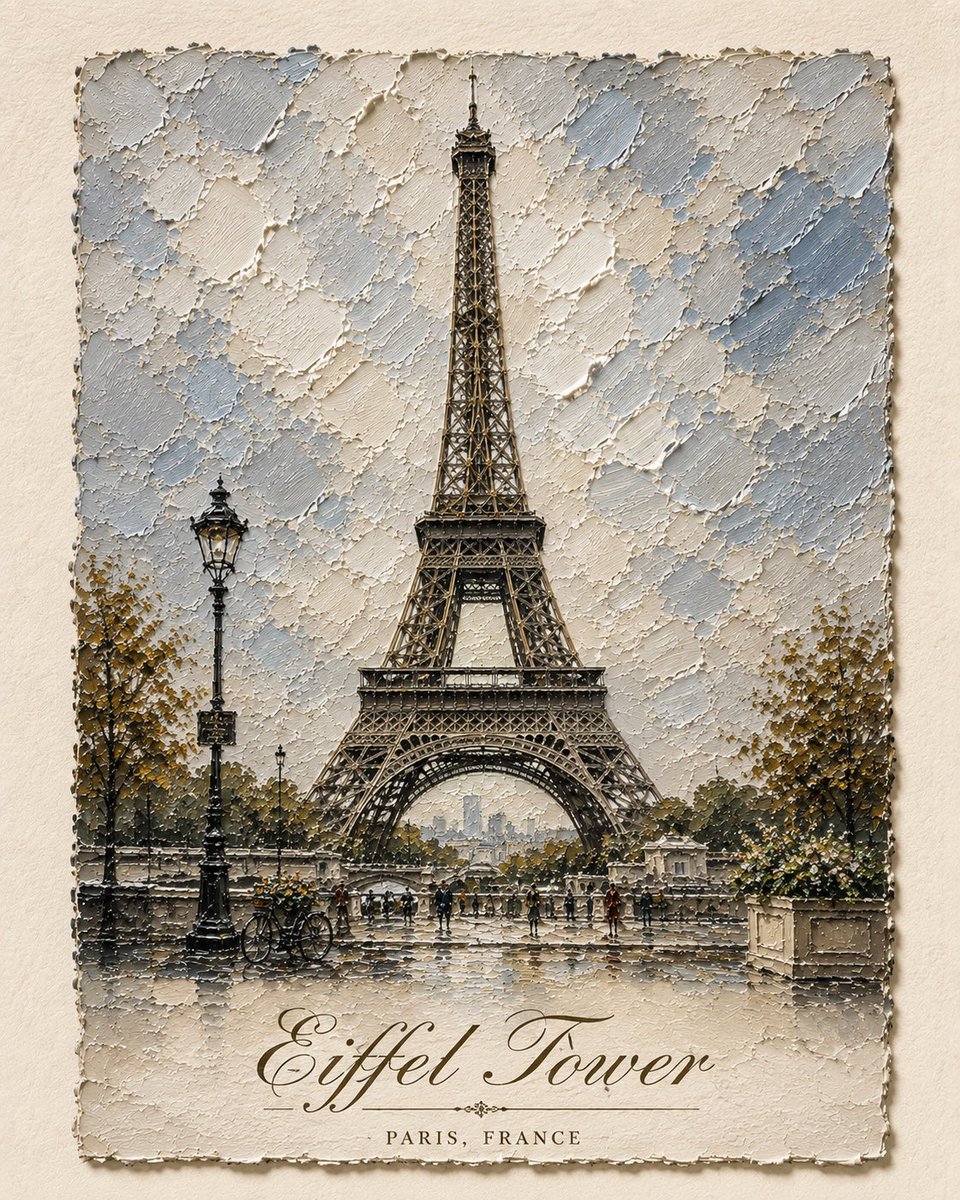
Impasto Oil Architectural Painting

Teen Girl Alpine Lake Mountain View
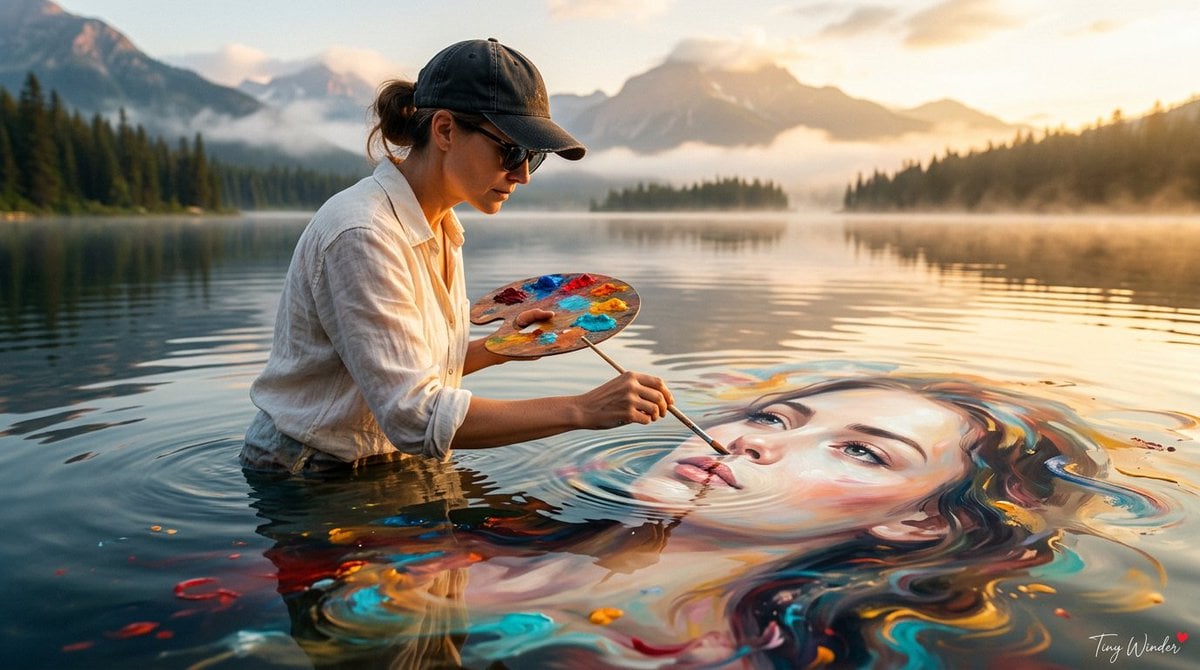
Surreal Fine Art Water Painting Portrait

Surreal Cat Astronaut — Humanoid Face Freefall

Mountain Lake Sunset Landscape
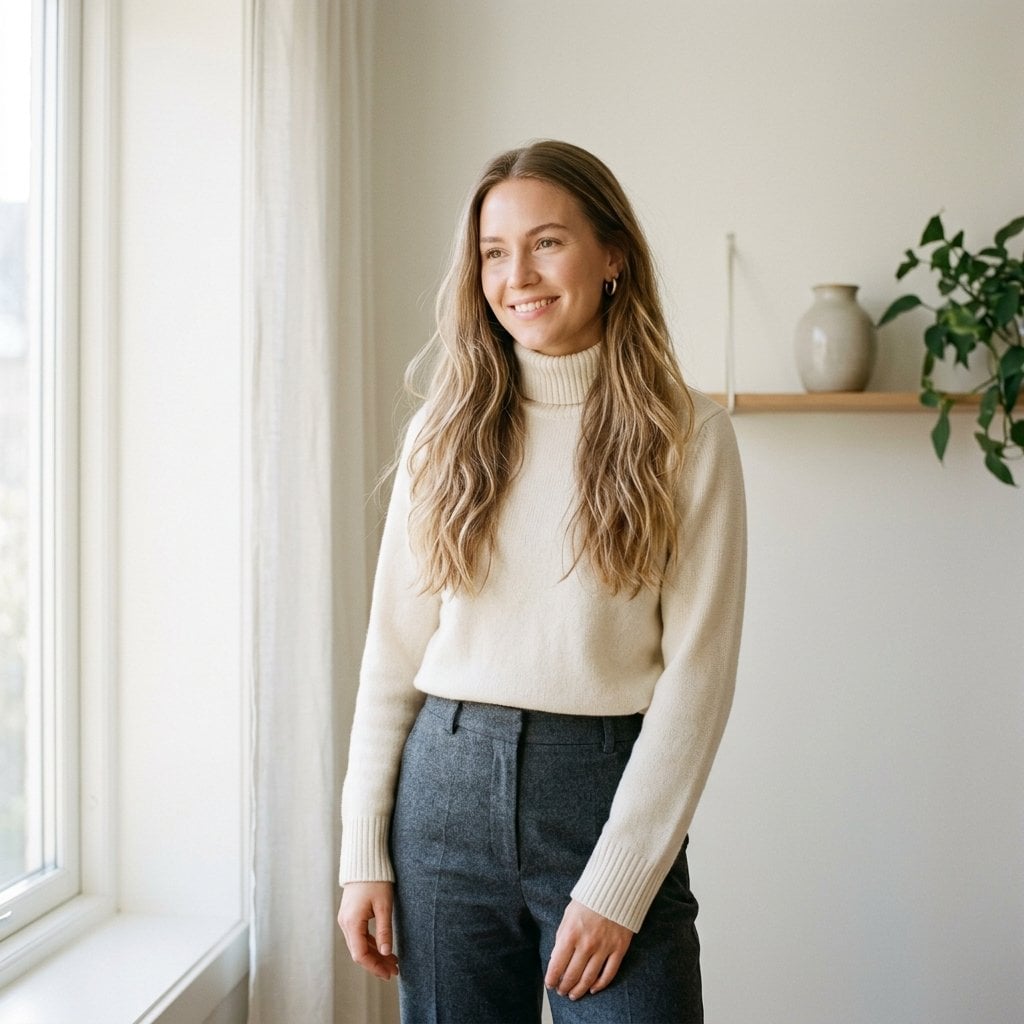
Fashion Oil Painting Aesthetic
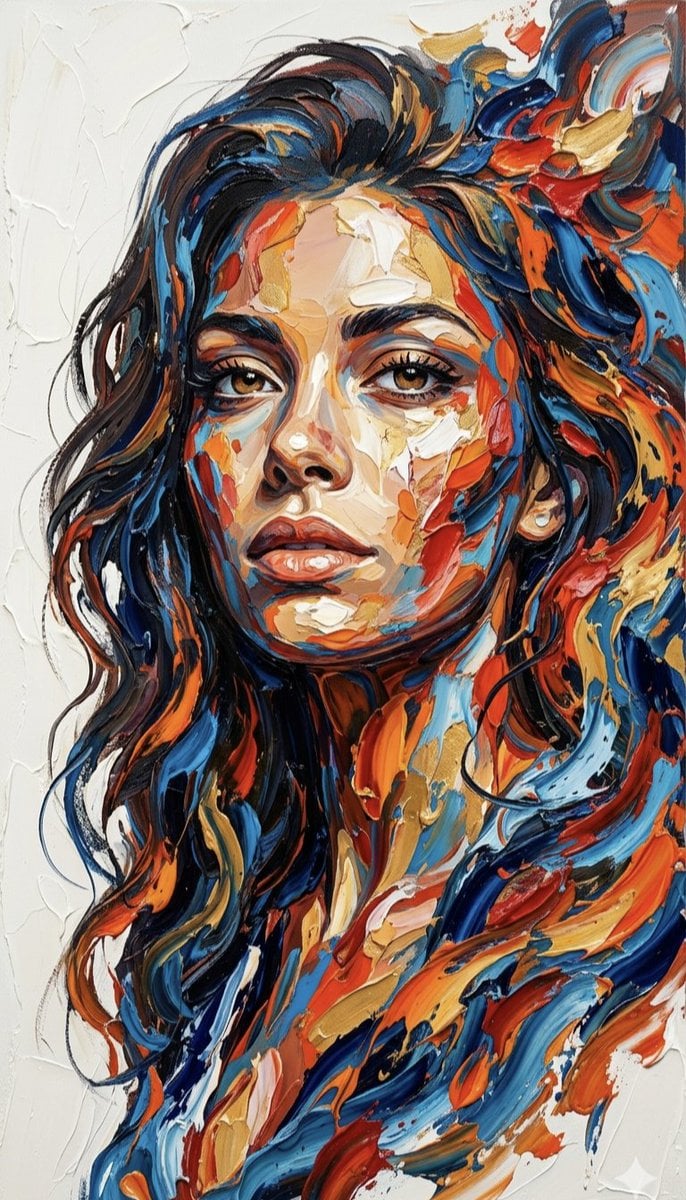
Impasto Palette Knife Oil Painting
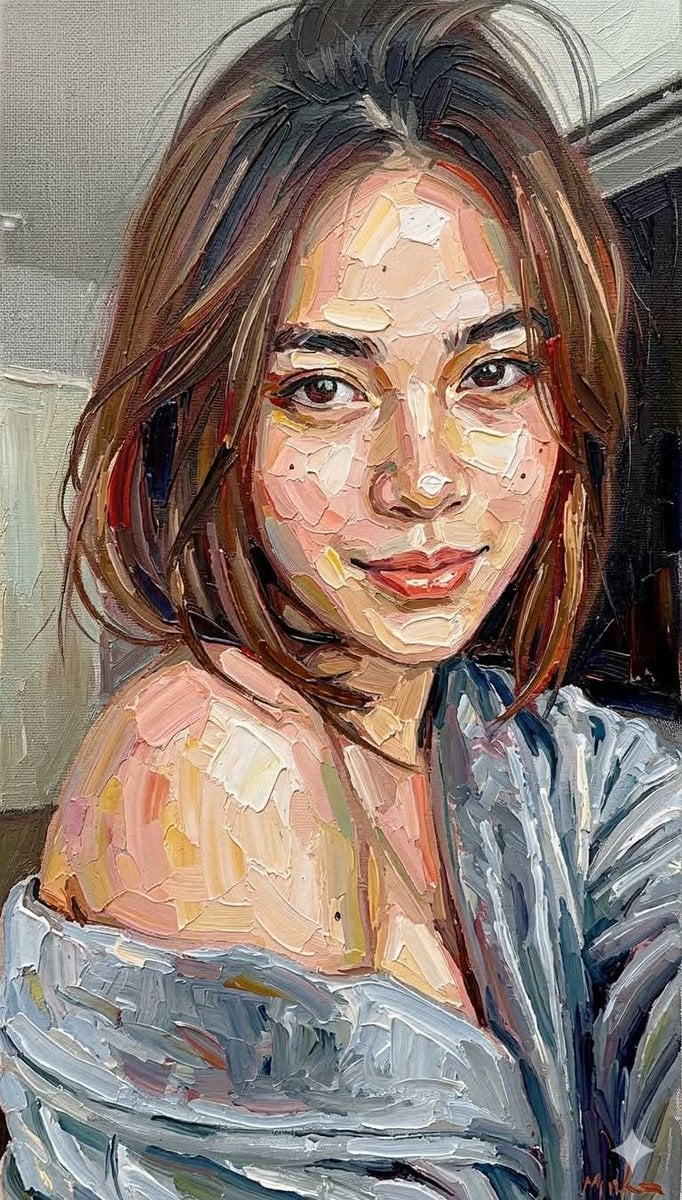
Impasto Oil Painting Portrait Style
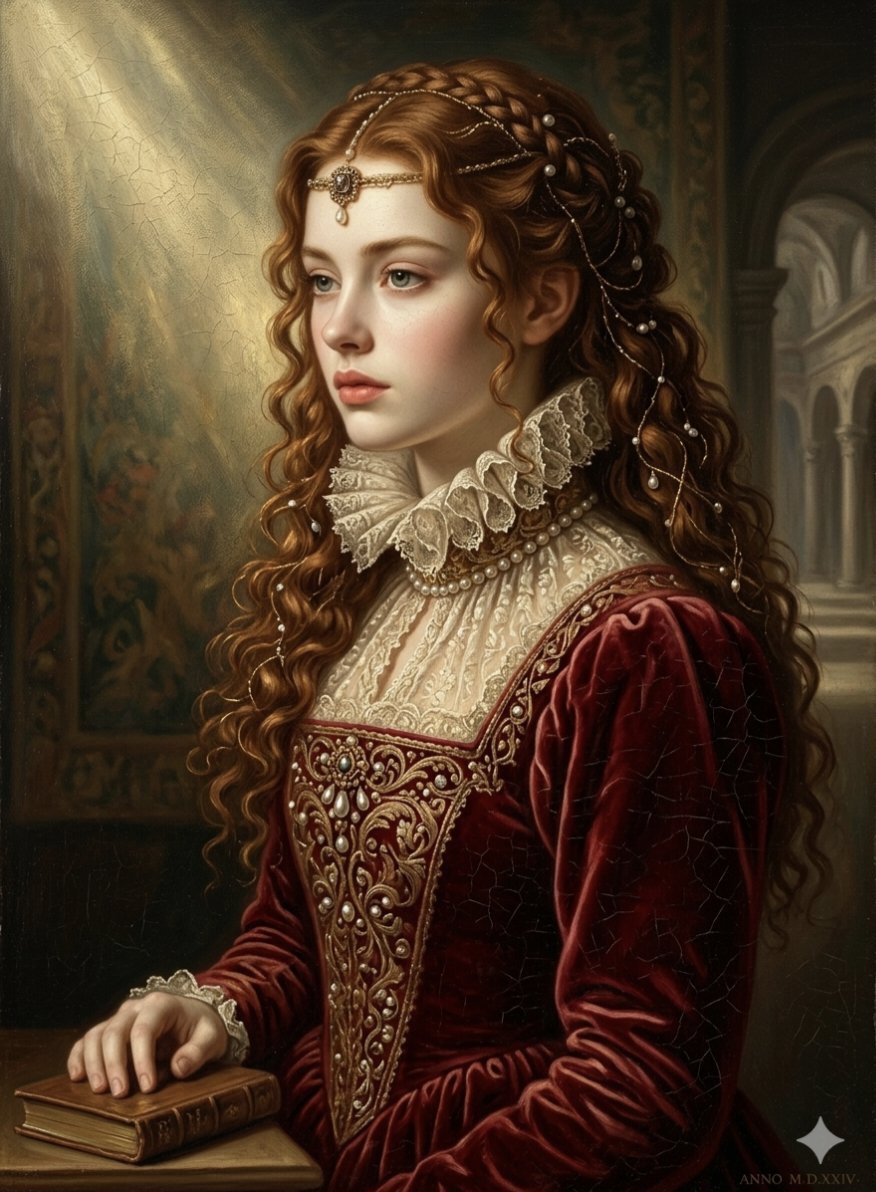
Renaissance Noblewoman Oil Portrait
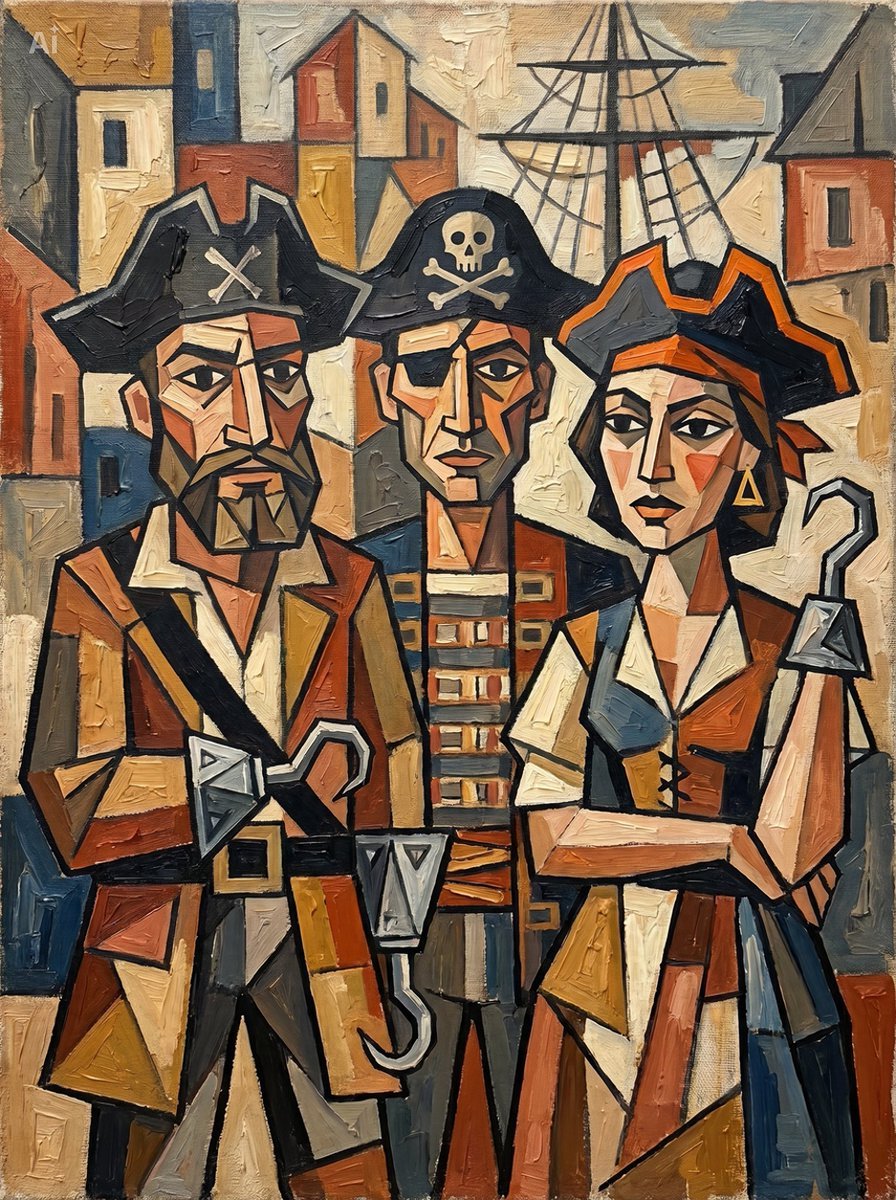
Cubist Pirate Oil Painting

Oil Painting Still Life Wine
Make it yours
Surreal Nature in Renaissance Oil Painting Style works as-is. These are the safest ways to change it without losing the look.
Change one field
Copy a single group, rewrite it, and generate again so you can see what that field is doing.
Keep the frame, change the subject
Hold the composition and light of Surreal Nature in Renaissance Oil Painting Style, then swap wardrobe, props or the person for a new take.
| If the result… | Why | Fix |
|---|---|---|
| The result drifts from the preview | Too many fields changed at once. | Reuse Surreal Nature in Renaissance Oil Painting Style as-is first, then change one group — subject, light, or setting. |
| The model over-stylizes the scene | The prose prompt leaves finish and camera underspecified. | Add one camera or lighting sentence and stay on Nano Banana 2. |
More Nano Banana 2 templates
Other prompts made for Nano Banana 2.

Photorealistic Leaf Shaped Like a Dragon

K-Pop Idol Portrait Grid for Rapid Selection

Poetic Rain Forest Portrait During Golden Hour

Urban Street Portrait with Cartoon Inner Self Duo

Candid Nighttime Photo with Cat Prompt

High-Concept 3D Diorama Generation Prompt

Cinematic Futuristic Studio Portrait Template

Skincare Editorial Photography Collage Prompt

Hyper-Realistic Commercial Product Photography (Splash Effect)

Hyper-Realistic Nightclub Portrait Prompt
More image prompts
Fresh picks from across the catalog.
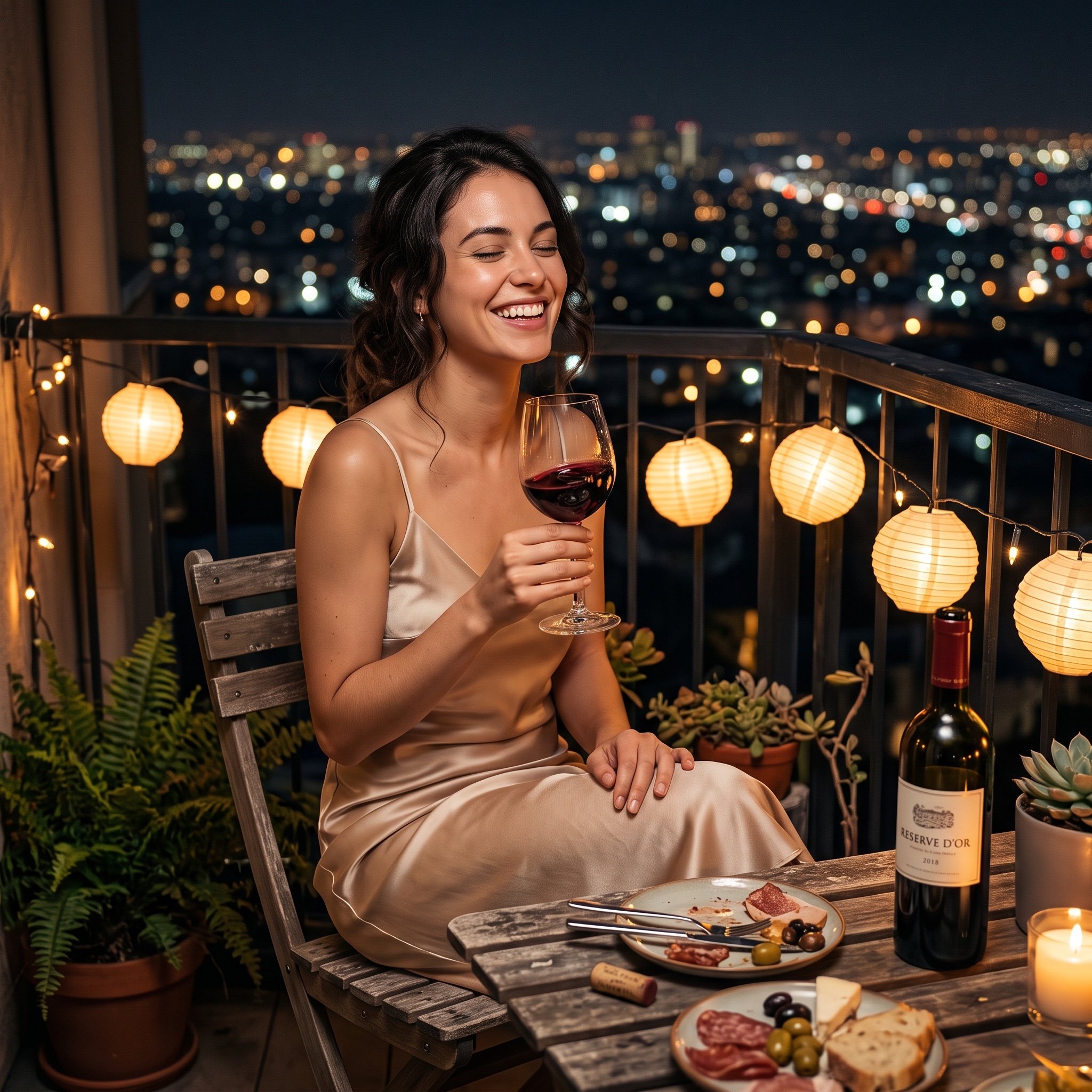
Photorealistic cinematic image prompt for a woman enjoying an evening on a balcony
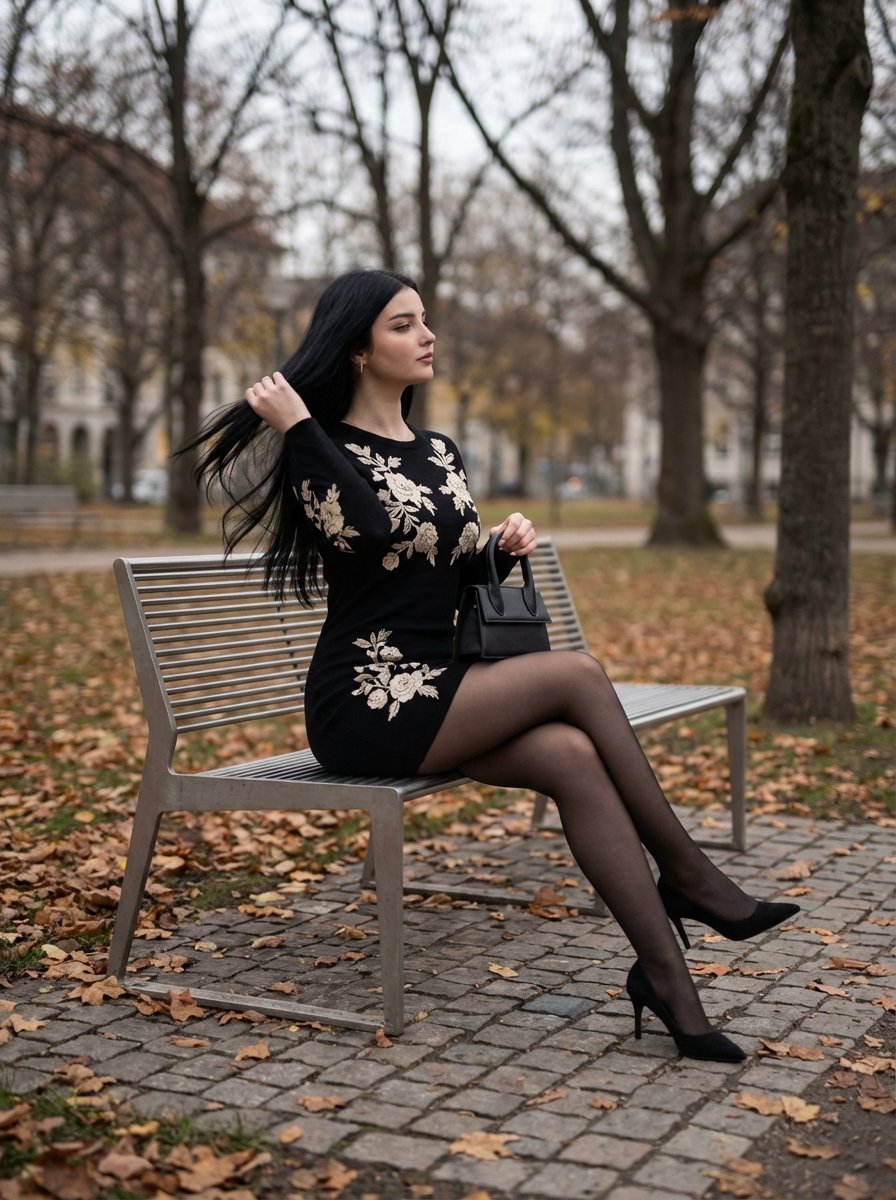
Elegant Autumn City Park Editorial Scene
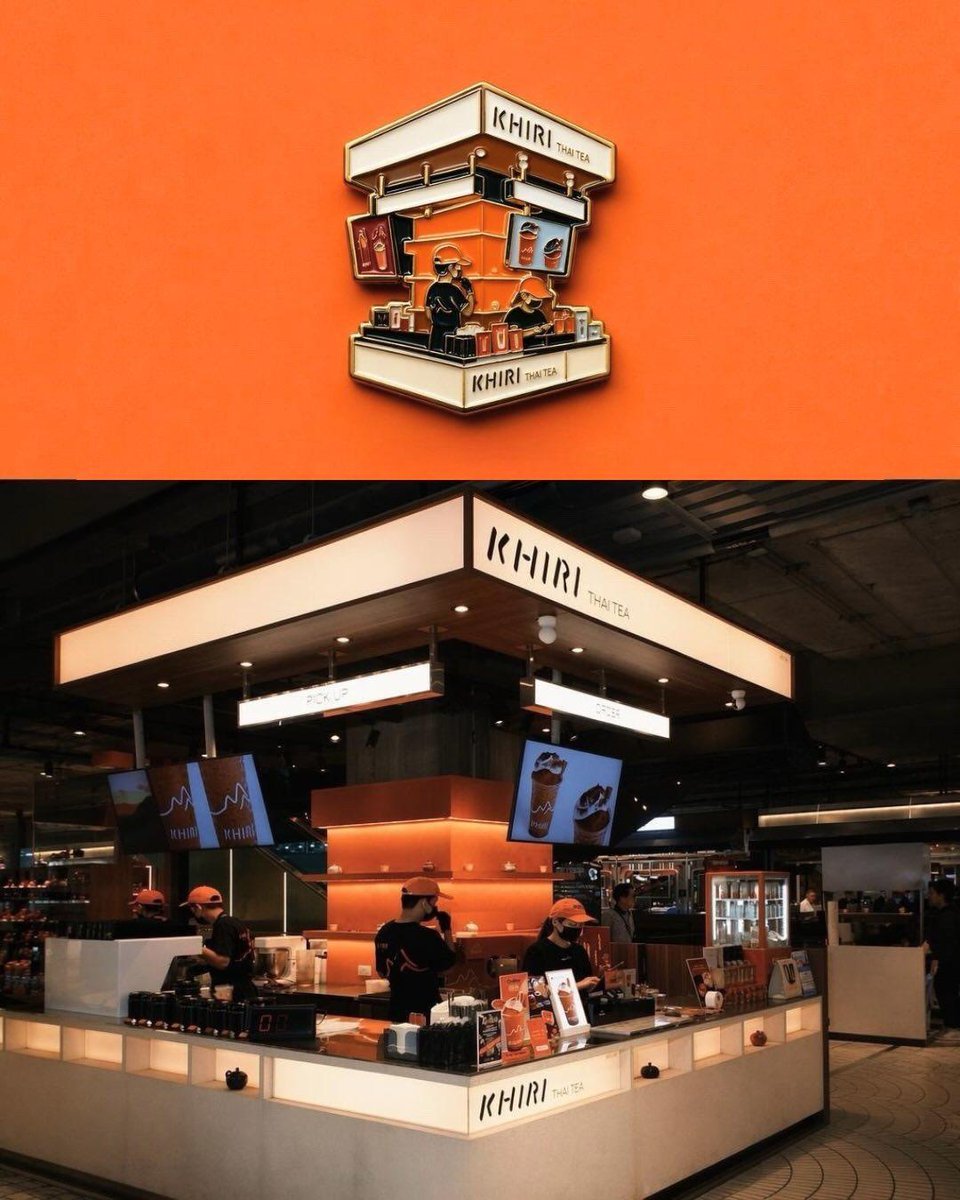
Die-cut Sticker Illustration
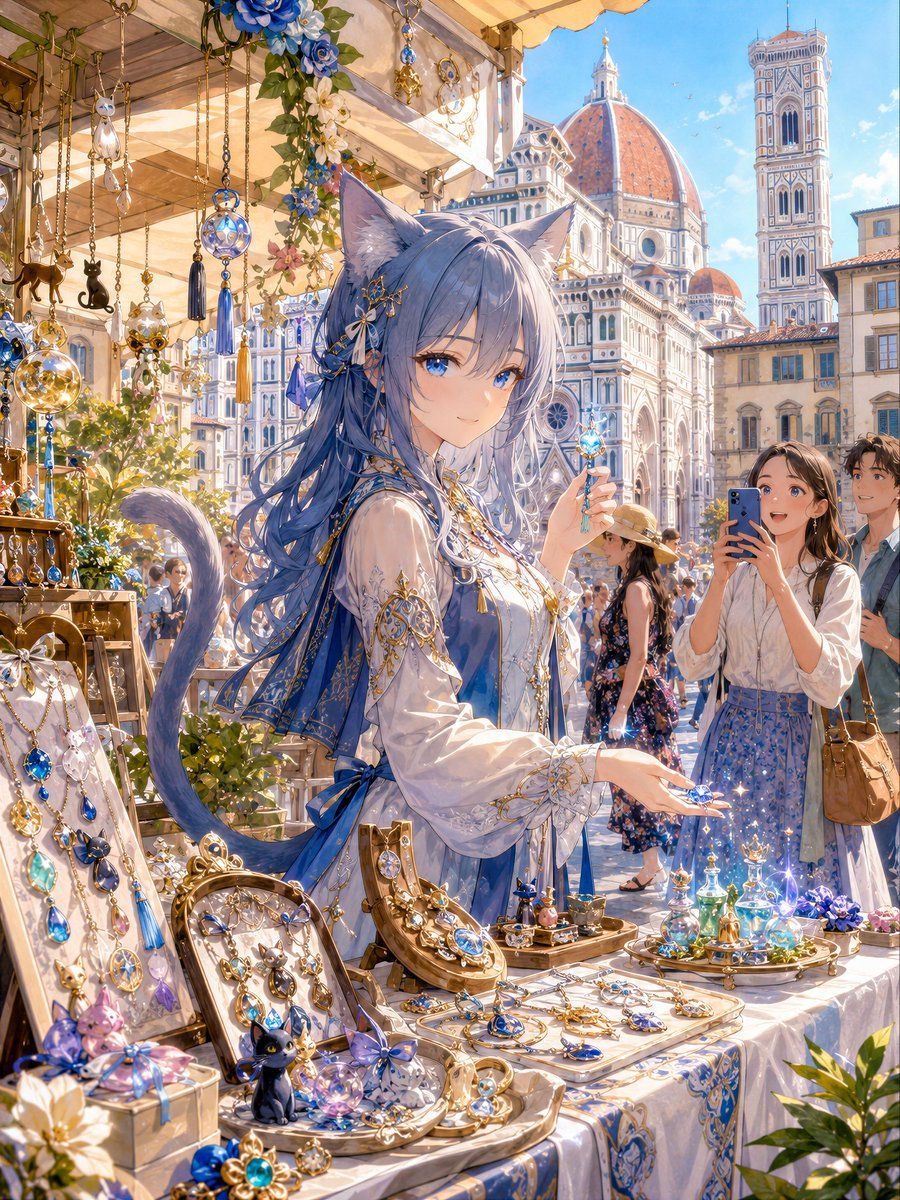
Blue Cat-Ear Shopkeeper Portrait

Line Art Animal Listening to Music
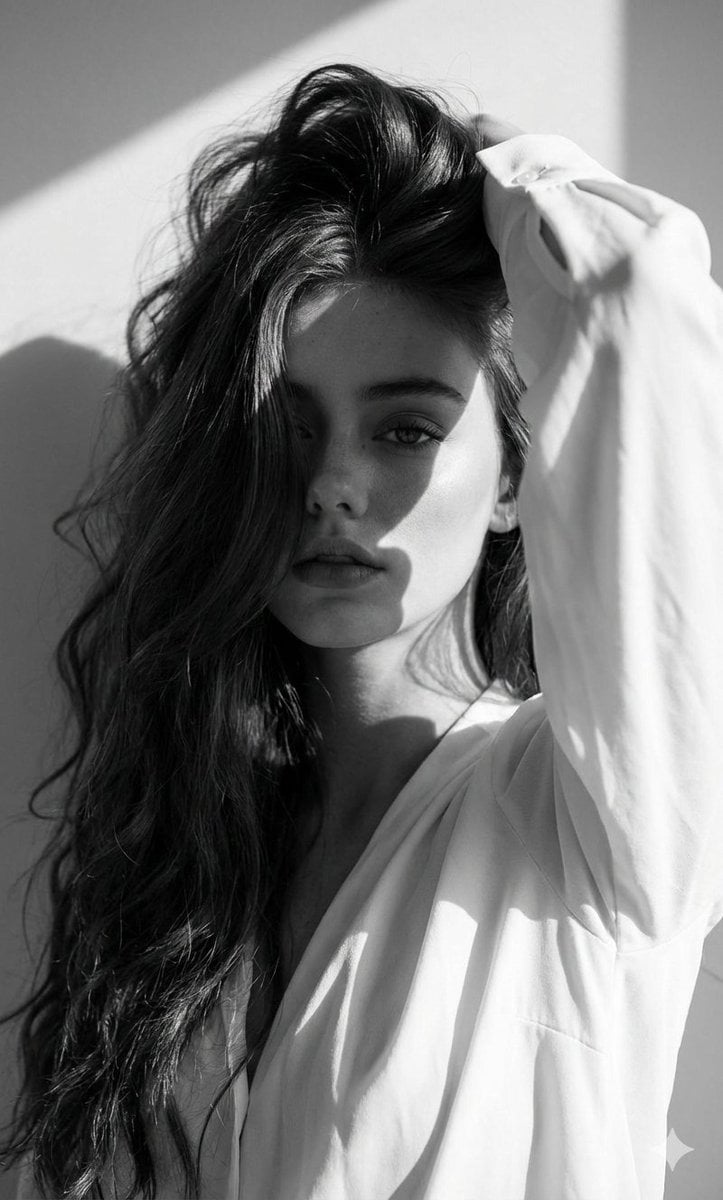
High-Fashion Black and White Editorial Portrait Prompt (Facial Lock)
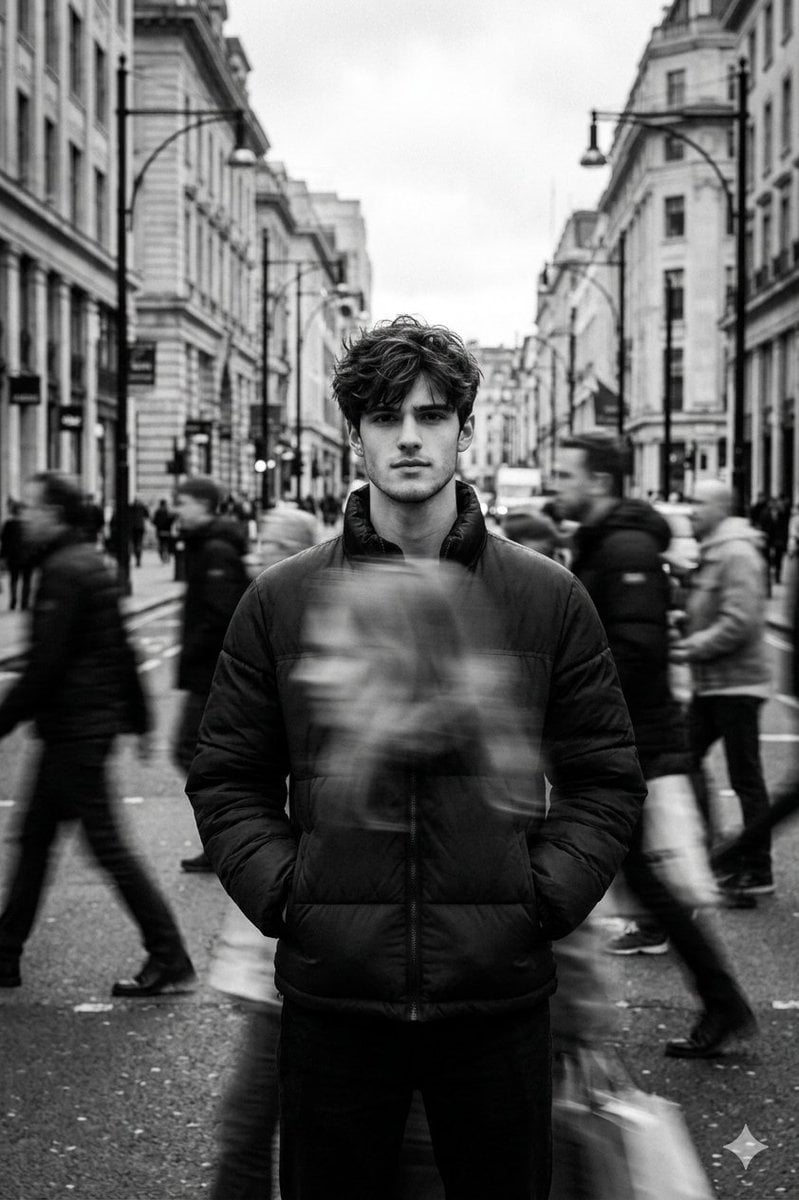
Black and White Cinematic Street Portrait with Motion Blur
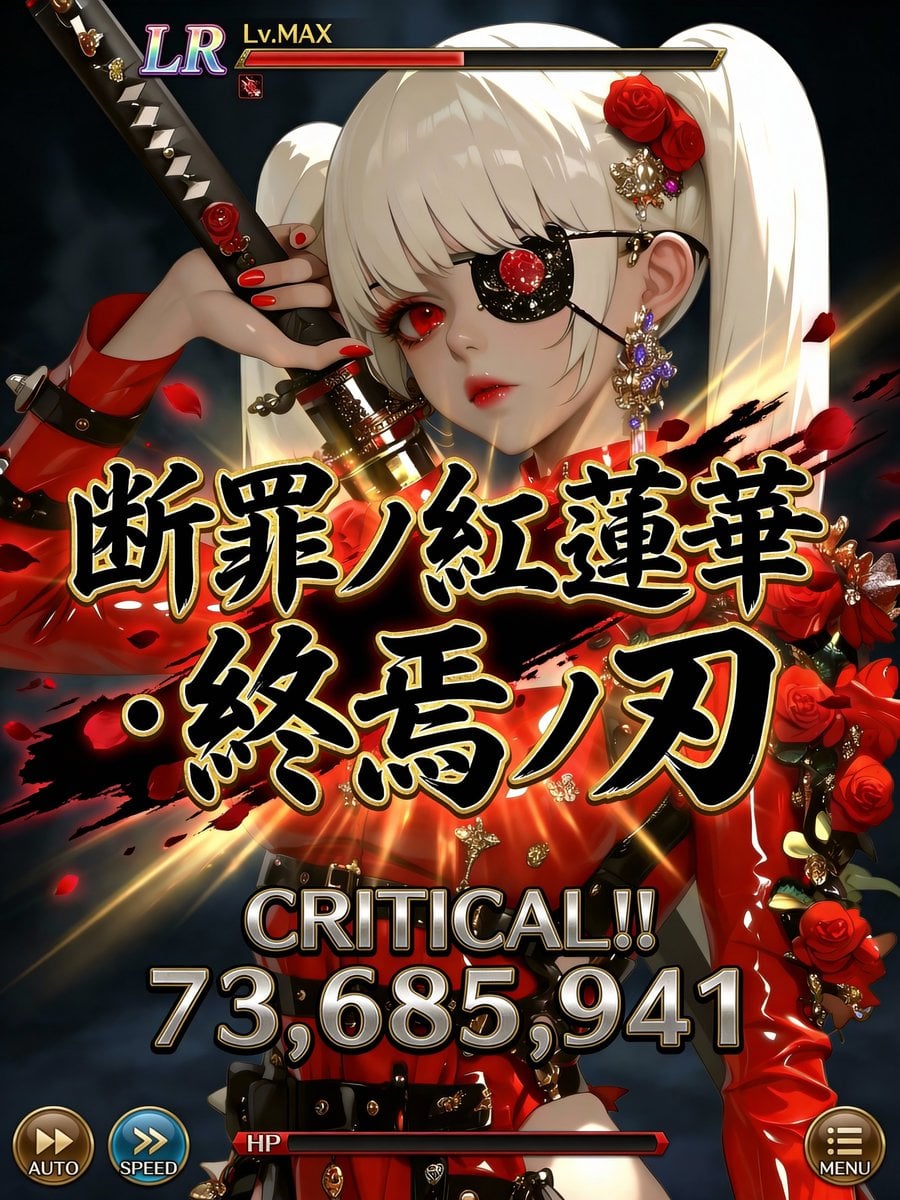
Social Game Special Move Production Prompt for Nano Banana Pro
Video Generation Prompt: Monkey and Firecrackers
Multi Hairstyle Portrait Collage
Browse template categories
Surreal Nature in Renaissance Oil Painting Style questions
How do I use the Surreal Nature in Renaissance Oil Painting Style template?
Add your photo if the template asks for one, edit the prompt if you like — the template's model and format are already selected — and press Generate. Your version opens in PicX Studio.
Can I customize the Surreal Nature in Renaissance Oil Painting Style template?
Yes. You can change the subject, setting, lighting, mood, format, and available model controls before creating your image.
Is the Surreal Nature in Renaissance Oil Painting Style template free?
Opening and editing this template is free. Generating uses credits, shown on the Generate button when you are signed in.
Which AI model should I use?
Start with Nano Banana 2, which is the model associated with this template. You can compare another compatible model for a different finish.
Looking for something else? Browse all templates.

Your photo, any look
Thousands of ready templates for every top image and video model, from one credit balance.