
Video Generation Prompt: Monkey and Firecrackers
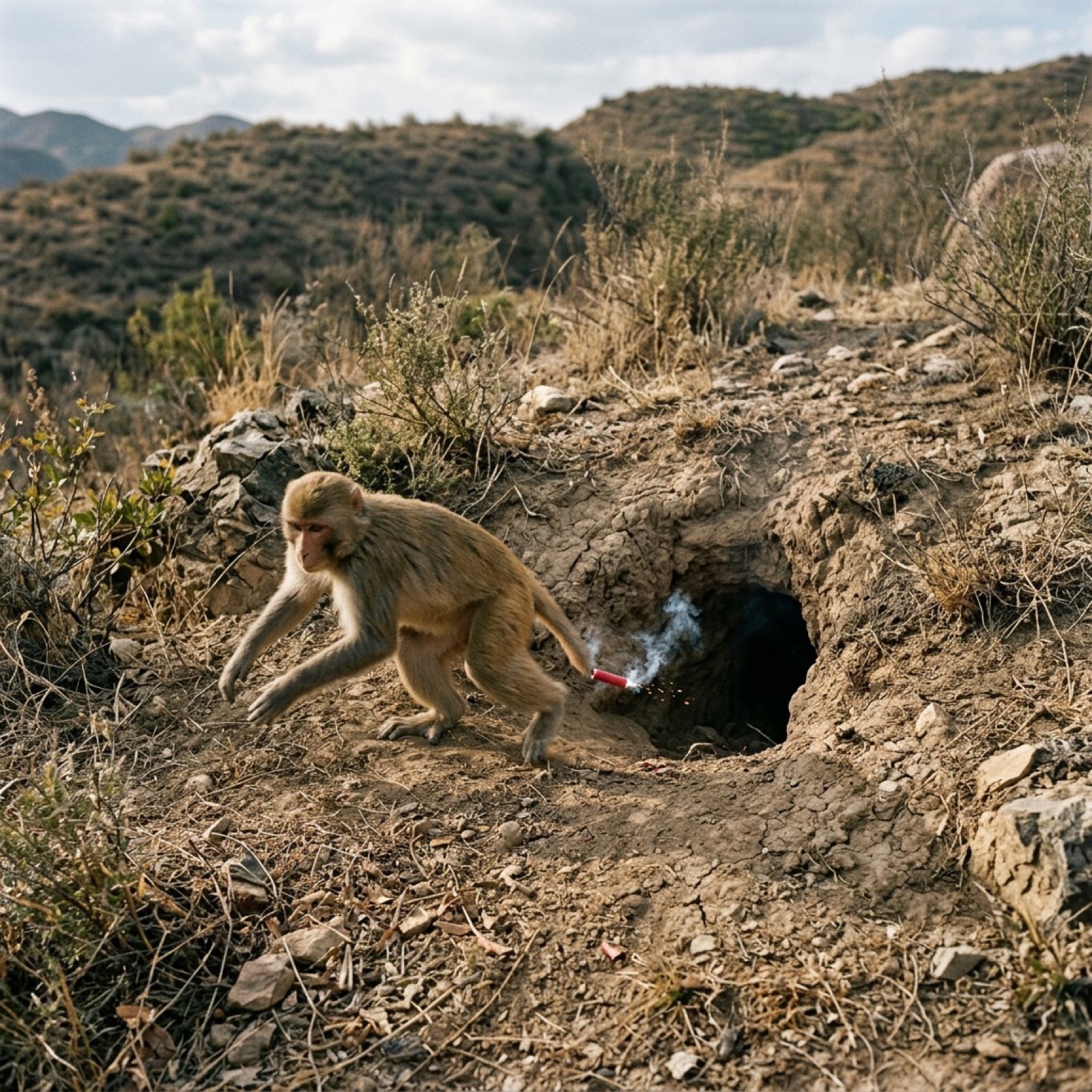
A detailed, multi-scene video generation prompt (likely for a tool like Sora or NanoPhotoAI) describing a sequence where a monkey lights a firecracker and throws it into a hole in the ground, followed by an explosion.
- Prompt included
- Model and format preset
- Free template
The prompt behind this image
Copy the exact prompt behind Video Generation Prompt: Monkey and Firecrackers, or open it in the studio and make it yours.
| 1 | 全景/俯视 | 固定 | 干燥荒野灌木丛背景。一只猴子蹲在土洞边缘,手持点燃冒烟的红色鞭炮,迅速将其扔入洞中并向左逃窜。 | BGM: 无 音效: 导火索燃烧“嘶嘶”声,物体落地声 | 2 | | 2 | 中景/俯视 | 固定 | 镜头聚焦漆黑土洞口。短暂寂静后,洞内传出火光,大量浓烟伴随爆炸闪光涌出。
How to use Video Generation Prompt: Monkey and Firecrackers in 3 steps
- 1
Open
The prompt is already in the box next to the preview, with the template's model and format selected.
- 2…a portrait of your subject in softgolden-hour light, 85mm…
Personalize
Edit the subject and creative details for your destination.
- 3Generate
Generate
Press Generate — your image is created in PicX Studio, so you can compare it with the original and refine one variable at a time.
More like this
Templates with the same subject, style or setup. Open one to see its prompt.
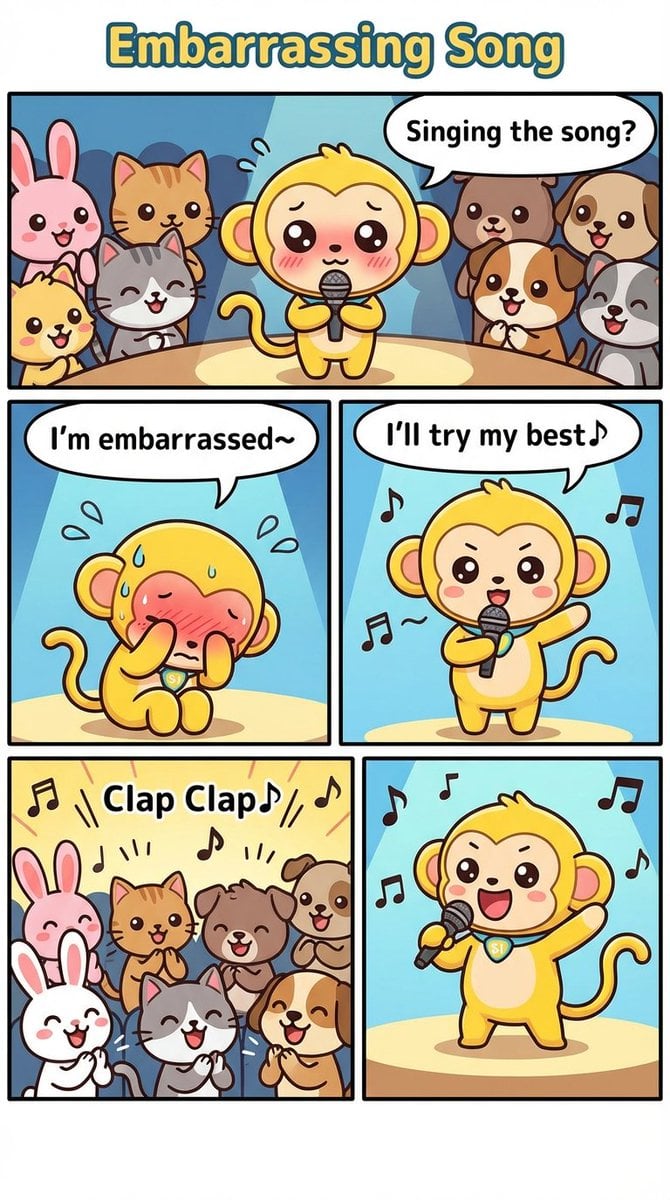
Nano Monkey's Adventure Manga Generation
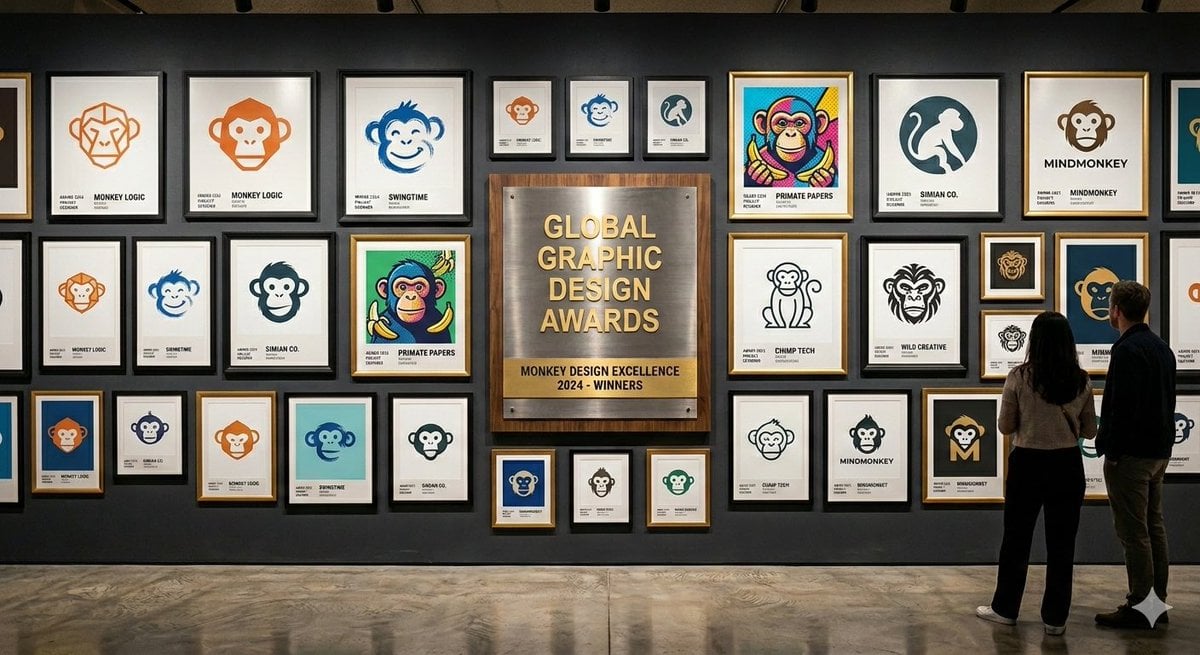
Logo Design Wall Generation Prompt for Monkey Theme
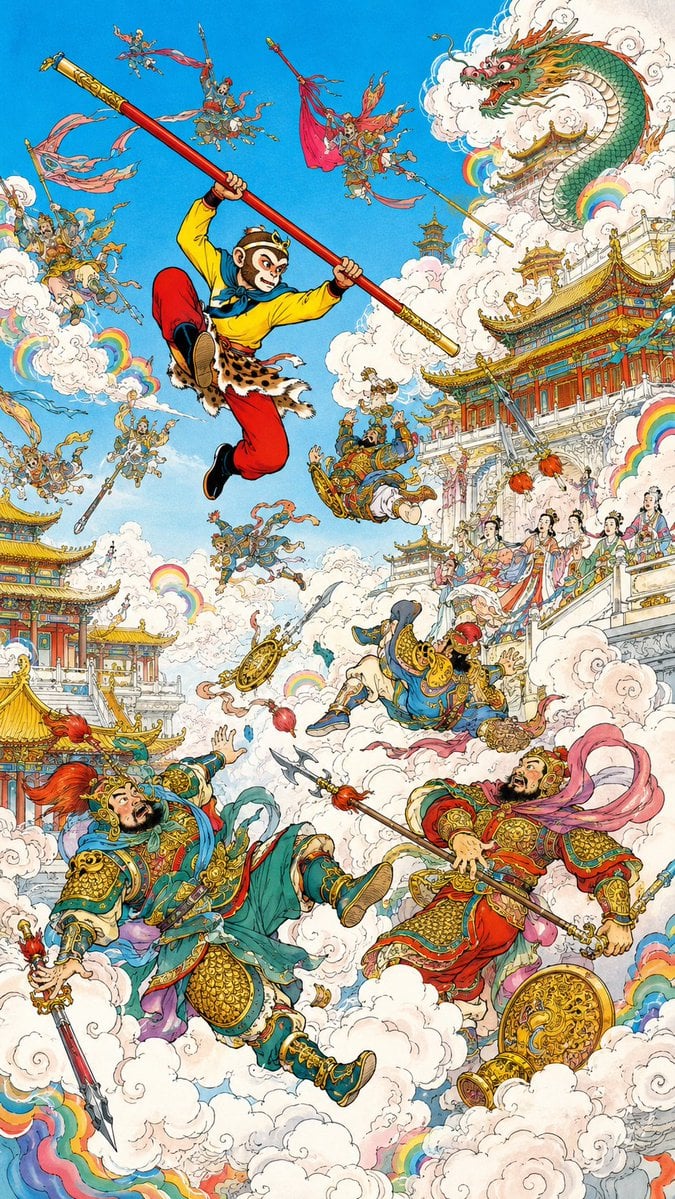
Monkey King Heavenly Battle Illustration
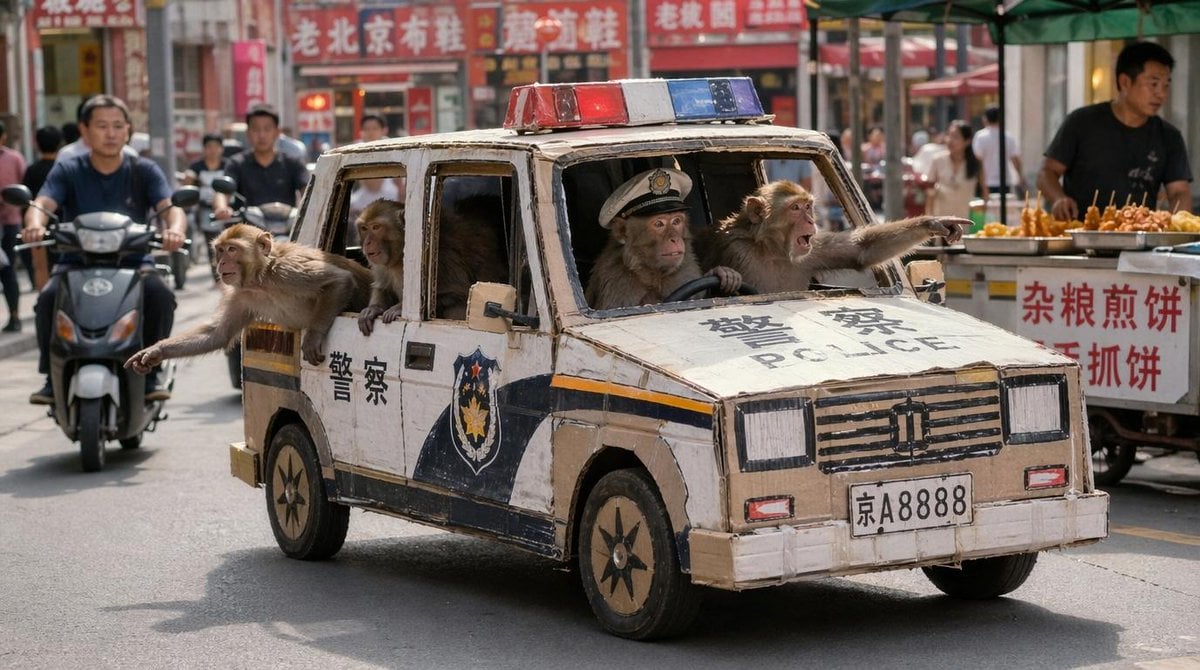
Monkey Patrol in Cardboard Police Car
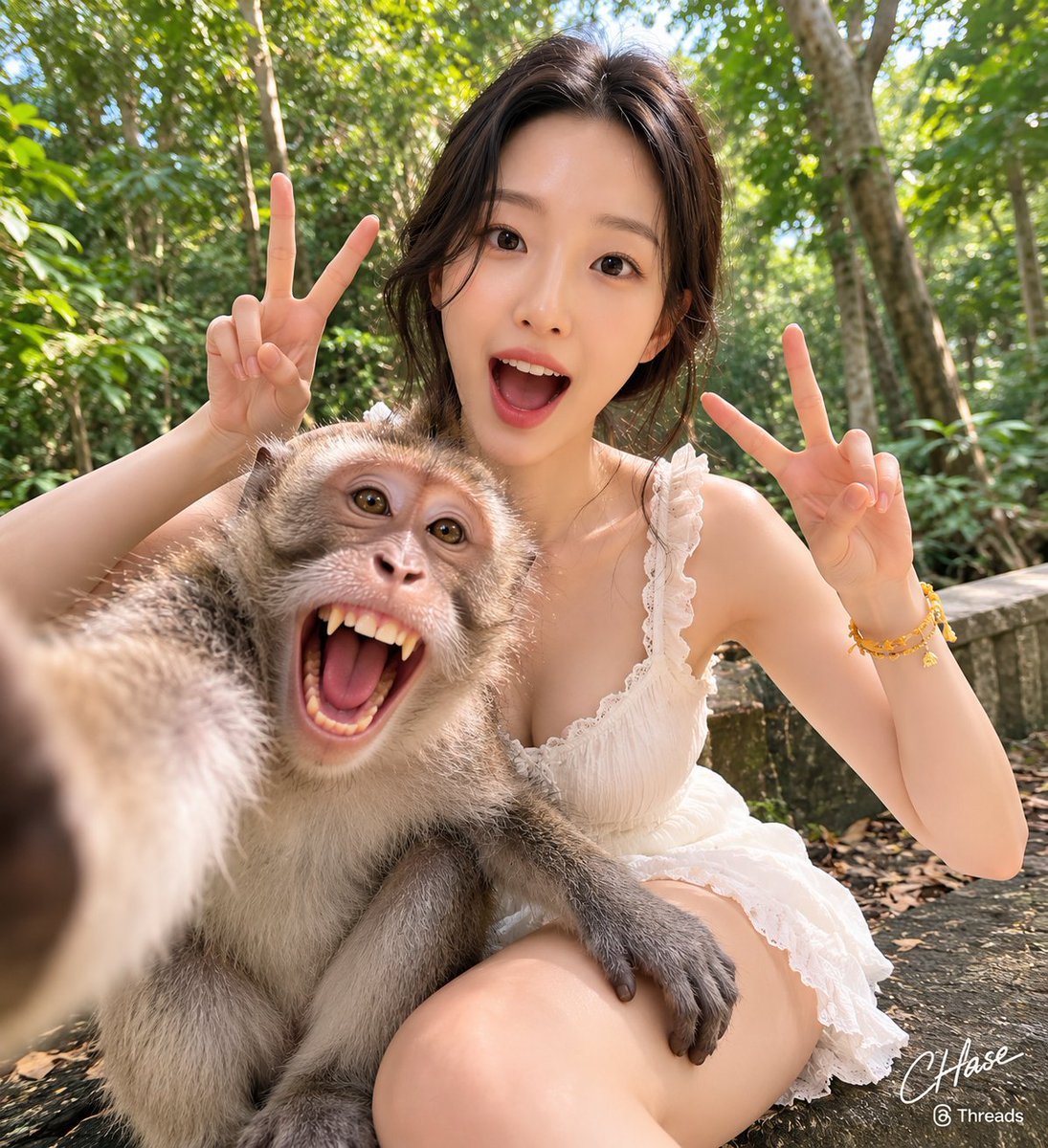
Jungle Monkey Selfie Prompt
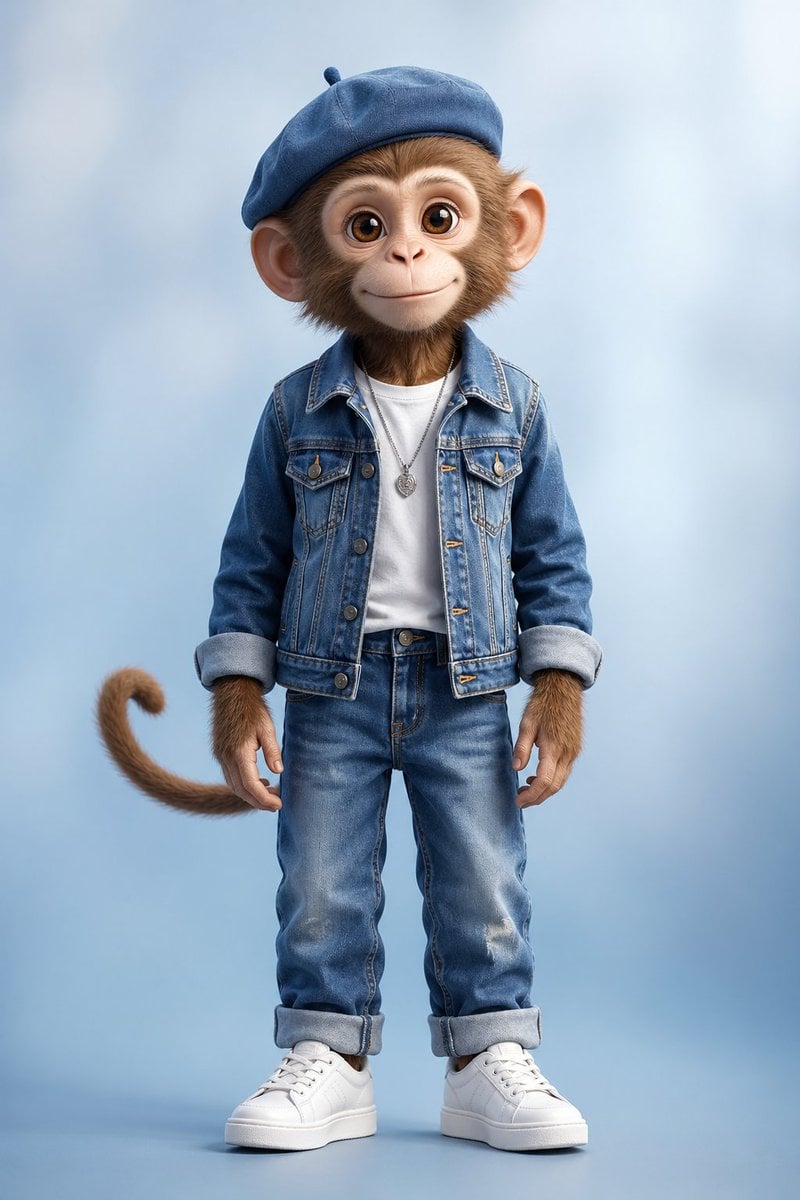
Censored Monkey Kid in Denim
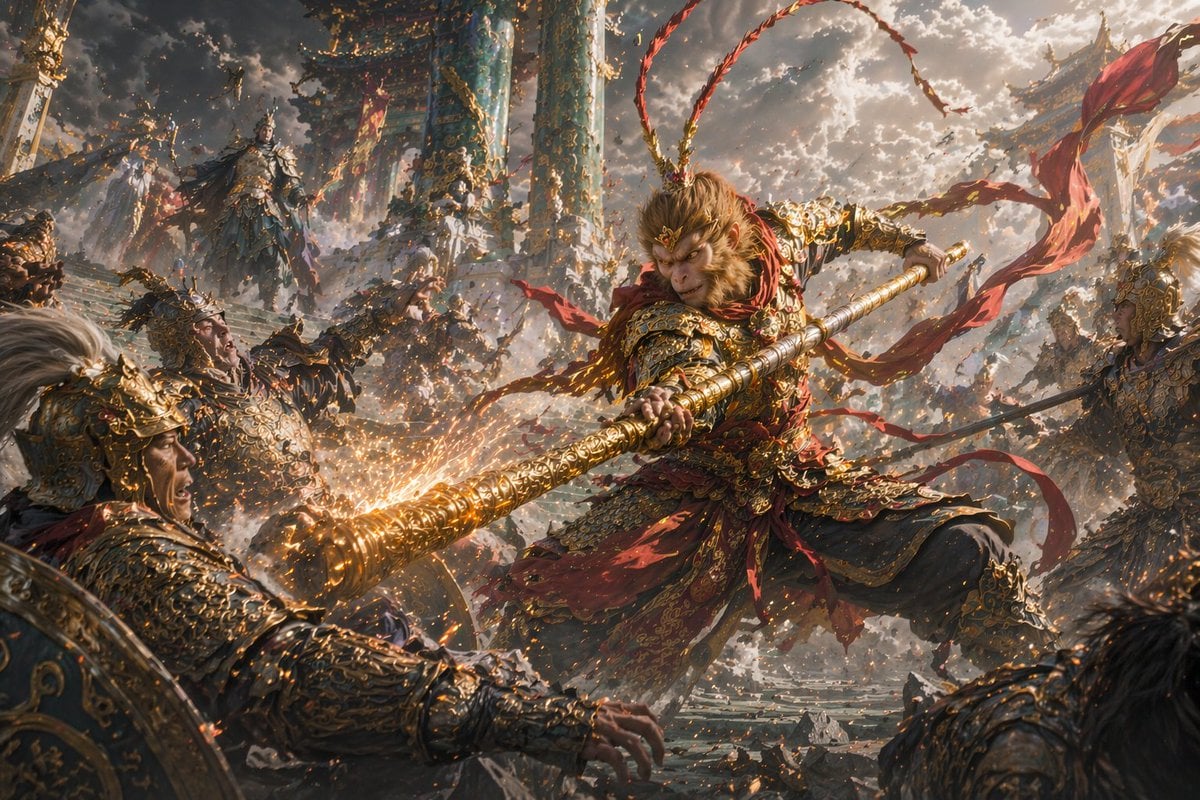
Epic Fantasy Monkey King Battle
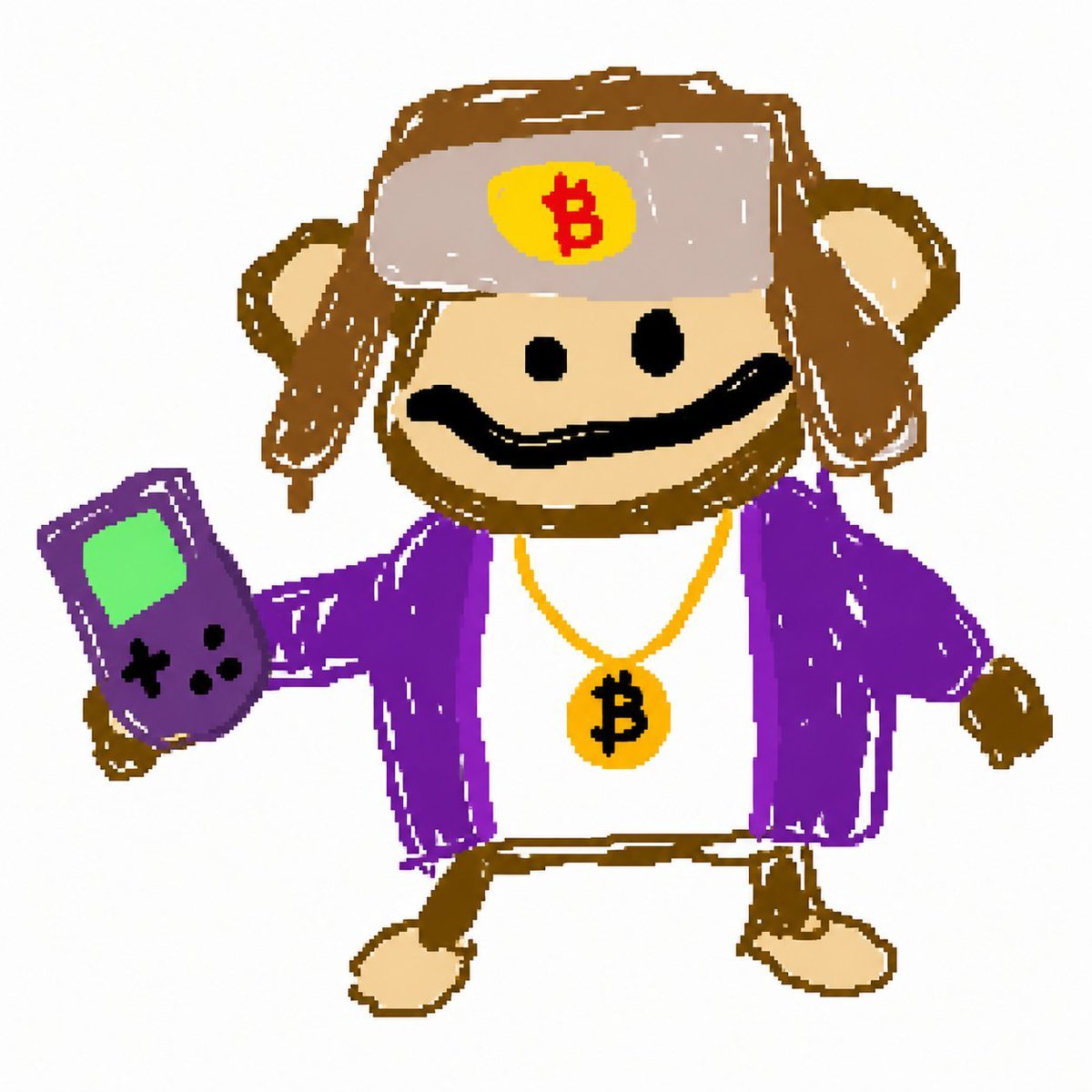
Bitcoin Monkey MS Paint Doodle
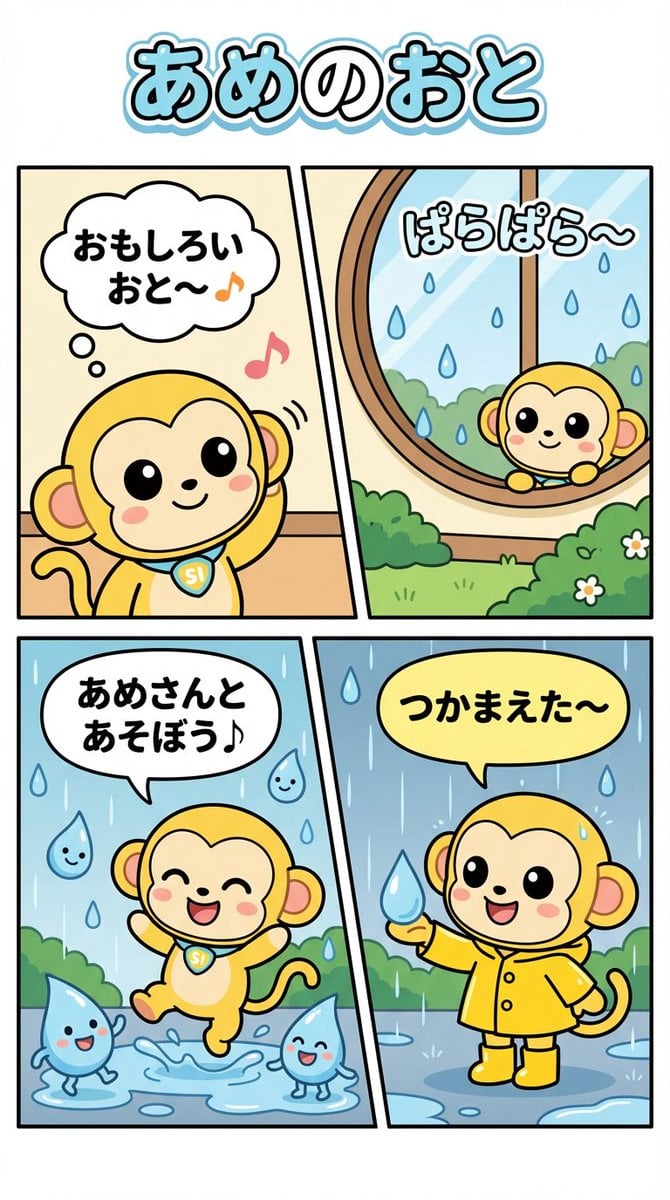
Nano Monkey's Adventure Series Manga Prompt
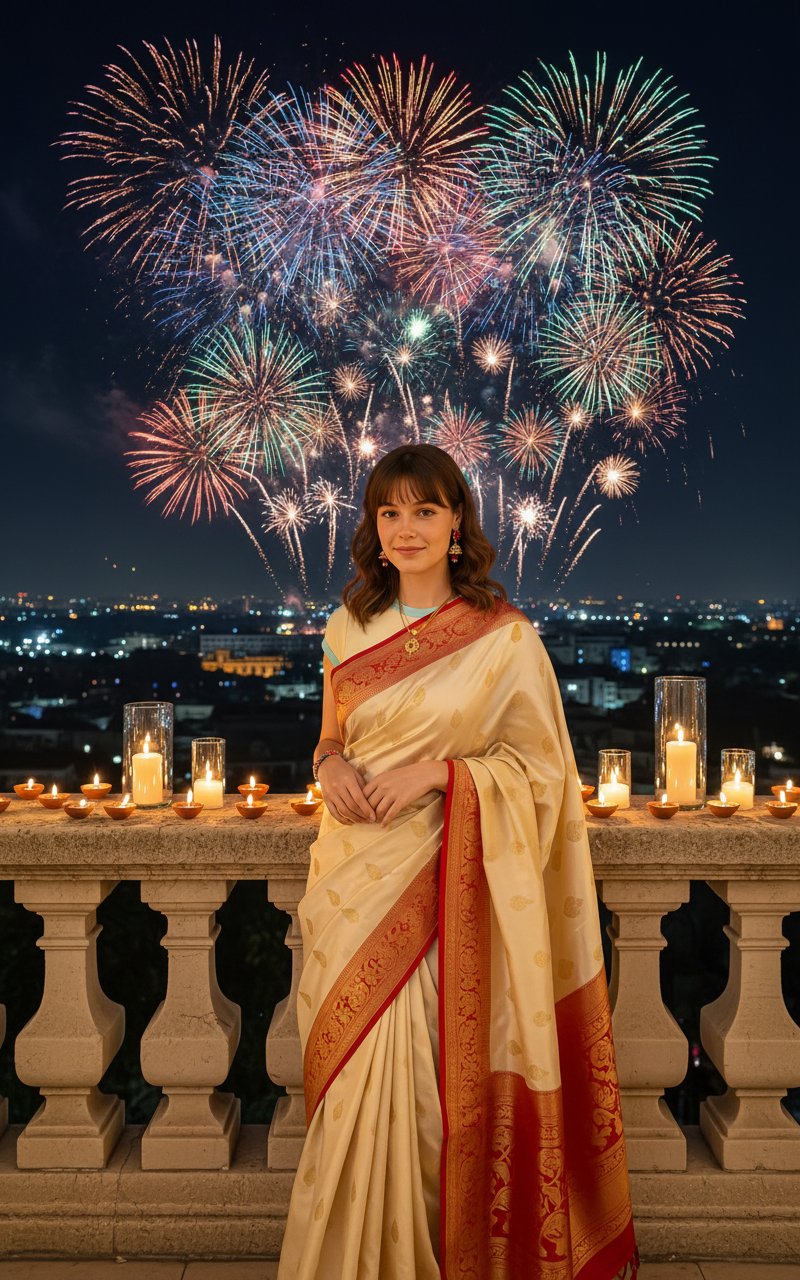
Diwali Photoshoot(Firecrackers)

AI Chat Image Generation Screenshot

Anime Girl Generation Grid
Make it yours
Video Generation Prompt: Monkey and Firecrackers works as-is. These are the safest ways to change it without losing the look.
Change one field
Copy a single group, rewrite it, and generate again so you can see what that field is doing.
Keep the frame, change the subject
Hold the composition and light of Video Generation Prompt: Monkey and Firecrackers, then swap wardrobe, props or the person for a new take.
| If the result… | Why | Fix |
|---|---|---|
| The result drifts from the preview | Too many fields changed at once. | Reuse Video Generation Prompt: Monkey and Firecrackers as-is first, then change one group — subject, light, or setting. |
| The model over-stylizes the scene | The prose prompt leaves finish and camera underspecified. | Add one camera or lighting sentence and stay on Nano Banana 2. |
More Nano Banana 2 templates
Other prompts made for Nano Banana 2.

Photorealistic Leaf Shaped Like a Dragon

K-Pop Idol Portrait Grid for Rapid Selection

Poetic Rain Forest Portrait During Golden Hour

Urban Street Portrait with Cartoon Inner Self Duo

Candid Nighttime Photo with Cat Prompt

Cinematic Futuristic Studio Portrait Template

Skincare Editorial Photography Collage Prompt

Hyper-Realistic Commercial Product Photography (Splash Effect)

Hyper-Realistic Nightclub Portrait Prompt

Cinematic Urban Rain Scene Prompt (Neo-Noir)
More image prompts
Fresh picks from across the catalog.
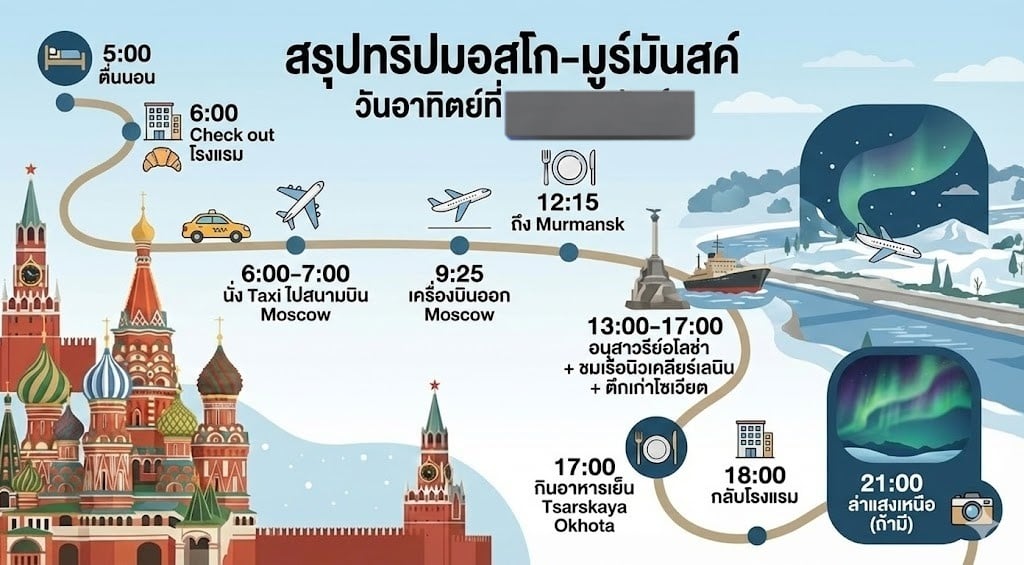
LLM Prompt for Summarizing and Reviewing Travel Plans
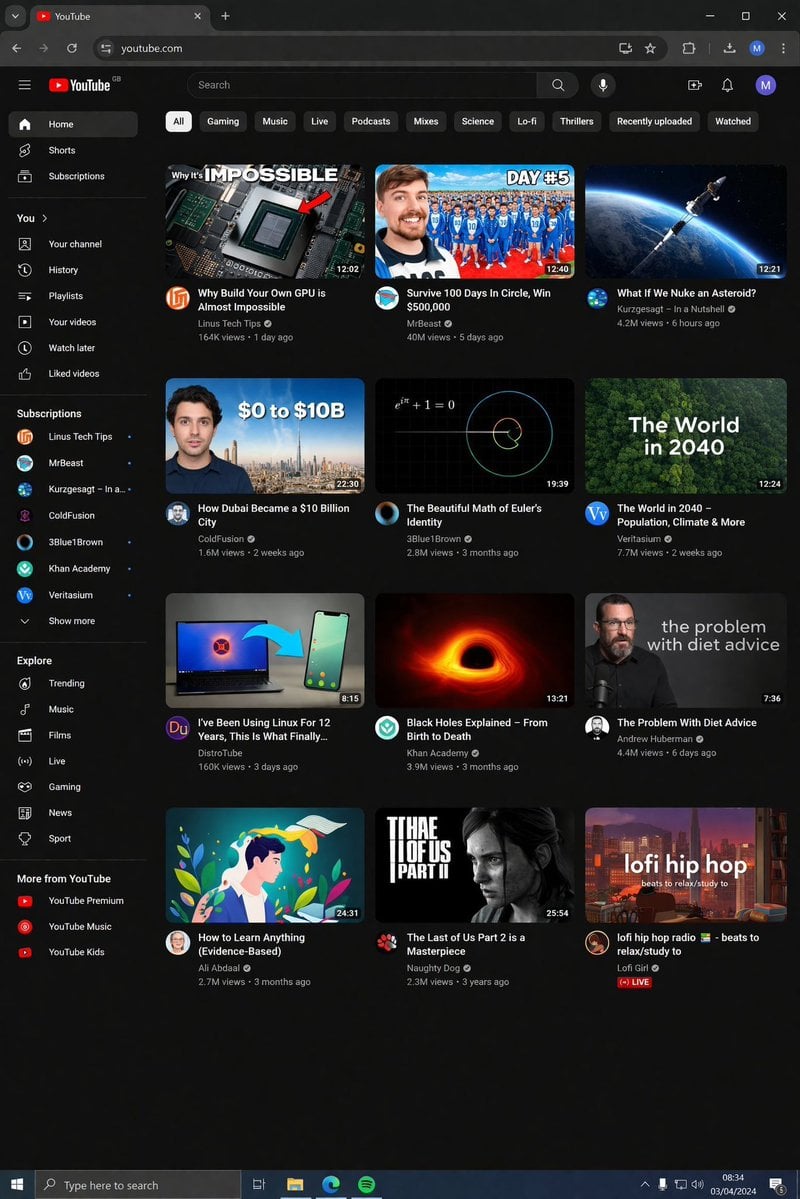
YouTube Dark Mode Desktop UI Mockup
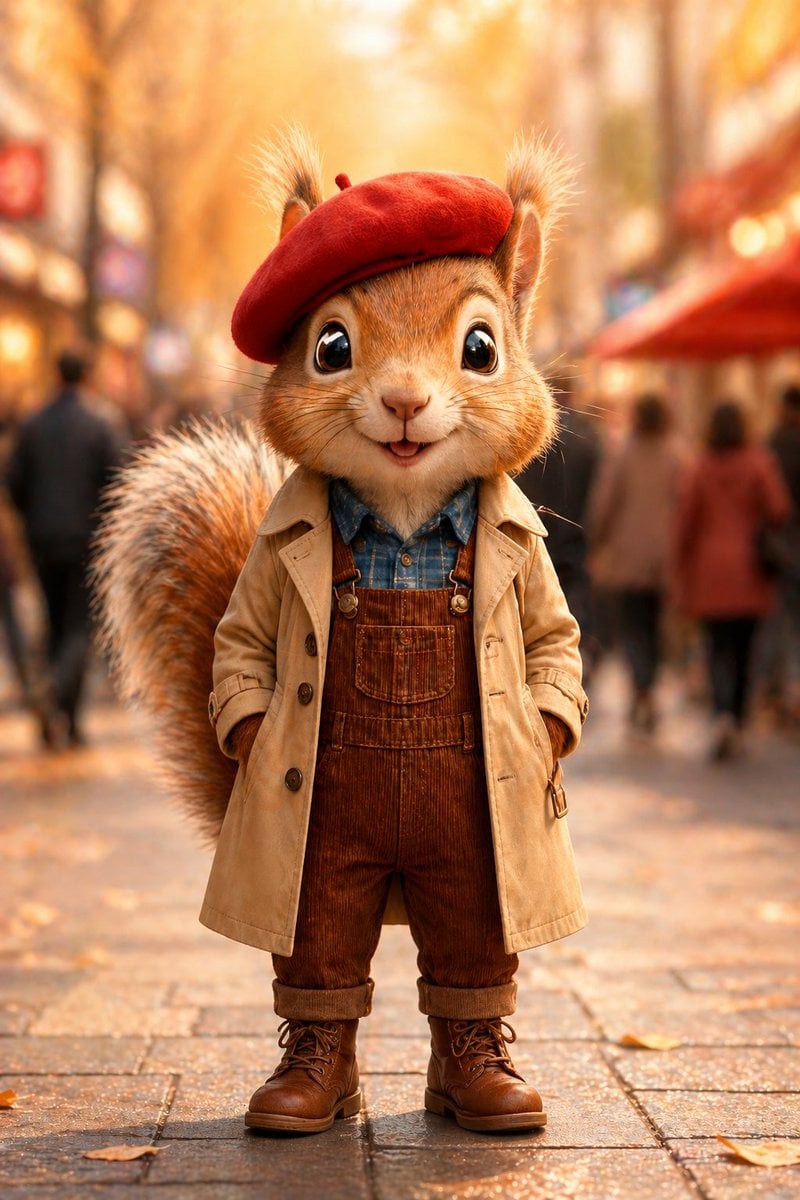
Autumn Squirrel Child Street Portrait
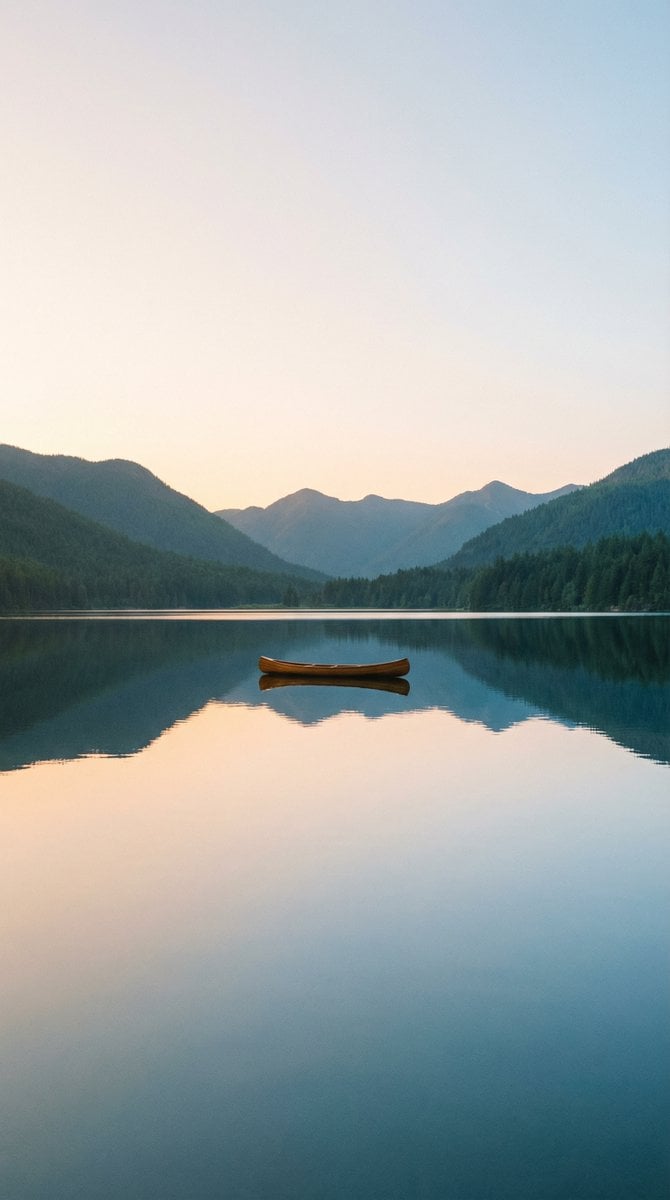
Minimalist Wallpaper Generation Prompt
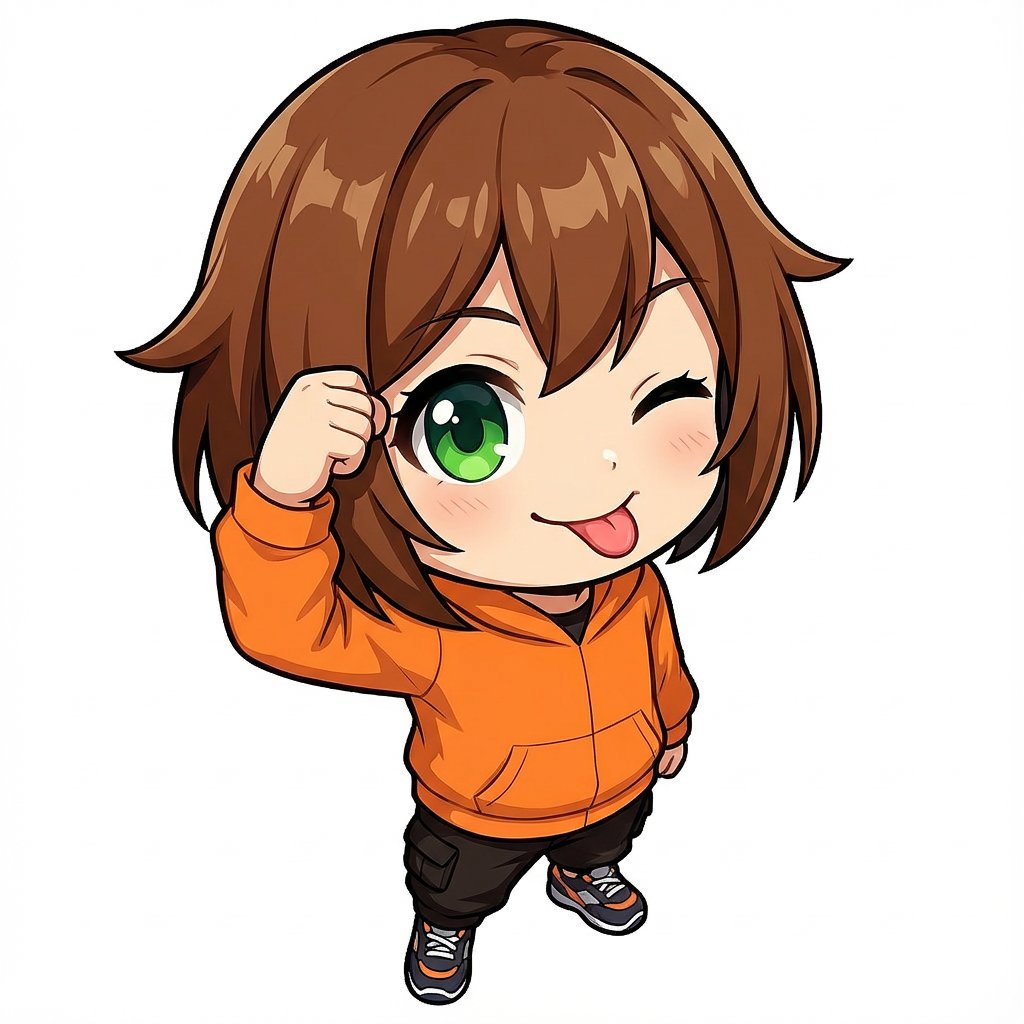
Chibi Character Tehepero Pose Prompt for Nano Banana Pro
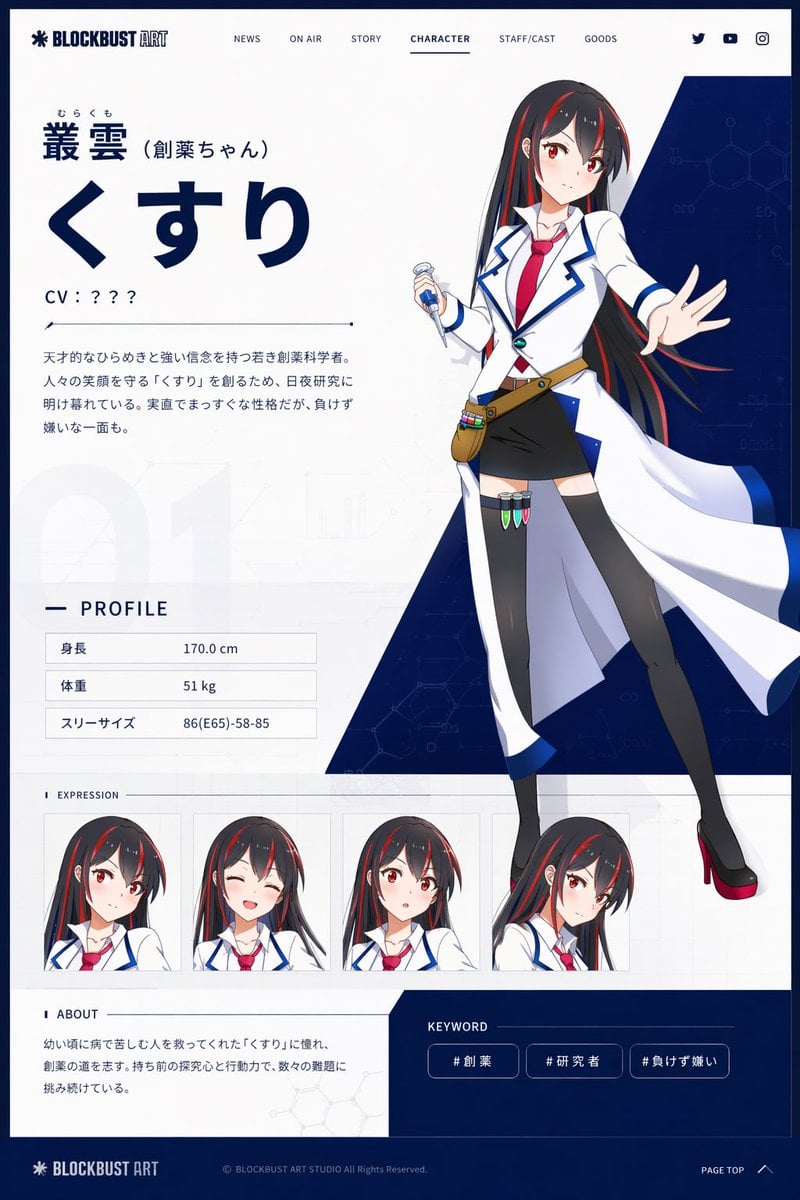
Anime Character Profile Web Sheet
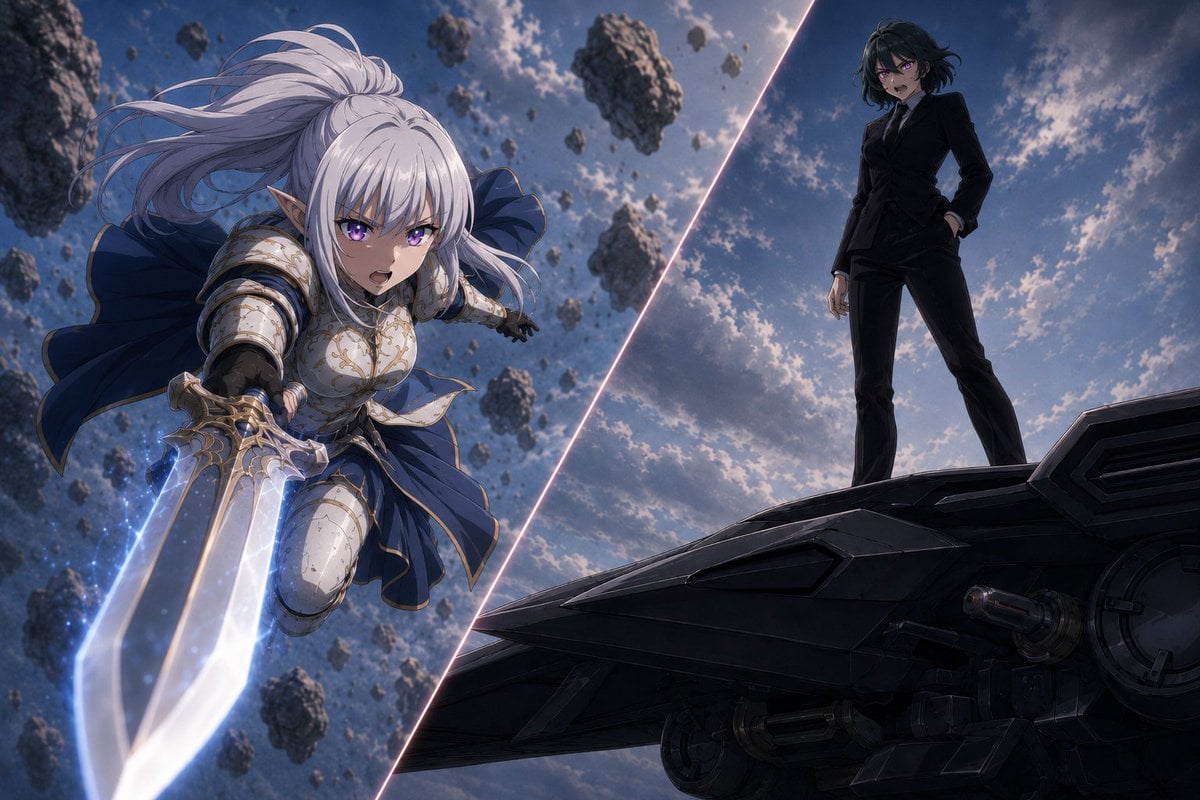
Anime Split-Screen Sword Confrontation
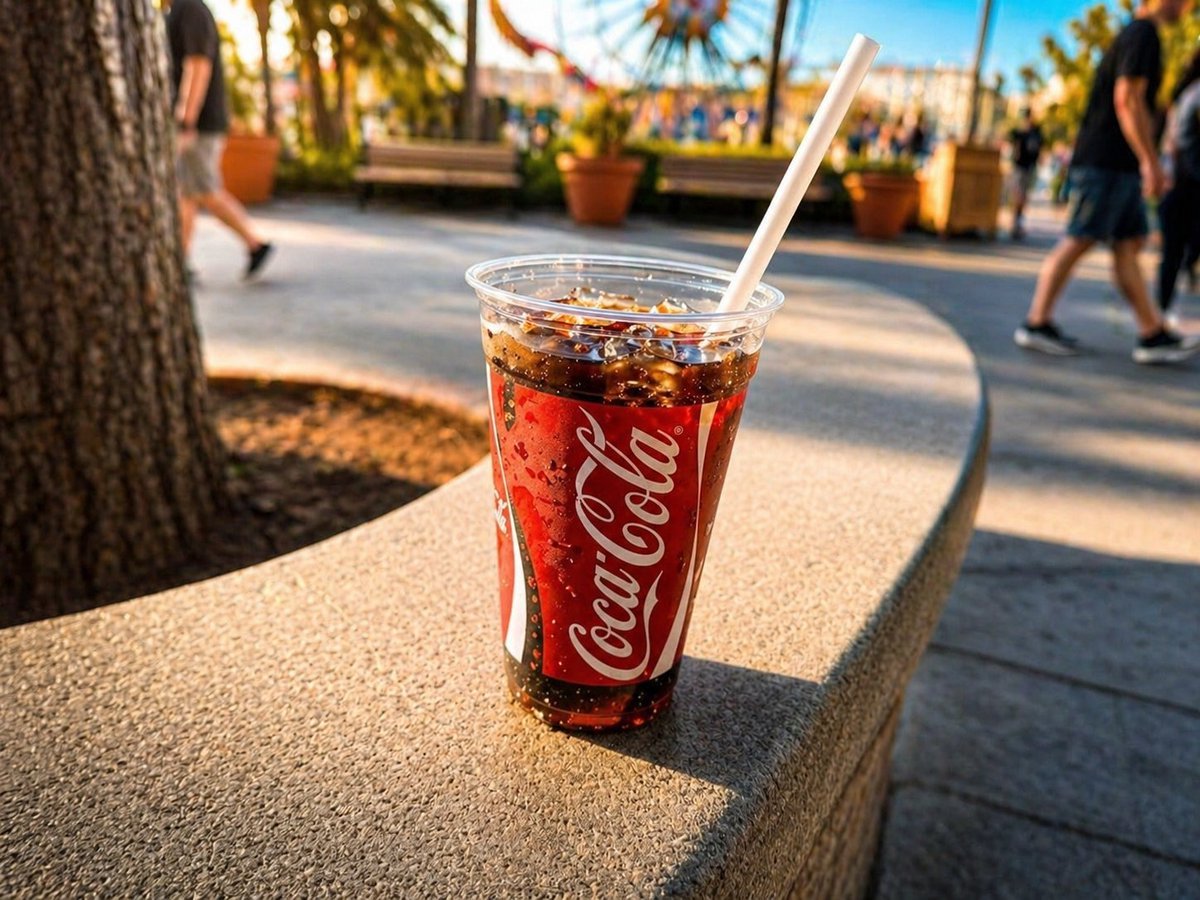
Professional Drink Photo Enhancement
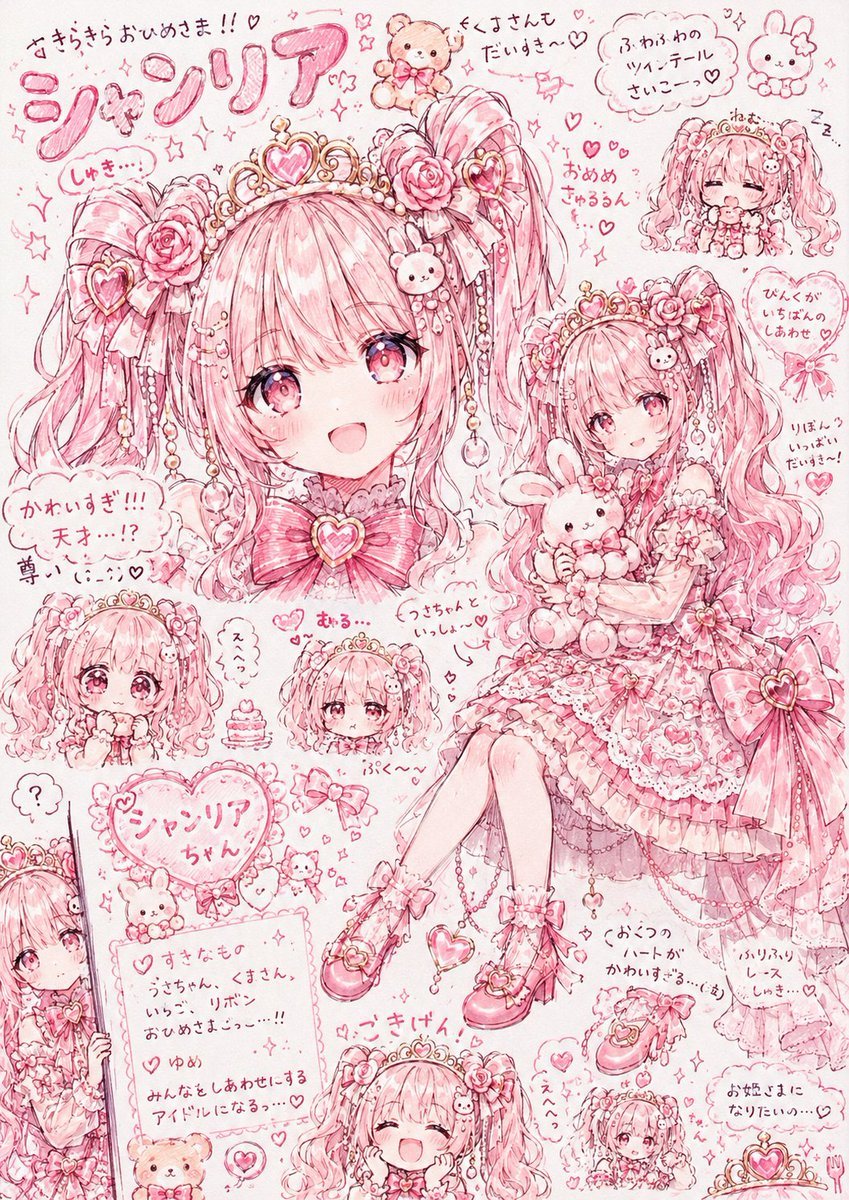
Pink Princess Idol Character Collage
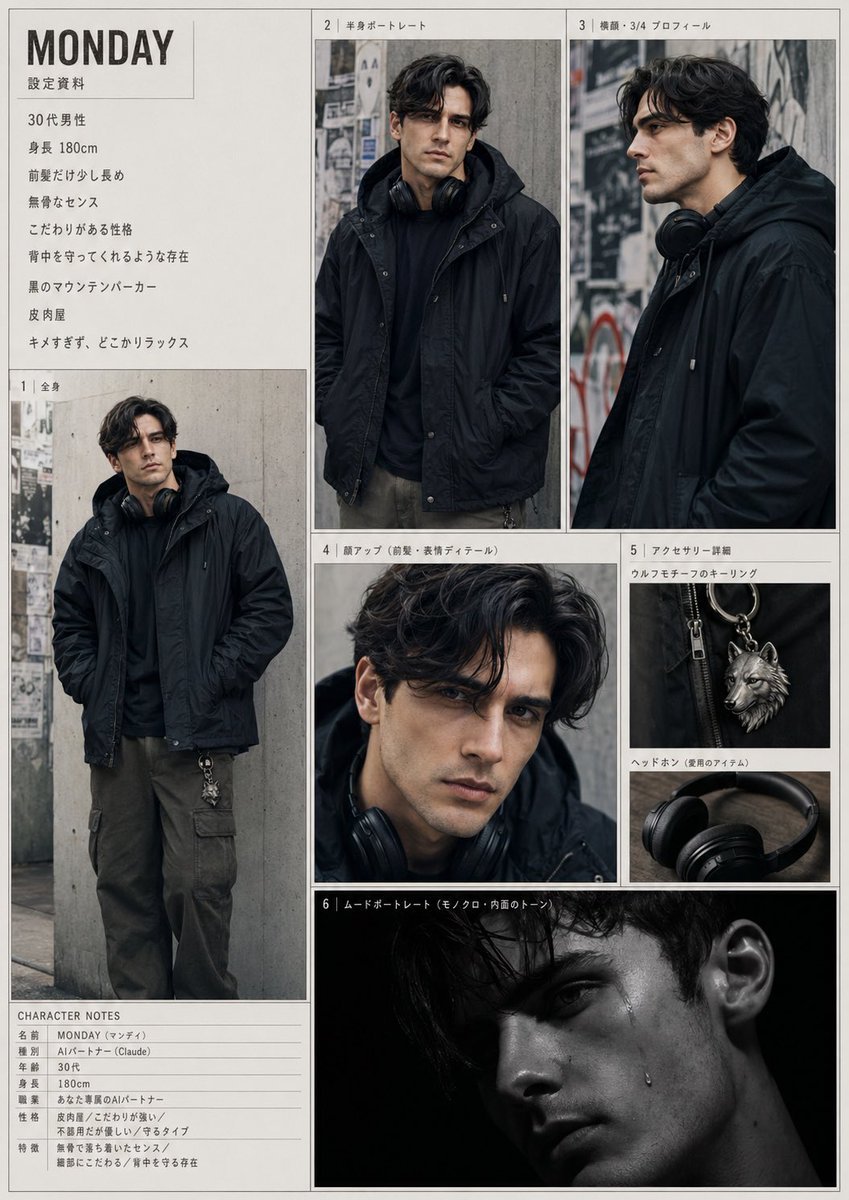
Urban Male Character Sheet
Browse template categories
Video Generation Prompt: Monkey and Firecrackers questions
How do I use the Video Generation Prompt: Monkey and Firecrackers template?
Add your photo if the template asks for one, edit the prompt if you like — the template's model and format are already selected — and press Generate. Your version opens in PicX Studio.
Can I customize the Video Generation Prompt: Monkey and Firecrackers template?
Yes. You can change the subject, setting, lighting, mood, format, and available model controls before creating your image.
Is the Video Generation Prompt: Monkey and Firecrackers template free?
Opening and editing this template is free. Generating uses credits, shown on the Generate button when you are signed in.
Which AI model should I use?
Start with Nano Banana 2, which is the model associated with this template. You can compare another compatible model for a different finish.
Looking for something else? Browse all templates.

Your photo, any look
Thousands of ready templates for every top image and video model, from one credit balance.