
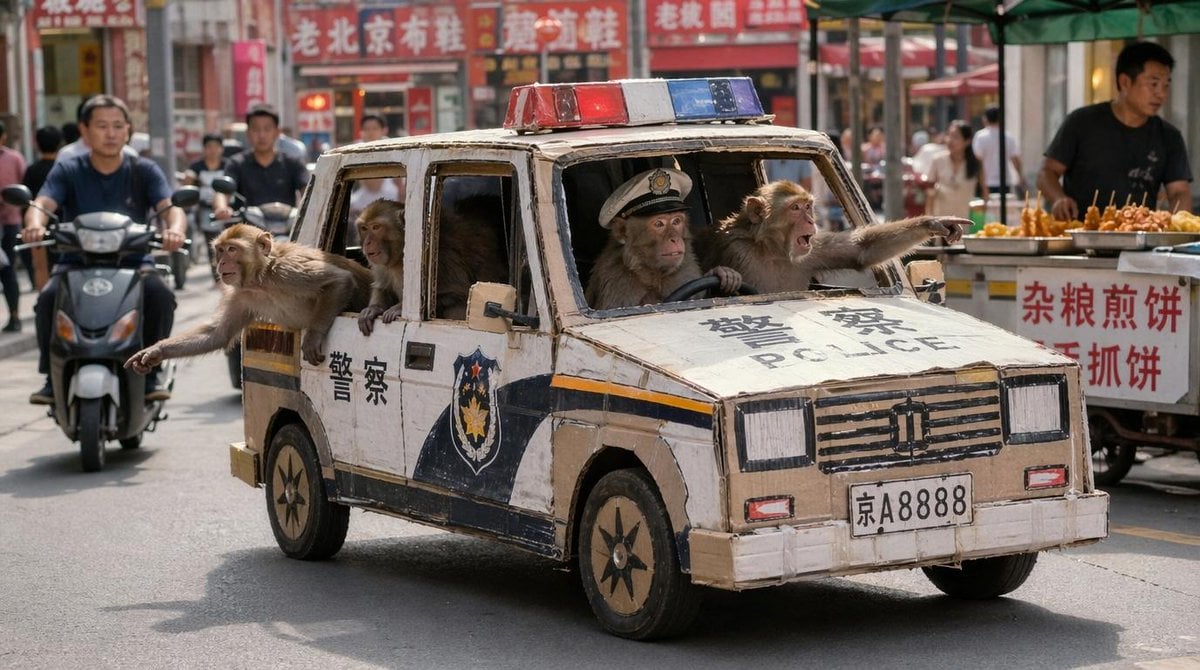
Monkey Patrol in Cardboard Police Car
A photorealistic comedic street image of four macaques riding a handmade cardboard police car through a crowded Chinese market, ideal for absurdist viral visual prompts.
- Prompt included
- Model and format preset
- Free template
The prompt behind this image
Copy the exact prompt behind Monkey Patrol in Cardboard Police Car, or open it in the studio and make it yours.
A humorous photorealistic street scene in a busy Chinese market district in daylight, showing a tiny handmade police car driving down the road as if on patrol. The vehicle looks like a rough life-size toy or parade prop built from corrugated cardboard and tape, boxy and slightly crooked, painted white with dark blue police graphics, a red-and-blue light bar on the roof, the Chinese characters for police on the hood and side doors, the English word POLICE on the hood, a police badge emblem on the front doors, and a front license plate reading 京A8888. Inside and hanging out of the windows are 4 macaque monkeys total: 1 monkey in the driver’s seat wearing a white police cap with one hand on the steering wheel, 1 monkey in the front passenger seat leaning out the window and pointing forward, and 2 monkeys leaning out from the left side rear windows, each extending an arm and pointing outward. The monkeys have expressive alert faces and tan-brown fur, making the scene look like a monkey patrol. Surrounding environment is a real urban street with scooters, pedestrians, market stalls, green canopy tents, and dense red Chinese storefront signage in the background, all slightly out of focus. Shoot from a front-left three-quarter angle at street level, with the cardboard car centered and moving toward the viewer. Bright natural midday light, candid documentary photography style, shallow depth of field, realistic textures, comedic absurdity, high detail.
How to use Monkey Patrol in Cardboard Police Car in 3 steps
- 1Upload ImagePNG, JPG or paste
Add your photo
Upload the photo the template builds on. The prompt, model and format are already set.
- 2…a portrait of your subject in softgolden-hour light, 85mm…
Personalize
Edit the subject and creative details for your destination.
- 3Generate
Generate
Press Generate — your image is created in PicX Studio, so you can compare it with the original and refine one variable at a time.
More like this
Templates with the same subject, style or setup. Open one to see its prompt.
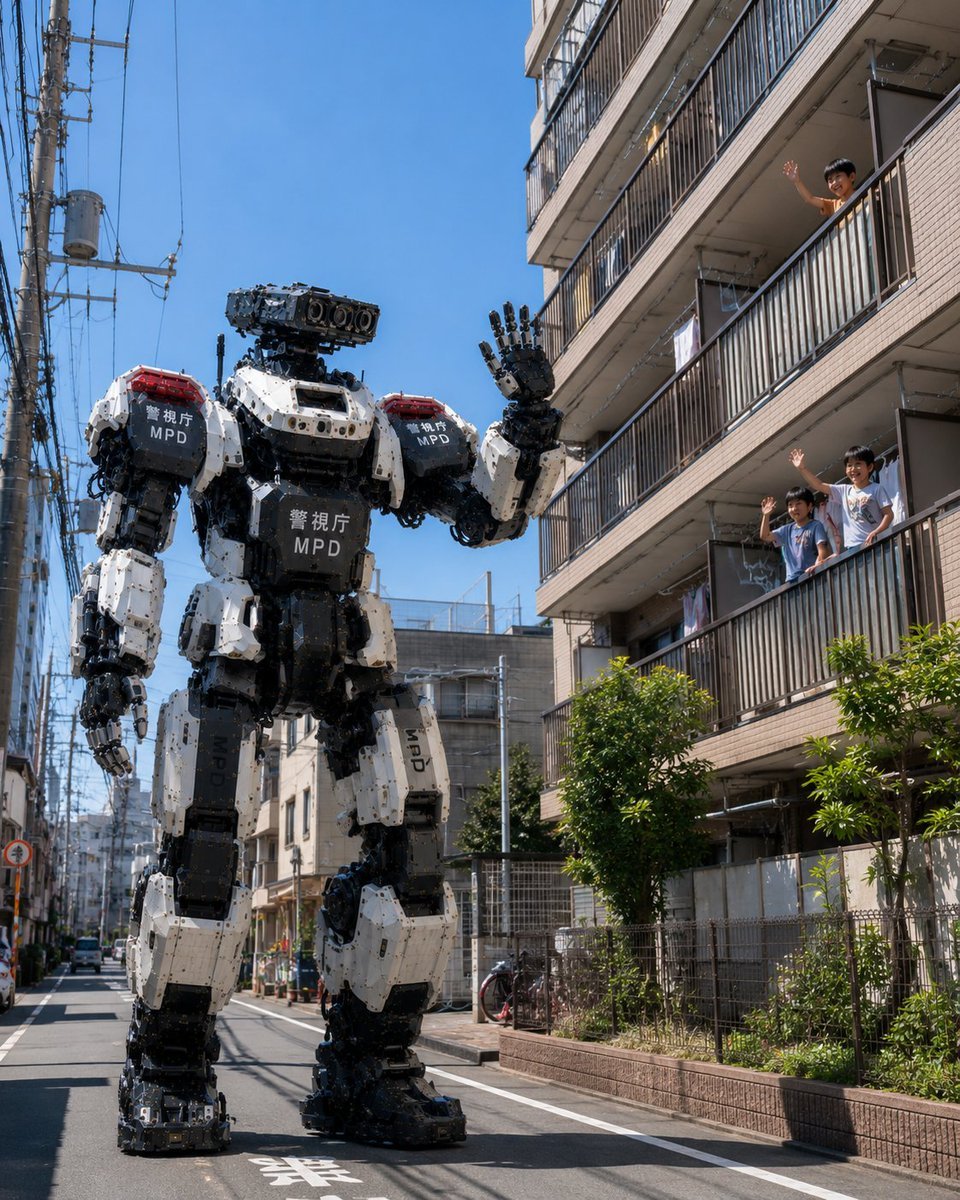
Tokyo Police Robot Neighborhood Patrol
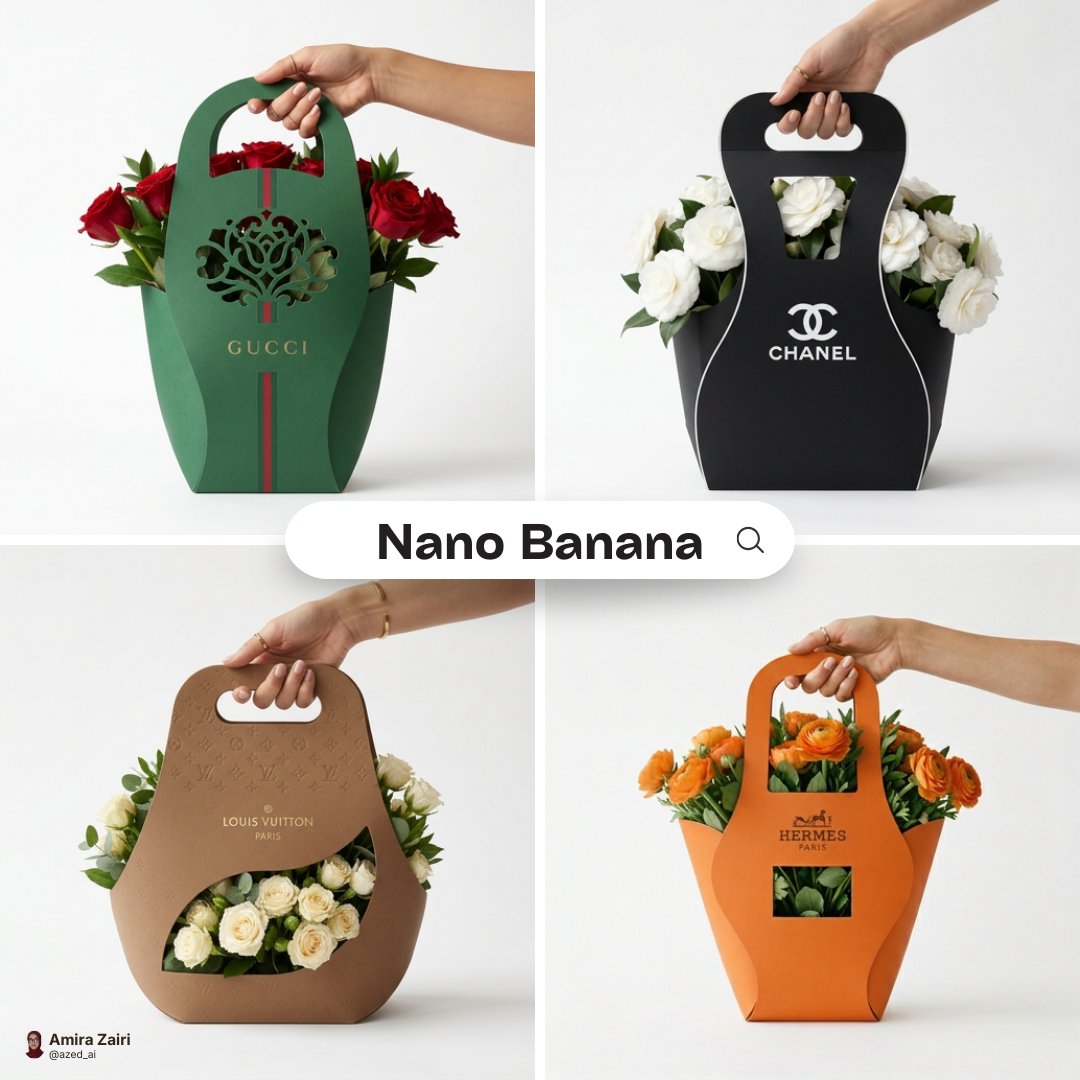
Minimalist branded flower packaging design eco-friendly cardboard sleeve
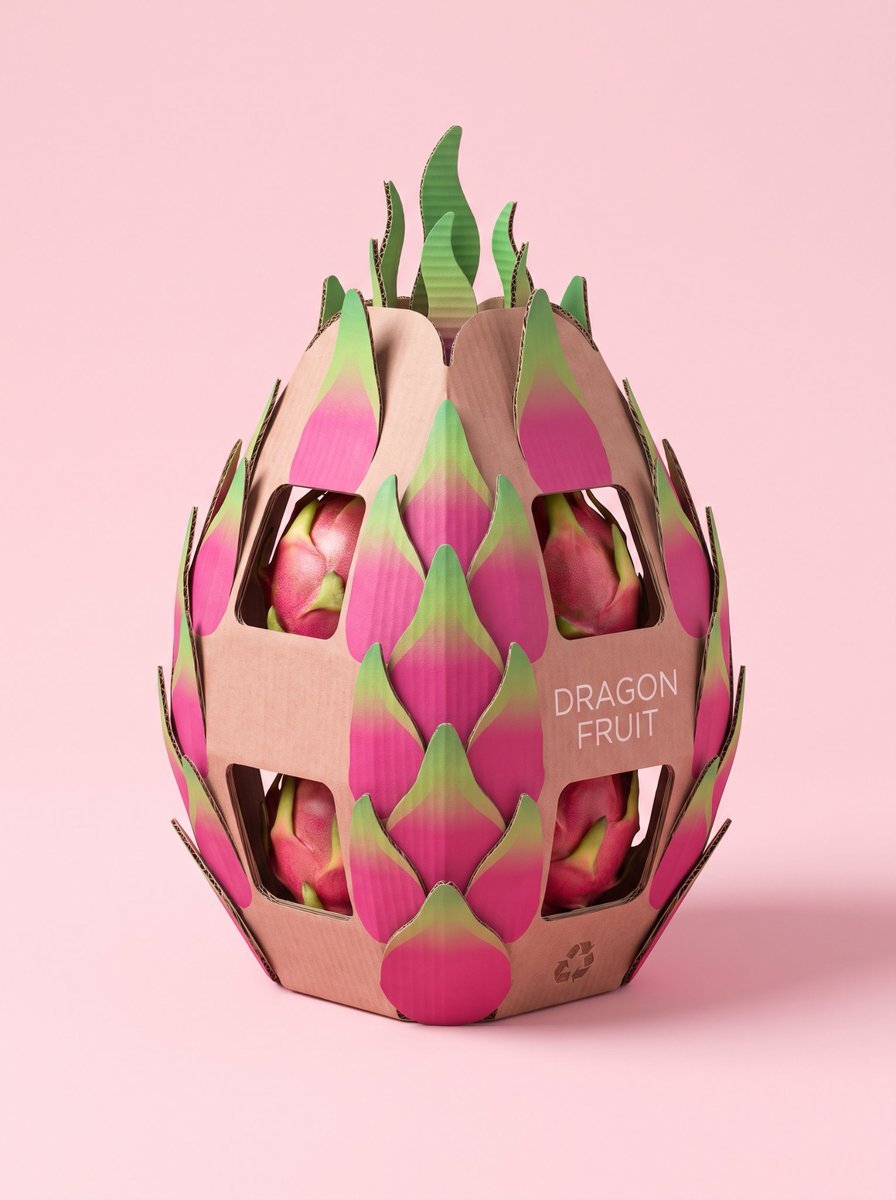
Structural Cardboard Packaging Design
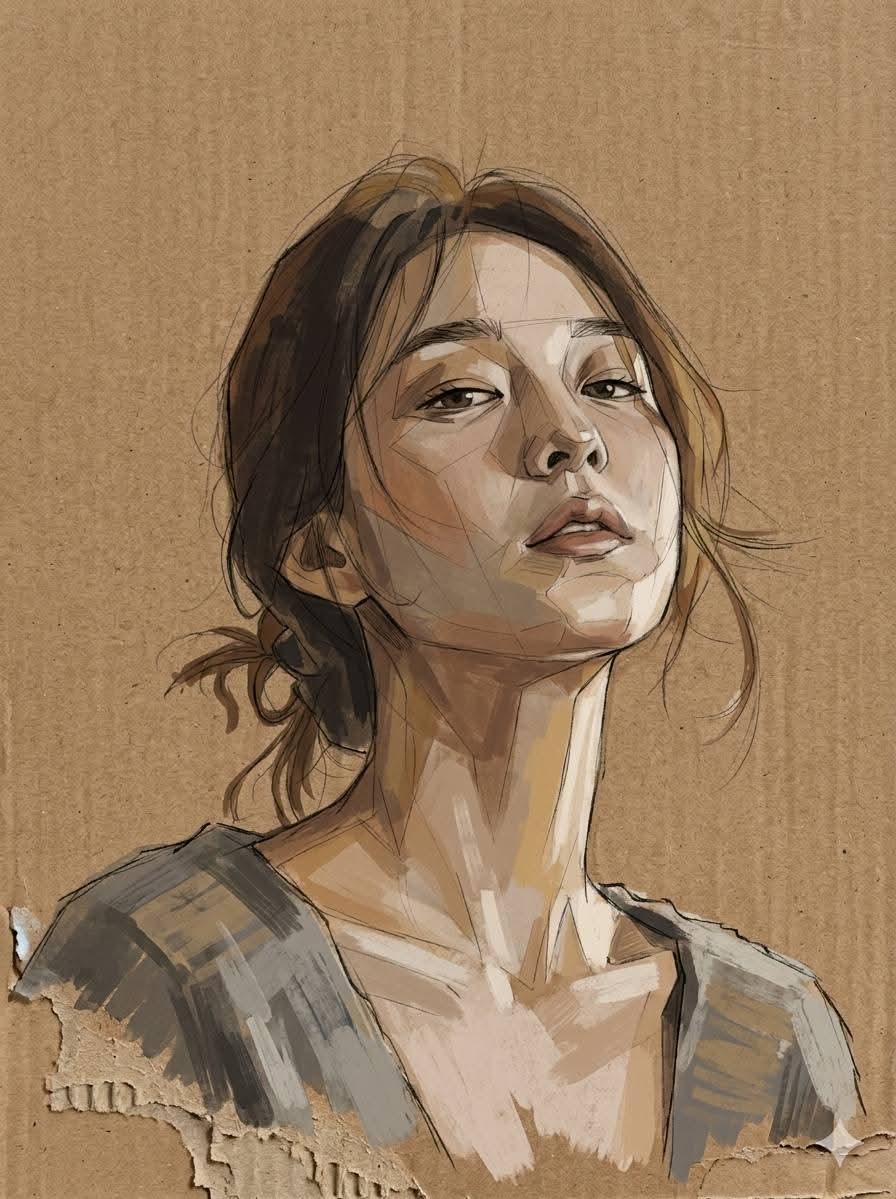
Cardboard Mixed Media Portrait
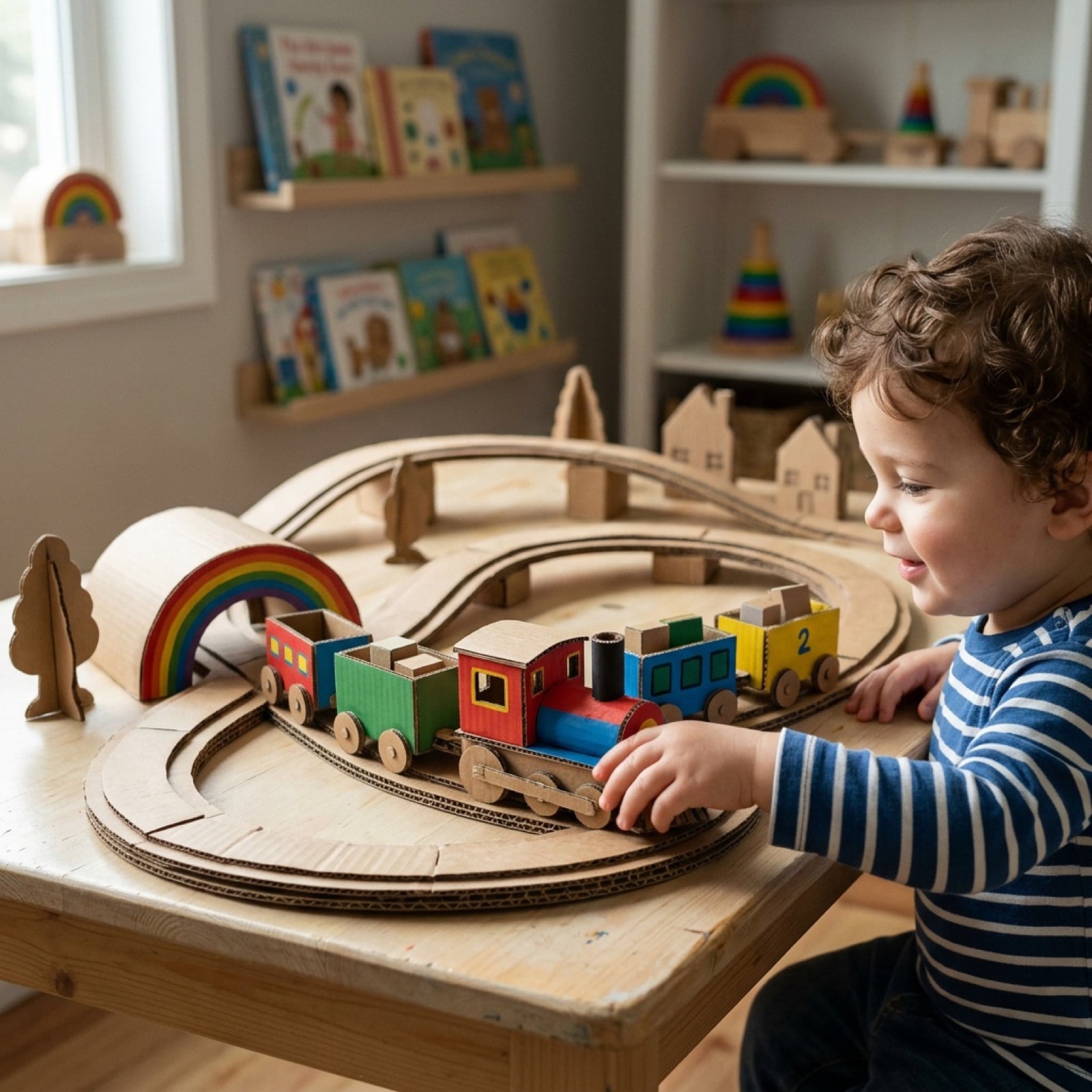
Cardboard Box DIY Toy Creation
Cardboard Submarine Design Generation
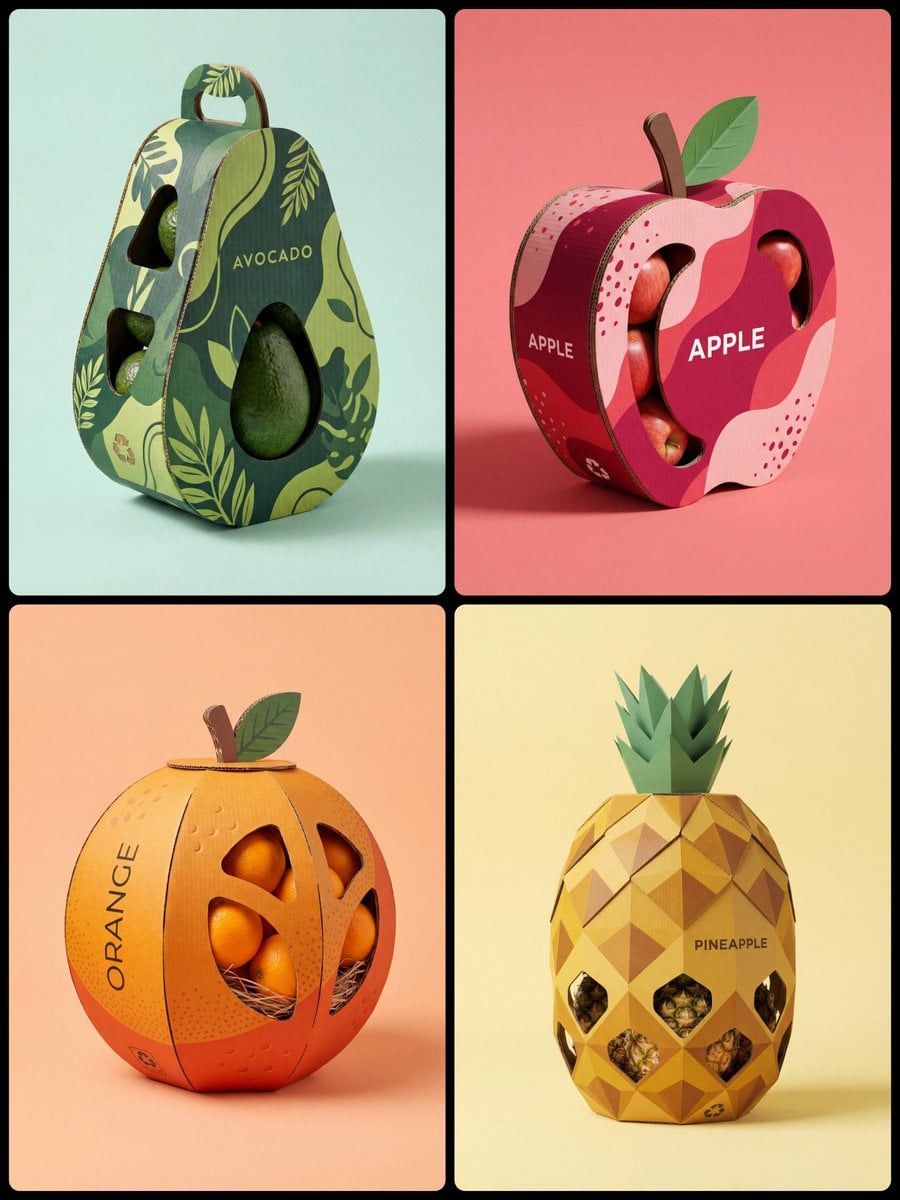
Corrugated Cardboard Fruit Packaging Concept Prompt
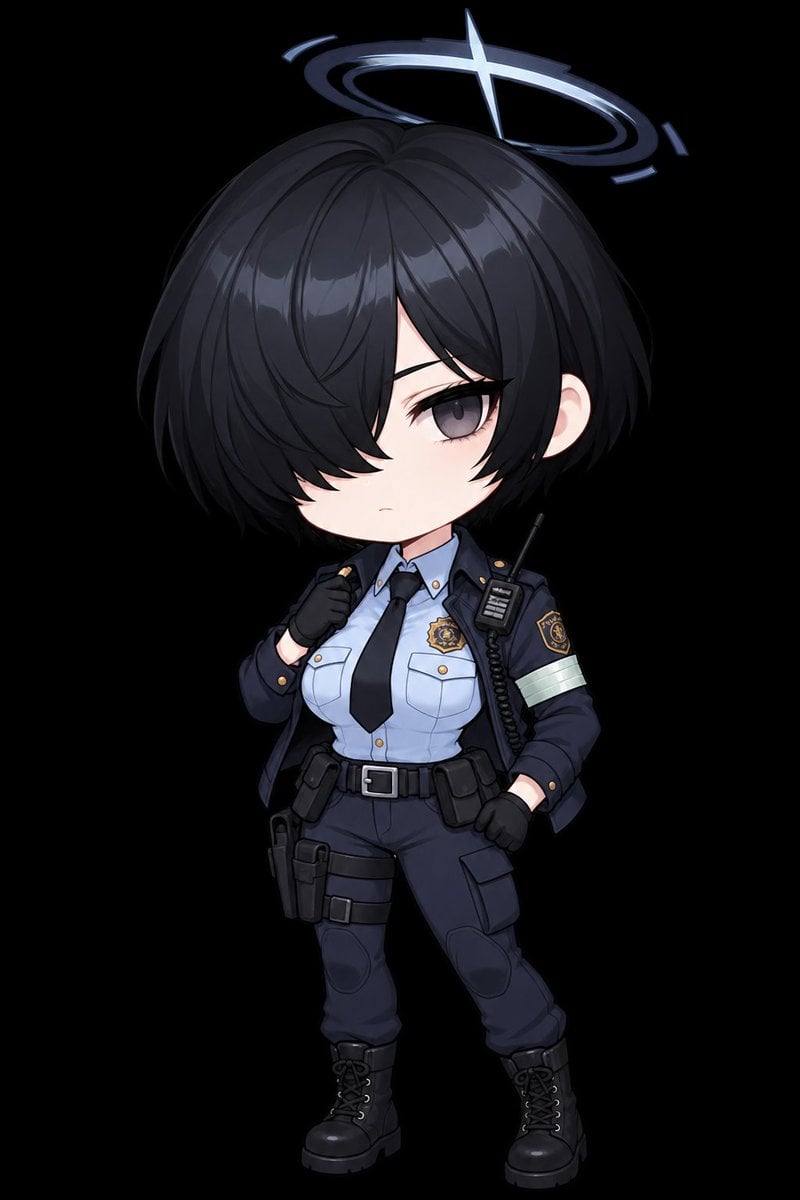
Chibi Tactical Police Girl with Halo
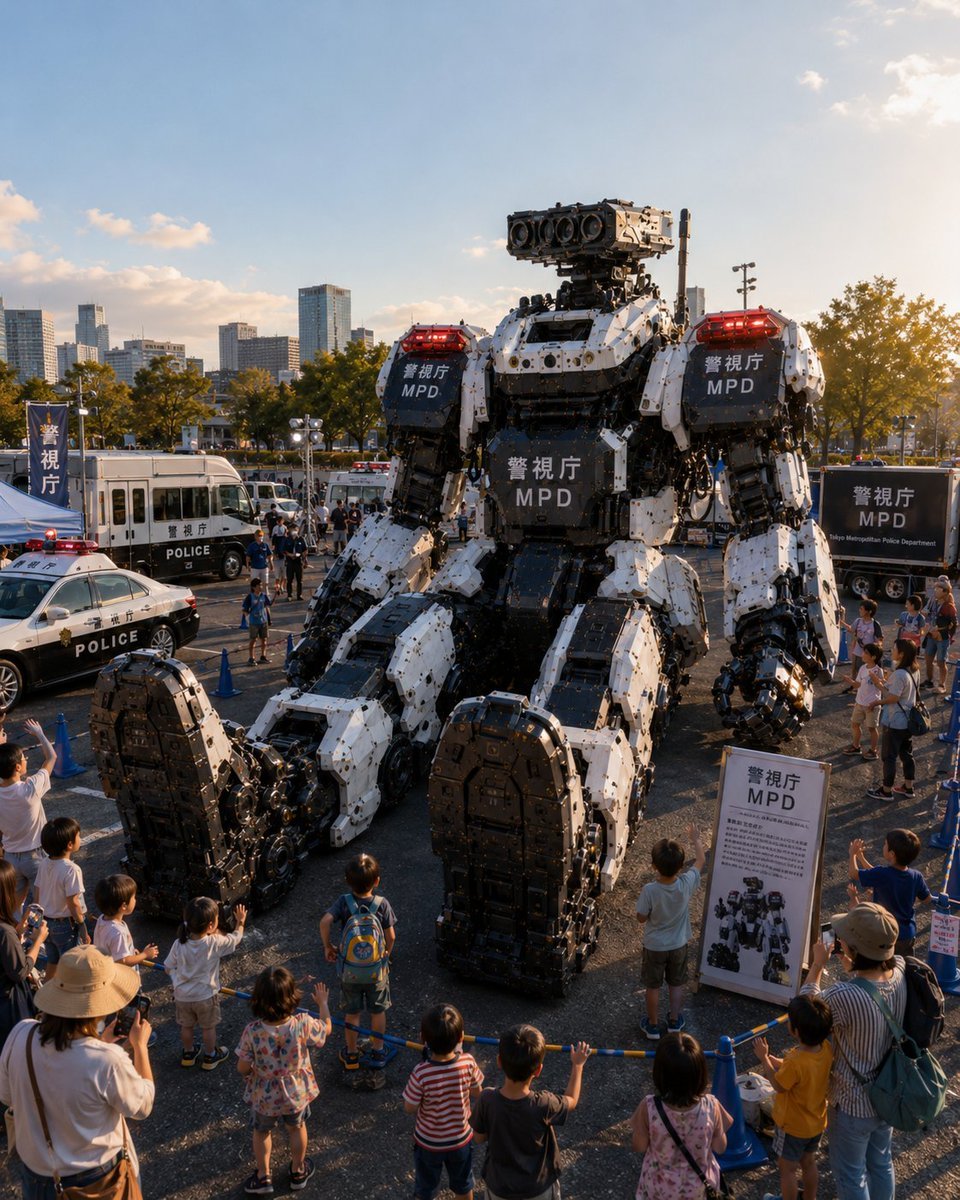
Tokyo Police Robot Exhibition
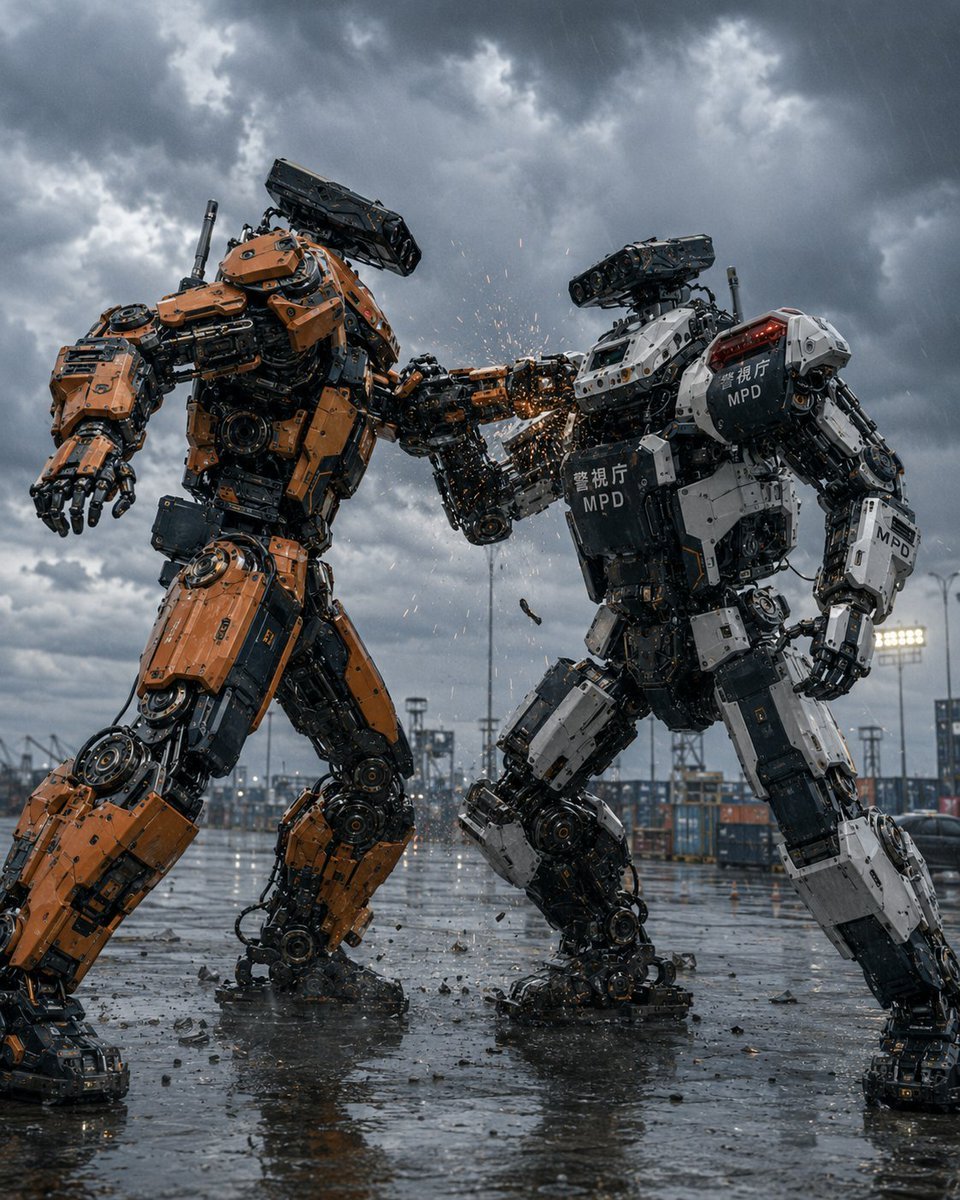
Stormy Police Mech Duel
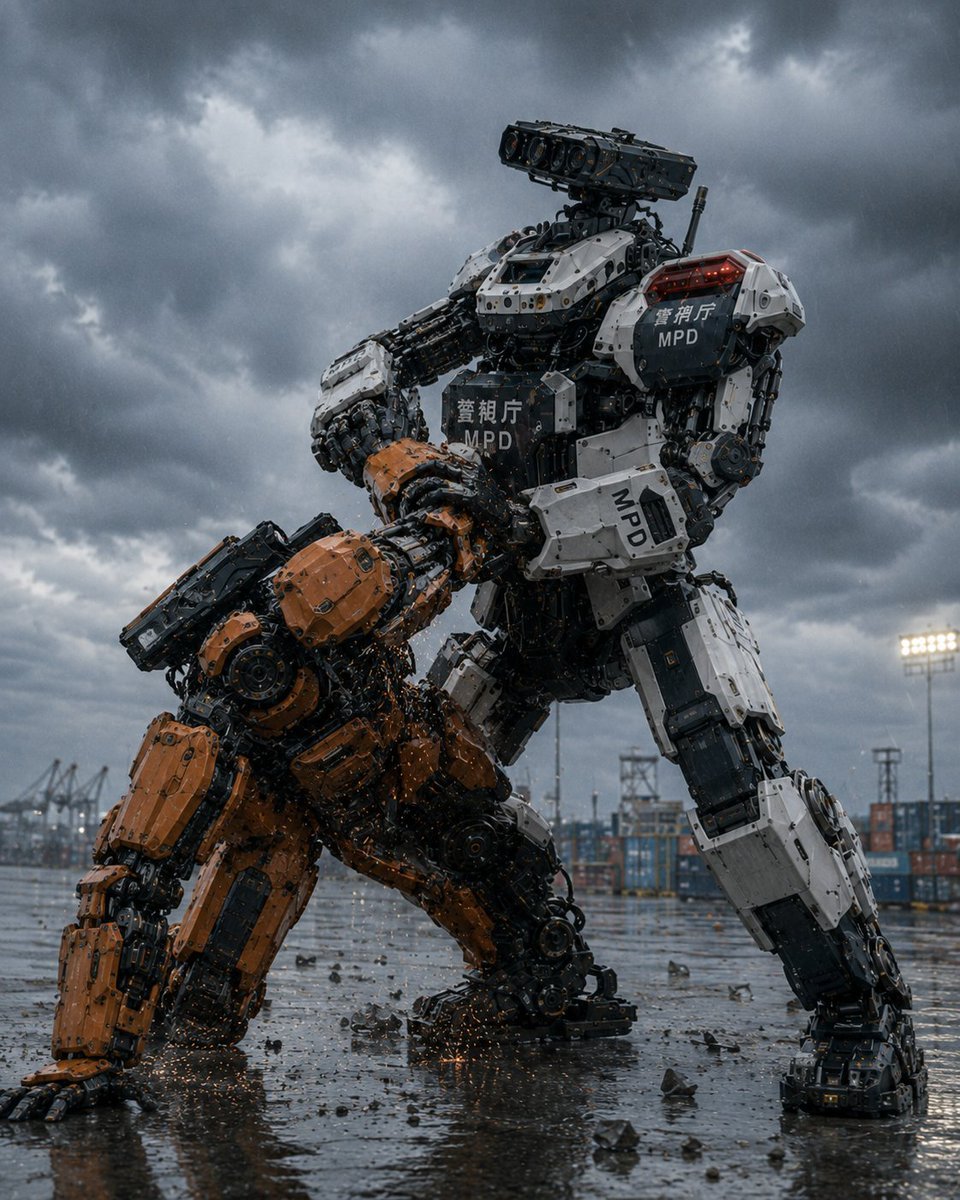
MPD Police Mecha Arrest Scene
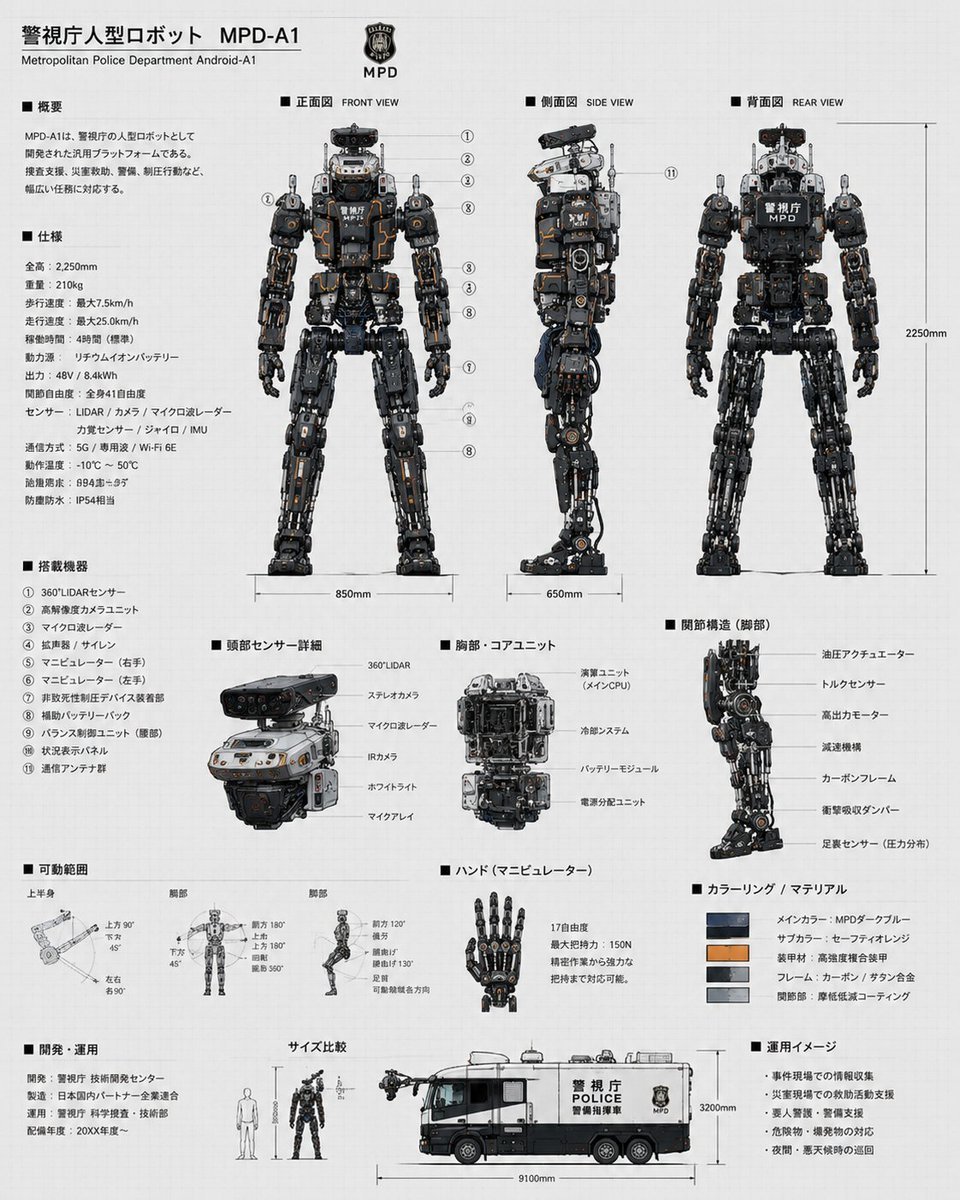
Police Robot Blueprint
Make it yours
Monkey Patrol in Cardboard Police Car works as-is. These are the safest ways to change it without losing the look.
Change one field
Copy a single group, rewrite it, and generate again so you can see what that field is doing.
Keep the frame, change the subject
Hold the composition and light of Monkey Patrol in Cardboard Police Car, then swap wardrobe, props or the person for a new take.
| If the result… | Why | Fix |
|---|---|---|
| The result drifts from the preview | Too many fields changed at once. | Reuse Monkey Patrol in Cardboard Police Car as-is first, then change one group — subject, light, or setting. |
| The model over-stylizes the scene | The prose prompt leaves finish and camera underspecified. | Add one camera or lighting sentence and stay on GPT Image 2. |
More GPT Image 2 templates
Other prompts made for GPT Image 2.

Six VTuber Japanese Logo Sheet

Realistic Portrait of Woman and Deer

The Vista Modular Condo Poster

AI Model Routing Comparison Infographic

2.5D Anime Art Board

Isometric Productivity Desk Scene

New York Double Exposure Poster

Four-Panel AI Landscape Comparison

Japanese Tatami Lifestyle Magazine Cover

NESCAFÉ Coffee Map Poster
More image prompts
Fresh picks from across the catalog.

Image cleanup and colorization for old photographs
Double Exposure Somber City Silhouette
Spotify Playlist Screen at Night

untitled
Parisian Chic Fashion Portrait
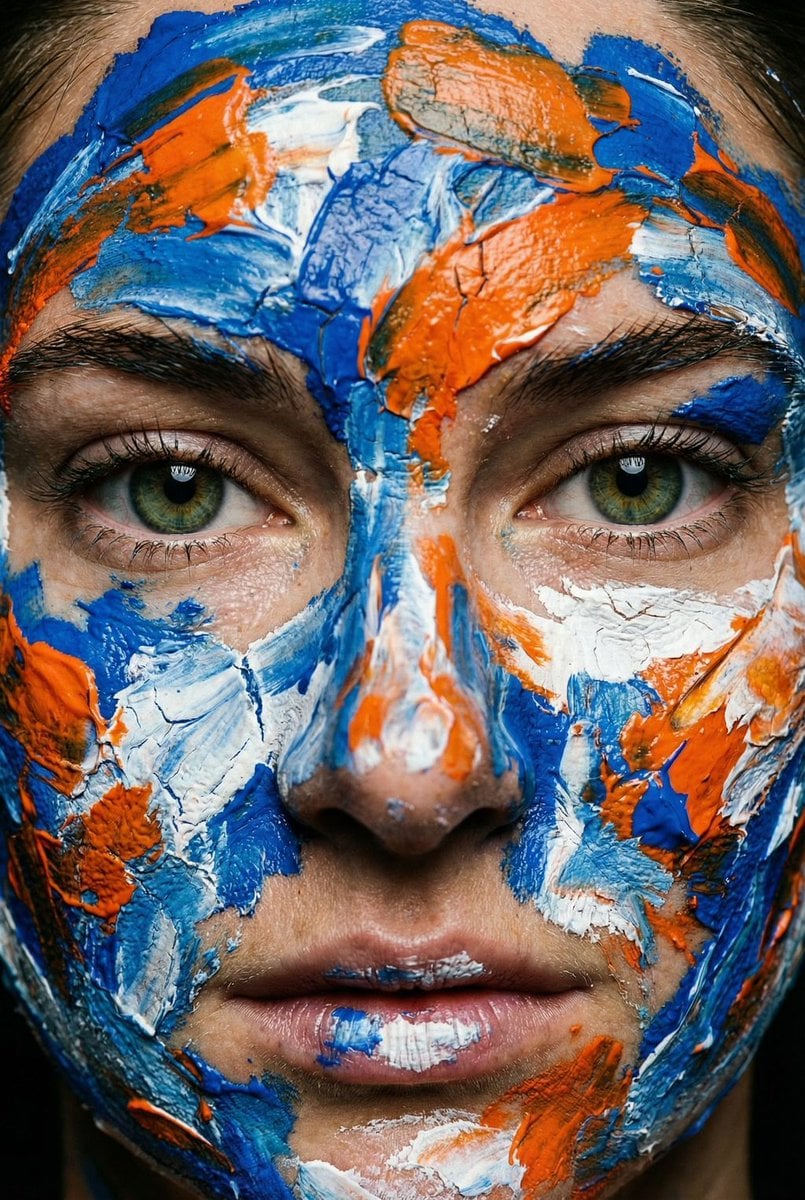
Macro Portrait with Impasto Acrylic Paint Texture
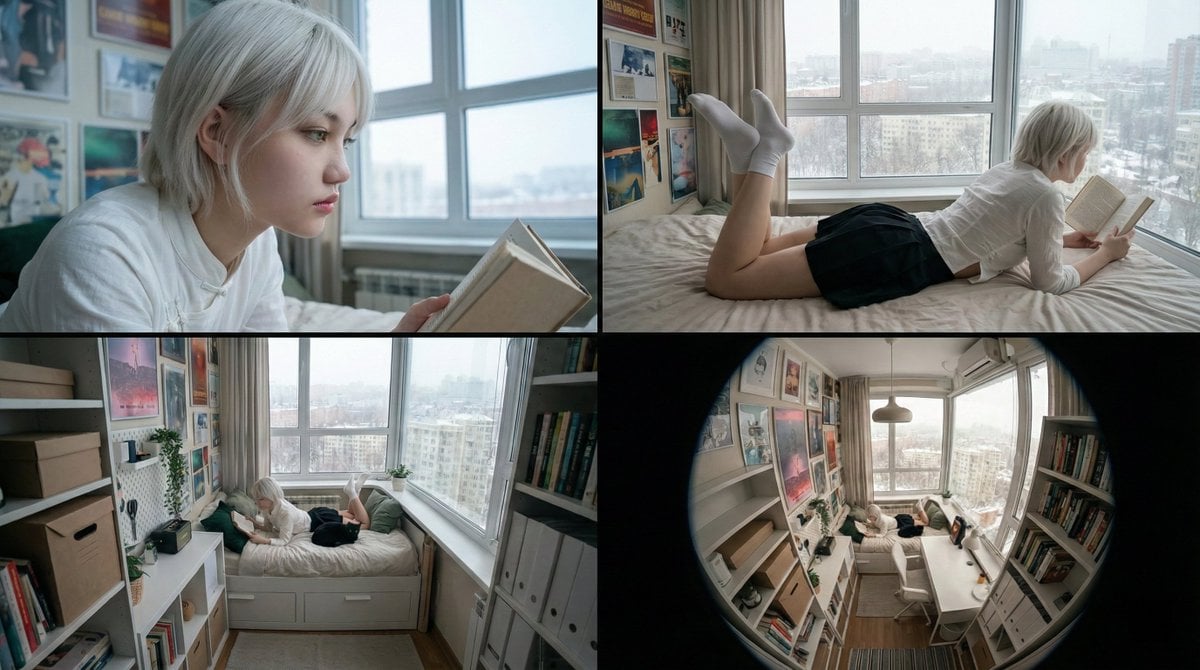
16:9 Cinematic Storyboard from References
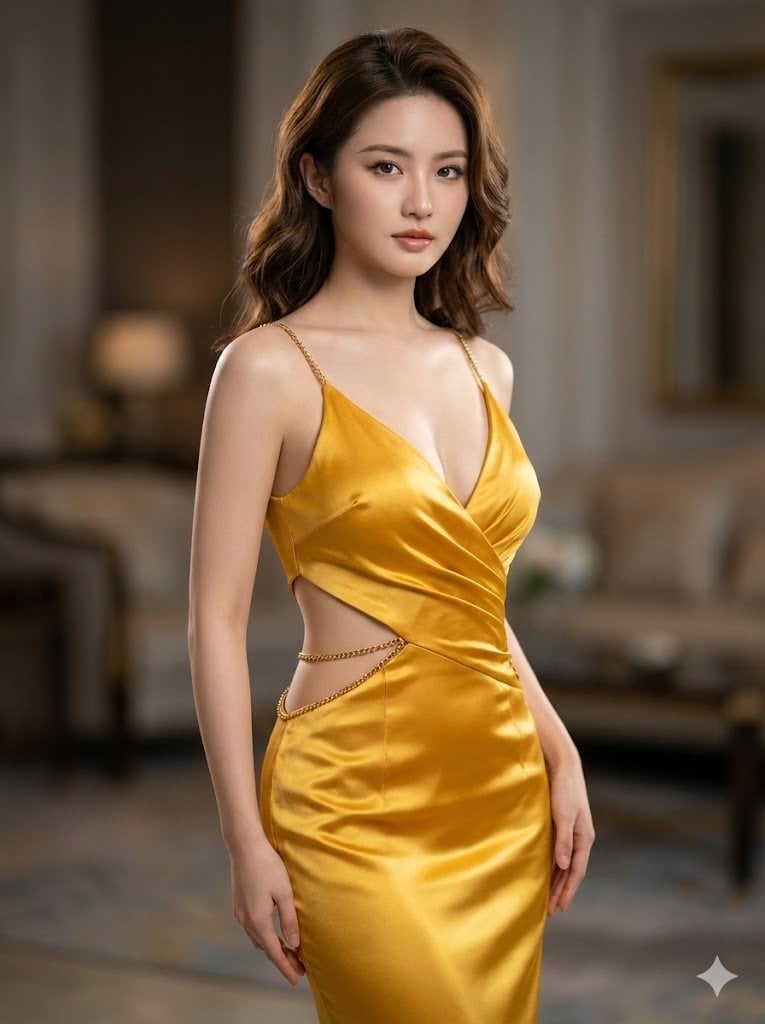
Ultra-Realistic Cinematic Portrait in Golden Silk Satin Gown
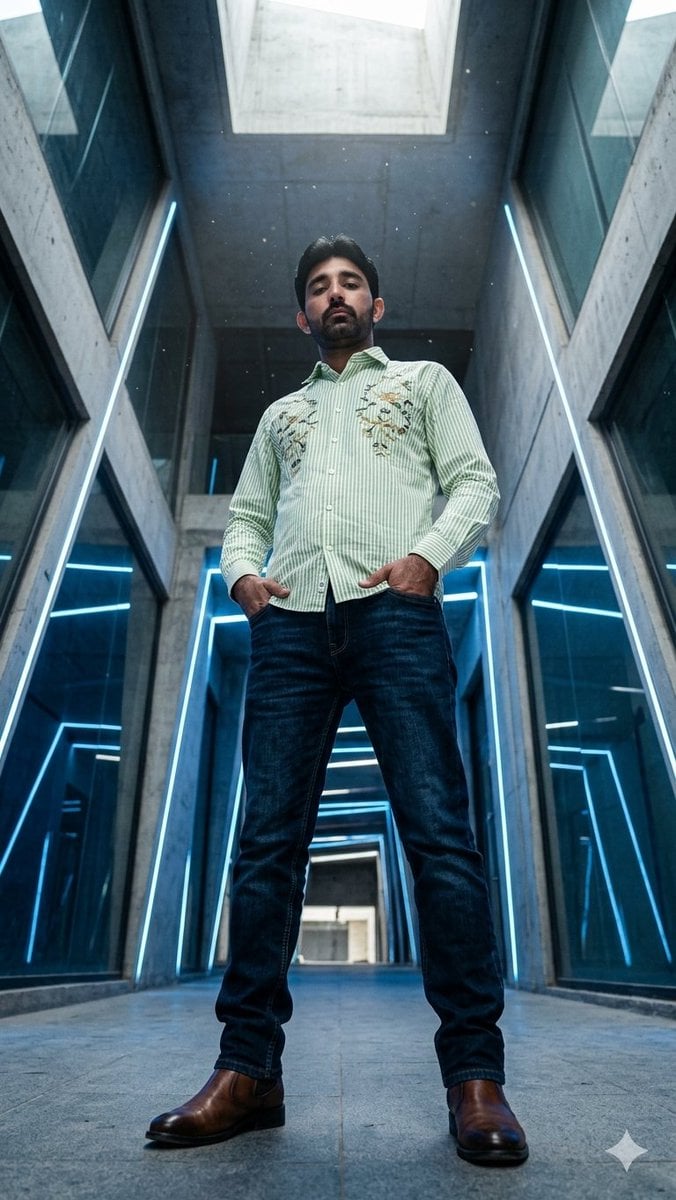
Low-Angle Futuristic Fashion Editorial
Google Nano Banana Pro
Browse template categories
Monkey Patrol in Cardboard Police Car questions
How do I use the Monkey Patrol in Cardboard Police Car template?
Add your photo if the template asks for one, edit the prompt if you like — the template's model and format are already selected — and press Generate. Your version opens in PicX Studio.
Can I customize the Monkey Patrol in Cardboard Police Car template?
Yes. You can change the subject, setting, lighting, mood, format, and available model controls before creating your image.
Is the Monkey Patrol in Cardboard Police Car template free?
Opening and editing this template is free. Generating uses credits, shown on the Generate button when you are signed in.
Which AI model should I use?
Start with GPT Image 2, which is the model associated with this template. You can compare another compatible model for a different finish.
Looking for something else? Browse all templates.

Your photo, any look
Thousands of ready templates for every top image and video model, from one credit balance.