
Google Nano Banana Pro
Google Nano Banana Pro is a ready photo look for Nano Banana.
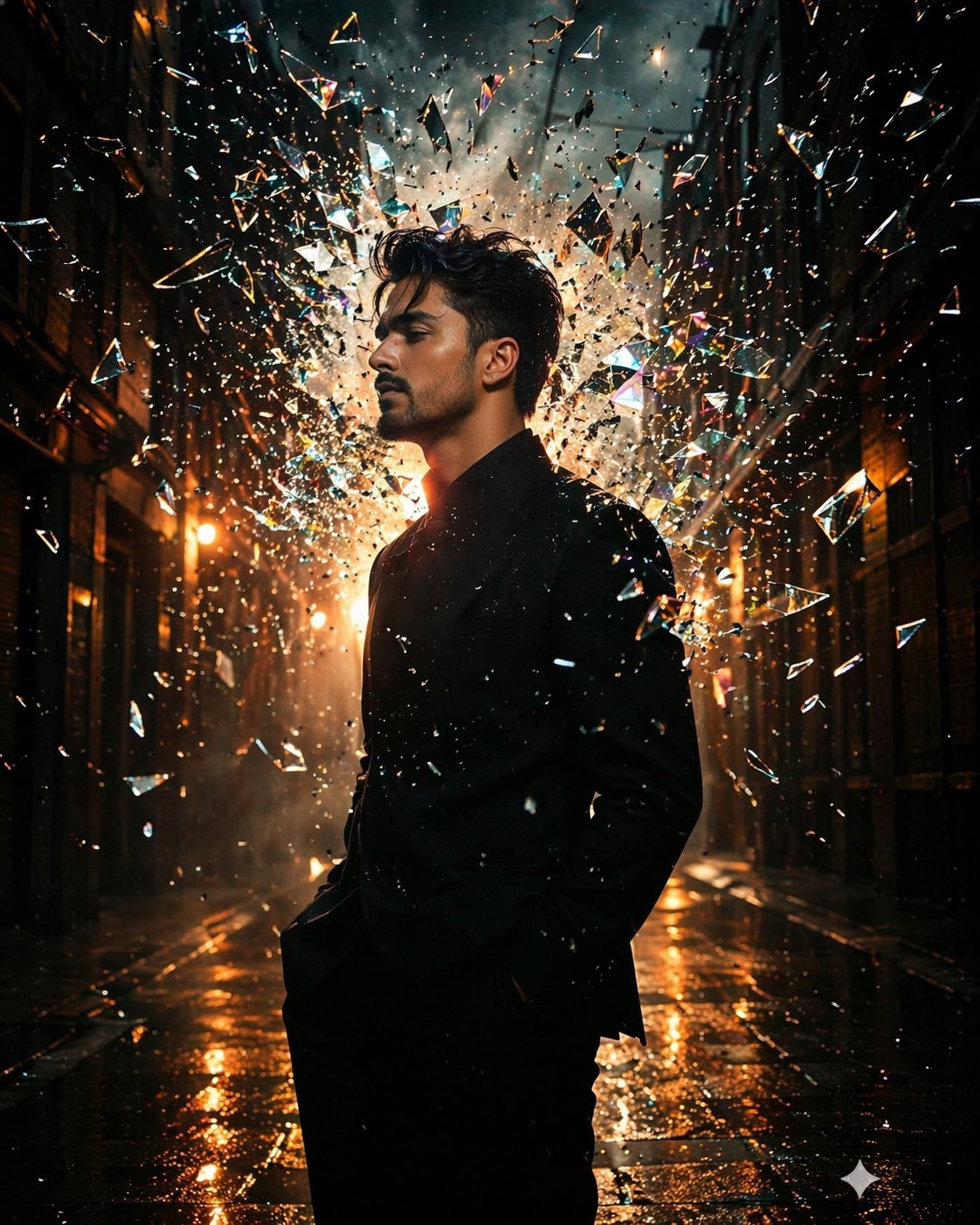
- Prompt included
- Model and format preset
- Free template
The prompt behind this image
Copy the exact prompt behind Google Nano Banana Pro, or open it in the studio and make it yours.
- Subject based on my reference image, positioned in a dark cinematic urban alley at night, captured in side-profile silhouette. The subject remains still and calm while a glass pane shatters behind them in slow motion. Hundreds of sharp, ultra-clear glass shards explode outward, forming a kinetic cloud around the head and shoulders. Each shard reflects and refracts light with high realism, creating prism-like streaks and sparkling highlights. Strong backlighting creates a glowing rim light around the silhouette, enhancing separation from the background. Light rays pass through the shards, producing dramatic volumetric beams. Mood: high-contrast noir, moody, intense, cinematic. Lighting: backlit + subtle side rim light, warm highlights mixed with cool reflections. Details: ultra-realistic glass refraction, gemstone-like facets, sharp reflections, floating dust particles, shallow depth of field, bokeh in background. Camera: medium telephoto (50mm look), shallow focus, subject sharp, background soft. Style: ultra-detailed, 4K, HDR, filmic color grading, realistic textures, no motion blur on subject, only on shards. Generate image using uploaded reference image
How to use Google Nano Banana Pro in 3 steps
- 1Upload ImagePNG, JPG or paste
Add your photo
Upload the photo the template builds on. The prompt, model and format are already set.
- 2…a portrait of your subject in softgolden-hour light, 85mm…
Personalize
Edit the subject and creative details for your destination.
- 3Generate
Generate
Press Generate — your image is created in PicX Studio, so you can compare it with the original and refine one variable at a time.
More like this
Templates with the same subject, style or setup. Open one to see its prompt.

Google Gemini Nano Banana Pro

Nano Banana 2

Gemini Nano Banana 2 Logo in Wet Sand Be

Nano Banana 2 Gourmet Ice Cream Commerci
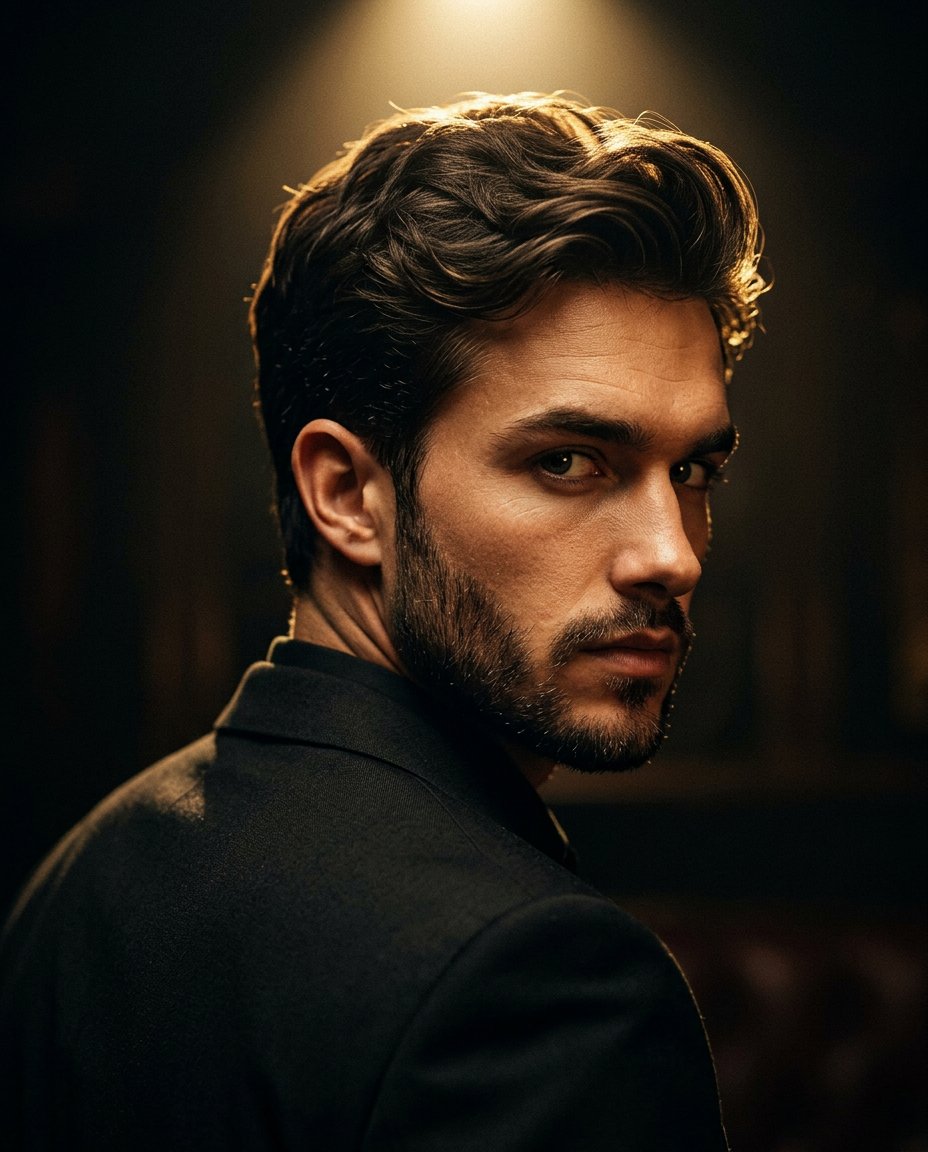
Cinematic Portrait Prompt for Google Nano Banana Pro

80s Bollywood Star

80s Golden Hour Cinema

Nano Banana Is So Addictive

Toddler Version of a Person in 3d Pixar

Ultra Detailed 3d Plush Cartoon Characte

untitled

Nano Banana 2 Perspective Experiment
Make it yours
Google Nano Banana Pro works as-is. These are the safest ways to change it without losing the look.
Change one field
Copy a single group, rewrite it, and generate again so you can see what that field is doing.
Keep the frame, change the subject
Hold the composition and light of 174-google-nano-banana-pro, then swap wardrobe, props or the person for a new take.
| If the result… | Why | Fix |
|---|---|---|
| The result drifts from the preview | Too many fields changed at once. | Reuse 174-google-nano-banana-pro as-is first, then change one group — subject, light, or setting. |
| The model over-stylizes the scene | The prose prompt leaves finish and camera underspecified. | Add one camera or lighting sentence and stay on Nano Banana. |
More Nano Banana templates
Other prompts made for Nano Banana.










More image prompts
Fresh picks from across the catalog.
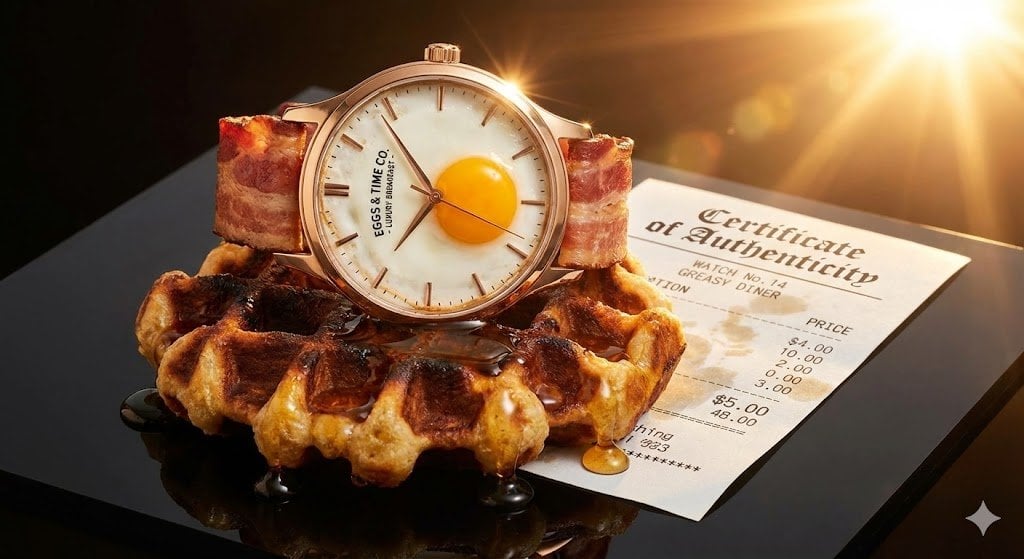
Luxury Watch Product Photography Prompt: Luxury vs. Absurdity
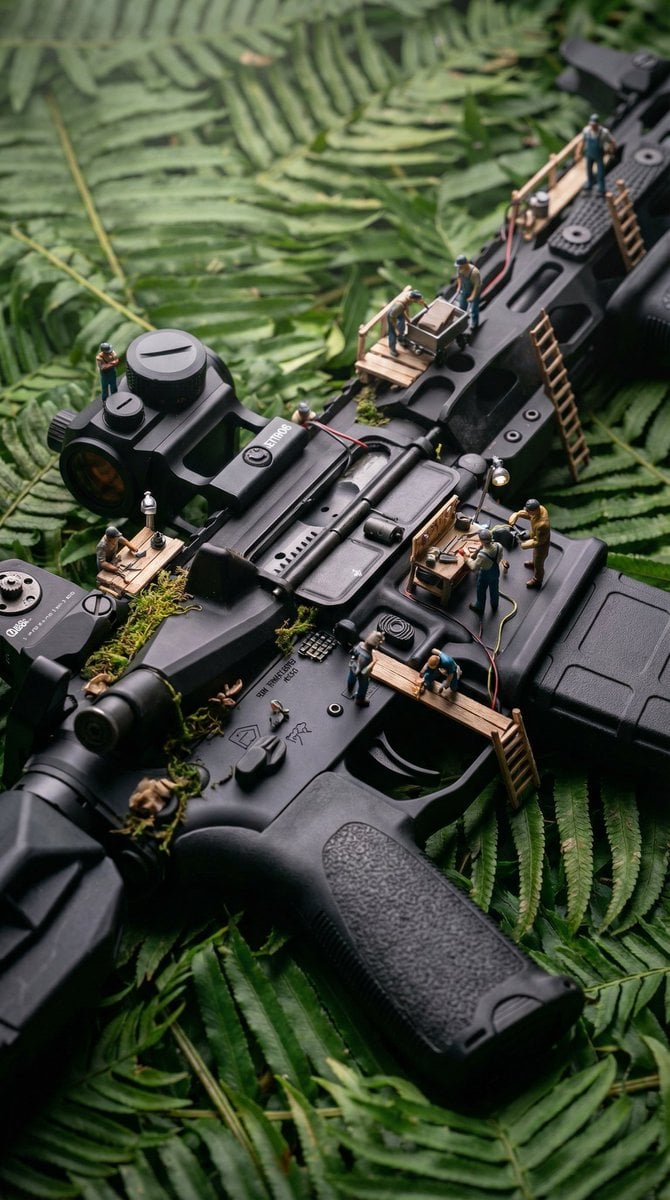
Object-Based Miniature Surreal Ecosystem
Hyper-Realistic Portrait Generation Prompt (Polina Gagarina)
Blurred Esports Audience Crowd Shot
Cinematic Low-Angle Otaku Bedroom Portrait
Cinematic 9 Panel Storyboard Sheet
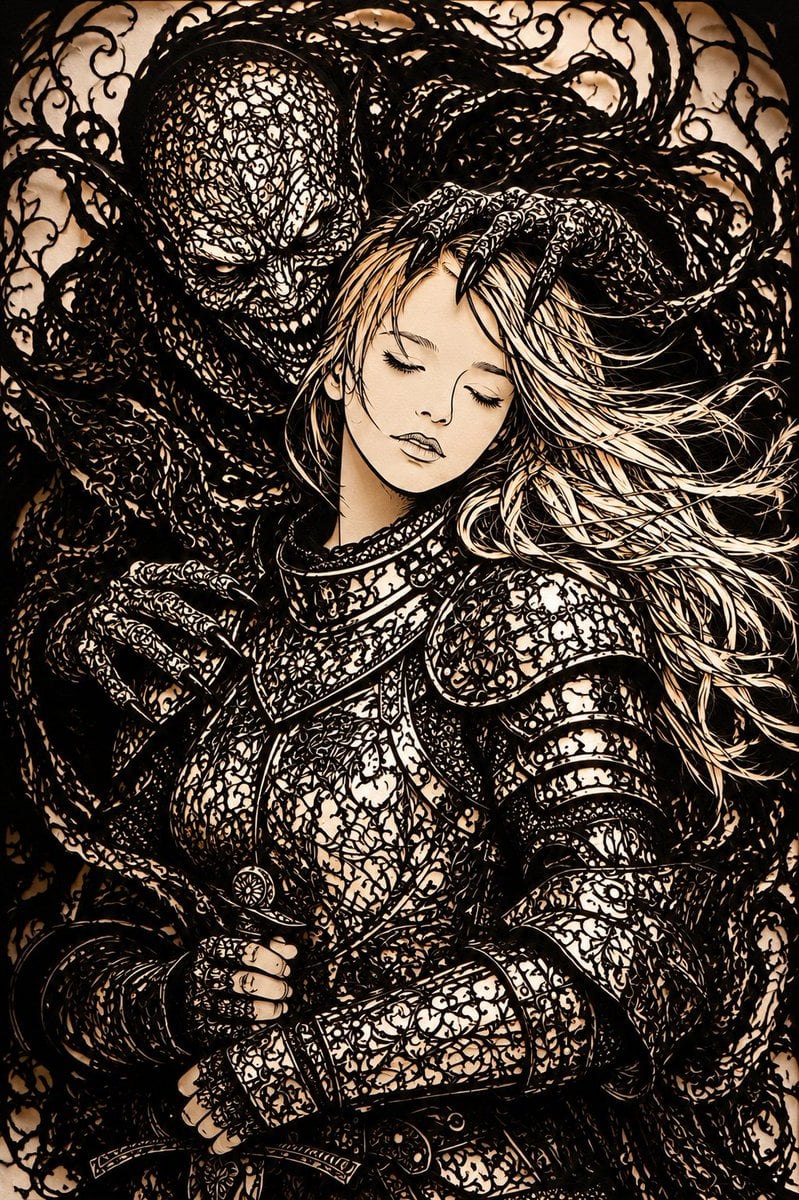
Dark Fantasy Kirie Knight and Demon
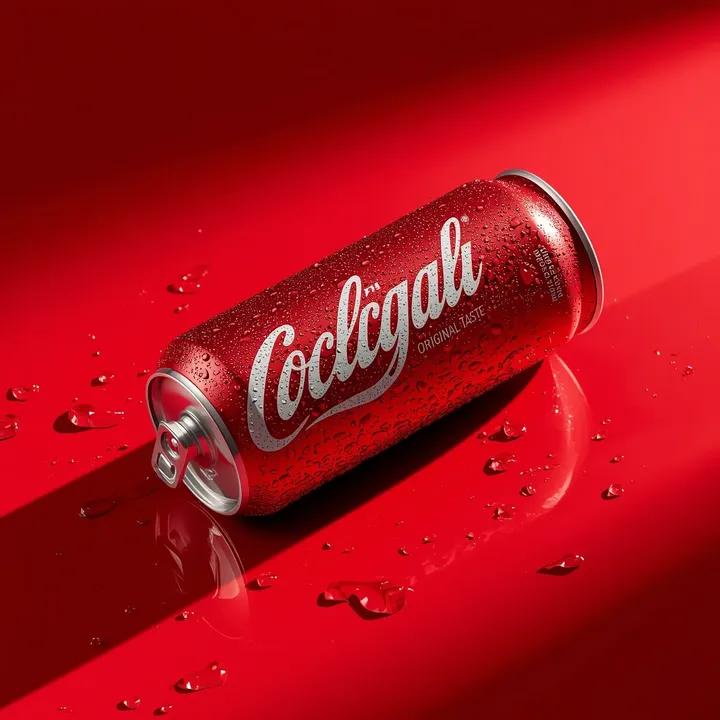
Ultra-Realistic Beverage Product Photography
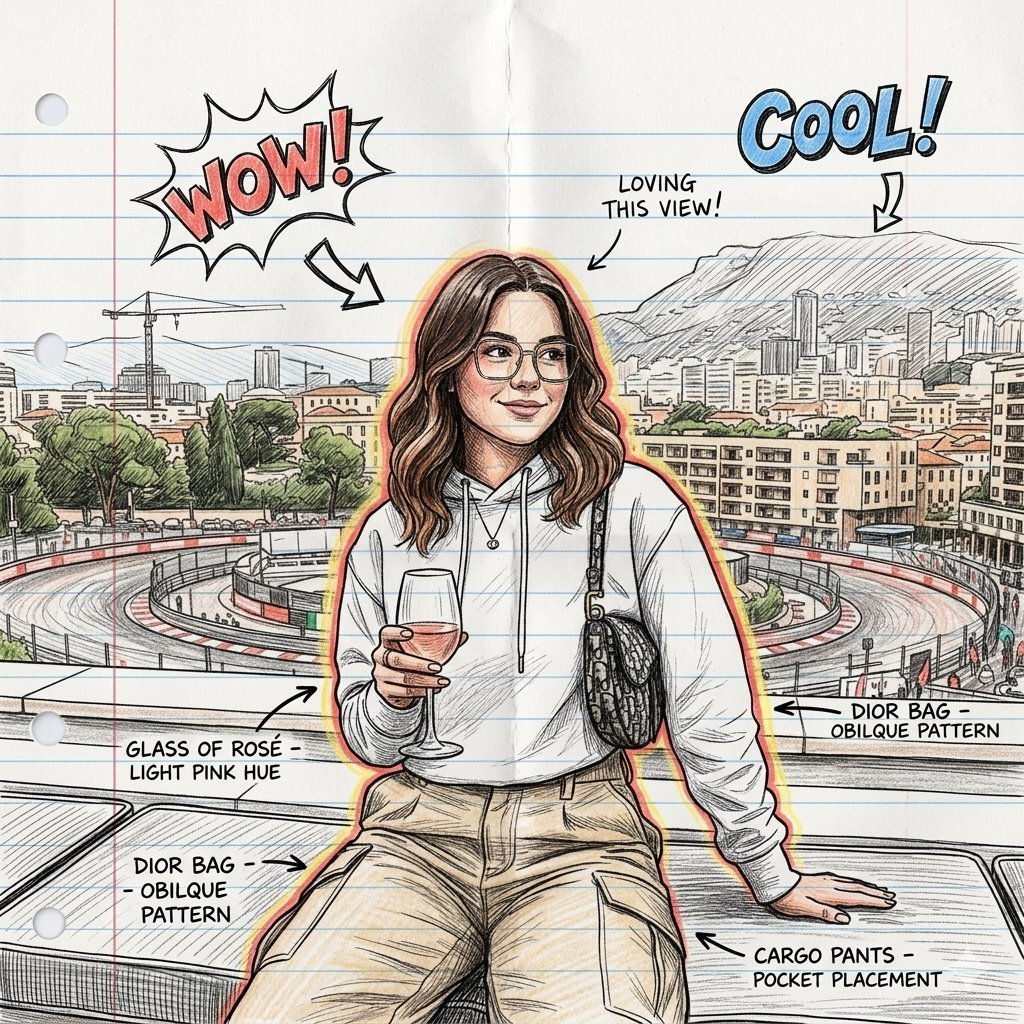
Hand-Drawn Sketch Illustration from Reference Image
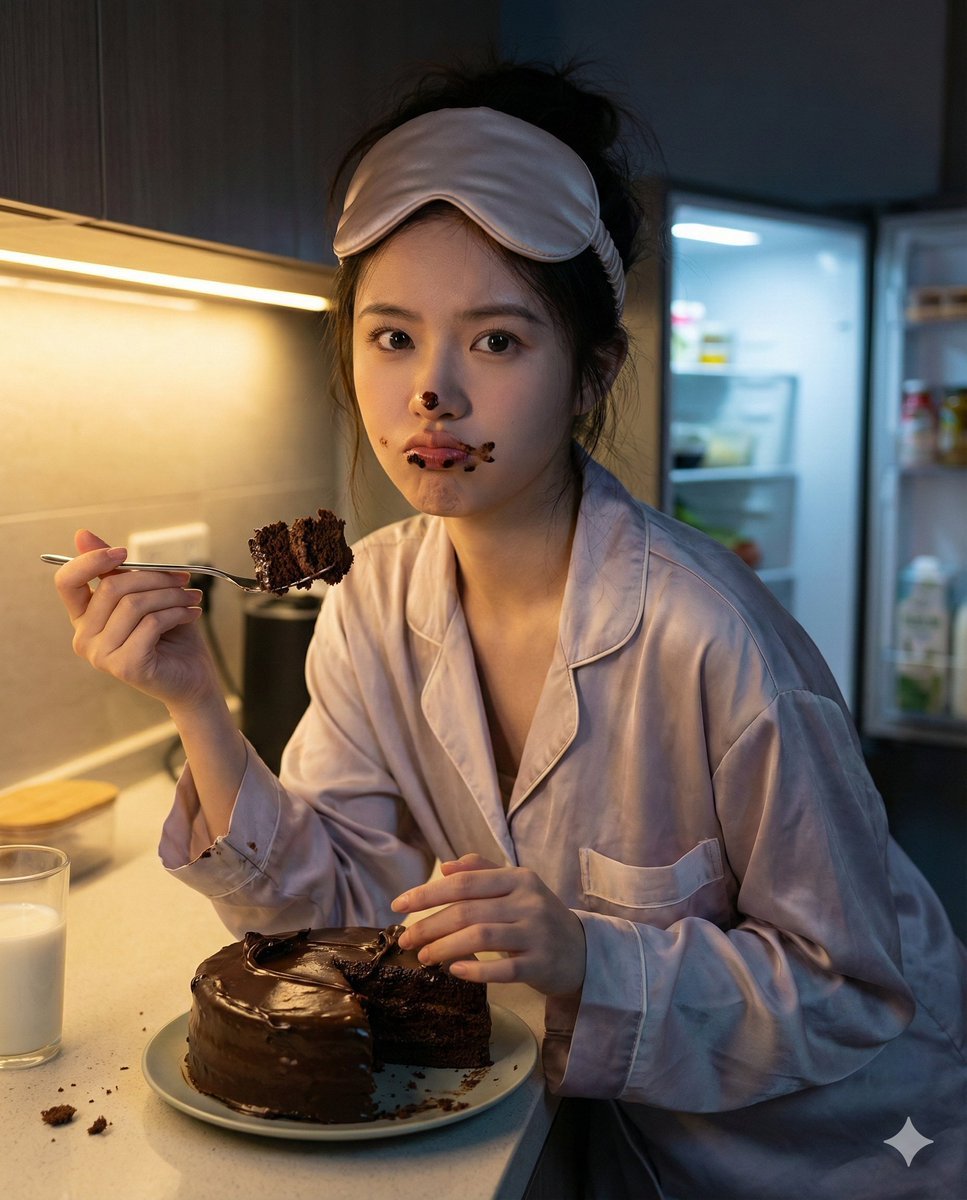
Nano Banana Pro Hyper-Realistic Midnight Snack Portrait Prompt
Browse template categories
Google Nano Banana Pro questions
How do I use the 174-google-nano-banana-pro template?
Add your photo if the template asks for one, edit the prompt if you like — the template's model and format are already selected — and press Generate. Your version opens in PicX Studio.
Can I customize the 174-google-nano-banana-pro template?
Yes. You can change the subject, setting, lighting, mood, format, and available model controls before creating your image.
Is the 174-google-nano-banana-pro template free?
Opening and editing this template is free. Generating uses credits, shown on the Generate button when you are signed in.
Which AI model should I use?
Start with Nano Banana, which is the model associated with this template. You can compare another compatible model for a different finish.
Looking for something else? Browse all templates.

Your photo, any look
Thousands of ready templates for every top image and video model, from one credit balance.