
Tokyo Police Robot Exhibition
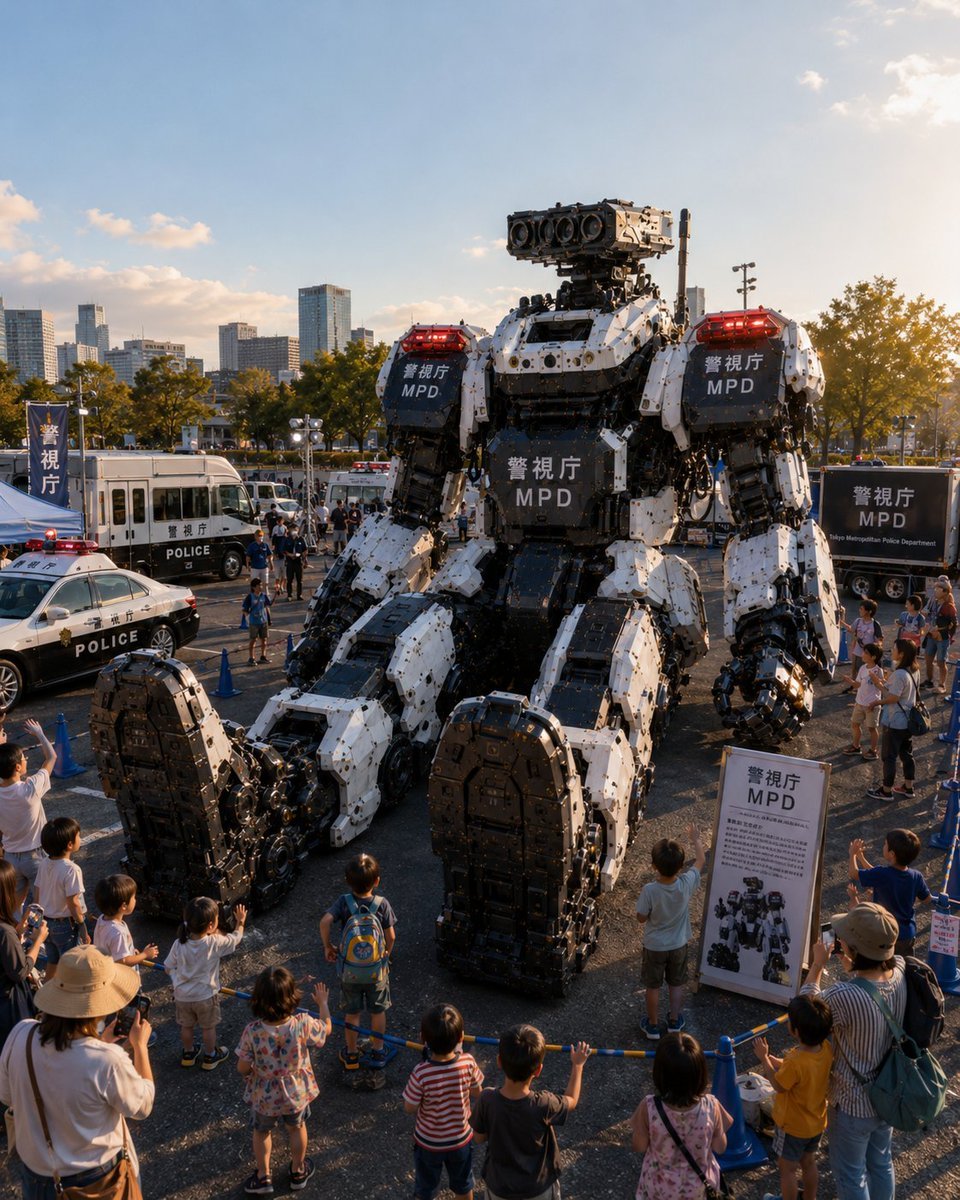
A photorealistic scene of a massive MPD humanoid police robot displayed at a Tokyo public police vehicle exhibition.
- Prompt included
- Model and format preset
- Free template
The prompt behind this image
Copy the exact prompt behind Tokyo Police Robot Exhibition, or open it in the studio and make it yours.
Create a photorealistic vertical event photograph of a futuristic Tokyo Metropolitan Police public vehicle exhibition at golden hour. The main subject is exactly 1 enormous seated humanoid police robot, about three stories tall, built from white and matte-black armored mechanical plates with exposed pistons, bolts, joints, cables, hydraulic arms, oversized feet, and a rectangular sensor head with 4 large circular camera lenses. Put red emergency light bars on both shoulders, and display the visible markings {argument name="agency text" default="警視庁 MPD"} on exactly 3 dark armor panels: left shoulder, right shoulder, and chest. The robot is seated in the center of an outdoor parking-lot exhibition area behind blue rope barriers, towering over spectators. Include exactly 4 police display vehicles around it: 1 black-and-white patrol sedan in the left foreground with a red roof light, 1 white police bus or command van on the left midground, 1 small white emergency police vehicle behind the robot, and 1 black police trailer or truck on the right midground with Tokyo Metropolitan Police Department-style lettering. Add exactly 3 readable public-safety display items: 1 tall blue vertical flag on the far left with Japanese police text, 1 freestanding white information board on the right foreground showing the robot diagram and MPD heading, and 1 dark rectangular sign on the right trailer. Surround the display with a family crowd, including at least 10 children lined along the blue barrier in the foreground, some waving or pointing upward, plus parents and photographers, all at realistic scale to emphasize the robot’s size. Background: modern Tokyo city skyline, mid-rise office towers, trees with late-afternoon sunlight, open blue sky with a few small clouds. Use cinematic documentary realism, high detail, natural lens perspective from slightly elevated front view, warm sunset highlights, deep mechanical texture, realistic shadows, subtle crowd motion, no anime style, no illustration, no watermark. Overall mood: awe, public demonstration, advanced police robotics. Optional customization: set the event location to {argument name="event location" default="Tokyo outdoor police vehicle exhibition"}, the robot color scheme to {argument name="robot color scheme" default="white and matte black"}, the time of day to {argument name="time of day" default="golden hour"}, and the crowd type to {argument name="crowd type" default="families with children"}.
How to use Tokyo Police Robot Exhibition in 3 steps
- 1Upload ImagePNG, JPG or paste
Add your photo
Upload the photo the template builds on. The prompt, model and format are already set.
- 2…a portrait of your subject in softgolden-hour light, 85mm…
Personalize
Edit the subject and creative details for your destination.
- 3Generate
Generate
Press Generate — your image is created in PicX Studio, so you can compare it with the original and refine one variable at a time.
More like this
Templates with the same subject, style or setup. Open one to see its prompt.
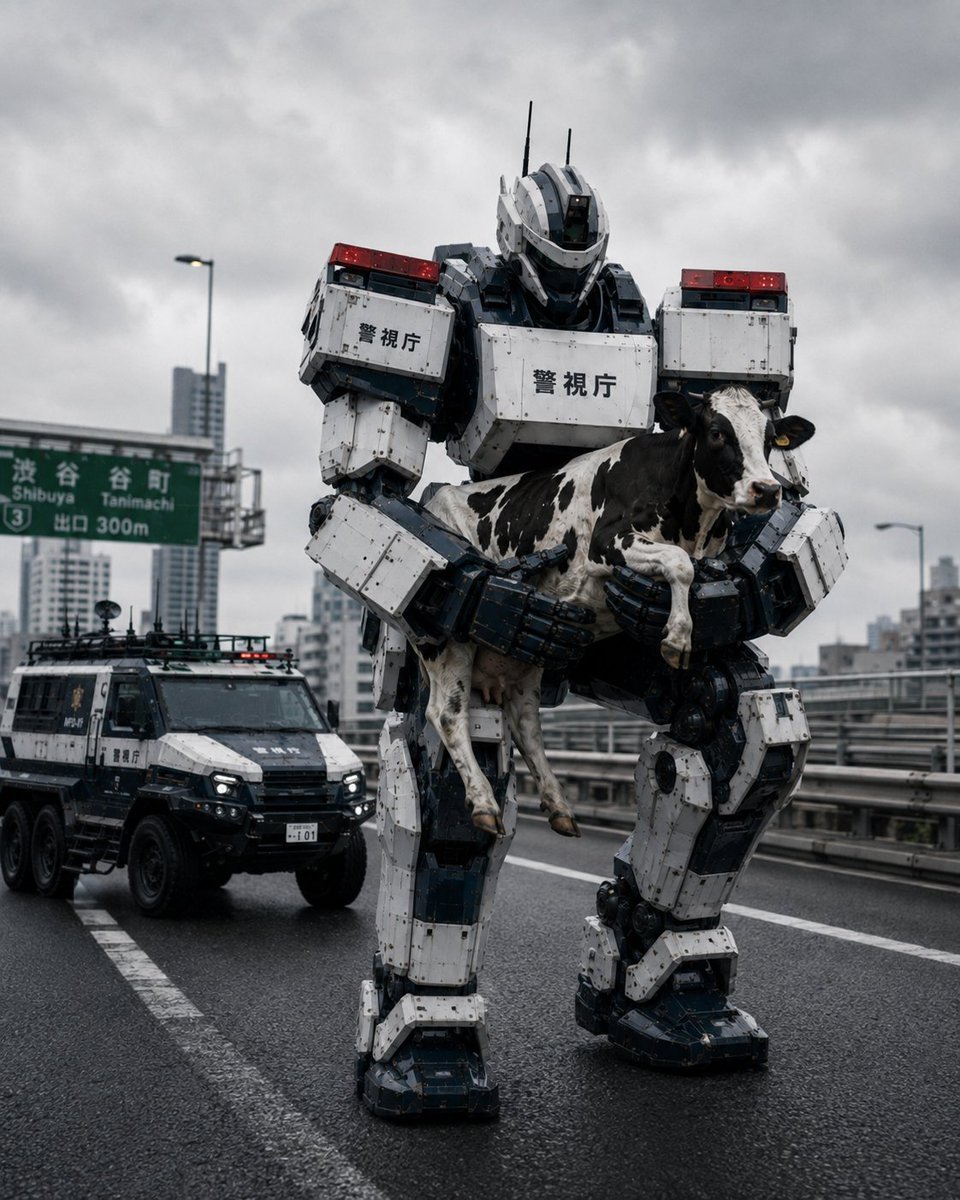
Tokyo Police Robot Rescuing Cow
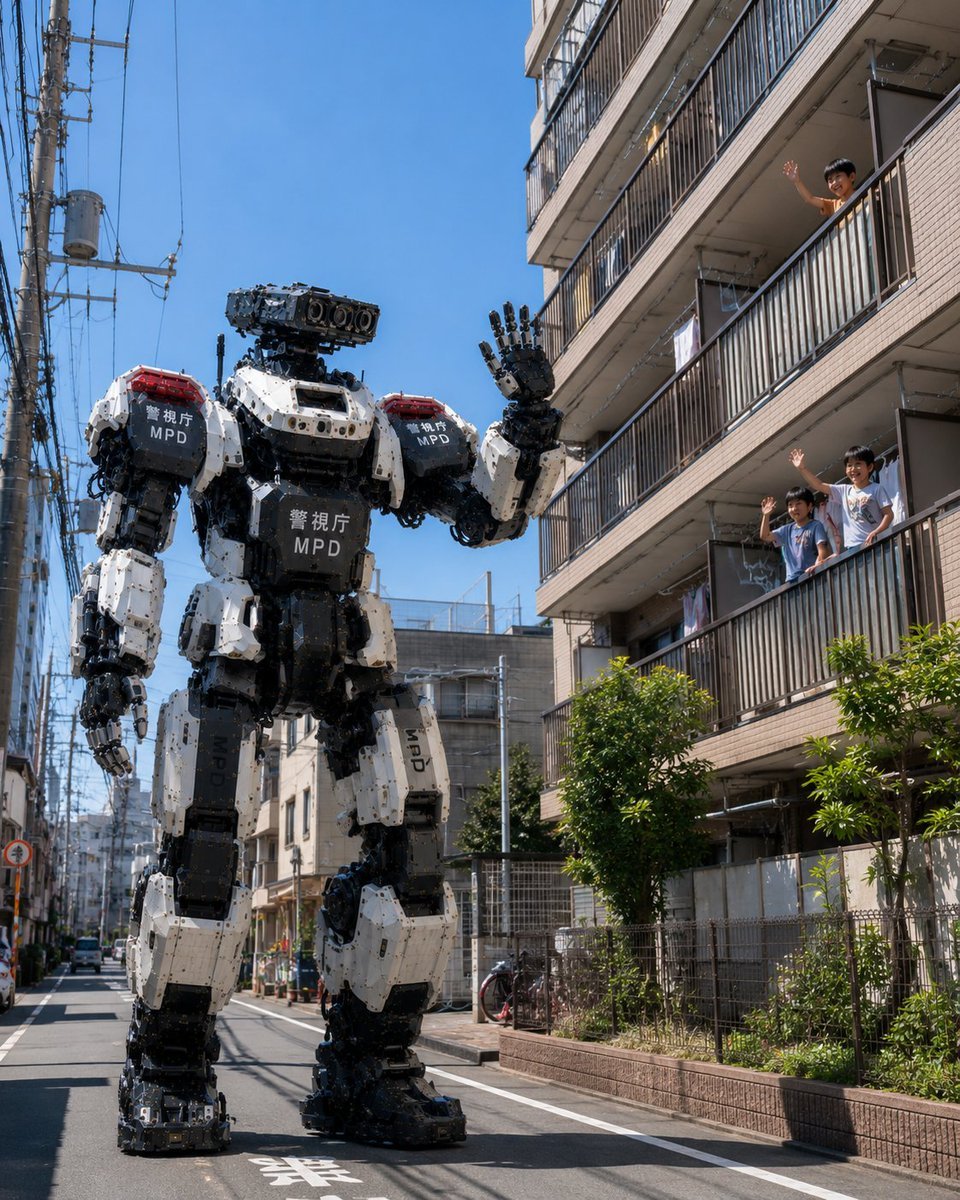
Tokyo Police Robot Neighborhood Patrol
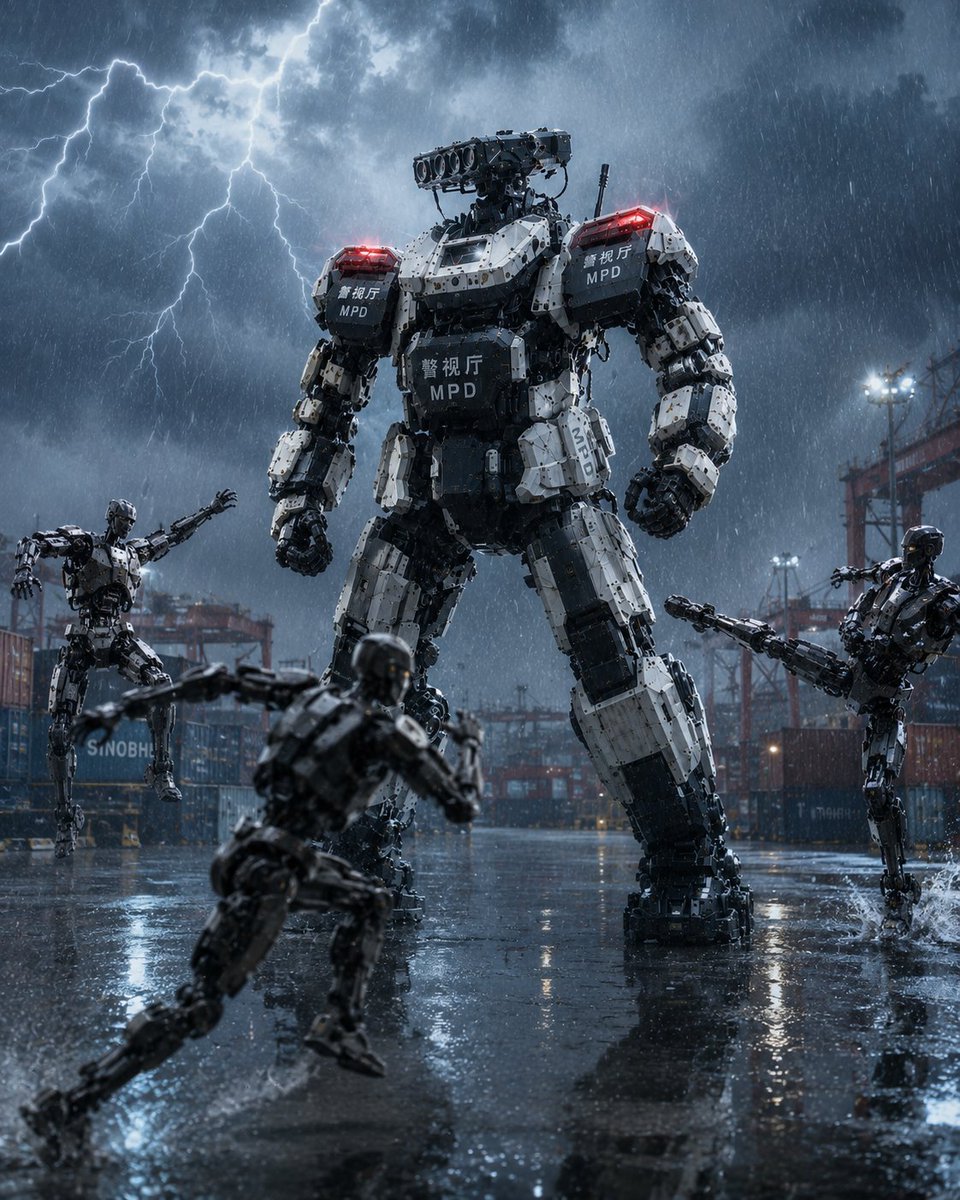
Tokyo Police Heavy Robot Squad
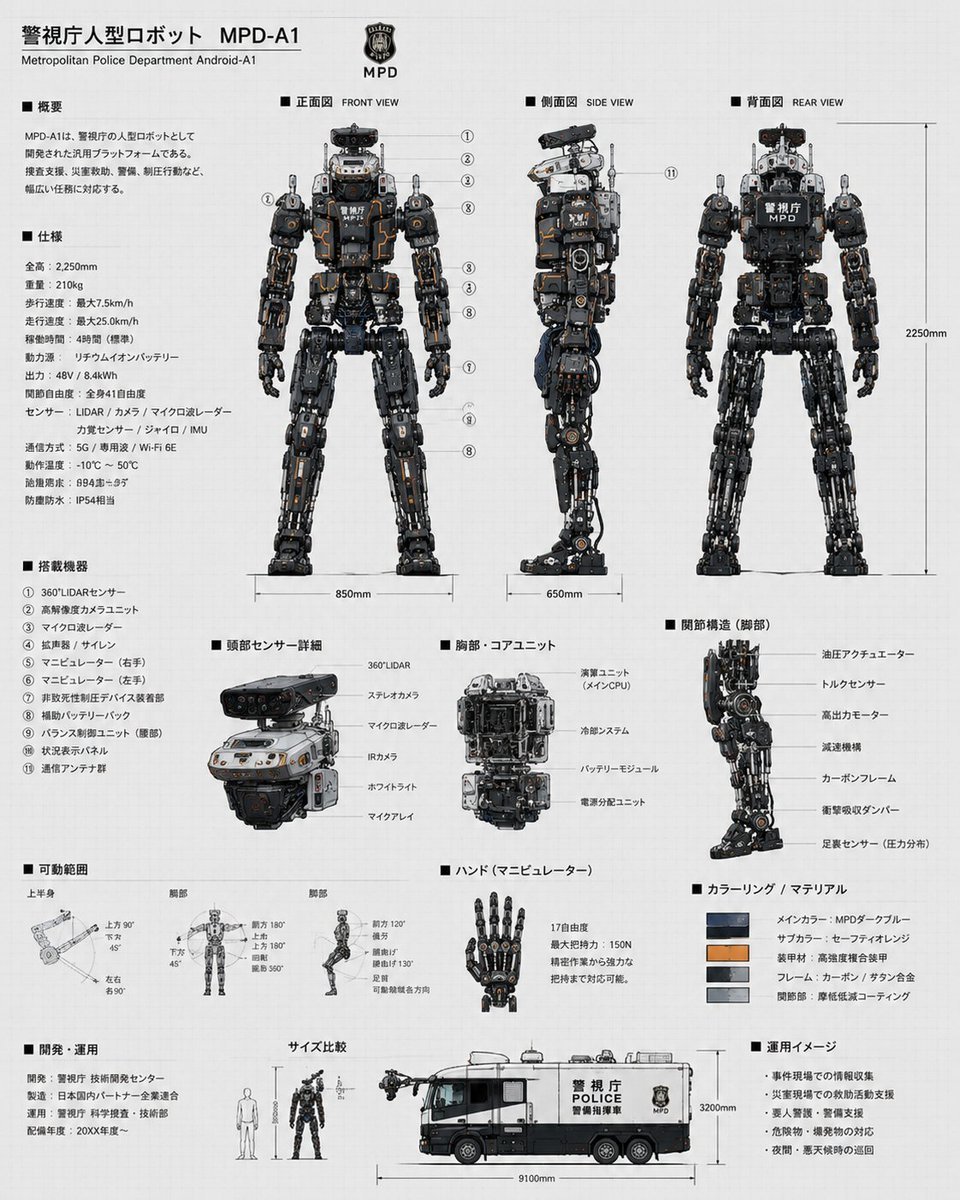
Police Robot Blueprint
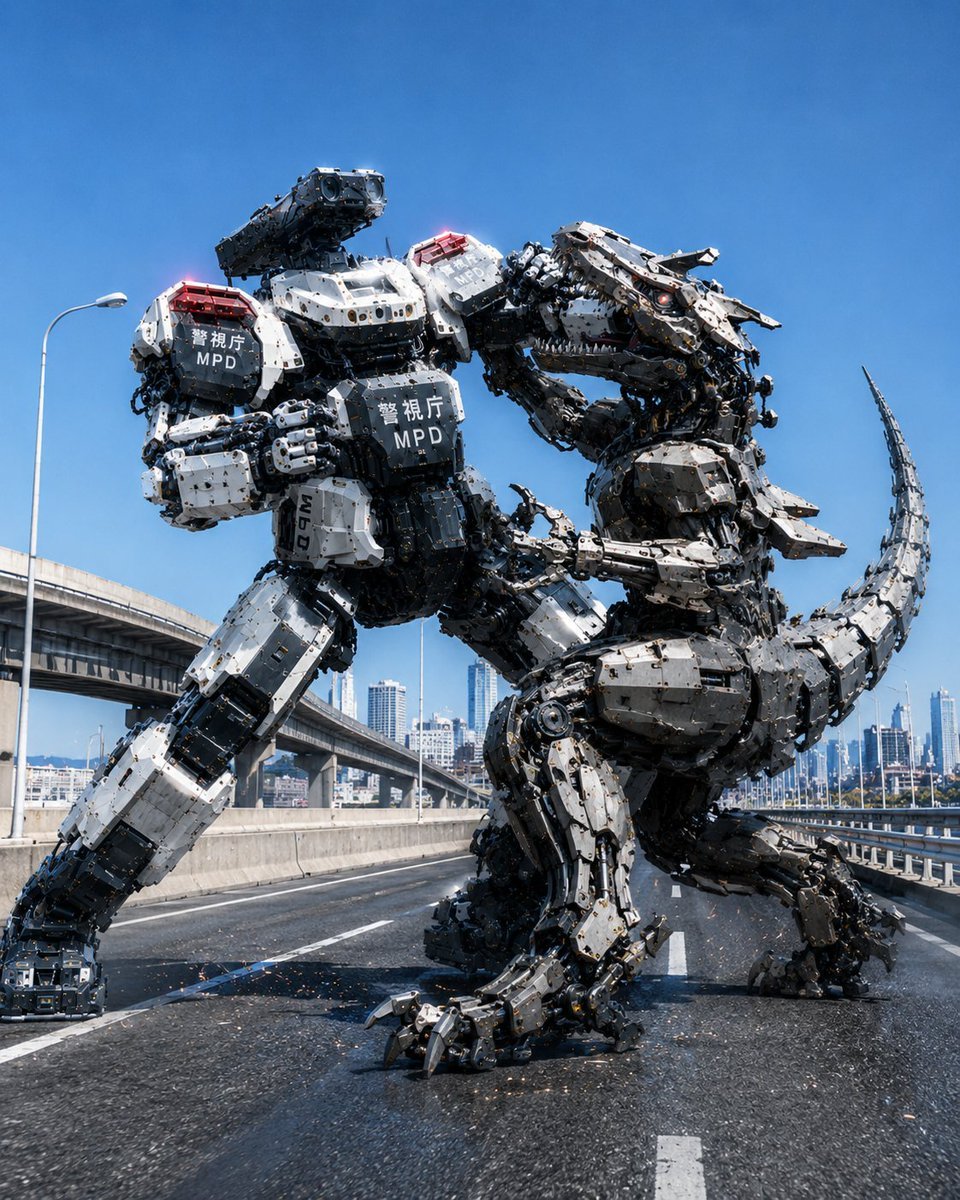
Police Robot Dinosaur Battle Scene
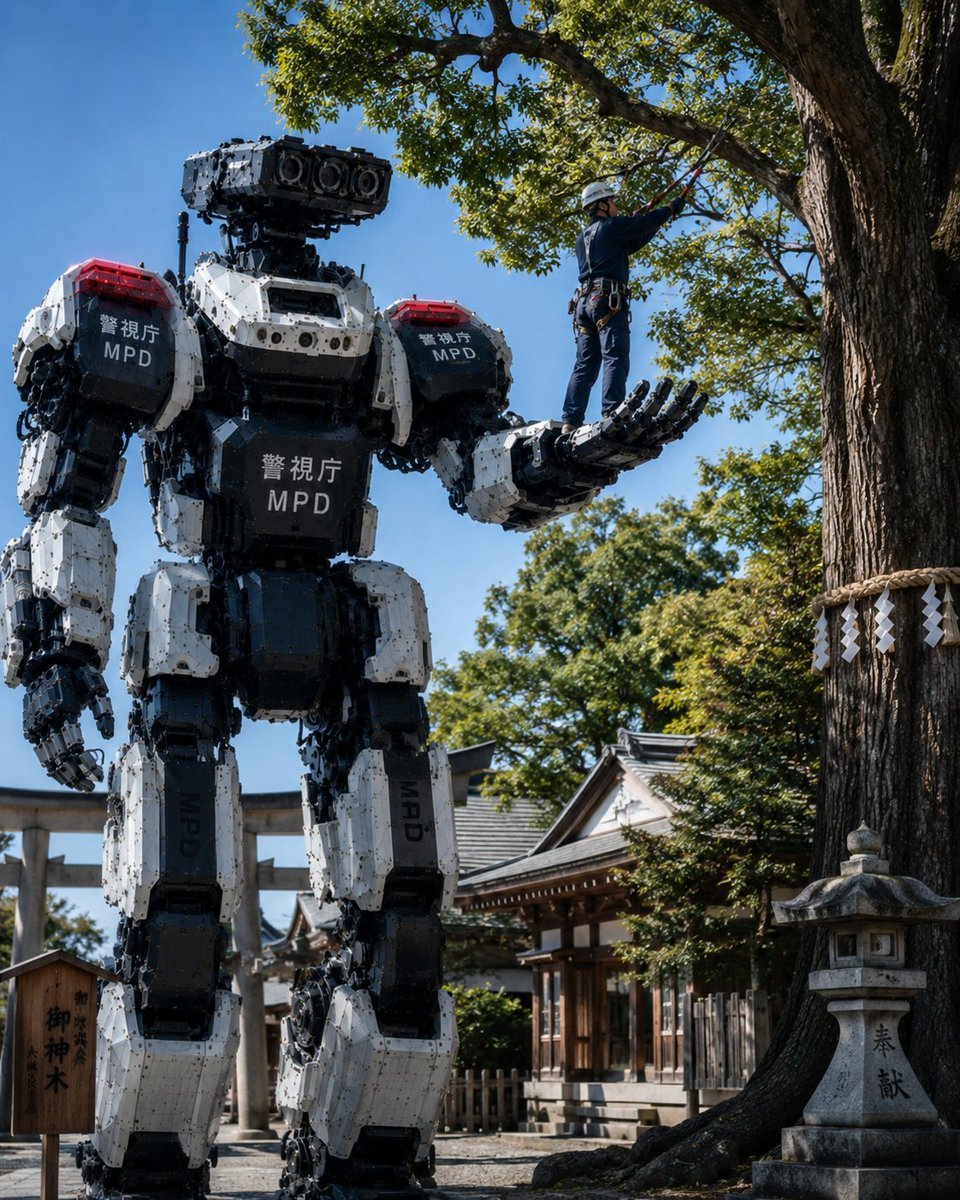
Police Robot Pruning Shrine Trees
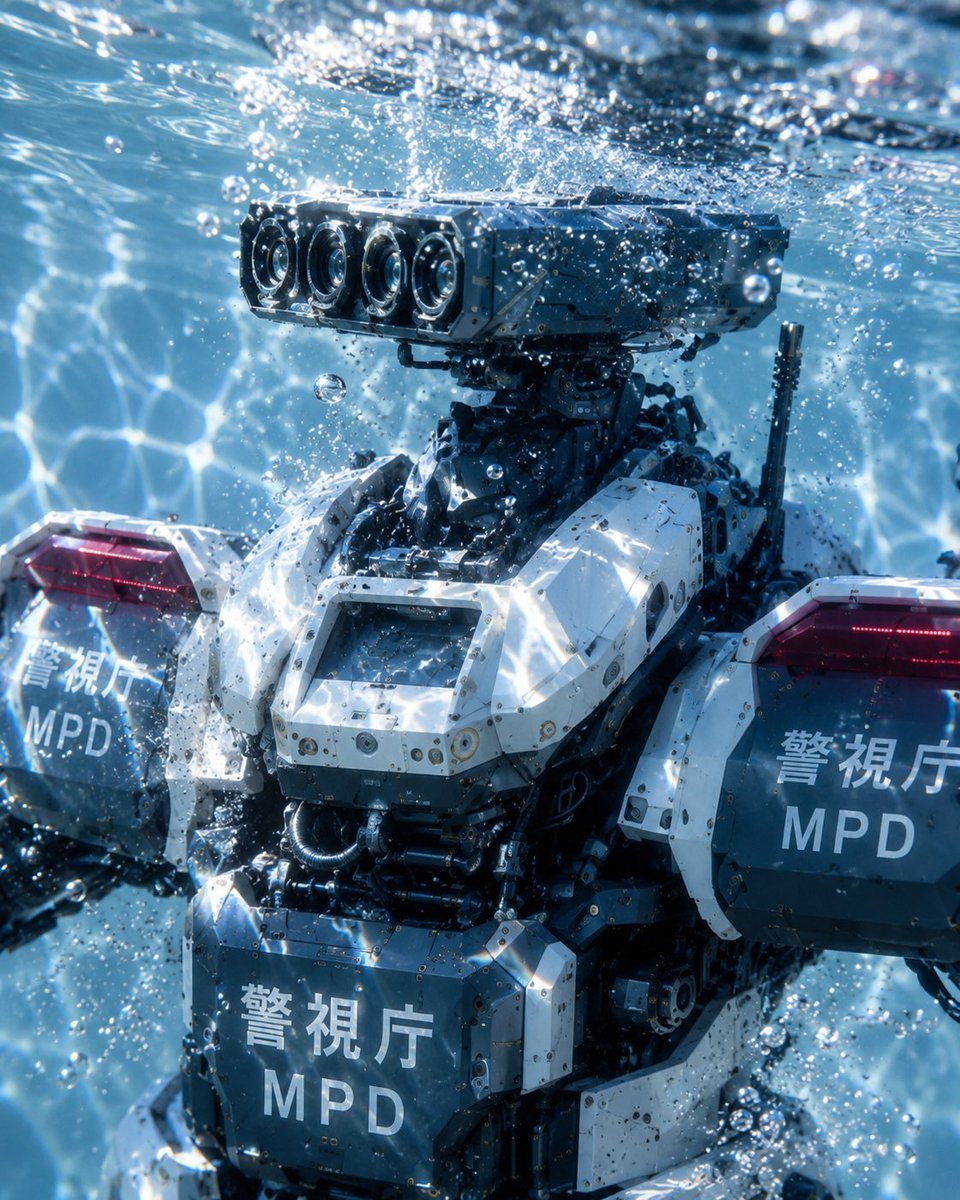
Underwater MPD Police Robot Test
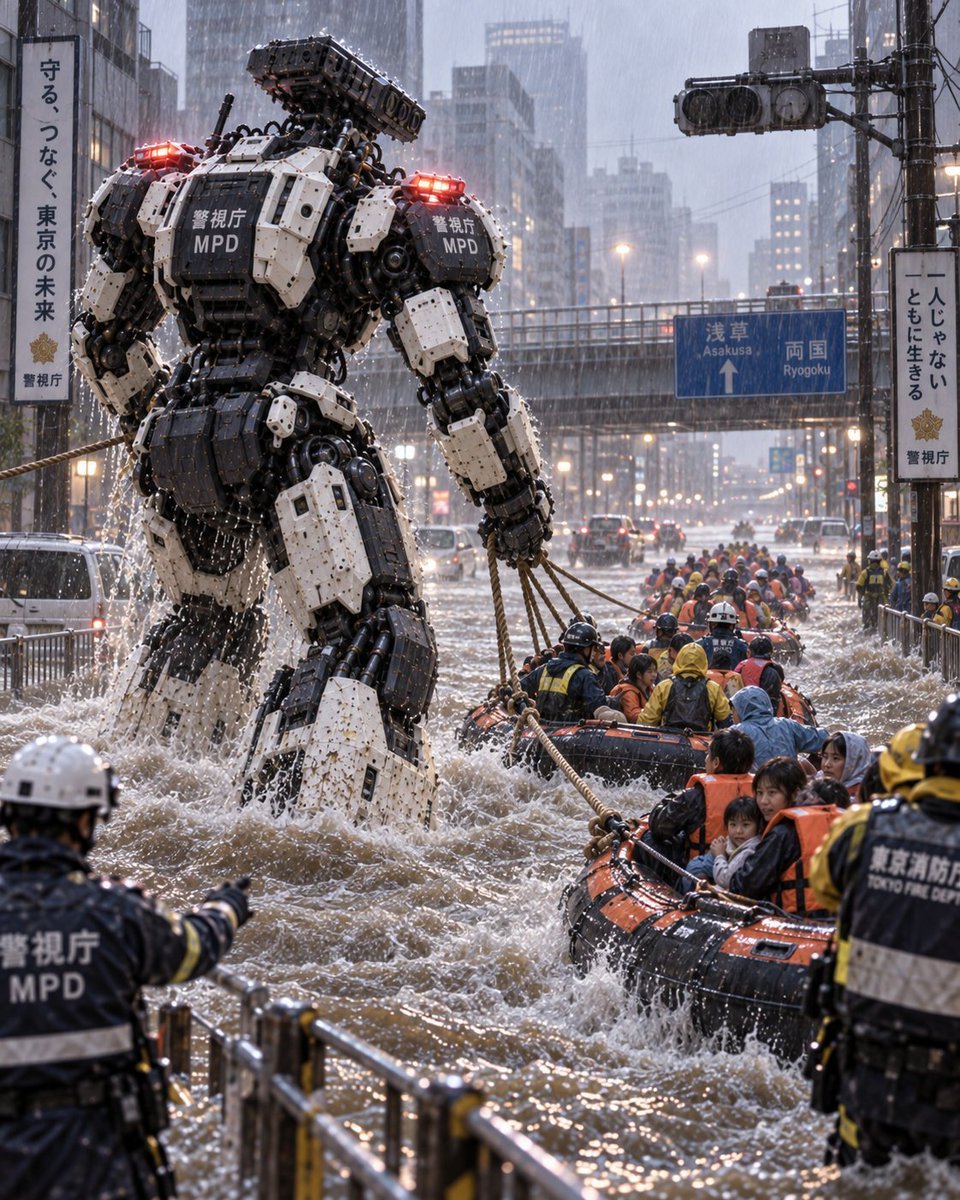
Police Robot Rescue Scene
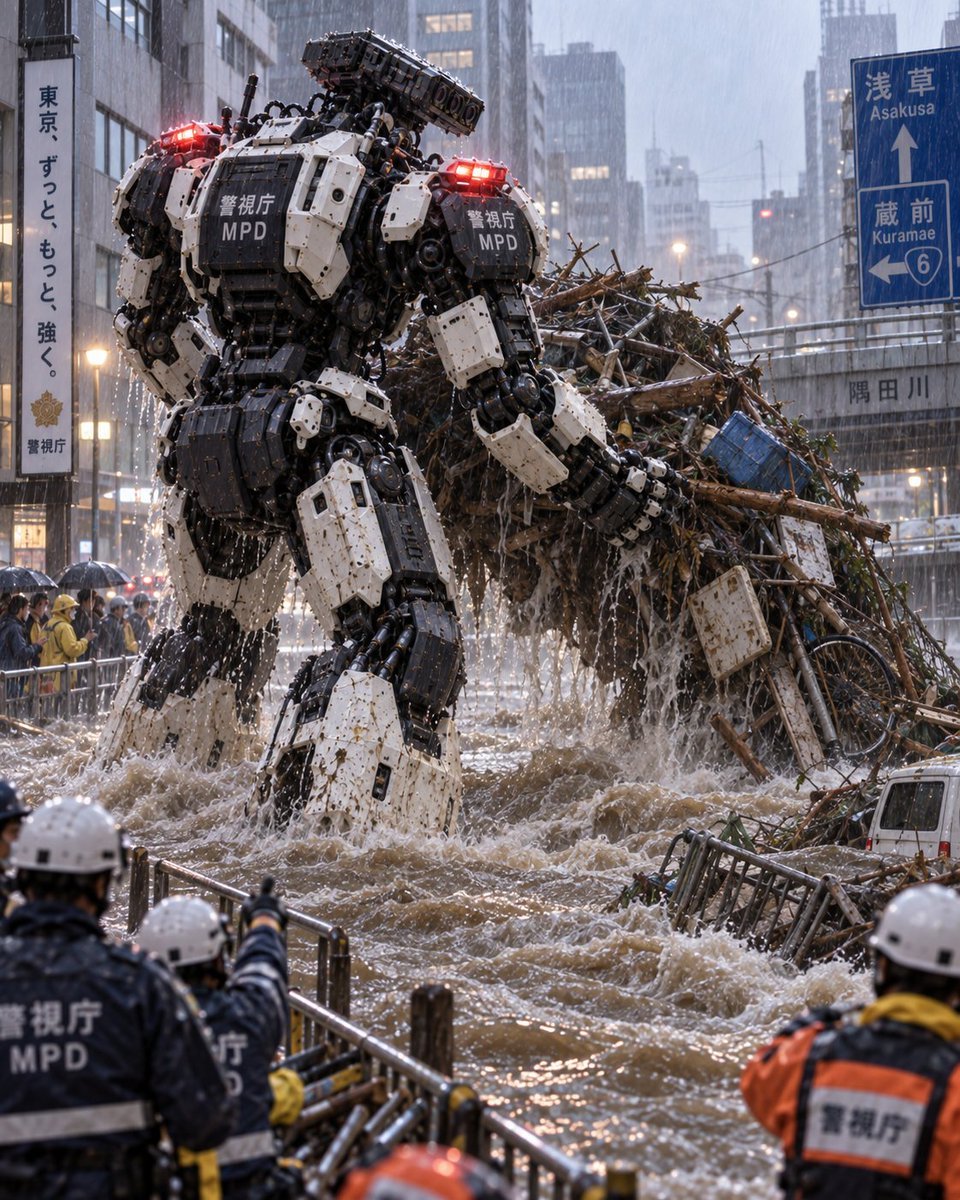
Tokyo Police Flood Rescue Mech
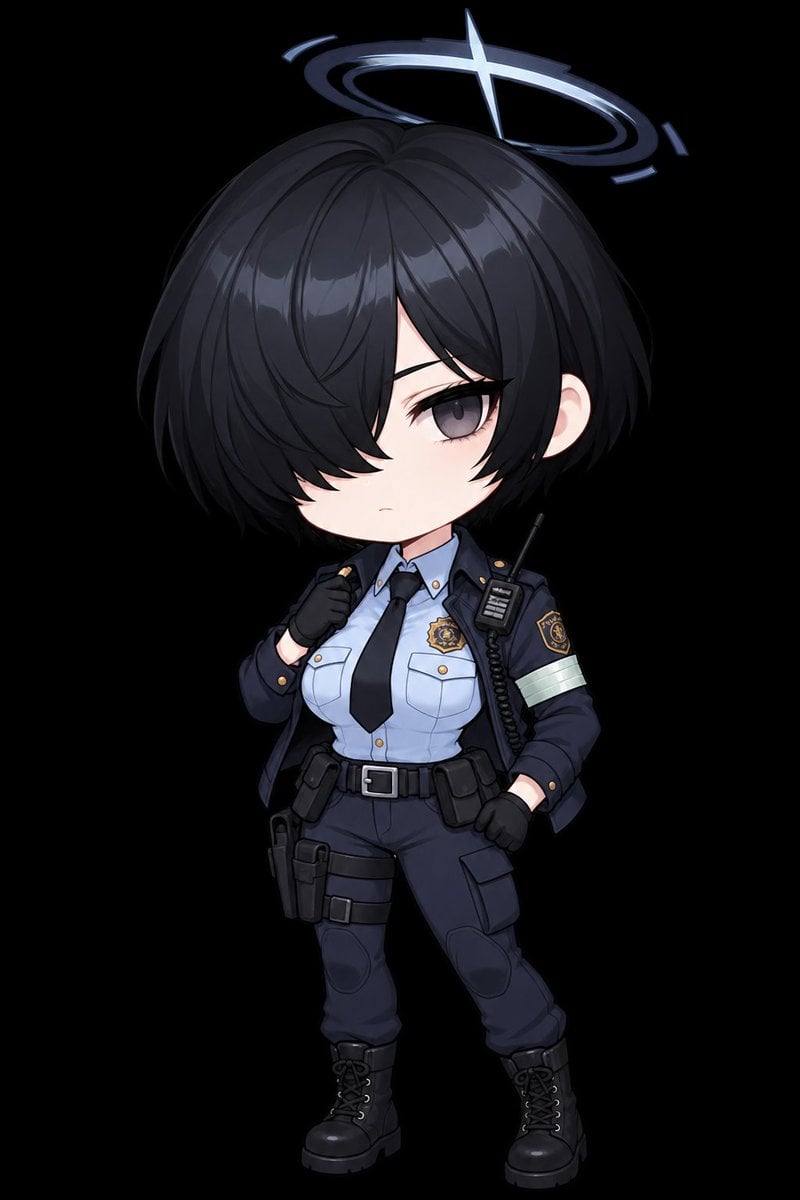
Chibi Tactical Police Girl with Halo
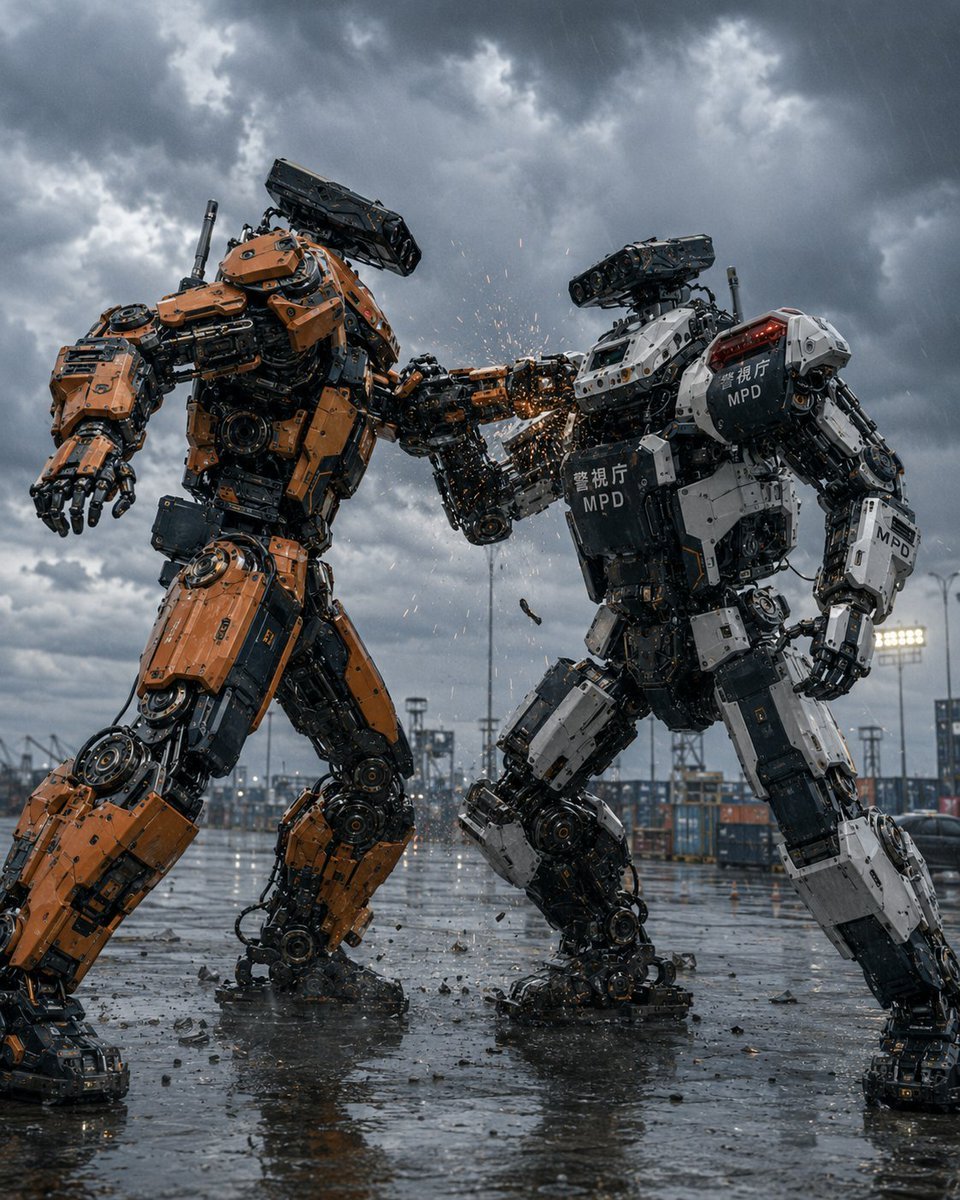
Stormy Police Mech Duel
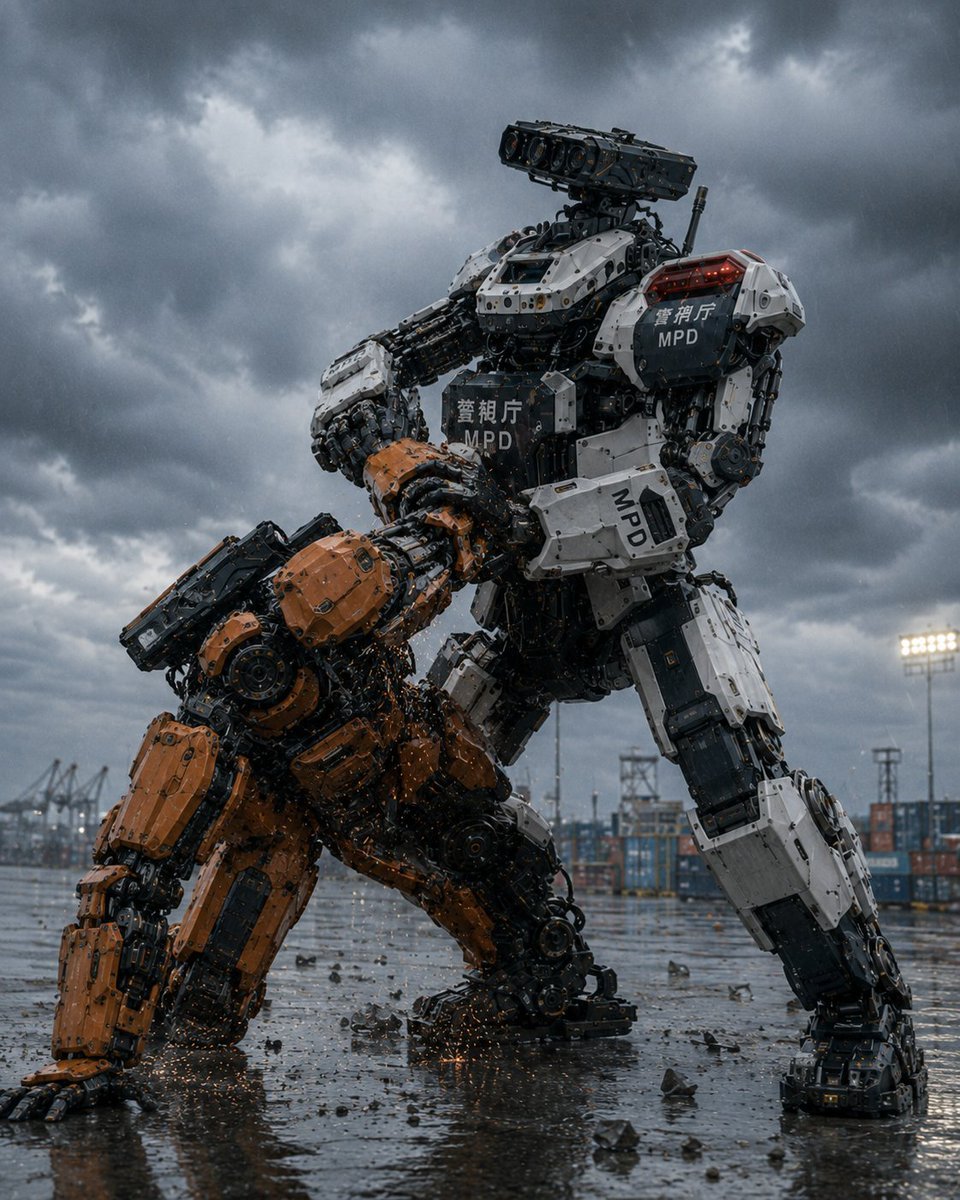
MPD Police Mecha Arrest Scene
Make it yours
Tokyo Police Robot Exhibition works as-is. These are the safest ways to change it without losing the look.
Change one field
Copy a single group, rewrite it, and generate again so you can see what that field is doing.
Keep the frame, change the subject
Hold the composition and light of Tokyo Police Robot Exhibition, then swap wardrobe, props or the person for a new take.
| If the result… | Why | Fix |
|---|---|---|
| The result drifts from the preview | Too many fields changed at once. | Reuse Tokyo Police Robot Exhibition as-is first, then change one group — subject, light, or setting. |
| The model over-stylizes the scene | The prose prompt leaves finish and camera underspecified. | Add one camera or lighting sentence and stay on GPT Image 2. |
More GPT Image 2 templates
Other prompts made for GPT Image 2.

Six VTuber Japanese Logo Sheet

Realistic Portrait of Woman and Deer

The Vista Modular Condo Poster

AI Model Routing Comparison Infographic

2.5D Anime Art Board

Isometric Productivity Desk Scene

New York Double Exposure Poster

Four-Panel AI Landscape Comparison

Japanese Tatami Lifestyle Magazine Cover

NESCAFÉ Coffee Map Poster
More image prompts
Fresh picks from across the catalog.
Influencer Lifestyle Loungewear Portrait
Hyper-realistic Gym Portrait of a Shy Girl
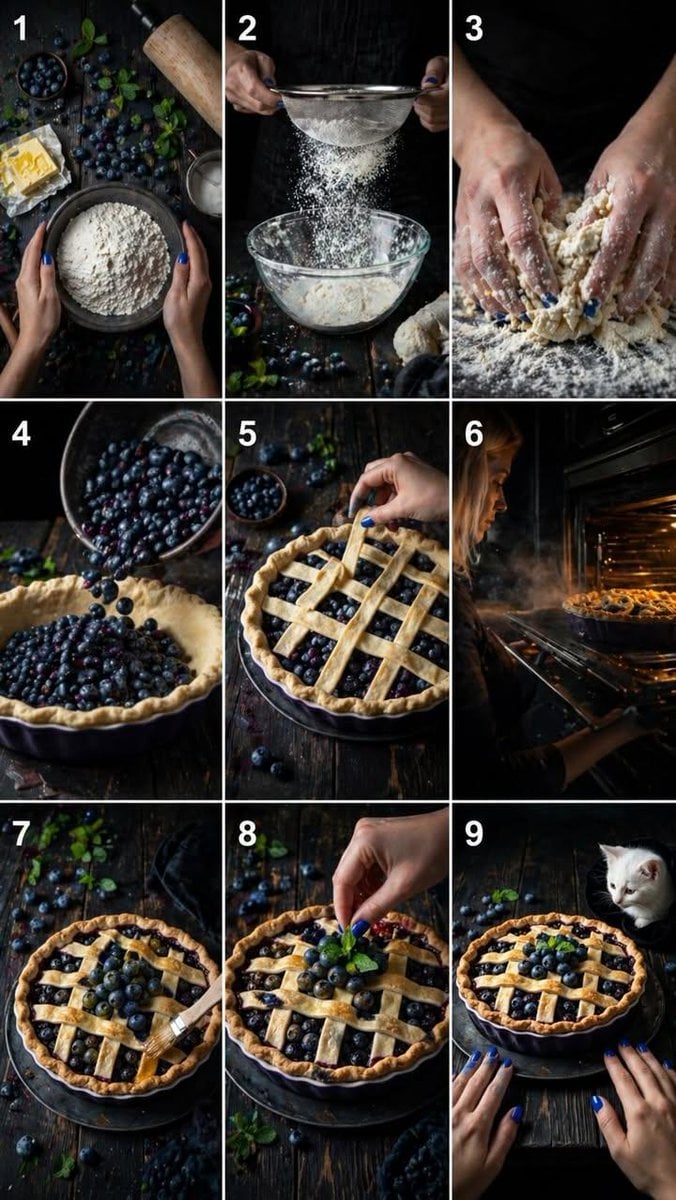
Step Rustic Blueberry Pie Collage
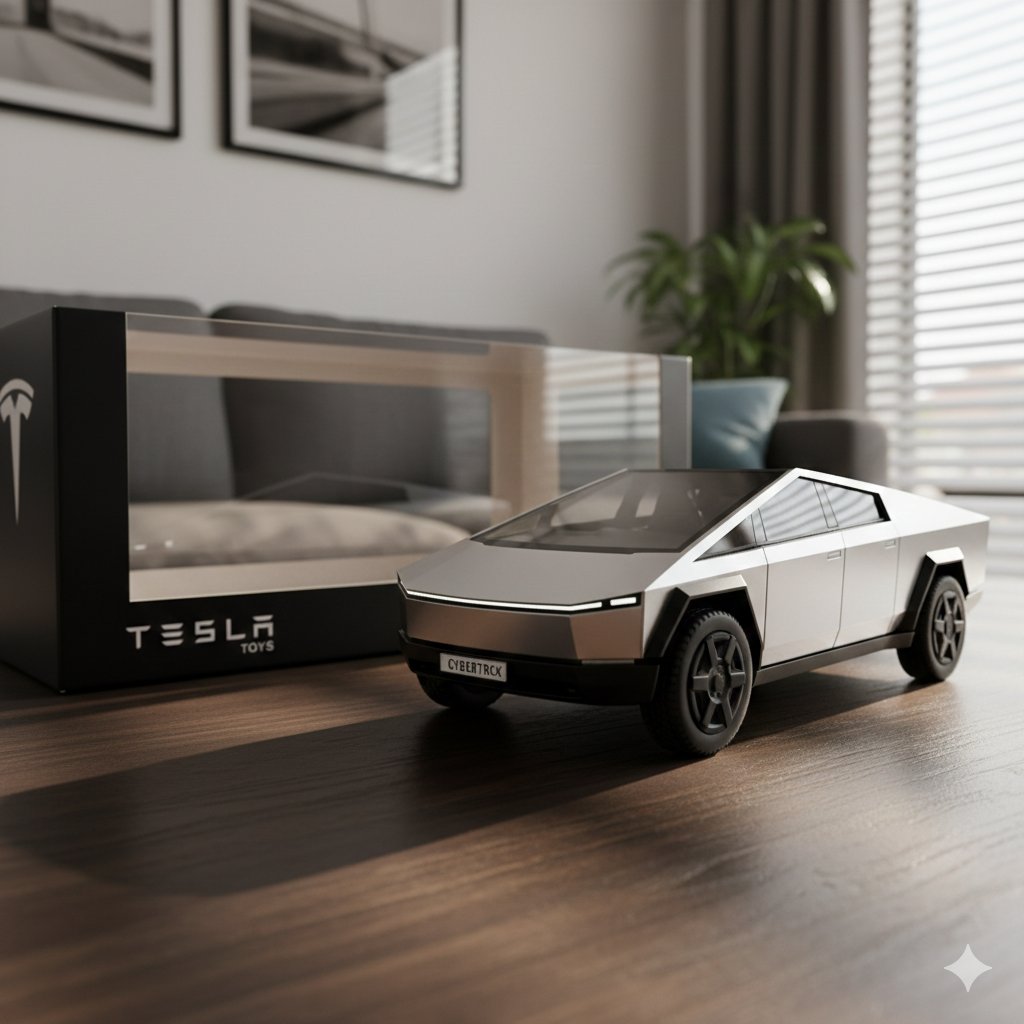
Diecast Toy Model Generation Prompt
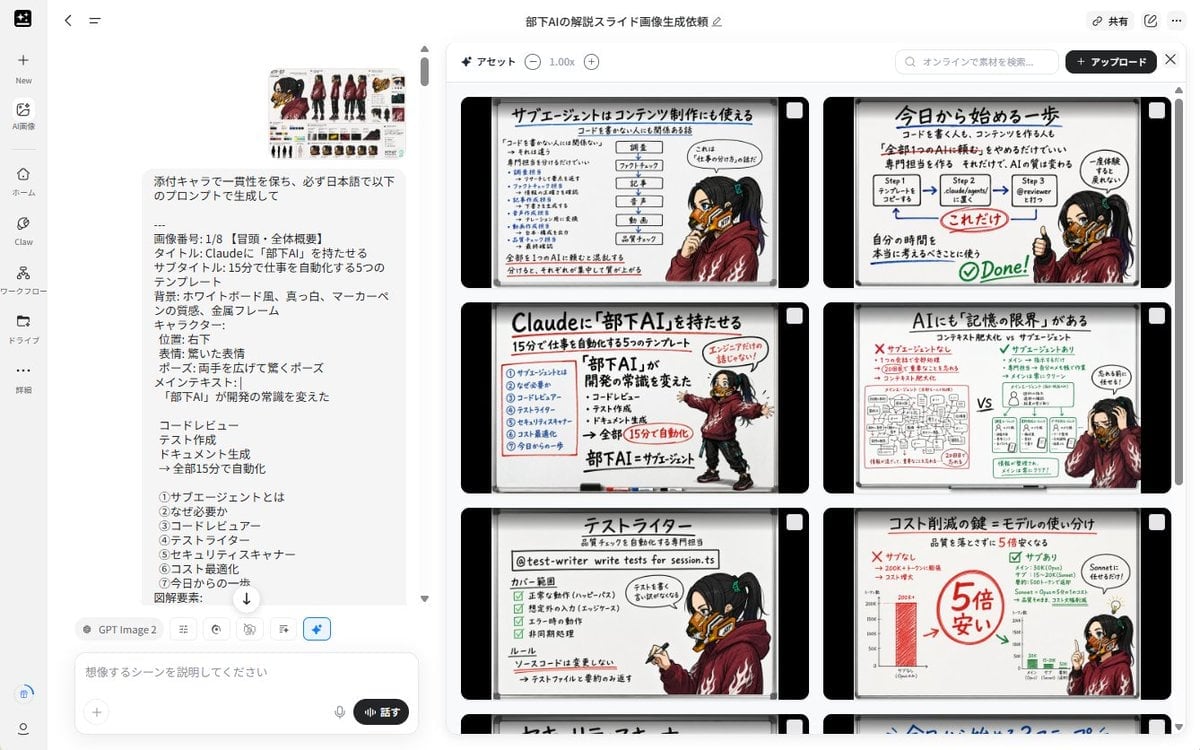
Notebook Slides With Reference Character
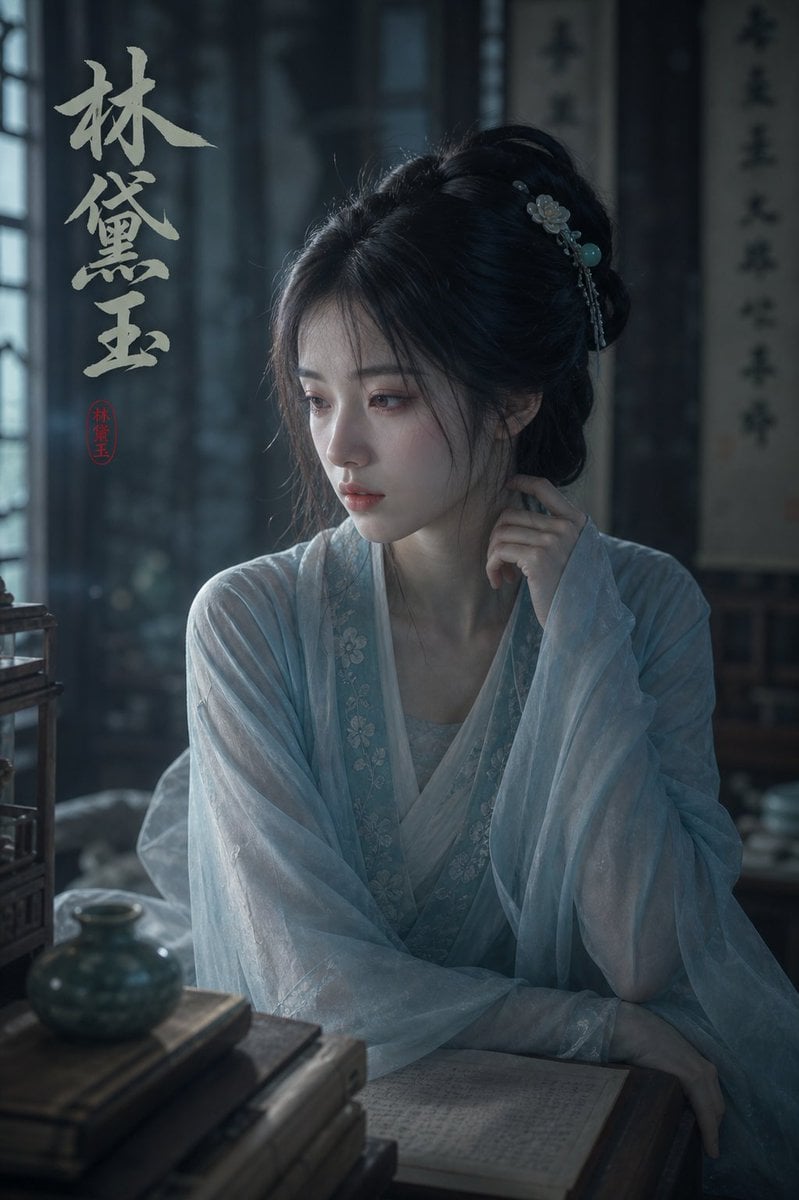
Melancholic Lin Daiyu Portrait

AI CTO Types Infographic

Kasane Teto Pop Idol Portrait
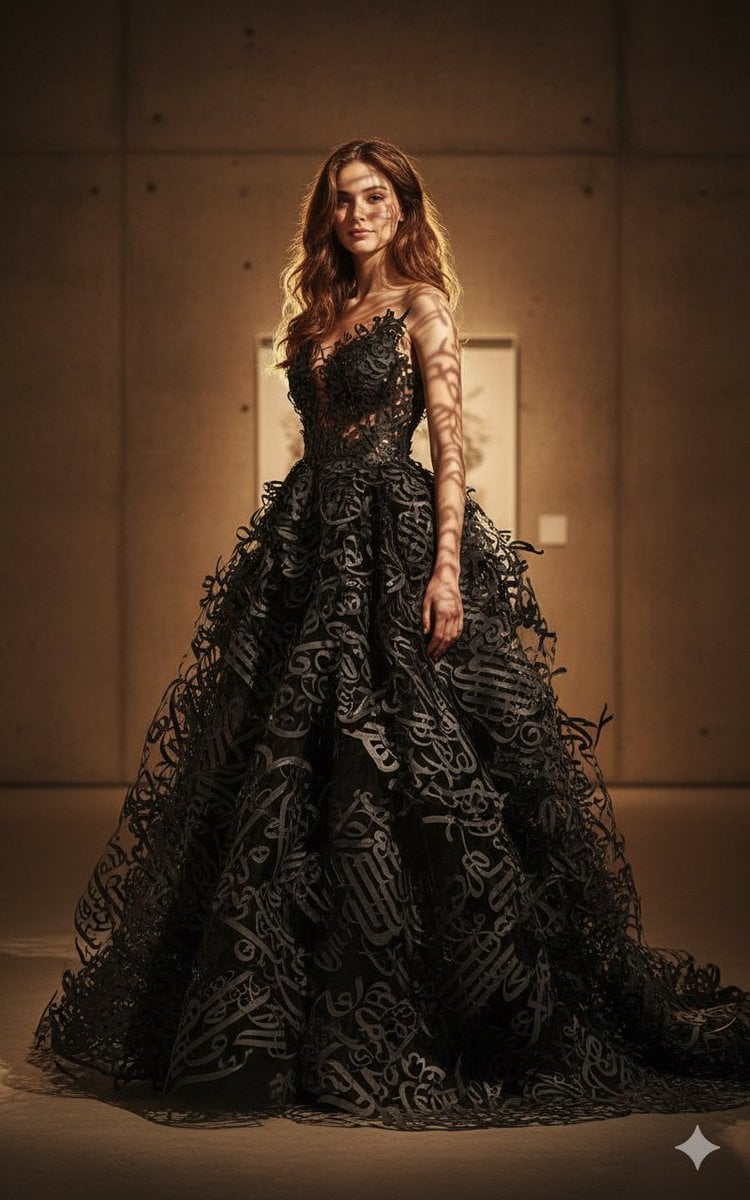
Art-Couture Portrait with Calligraphy Fabric
Sepia-Toned Film Photography Aesthetic Prompt
Browse template categories
Tokyo Police Robot Exhibition questions
How do I use the Tokyo Police Robot Exhibition template?
Add your photo if the template asks for one, edit the prompt if you like — the template's model and format are already selected — and press Generate. Your version opens in PicX Studio.
Can I customize the Tokyo Police Robot Exhibition template?
Yes. You can change the subject, setting, lighting, mood, format, and available model controls before creating your image.
Is the Tokyo Police Robot Exhibition template free?
Opening and editing this template is free. Generating uses credits, shown on the Generate button when you are signed in.
Which AI model should I use?
Start with GPT Image 2, which is the model associated with this template. You can compare another compatible model for a different finish.
Looking for something else? Browse all templates.

Your photo, any look
Thousands of ready templates for every top image and video model, from one credit balance.