
MPD Police Mecha Arrest Scene
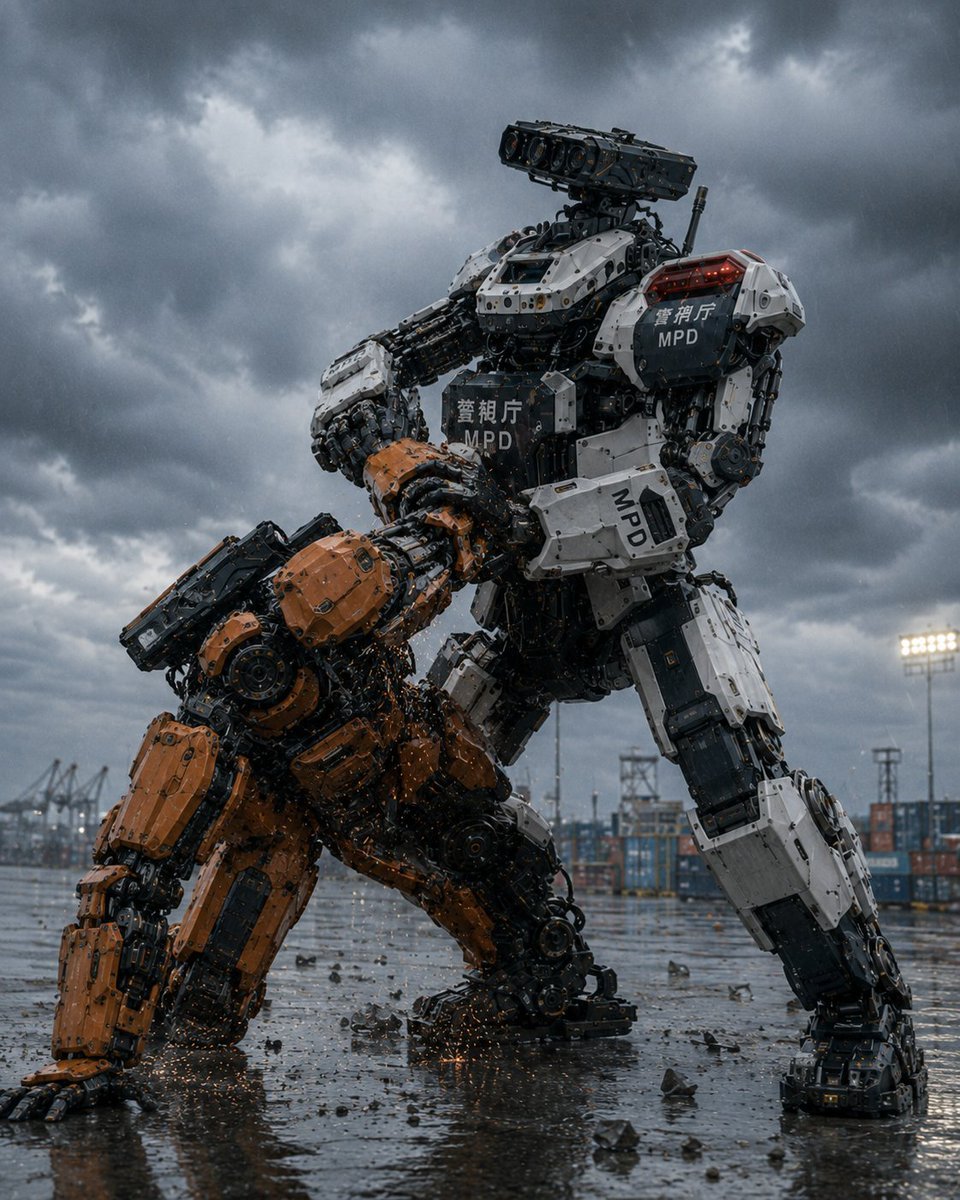
A cinematic photorealistic prompt for generating two giant robots grappling in a stormy Japanese port, with a white MPD police mecha restraining an orange industrial unit.
- Prompt included
- Model and format preset
- Free template
The prompt behind this image
Copy the exact prompt behind MPD Police Mecha Arrest Scene, or open it in the studio and make it yours.
Create a cinematic photorealistic sci-fi action scene of the {argument name="police unit name" default="Metropolitan Police Department Heavy Machinery Countermeasures Robot Unit"}: two enormous humanoid industrial robots grappling in a rain-soaked container port under dark storm clouds. The dominant robot is a towering white-and-black police mecha, standing wide and braced, forcibly pinning down a smaller orange construction-style mecha of the same general model. The white police robot has bulky armored limbs, exposed pistons, cables, hydraulics, layered mechanical joints, a rectangular multi-lens sensor/camera head, red warning lights on its shoulder, and visible markings including Japanese police text and “MPD” on the chest, shoulder, and forearm. The orange robot is crouched on one knee with one hand scraping the wet ground, its head and torso forced downward, covered in orange armor plates with black mechanical internals, as sparks and debris scatter from the struggle. Count exactly 2 robots: 1 white MPD police robot restraining, 1 orange captured robot being restrained. Environment: an industrial harbor yard with stacked shipping containers, cranes, floodlights, towers, puddles, rain droplets, scattered broken concrete and metal fragments, reflective wet asphalt, and a low dramatic camera angle looking up at the robots. Mood and style: ultra-detailed hard-surface mecha design, gritty Japanese tokusatsu/anime-inspired realism, blockbuster movie still, high contrast, cold blue-gray storm lighting, sharp mechanical detail, realistic rain, cinematic depth of field, no humans visible, no extra robots, no watermark.
How to use MPD Police Mecha Arrest Scene in 3 steps
- 1Upload ImagePNG, JPG or paste
Add your photo
Upload the photo the template builds on. The prompt, model and format are already set.
- 2…a portrait of your subject in softgolden-hour light, 85mm…
Personalize
Edit the subject and creative details for your destination.
- 3Generate
Generate
Press Generate — your image is created in PicX Studio, so you can compare it with the original and refine one variable at a time.
More like this
Templates with the same subject, style or setup. Open one to see its prompt.
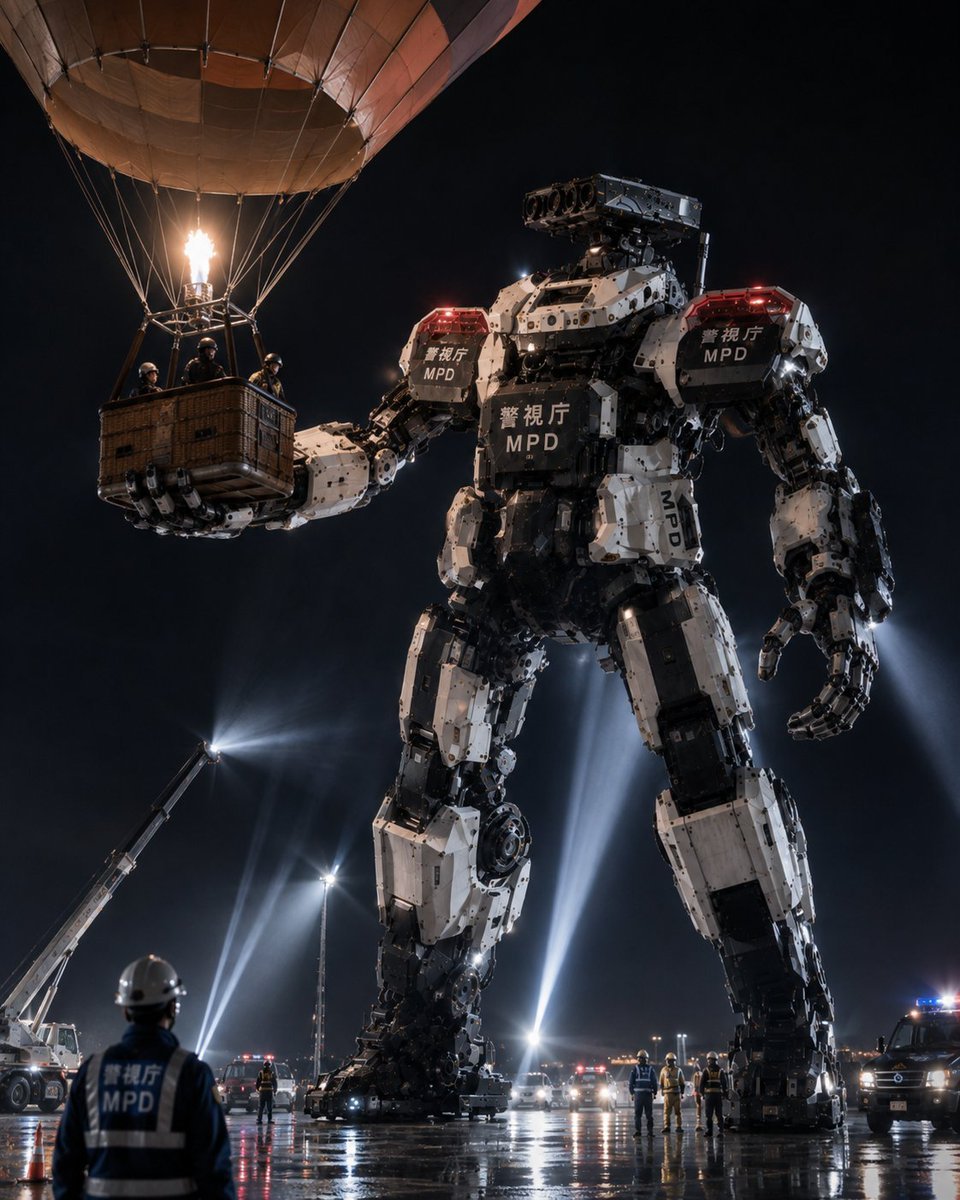
MPD Robot Arrests Balloon Escapees
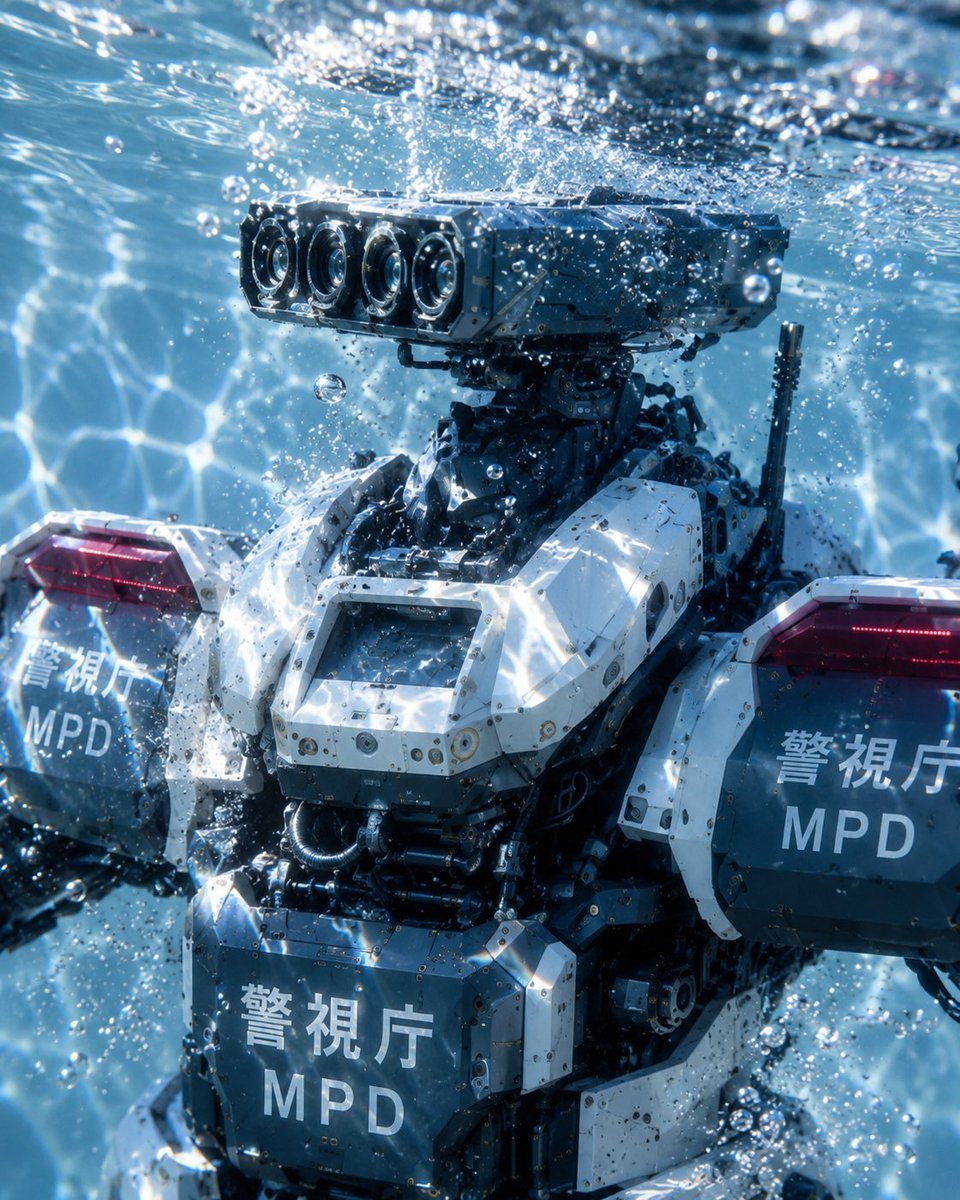
Underwater MPD Police Robot Test
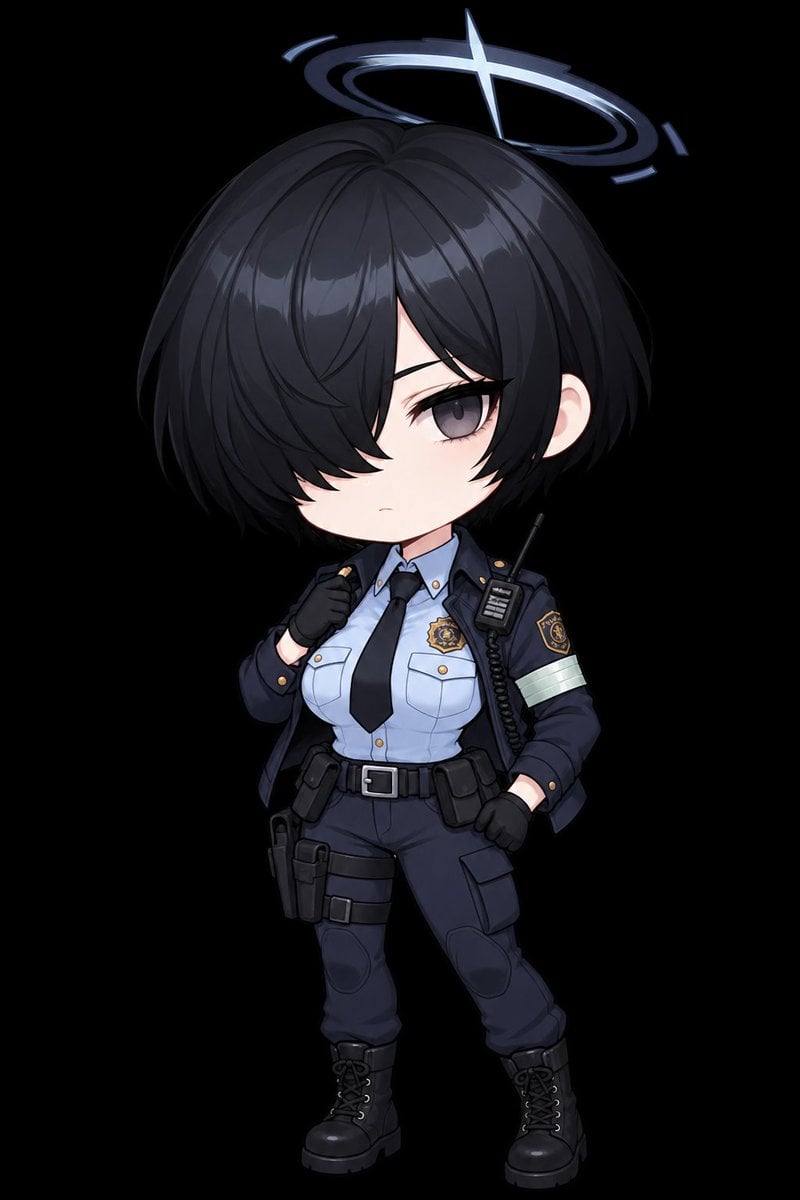
Chibi Tactical Police Girl with Halo
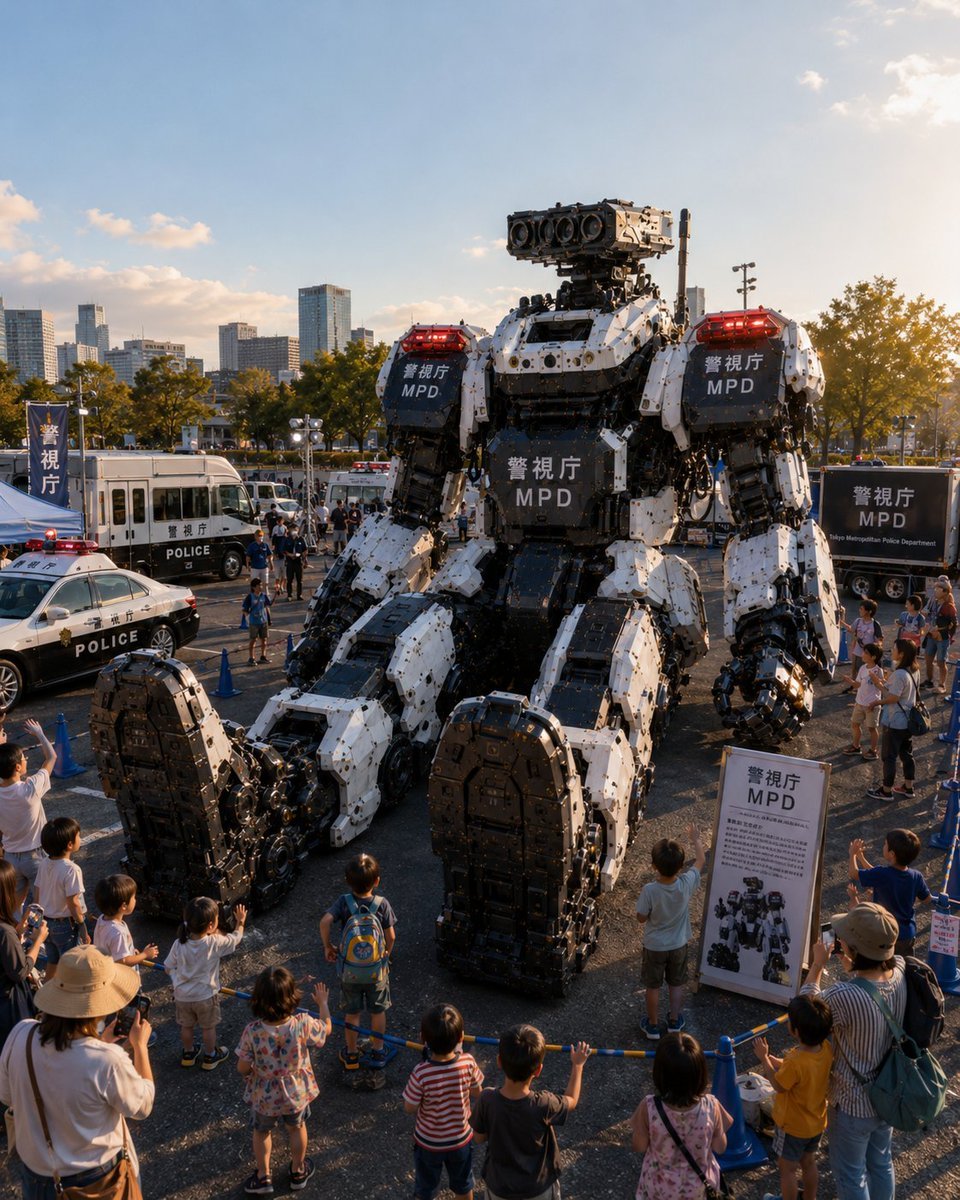
Tokyo Police Robot Exhibition
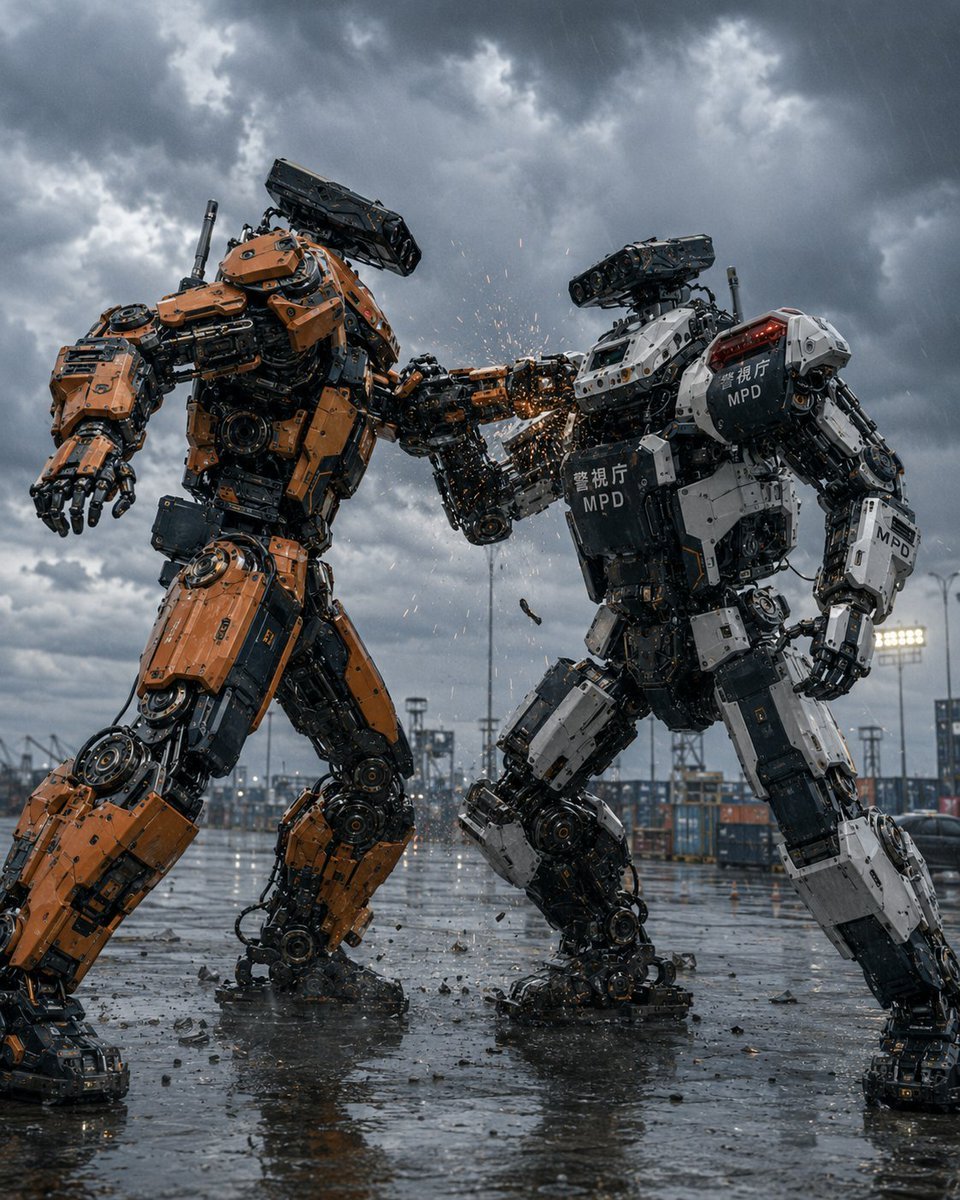
Stormy Police Mech Duel
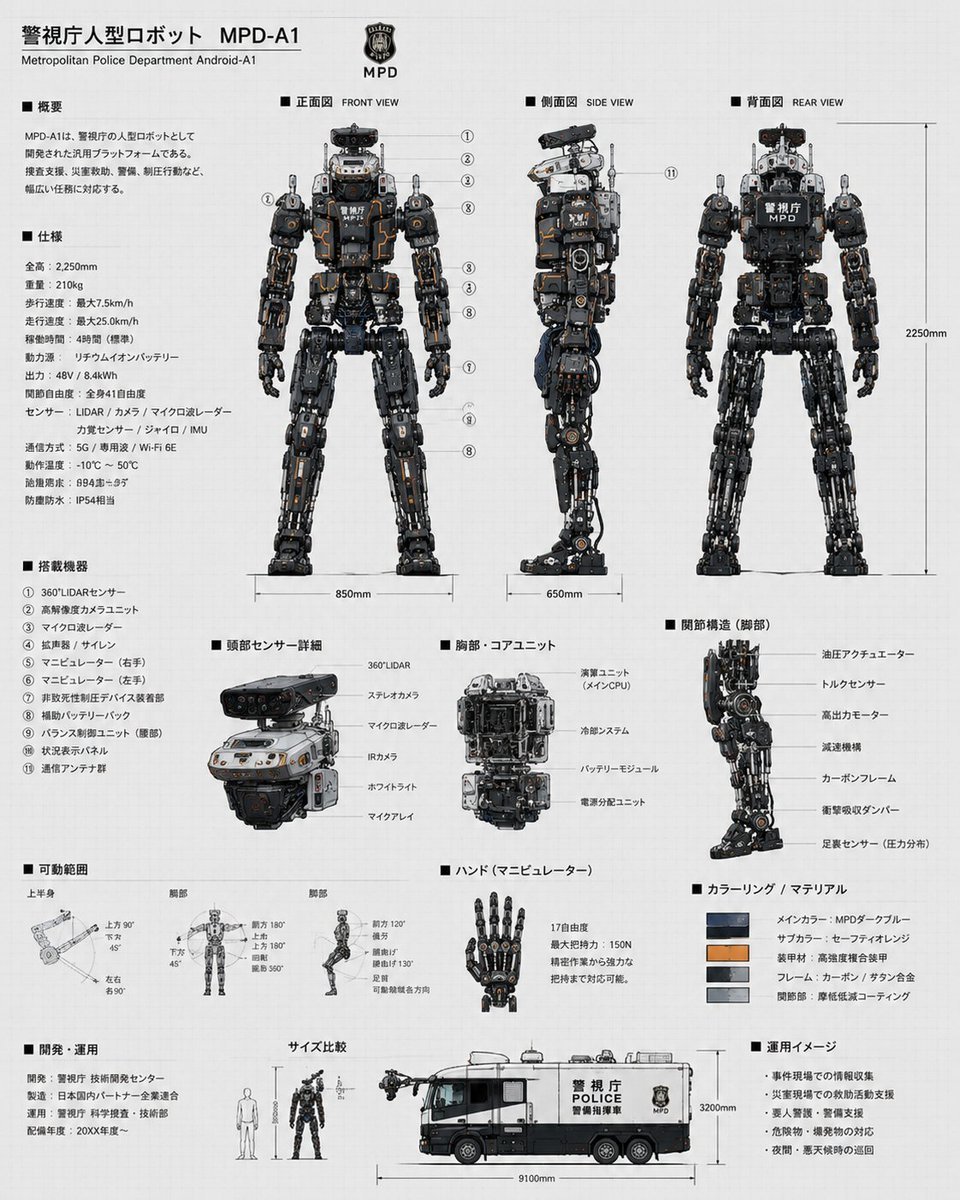
Police Robot Blueprint
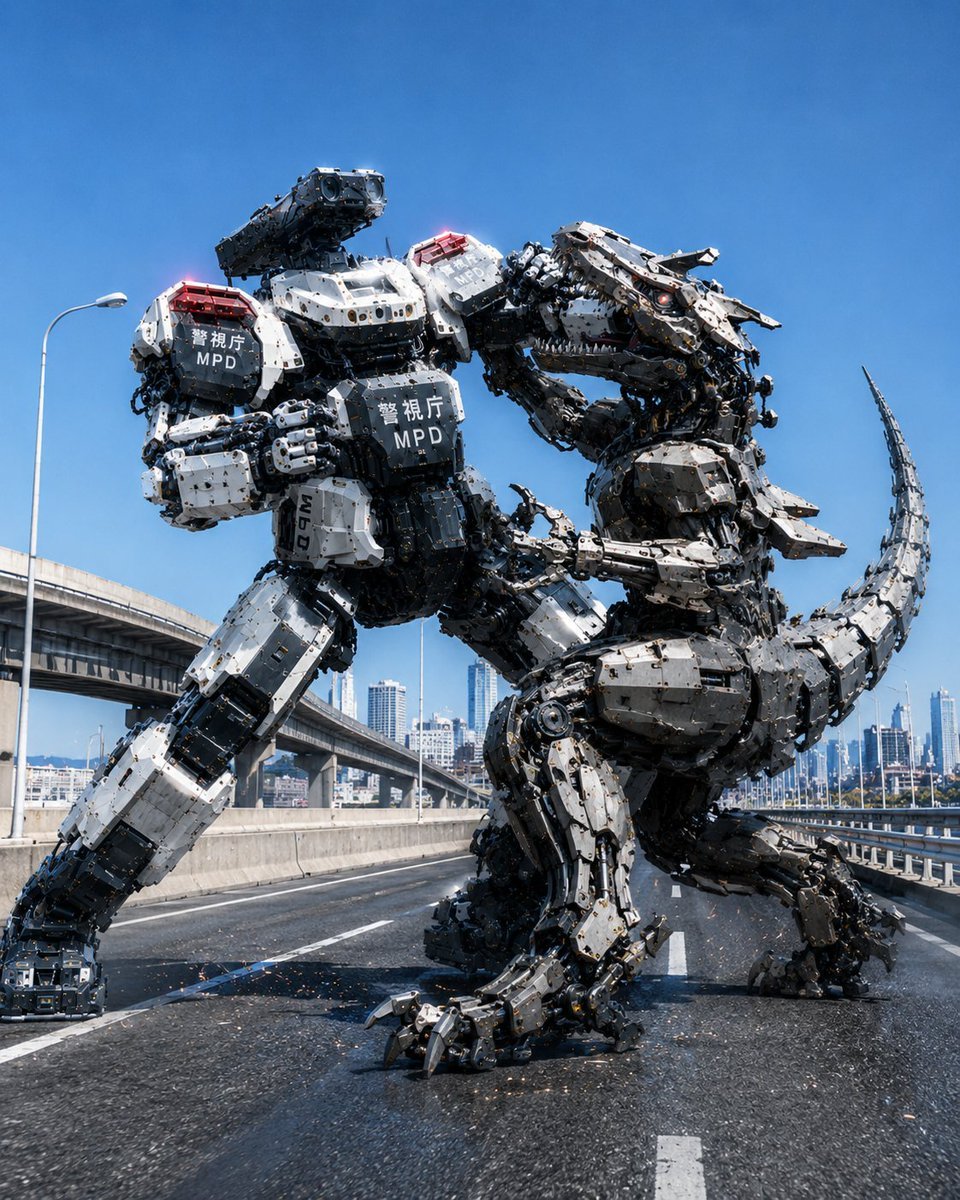
Police Robot Dinosaur Battle Scene
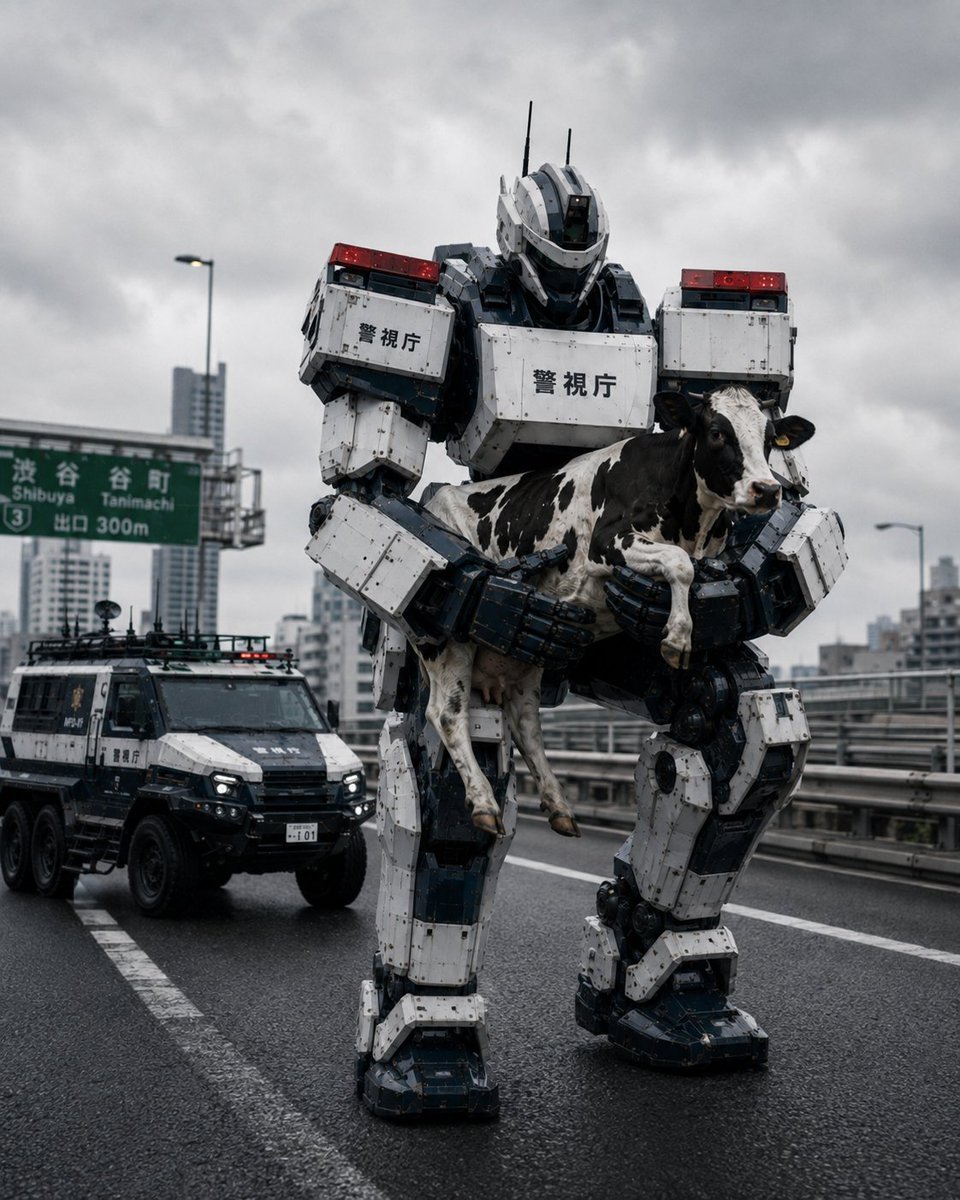
Tokyo Police Robot Rescuing Cow
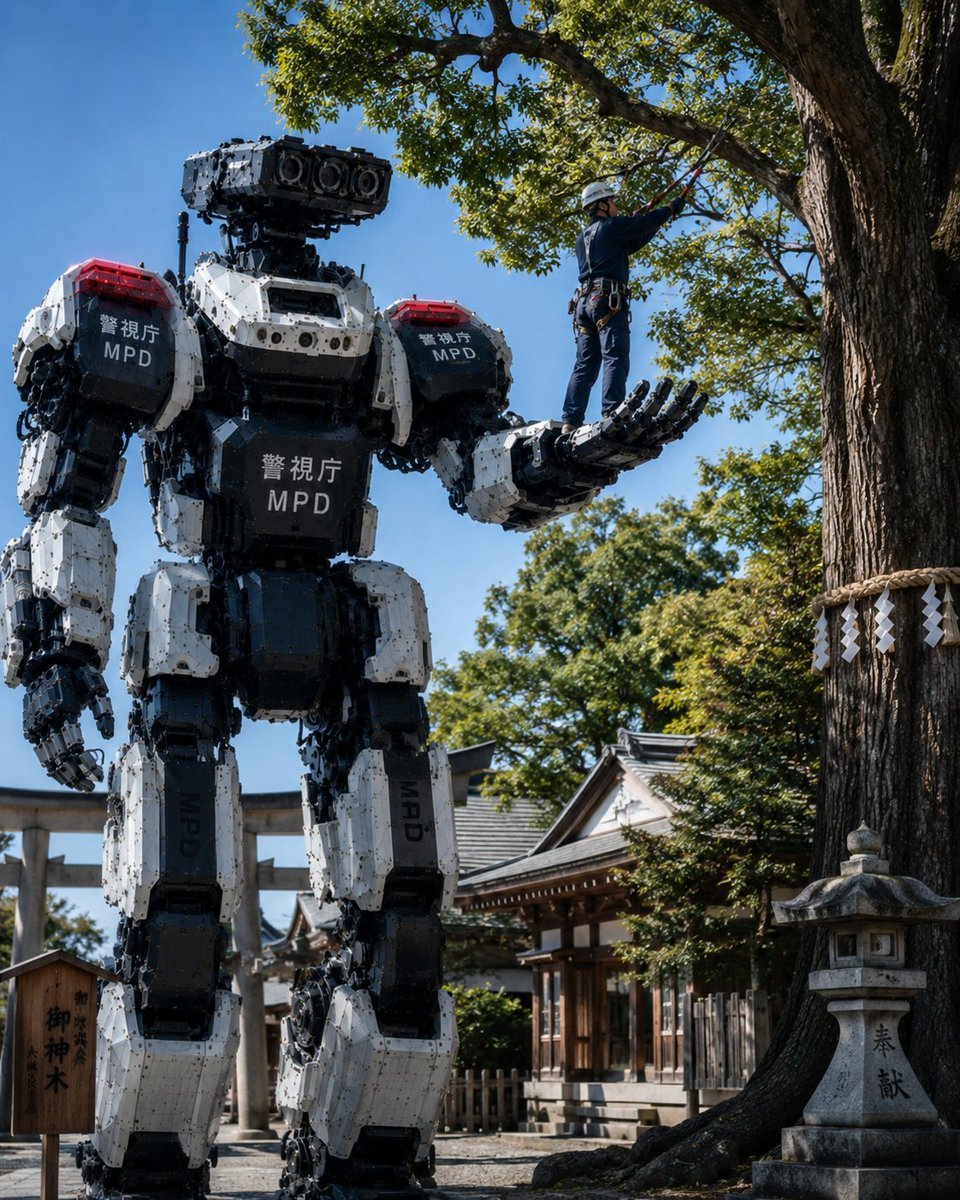
Police Robot Pruning Shrine Trees
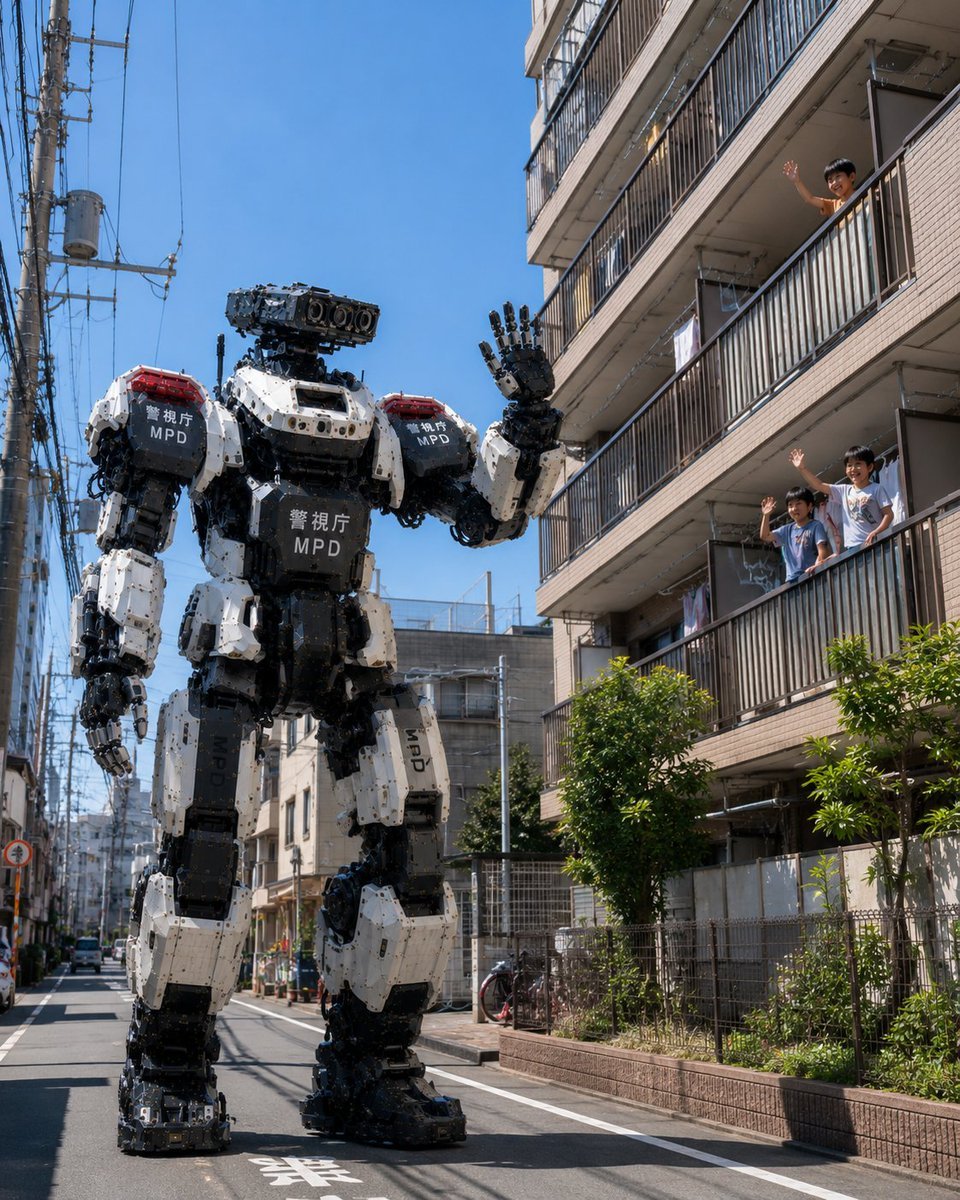
Tokyo Police Robot Neighborhood Patrol
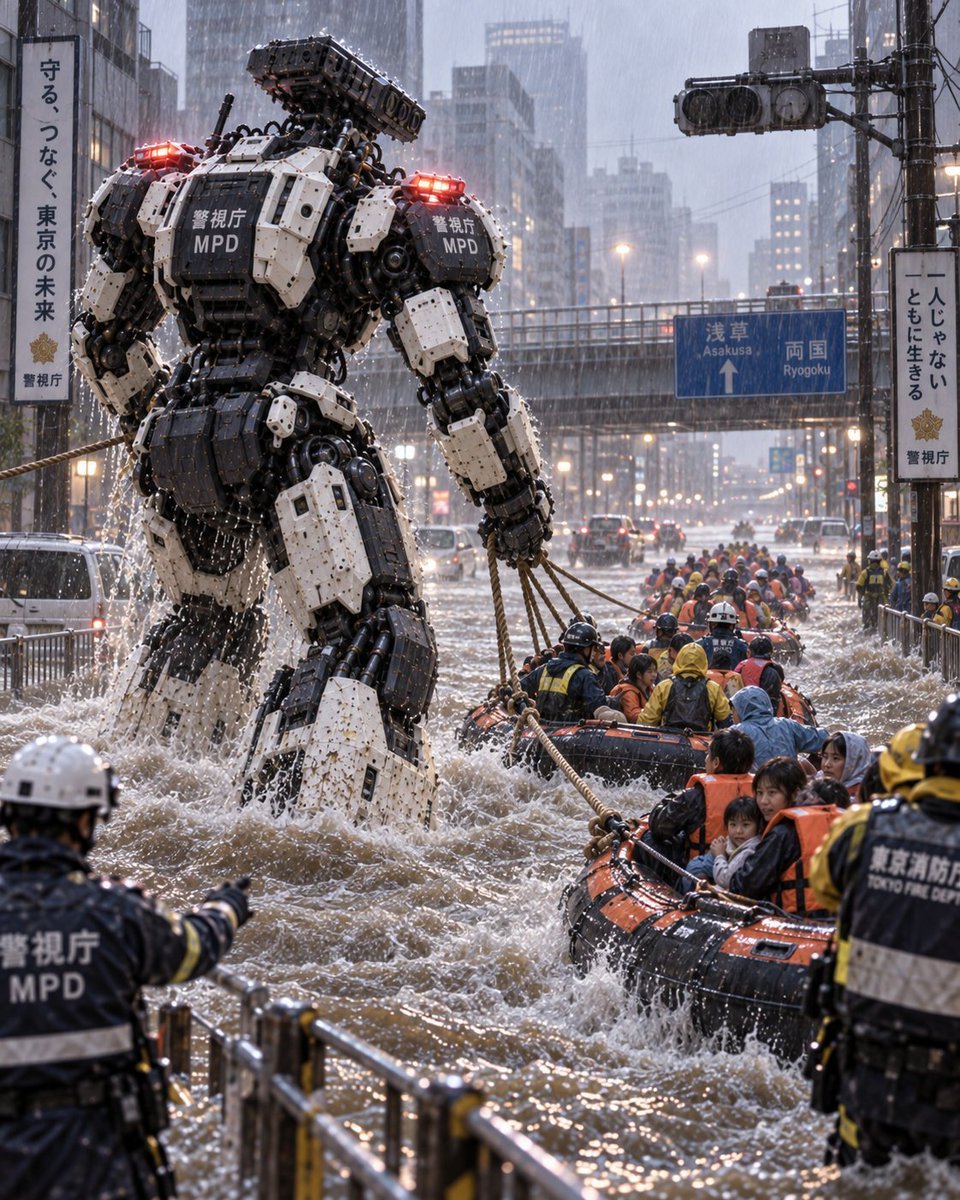
Police Robot Rescue Scene
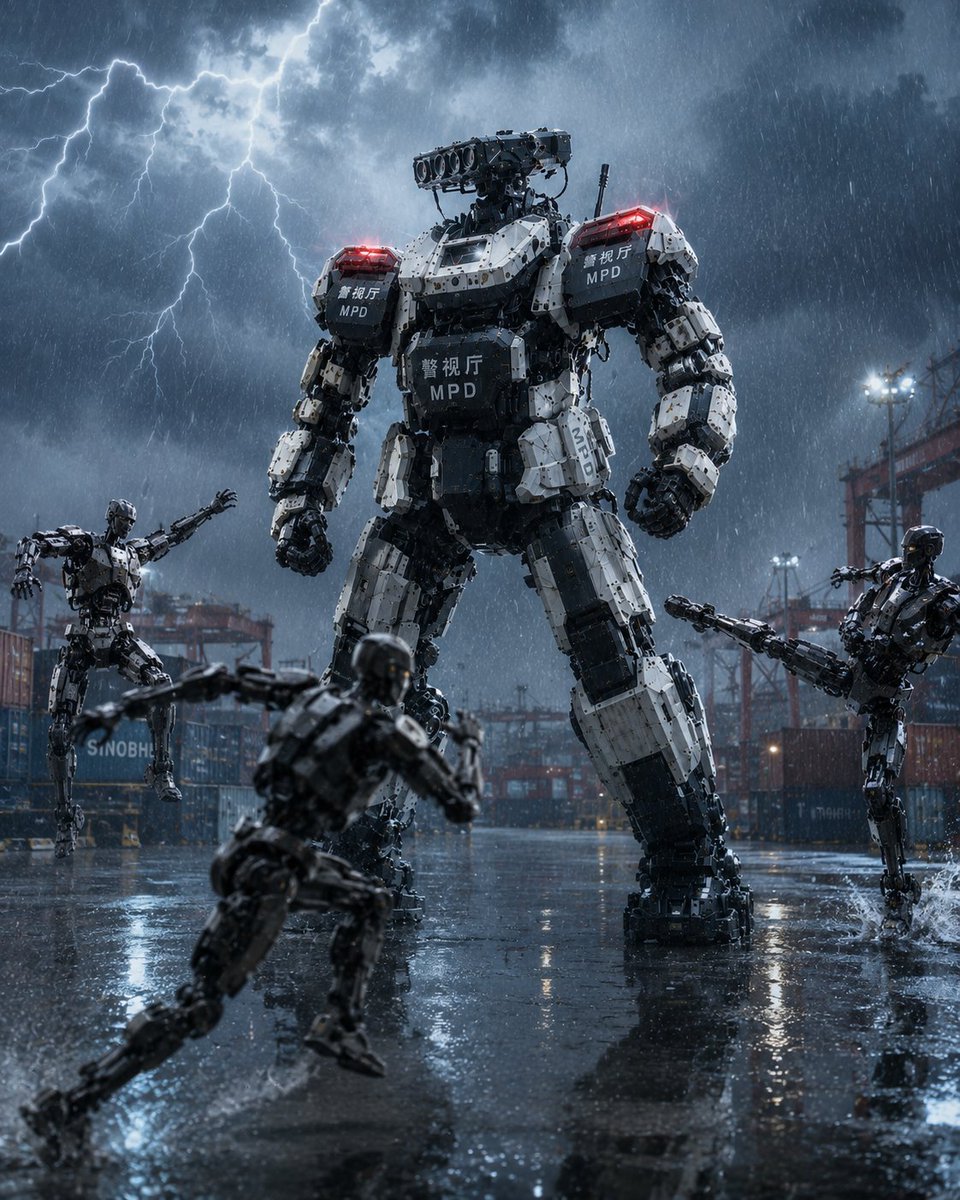
Tokyo Police Heavy Robot Squad
Make it yours
MPD Police Mecha Arrest Scene works as-is. These are the safest ways to change it without losing the look.
Change one field
Copy a single group, rewrite it, and generate again so you can see what that field is doing.
Keep the frame, change the subject
Hold the composition and light of MPD Police Mecha Arrest Scene, then swap wardrobe, props or the person for a new take.
| If the result… | Why | Fix |
|---|---|---|
| The result drifts from the preview | Too many fields changed at once. | Reuse MPD Police Mecha Arrest Scene as-is first, then change one group — subject, light, or setting. |
| The model over-stylizes the scene | The prose prompt leaves finish and camera underspecified. | Add one camera or lighting sentence and stay on GPT Image 2. |
More GPT Image 2 templates
Other prompts made for GPT Image 2.

Six VTuber Japanese Logo Sheet

Realistic Portrait of Woman and Deer

The Vista Modular Condo Poster

AI Model Routing Comparison Infographic

2.5D Anime Art Board

Isometric Productivity Desk Scene

New York Double Exposure Poster

Four-Panel AI Landscape Comparison

Japanese Tatami Lifestyle Magazine Cover

NESCAFÉ Coffee Map Poster
More image prompts
Fresh picks from across the catalog.
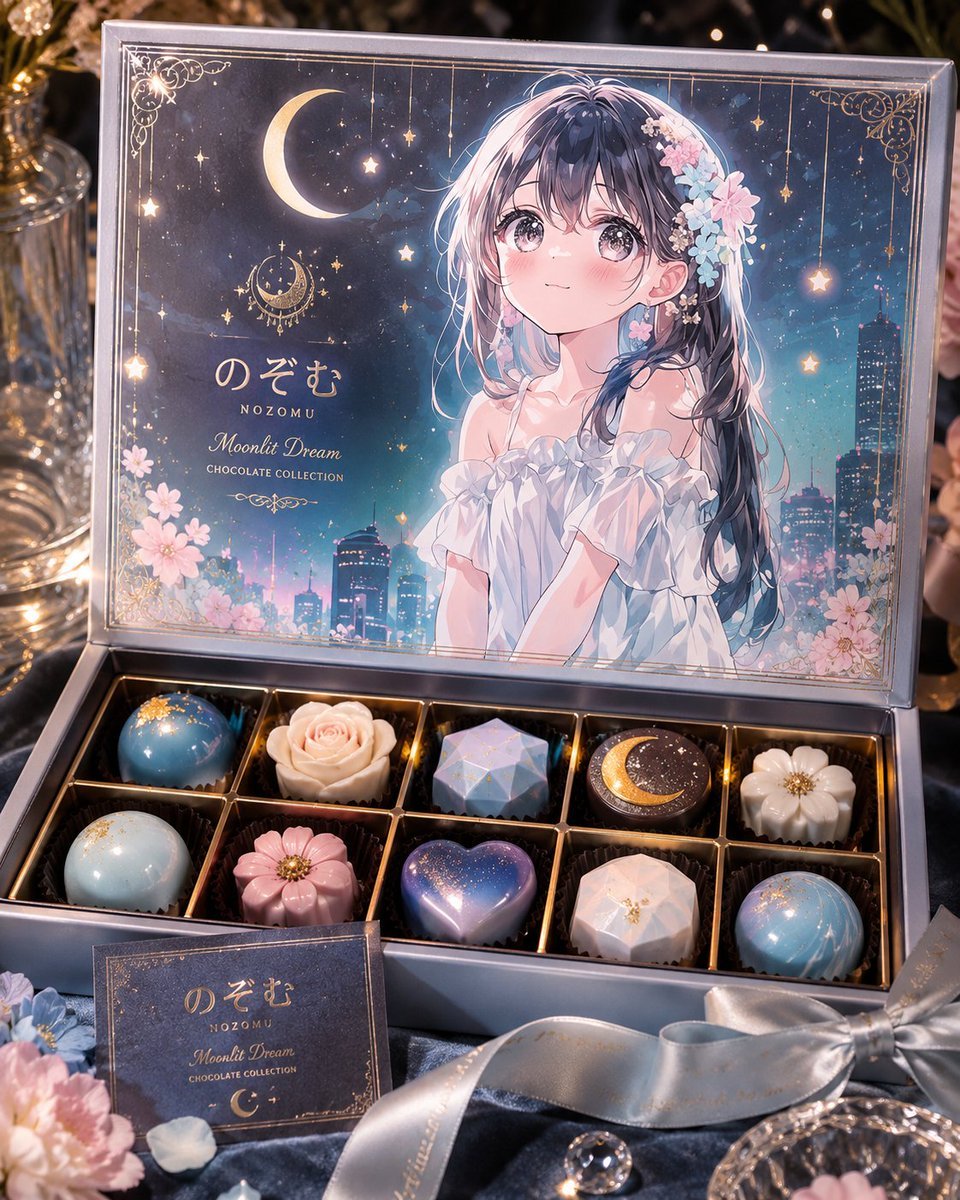
Moonlit Anime Chocolate Box
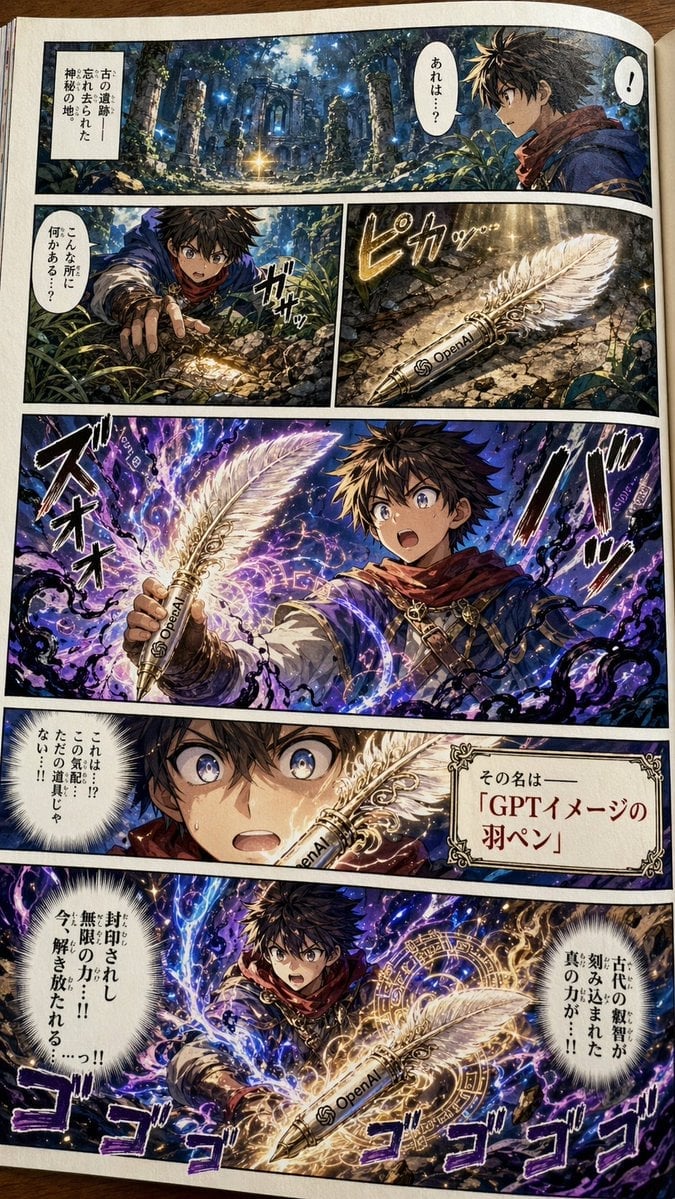
Japanese Shonen Manga Page
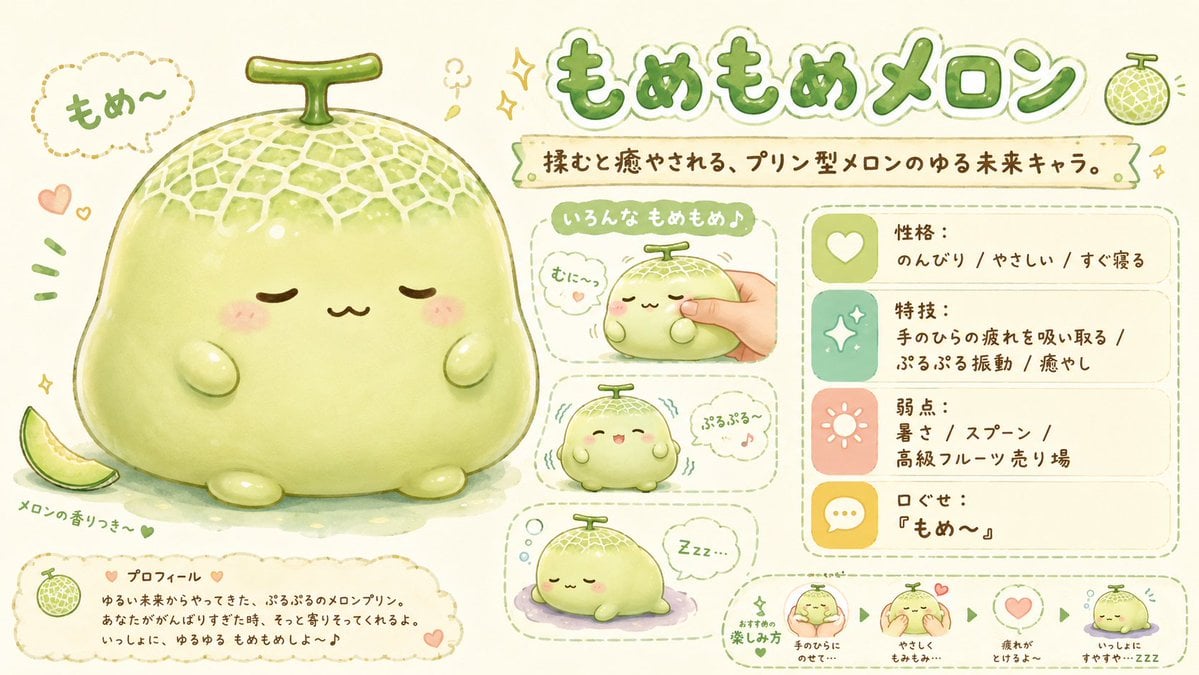
Kawaii Melon Mascot Character Sheet
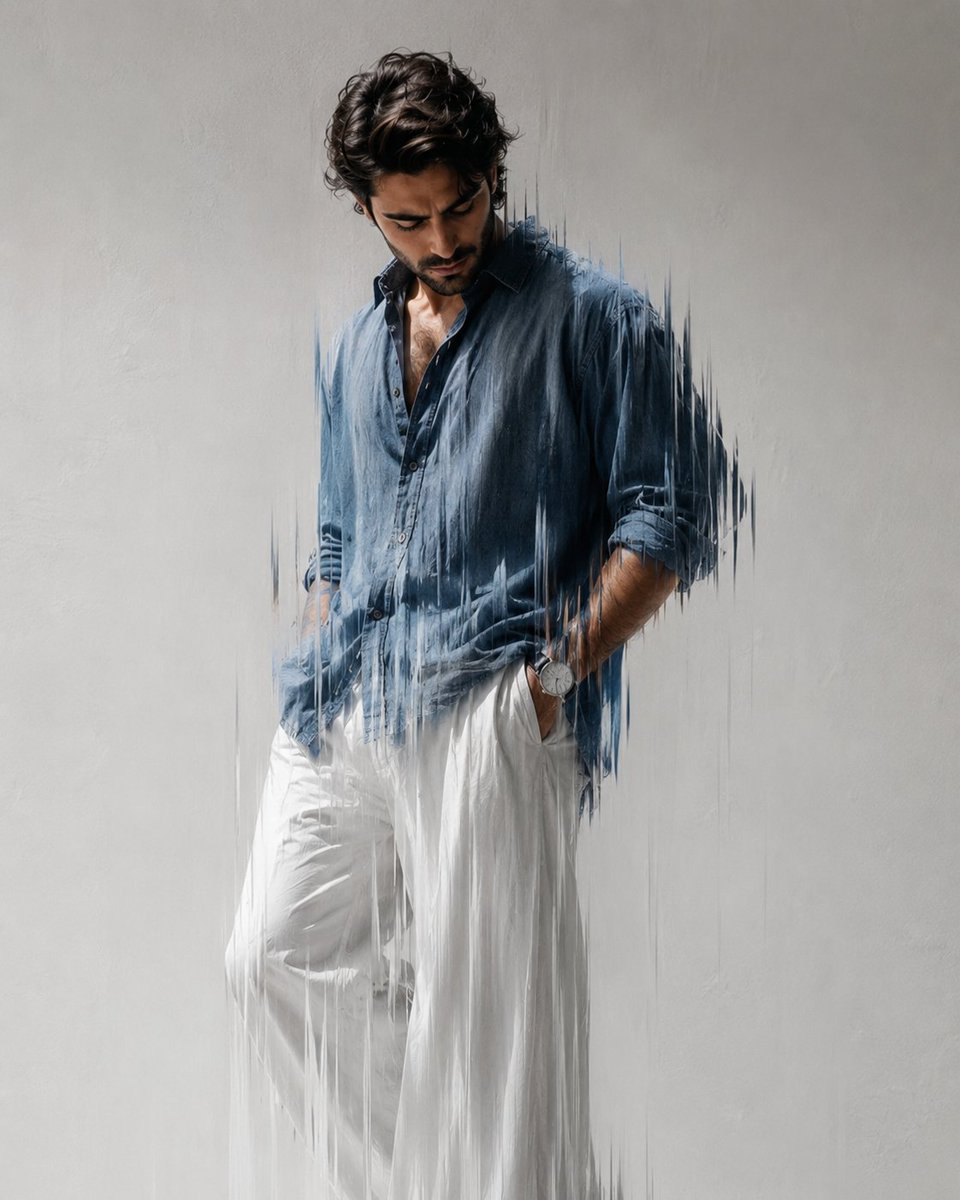
Editorial Fashion Photography with Motion Blur
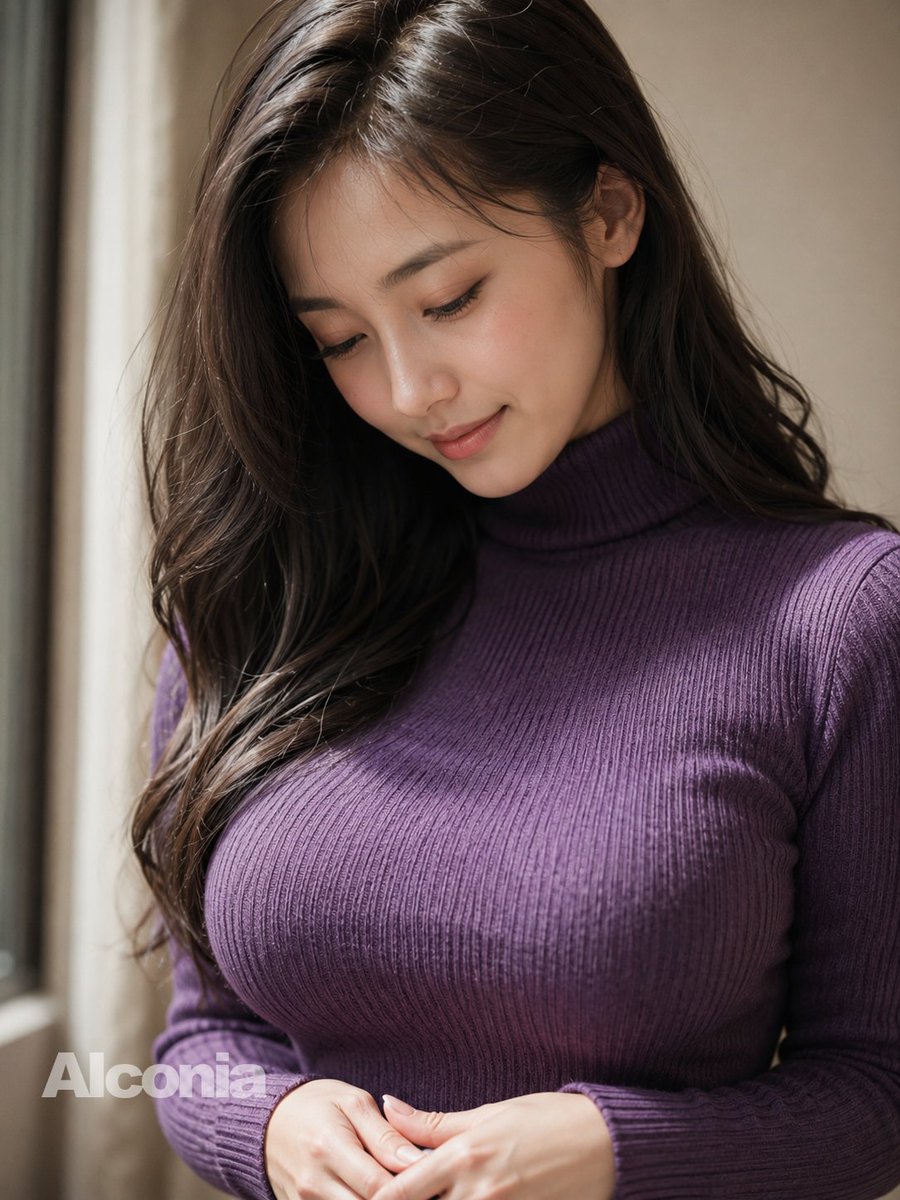
Censored Purple Turtleneck Portrait
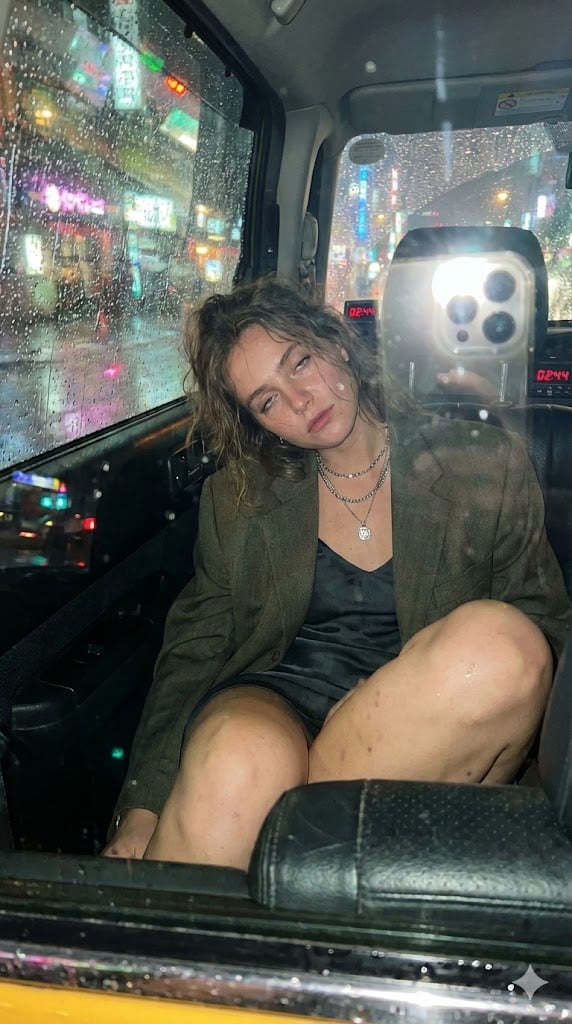
Candid Taxi-Ride Dump Photography
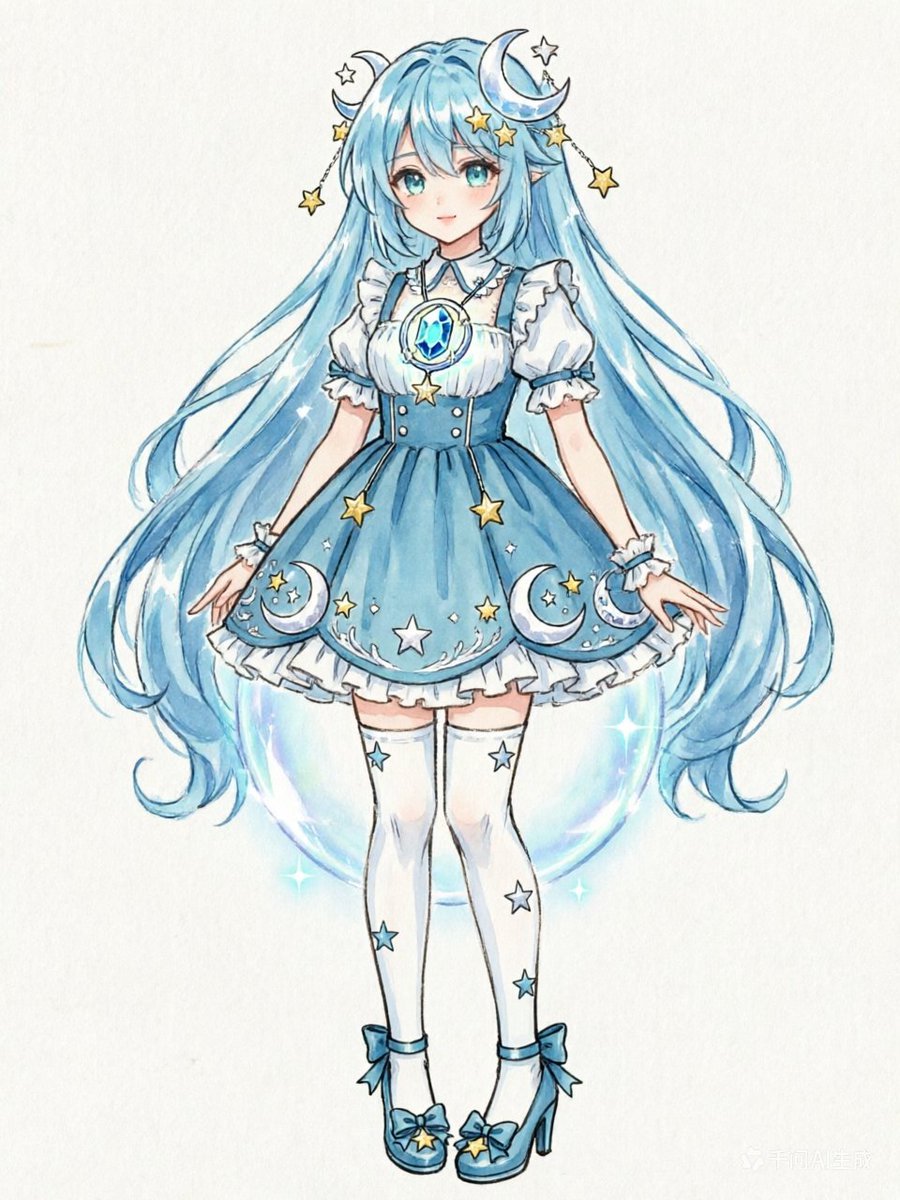
Blue Celestial Anime Girl Design
Three-Panel Luxury Fashion Editorial
Korean Y2K Photo Strip Aesthetic
Cinematic Close Up Portrait By Google Na
Browse template categories
MPD Police Mecha Arrest Scene questions
How do I use the MPD Police Mecha Arrest Scene template?
Add your photo if the template asks for one, edit the prompt if you like — the template's model and format are already selected — and press Generate. Your version opens in PicX Studio.
Can I customize the MPD Police Mecha Arrest Scene template?
Yes. You can change the subject, setting, lighting, mood, format, and available model controls before creating your image.
Is the MPD Police Mecha Arrest Scene template free?
Opening and editing this template is free. Generating uses credits, shown on the Generate button when you are signed in.
Which AI model should I use?
Start with GPT Image 2, which is the model associated with this template. You can compare another compatible model for a different finish.
Looking for something else? Browse all templates.

Your photo, any look
Thousands of ready templates for every top image and video model, from one credit balance.