
MPD Robot Arrests Balloon Escapees
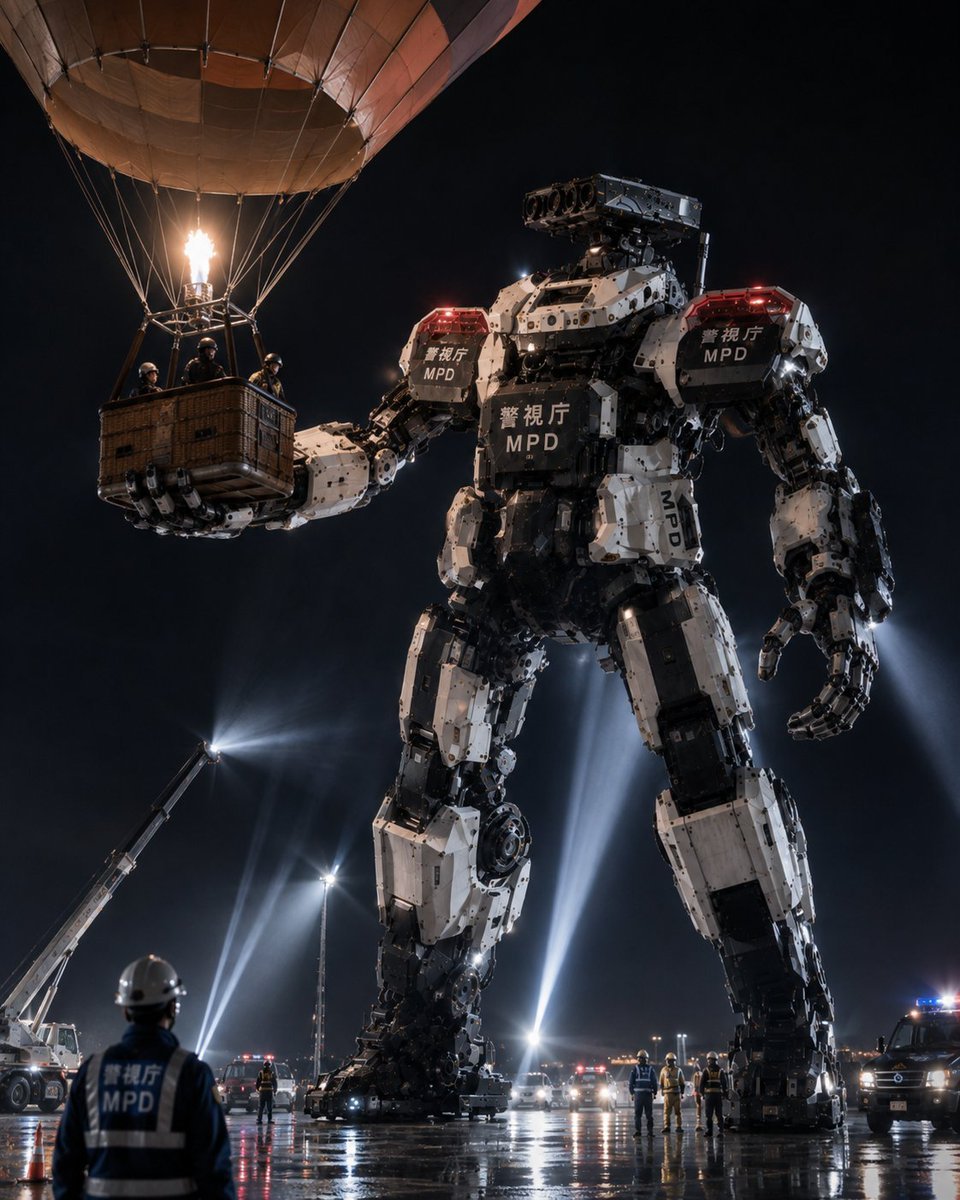
A cinematic photorealistic prompt for generating a giant Japanese police mecha stopping suspects escaping by hot air balloon at night.
- Prompt included
- Model and format preset
- Free template
The prompt behind this image
Copy the exact prompt behind MPD Robot Arrests Balloon Escapees, or open it in the studio and make it yours.
Create a cinematic photorealistic night scene of the Tokyo Metropolitan Police Department heavy machinery robot unit arresting criminals escaping in a hot air balloon. A colossal white-and-black humanoid police mecha, about 25 meters tall, stands in a wet industrial lot under a black sky, holding the wicker basket of a hot air balloon in its left hand. The hot air balloon occupies the upper left of the frame with a tan fabric envelope partly cropped by the image edge, many suspension ropes, a bright burner flame, and exactly 4 helmeted suspects/officers visible inside the basket. The giant robot has bulky segmented armor, exposed hydraulic joints, mechanical fingers, red police warning lights on both shoulders, and readable markings on its chest, shoulders, and leg: Japanese police text plus “MPD”; use {argument name="police marking" default="警視庁 MPD"} as the main markings. Its right hand hangs open near its thigh, while its left arm extends horizontally to secure the basket. The robot’s head is a rectangular sensor/camera turret with multiple circular lenses instead of a face. In the foreground, show one police officer seen from behind wearing a white helmet and dark vest labeled “MPD,” watching the operation. Around the robot’s feet, include exactly 9 smaller human figures in helmets or safety gear spread across the wet pavement, exactly 3 police vehicles with flashing red and blue lights in the midground/right background, and exactly 1 crane or aerial work truck on the left shining a strong spotlight upward. Add multiple tall searchlight beams behind the robot, reflections on rain-slick asphalt, emergency cones, distant city/airport lights, mist and dramatic haze. Visual style: ultra-detailed, realistic, high-contrast cinematic news photo, low-angle perspective, 4:5 vertical composition, sharp mechanical detail, believable scale, dramatic lighting, no anime styling, no illustration look. Customize the scene as {argument name="location" default="Tokyo industrial waterfront"}, the robot unit name as {argument name="unit name" default="Heavy Machinery Countermeasure Robot Unit"}, the escaping vehicle as {argument name="escape vehicle" default="hot air balloon"}, and the time/weather mood as {argument name="atmosphere" default="rainy night with searchlights and emergency lights"}.
How to use MPD Robot Arrests Balloon Escapees in 3 steps
- 1Upload ImagePNG, JPG or paste
Add your photo
Upload the photo the template builds on. The prompt, model and format are already set.
- 2…a portrait of your subject in softgolden-hour light, 85mm…
Personalize
Edit the subject and creative details for your destination.
- 3Generate
Generate
Press Generate — your image is created in PicX Studio, so you can compare it with the original and refine one variable at a time.
More like this
Templates with the same subject, style or setup. Open one to see its prompt.
Underwater MPD Police Robot Test
MPD Robot Stops Runaway Truck
MPD Robot Assembly Bay
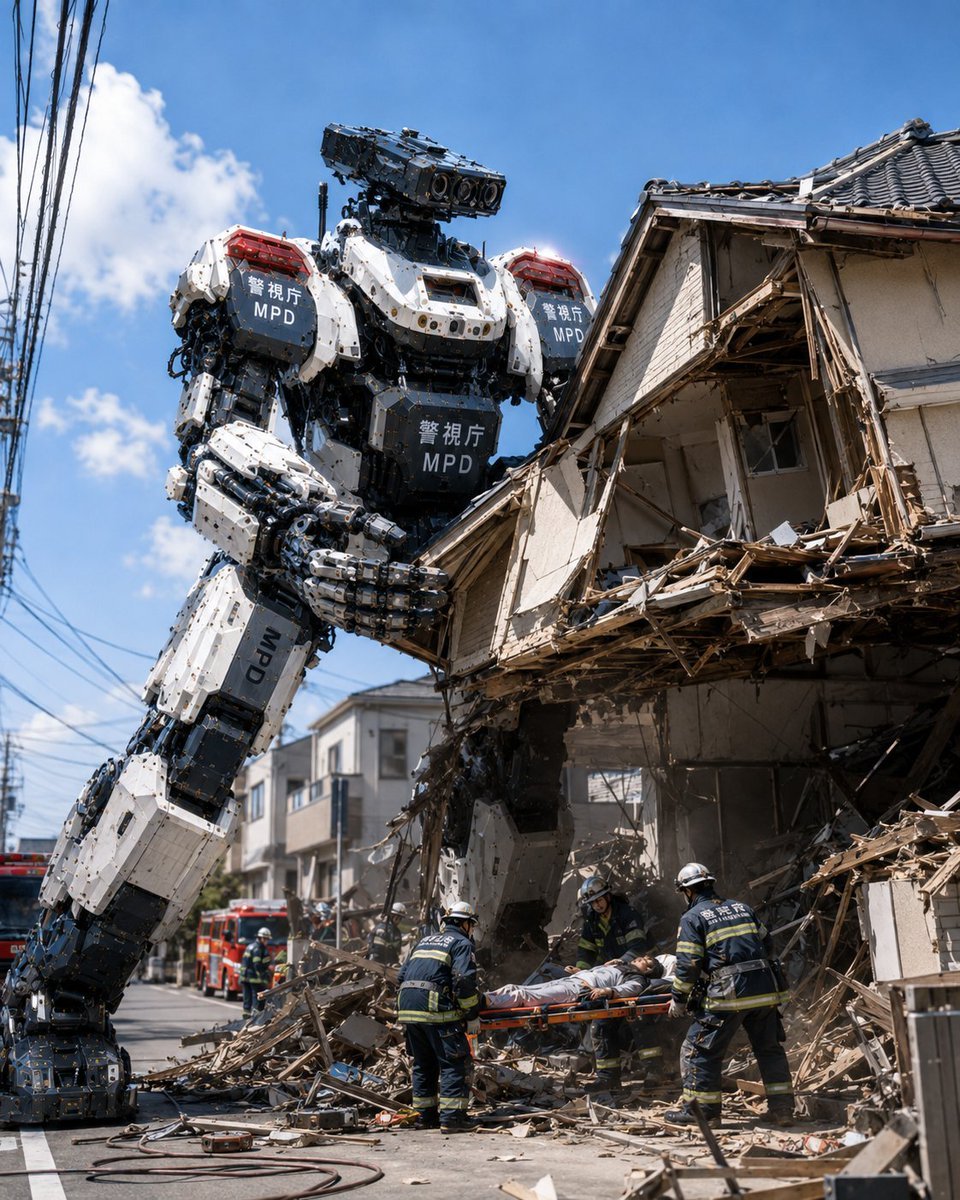
MPD Robot Collapsed House Rescue
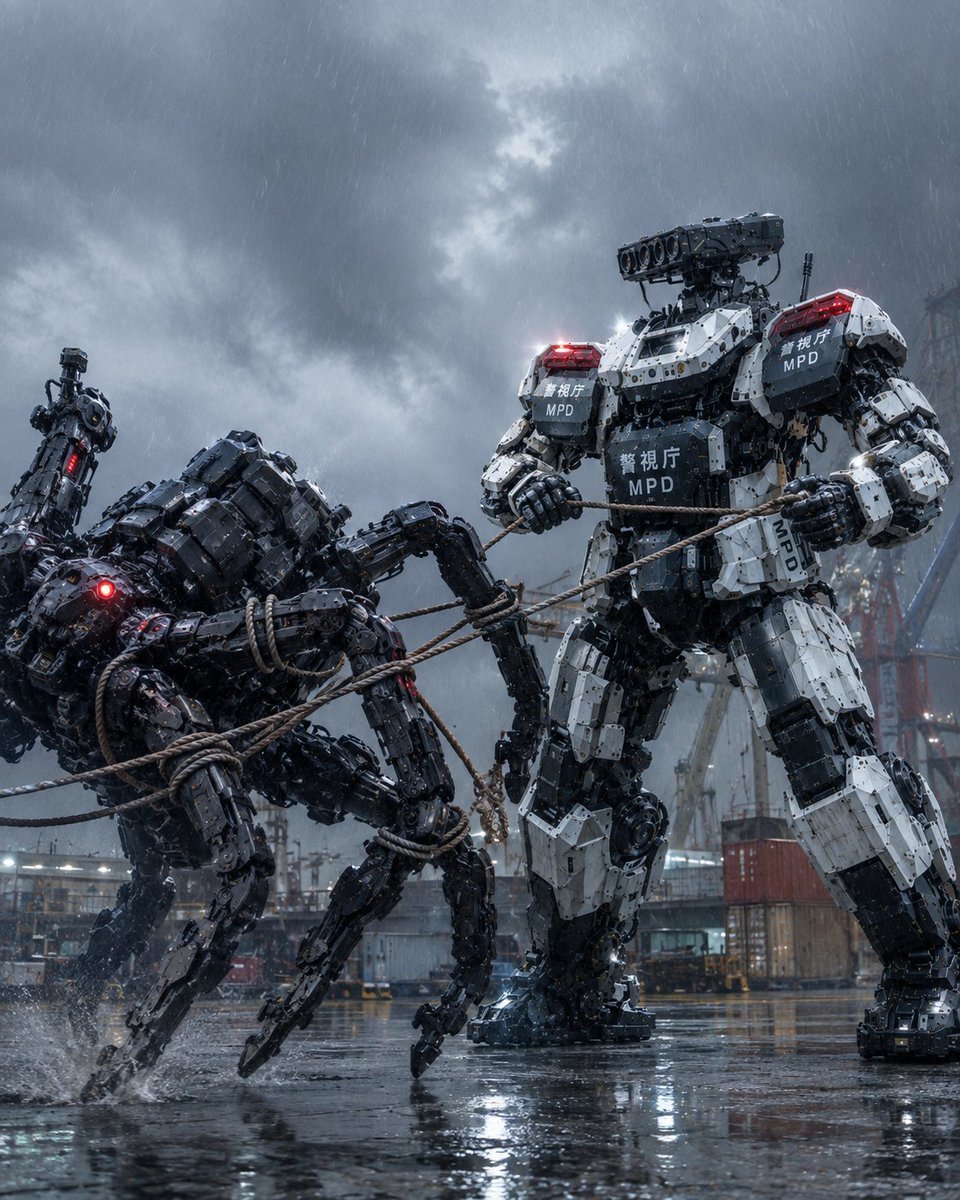
MPD Mech Captures Spider Robot
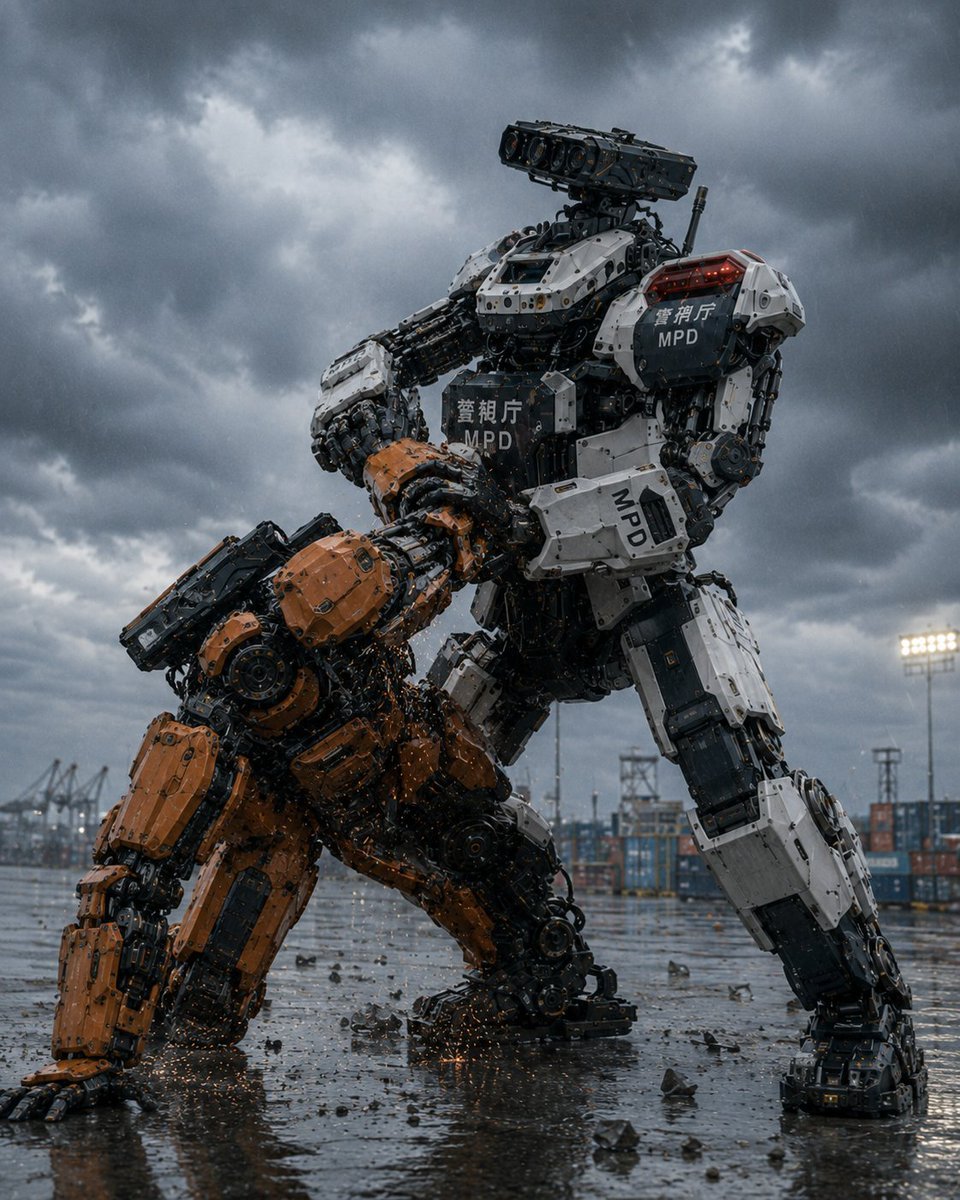
MPD Police Mecha Arrest Scene
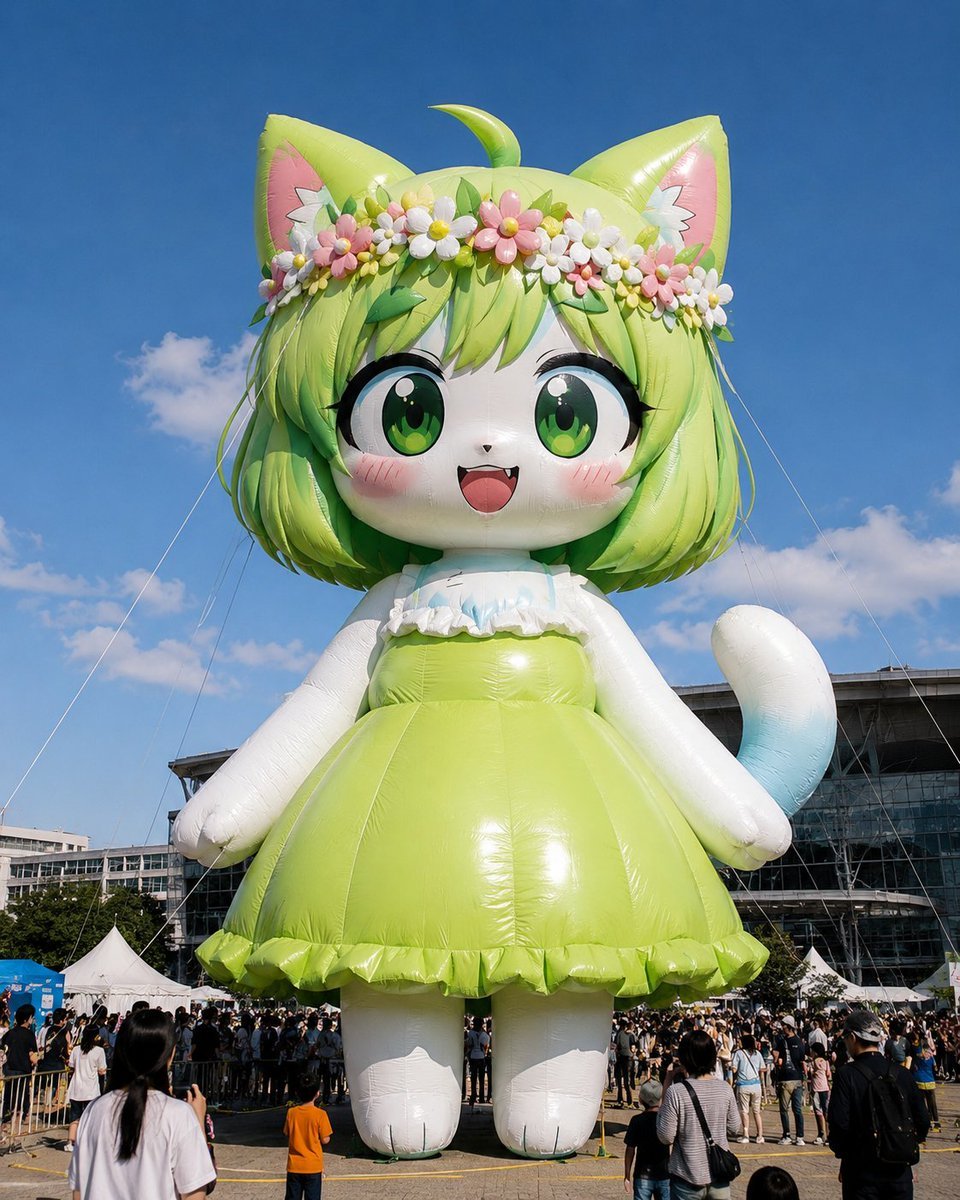
Giant Character Balloon Sculpture
Classroom Balloon Photo Upscale
Hot Air Balloon Coloring Page
Fashion Editorial Balloon Explosion Portrait

Anime Balloon Seller Lane
Nine-Panel Summer Balloon Anime Collage
Make it yours
MPD Robot Arrests Balloon Escapees works as-is. These are the safest ways to change it without losing the look.
Change one field
Copy a single group, rewrite it, and generate again so you can see what that field is doing.
Keep the frame, change the subject
Hold the composition and light of MPD Robot Arrests Balloon Escapees, then swap wardrobe, props or the person for a new take.
| If the result… | Why | Fix |
|---|---|---|
| The result drifts from the preview | Too many fields changed at once. | Reuse MPD Robot Arrests Balloon Escapees as-is first, then change one group — subject, light, or setting. |
| The model over-stylizes the scene | The prose prompt leaves finish and camera underspecified. | Add one camera or lighting sentence and stay on GPT Image 2. |
More GPT Image 2 templates
Other prompts made for GPT Image 2.

Six VTuber Japanese Logo Sheet

Realistic Portrait of Woman and Deer

The Vista Modular Condo Poster

AI Model Routing Comparison Infographic

2.5D Anime Art Board

Isometric Productivity Desk Scene

New York Double Exposure Poster

Four-Panel AI Landscape Comparison

Japanese Tatami Lifestyle Magazine Cover

NESCAFÉ Coffee Map Poster
More image prompts
Fresh picks from across the catalog.
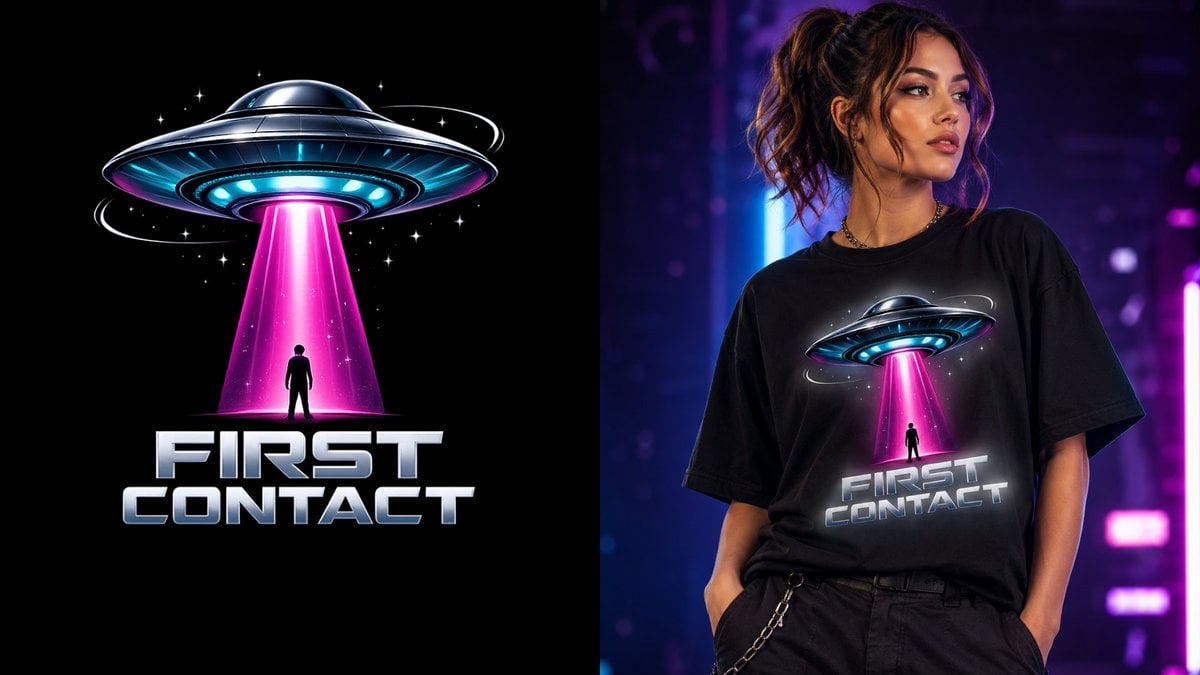
First Contact Sci-Fi T-Shirt Design
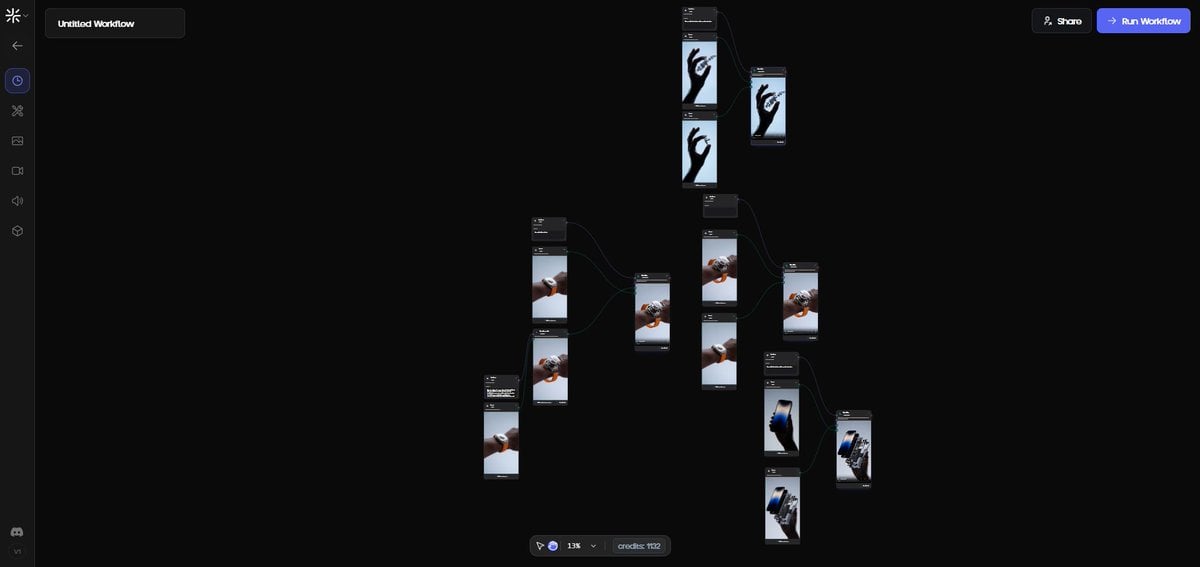
Exploded View Disassembly of Apple Watch Ultra and iPhone
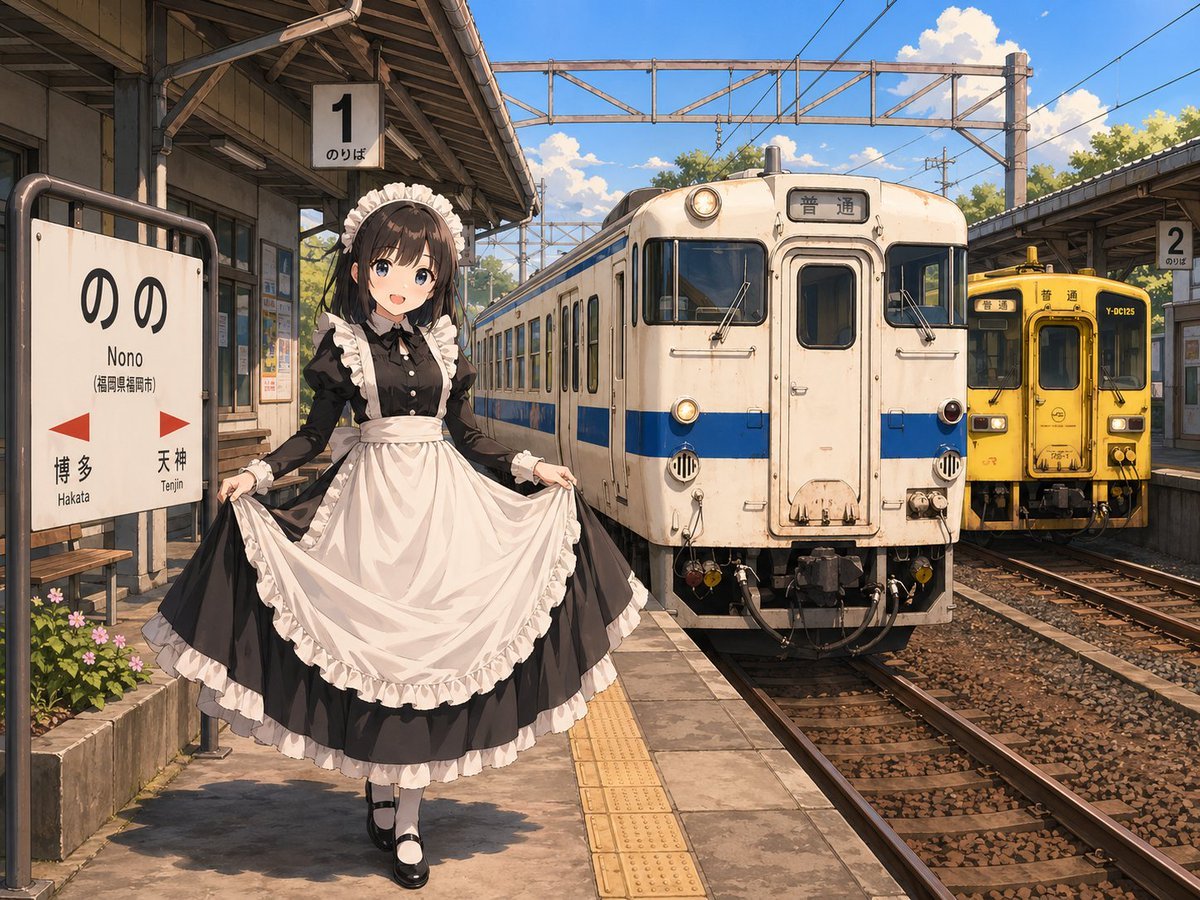
Anime Maid at Rural Train Station

Manga Generation Prompt Template for Nano Banana Pro
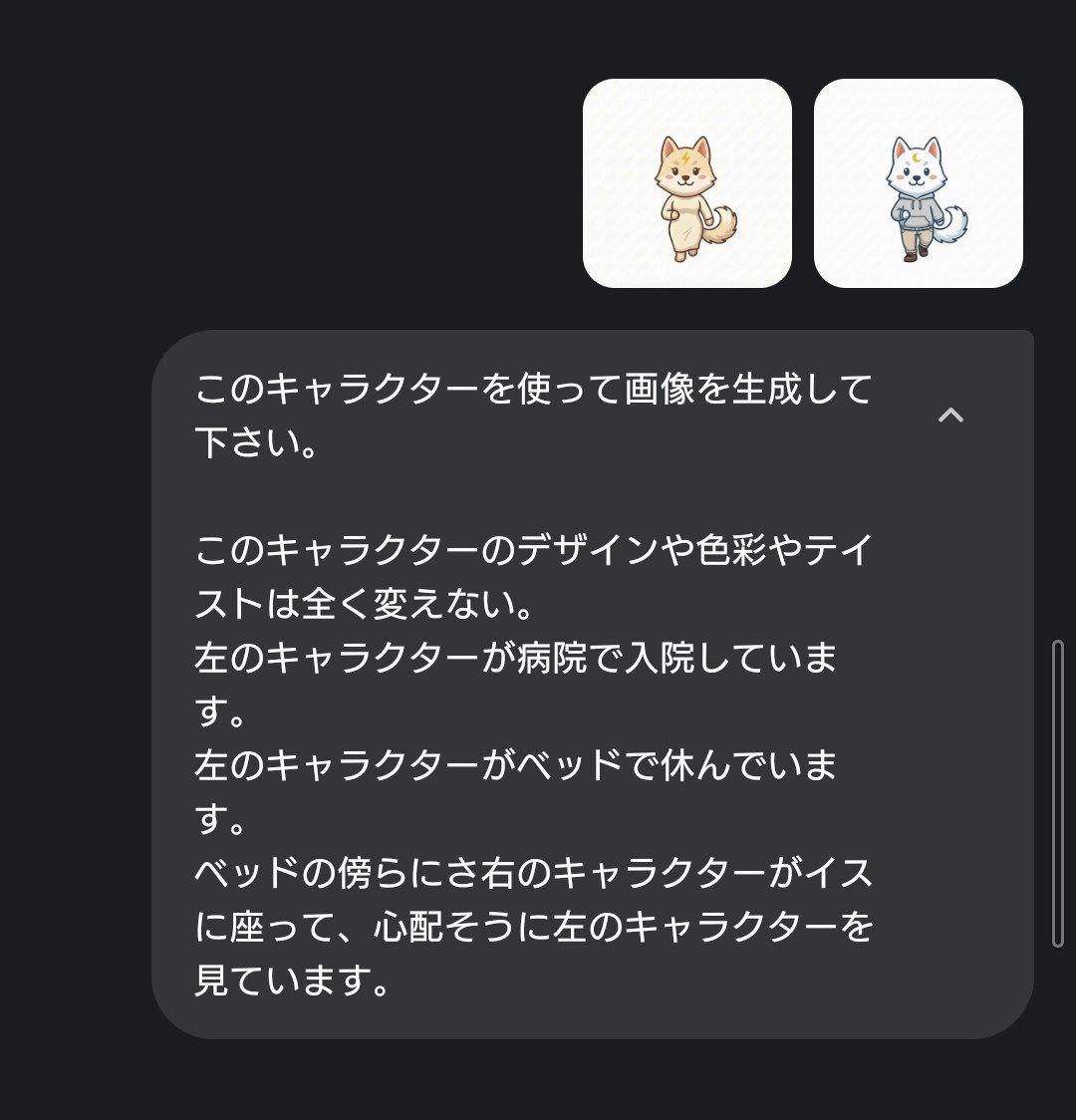
Character Hospital Scene Generation Prompt
Vertical ultra high detail image setup for Nano Banana Pro
Ultra-Photorealistic Portrait of a Young Woman in Hawaiian Tropic Attire
Bathroom Mirror Selfie Lifestyle Shot
Anime Style Snowman Building Scene Prompt
Pancake Angel Idol Café Selfie
Browse template categories
MPD Robot Arrests Balloon Escapees questions
How do I use the MPD Robot Arrests Balloon Escapees template?
Add your photo if the template asks for one, edit the prompt if you like — the template's model and format are already selected — and press Generate. Your version opens in PicX Studio.
Can I customize the MPD Robot Arrests Balloon Escapees template?
Yes. You can change the subject, setting, lighting, mood, format, and available model controls before creating your image.
Is the MPD Robot Arrests Balloon Escapees template free?
Opening and editing this template is free. Generating uses credits, shown on the Generate button when you are signed in.
Which AI model should I use?
Start with GPT Image 2, which is the model associated with this template. You can compare another compatible model for a different finish.
Looking for something else? Browse all templates.

Your photo, any look
Thousands of ready templates for every top image and video model, from one credit balance.