
MPD Robot Stops Runaway Truck
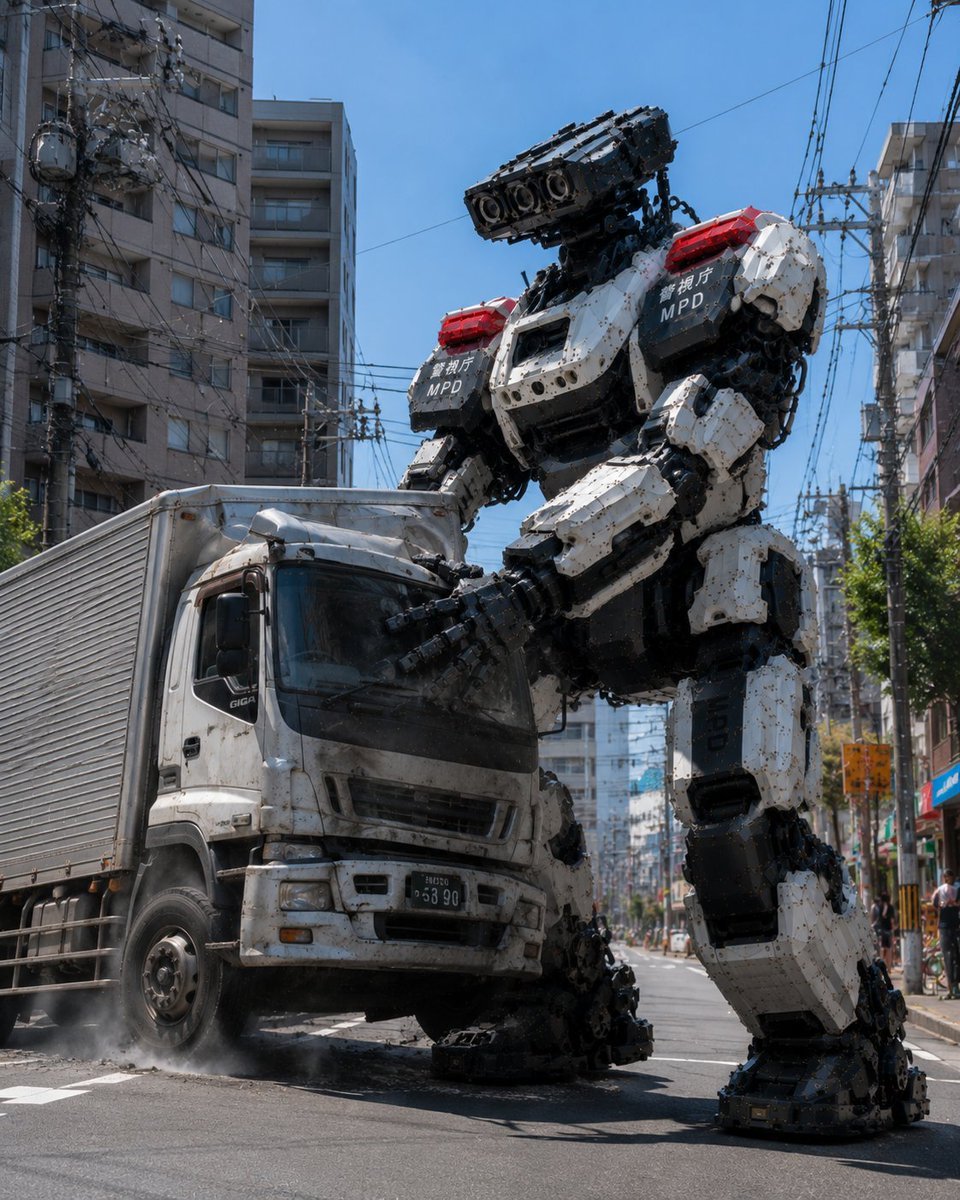
A cinematic photorealistic scene of a giant Metropolitan Police robot restraining a damaged delivery truck on a Japanese city street.
- Prompt included
- Model and format preset
- Free template
The prompt behind this image
Copy the exact prompt behind MPD Robot Stops Runaway Truck, or open it in the studio and make it yours.
Create a hyper-realistic cinematic action photo of a gigantic police humanoid robot stopping a runaway box truck in the middle of a narrow Japanese city street. The scene shows one towering bipedal mech labeled with the Metropolitan Police Department markings, using both massive mechanical hands to crush and hold the front cab of one dirty white delivery truck; the truck’s hood and windshield area are dented inward, the front wheel area is damaged, and dust or tire smoke rises from the asphalt. The robot is white, black, and dark gray with many exposed mechanical joints, armor plates, bolts, hydraulic details, caterpillar-like modules, red emergency light bars on both shoulders, and white Japanese text plus “MPD” on two black shoulder panels; its head is a horizontal rectangular sensor/cannon block with multiple circular lenses facing forward. Set the action on a bright sunny day under a clear blue sky, surrounded by tall apartment buildings, dense overhead utility wires, power poles, street signs, sidewalks, and a few distant pedestrians for scale. Use a low street-level camera angle looking upward to emphasize the robot’s huge scale, vertical 4:5 composition, sharp realistic lighting, hard midday shadows, detailed urban clutter, gritty dust, damaged metal, documentary news-photo realism, no illustration style, no cartoon effects. Include exactly two main subjects: {argument name="robot label" default="MPD"} police mech and {argument name="vehicle type" default="white box truck"}. The visible text on the robot should include {argument name="Japanese police text" default="警視庁"} and “MPD”; avoid extra readable text except incidental street details.
How to use MPD Robot Stops Runaway Truck in 3 steps
- 1Upload ImagePNG, JPG or paste
Add your photo
Upload the photo the template builds on. The prompt, model and format are already set.
- 2…a portrait of your subject in softgolden-hour light, 85mm…
Personalize
Edit the subject and creative details for your destination.
- 3Generate
Generate
Press Generate — your image is created in PicX Studio, so you can compare it with the original and refine one variable at a time.
More like this
Templates with the same subject, style or setup. Open one to see its prompt.
MPD Robot Arrests Balloon Escapees
Underwater MPD Police Robot Test
MPD Robot Assembly Bay
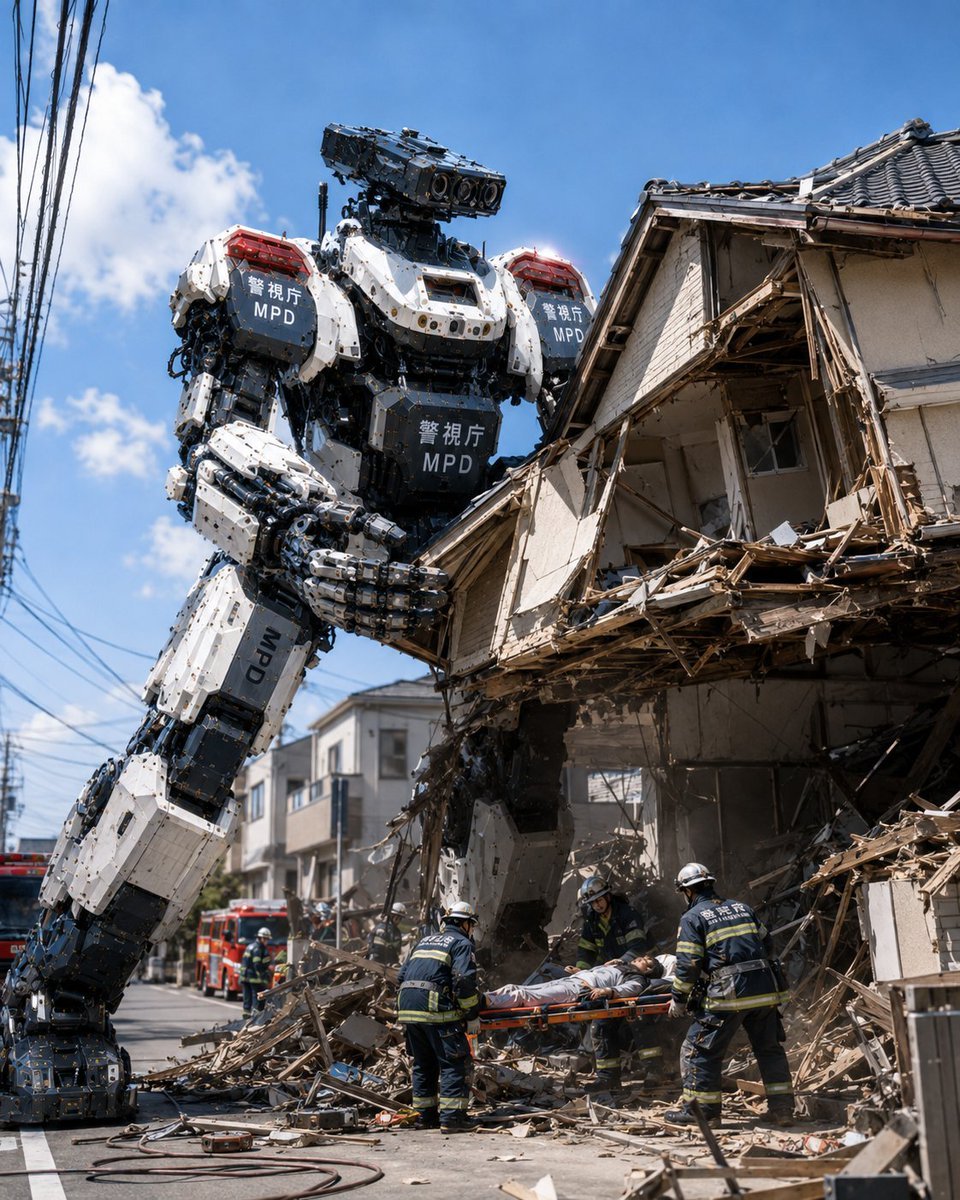
MPD Robot Collapsed House Rescue
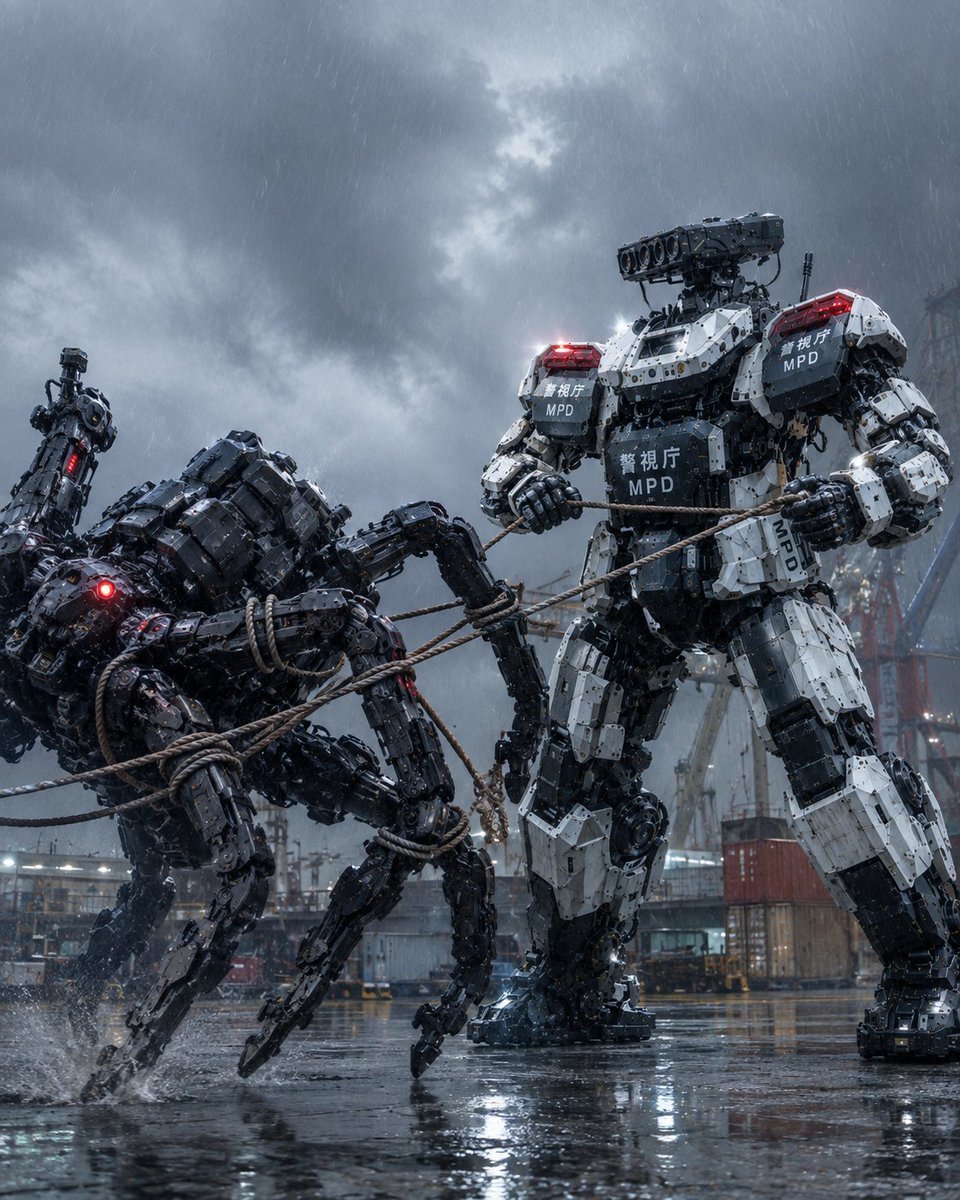
MPD Mech Captures Spider Robot
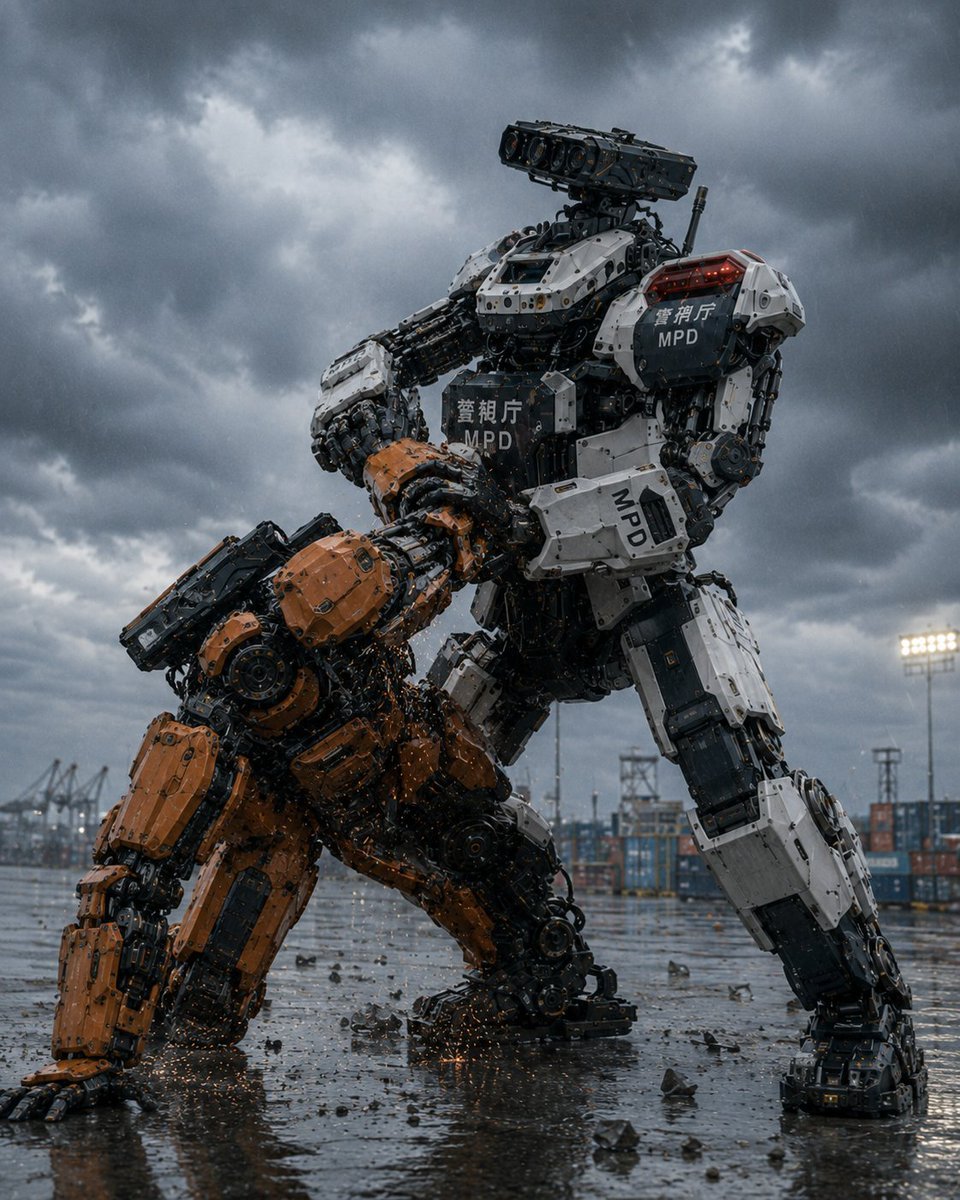
MPD Police Mecha Arrest Scene
Surreal Runaway Vacuum Disaster
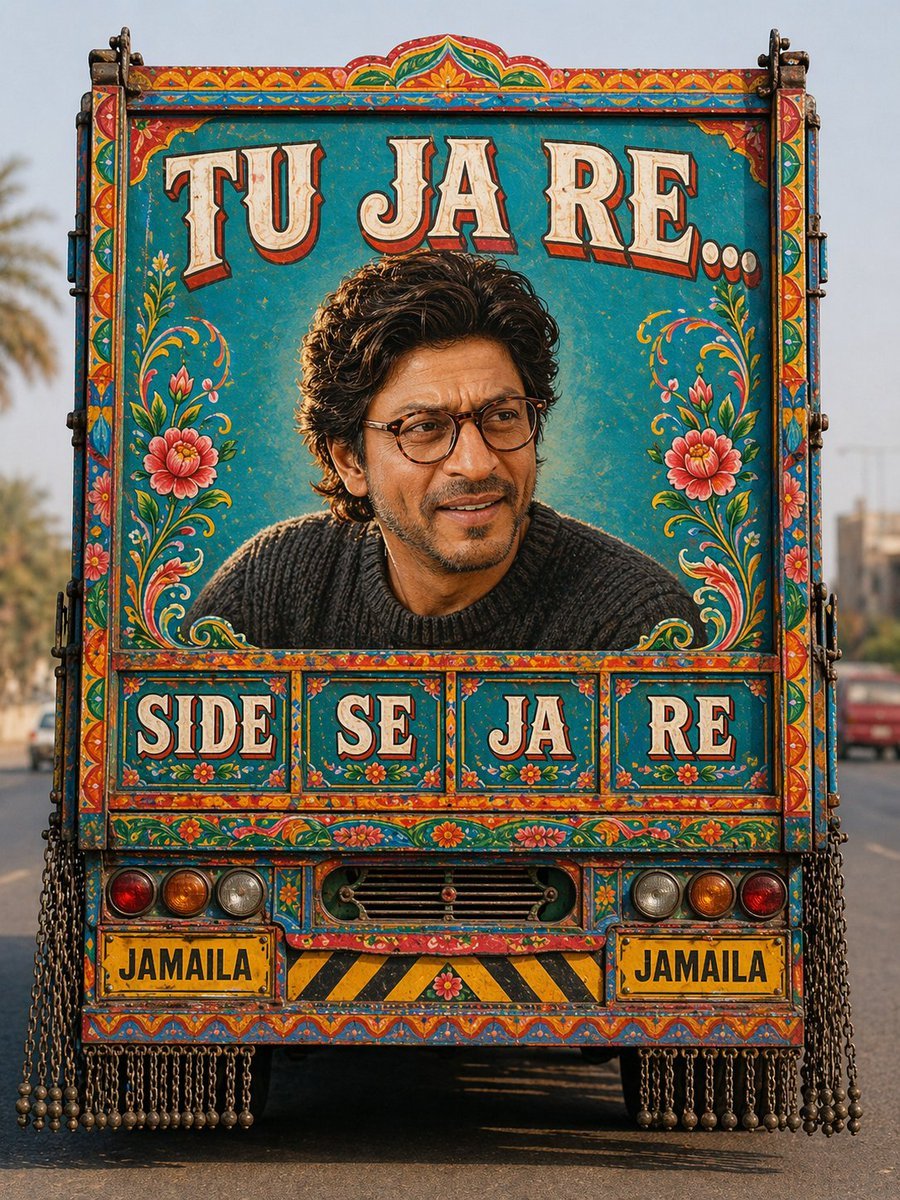
Pakistani Truck Art Portrait
Ice Cream Truck Pastel
Bullion Truck Escort Night
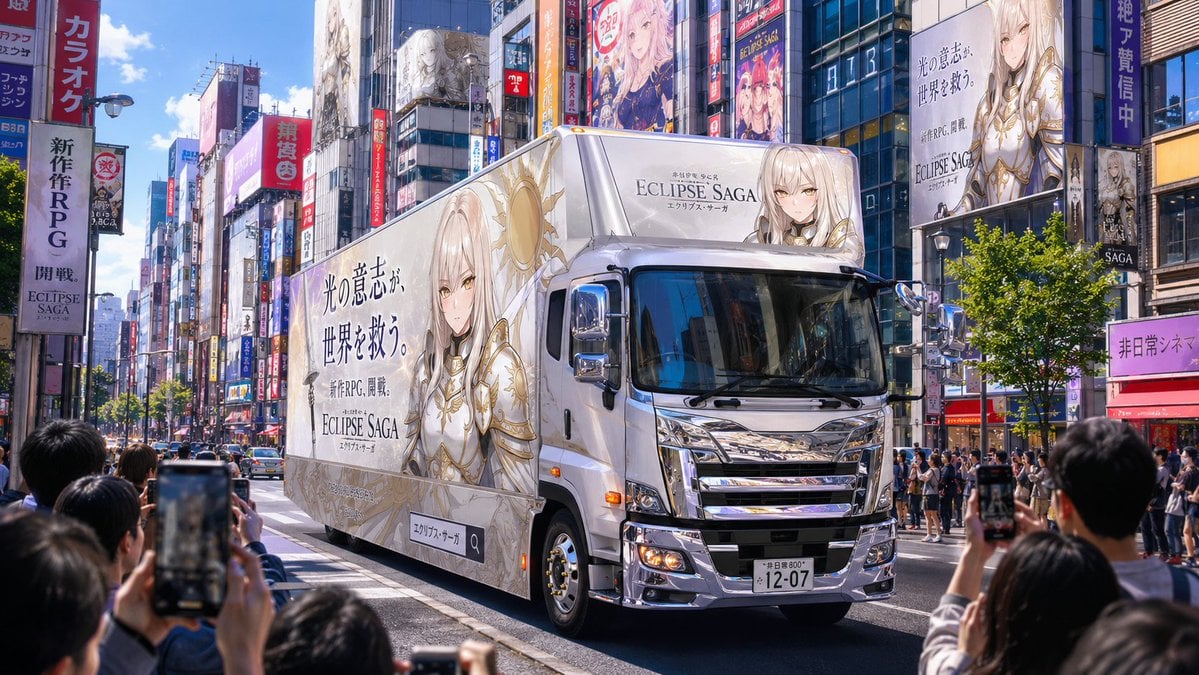
Fantasy RPG Ad Truck in Tokyo District
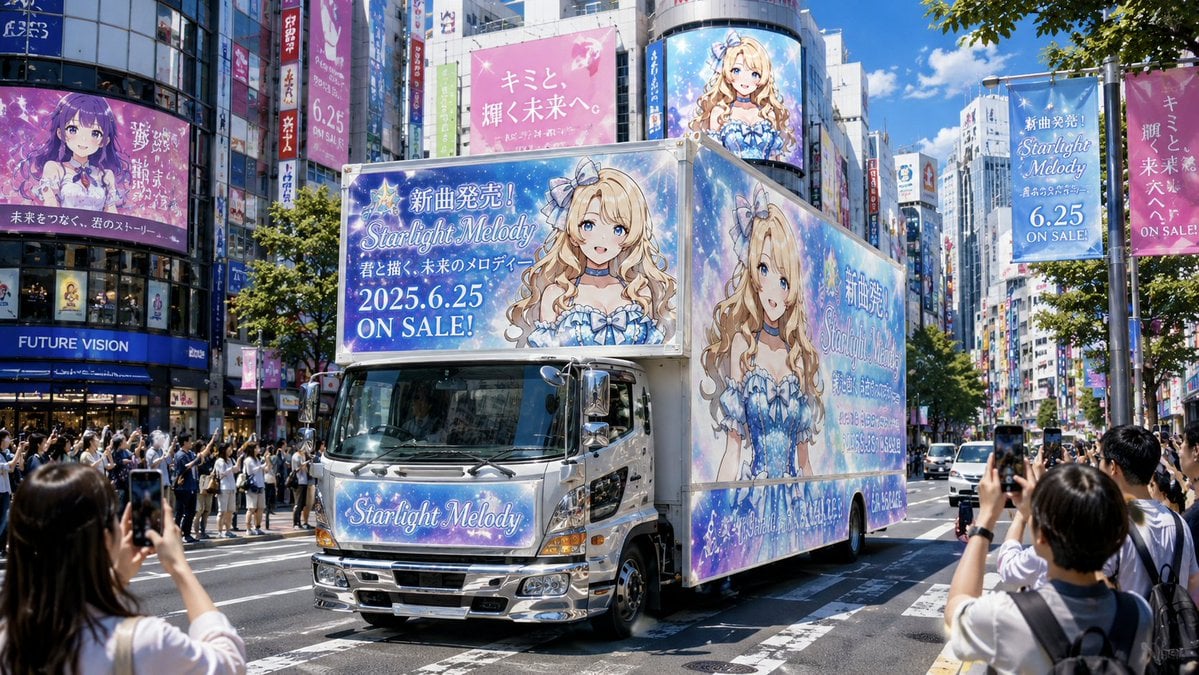
Anime Idol Ad Truck in Japan
Make it yours
MPD Robot Stops Runaway Truck works as-is. These are the safest ways to change it without losing the look.
Change one field
Copy a single group, rewrite it, and generate again so you can see what that field is doing.
Keep the frame, change the subject
Hold the composition and light of MPD Robot Stops Runaway Truck, then swap wardrobe, props or the person for a new take.
| If the result… | Why | Fix |
|---|---|---|
| The result drifts from the preview | Too many fields changed at once. | Reuse MPD Robot Stops Runaway Truck as-is first, then change one group — subject, light, or setting. |
| The model over-stylizes the scene | The prose prompt leaves finish and camera underspecified. | Add one camera or lighting sentence and stay on GPT Image 2. |
More GPT Image 2 templates
Other prompts made for GPT Image 2.

Six VTuber Japanese Logo Sheet

Realistic Portrait of Woman and Deer

The Vista Modular Condo Poster

AI Model Routing Comparison Infographic

2.5D Anime Art Board

Isometric Productivity Desk Scene

New York Double Exposure Poster

Four-Panel AI Landscape Comparison

Japanese Tatami Lifestyle Magazine Cover

NESCAFÉ Coffee Map Poster
More image prompts
Fresh picks from across the catalog.
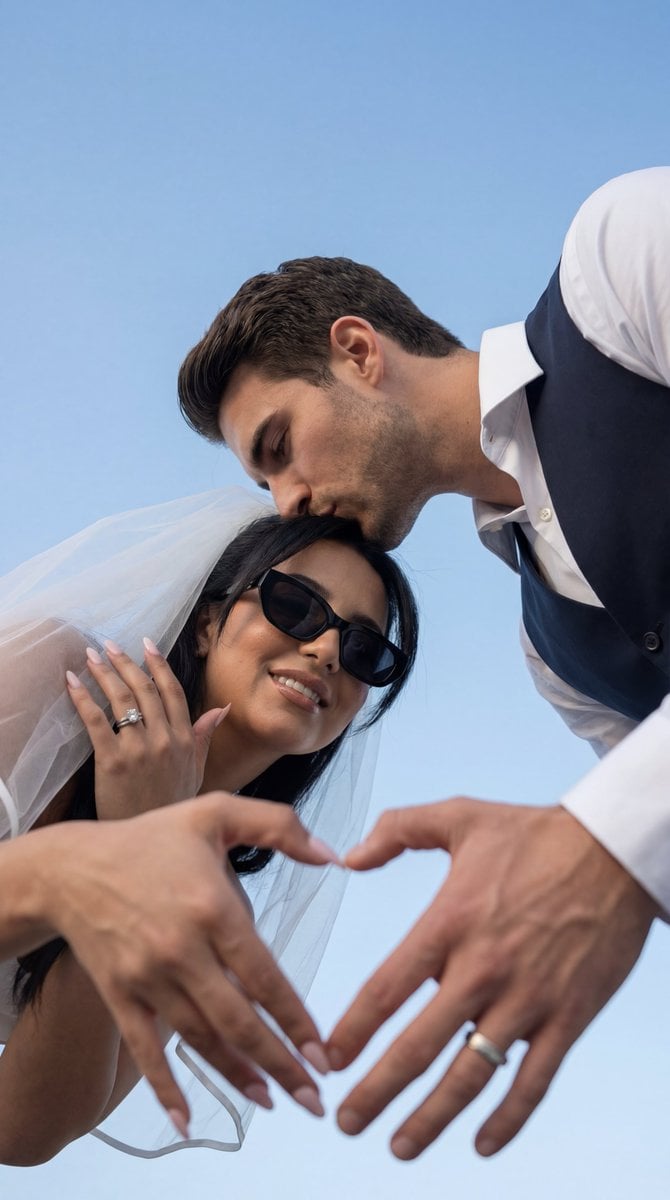
Low-Angle Wedding Editorial with Heart Hands
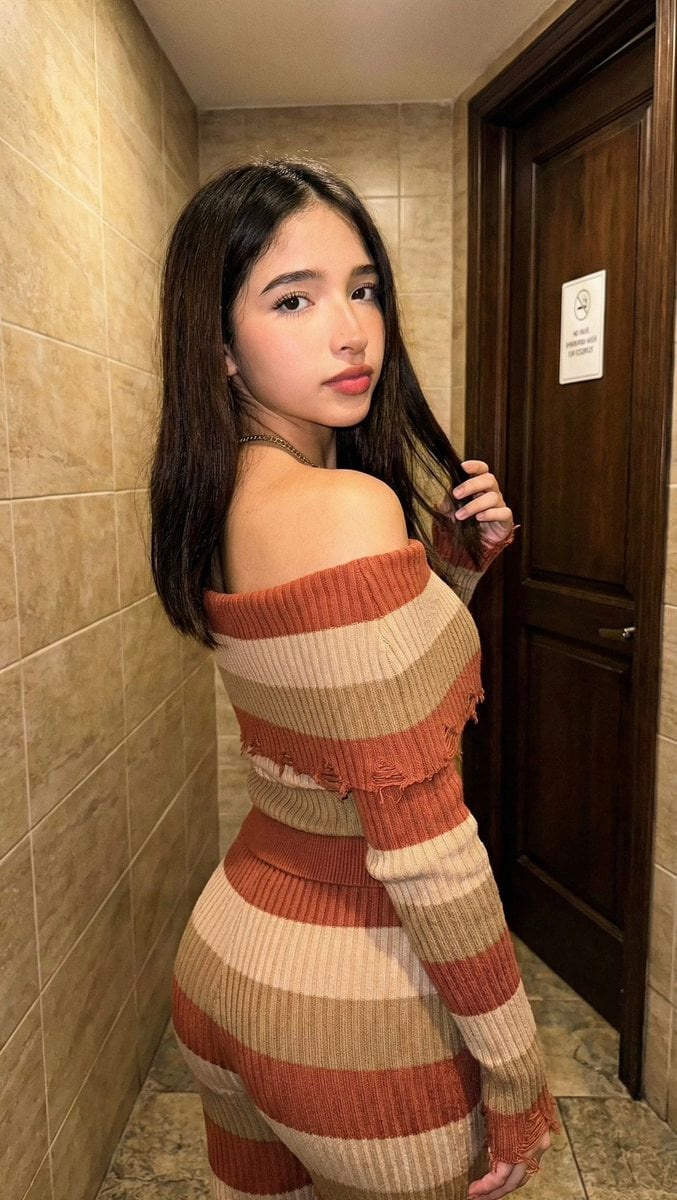
High-Fidelity Portrait with Extreme Identity Mapping and Technical Rib-Knit Texture
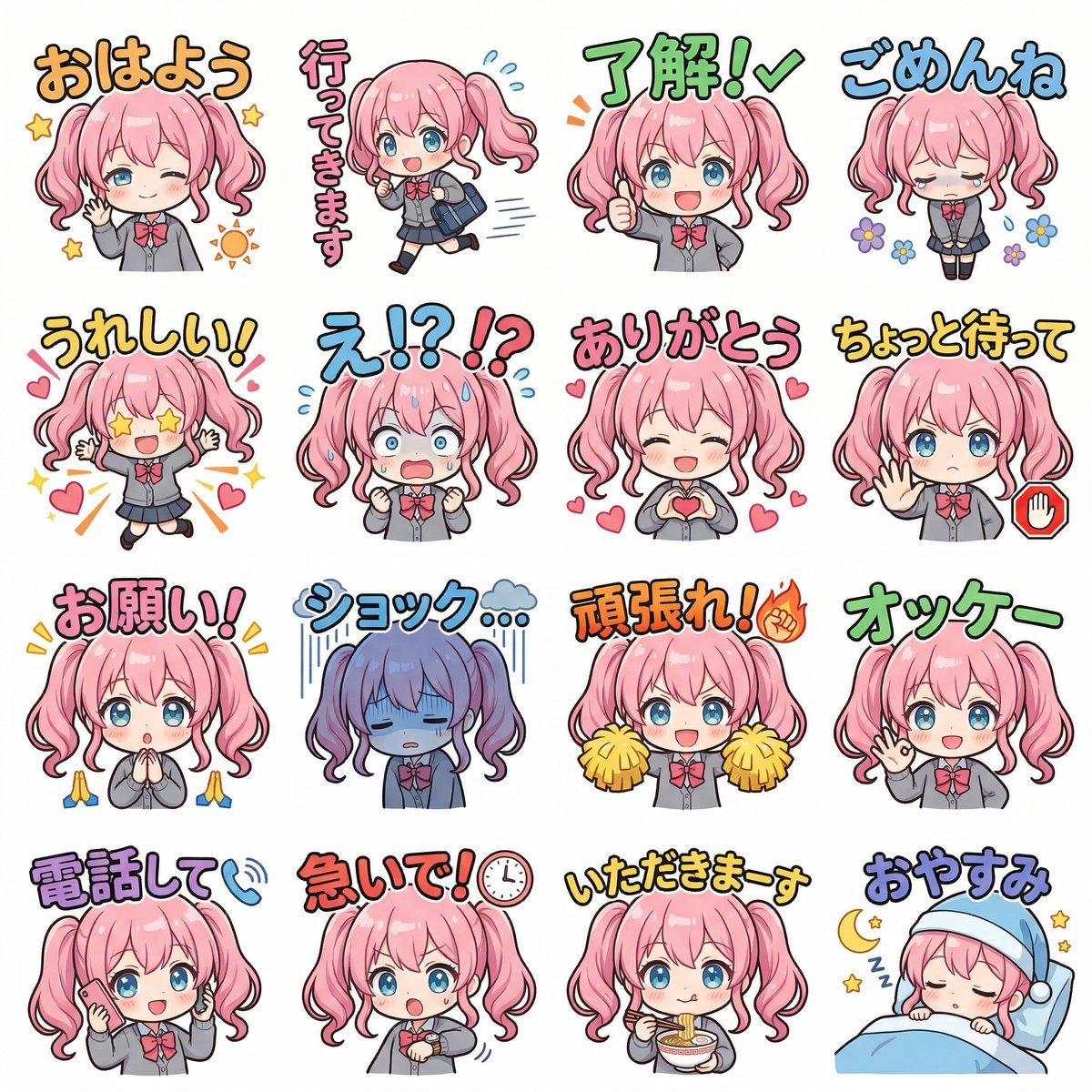
Creating LINE Stickers with Nano Banana 2
Female Android on a Spaceship
Hyper-realistic Cinematic Portrait with Neon Urban Aesthetic
Cinematic Horror Film Sequence Prompt Fo
Cyber Vocaloid Concert Idol
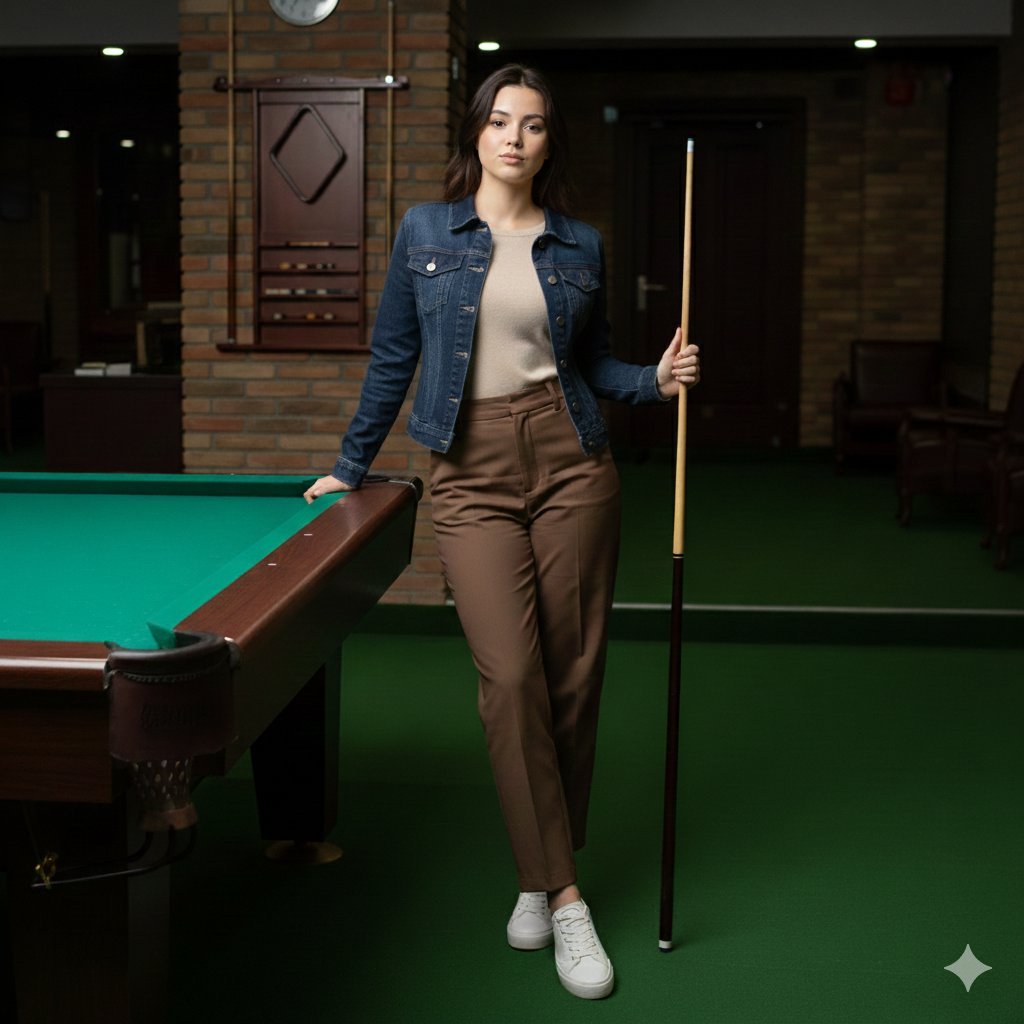
Casual Lifestyle Portrait in a Billiards Lounge (Brown Trousers)
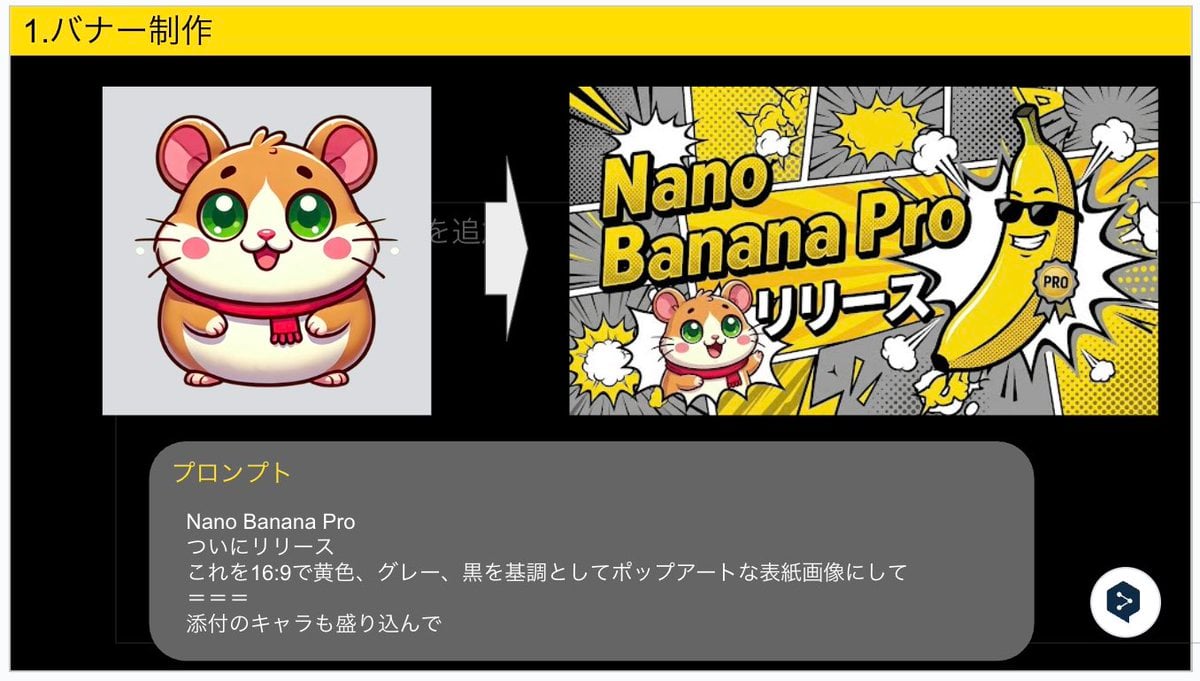
Nano Banana Pro Banner Creation Prompt
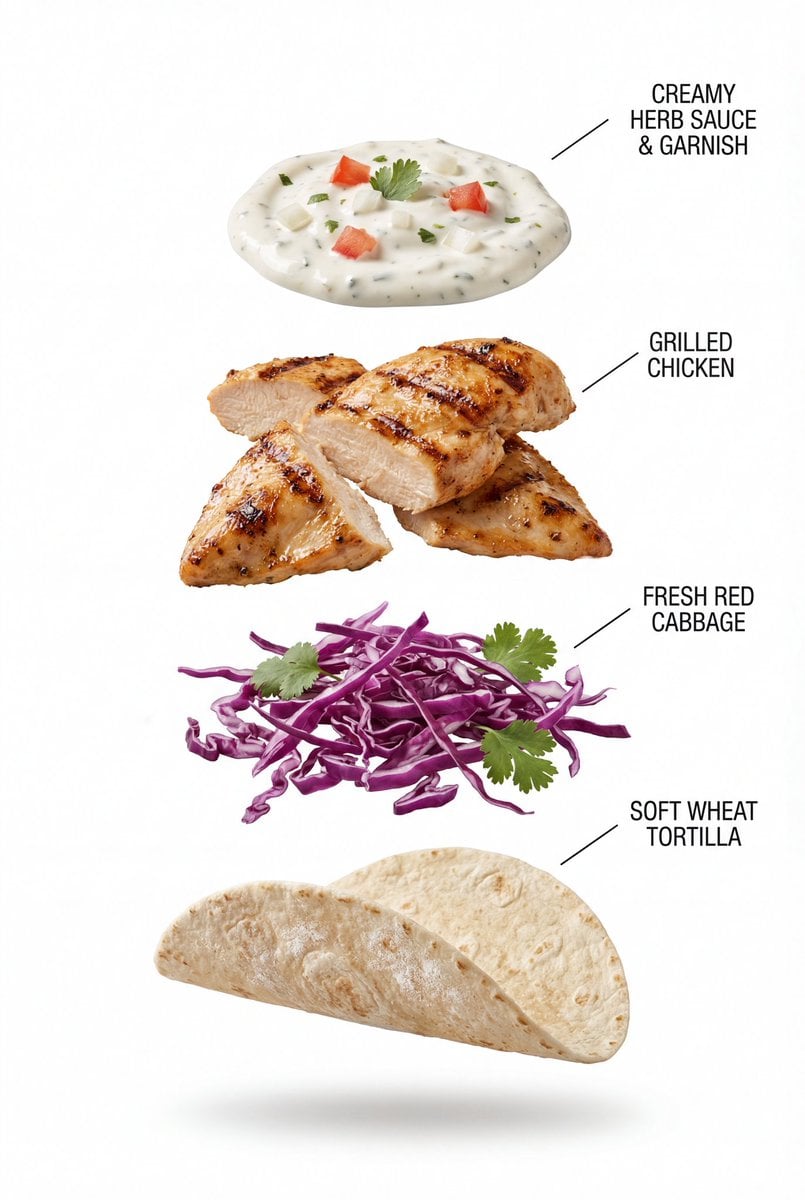
Exploded View Grilled Chicken Taco Product Photography
Browse template categories
MPD Robot Stops Runaway Truck questions
How do I use the MPD Robot Stops Runaway Truck template?
Add your photo if the template asks for one, edit the prompt if you like — the template's model and format are already selected — and press Generate. Your version opens in PicX Studio.
Can I customize the MPD Robot Stops Runaway Truck template?
Yes. You can change the subject, setting, lighting, mood, format, and available model controls before creating your image.
Is the MPD Robot Stops Runaway Truck template free?
Opening and editing this template is free. Generating uses credits, shown on the Generate button when you are signed in.
Which AI model should I use?
Start with GPT Image 2, which is the model associated with this template. You can compare another compatible model for a different finish.
Looking for something else? Browse all templates.

Your photo, any look
Thousands of ready templates for every top image and video model, from one credit balance.