
Surreal Runaway Vacuum Disaster
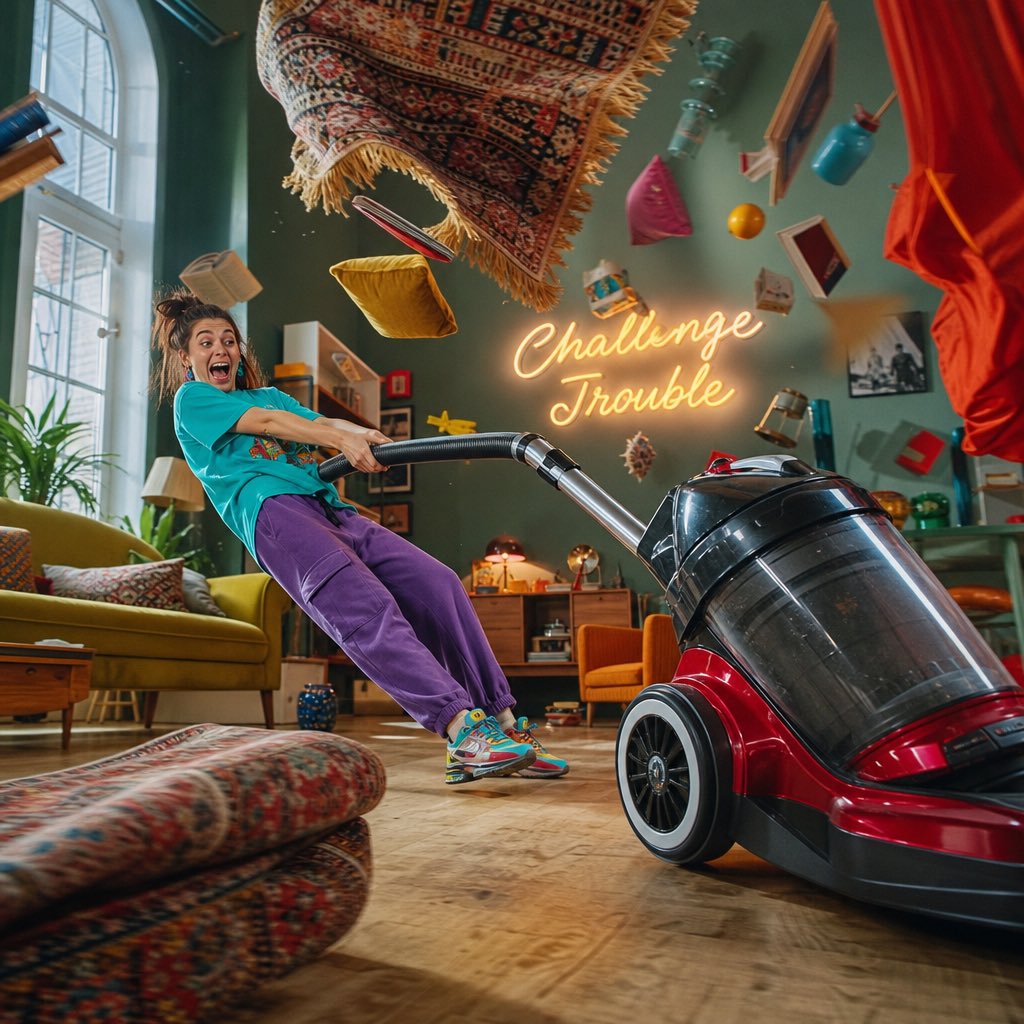
A surreal and comedic photography prompt featuring a young woman being pulled across a room by a runaway vacuum cleaner.
- Prompt included
- Model and format preset
- Free template
The prompt behind this image
Copy the exact prompt behind Surreal Runaway Vacuum Disaster, or open it in the studio and make it yours.
Ultra-realistic surreal cinematic photography, 8K. A young woman wearing {argument name="clothing" default="a bright turquoise oversized T-shirt, purple sweatpants, and colorful sneakers"}, accidentally being pulled across the living room by an {argument name="object" default="enormous runaway vacuum cleaner"}. Gesture: both hands desperately gripping the vacuum hose, body leaning backward, one foot sliding across the floor, face showing exaggerated surprise mixed with uncontrollable laughter. Environment: surreal living room disaster, enormous vacuum cleaner racing across the floor, rugs flying upward, cushions spinning through the air, books floating, curtains swirling dramatically, colorful household objects suspended in mid-air, a glowing wall sign saying "{argument name="sign text" default="Challenge Trouble"}". Mood: cheerful, chaotic, absurd, hilarious, goofy, ridiculous, full-color. Camera angle: dynamic side-angle tracking composition, capturing the woman's entire body and the runaway vacuum cleaner. Ultra-realistic photography, cinematic lighting, vibrant colors, realistic motion implied through composition, highly detailed textures, exaggerated comedic energy.
How to use Surreal Runaway Vacuum Disaster in 3 steps
- 1
Open
The prompt is already in the box next to the preview, with the template's model and format selected.
- 2…a portrait of your subject in softgolden-hour light, 85mm…
Personalize
Edit the subject and creative details for your destination.
- 3Generate
Generate
Press Generate — your image is created in PicX Studio, so you can compare it with the original and refine one variable at a time.
More like this
Templates with the same subject, style or setup. Open one to see its prompt.

Surreal Cat Astronaut — Humanoid Face Freefall

Bold Red Contrast Fashion Editorial Newspaper Room

Stylized Fashion Portrait Bold Color Contrast Editorial

Azed Double Exposure

Firefly Pixar Spill — Nano Banana Pro
Seedance - Dragon vs Python Battle
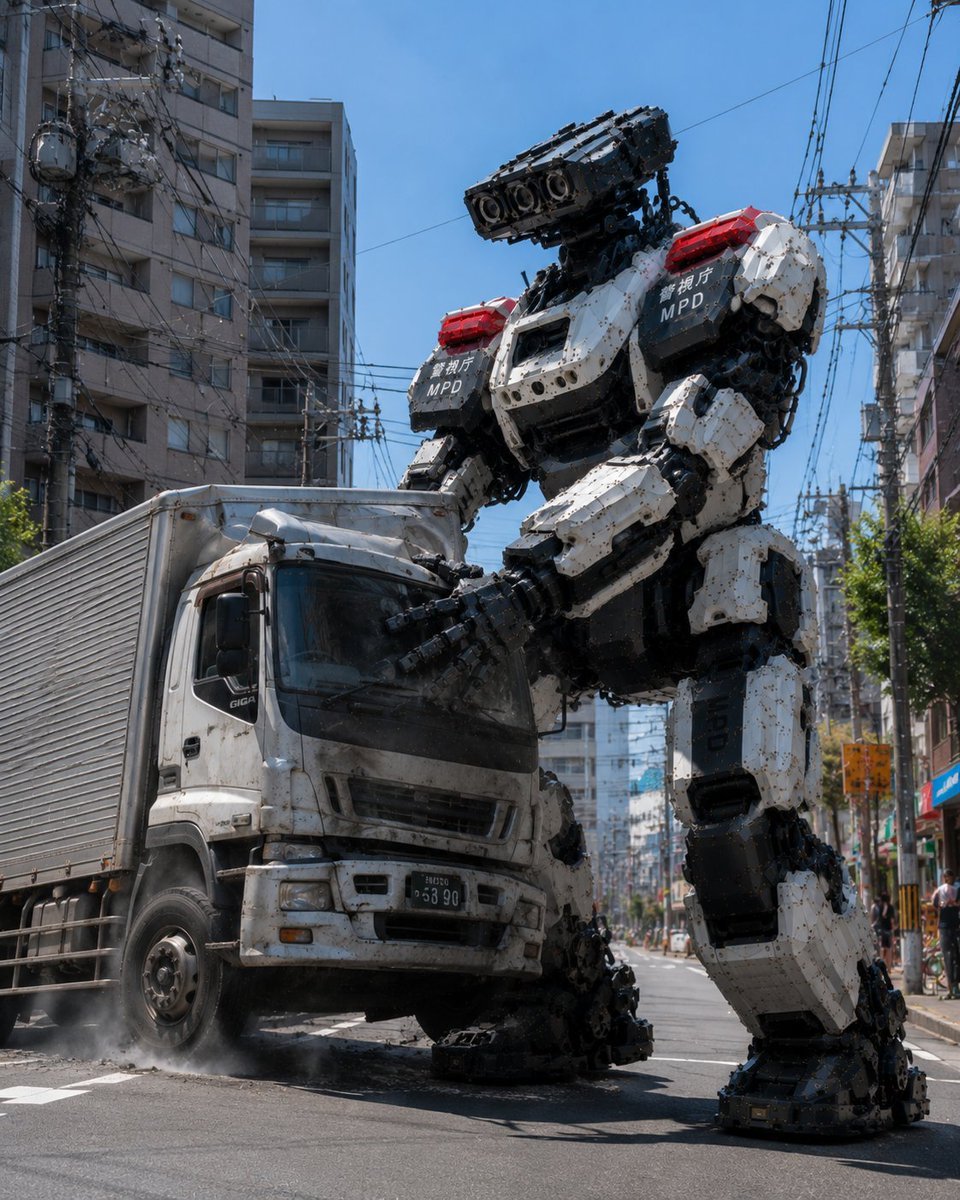
MPD Robot Stops Runaway Truck
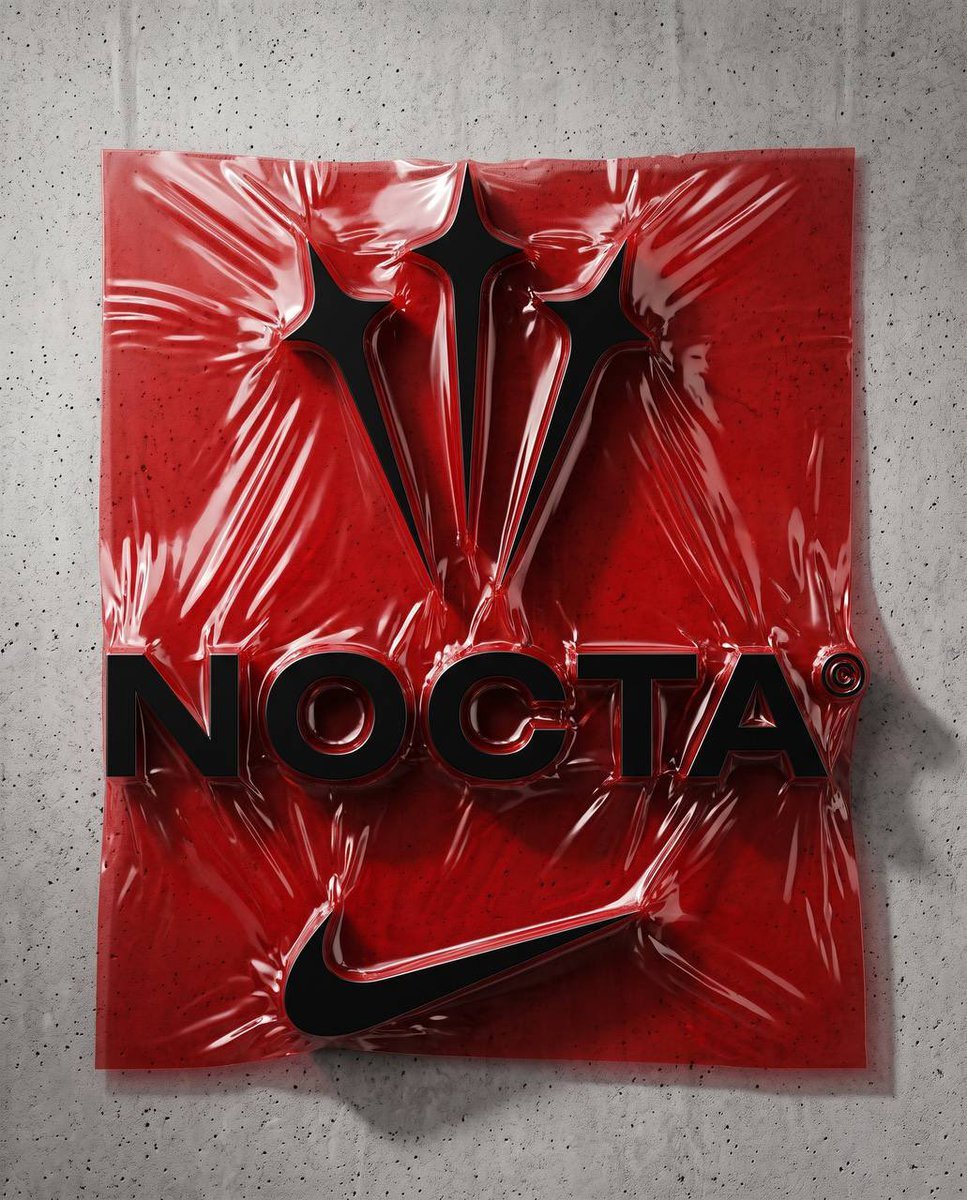
Vacuum Sealed Logo Installation
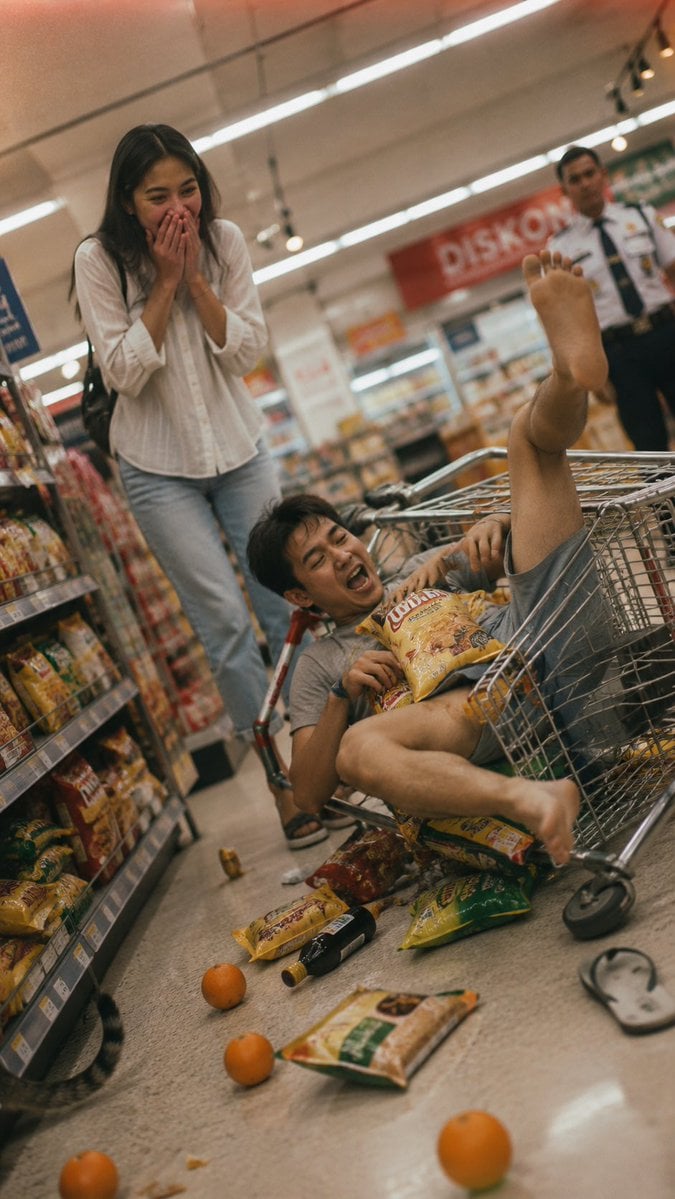
Grocery Aisle Disaster Film Photo
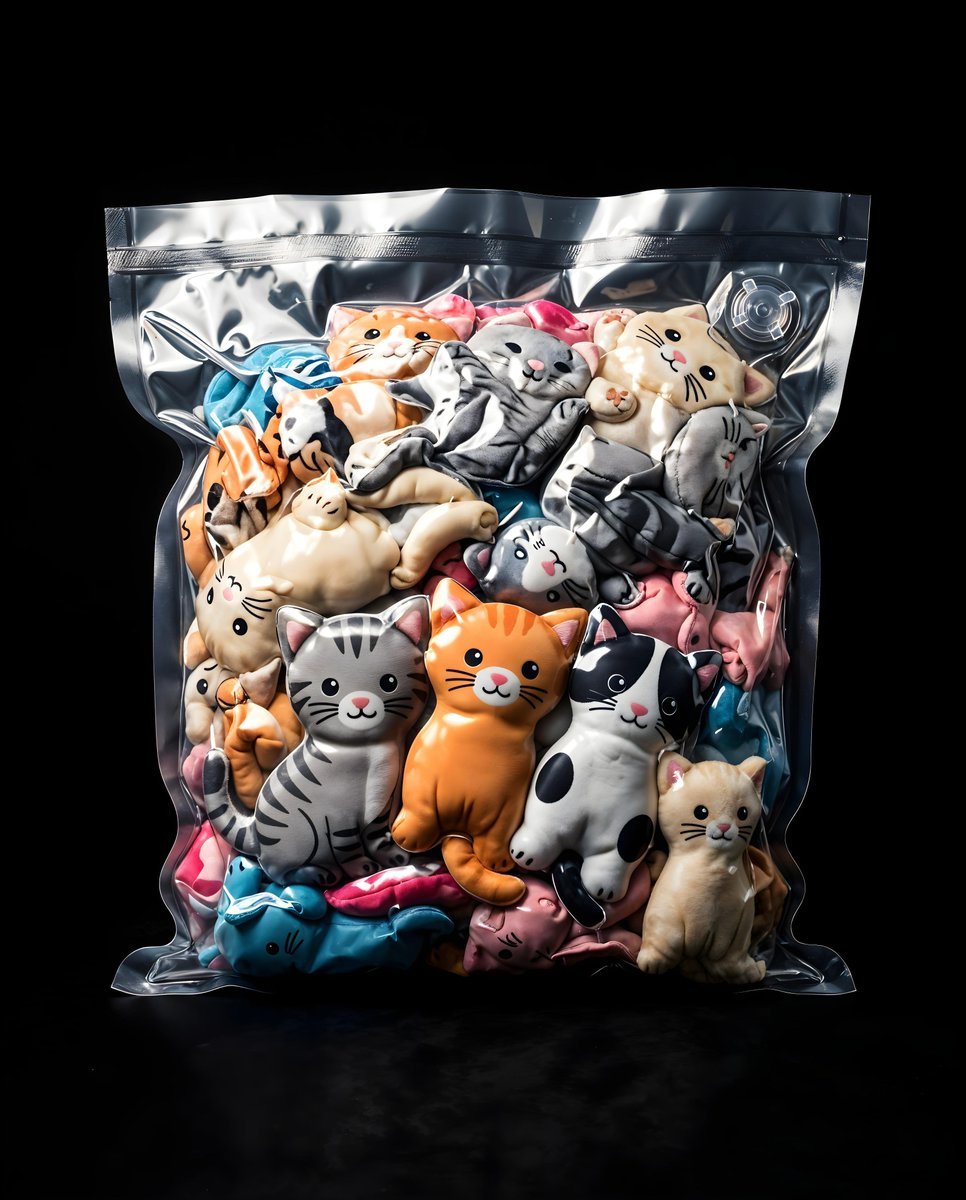
Vacuum Sealed Toy Photography
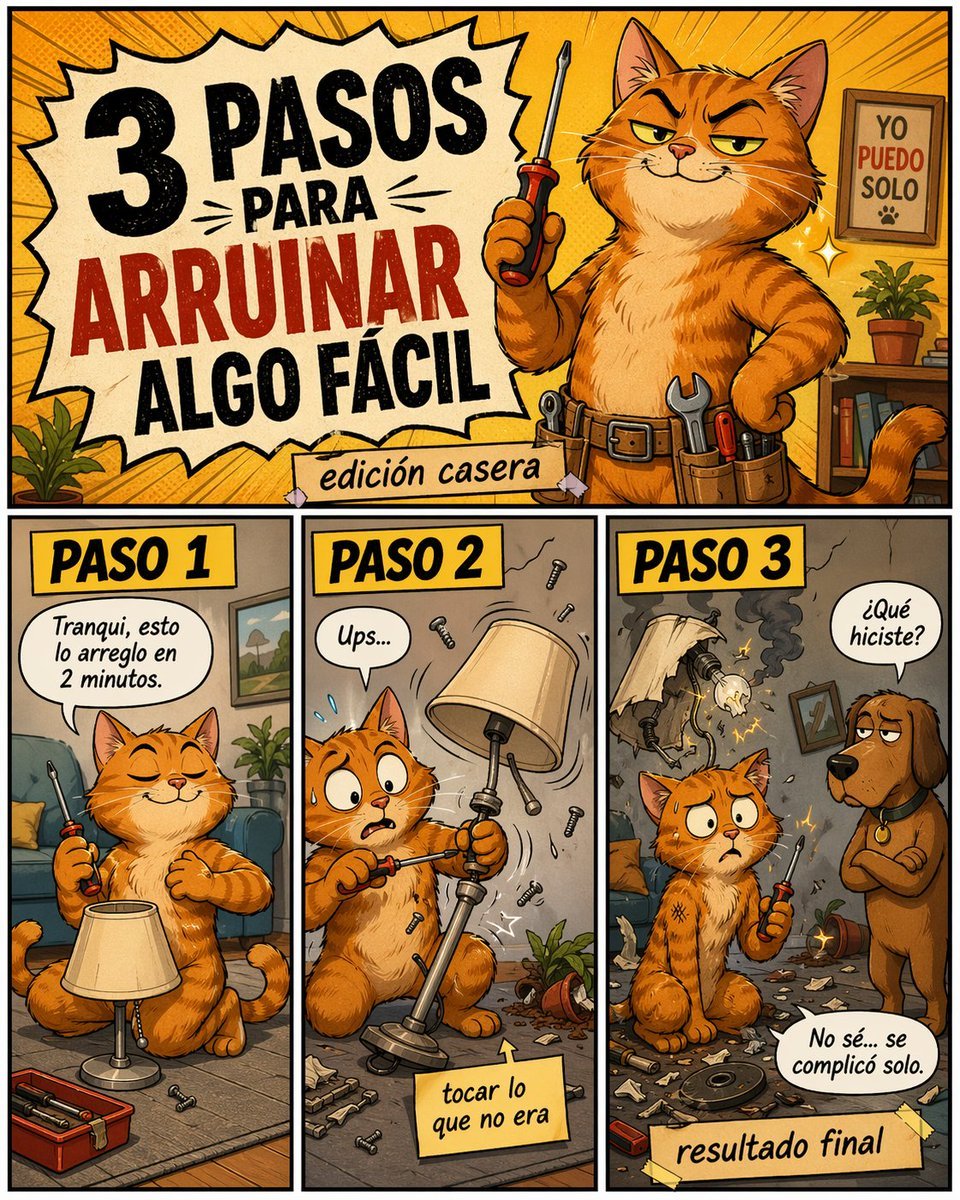
Funny DIY Disaster Cat Comic
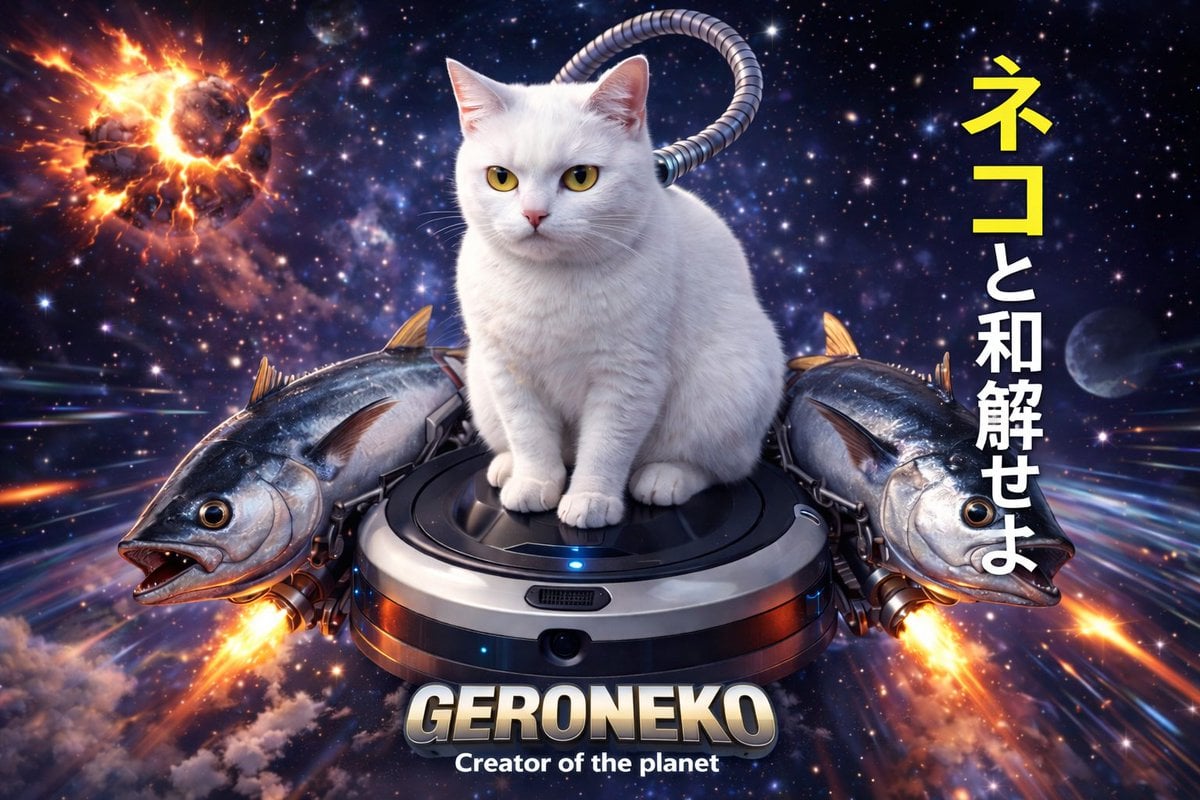
Sci-Fi Cat on Fish-Powered Vacuum
Make it yours
Surreal Runaway Vacuum Disaster works as-is. These are the safest ways to change it without losing the look.
Change one field
Copy a single group, rewrite it, and generate again so you can see what that field is doing.
Keep the frame, change the subject
Hold the composition and light of Surreal Runaway Vacuum Disaster, then swap wardrobe, props or the person for a new take.
| If the result… | Why | Fix |
|---|---|---|
| The result drifts from the preview | Too many fields changed at once. | Reuse Surreal Runaway Vacuum Disaster as-is first, then change one group — subject, light, or setting. |
| The model over-stylizes the scene | The prose prompt leaves finish and camera underspecified. | Add one camera or lighting sentence and stay on GPT Image 2. |
More GPT Image 2 templates
Other prompts made for GPT Image 2.

Six VTuber Japanese Logo Sheet

Realistic Portrait of Woman and Deer

The Vista Modular Condo Poster

AI Model Routing Comparison Infographic

2.5D Anime Art Board

Isometric Productivity Desk Scene

New York Double Exposure Poster

Four-Panel AI Landscape Comparison

Japanese Tatami Lifestyle Magazine Cover

NESCAFÉ Coffee Map Poster
More image prompts
Fresh picks from across the catalog.
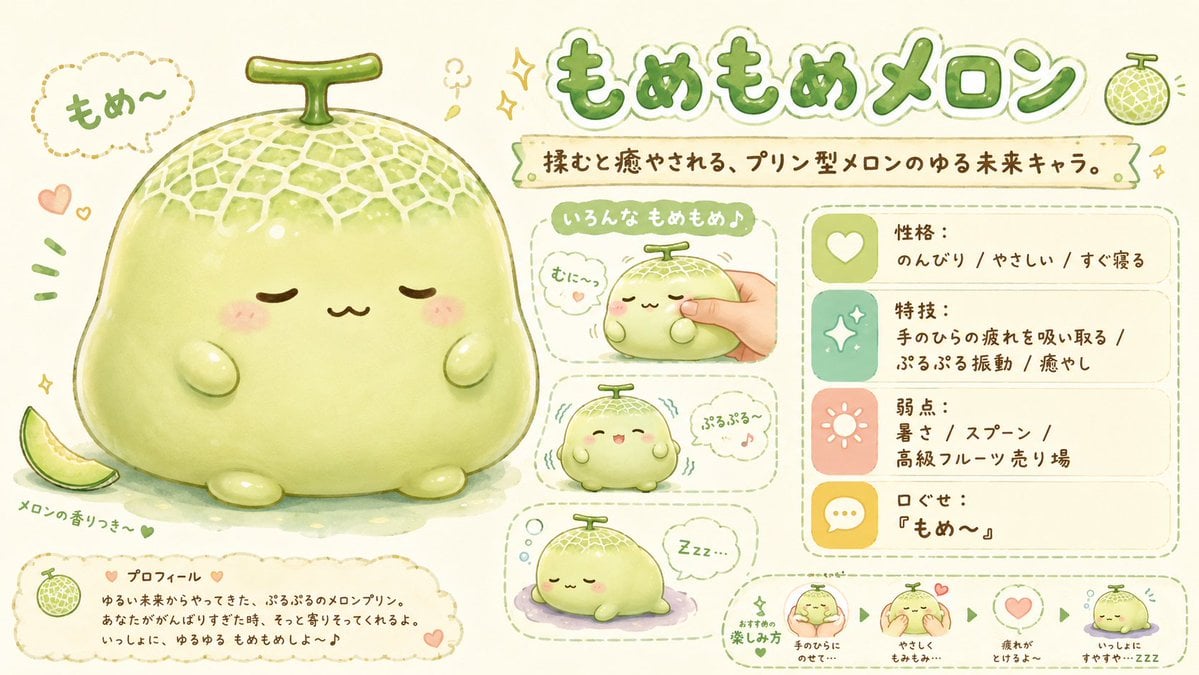
Kawaii Melon Mascot Character Sheet
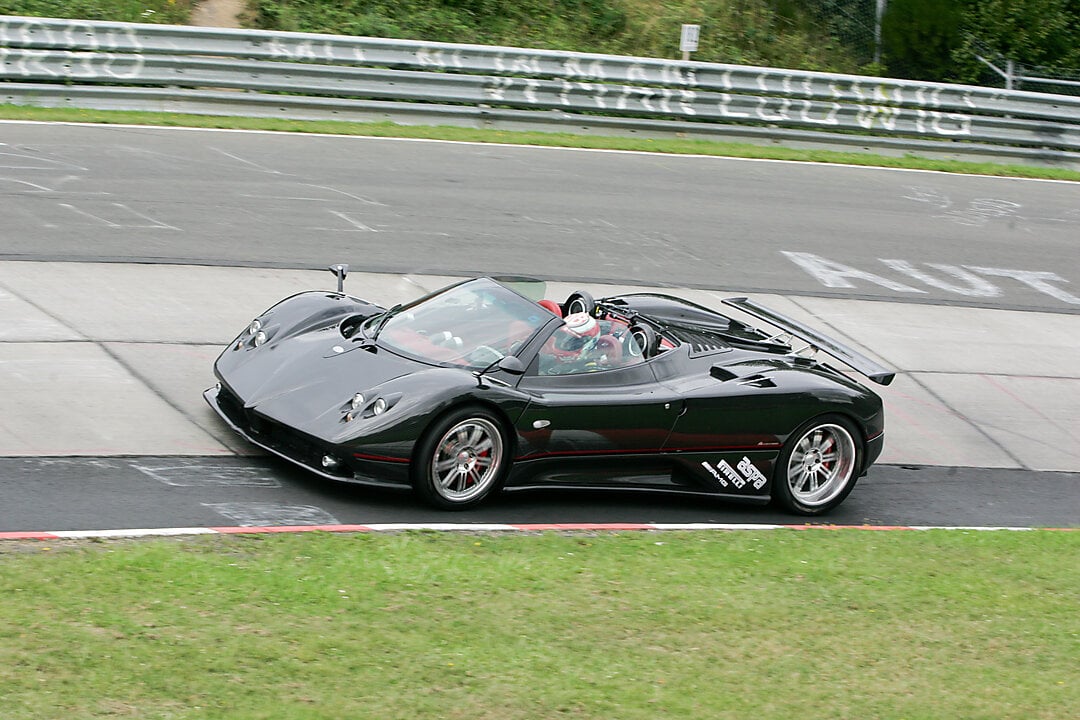
2x2 Grid Car Development Phases
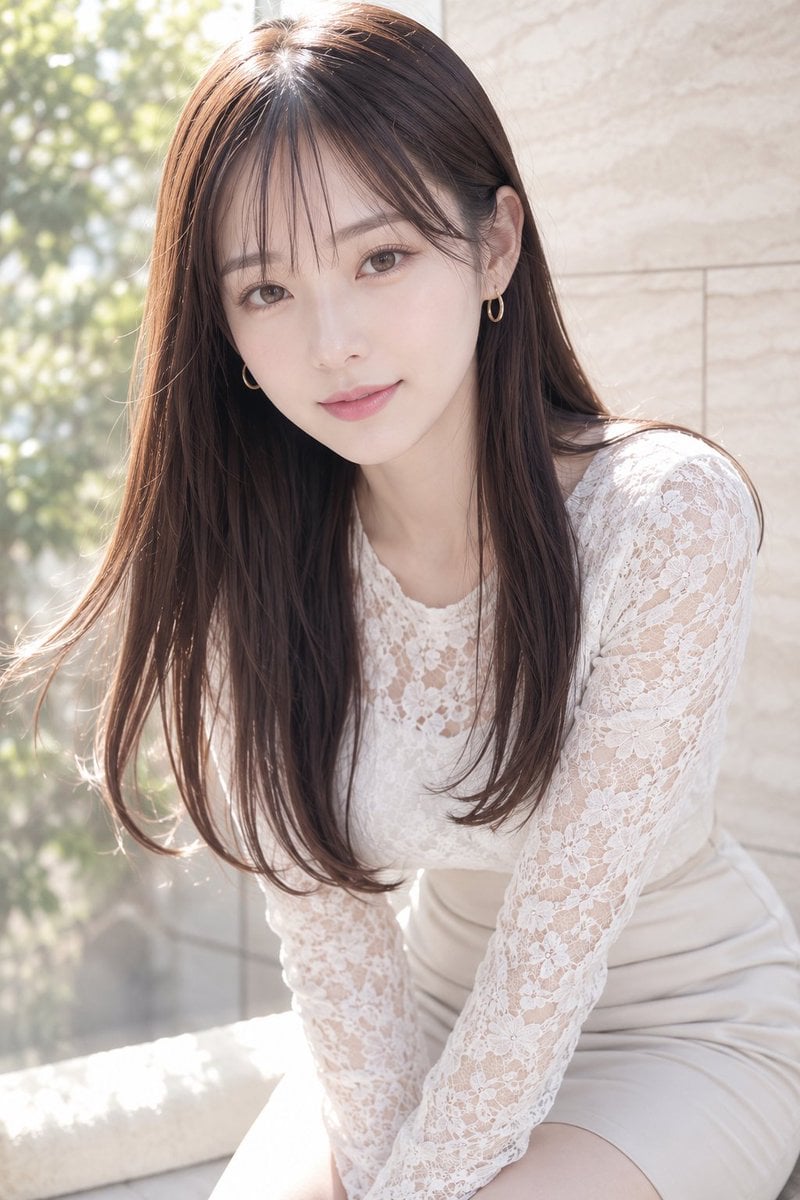
Soft Window Portrait with Lace Outfit
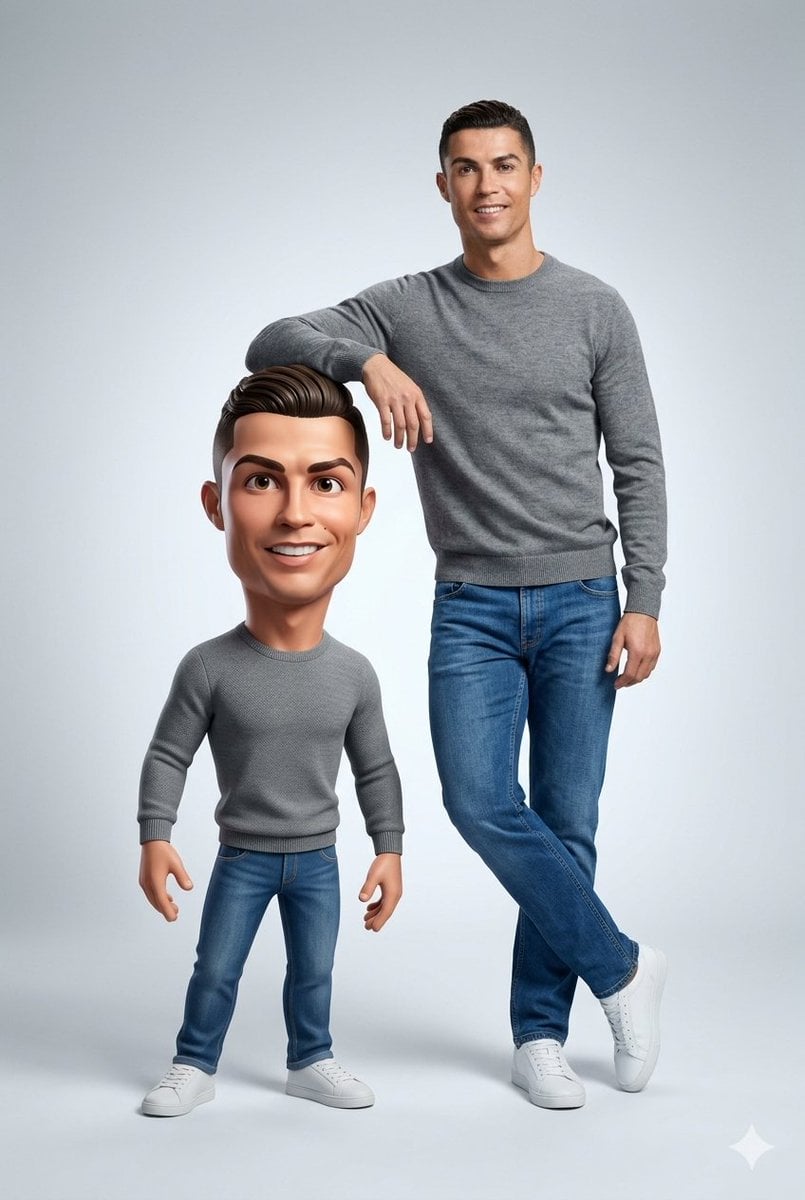
Ultra-Clean Realistic Human and Stylized 3D Caricature Composition Prompt
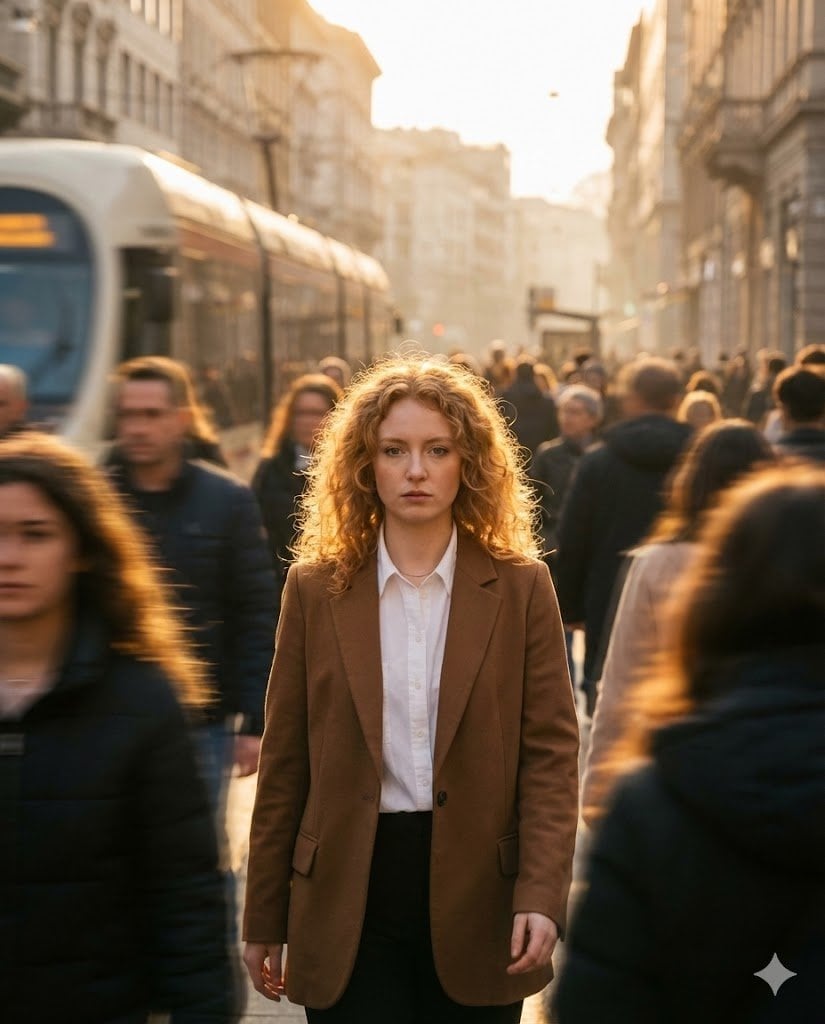
Moody Cinematic Street Photography Prompt
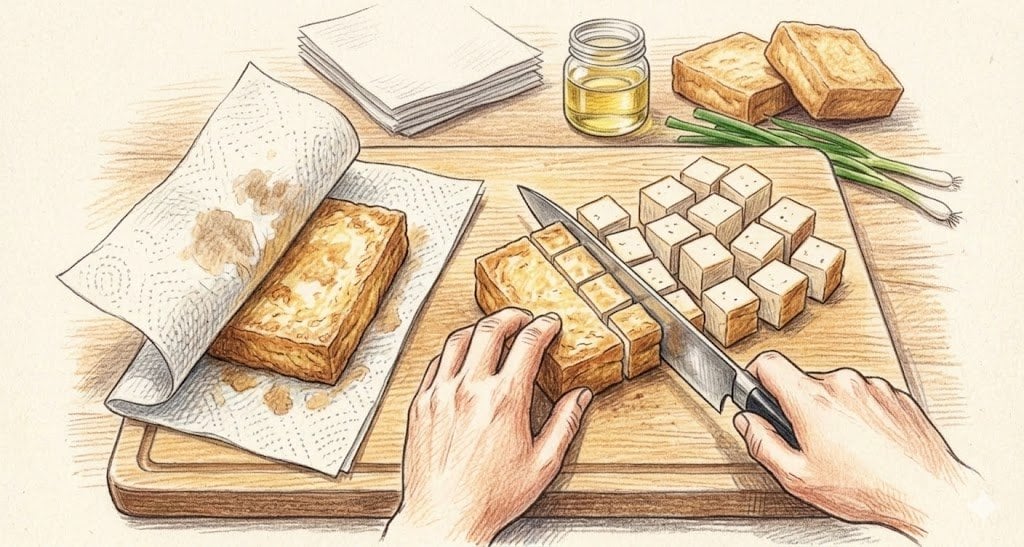
Nano Banana 2 Feature Showcase (Cooking Instructions)
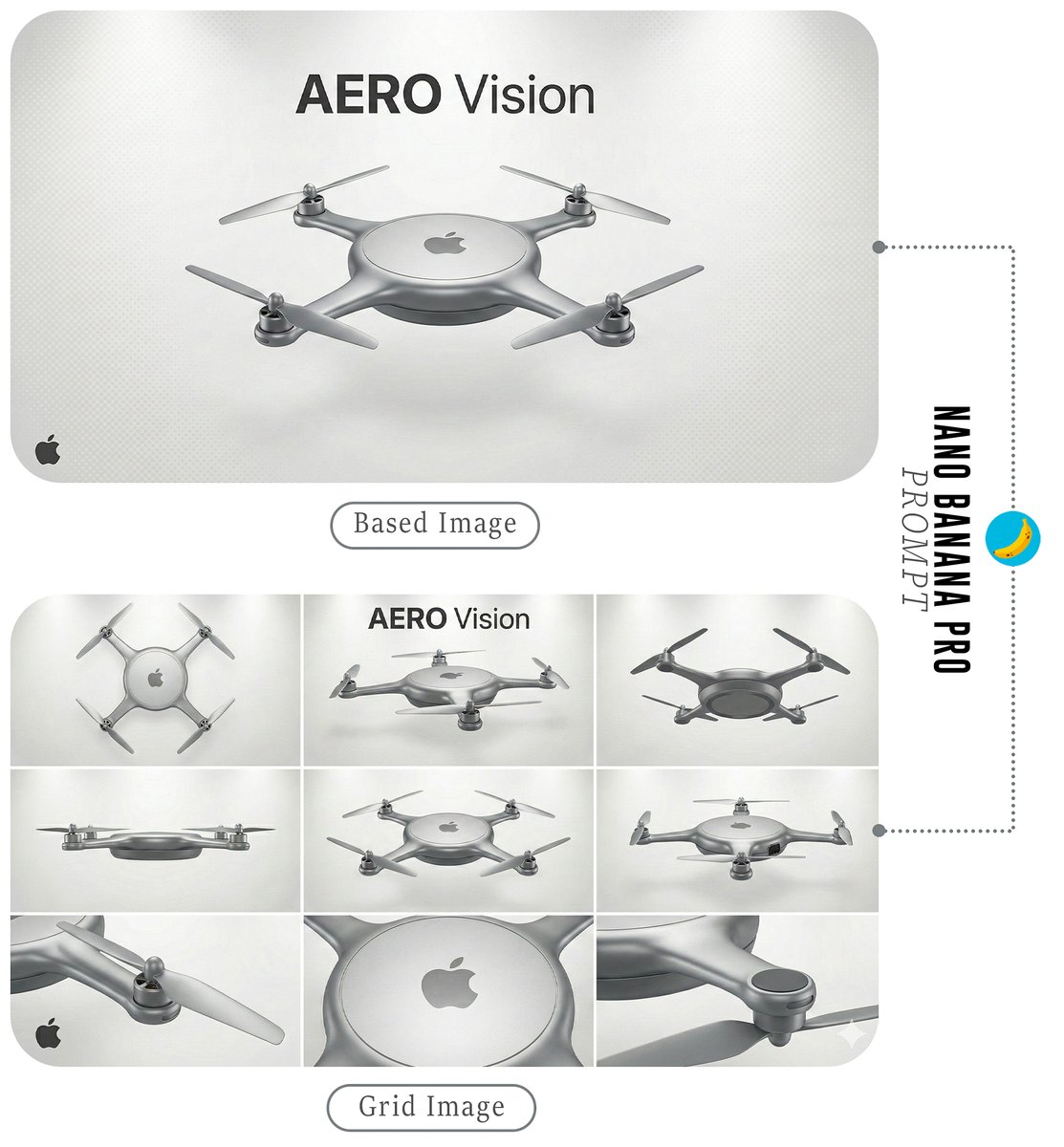
Futuristic Branded Drone Product Poster
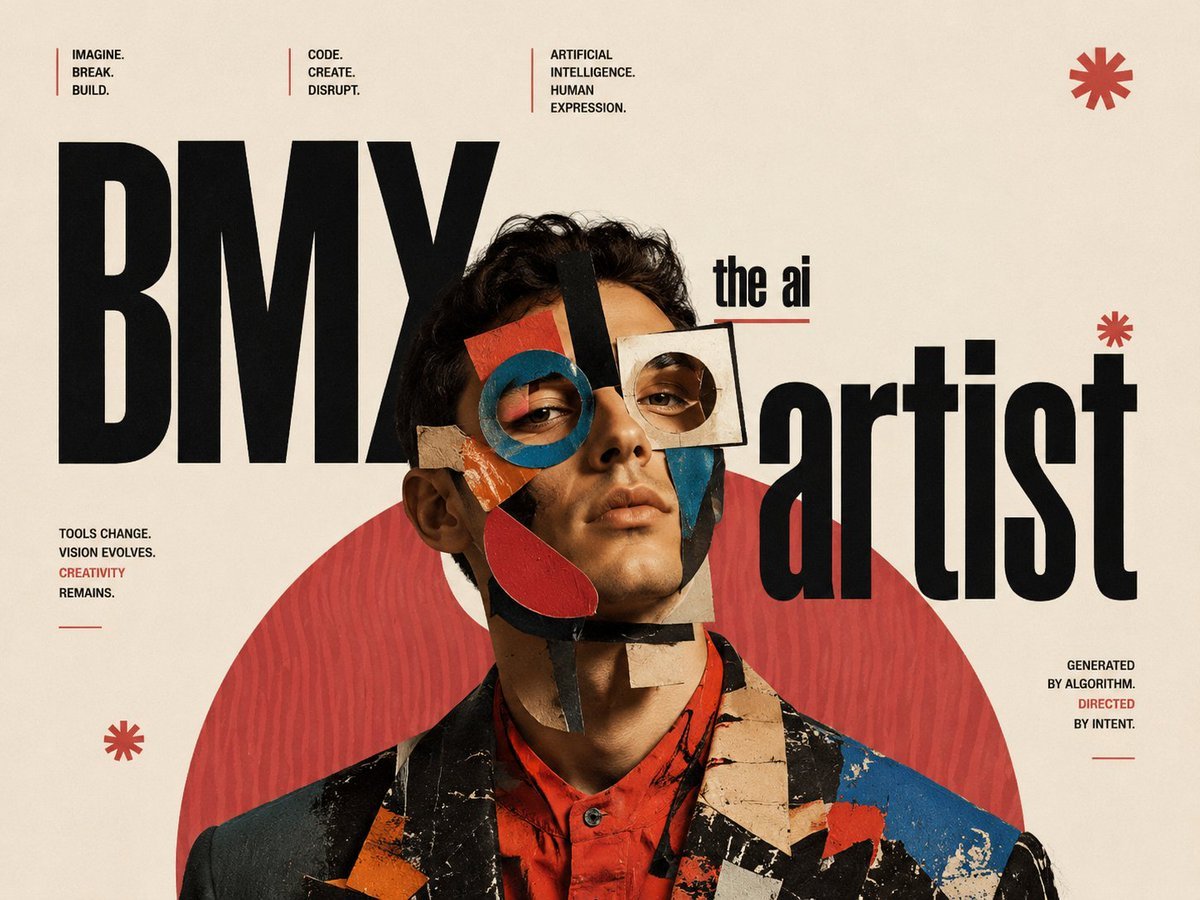
Constructivist AI Artist Editorial Poster
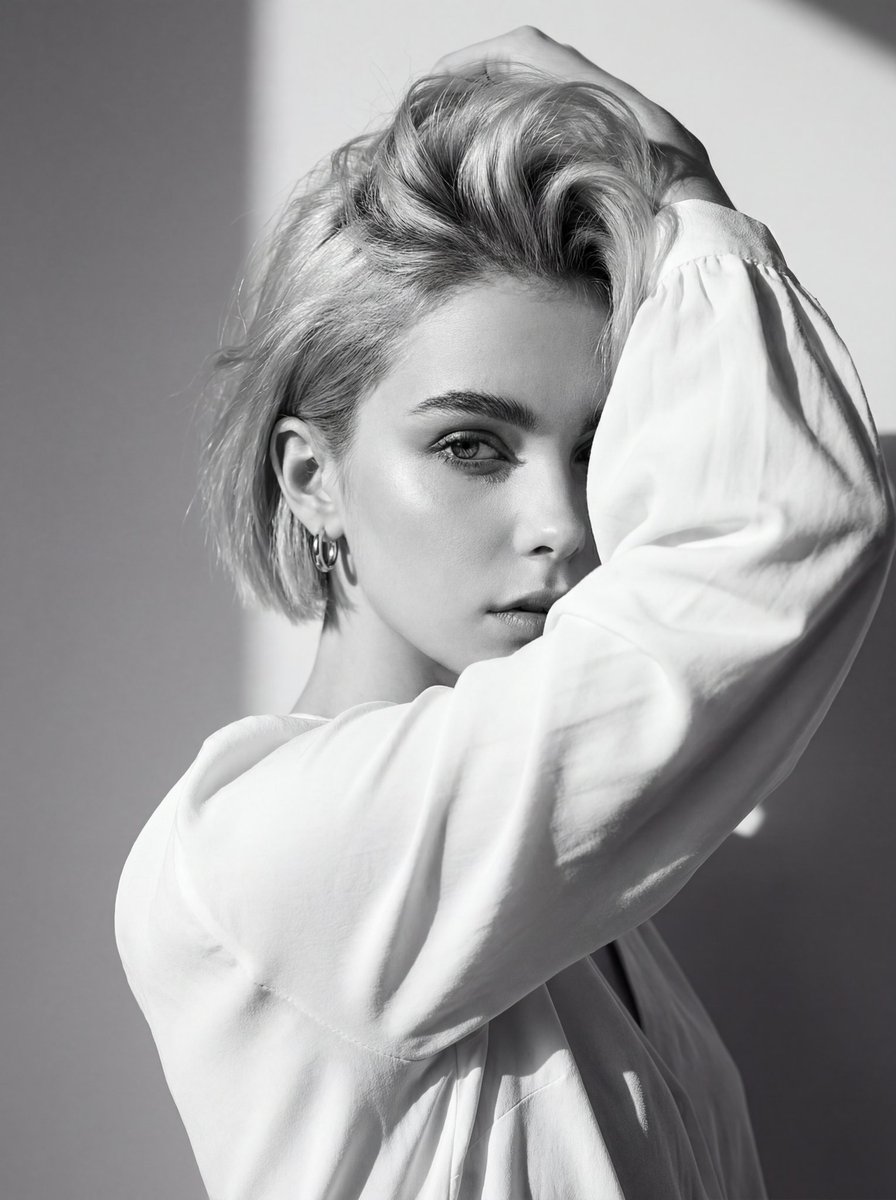
High-Contrast Black and White Editorial Portrait with Face Reference
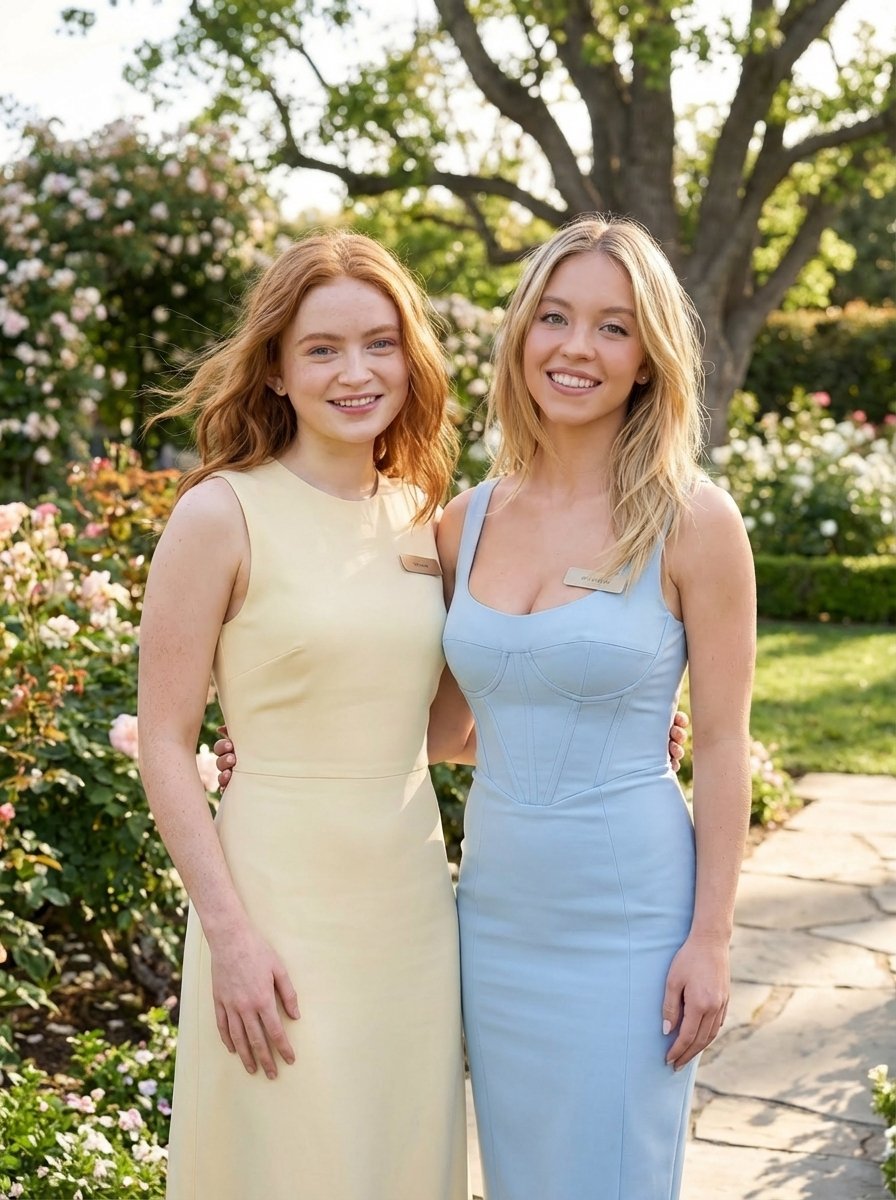
Duo Portrait Prompt for Nano Banana Pro
Browse template categories
Surreal Runaway Vacuum Disaster questions
How do I use the Surreal Runaway Vacuum Disaster template?
Add your photo if the template asks for one, edit the prompt if you like — the template's model and format are already selected — and press Generate. Your version opens in PicX Studio.
Can I customize the Surreal Runaway Vacuum Disaster template?
Yes. You can change the subject, setting, lighting, mood, format, and available model controls before creating your image.
Is the Surreal Runaway Vacuum Disaster template free?
Opening and editing this template is free. Generating uses credits, shown on the Generate button when you are signed in.
Which AI model should I use?
Start with GPT Image 2, which is the model associated with this template. You can compare another compatible model for a different finish.
Looking for something else? Browse all templates.

Your photo, any look
Thousands of ready templates for every top image and video model, from one credit balance.